
Epic Chinese Cityscape Ribbon Poster
Generates a stunning, culturally rich poster featuring a sweeping red ribbon, traditional and modern city elements, and customizable typography.
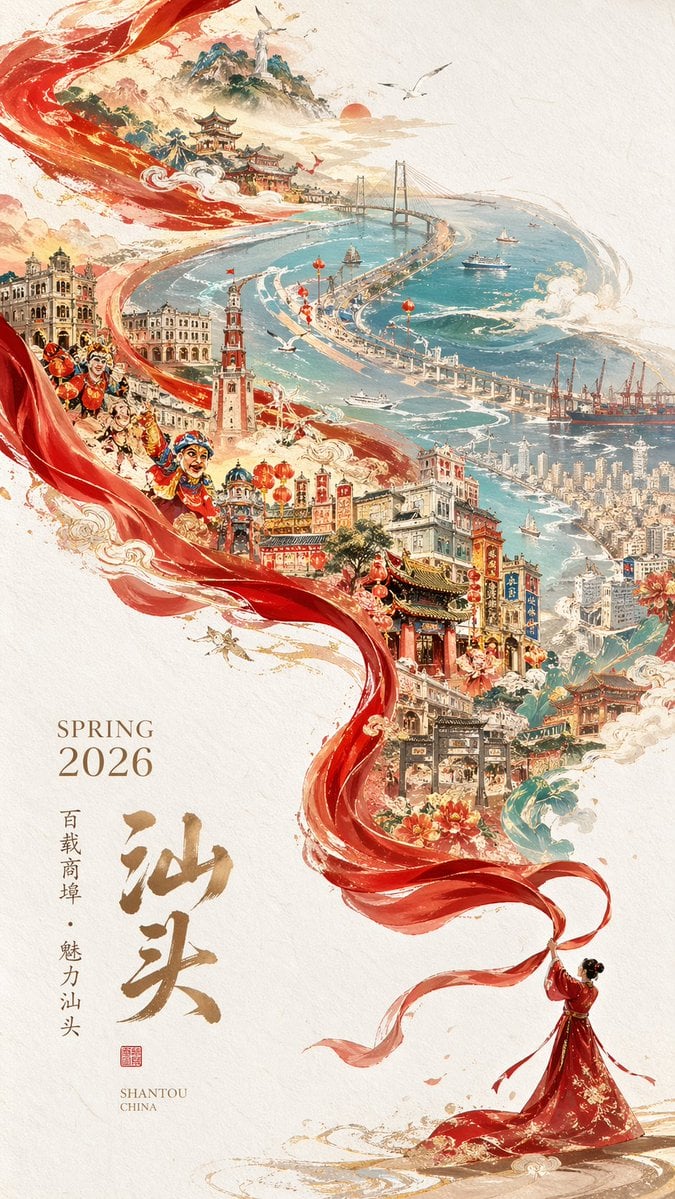
- Prompt included
- Model and format preset
- Free template
The prompt behind this image
Copy the exact prompt behind Epic Chinese Cityscape Ribbon Poster, or open it in the studio and make it yours.
A stunning vertical poster illustration on a textured cream paper background, featuring a massive, flowing translucent red silk ribbon that spirals diagonally from the bottom right to the top left. At the bottom right, one woman in a flowing traditional red dress holds the end of the ribbon. The ribbon frames a highly detailed, sprawling cityscape that transitions from historic to modern. The lower and middle sections showcase traditional Chinese temples, pagodas, and historic arcade buildings adorned with red lanterns, alongside blooming peonies and golden clouds. Integrated into the left side of the ribbon's flow are three traditional Yingge dancers with painted faces in dynamic poses. The upper section reveals a sweeping teal coastal bay with modern skyscrapers, one long suspension bridge, three ships navigating the water, distant mountains, and seagulls flying near a golden sun. The bottom left corner features elegant typography: "{argument name="season and year" default="SPRING 2026"}" in a serif font, large golden Chinese calligraphy reading "{argument name="main city name" default="汕头"}", smaller vertical text "{argument name="subtitle" default="百载商埠 · 魅力汕头"}", and "{argument name="english location" default="SHANTOU CHINA"}" with a small red seal stamp. The art style is a breathtaking fusion of traditional Chinese ink wash painting and modern digital fantasy art, utilizing a vibrant palette of crimson, teal, and gold.
How to use Epic Chinese Cityscape Ribbon Poster in 3 steps
- 1Upload ImagePNG, JPG or paste
Add your photo
Upload the photo the template builds on. The prompt, model and format are already set.
- 2…a portrait of your subject in softgolden-hour light, 85mm…
Personalize
Edit the subject and creative details for your destination.
- 3Generate
Generate
Press Generate — your image is created in PicX Studio, so you can compare it with the original and refine one variable at a time.
More like this
Templates with the same subject, style or setup. Open one to see its prompt.
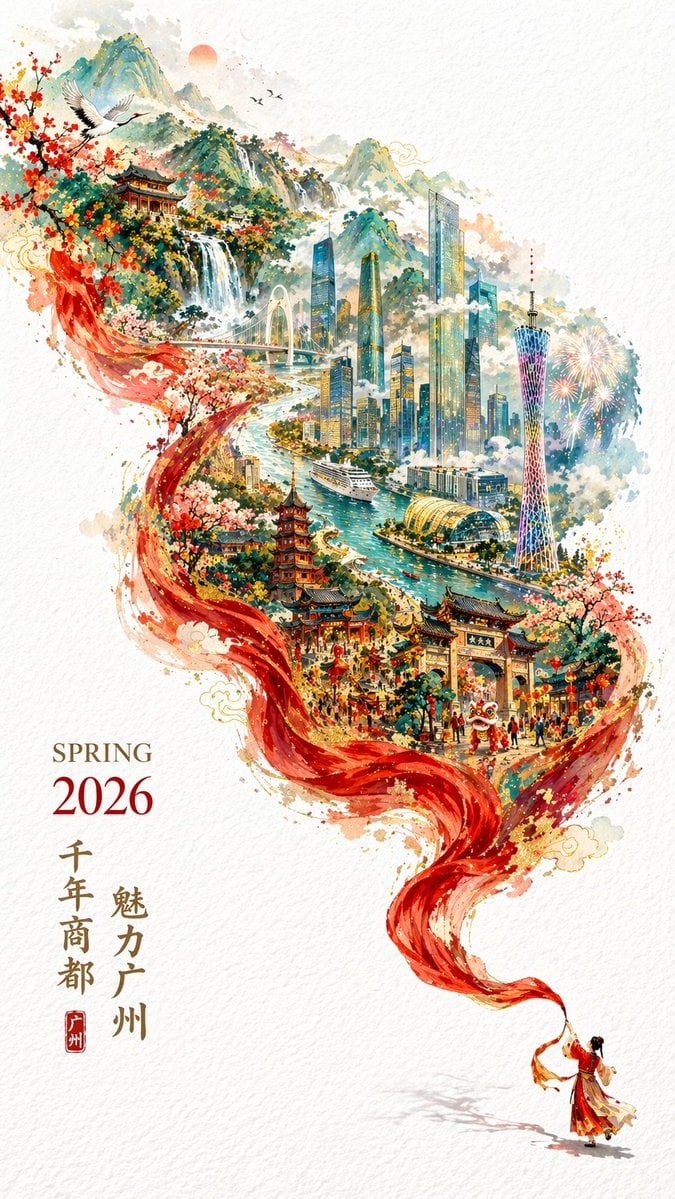
Flowing Ribbon Cityscape Watercolor Poster

Japan Travel Brochure Poster

Cartoon TV Show Poster Pack

Trendy Cafe Drink Promo Poster

Urban Fashion Editorial Collage Streetwear Poster

Premium Fashion Editorial Cover Layout System

Polo Ralph Lauren Luxury American Heritage Fashion Campaign

Monochrome Halftone Editorial Fashion Poster

Retro Mirror Luxury Fashion Campaign Poster

Luxury Fashion Campaign Typography Poster System

Premium Fashion Editorial Campaign Poster System

Ultra-Stylized High-Fashion Streetwear Poster
Make it yours
Epic Chinese Cityscape Ribbon Poster works as-is. These are the safest ways to change it without losing the look.
Change one field
Copy a single group, rewrite it, and generate again so you can see what that field is doing.
Keep the frame, change the subject
Hold the composition and light of Epic Chinese Cityscape Ribbon Poster, then swap wardrobe, props or the person for a new take.
| If the result… | Why | Fix |
|---|---|---|
| The result drifts from the preview | Too many fields changed at once. | Reuse Epic Chinese Cityscape Ribbon Poster as-is first, then change one group — subject, light, or setting. |
| The model over-stylizes the scene | The prose prompt leaves finish and camera underspecified. | Add one camera or lighting sentence and stay on GPT Image 2. |
More GPT Image 2 templates
Other prompts made for GPT Image 2.

Six VTuber Japanese Logo Sheet

Realistic Portrait of Woman and Deer

The Vista Modular Condo Poster

AI Model Routing Comparison Infographic

2.5D Anime Art Board

Isometric Productivity Desk Scene

New York Double Exposure Poster

Four-Panel AI Landscape Comparison

Japanese Tatami Lifestyle Magazine Cover

NESCAFÉ Coffee Map Poster
More image prompts
Fresh picks from across the catalog.
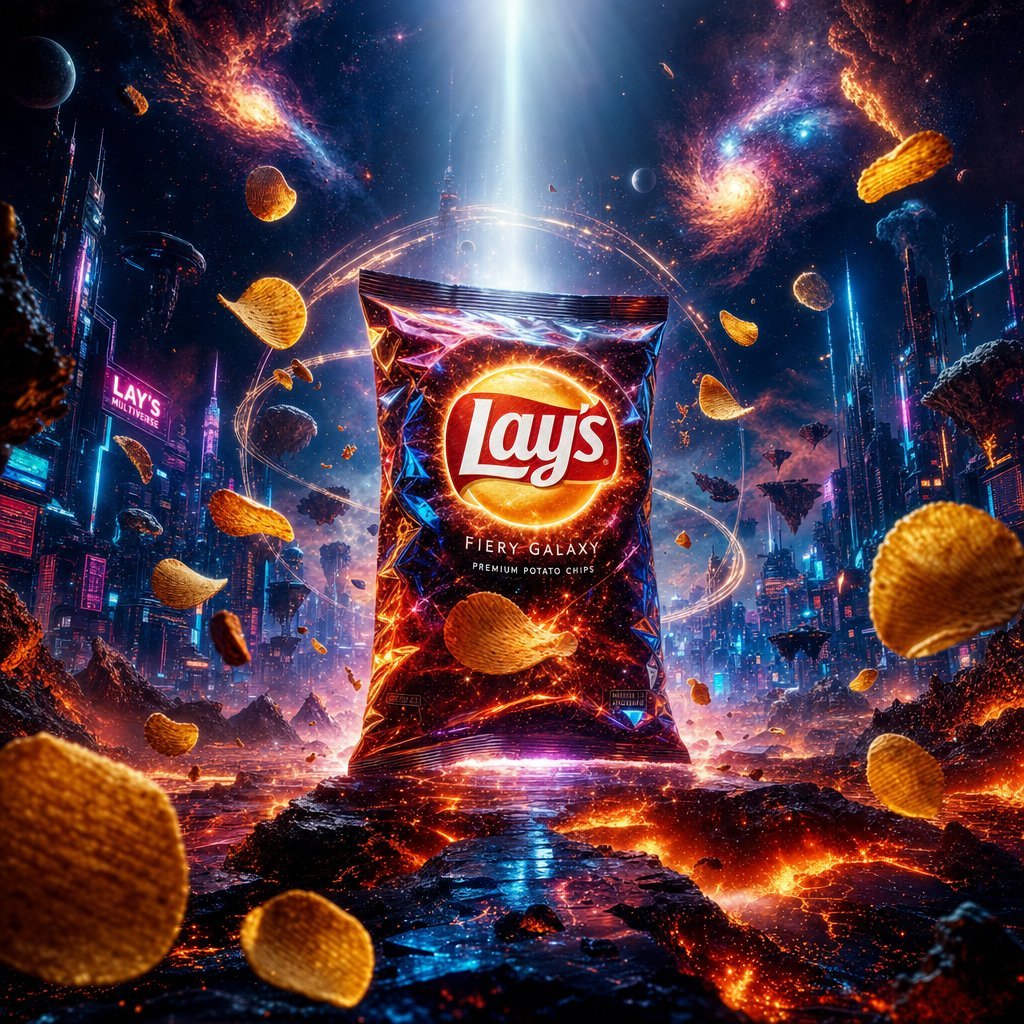
Cinematic Luxury Chip Commercial
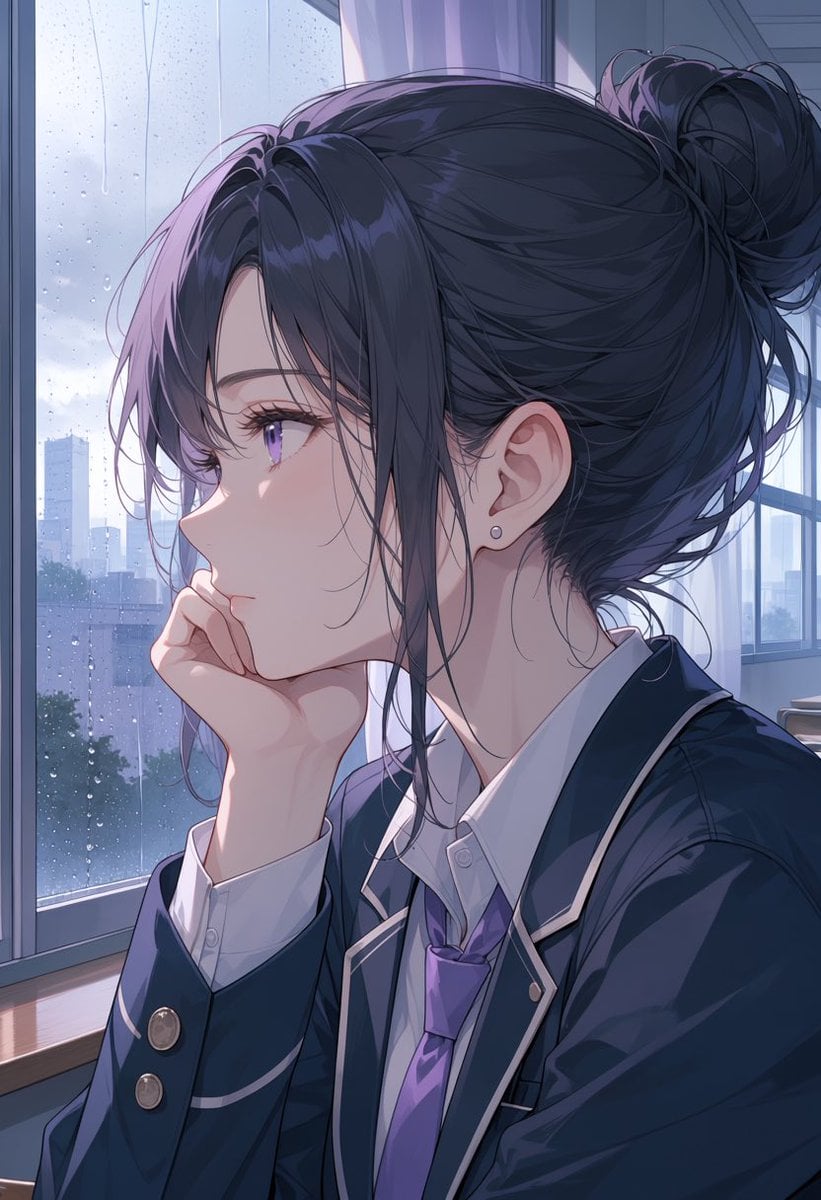
Rainy Anime Student Portrait
Dynamic Football Superstar Illustration
Nano Banana Pro 4-Panel Manga Prompt: The Formula for Buzz
Urban Grunge Street Art Portrait
MRE Package Design Prompt (Big Brands)
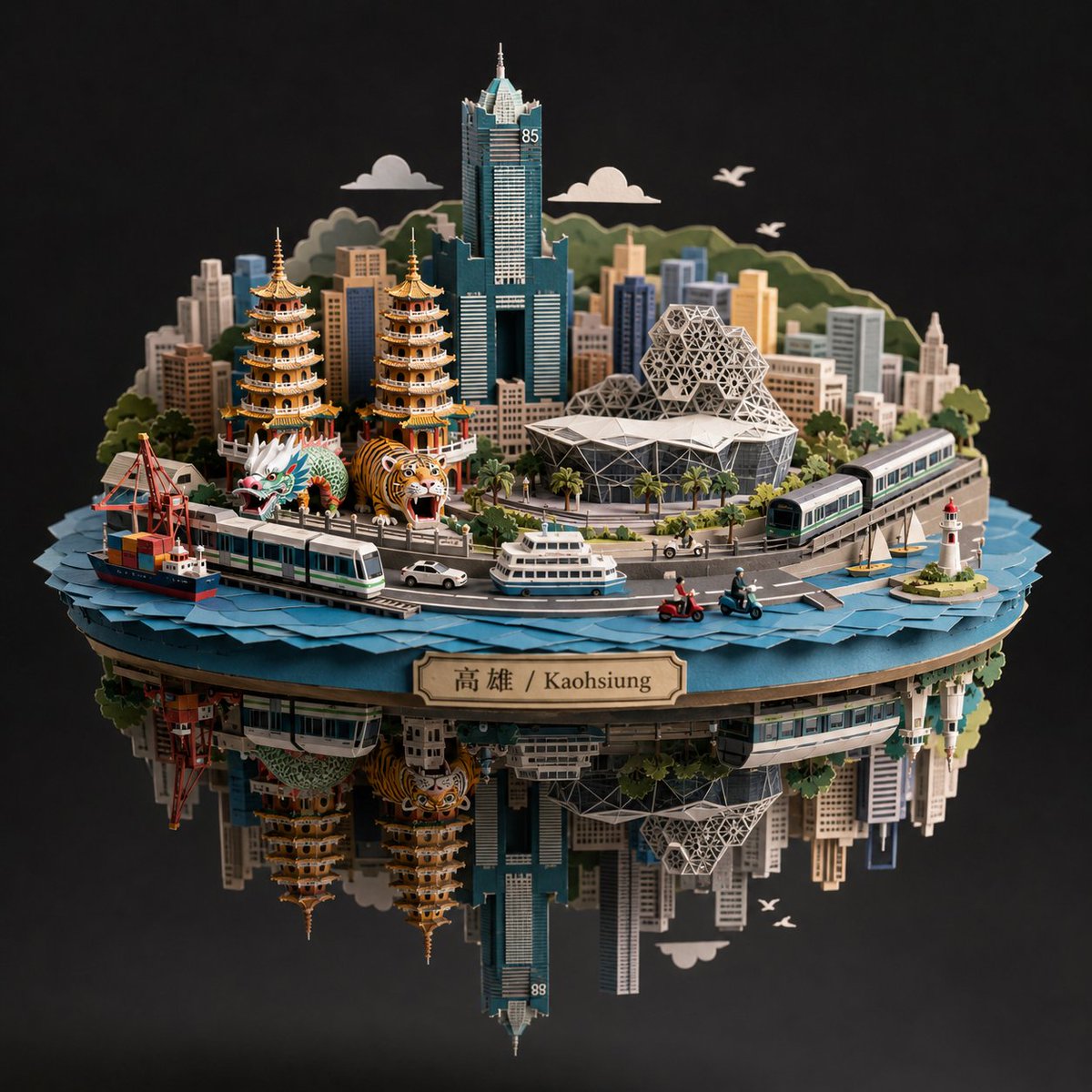
Kaohsiung Spherical Paper City Diorama
Dramatic Cinematic Portrait of a Rugged Young Man
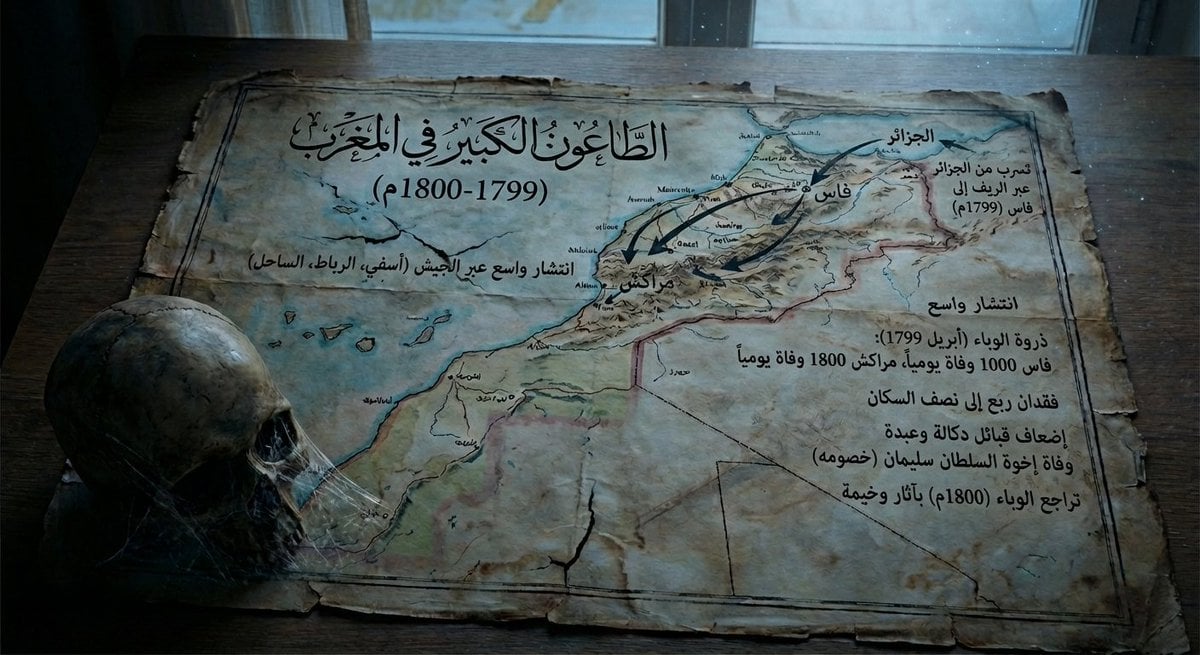
Map of Morocco in 1799–1800 with plague spread
Sophisticated Urban Night Portrait
Browse template categories
Epic Chinese Cityscape Ribbon Poster questions
How do I use the Epic Chinese Cityscape Ribbon Poster template?
Add your photo if the template asks for one, edit the prompt if you like — the template's model and format are already selected — and press Generate. Your version opens in PicX Studio.
Can I customize the Epic Chinese Cityscape Ribbon Poster template?
Yes. You can change the subject, setting, lighting, mood, format, and available model controls before creating your image.
Is the Epic Chinese Cityscape Ribbon Poster template free?
Opening and editing this template is free. Generating uses credits, shown on the Generate button when you are signed in.
Which AI model should I use?
Start with GPT Image 2, which is the model associated with this template. You can compare another compatible model for a different finish.
Looking for something else? Browse all templates.

Your photo, any look
Thousands of ready templates for every top image and video model, from one credit balance.