
Flowing Ribbon Cityscape Watercolor Poster
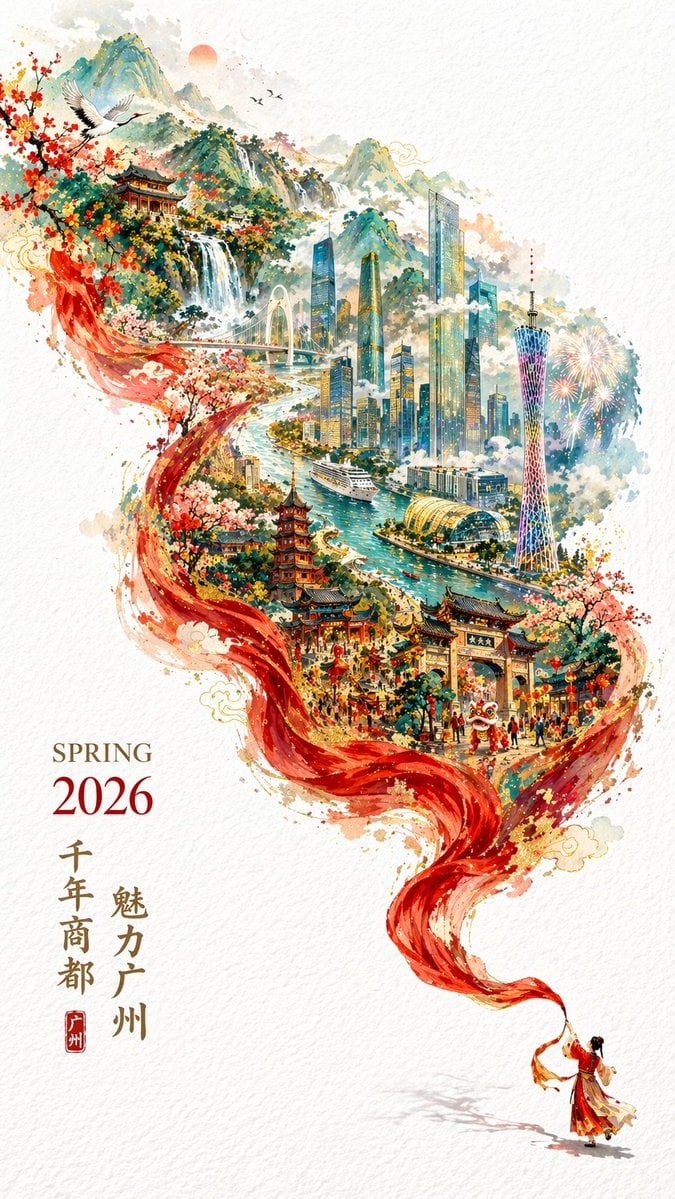
Generates a surreal watercolor poster where a flowing ribbon transforms into a blend of traditional and modern city landmarks, complete with customizable typography.
- Prompt included
- Model and format preset
- Free template
The prompt behind this image
Copy the exact prompt behind Flowing Ribbon Cityscape Watercolor Poster, or open it in the studio and make it yours.
A {argument name="art style" default="vibrant watercolor painting"} poster on textured white paper. A tiny figure in red Hanfu at the bottom right holds a flowing red silk ribbon that sweeps upward, transforming into a surreal, detailed landscape of {argument name="city name" default="Guangzhou"}. The lower ribbon depicts traditional Chinese architecture, a lion dance festival, and cherry blossoms. The middle transitions to a winding river, a cruise ship, modern skyscrapers, and a glowing TV tower. The top fades into green mountains, a waterfall, flying cranes, and fireworks. The scenery is contained within the dynamic ribbon shape against white negative space. Bottom left typography reads "{argument name="season and year" default="SPRING 2026"}" with the year in red, alongside vertical Chinese calligraphy "{argument name="main slogan" default="魅力广州"}" and "{argument name="secondary slogan" default="千年商都"}" with a red seal stamp.
How to use Flowing Ribbon Cityscape Watercolor Poster in 3 steps
- 1Upload ImagePNG, JPG or paste
Add your photo
Upload the photo the template builds on. The prompt, model and format are already set.
- 2…a portrait of your subject in softgolden-hour light, 85mm…
Personalize
Edit the subject and creative details for your destination.
- 3Generate
Generate
Press Generate — your image is created in PicX Studio, so you can compare it with the original and refine one variable at a time.
More like this
Templates with the same subject, style or setup. Open one to see its prompt.
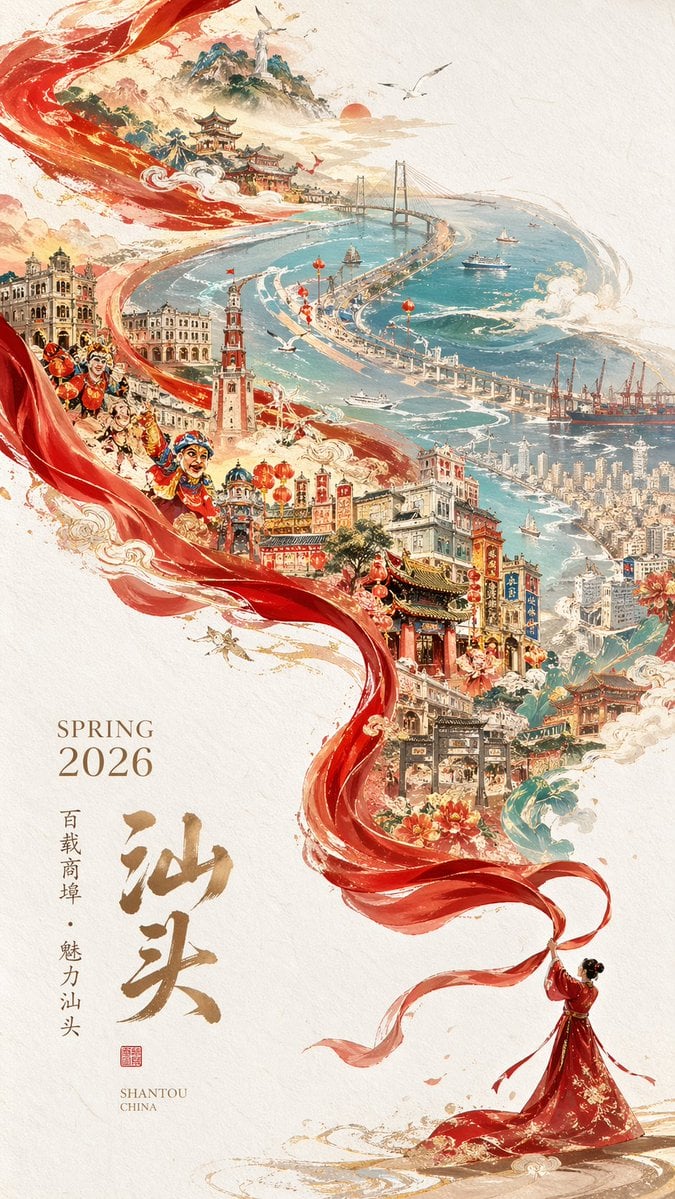
Epic Chinese Cityscape Ribbon Poster

Japan Travel Brochure Poster
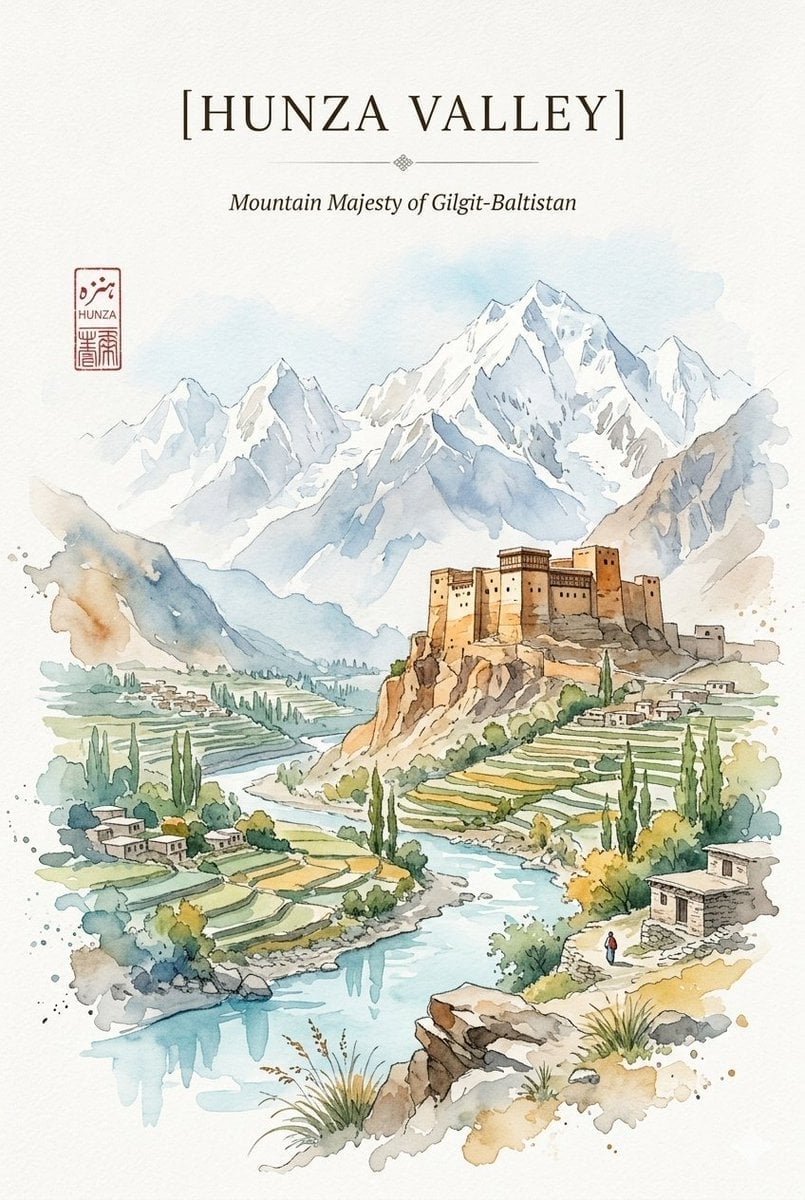
Alpine Watercolor Travel Poster
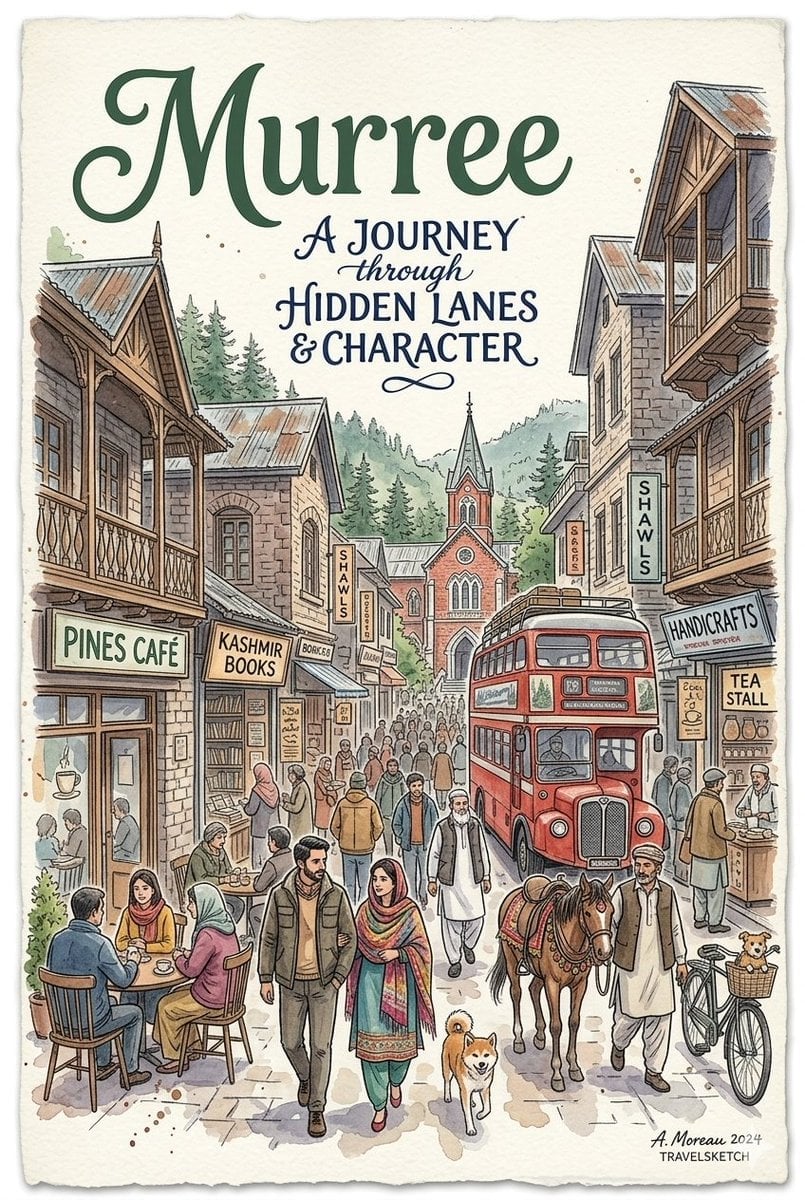
Watercolor Travel Poster Fusion
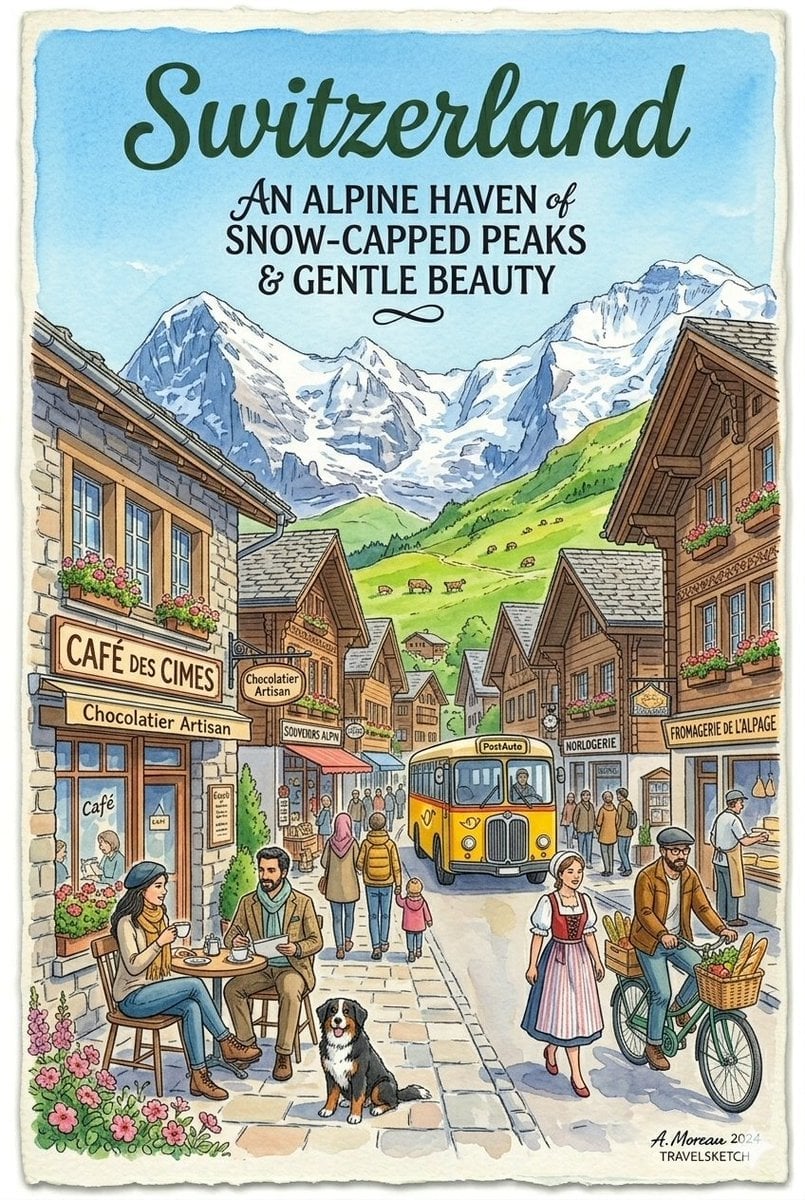
Vintage Watercolor Travel Posters

Watercolor Anim Finale Fireworks

Watercolor Anim Garden Maze

Watercolor Anim Rooftop Concert

Watercolor Anim Bicycle Coast

Watercolor Anim Castle Gate

Watercolor Anim Kitchen Chaos

Watercolor Anim Carnival Ride
Make it yours
Flowing Ribbon Cityscape Watercolor Poster works as-is. These are the safest ways to change it without losing the look.
Change one field
Copy a single group, rewrite it, and generate again so you can see what that field is doing.
Keep the frame, change the subject
Hold the composition and light of Flowing Ribbon Cityscape Watercolor Poster, then swap wardrobe, props or the person for a new take.
| If the result… | Why | Fix |
|---|---|---|
| The result drifts from the preview | Too many fields changed at once. | Reuse Flowing Ribbon Cityscape Watercolor Poster as-is first, then change one group — subject, light, or setting. |
| The model over-stylizes the scene | The prose prompt leaves finish and camera underspecified. | Add one camera or lighting sentence and stay on GPT Image 2. |
More GPT Image 2 templates
Other prompts made for GPT Image 2.

Six VTuber Japanese Logo Sheet

Realistic Portrait of Woman and Deer

The Vista Modular Condo Poster

AI Model Routing Comparison Infographic

2.5D Anime Art Board

Isometric Productivity Desk Scene

New York Double Exposure Poster

Four-Panel AI Landscape Comparison

Japanese Tatami Lifestyle Magazine Cover

NESCAFÉ Coffee Map Poster
More image prompts
Fresh picks from across the catalog.
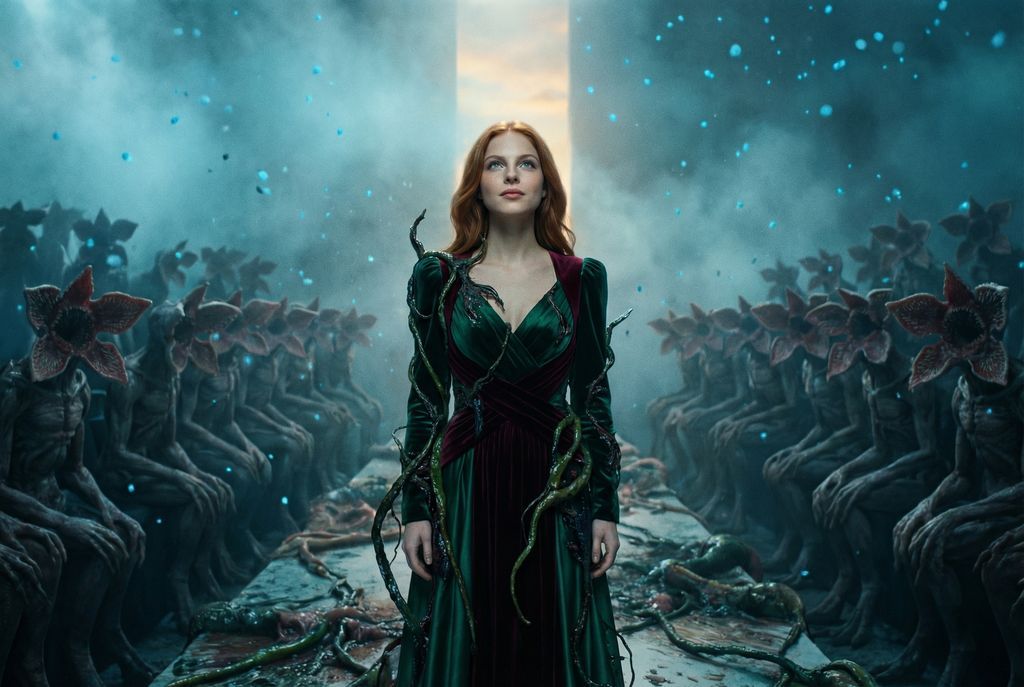
Stranger Things Inspired High-Fashion Editorial Prompt
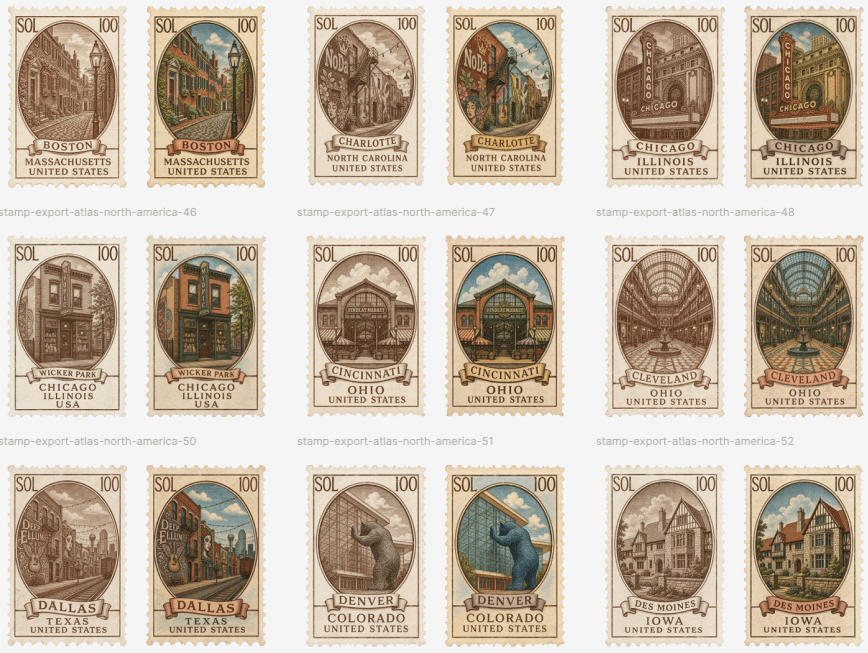
Vintage North America Stamp Grid

Baby Blue Polka Dot Top Bathroom Selfie Prompt
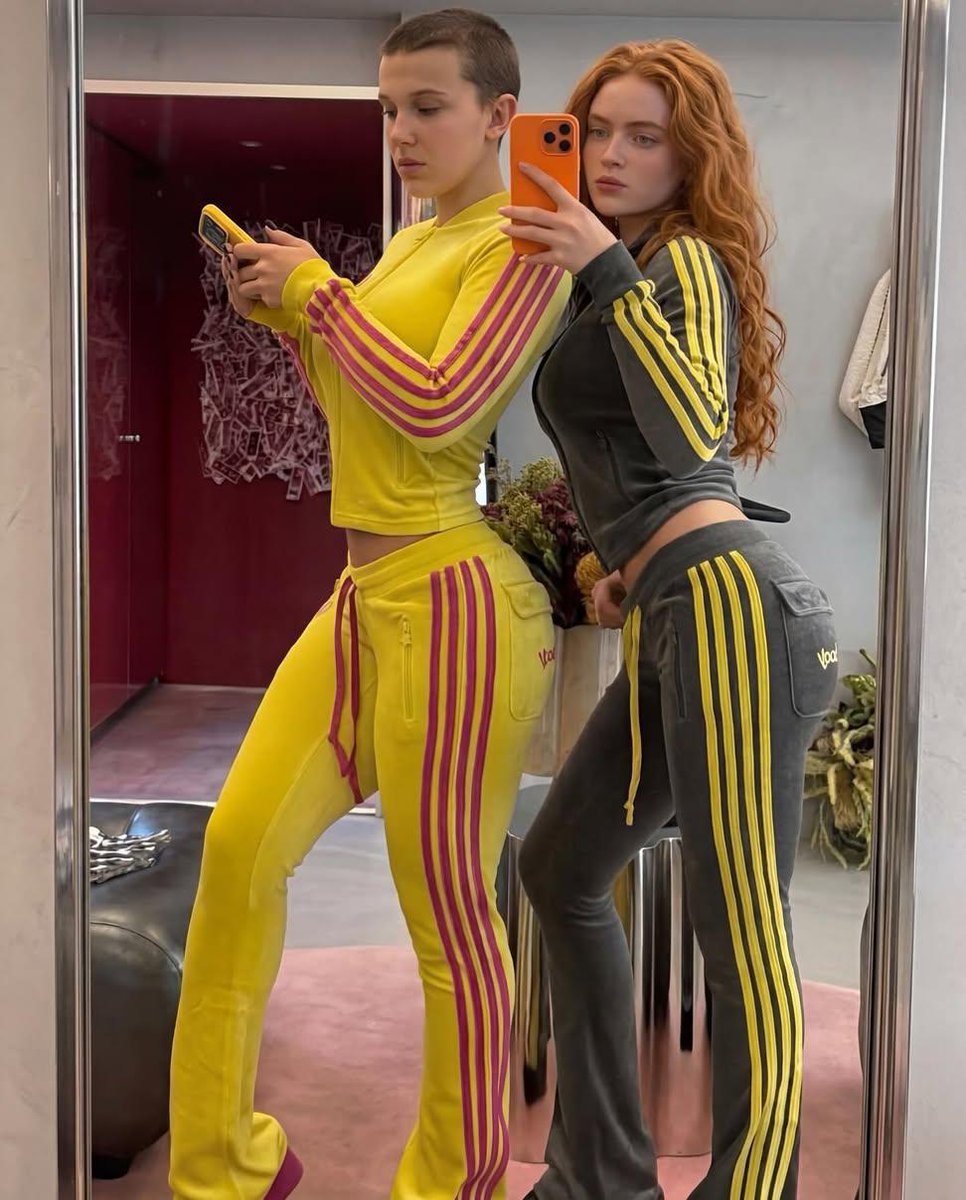
Mirror Selfie of Two Women in Velour Tracksuits
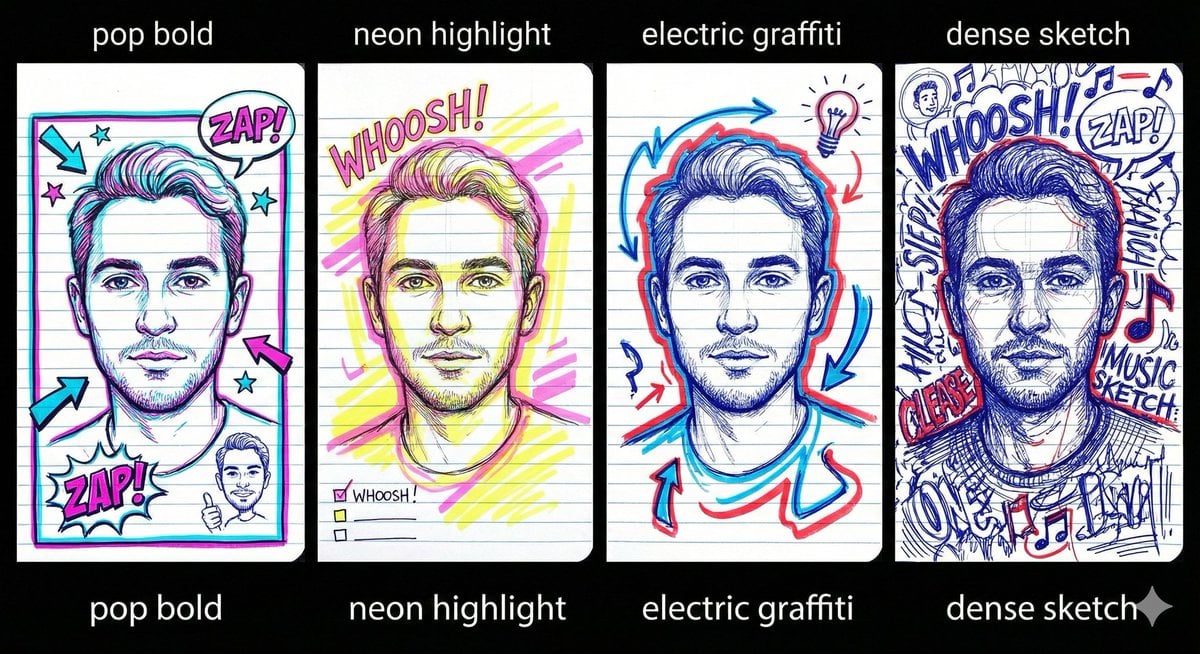
Chaotic Student Doodle Sketch Prompt

Two Ages Studio Portrait
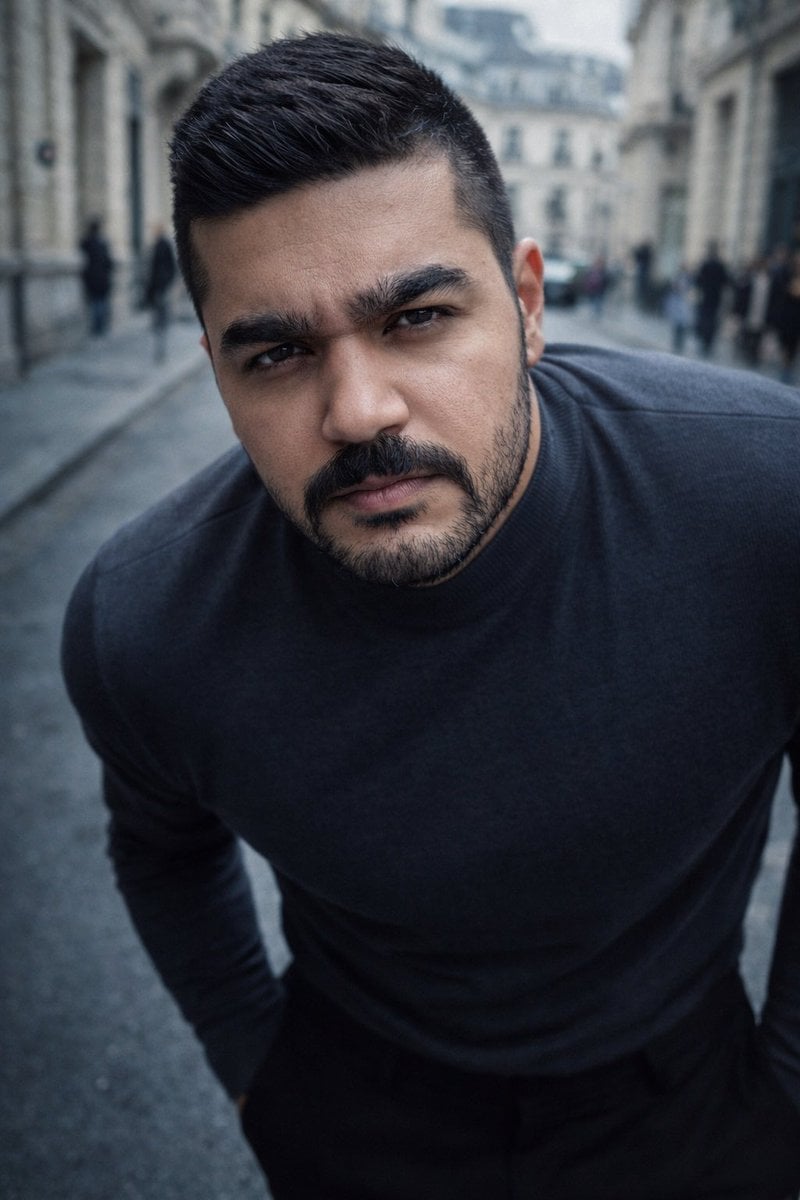
High-Impact Male Fashion Editorial with Identity Lock
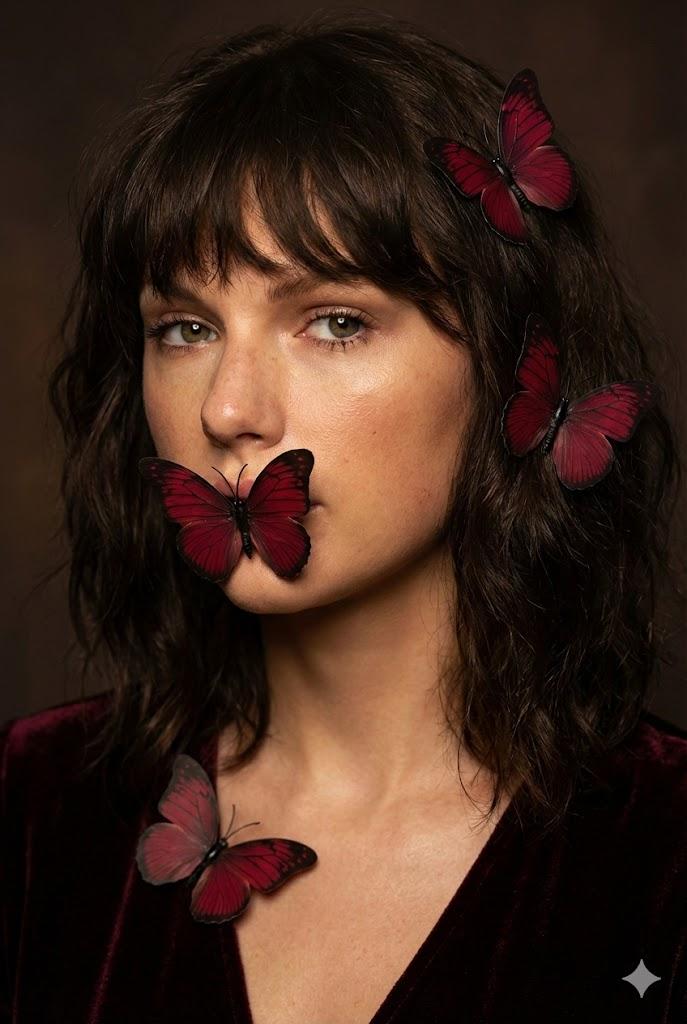
Mysterious Portrait with Butterflies (Duplicate)
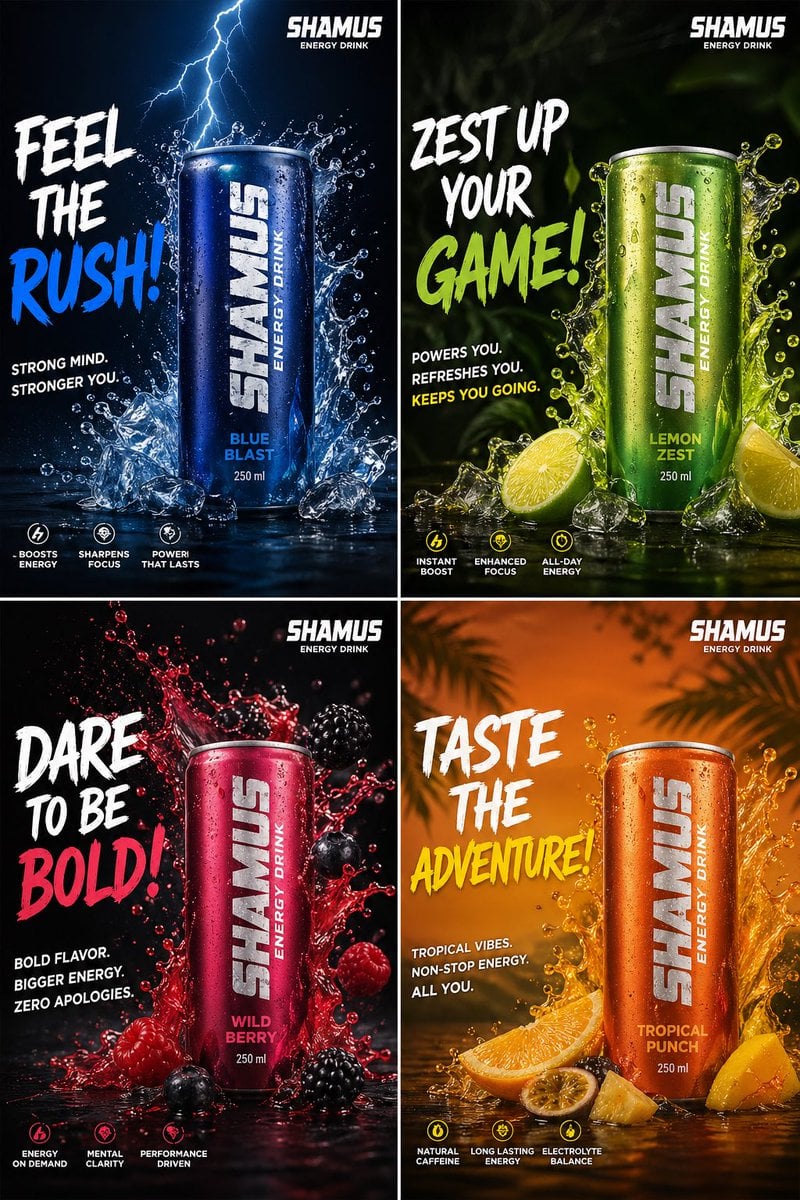
Energy Drink Brand Instagram Creatives
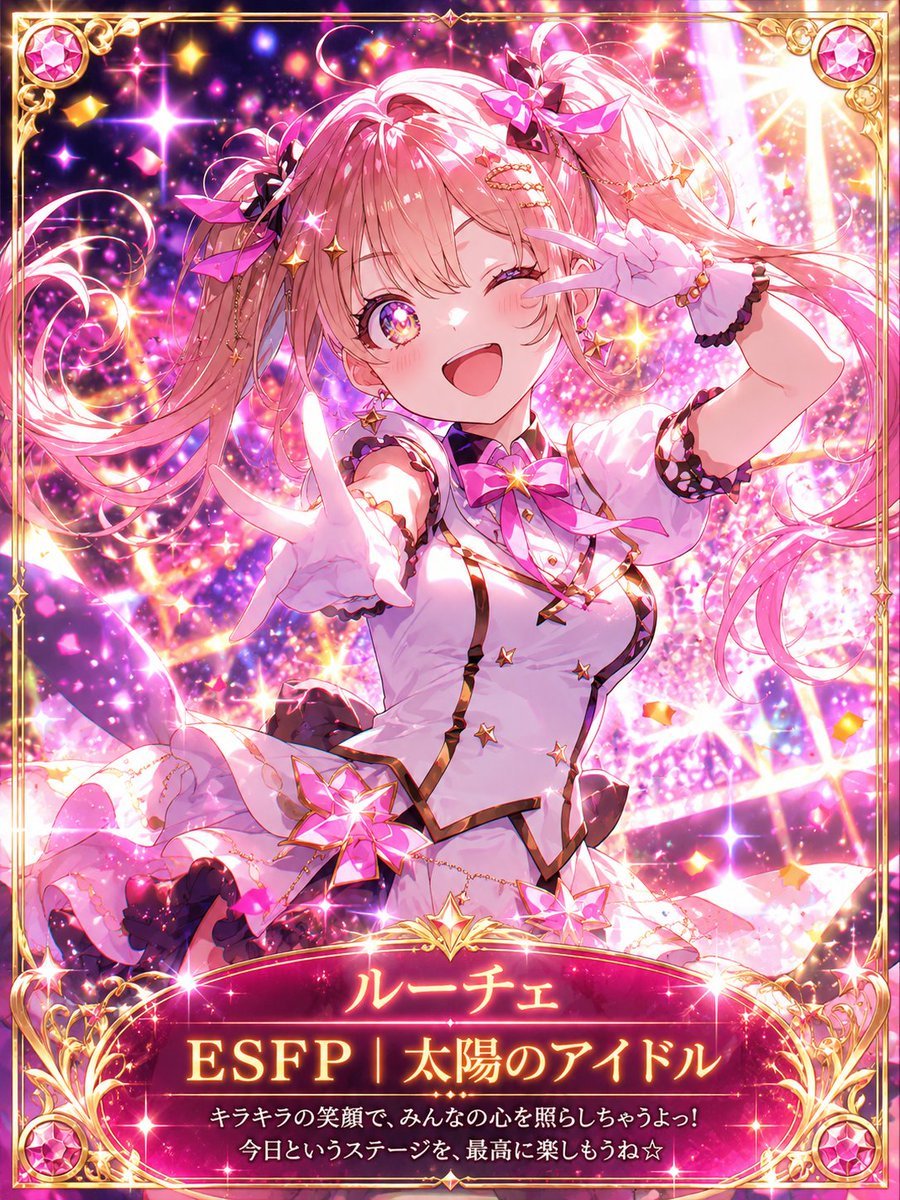
MBTI Fantasy Card: ESFP Entertainer
Browse template categories
Flowing Ribbon Cityscape Watercolor Poster questions
How do I use the Flowing Ribbon Cityscape Watercolor Poster template?
Add your photo if the template asks for one, edit the prompt if you like — the template's model and format are already selected — and press Generate. Your version opens in PicX Studio.
Can I customize the Flowing Ribbon Cityscape Watercolor Poster template?
Yes. You can change the subject, setting, lighting, mood, format, and available model controls before creating your image.
Is the Flowing Ribbon Cityscape Watercolor Poster template free?
Opening and editing this template is free. Generating uses credits, shown on the Generate button when you are signed in.
Which AI model should I use?
Start with GPT Image 2, which is the model associated with this template. You can compare another compatible model for a different finish.
Looking for something else? Browse all templates.

Your photo, any look
Thousands of ready templates for every top image and video model, from one credit balance.