
Stranger Things Inspired High-Fashion Editorial Prompt
A highly detailed, cinematic prompt for generating a surreal, high-fashion editorial image inspired by Stranger Things' Upside Down, featuring a model in avant-garde attire on a decaying biological runway, surrounded by…
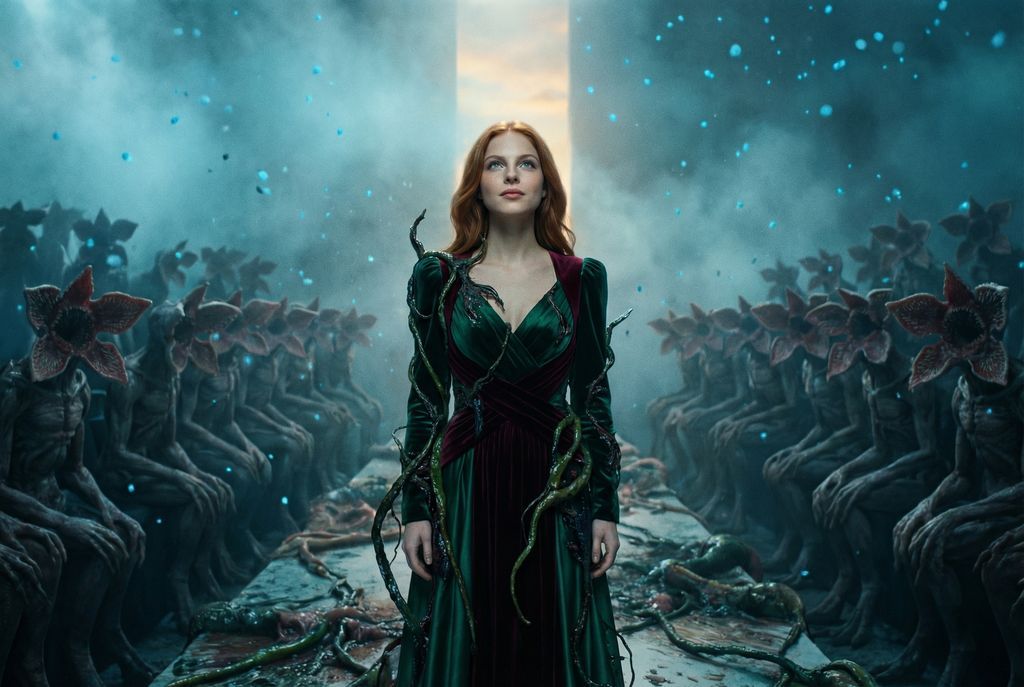
- Prompt included
- Model and format preset
- Free template
The prompt behind this image
Copy the exact prompt behind Stranger Things Inspired High-Fashion Editorial Prompt, or open it in the studio and make it yours.
{ "vibe_title_en": "Interdimensional Runway", "master_prompt": "Cinematic wide shot, rule of thirds composition. The Protagonist stands on the far side of the frame, modeled as a high-fashion visionary amidst a surreal nightmare. They are looking slightly upward toward a sliver of warm light breaking through the darkness, expression hopeful and determined. The setting is a decaying, biological fashion runway located in the 'Upside Down' dimension; the air is thick with floating ash, blue spores, and cold mist. The background is dense and busy, packed with silhouettes of Demogorgon-like creatures sitting in rows like a fashion week audience, their flower-petal faces barely visible in the gloom. The environment is cluttered with twisting vines, slimy organic matter, and debris. The subject wears an eclectic, Gucci-inspired avant-garde ensemble—rich velvets and silks—that is partially entangled with the living vines of the environment. Lighting is dramatic: cold cyan ambient fog contrasted by a sharp, warm key light illuminating the subject's face. Shot on Kodak Vision3 500T film with a Panavision C-Series Anamorphic lens, emphasizing heavy film grain, practical creature effects, atmospheric depth, and hyper-realistic skin textures.", "meta": { "intent": "Surreal High-Fashion Editorial", "priorities": "Atmosphere, Texture, Contrast, Cinematic Composition", "device_profile": "Cinema Camera / Anamorphic" }, "frame": { "aspect": "2.39:1", "composition": "Rule of Thirds with Negative Space", "layout": "Subject offset to the side, vast busy background", "camera_angle": "Eye-level with slight upward tilt", "tilt_roll_degrees": "0" }, "subject": { "gender": "Female", "identity": "The Protagonist / The Model", "demographics": "Adult, High-Fashion Model Archetype", "face": "Striking features, glowing highlights from the key light", "hair": "Styled in an avant-garde manner, perhaps slightly windblown by the atmospheric storm", "body": "Statuesque, poised mid-movement", "expression": "Hopeful, determined, looking upward towards the light", "pose": "Standing with confident posture, head tilted up, ignoring the monsters" }, "wardrobe_accessories": { "garments": [ { "item": "Avant-garde Layered Gown/Suit", "material": "Velvet, Silk, and Brocade", "color": "Deep Emerald and Burgundy", "fit": "Oversized shoulders, flowing train" }, { "item": "Organic Overgrowth Accents", "material": "Biological vines (surreal)", "color": "Dark Blue/Black", "fit": "Entwined with the fabric" } ], "accessories": [ { "item": "Statement Earrings", "color": "Gold", "material": "Metal", "brand_style": "Baroque Luxury" } ] }, "environment": { "setting": "The Upside Down Fashion Show", "surfaces"
How to use Stranger Things Inspired High-Fashion Editorial Prompt in 3 steps
- 1
Open
The prompt is already in the box next to the preview, with the template's model and format selected.
- 2…a portrait of your subject in softgolden-hour light, 85mm…
Personalize
Edit the subject and creative details for your destination.
- 3Generate
Generate
Press Generate — your image is created in PicX Studio, so you can compare it with the original and refine one variable at a time.
More like this
Templates with the same subject, style or setup. Open one to see its prompt.

Blue Backdrop Luxury Fashion Portrait Campaign

Premium Editorial Branding Poster Charcoal Green

Typography Mask Editorial Fashion Poster

Luxury Black-and-White Fashion Contact Sheet

untitled

Google Gemini Nano Banana Pro

Conceptual Fashion Portrait in Spider We

01 Skincare Split Portrait — Nano Banana 2

24 The Getty Center — California Series

21 Glass Floor Skyscraper — California Series

19 Luxury Helicopter Travel — California Series

08 Rodeo Drive Luxury Exit — California Series
Make it yours
Stranger Things Inspired High-Fashion Editorial Prompt works as-is. These are the safest ways to change it without losing the look.
Change one field
Copy a single group, rewrite it, and generate again so you can see what that field is doing.
Keep the frame, change the subject
Hold the composition and light of Stranger Things Inspired High-Fashion Editorial Prompt, then swap wardrobe, props or the person for a new take.
| If the result… | Why | Fix |
|---|---|---|
| The result drifts from the preview | Too many fields changed at once. | Reuse Stranger Things Inspired High-Fashion Editorial Prompt as-is first, then change one group — subject, light, or setting. |
| The model over-stylizes the scene | The prose prompt leaves finish and camera underspecified. | Add one camera or lighting sentence and stay on Nano Banana 2. |
More Nano Banana 2 templates
Other prompts made for Nano Banana 2.

Photorealistic Leaf Shaped Like a Dragon

K-Pop Idol Portrait Grid for Rapid Selection

Poetic Rain Forest Portrait During Golden Hour

Urban Street Portrait with Cartoon Inner Self Duo

Candid Nighttime Photo with Cat Prompt

High-Concept 3D Diorama Generation Prompt

Cinematic Futuristic Studio Portrait Template

Skincare Editorial Photography Collage Prompt

Hyper-Realistic Commercial Product Photography (Splash Effect)

Hyper-Realistic Nightclub Portrait Prompt
More image prompts
Fresh picks from across the catalog.

Firefly Pixar Spill — Nano Banana Pro
Exploded View Product Photography Prompt
3D Pointillism Sculpture from Christmas Baubles
Hakodate Vintage Travel Poster
How to Generate Realistic Ai Photos with

Modern Rural Aesthetics Healing Short Fi
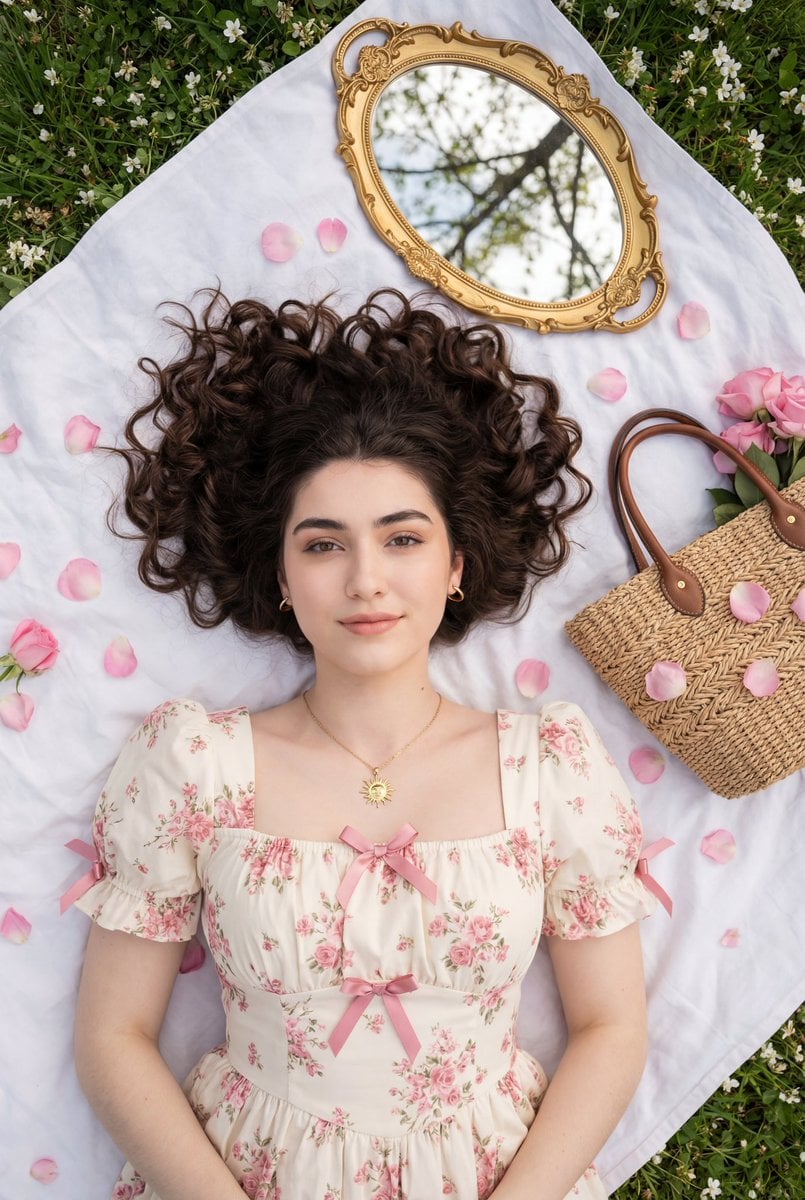
Top-Down Romantic Cottagecore Portrait
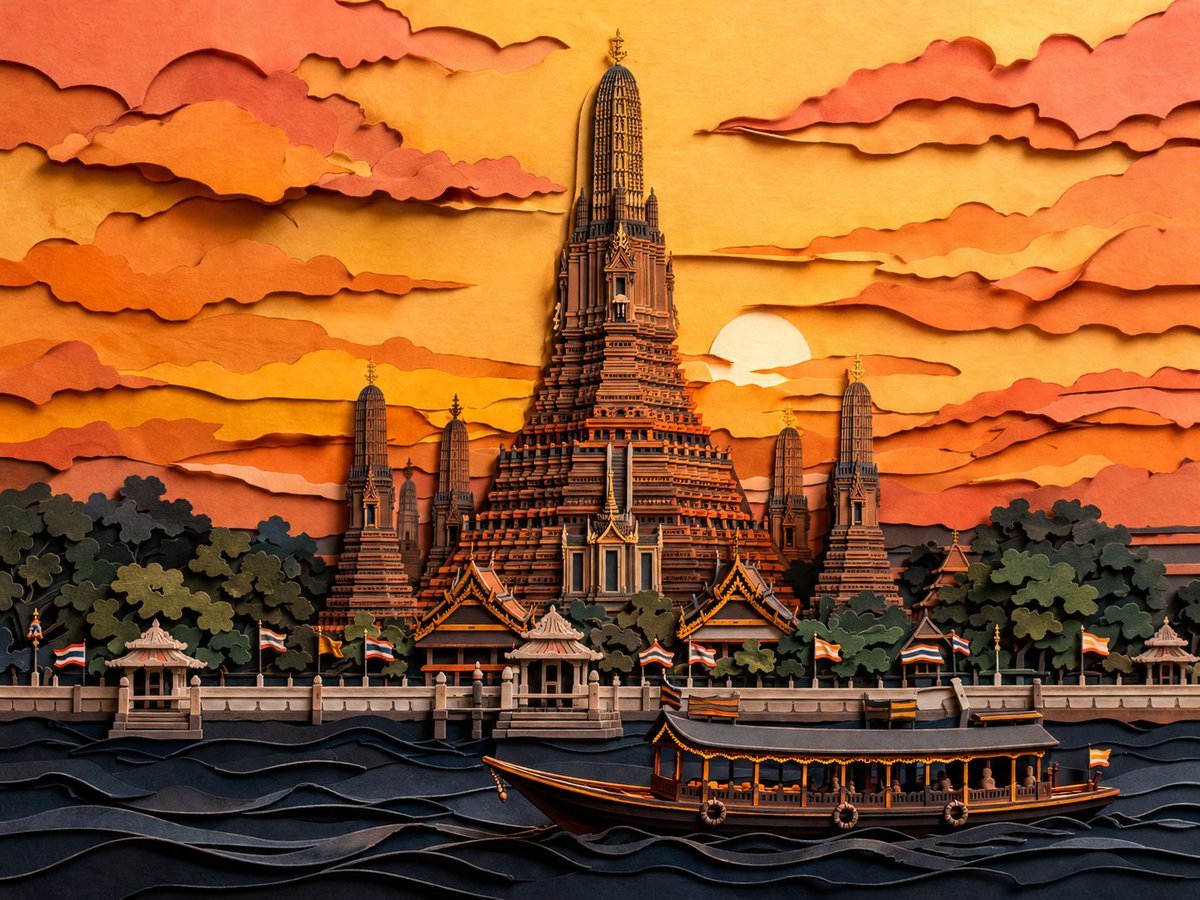
Papercut Wat Arun at Sunset
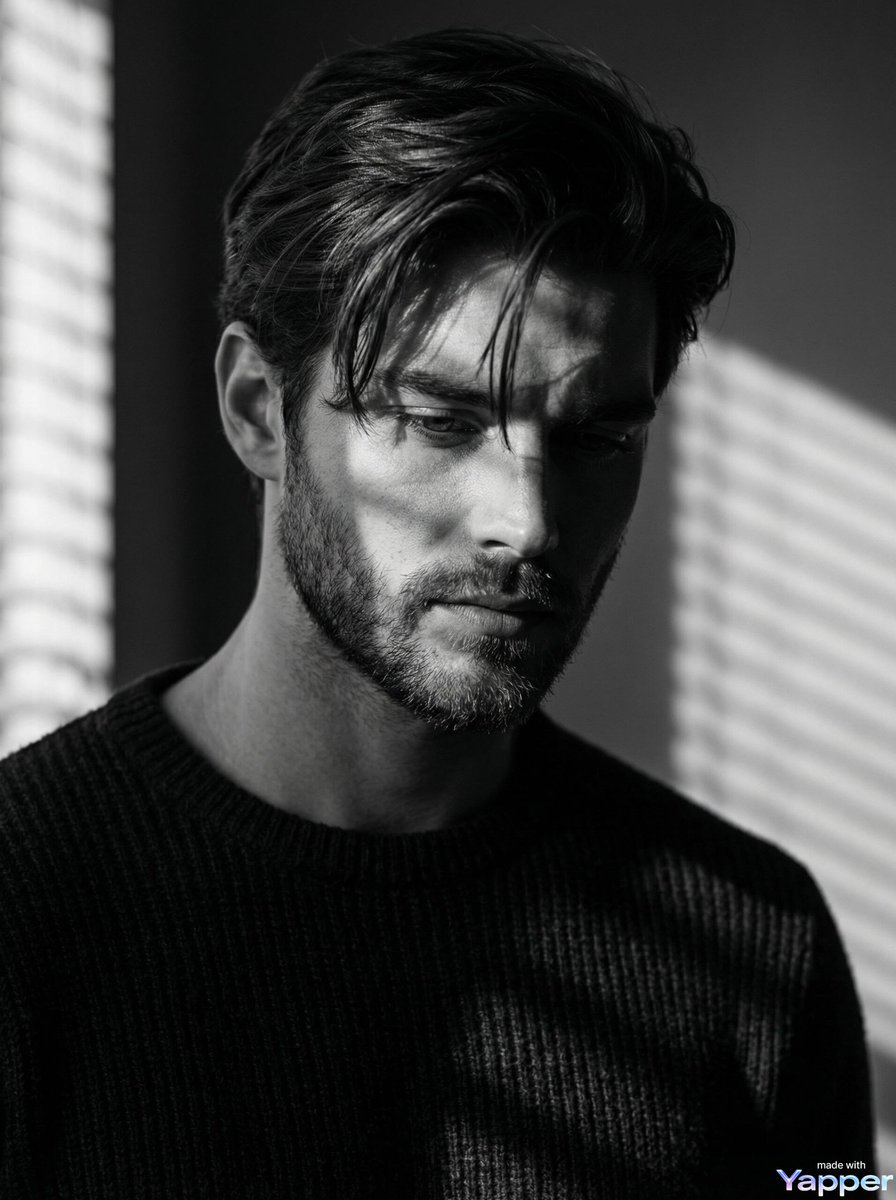
Film Noir Cinematic Black and White Portrait

3D Dance Game Screen Prompt for Nano Banana Pro
Browse template categories
Stranger Things Inspired High-Fashion Editorial Prompt questions
How do I use the Stranger Things Inspired High-Fashion Editorial Prompt template?
Add your photo if the template asks for one, edit the prompt if you like — the template's model and format are already selected — and press Generate. Your version opens in PicX Studio.
Can I customize the Stranger Things Inspired High-Fashion Editorial Prompt template?
Yes. You can change the subject, setting, lighting, mood, format, and available model controls before creating your image.
Is the Stranger Things Inspired High-Fashion Editorial Prompt template free?
Opening and editing this template is free. Generating uses credits, shown on the Generate button when you are signed in.
Which AI model should I use?
Start with Nano Banana 2, which is the model associated with this template. You can compare another compatible model for a different finish.
Looking for something else? Browse all templates.

Your photo, any look
Thousands of ready templates for every top image and video model, from one credit balance.