
3D Dance Game Screen Prompt for Nano Banana Pro
A detailed image generation prompt to create a screenshot of a 3D dance game, featuring a character based on a reference image, specific UI elements, lighting, and camera angles, designed to look like an immersive…
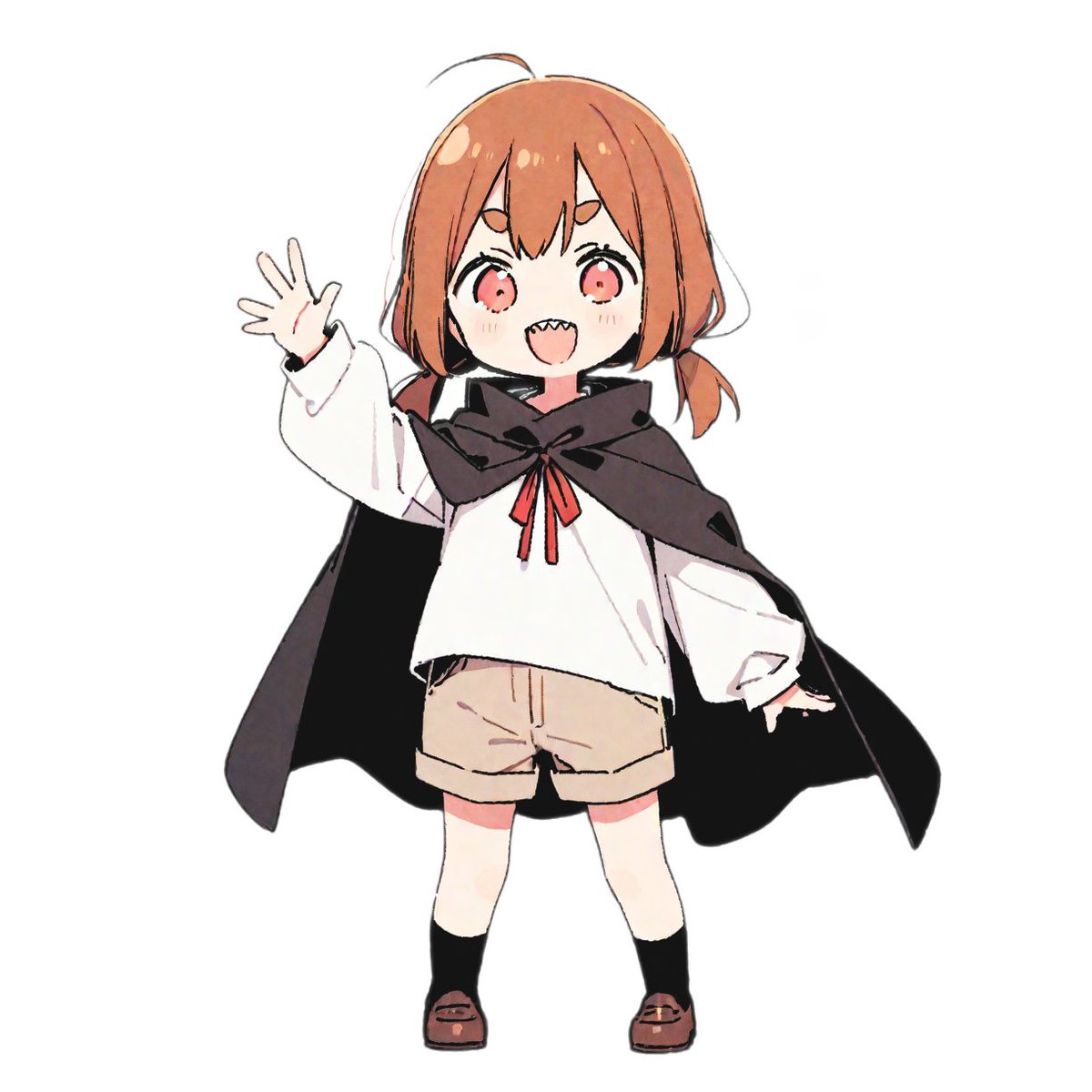
- Prompt included
- Model and format preset
- Premium template
The prompt behind this image
Copy the exact prompt behind 3D Dance Game Screen Prompt for Nano Banana Pro, or open it in the studio and make it yours.
参考写真の3Dアニメキャラクターが登場する活気あるリズムゲームのスクリーンショット。 [{argument name="キャラクターの説明" default="マントを羽織った少女"}] 画面左で自信に満ちたダンスポーズを維持。 ネオンイエローとピンクに光る没入感のある映画的照明 スポットライト下で輝く光沢のある反射ダンスフロア ダイナミックな3Dアニメ風。 没入感あるUIのリズムゲーム画面:反射表示なし 上部のスコア表示 ビートに合わせたカラフルな音楽波形アニメ ステージタイマーカウントダウン 浮遊するコンボ数字 エネルギーバー ネオンパーティクル効果 画面右、上部から下部に向かって落下するボタン指示の矢印×4 ボタン矢印の向きと色は各列固定(左:赤、上:青、下:緑、右:黄) 没入感のあるアーケードリズムゲームHUD要素で非常に詳細なゲーム的雰囲気を演出 超詳細・映画的・没入感・3Dアニメーション。
How to use 3D Dance Game Screen Prompt for Nano Banana Pro in 3 steps
- 1
Open
The prompt is already in the box next to the preview, with the template's model and format selected.
- 2…a portrait of your subject in softgolden-hour light, 85mm…
Personalize
Edit the subject and creative details for your destination.
- 3Generate
Generate
Press Generate — your image is created in PicX Studio, so you can compare it with the original and refine one variable at a time.
More like this
Templates with the same subject, style or setup. Open one to see its prompt.

Woman in Mall with Chanel Bag - Heart Gesture
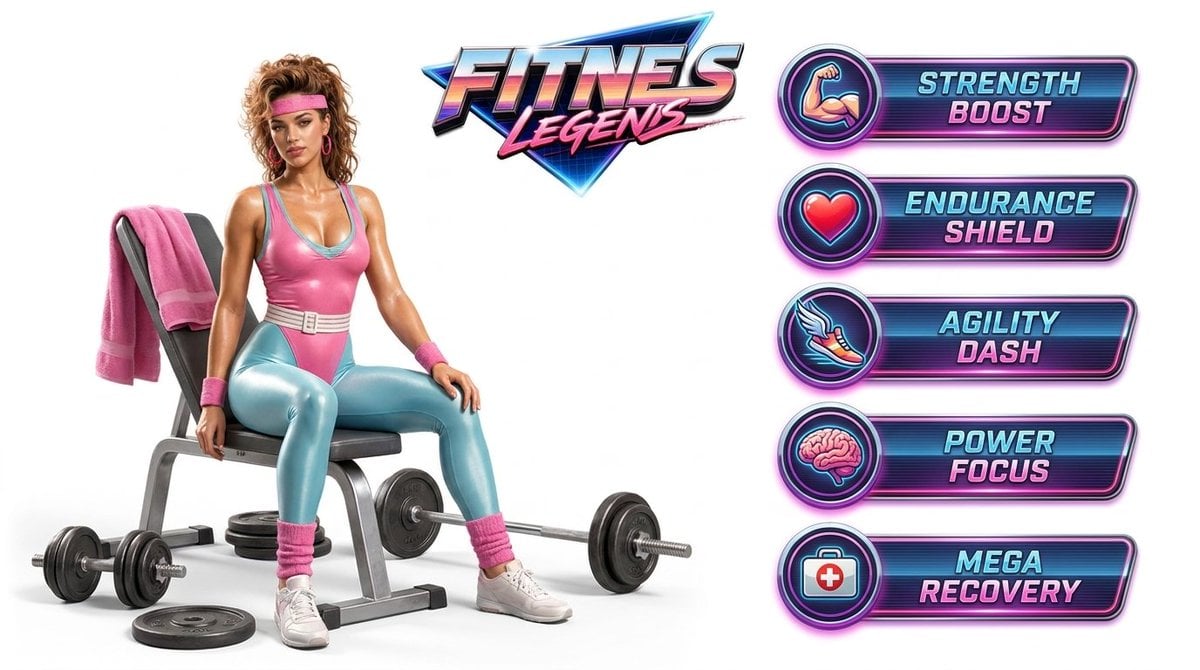
Fitness Game Start Screen UI Render
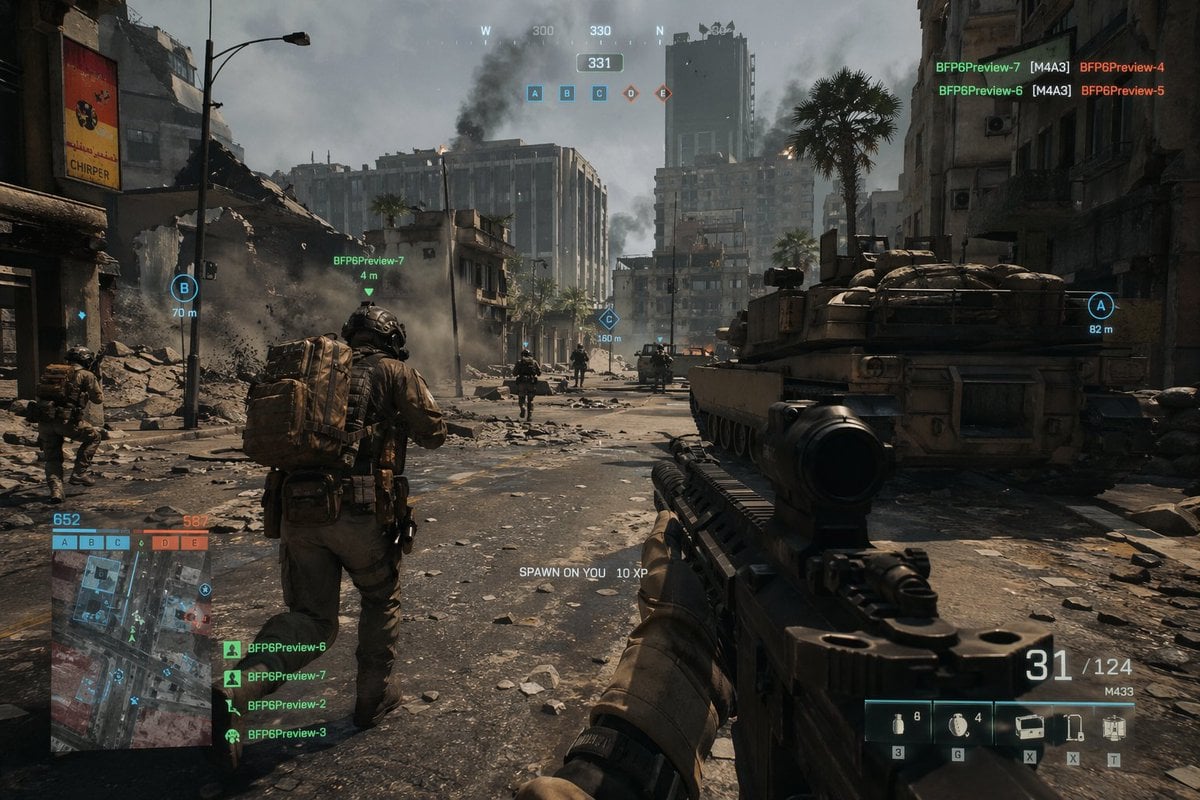
Battlefield In-game Screenshot Prompt
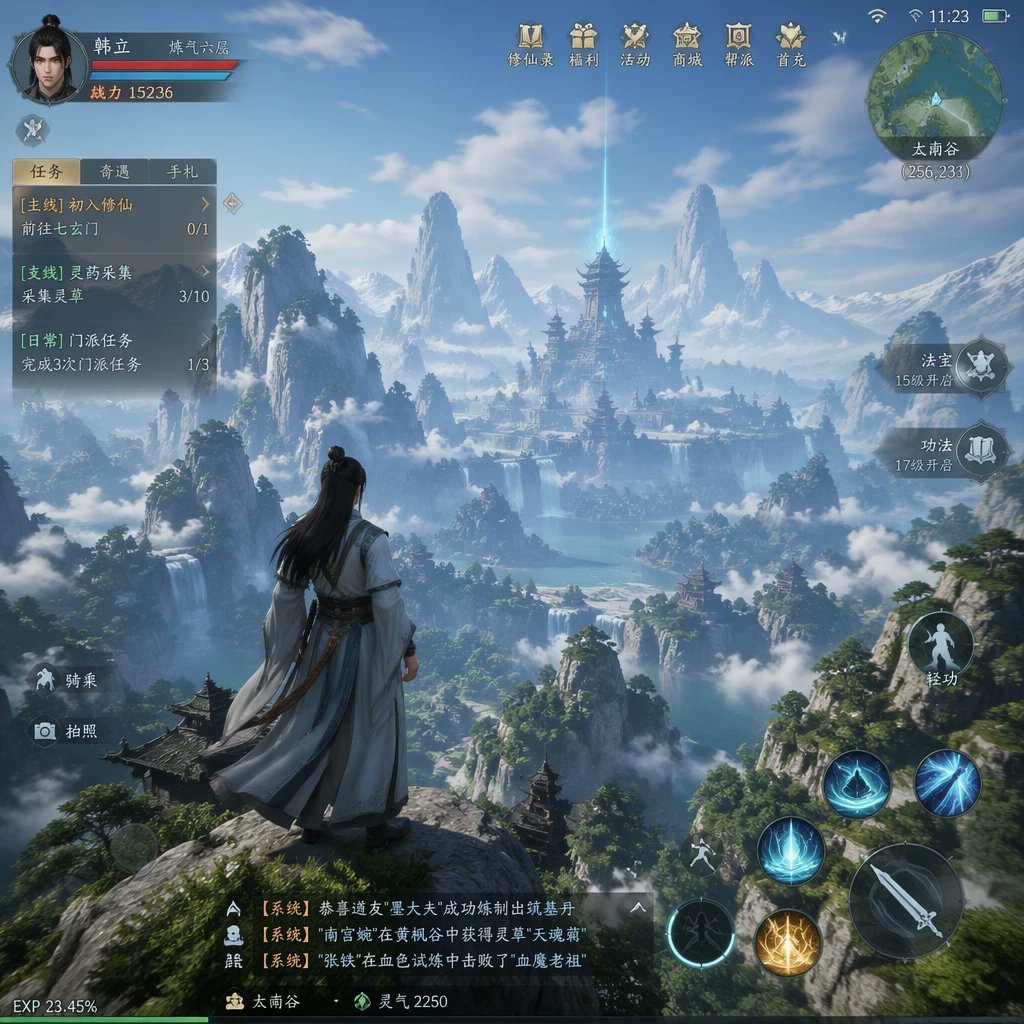
MMO Game World Screenshot
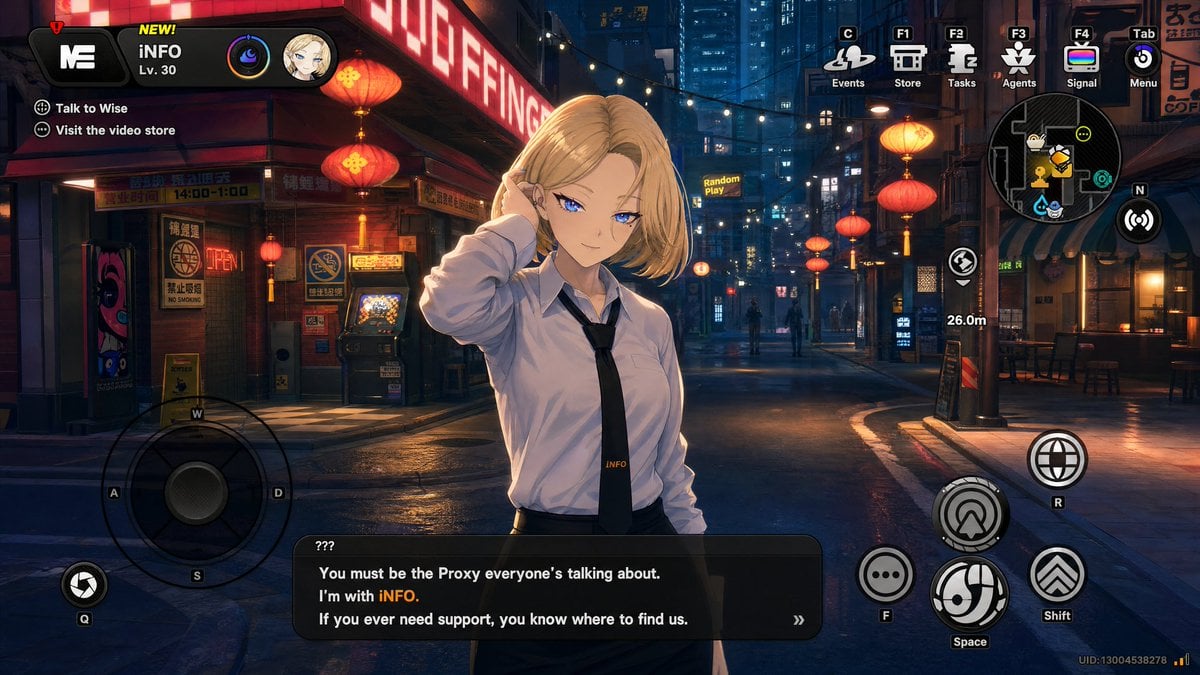
Cyberpunk Gacha Game Dialogue Screenshot
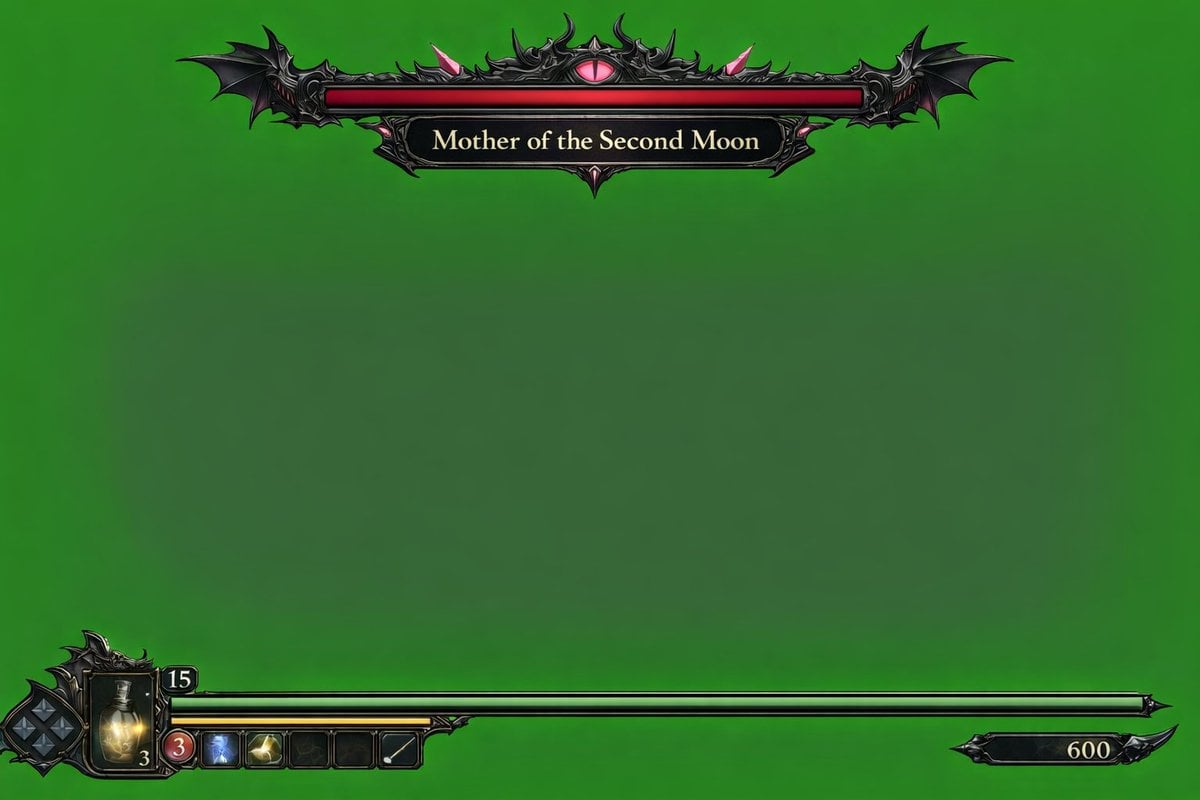
Dark Fantasy Game HUD on Green Screen
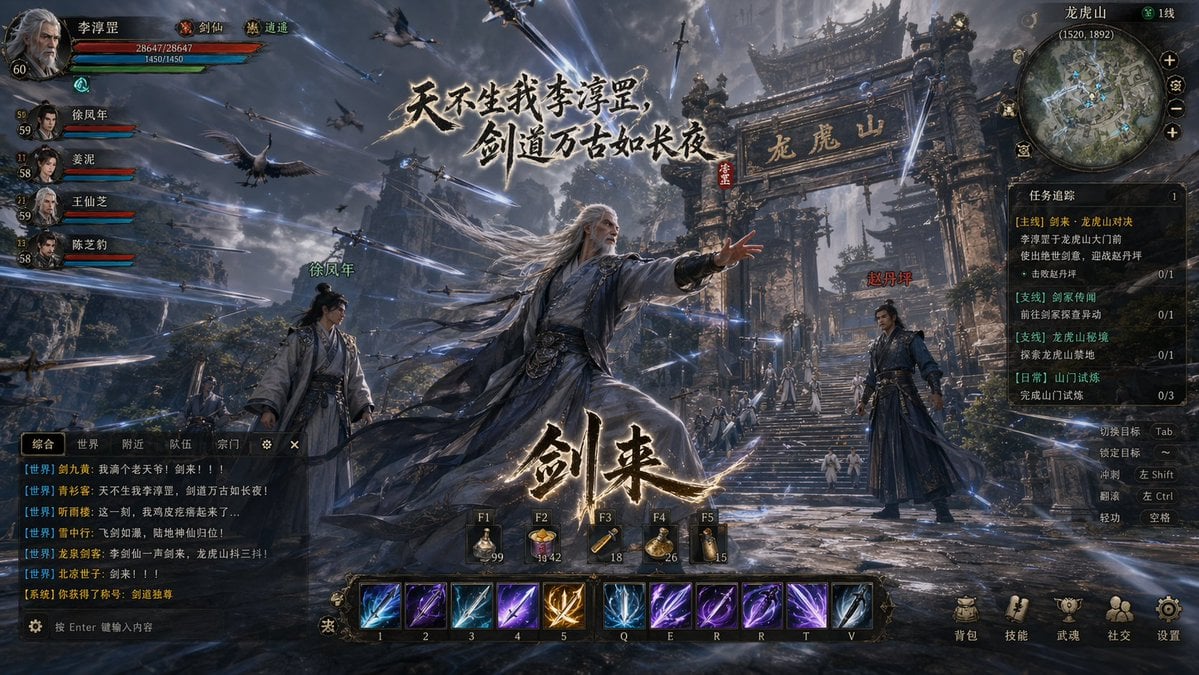
Wuxia MMORPG Gameplay Screenshot

Movement Sheet - Dance Reference (Seedance 2.0)

VFX Comparison Image Prompt (Before/After) for Nano Banana Pro

Nano Banana Prompt for Consistent Character Jumpshots

Cinematic Camera Instructions for Nano Banana Pro

Manga Generation Prompt Template for Nano Banana Pro
Make it yours
3D Dance Game Screen Prompt for Nano Banana Pro works as-is. These are the safest ways to change it without losing the look.
Change one field
Copy a single group, rewrite it, and generate again so you can see what that field is doing.
Keep the frame, change the subject
Hold the composition and light of 3D Dance Game Screen Prompt for Nano Banana Pro, then swap wardrobe, props or the person for a new take.
| If the result… | Why | Fix |
|---|---|---|
| The result drifts from the preview | Too many fields changed at once. | Reuse 3D Dance Game Screen Prompt for Nano Banana Pro as-is first, then change one group — subject, light, or setting. |
| The model over-stylizes the scene | The prose prompt leaves finish and camera underspecified. | Add one camera or lighting sentence and stay on Nano Banana 2. |
More Nano Banana 2 templates
Other prompts made for Nano Banana 2.

Photorealistic Leaf Shaped Like a Dragon

K-Pop Idol Portrait Grid for Rapid Selection

Poetic Rain Forest Portrait During Golden Hour

Urban Street Portrait with Cartoon Inner Self Duo

Candid Nighttime Photo with Cat Prompt

High-Concept 3D Diorama Generation Prompt

Cinematic Futuristic Studio Portrait Template

Skincare Editorial Photography Collage Prompt

Hyper-Realistic Commercial Product Photography (Splash Effect)

Hyper-Realistic Nightclub Portrait Prompt
More image prompts
Fresh picks from across the catalog.
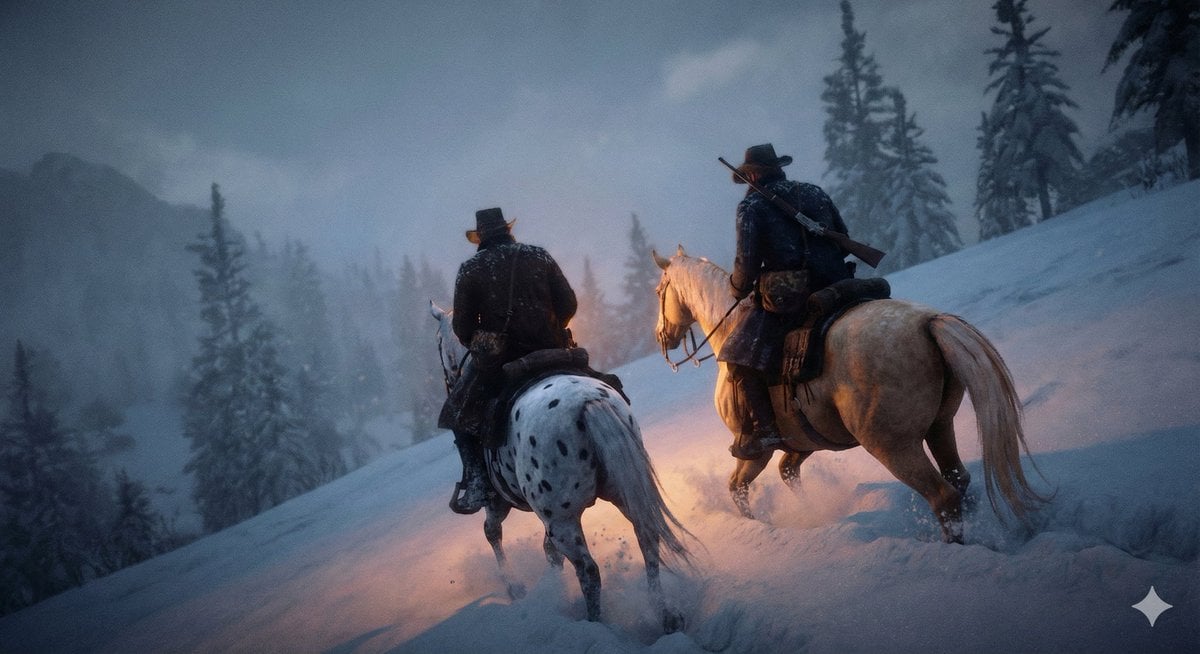
Cinematic Western Scene with Horseback Riders in Snow
Cut-out Style Character Illustration
Ultimate Mushroom Crusher Illustration Prompt
Train Photography Game Simulation
Dynamic Energy Drink Ad
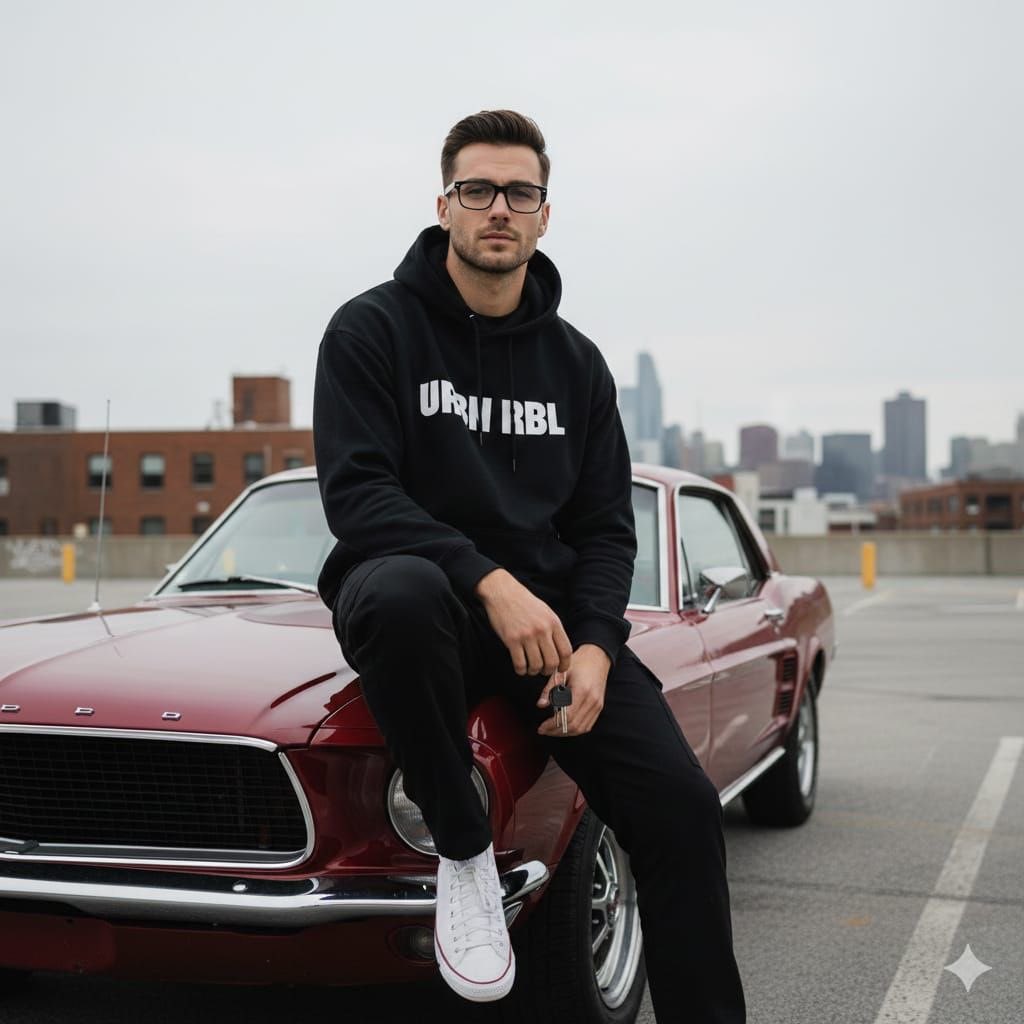
Urban Lifestyle Portrait on Vintage Muscle Car Prompt
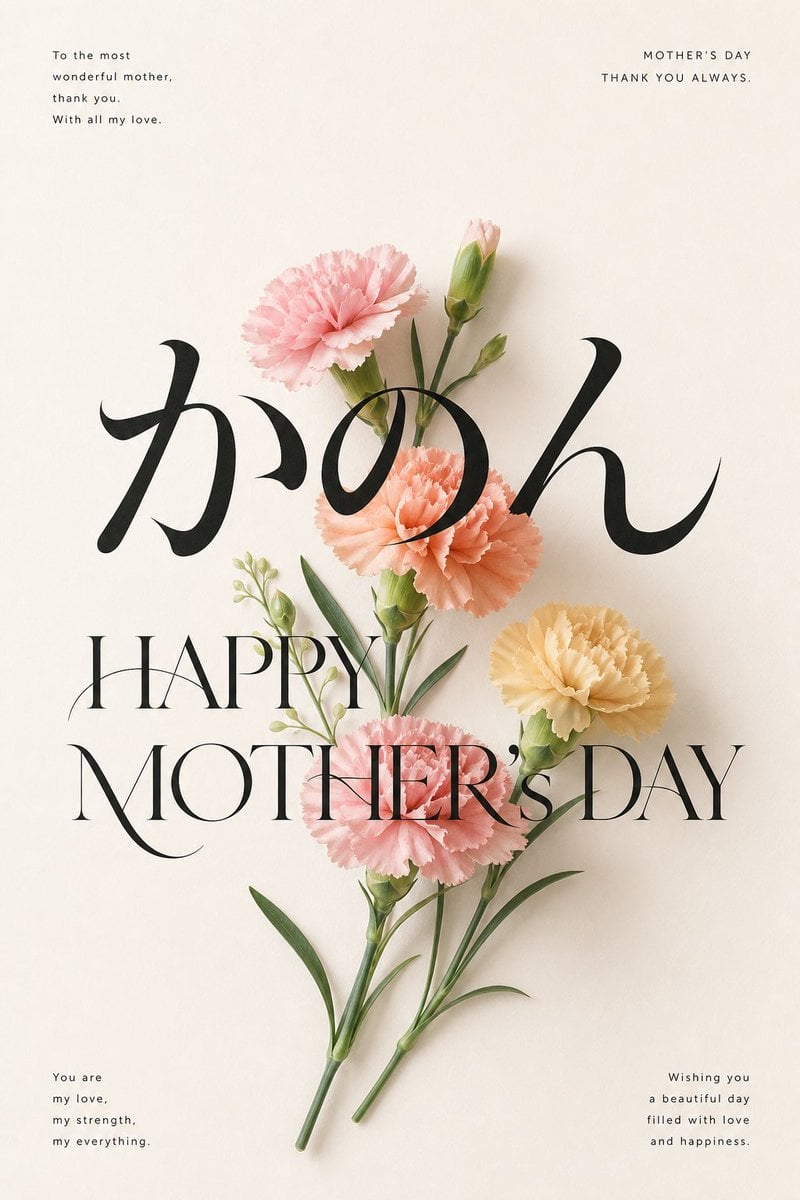
Elegant Carnation Mother's Day Wallpaper
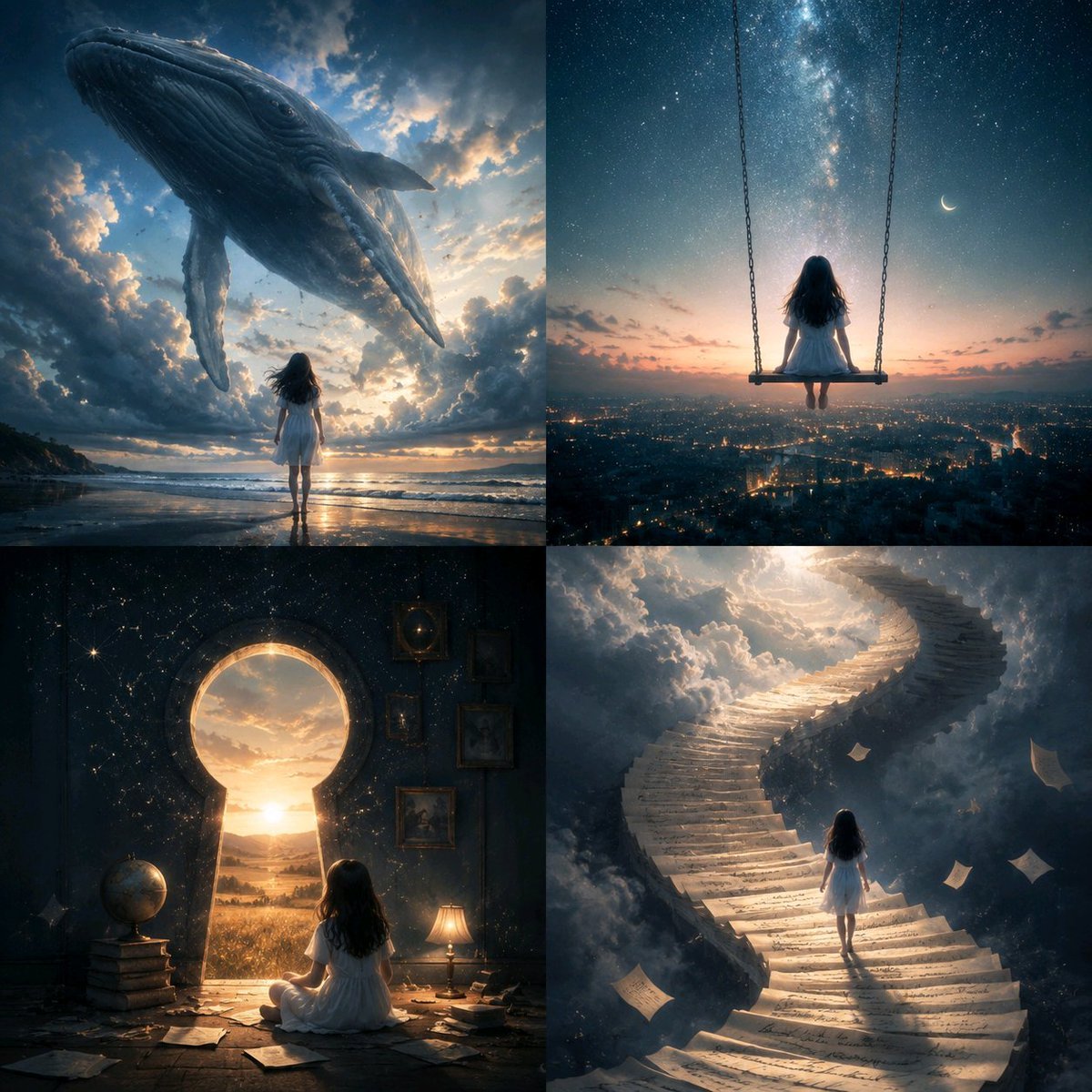
Conceptual Visual Metaphor Template
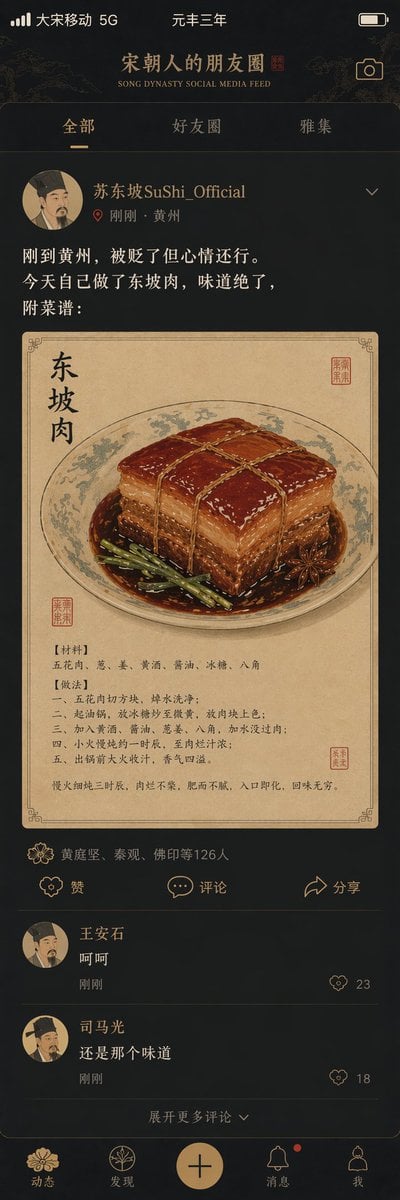
Song Dynasty Social Media Feed
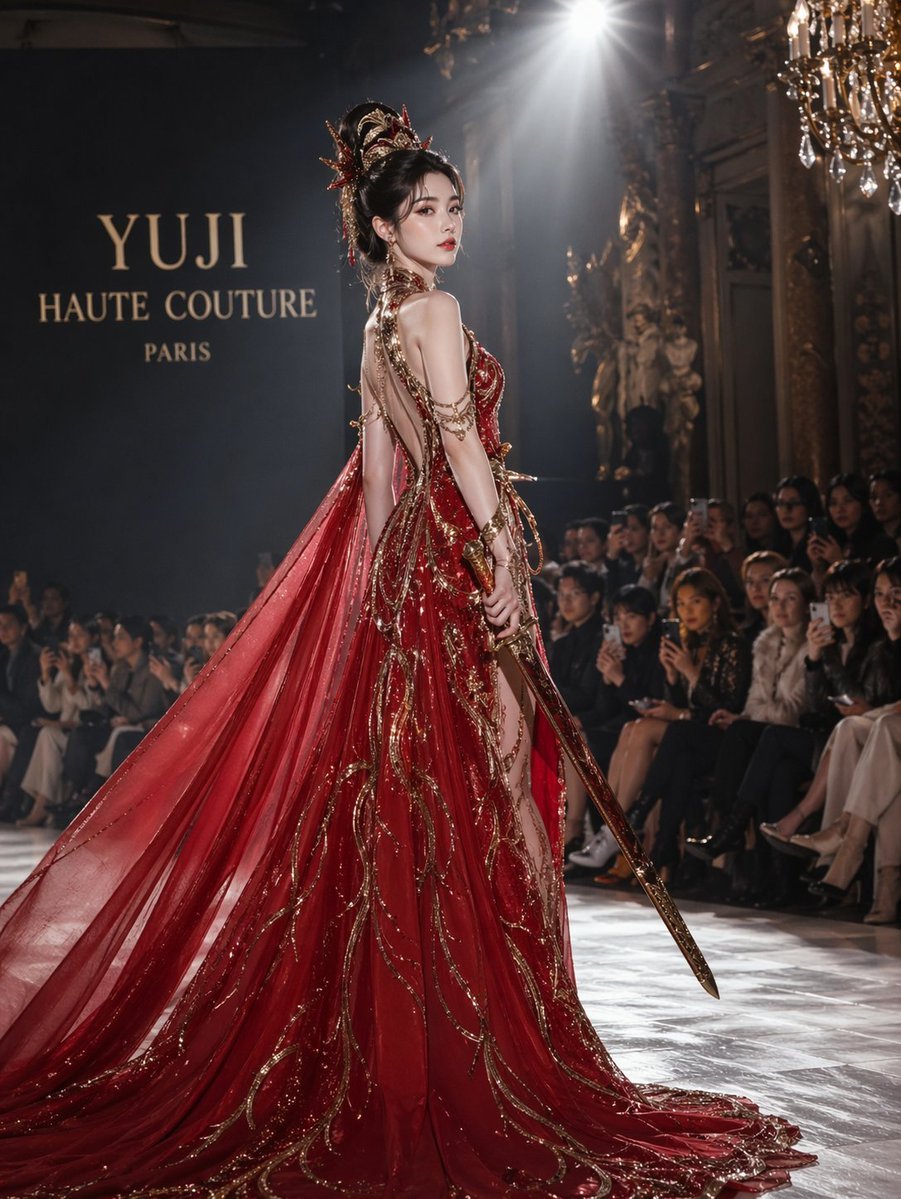
High fashion dress show prompt
Browse template categories
3D Dance Game Screen Prompt for Nano Banana Pro questions
How do I use the 3D Dance Game Screen Prompt for Nano Banana Pro template?
Add your photo if the template asks for one, edit the prompt if you like — the template's model and format are already selected — and press Generate. Your version opens in PicX Studio.
Can I customize the 3D Dance Game Screen Prompt for Nano Banana Pro template?
Yes. You can change the subject, setting, lighting, mood, format, and available model controls before creating your image.
Is the 3D Dance Game Screen Prompt for Nano Banana Pro template free?
Opening and editing this template is free. Generating uses credits, shown on the Generate button when you are signed in.
Which AI model should I use?
Start with Nano Banana 2, which is the model associated with this template. You can compare another compatible model for a different finish.
Looking for something else? Browse all templates.

Your photo, any look
Thousands of ready templates for every top image and video model, from one credit balance.