
Handwritten Data Structures Homework Photo
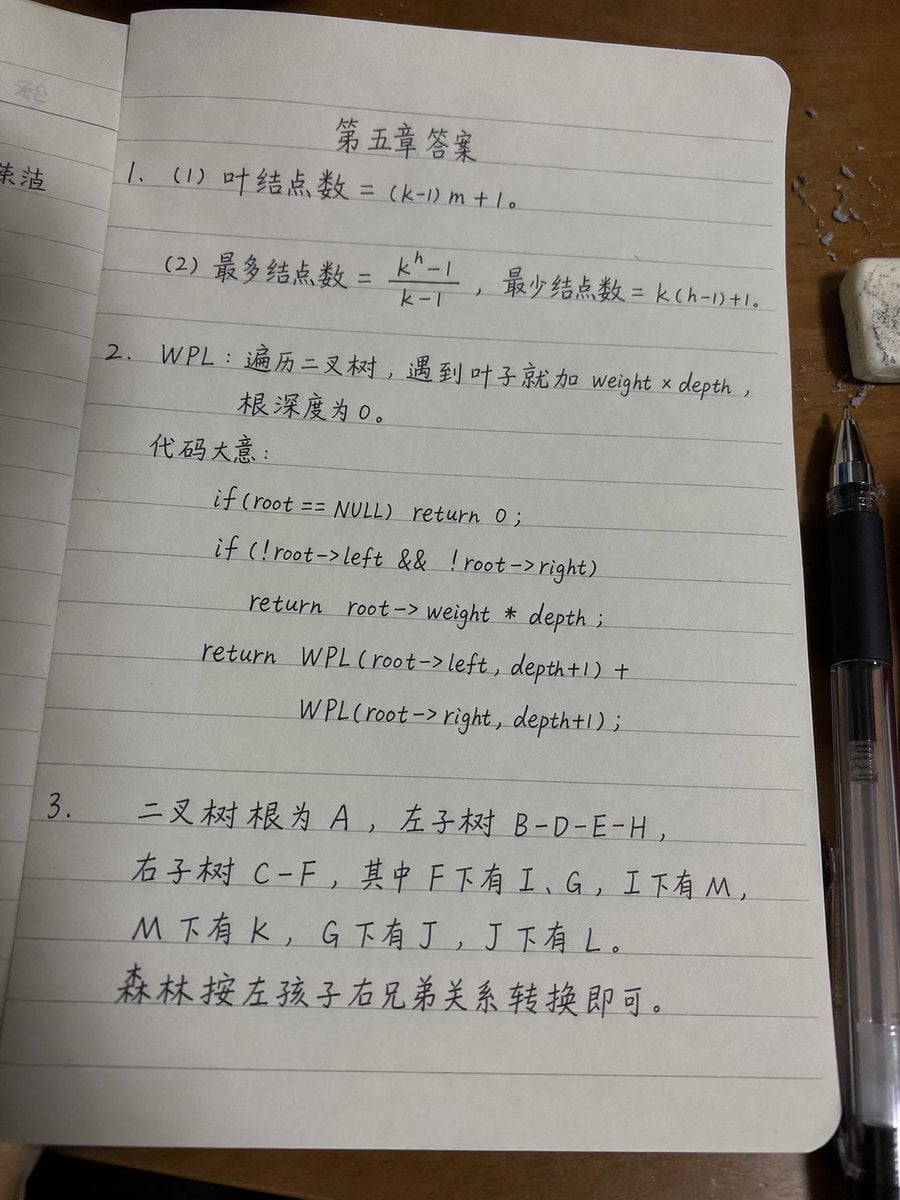
Generates a realistic phone photo of a lined notebook page containing handwritten Chinese data-structures homework answers for a class submission.
- Prompt included
- Model and format preset
- Free template
The prompt behind this image
Copy the exact prompt behind Handwritten Data Structures Homework Photo, or open it in the studio and make it yours.
Goal: Create a realistic smartphone photo of a lined notebook page on a wooden desk, showing a handwritten software/data-structure homework answer sheet in slightly messy but believable black gel-pen handwriting. The page title should be centered near the top as {argument name="page title" default="第五章答案"}. Make it look like an actual photo submitted for class, with small imperfections, uneven writing, mild page curvature, shadows, and perspective distortion. Canvas and camera: Vertical 3:4 photo, shot from above at a slight angle. The main notebook page fills most of the frame, tilted very slightly. The lighting is warm indoor desk lighting, with soft shadows and a realistic phone-camera look, not a flat scan. Scene details: Use an open notebook with pale gray horizontal ruled lines and rounded page corners. A partial previous page is visible along the left edge. The notebook rests on a medium-brown wooden desk. On the right side, place a black transparent-bodied gel pen vertically near the lower-right edge, and a small white eraser with gray smudges near the upper-right corner. Add a few tiny eraser crumbs or paper debris scattered around the eraser. Keep the page off-white with subtle texture. Handwritten content: Use Chinese handwritten notes mixed with math and C-style pseudocode. The handwriting should be neat enough to read but intentionally slightly casual and uneven, with natural spacing and occasional slant variation. Write exactly 3 numbered answer sections: 1. Section 1 contains exactly 2 subitems: - “(1) 叶结点数 = (k-1)m + 1。” - “(2) 最多结点数 = (k^h - 1)/(k - 1),最少结点数 = k(h-1)+1。” 2. Section 2 defines WPL and contains a short explanation plus exactly 5 pseudocode lines. Write: - “WPL:遍历二叉树,遇到叶子就加 weight × depth,” - “根深度为 0。” - “代码大意:” Then center or indent the following 5 code lines beneath it: - “if(root == NULL) return 0;” - “if(!root->left && !root->right)” - “return root->weight * depth;” - “return WPL(root->left, depth+1) +” - “WPL(root->right, depth+1);” 3. Section 3 contains exactly 5 handwritten lines describing binary tree and forest conversion: - “二叉树根为 A,左子树 B-D-E-H,” - “右子树 C-F,其中 F下有 I、G,I下有 M,” - “M下有 K,G下有 J,J下有 L。” - “森林按左孩子右兄弟关系转换即可。” The section number “3.” should start on the left margin, with the text continuing across the lower half of the page. Visual style: Photorealistic, natural shadows, realistic lined paper, black ink, casual student handwriting. The writing should look handwritten rather than printed or typeset. Slightly imperfect alignment with ruled lines is desirable. Constraints: Do not add extra diagrams, stamps, watermarks, decorative graphics, or typed fonts. Keep exactly 3 numbered sections, exactly 2 subitems in section 1, exactly 5 pseudocode lines in section 2, and the listed Chinese homework text only.
How to use Handwritten Data Structures Homework Photo in 3 steps
- 1Upload ImagePNG, JPG or paste
Add your photo
Upload the photo the template builds on. The prompt, model and format are already set.
- 2…a portrait of your subject in softgolden-hour light, 85mm…
Personalize
Edit the subject and creative details for your destination.
- 3Generate
Generate
Press Generate — your image is created in PicX Studio, so you can compare it with the original and refine one variable at a time.
More like this
Templates with the same subject, style or setup. Open one to see its prompt.
Minimalist Isometric Data Physics Cube

Data Center GPT-X Monster Hunt
Sepia Hamster Summer Homework Manga
Futuristic Corporate Plaza With Data Billboards
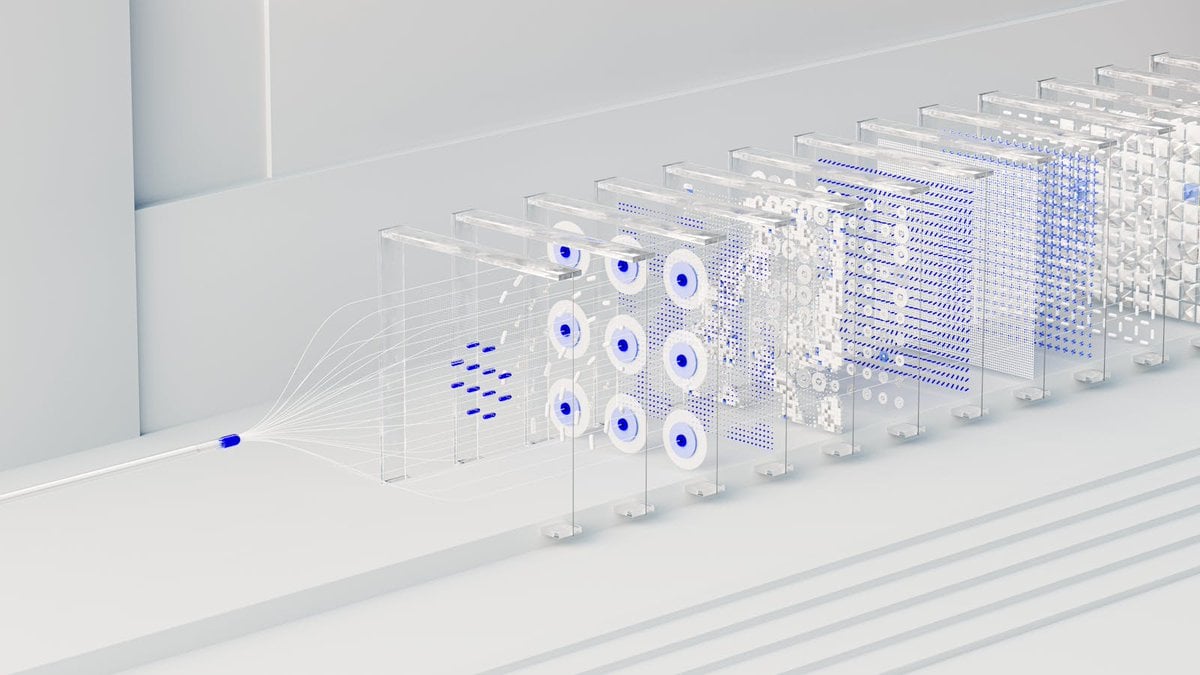
3D Abstract Data Pipeline Visualization
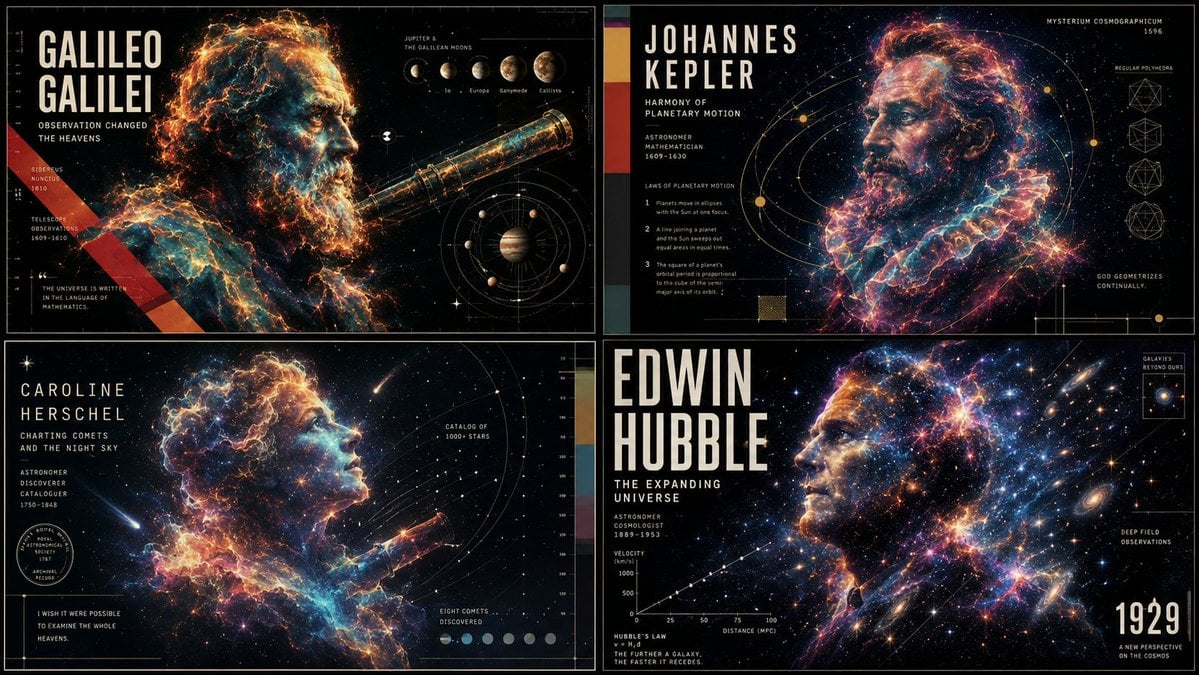
Ethereal Data Portrait for Astronomers

Futuristic Holographic Data Portrait
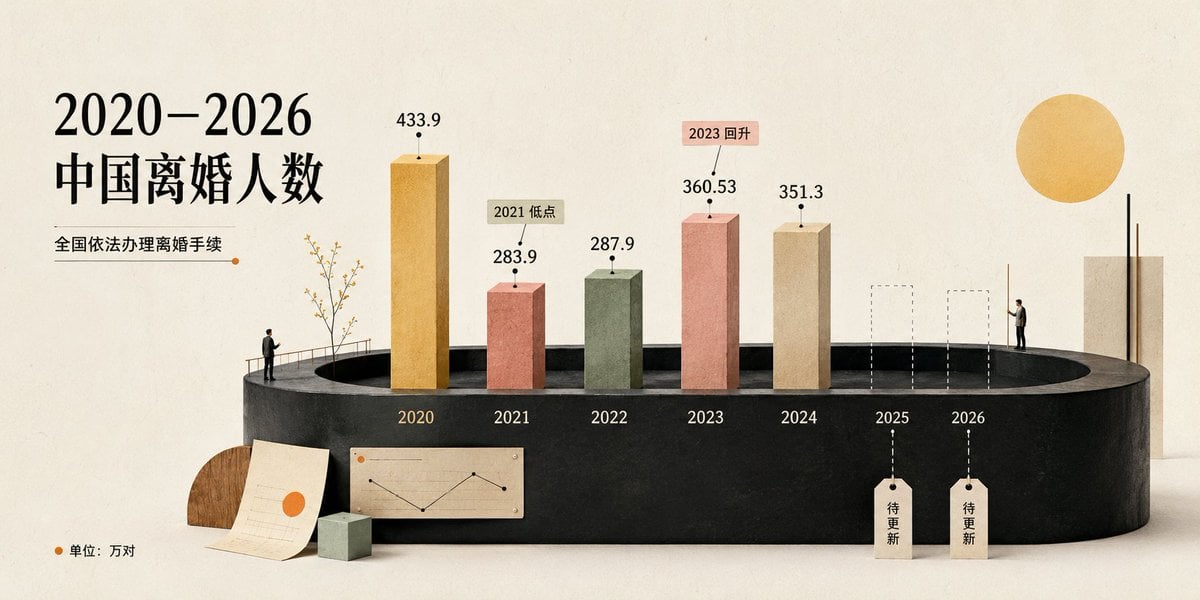
Cream 3D China Divorce Data Chart
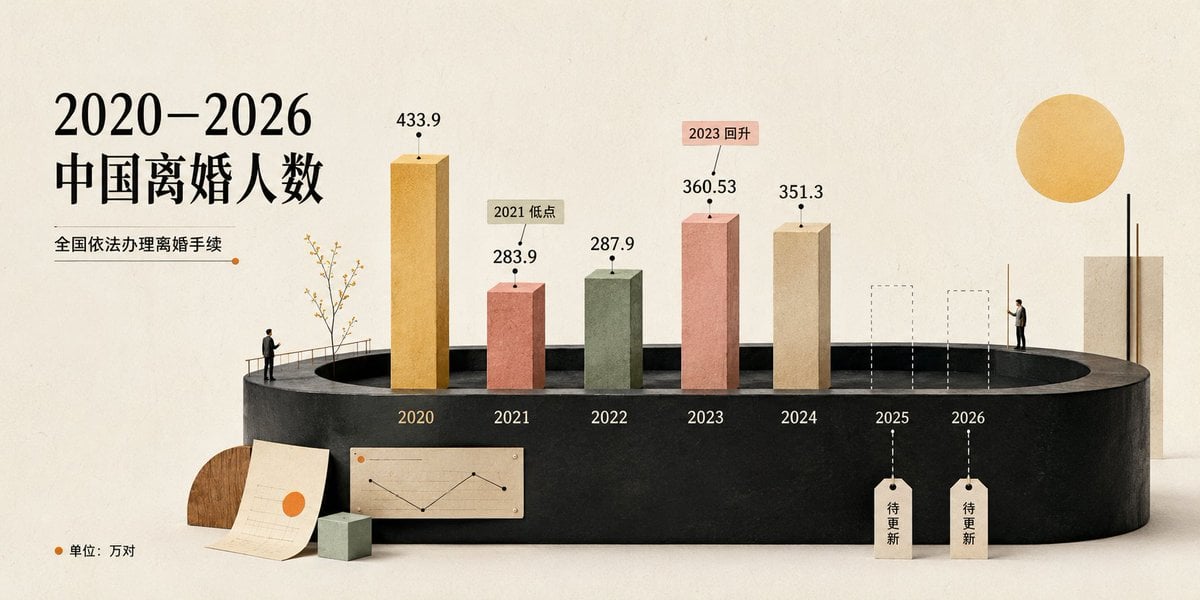
China Divorce Data 3D Infographic
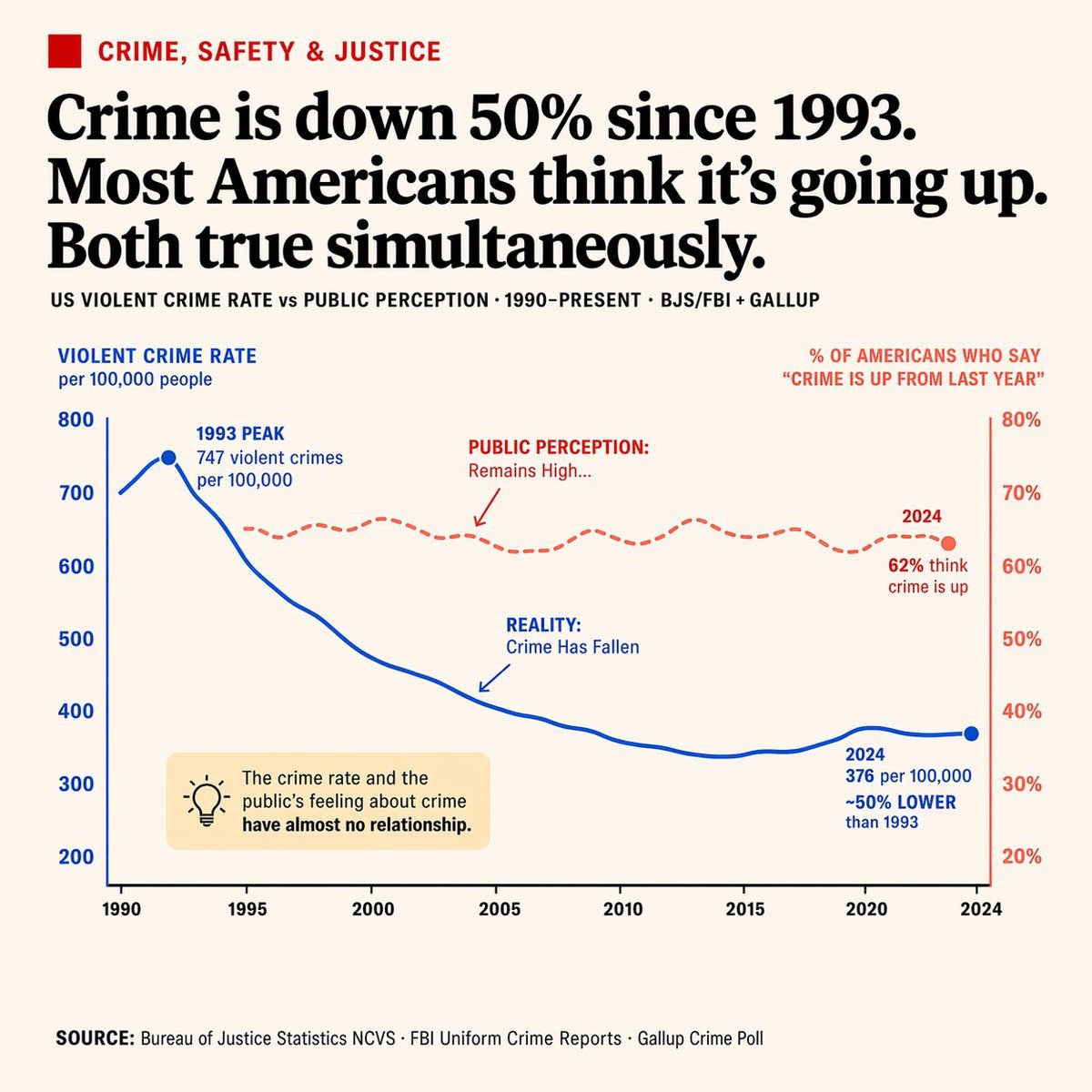
Editorial Dual-Axis Data Infographic

Futuristic Data-Driven Skincare Ad
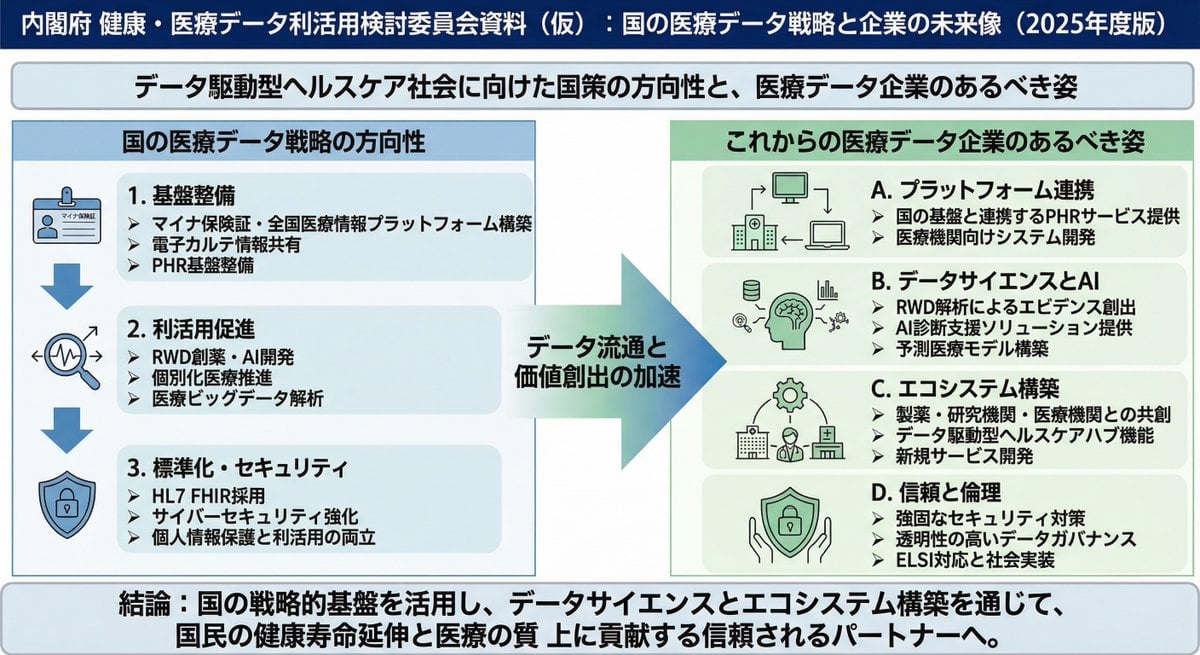
Policy-style slide about national medical data strategy
Make it yours
Handwritten Data Structures Homework Photo works as-is. These are the safest ways to change it without losing the look.
Change one field
Copy a single group, rewrite it, and generate again so you can see what that field is doing.
Keep the frame, change the subject
Hold the composition and light of Handwritten Data Structures Homework Photo, then swap wardrobe, props or the person for a new take.
| If the result… | Why | Fix |
|---|---|---|
| The result drifts from the preview | Too many fields changed at once. | Reuse Handwritten Data Structures Homework Photo as-is first, then change one group — subject, light, or setting. |
| The model over-stylizes the scene | The prose prompt leaves finish and camera underspecified. | Add one camera or lighting sentence and stay on GPT Image 2. |
More GPT Image 2 templates
Other prompts made for GPT Image 2.

Six VTuber Japanese Logo Sheet

Realistic Portrait of Woman and Deer

The Vista Modular Condo Poster

AI Model Routing Comparison Infographic

2.5D Anime Art Board

Isometric Productivity Desk Scene

New York Double Exposure Poster

Four-Panel AI Landscape Comparison

Japanese Tatami Lifestyle Magazine Cover

NESCAFÉ Coffee Map Poster
More image prompts
Fresh picks from across the catalog.

Cosmic Flowering Bonsai with Sleeping Cat

Anime Character Noodle Delivery
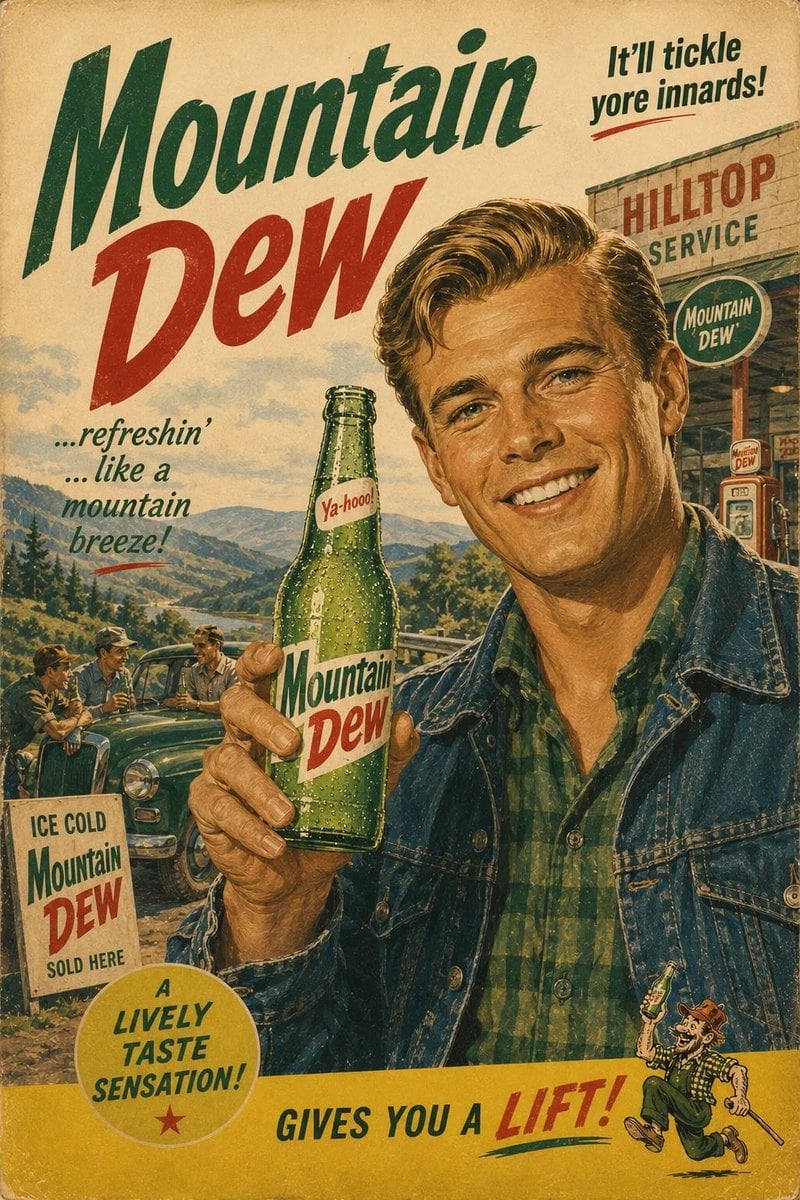
1960s Retro Advertising Poster
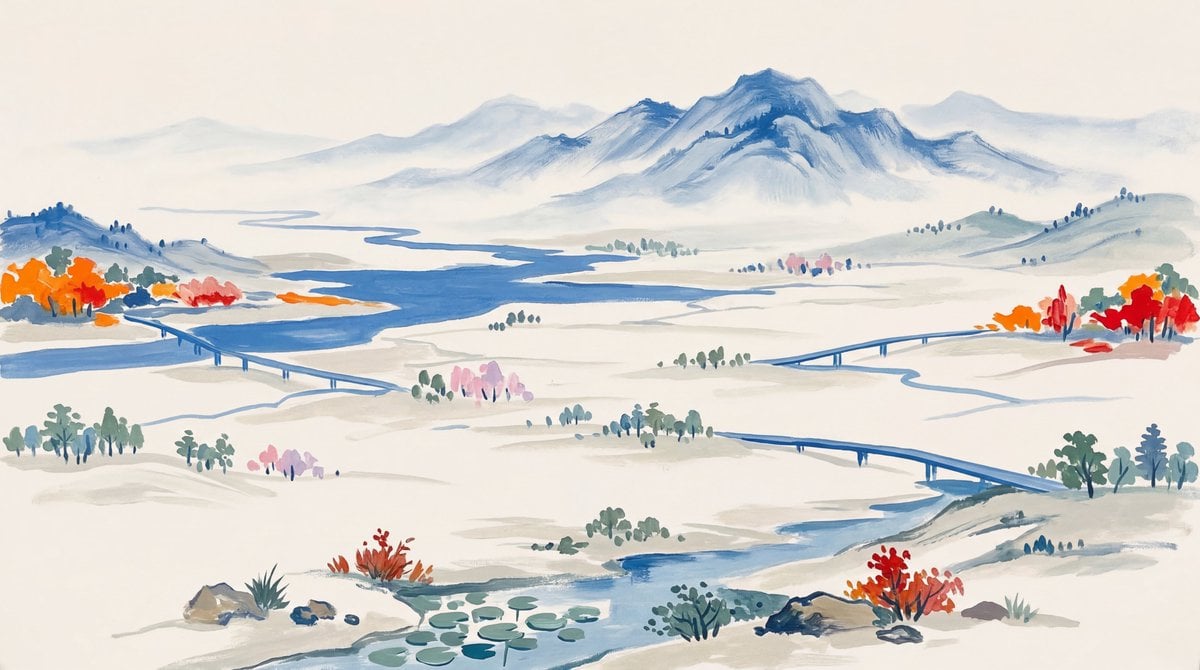
Landscape Painting with Color Palette for Nano-Banana-Pro

Flashy Gold AI Income Thumbnail
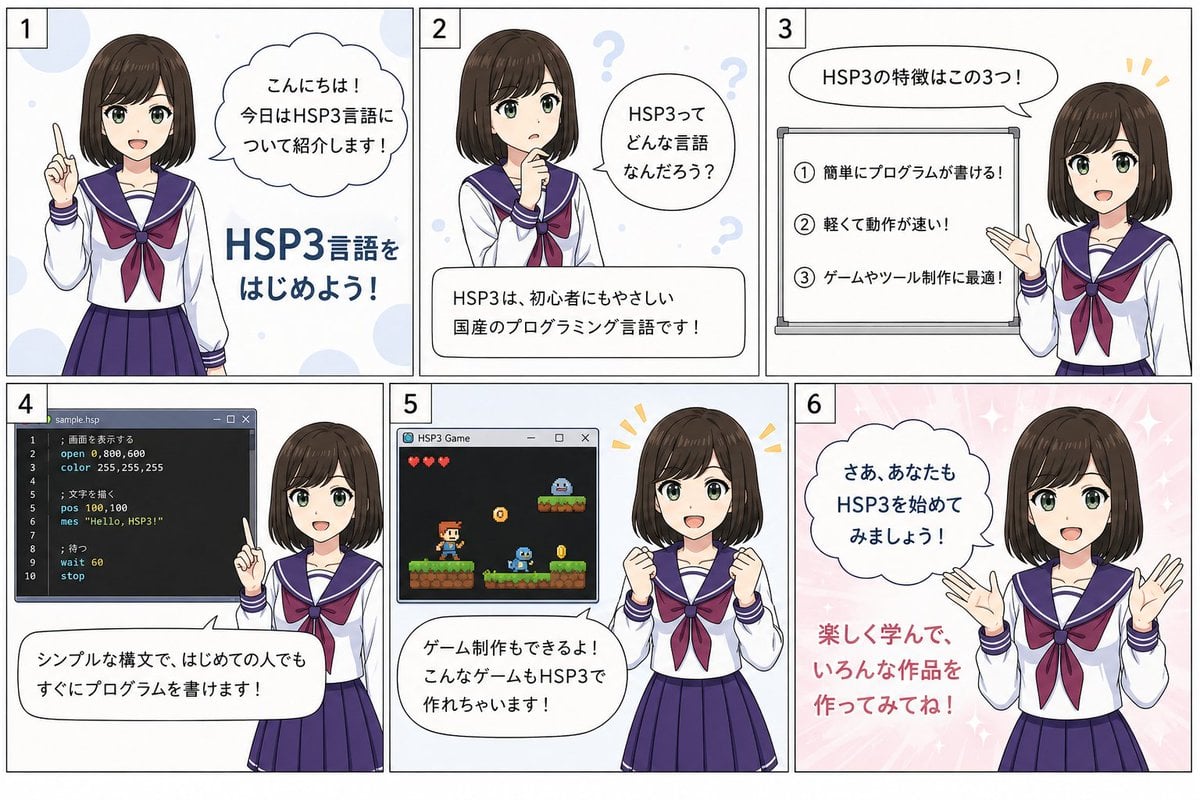
HSP3 Manga Introduction Comic
Minimalist Sigil Logo Design
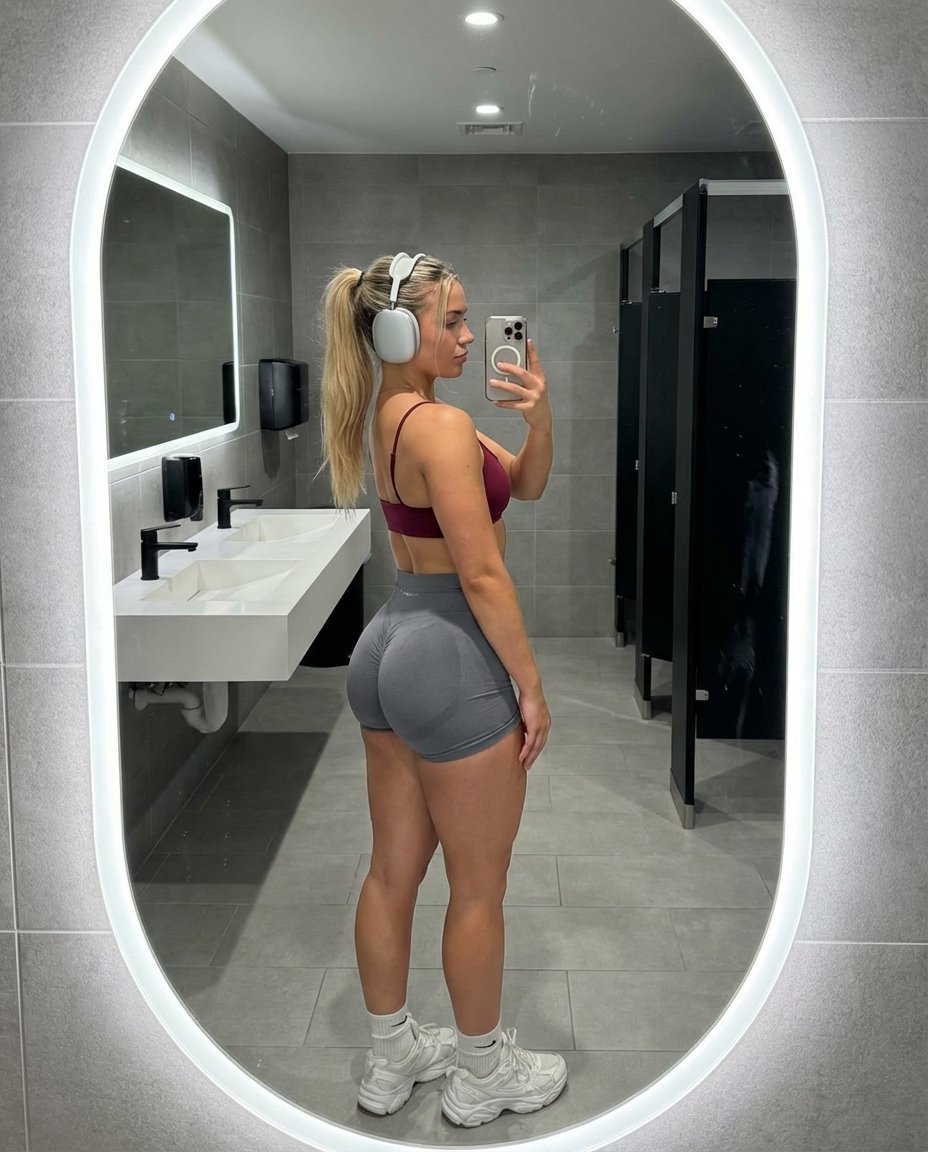
Hyper-Realistic Gym Mirror Selfie

Surreal Smartphone Portal with Frozen Liquid Splash
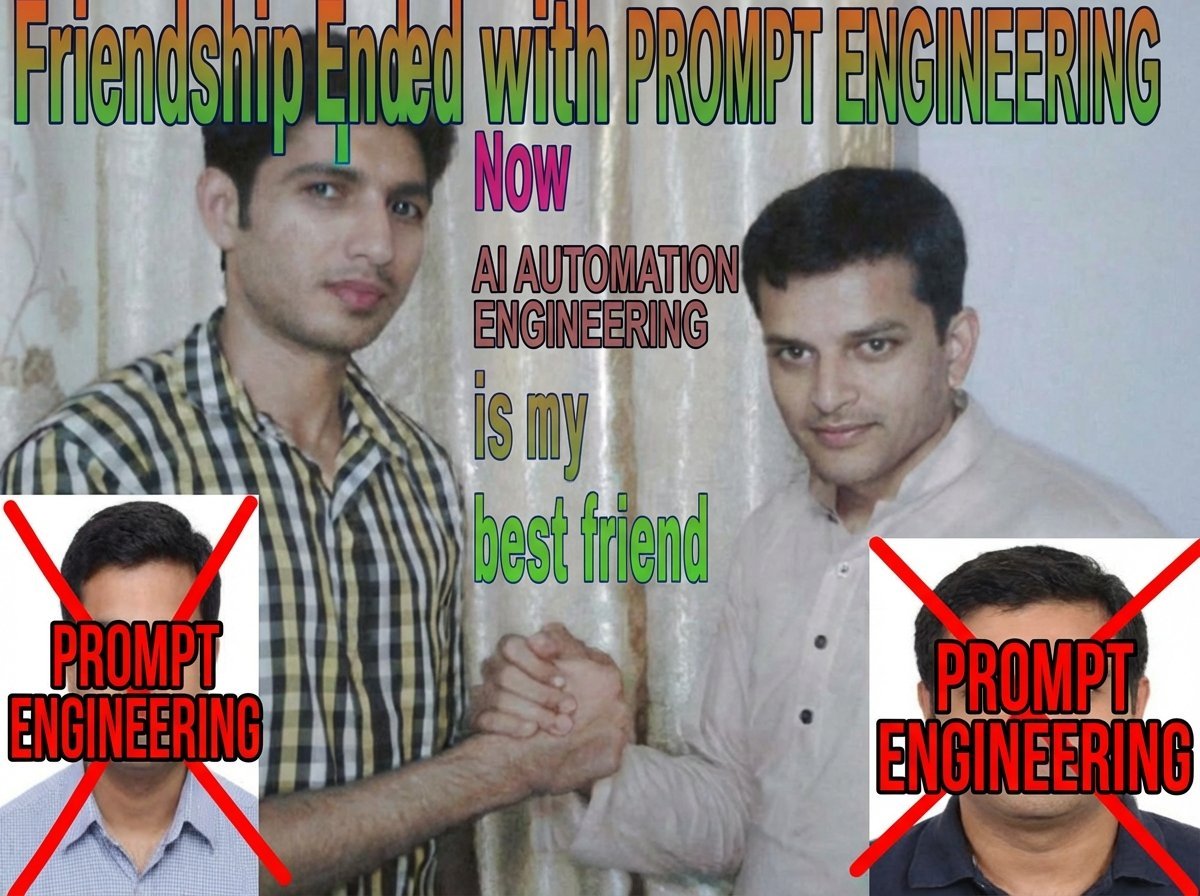
Meme Rewriting Prompt: Friendship Ended
Browse template categories
Handwritten Data Structures Homework Photo questions
How do I use the Handwritten Data Structures Homework Photo template?
Add your photo if the template asks for one, edit the prompt if you like — the template's model and format are already selected — and press Generate. Your version opens in PicX Studio.
Can I customize the Handwritten Data Structures Homework Photo template?
Yes. You can change the subject, setting, lighting, mood, format, and available model controls before creating your image.
Is the Handwritten Data Structures Homework Photo template free?
Opening and editing this template is free. Generating uses credits, shown on the Generate button when you are signed in.
Which AI model should I use?
Start with GPT Image 2, which is the model associated with this template. You can compare another compatible model for a different finish.
Looking for something else? Browse all templates.

Your photo, any look
Thousands of ready templates for every top image and video model, from one credit balance.