
Cream 3D China Divorce Data Chart
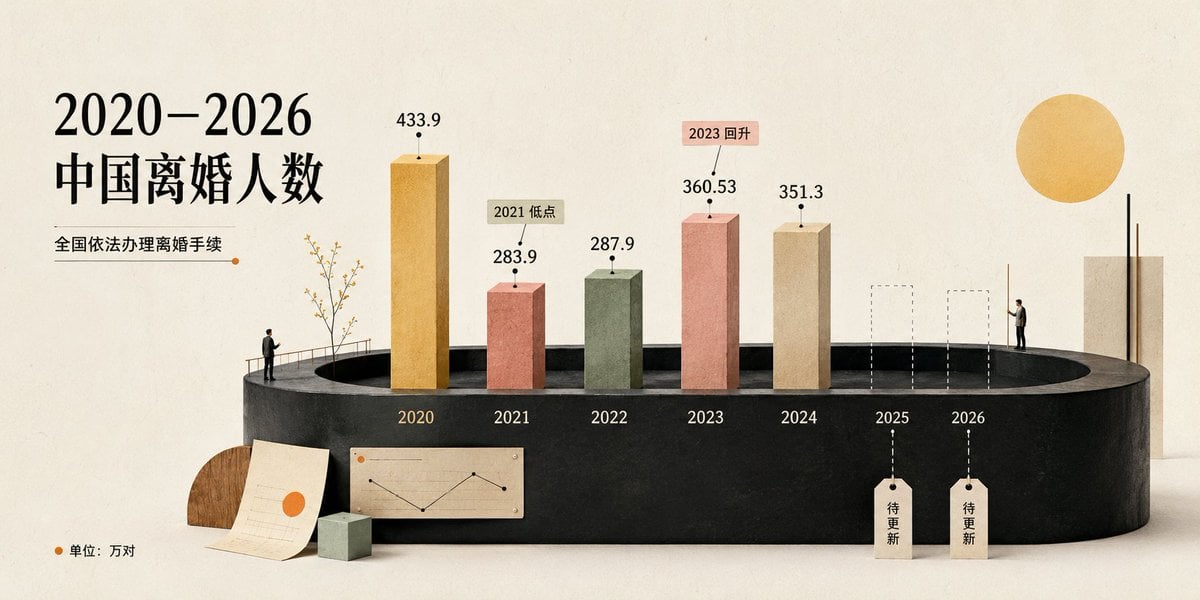
A warm cream-style 3D infographic poster visualizing China divorce counts from 2020 to 2026 for social media or presentation use.
- Prompt included
- Model and format preset
- Free template
The prompt behind this image
Copy the exact prompt behind Cream 3D China Divorce Data Chart, or open it in the studio and make it yours.
Goal: Create a cream-toned 3D editorial data visualization poster about {argument name="headline text" default="2020–2026 中国离婚人数"}, showing divorce counts in China with a refined miniature diorama style. Canvas: Wide horizontal 2:1 composition, warm off-white paper background with subtle grain, soft shadows, minimalist premium infographic aesthetic. Use a muted cream, black, terracotta, sage, ochre, and beige palette. Layout: Place the main title on the upper left in large elegant black serif Chinese typography. Under it, add the subtitle {argument name="subtitle text" default="全国依法办理离婚手续"} with a thin horizontal rule ending in a small orange dot. The central focus is a black oval/cylindrical stage platform spanning the lower middle of the image, viewed in slight perspective. On the platform, arrange exactly 7 year positions from left to right: 2020, 2021, 2022, 2023, 2024, 2025, 2026. Data bars: Show exactly 5 solid rectangular 3D vertical bars for years 2020–2024 and exactly 2 dashed-outline placeholder bars for 2025 and 2026. Use these visible values and labels: 2020 ochre-gold tall bar labeled 433.9; 2021 terracotta bar labeled 283.9 with a small callout tag reading “2021 低点”; 2022 muted sage-green bar labeled 287.9; 2023 salmon-pink bar labeled 360.53 with a small callout tag reading “2023 回升”; 2024 beige bar labeled 351.3; 2025 dashed empty bar with a hanging tag reading “待更新”; 2026 dashed empty bar with a hanging tag reading “待更新”. Put each year label in white or pale text along the front face of the black platform beneath its position. Supporting visual elements: Include exactly 2 miniature human figures: one standing near the left side of the stage railing looking toward the chart, and one standing on the right side near the 2026 area. Include a delicate small tree with thin branches near the 2020 bar. Add one large warm yellow sun circle in the upper right. Add a tall cream rectangular architectural block at the far right behind the platform. At the lower left foreground, add exactly 3 desk-like props: one semicircular wood block, one off-white paper sheet with faint chart lines and an orange dot, and one small pale green cube. On the front lower center of the platform, add one small beige inset chart card showing a simple black line chart with an orange dot. Legend and text: In the bottom-left corner, add an orange dot followed by “单位:万对”. Keep all Chinese text crisp and readable. Use the data source/style as a polished social-media infographic, not a scientific chart. Style constraints: Soft natural lighting, realistic paper and plaster textures, subtle 3D depth, clean negative space, no watermark, no extra years, no extra bars, no additional text beyond the specified labels. Use {argument name="background color" default="warm ivory"} as the overall background tone and {argument name="accent color" default="orange"} for dots and highlights.
How to use Cream 3D China Divorce Data Chart in 3 steps
- 1Upload ImagePNG, JPG or paste
Add your photo
Upload the photo the template builds on. The prompt, model and format are already set.
- 2…a portrait of your subject in softgolden-hour light, 85mm…
Personalize
Edit the subject and creative details for your destination.
- 3Generate
Generate
Press Generate — your image is created in PicX Studio, so you can compare it with the original and refine one variable at a time.
More like this
Templates with the same subject, style or setup. Open one to see its prompt.
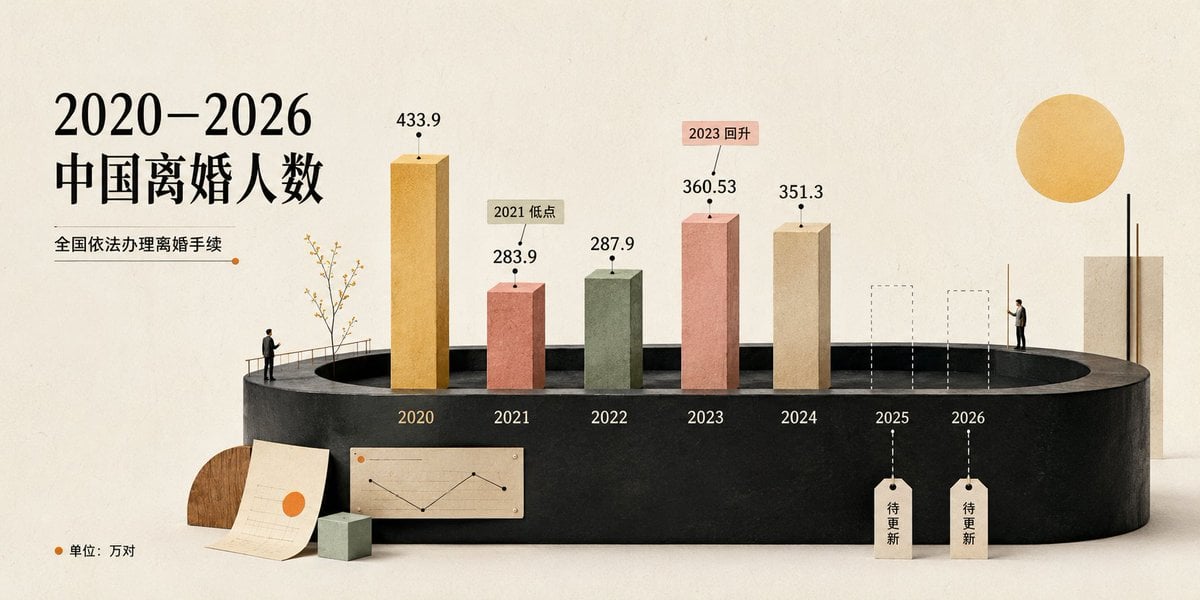
China Divorce Data 3D Infographic
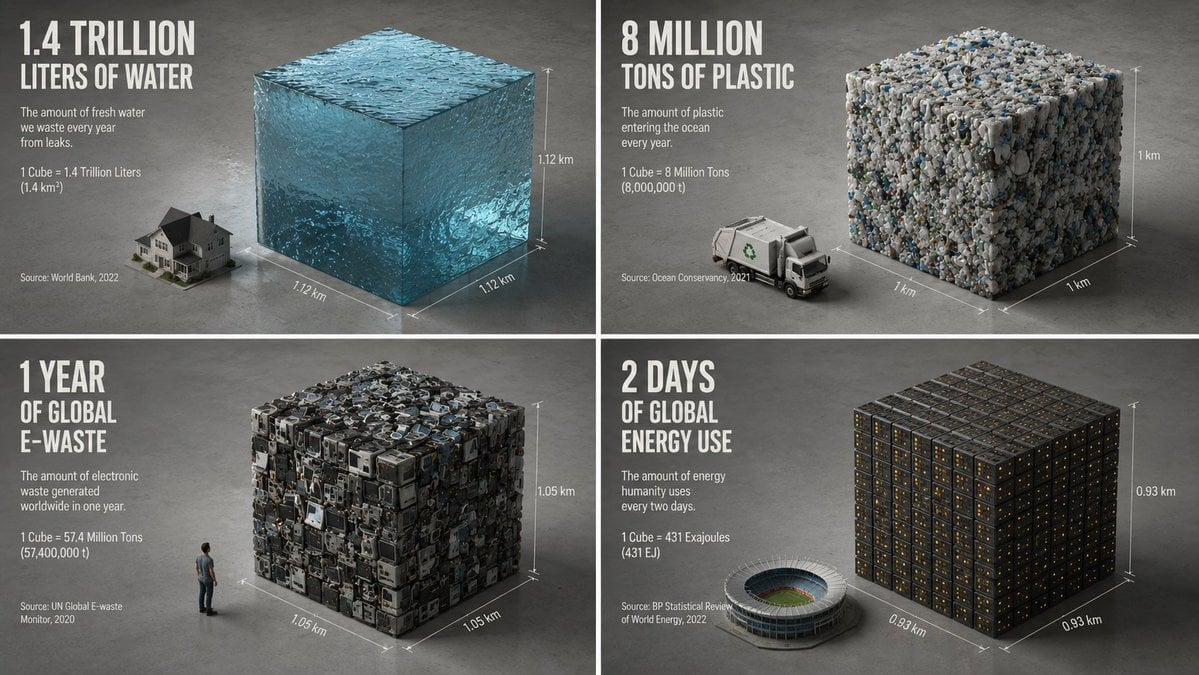
Minimalist Isometric Data Physics Cube

Data Center GPT-X Monster Hunt

Puppy and Robot Dog Ice Cream Scene

Korean Cream Interior Portrait
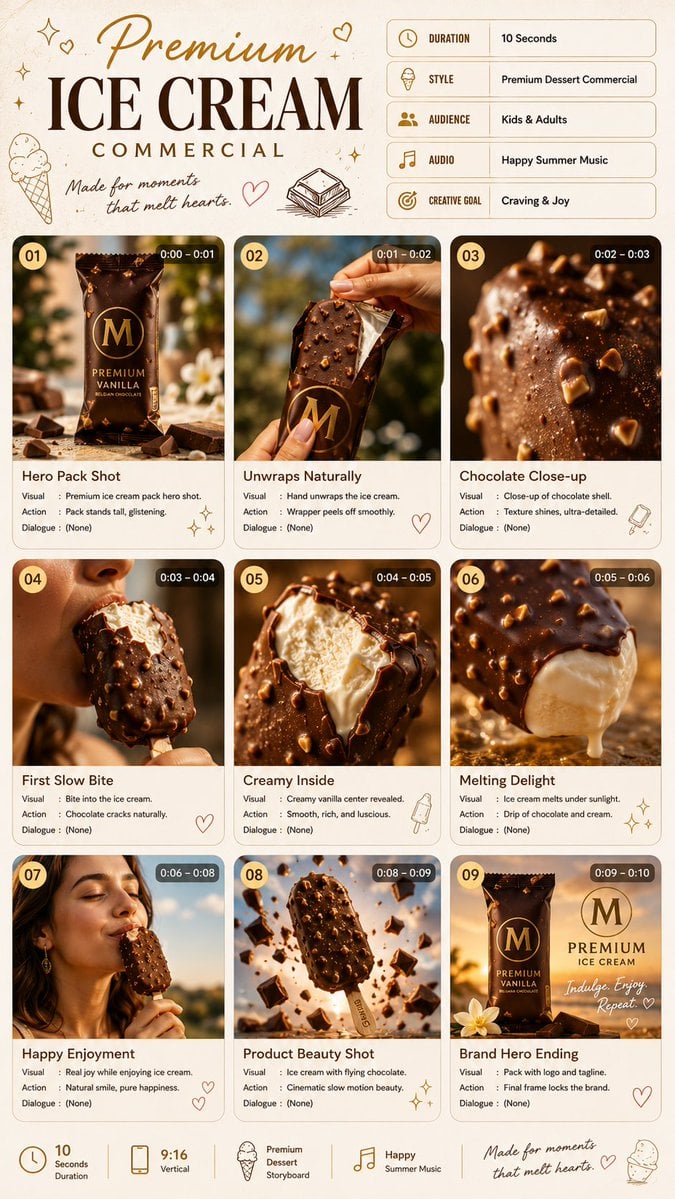
Premium Ice Cream Commercial Storyboard
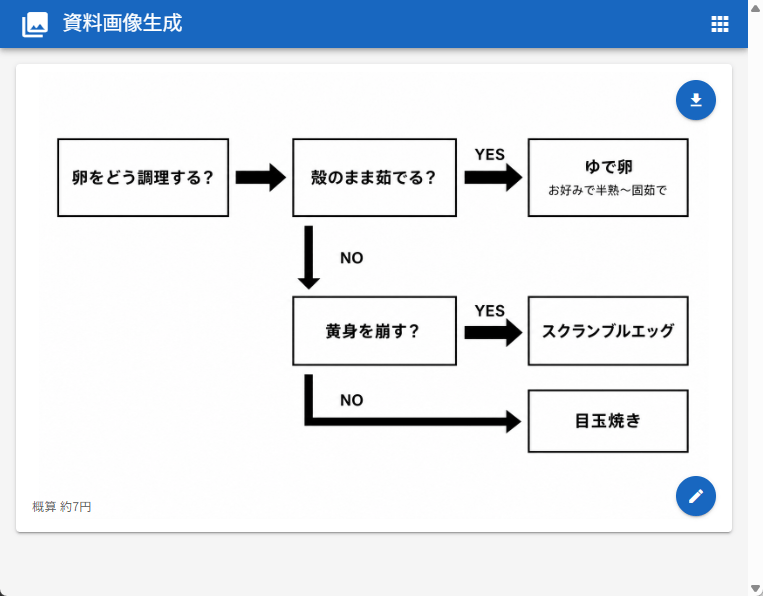
Japanese Egg Cooking Flowchart UI

Premium Ice Cream Product Grid Poster
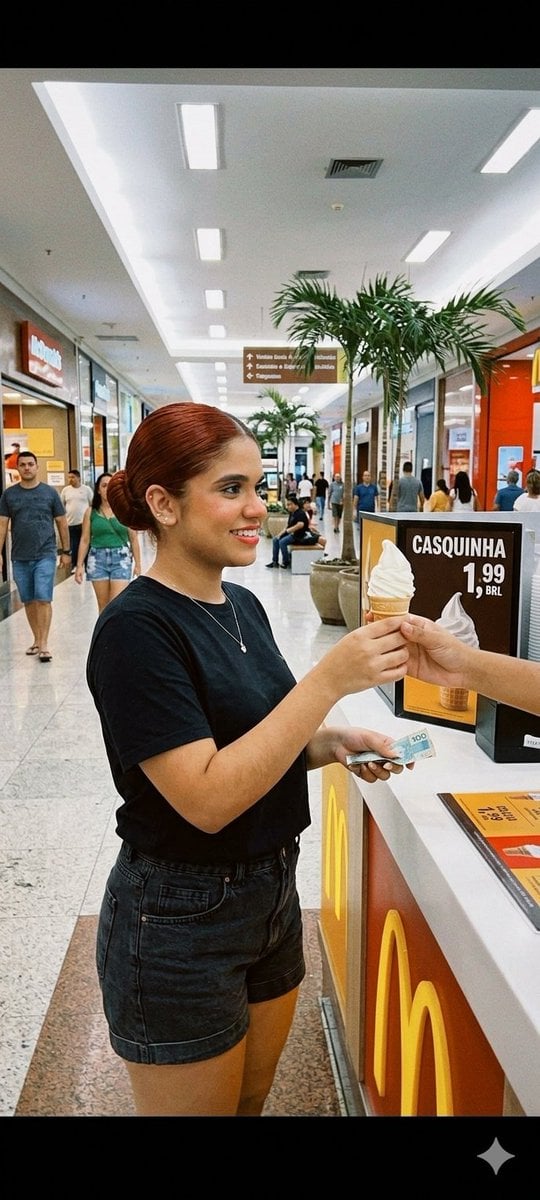
Candid Mall Ice Cream Kiosk Photo

Woman with Ice Cream Shop Portrait

Stressed Woman with Drip Ice Cream
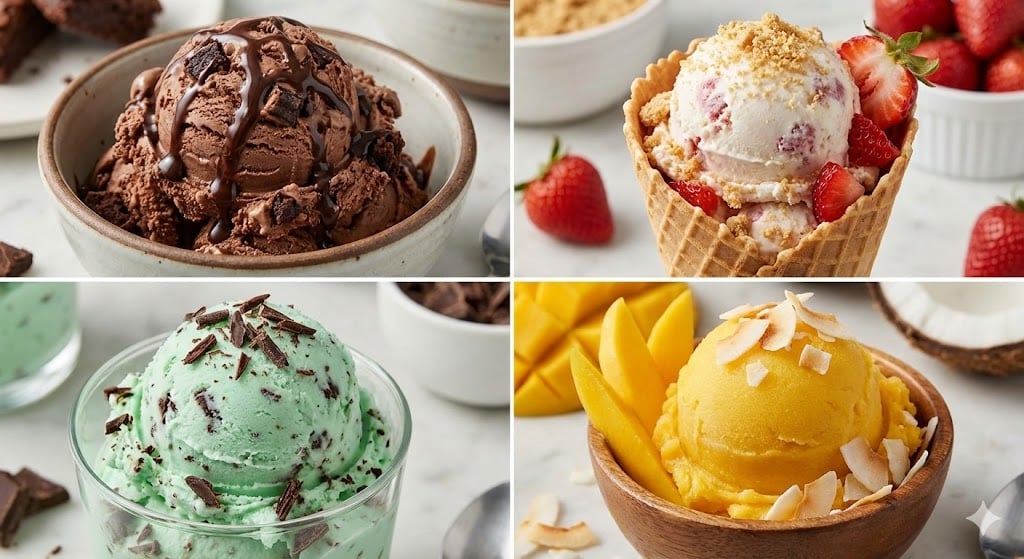
Assorted Ice Cream Flavors Grid
Make it yours
Cream 3D China Divorce Data Chart works as-is. These are the safest ways to change it without losing the look.
Change one field
Copy a single group, rewrite it, and generate again so you can see what that field is doing.
Keep the frame, change the subject
Hold the composition and light of Cream 3D China Divorce Data Chart, then swap wardrobe, props or the person for a new take.
| If the result… | Why | Fix |
|---|---|---|
| The result drifts from the preview | Too many fields changed at once. | Reuse Cream 3D China Divorce Data Chart as-is first, then change one group — subject, light, or setting. |
| The model over-stylizes the scene | The prose prompt leaves finish and camera underspecified. | Add one camera or lighting sentence and stay on GPT Image 2. |
More GPT Image 2 templates
Other prompts made for GPT Image 2.

Six VTuber Japanese Logo Sheet

Realistic Portrait of Woman and Deer

The Vista Modular Condo Poster

AI Model Routing Comparison Infographic

2.5D Anime Art Board

Isometric Productivity Desk Scene

New York Double Exposure Poster

Four-Panel AI Landscape Comparison

Japanese Tatami Lifestyle Magazine Cover

NESCAFÉ Coffee Map Poster
More image prompts
Fresh picks from across the catalog.
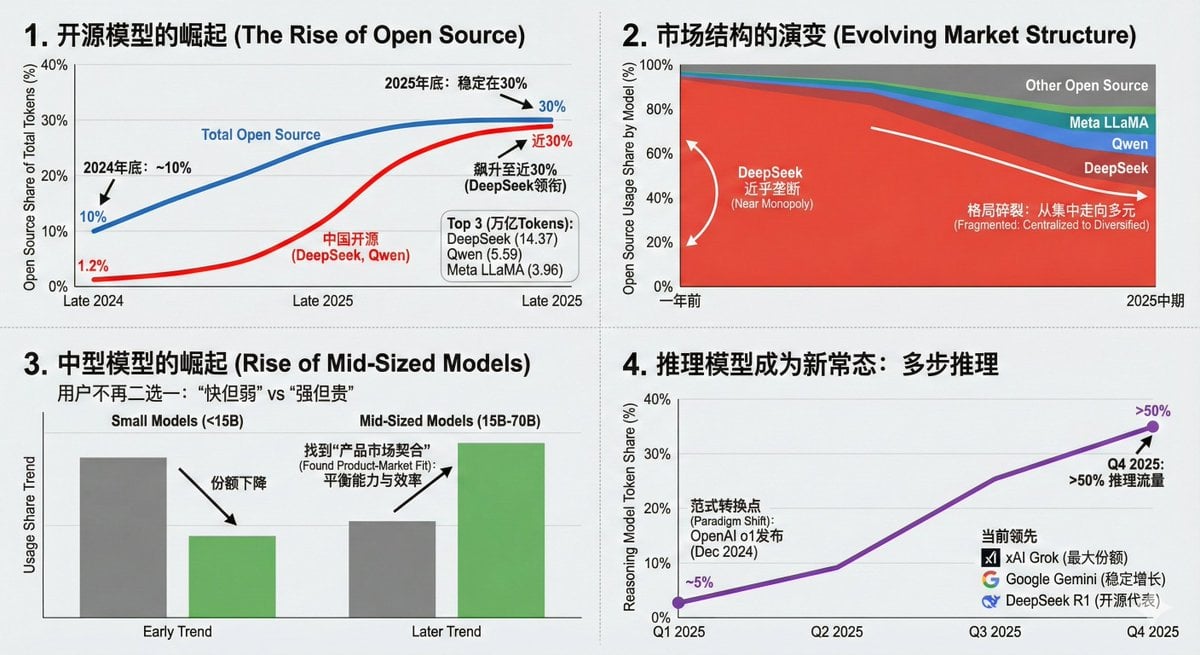
Data Visualization Based on Storytelling with Data Principles

Fantasy Couture Dragon Editorial Portrait

Giant Hugging Tokyo Tower Photo Prompt

High-Contrast Noir Flight Attendant Prompt for Nano Banana Pro
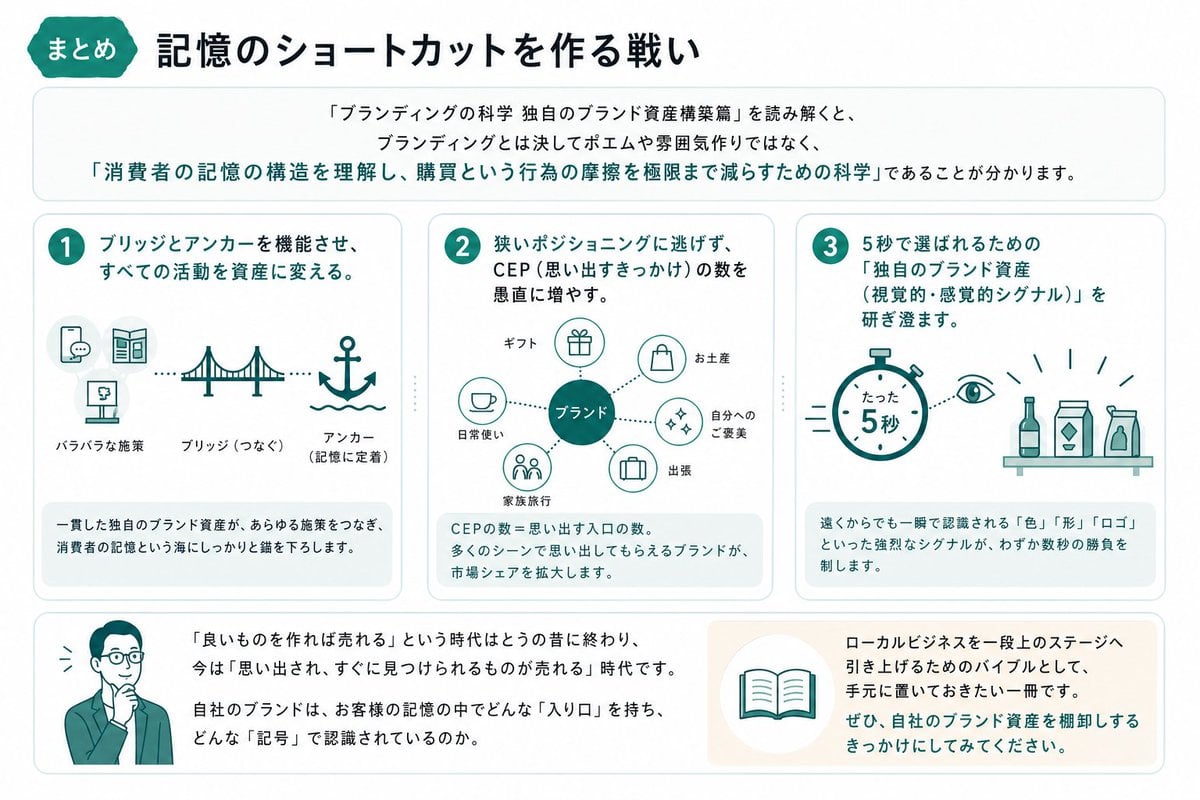
Japanese Branding Strategy Infographic

Ultra-Realistic Corporate Executive Portrait

GPT Image 2 Comparison Poster

Dramatic Studio Portrait with Reference Photo
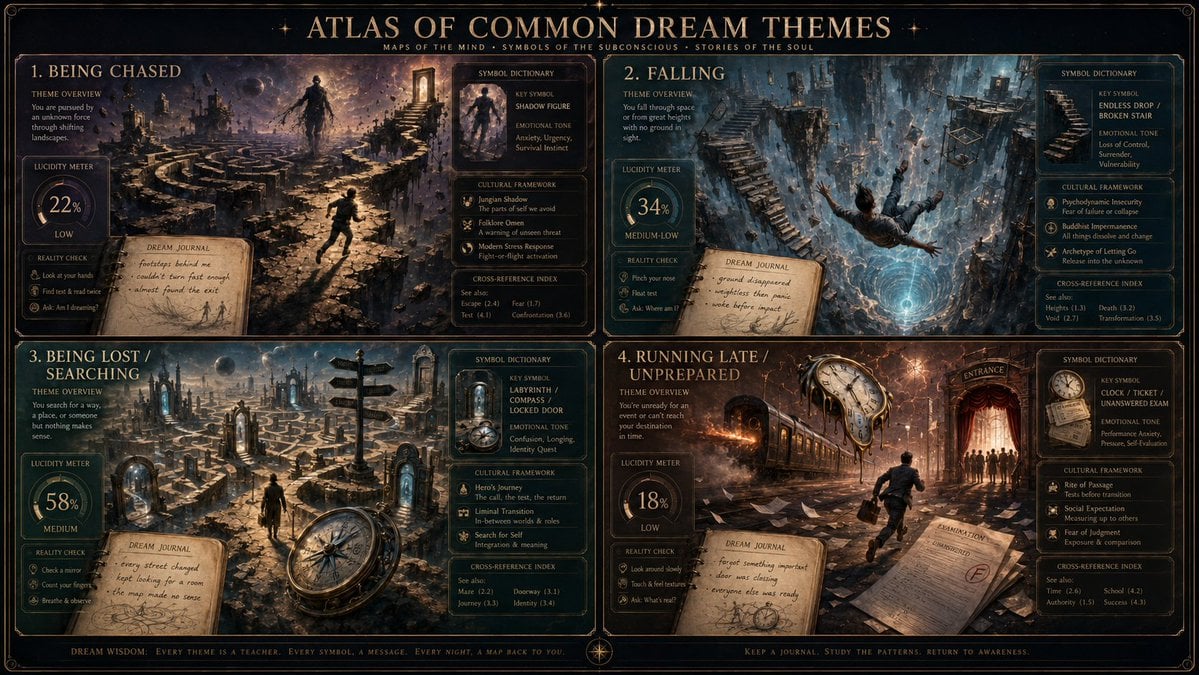
Dream Interpreter Terrain Map

Overtime Zone Pachislot Machine
Browse template categories
Cream 3D China Divorce Data Chart questions
How do I use the Cream 3D China Divorce Data Chart template?
Add your photo if the template asks for one, edit the prompt if you like — the template's model and format are already selected — and press Generate. Your version opens in PicX Studio.
Can I customize the Cream 3D China Divorce Data Chart template?
Yes. You can change the subject, setting, lighting, mood, format, and available model controls before creating your image.
Is the Cream 3D China Divorce Data Chart template free?
Opening and editing this template is free. Generating uses credits, shown on the Generate button when you are signed in.
Which AI model should I use?
Start with GPT Image 2, which is the model associated with this template. You can compare another compatible model for a different finish.
Looking for something else? Browse all templates.

Your photo, any look
Thousands of ready templates for every top image and video model, from one credit balance.