
High-Contrast Noir Flight Attendant Prompt for Nano Banana Pro
A structured JSON prompt for Nano Banana Pro via Gemini, designed to generate a high-contrast, photorealistic image of K-pop idol Yeh Shuhua as a flight attendant.
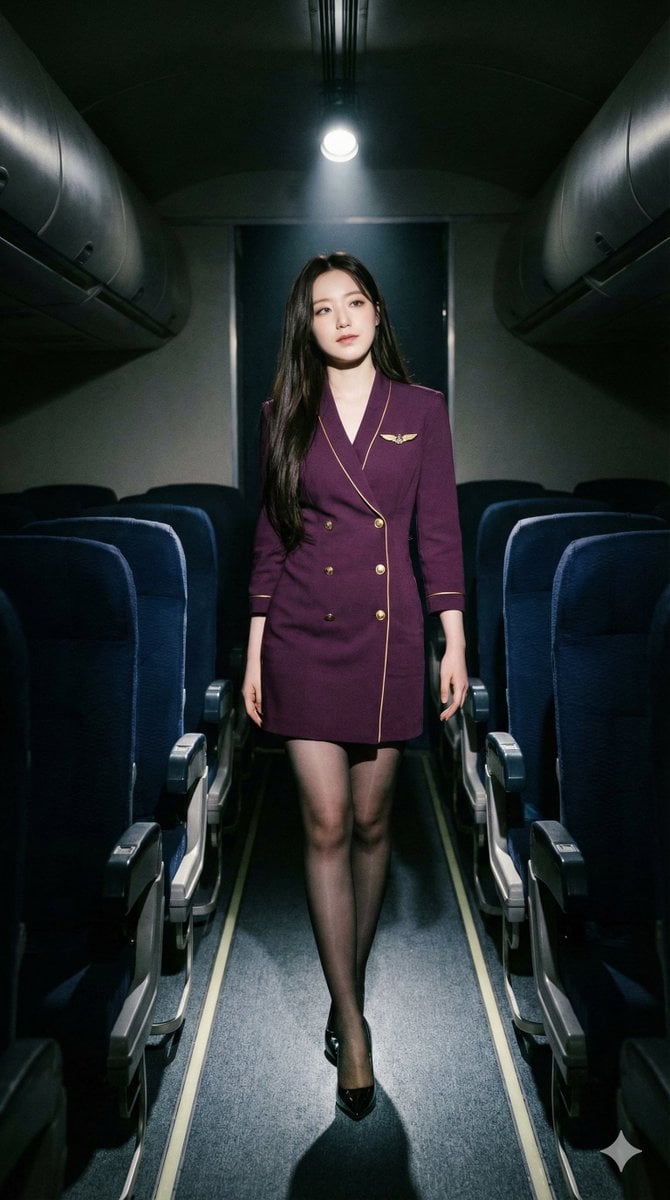
- Prompt included
- Model and format preset
- Premium template
The prompt behind this image
Copy the exact prompt behind High-Contrast Noir Flight Attendant Prompt for Nano Banana Pro, or open it in the studio and make it yours.
{ "image_recreation_metadata": { "subject": { "ethnicity": "Taiwanese", "features": "Yeh Shuhua of the KPOP group (G)I-DLE. Very pale porcelain skin, clear innocent almond eyes, soft and natural facial features, minimalist makeup, long perfectly straight dark black hair parted down the middle.", "pose": "Walking down the aisle mid-stride, captured looking elegantly over her shoulder back at the camera with a serene, ethereal, and calm expression." }, "attire_details": { "outfit": "Modern flight attendant uniform", "top_bottom": "Form-fitting deep plum purple mini-dress with short sleeves, gold piping on cuffs, gold button accents, and a gold wing-shaped brooch on the left chest.", "hosiery": "Sheer black 20-denier nylon pantyhose with a subtle satin sheen, reflecting overhead spotlight.", "footwear": "Classic black pointed-toe leather stiletto pumps, 4-inch heels, glossy finish." }, "environment": { "setting": "Commercial airplane cabin interior, economy class section at night.", "elements": "Rows of dark blue upholstered seats on both sides, integrated seatback entertainment screens (off/dark), narrow carpeted aisle, overhead storage bins visible in periphery.", "lighting": "Dramatic cinematic lighting; single high-intensity cool white overhead spotlight hitting the subject, creating sharp shadows and high contrast against the dark, moody cabin background." }, "color_palette_and_grading": { "primary_colors": [ "#4B0082 (Deep Plum Purple)", "#0A0A0A (Rich Black)", "#FFFFFF (Cool White Spotlight)" ], "accent_colors": [ "#D4AF37 (Metallic Gold)", "#8D6E63 (Warm Skin Tones)" ], "grading_style": "High-contrast noir aesthetic; deep crushed blacks in the shadows, desaturated surroundings to emphasize the plum uniform, cool-toned temperature with sharp luminance on the subject's skin and hosiery." }, "technical_prompt": "Photorealistic, 8k resolution, shot on 35mm lens, f/1.8, cinematic film grain, volumetric lighting, ray-traced reflections on floor and hosiery, hyper-detailed fabric textures, Moka-style AI art aesthetic, sharp focus on subject, soft bokeh on distant cabin seats, --ar 9:16" } }
How to use High-Contrast Noir Flight Attendant Prompt for Nano Banana Pro in 3 steps
- 1
Open
The prompt is already in the box next to the preview, with the template's model and format selected.
- 2…a portrait of your subject in softgolden-hour light, 85mm…
Personalize
Edit the subject and creative details for your destination.
- 3Generate
Generate
Press Generate — your image is created in PicX Studio, so you can compare it with the original and refine one variable at a time.
More like this
Templates with the same subject, style or setup. Open one to see its prompt.

Woman in Mall with Chanel Bag - Heart Gesture
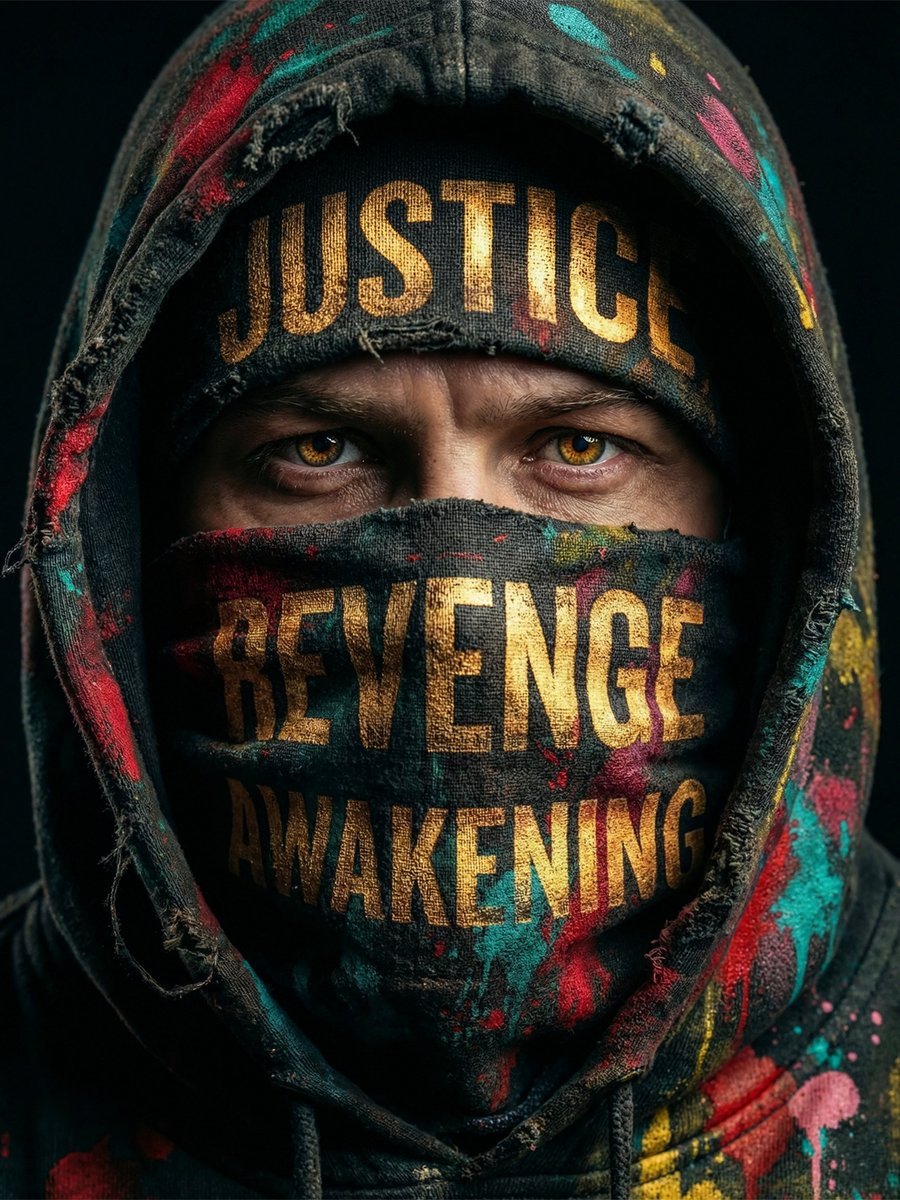
Noir Justice Revenge Awakening Portrait
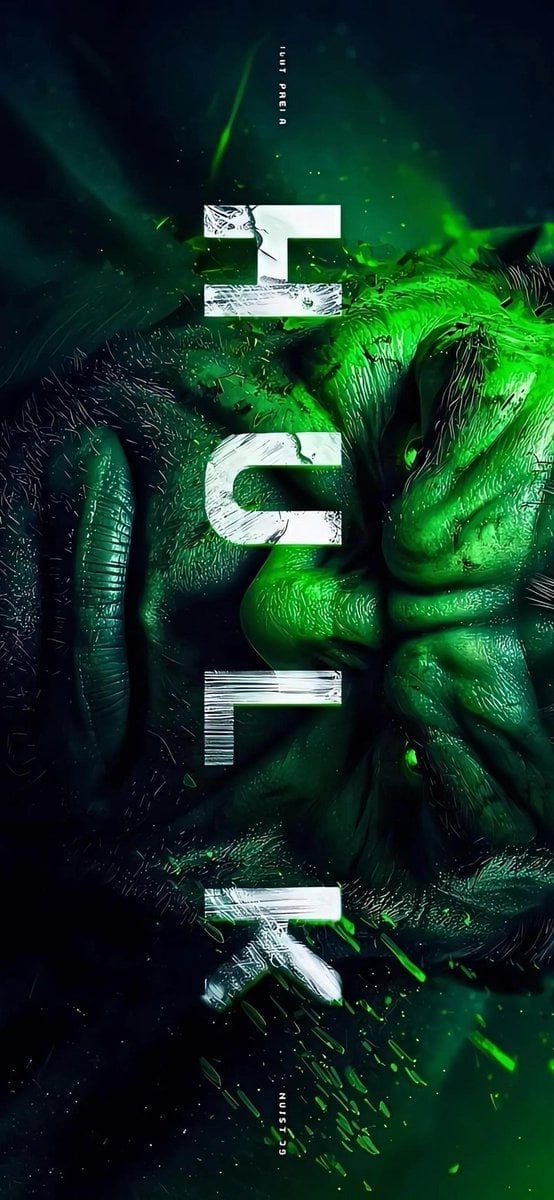
Masked Vigilante Noir Poster

Spider-Man Noir Detective Rain Alley

VFX Comparison Image Prompt (Before/After) for Nano Banana Pro
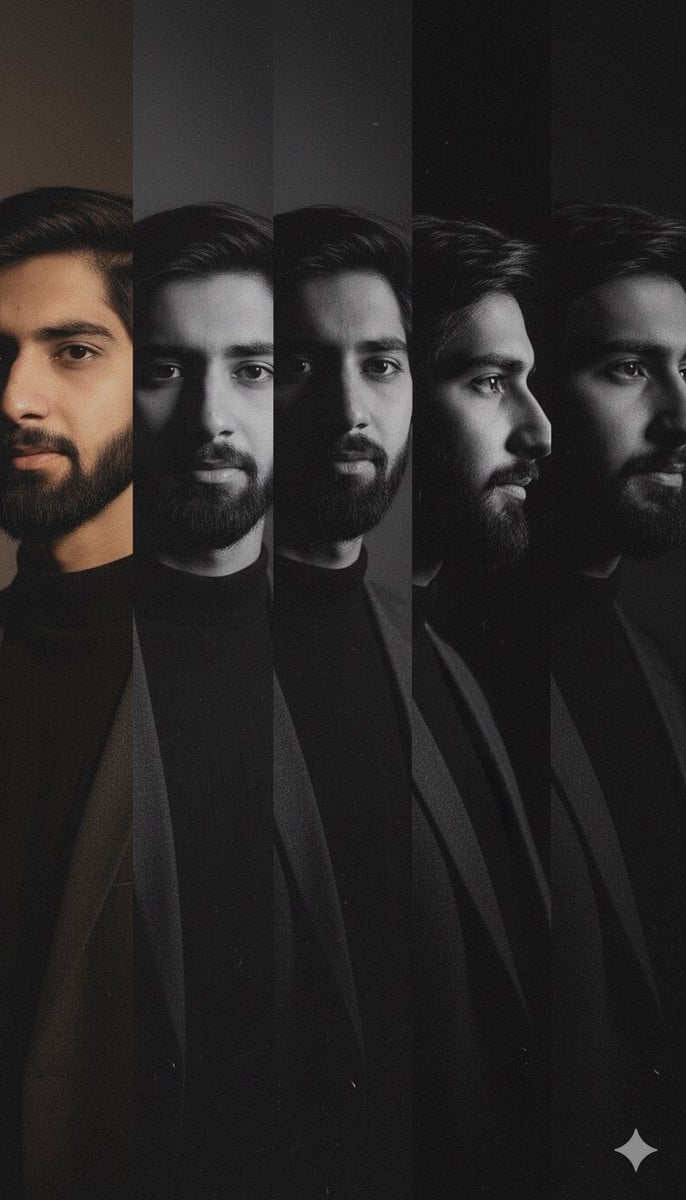
High-Contrast Noir Portrait Collage with Color Shifts

Nano Banana Prompt for Consistent Character Jumpshots

Cinematic Camera Instructions for Nano Banana Pro

Manga Generation Prompt Template for Nano Banana Pro

Hyper-Realistic Commercial Food Photography Prompt for Gemini Nano Banana Pro
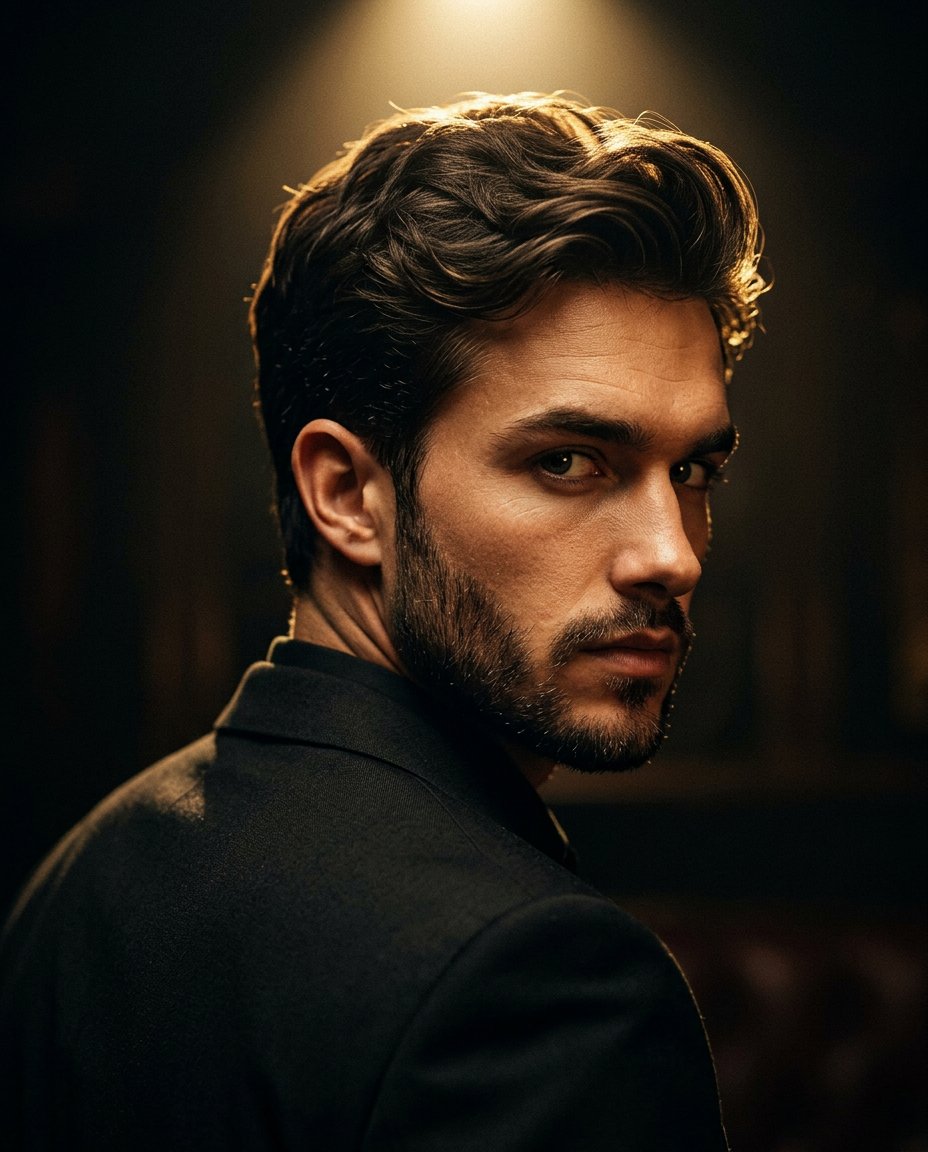
Cinematic Portrait Prompt for Google Nano Banana Pro

Multi-Frame Lifestyle Portrait Prompt for Nano Banana Pro
Make it yours
High-Contrast Noir Flight Attendant Prompt for Nano Banana Pro works as-is. These are the safest ways to change it without losing the look.
Change one field
Copy a single group, rewrite it, and generate again so you can see what that field is doing.
Keep the frame, change the subject
Hold the composition and light of High-Contrast Noir Flight Attendant Prompt for Nano Banana Pro, then swap wardrobe, props or the person for a new take.
| If the result… | Why | Fix |
|---|---|---|
| The result drifts from the preview | Too many fields changed at once. | Reuse High-Contrast Noir Flight Attendant Prompt for Nano Banana Pro as-is first, then change one group — subject, light, or setting. |
| The model over-stylizes the scene | The prose prompt leaves finish and camera underspecified. | Add one camera or lighting sentence and stay on Nano Banana 2. |
More Nano Banana 2 templates
Other prompts made for Nano Banana 2.

Photorealistic Leaf Shaped Like a Dragon

K-Pop Idol Portrait Grid for Rapid Selection

Poetic Rain Forest Portrait During Golden Hour

Urban Street Portrait with Cartoon Inner Self Duo

Candid Nighttime Photo with Cat Prompt

High-Concept 3D Diorama Generation Prompt

Cinematic Futuristic Studio Portrait Template

Skincare Editorial Photography Collage Prompt

Hyper-Realistic Commercial Product Photography (Splash Effect)

Hyper-Realistic Nightclub Portrait Prompt
More image prompts
Fresh picks from across the catalog.
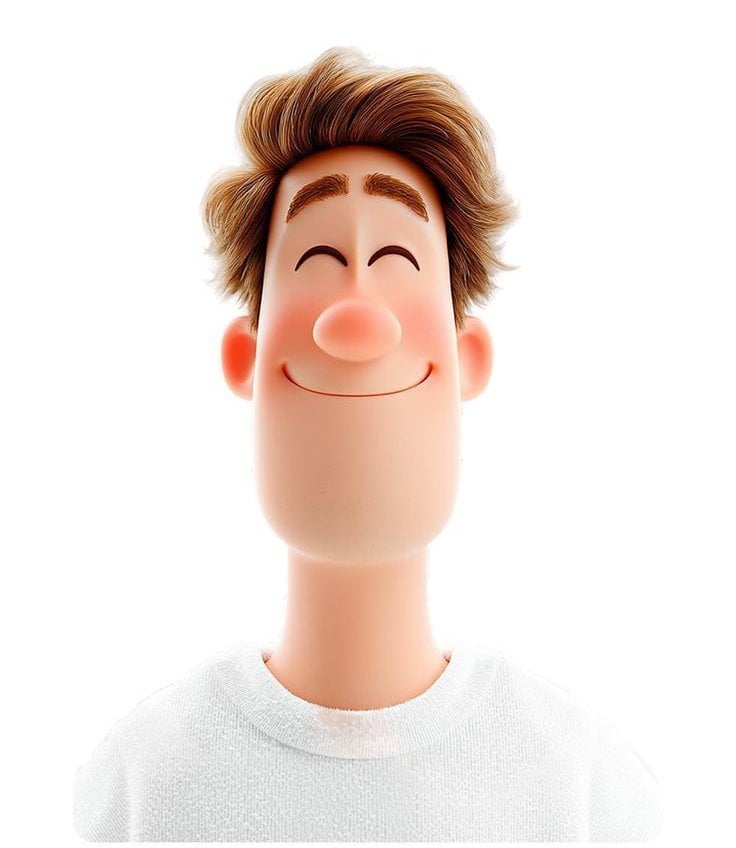
Pixar Style 3D Man Avatar
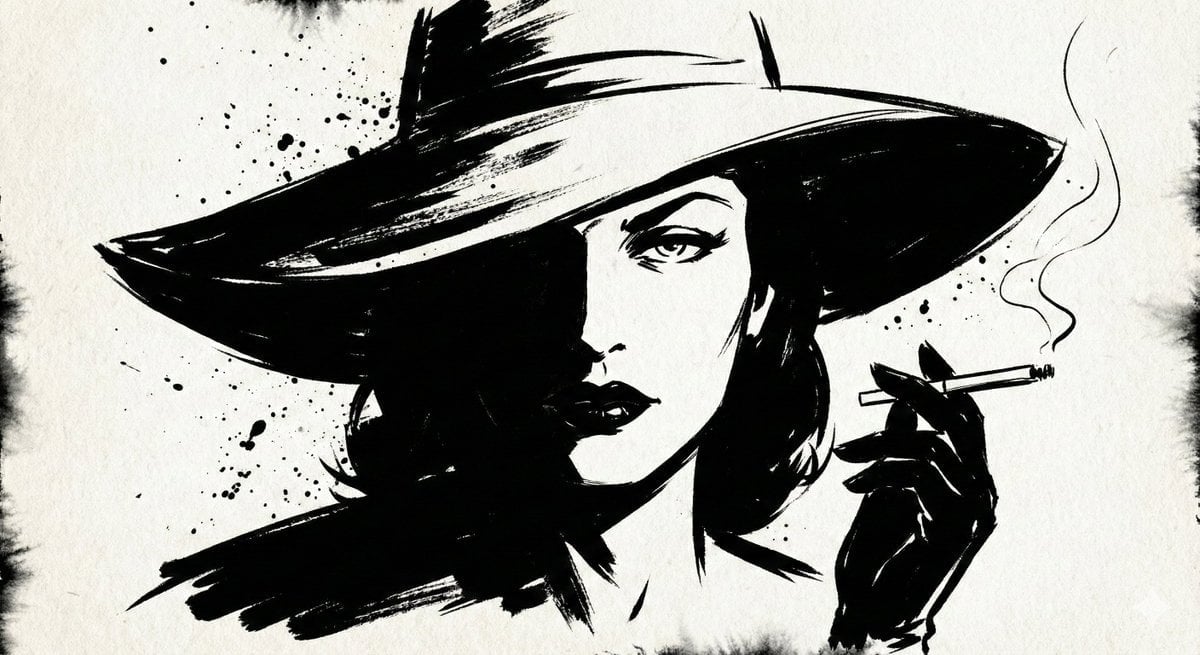
Ink Noir Portrait Generation Prompt
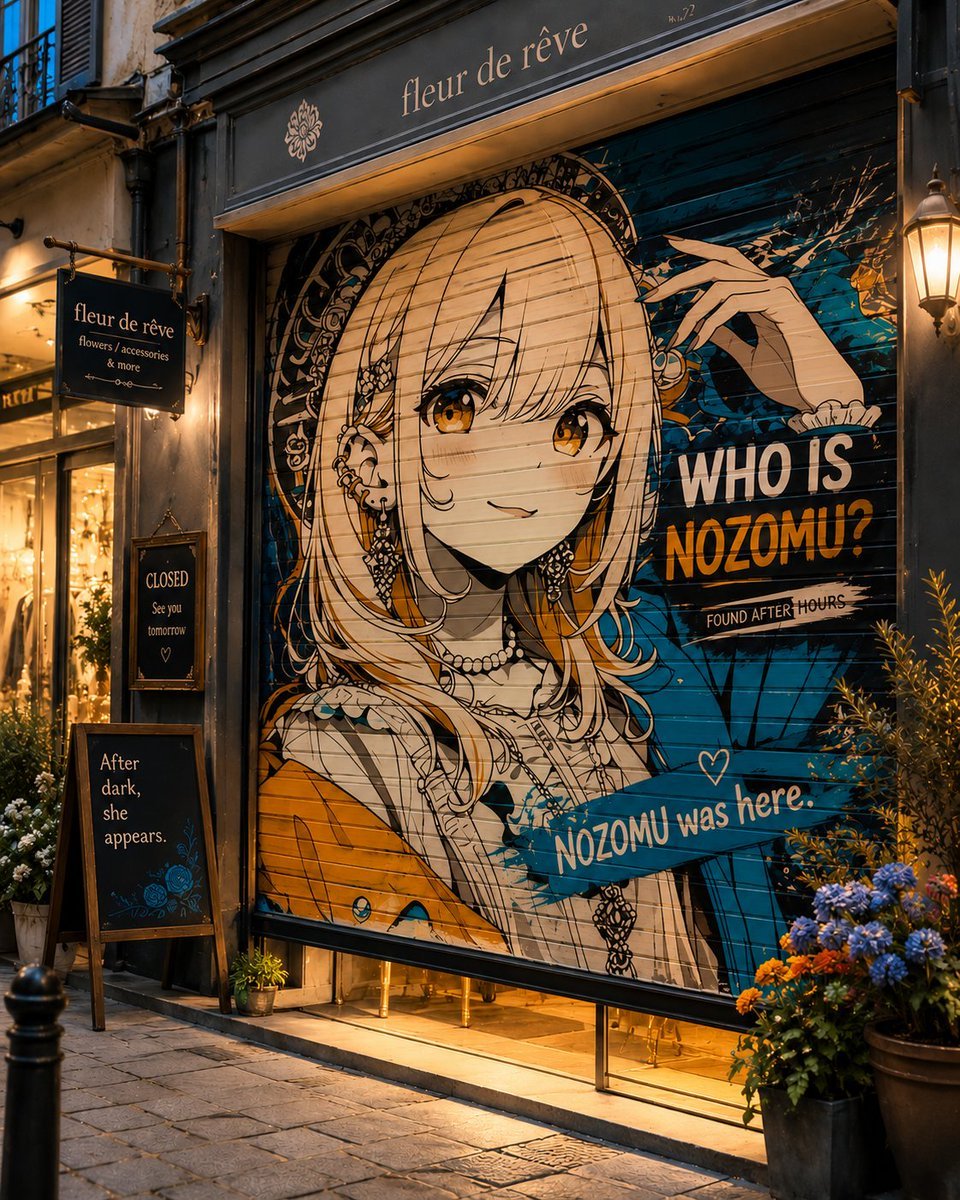
Closed Shop Shutter Mural Art
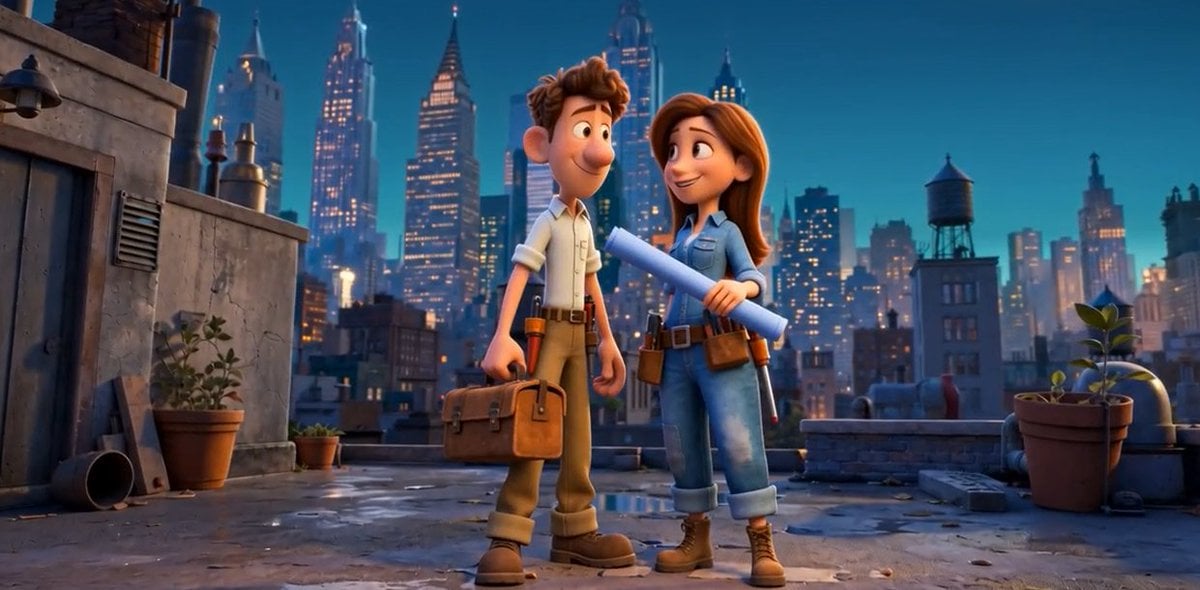
Pixar Rooftop Renovation Duo
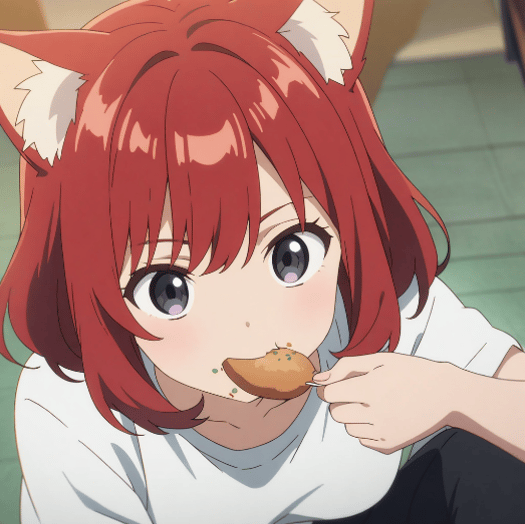
Adding Food to Character Prompts
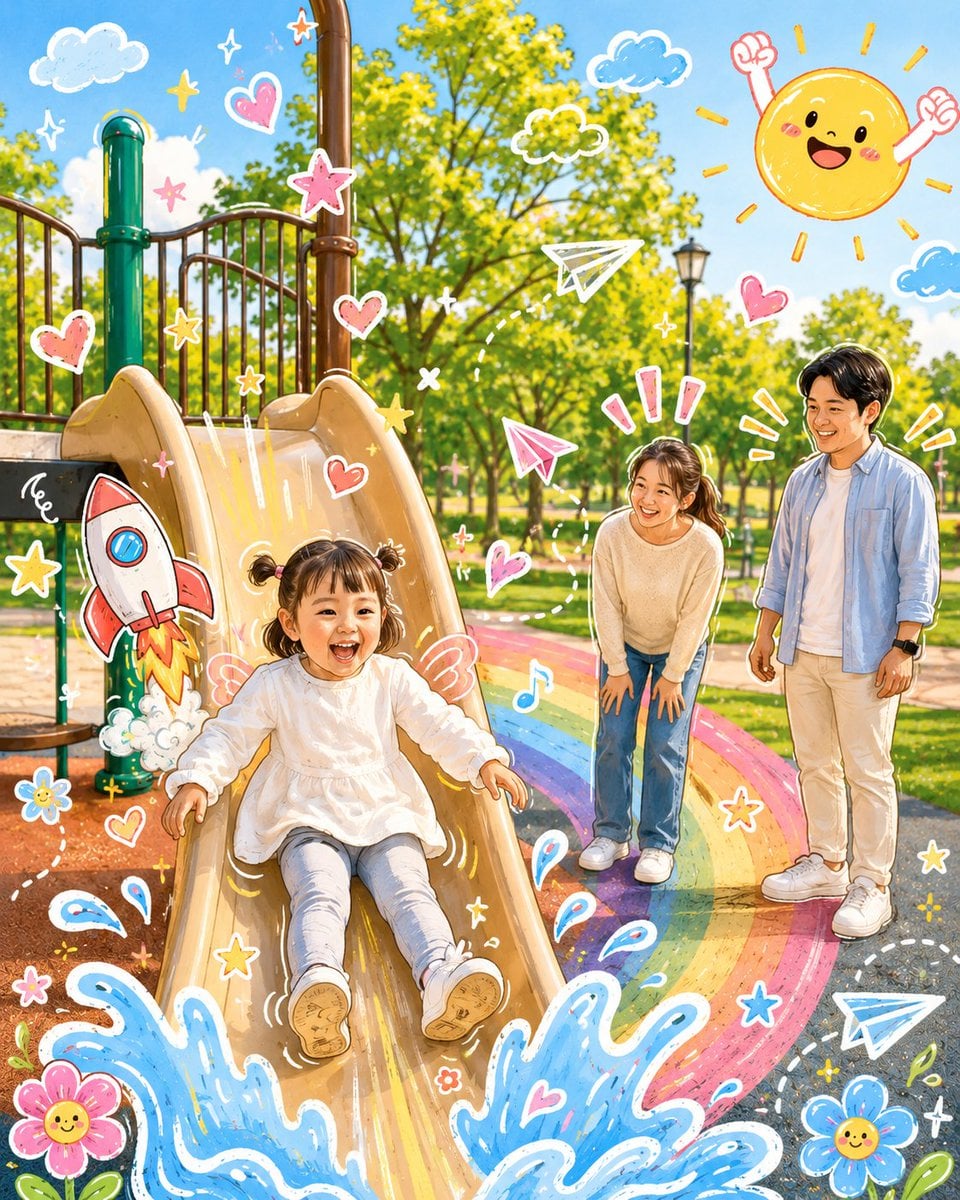
Cartoon Doodle Transformation
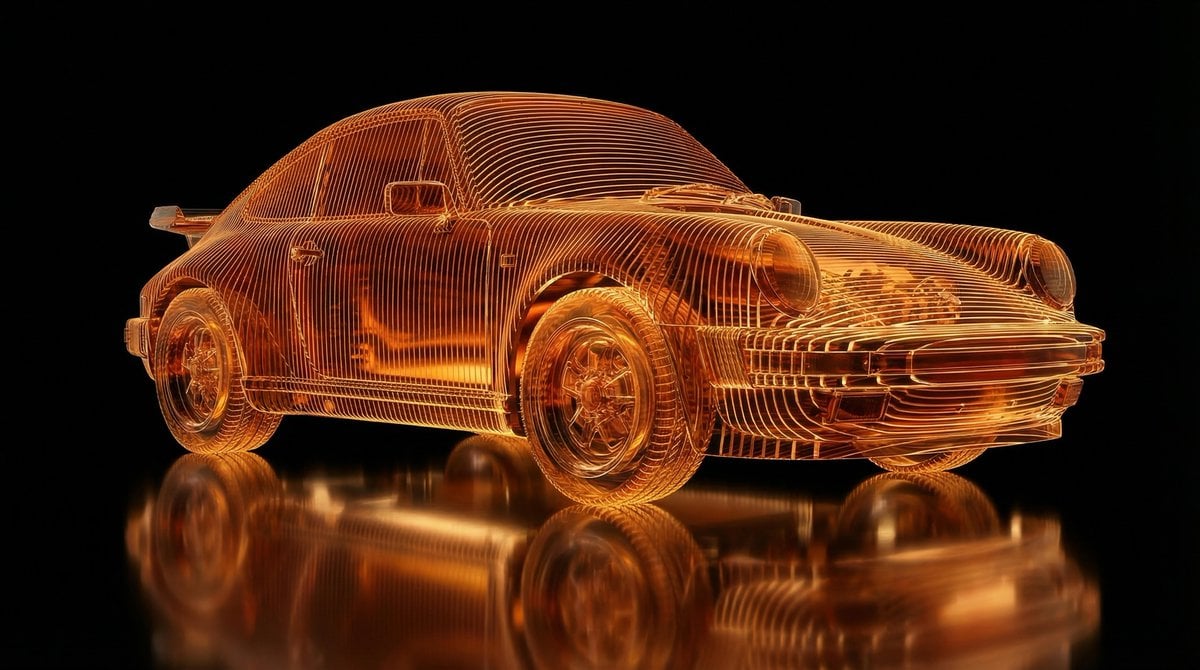
Transparent Layered Glass Supercar Sculpture Prompt

PS1 Retro Gaming Style Prompt
Image Restoration Prompt for Nano Banana
Coffee Cart Vendor Prompt
Browse template categories
High-Contrast Noir Flight Attendant Prompt for Nano Banana Pro questions
How do I use the High-Contrast Noir Flight Attendant Prompt for Nano Banana Pro template?
Add your photo if the template asks for one, edit the prompt if you like — the template's model and format are already selected — and press Generate. Your version opens in PicX Studio.
Can I customize the High-Contrast Noir Flight Attendant Prompt for Nano Banana Pro template?
Yes. You can change the subject, setting, lighting, mood, format, and available model controls before creating your image.
Is the High-Contrast Noir Flight Attendant Prompt for Nano Banana Pro template free?
Opening and editing this template is free. Generating uses credits, shown on the Generate button when you are signed in.
Which AI model should I use?
Start with Nano Banana 2, which is the model associated with this template. You can compare another compatible model for a different finish.
Looking for something else? Browse all templates.

Your photo, any look
Thousands of ready templates for every top image and video model, from one credit balance.