
Cartoon Doodle Transformation
A multi-step instruction for gpt-image-2 to transform a photo into a cute cartoon illustration with imaginative hand-drawn doodles while preserving the original subject's identity and lighting.
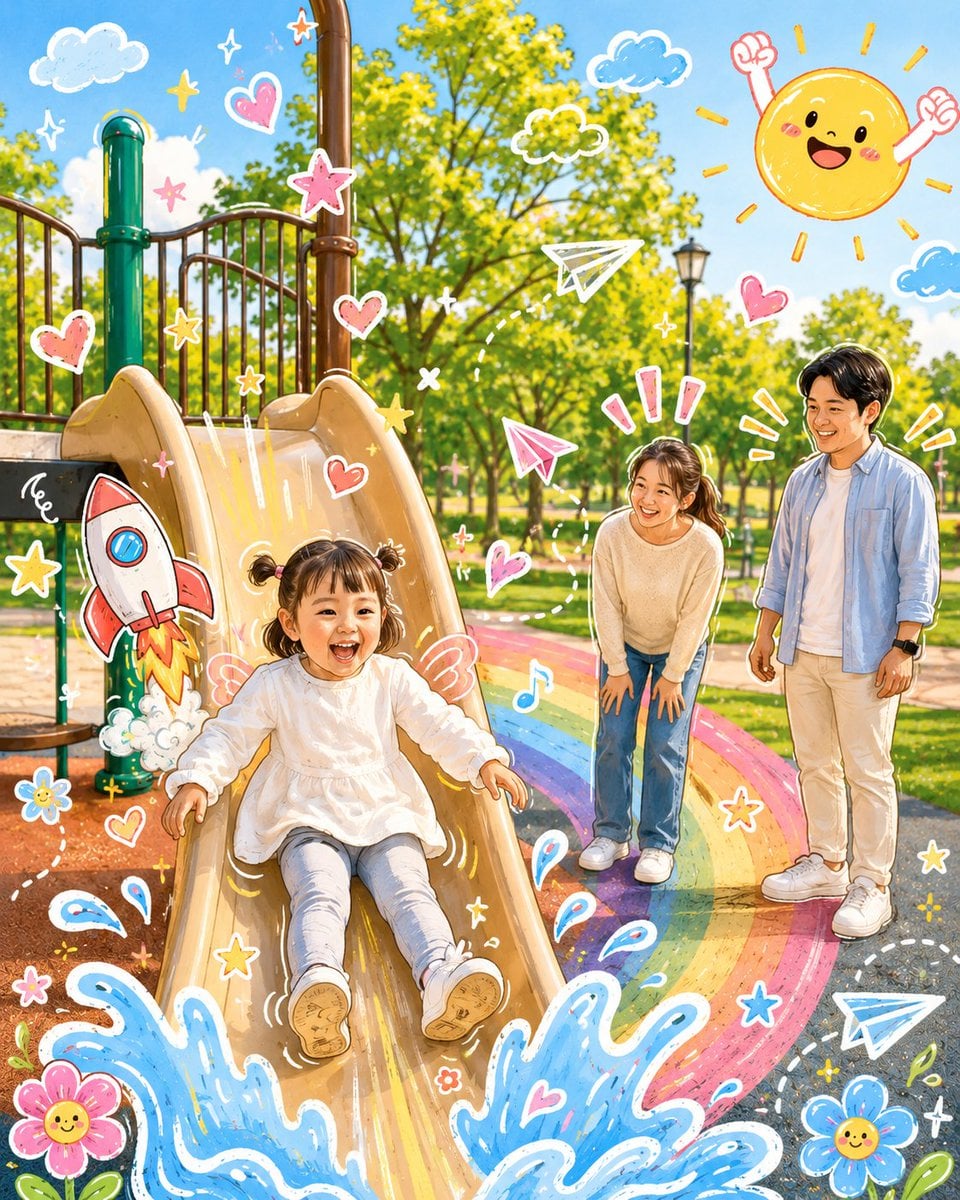
- Prompt included
- Model and format preset
- Free template
The prompt behind this image
Copy the exact prompt behind Cartoon Doodle Transformation, or open it in the studio and make it yours.
分析上传的图片,保留原图的主体、构图和光线。请勿改变主角的身份或面部结构。添加一些与照片主体直接互动的{argument name="涂鸦元素" default="趣味手绘涂鸦元素"}。这些涂鸦可以模仿、跟随或夸张现有的形状、姿势或动作——例如勾勒姿势轮廓、延伸手臂或腿部、添加动态线条,或创作一些与主体“互动”的富有想象力的元素,想象力需要大胆一些。 将整个图像转化为{argument name="插图风格" default="可爱的卡通风格插图"},带有可爱的涂鸦美学。保持原始场景和角色细节,同时应用生动、柔和且俏皮的卡通外观。
How to use Cartoon Doodle Transformation in 3 steps
- 1Upload ImagePNG, JPG or paste
Add your photo
Upload the photo the template builds on. The prompt, model and format are already set.
- 2…a portrait of your subject in softgolden-hour light, 85mm…
Personalize
Edit the subject and creative details for your destination.
- 3Generate
Generate
Press Generate — your image is created in PicX Studio, so you can compare it with the original and refine one variable at a time.
More like this
Templates with the same subject, style or setup. Open one to see its prompt.

Real Illustration Split Portrait Transition

Toon Cartoon Finale Fireworks

Toon Cartoon Garden Maze

Toon Cartoon Rooftop Concert

Toon Cartoon Kitchen Chaos

Toon Cartoon Carnival Ride
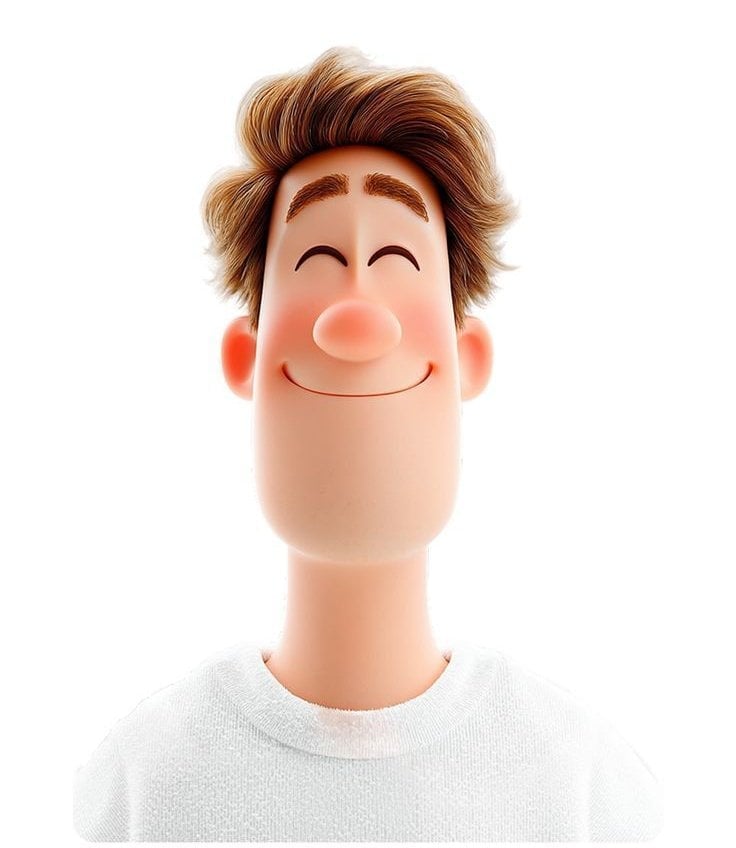
Toon Cartoon Rainy Bus Stop

Toon Cartoon Space Dock

Toon Cartoon Cafe Morning

Toon Cartoon Street Festival

Toon Cartoon Ballroom Dance

Toon Cartoon Robot Workshop
Make it yours
Cartoon Doodle Transformation works as-is. These are the safest ways to change it without losing the look.
Change one field
Copy a single group, rewrite it, and generate again so you can see what that field is doing.
Keep the frame, change the subject
Hold the composition and light of Cartoon Doodle Transformation, then swap wardrobe, props or the person for a new take.
| If the result… | Why | Fix |
|---|---|---|
| The result drifts from the preview | Too many fields changed at once. | Reuse Cartoon Doodle Transformation as-is first, then change one group — subject, light, or setting. |
| The model over-stylizes the scene | The prose prompt leaves finish and camera underspecified. | Add one camera or lighting sentence and stay on GPT Image 2. |
More GPT Image 2 templates
Other prompts made for GPT Image 2.

Six VTuber Japanese Logo Sheet

Realistic Portrait of Woman and Deer

The Vista Modular Condo Poster

AI Model Routing Comparison Infographic

2.5D Anime Art Board

Isometric Productivity Desk Scene

New York Double Exposure Poster

Four-Panel AI Landscape Comparison

Japanese Tatami Lifestyle Magazine Cover

NESCAFÉ Coffee Map Poster
More image prompts
Fresh picks from across the catalog.
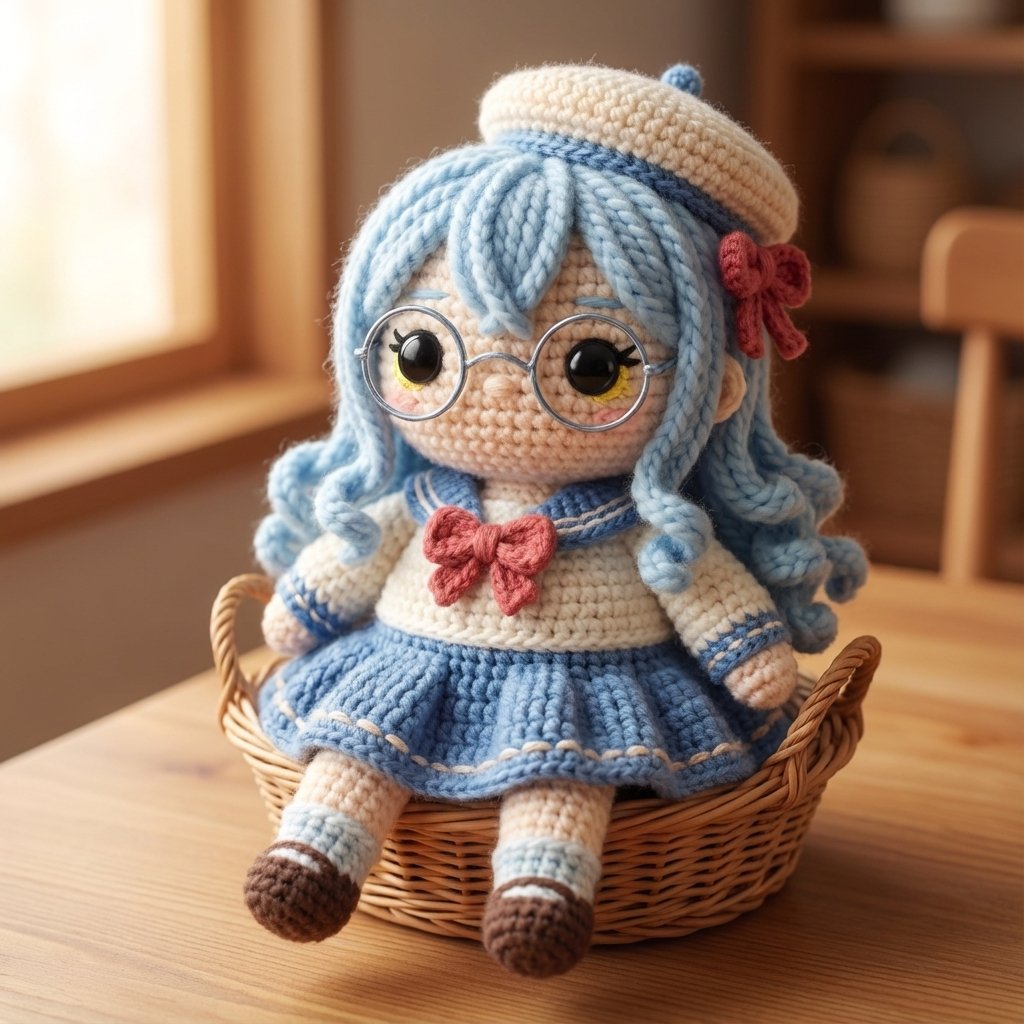
Amigurumi Style Conversion Prompt
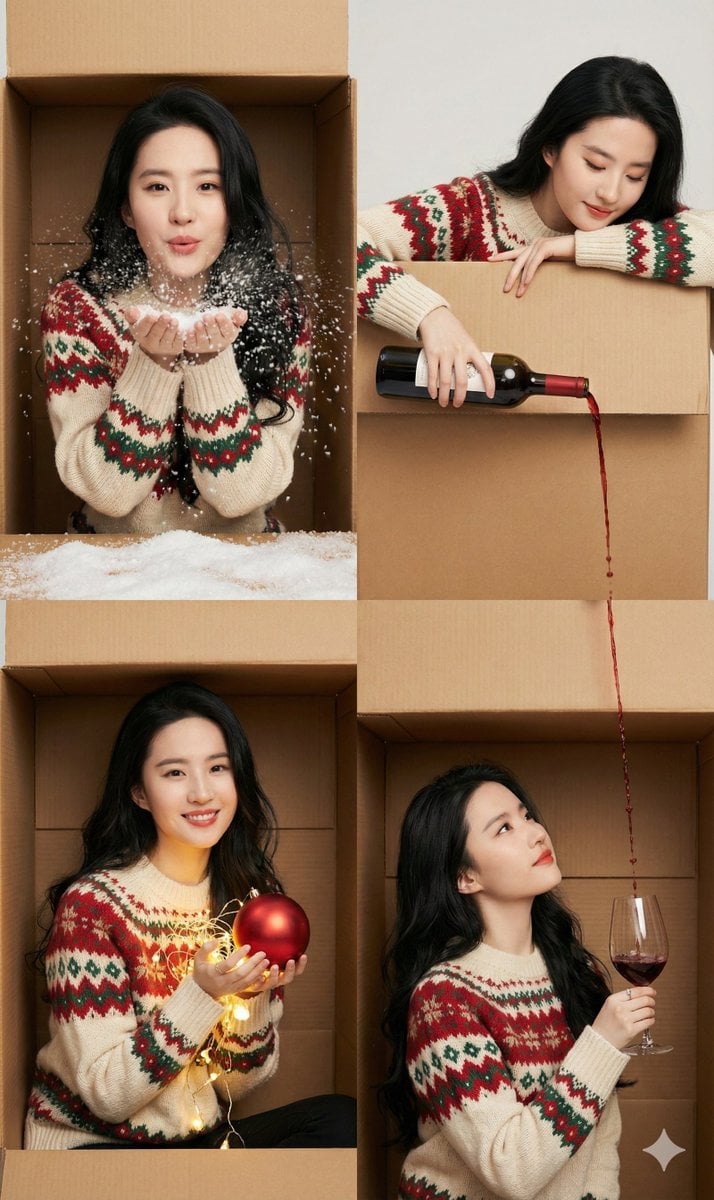
Seamless 2x2 Christmas Box Challenge Photo Collage
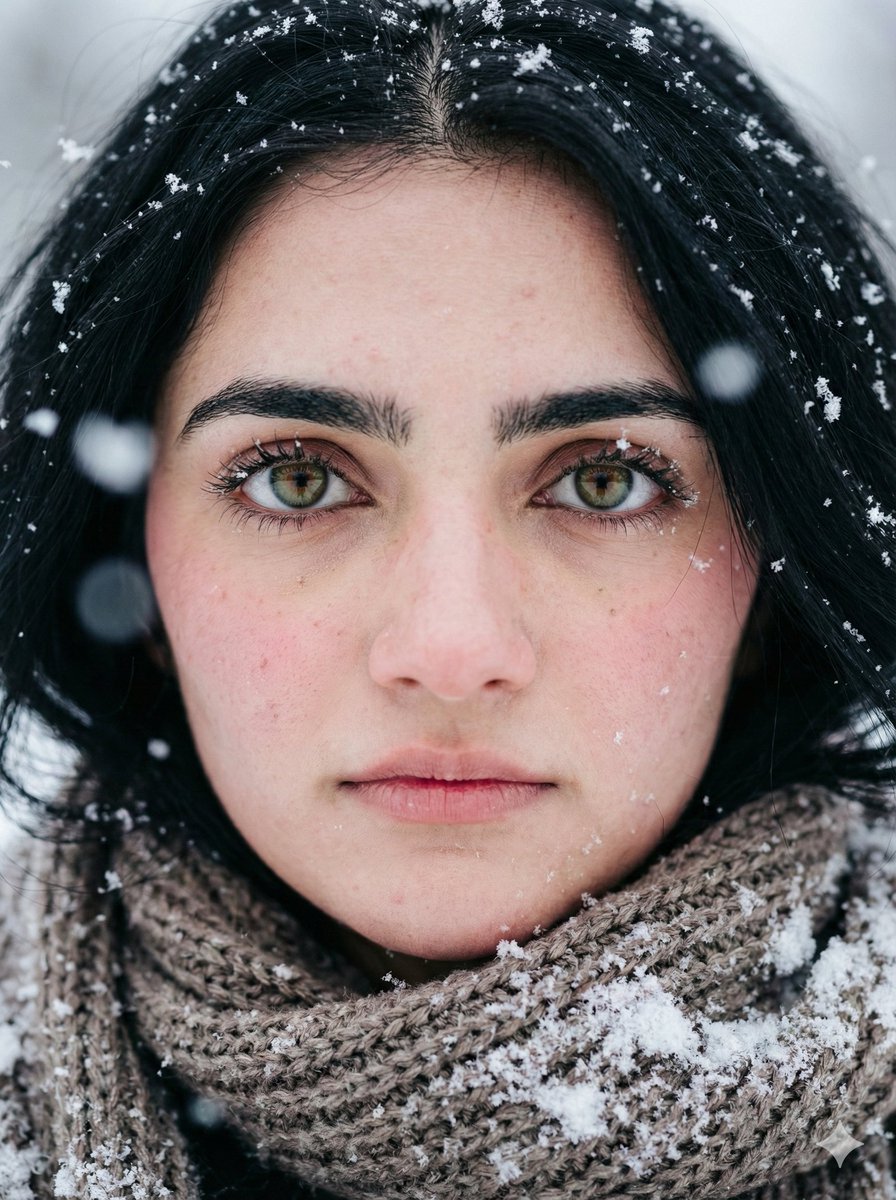
Extreme Close-up Winter Portrait (Rukmini Vasanth)
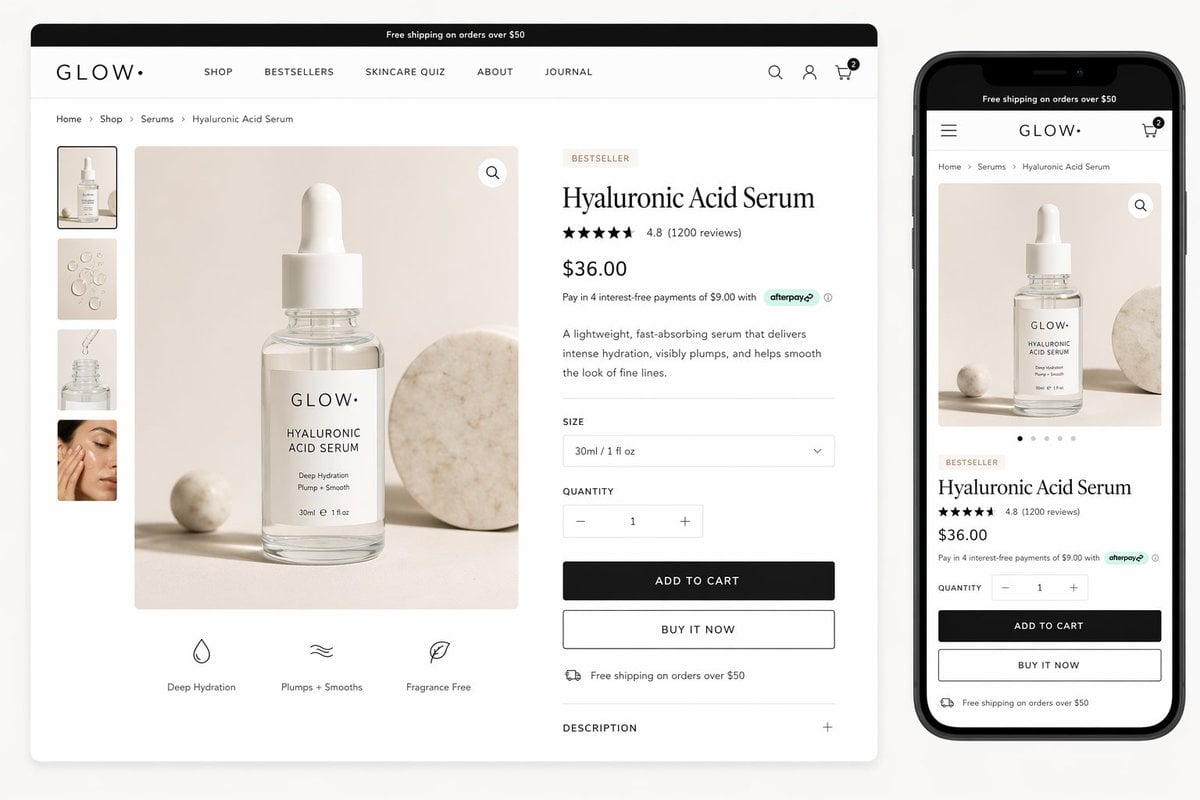
Luxury Skincare Product Page Mockup
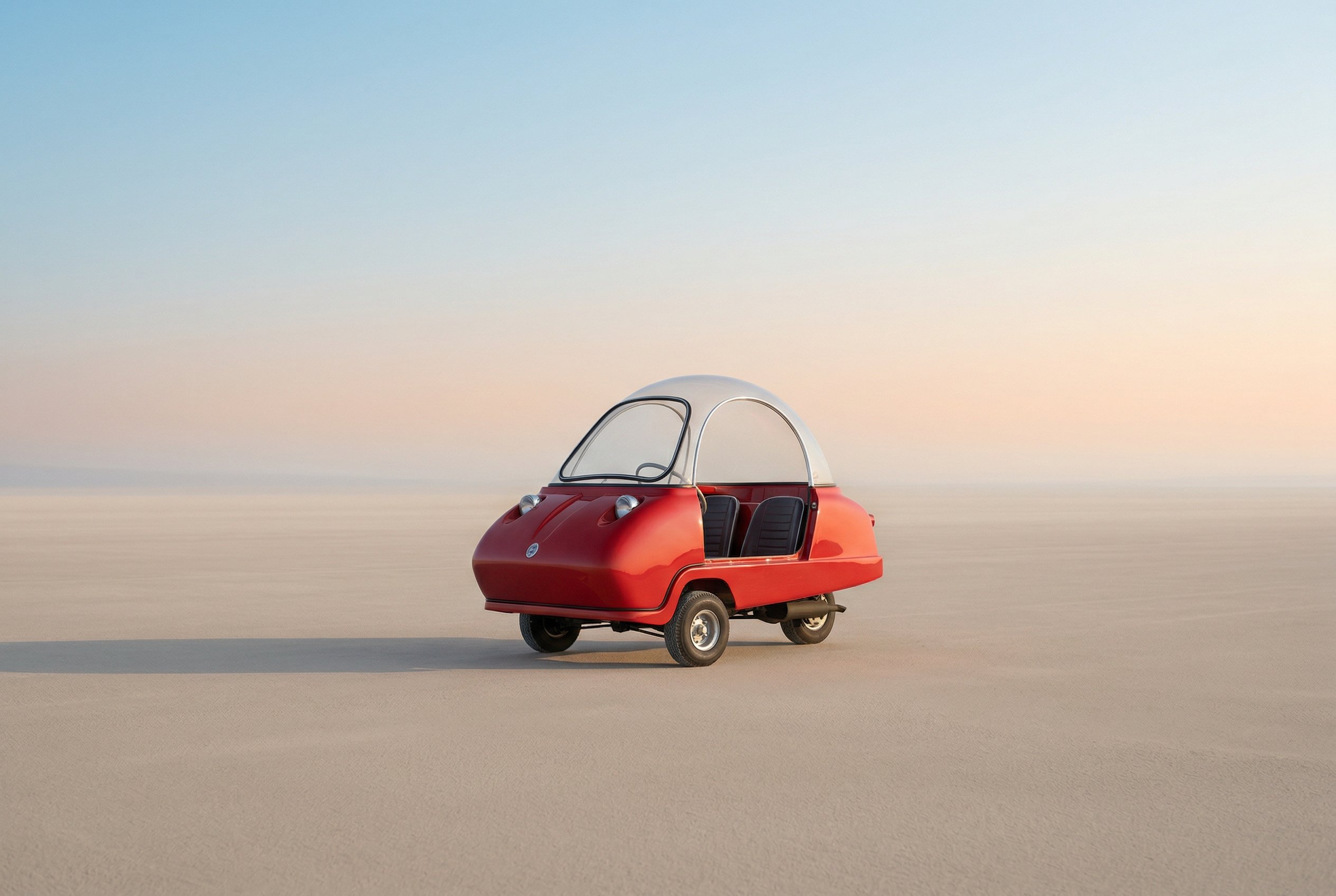
untitled
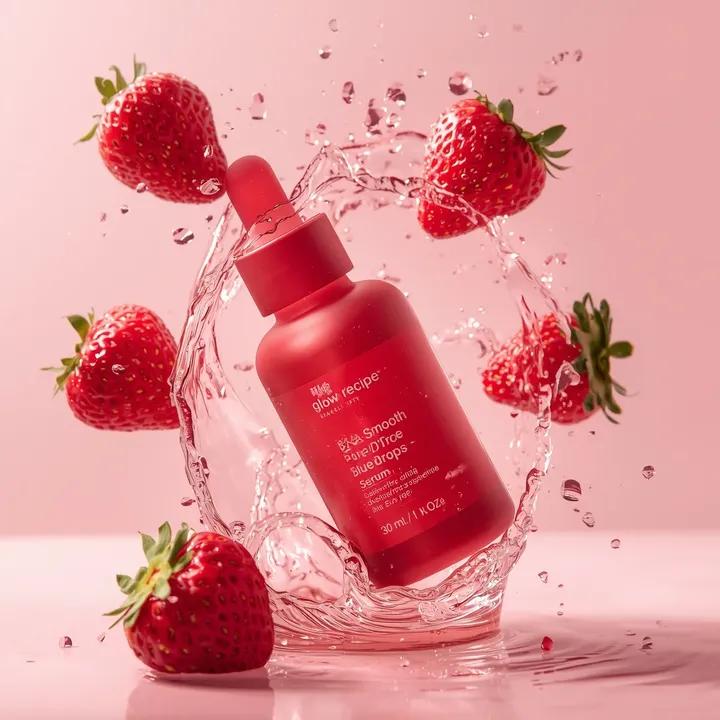
Luxury Skincare Product Photography Prompt
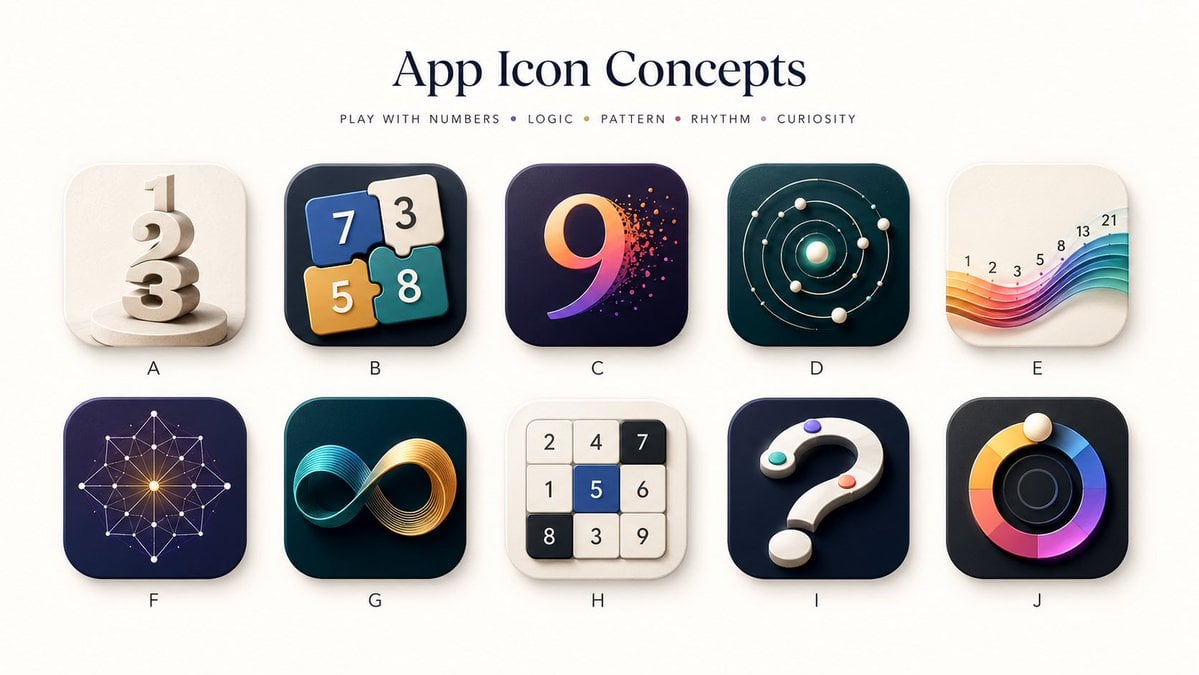
Number Puzzle App Icon Concepts
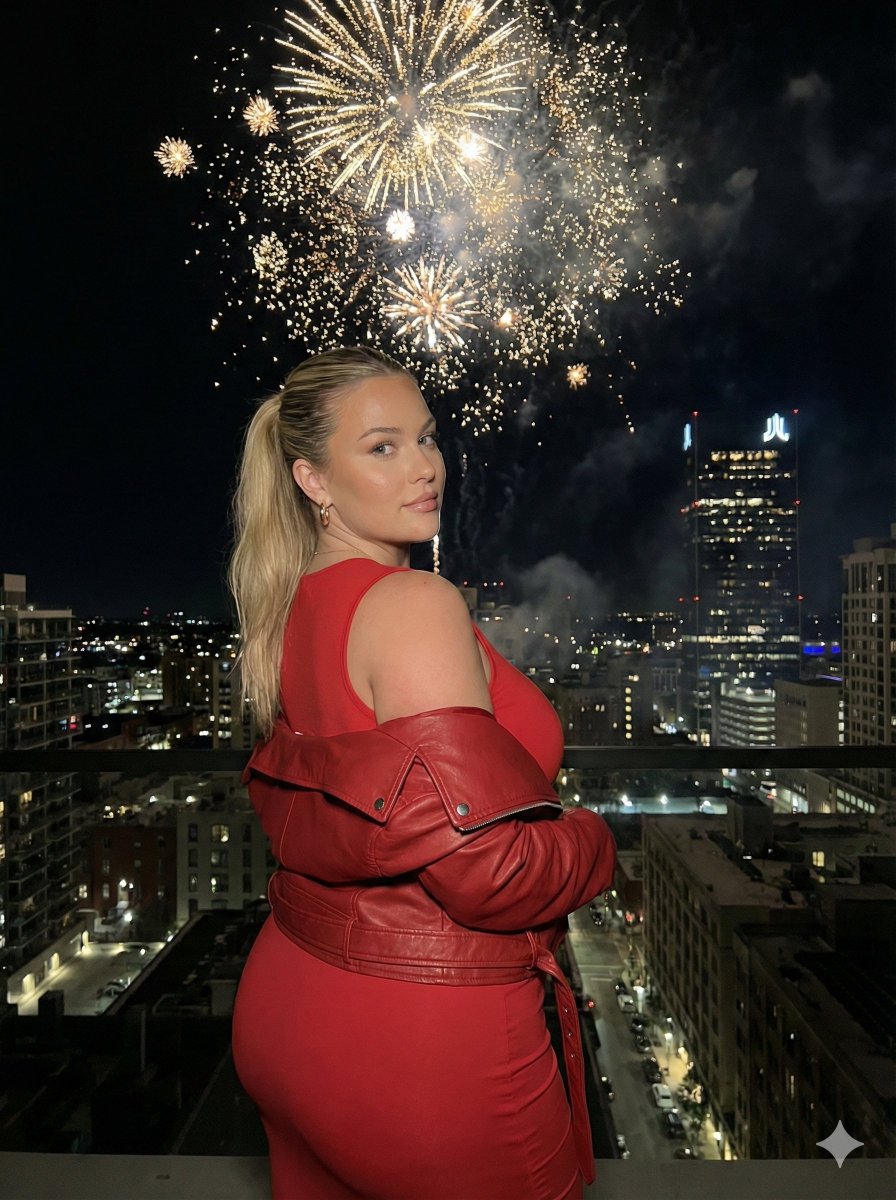
Nighttime Cityscape Portrait with Fireworks
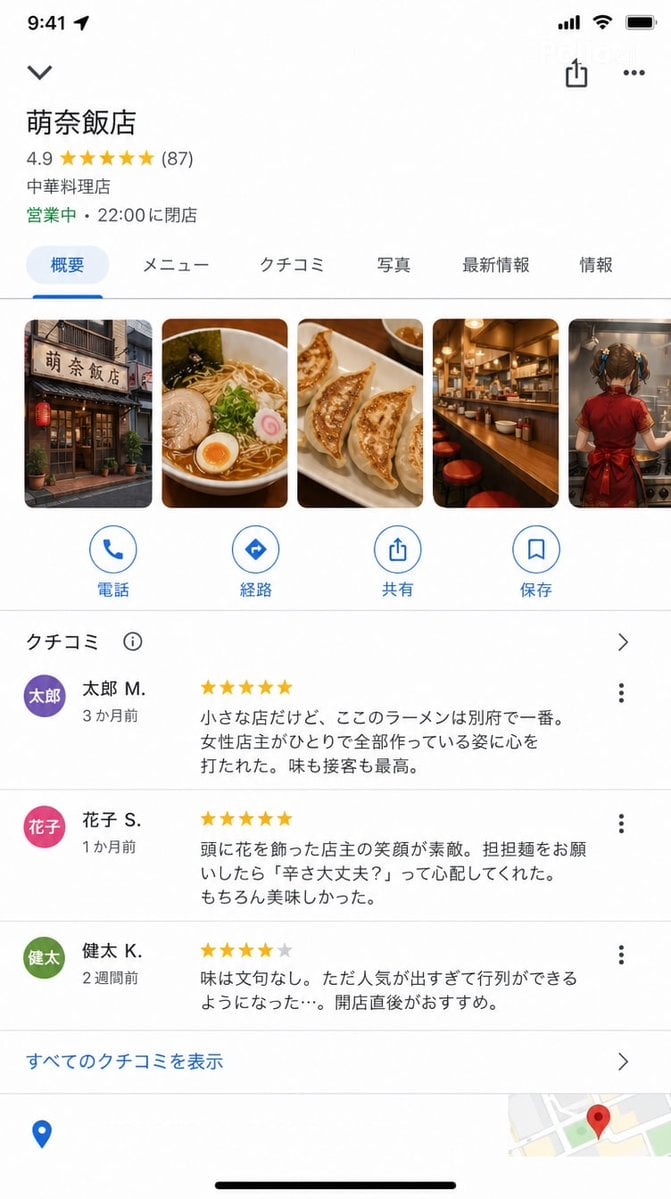
Google Maps UI Mockup
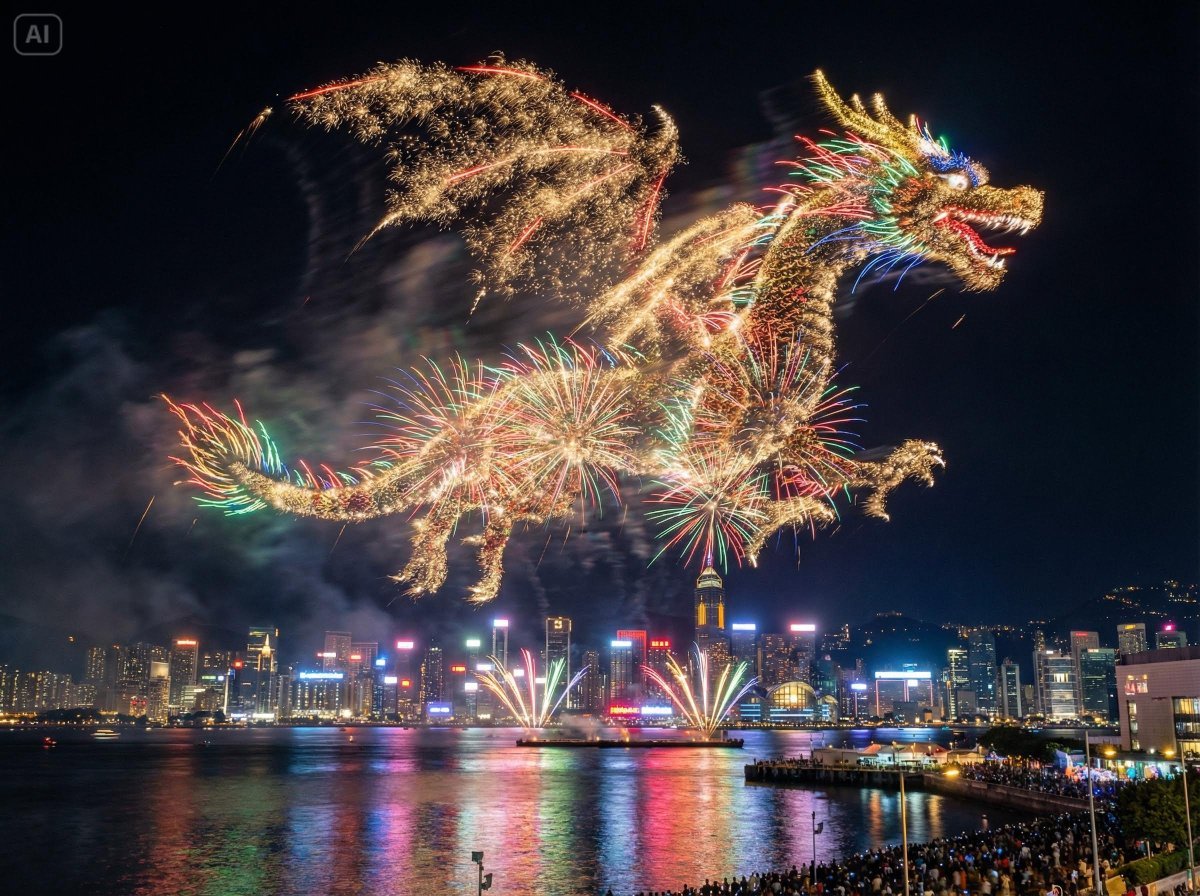
Photorealistic Fireworks Display Prompt for Dreamina AI
Browse template categories
Cartoon Doodle Transformation questions
How do I use the Cartoon Doodle Transformation template?
Add your photo if the template asks for one, edit the prompt if you like — the template's model and format are already selected — and press Generate. Your version opens in PicX Studio.
Can I customize the Cartoon Doodle Transformation template?
Yes. You can change the subject, setting, lighting, mood, format, and available model controls before creating your image.
Is the Cartoon Doodle Transformation template free?
Opening and editing this template is free. Generating uses credits, shown on the Generate button when you are signed in.
Which AI model should I use?
Start with GPT Image 2, which is the model associated with this template. You can compare another compatible model for a different finish.
Looking for something else? Browse all templates.

Your photo, any look
Thousands of ready templates for every top image and video model, from one credit balance.