
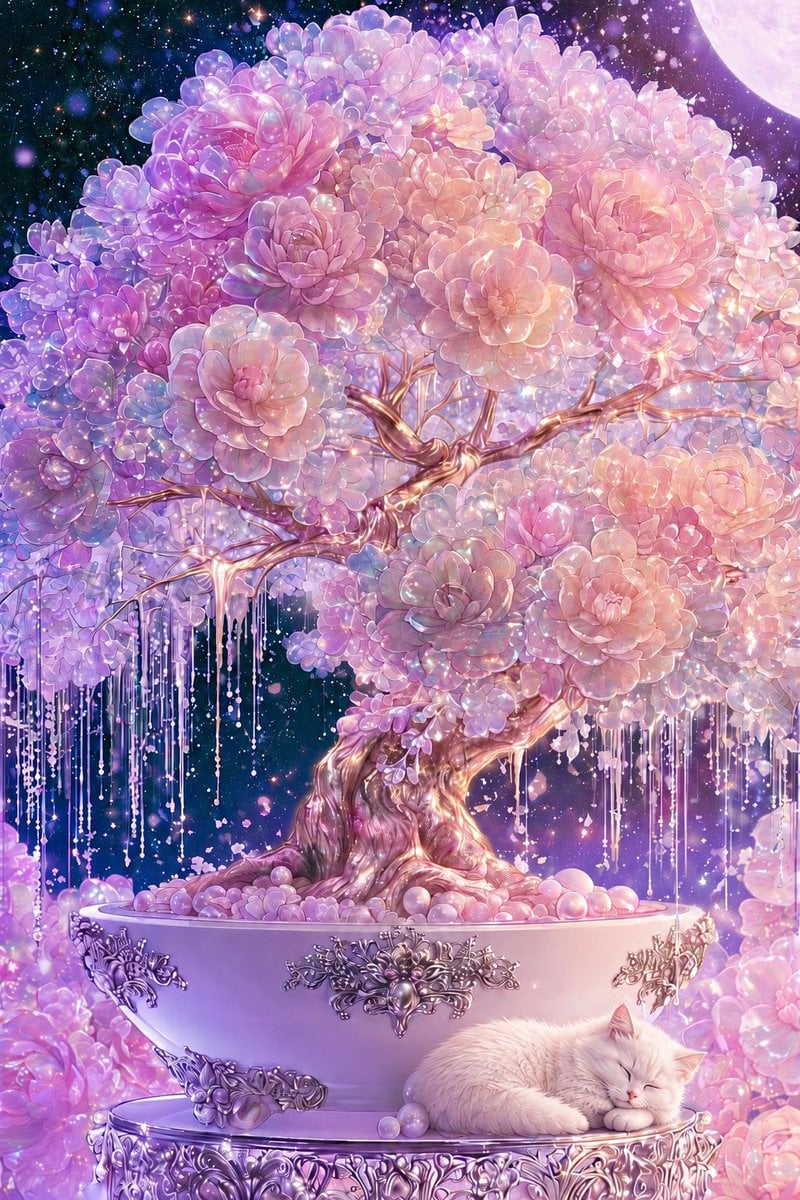
Cosmic Flowering Bonsai with Sleeping Cat
Generates a dreamy pastel fantasy bonsai scene with jeweled flowers, ornate silver details, a starry sky, and a sleeping cat for decorative illustration use.
- Prompt included
- Model and format preset
- Free template
The prompt behind this image
Copy the exact prompt behind Cosmic Flowering Bonsai with Sleeping Cat, or open it in the studio and make it yours.
Create a lavish vertical fantasy illustration of one enormous flowering bonsai tree in a wide porcelain planter, set in a dreamy cosmic night garden. The bonsai has a twisted, glossy, rose-gold trunk and branching limbs, with a dense rounded canopy made from countless succulent-like rosette blossoms in {argument name="flower colors" default="pearl pink, lavender, lilac, peach, and opalescent white"}; the petals should look translucent, dewy, and jewel-like with sparkling highlights. Add many long hanging crystal-bead strands and delicate dripping garlands beneath the branches, like luminous wisteria made of pearls and glass. The planter is one large pale pink-lavender bowl with ornate silver baroque floral metal ornaments on the front, sitting on an intricately carved circular silver pedestal. At the lower right, place exactly one sleeping {argument name="animal" default="white fluffy cat"} curled peacefully on the pedestal beside a few pastel pearl spheres. The background is a deep starry galaxy sky filled with glowing bokeh, tiny stars, floating petals, and magical dust, with exactly one large pale moon partially visible in the upper right corner. Surround the base with soft clusters of pink and purple blossoms and glowing pearls. Use an ultra-detailed anime fantasy art style, romantic and ethereal, high saturation pastels, iridescent lighting, soft bloom, crystalline sparkle, ornate decorative craftsmanship, serene bedtime mood, vertical composition, no text, no watermark.
How to use Cosmic Flowering Bonsai with Sleeping Cat in 3 steps
- 1Upload ImagePNG, JPG or paste
Add your photo
Upload the photo the template builds on. The prompt, model and format are already set.
- 2…a portrait of your subject in softgolden-hour light, 85mm…
Personalize
Edit the subject and creative details for your destination.
- 3Generate
Generate
Press Generate — your image is created in PicX Studio, so you can compare it with the original and refine one variable at a time.
More like this
Templates with the same subject, style or setup. Open one to see its prompt.

Cat Photobomb Selfie — 0.5x Wide Angle Café Chaos

Surreal Cat Astronaut — Humanoid Face Freefall

Low Angle Floor Selfie With Upside Down Cat
Bubble Cat Sleeping in the Sky

Cosmic Catastrophe Blackout Scene
Sleeping Woman in Nightcap
Sleeping Girl in Pitch-Black Room
Anime Classroom Sleeping Student Scene
Astronaut Tending Bonsai in Space Ruins
Retro Woman by Flowering Vine

Anime Catgirl in Chinese Ink Landscape
Cosmic Universe Umbrella Fantasy Scene
Make it yours
Cosmic Flowering Bonsai with Sleeping Cat works as-is. These are the safest ways to change it without losing the look.
Change one field
Copy a single group, rewrite it, and generate again so you can see what that field is doing.
Keep the frame, change the subject
Hold the composition and light of Cosmic Flowering Bonsai with Sleeping Cat, then swap wardrobe, props or the person for a new take.
| If the result… | Why | Fix |
|---|---|---|
| The result drifts from the preview | Too many fields changed at once. | Reuse Cosmic Flowering Bonsai with Sleeping Cat as-is first, then change one group — subject, light, or setting. |
| The model over-stylizes the scene | The prose prompt leaves finish and camera underspecified. | Add one camera or lighting sentence and stay on GPT Image 2. |
More GPT Image 2 templates
Other prompts made for GPT Image 2.

Six VTuber Japanese Logo Sheet

Realistic Portrait of Woman and Deer

The Vista Modular Condo Poster

AI Model Routing Comparison Infographic

2.5D Anime Art Board

Isometric Productivity Desk Scene

New York Double Exposure Poster

Four-Panel AI Landscape Comparison

Japanese Tatami Lifestyle Magazine Cover

NESCAFÉ Coffee Map Poster
More image prompts
Fresh picks from across the catalog.
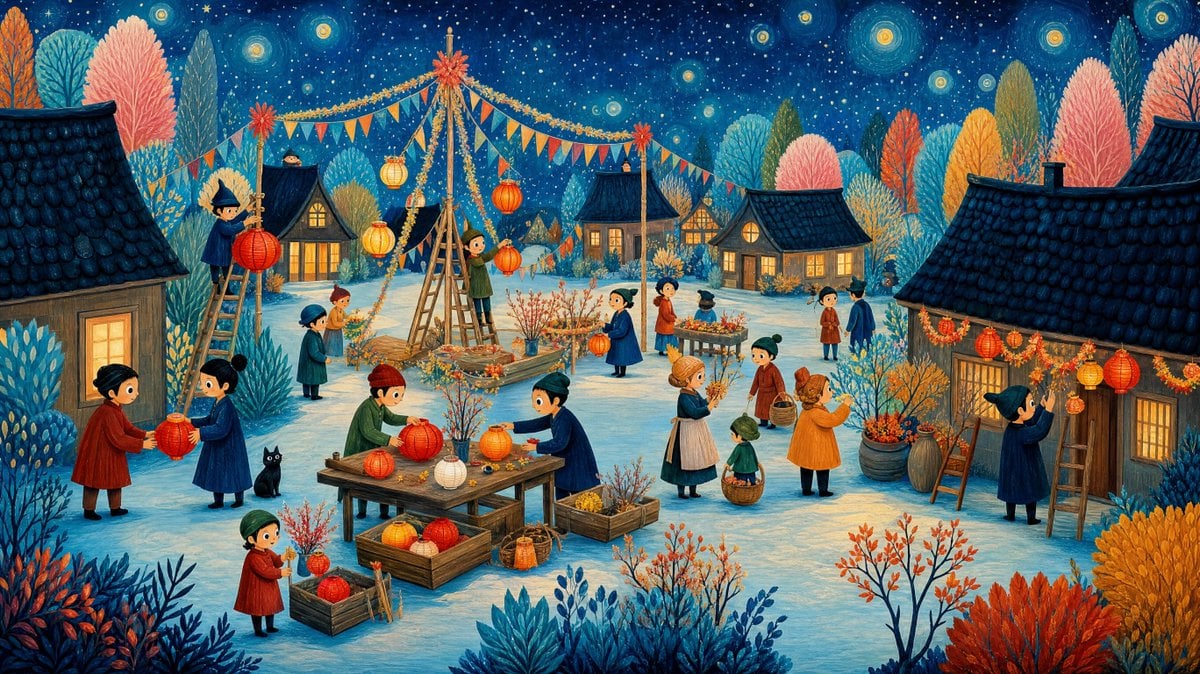
Whimsical Winter Lantern Festival

Social Media Magazine Cover

AI Companies in 2026 Grid Poster

Spider-Woman Symbiote Mirror Selfie Prompt

Pink Power Gym Glow Lifestyle Image
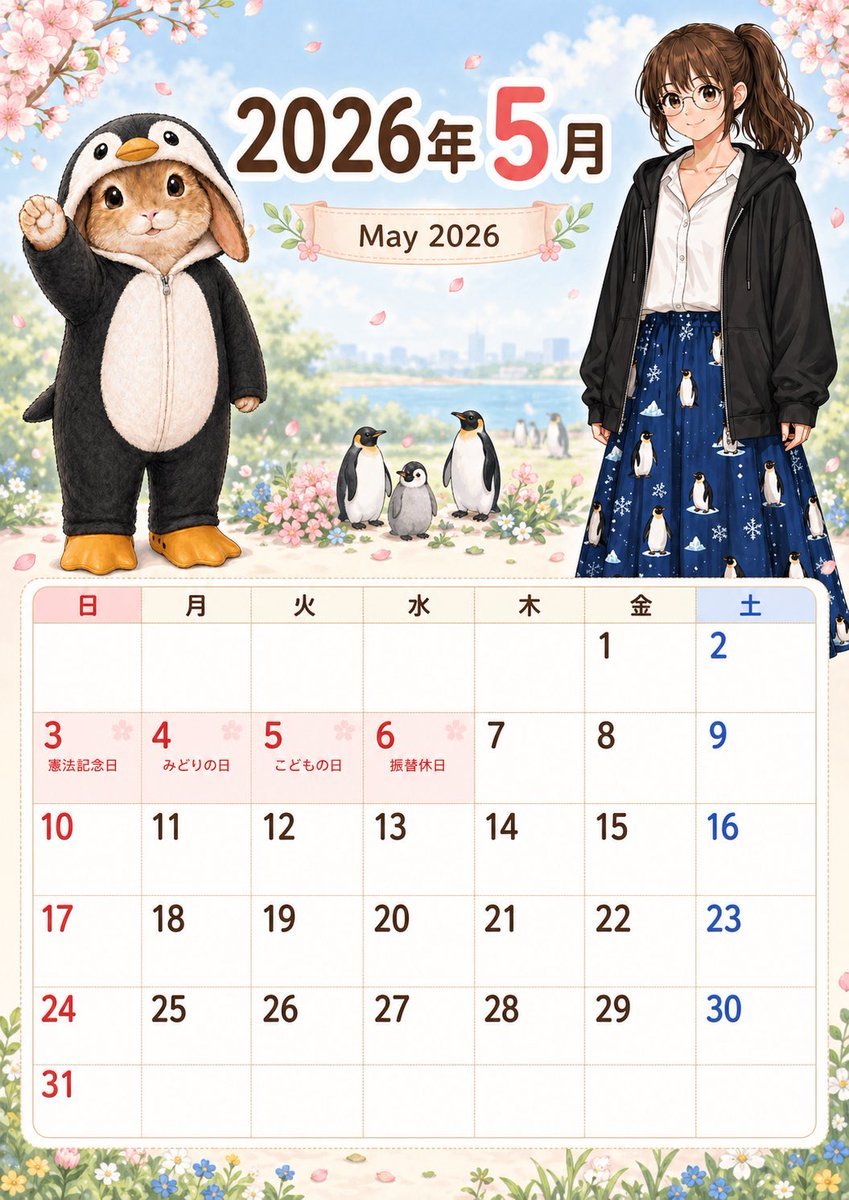
Cute May 2026 Spring Calendar
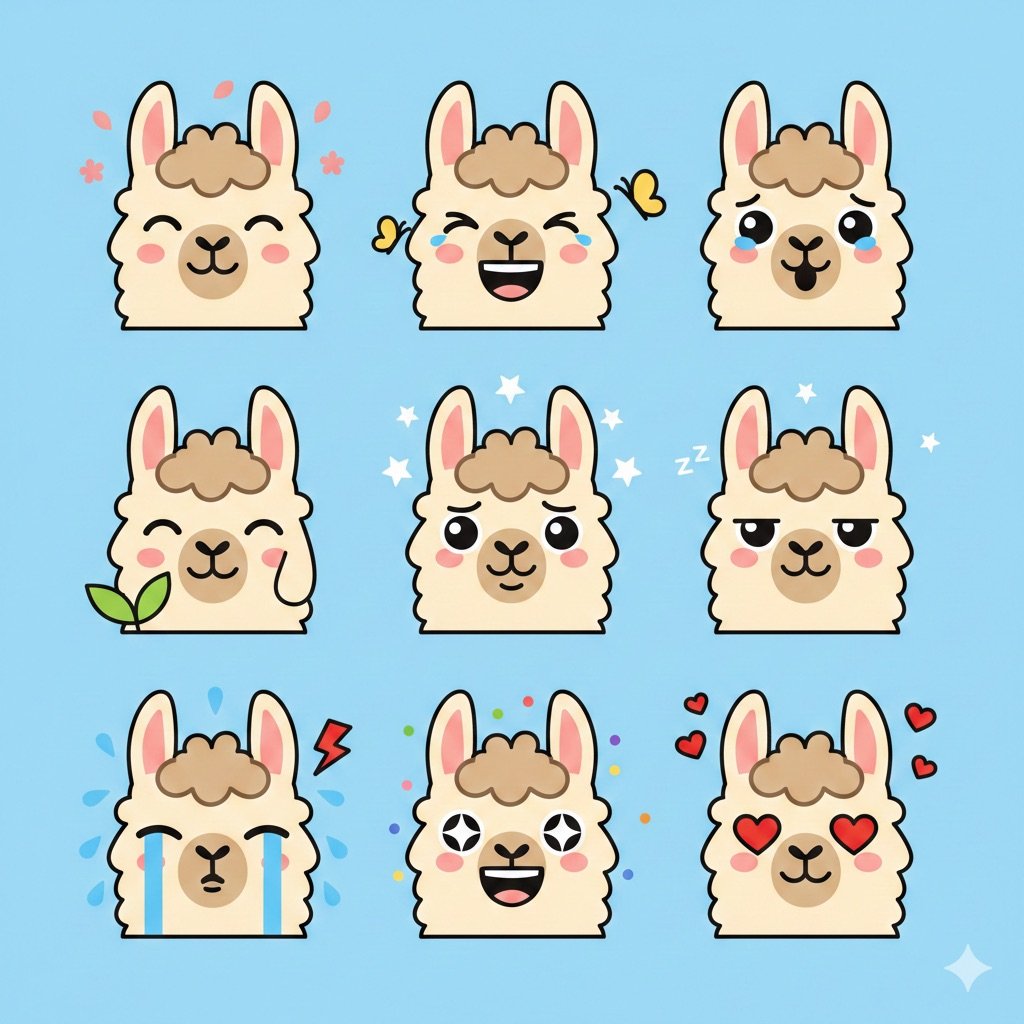
Flat Vector Llama Emoji Prompt
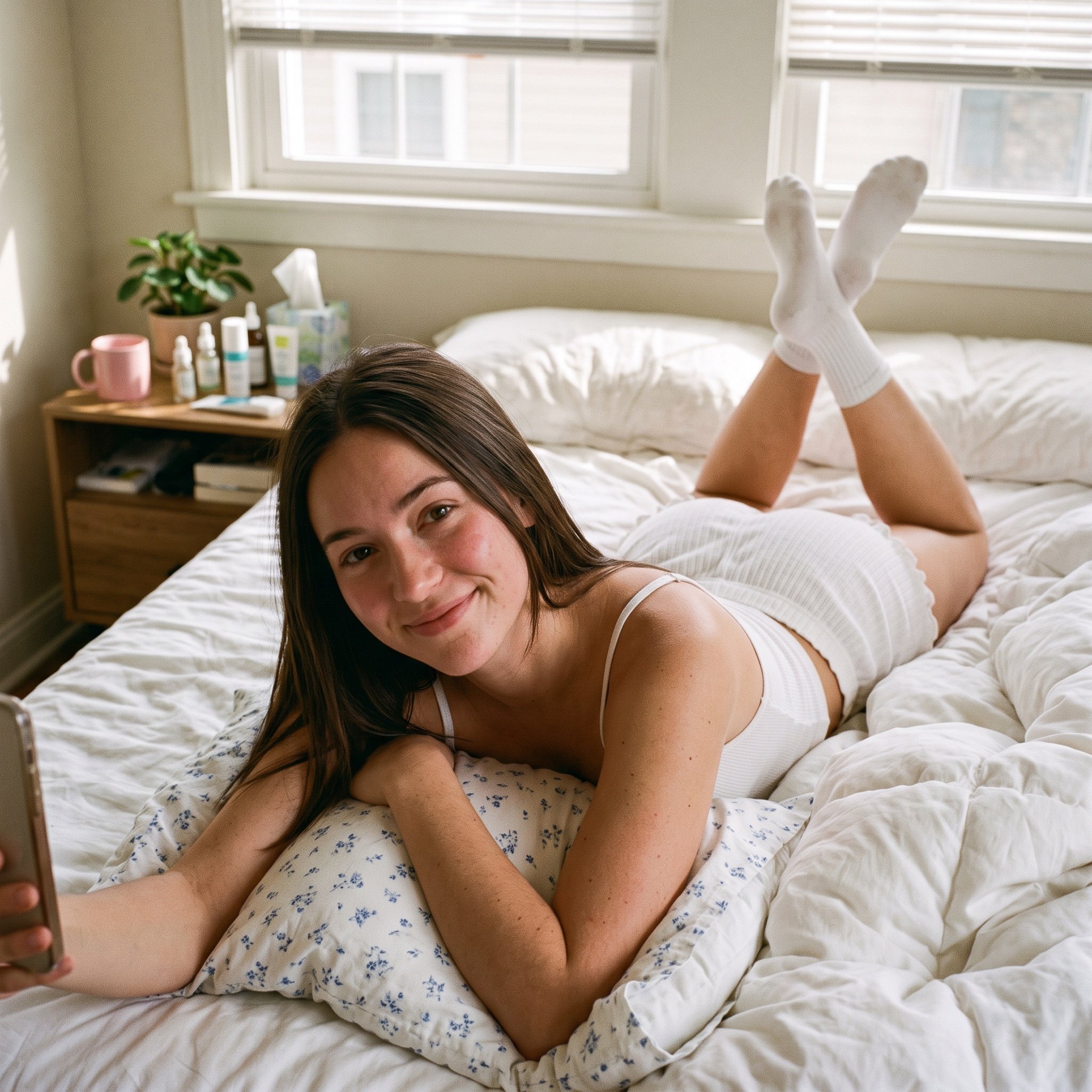
Structured Bedroom Selfie Prompt

Gpt2 Comic Storyboard Stormy Tropical City with Rooftop Plane

Floating Product Photography Ad
Browse template categories
Cosmic Flowering Bonsai with Sleeping Cat questions
How do I use the Cosmic Flowering Bonsai with Sleeping Cat template?
Add your photo if the template asks for one, edit the prompt if you like — the template's model and format are already selected — and press Generate. Your version opens in PicX Studio.
Can I customize the Cosmic Flowering Bonsai with Sleeping Cat template?
Yes. You can change the subject, setting, lighting, mood, format, and available model controls before creating your image.
Is the Cosmic Flowering Bonsai with Sleeping Cat template free?
Opening and editing this template is free. Generating uses credits, shown on the Generate button when you are signed in.
Which AI model should I use?
Start with GPT Image 2, which is the model associated with this template. You can compare another compatible model for a different finish.
Looking for something else? Browse all templates.

Your photo, any look
Thousands of ready templates for every top image and video model, from one credit balance.