
Sleeping Girl in Pitch-Black Room
Generates a moody vertical anime illustration of a pajama-clad young woman asleep on a bed in a dark room.
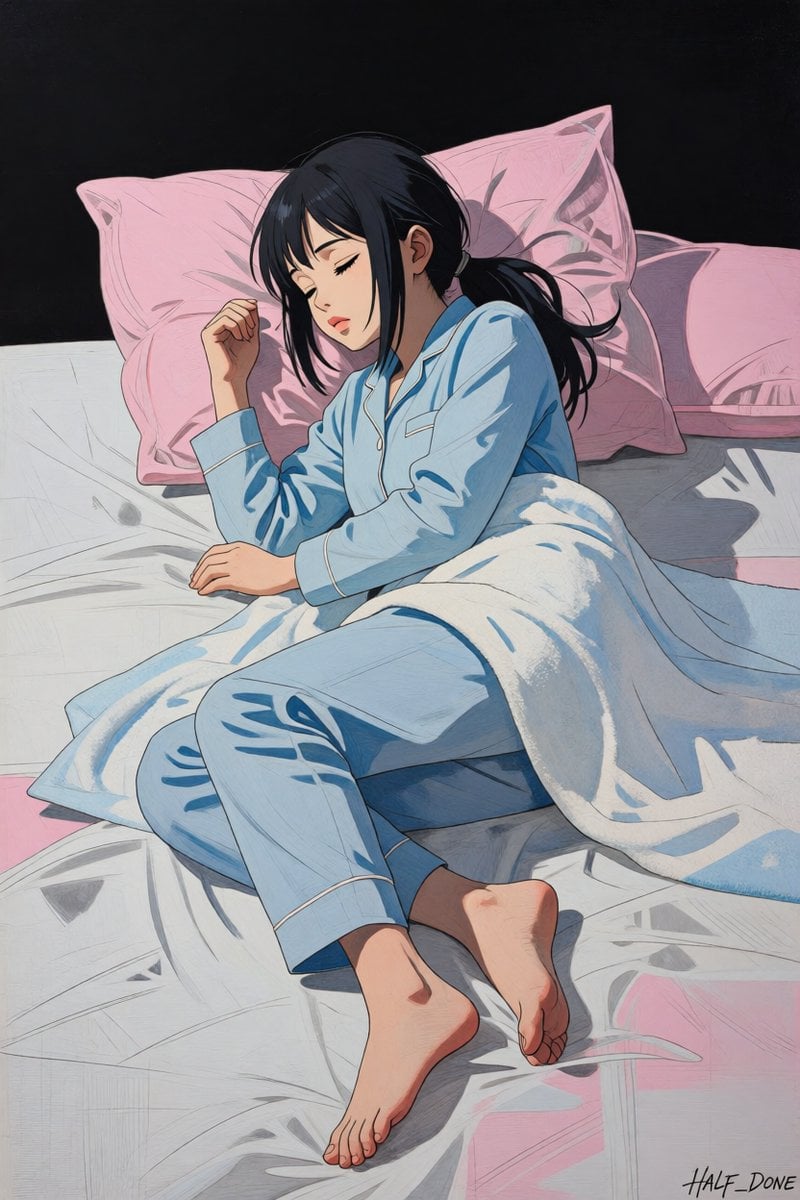
- Prompt included
- Model and format preset
- Free template
The prompt behind this image
Copy the exact prompt behind Sleeping Girl in Pitch-Black Room, or open it in the studio and make it yours.
Create a vertical anime-style illustration of a young woman sleeping peacefully on a bed in an almost pitch-black room. The scene is viewed from a slightly elevated diagonal angle, showing her full body curled on her side across rumpled white sheets. She has {argument name="hair color" default="dark navy-black"} medium-long hair tied loosely in a low ponytail with loose bangs framing her face, closed eyes, soft eyelashes, and a relaxed sleepy expression with slightly parted lips. She wears {argument name="pajama color" default="pale sky blue"} long-sleeve button-up pajamas with white piping, a small chest pocket, and matching loose pants; her bare feet are visible near the bottom of the frame. A thick white blanket is draped over her waist and legs, catching cool blue shadows. Behind her are exactly 3 visible pink pillows: one large pillow behind her head, one large pillow to the right, and one smaller partially visible pillow farther right. The bed has white wrinkled sheets with pale blue-gray shadows and a few pink areas at the edges. The background beyond the bed is a flat deep black wall or darkness, emphasizing the bed as the only illuminated area. Use dramatic low-key lighting with soft highlights on the bedding and face, strong black negative space, subtle blue-gray shading, and a hand-drawn modern anime illustration style with clean ink lines, painterly crosshatching, muted pastel colors, realistic folds, and a quiet intimate nighttime mood. Add a small handwritten artist signature reading {argument name="signature text" default="HALF_DONE"} in the lower right corner. No extra furniture, no windows, no lamps, no text other than the signature.
How to use Sleeping Girl in Pitch-Black Room in 3 steps
- 1Upload ImagePNG, JPG or paste
Add your photo
Upload the photo the template builds on. The prompt, model and format are already set.
- 2…a portrait of your subject in softgolden-hour light, 85mm…
Personalize
Edit the subject and creative details for your destination.
- 3Generate
Generate
Press Generate — your image is created in PicX Studio, so you can compare it with the original and refine one variable at a time.
More like this
Templates with the same subject, style or setup. Open one to see its prompt.
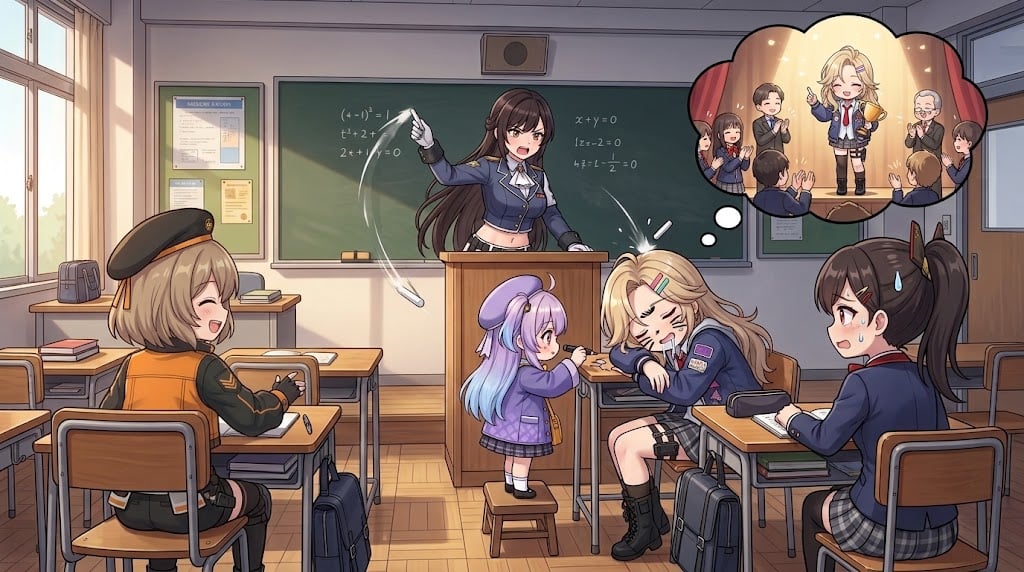
Anime Classroom Sleeping Student Scene

Teen Girl Alpine Lake Mountain View
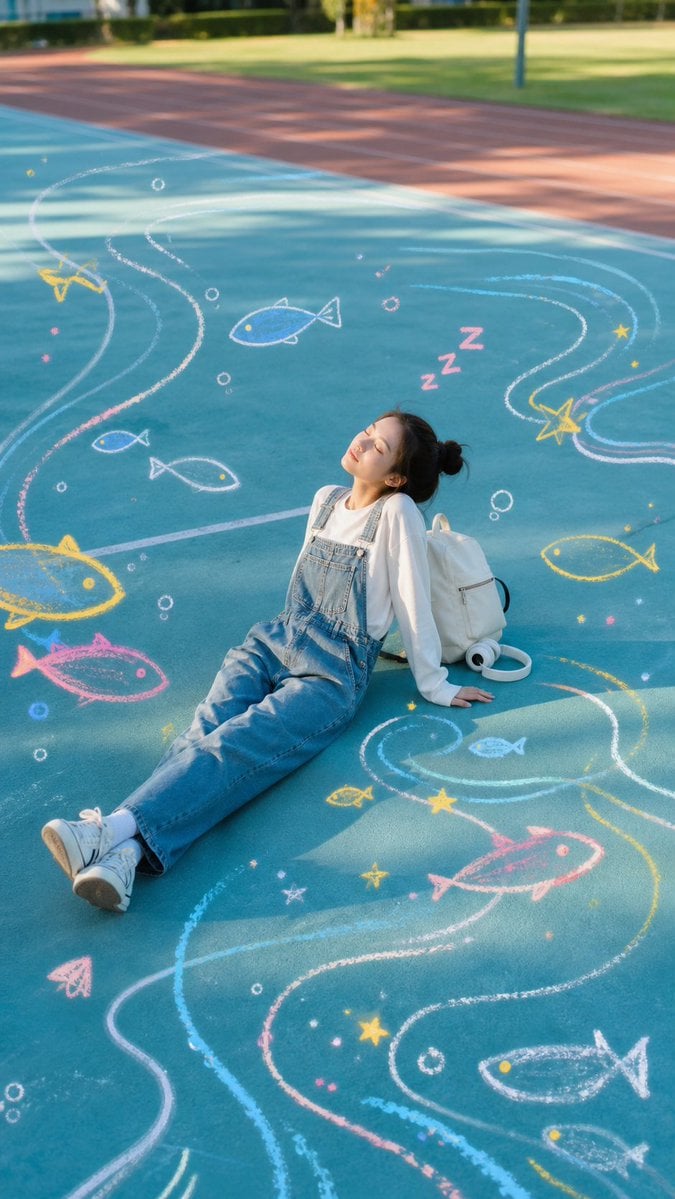
Sleeping Girl on Chalk Doodle Court
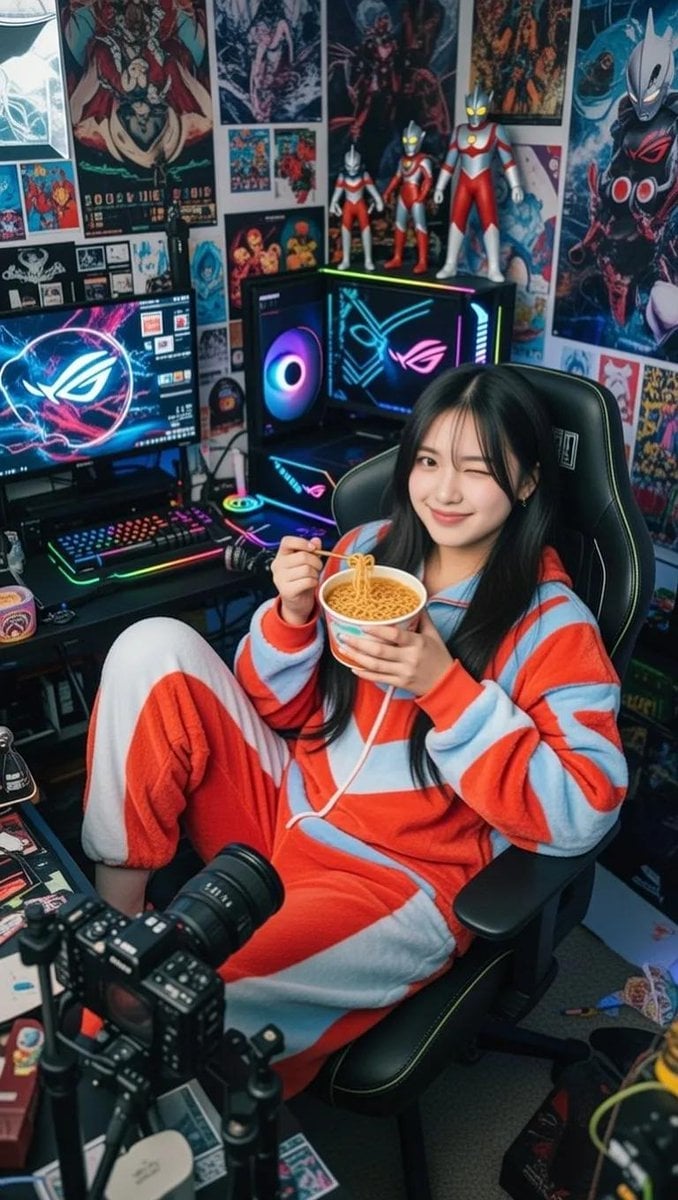
Cosy Gamer Girl Room Aesthetic

Dark Runway Luxury Fashion Magazine Cover

Black Liquid Cyberpunk Portrait Poster
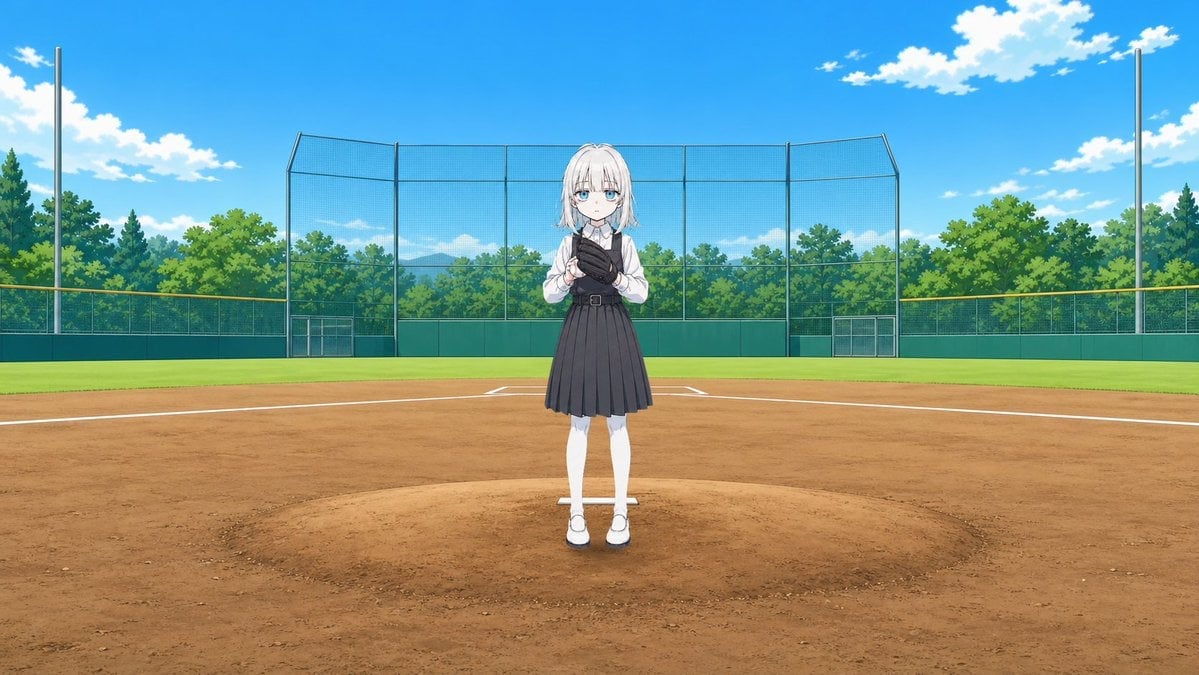
Anime Schoolgirl Pitcher on Baseball Field
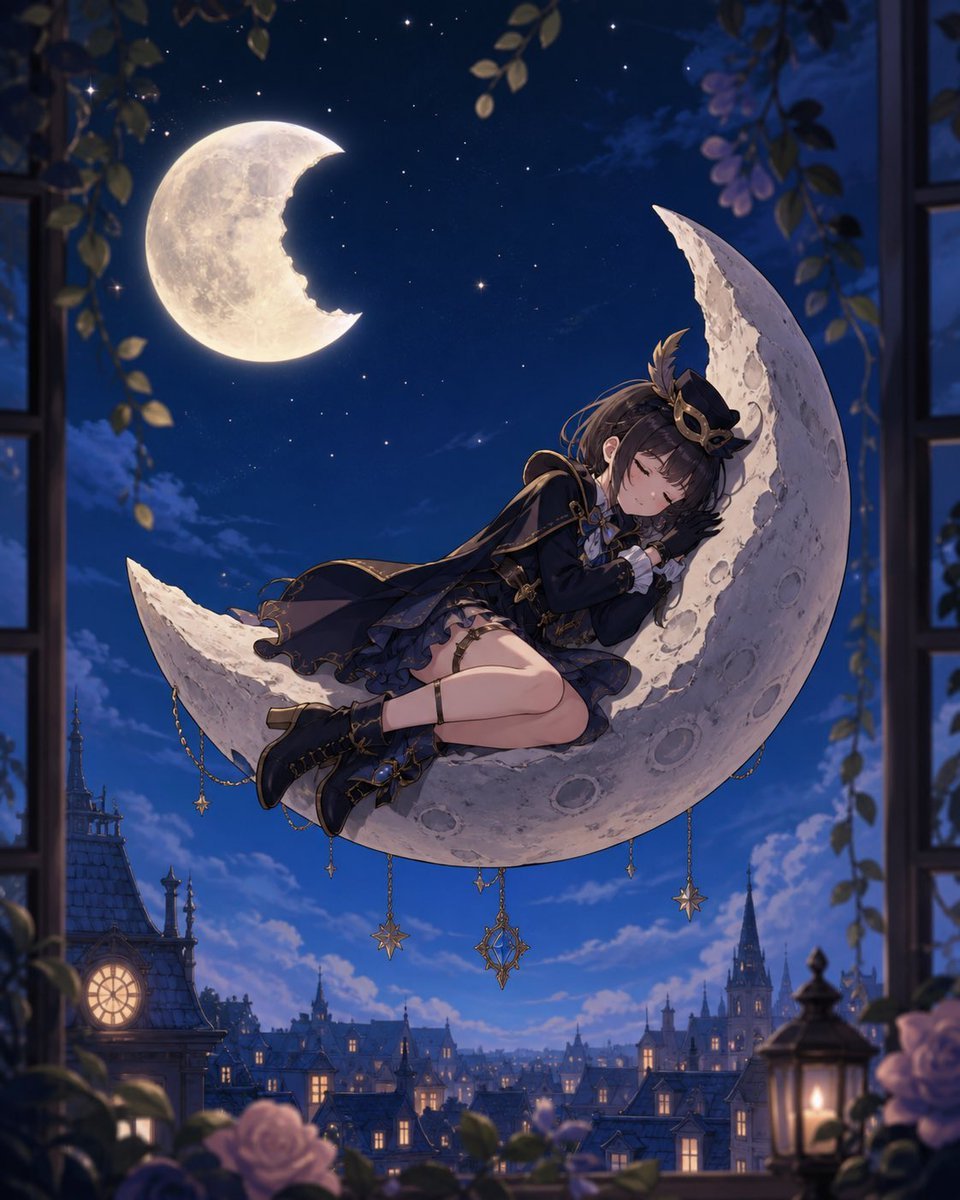
Anime Girl Sleeping on Stolen Moon

Sleeping Girl on Moon Rock
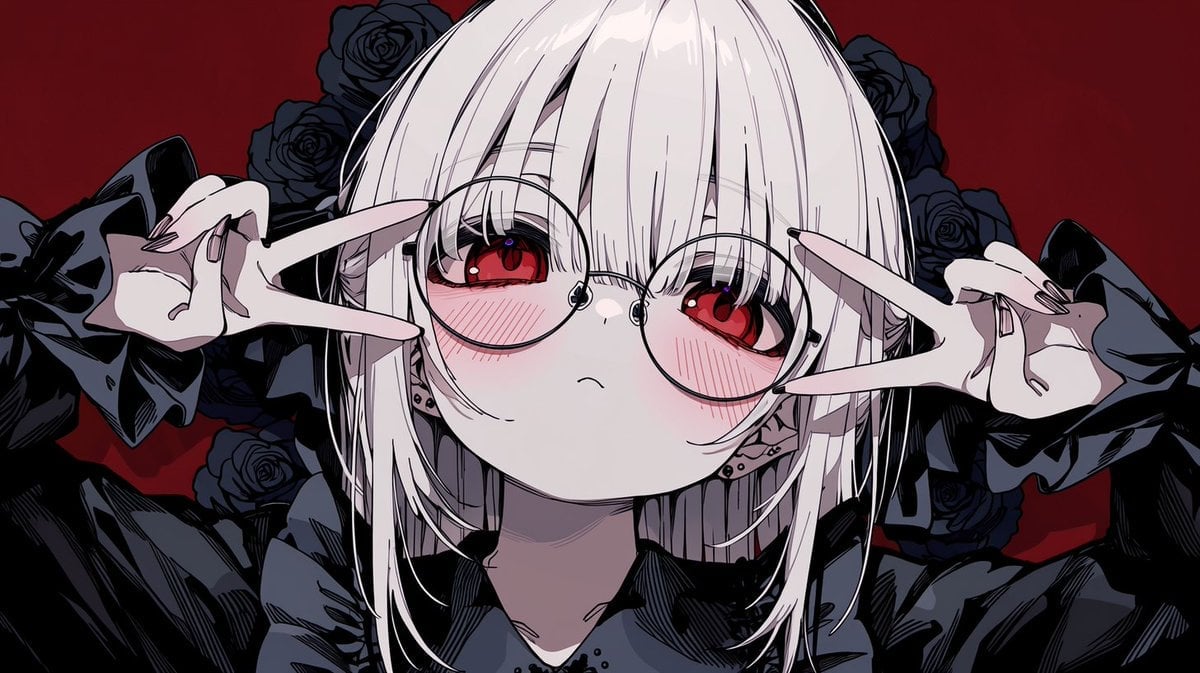
Gothic Anime Girl with Black Roses

Woman in Mall with Chanel Bag - Heart Gesture
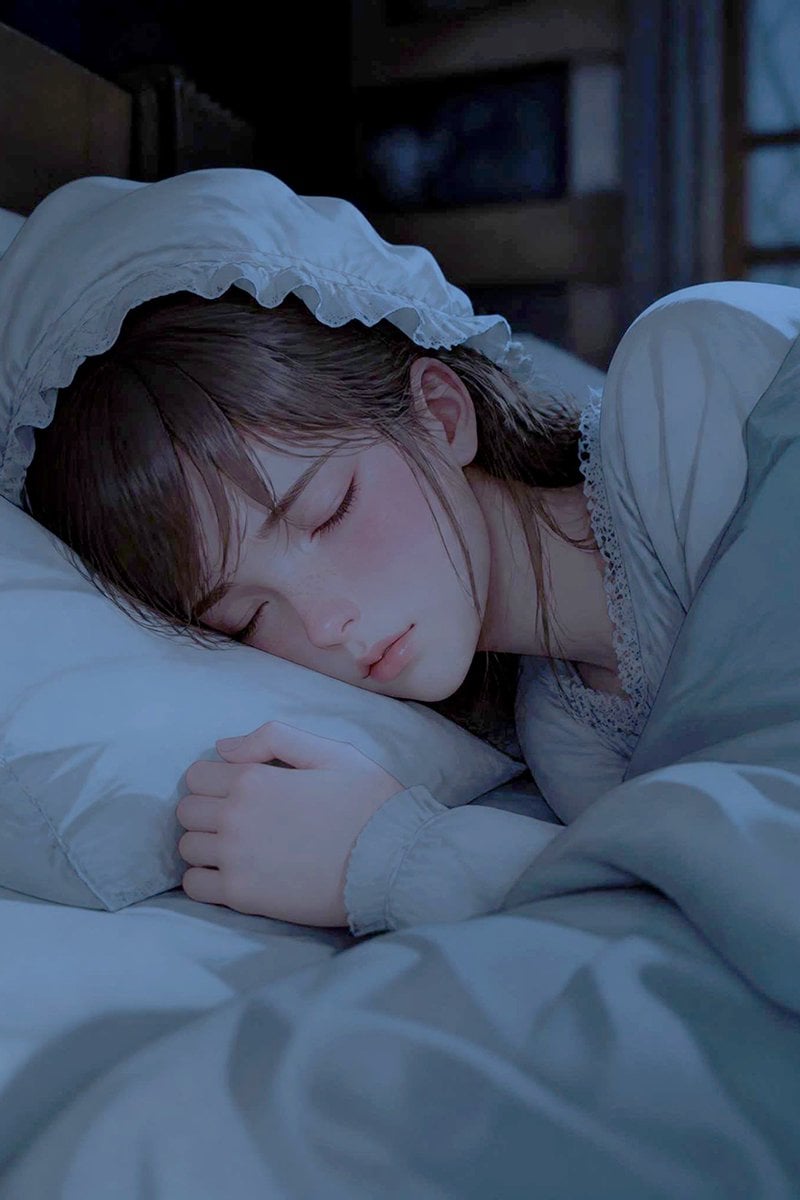
Sleeping Woman in Nightcap
Make it yours
Sleeping Girl in Pitch-Black Room works as-is. These are the safest ways to change it without losing the look.
Change one field
Copy a single group, rewrite it, and generate again so you can see what that field is doing.
Keep the frame, change the subject
Hold the composition and light of Sleeping Girl in Pitch-Black Room, then swap wardrobe, props or the person for a new take.
| If the result… | Why | Fix |
|---|---|---|
| The result drifts from the preview | Too many fields changed at once. | Reuse Sleeping Girl in Pitch-Black Room as-is first, then change one group — subject, light, or setting. |
| The model over-stylizes the scene | The prose prompt leaves finish and camera underspecified. | Add one camera or lighting sentence and stay on GPT Image 2. |
More GPT Image 2 templates
Other prompts made for GPT Image 2.

Six VTuber Japanese Logo Sheet

Realistic Portrait of Woman and Deer

The Vista Modular Condo Poster

AI Model Routing Comparison Infographic

2.5D Anime Art Board

Isometric Productivity Desk Scene

New York Double Exposure Poster

Four-Panel AI Landscape Comparison

Japanese Tatami Lifestyle Magazine Cover

NESCAFÉ Coffee Map Poster
More image prompts
Fresh picks from across the catalog.
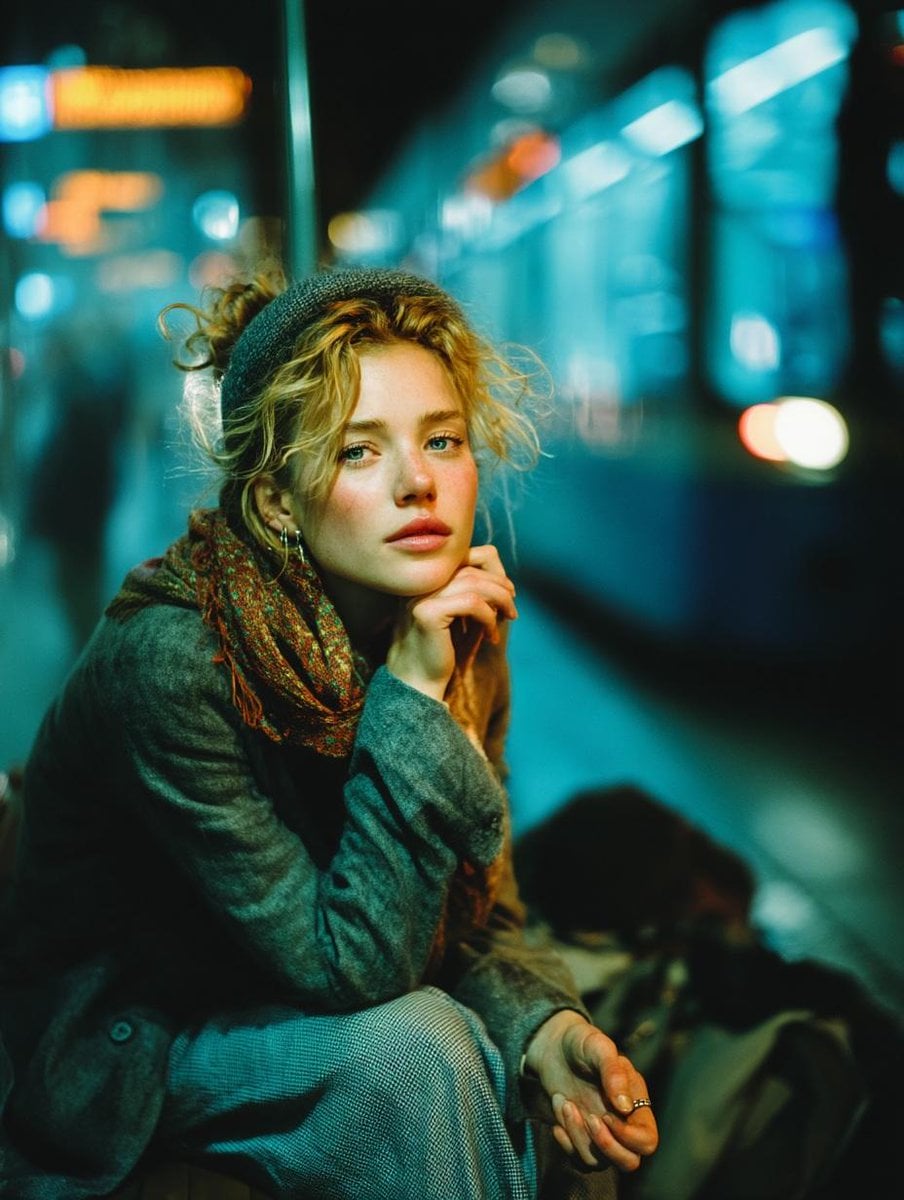
Cinematic Low-Light Subway Portrait
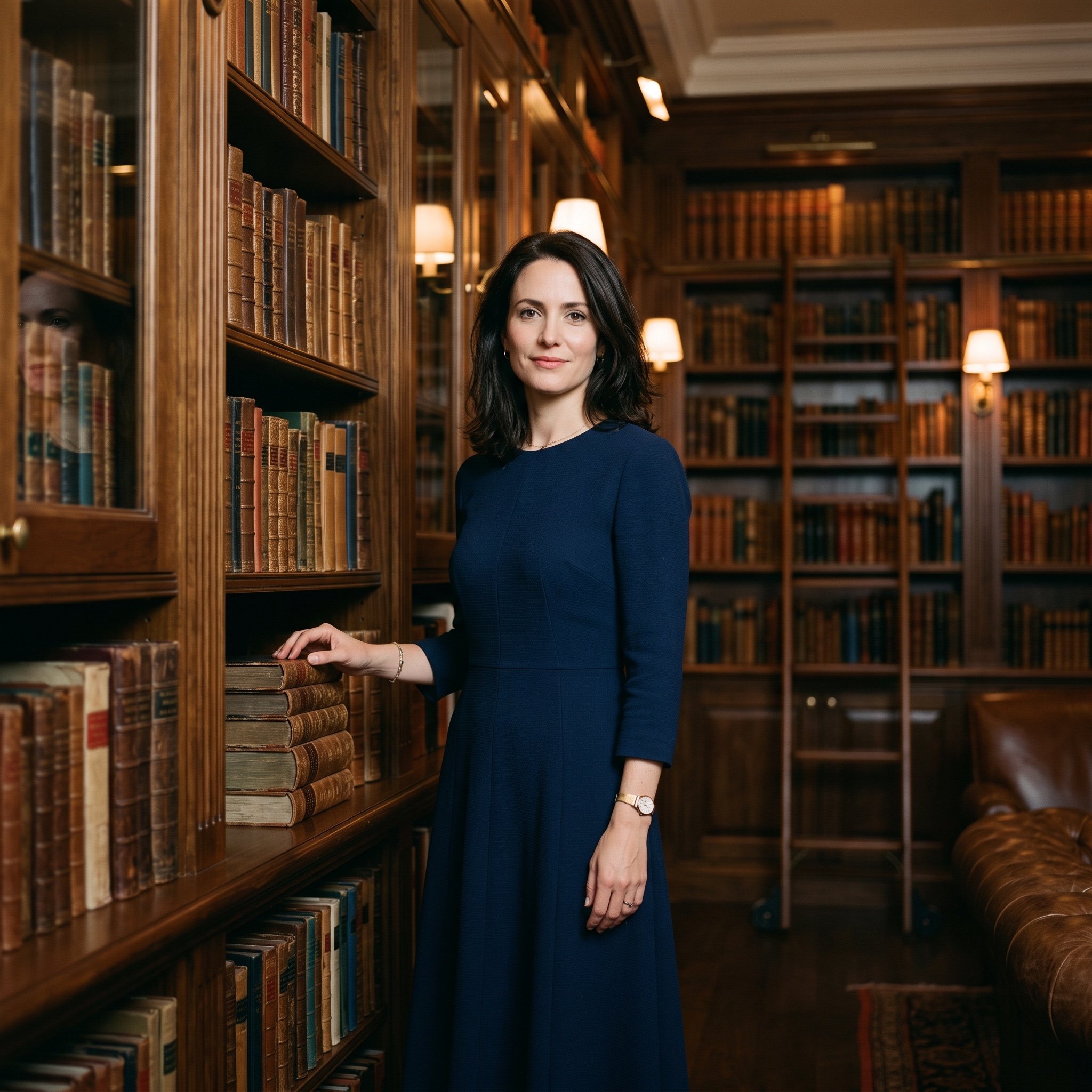
Quiet Luxury Cinematic Library Portrait
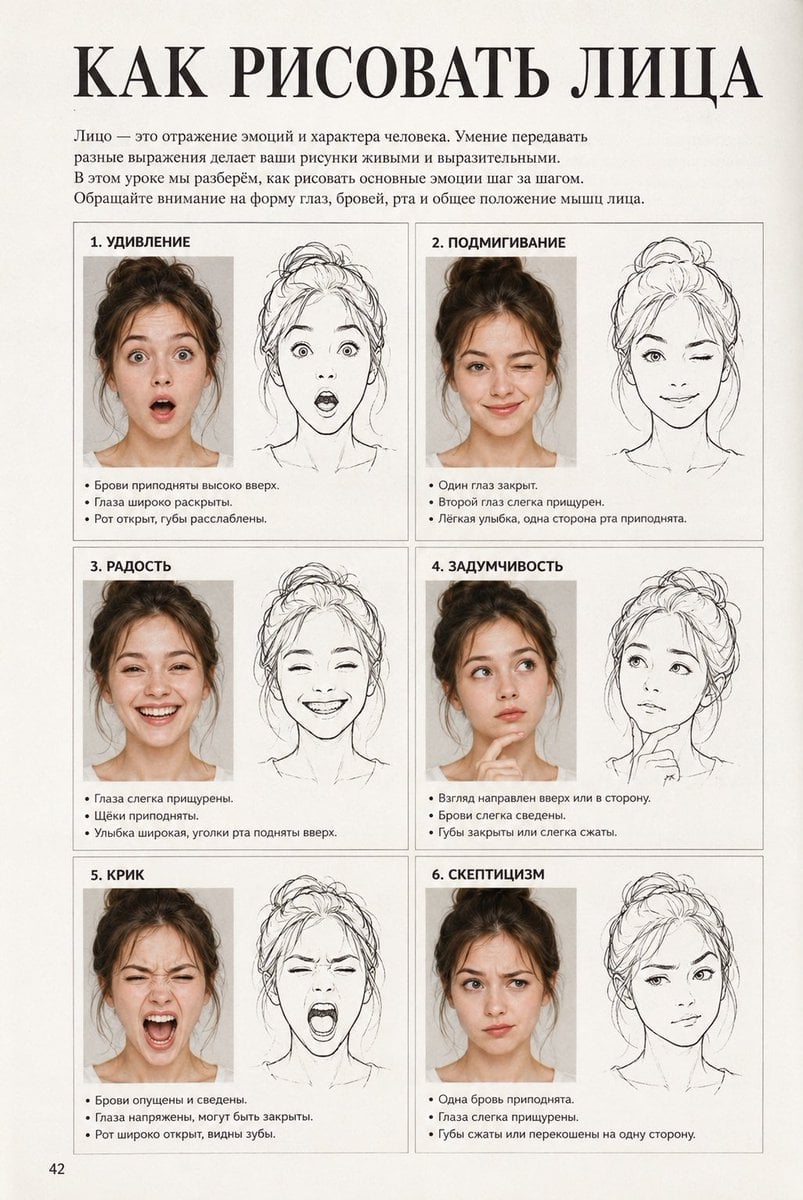
Vintage Russian Face Drawing Lesson
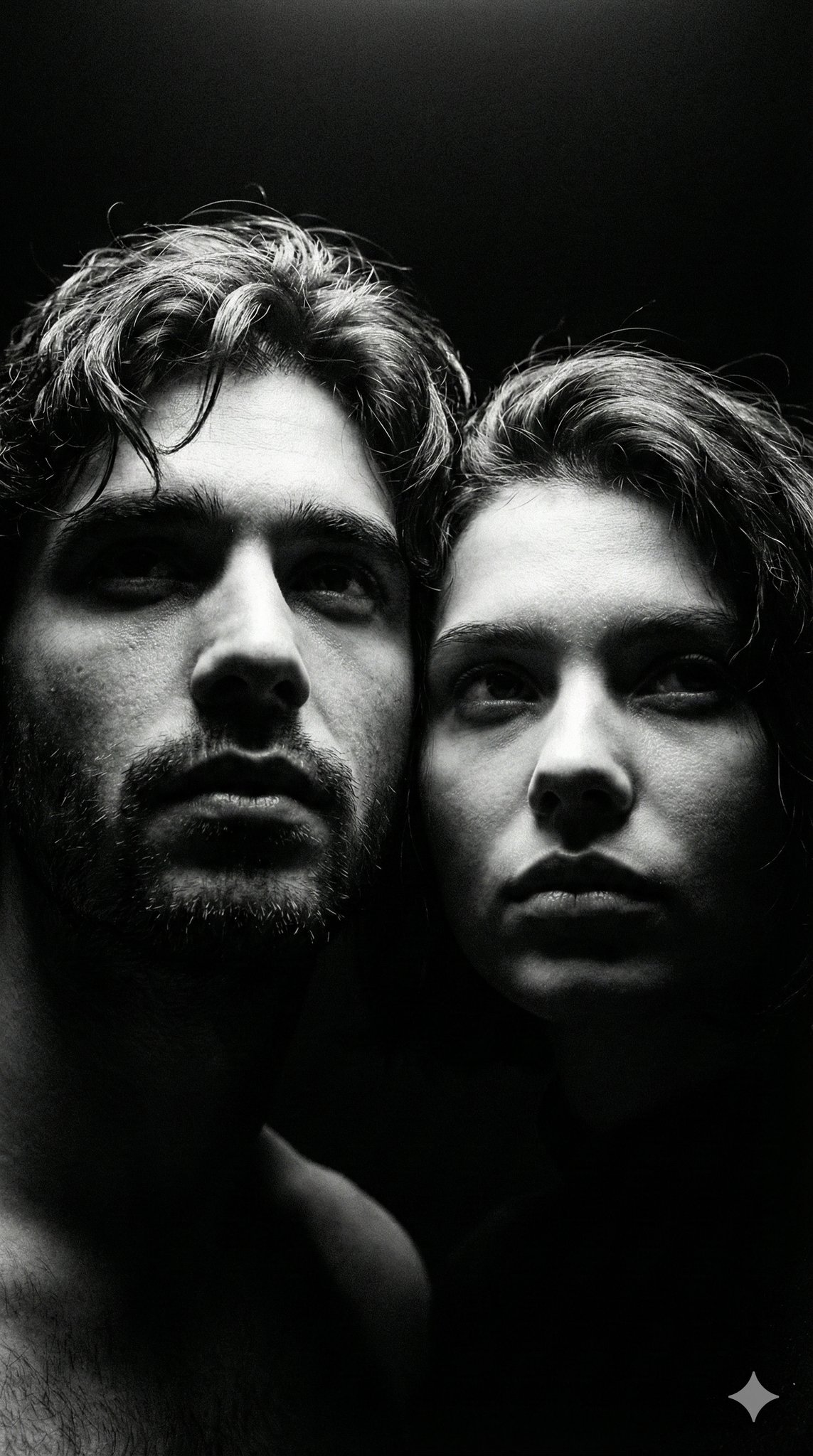
Ultra Realistic Couple Mirror Selfie
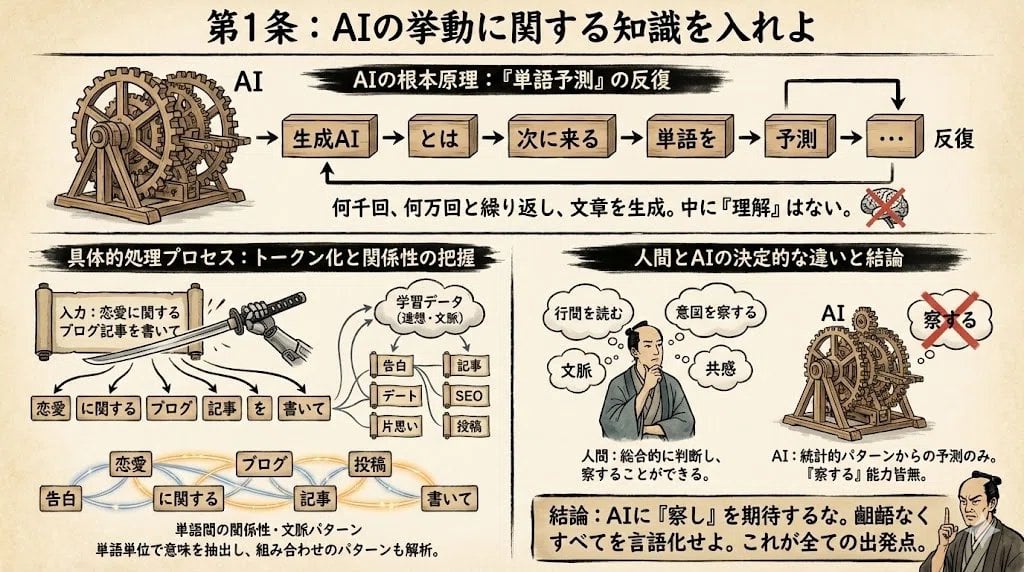
Infographic from reference info with classic Japanese font
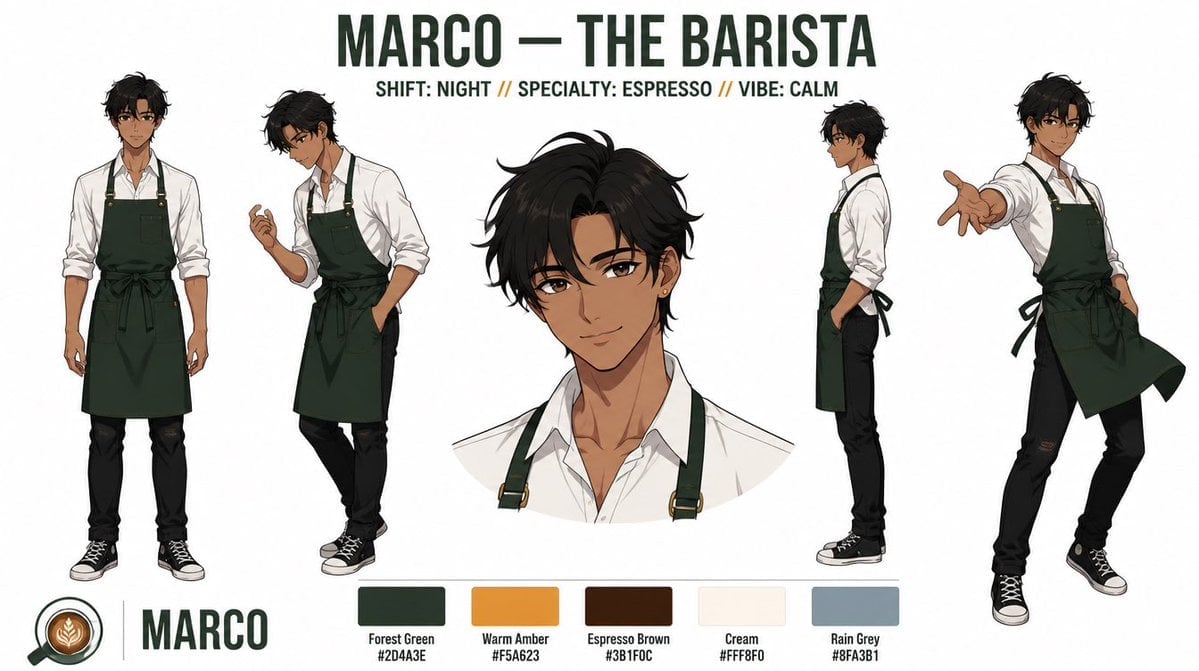
Anime Barista Character Reference Sheet
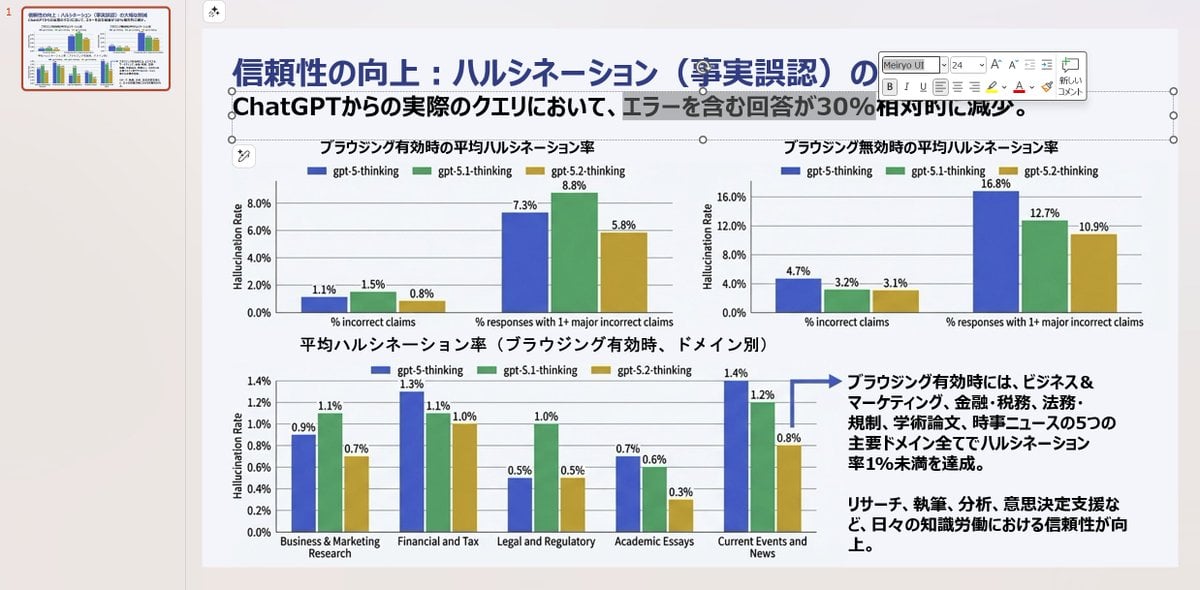
Convert Image to Editable PowerPoint Slide Prompt
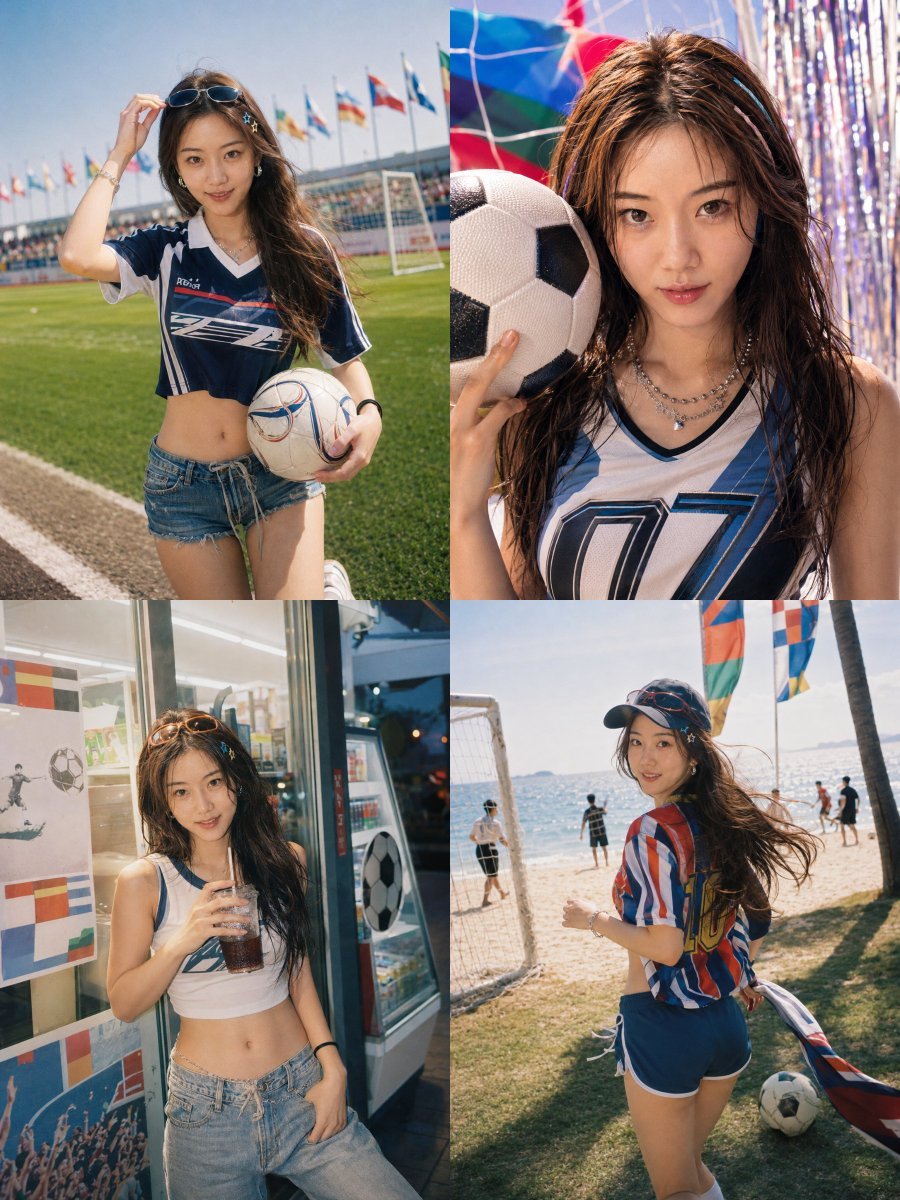
Detailed Summer World Cup Kpop Portrait Series
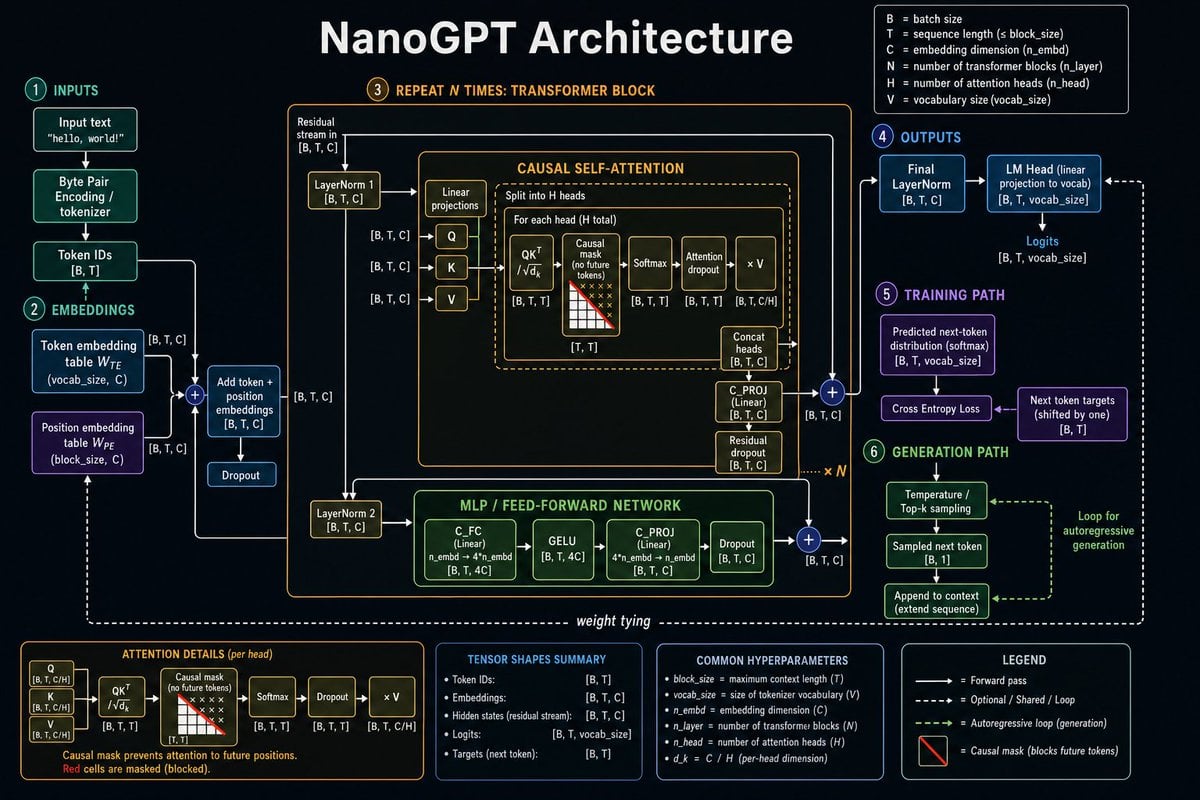
Neural Network Architecture Diagram
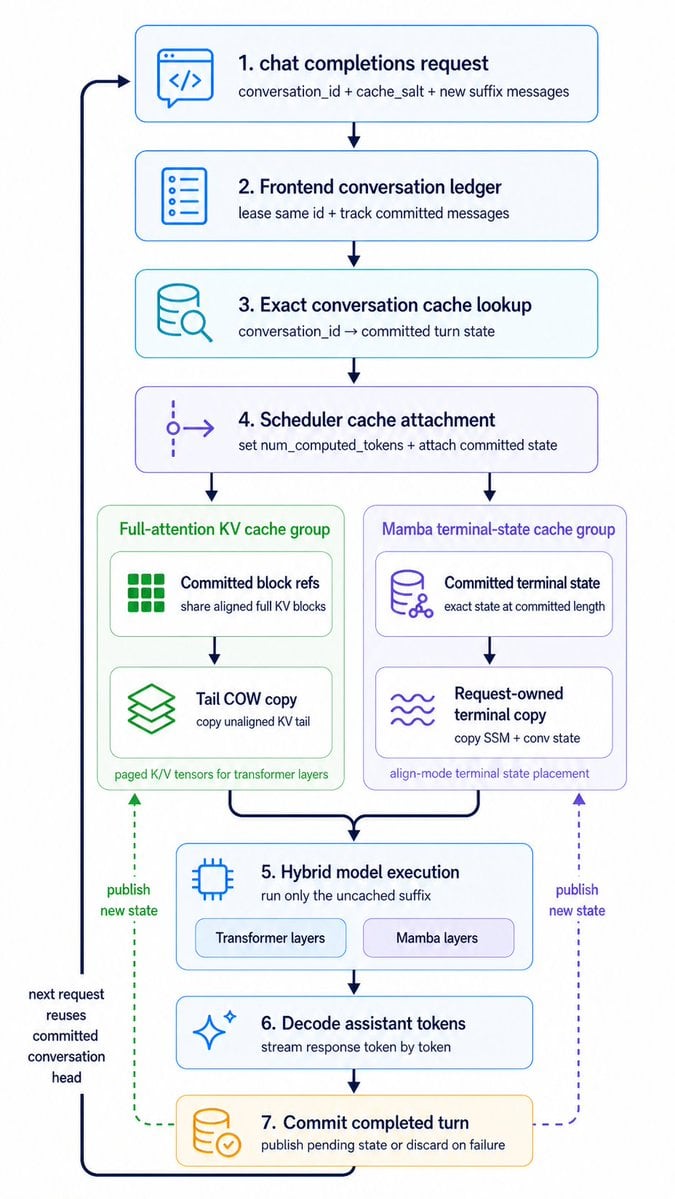
Hybrid Cache Execution Flowchart
Browse template categories
Sleeping Girl in Pitch-Black Room questions
How do I use the Sleeping Girl in Pitch-Black Room template?
Add your photo if the template asks for one, edit the prompt if you like — the template's model and format are already selected — and press Generate. Your version opens in PicX Studio.
Can I customize the Sleeping Girl in Pitch-Black Room template?
Yes. You can change the subject, setting, lighting, mood, format, and available model controls before creating your image.
Is the Sleeping Girl in Pitch-Black Room template free?
Opening and editing this template is free. Generating uses credits, shown on the Generate button when you are signed in.
Which AI model should I use?
Start with GPT Image 2, which is the model associated with this template. You can compare another compatible model for a different finish.
Looking for something else? Browse all templates.

Your photo, any look
Thousands of ready templates for every top image and video model, from one credit balance.