
Whimsical Winter Lantern Festival
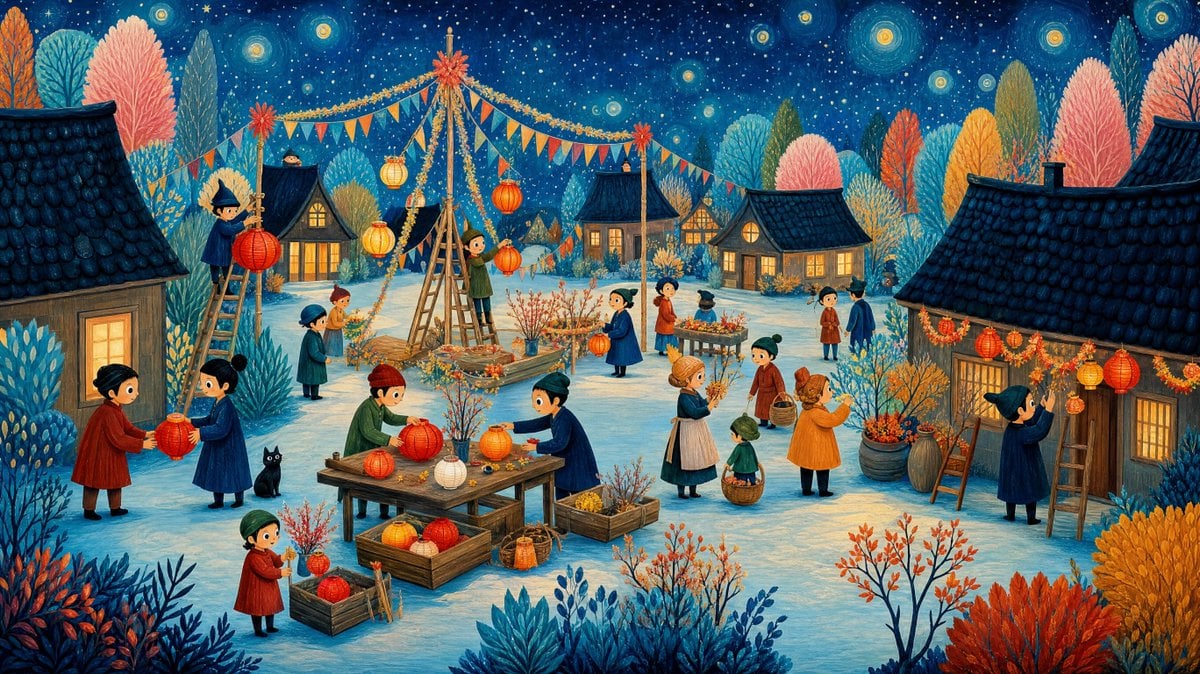
A detailed storybook village scene showing villagers decorating cottages with glowing lanterns on a magical snowy night.
- Prompt included
- Model and format preset
- Free template
The prompt behind this image
Copy the exact prompt behind Whimsical Winter Lantern Festival, or open it in the studio and make it yours.
Create a richly detailed whimsical storybook illustration of a winter night lantern festival in a cozy village, in the style of a hand-painted children’s picture book with gouache and colored-pencil texture. Set the scene under a deep navy star-filled sky with glowing circular stars and tiny snow-like speckles. The ground is pale icy blue snow, framed by dense decorative shrubs and tall coral, teal, blue, orange, and yellow trees. Use a wide cinematic canvas, approximately 16:9. Scene: A small village prepares for {argument name="festival theme" default="a glowing paper lantern festival"}. Show exactly 5 warm wooden cottages with dark blue tiled roofs: 1 large cropped cottage on the far left, 1 small lit cottage left of center, 1 small cottage in the middle background, 1 cottage right of center with round attic window, and 1 large cropped cottage on the far right decorated with garlands. All cottage windows glow warm yellow-orange. Main layout: Place a tall central wooden pole or A-frame structure slightly left of center, wrapped with golden garlands and topped with a red starburst ornament. Hang strings of triangular bunting in orange, blue, red, and yellow across the sky. Add glowing paper lanterns in red, orange, yellow, and cream throughout the scene, both hanging and being carried. Include exactly 3 ladders: 1 ladder on the far left with a villager hanging a lantern, 1 tall central ladder/A-frame supporting decorations, and 1 ladder leaning against the right cottage with a villager decorating. Characters and counts: Include exactly 18 small stylized villagers with childlike proportions, round faces, simple dot eyes, rosy cheeks, and winter clothing in deep blue, red, green, orange, brown, and cream. Count and place them as follows: 1 person on the far-left ladder holding a red lantern; 1 child near the central ladder holding an orange lantern; 2 villagers left foreground exchanging a red lantern; 1 teal-coated villager and 1 small orange-haired child near the left path; 1 red-coated child in the lower-left foreground holding a lantern; 2 villagers at the central wooden worktable arranging lanterns; 1 blue-coated woman near center carrying a lantern; 1 orange-coated man near a flower stand; 1 dark-blue vendor behind a small display table; 2 small villagers in the right background walking away; 1 woman in an apron holding branches; 1 small green-coated child holding a basket; 1 orange-coated woman carrying branches; and 1 witch-hat-like dark-blue figure on the far right hanging garlands. Add exactly 1 black cat sitting near the central-left work area. Props: Include exactly 1 central wooden worktable covered with paper lanterns and floral sprigs, exactly 3 wooden crates filled with lanterns and flowers around it, exactly 1 small flower display stand in the mid-right background, exactly 2 large barrels or tubs with branches near the right cottage, and scattered baskets of flowers and branches. Make the lanterns glow softly and cast warm highlights on nearby faces, snow, and wood. Visual style: Use a magical, cozy, highly detailed folk-art aesthetic with flattened perspective, delicate linework, dense ornamental foliage, soft warm window light, and a peaceful festive mood. The palette should contrast cool midnight blues and icy snow with warm lantern oranges, reds, and yellows. No text, no captions, no watermark, no modern objects, no photorealism.
How to use Whimsical Winter Lantern Festival in 3 steps
- 1Upload ImagePNG, JPG or paste
Add your photo
Upload the photo the template builds on. The prompt, model and format are already set.
- 2…a portrait of your subject in softgolden-hour light, 85mm…
Personalize
Edit the subject and creative details for your destination.
- 3Generate
Generate
Press Generate — your image is created in PicX Studio, so you can compare it with the original and refine one variable at a time.
More like this
Templates with the same subject, style or setup. Open one to see its prompt.

Ghibli Lantern River Festival
Lantern in the Winter Twilight Photography

Cute Layered Paper Cut Chibi Girl

Decorative Folk Flat Paper Cut Illustration
Whimsical Glass Couple in Winter Snowfall
Whimsical Jack-O-Lantern Pumpkin
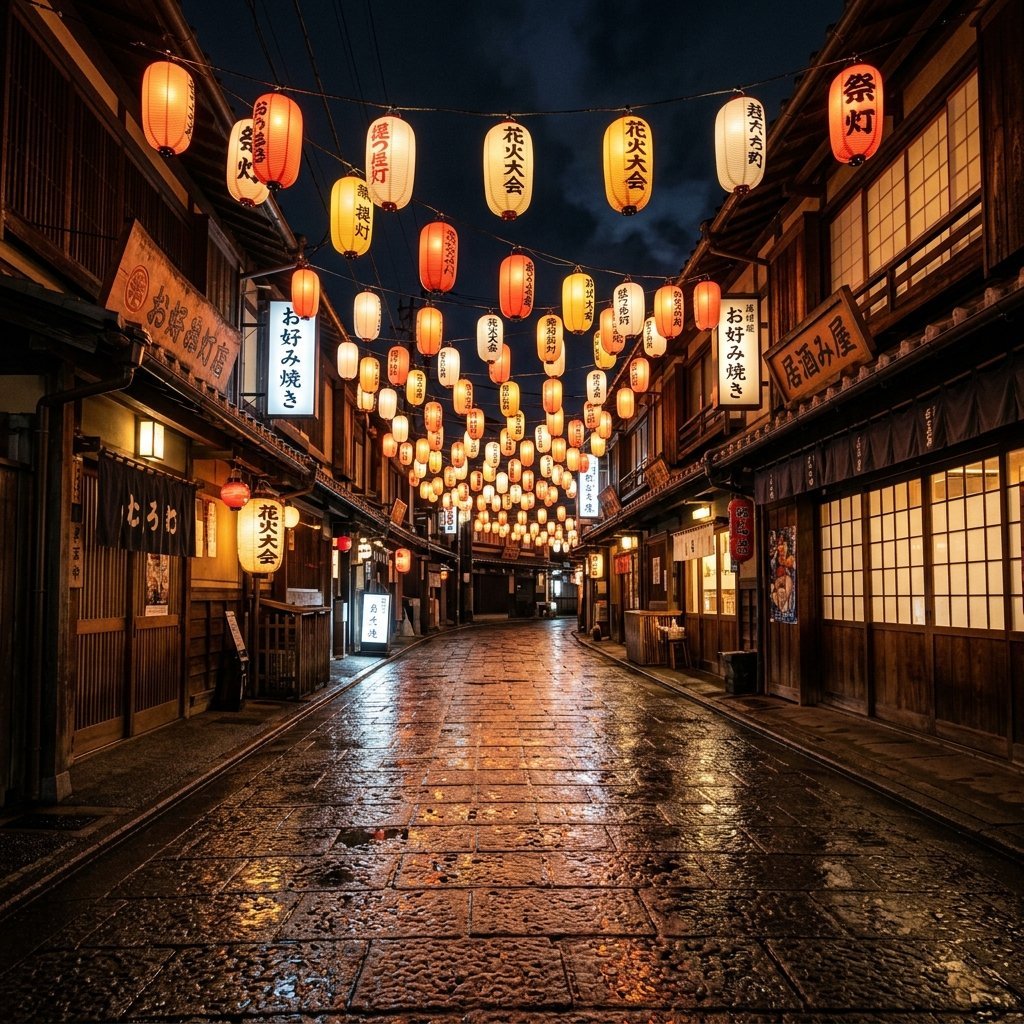
Night Festival Lantern Street

Ghibli Final Takeoff Field

Ghibli Rainy Tram Interior

Ghibli Star Observatory

Ghibli Tiny House On Back

Ghibli Whale Bone Beach
Make it yours
Whimsical Winter Lantern Festival works as-is. These are the safest ways to change it without losing the look.
Change one field
Copy a single group, rewrite it, and generate again so you can see what that field is doing.
Keep the frame, change the subject
Hold the composition and light of Whimsical Winter Lantern Festival, then swap wardrobe, props or the person for a new take.
| If the result… | Why | Fix |
|---|---|---|
| The result drifts from the preview | Too many fields changed at once. | Reuse Whimsical Winter Lantern Festival as-is first, then change one group — subject, light, or setting. |
| The model over-stylizes the scene | The prose prompt leaves finish and camera underspecified. | Add one camera or lighting sentence and stay on GPT Image 2. |
More GPT Image 2 templates
Other prompts made for GPT Image 2.

Six VTuber Japanese Logo Sheet

Realistic Portrait of Woman and Deer

The Vista Modular Condo Poster

AI Model Routing Comparison Infographic

2.5D Anime Art Board

Isometric Productivity Desk Scene

New York Double Exposure Poster

Four-Panel AI Landscape Comparison

Japanese Tatami Lifestyle Magazine Cover

NESCAFÉ Coffee Map Poster
More image prompts
Fresh picks from across the catalog.
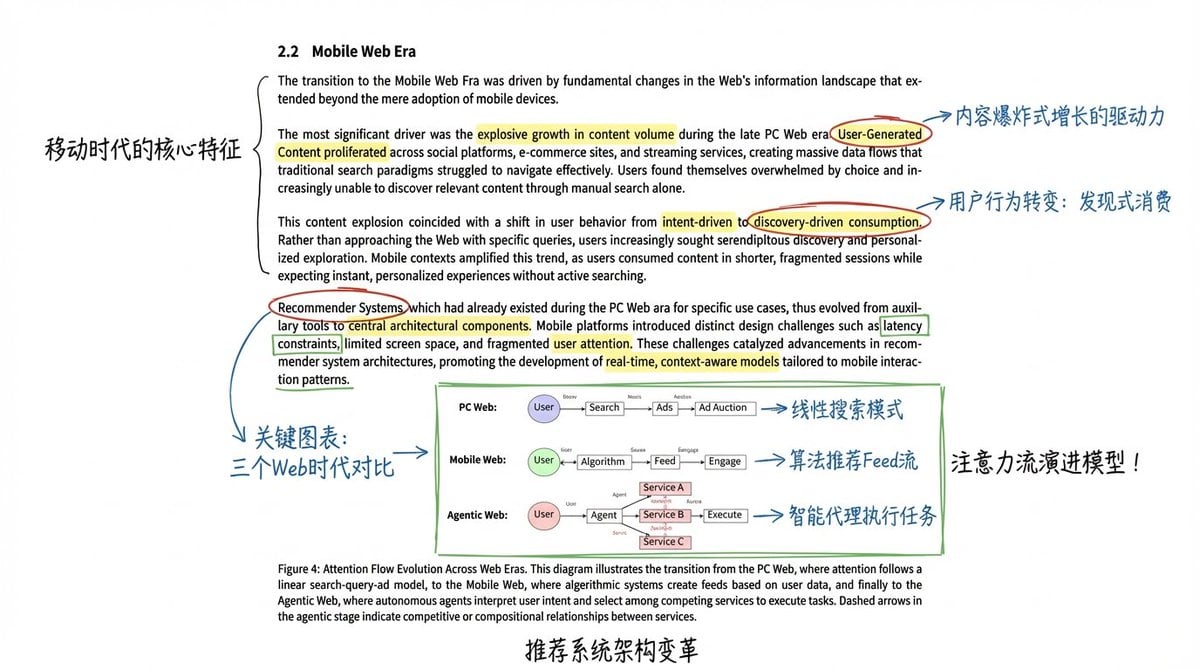
Academic Paper Annotation Prompt
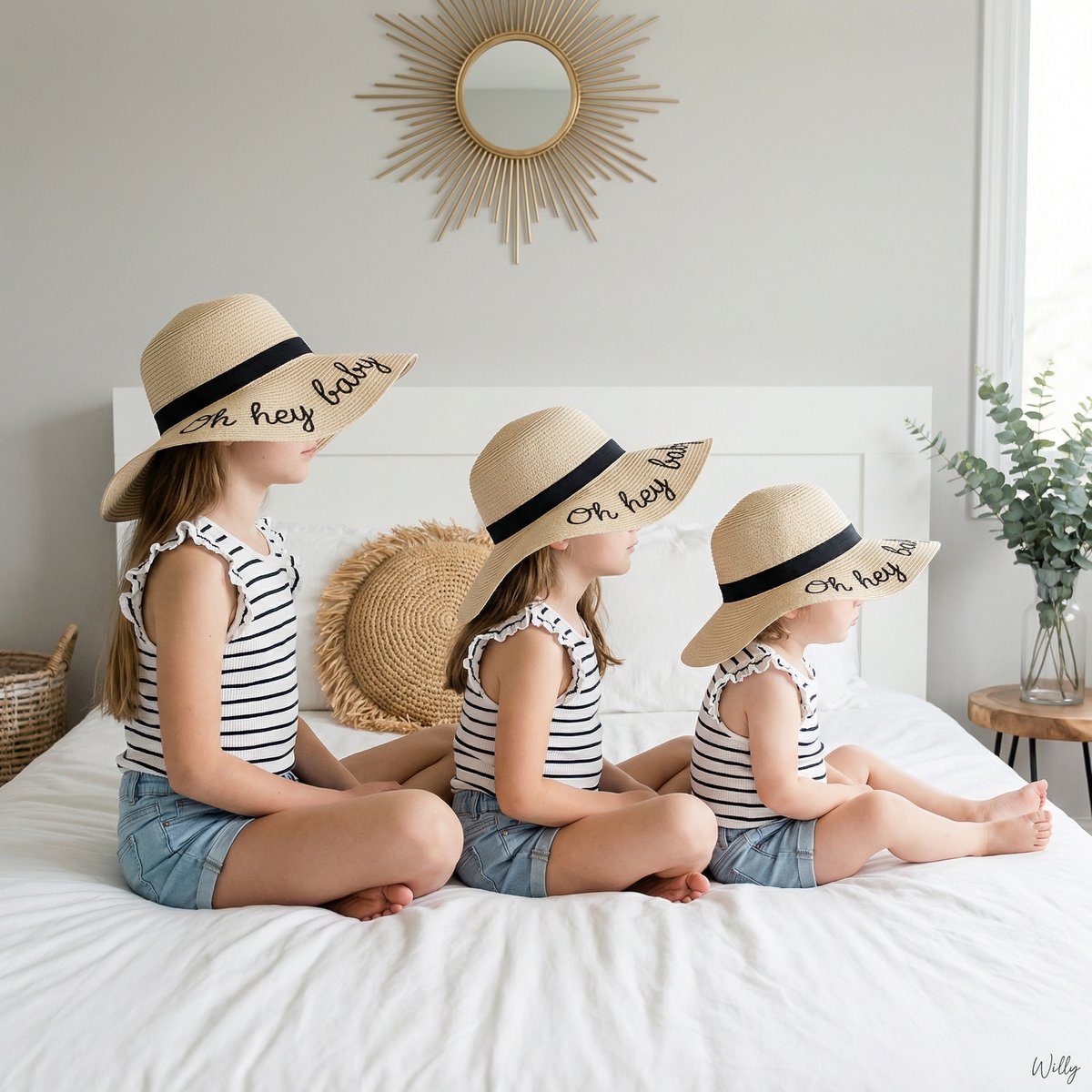
Bohemian Sisters Portrait with Floppy Hats and Signature
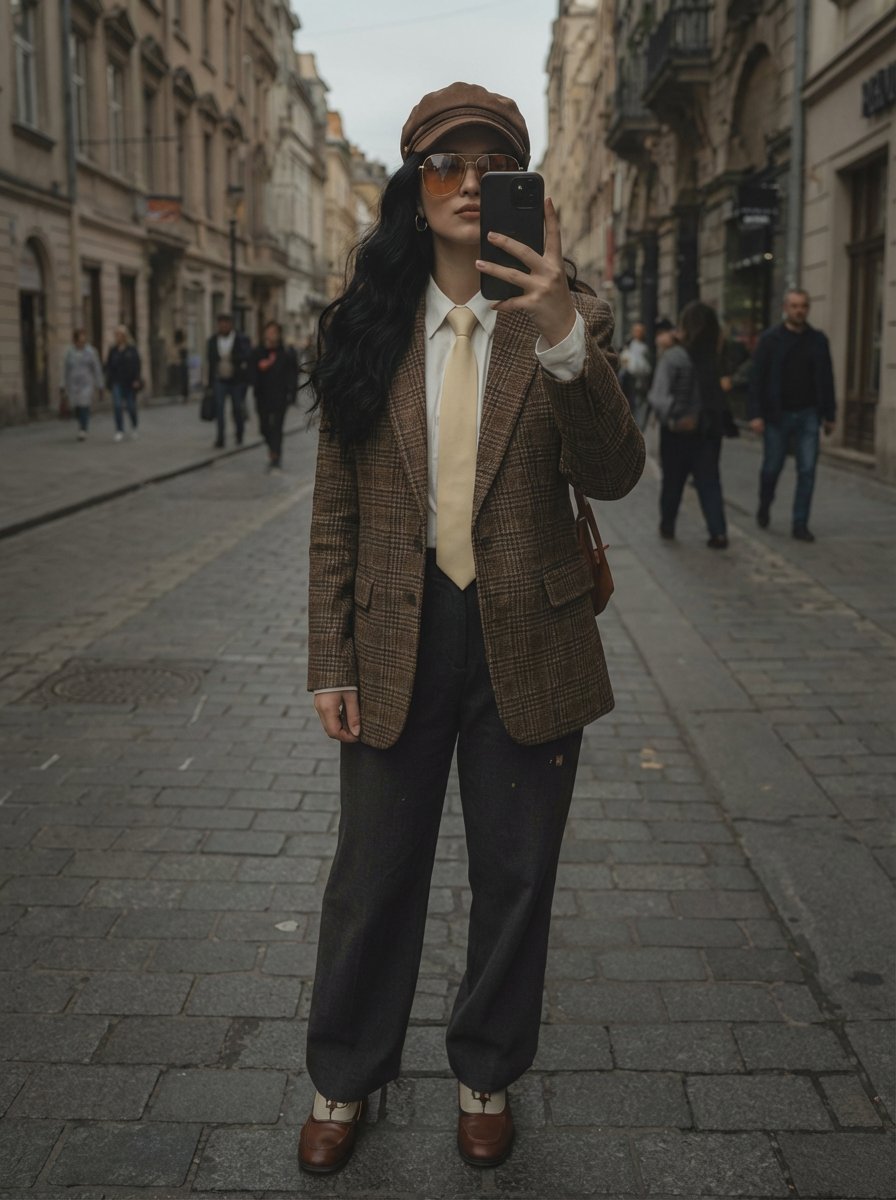
European Street Fashion Mirror Selfie Prompt
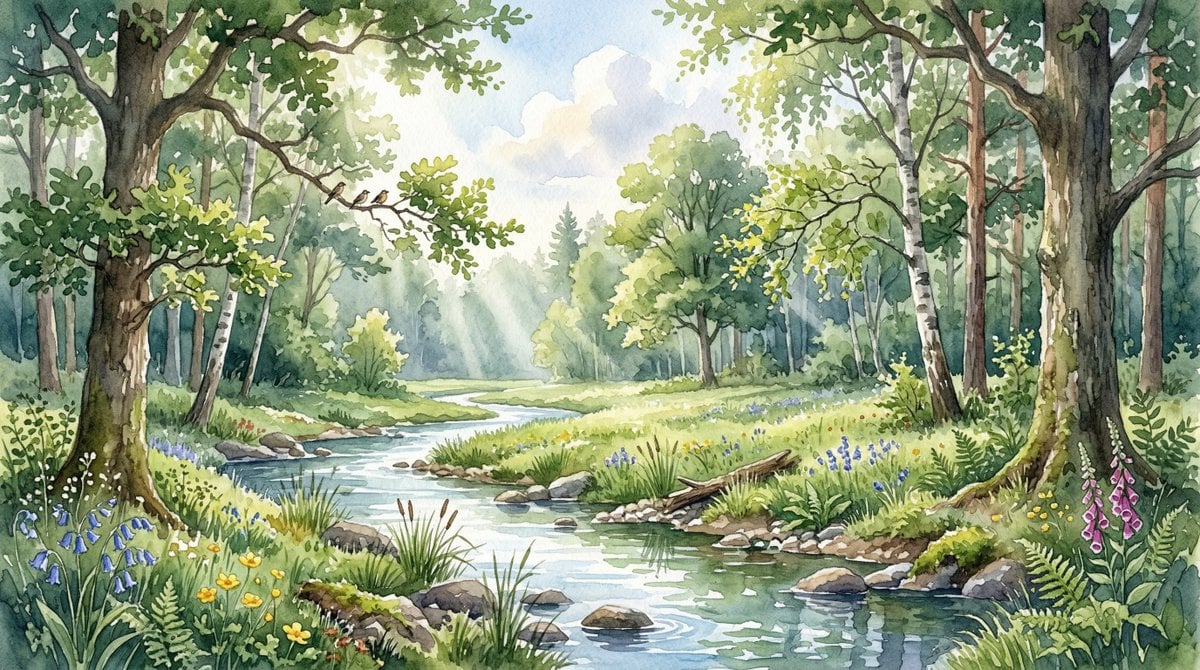
Watercolor Forest Clearing with Stream
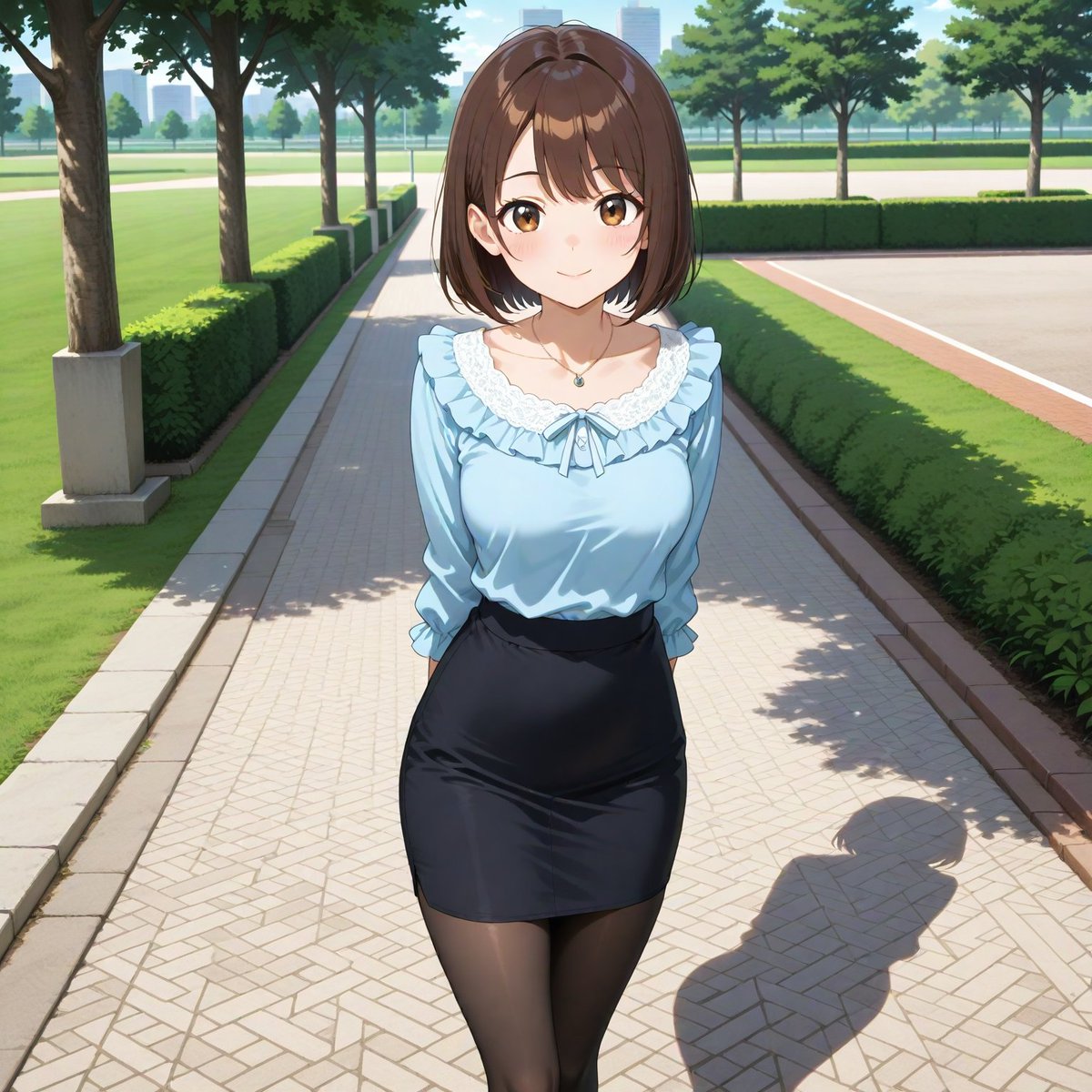
Aspect Ratio Change and Outpainting Prompt
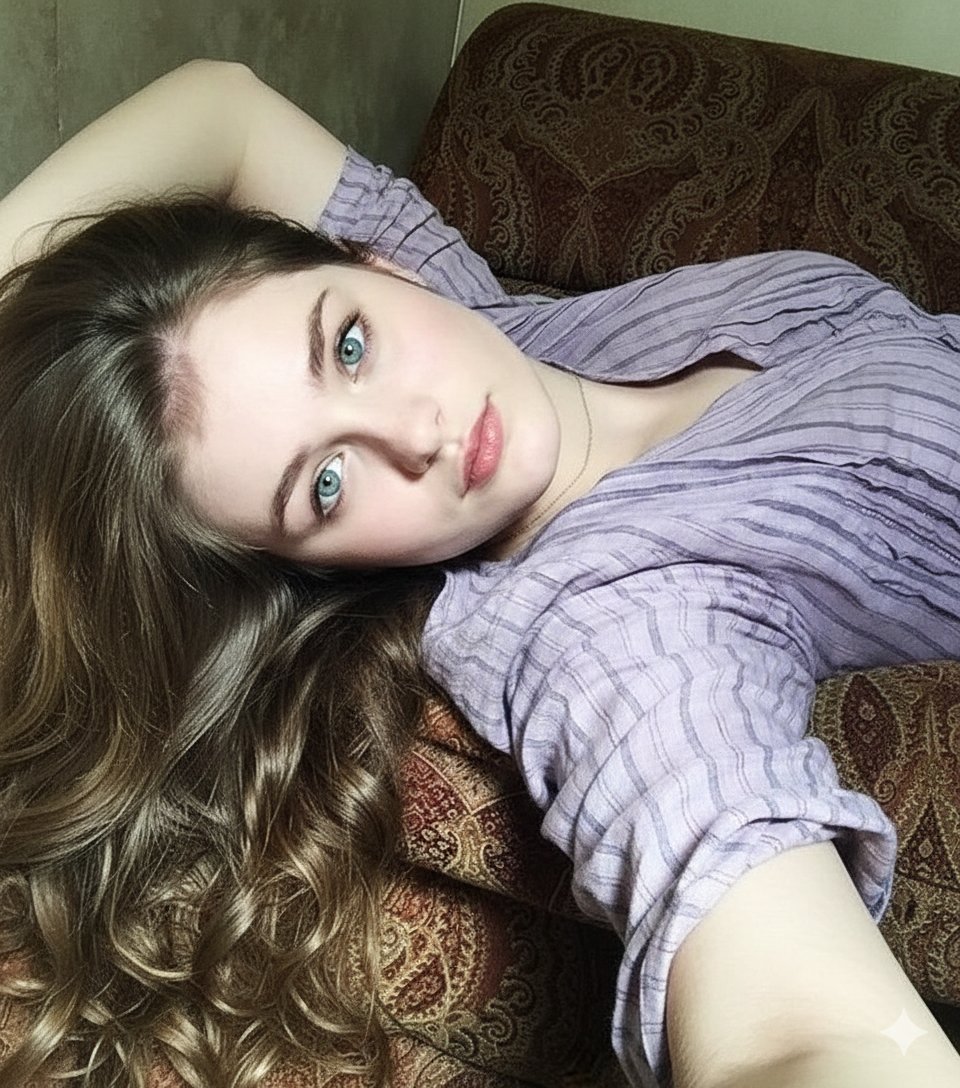
8K Photorealistic Close-Up Selfie Prompt on Ornate Couch
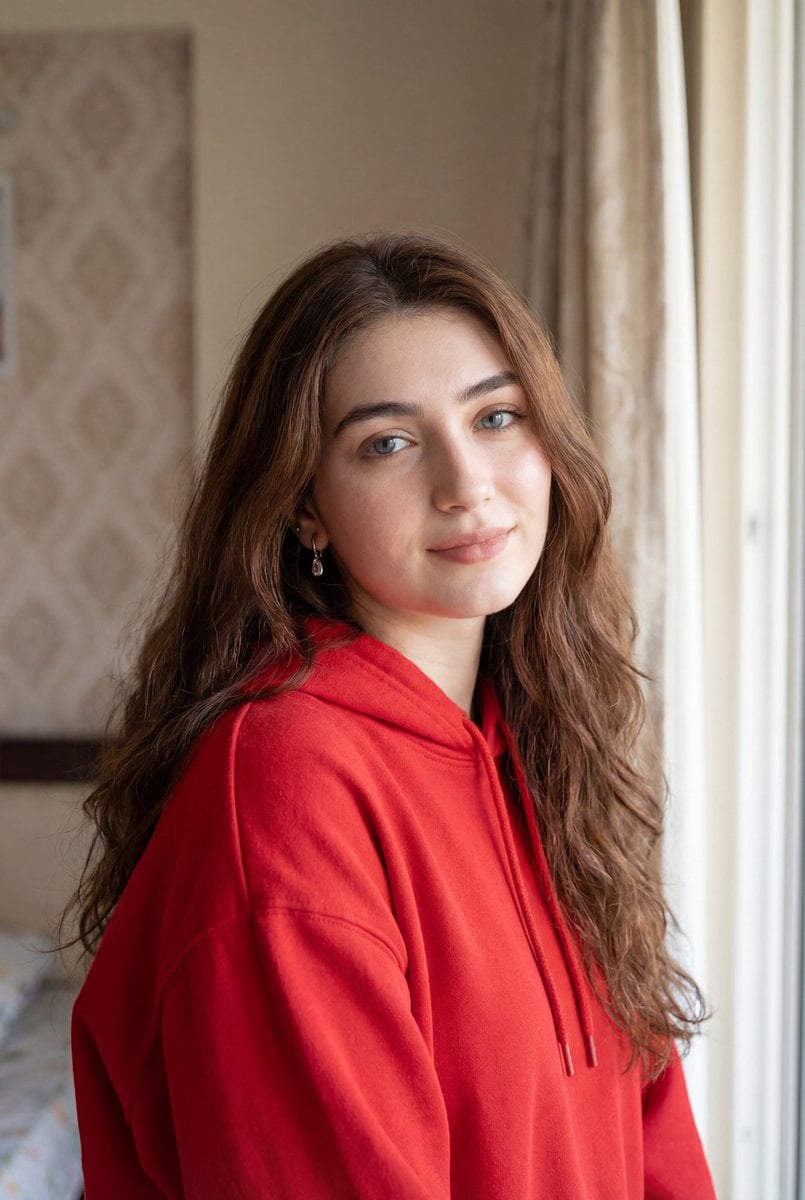
Ultra-Realistic Natural Light Portrait in Cozy Bedroom

Anime Character Noodle Delivery
Stylish Office Worker Portrait
Female Android on Spaceship
Browse template categories
Whimsical Winter Lantern Festival questions
How do I use the Whimsical Winter Lantern Festival template?
Add your photo if the template asks for one, edit the prompt if you like — the template's model and format are already selected — and press Generate. Your version opens in PicX Studio.
Can I customize the Whimsical Winter Lantern Festival template?
Yes. You can change the subject, setting, lighting, mood, format, and available model controls before creating your image.
Is the Whimsical Winter Lantern Festival template free?
Opening and editing this template is free. Generating uses credits, shown on the Generate button when you are signed in.
Which AI model should I use?
Start with GPT Image 2, which is the model associated with this template. You can compare another compatible model for a different finish.
Looking for something else? Browse all templates.

Your photo, any look
Thousands of ready templates for every top image and video model, from one credit balance.