How do I use the Retro Woman by Flowering Vine template?
Choose the primary action to open PicX Studio with the available template settings. Review the model and format, personalize the creative direction, and generate when ready.
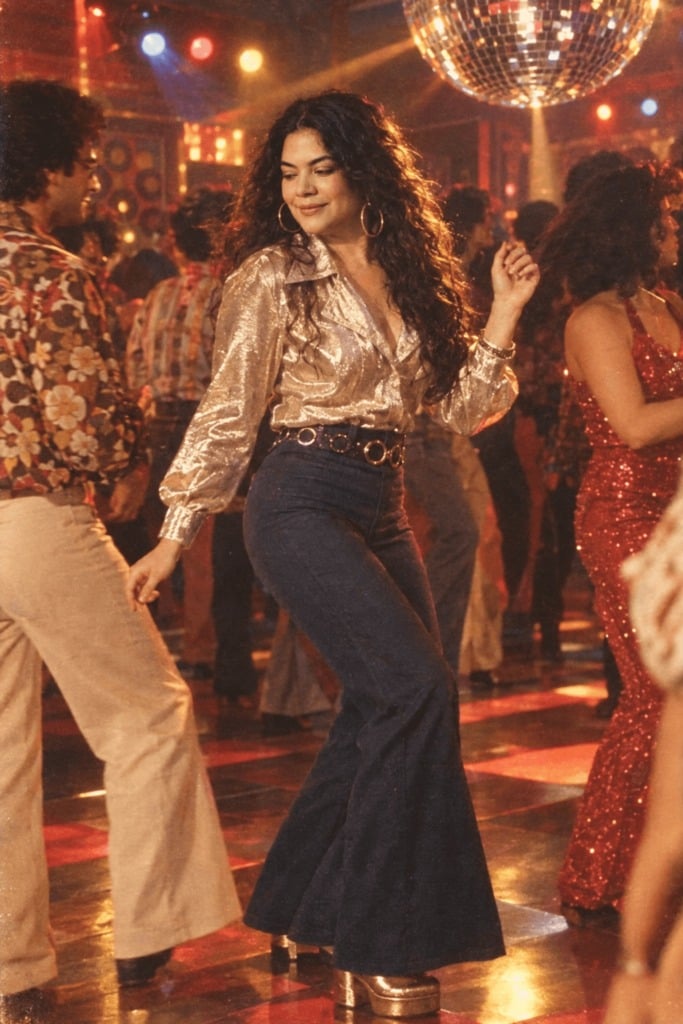
A vintage-style fashion photo of a woman in white posing beside purple flowering vines, useful for editorial lifestyle imagery.

Create a square 1:1 grainy retro vintage fashion photograph of a {argument name="subject" default="young woman"} standing outdoors in front of a sunlit beige stucco wall covered with flowering vines. She wears a loose ivory-white wool short-sleeve T-shirt and matching relaxed white pants with a gathered elastic waist, plus a shiny silver luxury formal wristwatch. Her hair is {argument name="hair style" default="voluminous dark brown 1990s movie baddie waves"}, wind-swept and glamorous. Pose her facing the camera: one hand lifted to the side of her head, the other hand gently plucking or holding one purple flower from the vine. Surround her with abundant bougainvillea-like blossoms in purple, pink, and magenta with deep green leaves, especially along the left side and upper background. Use warm harsh afternoon sunlight with strong natural shadows on the wall, shallow depth of field, slightly soft focus, analog film grain, muted vintage colors, and candid editorial styling. The face should be intentionally anonymized with a centered soft rectangular blur/mosaic over the facial features while the rest of the image remains detailed. No text, no watermark, no extra people.
Choose the primary action to open PicX Studio with the available template settings. Review the model and format, personalize the creative direction, and generate when ready.
Yes. You can change the subject, setting, lighting, mood, format, and available model controls before creating your image.
This template is free to open and customize. Generation usage is shown in PicX Studio before you create.
Start with GPT Image 2, which is the model associated with this template. You can compare another compatible model for a different finish.
Follow a topic to a crawlable collection of related PicX Studio templates.