
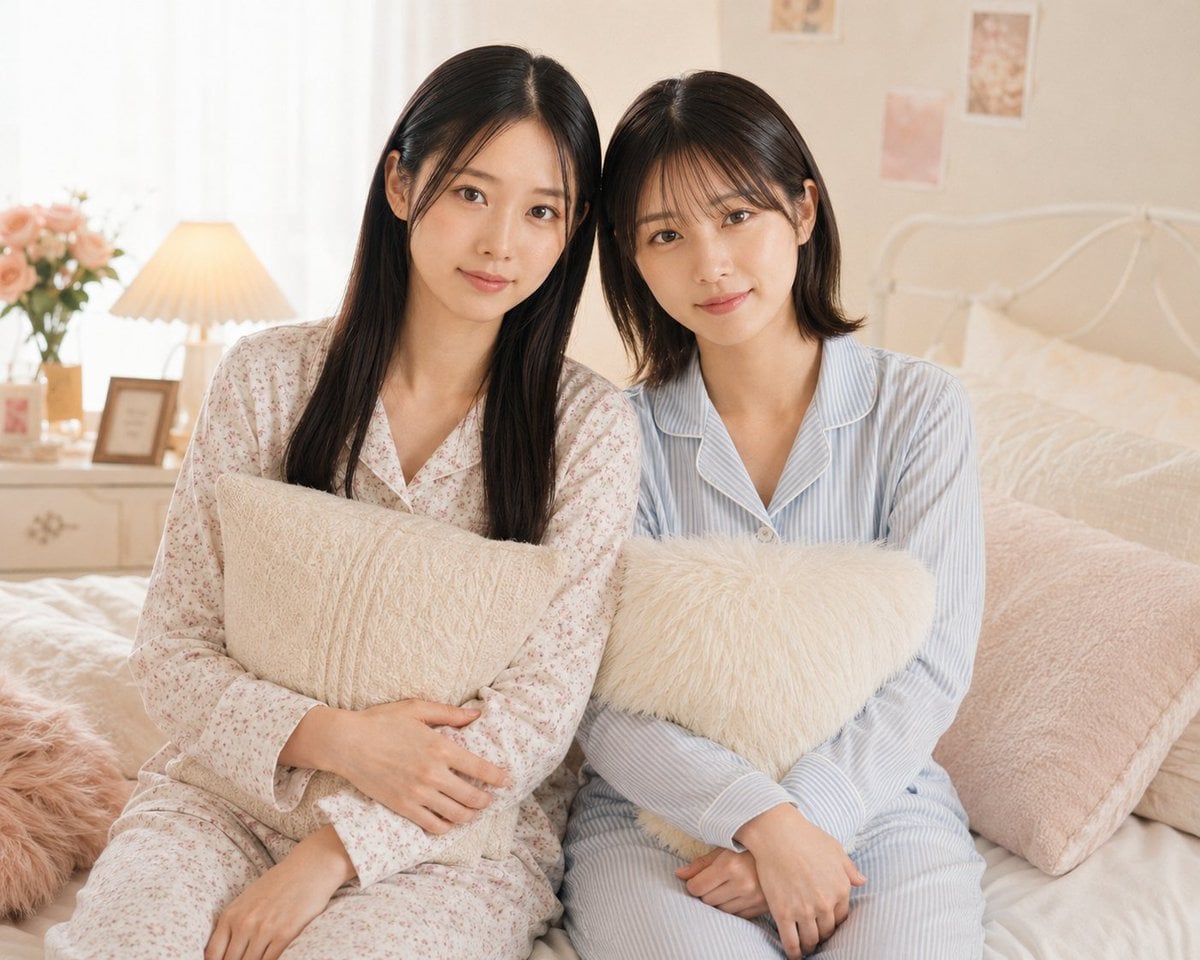
Two Women in Pastel Pajama Bedroom
A photorealistic prompt for generating two distinct young women in cozy pajamas sitting together in a soft pastel bedroom scene.
- Prompt included
- Model and format preset
- Free template
The prompt behind this image
Copy the exact prompt behind Two Women in Pastel Pajama Bedroom, or open it in the studio and make it yours.
Create a realistic, softly lit lifestyle photograph of two young East Asian women sitting close together on a cozy bed in a pastel bedroom, facing the camera with gentle natural smiles. The woman on the left is {argument name="left character" default="a young East Asian woman with long straight black hair parted slightly off-center"}, wearing {argument name="left outfit" default="cream pajamas with a tiny pink floral print"} and hugging a square beige textured pillow across her lap. The woman on the right is {argument name="right character" default="a young East Asian woman with shoulder-length dark brown hair and soft wispy bangs"}, wearing {argument name="right outfit" default="pale blue vertical striped button-up pajamas with white piping"} and holding a fluffy ivory heart-shaped pillow. Place them shoulder-to-shoulder in the center of the frame, waist-up to knees visible, with relaxed hands and distinct faces, hairstyles, and outfits that do not blend together. The bedroom should feel warm and feminine: white metal bedframe, cream and blush bedding, a large pale pink pillow on the right, a furry pink cushion on the left edge, a bedside table with a pleated warm lamp, a small framed picture, and a vase of pale pink roses. Add softly blurred pastel wall prints in the background, sheer white curtains glowing with daylight from the left, warm beige and blush color grading, shallow depth of field, clean natural skin texture, high-resolution photorealism, no text, no watermark, no extra people.
How to use Two Women in Pastel Pajama Bedroom in 3 steps
- 1Upload ImagePNG, JPG or paste
Add your photo
Upload the photo the template builds on. The prompt, model and format are already set.
- 2…a portrait of your subject in softgolden-hour light, 85mm…
Personalize
Edit the subject and creative details for your destination.
- 3Generate
Generate
Press Generate — your image is created in PicX Studio, so you can compare it with the original and refine one variable at a time.
More like this
Templates with the same subject, style or setup. Open one to see its prompt.
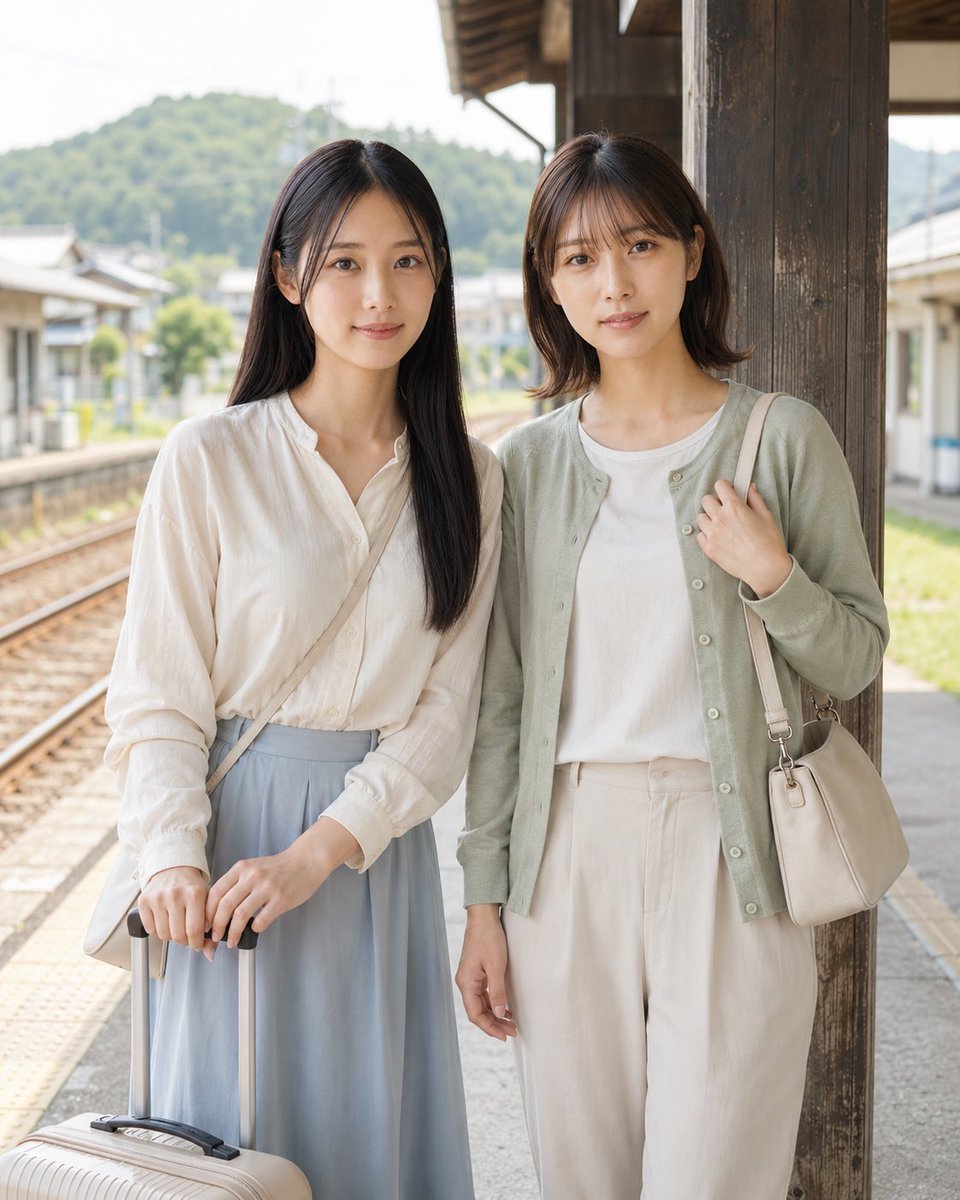
Two Reference Women at Train Station
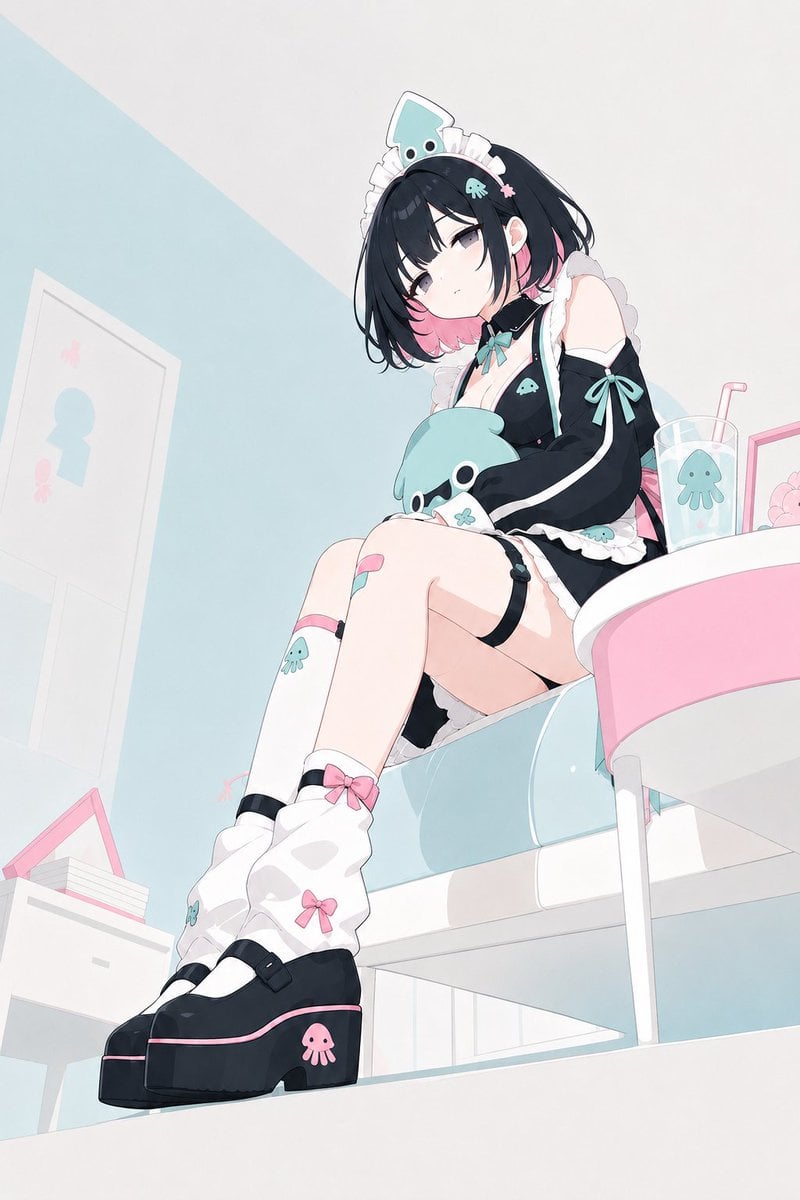
Pastel Squid Maid Bedroom Illustration

Eid al-Adha Cute Chaos — Fisheye Selfie with Farm Selfie, Mosque & Animals

Cute Layered Paper Cut Chibi Girl

Layered Paper Cut Illustration Template

Premium Vintage Travel Poster Landscape

Quiet Minimalist Anime Style Guide
Premium Vintage Travel Poster Landscape

Pastel Fantasy Pagoda Mountain Landscape

Korean Cafe Courtyard Gold Frame Mirror Selfie
Make it yours
Two Women in Pastel Pajama Bedroom works as-is. These are the safest ways to change it without losing the look.
Change one field
Copy a single group, rewrite it, and generate again so you can see what that field is doing.
Keep the frame, change the subject
Hold the composition and light of Two Women in Pastel Pajama Bedroom, then swap wardrobe, props or the person for a new take.
| If the result… | Why | Fix |
|---|---|---|
| The result drifts from the preview | Too many fields changed at once. | Reuse Two Women in Pastel Pajama Bedroom as-is first, then change one group — subject, light, or setting. |
| The model over-stylizes the scene | The prose prompt leaves finish and camera underspecified. | Add one camera or lighting sentence and stay on GPT Image 2. |
More GPT Image 2 templates
Other prompts made for GPT Image 2.

Six VTuber Japanese Logo Sheet

Realistic Portrait of Woman and Deer

The Vista Modular Condo Poster

AI Model Routing Comparison Infographic

2.5D Anime Art Board

Isometric Productivity Desk Scene

New York Double Exposure Poster

Four-Panel AI Landscape Comparison

Japanese Tatami Lifestyle Magazine Cover

NESCAFÉ Coffee Map Poster
More image prompts
Fresh picks from across the catalog.
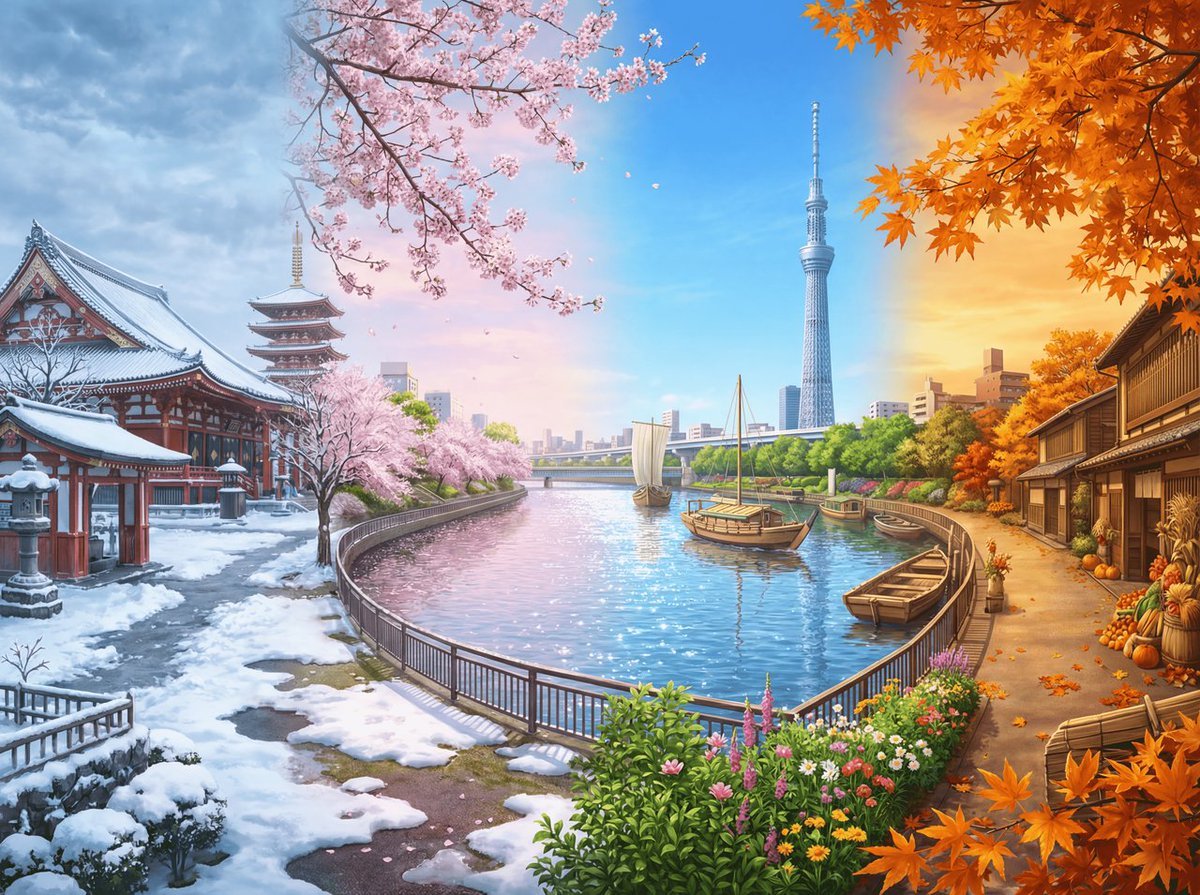
Four Seasons Panorama of Asakusa and Skytree
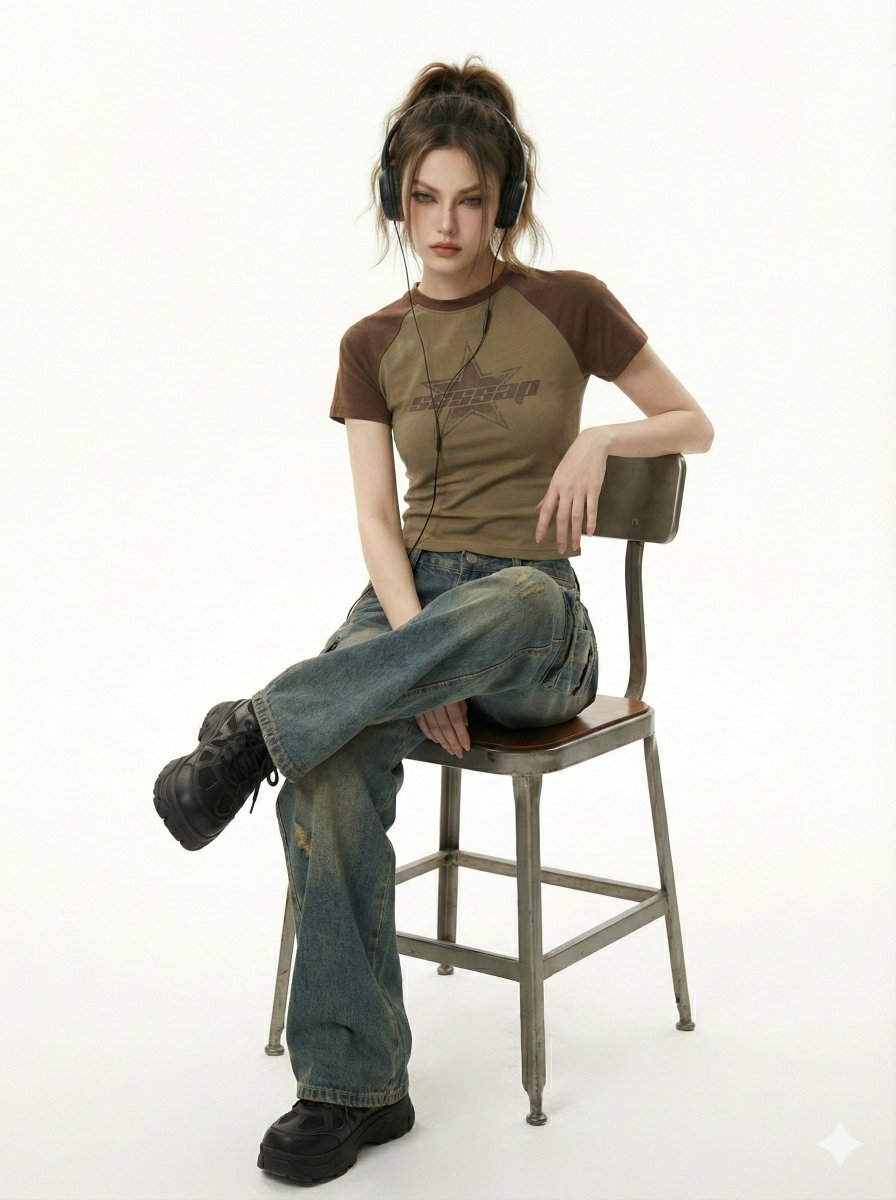
Y2K Indie Sleaze Editorial Portrait
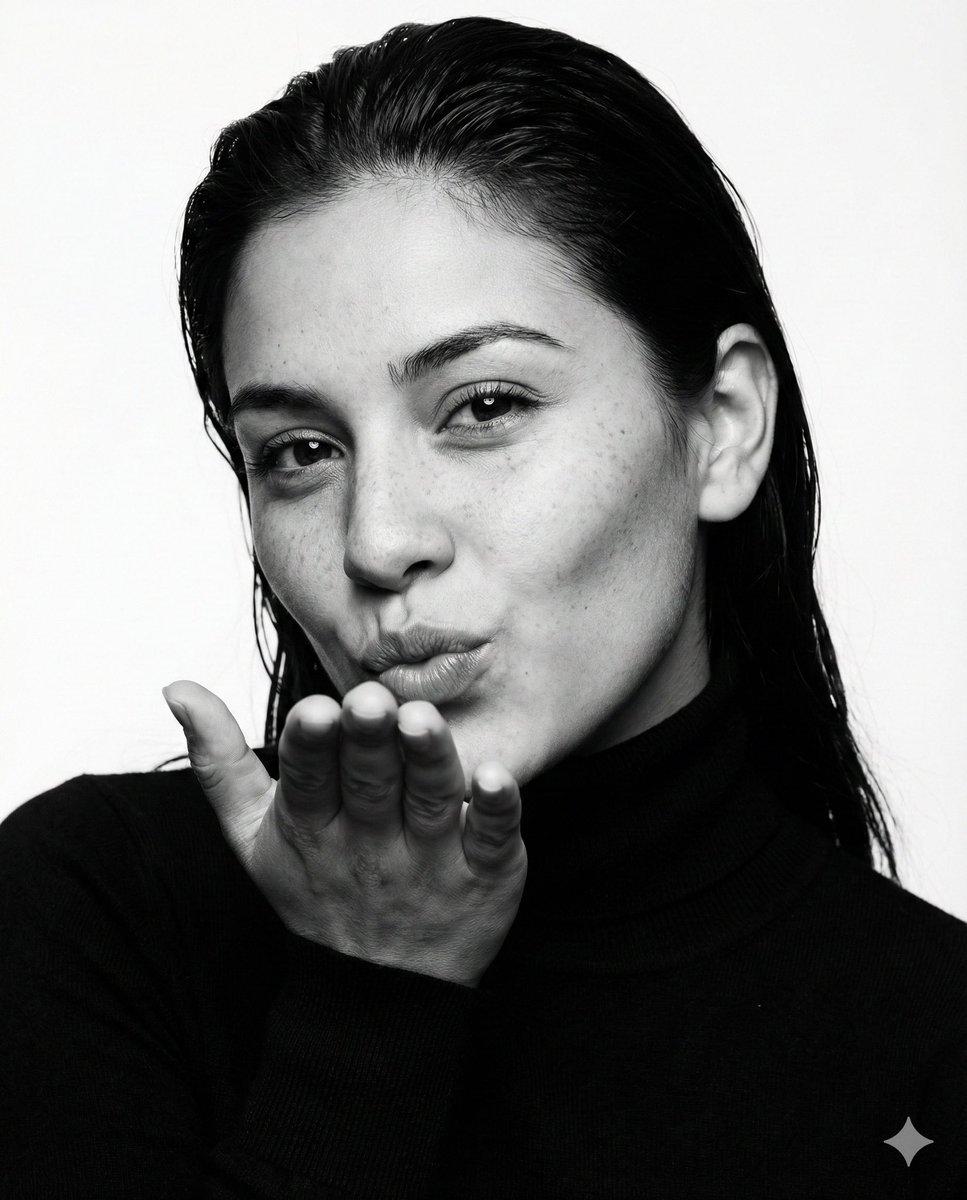
Ultra-photorealistic black and white fashion portrait prompt
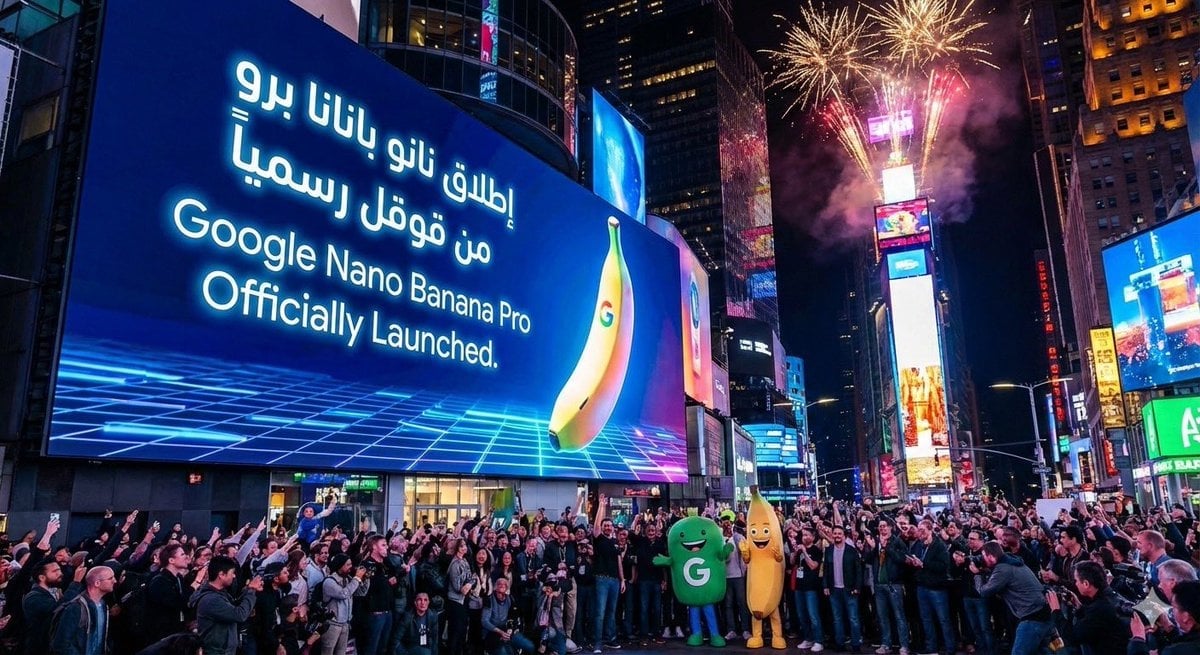
Announcement design image about Nano Banana Pro launch
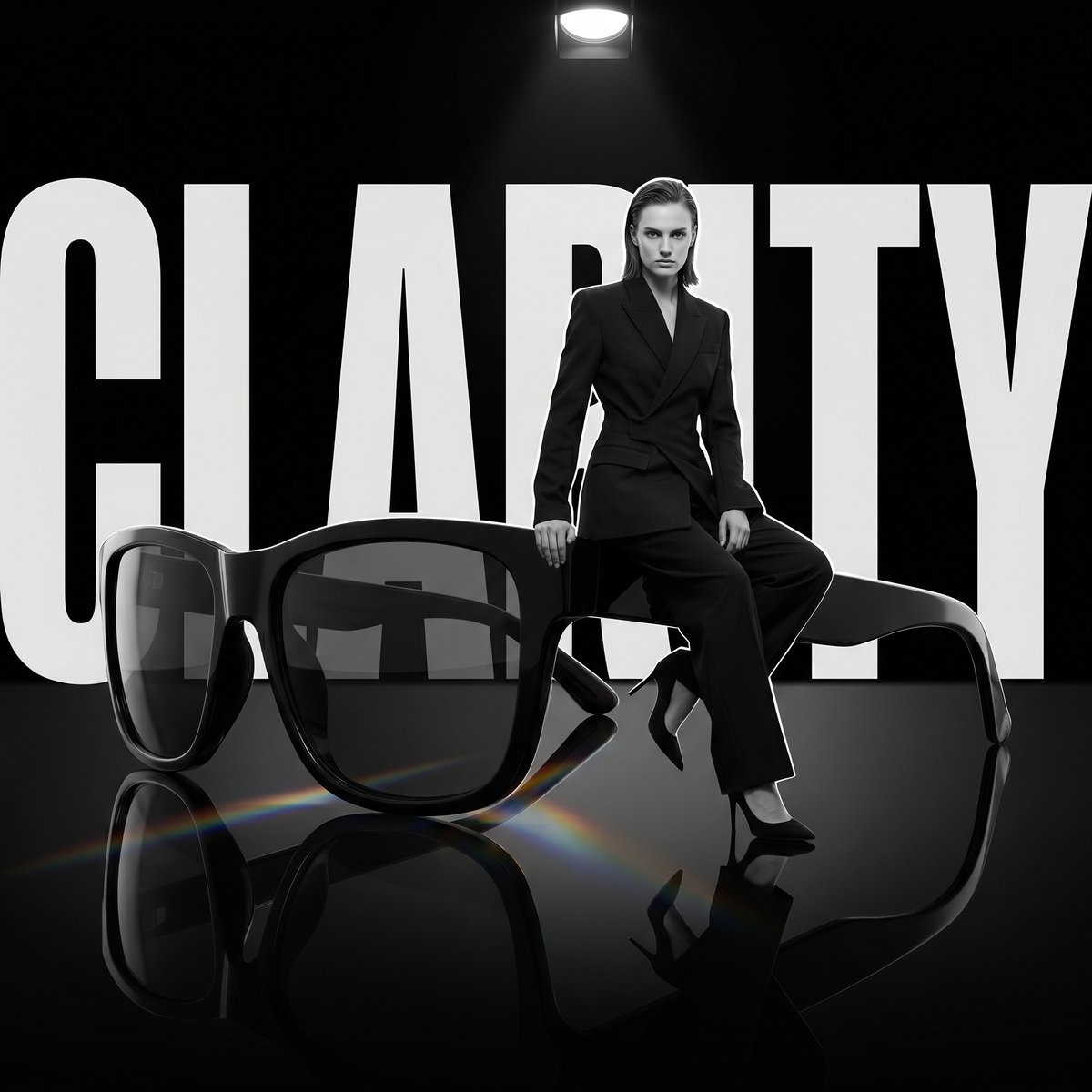
Luxury Dark Editorial Product Shot
Nighttime Rain Selfie with iPhone Reflection
Conceptual Object Feasibility Image Prompt
2x2 SNS School Banner Ad Grid
Japanese Salmon Kimchi Recipe Card
Carbon Fiber Typography
Browse template categories
Two Women in Pastel Pajama Bedroom questions
How do I use the Two Women in Pastel Pajama Bedroom template?
Add your photo if the template asks for one, edit the prompt if you like — the template's model and format are already selected — and press Generate. Your version opens in PicX Studio.
Can I customize the Two Women in Pastel Pajama Bedroom template?
Yes. You can change the subject, setting, lighting, mood, format, and available model controls before creating your image.
Is the Two Women in Pastel Pajama Bedroom template free?
Opening and editing this template is free. Generating uses credits, shown on the Generate button when you are signed in.
Which AI model should I use?
Start with GPT Image 2, which is the model associated with this template. You can compare another compatible model for a different finish.
Looking for something else? Browse all templates.

Your photo, any look
Thousands of ready templates for every top image and video model, from one credit balance.