
2x2 SNS School Banner Ad Grid
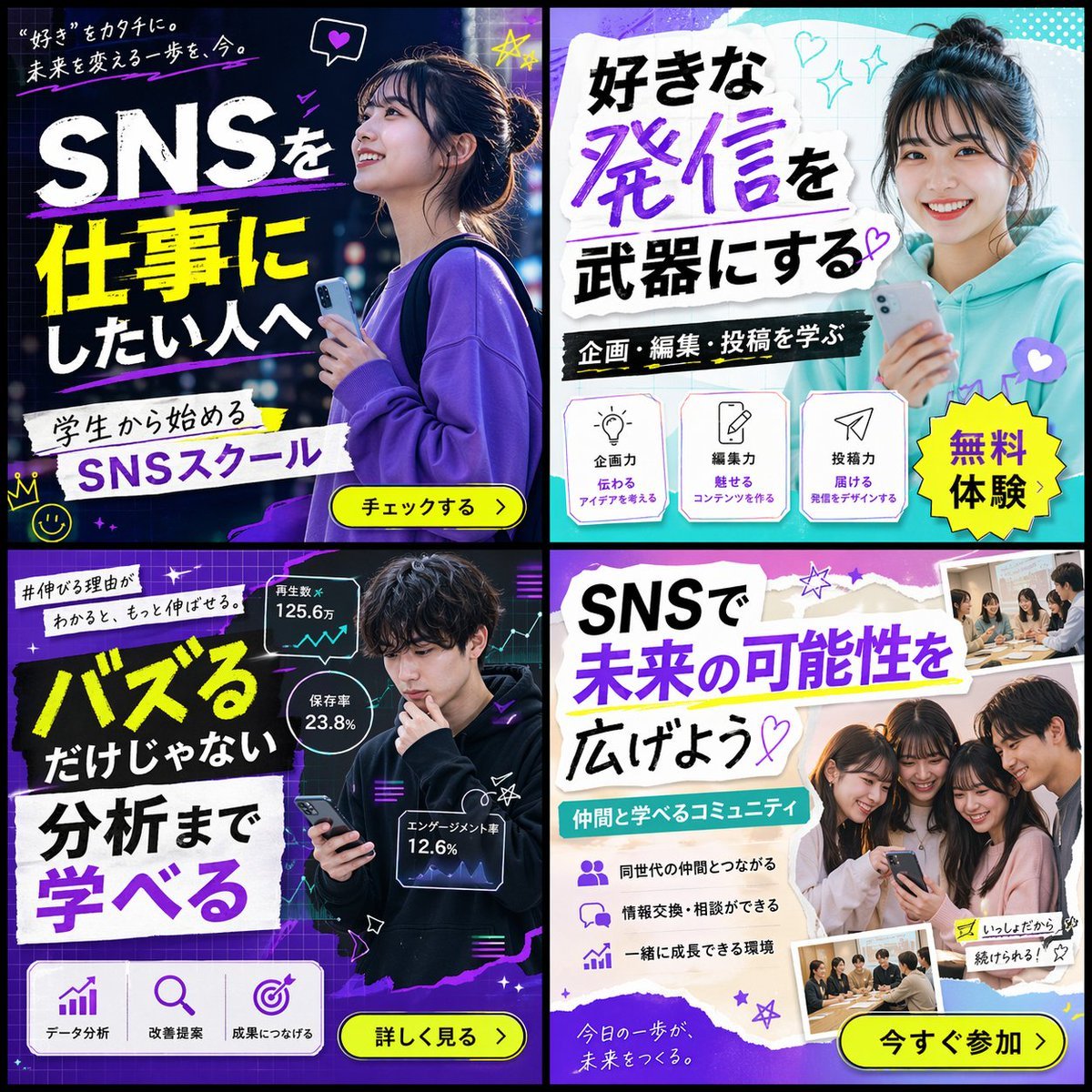
Generates a 2x2 grid of diverse banner advertisements for a social media school, featuring different target demographics, color schemes, and marketing copy.
- Prompt included
- Model and format preset
- Free template
The prompt behind this image
Copy the exact prompt behind 2x2 SNS School Banner Ad Grid, or open it in the studio and make it yours.
- Type
- 2x2 grid of banner advertisements
- Theme
- {argument name="school name" default="SNSスクール"}
- Target Audience
- {argument name="target audience" default="学生"}
- Layout › Grid
- 2x2
- Layout › Panels › 0 › Position
- top-left
- Layout › Panels › 0 › Style
- dark neon, blue and purple
- Layout › Panels › 0 › Subject
- young woman looking up hopefully, holding a smartphone, wearing a purple sweatshirt
- Layout › Panels › 0 › Main Text
- {argument name="banner 1 headline" default="SNSを仕事にしたい人へ"}
- Layout › Panels › 0 › Sub Text
- “好き”をカタチに。未来を変える一歩を、今。
- Layout › Panels › 0 › Elements
- white and yellow typography, yellow call-to-action button: チェックする >, hand-drawn neon accents (crown, stars, heart)
- Layout › Panels › 1 › Position
- top-right
- Layout › Panels › 1 › Style
- bright, pop, cyan and white
- Layout › Panels › 1 › Subject
- young woman smiling directly at camera, holding a smartphone, wearing a teal hoodie, hair in a bun
- Layout › Panels › 1 › Main Text
- {argument name="banner 2 headline" default="好きな発信を武器にする"}
- Layout › Panels › 1 › Sub Text
- 企画・編集・投稿を学ぶ
- Layout › Panels › 1 › Elements
- torn paper texture backgrounds for text, yellow starburst sticker: 無料体験, 3 feature icons with text: lightbulb (企画力), pencil (編集力), paper plane (投稿力)
- Layout › Panels › 2 › Position
- bottom-left
- Layout › Panels › 2 › Style
- dark, analytical, neon purple and green
- Layout › Panels › 2 › Subject
- young man looking thoughtfully at his smartphone, wearing a black hoodie
- Layout › Panels › 2 › Main Text
- {argument name="banner 3 headline" default="バズるだけじゃない 分析まで学べる"}
- Layout › Panels › 2 › Sub Text
- #伸びる理由がわかると、もっと伸ばせる。
- Layout › Panels › 2 › Elements
- 3 floating holographic data panels with line graphs and stats (125.6万, 23.8%, 12.6%), 3 feature icons at bottom: bar chart (データ分析), magnifying glass (改善提案), target (成果につなげる), yellow call-to-action button: 詳しく見る >
- Layout › Panels › 3 › Position
- bottom-right
- Layout › Panels › 3 › Style
- bright, friendly, purple and white
Raw JSON
{
  "type": "2x2 grid of banner advertisements",
  "theme": "{argument name=\"school name\" default=\"SNSスクール\"}",
  "target_audience": "{argument name=\"target audience\" default=\"学生\"}",
  "layout": {
    "grid": "2x2",
    "panels": [
      {
        "position": "top-left",
        "style": "dark neon, blue and purple",
        "subject": "young woman looking up hopefully, holding a smartphone, wearing a purple sweatshirt",
        "main_text": "{argument name=\"banner 1 headline\" default=\"SNSを仕事にしたい人へ\"}",
        "sub_text": "“好き”をカタチに。未来を変える一歩を、今。",
        "elements": [
          "white and yellow typography",
          "yellow call-to-action button: チェックする >",
          "hand-drawn neon accents (crown, stars, heart)"
        ]
      },
      {
        "position": "top-right",
        "style": "bright, pop, cyan and white",
        "subject": "young woman smiling directly at camera, holding a smartphone, wearing a teal hoodie, hair in a bun",
        "main_text": "{argument name=\"banner 2 headline\" default=\"好きな発信を武器にする\"}",
        "sub_text": "企画・編集・投稿を学ぶ",
        "elements": [
          "torn paper texture backgrounds for text",
          "yellow starburst sticker: 無料体験",
          "3 feature icons with text: lightbulb (企画力), pencil (編集力), paper plane (投稿力)"
        ]
      },
      {
        "position": "bottom-left",
        "style": "dark, analytical, neon purple and green",
        "subject": "young man looking thoughtfully at his smartphone, wearing a black hoodie",
        "main_text": "{argument name=\"banner 3 headline\" default=\"バズるだけじゃない 分析まで学べる\"}",
        "sub_text": "#伸びる理由がわかると、もっと伸ばせる。",
        "elements": [
          "3 floating holographic data panels with line graphs and stats (125.6万, 23.8%, 12.6%)",
          "3 feature icons at bottom: bar chart (データ分析), magnifying glass (改善提案), target (成果につなげる)",
          "yellow call-to-action button: 詳しく見る >"
        ]
      },
      {
        "position": "bottom-right",
        "style": "bright, friendly, purple and white",
        "subject": "group of 4 young people (3 women, 1 man) huddled together smiling at a smartphone",
        "main_text": "SNSで未来の可能性を広げよう",
        "sub_text": "仲間と学べるコミュニティ",
        "elements": [
          "torn paper texture backgrounds for text",
          "3 bullet points with icons (people, speech bubbles, rising chart)",
          "2 polaroid-style inset photos showing students studying at a desk",
          "yellow call-to-action button: 今すぐ参加 >"
        ]
      }
    ]
  }
}How to use 2x2 SNS School Banner Ad Grid in 3 steps
- 1Upload ImagePNG, JPG or paste
Add your photo
Upload the photo the template builds on. The prompt, model and format are already set.
- 2…a portrait of your subject in softgolden-hour light, 85mm…
Personalize
Edit the subject and creative details for your destination.
- 3Generate
Generate
Press Generate — your image is created in PicX Studio, so you can compare it with the original and refine one variable at a time.
More like this
Templates with the same subject, style or setup. Open one to see its prompt.

Korean Luxury Fashion Editorial 2x2 Grid Series

SNS Giveaway Campaign Banner
Chanel Perfume 2x2 Grid Luxury Campaign

Minimalist Fashion Editorial Split Layout

Ultra-Realistic Vogue-Style Editorial Fashion Grid

Headphones Lifestyle Nine Panel Grid
Elegant Ballet School Promo Grid
2x2 Japanese Advertisement Grid
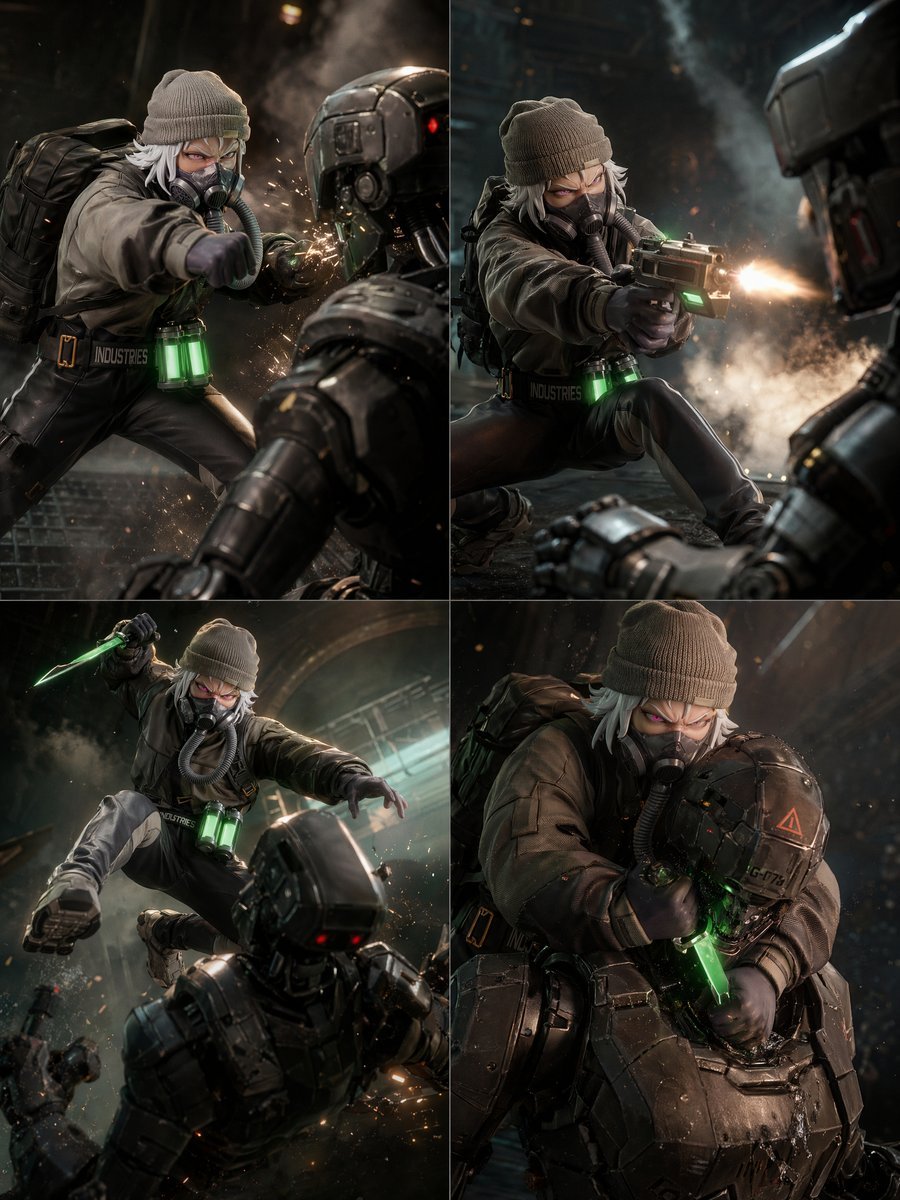
2x2 Sci-Fi Combat Action Grid

4x4 Grid - Candid Nostalgic Vacation Selfies

Movement Sheet - Dance Reference (Seedance 2.0)
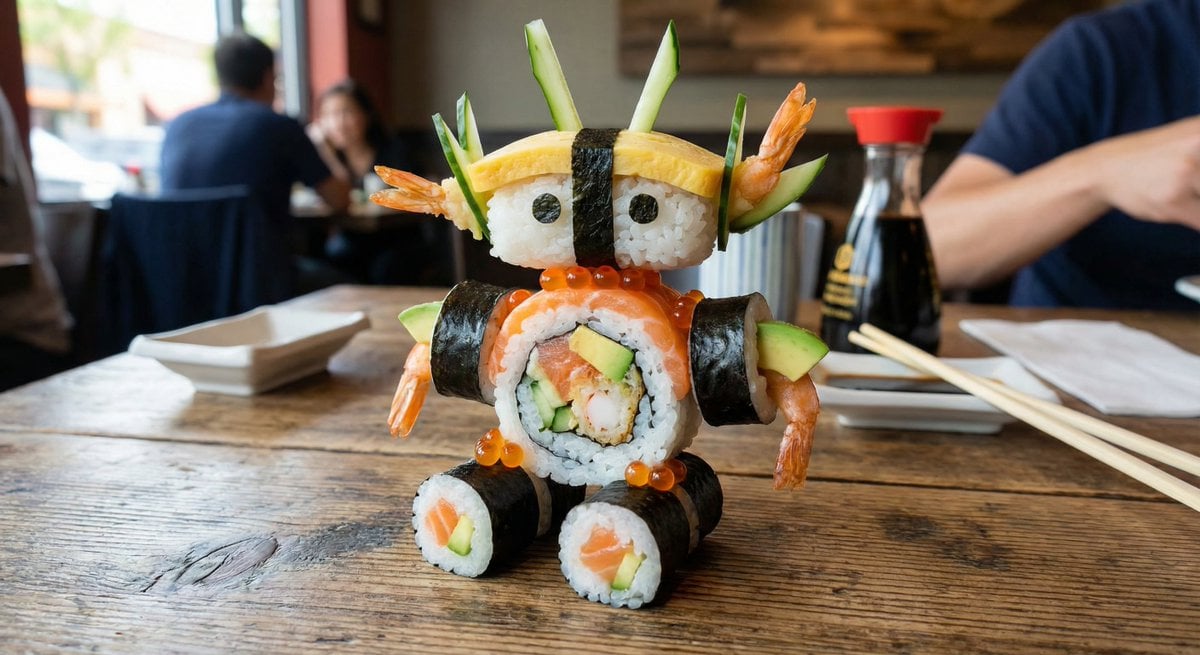
2x2 Grid Scene Progression
Make it yours
2x2 SNS School Banner Ad Grid works as-is. These are the safest ways to change it without losing the look.
Change one field
Copy a single group, rewrite it, and generate again so you can see what that field is doing.
Keep the frame, change the subject
Hold the composition and light of 2x2 SNS School Banner Ad Grid, then swap wardrobe, props or the person for a new take.
| If the result… | Why | Fix |
|---|---|---|
| The result drifts from the preview | Too many fields changed at once. | Reuse 2x2 SNS School Banner Ad Grid as-is first, then change one group — subject, light, or setting. |
| GPT Image 2 ignores part of the JSON | Some models flatten or skip nested keys. | Keep the same values and paste them as a short paragraph instead. |
More GPT Image 2 templates
Other prompts made for GPT Image 2.

Six VTuber Japanese Logo Sheet

Realistic Portrait of Woman and Deer

The Vista Modular Condo Poster

AI Model Routing Comparison Infographic

2.5D Anime Art Board

Isometric Productivity Desk Scene

New York Double Exposure Poster

Four-Panel AI Landscape Comparison

Japanese Tatami Lifestyle Magazine Cover

NESCAFÉ Coffee Map Poster
More image prompts
Fresh picks from across the catalog.

Hanna-Barbera Style Political Figures Cartoon Portrait
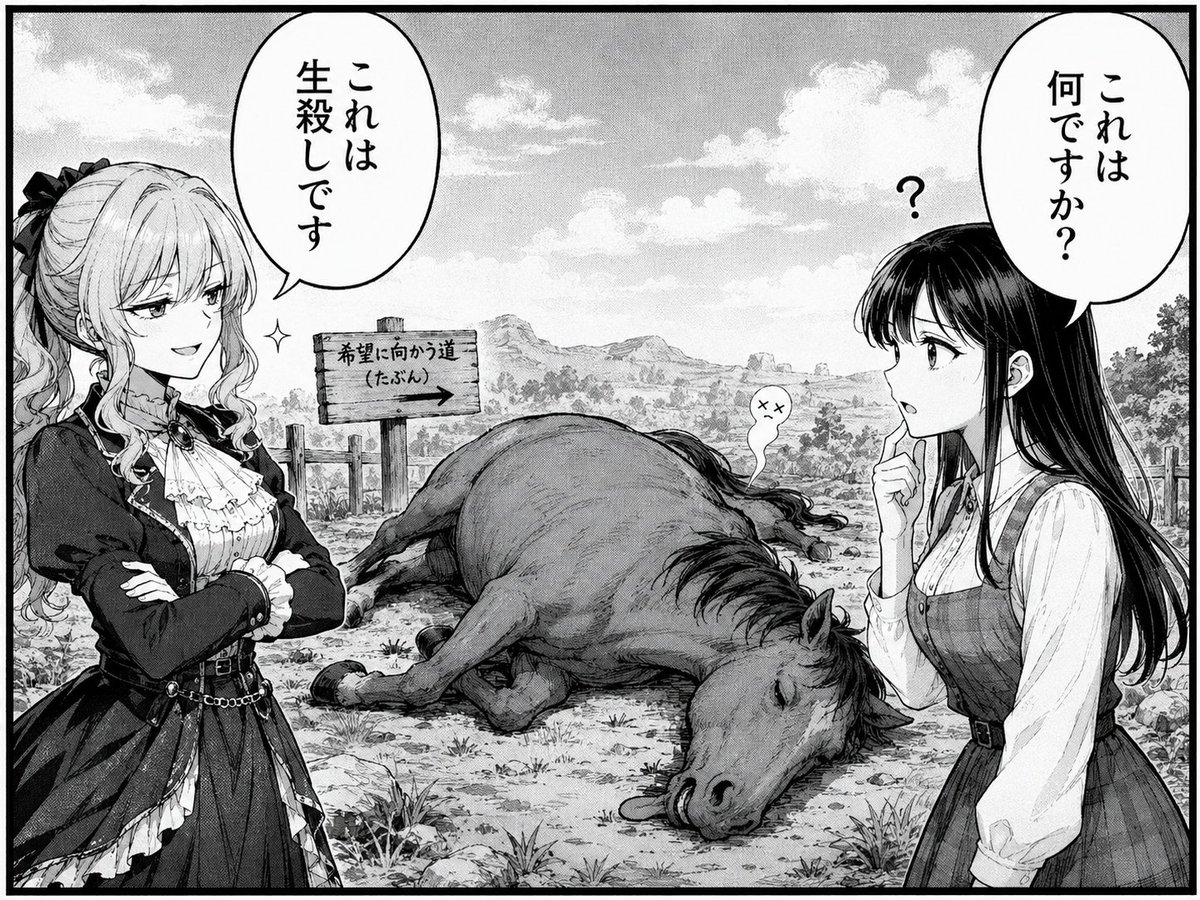
Comedic Manga Roadside Horse Scene
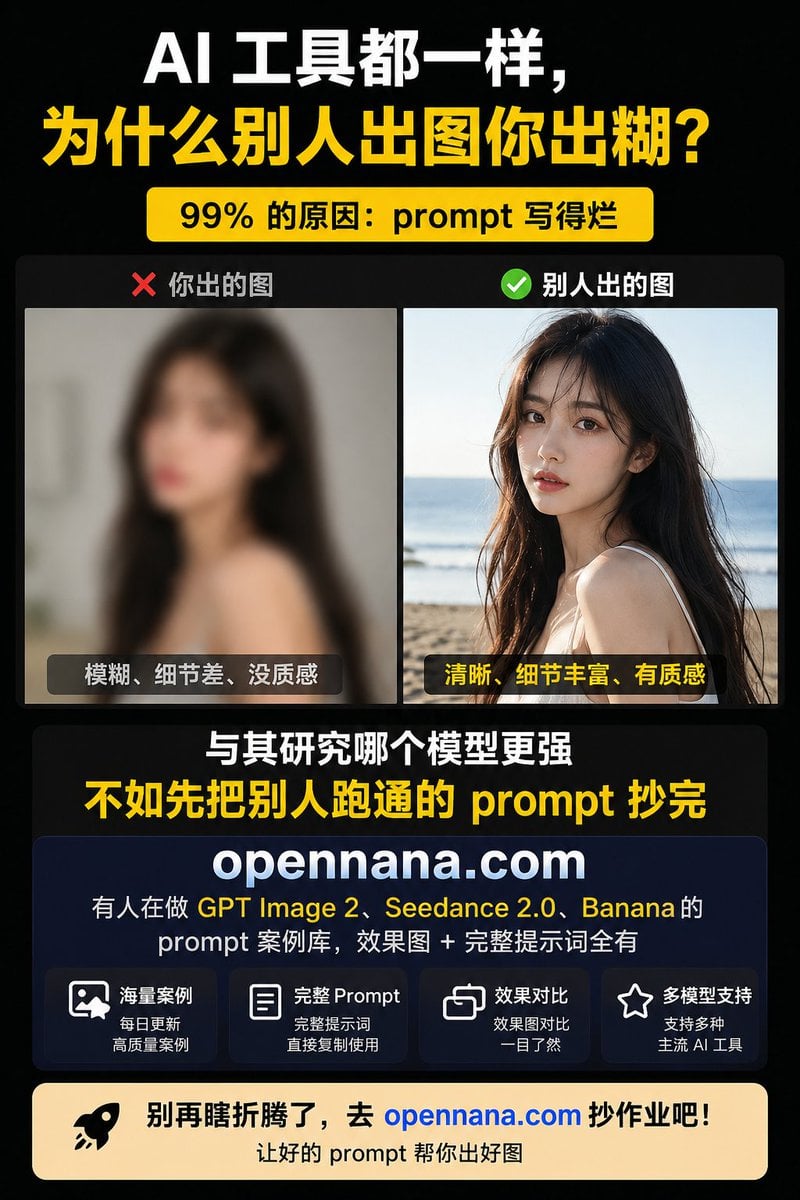
Chinese AI Prompt Comparison Poster
Ancient Chinese Cinematic Still
Neon Red One Piece Bodysuit at Night Pool
Anime Inspired Korean Fashion Portrait
X Aiwithlariab Image on Nano Banana 2

Ice Kingdom Princess Fantasy Poster
Realistic Bird with Artistic Traces
2000s Digital Camera Snapshot Prompt
Browse template categories
2x2 SNS School Banner Ad Grid questions
How do I use the 2x2 SNS School Banner Ad Grid template?
Add your photo if the template asks for one, edit the prompt if you like — the template's model and format are already selected — and press Generate. Your version opens in PicX Studio.
Can I customize the 2x2 SNS School Banner Ad Grid template?
Yes. You can change the subject, setting, lighting, mood, format, and available model controls before creating your image.
Is the 2x2 SNS School Banner Ad Grid template free?
Opening and editing this template is free. Generating uses credits, shown on the Generate button when you are signed in.
Which AI model should I use?
Start with GPT Image 2, which is the model associated with this template. You can compare another compatible model for a different finish.
Looking for something else? Browse all templates.

Your photo, any look
Thousands of ready templates for every top image and video model, from one credit balance.