
SNS Giveaway Campaign Banner
A detailed prompt for creating eye-catching, flat 2D promotional banners for social media giveaway campaigns, featuring a pop and friendly style.
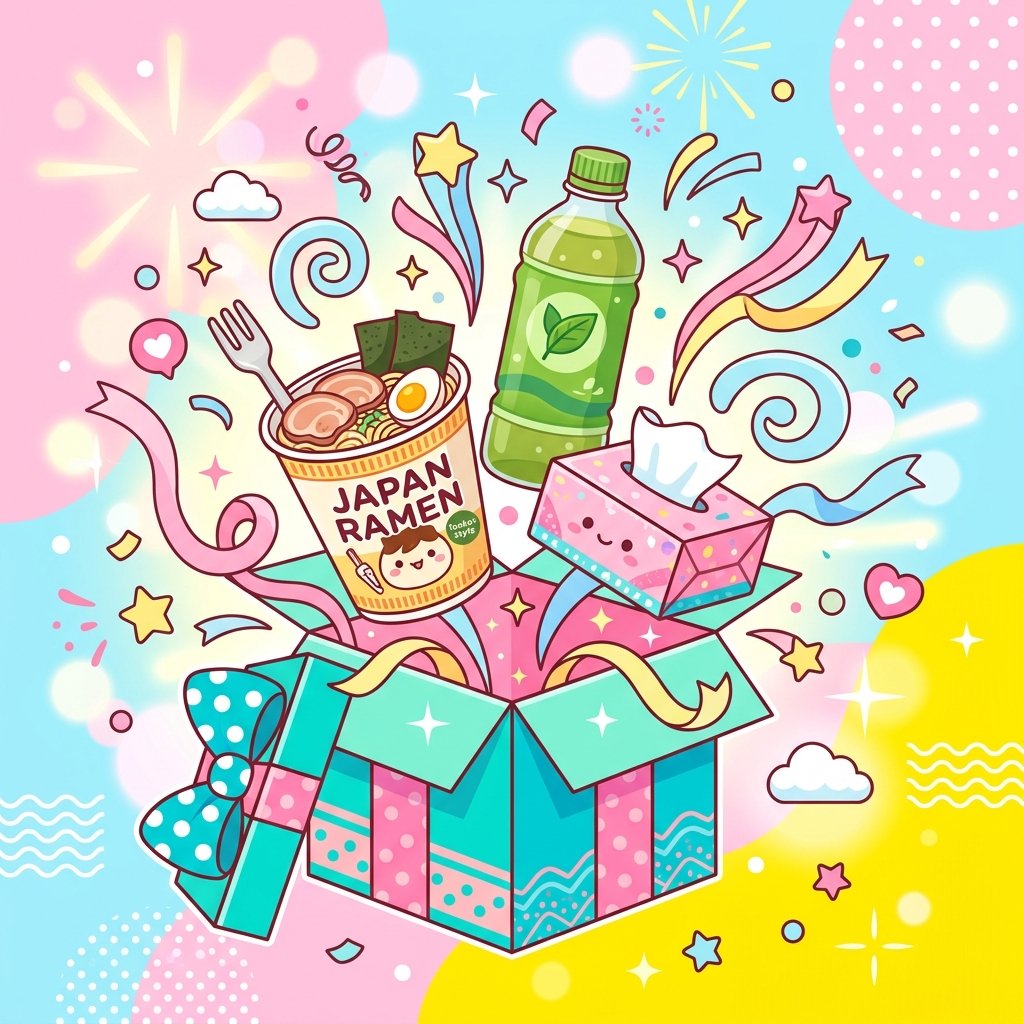
- Prompt included
- Model and format preset
- Free template
The prompt behind this image
Copy the exact prompt behind SNS Giveaway Campaign Banner, or open it in the studio and make it yours.
【キャンペーン情報】 ・キャンペーン名: {argument name="キャンペーン名" default="私のお気に入りアイテムプレゼントキャンペーン"} ・賞品リスト: {argument name="賞品" default="とんこつラーメン、お茶、ティッシュ箱"} ・参加条件/ステップ: {argument name="応募ステップ" default="フォロー&リポスト"} 【画質・演出・構図指定】 ・スタイル: ポップで明るく、親しみやすいSNSプロモーション用バナー。目を引くデザイン。 ・被写体: ギフトボックスから飛び出す{argument name="賞品" default="とんこつラーメン、お茶、ティッシュ箱"}のイラストやリアルな商品写真が、華やかなリボンや星のデコレーションに囲まれて中央に描かれている。 ・色彩・トーン: パステル調の明るいピンク、イエロー、ライトブルーなど、ワクワク感を演出する配色。 ・テキスト情報(GPT-image / Nano Banana Pro向け): 画面上部に{argument name="キャンペーン名" default="私のお気に入りアイテムプレゼントキャンペーン"}というテキスト、下部に{argument name="応募ステップ" default="フォロー&リポスト"}という簡単な参加手順が、太くて可愛い丸文字フォントで分かりやすくレイアウトされている。 ・照明: 影を和らげたフラットで均一な明るい照明。 【レイアウトおよび出力上の厳格な制約(必須)】 ・完成したデザインそのものを、画面全体いっぱいに出力してください。デザイン内部の背景やシーン描写(壁・空間・影など)は本文の指示に従って構いません。 ・禁止事項:完成ポスターを額縁に入れた写真、壁に貼った状態の写真、机や紙の上に置いたモックアップ写真、紙の縁の遠近の歪みやドロップシャドウ。 ・Output the finished flat 2D design itself, filling the entire canvas. Scene elements inside the design (walls, rooms, shadows) described above are allowed. Absolutely NO photo-of-a-poster mockups: no picture frames, no poster-on-wall or poster-on-desk shots, no perspective warp or drop shadow around the artwork's edges. ・アスペクト比: 「--ar 1:1」または「--ar 16:9」
How to use SNS Giveaway Campaign Banner in 3 steps
- 1
Open
The prompt is already in the box next to the preview, with the template's model and format selected.
- 2…a portrait of your subject in softgolden-hour light, 85mm…
Personalize
Edit the subject and creative details for your destination.
- 3Generate
Generate
Press Generate — your image is created in PicX Studio, so you can compare it with the original and refine one variable at a time.
More like this
Templates with the same subject, style or setup. Open one to see its prompt.

Creative Character in Pink Office

Avant-Garde Asian Fashion Model

Underwater Macro Face Portrait

Water-level Bridge Modification

Noir Punk Street Portrait

High Contrast Cinematic Face Portrait

Monochrome Studio Portrait with Colored Lens

Ultra-Realistic Yacht Sunset Portrait

Mushroom Still Life Composition

Whimsical Anthropomorphic Friendly Insect

Pop Art Summer Fruit Fashion Illustration
Dark Cinematic Window Lighting Portrait
Make it yours
SNS Giveaway Campaign Banner works as-is. These are the safest ways to change it without losing the look.
Change one field
Copy a single group, rewrite it, and generate again so you can see what that field is doing.
Keep the frame, change the subject
Hold the composition and light of SNS Giveaway Campaign Banner, then swap wardrobe, props or the person for a new take.
| If the result… | Why | Fix |
|---|---|---|
| The result drifts from the preview | Too many fields changed at once. | Reuse SNS Giveaway Campaign Banner as-is first, then change one group — subject, light, or setting. |
| The model over-stylizes the scene | The prose prompt leaves finish and camera underspecified. | Add one camera or lighting sentence and stay on Gemini 3 Pro Image Preview. |
More Gemini 3 Pro Image Preview templates
Other prompts made for Gemini 3 Pro Image Preview.

Cinematic Urban Night Billboard Portrait

Ultra-Realistic iPhone Selfie with Motion Blur

Cinematic Mirror Reflection Portrait

Elegant Men's Twilight Editorial

Coastal Freedom Sunset Portrait

Ergonomic Office Chair E-commerce Mobile Detail Page

Macro Guitar Fret Dressing

Cinematic Black and White Studio Portrait

1980s Retro Salon Portrait

Felt Frog Diorama Beach
More image prompts
Fresh picks from across the catalog.
Luxury Crimson Red Dress Fashion Editorial
Handmade Enamel Souvenir Magnet
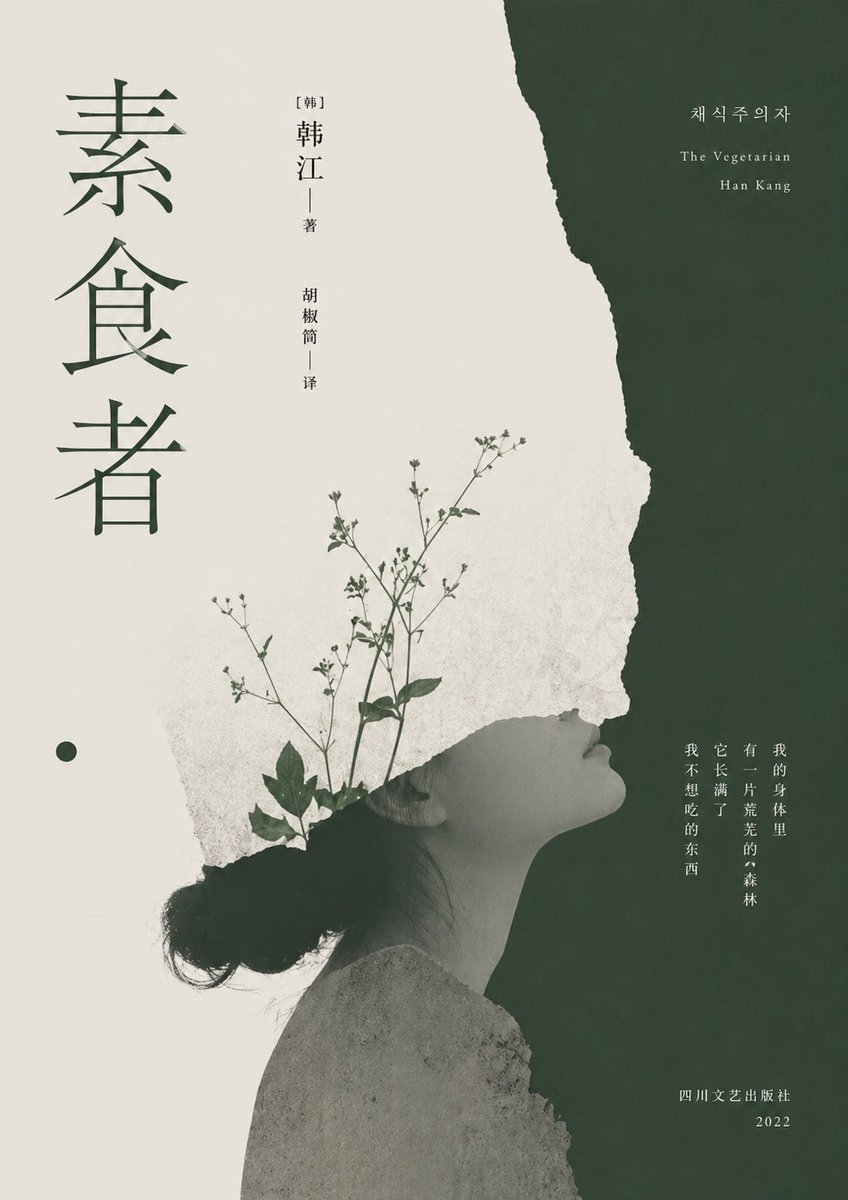
Minimalist Literary Cover for The Vegetarian
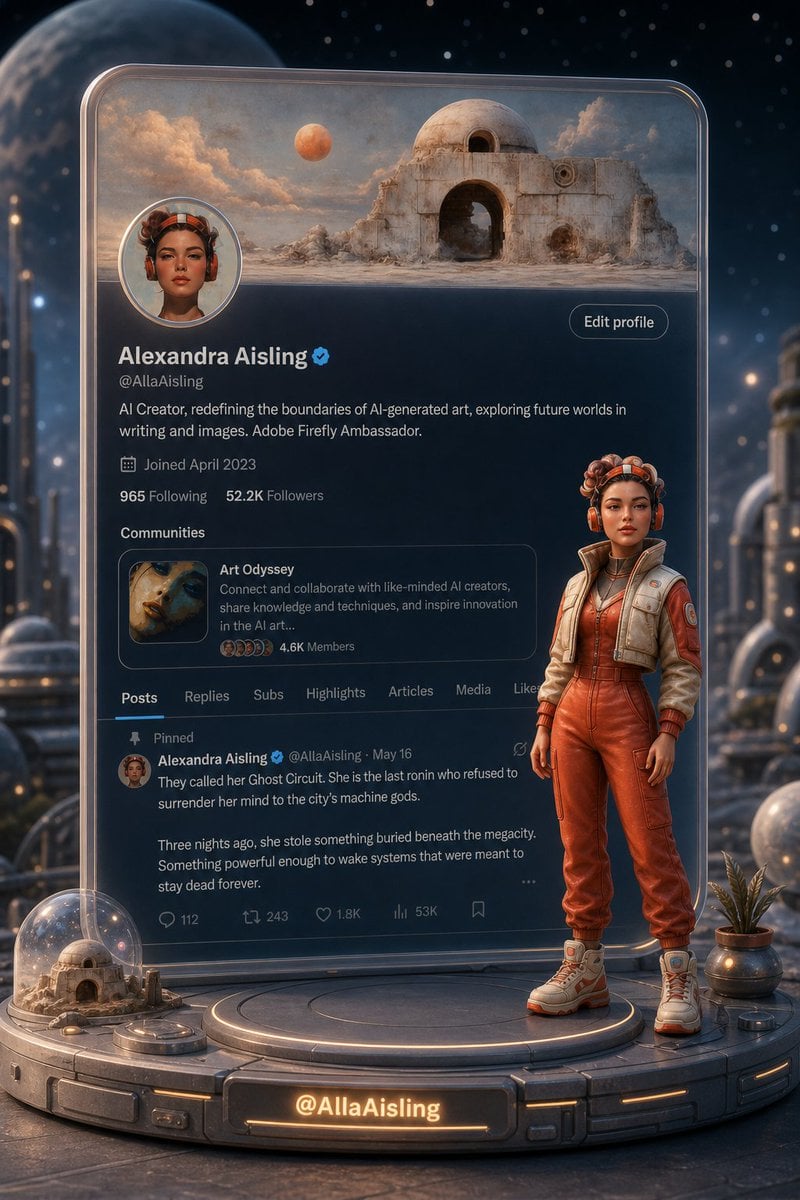
Tiny 3D Avatar in Front of X Profile
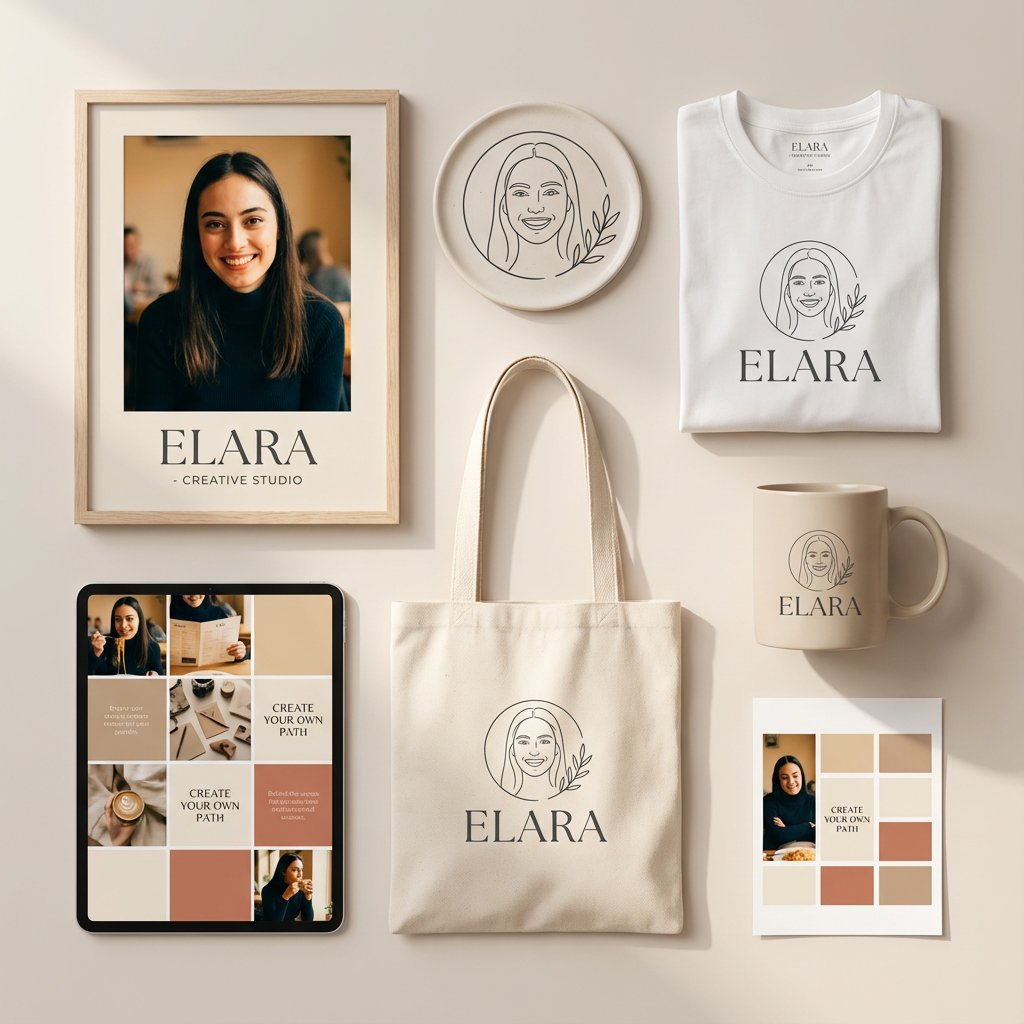
Minimalist Personal Branding Mockup
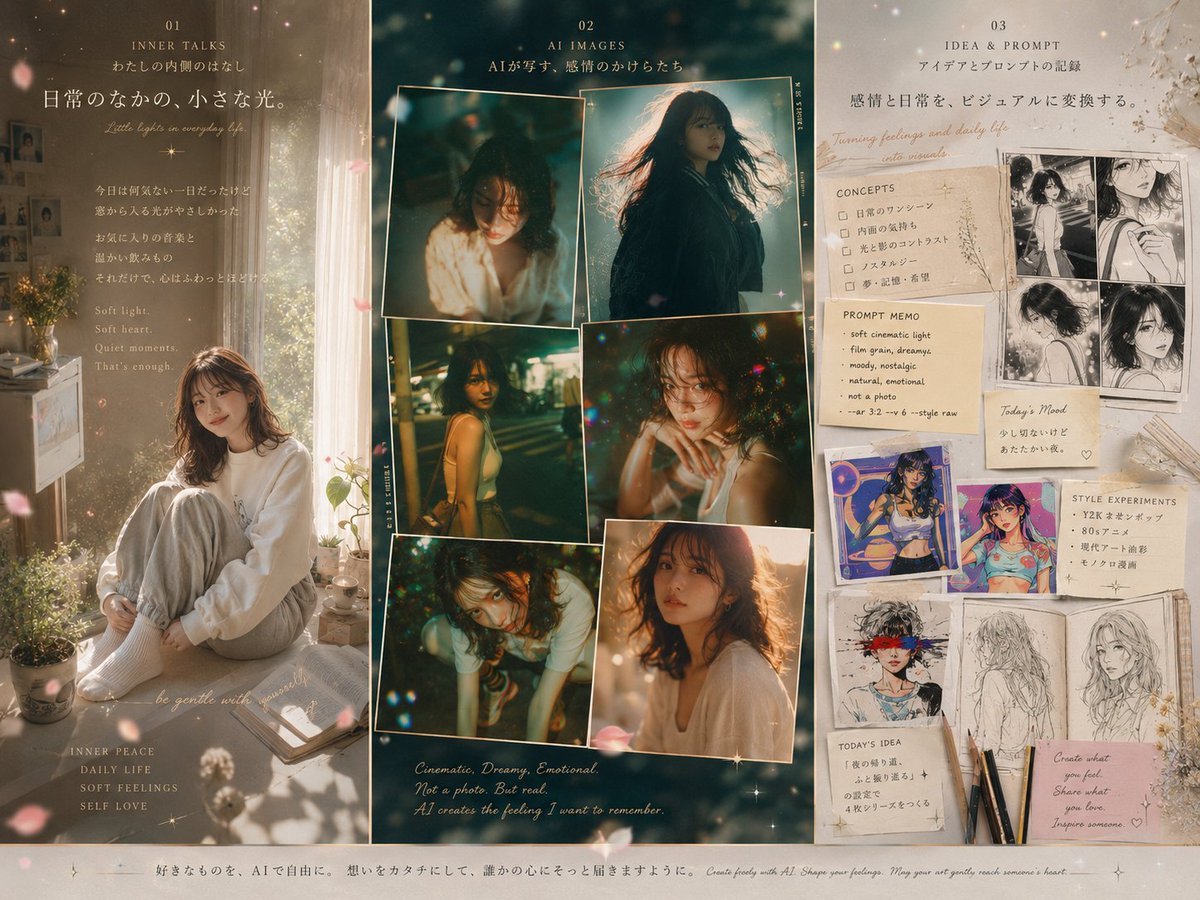
Three-Panel Dreamy AI Posting Styles
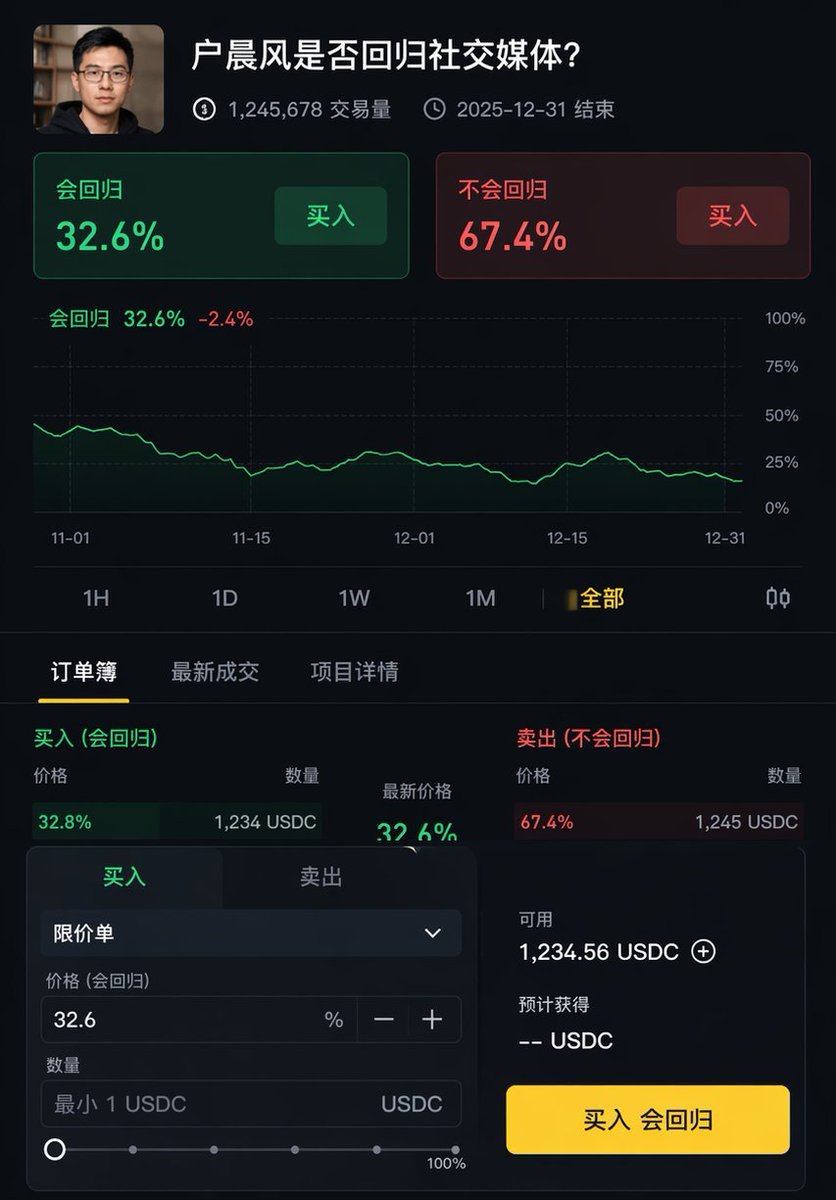
Professional UI Design Prompt
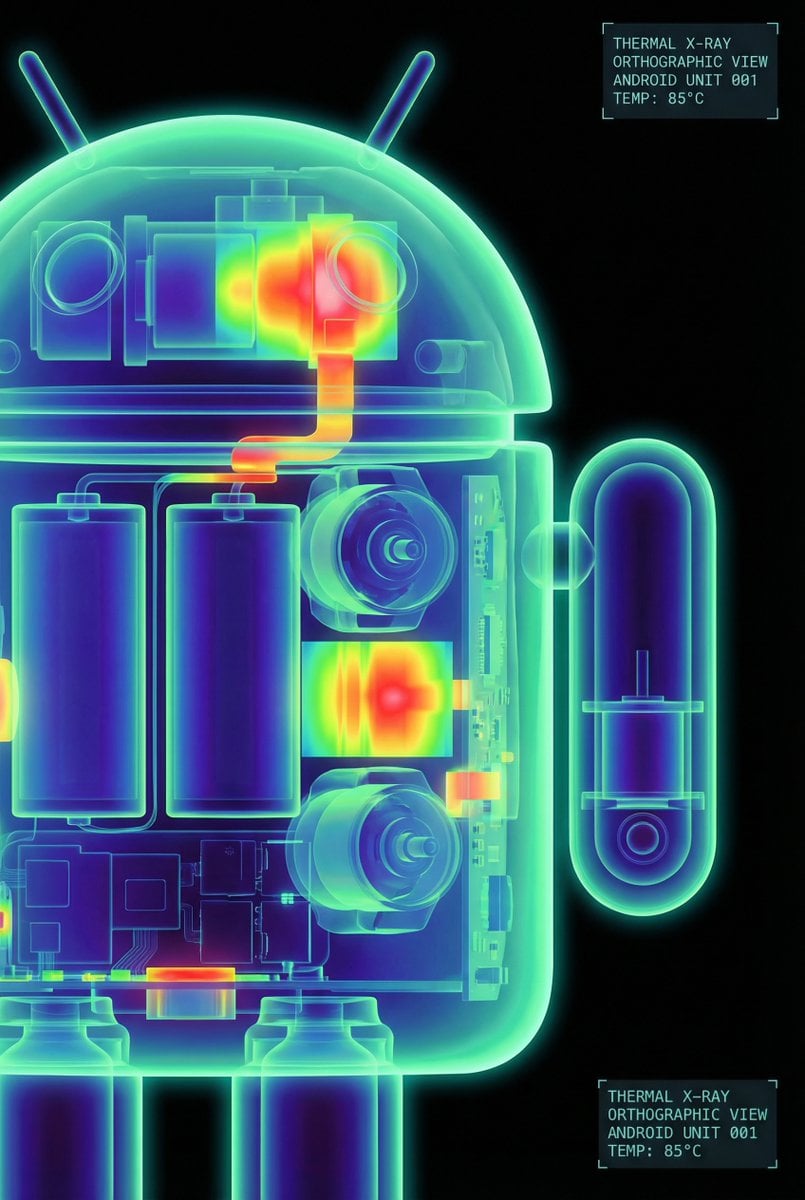
High-Contrast Thermal X-Ray Render of Android Robot
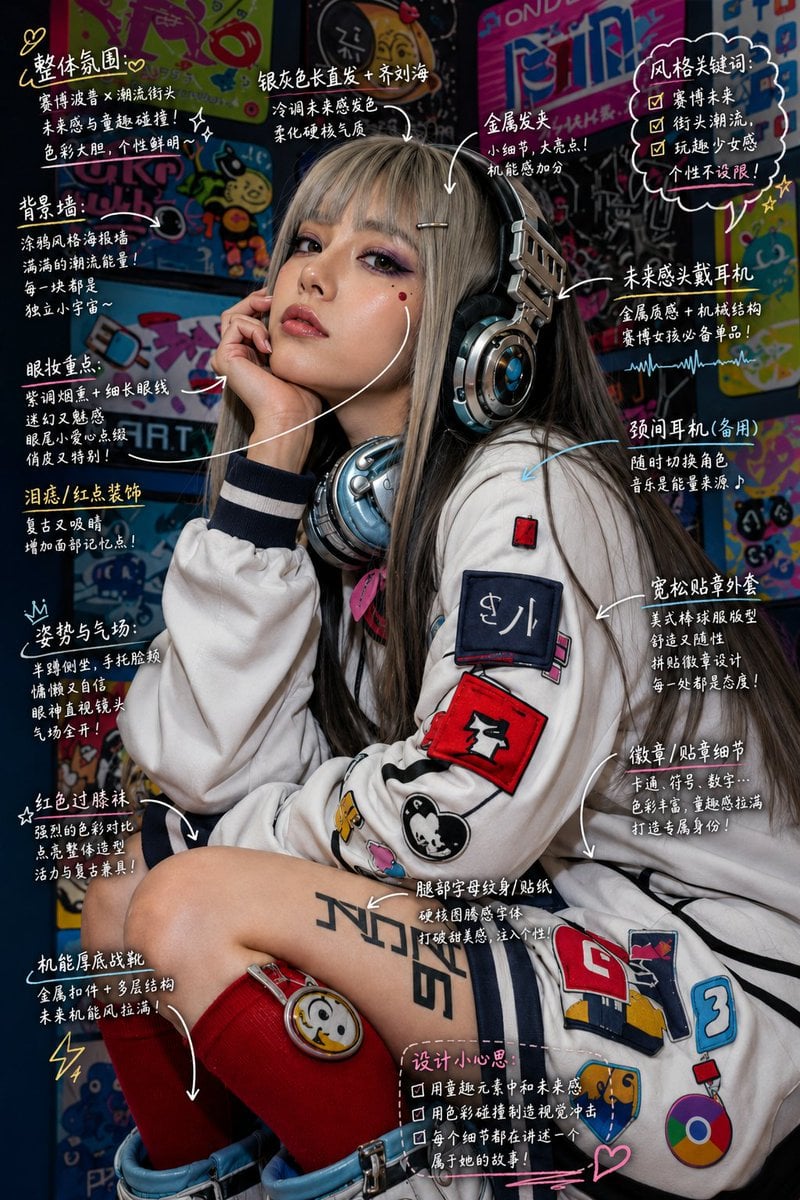
Hand-Drawn Style Image Annotation
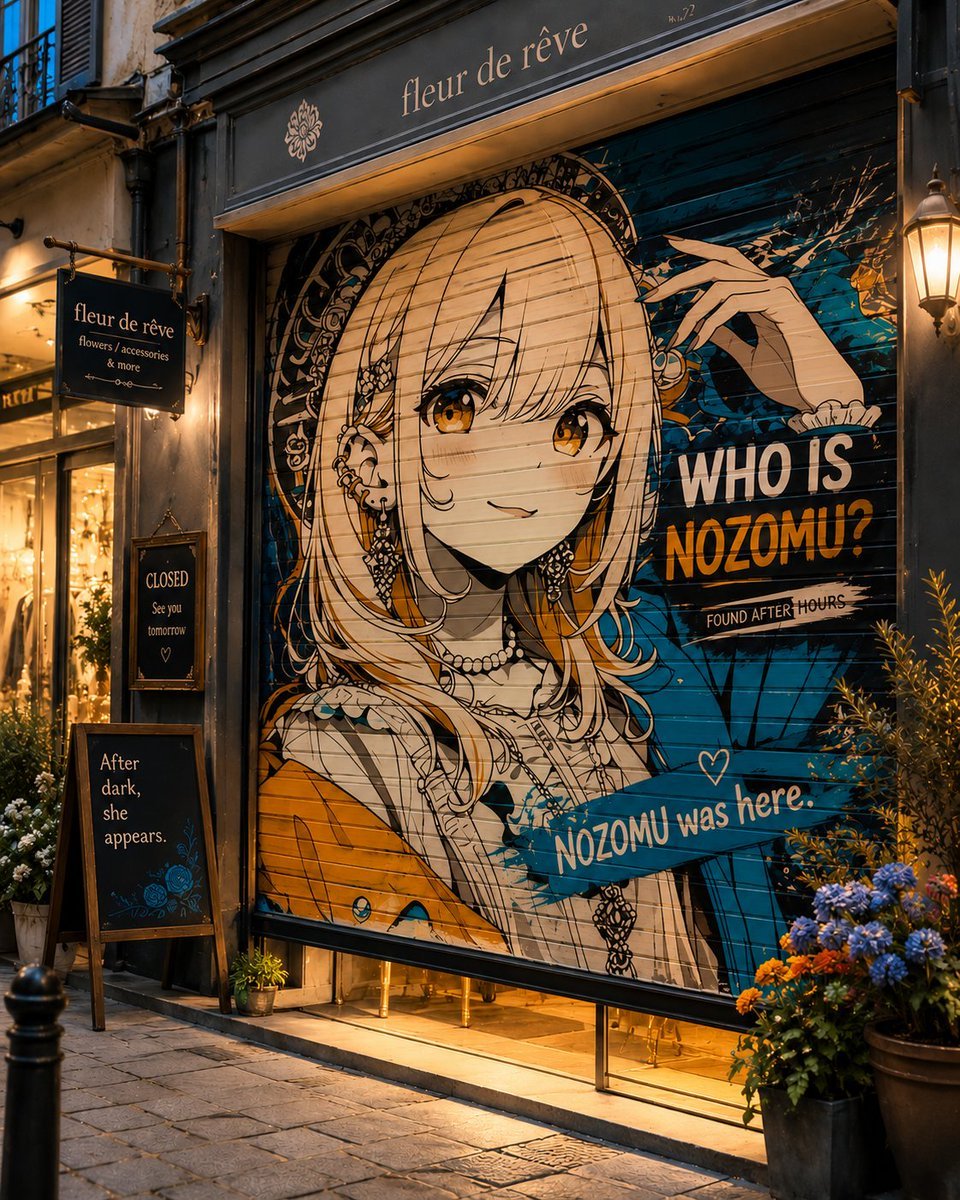
Closed Shop Shutter Mural Art
Browse template categories
SNS Giveaway Campaign Banner questions
How do I use the SNS Giveaway Campaign Banner template?
Add your photo if the template asks for one, edit the prompt if you like — the template's model and format are already selected — and press Generate. Your version opens in PicX Studio.
Can I customize the SNS Giveaway Campaign Banner template?
Yes. You can change the subject, setting, lighting, mood, format, and available model controls before creating your image.
Is the SNS Giveaway Campaign Banner template free?
Opening and editing this template is free. Generating uses credits, shown on the Generate button when you are signed in.
Which AI model should I use?
Start with Gemini 3 Pro Image Preview, which is the model associated with this template. You can compare another compatible model for a different finish.
Looking for something else? Browse all templates.

Your photo, any look
Thousands of ready templates for every top image and video model, from one credit balance.