
Gothic Lolita Celestial Observatory
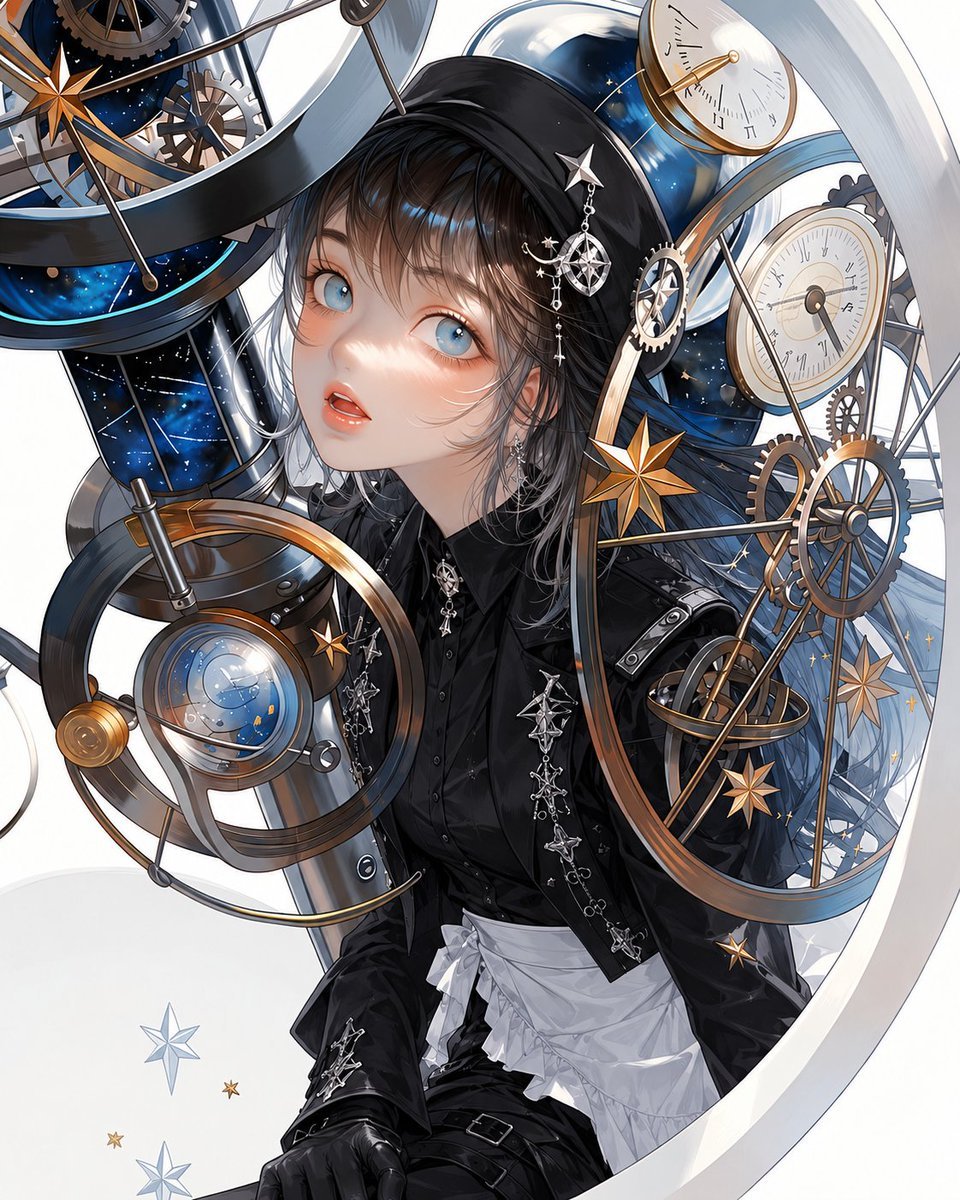
A detailed text prompt for generating an ornate anime gothic lolita girl surrounded by steampunk astronomical instruments and starry observatory machinery.
- Prompt included
- Model and format preset
- Free template
The prompt behind this image
Copy the exact prompt behind Gothic Lolita Celestial Observatory, or open it in the studio and make it yours.
Create a highly detailed vertical anime illustration of a young gothic lolita astronomer inside a fantastical celestial observatory. The central subject is {argument name="character name" default="a delicate gothic lolita girl"}, shown from mid-thigh upward, leaning slightly forward and looking up toward the viewer with large pale blue eyes, soft flushed cheeks, parted glossy lips, and a dreamy curious expression. She has {argument name="hair color" default="wet-looking black hair with silver-gray ends"}, wispy bangs, loose strands around her face, and a black hood or veil framing her head. Her outfit is elegant black gothic lolita: glossy black buttoned blouse, fitted black jacket with silver star-chain embroidery, black gloves, black shorts or skirt details, belt straps, a crisp white ruffled apron overskirt at the waist, and multiple celestial jewelry pieces including dangling star earrings, a star hairpin, and an ornate planet-and-star brooch. Surround her with an intricate steampunk astronomical machine: exactly 3 prominent clock faces or sundials, exactly 5 large brass gear wheels, exactly 4 golden eight-point star ornaments, exactly 2 blue starry glass cylinders/telescope-like tubes, and exactly 1 large glass orb lens showing a miniature star map. Include sweeping white and metallic circular rings that frame the composition like an astrolabe, thin rods, arcs, pulley-like supports, Roman-numeral markings, brass and silver metal parts, deep navy galaxy textures, tiny constellations, sparkles, and small floating stars. Use a close, dynamic composition with the character slightly left of center, machinery wrapping around her on all sides, one large ring cutting across the right edge, another instrument crossing the upper left, and a spherical lens in the lower left foreground. Visual style: {argument name="art style" default="polished niji-style anime key visual"}, ultra-detailed linework, luminous glass reflections, metallic gold and chrome highlights, soft porcelain skin shading, high contrast black clothing against white background, celestial blue accents, elegant gothic x astronomy mood. Lighting should be bright and glossy with soft rim light, shallow depth illusion, crisp focus on the face and nearby instruments. No text, no watermark, no logo, no extra characters.
How to use Gothic Lolita Celestial Observatory in 3 steps
- 1Upload ImagePNG, JPG or paste
Add your photo
Upload the photo the template builds on. The prompt, model and format are already set.
- 2…a portrait of your subject in softgolden-hour light, 85mm…
Personalize
Edit the subject and creative details for your destination.
- 3Generate
Generate
Press Generate — your image is created in PicX Studio, so you can compare it with the original and refine one variable at a time.
More like this
Templates with the same subject, style or setup. Open one to see its prompt.
Anime Gothic Lolita Cape Transformation
Cinematic Gothic Lolita 3x3 Anime Stills
Celestial Mechanical Dragon Observatory
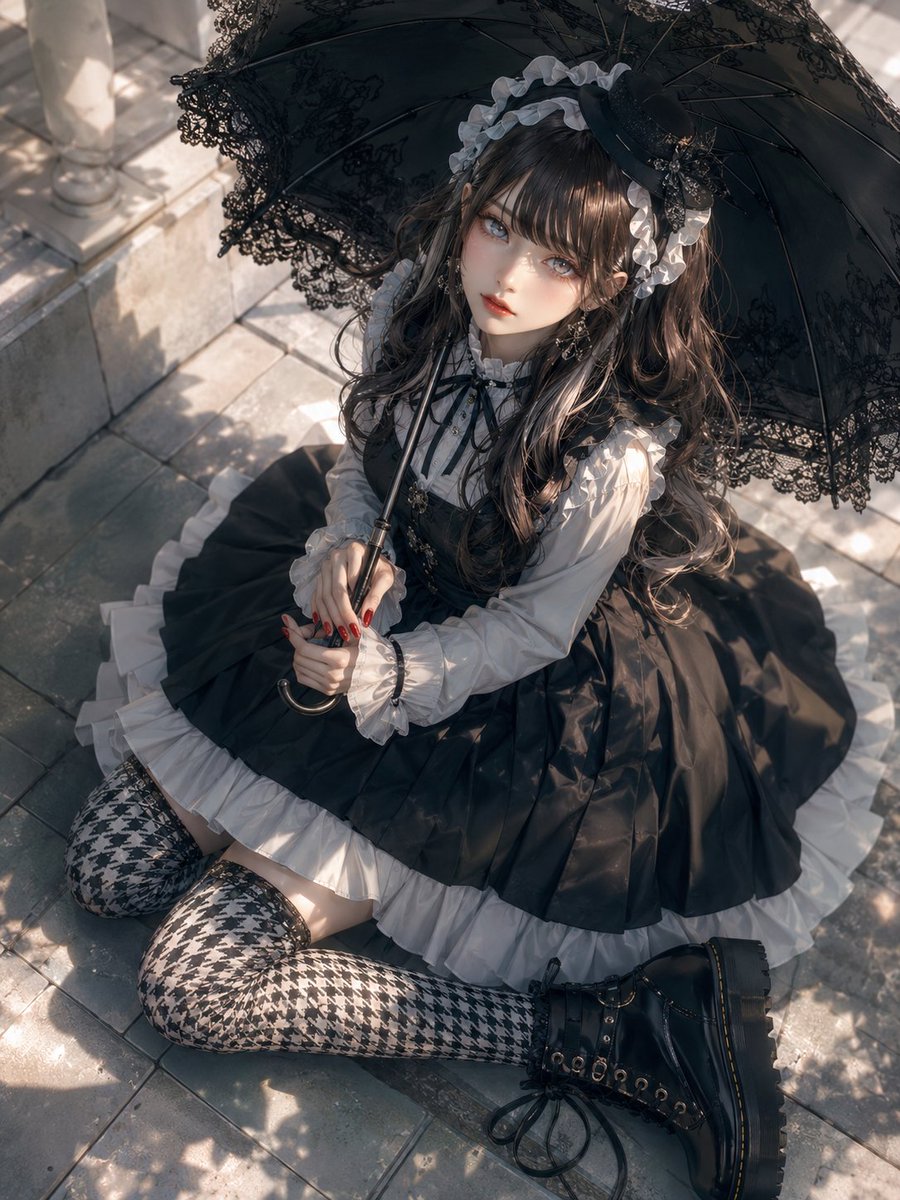
Gothic Lolita Parasol Portrait
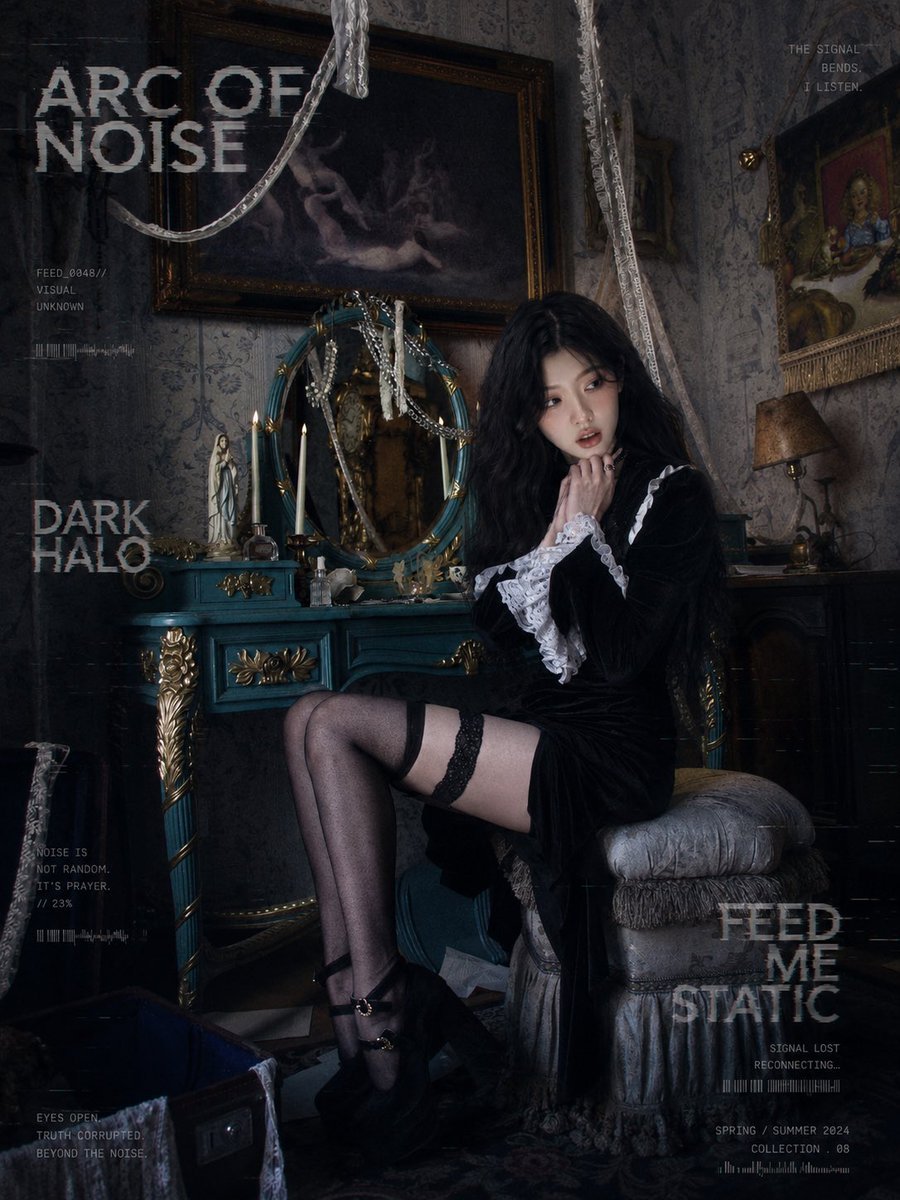
Dark Gothic Lolita Static Portrait
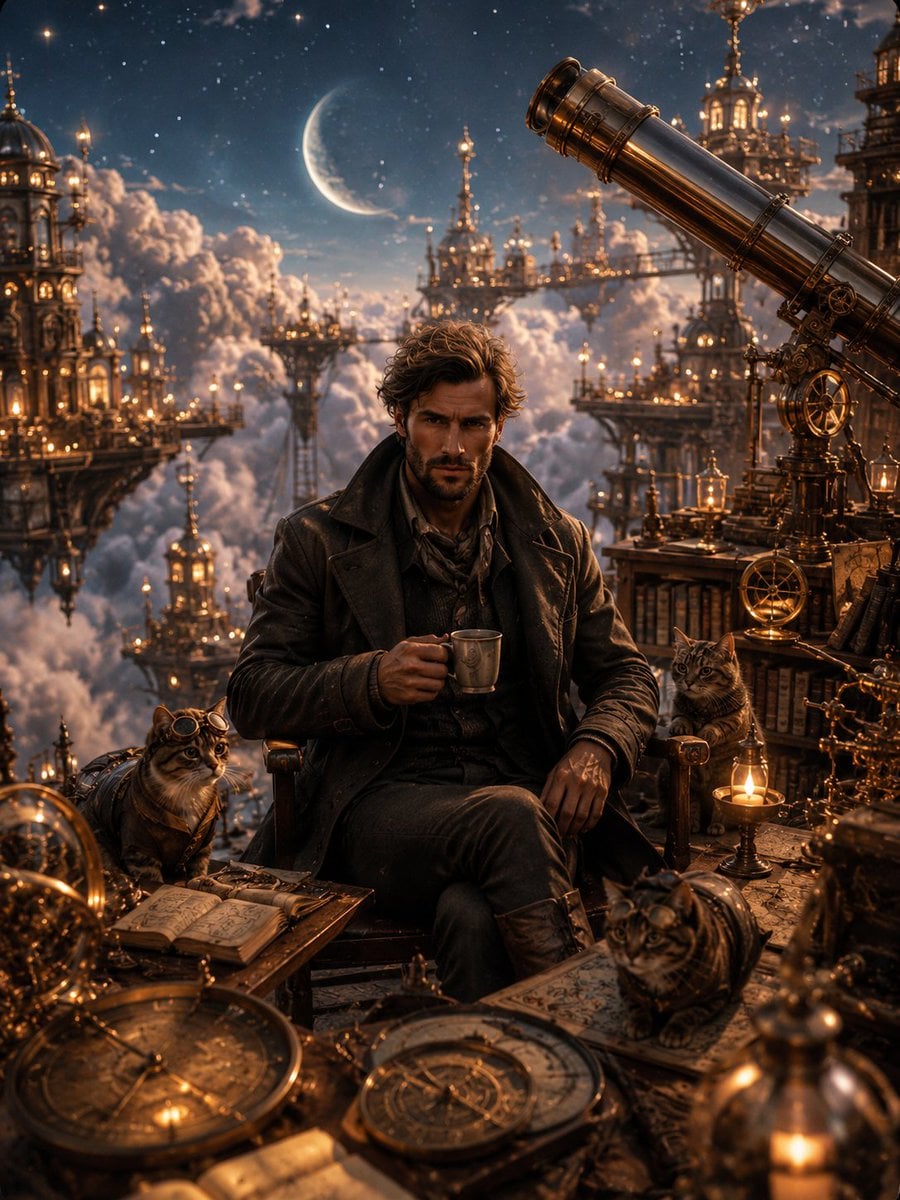
Celestial Observatory Explorer

Artistic Arborpunk Garden Observatory Complex

Anime Fantasy Celestial Movie Poster
Artistic Arborpunk Garden Observatory Complex
Anime Fantasy Celestial Movie Poster
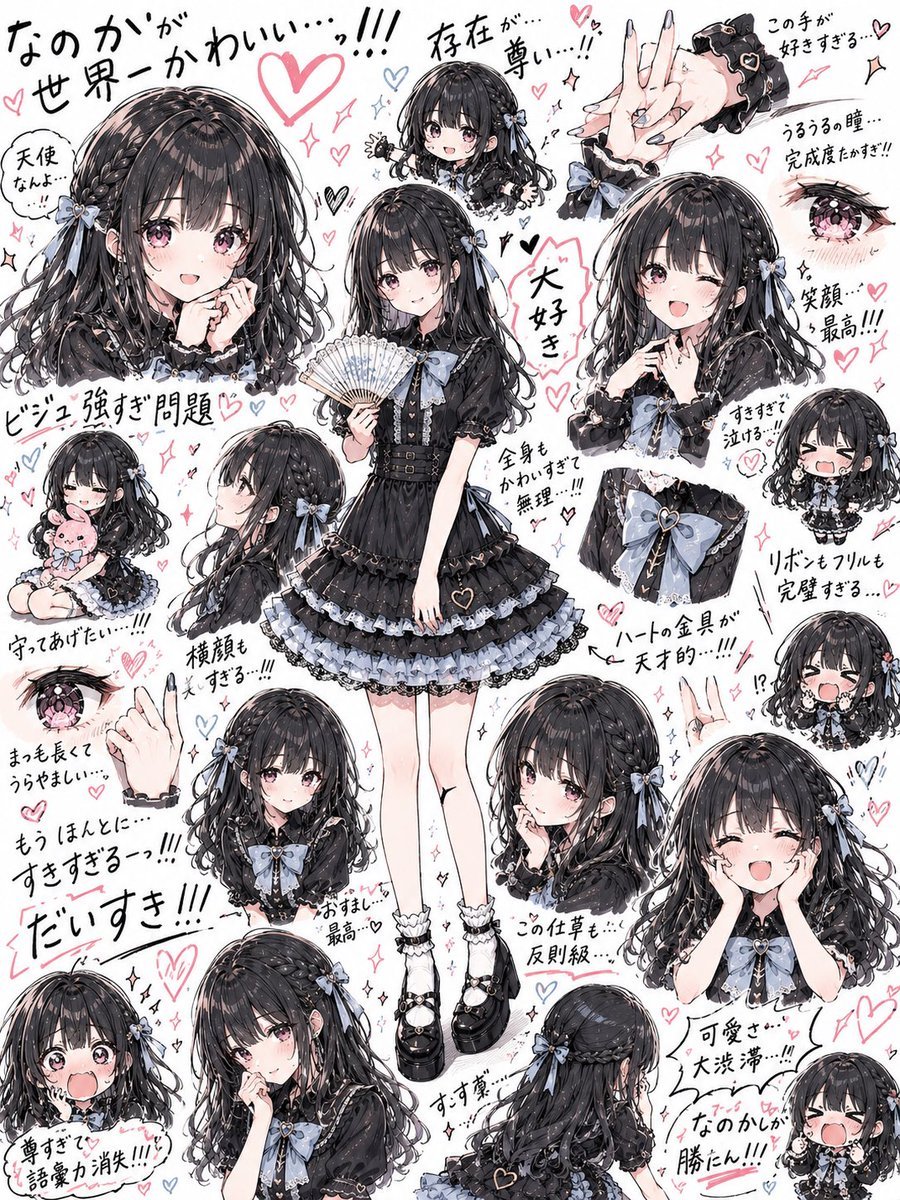
Gothic Lolita Character Sheet
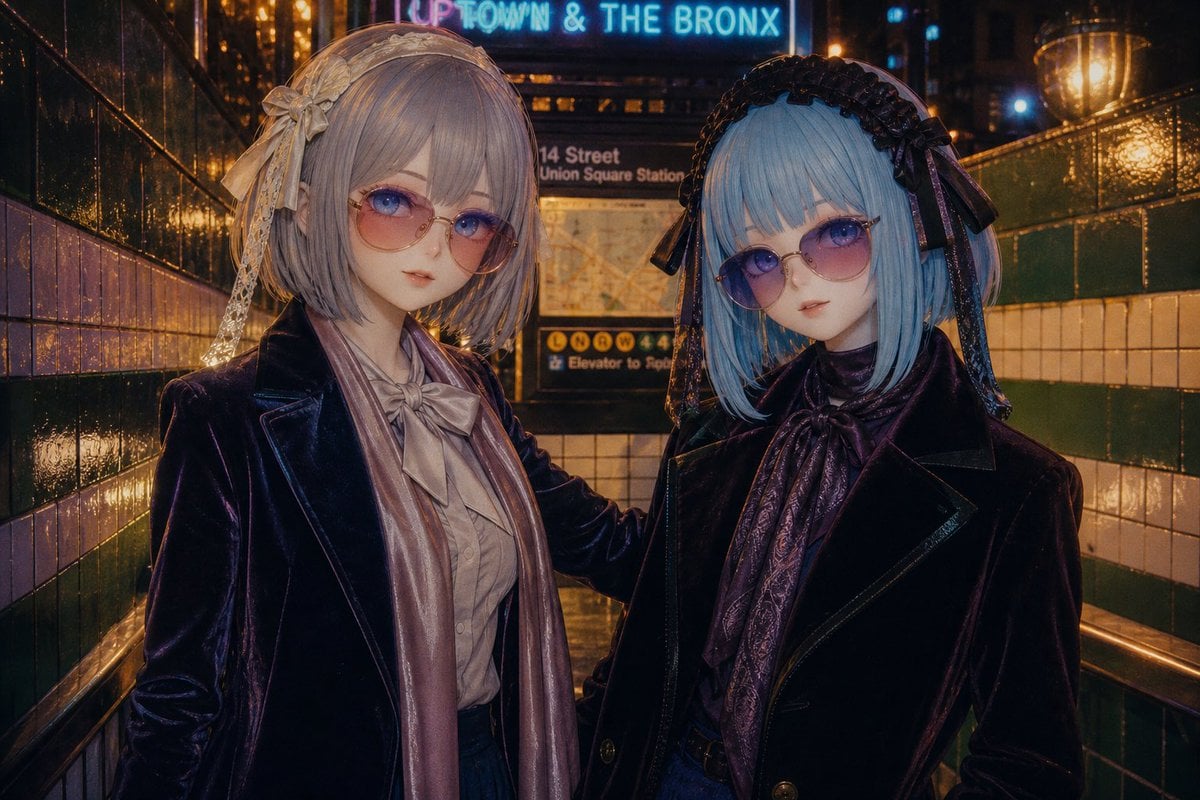
Gothic Lolita Subway Fashion Portrait
Make it yours
Gothic Lolita Celestial Observatory works as-is. These are the safest ways to change it without losing the look.
Change one field
Copy a single group, rewrite it, and generate again so you can see what that field is doing.
Keep the frame, change the subject
Hold the composition and light of Gothic Lolita Celestial Observatory, then swap wardrobe, props or the person for a new take.
| If the result… | Why | Fix |
|---|---|---|
| The result drifts from the preview | Too many fields changed at once. | Reuse Gothic Lolita Celestial Observatory as-is first, then change one group — subject, light, or setting. |
| The model over-stylizes the scene | The prose prompt leaves finish and camera underspecified. | Add one camera or lighting sentence and stay on GPT Image 2. |
More GPT Image 2 templates
Other prompts made for GPT Image 2.

Six VTuber Japanese Logo Sheet

Realistic Portrait of Woman and Deer

The Vista Modular Condo Poster

AI Model Routing Comparison Infographic

2.5D Anime Art Board

Isometric Productivity Desk Scene

New York Double Exposure Poster

Four-Panel AI Landscape Comparison

Japanese Tatami Lifestyle Magazine Cover

NESCAFÉ Coffee Map Poster
More image prompts
Fresh picks from across the catalog.
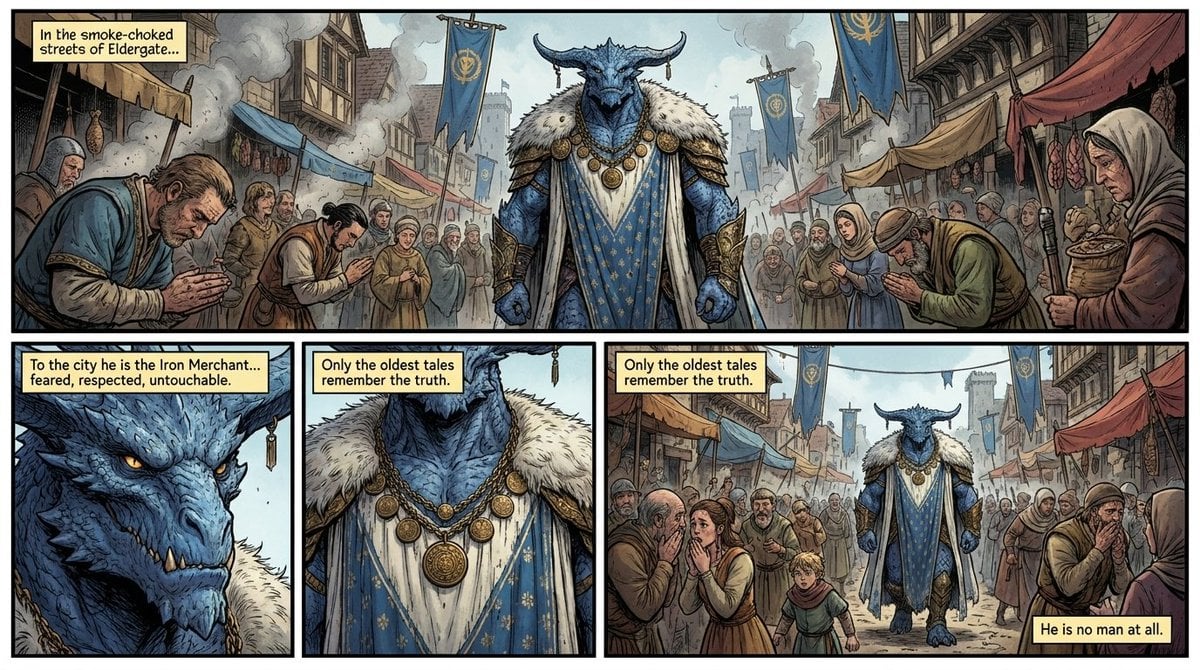
Fantasy Comic Page of Korvax in Eldergate

Premium Blueberry Product Poster
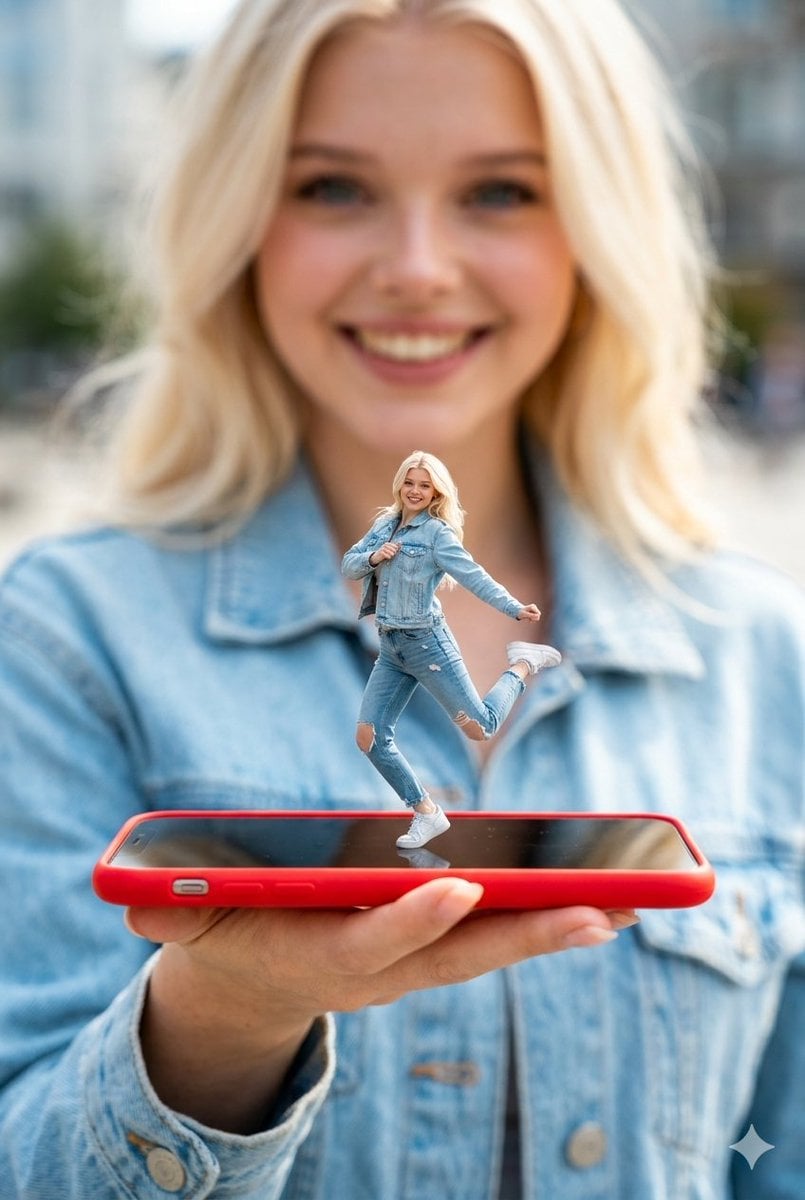
Surreal Miniature Dancing Composite Photo Prompt
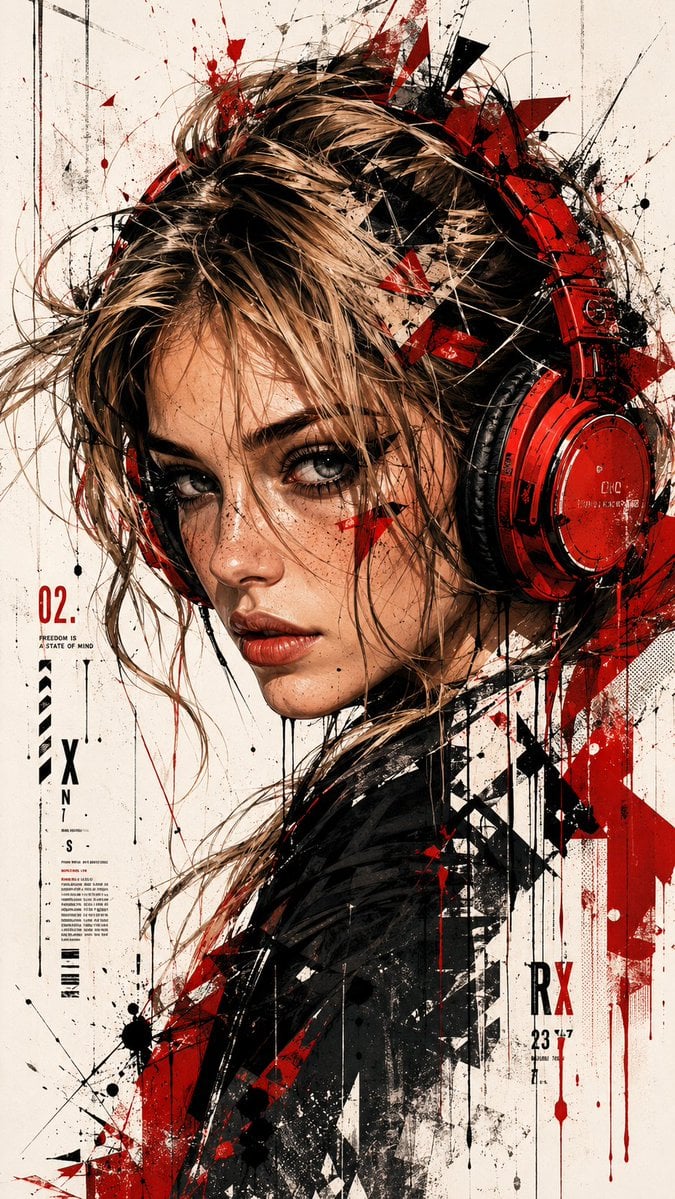
Trash Polka Urban Digital Painting

Fictional Science Infographic Generator
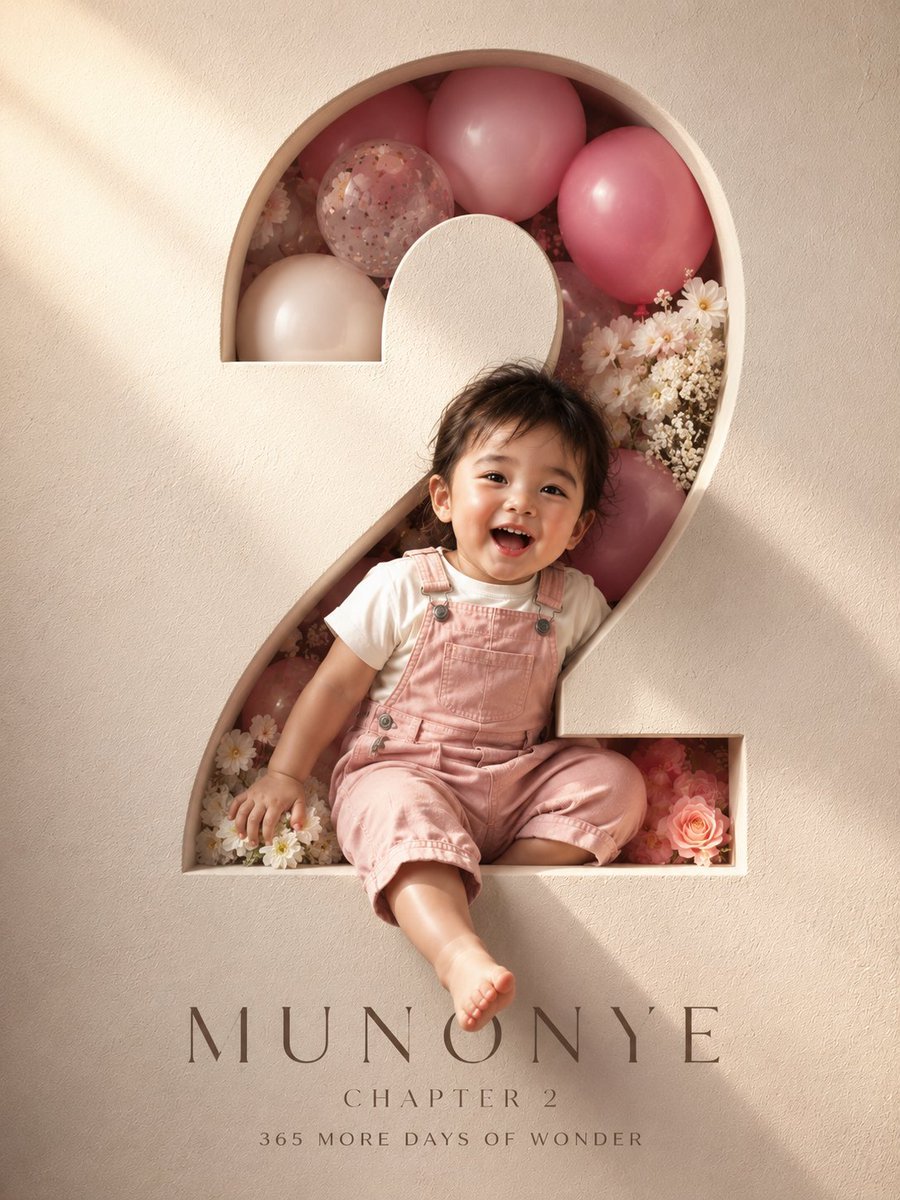
3D Luxury Birthday Poster
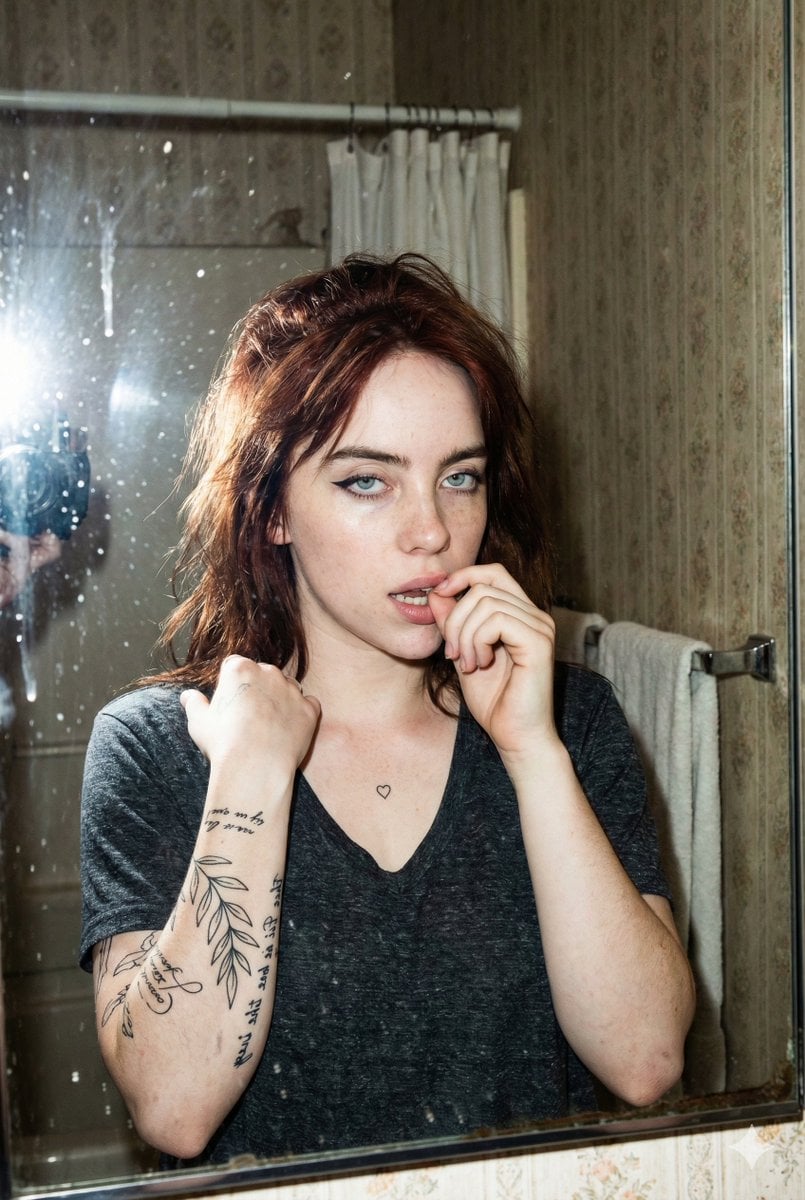
Grungy Flash Mirror Selfie with Tattoos
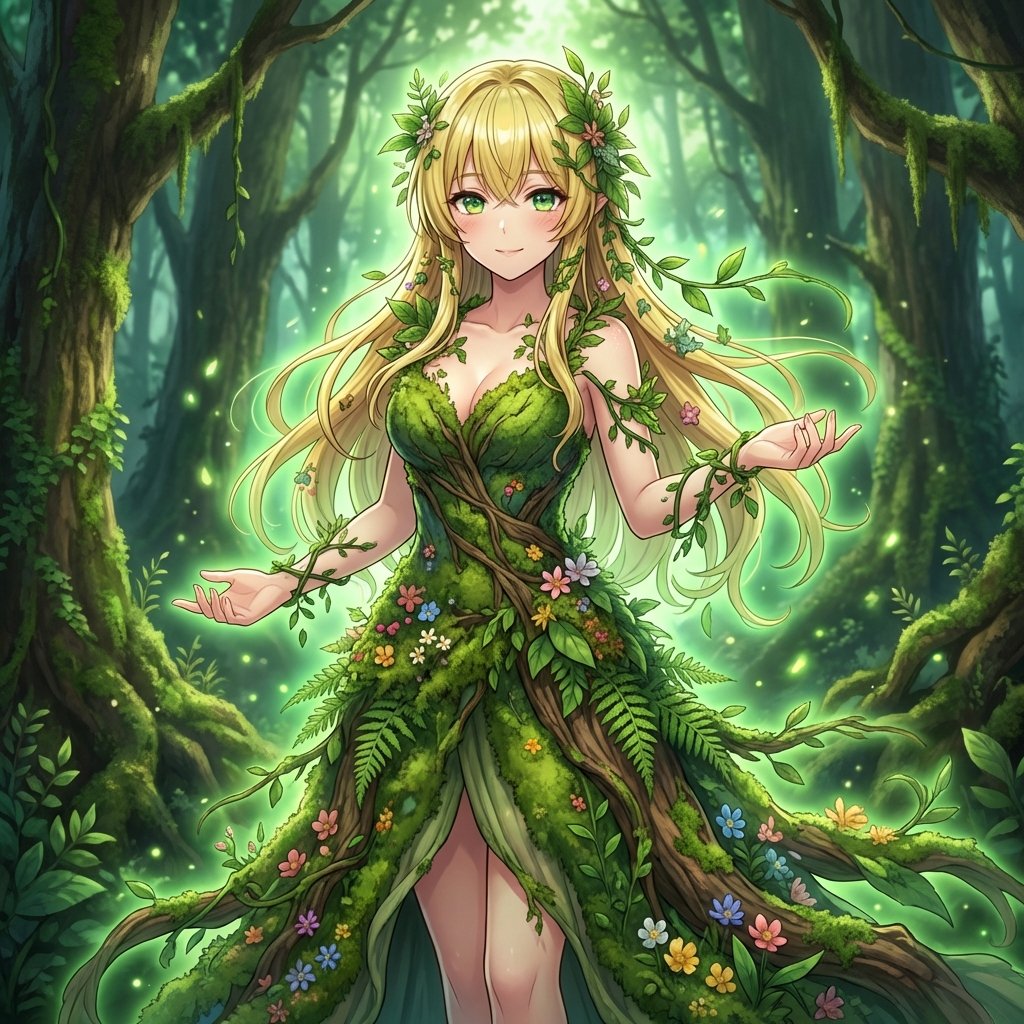
AI Transformation to Dryad
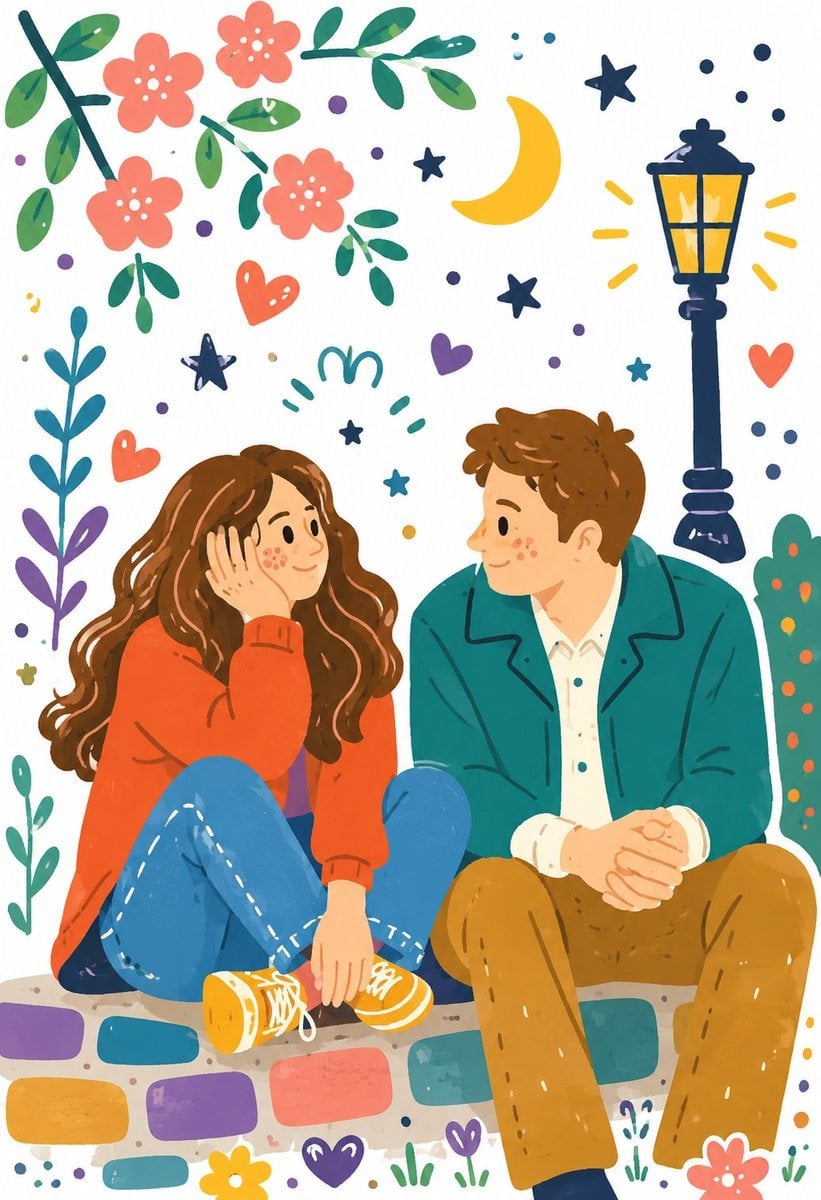
Decorative Folk Illustration Style
Editorial Beach Photoshoot Prompt
Browse template categories
Gothic Lolita Celestial Observatory questions
How do I use the Gothic Lolita Celestial Observatory template?
Add your photo if the template asks for one, edit the prompt if you like — the template's model and format are already selected — and press Generate. Your version opens in PicX Studio.
Can I customize the Gothic Lolita Celestial Observatory template?
Yes. You can change the subject, setting, lighting, mood, format, and available model controls before creating your image.
Is the Gothic Lolita Celestial Observatory template free?
Opening and editing this template is free. Generating uses credits, shown on the Generate button when you are signed in.
Which AI model should I use?
Start with GPT Image 2, which is the model associated with this template. You can compare another compatible model for a different finish.
Looking for something else? Browse all templates.

Your photo, any look
Thousands of ready templates for every top image and video model, from one credit balance.