
Fictional Science Infographic Generator
A highly detailed, structured prompt for creating retro-style comic infographics that verify absurd fictional scenarios with serious scientific calculations and diagrams.
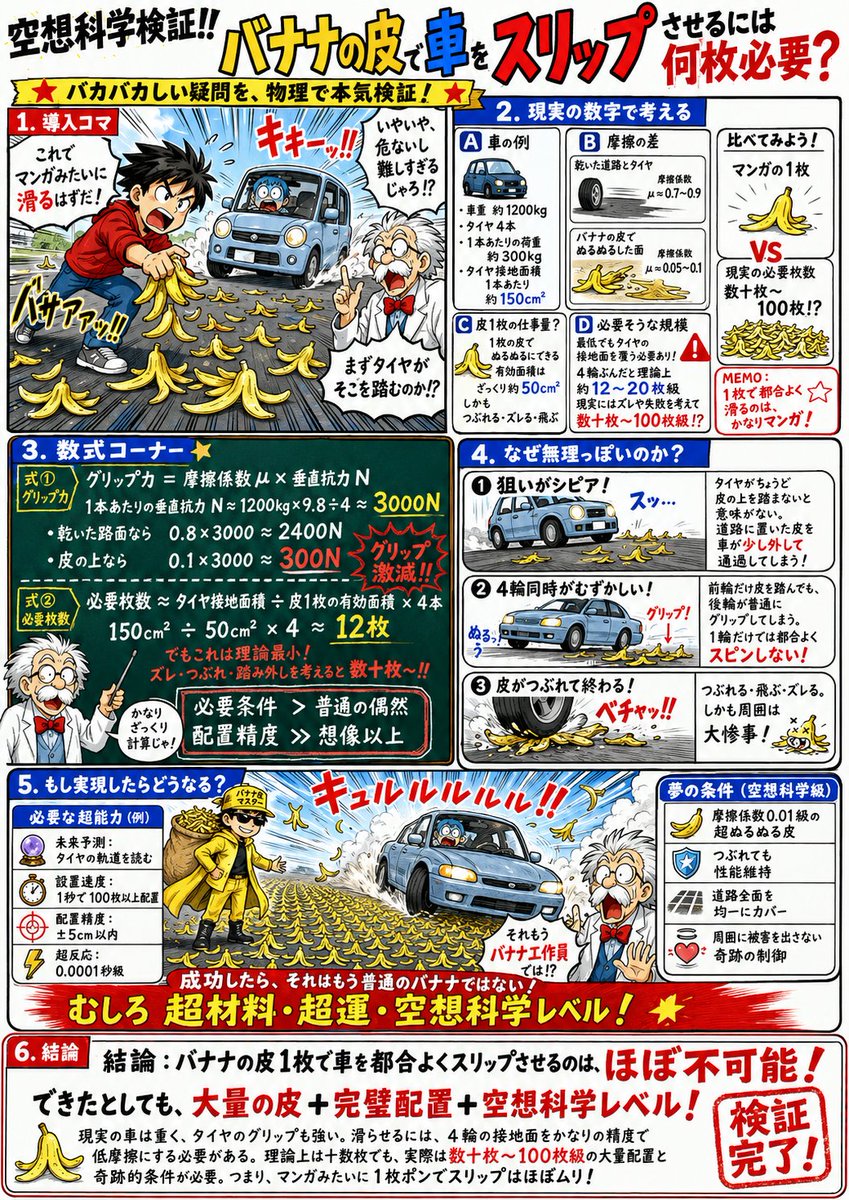
- Prompt included
- Model and format preset
- Free template
The prompt behind this image
Copy the exact prompt behind Fictional Science Infographic Generator, or open it in the studio and make it yours.
Create a comedic science-explainer illustration. The topic to investigate is 「{argument name="Topic to Verify" default="How many banana peels would it take to make a car slip?"}」 A vertical A4, manga-style infographic that seriously investigates a ridiculous question using science and calculations. White background, thick black lines, red/blue/yellow accent colors. A design with a slightly retro educational-manga, science-textbook, science-column feel. Use a professor character, a surprised bystander, speech bubbles, hand-drawn arrows, red-pen annotations, and blackboard-style equation frames. The overall mood should be "seriously investigating a pointless question with the full force of physics" — not too serious, fun, and energetic on the page. Structure: 1. Draw the topic's situation in an exaggerated, ridiculous way that reads instantly at a glance. The characters are seriously attempting the challenge, but it looks pretty reckless. The professor chimes in from the side with a wisecrack/comment. 2. Think in terms of real-world numbers Display 3–4 key figures relevant to the topic — such as speed, time, distance, weight, force, temperature, energy, etc. — in boxes. Include comparison diagrams or a timeline to clearly show the gap between "human intuition" and "the actual scale of the phenomenon." 3. Equation corner In a blackboard-style frame, write the necessary conditions or comparison formulas in large text. Examples: 「Required ability > human limits」 「Reaction time < time for the phenomenon to occur」 「Required strength/speed/endurance ≫ an ordinary human」 The formulas don't need to be rigorously precise — keep them intuitive and easy to understand. 4. Is it actually possible? Explain the problems in 3 small panels. Examples: ① too fast / too heavy / too hot ② the precision required is too extreme ③ even if it succeeds, the body can't take it / it becomes a disaster for everyone around. Include comedic failure illustrations, sound effects, and speech bubbles. 5. What would happen if it actually worked? Make this section important. Illustrate what kind of superhuman, sci-fi-level abilities would truly be required to pull it off successfully. For example: super-fast reflexes, precognition, abnormal grip strength, super-high-speed vision, a body that ignores air resistance, a skeleton that can withstand impact, and so on. If needed, it's fine to use scientifically impossible numbers, like "reaction speed of 0.0001 seconds," "grip strength of 3,000 kg," or "dynamic visual acuity dozens of times that of a fighter pilot." Also depict what happens the instant it succeeds — for example: an impact strong enough to blow the arm off, sinking into the ground, a shockwave spreading outward, while the person themselves stays completely unfazed, etc. Play up the fun feeling of "if this succeeds, that person is no longer human." 6. Conclusion Write the conclusion large, in a red emphasis frame. 「Conclusion: XX is nearly impossible for an ordinary human!」 or 「Even if it could be achieved, it would be at the level of a superhuman, a cyborg, or science fiction!」 In the body text, wrap it up along the lines of: it's impossible for a real human, but it would work if given sci-fi-level abilities. Design specification: manga-style paneling + science diagrams + the professor's commentary. Make heavy use of bold headings, red circles, emphasis lines, hand-written notes, and speech bubbles. Make the formulas and numbers large and easy to read, so they come across intuitively even to children. Overall, finish it so it looks like a page from a fun science-reading magazine — ridiculous, yet strangely convincing.
How to use Fictional Science Infographic Generator in 3 steps
- 1
Open
The prompt is already in the box next to the preview, with the template's model and format selected.
- 2…a portrait of your subject in softgolden-hour light, 85mm…
Personalize
Edit the subject and creative details for your destination.
- 3Generate
Generate
Press Generate — your image is created in PicX Studio, so you can compare it with the original and refine one variable at a time.
More like this
Templates with the same subject, style or setup. Open one to see its prompt.

Japan Travel Brochure Poster

Isometric Process Educational Diorama

Isometric Vehicle Teardown Infographic Template

Gpt2 E Commerce Main Image Earbuds E Commerce Infographic

Gpt2 Infographic Edu Visual Alishan One Day Travel Poster

Gpt2 Infographic Edu Visual Ethnographic Plate for Tibetan Ceremonial Hat

Gpt2 Infographic Edu Visual Earth Signs Zodiac Character Poster

Gpt2 Infographic Edu Visual Water Signs Zodiac Character Poster

Gpt2 Infographic Edu Visual Ink Wash Tribute Poster for Chen Uen

Gpt2 Infographic Edu Visual Vintage Claude Shannon Infographic Poster

Gpt2 Infographic Edu Visual Taoist Three Souls Seven Po Poster

Gpt2 Infographic Edu Visual Biomimetic Skyray Aircraft Poster
Make it yours
Fictional Science Infographic Generator works as-is. These are the safest ways to change it without losing the look.
Change one field
Copy a single group, rewrite it, and generate again so you can see what that field is doing.
Keep the frame, change the subject
Hold the composition and light of Fictional Science Infographic Generator, then swap wardrobe, props or the person for a new take.
| If the result… | Why | Fix |
|---|---|---|
| The result drifts from the preview | Too many fields changed at once. | Reuse Fictional Science Infographic Generator as-is first, then change one group — subject, light, or setting. |
| The model over-stylizes the scene | The prose prompt leaves finish and camera underspecified. | Add one camera or lighting sentence and stay on GPT Image 2. |
More GPT Image 2 templates
Other prompts made for GPT Image 2.

Six VTuber Japanese Logo Sheet

Realistic Portrait of Woman and Deer

The Vista Modular Condo Poster

AI Model Routing Comparison Infographic

2.5D Anime Art Board

Isometric Productivity Desk Scene

New York Double Exposure Poster

Four-Panel AI Landscape Comparison

Japanese Tatami Lifestyle Magazine Cover

NESCAFÉ Coffee Map Poster
More image prompts
Fresh picks from across the catalog.
Generate black-and-white storyboards from an image
Fauvist Persimmon Still Life
Photorealistic Rear-View Mirror Selfie in a Modern Bedroom
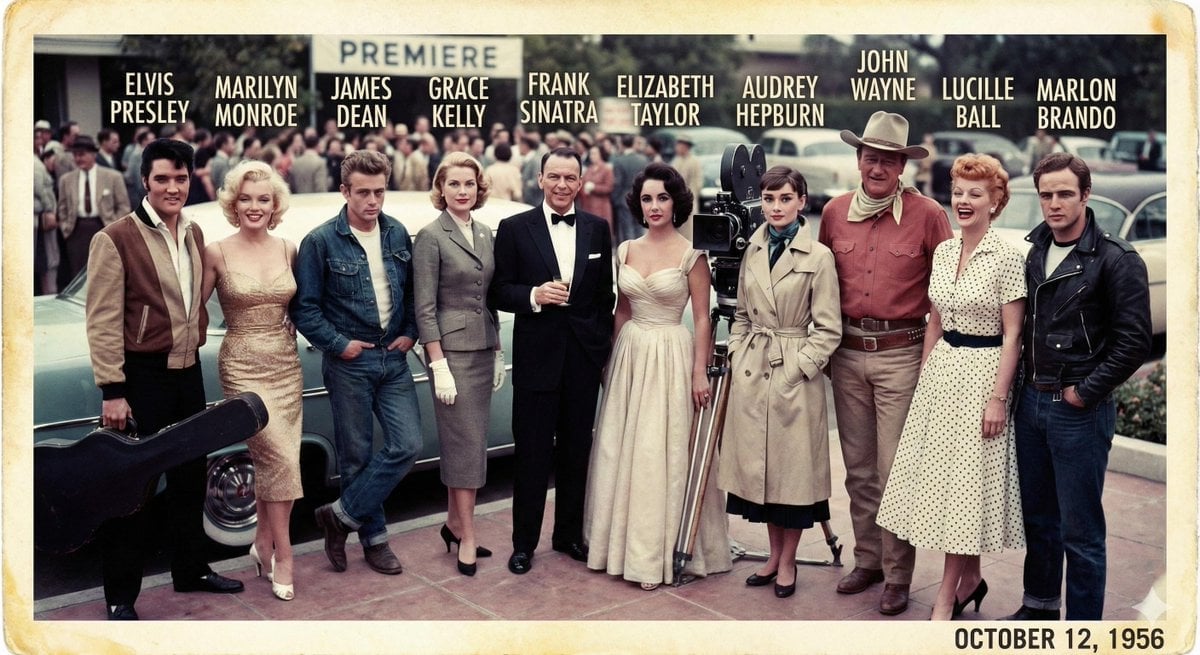
1956 Famous People Group Photo
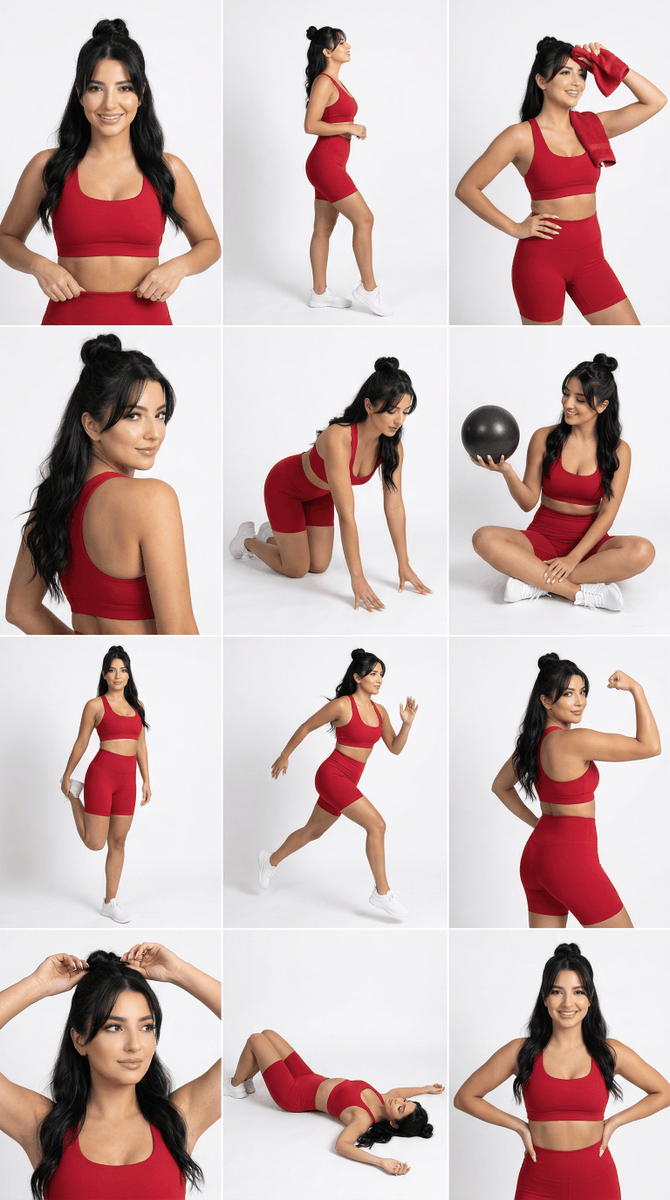
Strict Identity Activewear Grid Generation
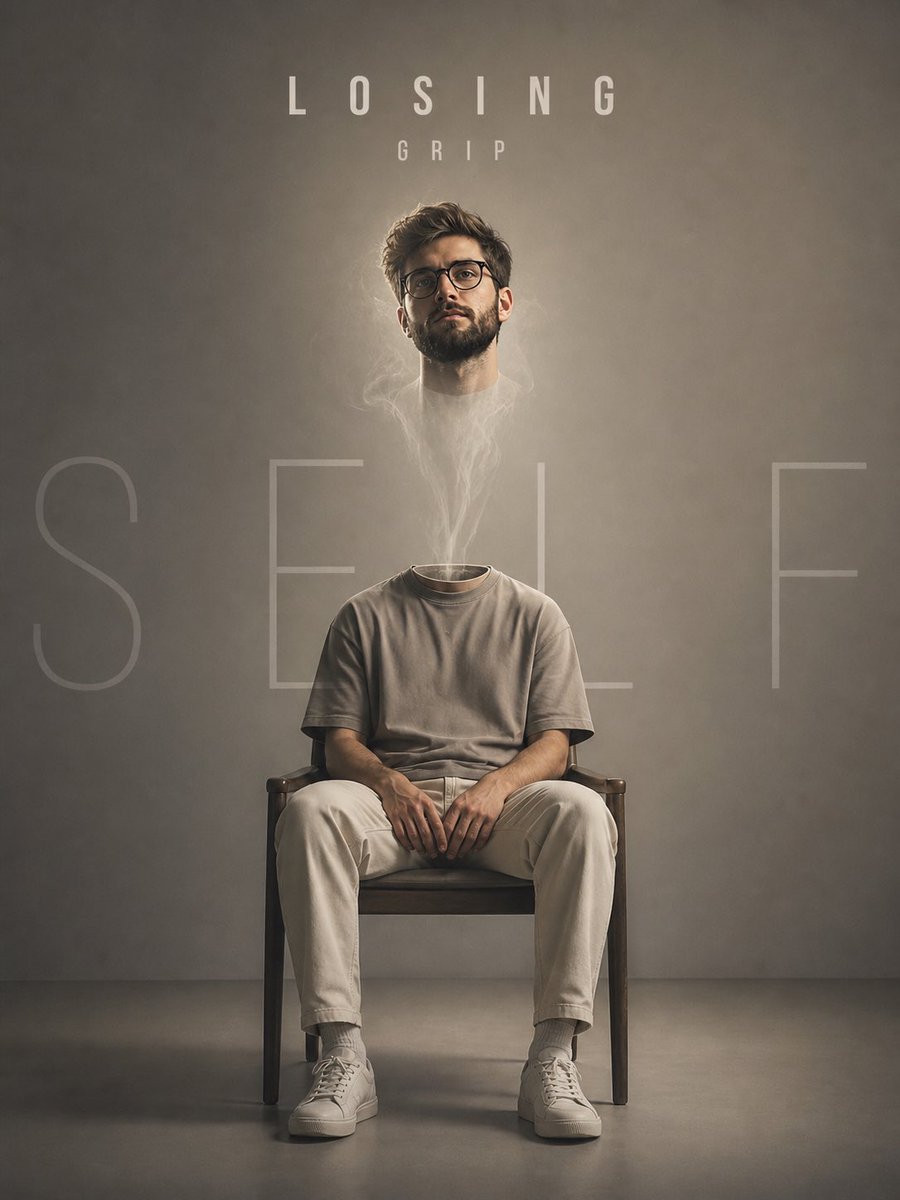
Floating Head Concept Art
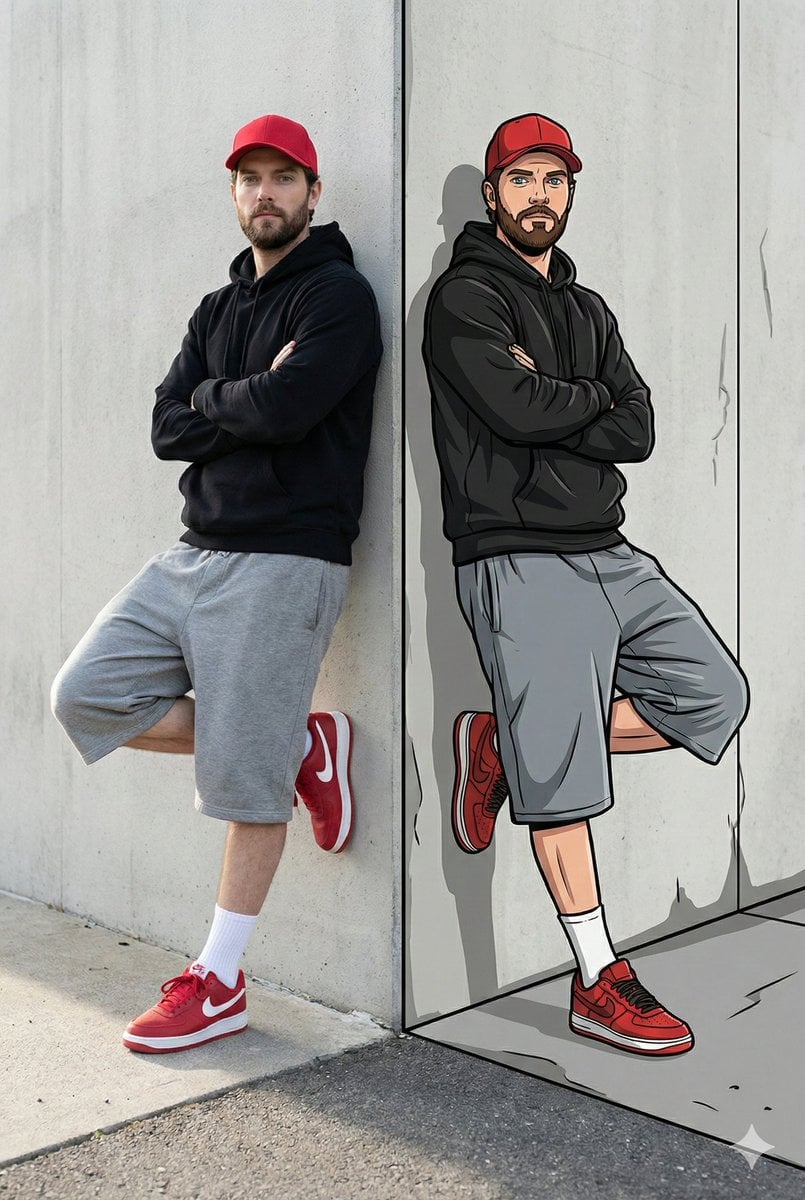
Split-Reality Street Art Portrait with Identity Lock
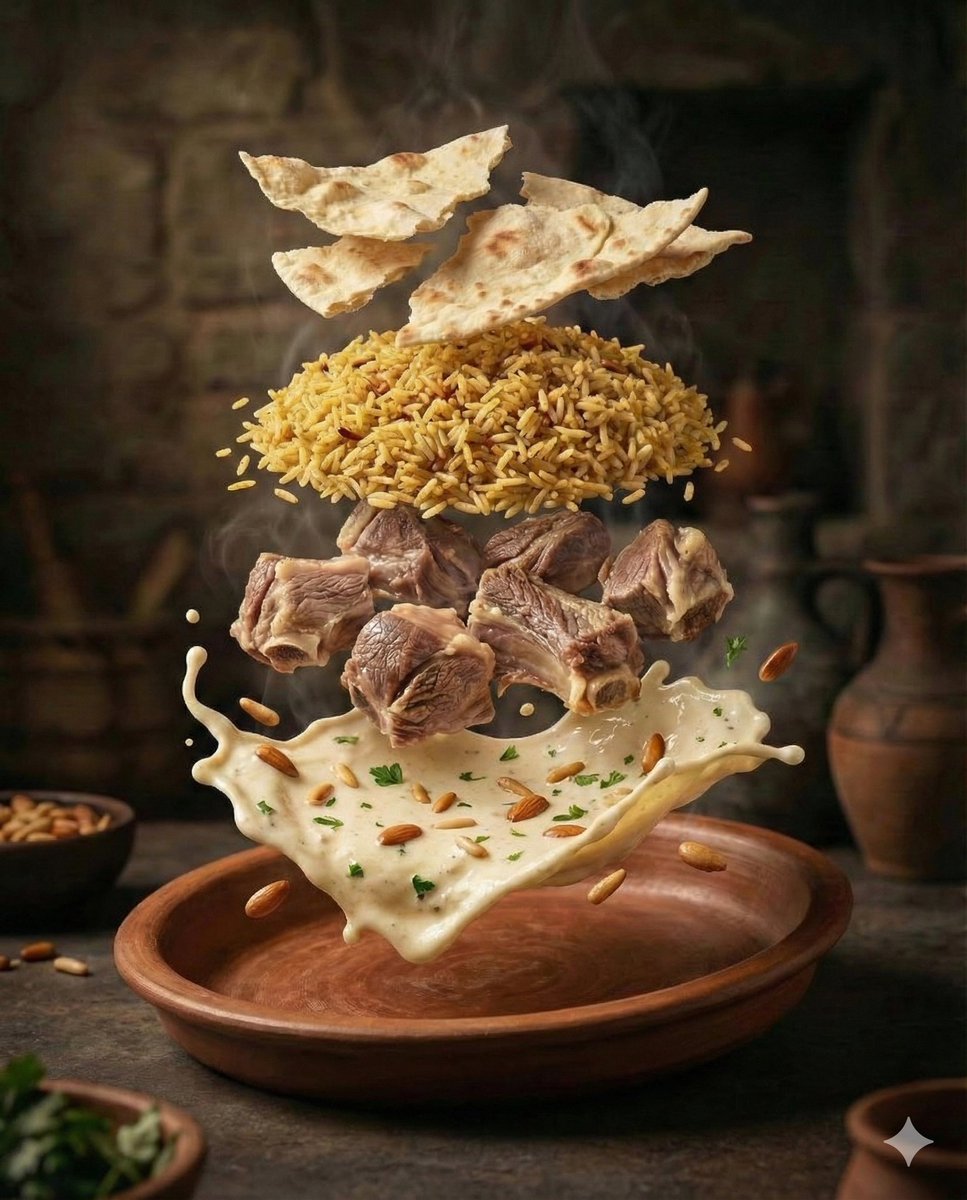
Cinematic Food Photography of Deconstructed Middle Eastern Cuisine
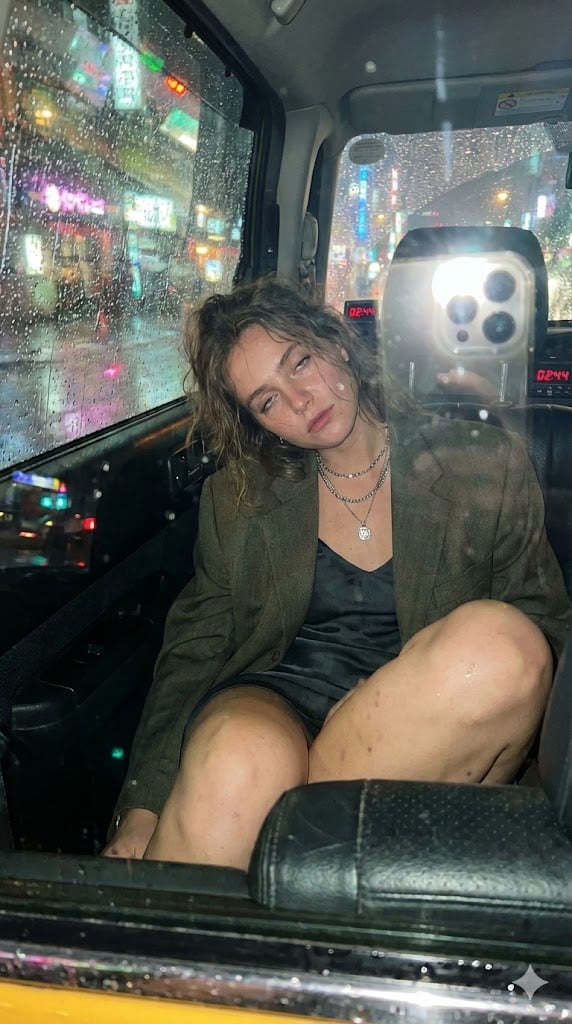
Candid Taxi-Ride Dump Photography

Cinematic Wide Shot of Girl in Dewy Meadow at Sunrise
Browse template categories
Fictional Science Infographic Generator questions
How do I use the Fictional Science Infographic Generator template?
Add your photo if the template asks for one, edit the prompt if you like — the template's model and format are already selected — and press Generate. Your version opens in PicX Studio.
Can I customize the Fictional Science Infographic Generator template?
Yes. You can change the subject, setting, lighting, mood, format, and available model controls before creating your image.
Is the Fictional Science Infographic Generator template free?
Opening and editing this template is free. Generating uses credits, shown on the Generate button when you are signed in.
Which AI model should I use?
Start with GPT Image 2, which is the model associated with this template. You can compare another compatible model for a different finish.
Looking for something else? Browse all templates.

Your photo, any look
Thousands of ready templates for every top image and video model, from one credit balance.