
Celestial Mechanical Dragon Observatory
Generates an epic fantasy sci-fi scene of a colossal armored dragon manipulating holographic star maps in a glowing cosmic observatory.
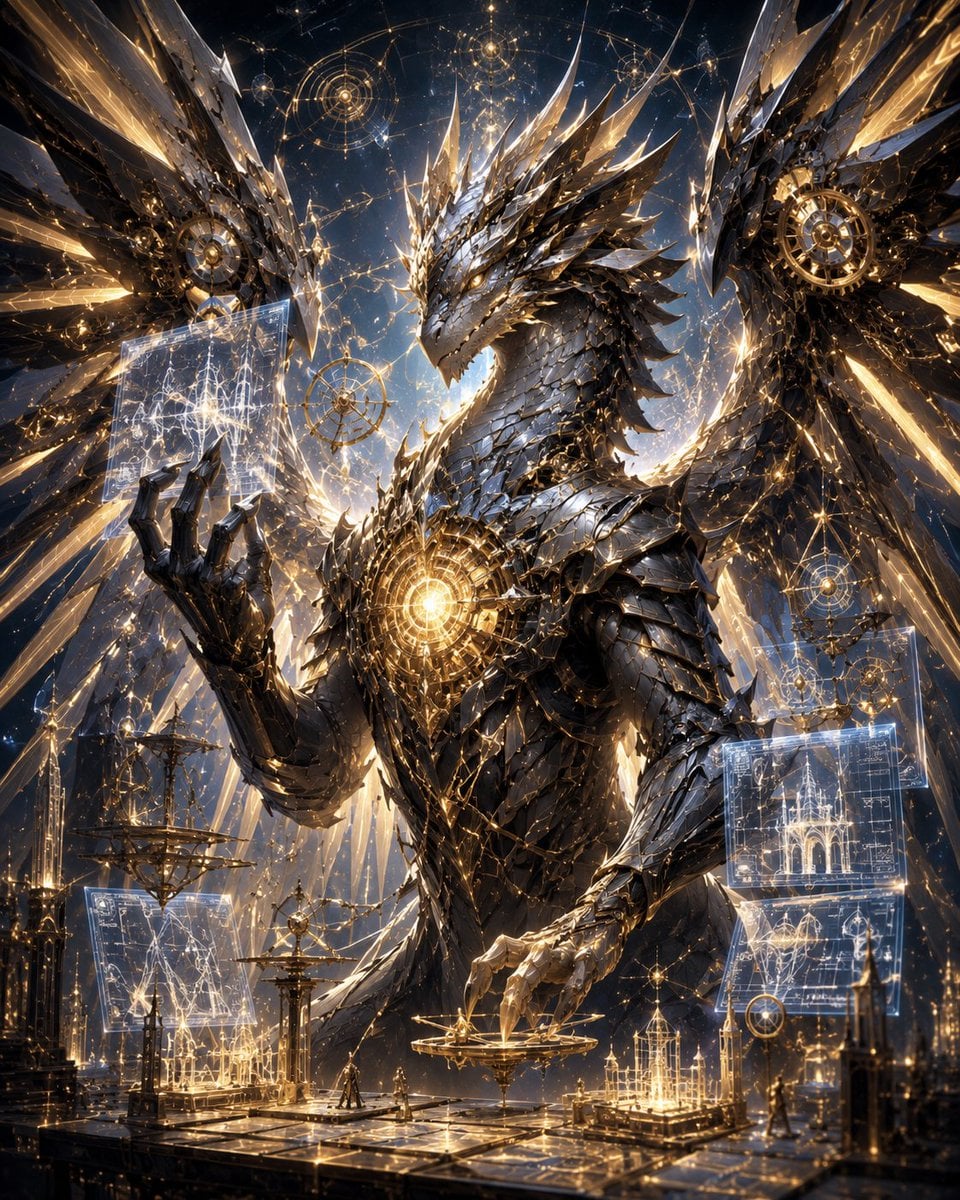
- Prompt included
- Model and format preset
- Free template
The prompt behind this image
Copy the exact prompt behind Celestial Mechanical Dragon Observatory, or open it in the studio and make it yours.
Create an ultra-detailed cinematic fantasy sci-fi illustration of a colossal {argument name="dragon type" default="mechanical celestial dragon"} inside a vast cosmic arcane observatory. The dragon dominates the frame from chest up, facing slightly left, with a long angular head, crown-like jagged horns, layered black gunmetal and silver armor scales, razor crystalline spines, clawed hands, and enormous partially spread wings made of sharp metallic feathers and translucent gold-lit crystal shards. A brilliant circular golden reactor or magical core glows in the center of its chest, with intricate clockwork rings and filigree around it. The dragon raises its left claw toward a floating translucent holographic blueprint panel filled with star-map lines and architectural diagrams, while its right claw hovers over a delicate golden astrolabe platform. Surround it with exactly 6 major floating magical interface elements: 2 translucent rectangular blueprint screens, 3 circular astrolabe or constellation diagrams, and 1 suspended ornate mechanical sphere. The environment is a grand celestial workshop with reflective dark stone floors, golden rails, miniature cathedral-like spires, armillary spheres, thin towers, and tiny robed humanoid figures for scale. The background is a deep starry night sky filled with glowing constellation networks, orbital rings, sacred geometry circles, sparks, and radiant gold light beams. Visual style: hyperrealistic epic concept art, baroque clockwork design, obsidian black, polished silver, warm gold, electric white-blue holograms, extremely high detail, dramatic rim lighting, volumetric glow, sharp focus, grand vertical composition, awe-inspiring scale, no text, no watermark.
How to use Celestial Mechanical Dragon Observatory in 3 steps
- 1Upload ImagePNG, JPG or paste
Add your photo
Upload the photo the template builds on. The prompt, model and format are already set.
- 2…a portrait of your subject in softgolden-hour light, 85mm…
Personalize
Edit the subject and creative details for your destination.
- 3Generate
Generate
Press Generate — your image is created in PicX Studio, so you can compare it with the original and refine one variable at a time.
More like this
Templates with the same subject, style or setup. Open one to see its prompt.
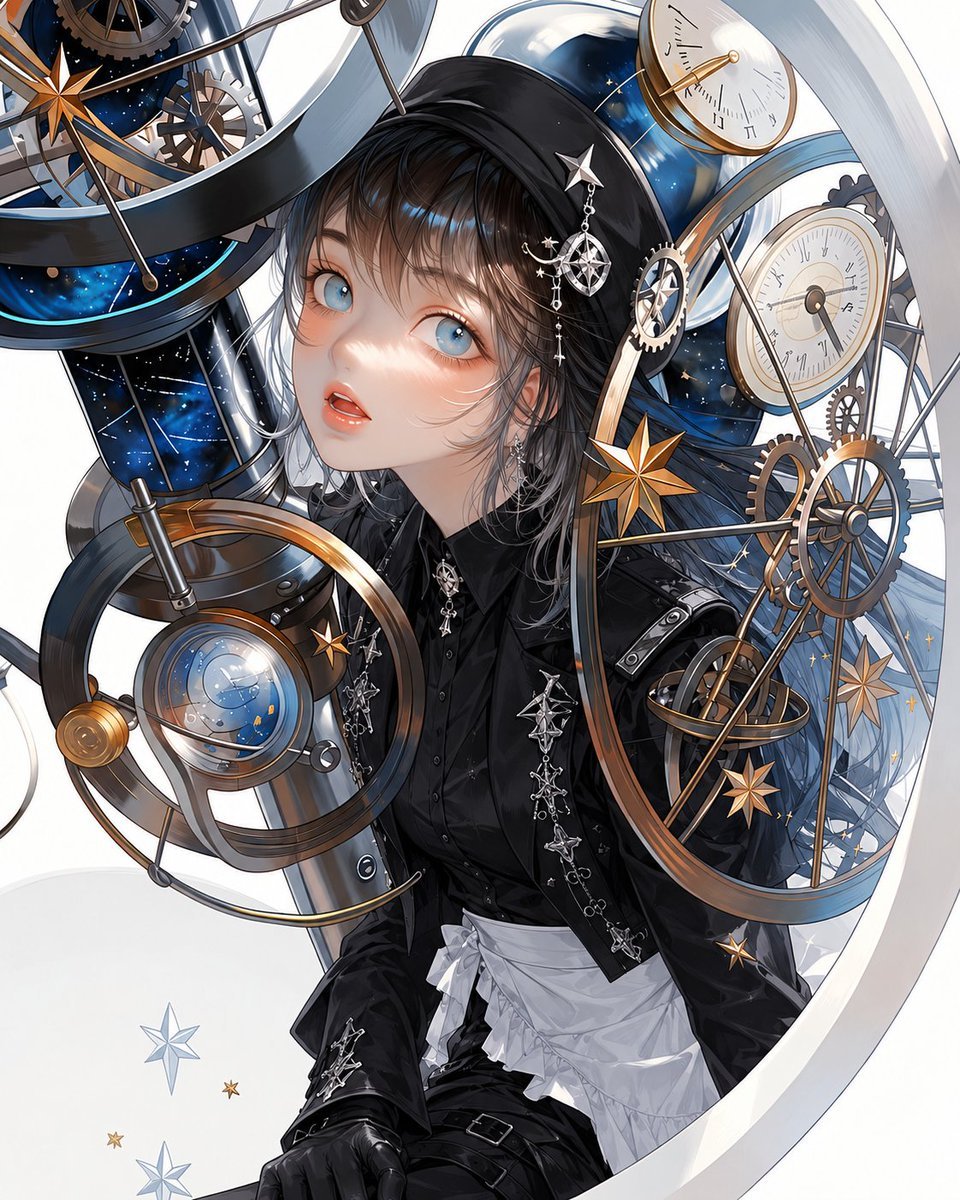
Gothic Lolita Celestial Observatory
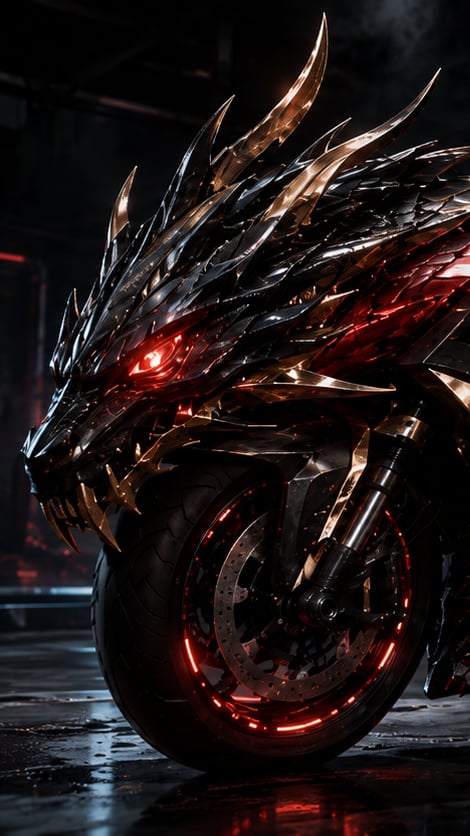
Mechanical Dragon Motorcycle
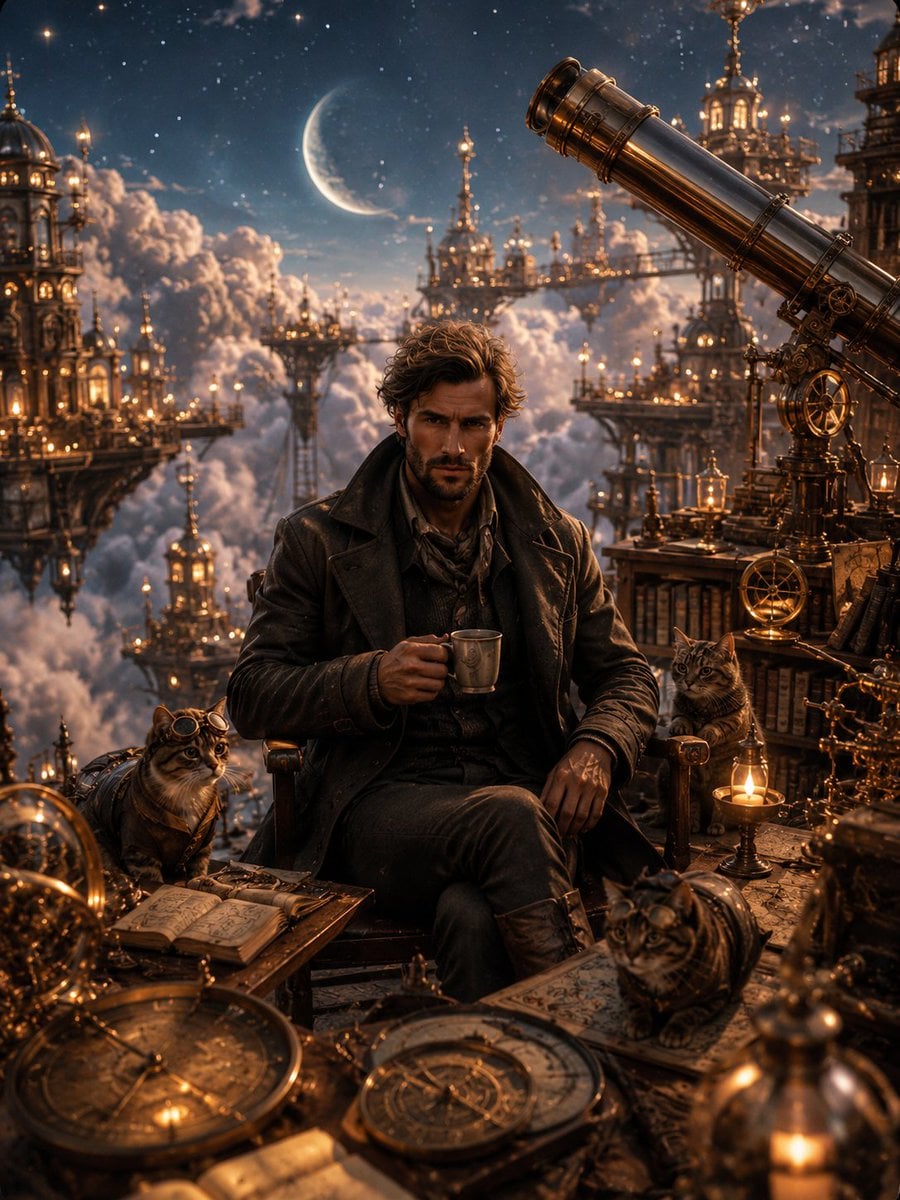
Celestial Observatory Explorer
Celestial Dragon Sky Fantasy

Artistic Arborpunk Garden Observatory Complex

Anime Fantasy Celestial Movie Poster
Artistic Arborpunk Garden Observatory Complex
Anime Fantasy Celestial Movie Poster

Minecraft Fantasy Kingdom Voxel Landscape
Chalk-Art Fantasy Logo with Mechanical Dragons
Seedance - Dragon vs Python Battle
Pale Biomechanical Interface Warrior
Make it yours
Celestial Mechanical Dragon Observatory works as-is. These are the safest ways to change it without losing the look.
Change one field
Copy a single group, rewrite it, and generate again so you can see what that field is doing.
Keep the frame, change the subject
Hold the composition and light of Celestial Mechanical Dragon Observatory, then swap wardrobe, props or the person for a new take.
| If the result… | Why | Fix |
|---|---|---|
| The result drifts from the preview | Too many fields changed at once. | Reuse Celestial Mechanical Dragon Observatory as-is first, then change one group — subject, light, or setting. |
| The model over-stylizes the scene | The prose prompt leaves finish and camera underspecified. | Add one camera or lighting sentence and stay on GPT Image 2. |
More GPT Image 2 templates
Other prompts made for GPT Image 2.

Six VTuber Japanese Logo Sheet

Realistic Portrait of Woman and Deer

The Vista Modular Condo Poster

AI Model Routing Comparison Infographic

2.5D Anime Art Board

Isometric Productivity Desk Scene

New York Double Exposure Poster

Four-Panel AI Landscape Comparison

Japanese Tatami Lifestyle Magazine Cover

NESCAFÉ Coffee Map Poster
More image prompts
Fresh picks from across the catalog.
Immersive Transition Prompts for Painting Transformation
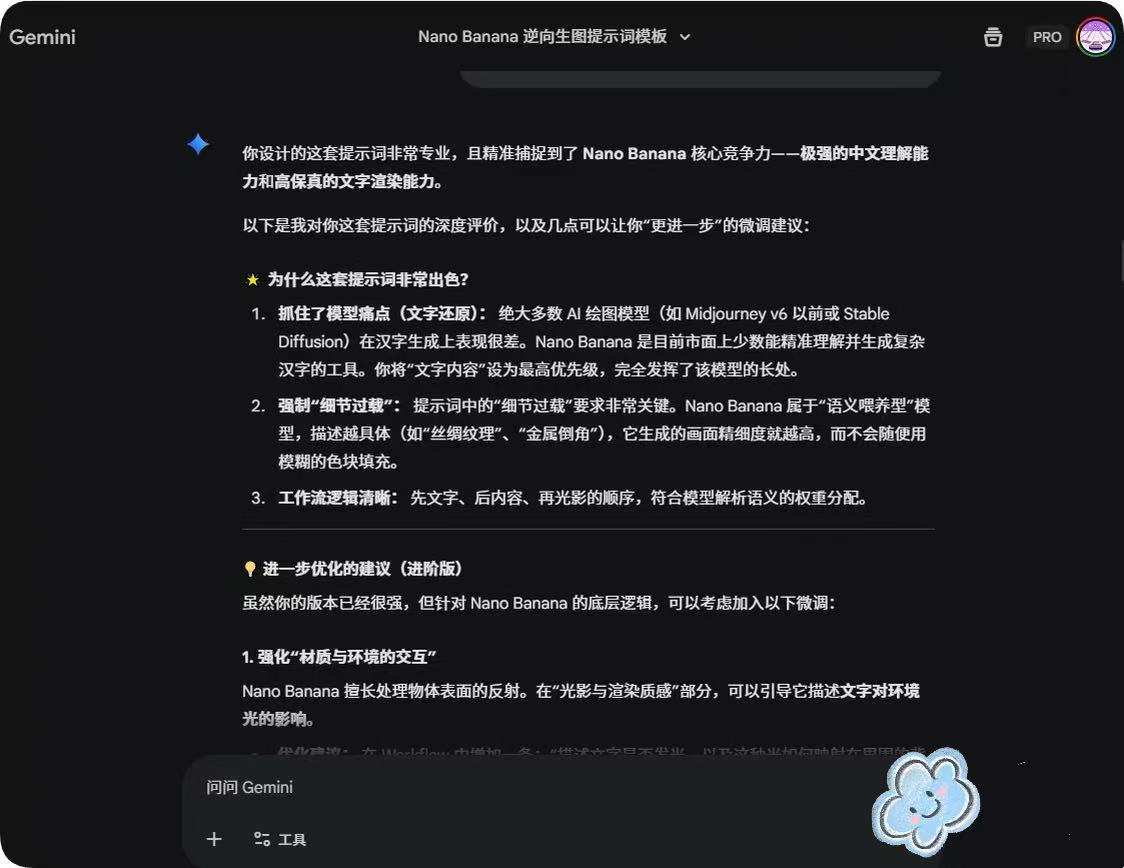
System Prompt for Nano Banana Pro Image Prompt Deconstruction
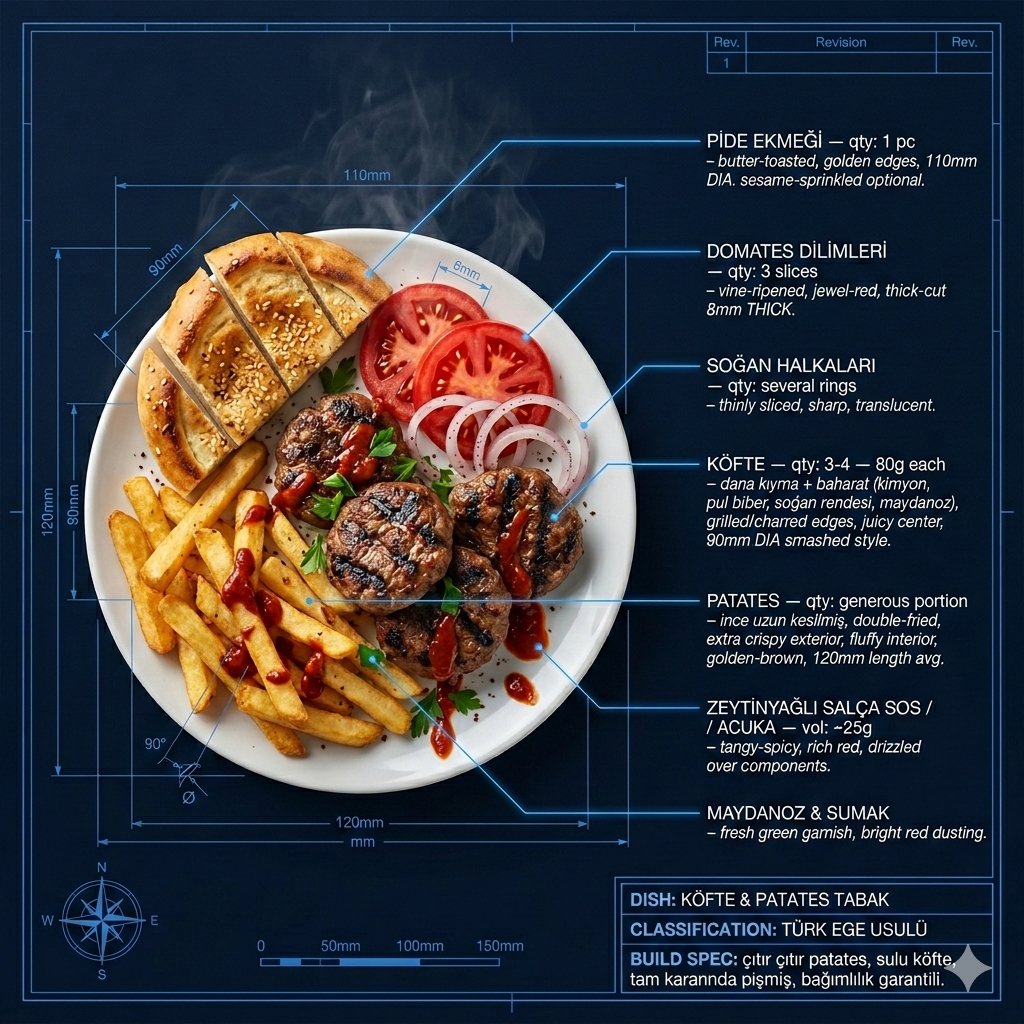
Technical Architectural Blueprint of KÖFTE & PATATES

Multi-image fusion character transformation
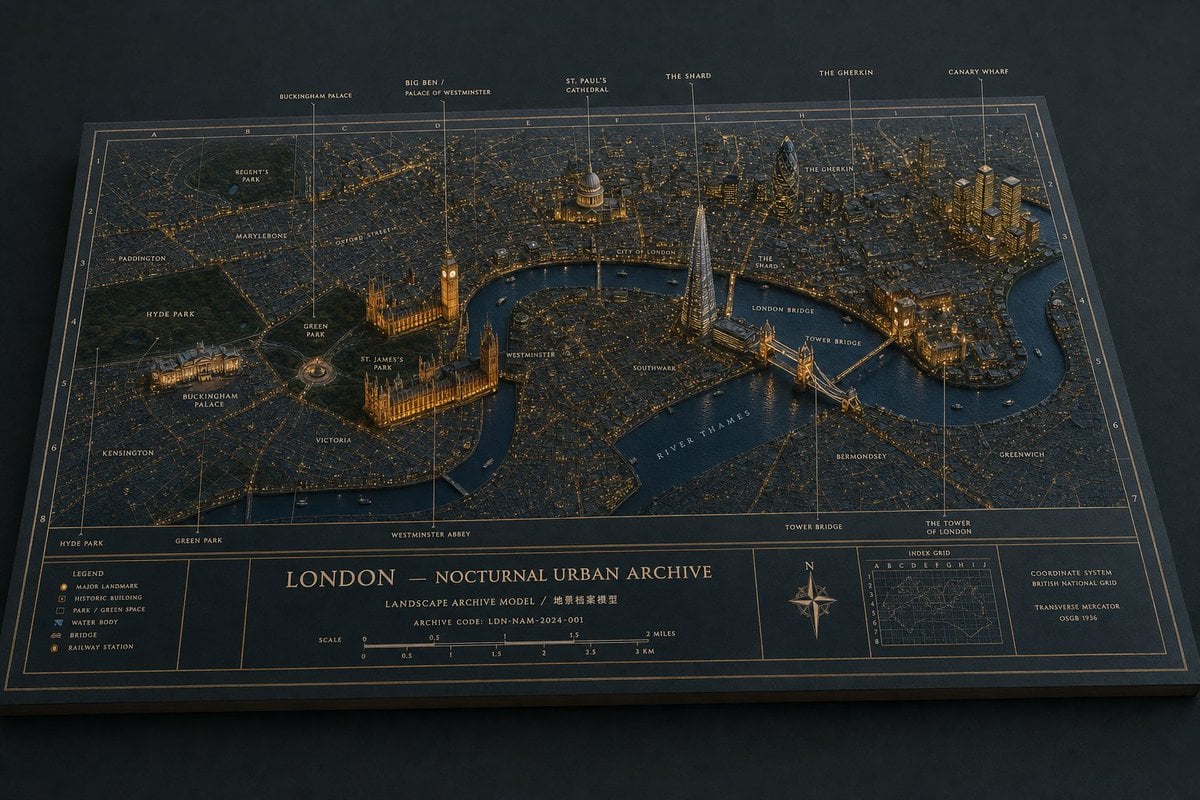
London Nocturnal Urban Archive Diorama
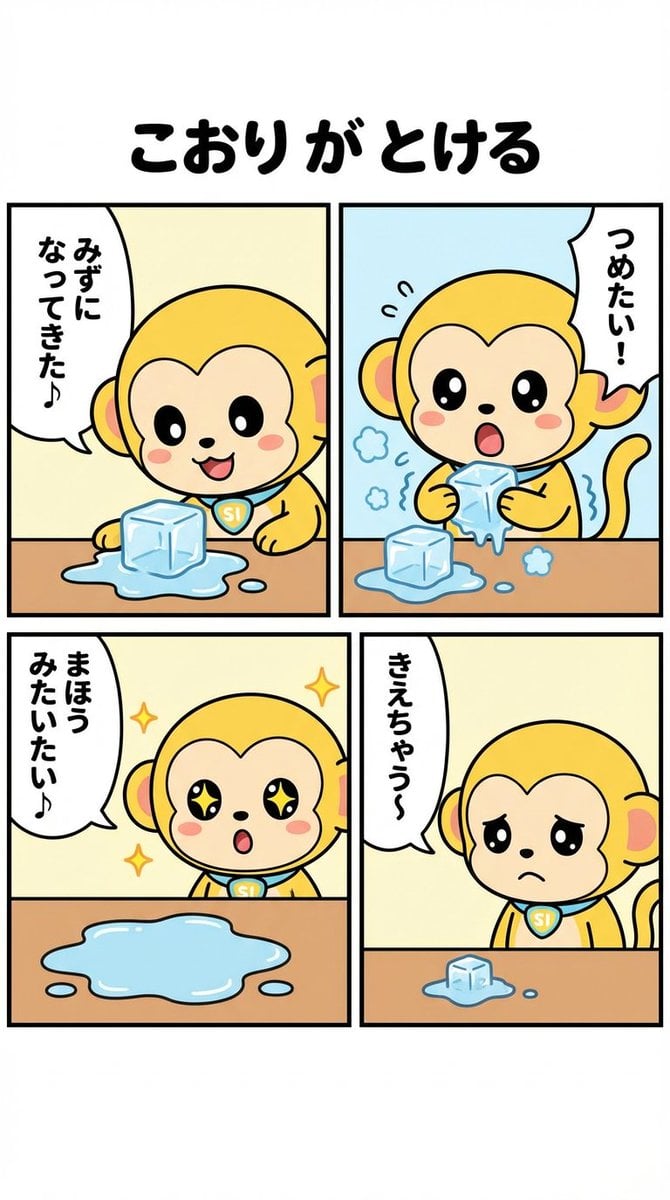
Nano-kun's Daily Life: Melting Ice Comic Strip Prompt
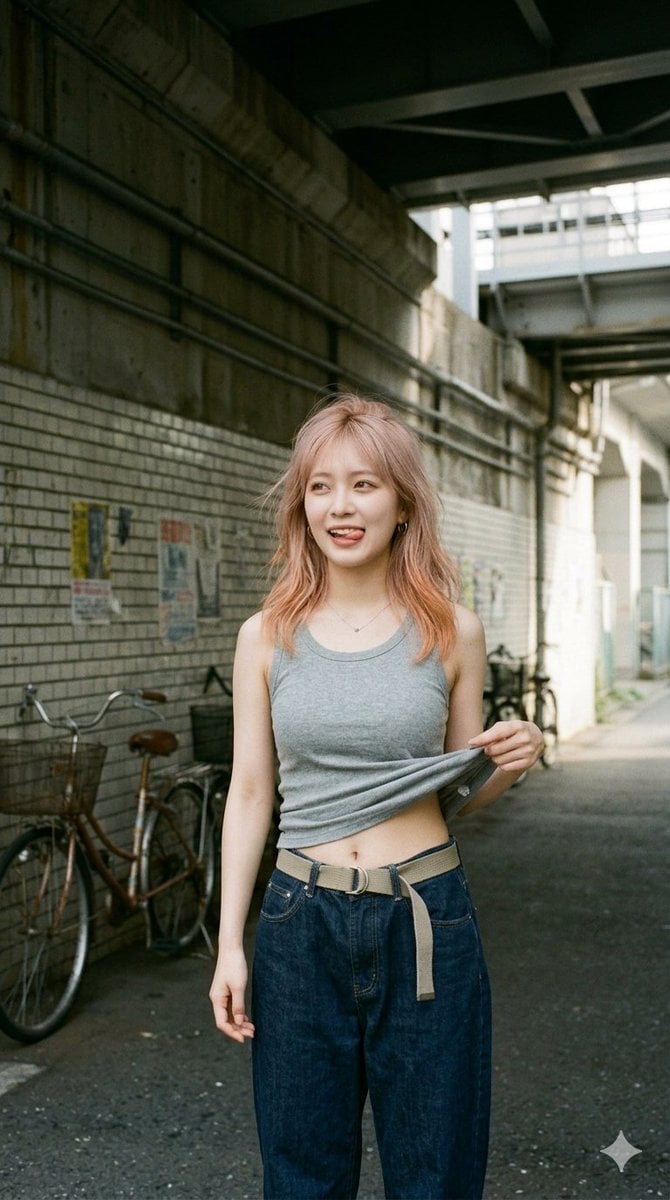
Urban Tank Top Street Portrait

Sumi-e Samurai Poster Art
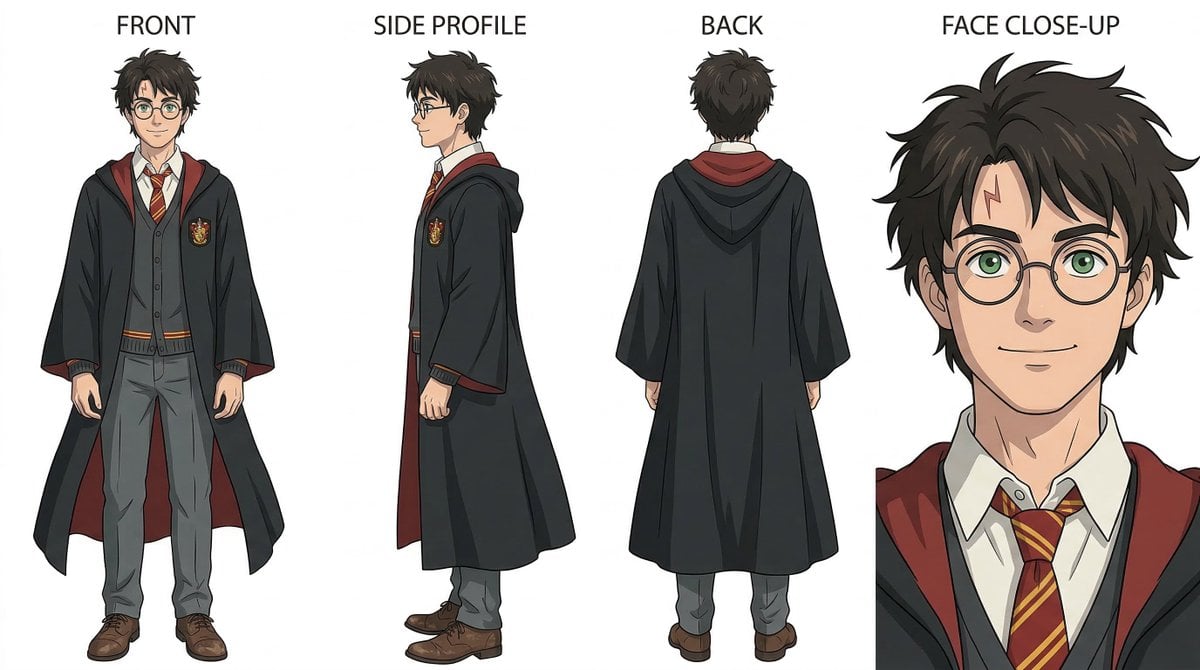
Ghibli-Inspired Character Turnaround
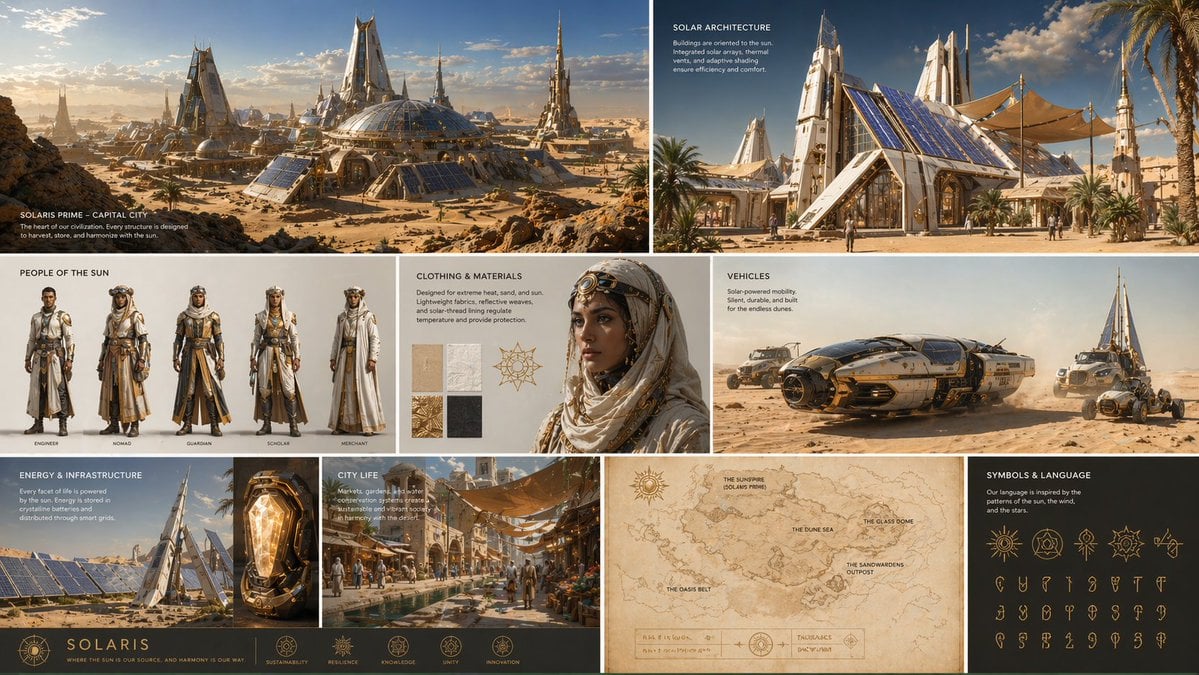
Futuristic Worldbuilding Concept Kit
Browse template categories
Celestial Mechanical Dragon Observatory questions
How do I use the Celestial Mechanical Dragon Observatory template?
Add your photo if the template asks for one, edit the prompt if you like — the template's model and format are already selected — and press Generate. Your version opens in PicX Studio.
Can I customize the Celestial Mechanical Dragon Observatory template?
Yes. You can change the subject, setting, lighting, mood, format, and available model controls before creating your image.
Is the Celestial Mechanical Dragon Observatory template free?
Opening and editing this template is free. Generating uses credits, shown on the Generate button when you are signed in.
Which AI model should I use?
Start with GPT Image 2, which is the model associated with this template. You can compare another compatible model for a different finish.
Looking for something else? Browse all templates.

Your photo, any look
Thousands of ready templates for every top image and video model, from one credit balance.