
Mechanical Dragon Motorcycle
A cinematic prompt for generating a rideable dragon-inspired motorcycle concept with glowing red cyberpunk details.
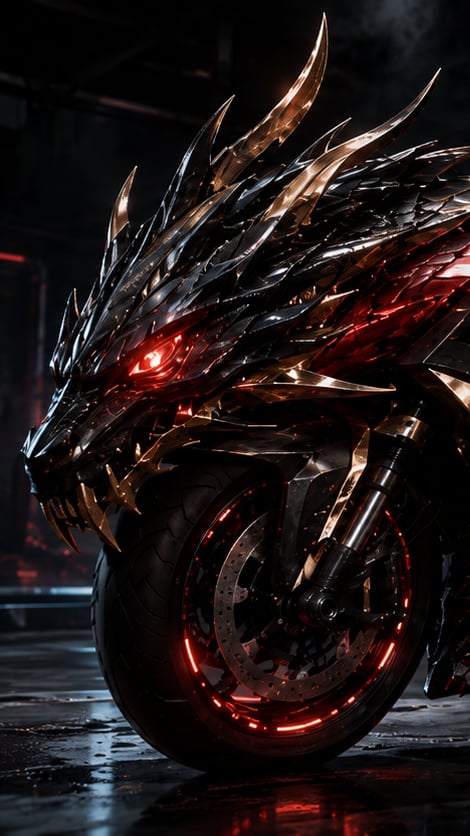
- Prompt included
- Model and format preset
- Free template
The prompt behind this image
Copy the exact prompt behind Mechanical Dragon Motorcycle, or open it in the studio and make it yours.
Create a cinematic vertical 9:16 concept-art render of {argument name="vehicle concept" default="a rideable mechanical dragon motorcycle"} in a dark industrial garage at night, shown in an extreme close-up three-quarter front view from the left. The machine should preserve a dragon's head silhouette while functioning like a real motorcycle: one enormous front tire integrated beneath the jaw, visible brake disc, fork suspension, axle hardware, and mechanical frame components. The dragon head is built from countless overlapping glossy black and gunmetal armor plates, razor-sharp layered scales, angular cheek plates, metallic fangs, and multiple swept-back horns; include exactly 5 prominent horns/spikes on the top silhouette: two tall central curved horns, two long rearward side horns, and one shorter forward brow spike. Add a single intense glowing {argument name="eye color" default="red"} eye on the visible side, red illuminated vents under the armor, and a circular red LED ring around the front wheel. Use {argument name="metal finish" default="black chrome and dark titanium with copper-gold highlights"}, with sharp specular reflections and small scratches. The background is a shadowy cyberpunk workshop with faint smoke, red accent lights, blurred pipes and structural beams, and a wet reflective concrete floor catching red reflections. Mood: aggressive, realistic, rideable, high-performance, dragon-like but engineered. Lighting should be dramatic low-key with red glow from inside the machine and subtle cool rim light from the environment. Ultra-detailed hard-surface design, photorealistic 3D render quality, shallow depth of field, no rider, no text, no logo, no watermark.
How to use Mechanical Dragon Motorcycle in 3 steps
- 1Upload ImagePNG, JPG or paste
Add your photo
Upload the photo the template builds on. The prompt, model and format are already set.
- 2…a portrait of your subject in softgolden-hour light, 85mm…
Personalize
Edit the subject and creative details for your destination.
- 3Generate
Generate
Press Generate — your image is created in PicX Studio, so you can compare it with the original and refine one variable at a time.
More like this
Templates with the same subject, style or setup. Open one to see its prompt.
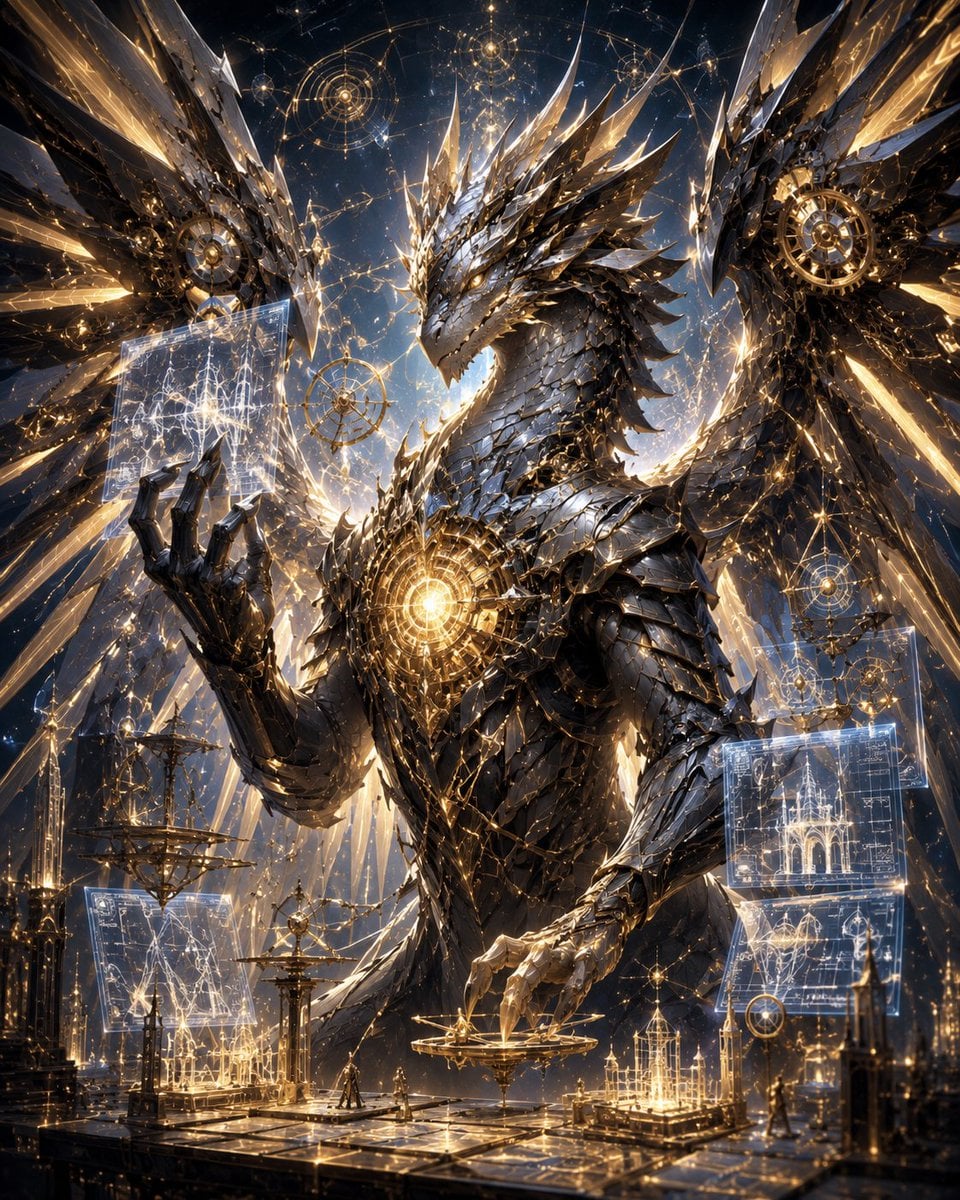
Celestial Mechanical Dragon Observatory

Minecraft Fantasy Kingdom Voxel Landscape
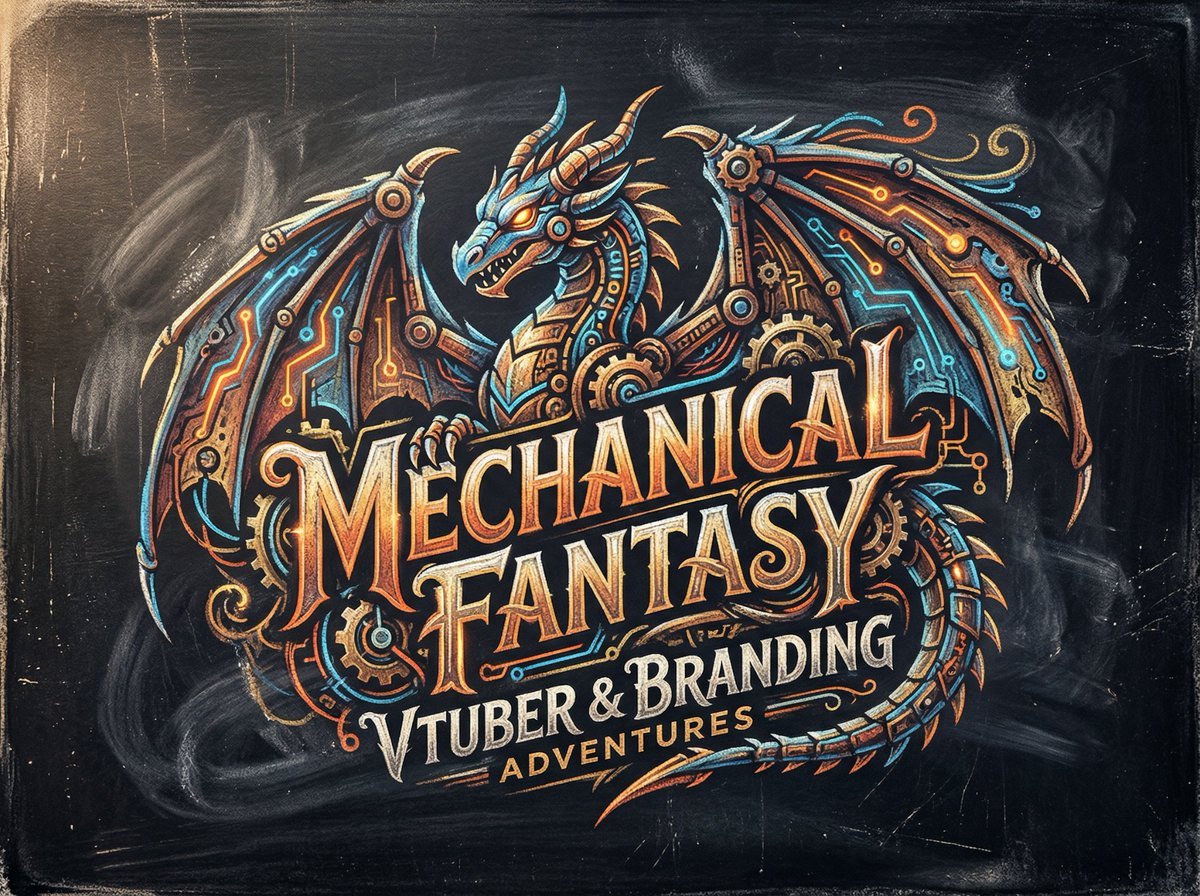
Chalk-Art Fantasy Logo with Mechanical Dragons
Seedance - Dragon vs Python Battle
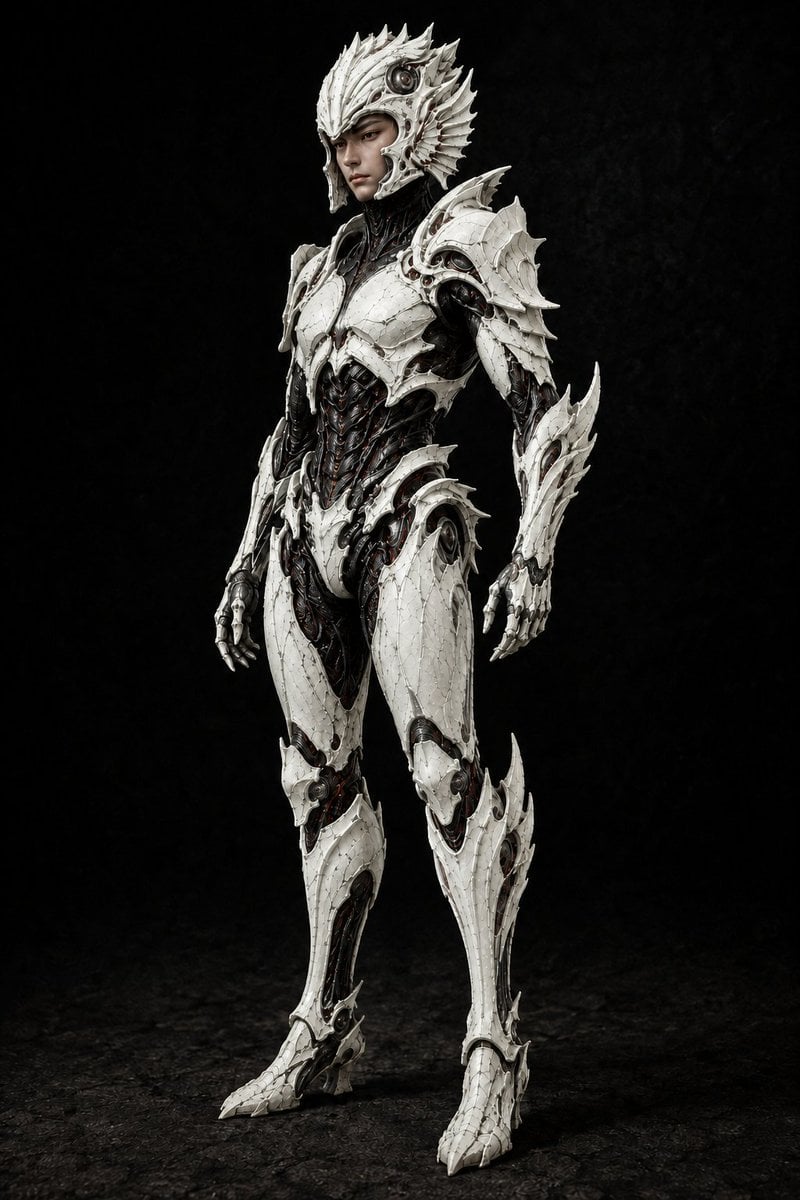
Pale Biomechanical Interface Warrior
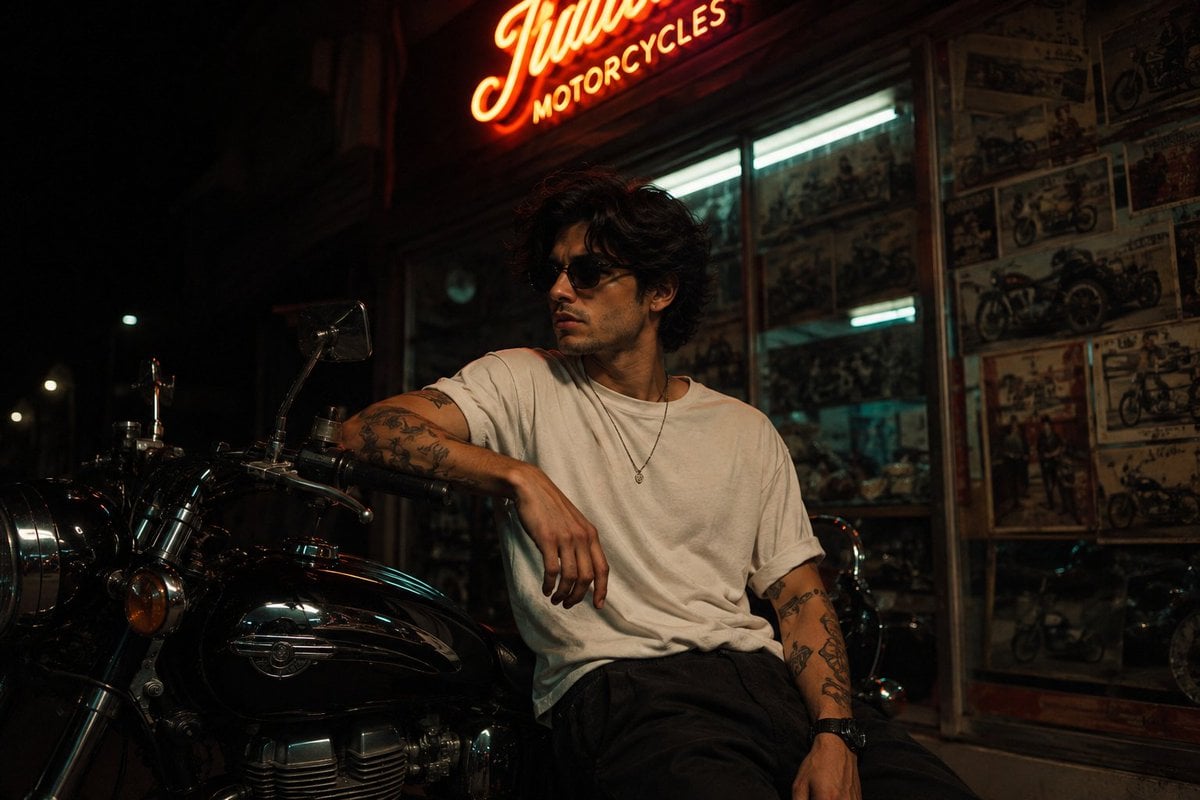
Vintage Motorcycle Urban Portrait
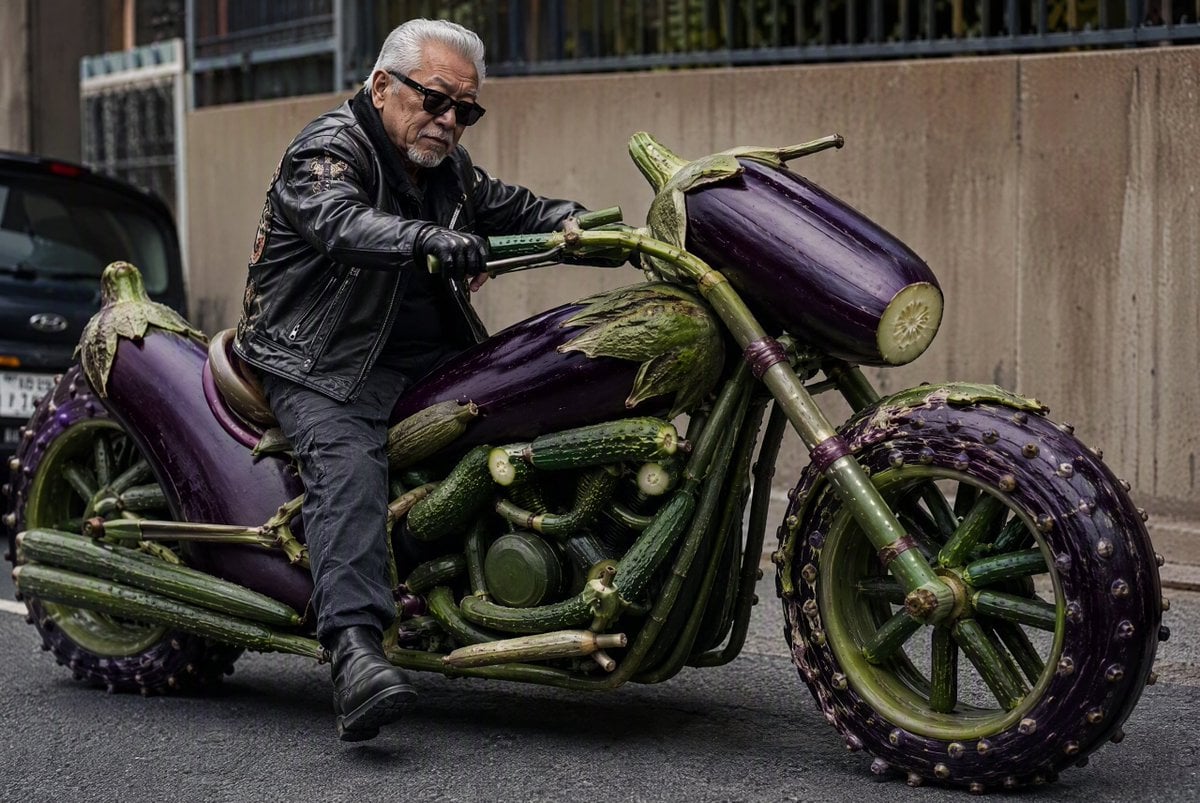
Vegetable Spirit Horse Motorcycle
Subterranean Cathedral and Mechanical Whale
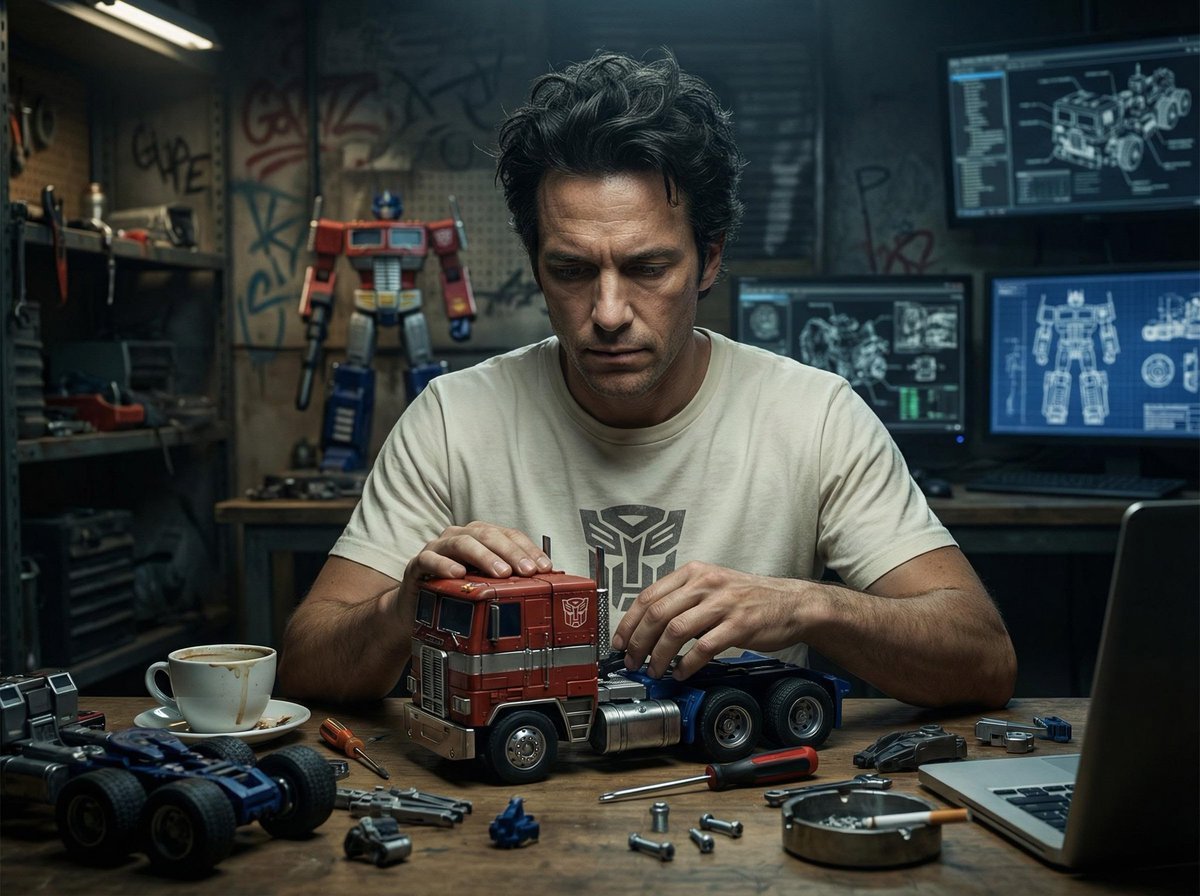
Screens displaying Optimus Prime assembly blueprints and mechanical
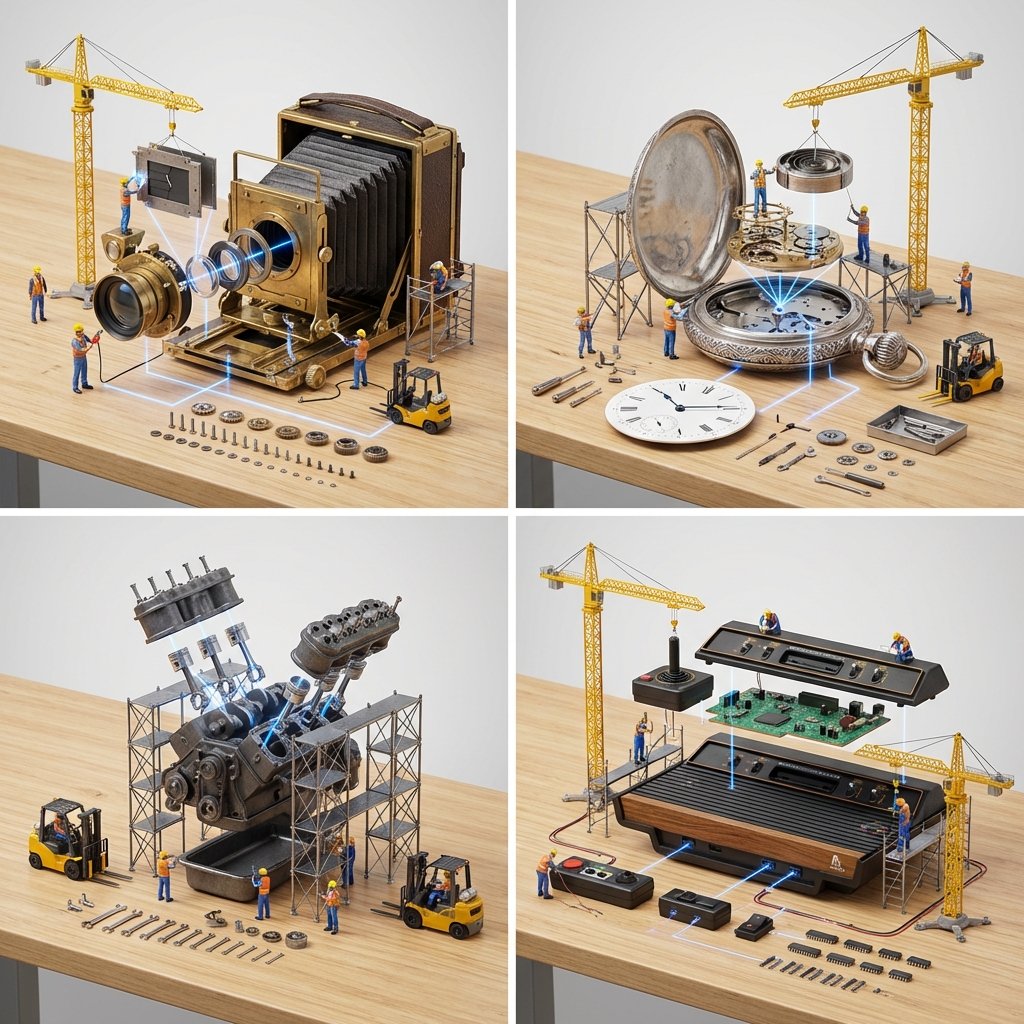
Input A is a Mechanical Device or Gadget e g, Vintage Camera, Mechanical
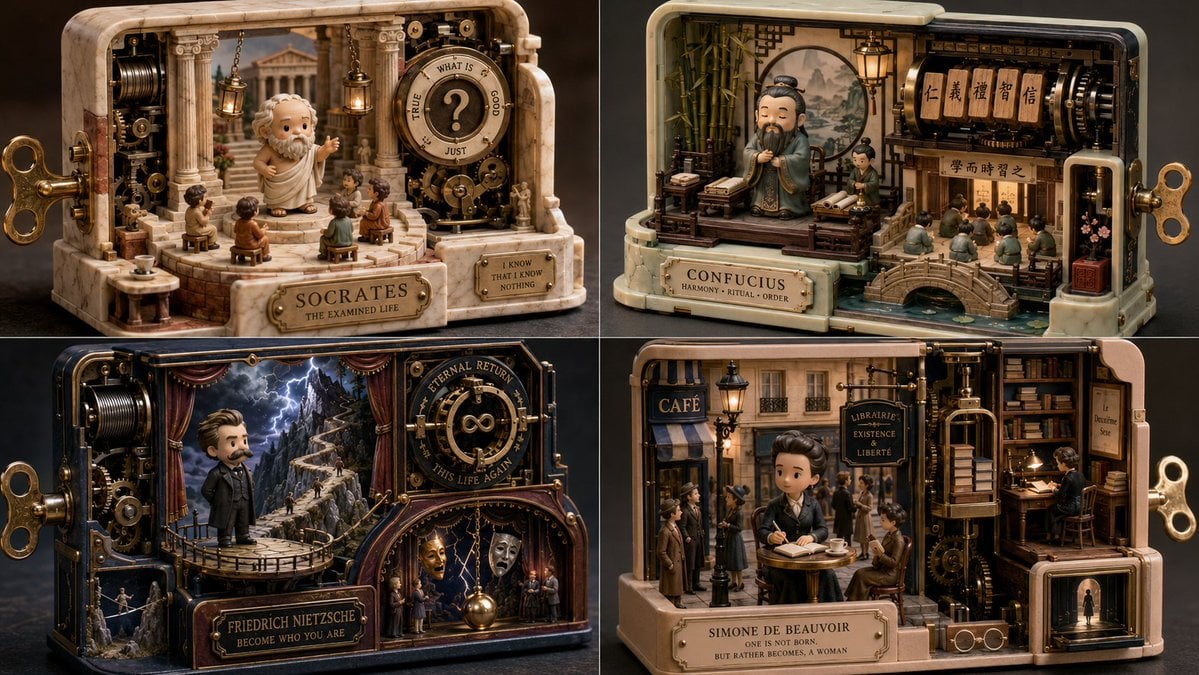
Mechanical Wind-up Miniature World
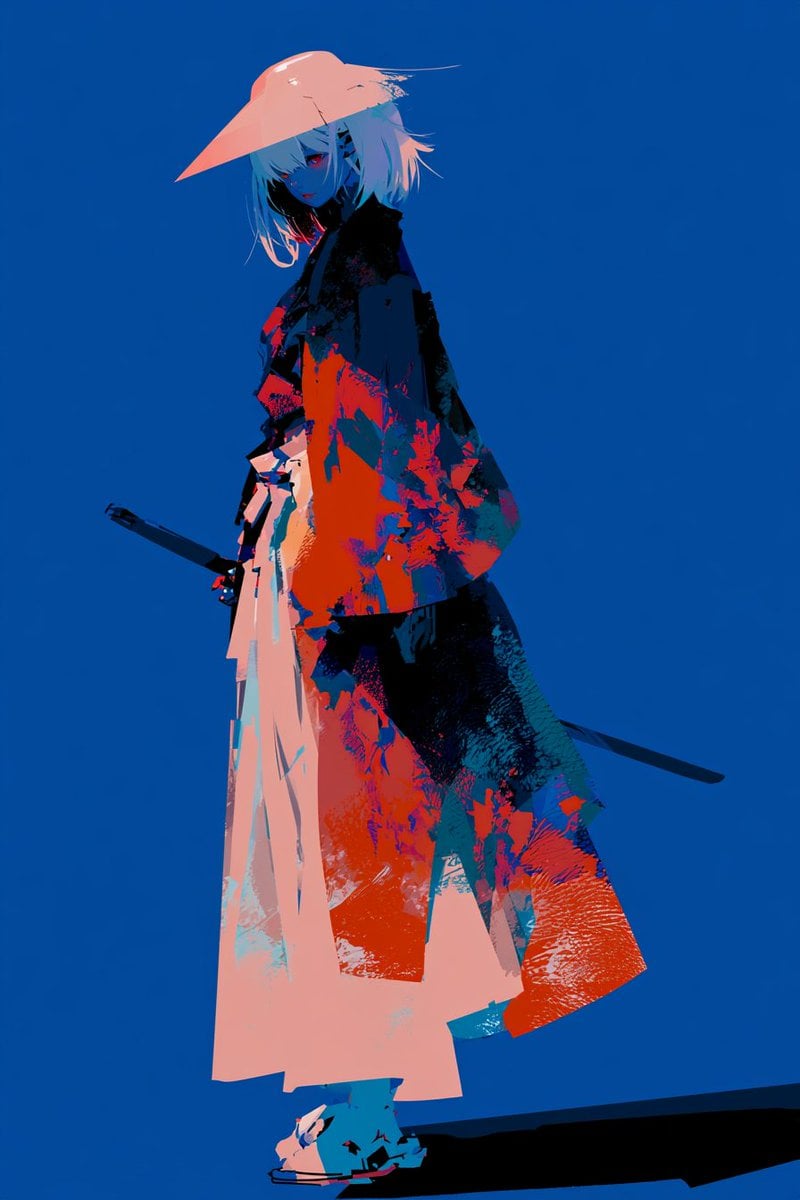
Female Mechanical Ronin Character Art
Make it yours
Mechanical Dragon Motorcycle works as-is. These are the safest ways to change it without losing the look.
Change one field
Copy a single group, rewrite it, and generate again so you can see what that field is doing.
Keep the frame, change the subject
Hold the composition and light of Mechanical Dragon Motorcycle, then swap wardrobe, props or the person for a new take.
| If the result… | Why | Fix |
|---|---|---|
| The result drifts from the preview | Too many fields changed at once. | Reuse Mechanical Dragon Motorcycle as-is first, then change one group — subject, light, or setting. |
| The model over-stylizes the scene | The prose prompt leaves finish and camera underspecified. | Add one camera or lighting sentence and stay on GPT Image 2. |
More GPT Image 2 templates
Other prompts made for GPT Image 2.

Six VTuber Japanese Logo Sheet

Realistic Portrait of Woman and Deer

The Vista Modular Condo Poster

AI Model Routing Comparison Infographic

2.5D Anime Art Board

Isometric Productivity Desk Scene

New York Double Exposure Poster

Four-Panel AI Landscape Comparison

Japanese Tatami Lifestyle Magazine Cover

NESCAFÉ Coffee Map Poster
More image prompts
Fresh picks from across the catalog.

Ultra-Realistic Professional Headshot for Creator Economy
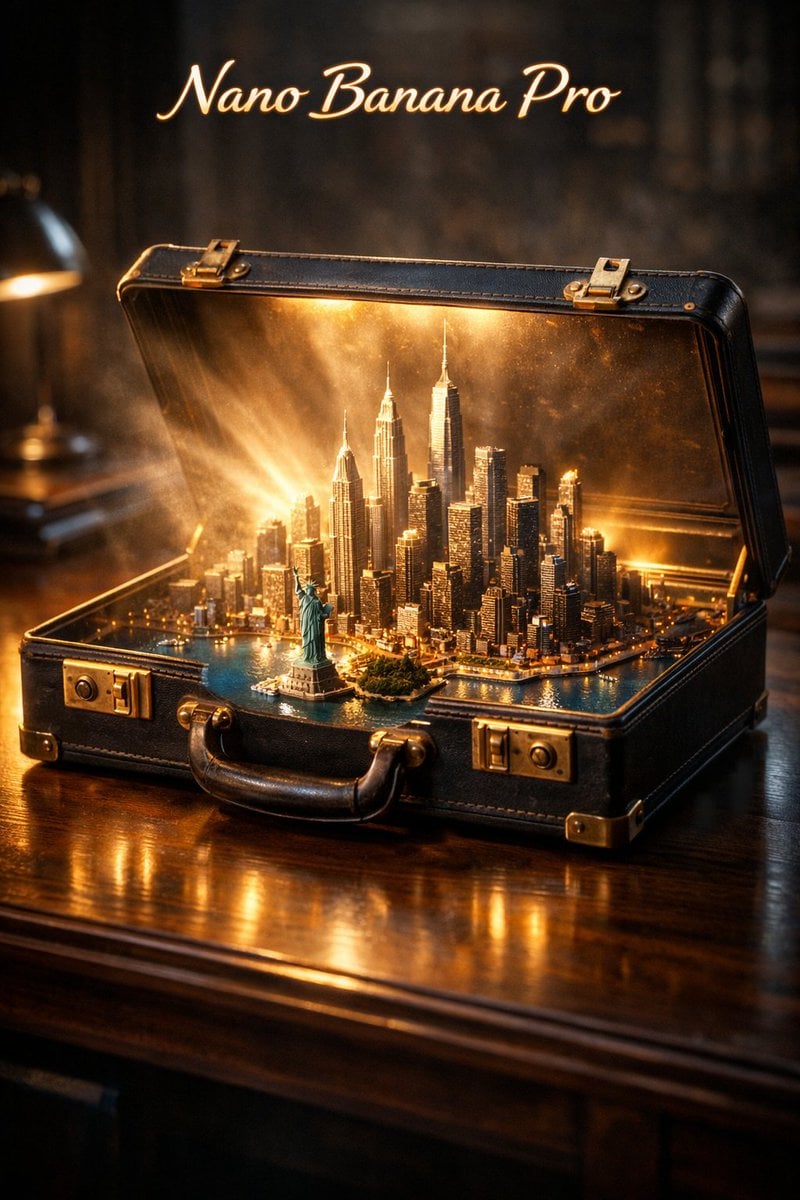
Cinematic Product Reveal of a Vintage Briefcase

East Asian Fashion Sunglasses Portrait
Golden Hour Beach Fashion Portrait
Times Square Movie Billboard Scene
Cosplay Model in Laundry Cart Portrait
Inspired Prompt from LudovicCreator
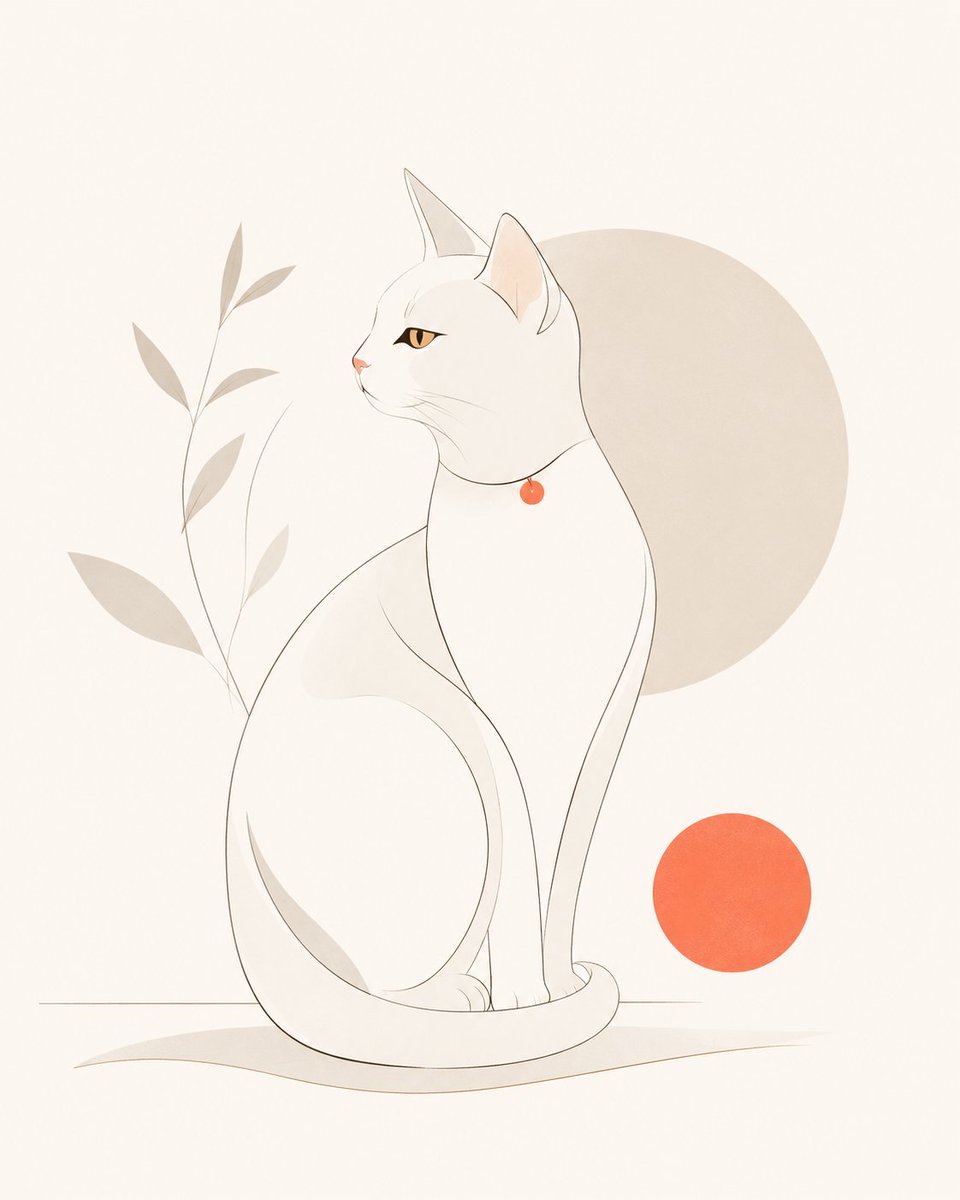
Minimalist Modern Magazine Illustration Style
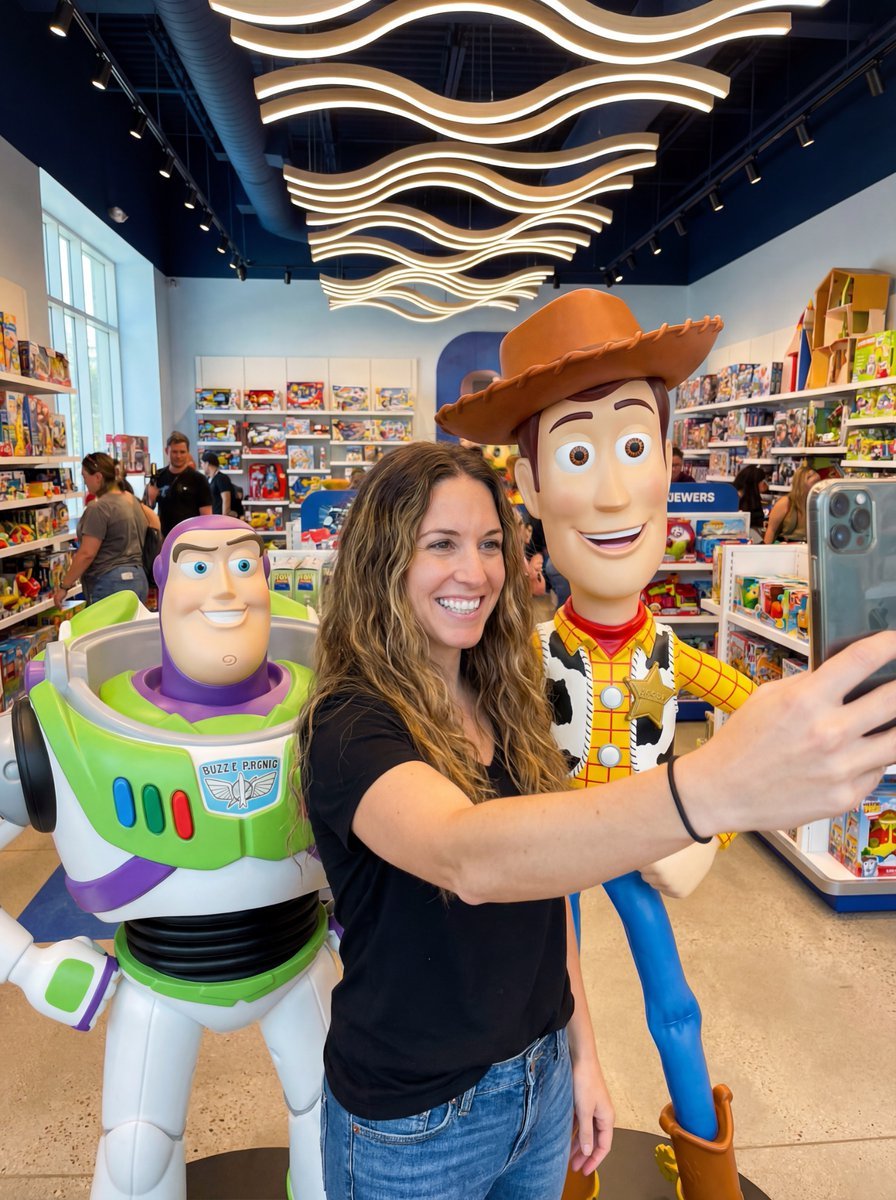
Toy Story Selfie with Identity Lock Prompt
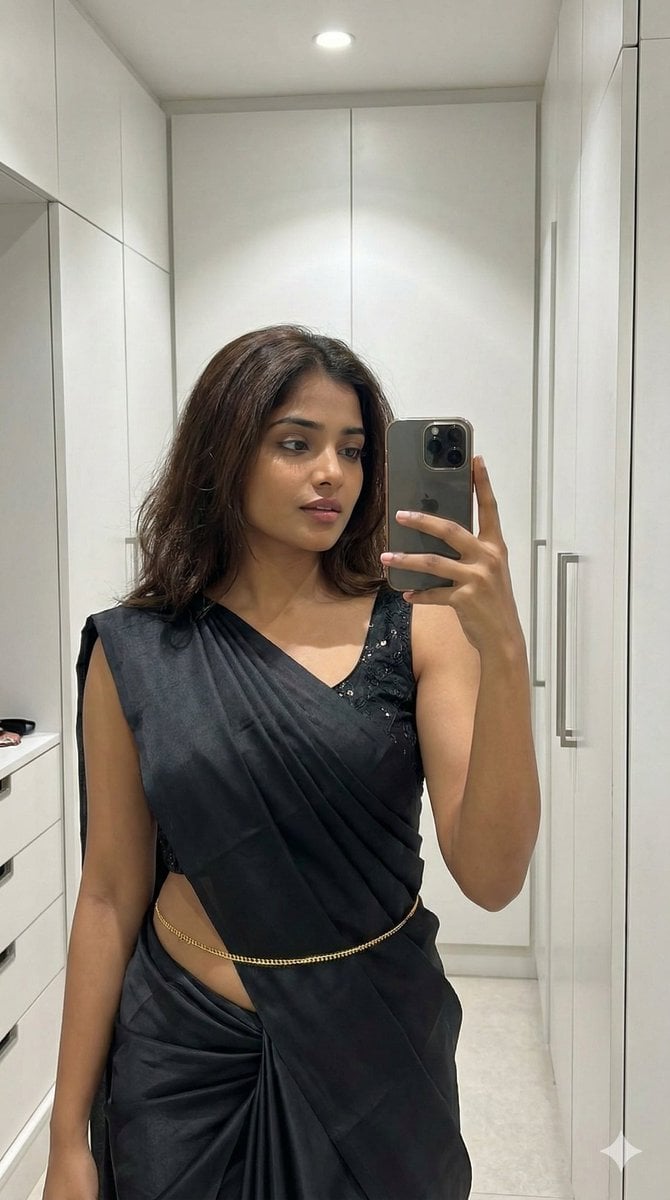
Ultra-Photorealistic Saree Mirror Selfie
Browse template categories
Mechanical Dragon Motorcycle questions
How do I use the Mechanical Dragon Motorcycle template?
Add your photo if the template asks for one, edit the prompt if you like — the template's model and format are already selected — and press Generate. Your version opens in PicX Studio.
Can I customize the Mechanical Dragon Motorcycle template?
Yes. You can change the subject, setting, lighting, mood, format, and available model controls before creating your image.
Is the Mechanical Dragon Motorcycle template free?
Opening and editing this template is free. Generating uses credits, shown on the Generate button when you are signed in.
Which AI model should I use?
Start with GPT Image 2, which is the model associated with this template. You can compare another compatible model for a different finish.
Looking for something else? Browse all templates.

Your photo, any look
Thousands of ready templates for every top image and video model, from one credit balance.