
Female Mechanical Ronin Character Art
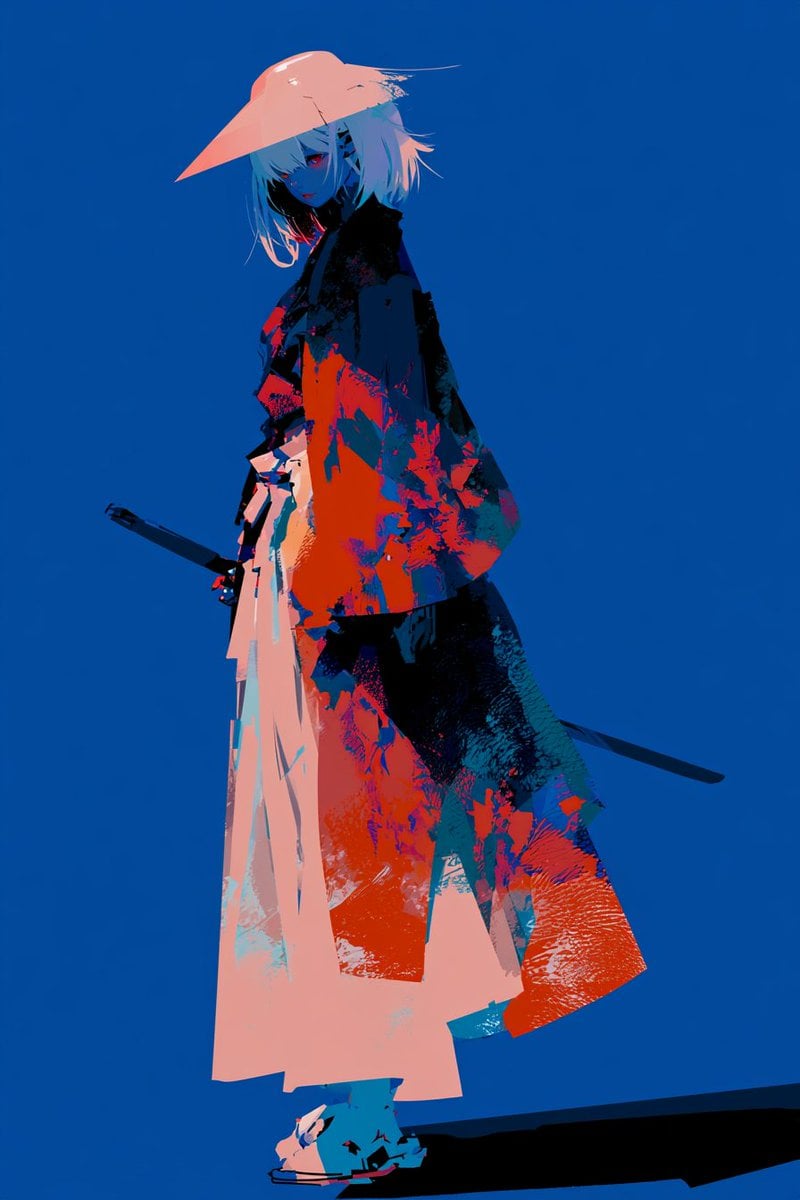
A vertical anime-style full-body character concept of a female mechanical ronin with a kasa hat, kimono, swords, and bold graphic colors.
- Prompt included
- Model and format preset
- Free template
The prompt behind this image
Copy the exact prompt behind Female Mechanical Ronin Character Art, or open it in the studio and make it yours.
Create a full-body anime illustration of a {argument name="character archetype" default="female mechanical ronin"} standing in a calm, intimidating pose against a flat deep cobalt-blue background. She is tall and slender, shown slightly turned in three-quarter view with her head tilted downward, looking toward the viewer with glowing red eyes and a stern, quiet expression. She has messy chin-length {argument name="hair color" default="white"} hair, pale blue shadowed skin, and small dark mechanical markings or vents along one side of her face. She wears a wide angular pale peach kasa straw hat casting a sharp shadow, a loose oversized kimono coat with bold abstract painterly splashes in black, navy, teal, coral red, and orange, layered over long pale peach hakama-style trousers. Add two visible weapons: one sheathed katana at her left hip with the handle projecting backward, and one long dark sword or scabbard extending behind her to the right. Use a dramatic graphic manga style inspired by modern shonen character design, with flat colors, hard-edged shadows, rough screenprint textures, splattered ink patterns, and high contrast neon red-orange accents. Keep the composition minimal with the figure centered slightly left, lots of negative space, a low viewpoint, and a long black cast shadow stretching across the bottom right. No text, no border, no extra characters, vertical 2:3 aspect ratio.
How to use Female Mechanical Ronin Character Art in 3 steps
- 1Upload ImagePNG, JPG or paste
Add your photo
Upload the photo the template builds on. The prompt, model and format are already set.
- 2…a portrait of your subject in softgolden-hour light, 85mm…
Personalize
Edit the subject and creative details for your destination.
- 3Generate
Generate
Press Generate — your image is created in PicX Studio, so you can compare it with the original and refine one variable at a time.
More like this
Templates with the same subject, style or setup. Open one to see its prompt.
Cyborg Ronin Character Sheet
Pale Biomechanical Interface Warrior
Mechanical Dragon Motorcycle
Subterranean Cathedral and Mechanical Whale
Screens displaying Optimus Prime assembly blueprints and mechanical
Input A is a Mechanical Device or Gadget e g, Vintage Camera, Mechanical
Cyberpunk Ronin Duel
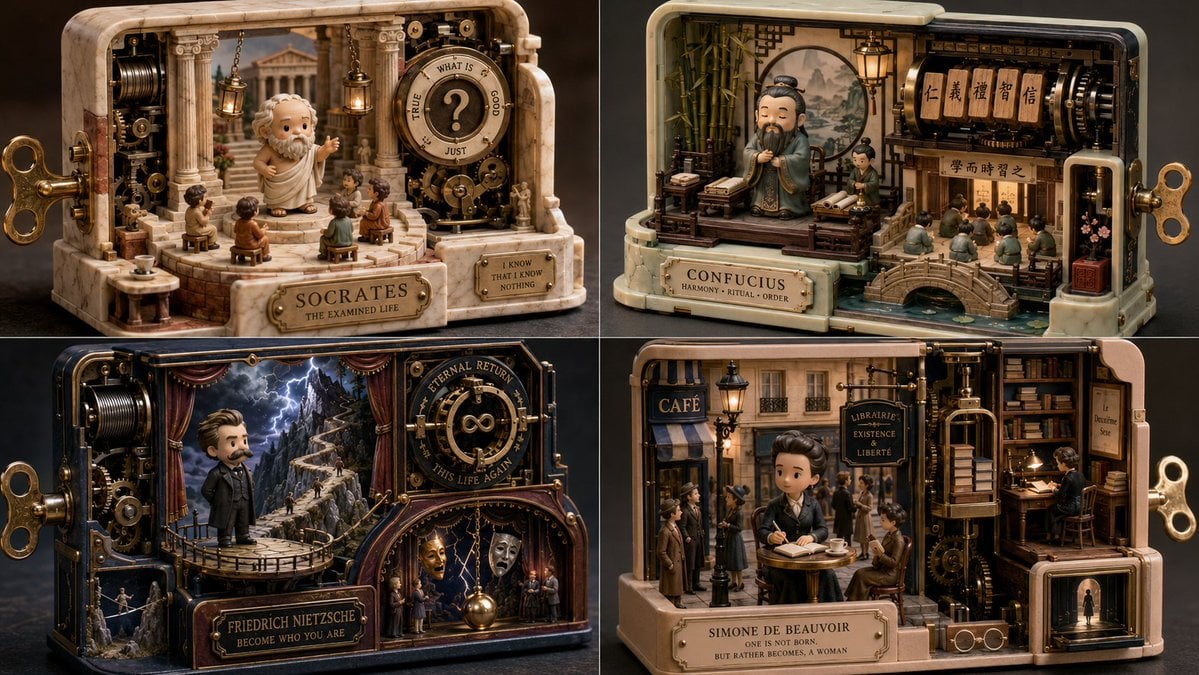
Mechanical Wind-up Miniature World
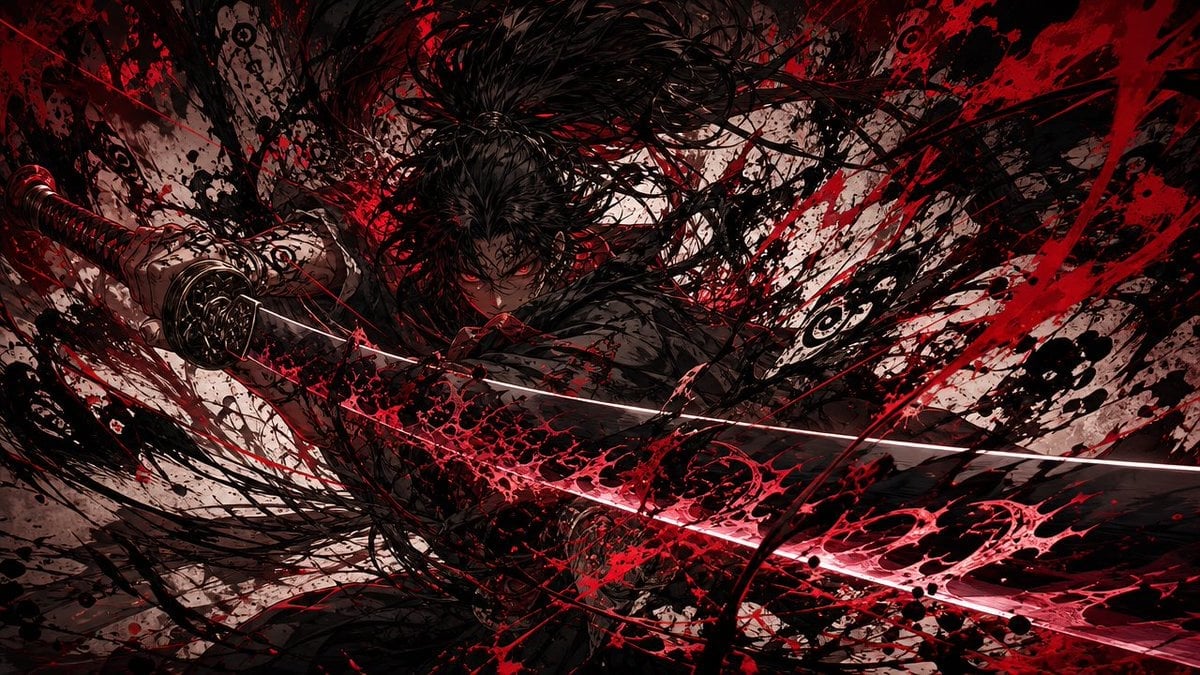
Dark Ronin Katana Splash Art
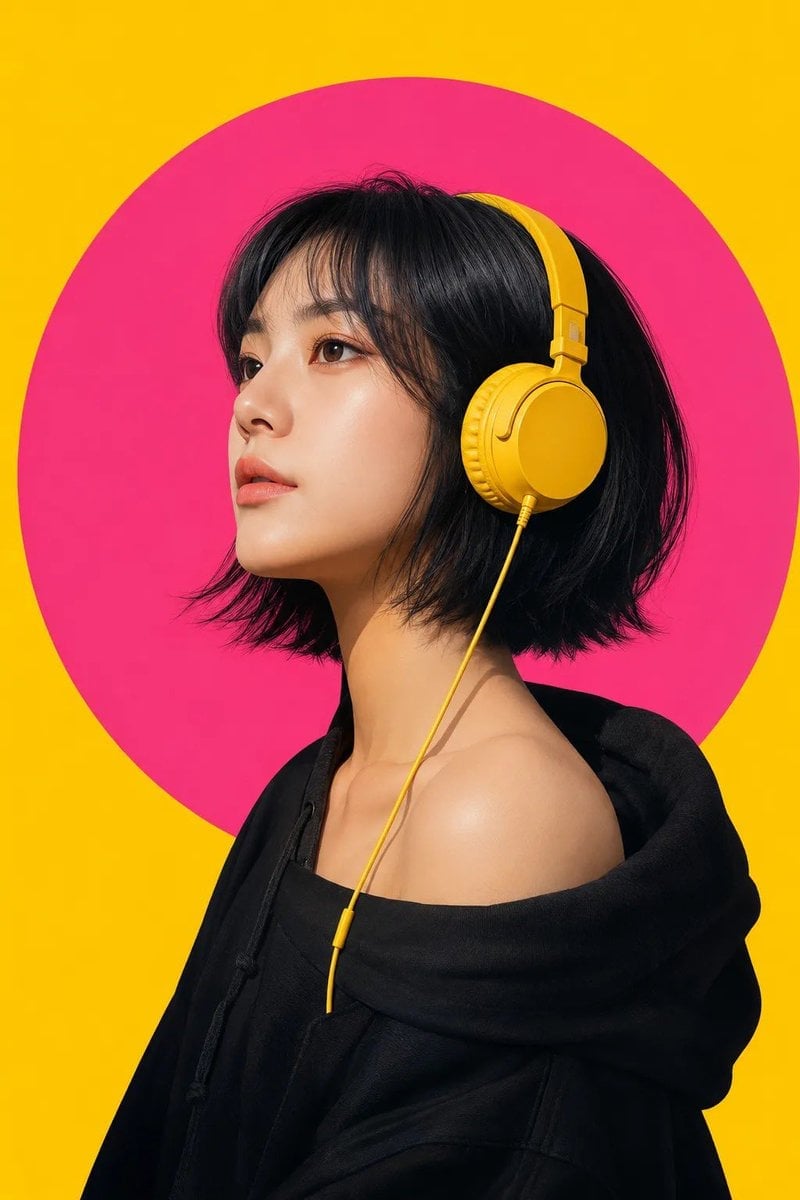
Modern Pop-Art Female Portrait
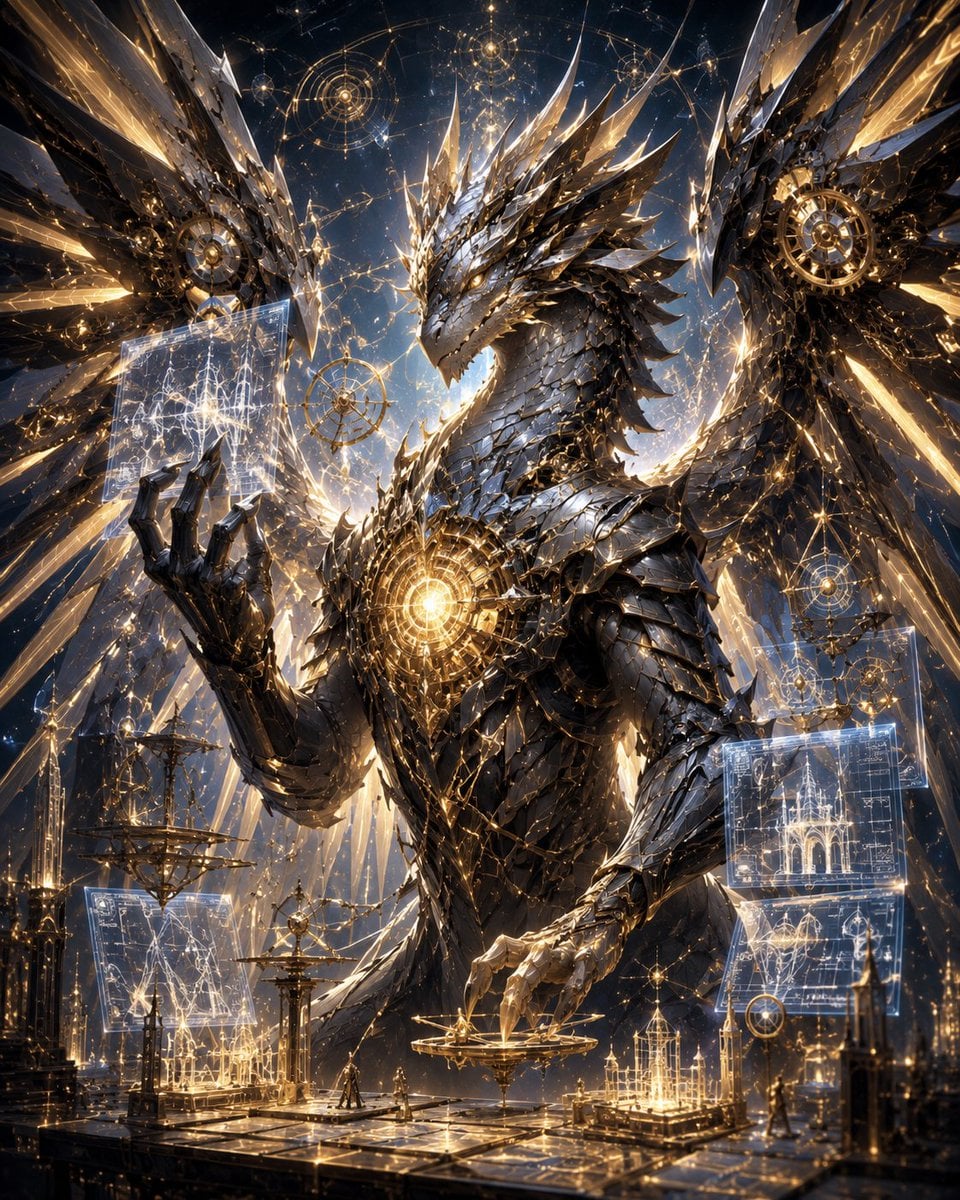
Celestial Mechanical Dragon Observatory
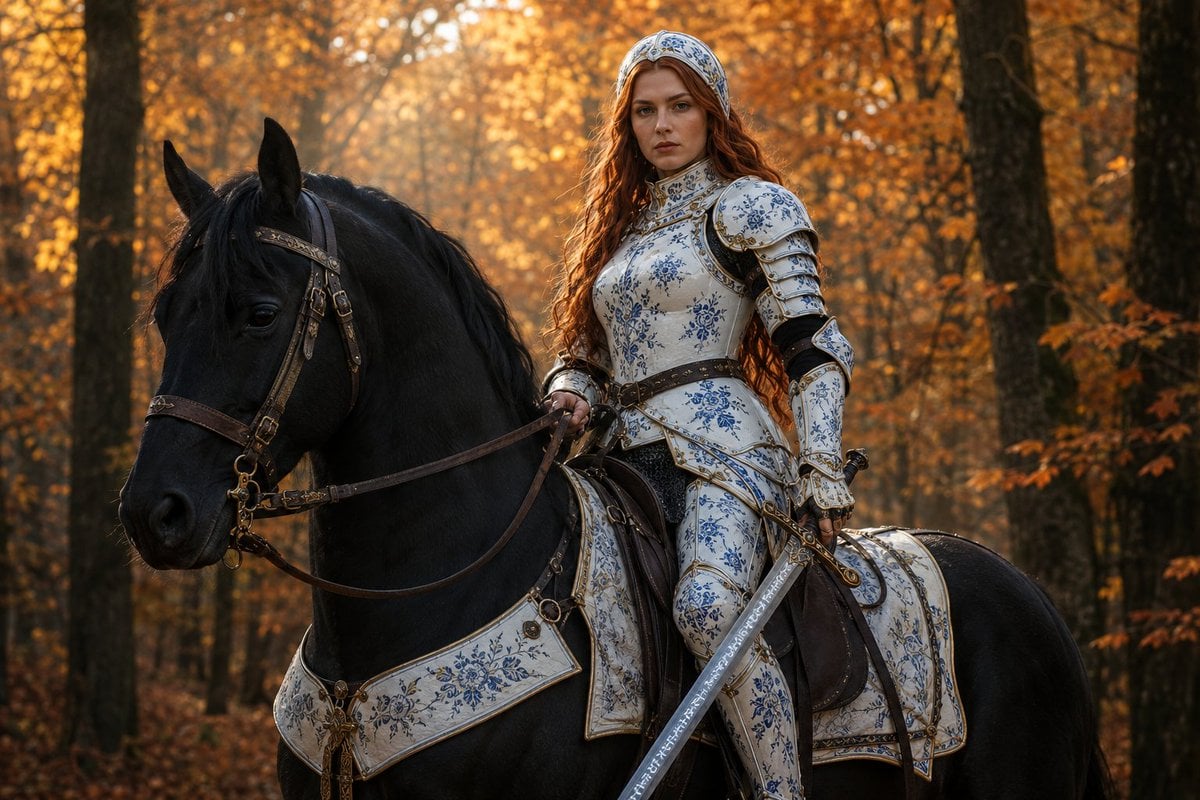
Porcelain Armor Female Knight
Make it yours
Female Mechanical Ronin Character Art works as-is. These are the safest ways to change it without losing the look.
Change one field
Copy a single group, rewrite it, and generate again so you can see what that field is doing.
Keep the frame, change the subject
Hold the composition and light of Female Mechanical Ronin Character Art, then swap wardrobe, props or the person for a new take.
| If the result… | Why | Fix |
|---|---|---|
| The result drifts from the preview | Too many fields changed at once. | Reuse Female Mechanical Ronin Character Art as-is first, then change one group — subject, light, or setting. |
| The model over-stylizes the scene | The prose prompt leaves finish and camera underspecified. | Add one camera or lighting sentence and stay on GPT Image 2. |
More GPT Image 2 templates
Other prompts made for GPT Image 2.

Six VTuber Japanese Logo Sheet

Realistic Portrait of Woman and Deer

The Vista Modular Condo Poster

AI Model Routing Comparison Infographic

2.5D Anime Art Board

Isometric Productivity Desk Scene

New York Double Exposure Poster

Four-Panel AI Landscape Comparison

Japanese Tatami Lifestyle Magazine Cover

NESCAFÉ Coffee Map Poster
More image prompts
Fresh picks from across the catalog.
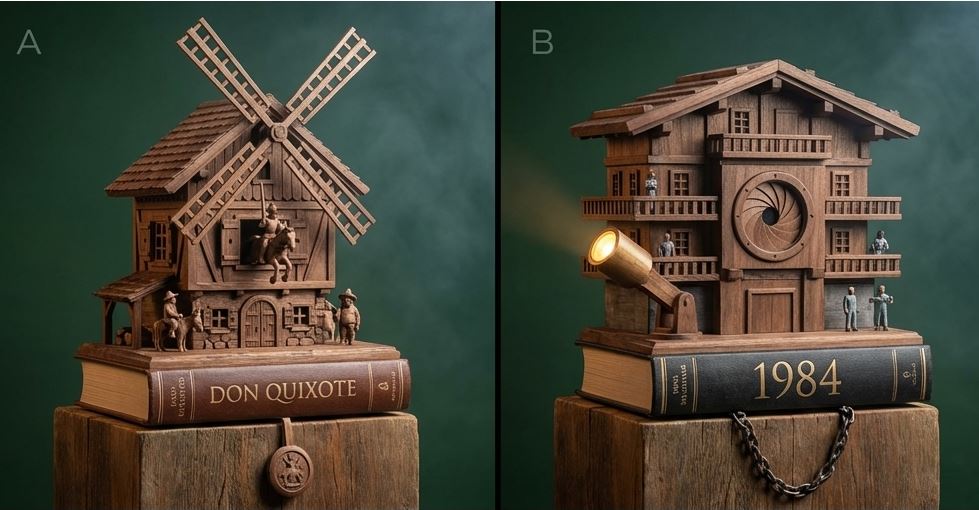
Cuckoo Clock Inspired Literary Mechanism Prompt
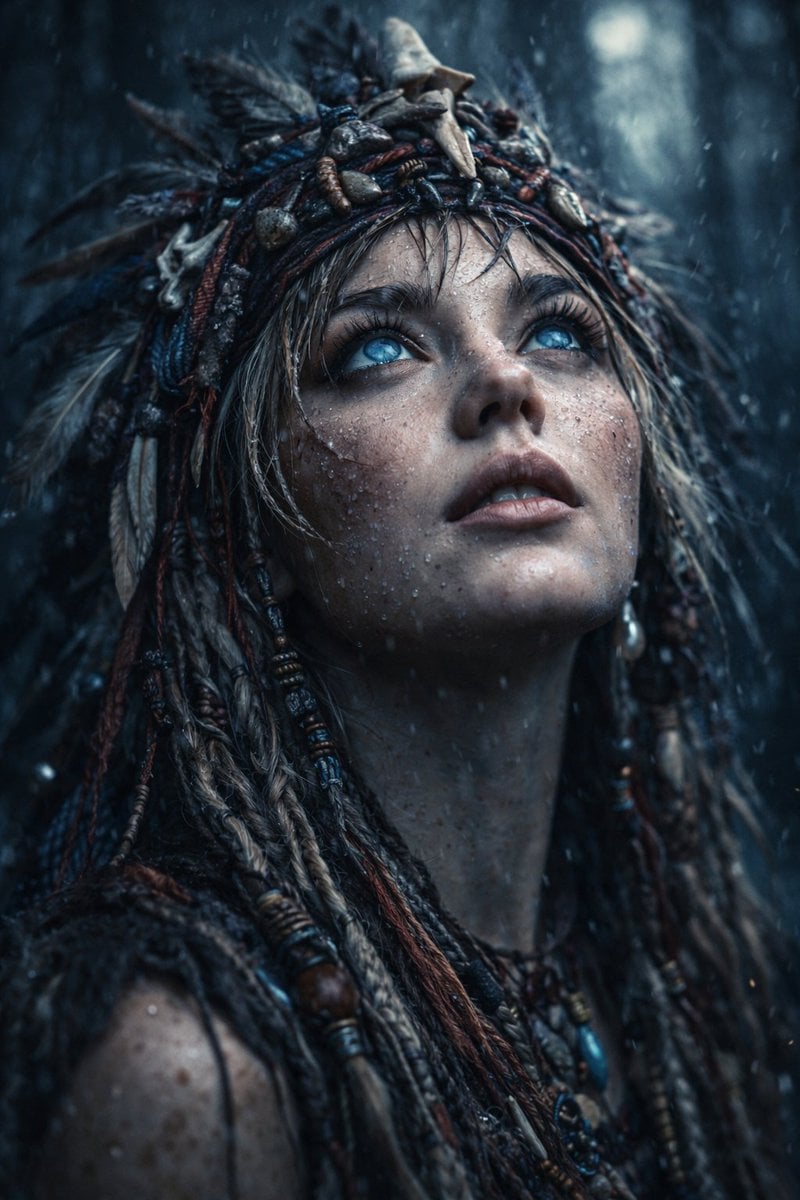
Ultra-Realistic Cinematic Close-up of Tribal Warrior Woman
Image-to-Image Workflow for RPG Maker Pixel Maps using Nano Banana
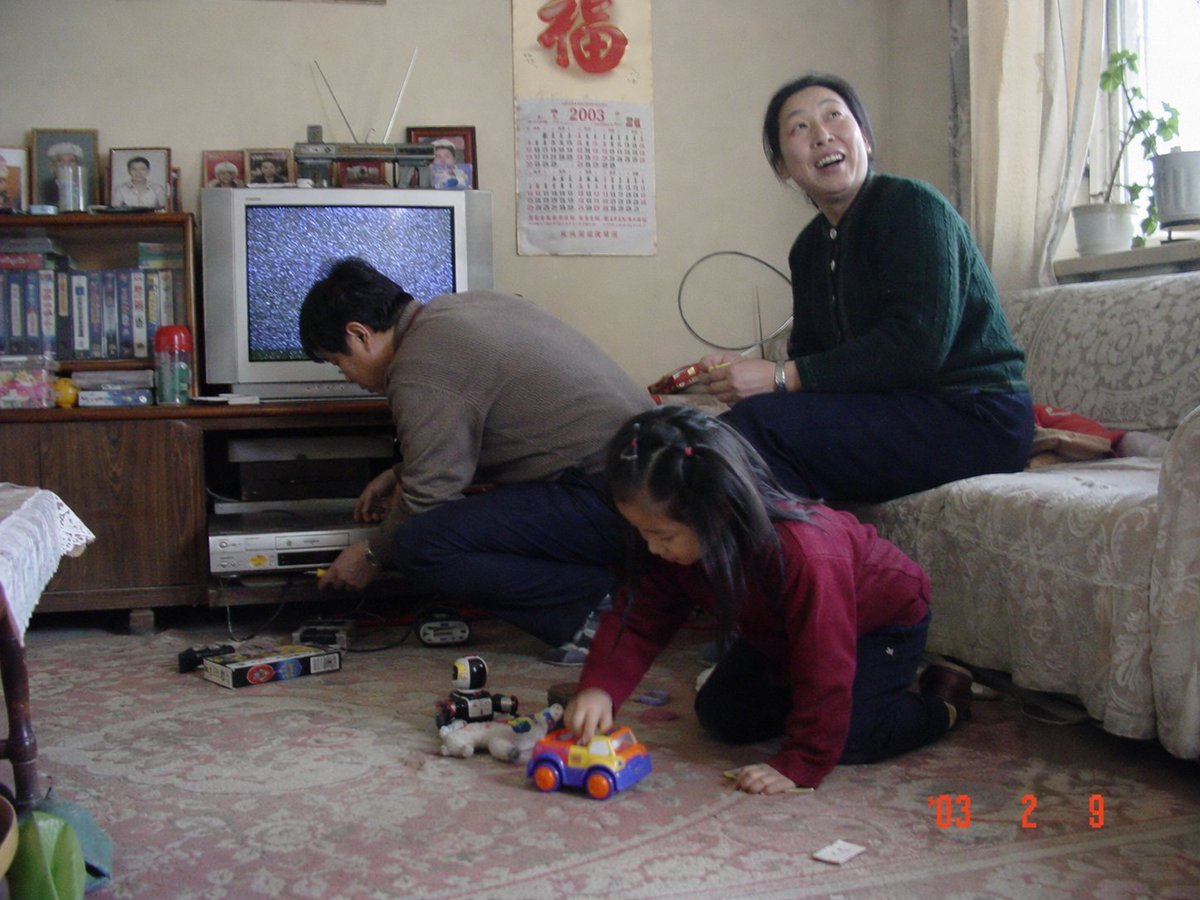
Nostalgic 2003 Family Apartment Photo
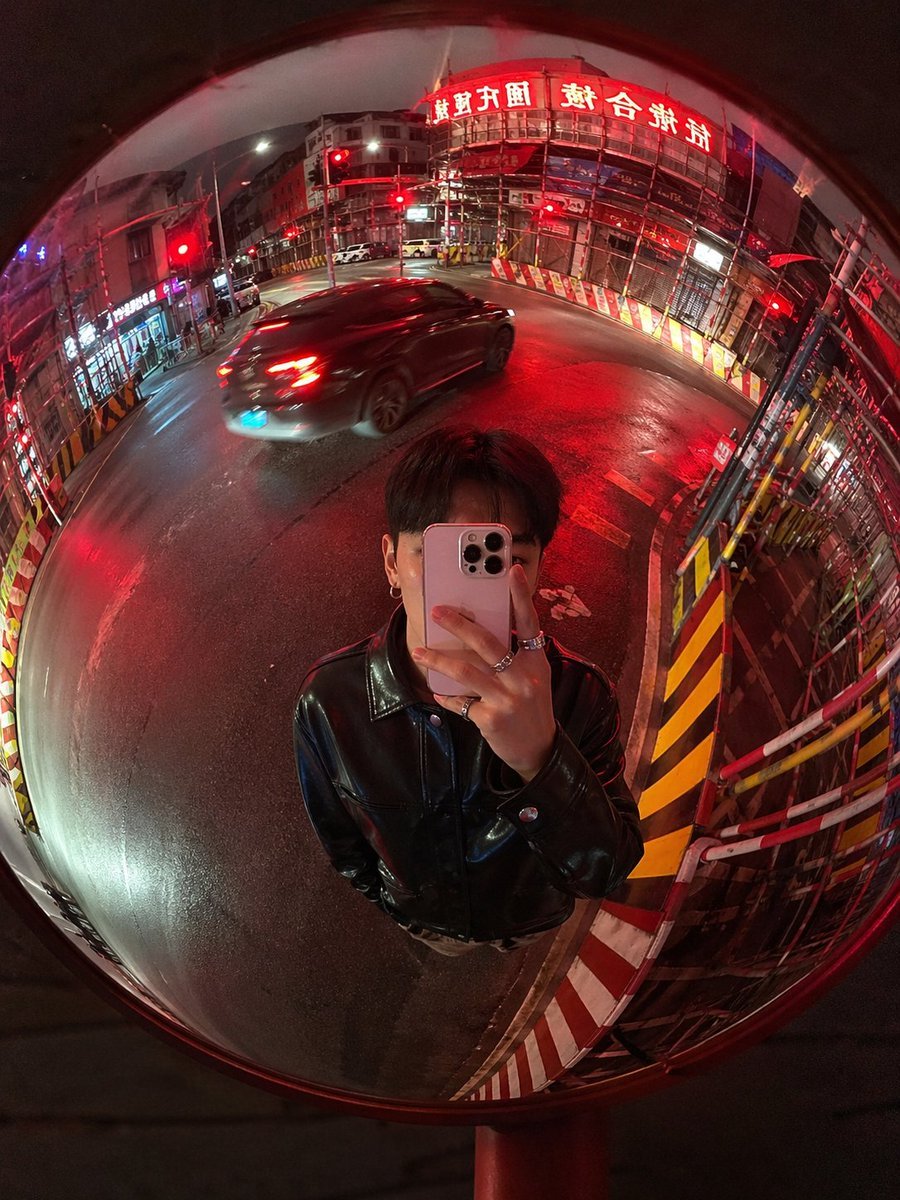
Convex Mirror Night Street Selfie
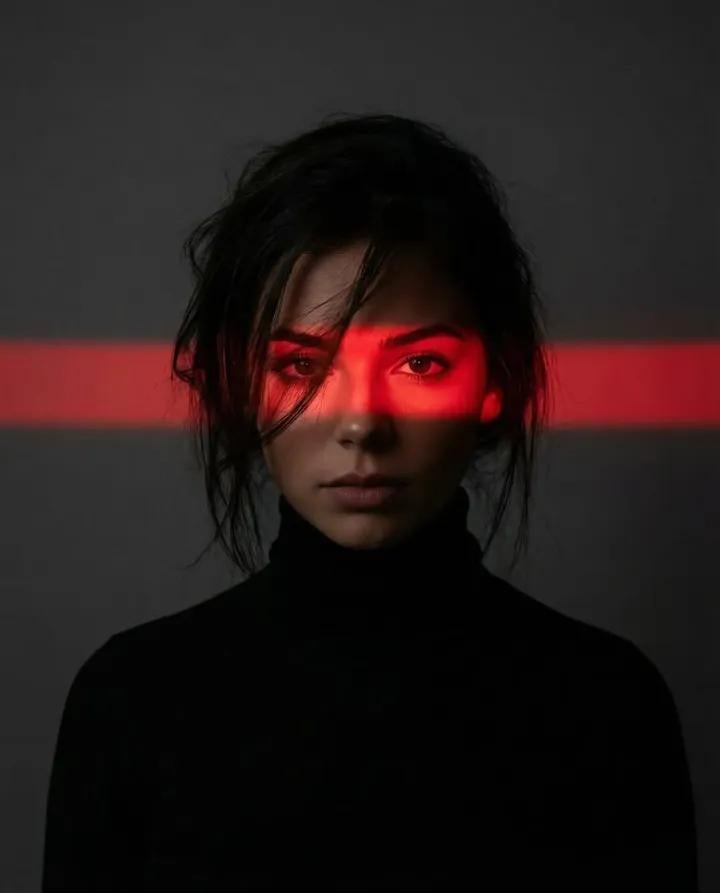
Ultra-Realistic Dramatic Portrait with Red Light Highlight
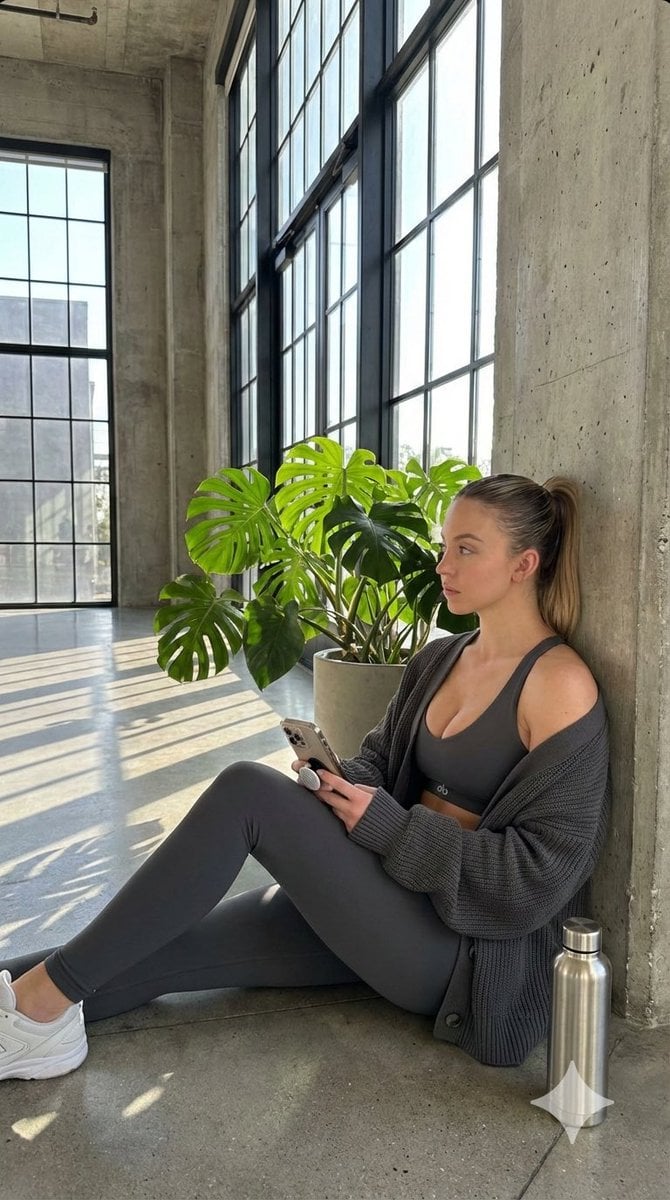
Candid Post-Workout Shot in Brutalist Architecture
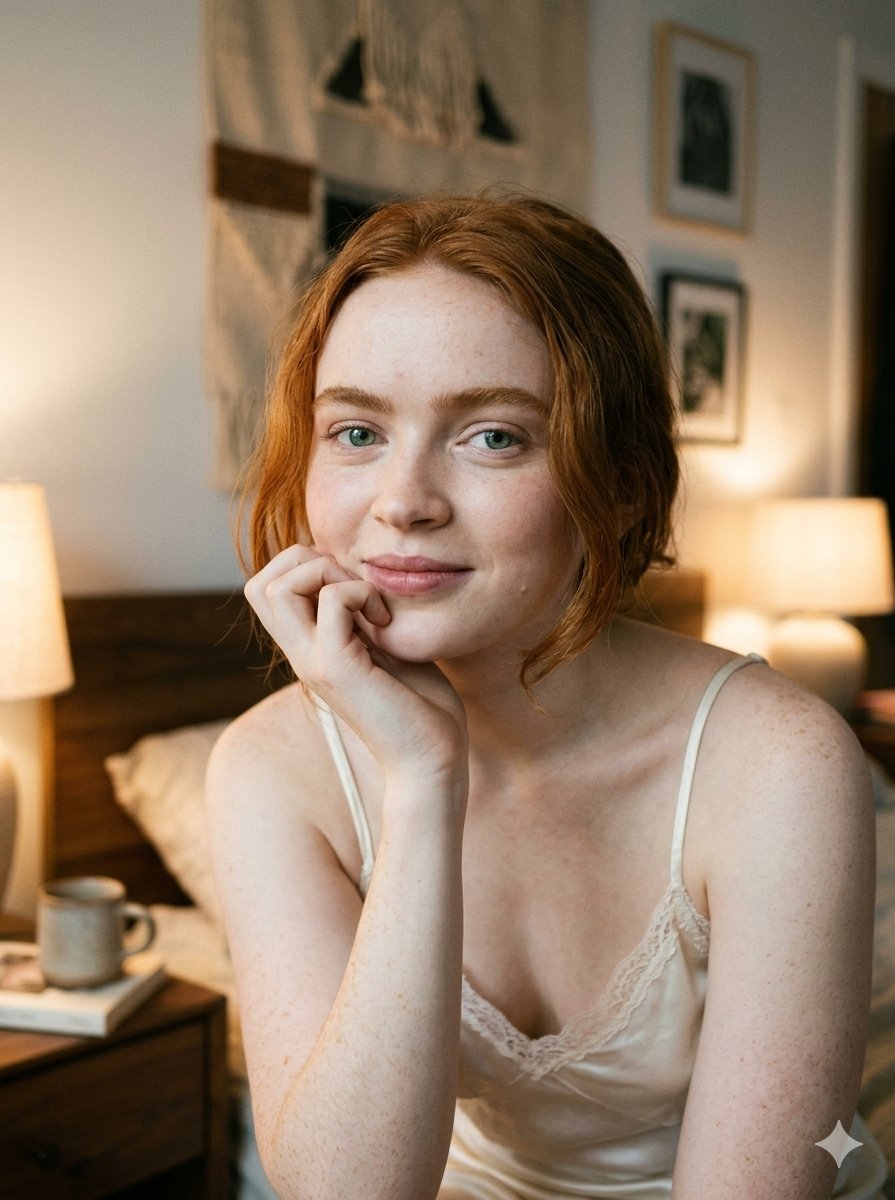
Google Nano Banana 2 — Cozy Bedroom Editorial
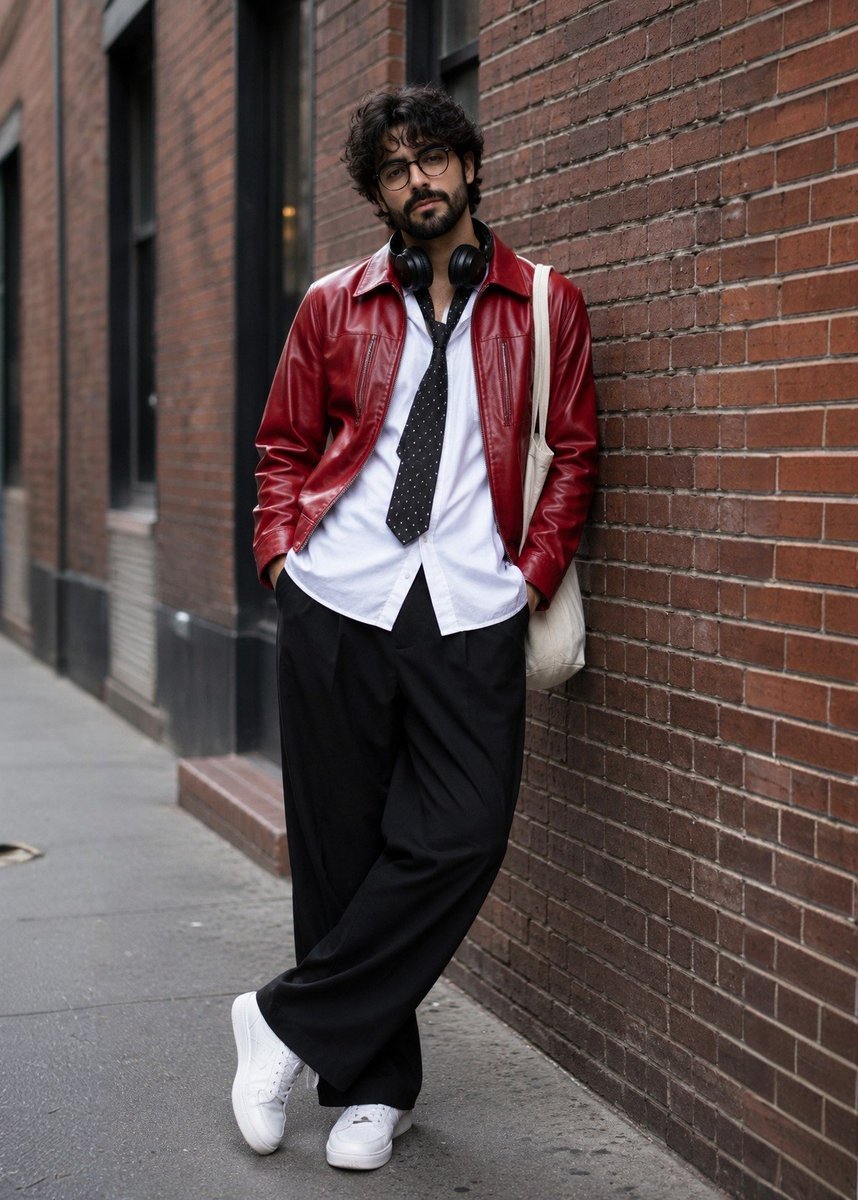
Street Fashion Photoshoot
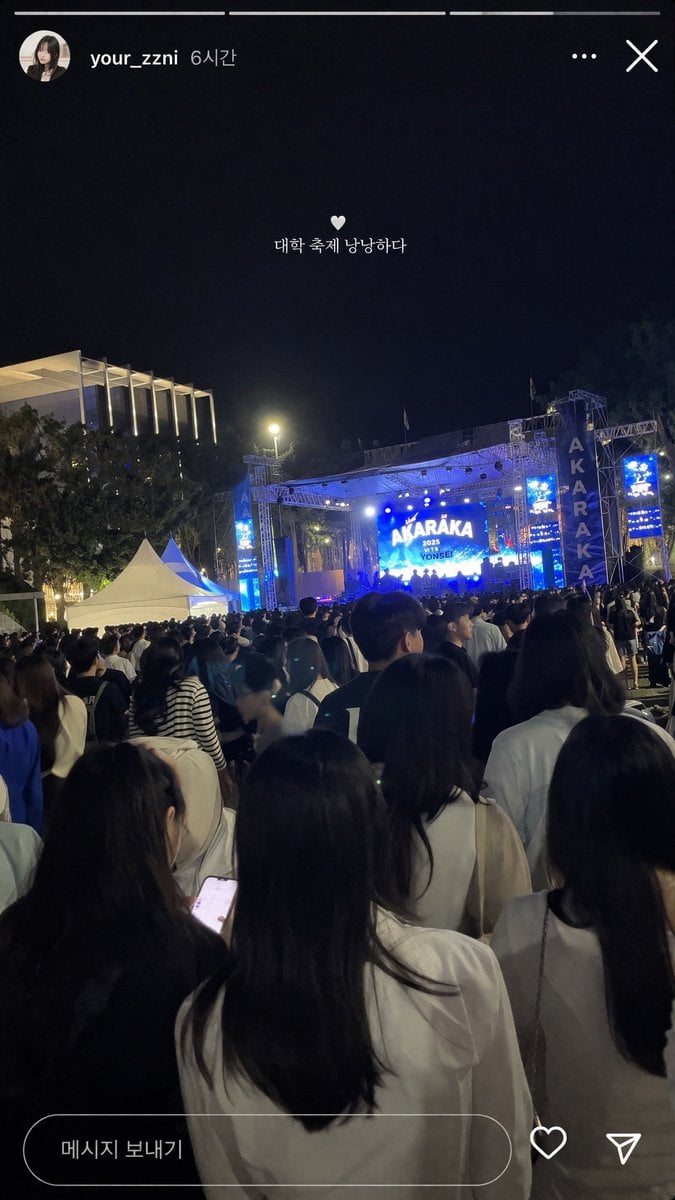
Social Media Concert Story Mockup
Browse template categories
Female Mechanical Ronin Character Art questions
How do I use the Female Mechanical Ronin Character Art template?
Add your photo if the template asks for one, edit the prompt if you like — the template's model and format are already selected — and press Generate. Your version opens in PicX Studio.
Can I customize the Female Mechanical Ronin Character Art template?
Yes. You can change the subject, setting, lighting, mood, format, and available model controls before creating your image.
Is the Female Mechanical Ronin Character Art template free?
Opening and editing this template is free. Generating uses credits, shown on the Generate button when you are signed in.
Which AI model should I use?
Start with GPT Image 2, which is the model associated with this template. You can compare another compatible model for a different finish.
Looking for something else? Browse all templates.

Your photo, any look
Thousands of ready templates for every top image and video model, from one credit balance.