
Porcelain Armor Female Knight
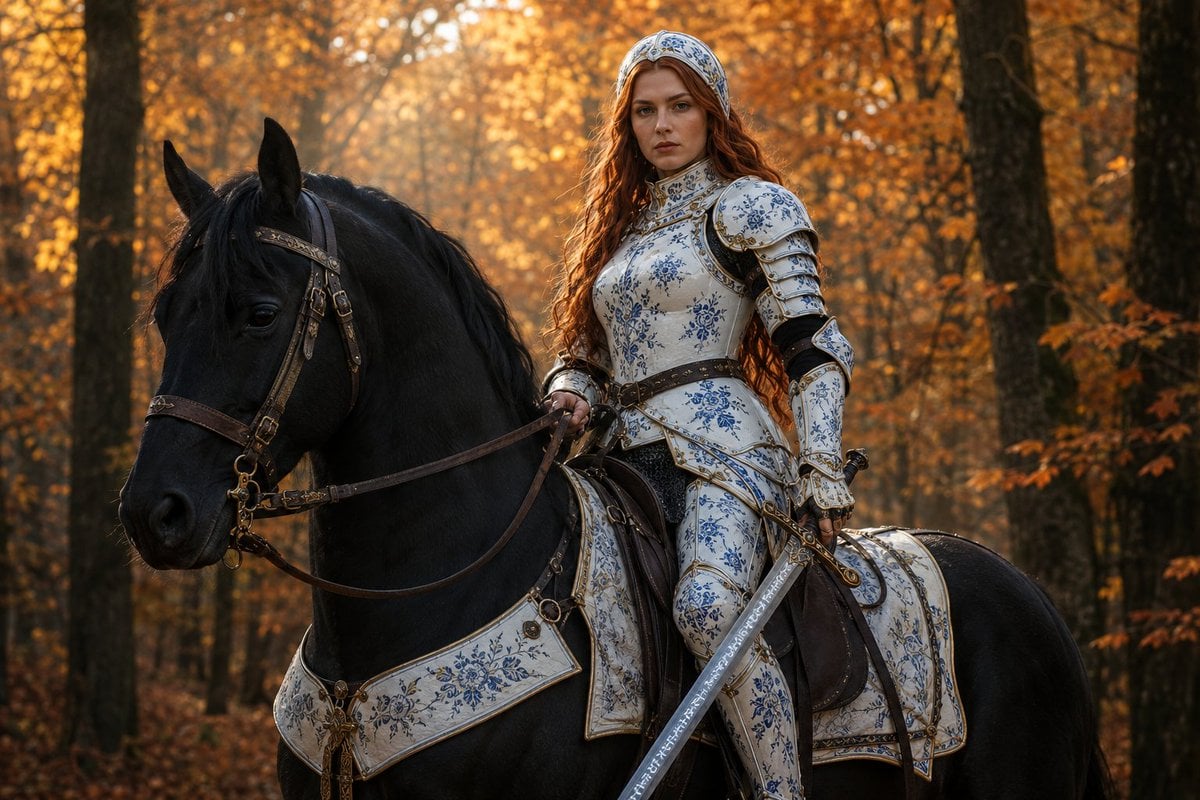
A highly detailed prompt for a female knight in ornamental blue and white porcelain-style armor, riding a black horse through a golden autumn forest.
- Prompt included
- Model and format preset
- Premium template
The prompt behind this image
Copy the exact prompt behind Porcelain Armor Female Knight, or open it in the studio and make it yours.
{argument name="character type" default="A female knight"} on a {argument name="horse color" default="black steed"} in an {argument name="setting" default="autumn forest"}, she has a slim, athletic feminine build, narrow waist, straight posture, and composed bearing and sits upright in a dark leather saddle, one leg visible along the horse’s side. Her right hand holds the brown leather reins loosely. Her left hand is gripping the hilt of a long, unsheathed elegant sword pointed diagonally downward, the blade is adorned with mystical runes. Her expression is serious, watchful, and calm, with direct eye contact toward the viewer. The knight has a western-european, french phenotype: Fair, lightly warm skin; oval face; soft high cheekbones; refined straight nose; gently shaped lips; large light auburn eyes; natural brows. She has long, wavy auburn-red hair falling over her shoulders and down her back. A fitted full-white metallic headpiece with blue ornamental painting covers the crown of her head and frames her face, leaving the front of her hair visible. Elegant full white plate armor that is painted with dense ornamental blue patterns and subtle gold trim, giving the armor the look of traditional blue painted porcelain; armor includes a high padded collar, rounded shoulder pauldrons, fitted breastplate, articulated upper-arm guards, elbow protection, long gauntlets, thigh armor, and knee guards. Small dark openings and black underlayers are visible at the joints. A dark leather belt wraps around her waist, with practical straps and fittings. Beneath the waist armor, dark metallic scale mail is visible. Her armor is clean and ceremonial. Large, muscular black horse with a glossy coat, long black mane, alert upright ears, and a calm lowered gaze. Brown leather bridle, reins, ivory- white breastplate, saddle, and straps with realistic buckles and metal rings. The saddle is fitted with a white embossed saddle cloth or barding panel edged in pale gold, matching the rider’s armor. The female knight occupies the upper center of the frame, while her large black horse fills lower half. The horse faces toward the left in a calm three-quarter profile; the rider turns her upper body and gaze toward the viewer. Frame the horse from its ears to its lower torso, with the rider visible from head to below the knees. The straight sword creates a strong diagonal from the rider’s left hand across the foreground toward the lower left corner. Background is a dense woodland in peak autumn, filled with golden-orange leaves and tall dark tree trunks. Warm amber daylight filters through the canopy, creating a soft, hazy background with layered depth. Fallen leaves cover the ground. Keep the foreground subjects clearly separated from the softly receding trees.
How to use Porcelain Armor Female Knight in 3 steps
- 1
Open
The prompt is already in the box next to the preview, with the template's model and format selected.
- 2…a portrait of your subject in softgolden-hour light, 85mm…
Personalize
Edit the subject and creative details for your destination.
- 3Generate
Generate
Press Generate — your image is created in PicX Studio, so you can compare it with the original and refine one variable at a time.
More like this
Templates with the same subject, style or setup. Open one to see its prompt.

Futuristic Sci-Fi Female in Armor
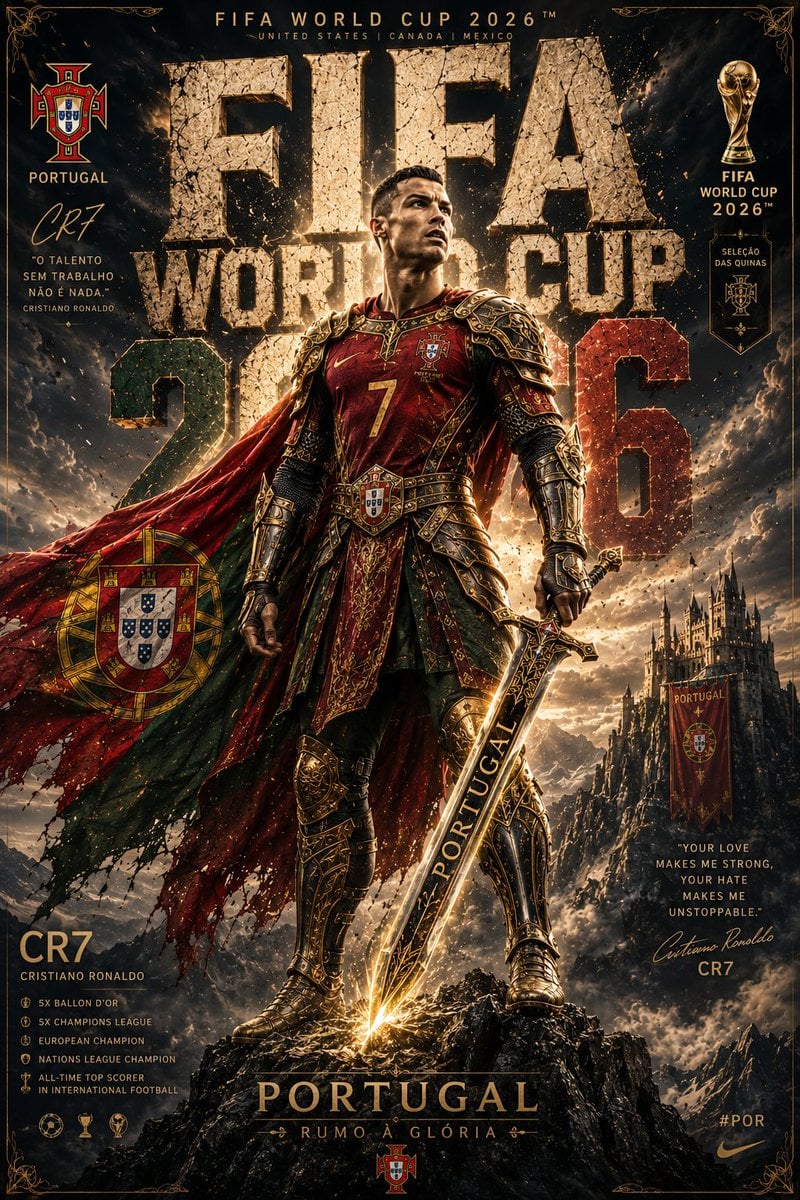
Knight Armor FIFA Hero Poster
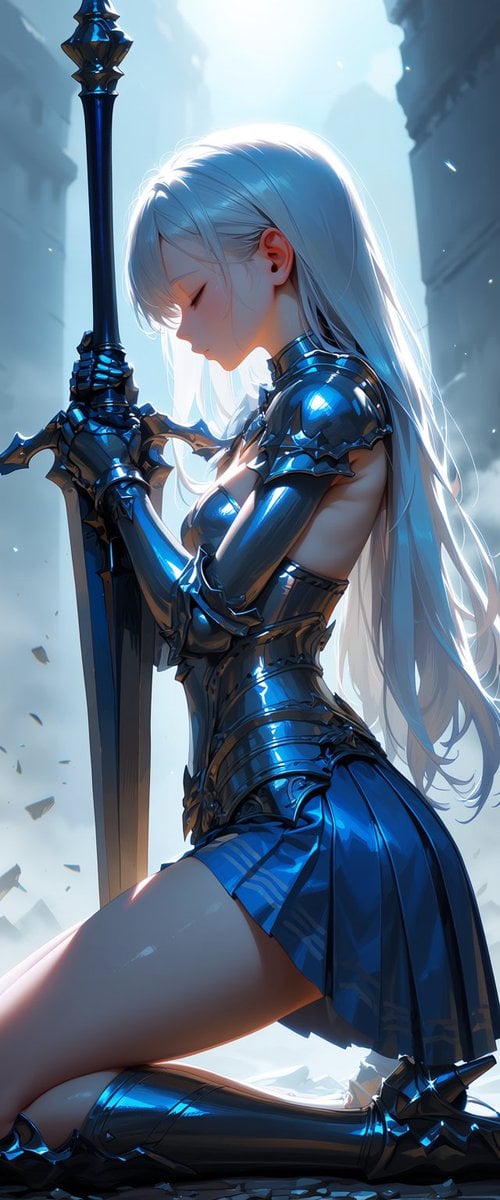
Kneeling Blue Armored Knight
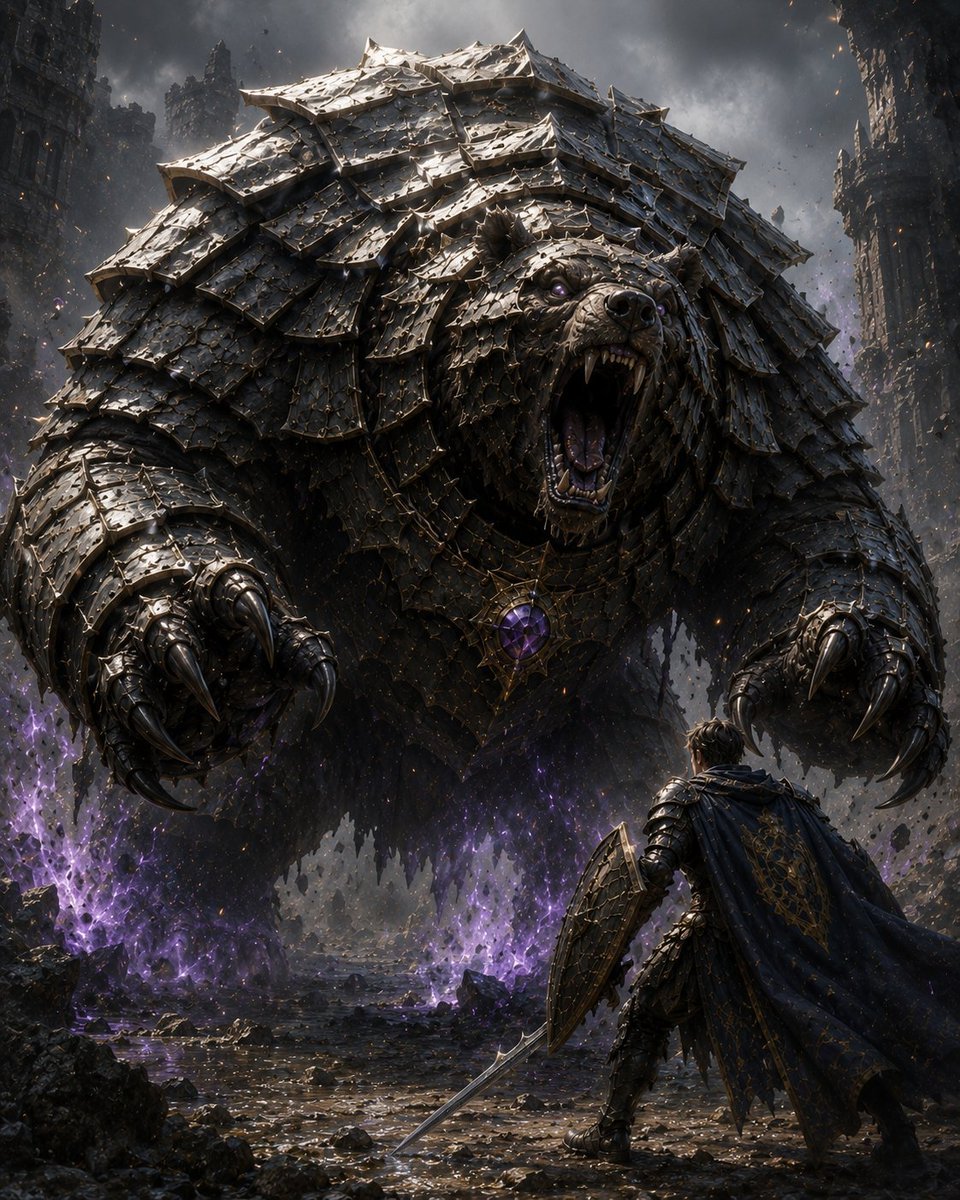
Armored Bear Encounter
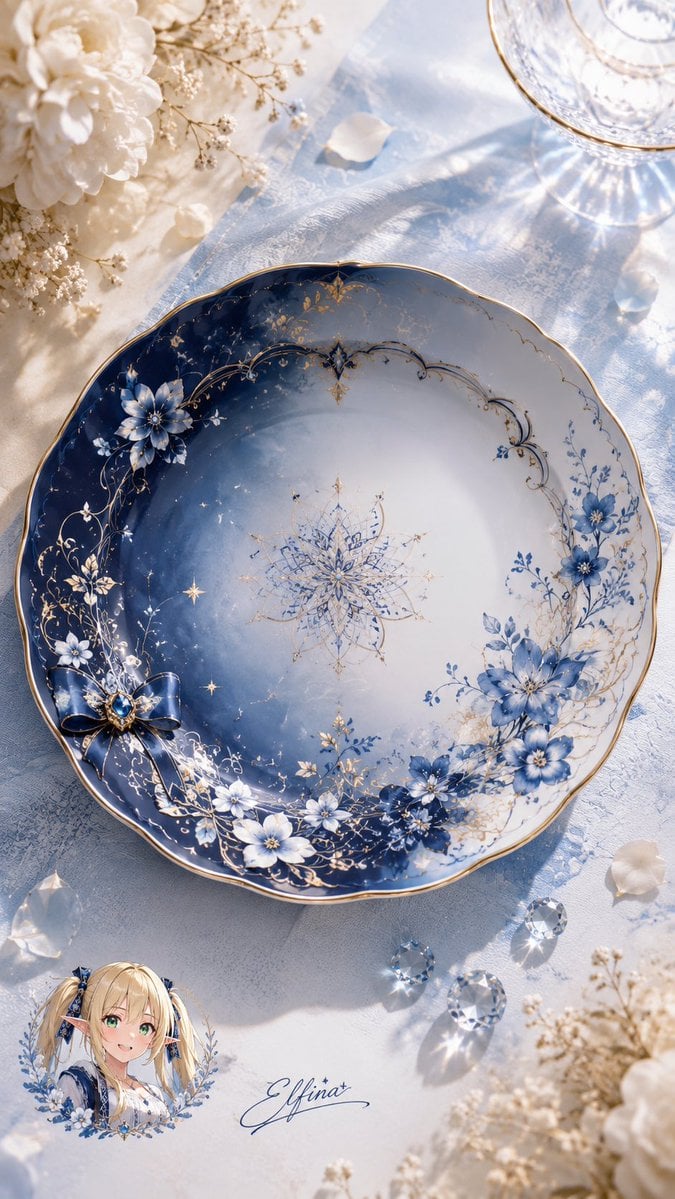
Elfina Fantasy Porcelain Plate
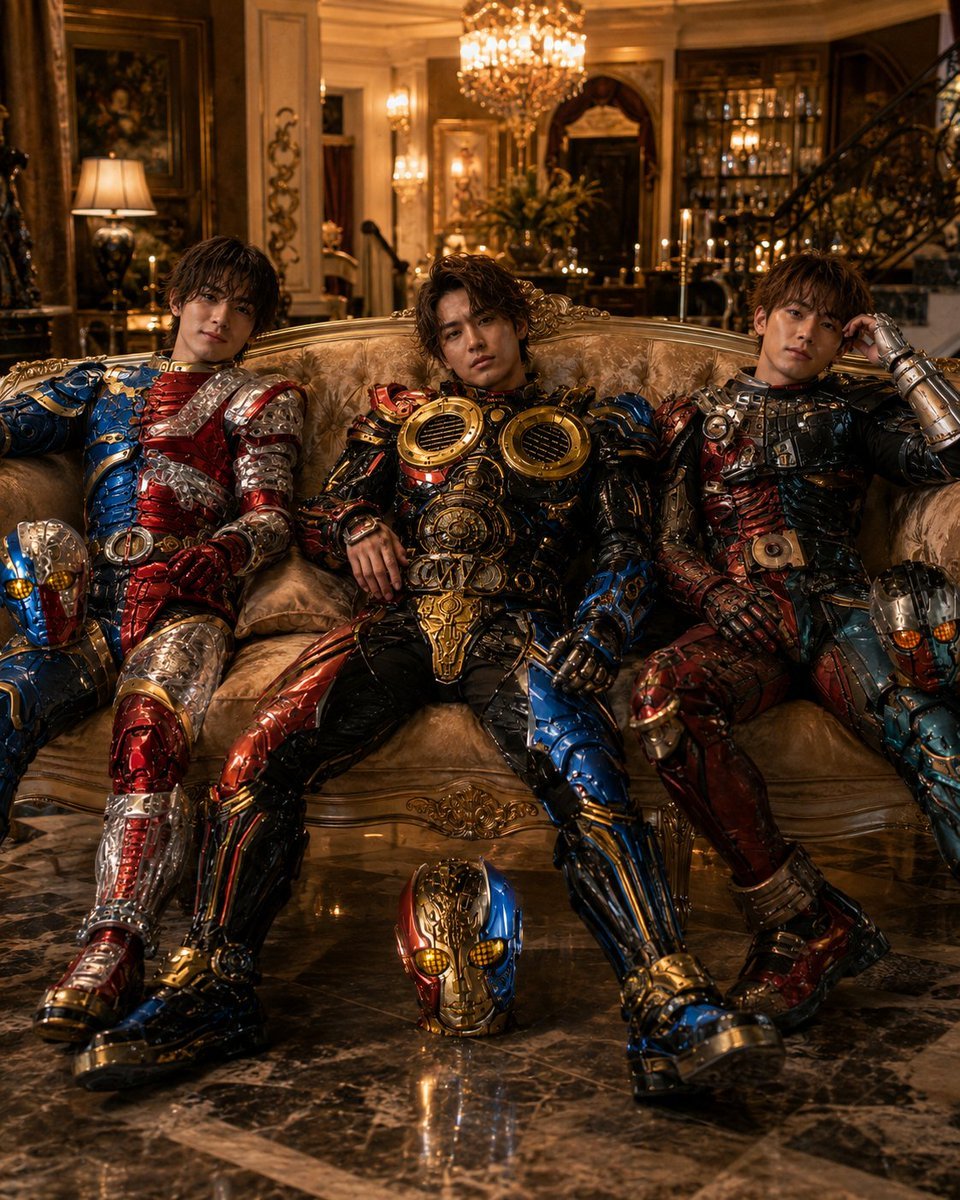
Armored Tokusatsu Cosplayers Resting
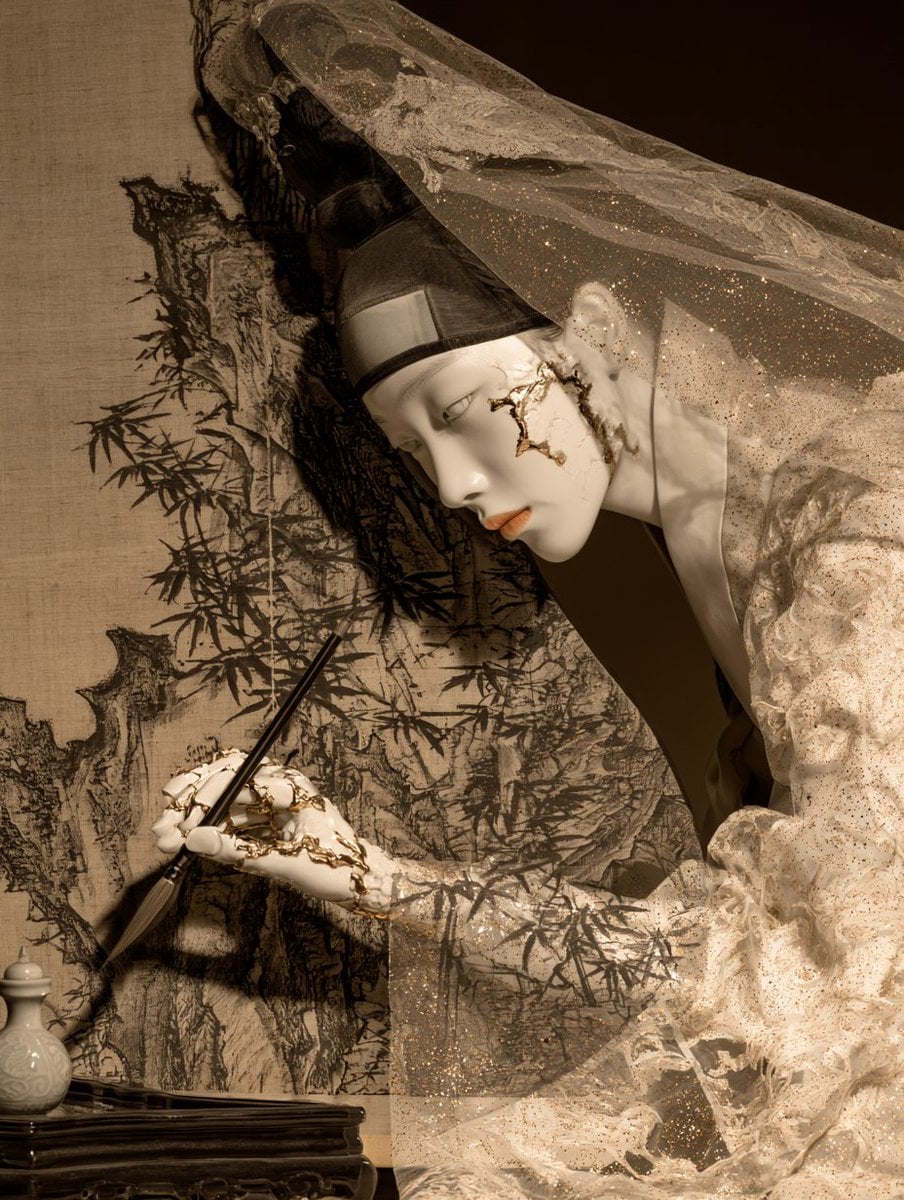
Porcelain Court Painter
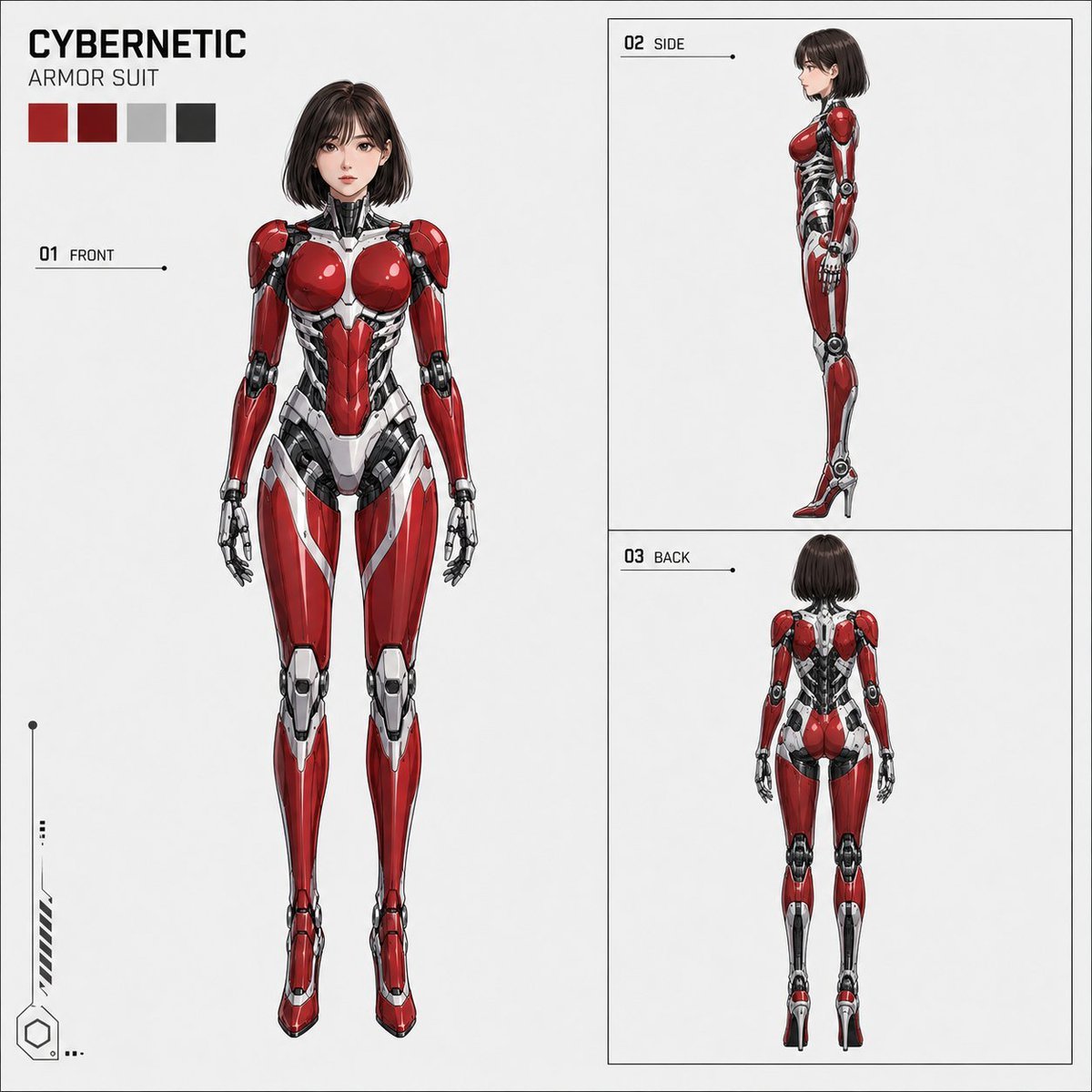
Anime Cybernetic Armor Character Sheet
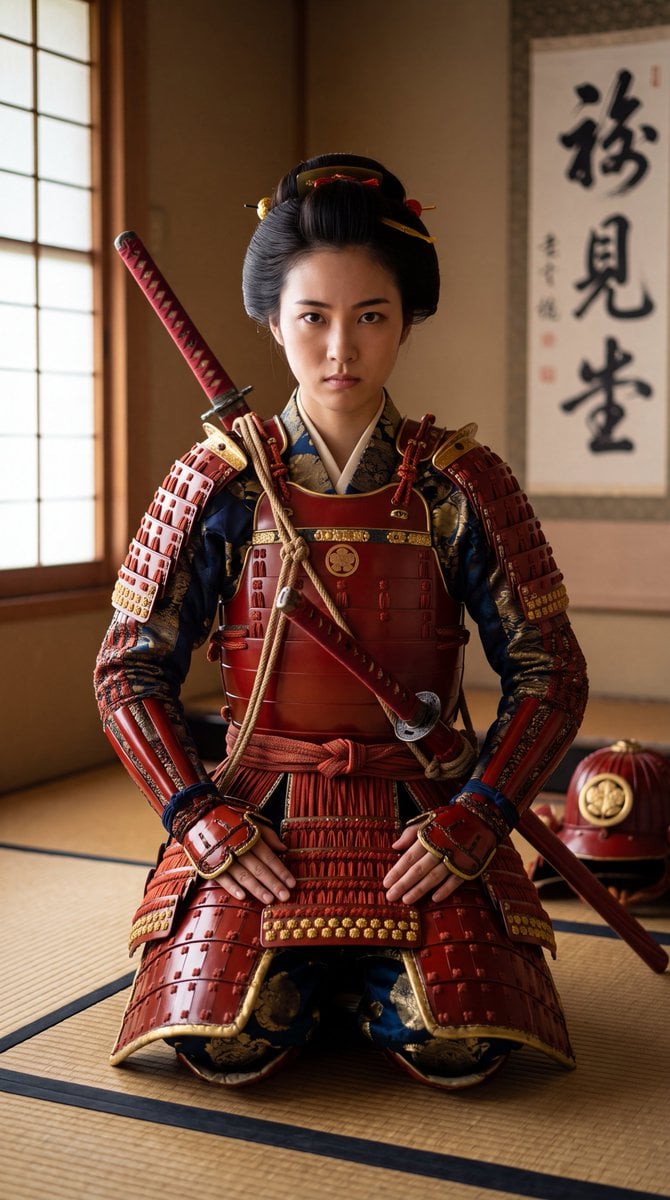
Japanese Samurai Woman in Red Armor
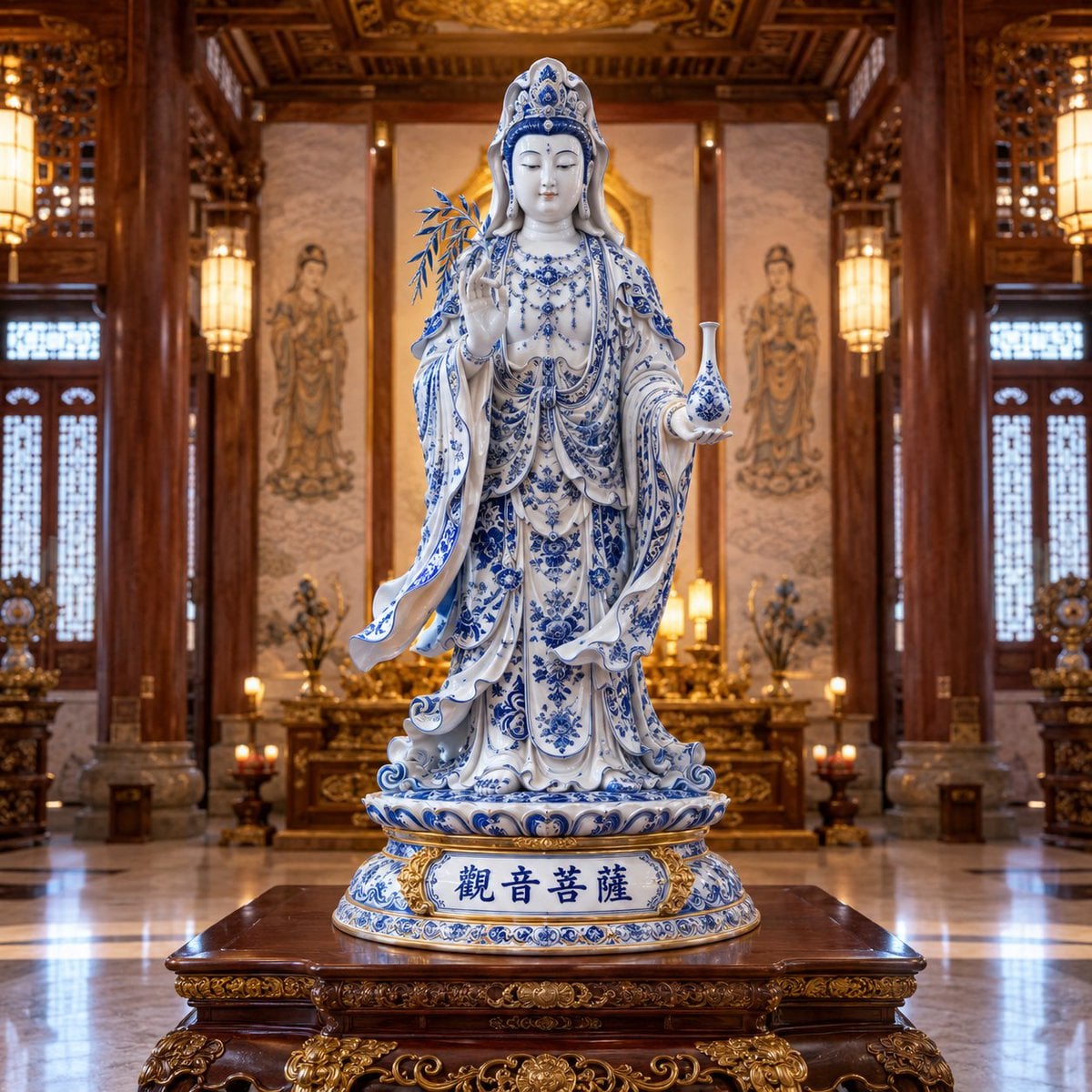
Blue and White Porcelain Style
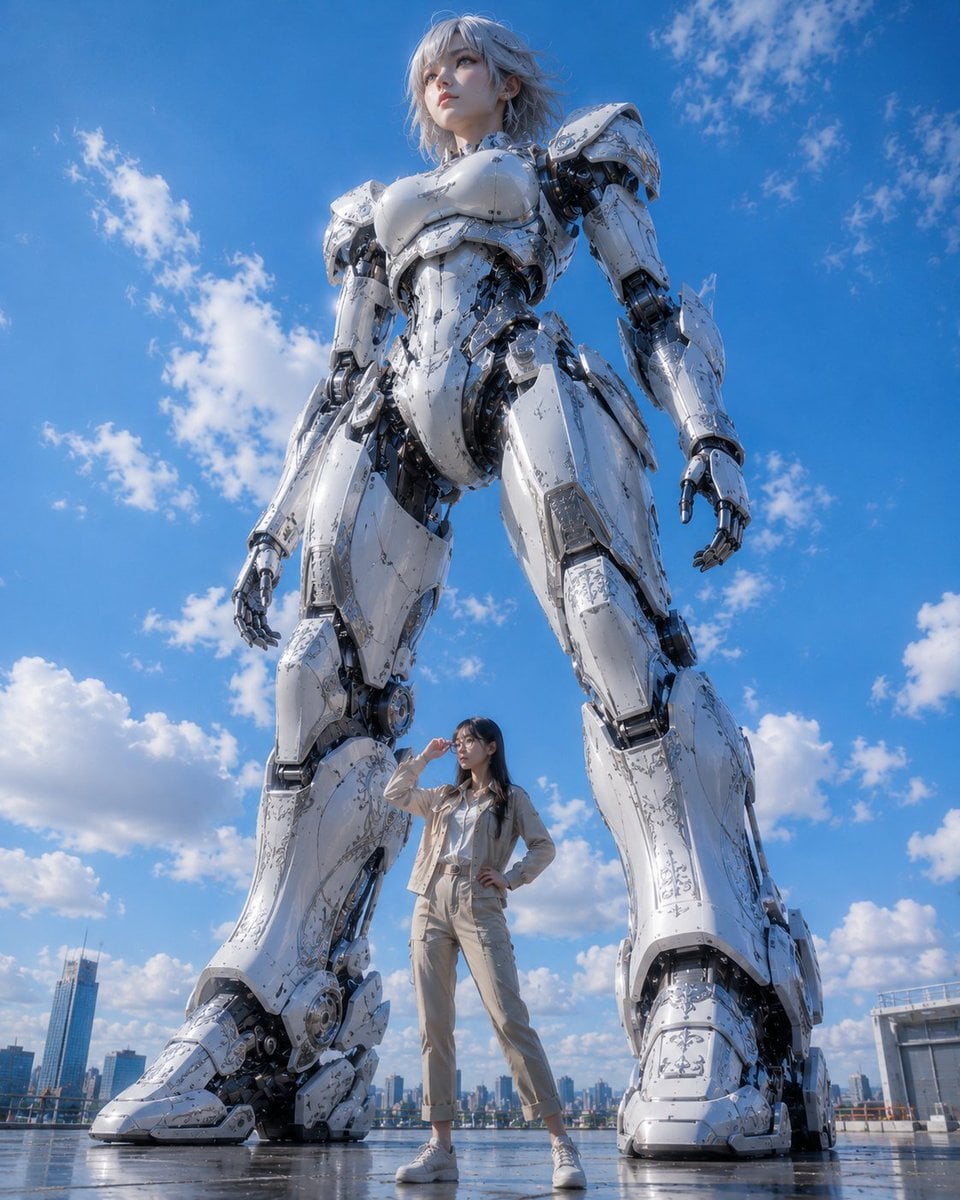
Giant Robot and Pilot Mecha Armor
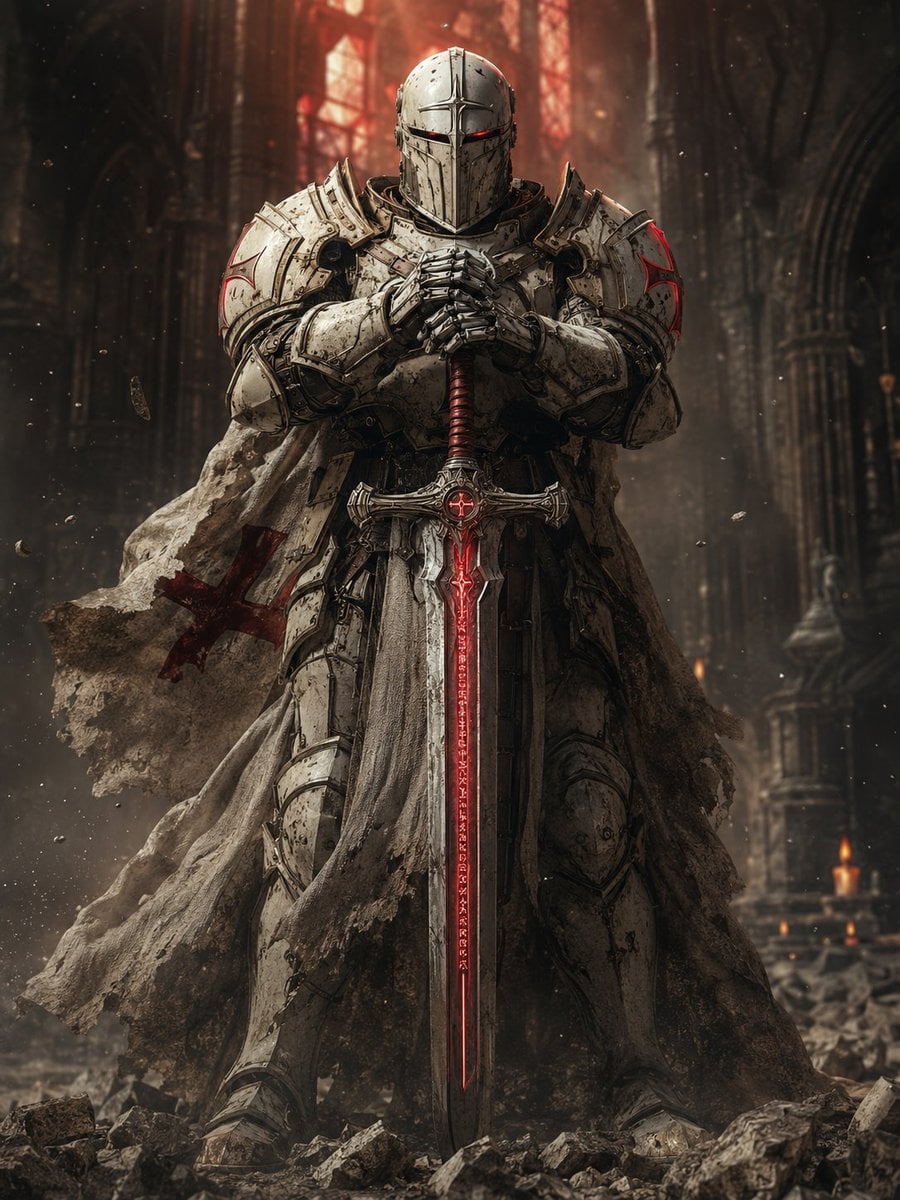
Sci-Fi Knight of the Order
Make it yours
Porcelain Armor Female Knight works as-is. These are the safest ways to change it without losing the look.
Change one field
Copy a single group, rewrite it, and generate again so you can see what that field is doing.
Keep the frame, change the subject
Hold the composition and light of Porcelain Armor Female Knight, then swap wardrobe, props or the person for a new take.
| If the result… | Why | Fix |
|---|---|---|
| The result drifts from the preview | Too many fields changed at once. | Reuse Porcelain Armor Female Knight as-is first, then change one group — subject, light, or setting. |
| The model over-stylizes the scene | The prose prompt leaves finish and camera underspecified. | Add one camera or lighting sentence and stay on GPT Image 2. |
More GPT Image 2 templates
Other prompts made for GPT Image 2.

Six VTuber Japanese Logo Sheet

Realistic Portrait of Woman and Deer

The Vista Modular Condo Poster

AI Model Routing Comparison Infographic

2.5D Anime Art Board

Isometric Productivity Desk Scene

New York Double Exposure Poster

Four-Panel AI Landscape Comparison

Japanese Tatami Lifestyle Magazine Cover

NESCAFÉ Coffee Map Poster
More image prompts
Fresh picks from across the catalog.

AI Comic Production Workflow and Infographic Prompt
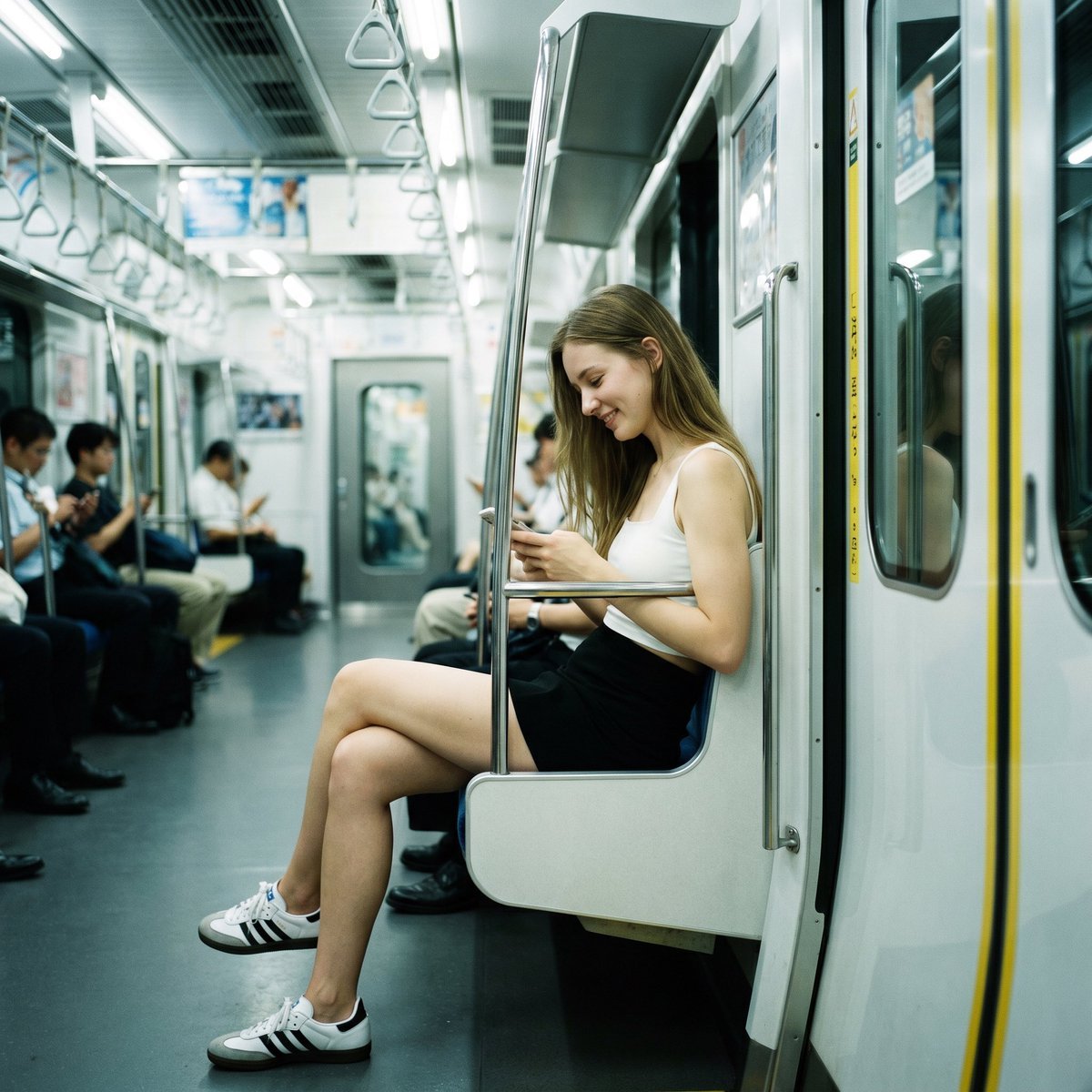
Realistic Subway Candid Portrait

Four Seasons Continuous Panorama
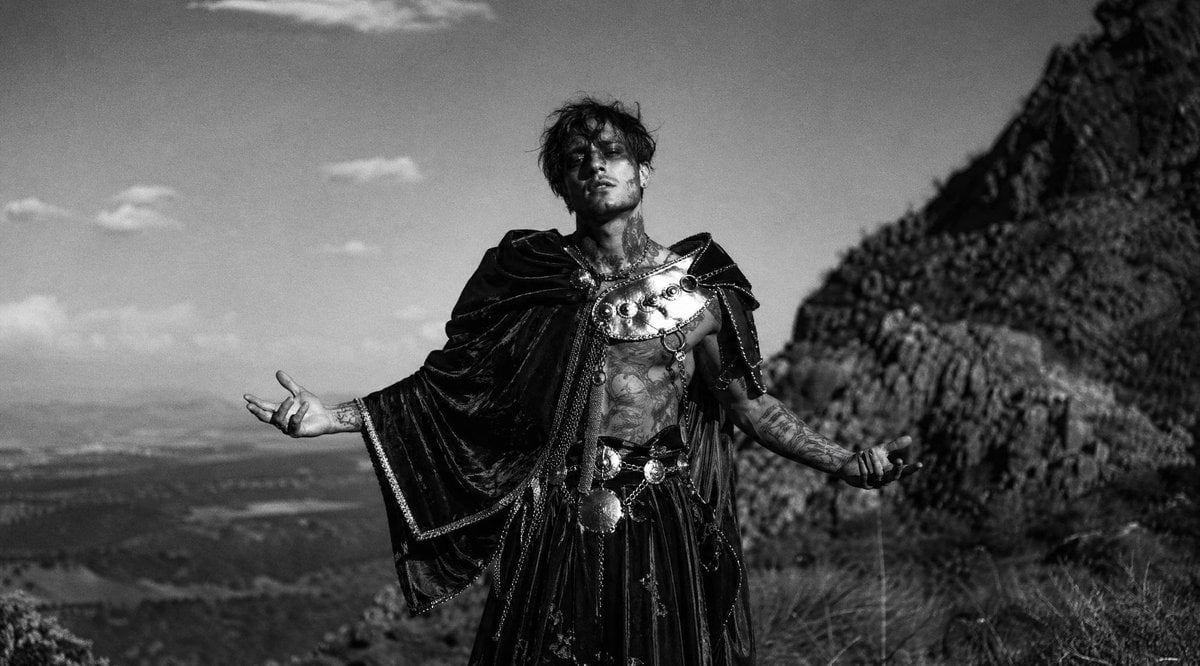
Monochrome Fantasy Warrior on Mountain
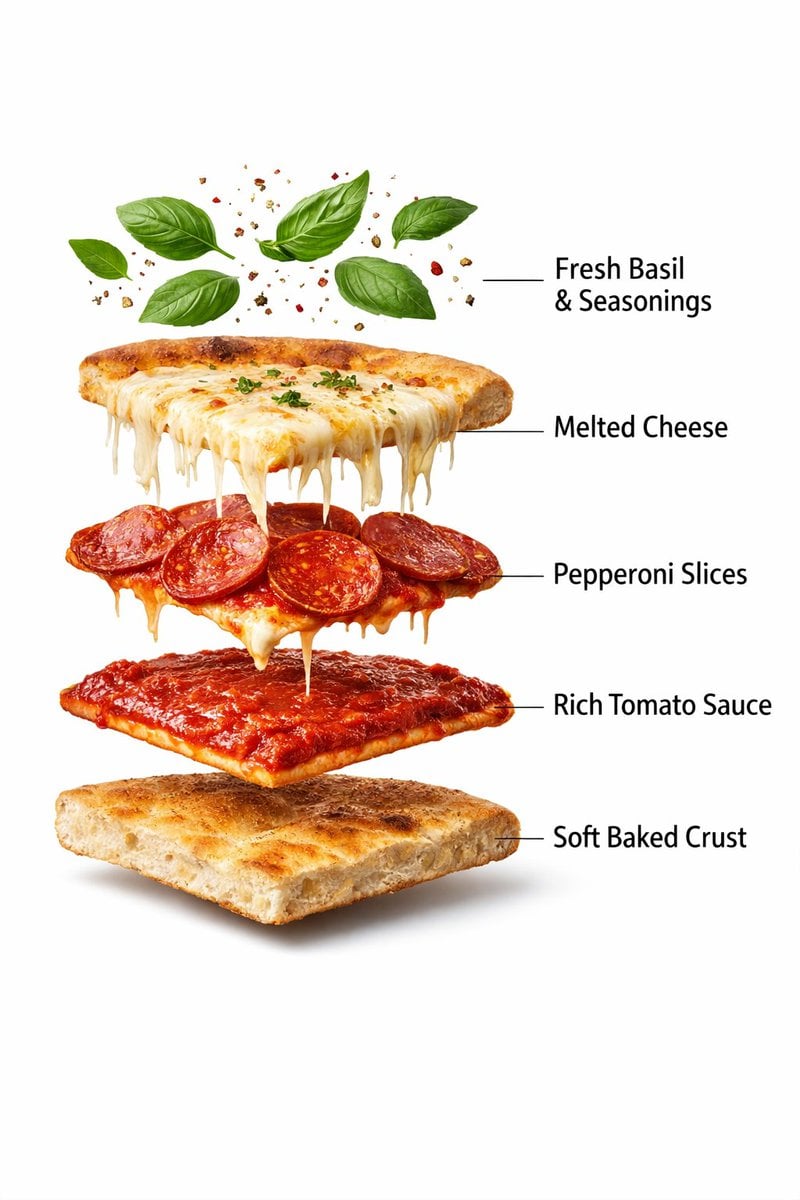
Ultra-Realistic Exploded Pizza Infographic and Motion Prompt
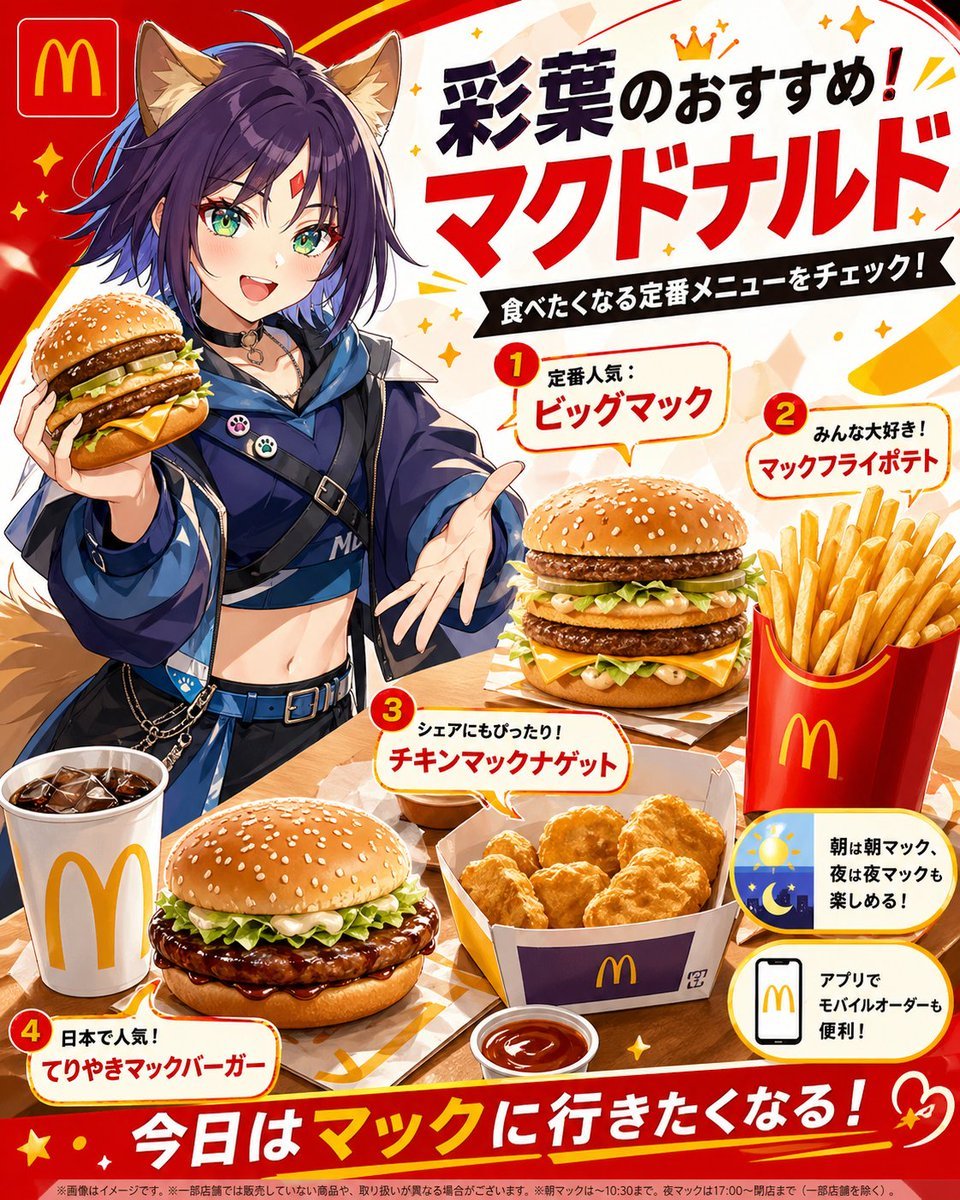
Anime McDonald's Recommendation Poster
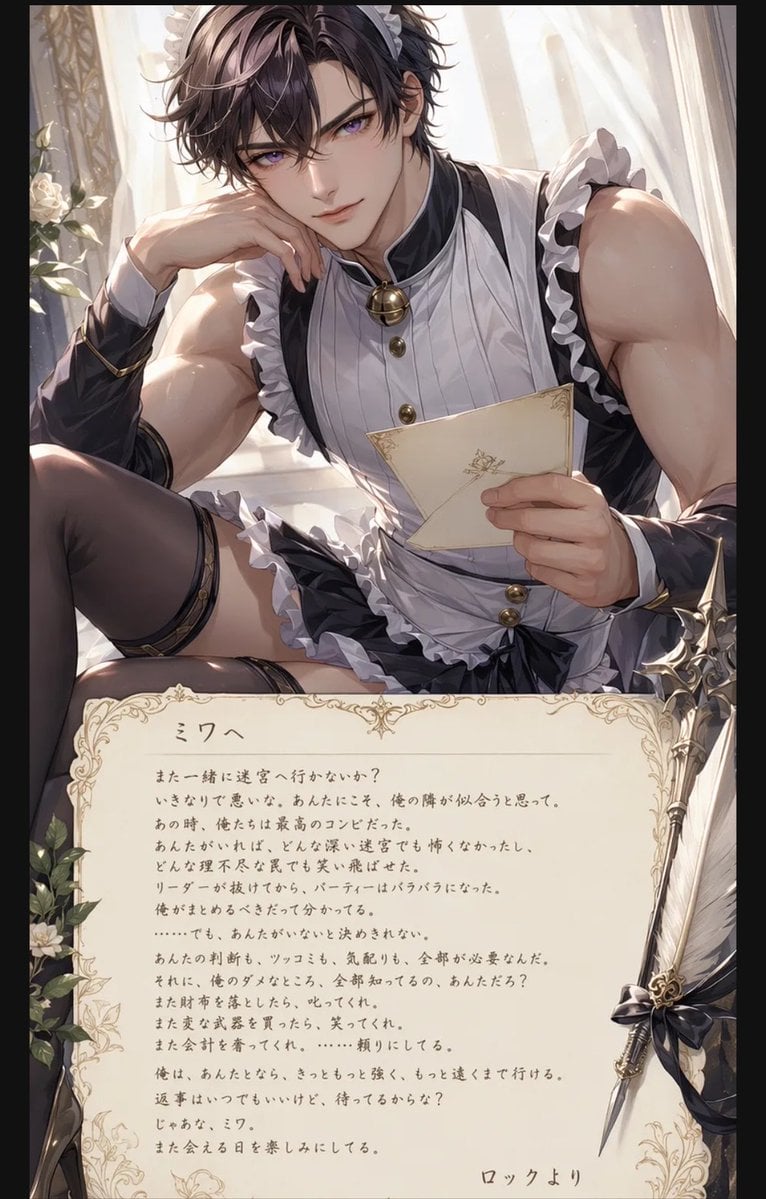
Anime Maid Character Love Letter
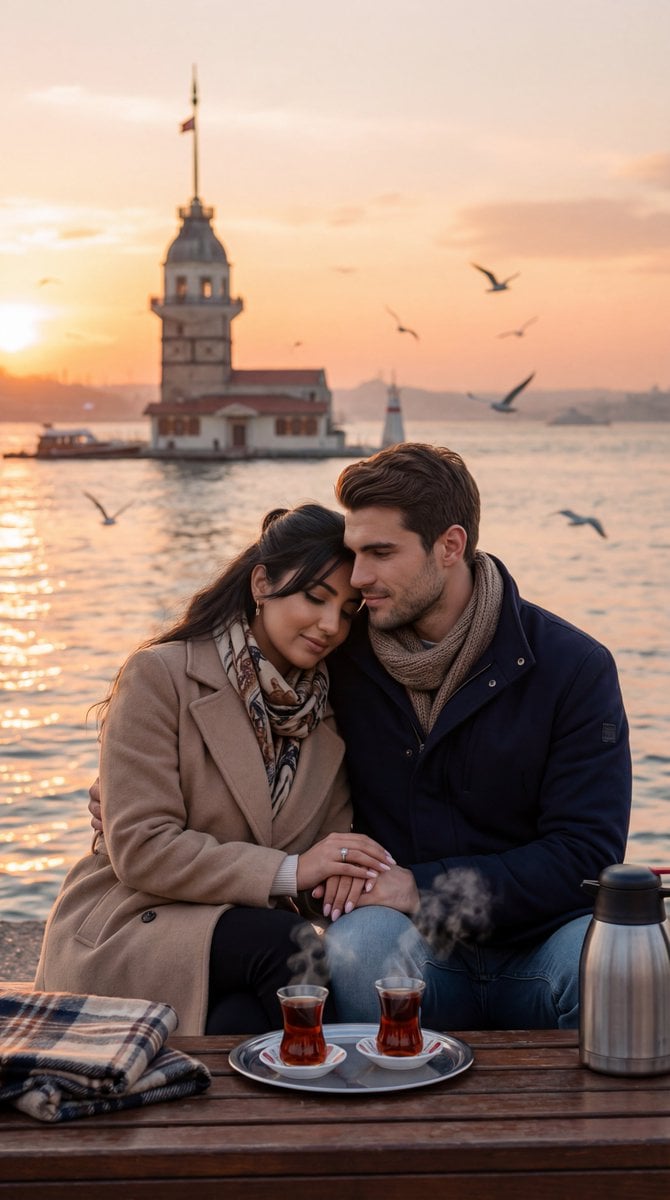
Ultra-Photorealistic Romantic Film Still (Uskudar Sunset)
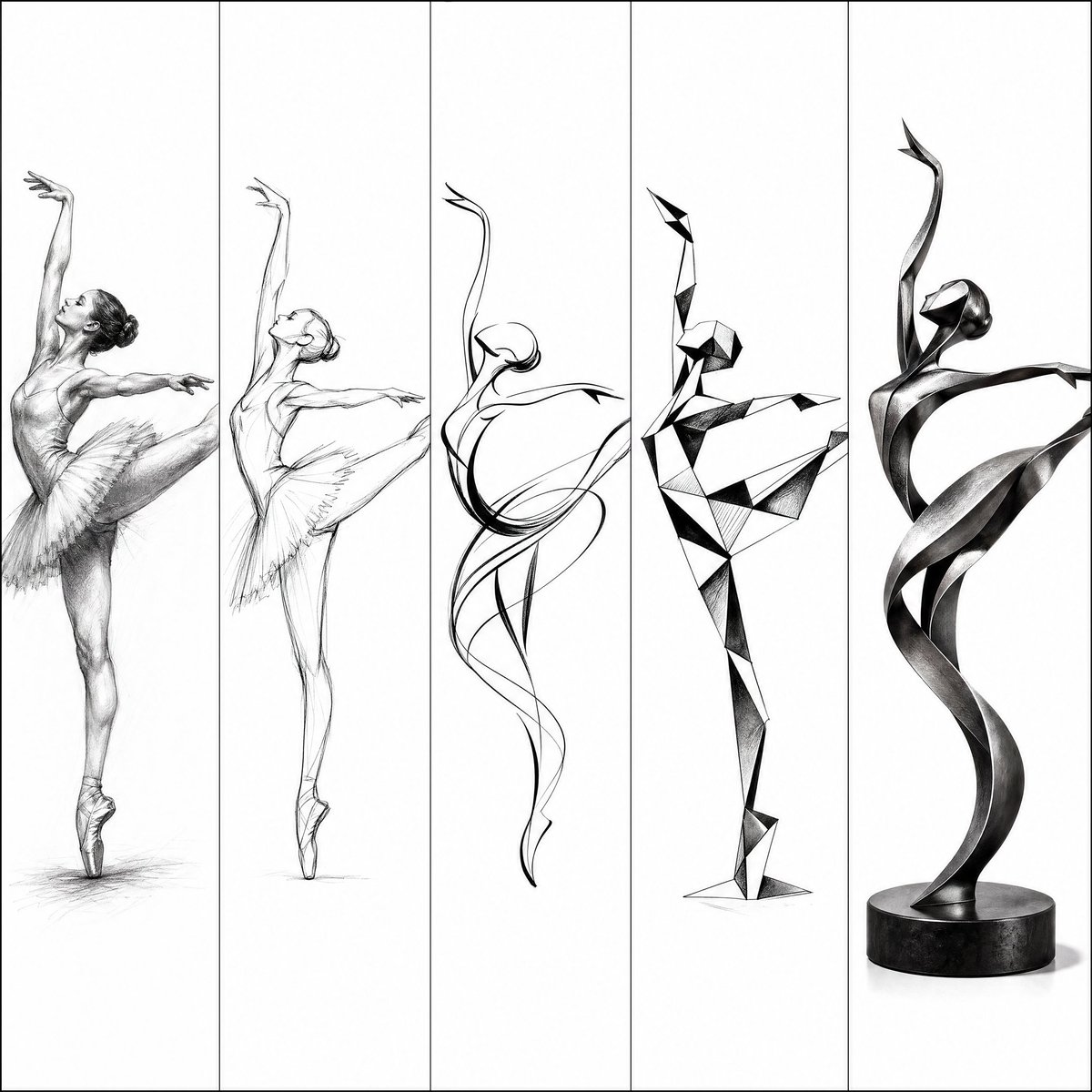
Artistic Progression Ballerina Sculpture
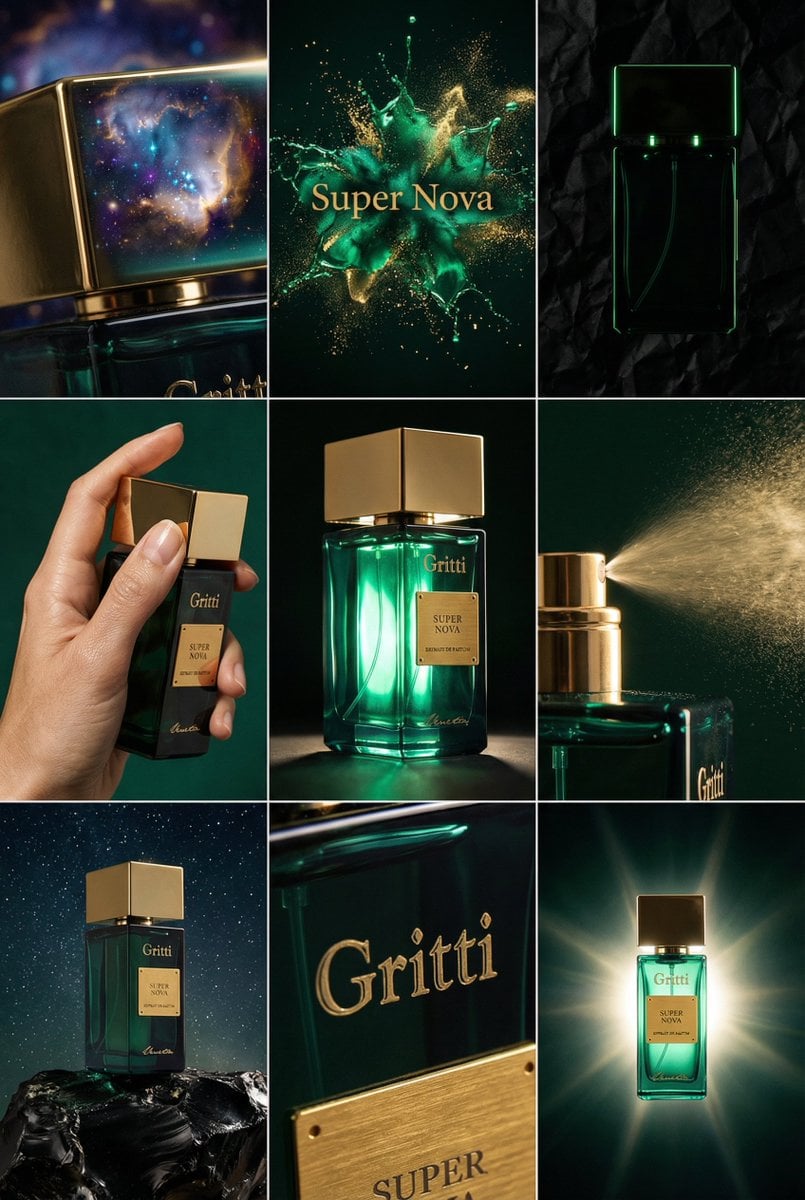
JSON Prompt for Cinematic Perfume Editorial Grid
Browse template categories
Porcelain Armor Female Knight questions
How do I use the Porcelain Armor Female Knight template?
Add your photo if the template asks for one, edit the prompt if you like — the template's model and format are already selected — and press Generate. Your version opens in PicX Studio.
Can I customize the Porcelain Armor Female Knight template?
Yes. You can change the subject, setting, lighting, mood, format, and available model controls before creating your image.
Is the Porcelain Armor Female Knight template free?
Opening and editing this template is free. Generating uses credits, shown on the Generate button when you are signed in.
Which AI model should I use?
Start with GPT Image 2, which is the model associated with this template. You can compare another compatible model for a different finish.
Looking for something else? Browse all templates.

Your photo, any look
Thousands of ready templates for every top image and video model, from one credit balance.