
Pale Biomechanical Interface Warrior
A cinematic full-body sci-fi character concept of a human male transformed into a pale organic exoskeleton for dark fantasy worldbuilding.
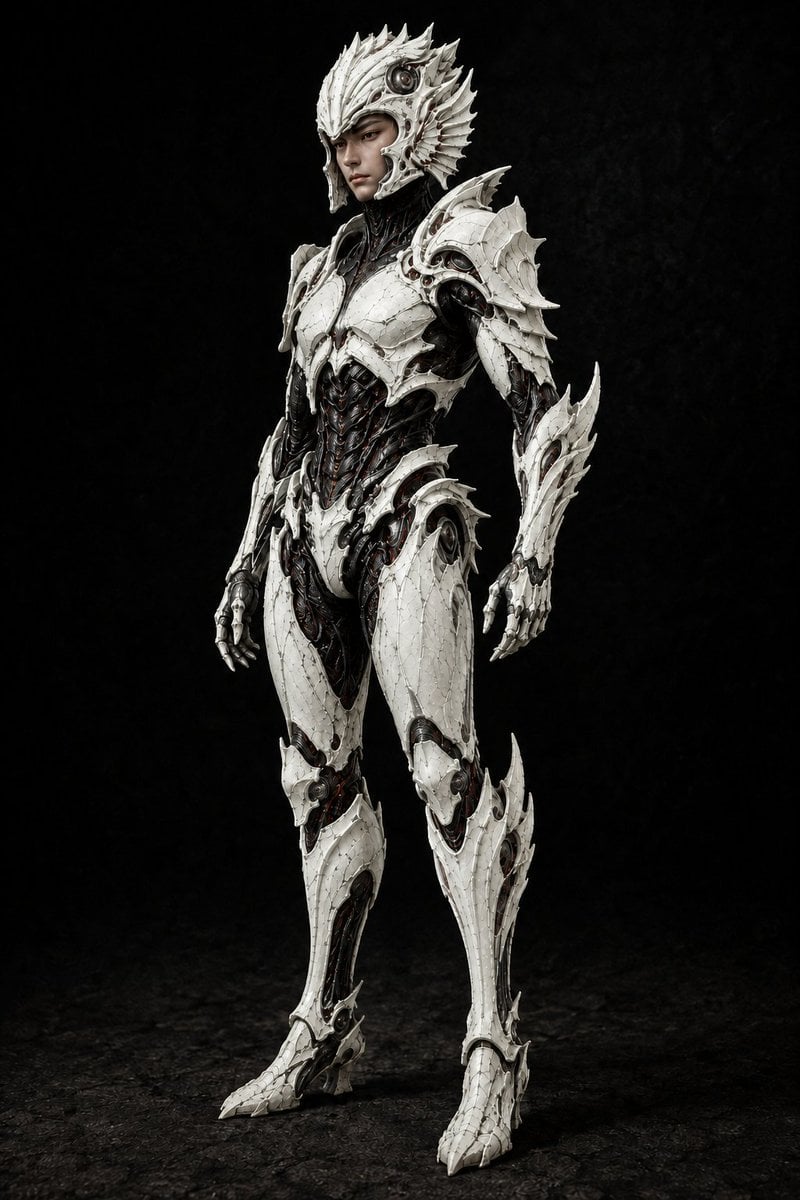
- Prompt included
- Model and format preset
- Free template
The prompt behind this image
Copy the exact prompt behind Pale Biomechanical Interface Warrior, or open it in the studio and make it yours.
Create a full-body cinematic concept-art portrait of {argument name="character name" default="Benjamin"}, a young human male transformed into a pale biomechanical interface warrior. He stands upright in a calm three-quarter pose, facing slightly left, with a visible human face that remains soft, serious, and recognizable beneath an elaborate open helmet. The armor is not bulky medieval armor but a sleek organic exoskeleton: glossy ivory-white shell plates with razor-sharp layered edges, birdlike and insectoid ridges, fine cracked ceramic texture, tiny seams, screws, dark joints, and exposed black biomechanical musculature underneath. The design should feel like the world reshaped him into a readable form rather than simply protected him. Include exactly six major visible armor regions: a spiked crown-like helmet with cheek guards and a circular mechanical ear module, broad feathered shoulder pauldrons, segmented chest and rib plates over a black torso core, clawed skeletal gauntlets, high articulated thigh and shin shells, and taloned white boots. Use {argument name="armor color" default="pale ivory white"} for the shell, with black carbon-fiber organic underlayers and faint dark red wiring visible in gaps. Add many sharp fins and overlapping scales along the helmet, shoulders, forearms, calves, and hips, with asymmetrical natural imperfections and battle-worn scratches. The figure should be isolated against a deep matte black studio background with a rough dark floor, subtle misty texture, dramatic softbox lighting from the upper left, crisp rim highlights on the shell edges, realistic shadows, hyper-detailed materials, dark sci-fi fantasy mood, vertical portrait composition, no text, no logo, no weapons, no extra characters.
How to use Pale Biomechanical Interface Warrior in 3 steps
- 1Upload ImagePNG, JPG or paste
Add your photo
Upload the photo the template builds on. The prompt, model and format are already set.
- 2…a portrait of your subject in softgolden-hour light, 85mm…
Personalize
Edit the subject and creative details for your destination.
- 3Generate
Generate
Press Generate — your image is created in PicX Studio, so you can compare it with the original and refine one variable at a time.
More like this
Templates with the same subject, style or setup. Open one to see its prompt.
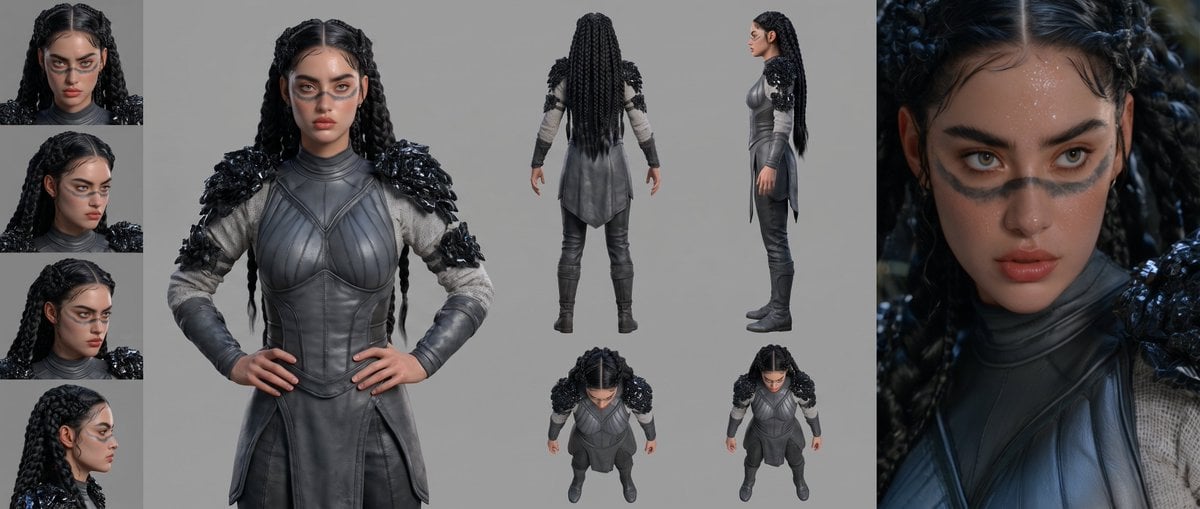
Mesoamerican Warrior Character Sheet

Tribal Fantasy Warrior with Guardian Owl

Gothic Mecha Sword Warrior
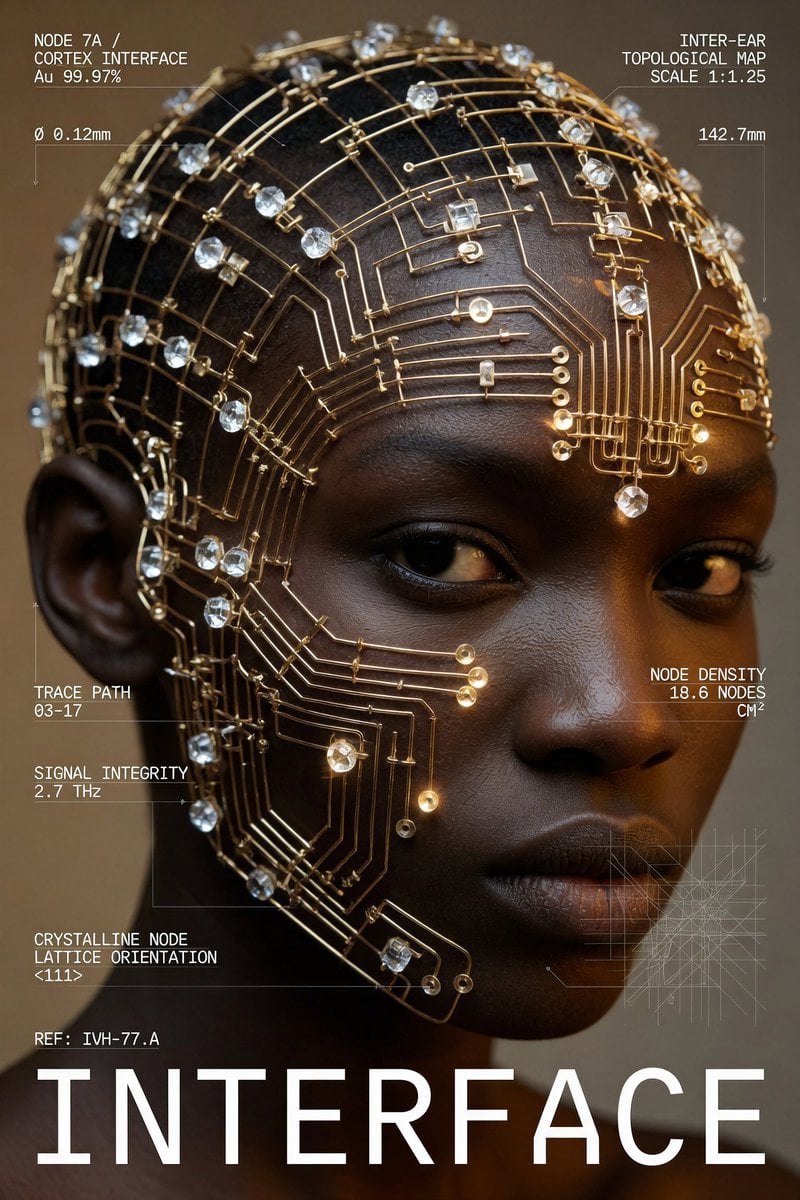
Cybernetic Interface Fashion Poster
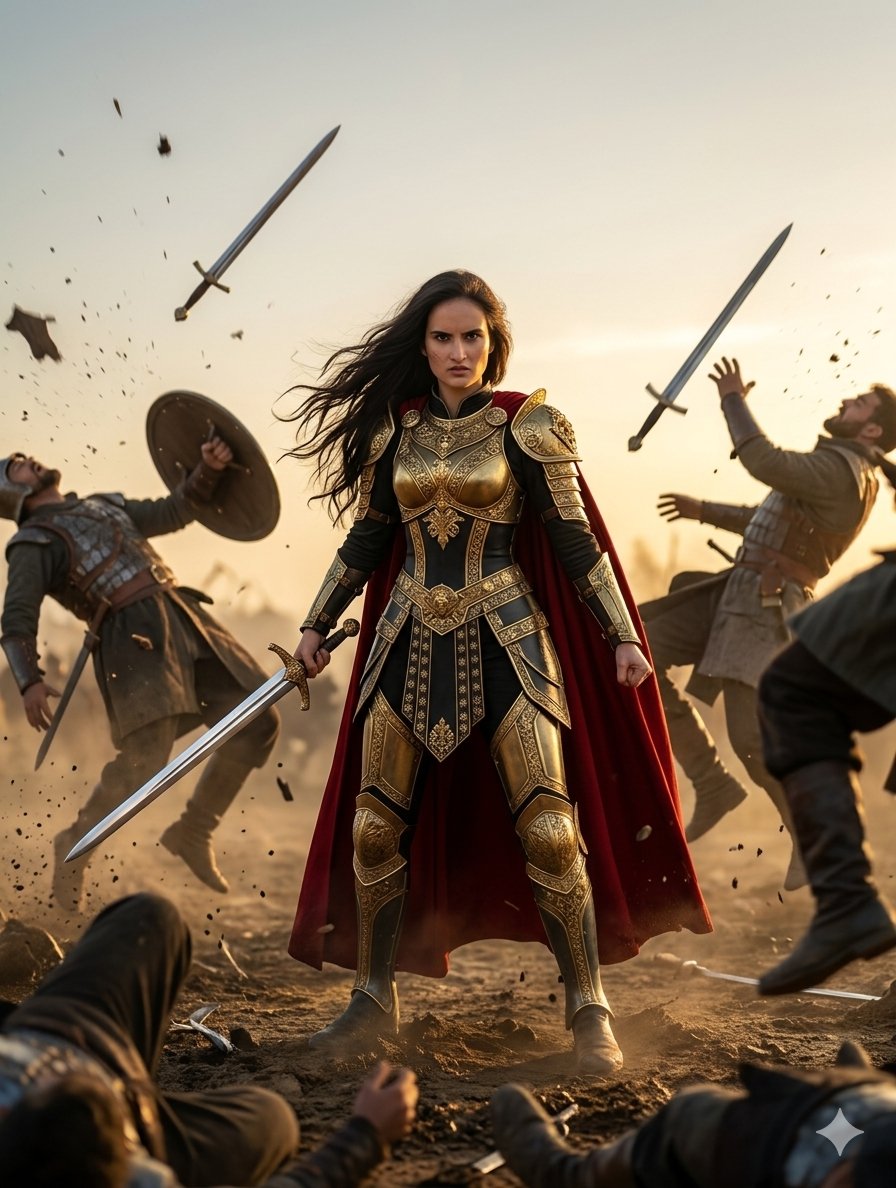
Heroic Fantasy Warrior Portrait
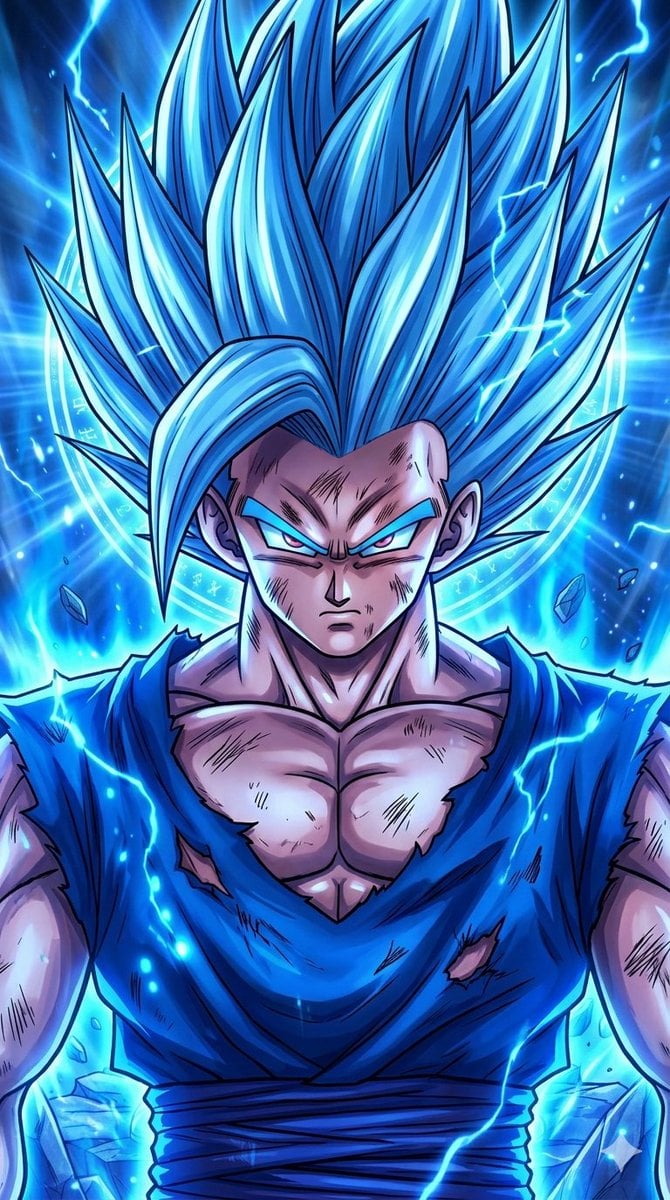
Anime Crossover Warriors Illustration
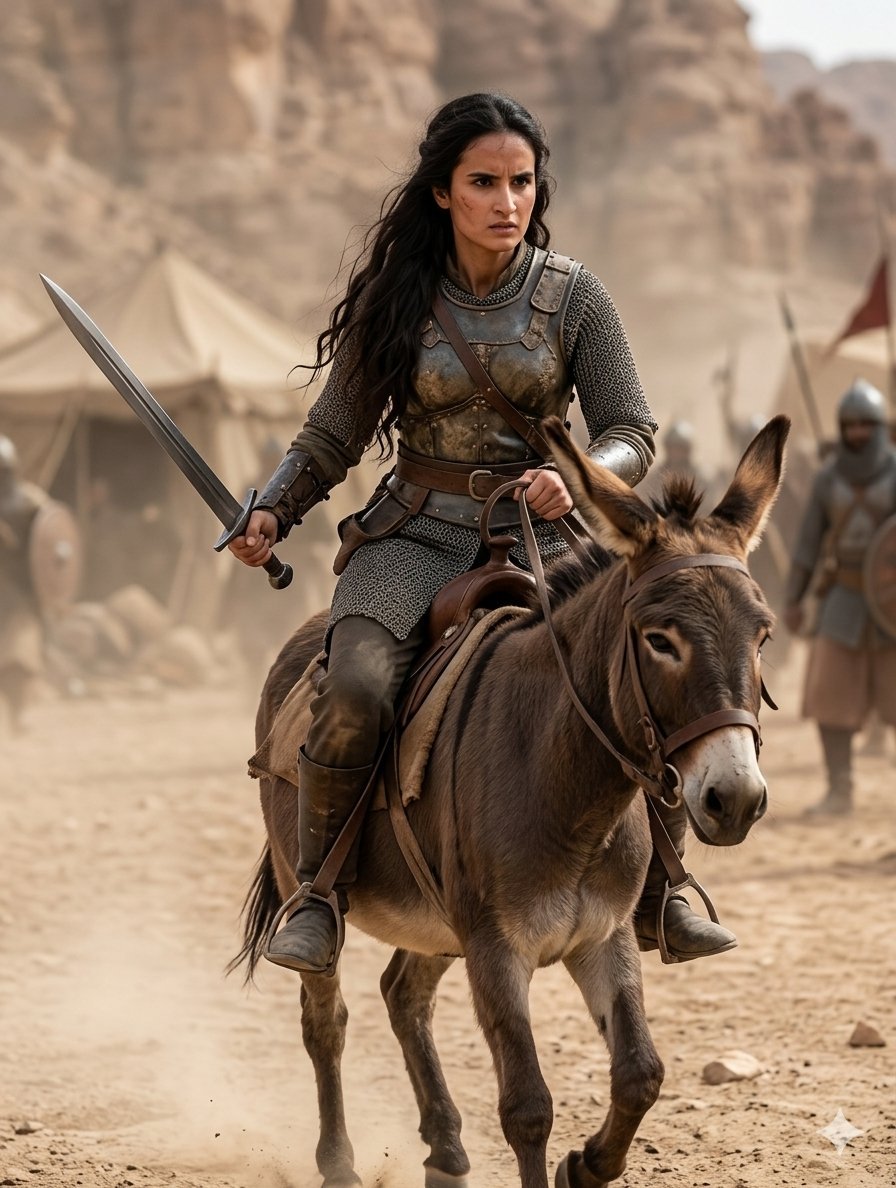
Medieval Desert Battlefield Warrior

Cinematic Sci-Fi Interface Side Profile
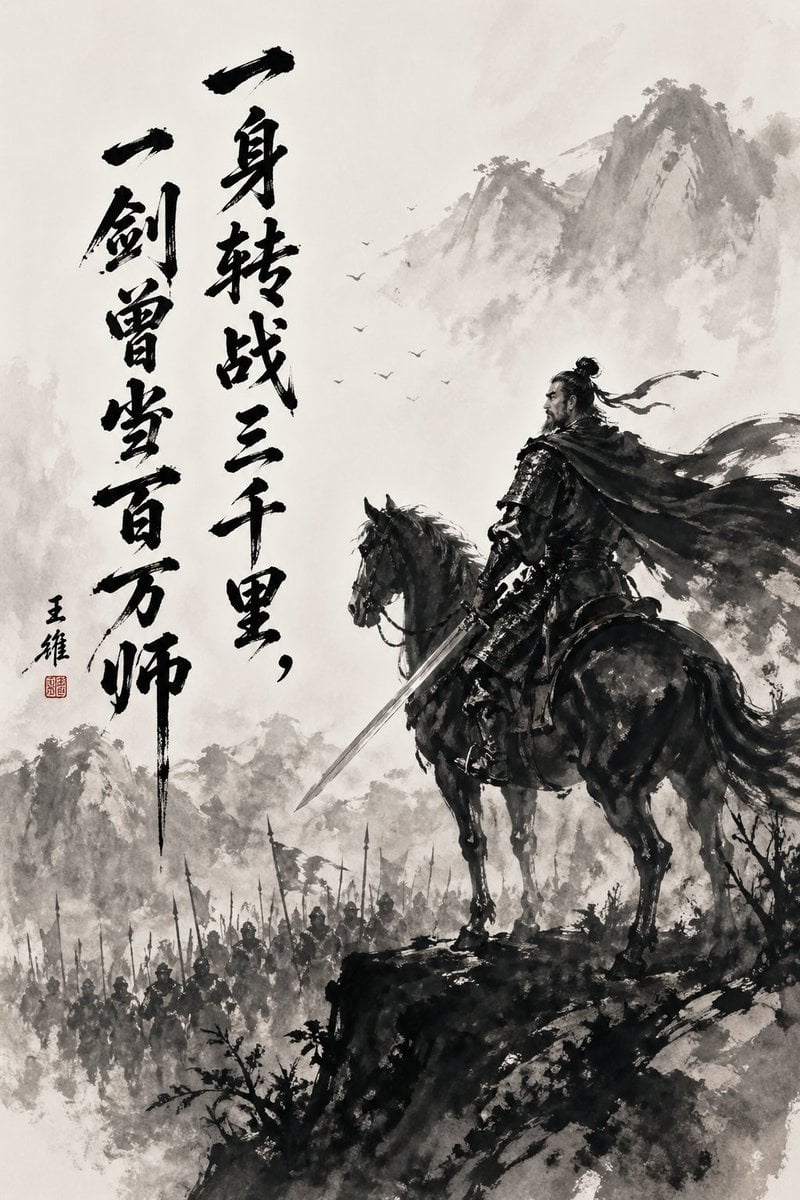
Chinese Ink Warrior on Horseback
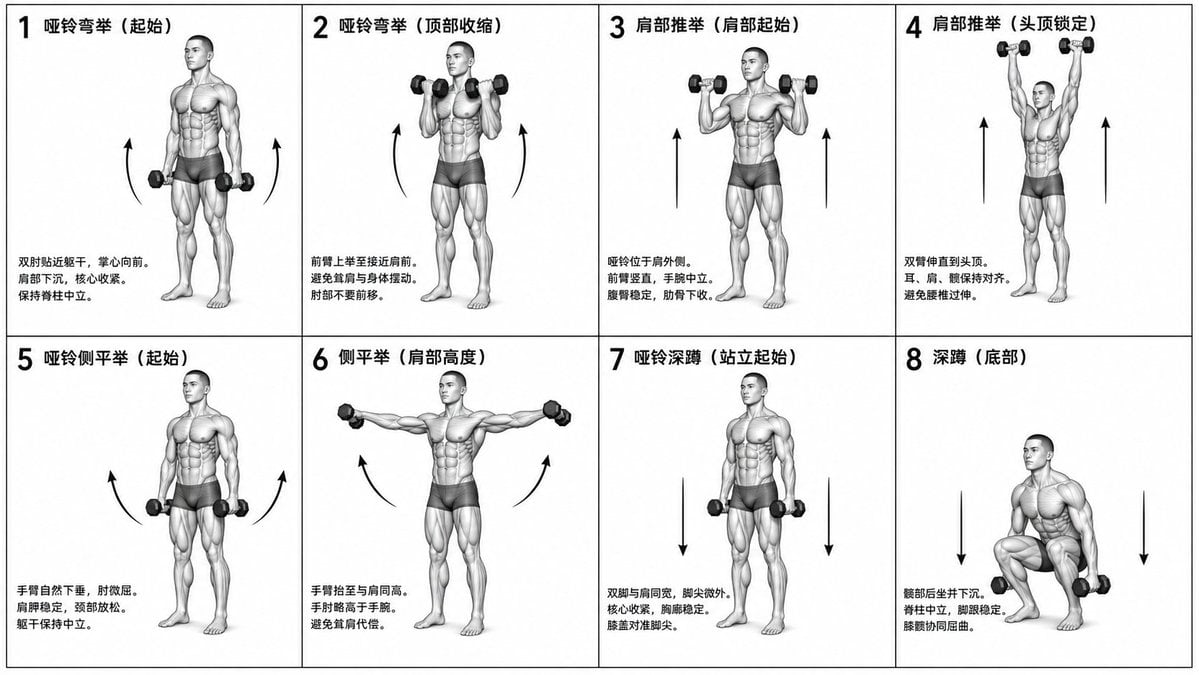
Biomechanical Fitness Instructional Chart
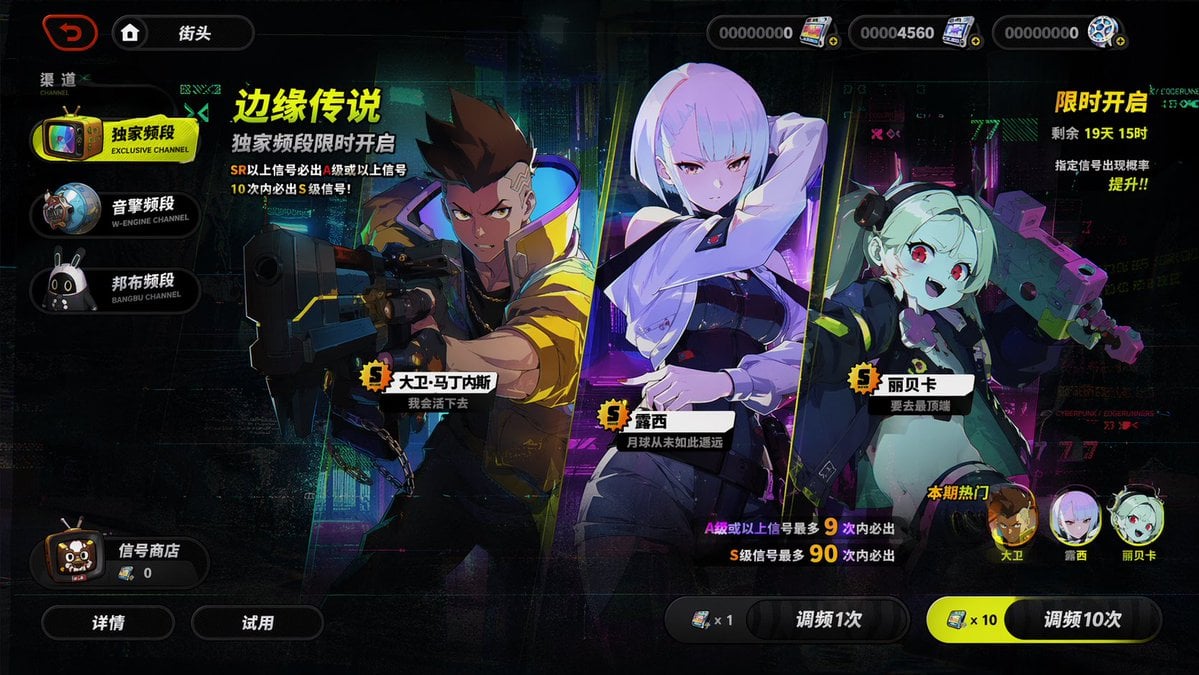
Mobile Game Gacha Interface Design
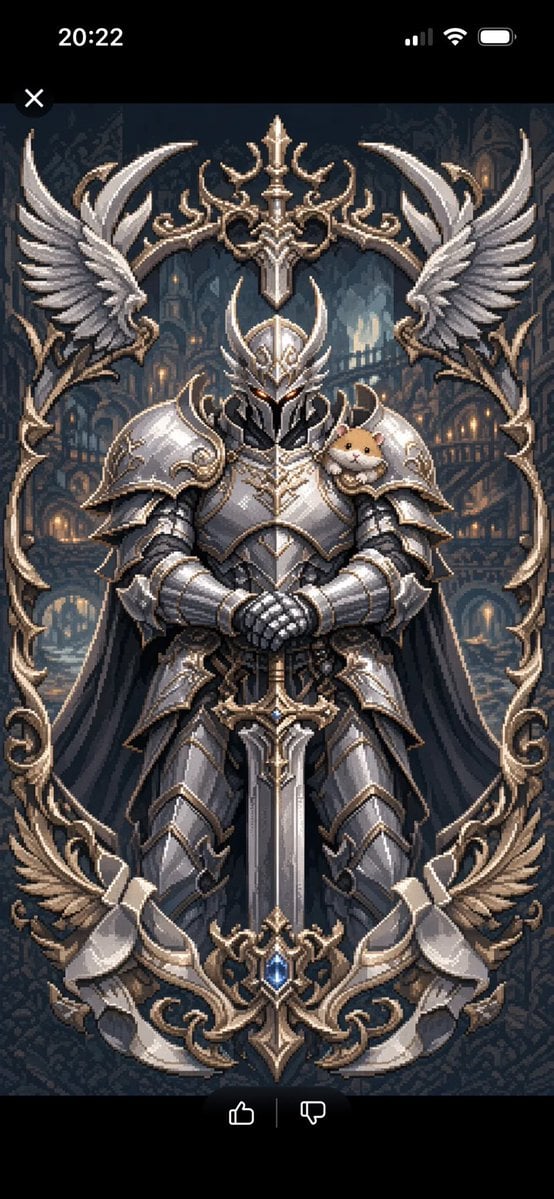
Semi-Pixel Armored Warrior
Make it yours
Pale Biomechanical Interface Warrior works as-is. These are the safest ways to change it without losing the look.
Change one field
Copy a single group, rewrite it, and generate again so you can see what that field is doing.
Keep the frame, change the subject
Hold the composition and light of Pale Biomechanical Interface Warrior, then swap wardrobe, props or the person for a new take.
| If the result… | Why | Fix |
|---|---|---|
| The result drifts from the preview | Too many fields changed at once. | Reuse Pale Biomechanical Interface Warrior as-is first, then change one group — subject, light, or setting. |
| The model over-stylizes the scene | The prose prompt leaves finish and camera underspecified. | Add one camera or lighting sentence and stay on GPT Image 2. |
More GPT Image 2 templates
Other prompts made for GPT Image 2.

Six VTuber Japanese Logo Sheet

Realistic Portrait of Woman and Deer

The Vista Modular Condo Poster

AI Model Routing Comparison Infographic

2.5D Anime Art Board

Isometric Productivity Desk Scene

New York Double Exposure Poster

Four-Panel AI Landscape Comparison

Japanese Tatami Lifestyle Magazine Cover

NESCAFÉ Coffee Map Poster
More image prompts
Fresh picks from across the catalog.
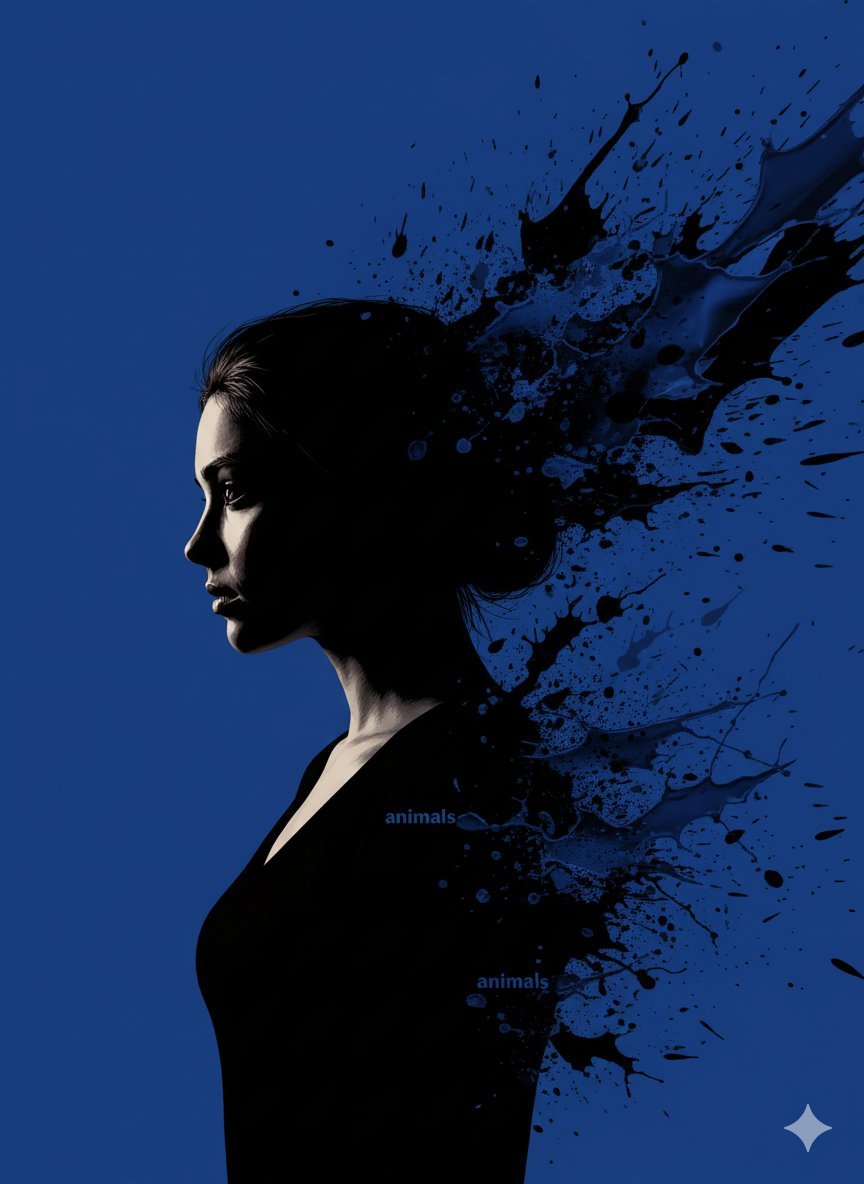
Stylized Portrait with Paint Splashes and CRT Glow

Christmas Photo Prompt for Gemini Nano Banana
Image Sharpening and Resolution Improvement Prompt for Google Gemini A.I.
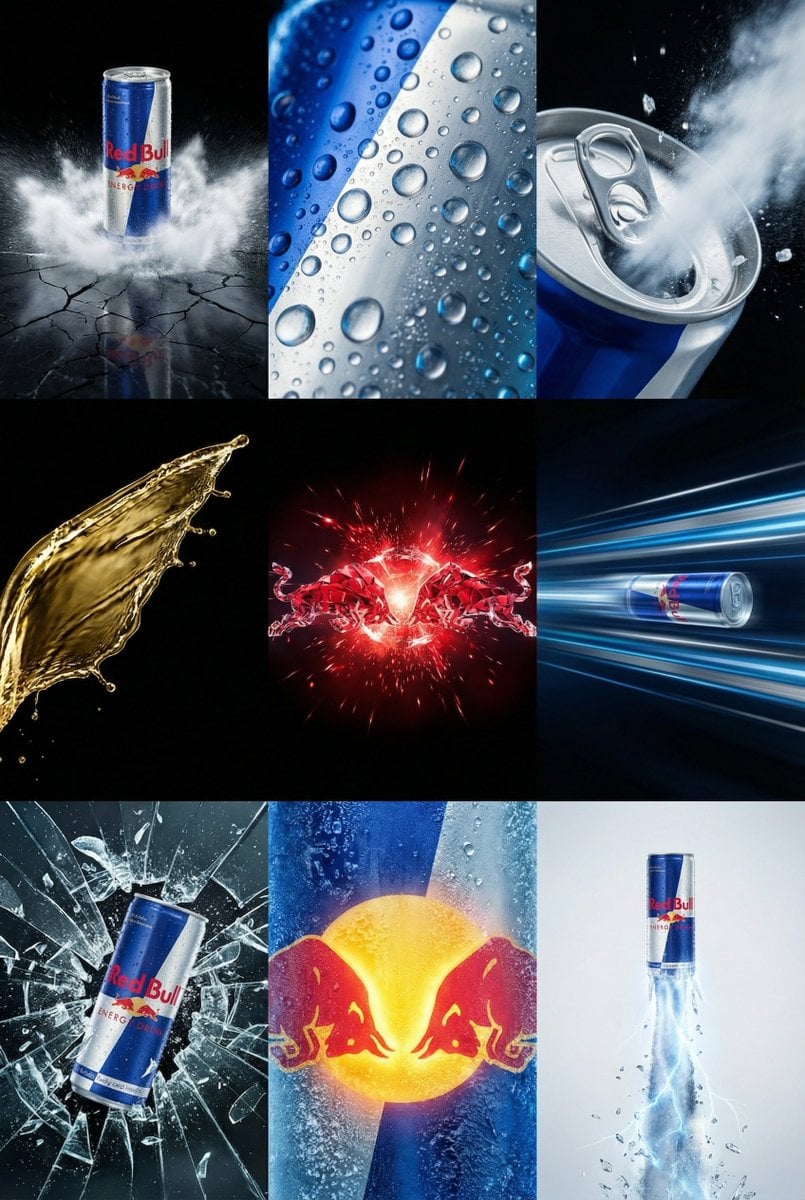
Red Bull Commercial Grid Collage Prompt (JSON)
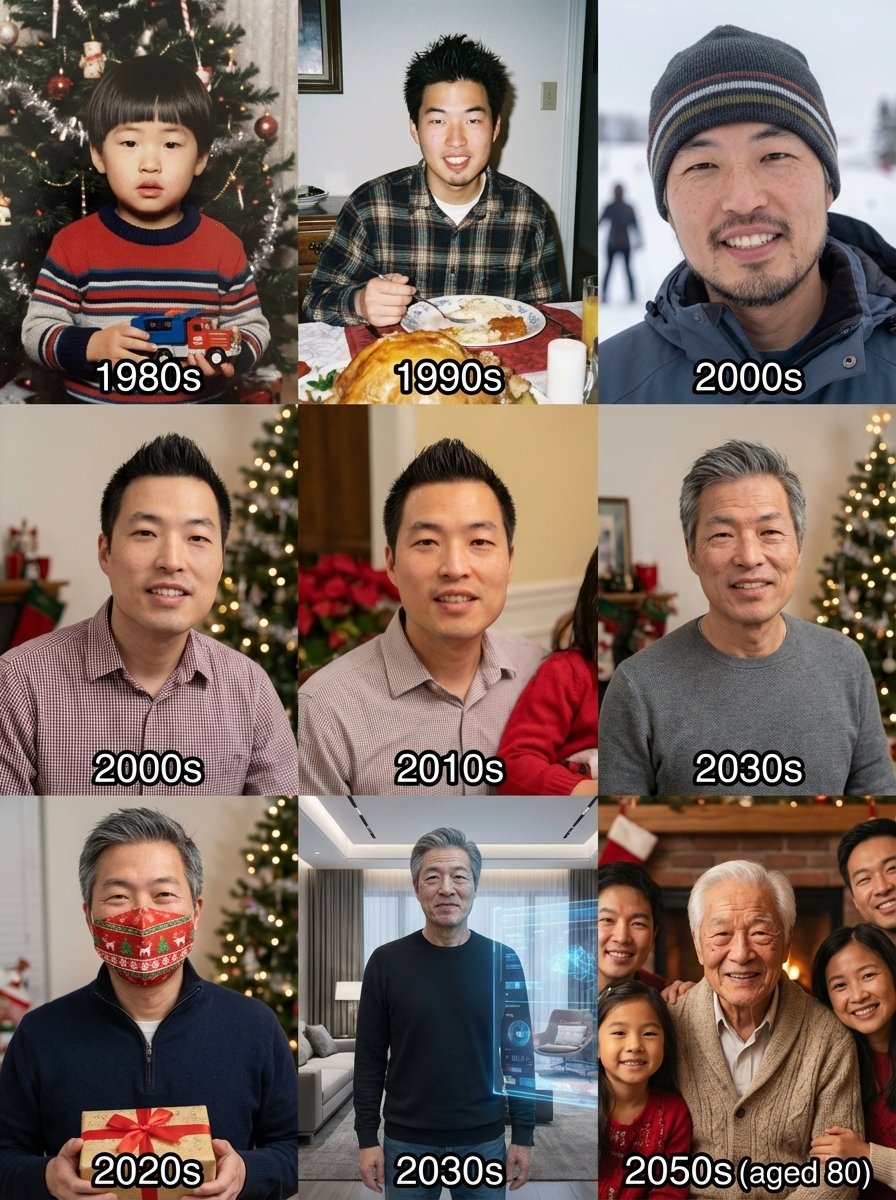
Holiday photos across a lifetime
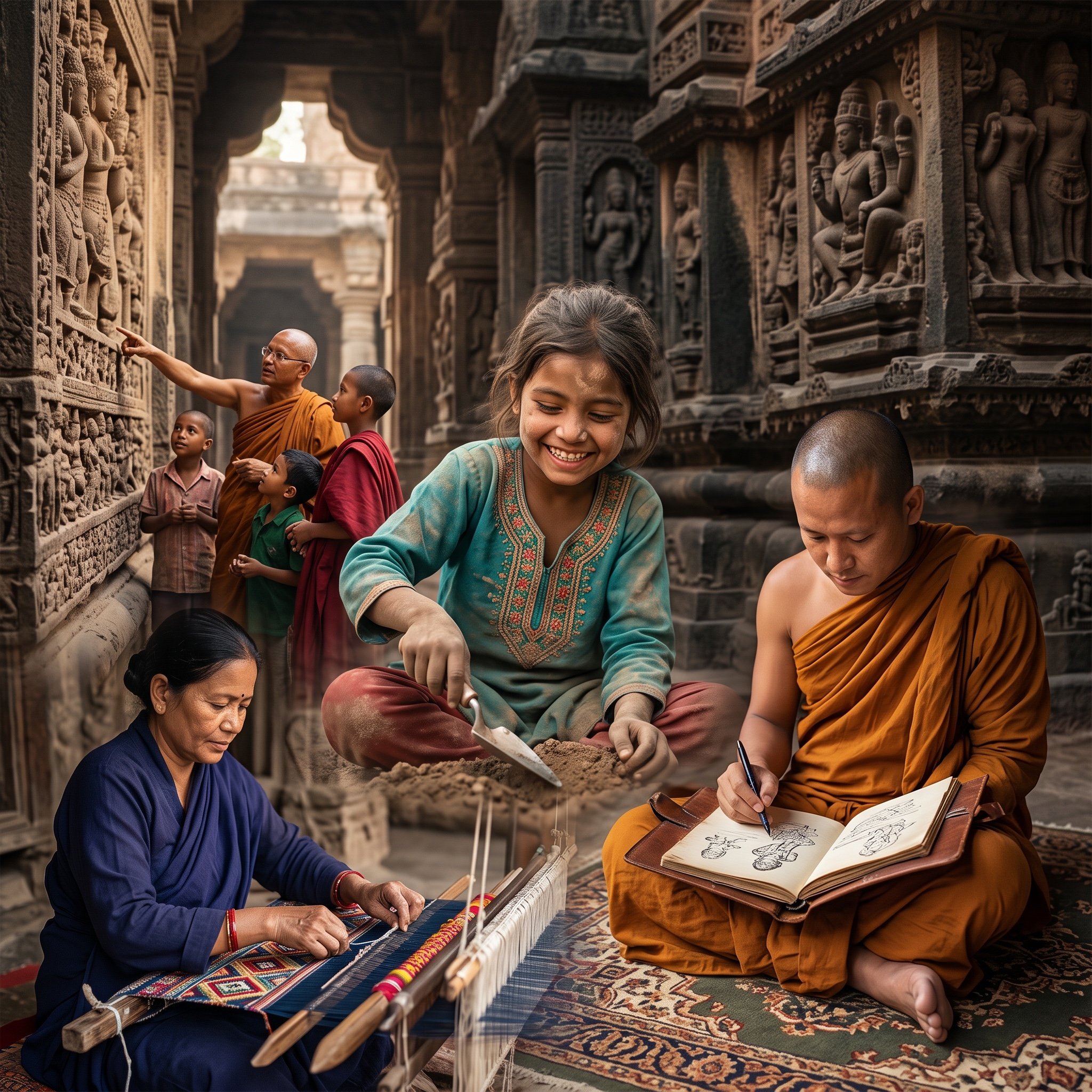
Image Fusion Prompt
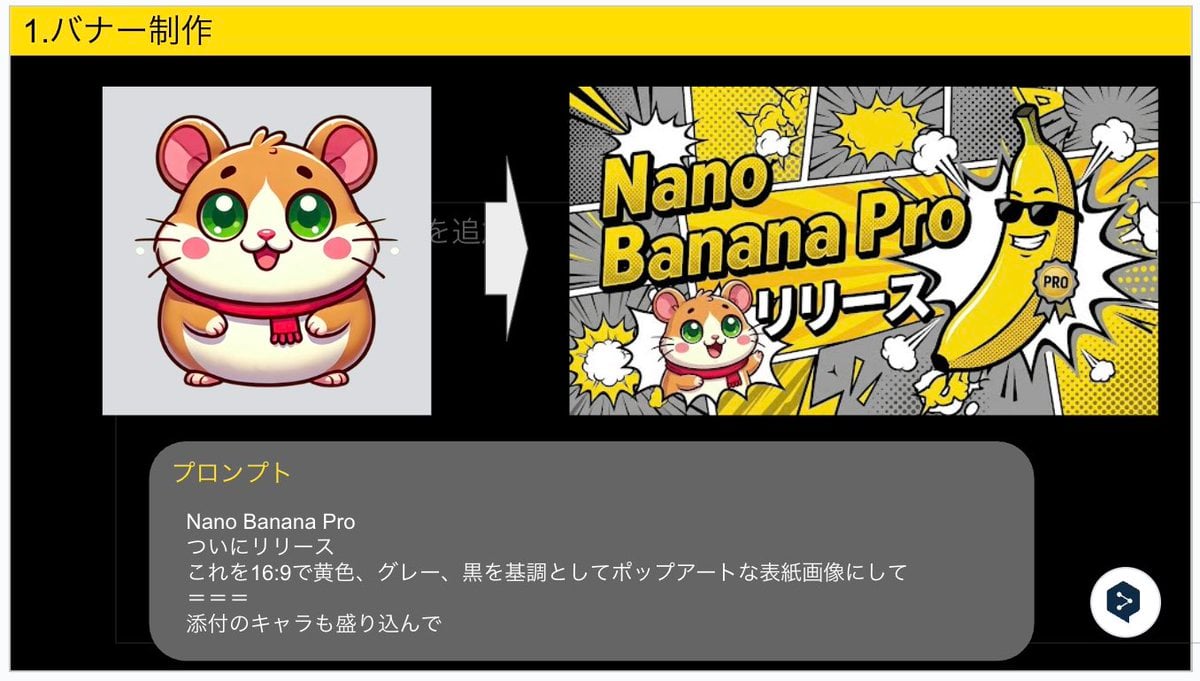
Nano Banana Pro Banner Creation Prompt

Nano Banana Pro Prompt for High-Visibility 3D Thumbnail Design
Minimalist Urban Vector Illustration
High economic growth era Japanese downtown shopping street
Browse template categories
Pale Biomechanical Interface Warrior questions
How do I use the Pale Biomechanical Interface Warrior template?
Add your photo if the template asks for one, edit the prompt if you like — the template's model and format are already selected — and press Generate. Your version opens in PicX Studio.
Can I customize the Pale Biomechanical Interface Warrior template?
Yes. You can change the subject, setting, lighting, mood, format, and available model controls before creating your image.
Is the Pale Biomechanical Interface Warrior template free?
Opening and editing this template is free. Generating uses credits, shown on the Generate button when you are signed in.
Which AI model should I use?
Start with GPT Image 2, which is the model associated with this template. You can compare another compatible model for a different finish.
Looking for something else? Browse all templates.

Your photo, any look
Thousands of ready templates for every top image and video model, from one credit balance.