
Biomechanical Fitness Instructional Chart
A complex prompt for creating a monochrome, scientifically accurate 2x4 grid fitness chart showing specific exercises with labels and anatomical figures.
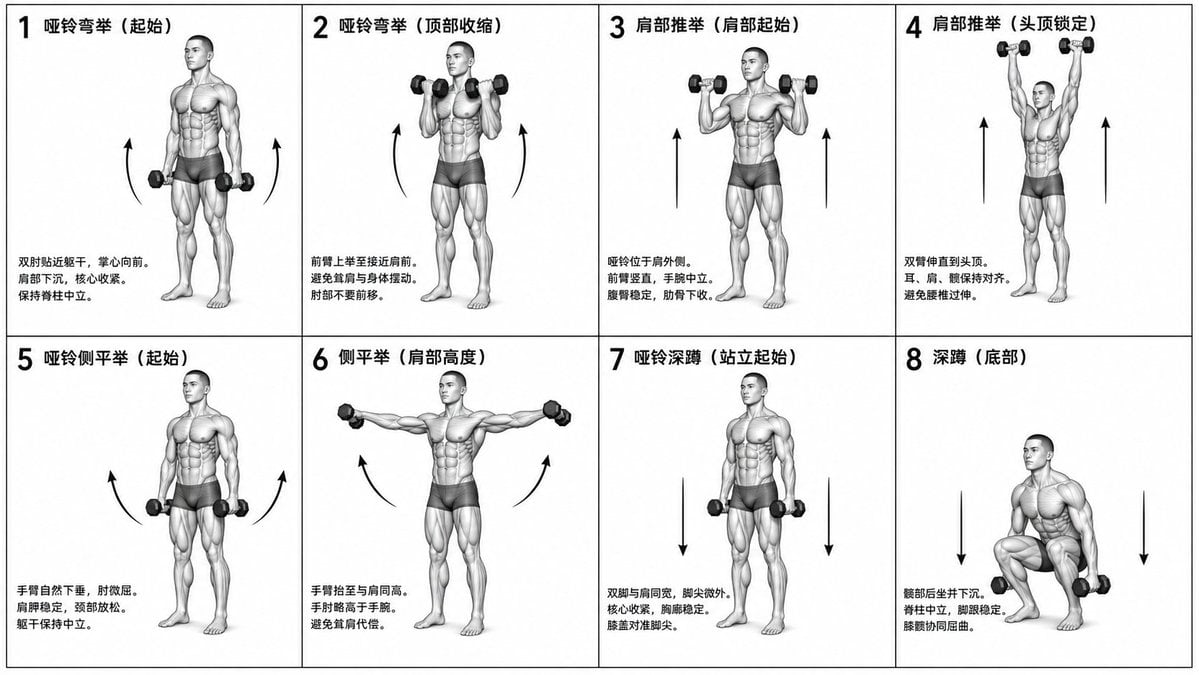
- Prompt included
- Model and format preset
- Free template
The prompt behind this image
Copy the exact prompt behind Biomechanical Fitness Instructional Chart, or open it in the studio and make it yours.
Generate a monochrome grayscale technical illustration, a biomechanically accurate fitness instruction chart, a clean 3D anatomical figure, scientific-diagram aesthetics, minimalist style, no artistic exaggeration 2x4 grid layout (8 panels total), perfectly aligned cells, equal spacing, thin black borders, numbered 1 through 8 A neutral athletic body (gender-neutral), anatomically proportioned, with a consistent figure across all panels {argument name="training exercise" default="dumbbell training"} sequence (key positions only): 1. Dumbbell curl (starting position) 2. Dumbbell curl (top contraction) 3. Shoulder press (starting at shoulder height) 4. Shoulder press (locked overhead) 5. Dumbbell lateral raise (arms down) 6. Lateral raise (arms at shoulder height) 7. Dumbbell squat (standing start) 8. Squat (bottom position) Top-left corner: bold number + exercise name (in Chinese) Center: full-body pose (clear joint positions) Bottom-left corner: brief technical notes (2–3 lines, correct posture cues) Overlay: directional arrows showing the movement path (up/down/arc) Correct joint alignment, neutral spine, proper elbow and knee positioning, realistic weight distribution, no exaggerated movement Highly detailed grayscale shading, soft studio lighting, subtle shadows, clean lines, medical/sports-science diagram quality Pure white background No color, no background environment, no extra elements, no stylization, no blur
How to use Biomechanical Fitness Instructional Chart in 3 steps
- 1
Open
The prompt is already in the box next to the preview, with the template's model and format selected.
- 2…a portrait of your subject in softgolden-hour light, 85mm…
Personalize
Edit the subject and creative details for your destination.
- 3Generate
Generate
Press Generate — your image is created in PicX Studio, so you can compare it with the original and refine one variable at a time.
More like this
Templates with the same subject, style or setup. Open one to see its prompt.
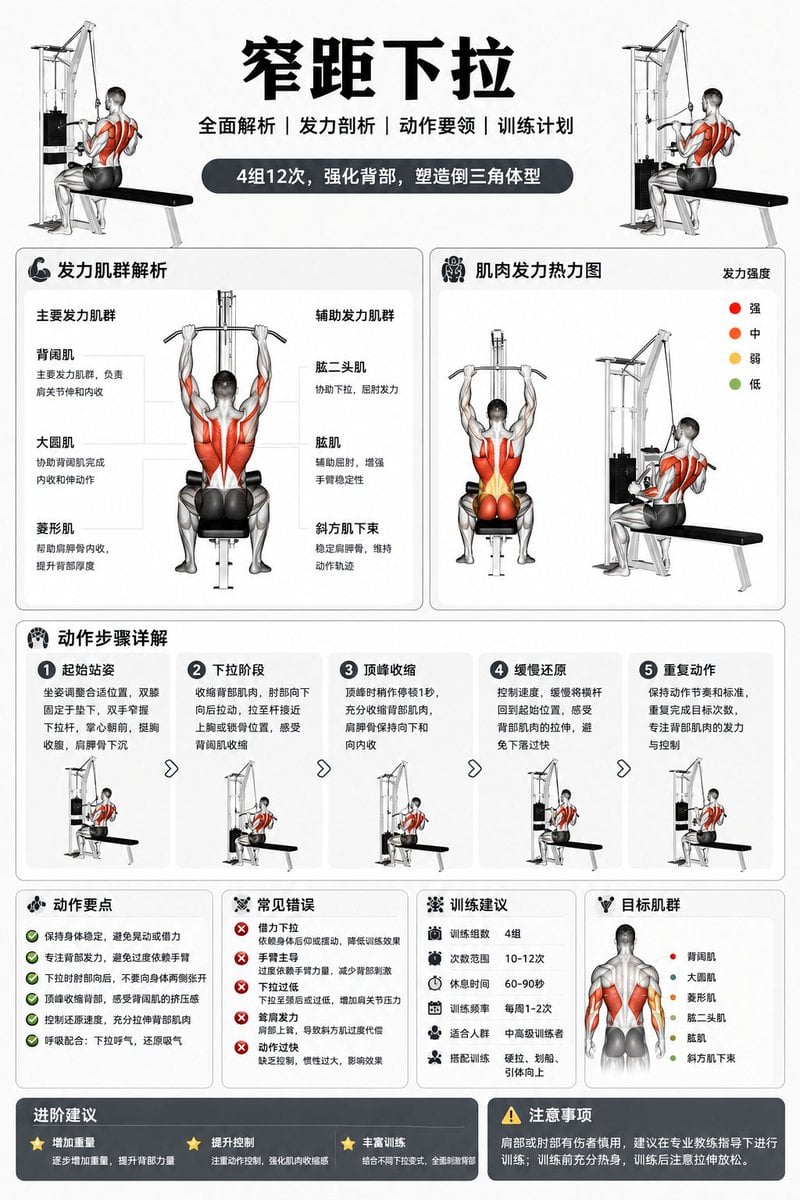
Fitness Equipment Instructional Diagram
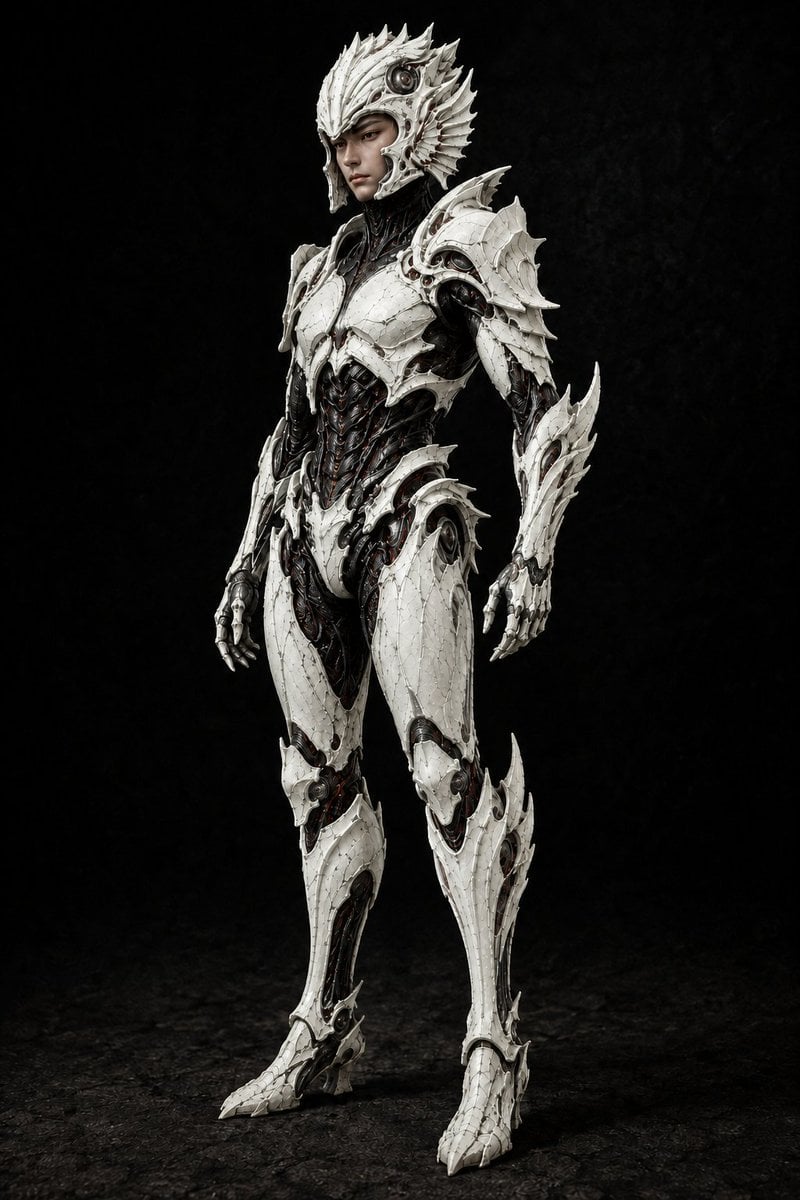
Pale Biomechanical Interface Warrior
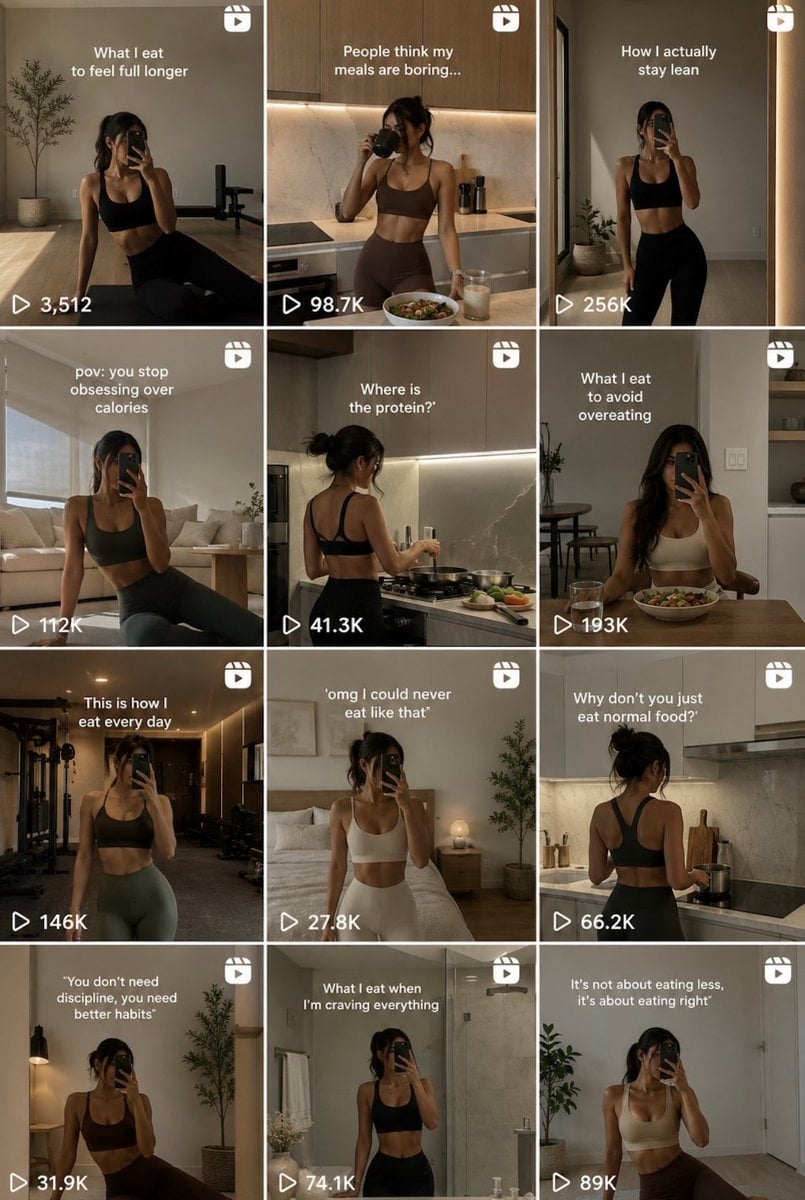
Fitness Influencer Reels Grid
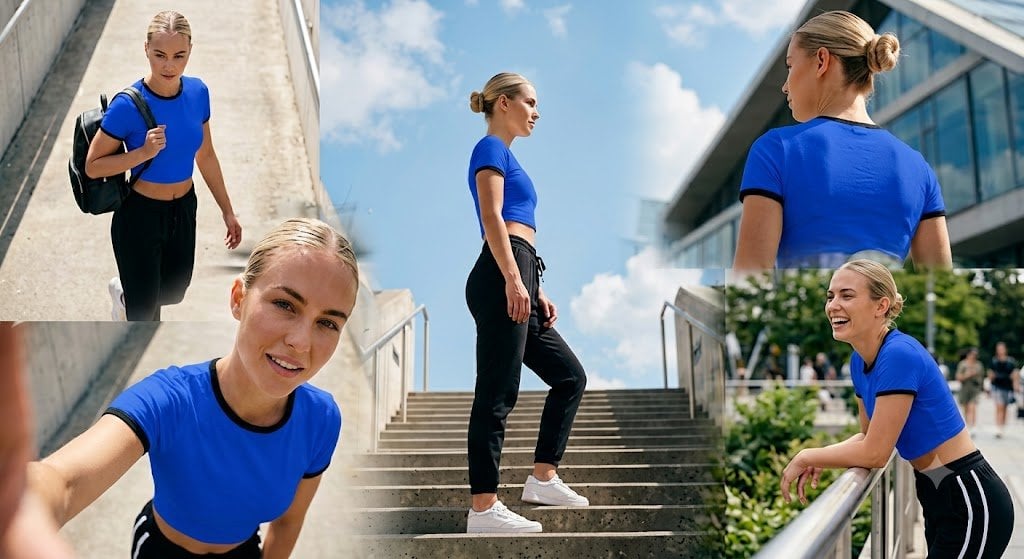
Urban Stairway Fitness Collage
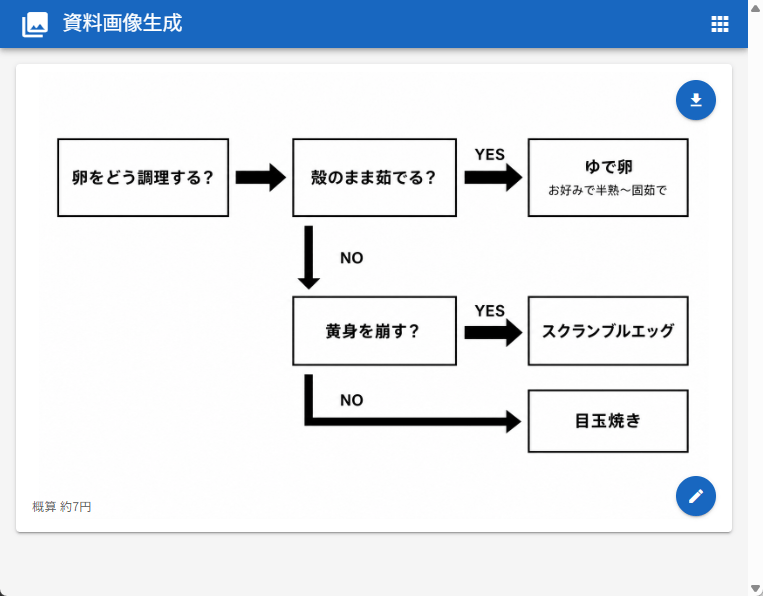
Japanese Egg Cooking Flowchart UI
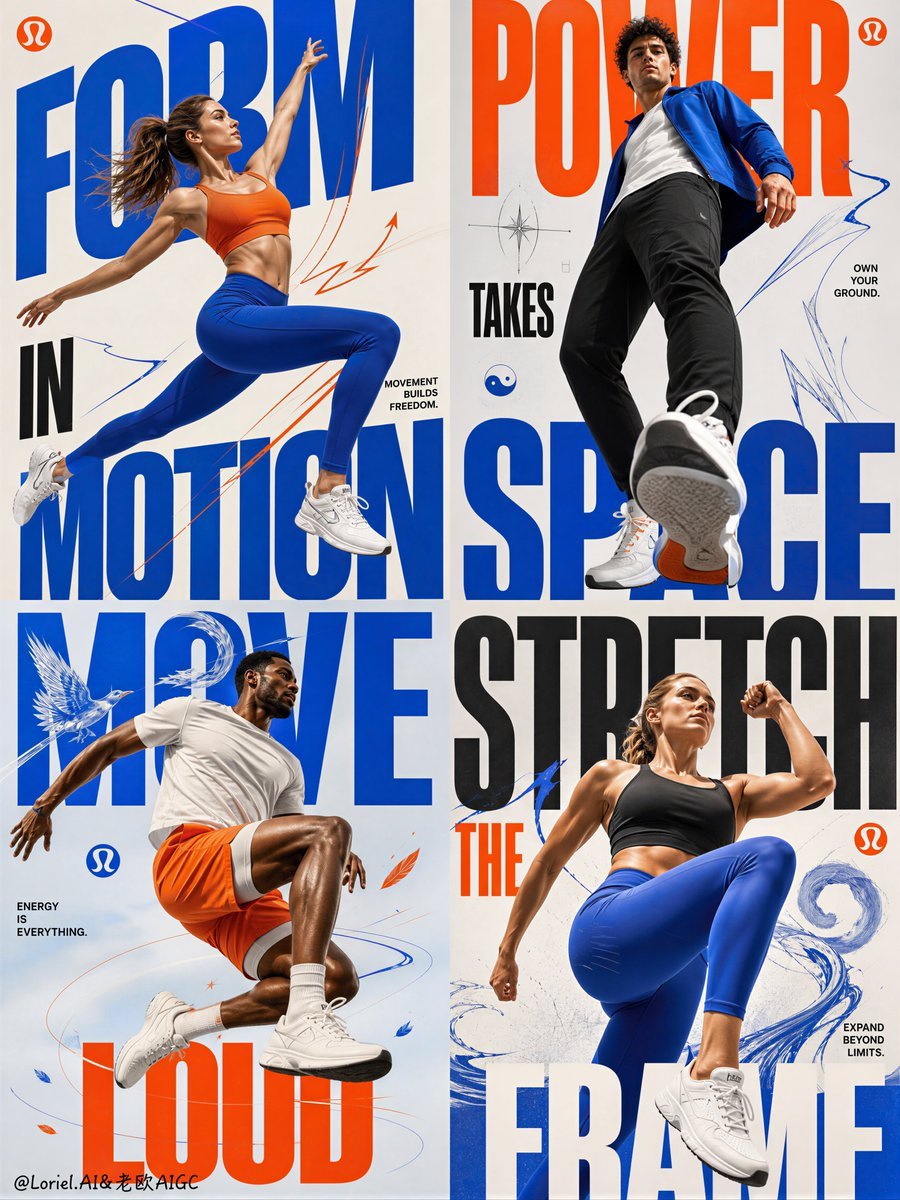
Fitness Apparel Grid Campaign Poster
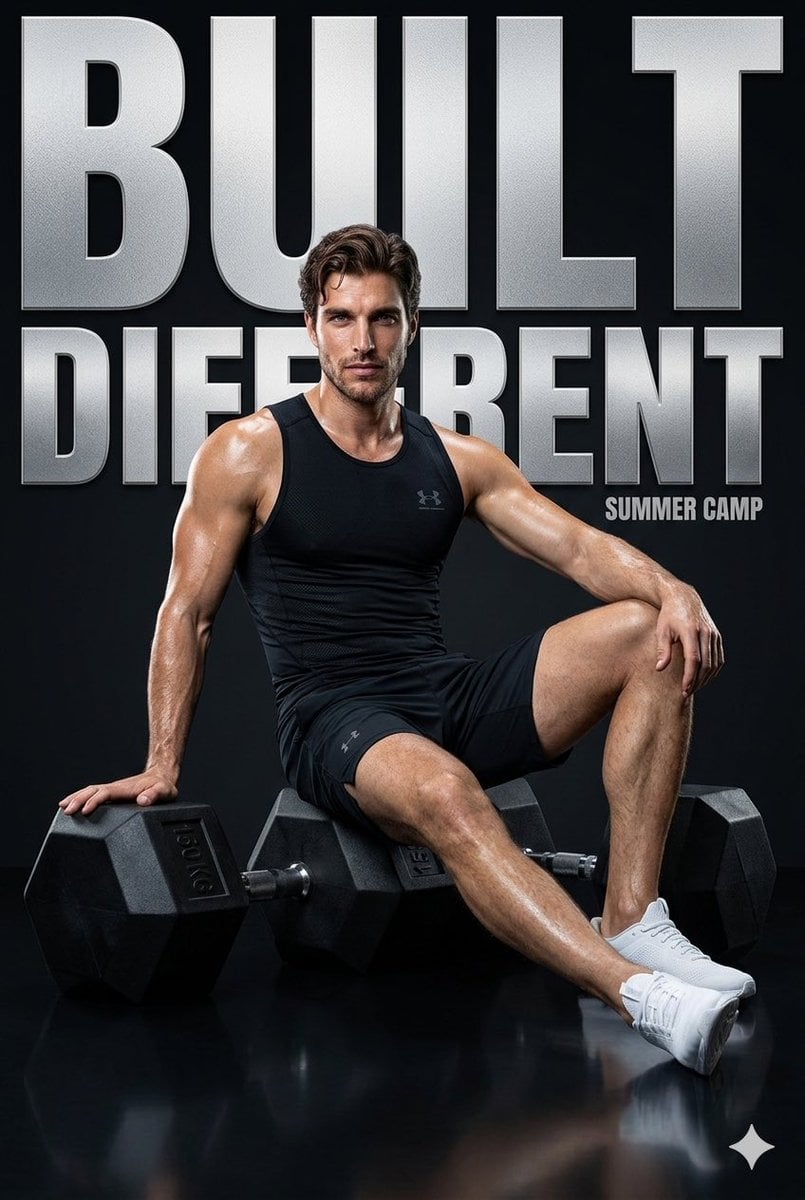
Fitness Campaign Studio Poster
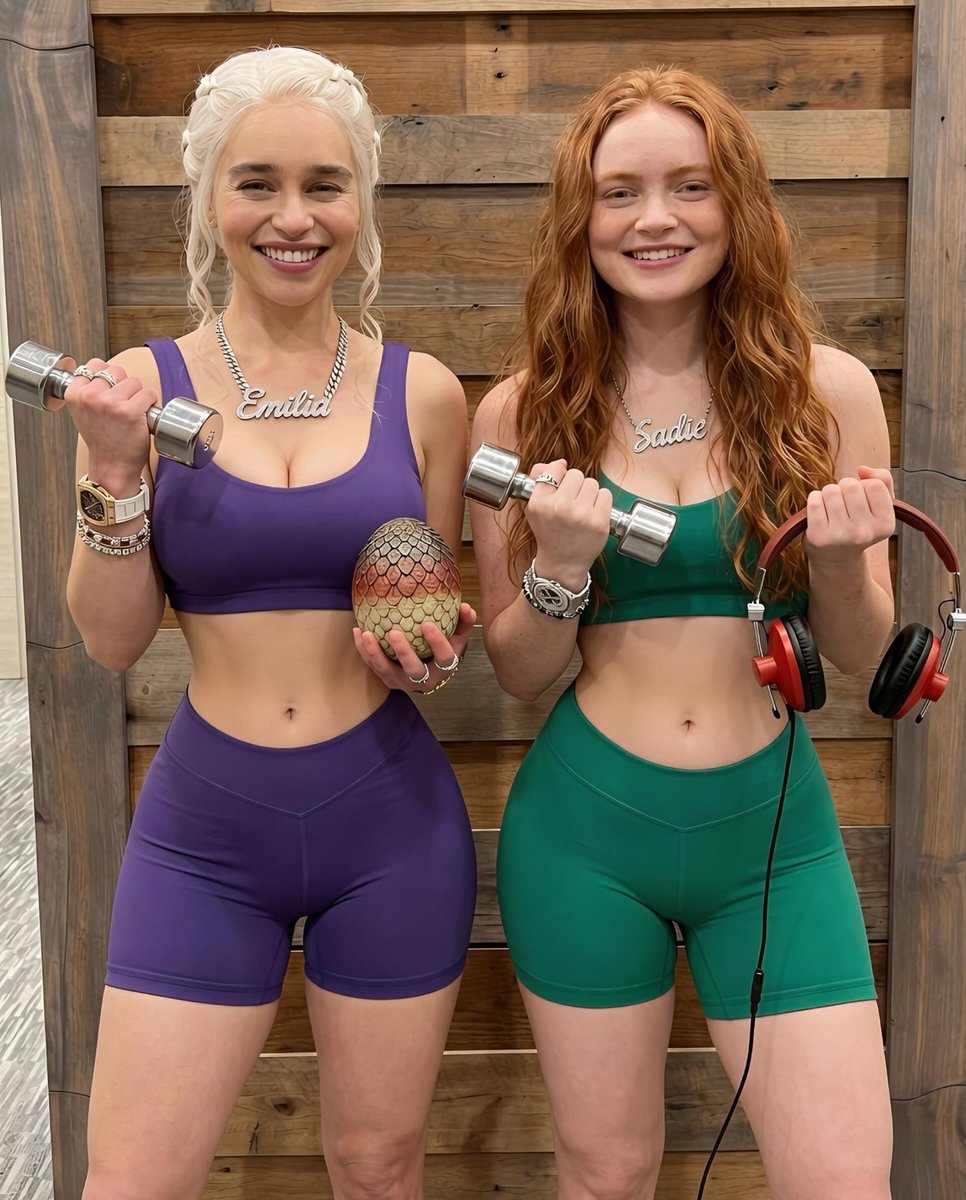
Fitness Partner Portrait Prompt
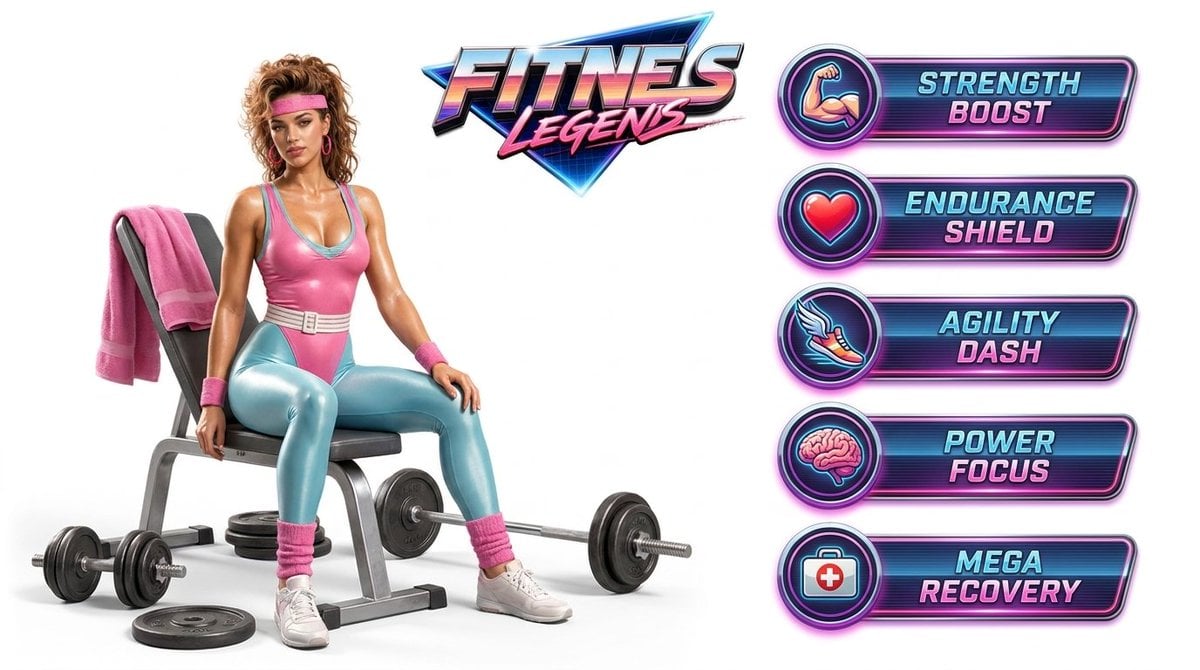
Fitness Game Start Screen UI Render
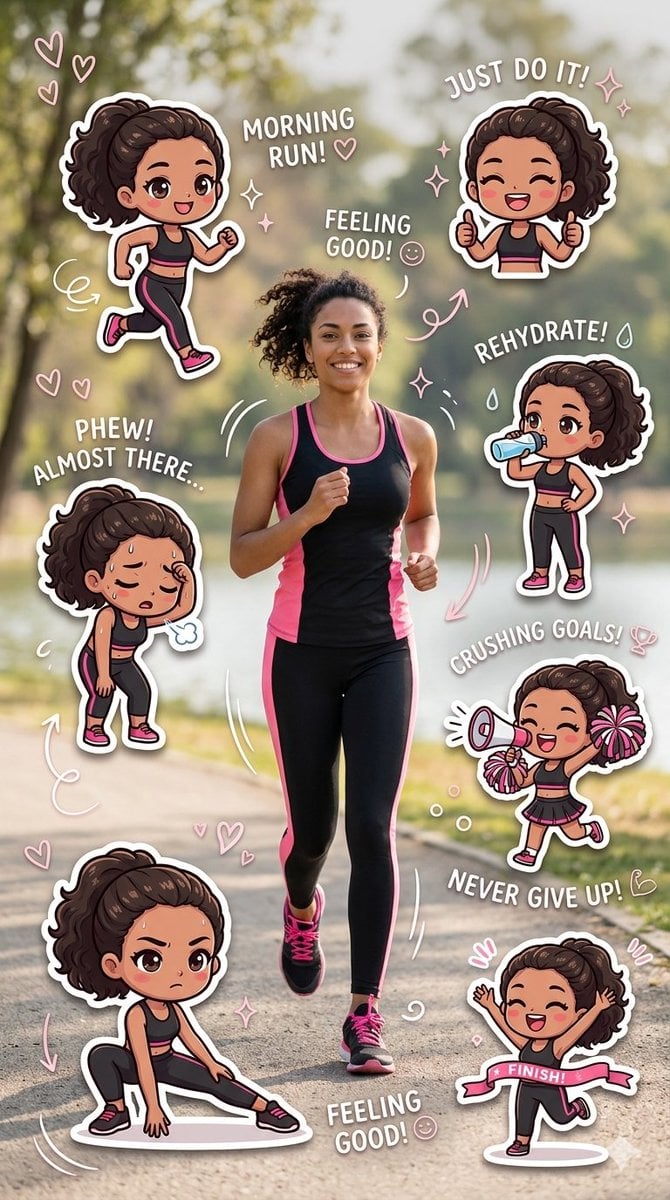
Fitness Journey Digital Collage
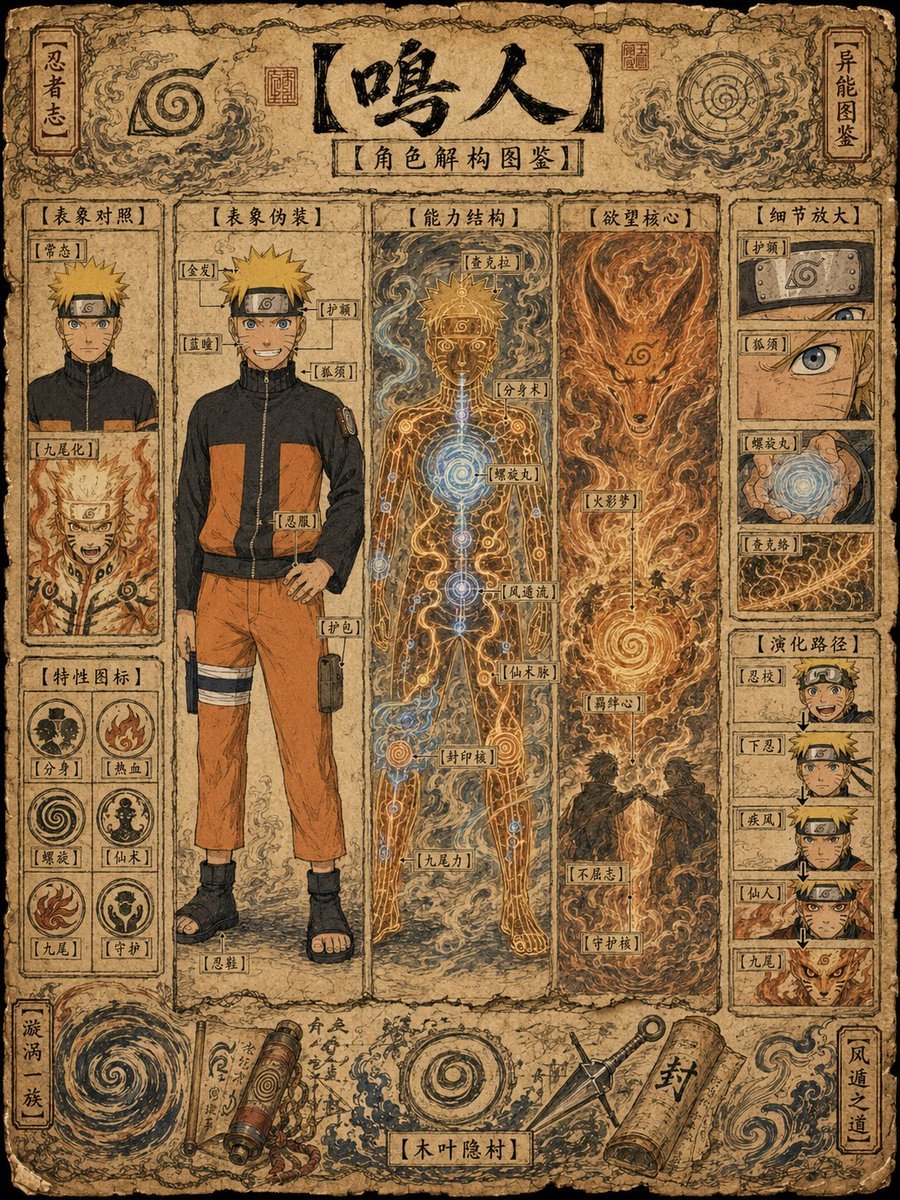
Ancient Ninja Character Anatomy Chart
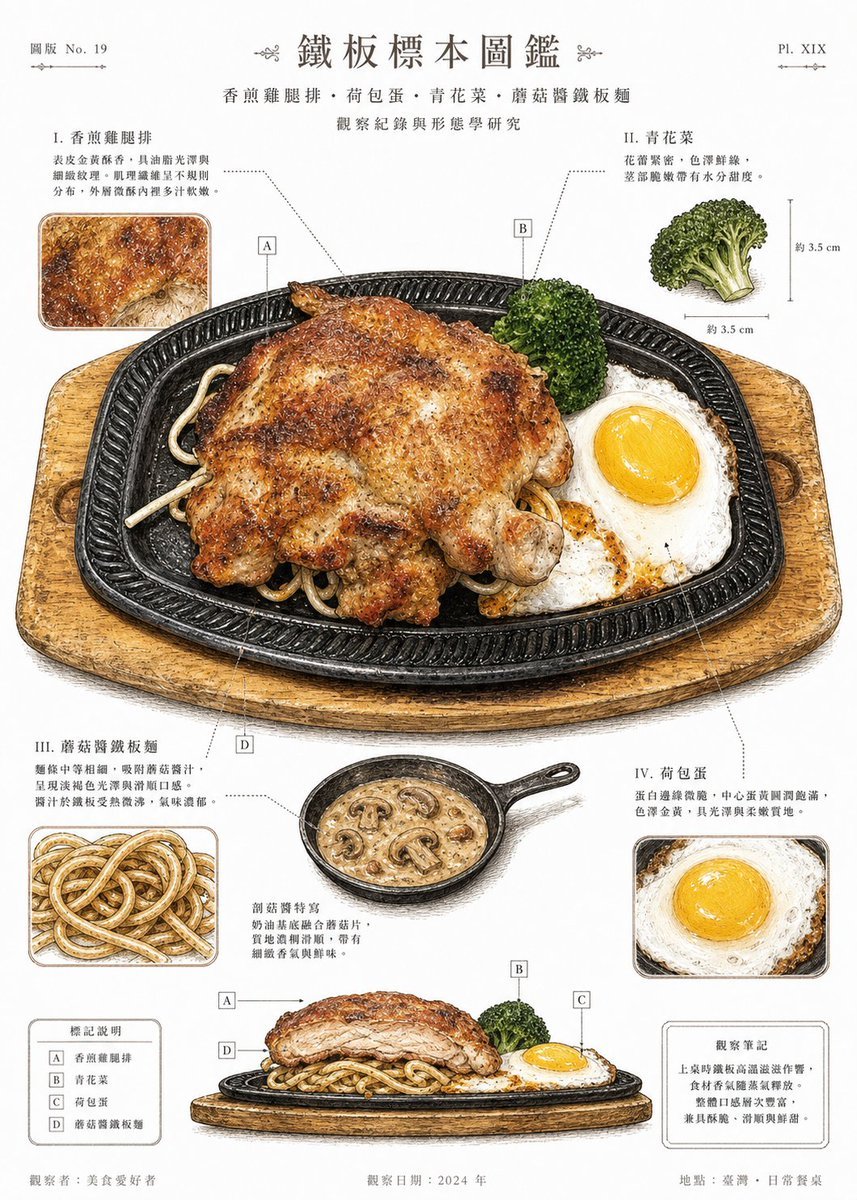
Vintage Teppan Meal Specimen Chart
Make it yours
Biomechanical Fitness Instructional Chart works as-is. These are the safest ways to change it without losing the look.
Change one field
Copy a single group, rewrite it, and generate again so you can see what that field is doing.
Keep the frame, change the subject
Hold the composition and light of Biomechanical Fitness Instructional Chart, then swap wardrobe, props or the person for a new take.
| If the result… | Why | Fix |
|---|---|---|
| The result drifts from the preview | Too many fields changed at once. | Reuse Biomechanical Fitness Instructional Chart as-is first, then change one group — subject, light, or setting. |
| The model over-stylizes the scene | The prose prompt leaves finish and camera underspecified. | Add one camera or lighting sentence and stay on GPT Image 2. |
More GPT Image 2 templates
Other prompts made for GPT Image 2.

Six VTuber Japanese Logo Sheet

Realistic Portrait of Woman and Deer

The Vista Modular Condo Poster

AI Model Routing Comparison Infographic

2.5D Anime Art Board

Isometric Productivity Desk Scene

New York Double Exposure Poster

Four-Panel AI Landscape Comparison

Japanese Tatami Lifestyle Magazine Cover

NESCAFÉ Coffee Map Poster
More image prompts
Fresh picks from across the catalog.
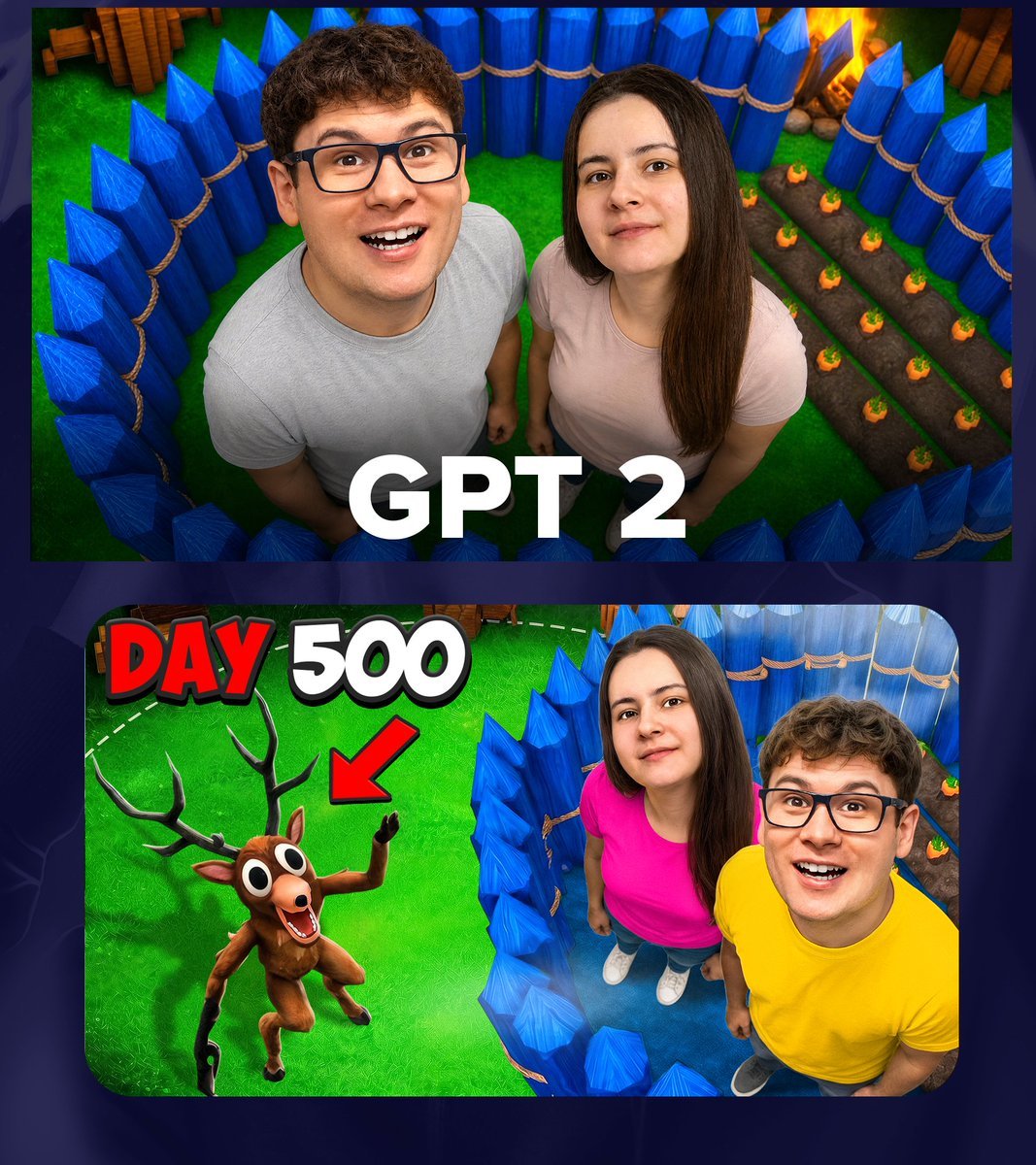
GPT 2 Day 500 Gaming Thumbnail
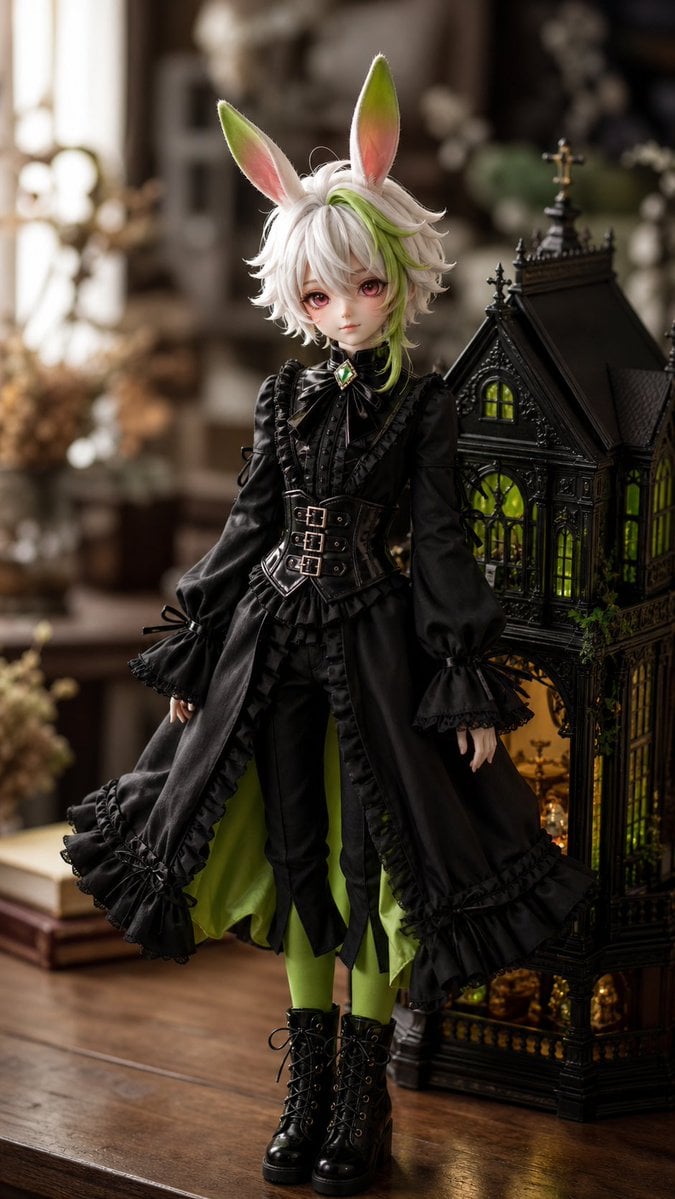
Character to Ball-Jointed Doll Conversion
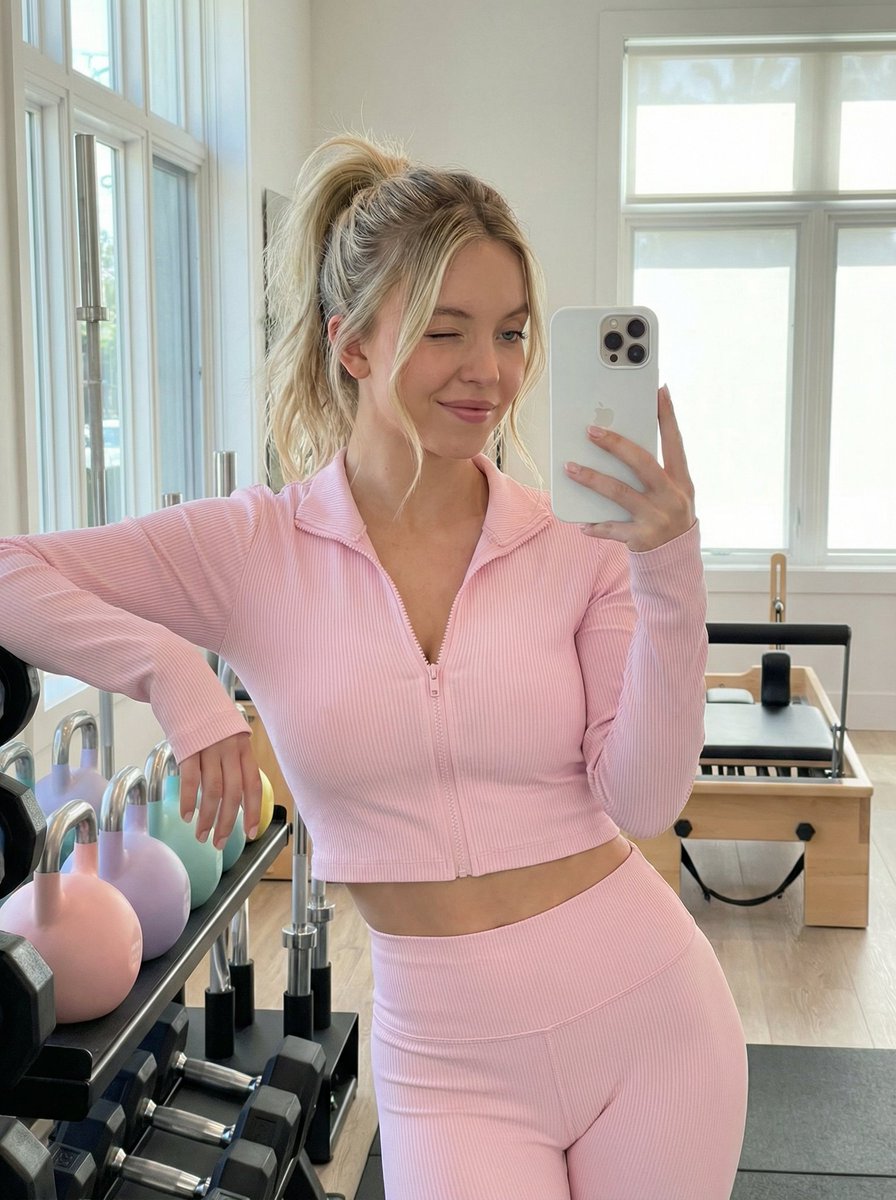
Gym Mirror Selfie Prompt
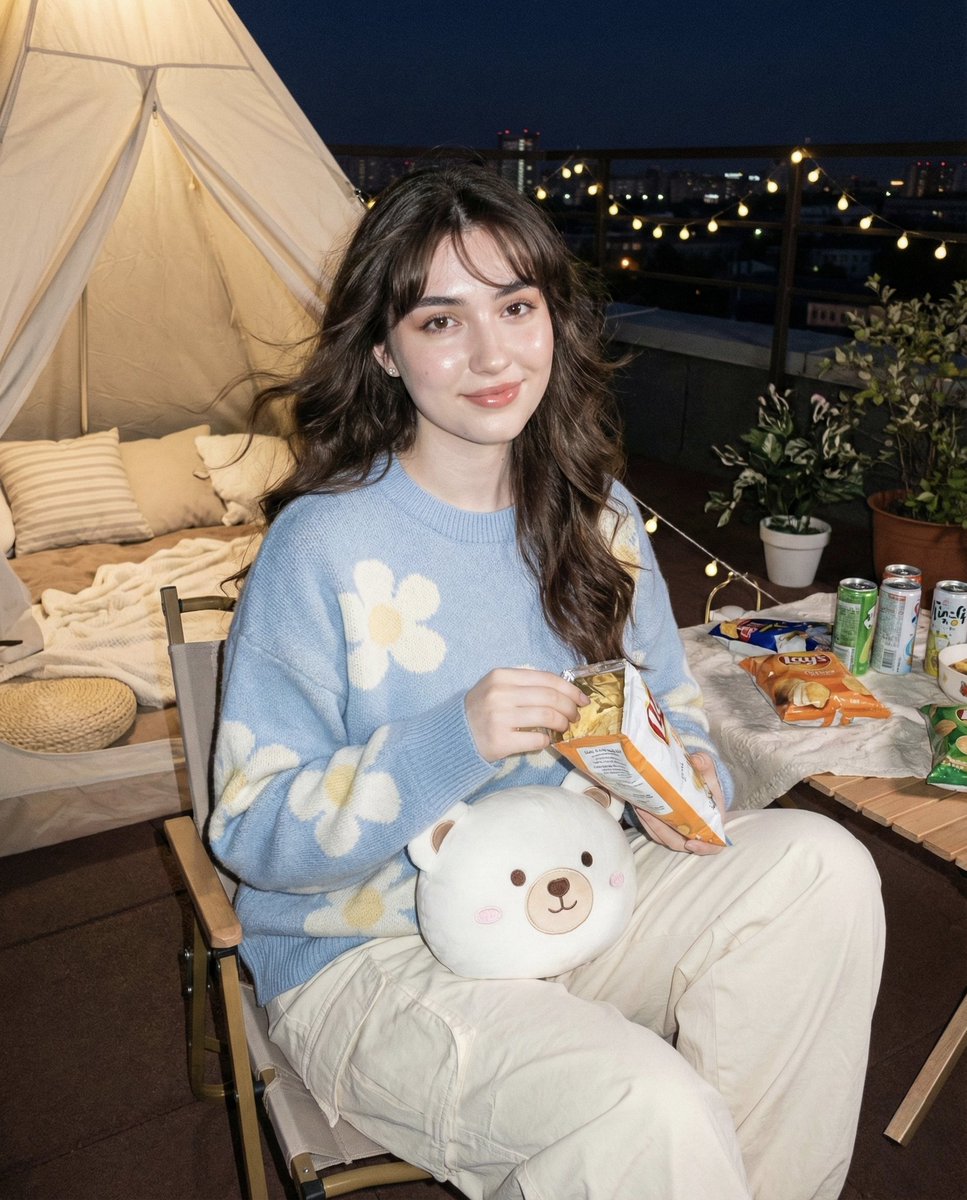
Hyper-realistic Nighttime Rooftop Portrait with Digital Camera Flash Effect
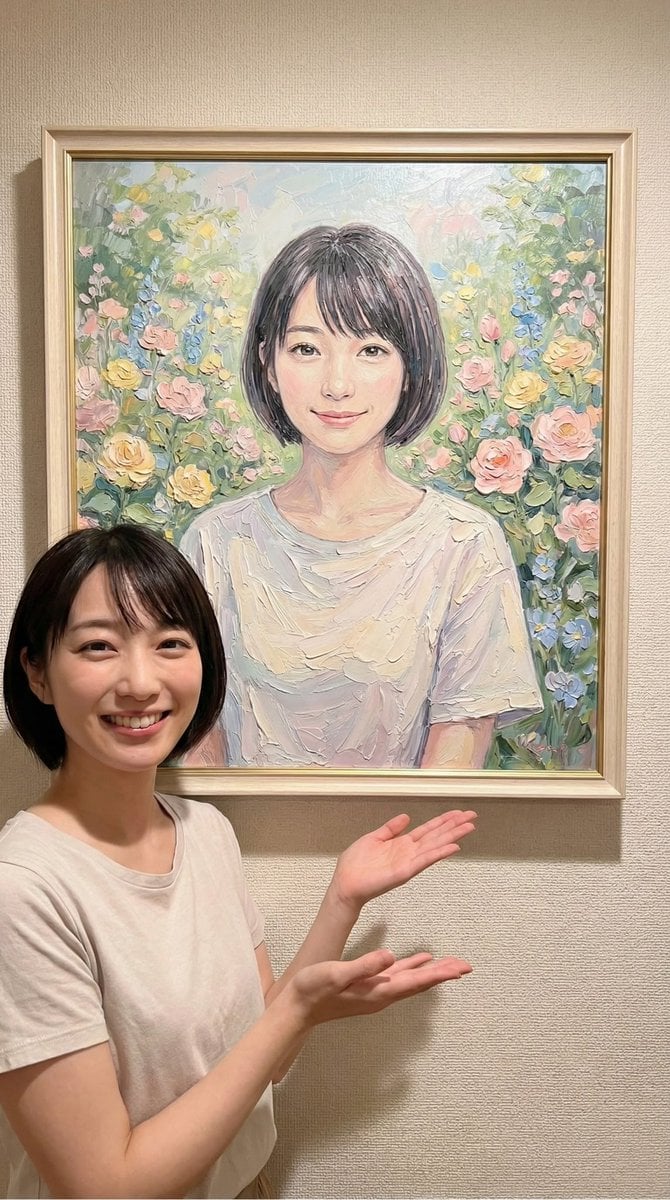
Image-to-Painting Reproduction Prompt

Commercial Product Advertising Illustration
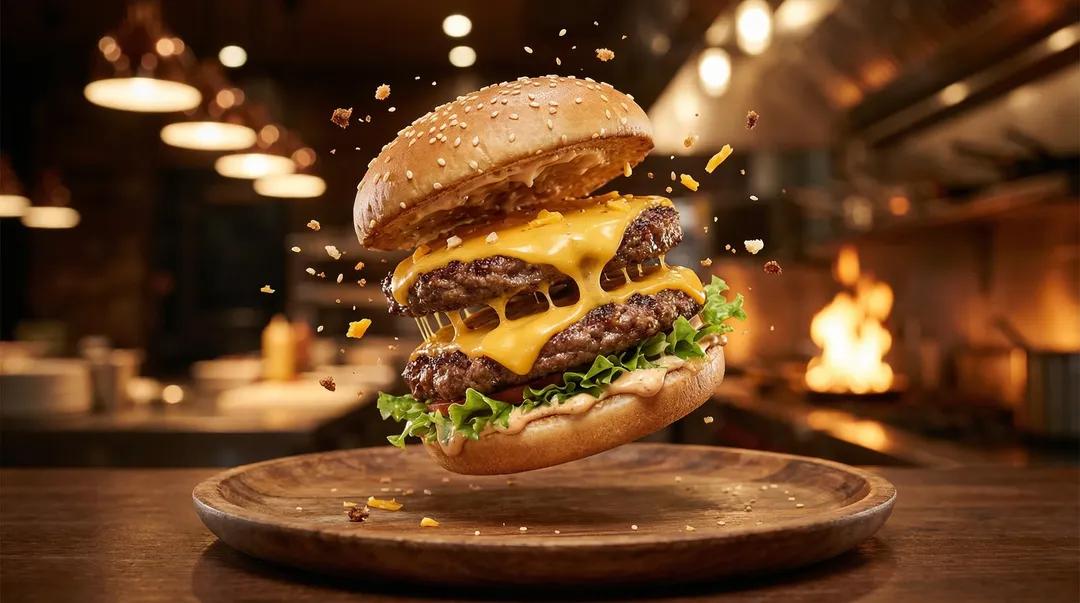
Exploding Ice Cream Cookie Sandwich
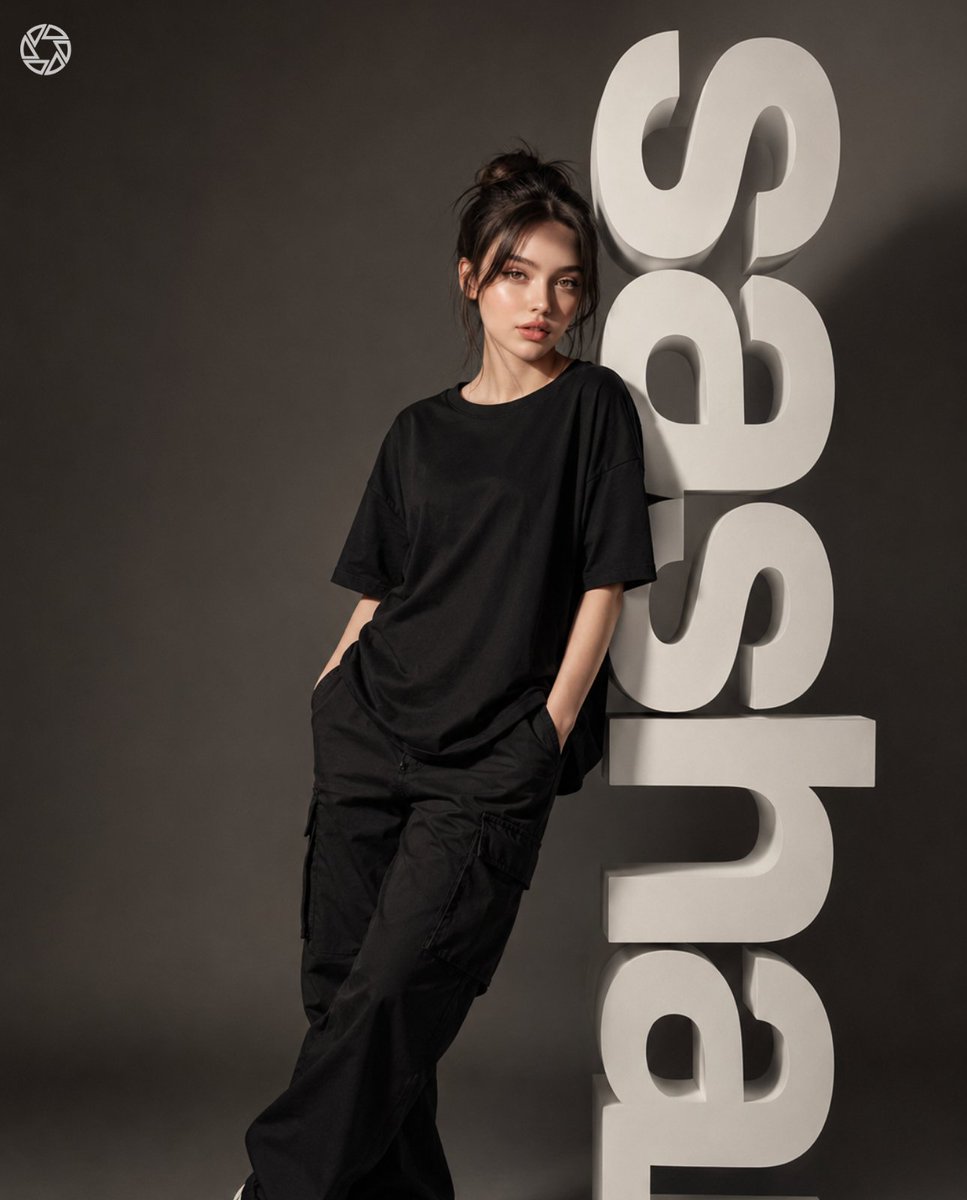
3D Block Letter Fashion Portrait

Teal and Orange Neon Urban Portrait
Ultra Realistic Juicy Cheeseburger
Browse template categories
Biomechanical Fitness Instructional Chart questions
How do I use the Biomechanical Fitness Instructional Chart template?
Add your photo if the template asks for one, edit the prompt if you like — the template's model and format are already selected — and press Generate. Your version opens in PicX Studio.
Can I customize the Biomechanical Fitness Instructional Chart template?
Yes. You can change the subject, setting, lighting, mood, format, and available model controls before creating your image.
Is the Biomechanical Fitness Instructional Chart template free?
Opening and editing this template is free. Generating uses credits, shown on the Generate button when you are signed in.
Which AI model should I use?
Start with GPT Image 2, which is the model associated with this template. You can compare another compatible model for a different finish.
Looking for something else? Browse all templates.

Your photo, any look
Thousands of ready templates for every top image and video model, from one credit balance.