How do I use the Fitness Campaign Studio Poster template?
Choose the primary action to open PicX Studio with the available template settings. Review the model and format, personalize the creative direction, and generate when ready.
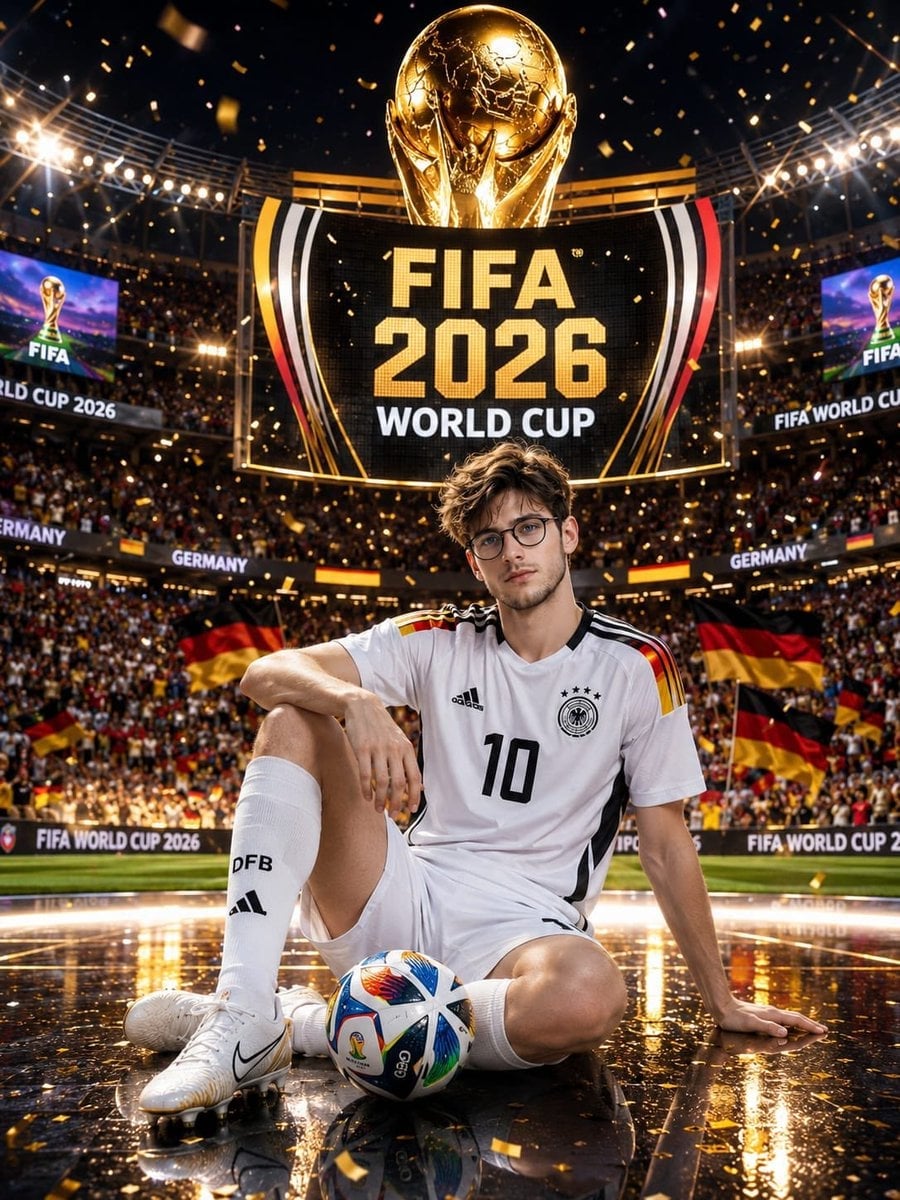
A professional studio fitness campaign poster prompt with dramatic lighting and custom face reference.
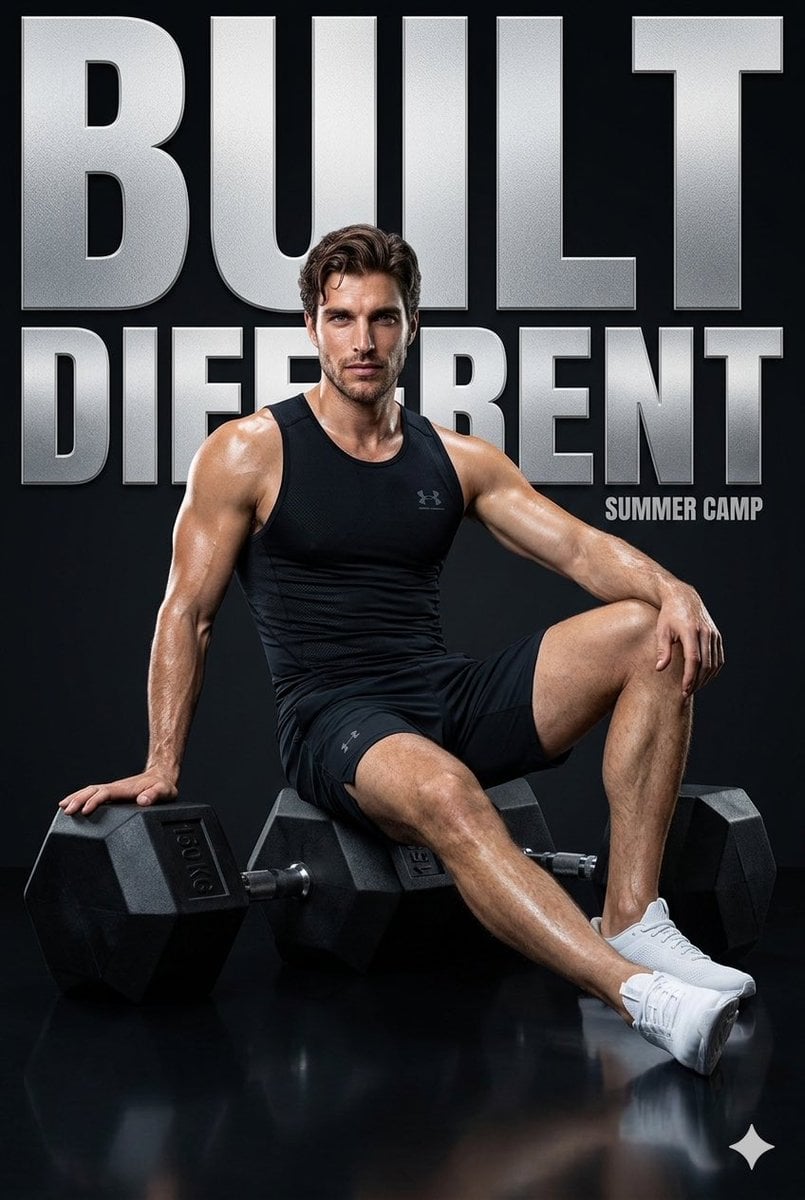
Ultra-realistic high-end fitness campaign poster featuring a {argument name="subject" default="young man"} (use my face), sharp jawline, confident intense expression, slightly sweaty skin with cinematic highlights. He is seated casually between {argument name="equipment" default="two oversized matte-black hex dumbbells (150 KG)"}, one arm resting on the weight, body slightly angled, legs extended in a relaxed but powerful pose. Outfit: premium performance wear, deep black compression tank with subtle texture, fitted athletic shorts, clean white trainers. Physique defined, lean muscular aesthetic. Background: bold minimal studio setup with a dark black backdrop and large oversized typography in the background reading “{argument name="slogan" default="BUILT DIFFERENT"}” in textured metallic silver. Lighting: dramatic studio lighting, strong key light from front-left, subtle rim light for edge separation, glossy floor reflection with soft highlights. Branding elements: minimal luxury branding inspired by Under Armour × Gymshark collaboration, small clean logo placement on outfit and bottom corner. Style: hyper-detailed, commercial-grade, ultra-sharp, 8K, cinematic contrast, magazine cover quality. Composition: low-angle perspective to enhance dominance, centered framing, high contrast black, silver, and white palette.
Choose the primary action to open PicX Studio with the available template settings. Review the model and format, personalize the creative direction, and generate when ready.
Yes. You can change the subject, setting, lighting, mood, format, and available model controls before creating your image.
This template is free to open and customize. Generation usage is shown in PicX Studio before you create.
Start with Nano Banana 2, which is the model associated with this template. You can compare another compatible model for a different finish.
Follow a topic to a crawlable collection of related PicX Studio templates.