
Photorealistic Watermelon Carving of an Original Character (OC)
A detailed image generation prompt for Nano Banana Pro that creates a photorealistic image of a whole watermelon carved in the intricate Thai fruit carving style, featuring an Original Character (OC) design.
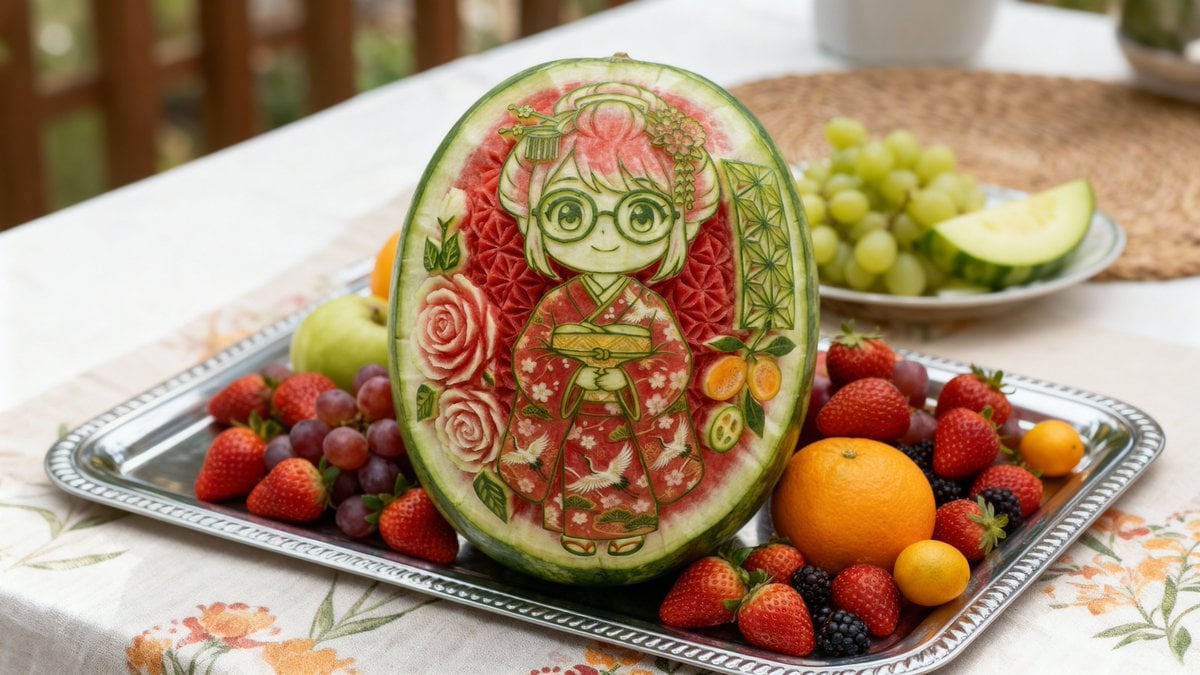
- Prompt included
- Model and format preset
- Premium template
The prompt behind this image
Copy the exact prompt behind Photorealistic Watermelon Carving of an Original Character (OC), or open it in the studio and make it yours.
キャラクター設定(ここを変更してください) ※以下の{参照キャラクターの説明}の部分に、描きたいキャラクターの特徴を入力してください。 設定: {参照キャラクターの説明}: {argument name="キャラクターの特徴" default="茶色の髪、短いツインテール、赤い瞳、少し尖った歯(ギザ歯)。"} 生成用プロンプト(画像生成AIに入力する文章) ※上記の{参照キャラクターの説明}の内容を含めて、以下のプロンプトを使用してください。 プロンプト: (masterpiece, best quality, photorealistic:1.3), [ {argument name="キャラクターの特徴" default="茶色の髪、短いツインテール、赤い瞳、少し尖った歯(ギザ歯)。"} ] が中央に彫刻された丸ごとのスイカ, (oblique angle:1.4), (3/4 view:1.3), (side view:1.2), スイカを斜め前から捉えた構図, ヘタは見えない, (Intricate Thai fruit carving style:1.4), (sculpted eyes made of watermelon skin:1.6), (eyes are expressed only by carving lines and negative space:1.5), (no color in eyes, monochromatic eyes:1.5), 目の部分は皮の削り残しと白い部分の段差のみで表現, 瞳の色は無くスイカの素材そのものの色, (deep carving exposing red flesh in the background patterns:1.5), 模様部分には深く彫り込まれた赤い果肉のグラデーション, 緑の皮・白い中果皮・赤い果肉の3色のコントラスト, キャラクターの顔の周りを囲むような優雅なバラや幾何学模様のレリーフ,唐草模様と花の彫刻, 緑色の皮と白い層のコントラストを活かした立体的な渦巻き模様, 職人技, 彫刻刀の質感, テーブルクロスの上の銀製のお盆に置かれている, スイカの周りには新鮮なイチゴ、ブドウ、オレンジ、ベリーなどの様々なフルーツが豪華に配置されている, 被写界深度, 明るい自然光, 鮮やかな色彩, クローズアップ, 高解像度写真, 8k ネガティブプロンプト(除外したい要素) ネガティブプロンプト: (stem:1.5),iris, pupil color, makeup, painted, skin tone, colored hair, illustration, drawing, 2d, smooth skin, plain watermelon skin, simple background, text, watermark, low quality
How to use Photorealistic Watermelon Carving of an Original Character (OC) in 3 steps
- 1
Open
The prompt is already in the box next to the preview, with the template's model and format selected.
- 2…a portrait of your subject in softgolden-hour light, 85mm…
Personalize
Edit the subject and creative details for your destination.
- 3Generate
Generate
Press Generate — your image is created in PicX Studio, so you can compare it with the original and refine one variable at a time.
More like this
Templates with the same subject, style or setup. Open one to see its prompt.
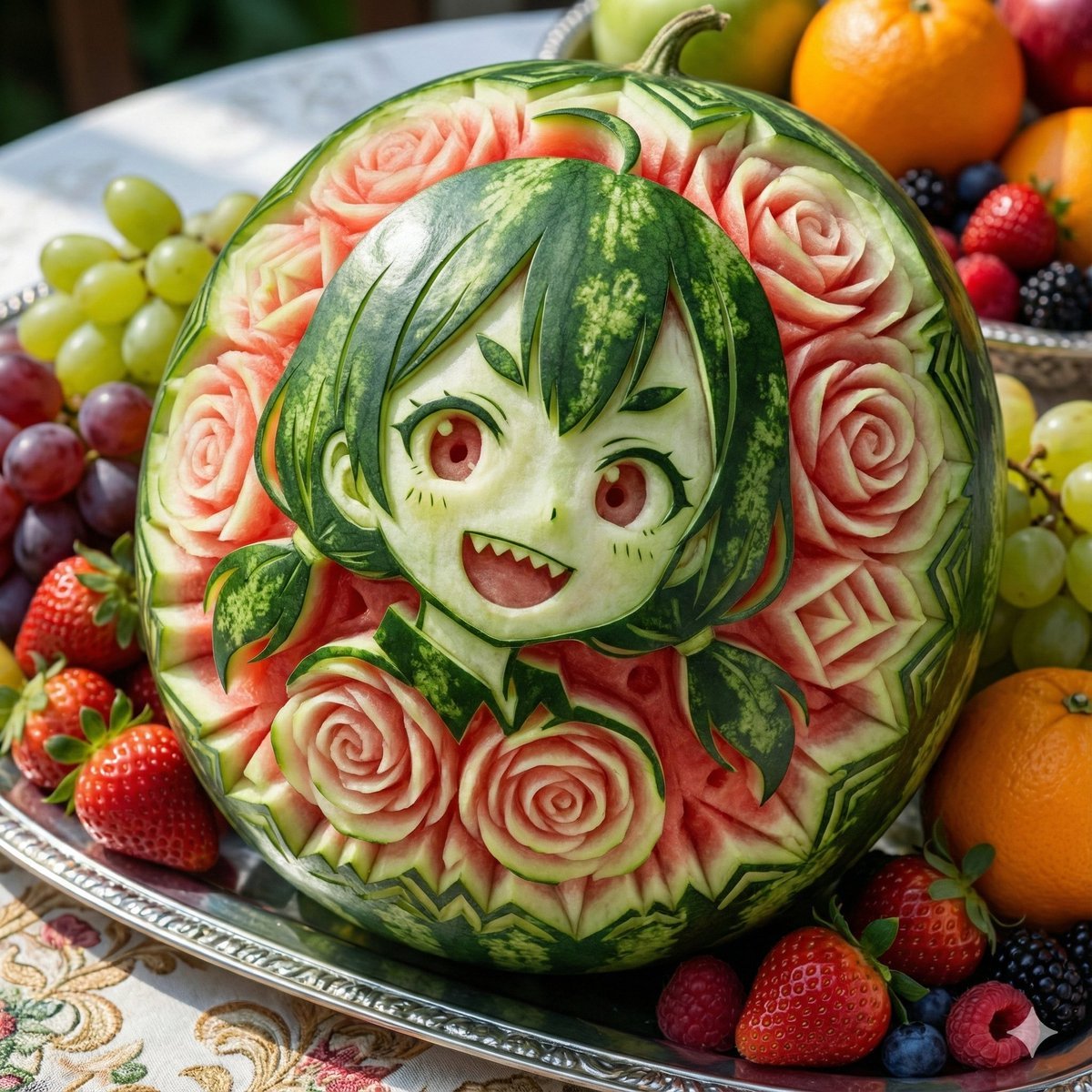
Photorealistic Watermelon Fruit Carving Prompt

Cozy Knit Sweater Window Portrait

Gen Z Triple Selfie Collage — Y2K Flash Photography

Mountain Lake Sunset Landscape

Cinematic Destination Letter Panel Poster

Spider-Man Rooftop Golden Hour Cinematic Photo

Face-Locked Train Window Lifestyle Portrait

Face-Locked Cream Half-Zip Street Walk

Luxury Toothpaste Commercial Storyboard

Unfinished Sketch Comes Alive Portrait

Open Travel Journal Overhead Still Life

Face-Locked City Skyline Double Exposure
Make it yours
Photorealistic Watermelon Carving of an Original Character (OC) works as-is. These are the safest ways to change it without losing the look.
Change one field
Copy a single group, rewrite it, and generate again so you can see what that field is doing.
Keep the frame, change the subject
Hold the composition and light of Photorealistic Watermelon Carving of an Original Character (OC), then swap wardrobe, props or the person for a new take.
| If the result… | Why | Fix |
|---|---|---|
| The result drifts from the preview | Too many fields changed at once. | Reuse Photorealistic Watermelon Carving of an Original Character (OC) as-is first, then change one group — subject, light, or setting. |
| The model over-stylizes the scene | The prose prompt leaves finish and camera underspecified. | Add one camera or lighting sentence and stay on Nano Banana 2. |
More Nano Banana 2 templates
Other prompts made for Nano Banana 2.

Photorealistic Leaf Shaped Like a Dragon

K-Pop Idol Portrait Grid for Rapid Selection

Poetic Rain Forest Portrait During Golden Hour

Urban Street Portrait with Cartoon Inner Self Duo

Candid Nighttime Photo with Cat Prompt

High-Concept 3D Diorama Generation Prompt

Cinematic Futuristic Studio Portrait Template

Skincare Editorial Photography Collage Prompt

Hyper-Realistic Commercial Product Photography (Splash Effect)

Hyper-Realistic Nightclub Portrait Prompt
More image prompts
Fresh picks from across the catalog.
Commercial Sports Campaign Photography Prompt
Fire Cooking Photography with Ember and Smoke
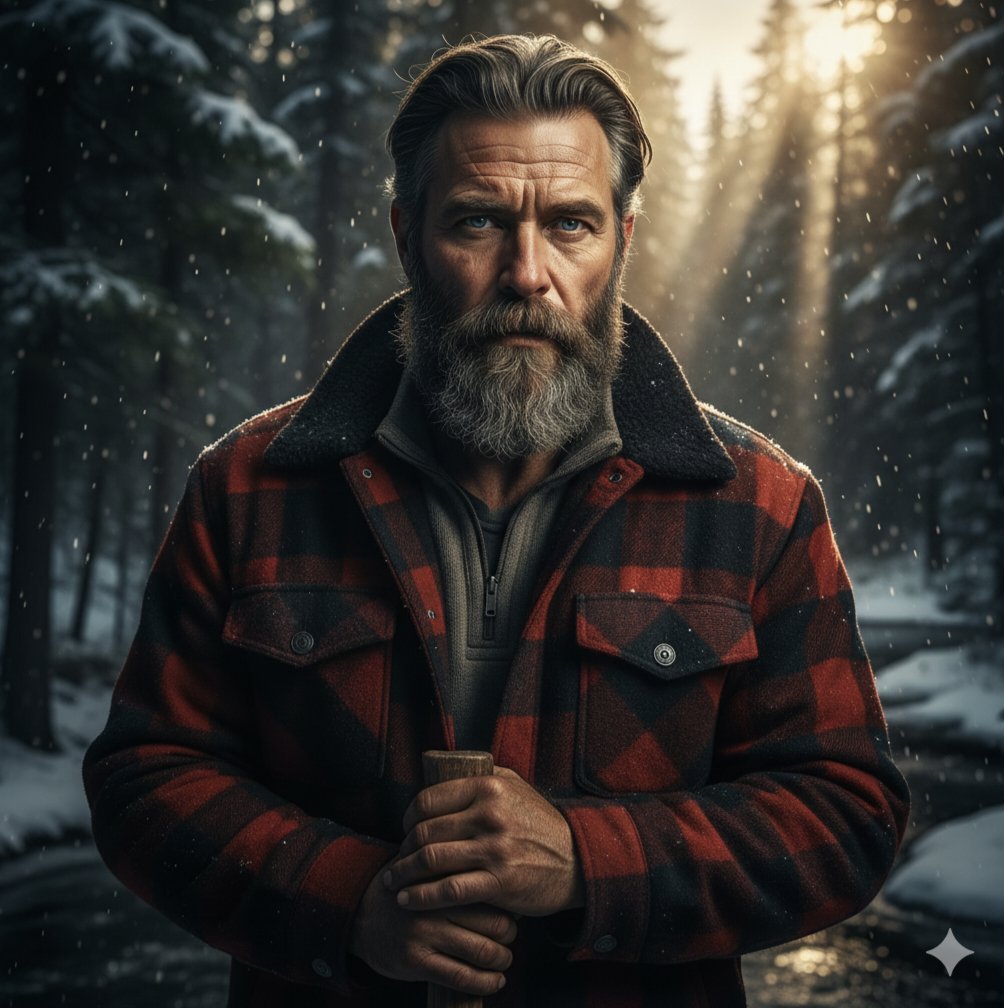
Cinematic Lumberjack Portrait Prompt
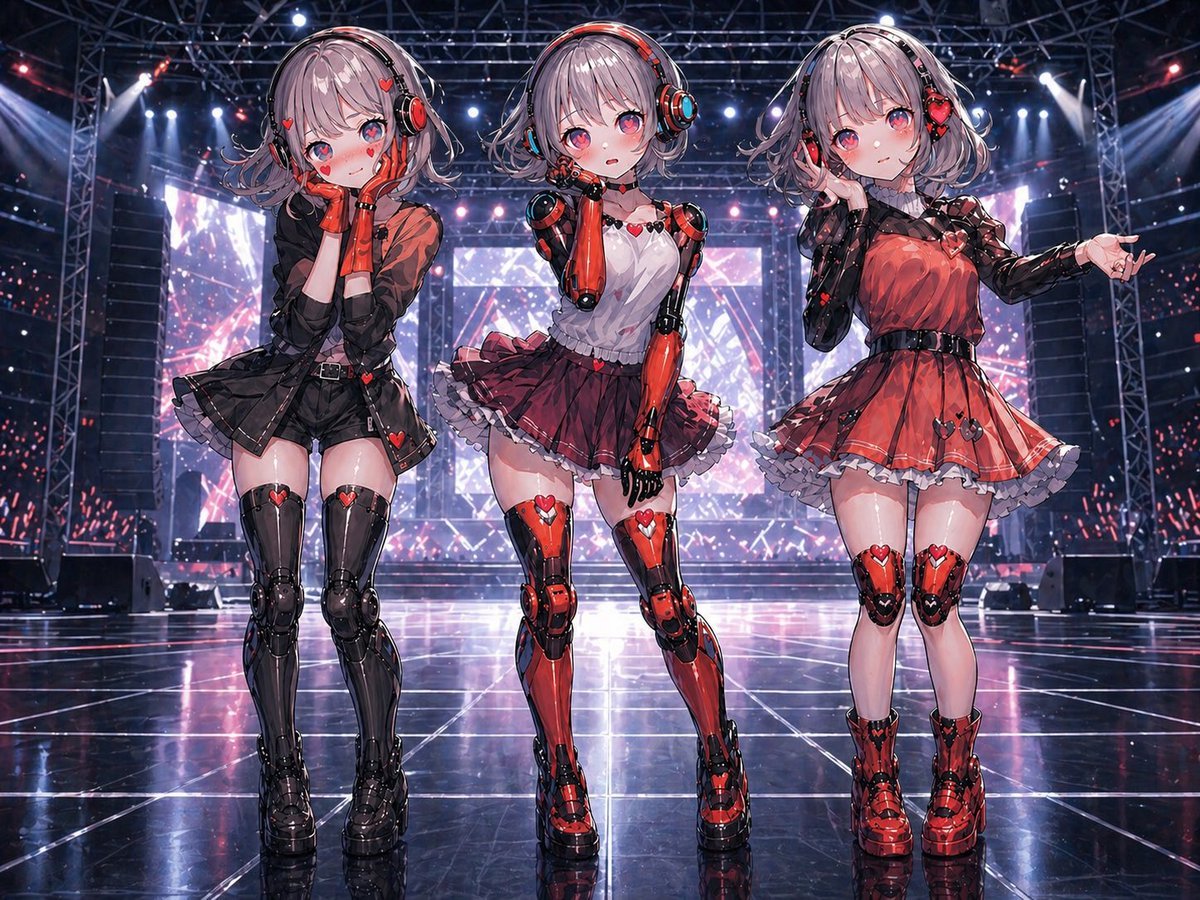
Three Android Idol Girls on Concert Stage
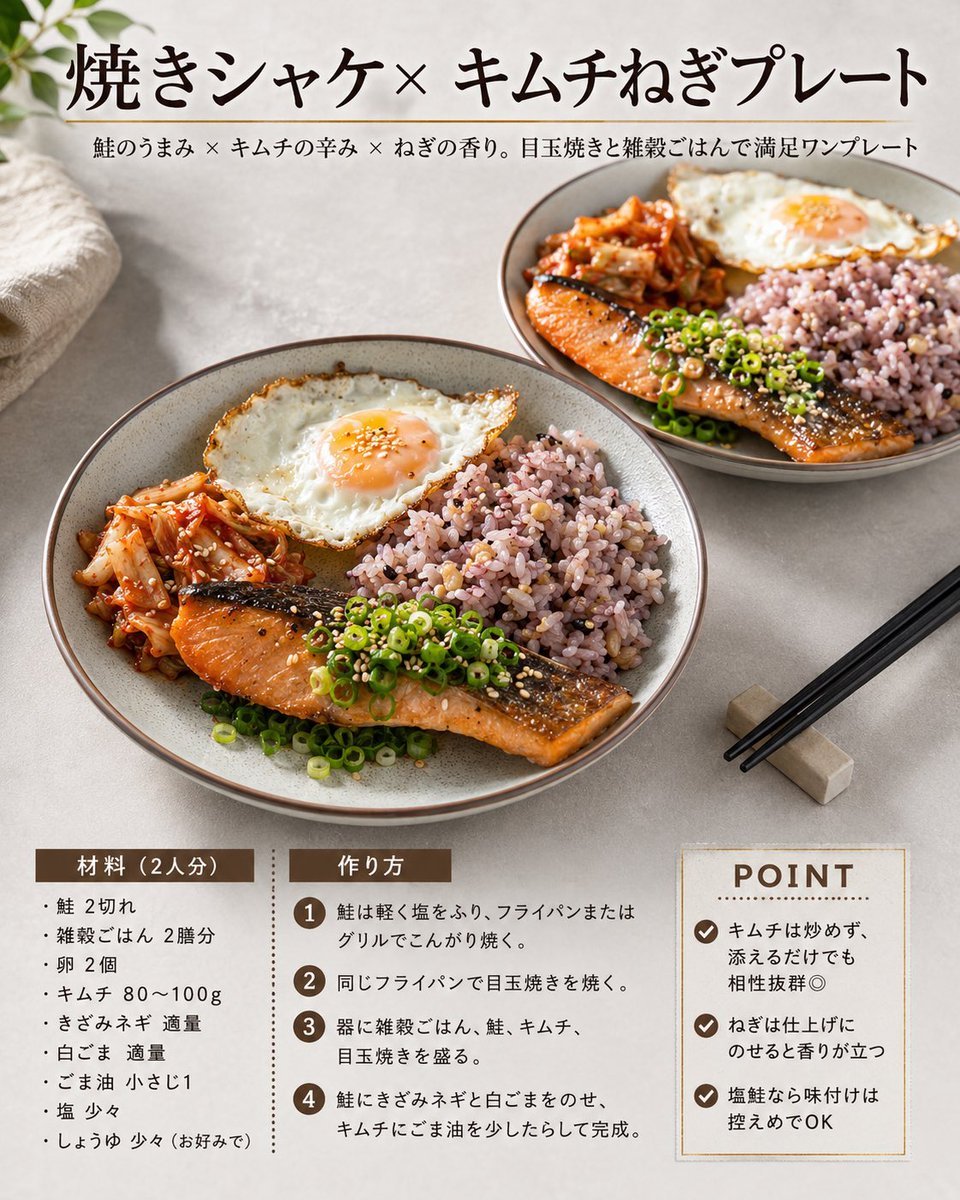
Japanese Salmon Kimchi Recipe Card

Couple Goals from the Google Gemini Nano
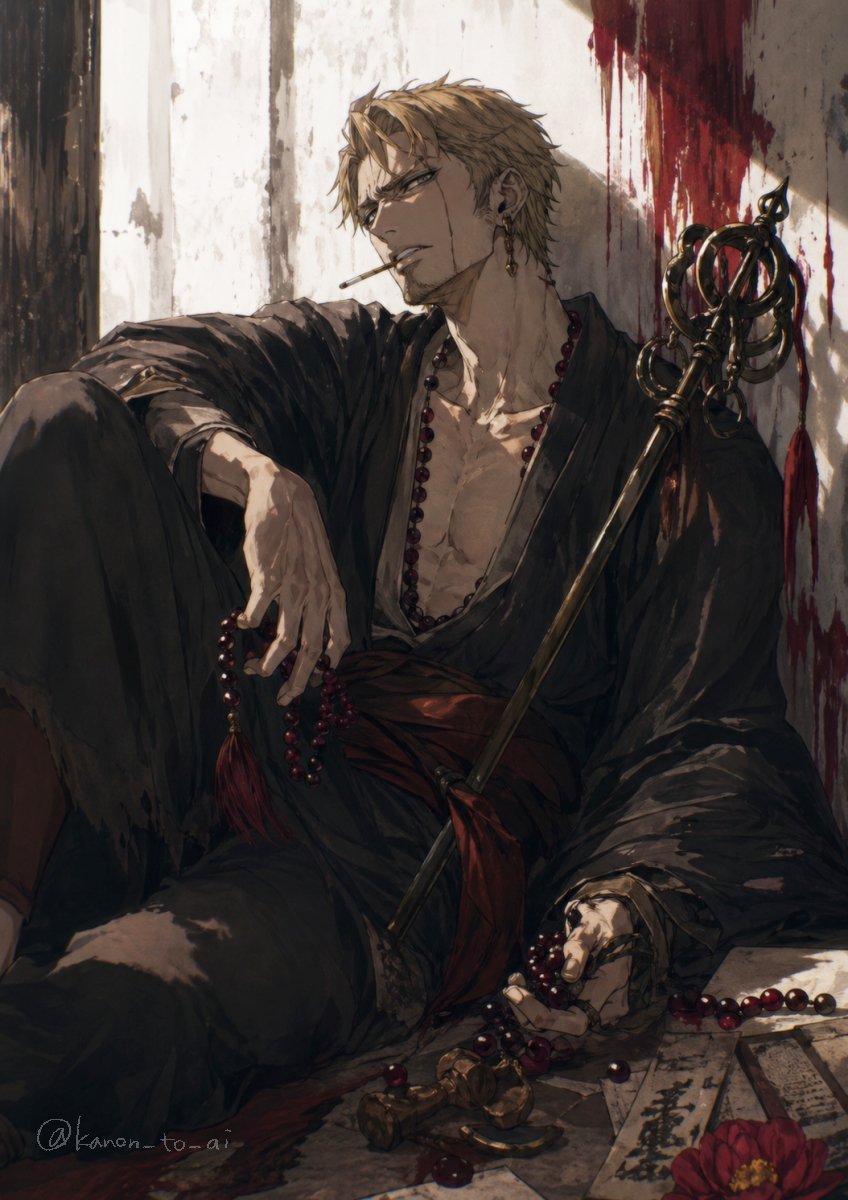
Dark Fantasy Wounded Monk Portrait
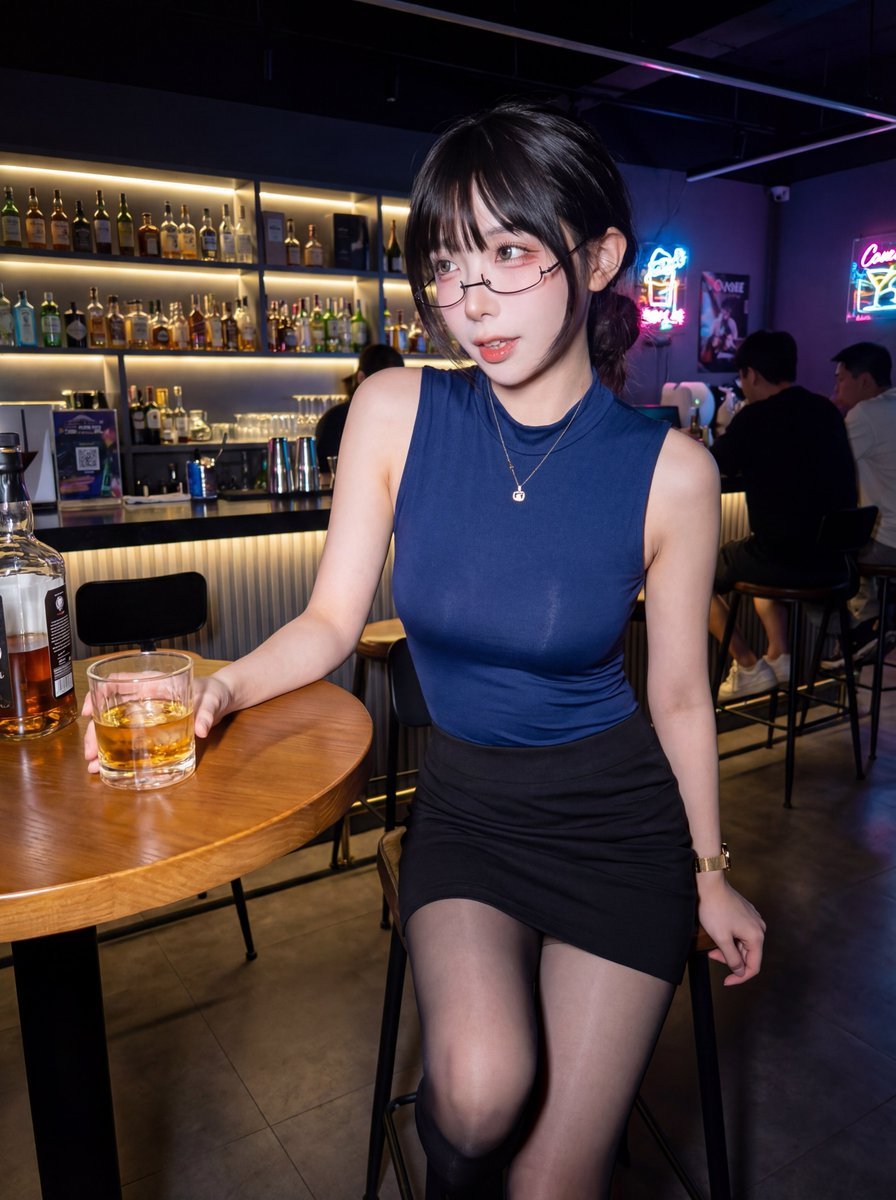
Professional ID Photo Generation Prompt for Nano Banana 2
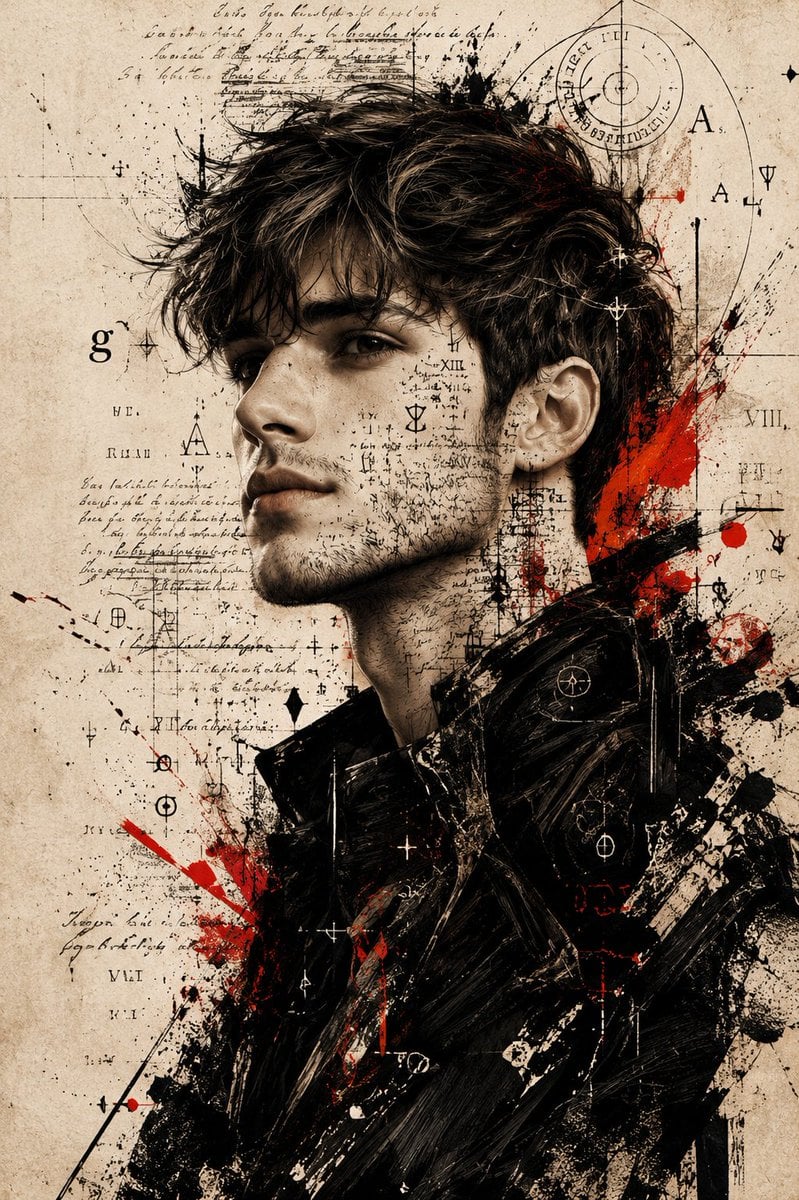
Expressive Mixed-Media Ink Portrait
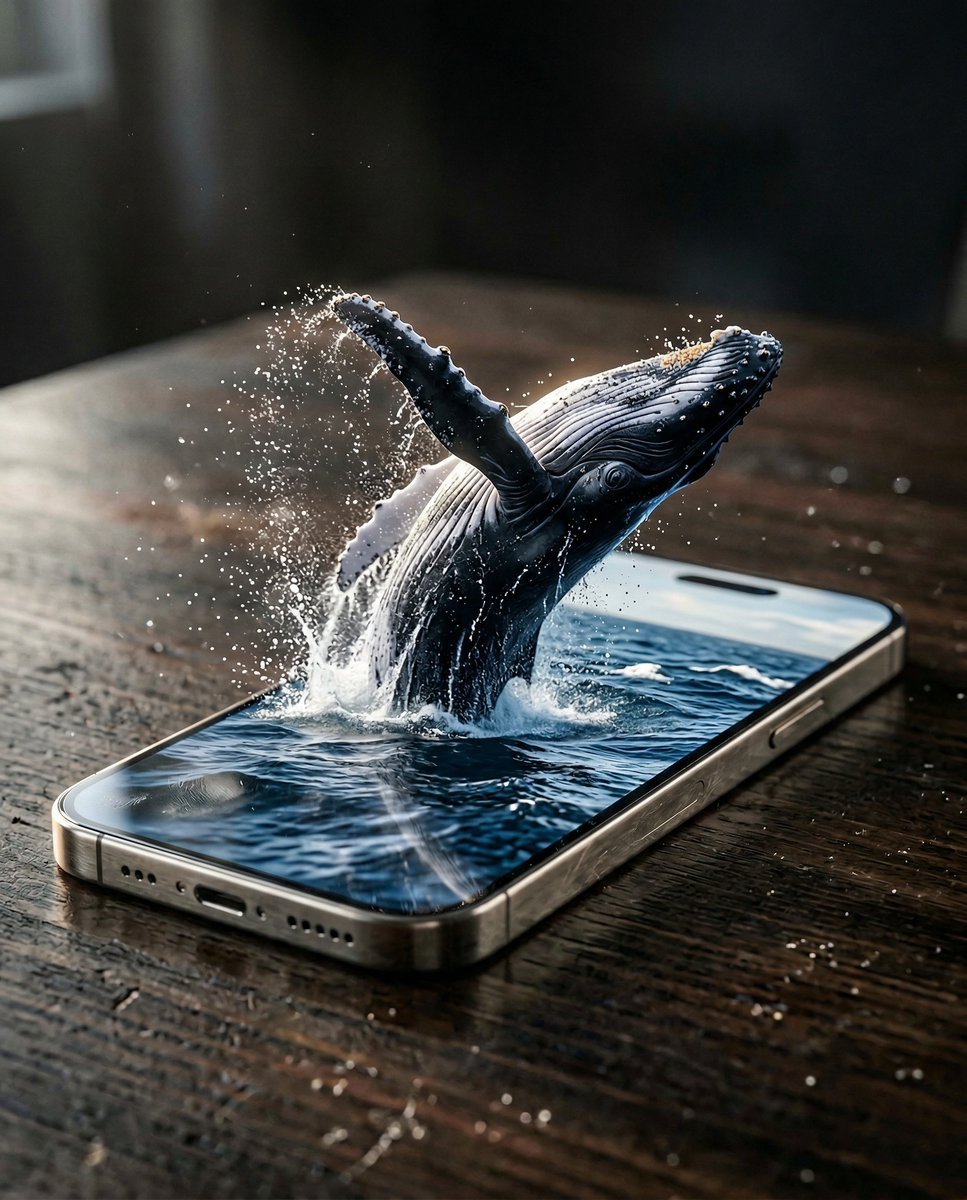
Hyper-Realistic iPhone Whale Breach Scene
Browse template categories
Photorealistic Watermelon Carving of an Original Character (OC) questions
How do I use the Photorealistic Watermelon Carving of an Original Character (OC) template?
Add your photo if the template asks for one, edit the prompt if you like — the template's model and format are already selected — and press Generate. Your version opens in PicX Studio.
Can I customize the Photorealistic Watermelon Carving of an Original Character (OC) template?
Yes. You can change the subject, setting, lighting, mood, format, and available model controls before creating your image.
Is the Photorealistic Watermelon Carving of an Original Character (OC) template free?
Opening and editing this template is free. Generating uses credits, shown on the Generate button when you are signed in.
Which AI model should I use?
Start with Nano Banana 2, which is the model associated with this template. You can compare another compatible model for a different finish.
Looking for something else? Browse all templates.

Your photo, any look
Thousands of ready templates for every top image and video model, from one credit balance.