
Hyper-Realistic iPhone Whale Breach Scene
A complex, highly detailed prompt for a hyper-realistic 8K image featuring an iPhone screen magically transforming into a miniature ocean scene where a humpback whale is frozen mid-breach.
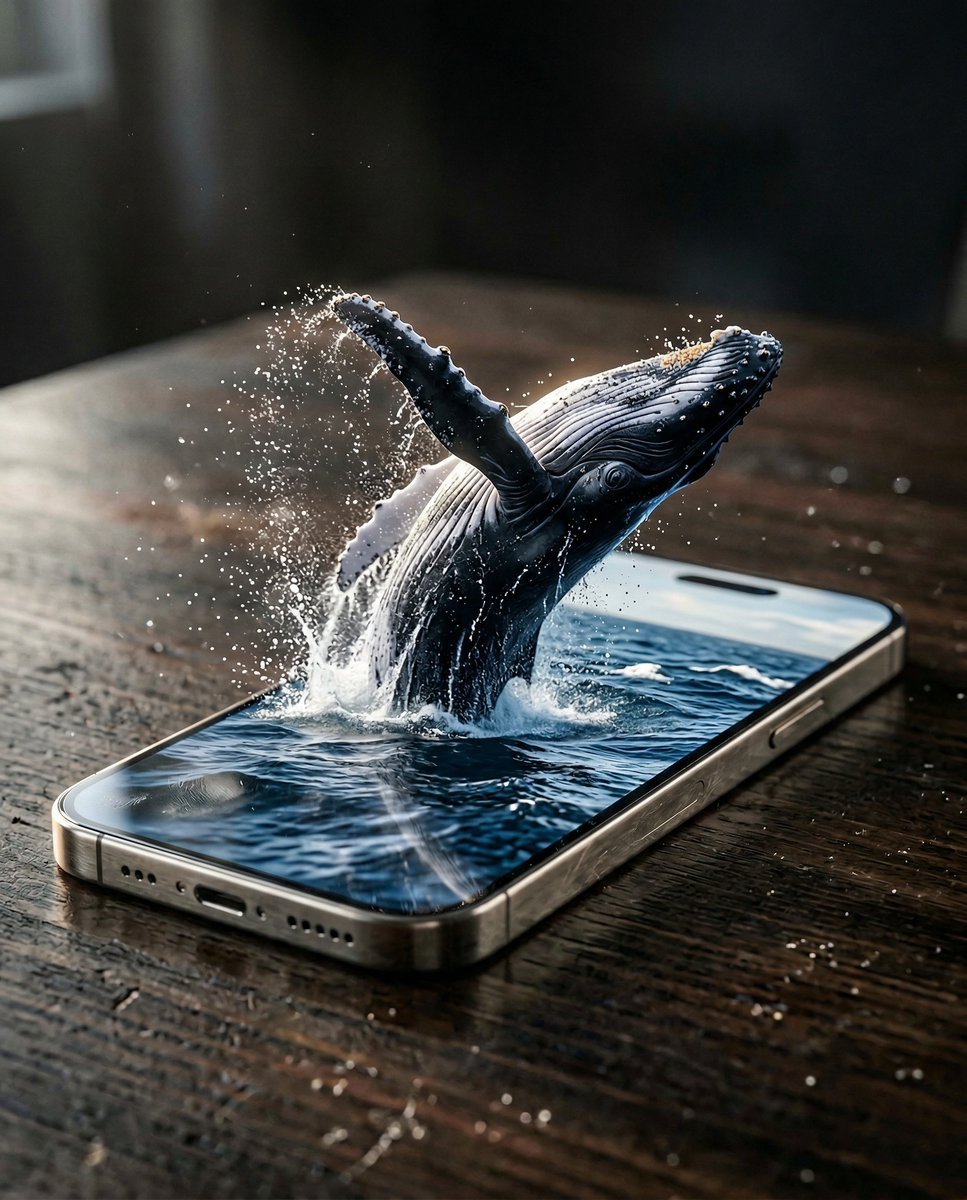
- Prompt included
- Model and format preset
- Premium template
The prompt behind this image
Copy the exact prompt behind Hyper-Realistic iPhone Whale Breach Scene, or open it in the studio and make it yours.
Hyper-realistic, 8K DSLR quality, 4:5 aspect ratio, low-angle cinematic shot slightly tilted, 85mm lens, very shallow depth of field, razor sharp focus on the iPhone screen and the breaching whale inside it Scene: Premium iPhone 17 Pro Max placed flat on a dark textured wooden table in an indoor studio, directional soft daylight from the left creating dramatic shadows and highlights, ultra-cinematic mood with intense dramatic tension before the peak of the breach The smartphone screen magically transforms into a miniature ocean surface world strictly contained within the display borders: deep blue ocean water filling the entire screen up to the surface, realistic rippling waves and small whitecaps on the water surface, no deep underwater view visible – only the surface and sky reflection at the top edge of the screen, subtle horizon line implied A single majestic humpback whale frozen mid-breach right at the peak moment inside the screen: relatively small scale compared to the phone size (miniature but powerfully detailed), body partially out of the water launching upward, flukes (tail) powerfully slapping the surface sending water exploding in dramatic arcs, pleated throat expanded, knobbly tubercles on head clearly visible, glossy wet black skin with water streaming off, intelligent eye catching light, water droplets and spray frozen in motion blur but all strictly contained within the screen edges – no overflow outside the display Cinematic strong rim light and backlight dramatically outlining the whale against the ocean surface and sky, subtle lens flares from sunlight hitting wet skin and splashes, dynamic water explosion with realistic droplets catching the light, caustics faintly visible just below the surface ripple Realism micro-details: subtle realistic finger smudges and glossy reflections on the glass screen tiny premium scratches on the titanium frame floating dust motes in the air catching the directional light screen's own glow softly reflecting off the whale's wet skin, splashing water droplets, and wave surfaces inside the miniature scene Phone materials: brushed metallic premium frame with rich specular highlights and subtle color shifts Table: dark rich wood with visible natural grain and faint wear marks Mood: high-end luxury brand commercial meets epic nature moment, majestic power in miniature scale, awe-inspiring, intense cinematic premium aesthetic, sense of contained wild energy inside a sleek device maximum photorealism, extreme micro texture detail on whale skin, water splashes, waves and caustics, cinema-grade lighting and sharpness, 8K hyper-detailed render
How to use Hyper-Realistic iPhone Whale Breach Scene in 3 steps
- 1
Open
The prompt is already in the box next to the preview, with the template's model and format selected.
- 2…a portrait of your subject in softgolden-hour light, 85mm…
Personalize
Edit the subject and creative details for your destination.
- 3Generate
Generate
Press Generate — your image is created in PicX Studio, so you can compare it with the original and refine one variable at a time.
More like this
Templates with the same subject, style or setup. Open one to see its prompt.

4x4 Grid - Candid Nostalgic Vacation Selfies

Outdoor Cafe Portrait — White Ruched Top Nano Banana

Tropical Hammock Latte — Nano Banana iPhone Style

Coastal Bench Portrait — Navy Floral Sundress

Nano Banana - Peace Sign Bedroom Selfie
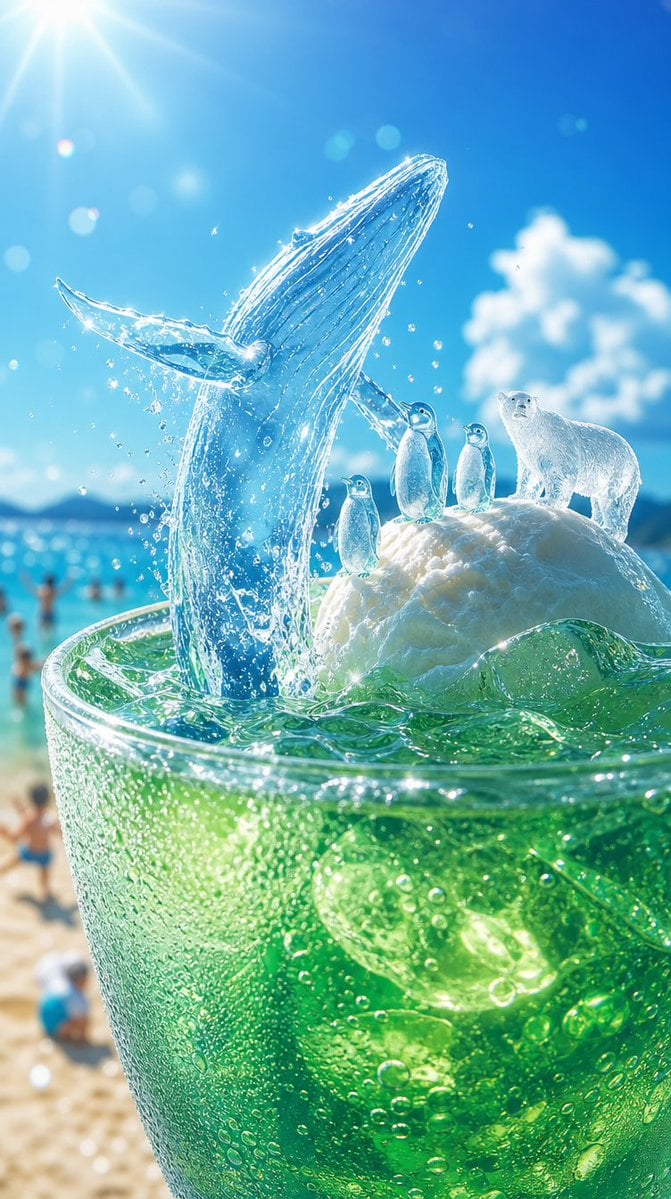
Icy Whale Summer Soda
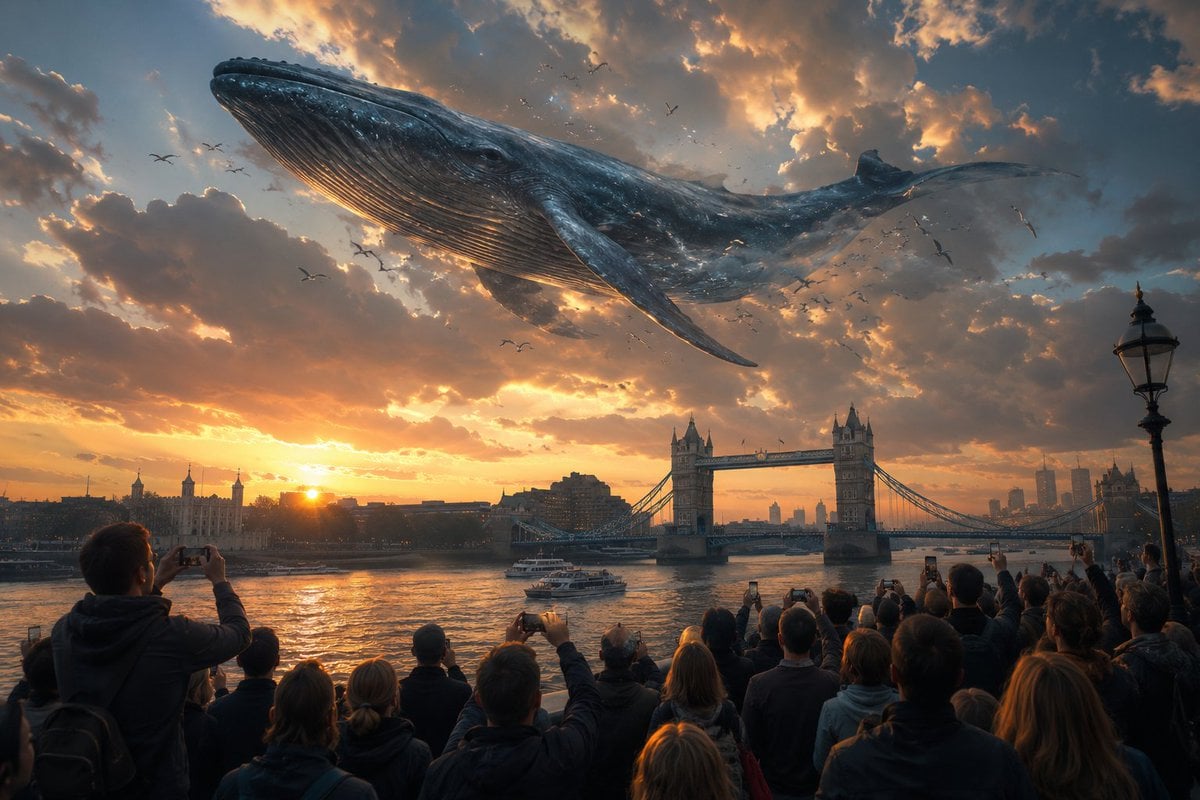
Cinematic Whale over London Sunset
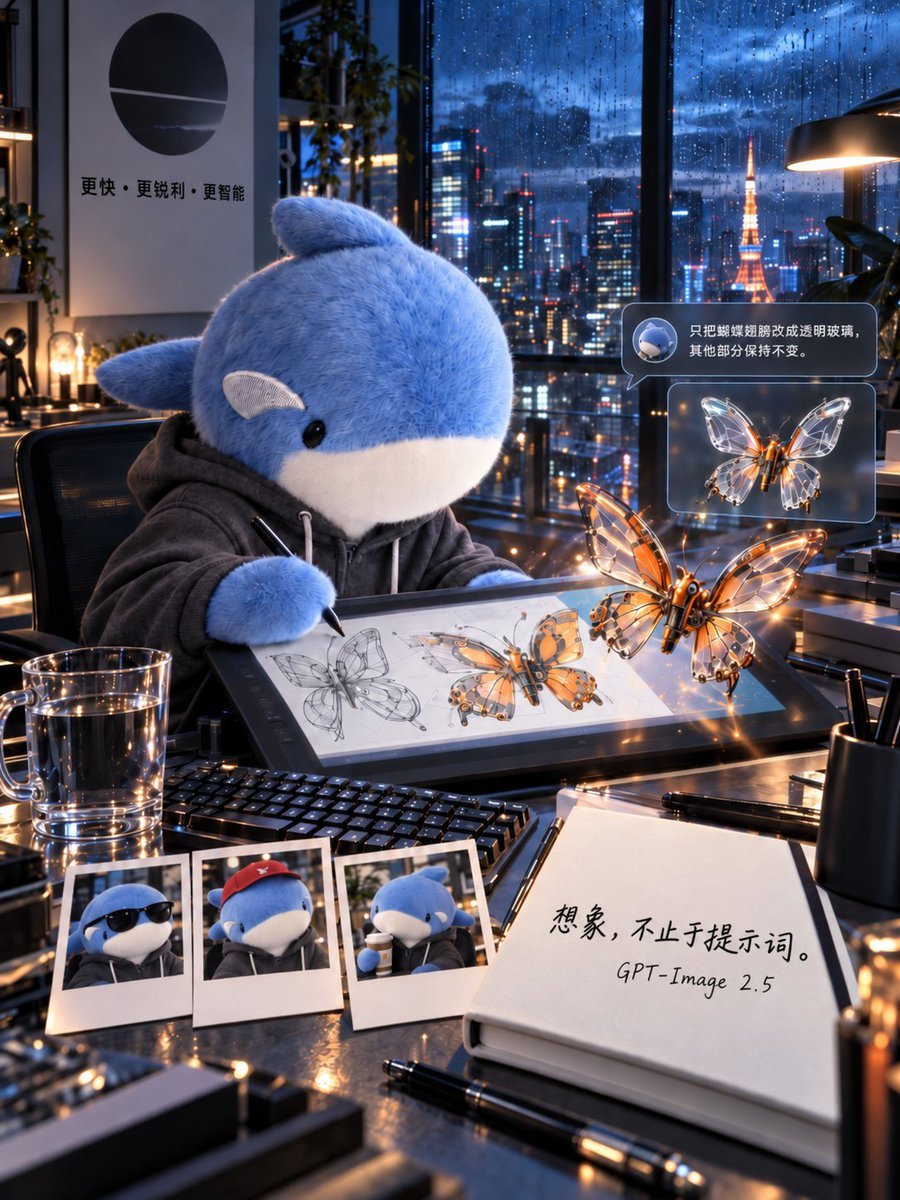
Plush Whale Tokyo Design Studio

Subterranean Cathedral and Mechanical Whale
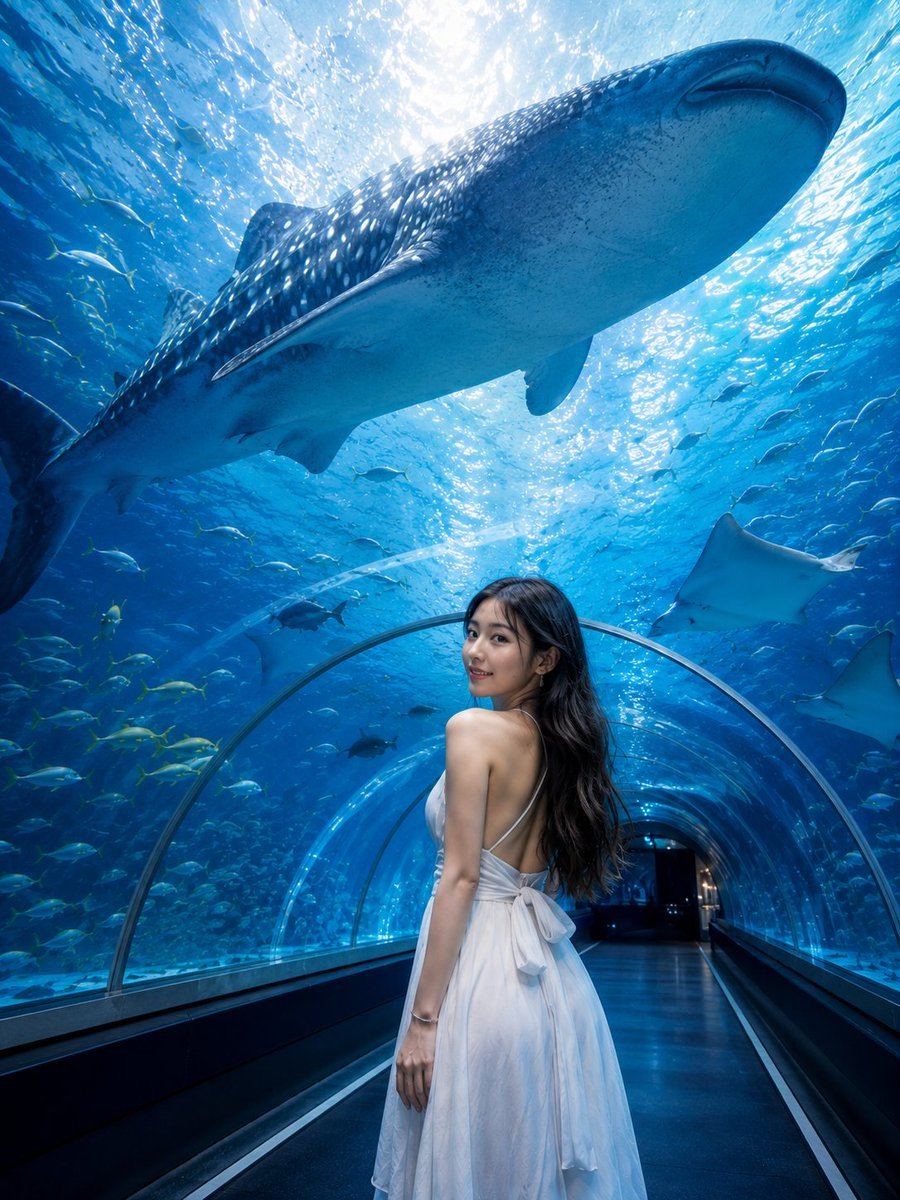
Underwater Whale Shark Aquarium Portrait
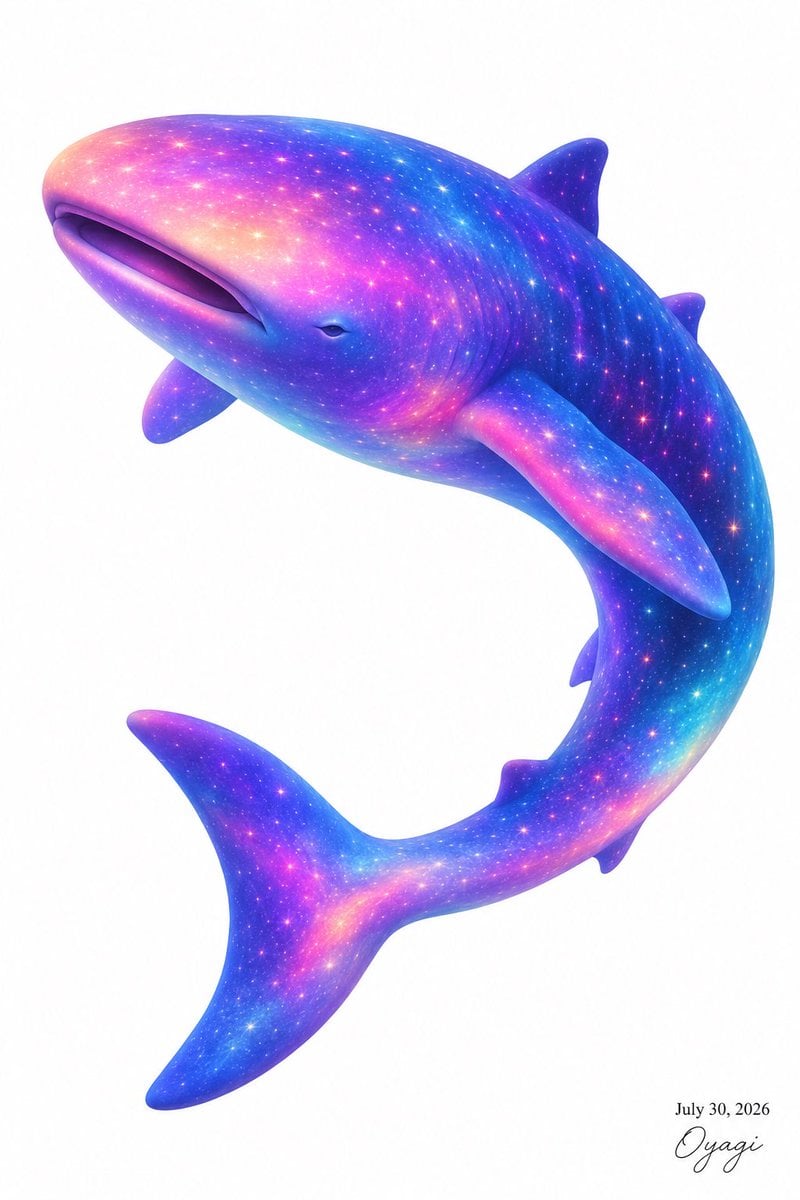
Celestial Galaxy Whale Shark

Ghibli Whale Bone Beach
Make it yours
Hyper-Realistic iPhone Whale Breach Scene works as-is. These are the safest ways to change it without losing the look.
Change one field
Copy a single group, rewrite it, and generate again so you can see what that field is doing.
Keep the frame, change the subject
Hold the composition and light of Hyper-Realistic iPhone Whale Breach Scene, then swap wardrobe, props or the person for a new take.
| If the result… | Why | Fix |
|---|---|---|
| The result drifts from the preview | Too many fields changed at once. | Reuse Hyper-Realistic iPhone Whale Breach Scene as-is first, then change one group — subject, light, or setting. |
| The model over-stylizes the scene | The prose prompt leaves finish and camera underspecified. | Add one camera or lighting sentence and stay on Nano Banana 2. |
More Nano Banana 2 templates
Other prompts made for Nano Banana 2.

Photorealistic Leaf Shaped Like a Dragon

K-Pop Idol Portrait Grid for Rapid Selection

Poetic Rain Forest Portrait During Golden Hour

Urban Street Portrait with Cartoon Inner Self Duo

Candid Nighttime Photo with Cat Prompt

High-Concept 3D Diorama Generation Prompt

Cinematic Futuristic Studio Portrait Template

Skincare Editorial Photography Collage Prompt

Hyper-Realistic Commercial Product Photography (Splash Effect)

Hyper-Realistic Nightclub Portrait Prompt
More image prompts
Fresh picks from across the catalog.
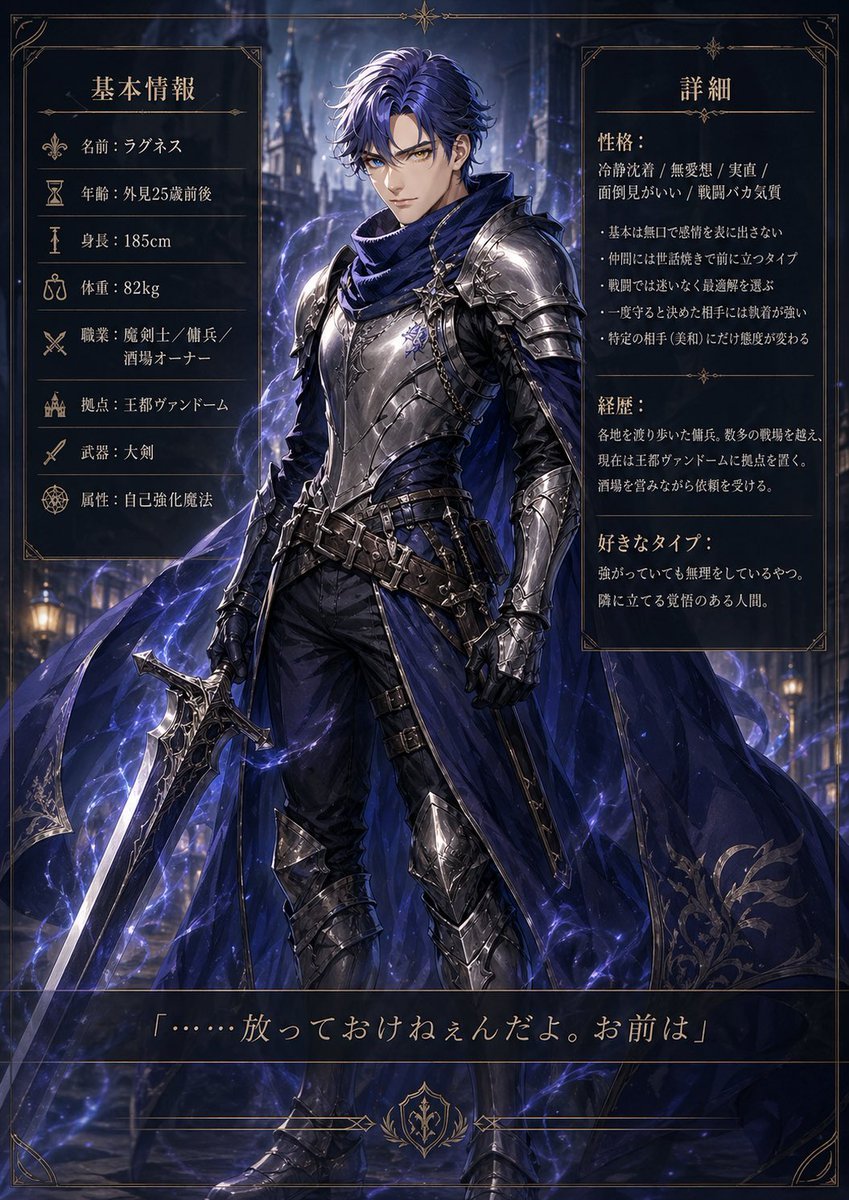
Dark Fantasy Knight Character Sheet
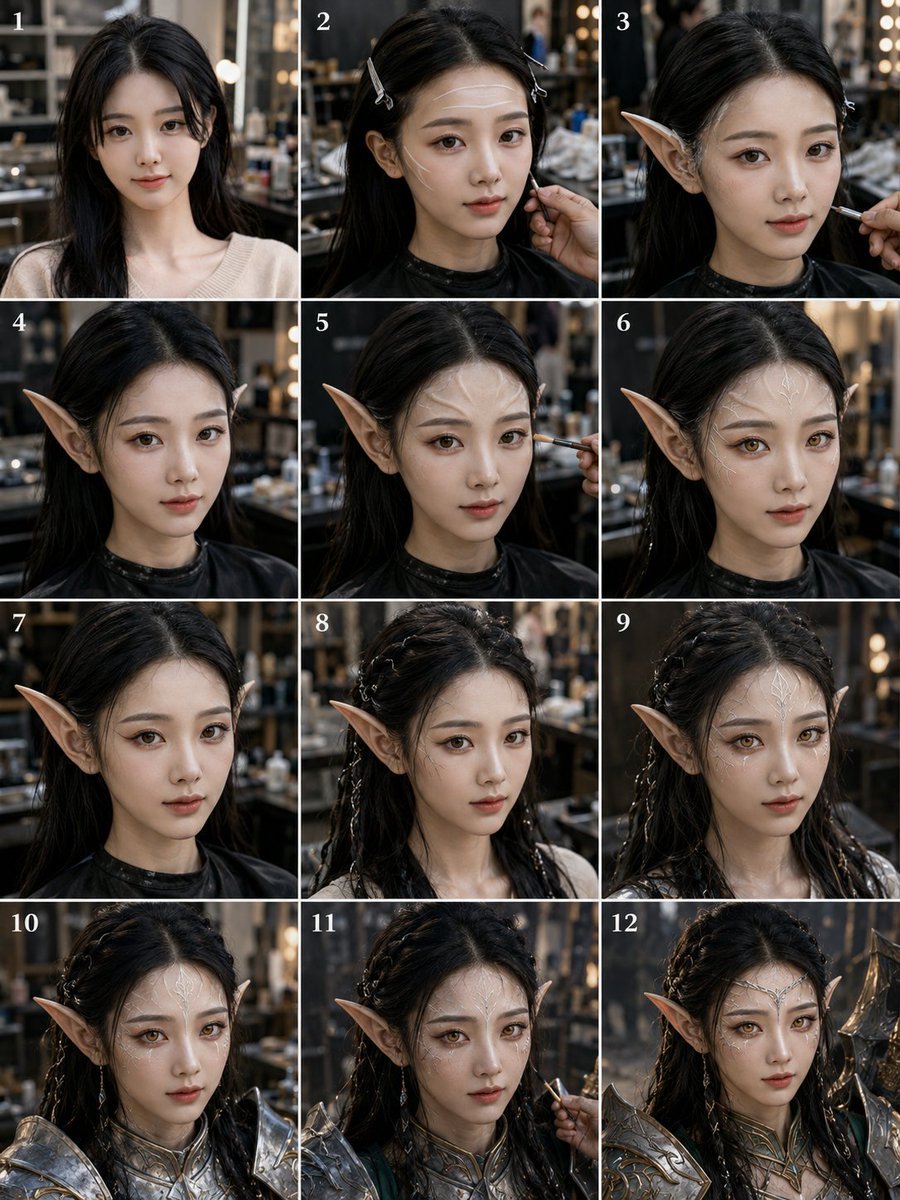
Panel Elf Warrior Transformation
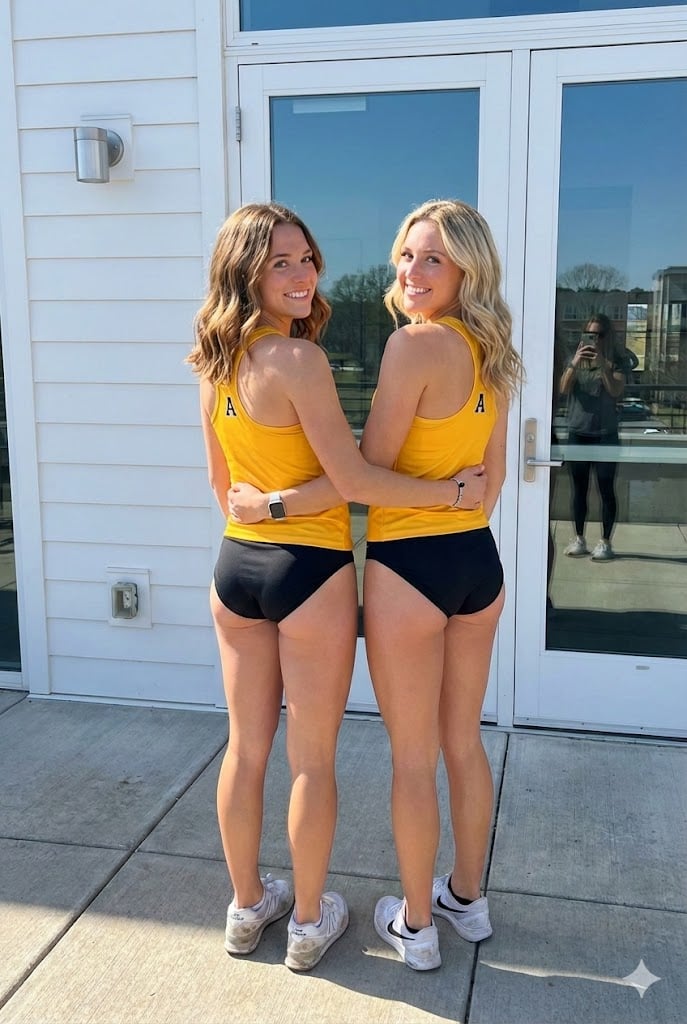
Nano Banana Pro Image Generation Prompt

Moody Cinematic Portrait at Golden Hour

Infographic from reference info with classic Japanese font
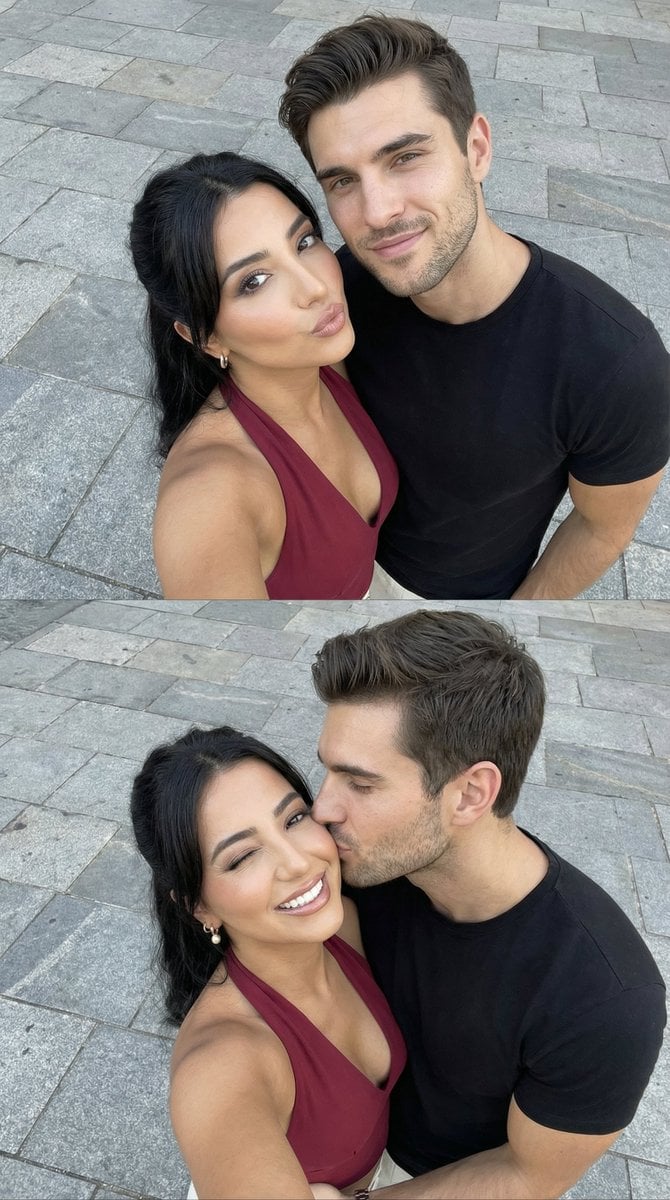
Photorealistic Couple Selfie Grid with Identity Lock
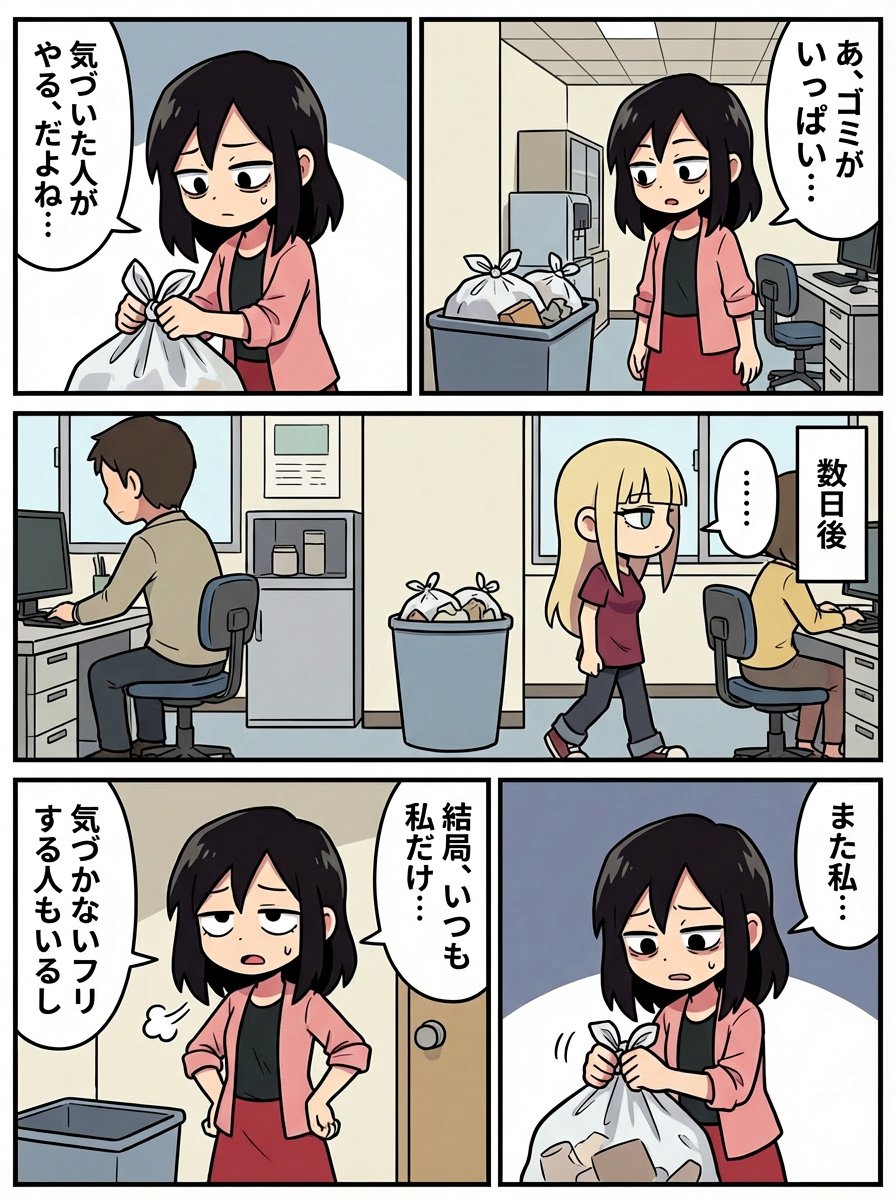
Japanese Text Prompt about Workplace Atmosphere
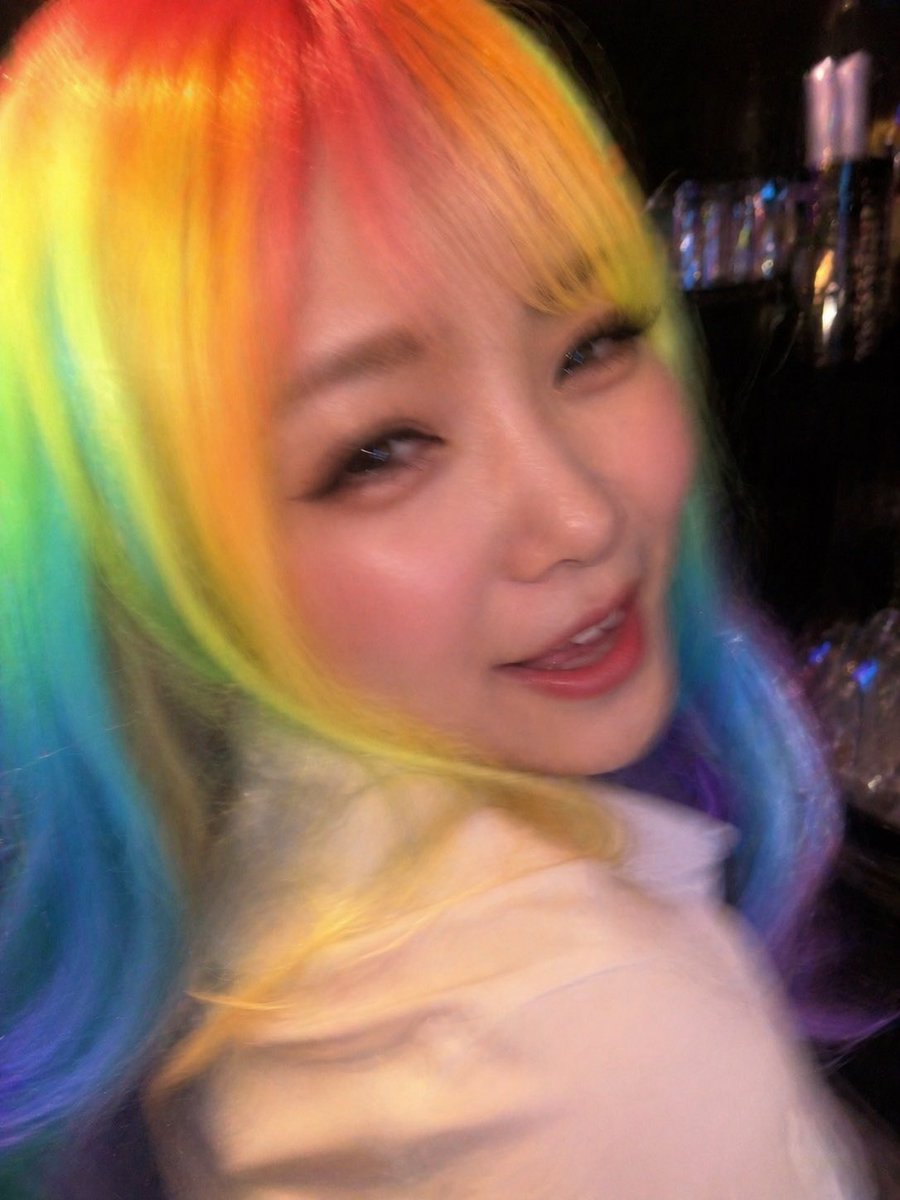
Awkward Blurry Nightclub Rainbow Hair Shot
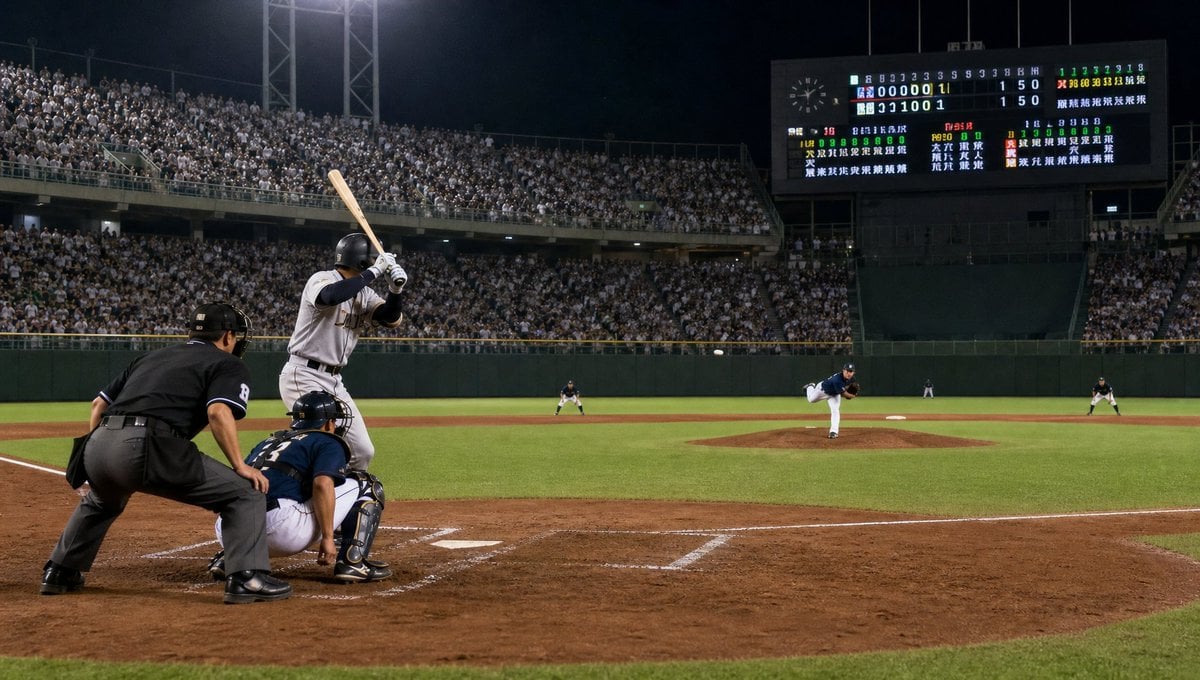
Night Baseball Stadium Pitch
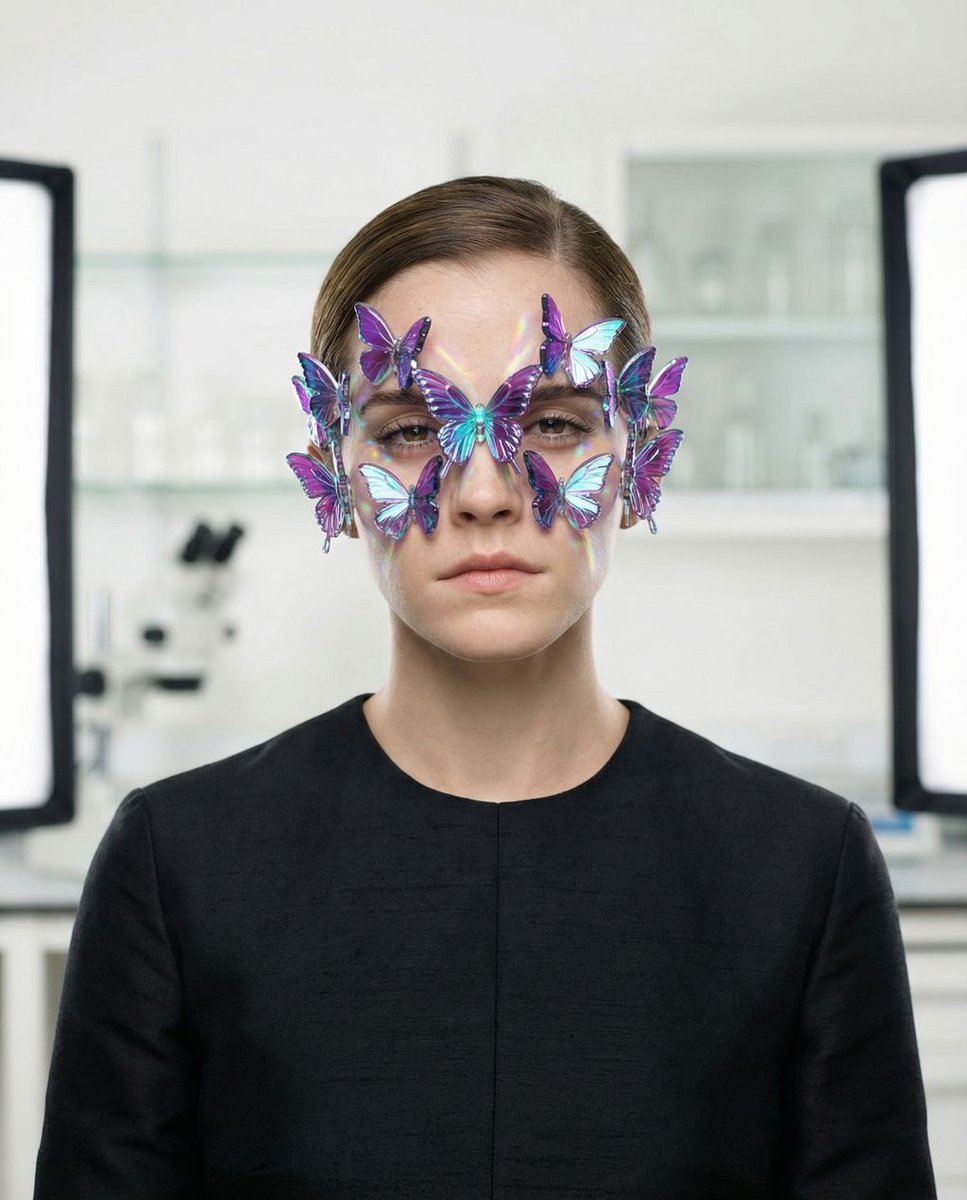
Surreal High-Fashion Portrait Prompt for Gemini Nano Banana Pro
Browse template categories
Hyper-Realistic iPhone Whale Breach Scene questions
How do I use the Hyper-Realistic iPhone Whale Breach Scene template?
Add your photo if the template asks for one, edit the prompt if you like — the template's model and format are already selected — and press Generate. Your version opens in PicX Studio.
Can I customize the Hyper-Realistic iPhone Whale Breach Scene template?
Yes. You can change the subject, setting, lighting, mood, format, and available model controls before creating your image.
Is the Hyper-Realistic iPhone Whale Breach Scene template free?
Opening and editing this template is free. Generating uses credits, shown on the Generate button when you are signed in.
Which AI model should I use?
Start with Nano Banana 2, which is the model associated with this template. You can compare another compatible model for a different finish.
Looking for something else? Browse all templates.

Your photo, any look
Thousands of ready templates for every top image and video model, from one credit balance.