
Icy Whale Summer Soda
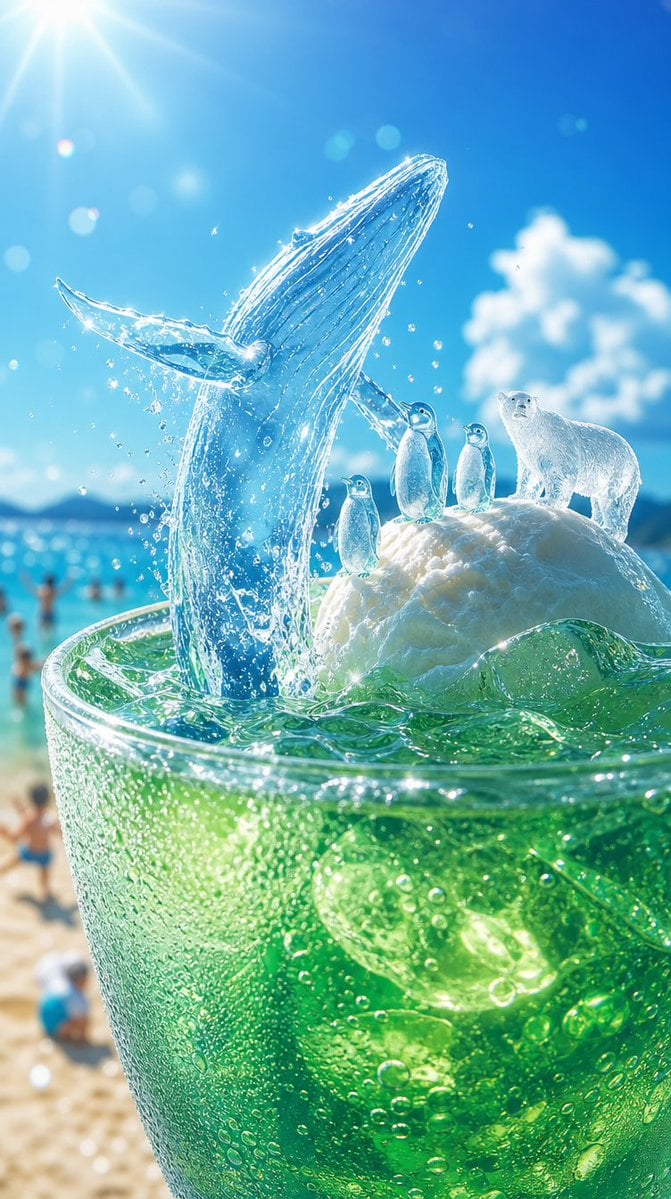
A hyperrealistic vertical scene of an emerald soda transforming into a tiny arctic world, ideal for refreshing summer beverage visuals.
- Prompt included
- Model and format preset
- Free template
The prompt behind this image
Copy the exact prompt behind Icy Whale Summer Soda, or open it in the studio and make it yours.
Create a vertical, hyperrealistic summer fantasy beverage advertisement scene: an extreme close-up of a tall transparent glass filled with sparkling emerald-green soda, crushed ice, bubbles, condensation droplets, and glossy lime-like highlights, sitting on a bright sandy beach. From the drink rises a miniature icy arctic world: one translucent blue ice whale breaching dramatically from the soda with its head and body arcing upward, water splashes and droplets frozen midair, and fine glowing ice ridges along its body. Beside it, on a rounded white snow-and-ice mound floating at the surface, place exactly four small arctic animals: three penguins standing upright in a row, and one white polar bear standing to their right. The animals should look like delicate frosty ice sculptures with subtle realistic detail. Background: turquoise ocean, blurred beachgoers, distant low mountains, a vivid cloudless blue sky with a soft white cloud on the right, and intense summer sun rays and lens flare from the upper left. Use bright refreshing colors, sparkling highlights, shallow depth of field, macro photography perspective, high contrast between tropical heat and icy coolness, cinematic realism, no text, no logo, no watermark. Customize the drink as {argument name="drink color" default="emerald green"}, the main icy creature as {argument name="ice creature" default="breaching blue whale"}, the arctic animal group as {argument name="animal group" default="three penguins and one polar bear"}, the setting as {argument name="beach setting" default="sunny tropical beach"}, and the lighting mood as {argument name="lighting mood" default="brilliant midday sun with lens flare"}.
How to use Icy Whale Summer Soda in 3 steps
- 1Upload ImagePNG, JPG or paste
Add your photo
Upload the photo the template builds on. The prompt, model and format are already set.
- 2…a portrait of your subject in softgolden-hour light, 85mm…
Personalize
Edit the subject and creative details for your destination.
- 3Generate
Generate
Press Generate — your image is created in PicX Studio, so you can compare it with the original and refine one variable at a time.
More like this
Templates with the same subject, style or setup. Open one to see its prompt.
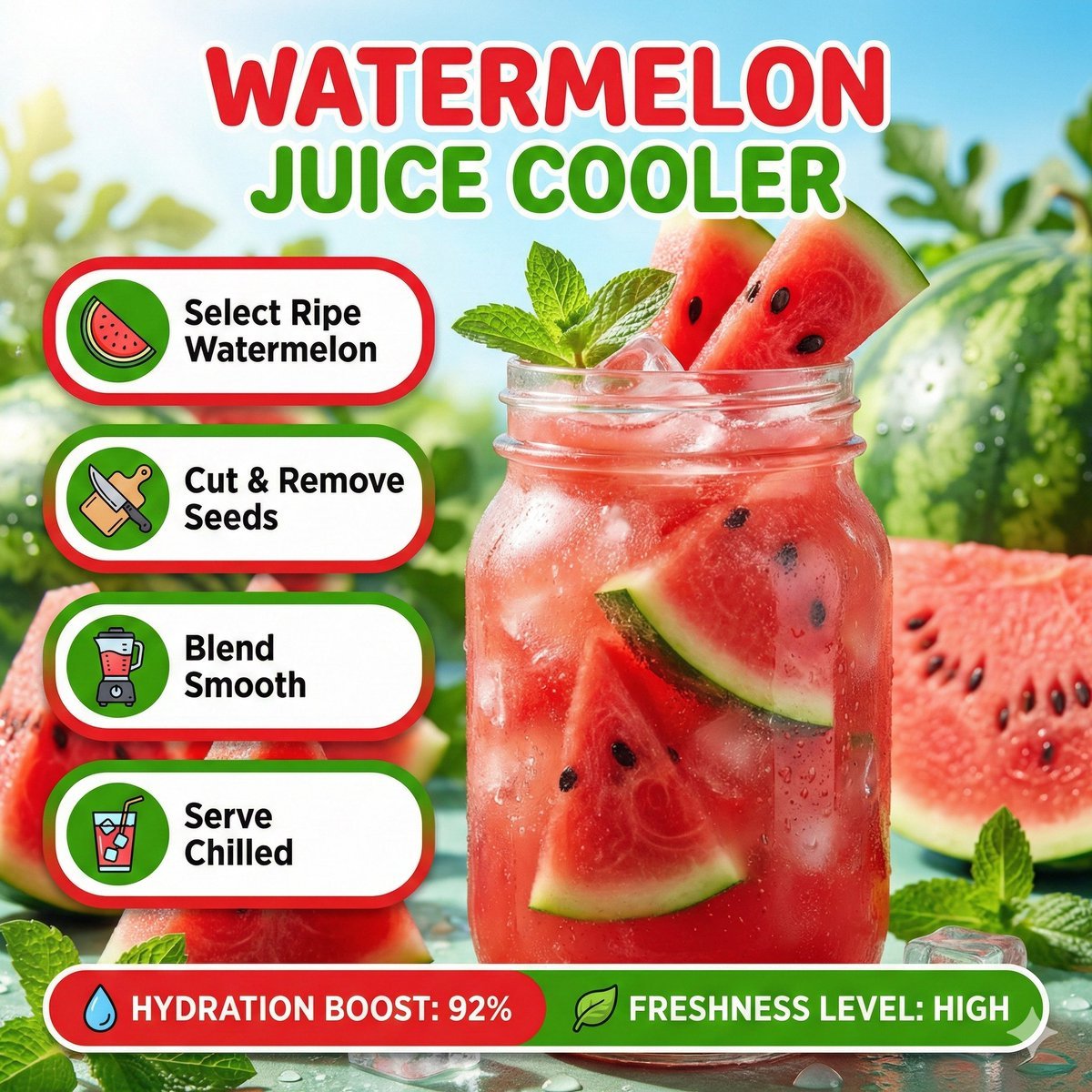
Bright summer infographic showcasing watermelon juice, icy texture
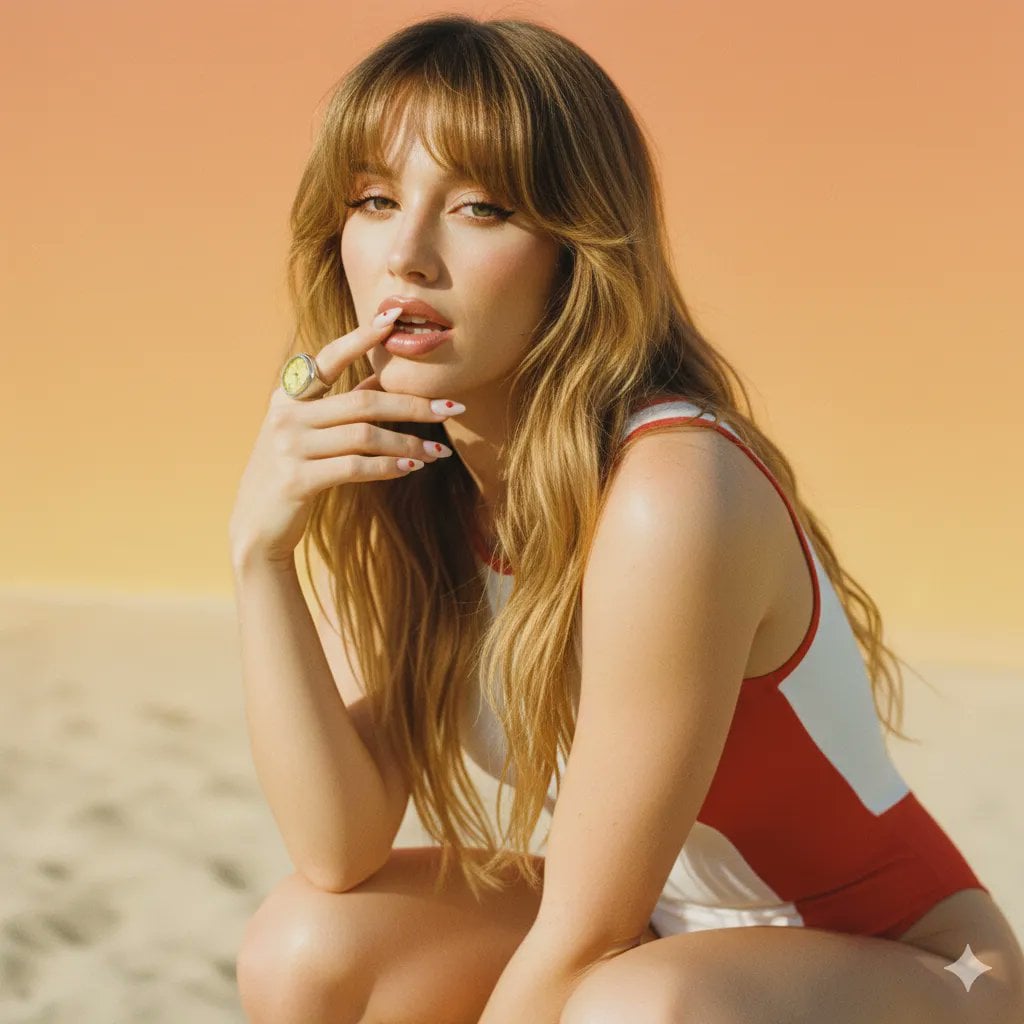
2000s Retro-Pop Fashion Cinematic Editorial Portrait

Japanese Negative Film Rooftop Summer Portrait
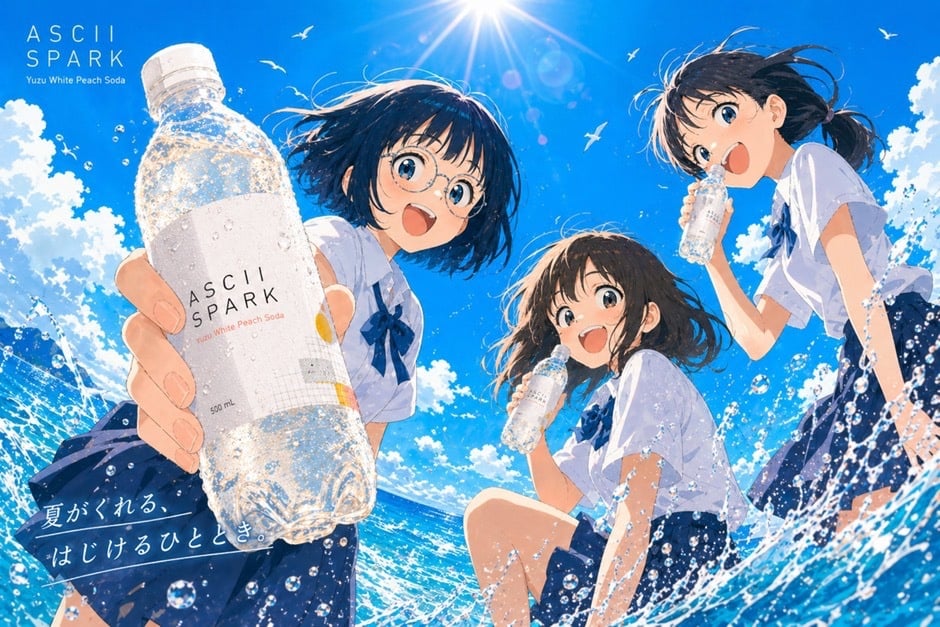
Anime Summer Soda Ad Poster
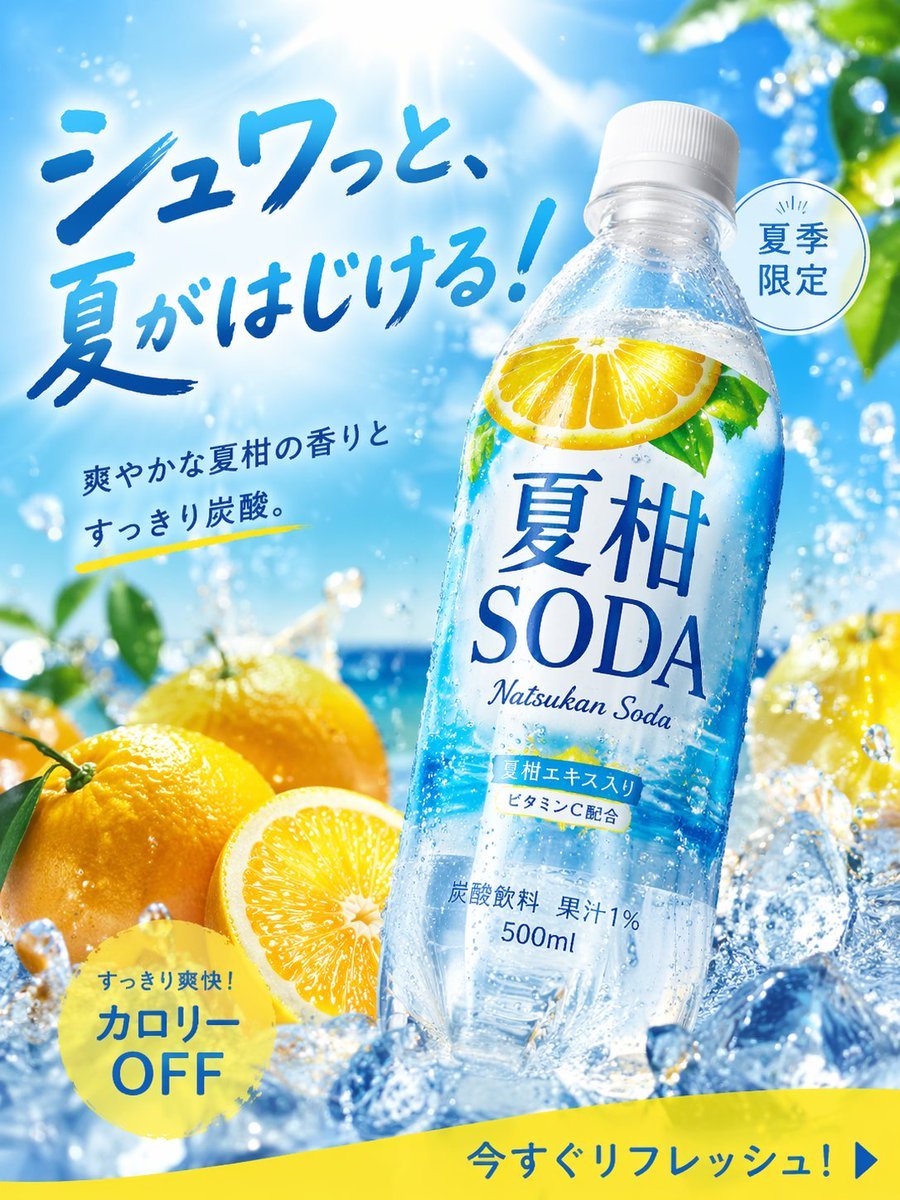
Summer Citrus Soda Advertisement
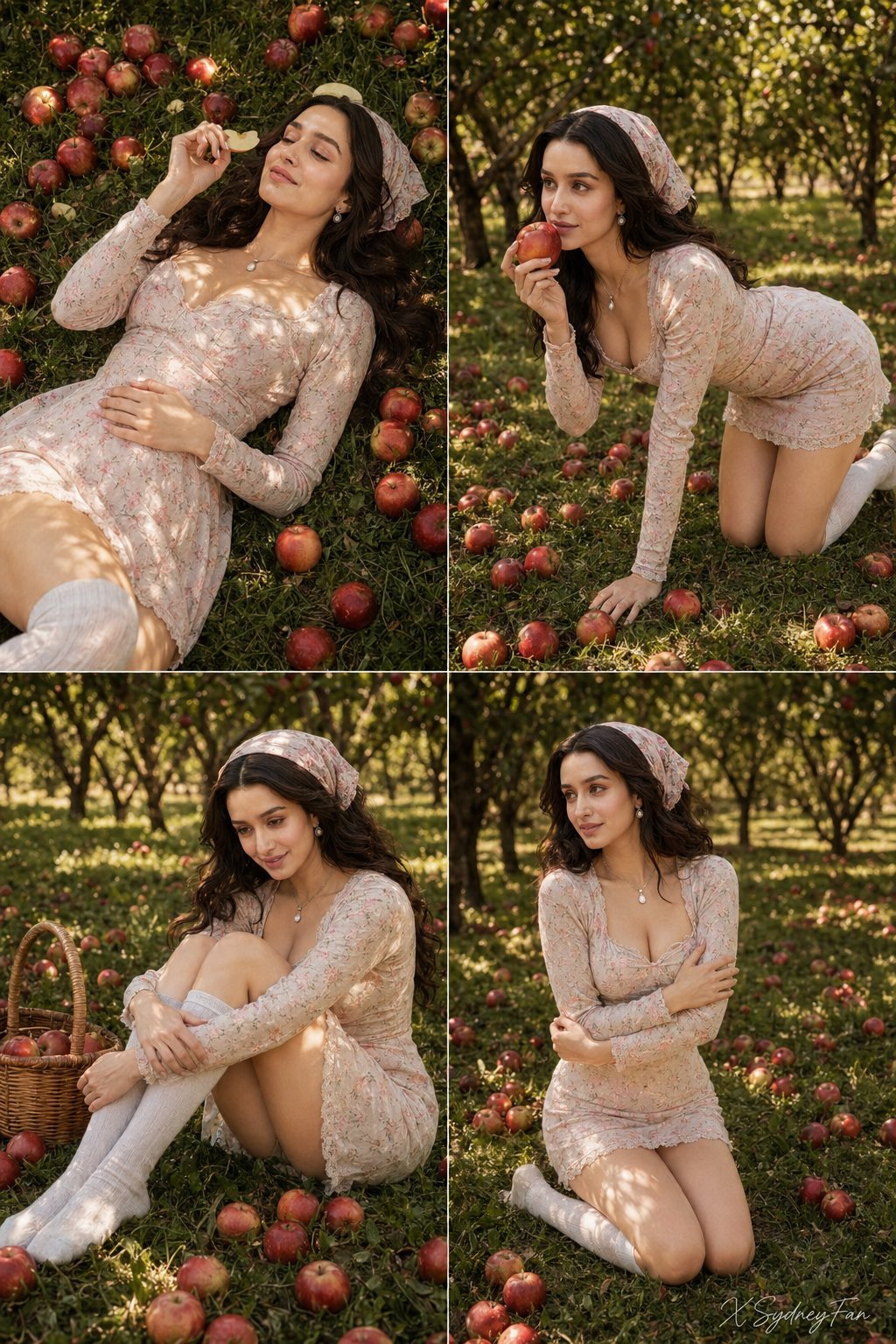
Nano Banana Apple Orchard Collage
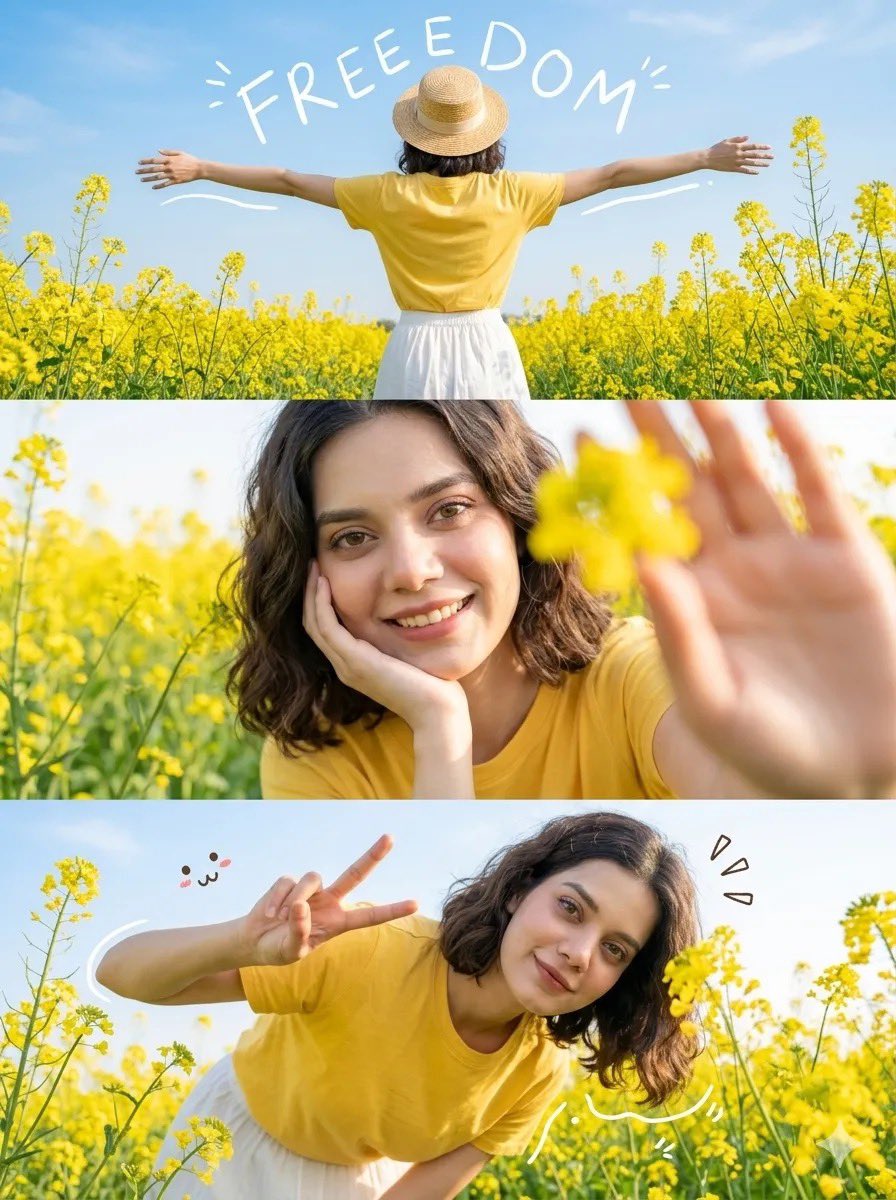
Mustard Flower Field Summer

Tropical Vacation Selfie — Nano Banana (Chryzleen)
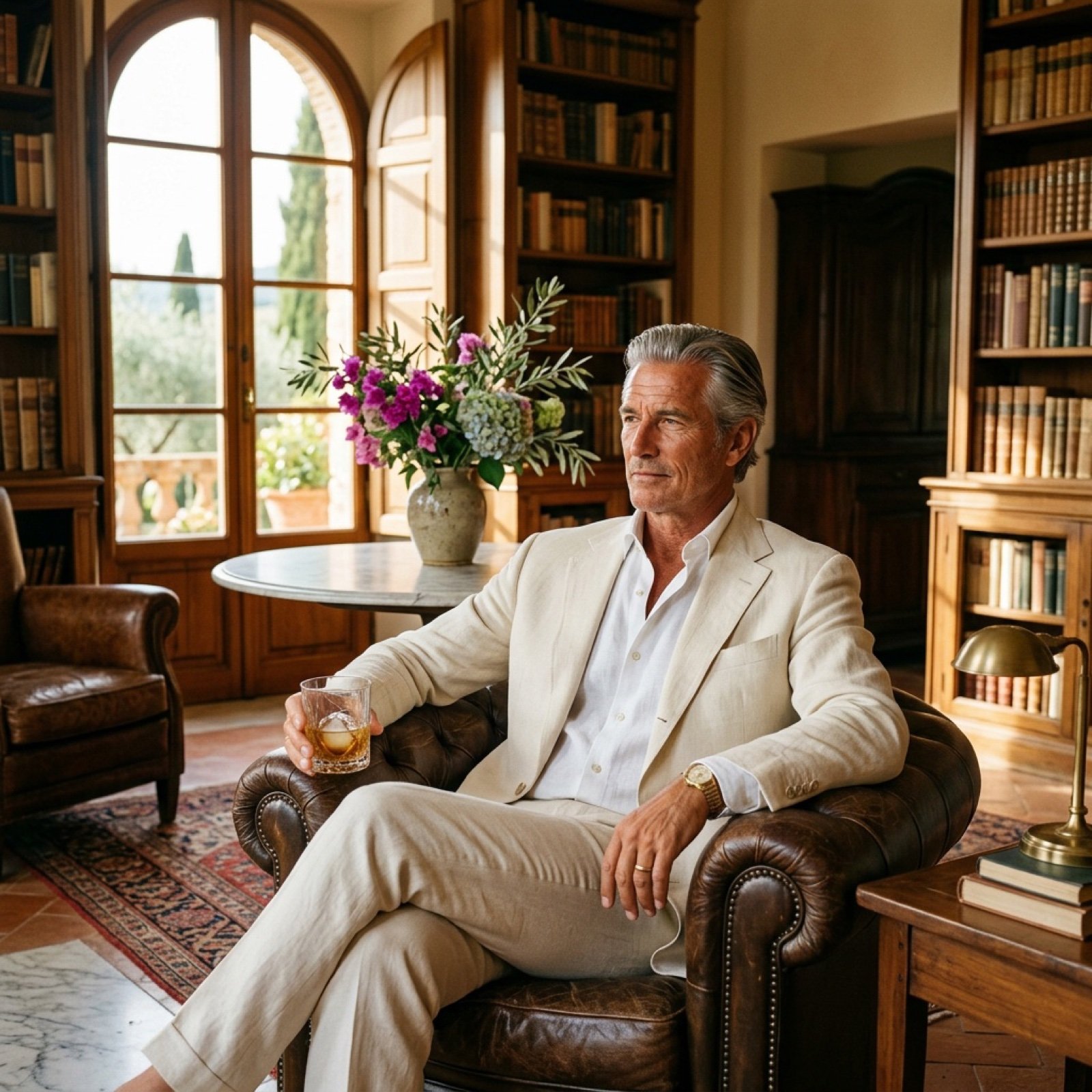
Seedance 2.0 - Old Money Man
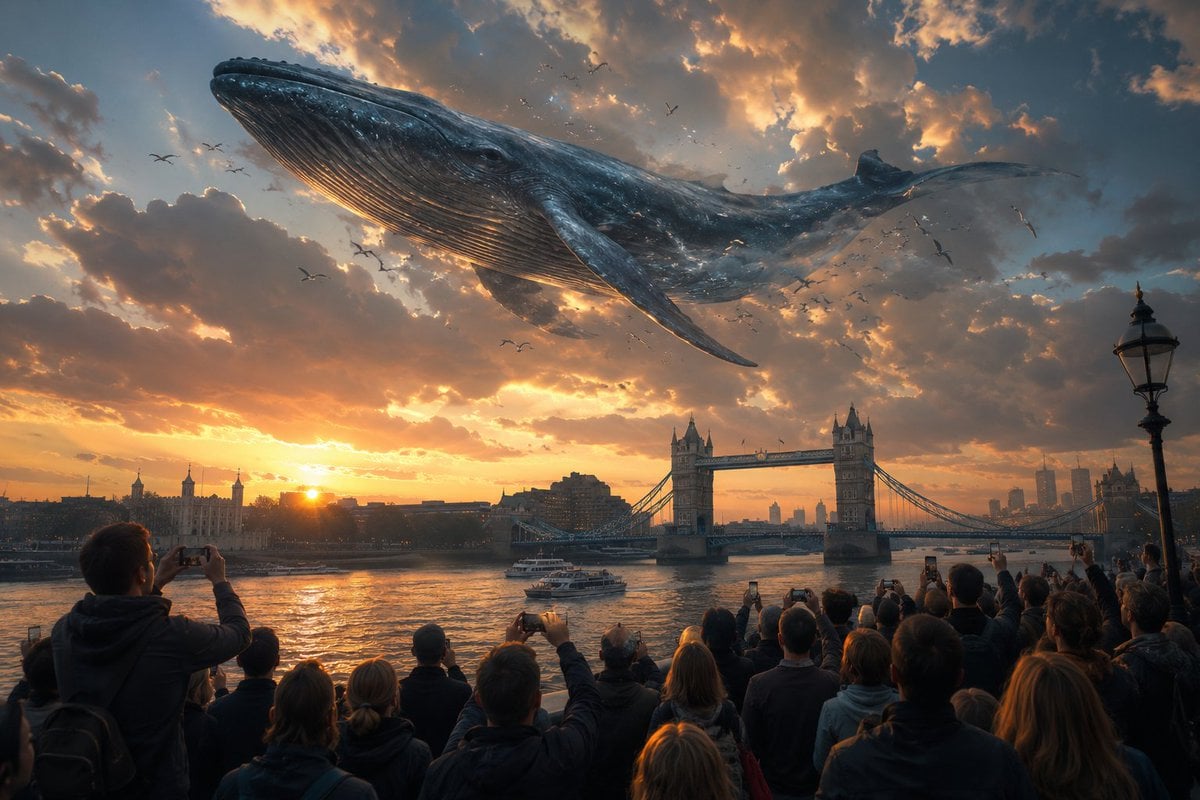
Cinematic Whale over London Sunset
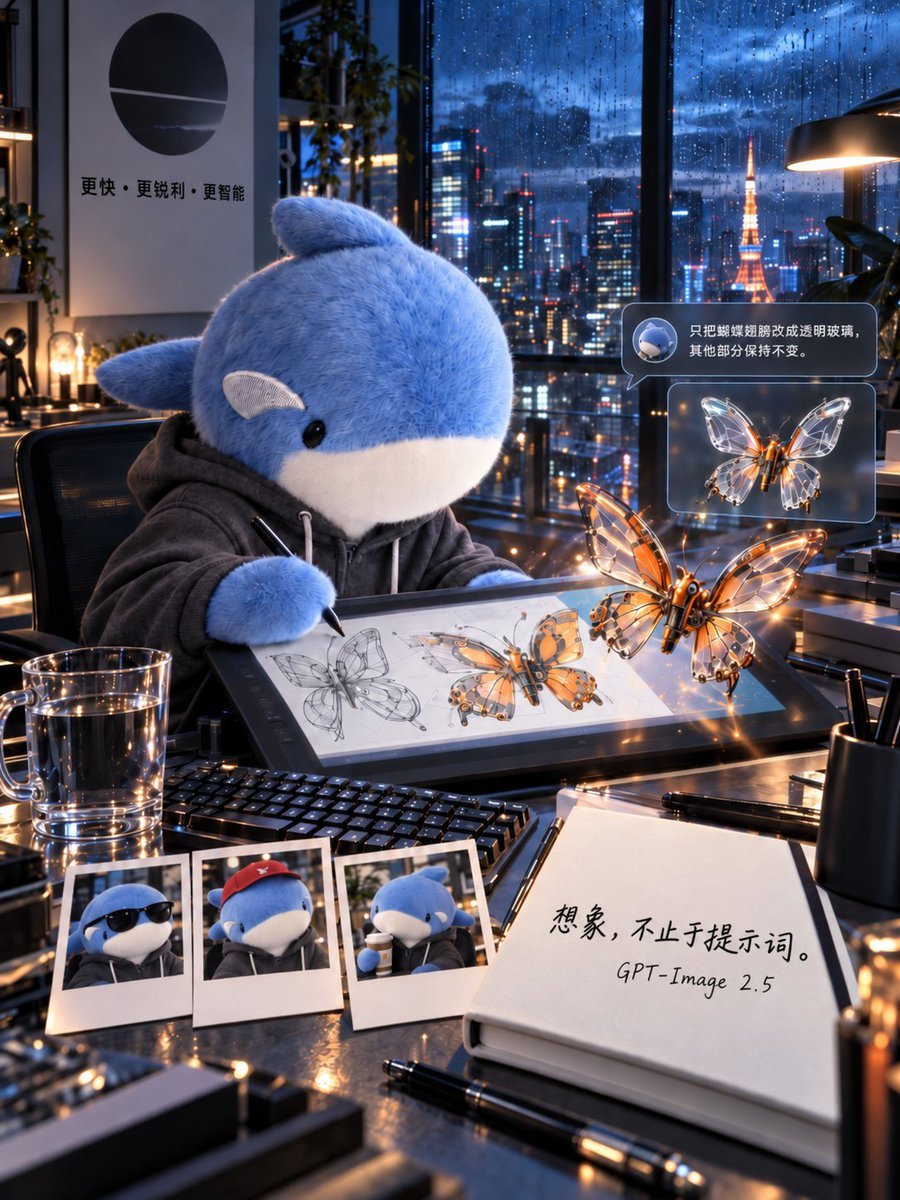
Plush Whale Tokyo Design Studio
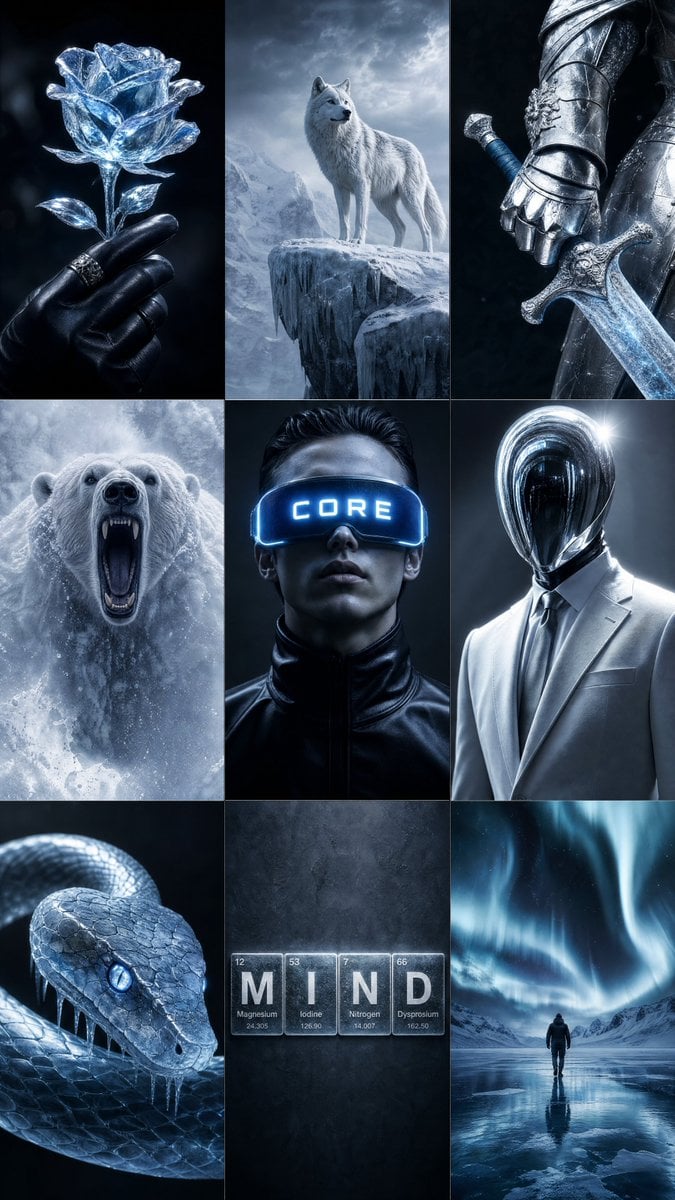
Icy Blue Luxury Mood Board
Make it yours
Icy Whale Summer Soda works as-is. These are the safest ways to change it without losing the look.
Change one field
Copy a single group, rewrite it, and generate again so you can see what that field is doing.
Keep the frame, change the subject
Hold the composition and light of Icy Whale Summer Soda, then swap wardrobe, props or the person for a new take.
| If the result… | Why | Fix |
|---|---|---|
| The result drifts from the preview | Too many fields changed at once. | Reuse Icy Whale Summer Soda as-is first, then change one group — subject, light, or setting. |
| The model over-stylizes the scene | The prose prompt leaves finish and camera underspecified. | Add one camera or lighting sentence and stay on GPT Image 2. |
More GPT Image 2 templates
Other prompts made for GPT Image 2.

Six VTuber Japanese Logo Sheet

Realistic Portrait of Woman and Deer

The Vista Modular Condo Poster

AI Model Routing Comparison Infographic

2.5D Anime Art Board

Isometric Productivity Desk Scene

New York Double Exposure Poster

Four-Panel AI Landscape Comparison

Japanese Tatami Lifestyle Magazine Cover

NESCAFÉ Coffee Map Poster
More image prompts
Fresh picks from across the catalog.

Golden Hour Sunset Portrait on a Lakeside Dock
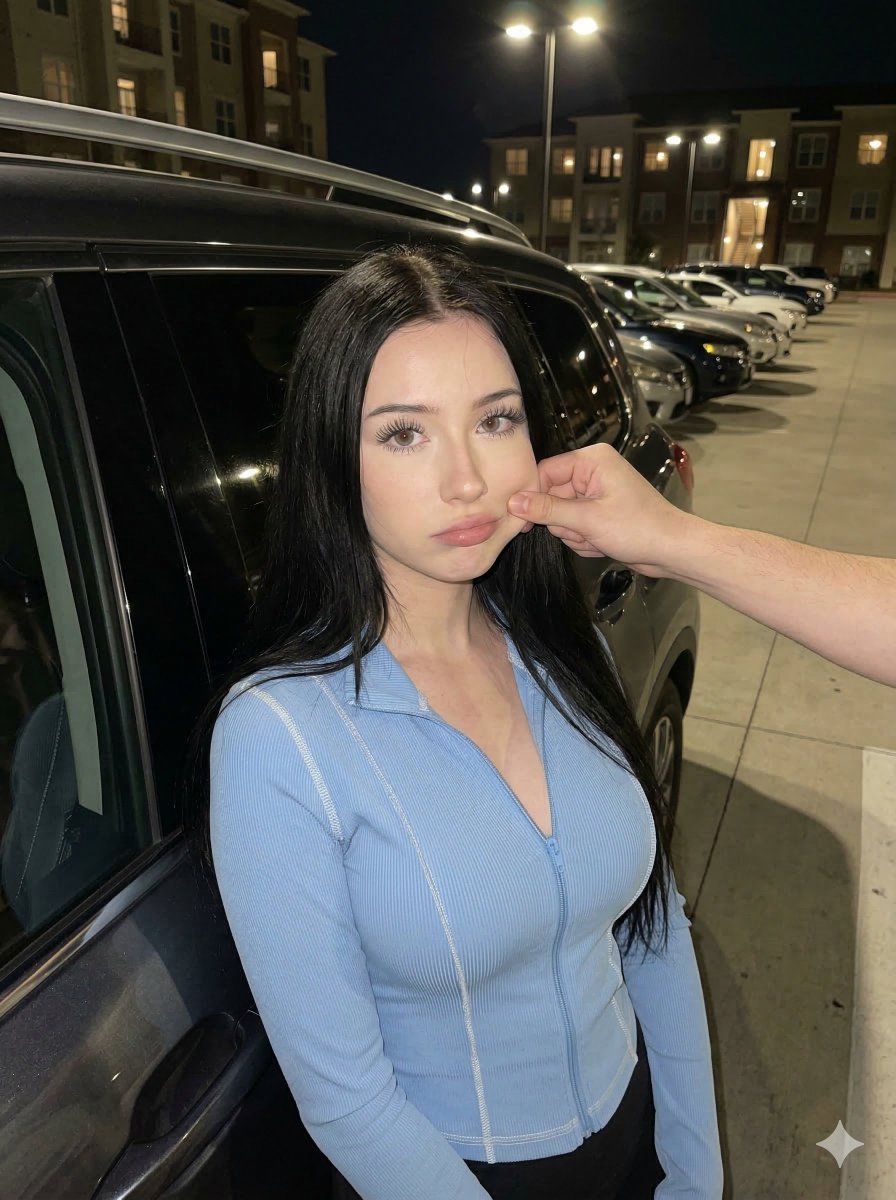
Candid Nighttime Urban Portrait
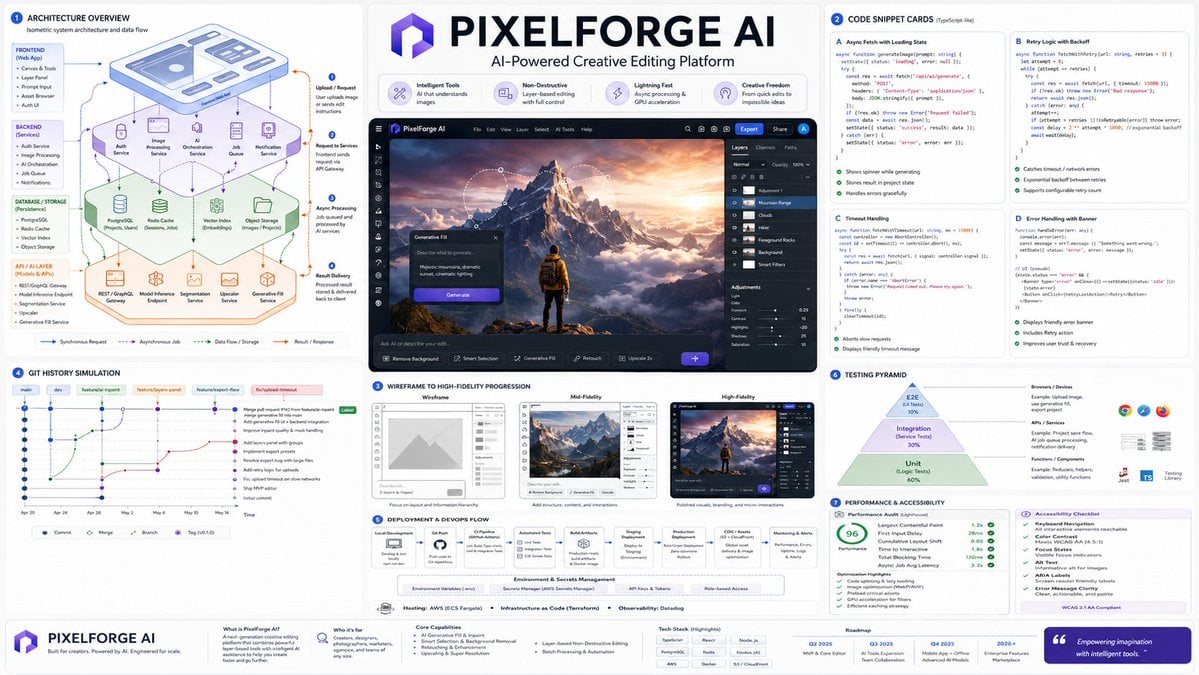
Software Architecture Visualization Diagram
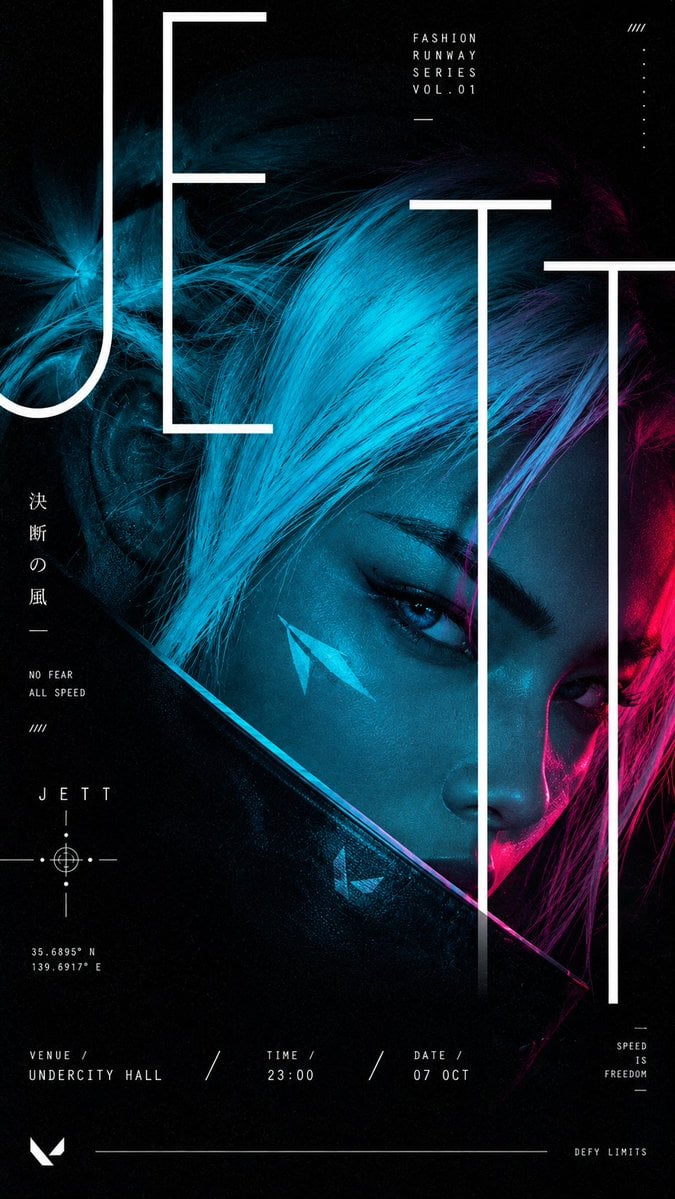
Cyberpunk Runway Fashion Poster
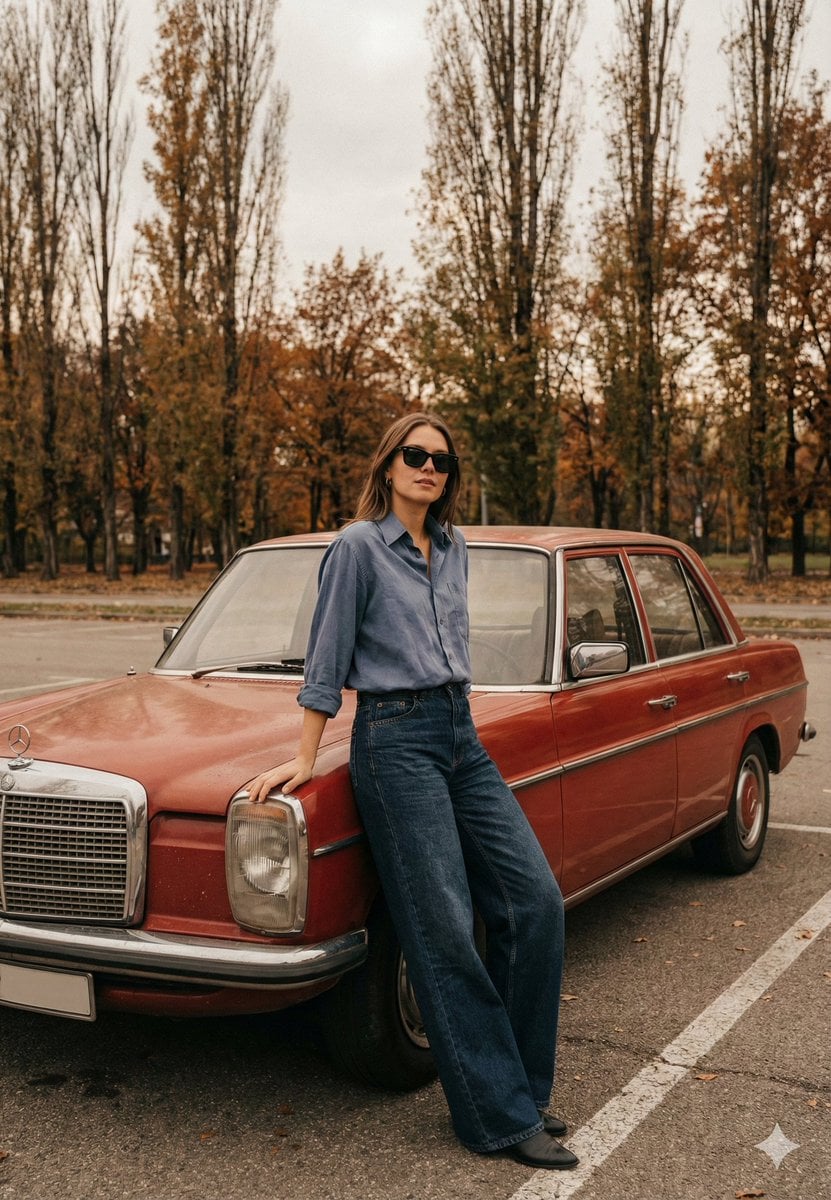
Old Money Cinematic Portrait with Vintage Sedan

Monochromatic Burnt-Orange Fashion Portrait
Apocalyptic Ruined City Street
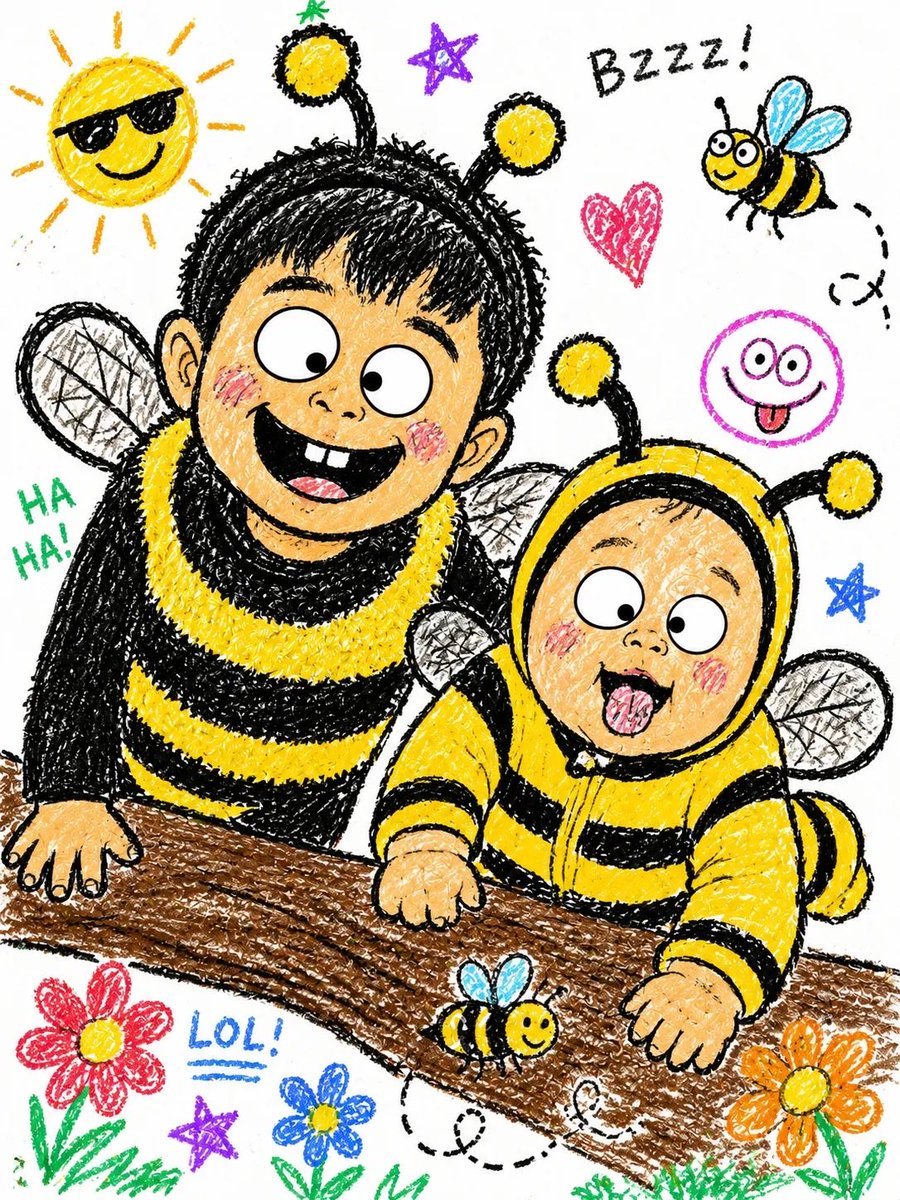
Crayon Style Illustrated Portraits
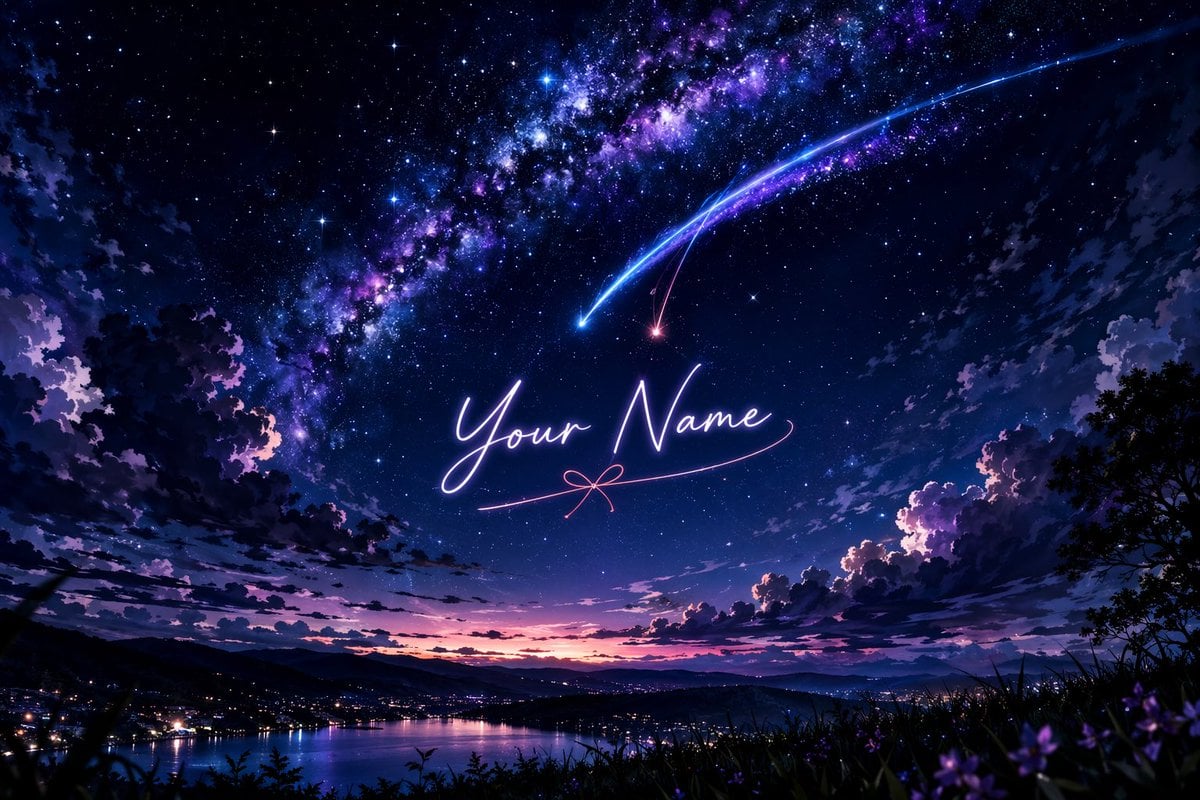
Anime Starry Night Sky with Custom Neon Text
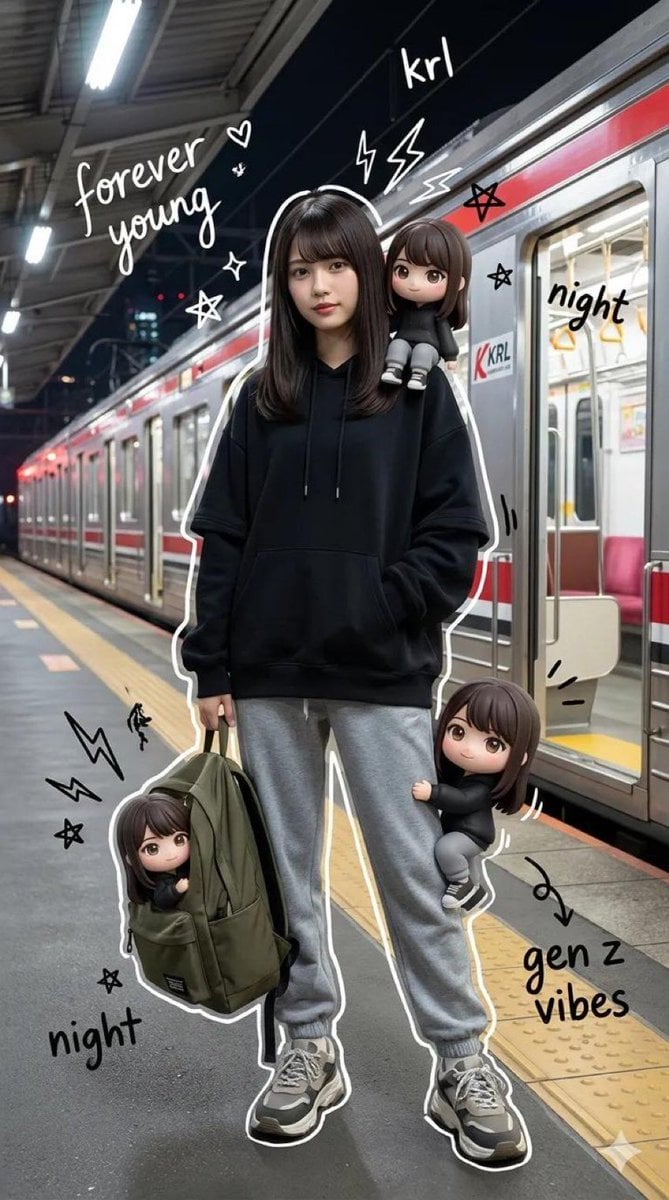
Mixed-Media Portrait of Gen Z Teenager with Chibi Clones
Browse template categories
Icy Whale Summer Soda questions
How do I use the Icy Whale Summer Soda template?
Add your photo if the template asks for one, edit the prompt if you like — the template's model and format are already selected — and press Generate. Your version opens in PicX Studio.
Can I customize the Icy Whale Summer Soda template?
Yes. You can change the subject, setting, lighting, mood, format, and available model controls before creating your image.
Is the Icy Whale Summer Soda template free?
Opening and editing this template is free. Generating uses credits, shown on the Generate button when you are signed in.
Which AI model should I use?
Start with GPT Image 2, which is the model associated with this template. You can compare another compatible model for a different finish.
Looking for something else? Browse all templates.

Your photo, any look
Thousands of ready templates for every top image and video model, from one credit balance.