
Candid Nighttime Urban Portrait
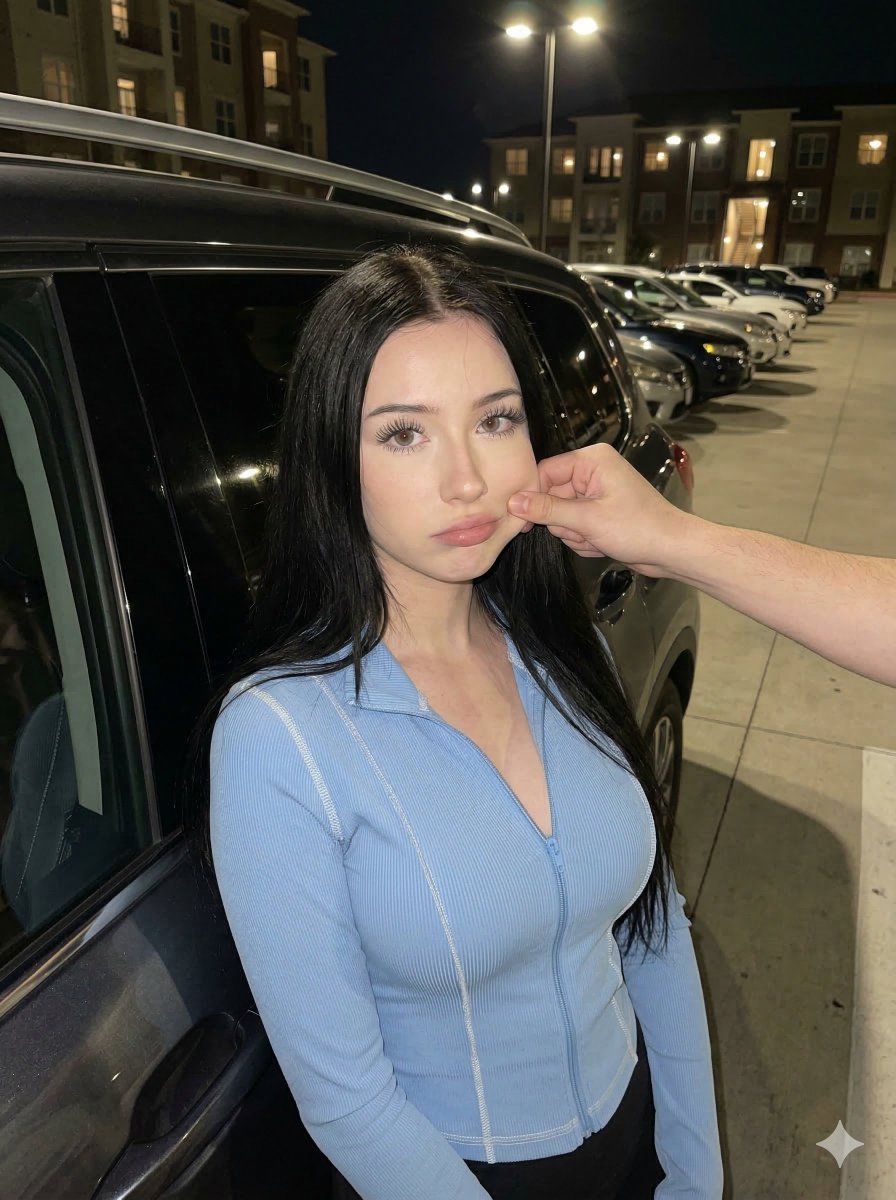
A structured prompt for generating a candid, close-up portrait of a young woman leaning against a dark SUV in an outdoor parking lot at night, featuring a playful interaction where an out-of-frame hand pinches her cheek.
- Prompt included
- Model and format preset
- Premium template
The prompt behind this image
Copy the exact prompt behind Candid Nighttime Urban Portrait, or open it in the studio and make it yours.
{ "aspect_ratio": "3:4", "photo_style": "casual everyday smartphone photo", "subject": "A young woman with long, straight dark hair, wearing a light blue zip-up long-sleeve top with contrast stitching, having her cheek playfully pinched by an out-of-frame hand.", "environment": "An outdoor parking lot at night, paved ground, several parked cars in the background, and distant apartment buildings with warm interior lights.", "scene_structure": "Subject in the immediate foreground leaning against a dark SUV on the left; an arm enters from the right mid-ground; background features a receding line of cars and urban architecture.", "composition": "Close-up portrait shot, subject slightly off-center to the left, leaning against a car that creates a diagonal leading line; eye-level framing.", "pose_structure": "Subject leaning back against the car; head tilted slightly toward the camera; neutral, slightly pouted expression; right cheek compressed by a hand pinching it; arms down at sides (implied).", "camera": { "device": "smartphone camera", "angle": "slight high-angle downward tilt", "height": "chest level", "distance": "close-up", "perspective": "natural wide-angle smartphone perspective", "depth_of_field": "deep focus" }, "lighting": { "type": "natural night ambient light", "source": "overhead street lamps and distant building lights", "direction": "top-down and frontal fill", "shadow_softness": "soft natural shadows", "exposure": "balanced smartphone exposure with preserved highlights on skin" }, "color_science": { "style": "natural smartphone colors", "white_balance": "neutral with slight warm highlights", "contrast": "normal", "saturation": "natural slightly vibrant" }, "body_proportions": "Slender build with visible curves; prominent bust size relative to a narrow waist; petite frame; long, thin neck; symmetrical shoulder alignment.", "facial_details": "Large light-colored eyes with long lashes; groomed dark eyebrows; full lips with a slight pout; soft facial contouring with pinkish blush; natural skin texture.", "materials_and_textures": "Ribbed or soft jersey fabric of the blue top; metallic and glossy finish of the car; matte asphalt texture; silky hair texture.", "atmosphere": "Candid, late-night urban vibe; casual and playful interaction.", "generation_prompt": "A 3:4 casual smartphone photo of a young woman with long straight black hair and light eyes leaning against a dark car at night in a parking lot. She wears a light blue zip-up top with blue contrast stitching. An out-of-frame hand is pinching her right cheek, causing a slight pout. The woman has a slender waist and a proportionally large bust. High-angle perspective, deep focus with parked cars and city buildings visible behind her. Natural night lighting from street lamps, realistic skin texture, slight sensor noise, everyday candid snapshot, 3:4 aspect ratio.", "negati
How to use Candid Nighttime Urban Portrait in 3 steps
- 1
Open
The prompt is already in the box next to the preview, with the template's model and format selected.
- 2…a portrait of your subject in softgolden-hour light, 85mm…
Personalize
Edit the subject and creative details for your destination.
- 3Generate
Generate
Press Generate — your image is created in PicX Studio, so you can compare it with the original and refine one variable at a time.
More like this
Templates with the same subject, style or setup. Open one to see its prompt.
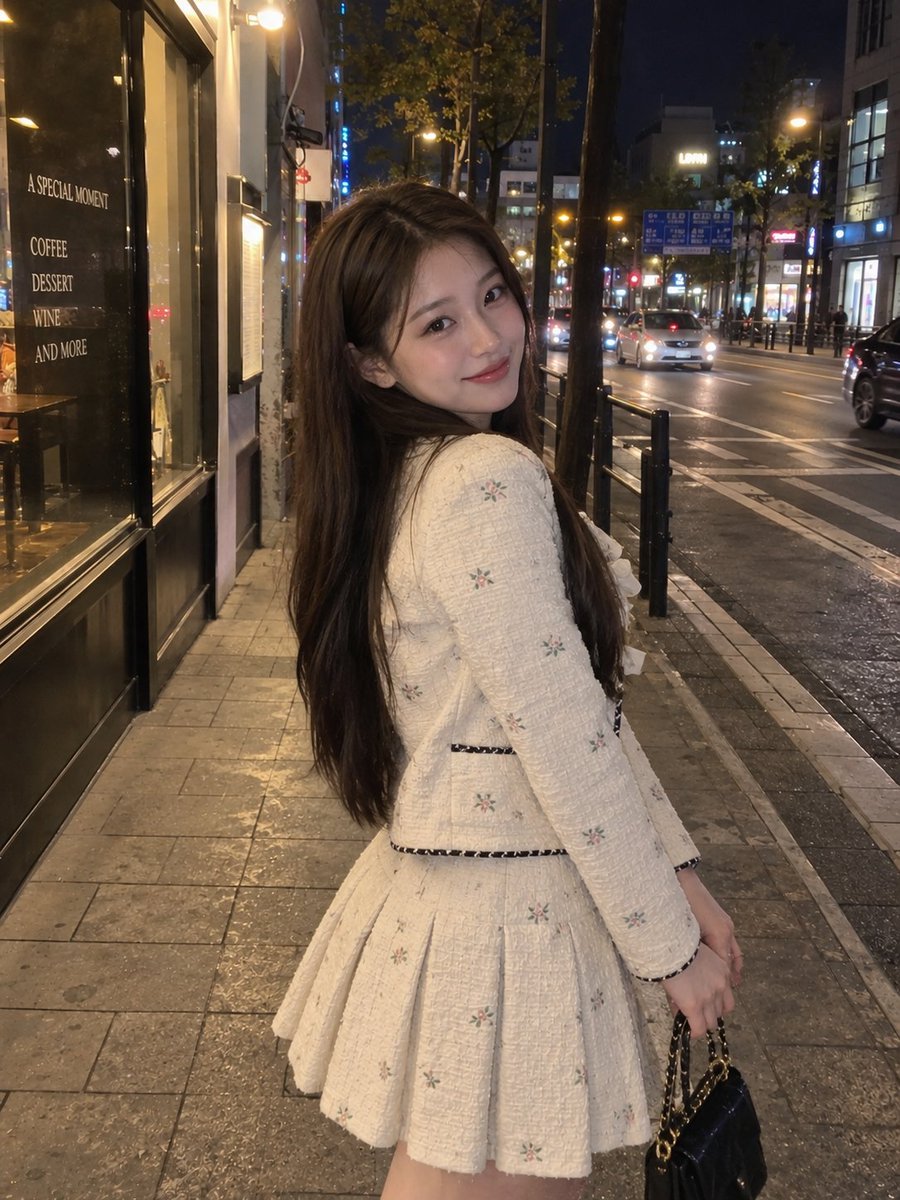
Nighttime Urban Street Portrait
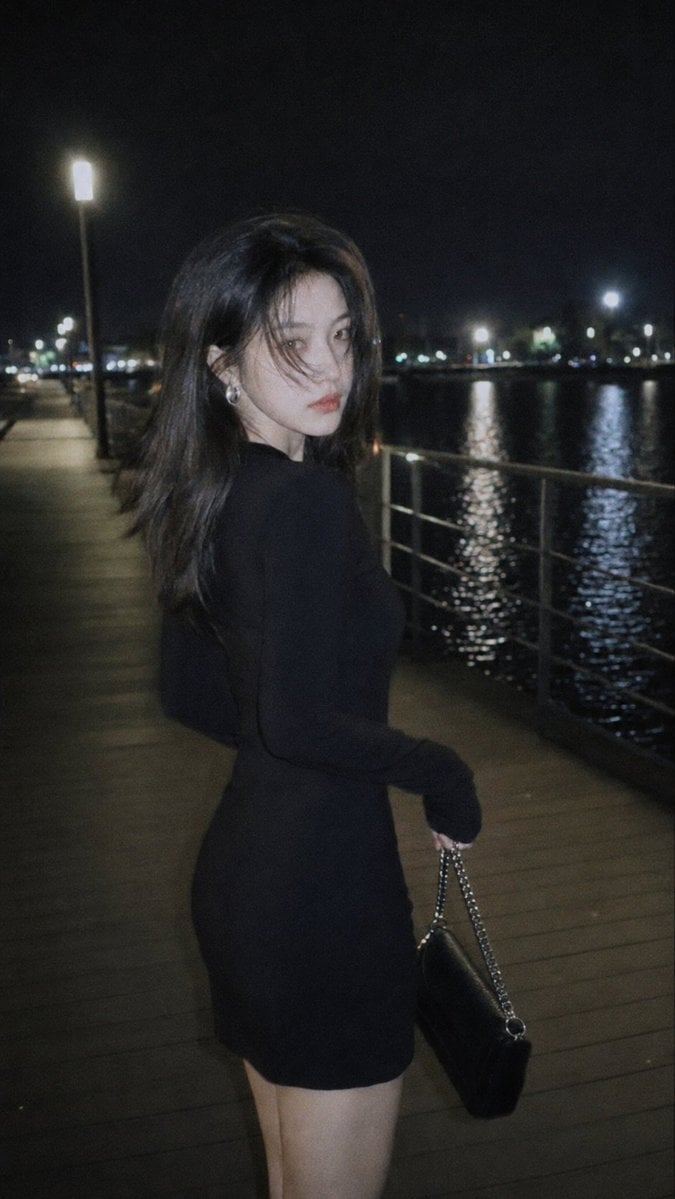
Nighttime Urban Film Portrait
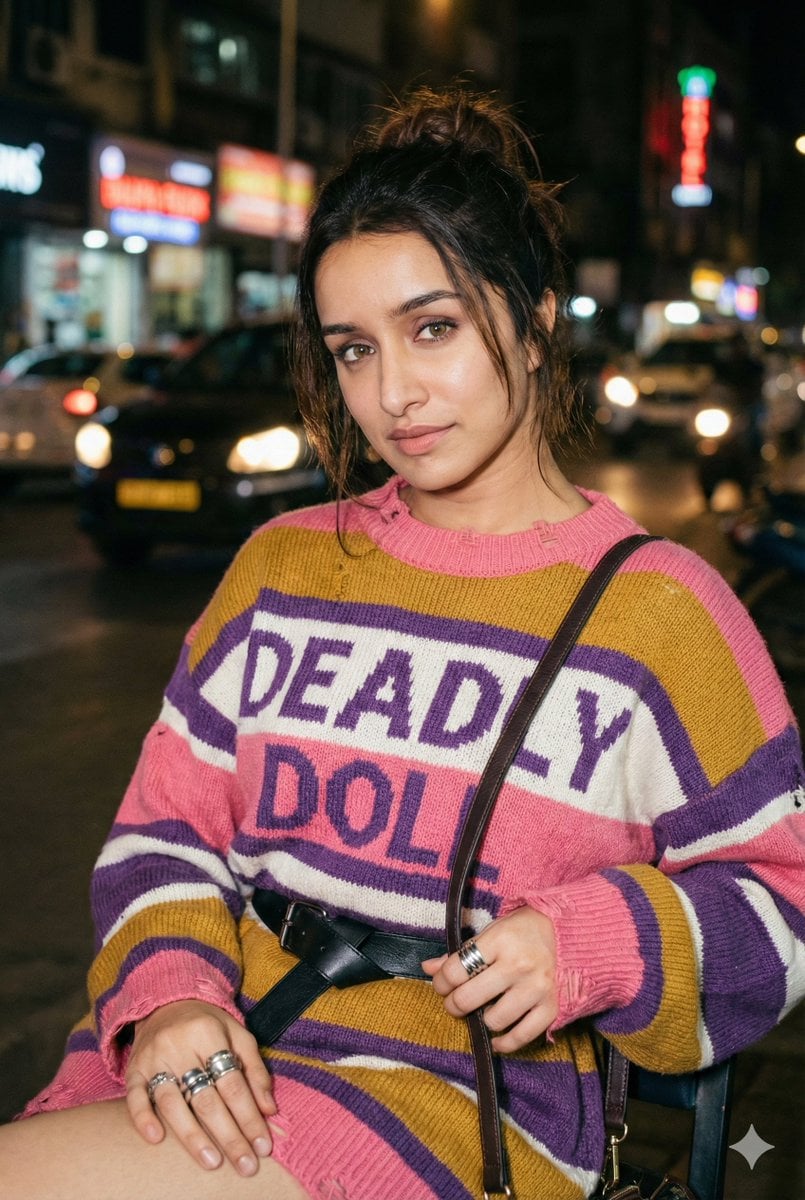
Editorial Nighttime Urban Portrait with Identity Preservation

Sunday Afternoon, 1988

Found Photograph: Us, 1970

Our Song was on a Cassette

The Date After College

80s Couple Studio Portrait

80s College Gate

80s Bollywood Star

80s Golden Hour Cinema

Me in 1985
Make it yours
Candid Nighttime Urban Portrait works as-is. These are the safest ways to change it without losing the look.
Change one field
Copy a single group, rewrite it, and generate again so you can see what that field is doing.
Keep the frame, change the subject
Hold the composition and light of Candid Nighttime Urban Portrait, then swap wardrobe, props or the person for a new take.
| If the result… | Why | Fix |
|---|---|---|
| The result drifts from the preview | Too many fields changed at once. | Reuse Candid Nighttime Urban Portrait as-is first, then change one group — subject, light, or setting. |
| The model over-stylizes the scene | The prose prompt leaves finish and camera underspecified. | Add one camera or lighting sentence and stay on Nano Banana 2. |
More Nano Banana 2 templates
Other prompts made for Nano Banana 2.

Photorealistic Leaf Shaped Like a Dragon

K-Pop Idol Portrait Grid for Rapid Selection

Poetic Rain Forest Portrait During Golden Hour

Urban Street Portrait with Cartoon Inner Self Duo

High-Concept 3D Diorama Generation Prompt

Cinematic Futuristic Studio Portrait Template

Skincare Editorial Photography Collage Prompt

Hyper-Realistic Commercial Product Photography (Splash Effect)

Hyper-Realistic Nightclub Portrait Prompt

Cinematic Urban Rain Scene Prompt (Neo-Noir)
More image prompts
Fresh picks from across the catalog.
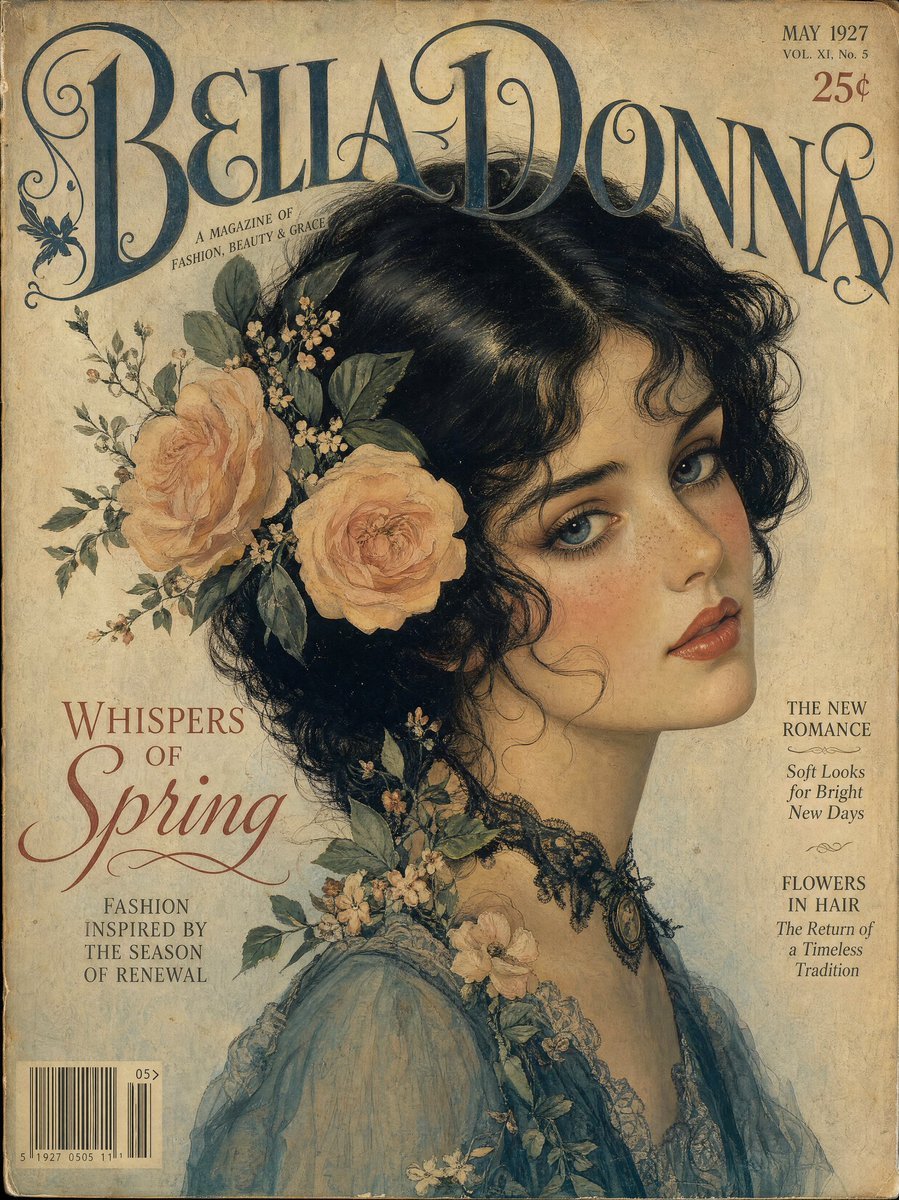
Vintage Gouache Fashion Magazine Cover
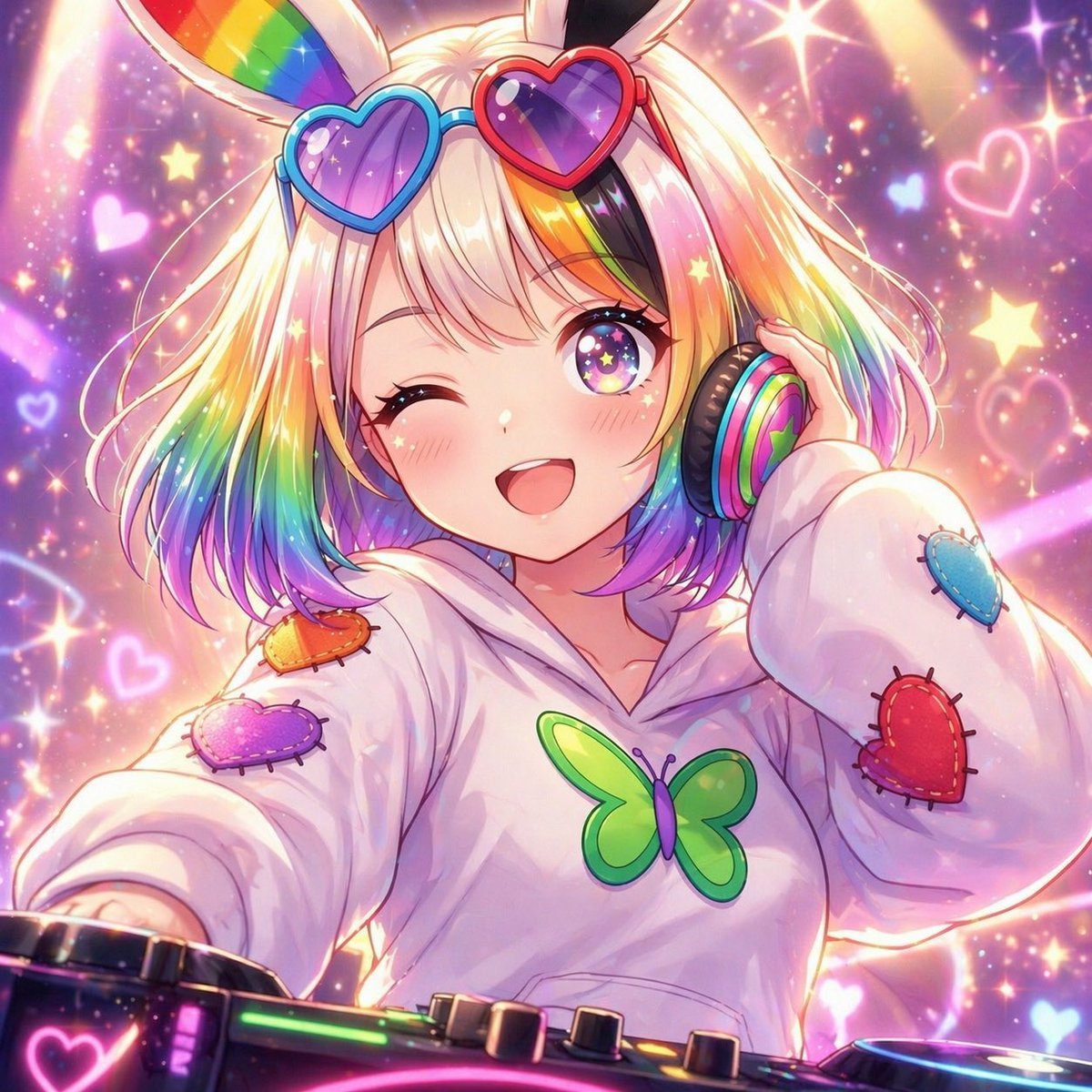
Rainbow Bunny DJ Anime Portrait
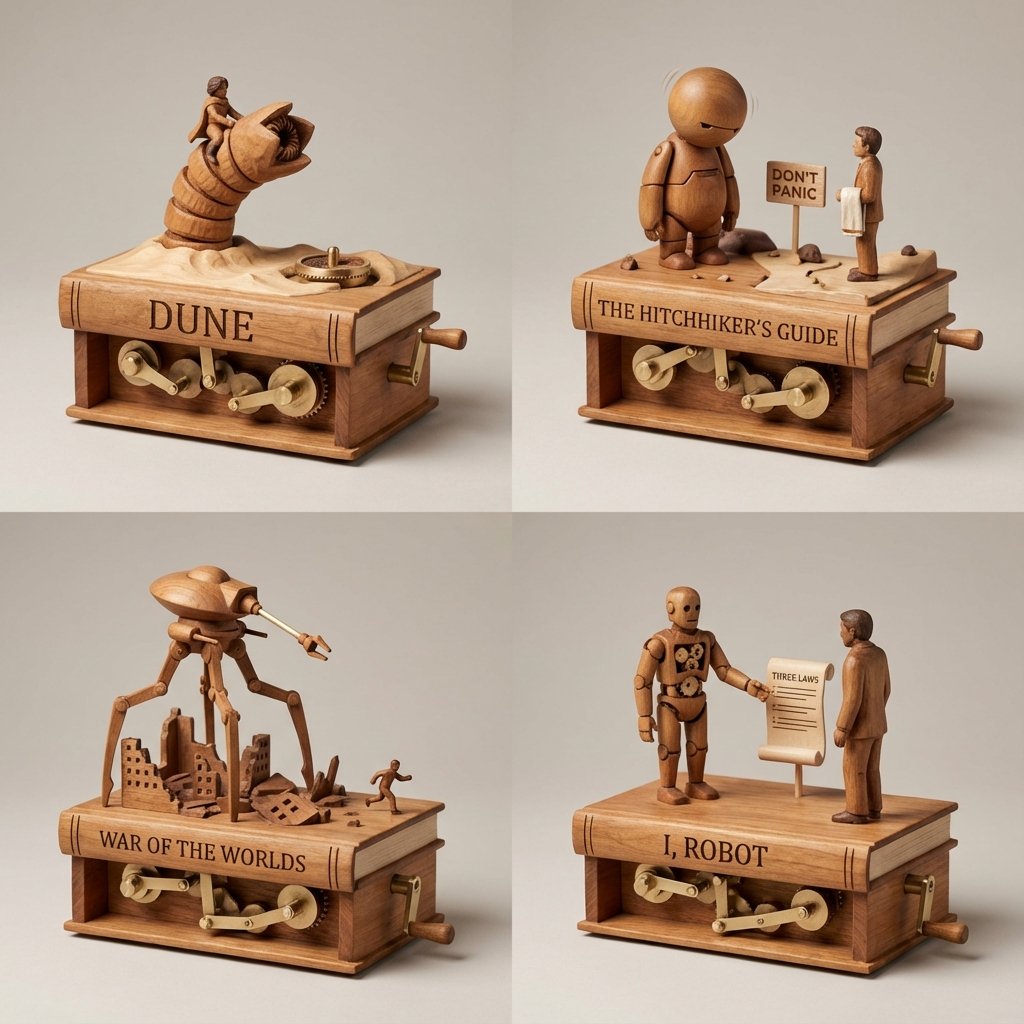
Sci-Fi Book Automaton Macro Product Photography Prompt
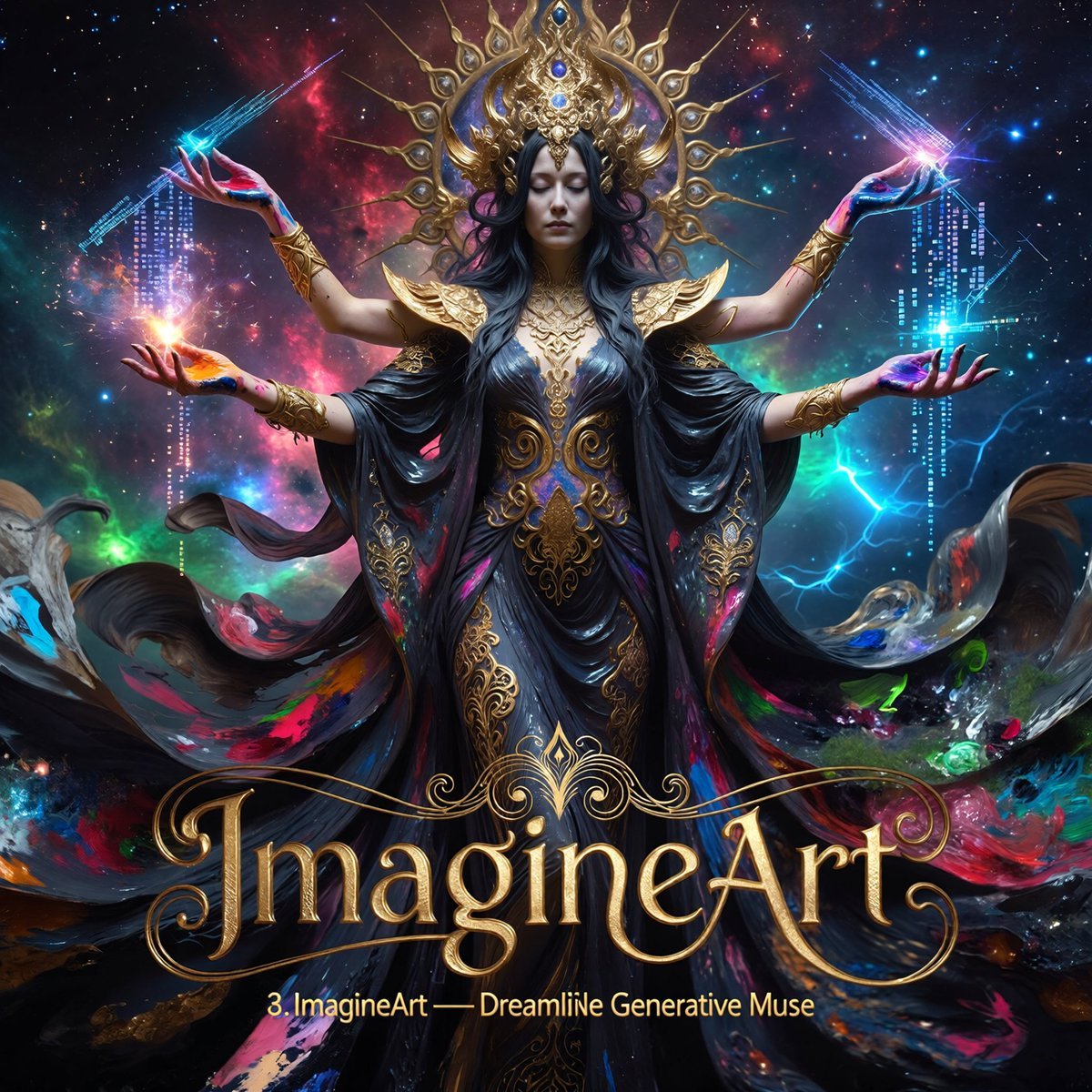
Multi-Concept AI Evolution Prompt
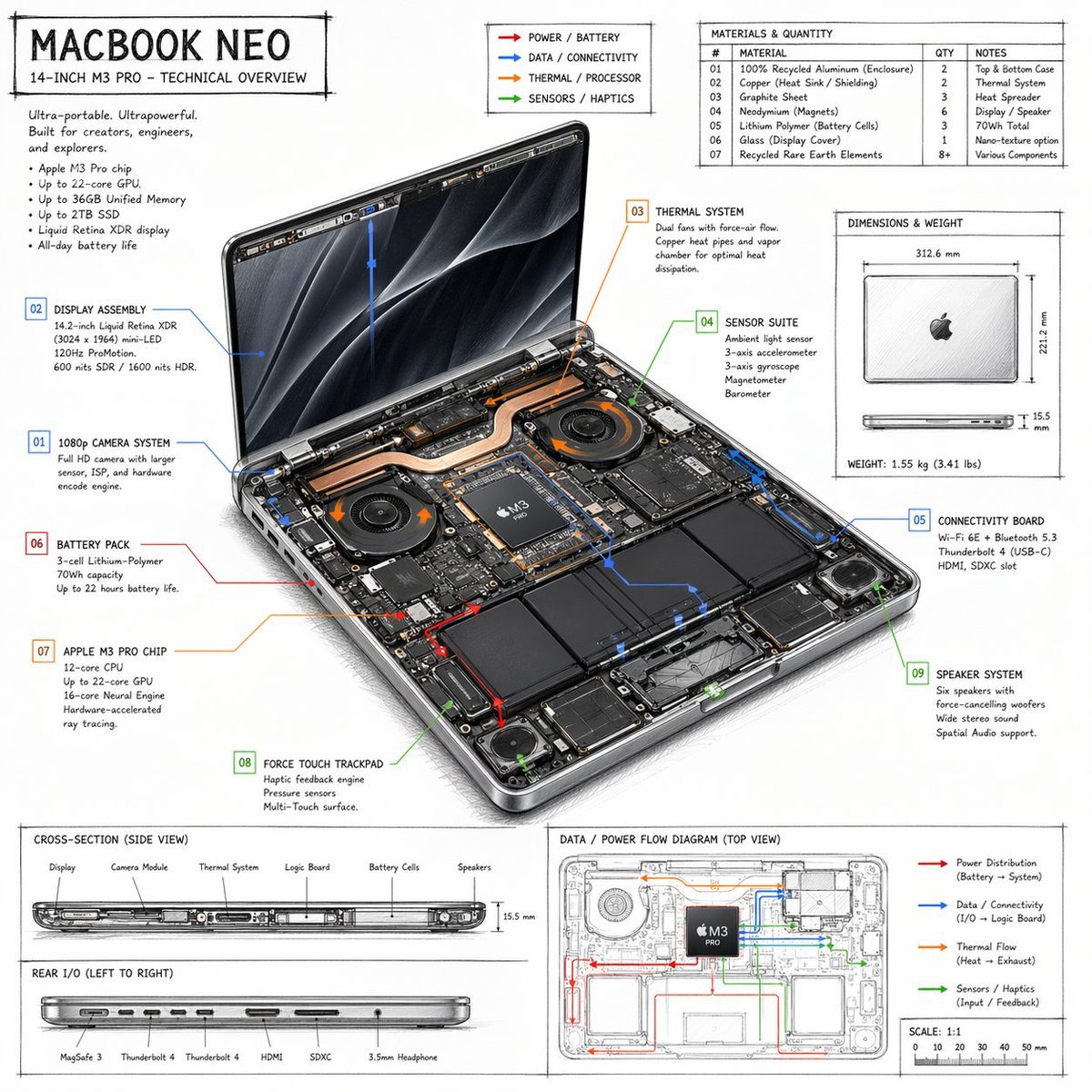
Laptop Technical Overview Infographic
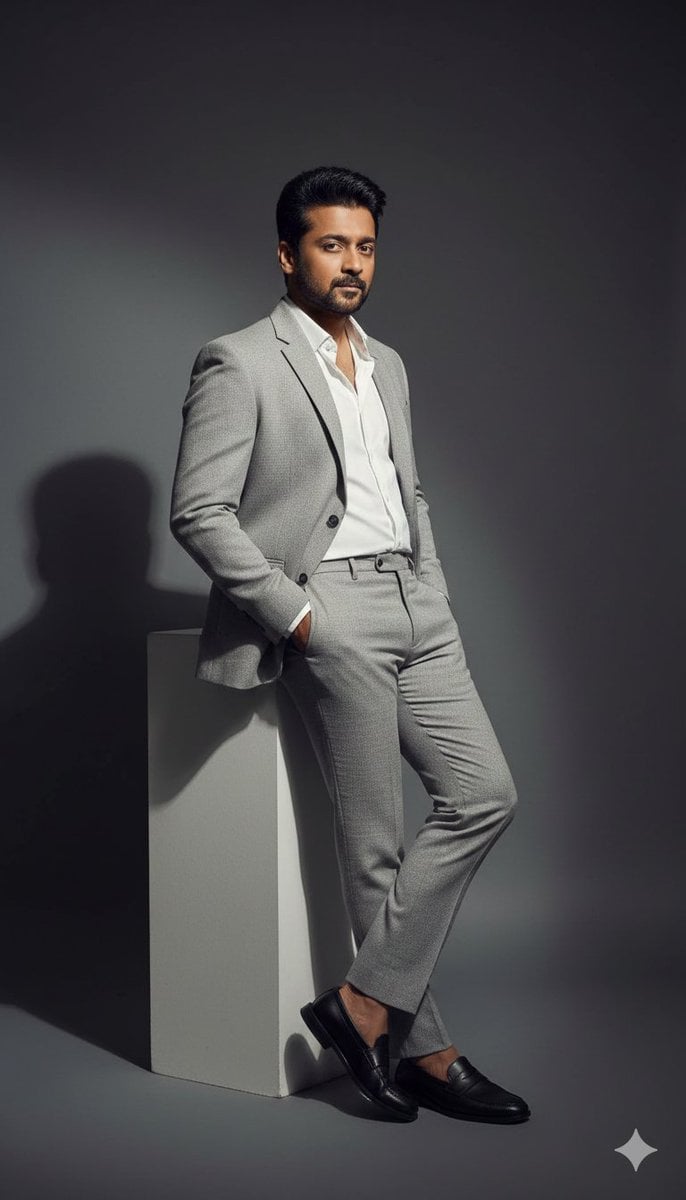
High-Contrast Fashion Editorial Portrait of a Man
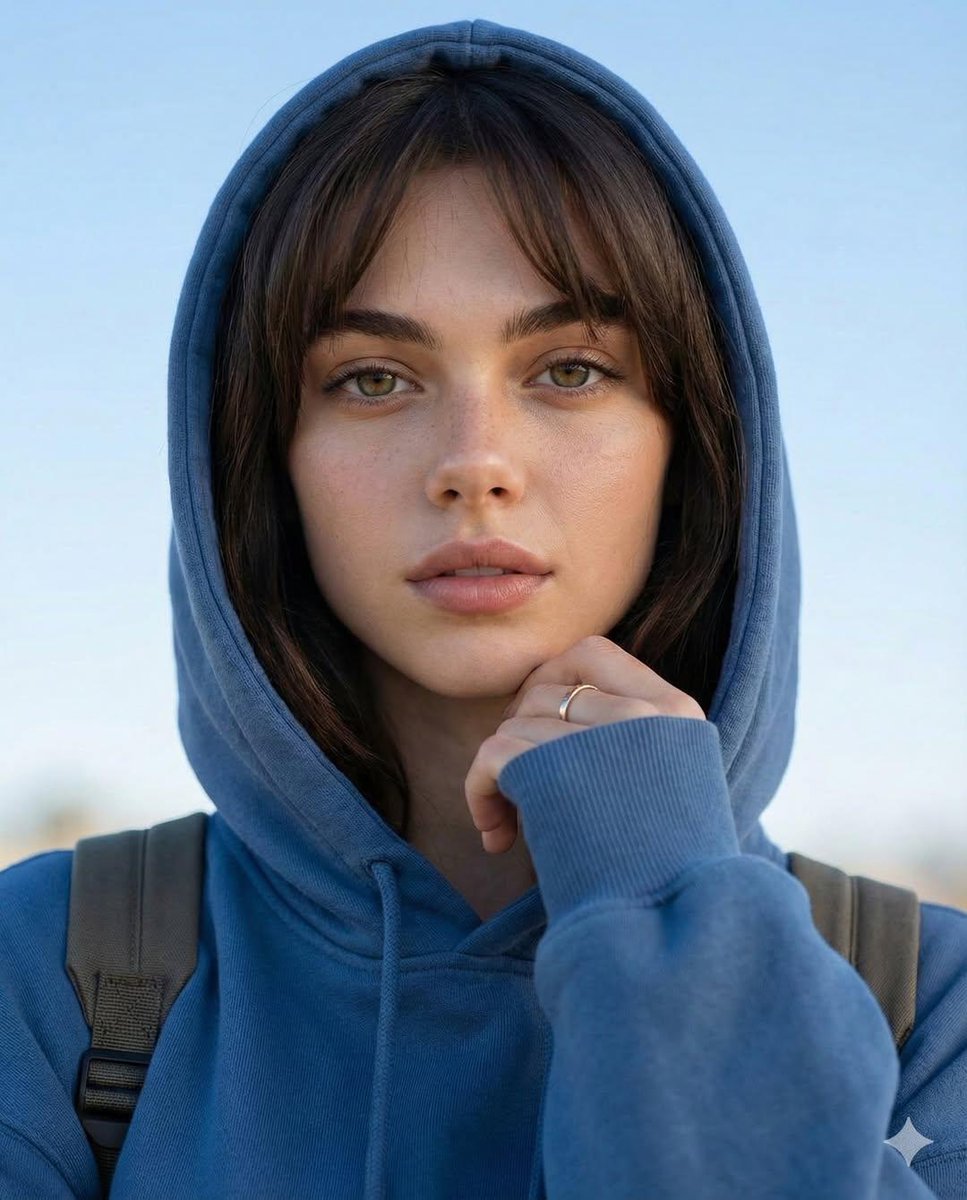
Photorealistic Portrait with Absolute Facial Identity Lock
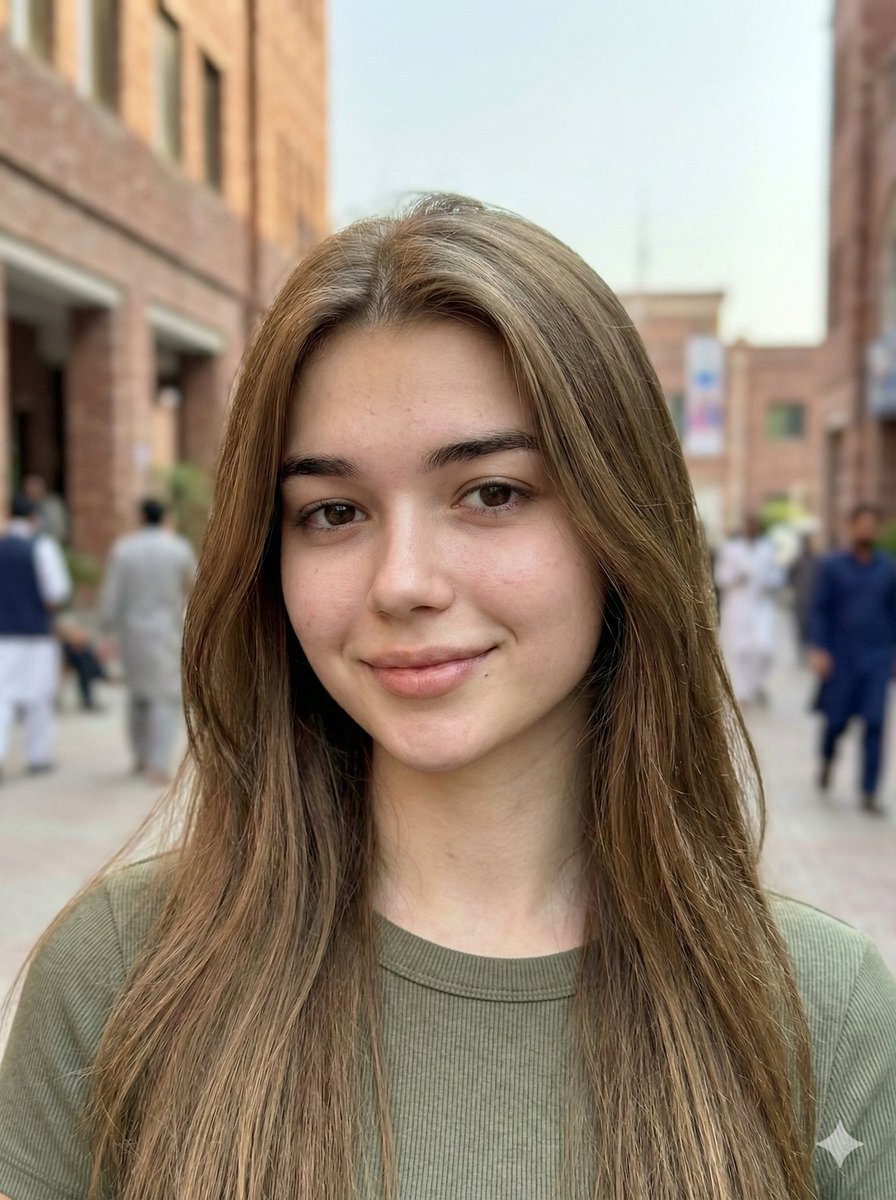
Hyper-Realistic Mobile Camera Portrait of a Girl
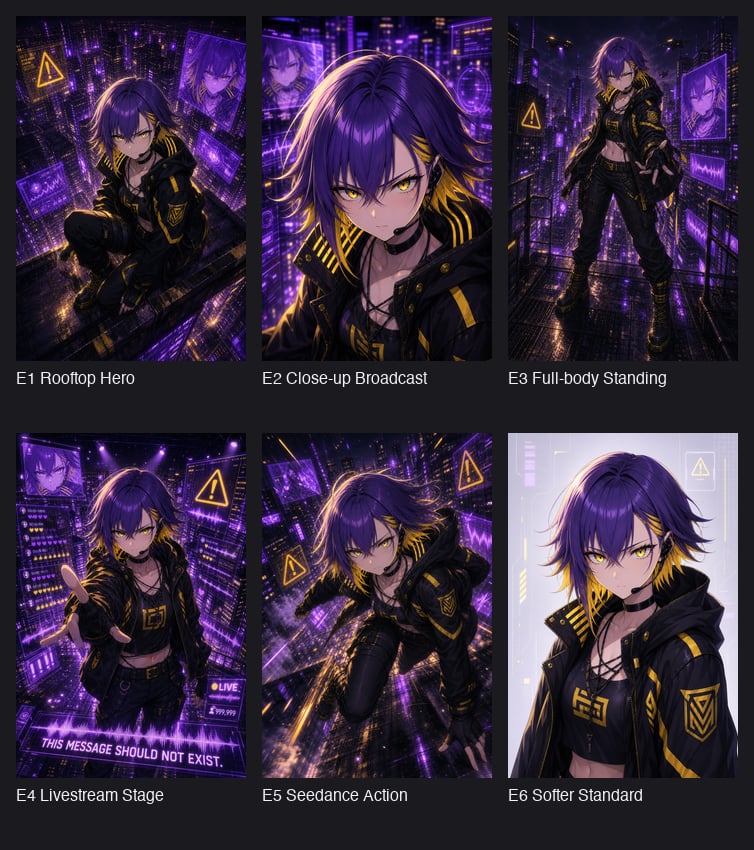
Cyberpunk Anime Hero Contact Sheet
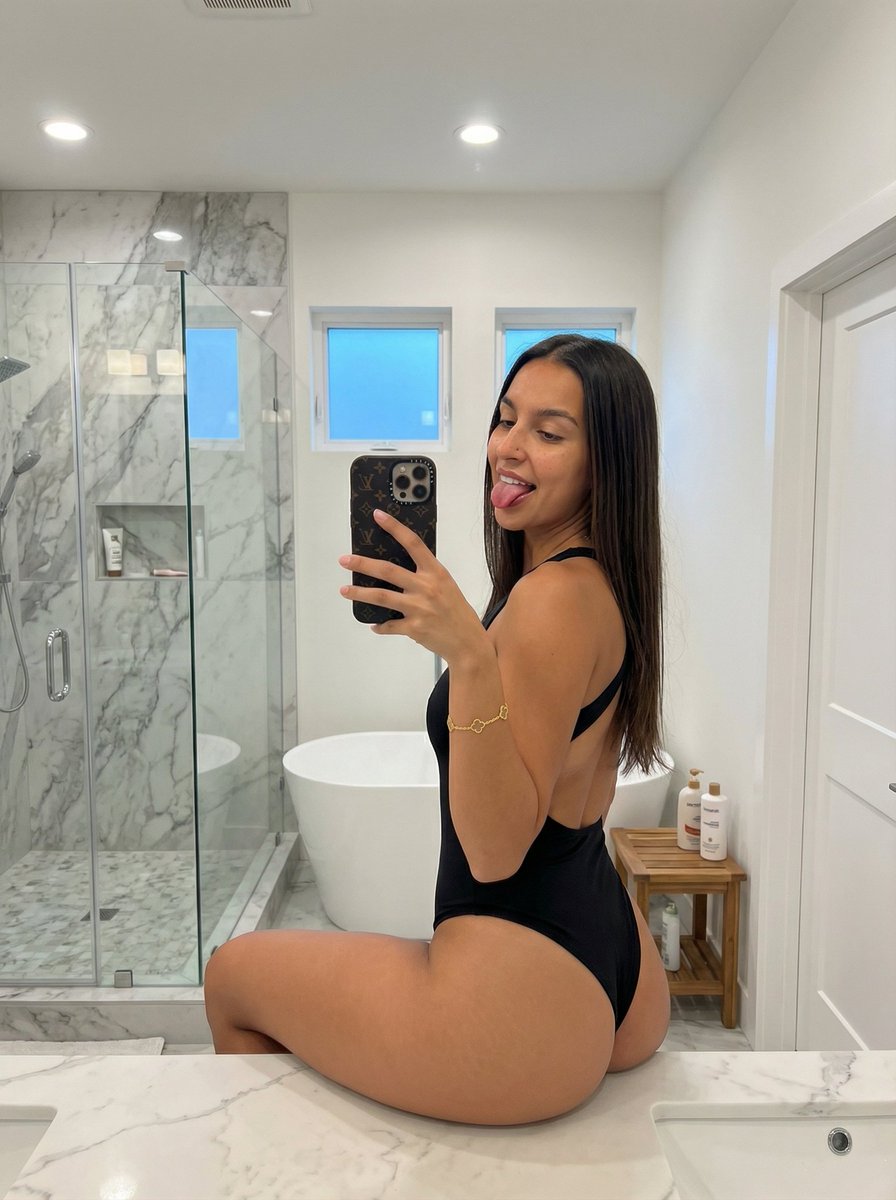
Mirror Selfie with Pose and Depth Controls
Browse template categories
Candid Nighttime Urban Portrait questions
How do I use the Candid Nighttime Urban Portrait template?
Add your photo if the template asks for one, edit the prompt if you like — the template's model and format are already selected — and press Generate. Your version opens in PicX Studio.
Can I customize the Candid Nighttime Urban Portrait template?
Yes. You can change the subject, setting, lighting, mood, format, and available model controls before creating your image.
Is the Candid Nighttime Urban Portrait template free?
Opening and editing this template is free. Generating uses credits, shown on the Generate button when you are signed in.
Which AI model should I use?
Start with Nano Banana 2, which is the model associated with this template. You can compare another compatible model for a different finish.
Looking for something else? Browse all templates.

Your photo, any look
Thousands of ready templates for every top image and video model, from one credit balance.