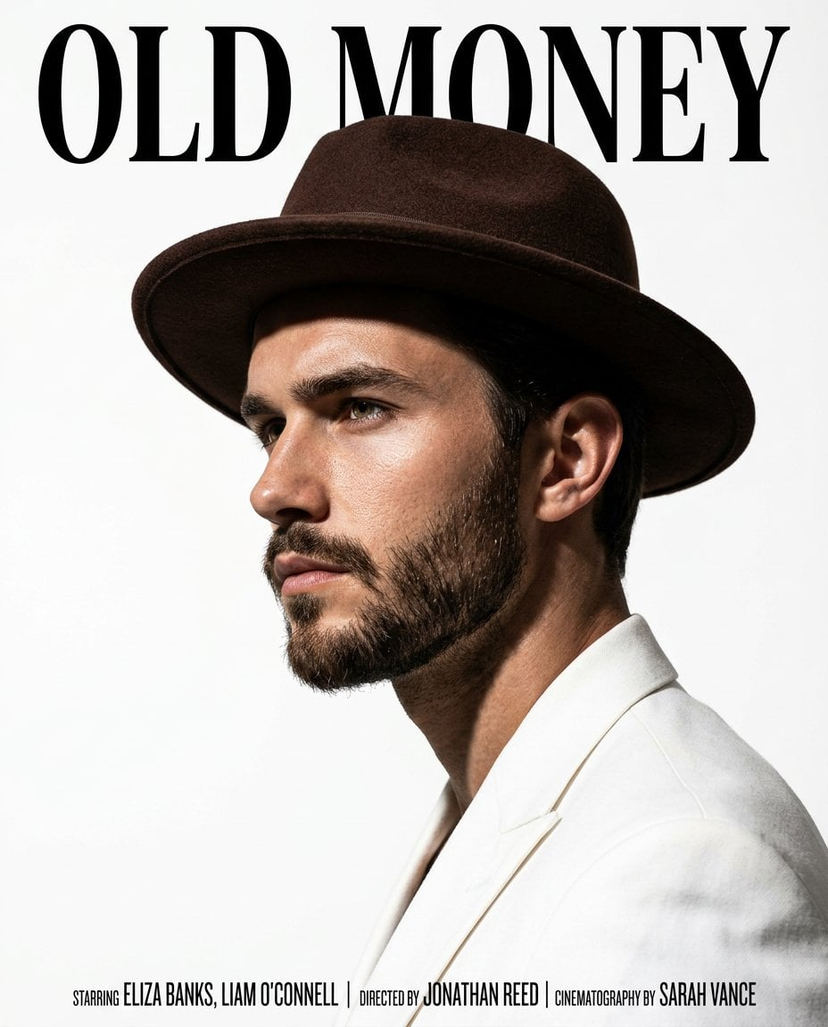
How do I use the Old Money Cinematic Portrait with Vintage Sedan template?
Choose the primary action to open PicX Studio with the available template settings. Review the model and format, personalize the creative direction, and generate when ready.
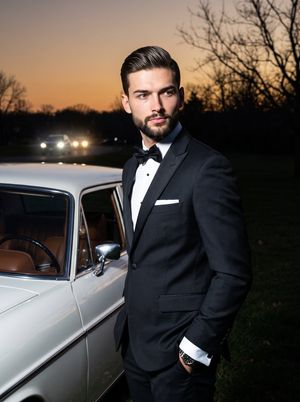
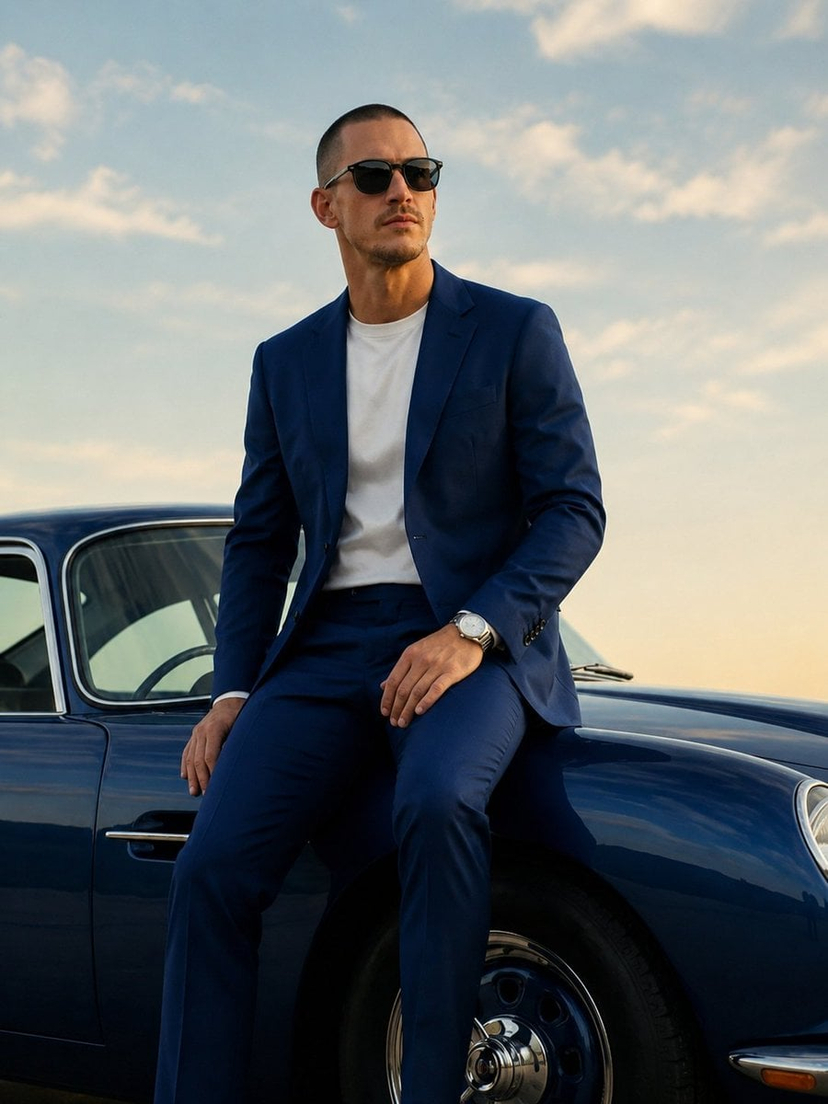
A detailed JSON prompt for generating a cinematic, 'Old Money' style full-body portrait. Change the subject, setting, or lighting one variable at a time.

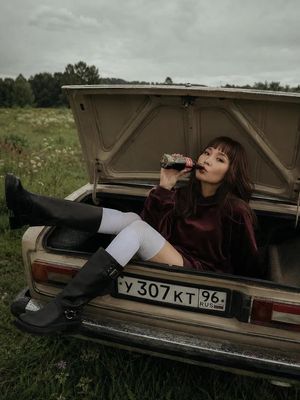
{ "model": "Gemini Nano Banana Pro", "type": "image", "style": "cinematic realism", "scene": { "setting": "empty parking lot beside a tree-lined park in autumn, fallen leaves, calm overcast sky", "subject": "confident woman leaning on a vintage red classic sedan", "wardrobe": "blue oversized button-up shirt with sleeves rolled, high-waisted dark blue wide-leg jeans, black pointed boots, black sunglasses, small hoop earrings", "pose": "leaning against the front fender, one hand resting on the car, relaxed stance, minimal expression", "mood": "cool, understated, nostalgic, elegant" }, "camera": { "shot_type": "full body portrait", "angle": "eye-level", "lens": "50mm", "aperture": "f/2.8", "focus": "sharp on subject, soft falloff into background", "composition": "subject centered slightly right, car filling the frame, tall trees creating vertical depth", "depth_of_field": "moderate cinematic bokeh" }, "lighting": { "type": "natural light", "time": "late afternoon", "weather": "overcast soft diffusion", "contrast": "gentle contrast with soft shadows" }, "color_grading": { "palette": "warm autumn tones with muted reds and browns", "look": "film-like, slightly desaturated, subtle grain", "white_balance": "neutral-warm" }, "details": { "car": "vintage {argument name="car color" default="red"} classic sedan with chrome details, slightly worn paint for realism", "background": "tall autumn trees, soft blur, minimal distractions", "texture": "realistic fabric creases, natural skin texture, no plastic look" }, "quality": { "resolution": "high", "sharpness": "natural", "grain": "subtle film grain", "realism_boost": true }, "negative_prompt": [ "overly smooth skin", "plastic look", "cgi car", "hyper-saturated colors", "anime style", "warped hands", "extra fingers", "distorted face", "fake reflections", "text", "watermark", "logo" ] }
Choose the primary action to open PicX Studio with the available template settings. Review the model and format, personalize the creative direction, and generate when ready.
Yes. You can change the subject, setting, lighting, mood, format, and available model controls before creating your image.
This template is free to open and customize. Generation usage is shown in PicX Studio before you create.
© 2026 PicX Studio. All rights reserved.

Start with Nano Banana 2, which is the model associated with this template. You can compare another compatible model for a different finish.
Follow a topic to a crawlable collection of related PicX Studio templates.
43,474 public templates available. Verified via the PicX Studio public templates API; refreshed hourly.




![85-80-year-old-rapper-mv-seedance-2-0-stree — 16:9 horizontal, street rap MV style, neon purple-blue cold color tone,燃炸酷飒氛围. Duration: 16 seconds.
[0-3s] Mediu](/_next/image?url=https%3A%2F%2Fcdn.picxstudio.com%2Fuploads%2Fpost85_img0_e893af71-4377-4ad8-a655-ec3aac33316c.jpg&w=828&q=100)






![Naive doodle-style subject illustration — A doodle-style {argument name="subject" default="[subject]"}, naive lines, humorous shape exaggeration](https://pbs.twimg.com/media/G6Wl2YxbsAARB2b.jpg)

















![Deconstructed Ingredients Visualization — ( Deconstructed_Ingredients_{argument name="dish name" default="[DISH_NAME]"} * 1.5 ) +
( Miniature…](https://pbs.twimg.com/media/HEYWiLEbYAA3lky.jpg)