
Old Money Library Portrait
An elegant full-body portrait of a man in a historic wood-paneled library, capturing a sophisticated old-money aesthetic with luxury fashion elements.
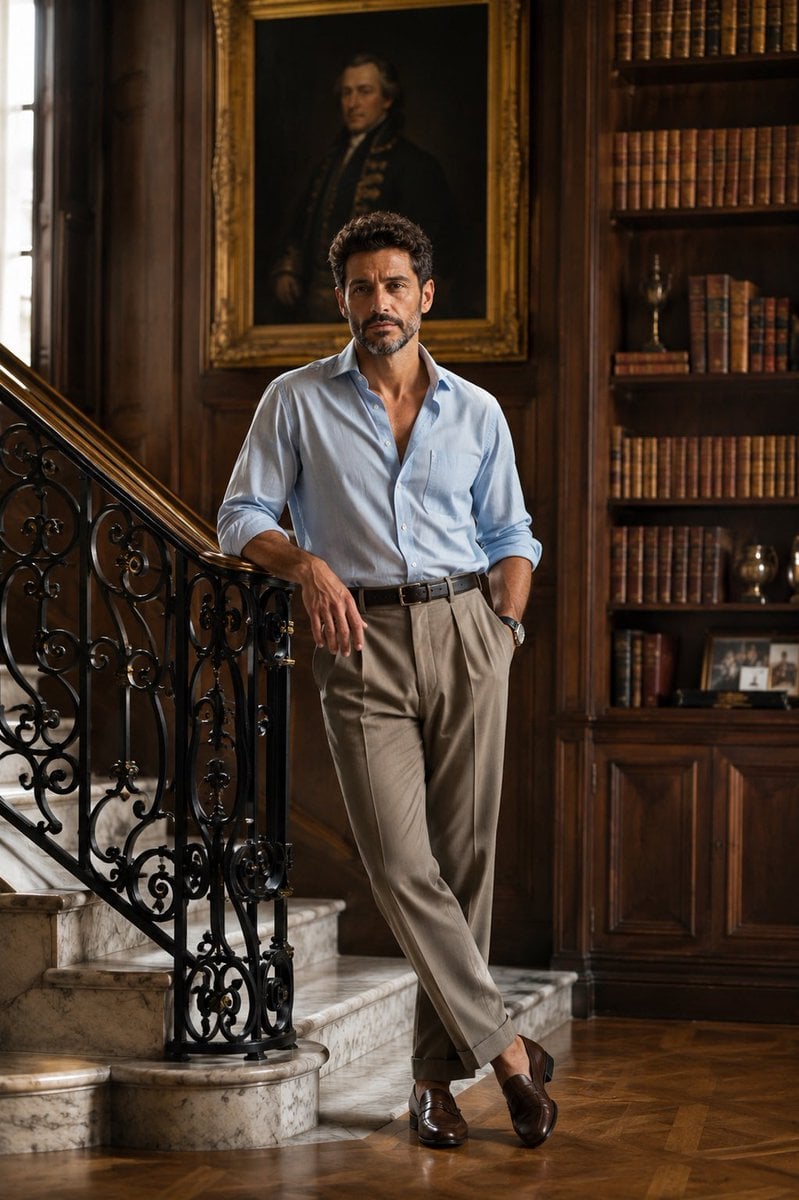
- Prompt included
- Model and format preset
- Free template
The prompt behind this image
Copy the exact prompt behind Old Money Library Portrait, or open it in the studio and make it yours.
full-body portrait of a {argument name="subject" default="handsome young man"} standing on a {argument name="location" default="grand marble staircase inside an elegant historic library"}, rich dark wood-paneled walls, floor-to-ceiling bookshelves, a large vintage oil portrait in an ornate gold frame behind him. He is casually leaning against a black wrought-iron railing with one hand, one leg slightly crossed, looking directly at the camera with a calm, confident expression. Wearing a {argument name="outfit" default="light blue Oxford button-down shirt with the top three buttons undone and sleeves casually rolled up, tailored high-waisted taupe pleated trousers"}, black leather belt, classic wristwatch, polished brown loafers. Soft natural window light, warm cinematic tones, old-money aesthetic, quiet luxury fashion, Ralph Lauren editorial style, timeless elegance, realistic skin texture, shallow depth of field, 35mm lens, ultra-photorealistic, high-end magazine photography, balanced composition, 8K, HDR, ultra detailed. Negative Prompt low quality, blurry, cartoon, CGI, overexposed, oversaturated, bad anatomy, extra limbs, duplicate person, distorted face, watermark, text, logo, noisy background, unrealistic proportions
How to use Old Money Library Portrait in 3 steps
- 1
Open
The prompt is already in the box next to the preview, with the template's model and format selected.
- 2…a portrait of your subject in softgolden-hour light, 85mm…
Personalize
Edit the subject and creative details for your destination.
- 3Generate
Generate
Press Generate — your image is created in PicX Studio, so you can compare it with the original and refine one variable at a time.
More like this
Templates with the same subject, style or setup. Open one to see its prompt.

80s Golden Hour Cinema
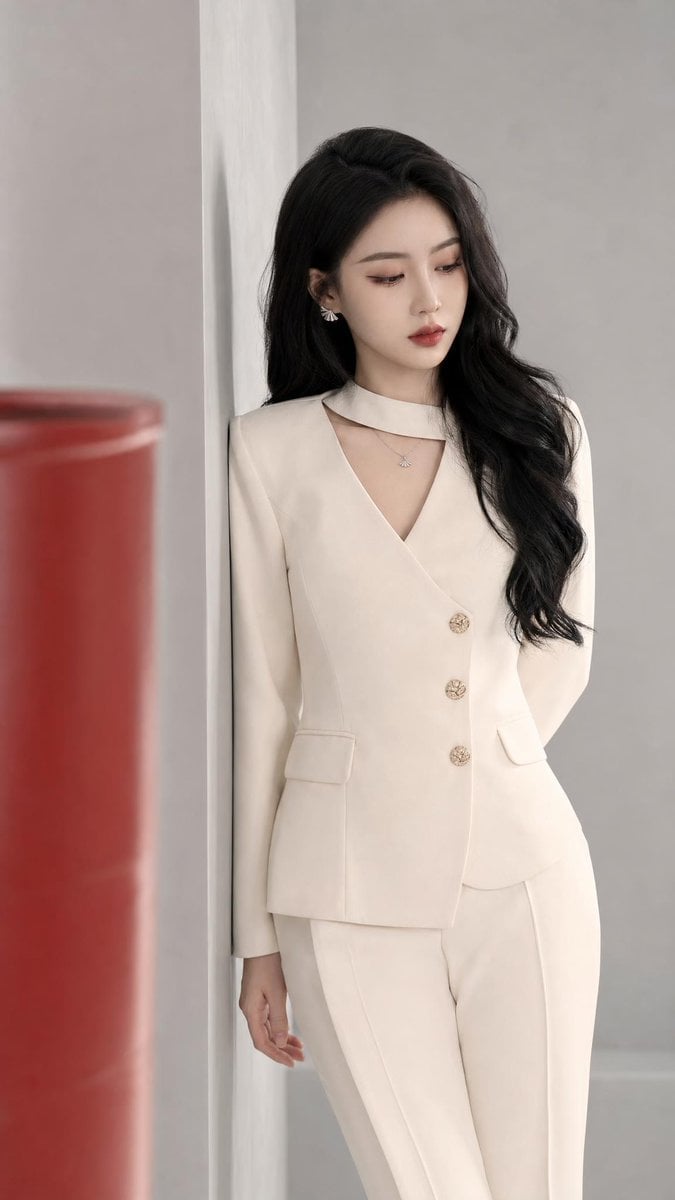
Old Money Aesthetic Asian Female Portrait

Rooftop Fisheye — Cat-Ear Balaclava at Golden Hour
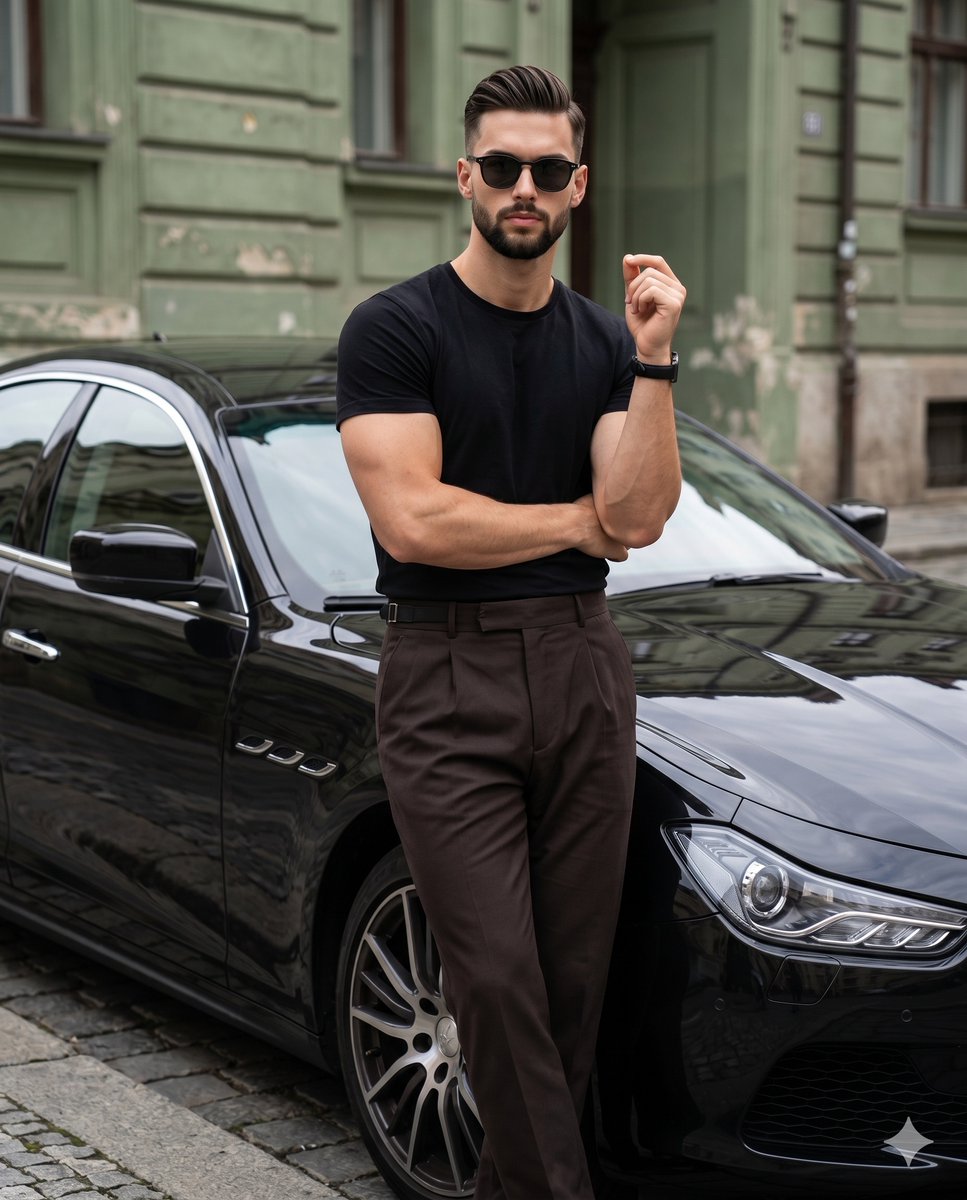
Old Money Editorial Fashion Portrait
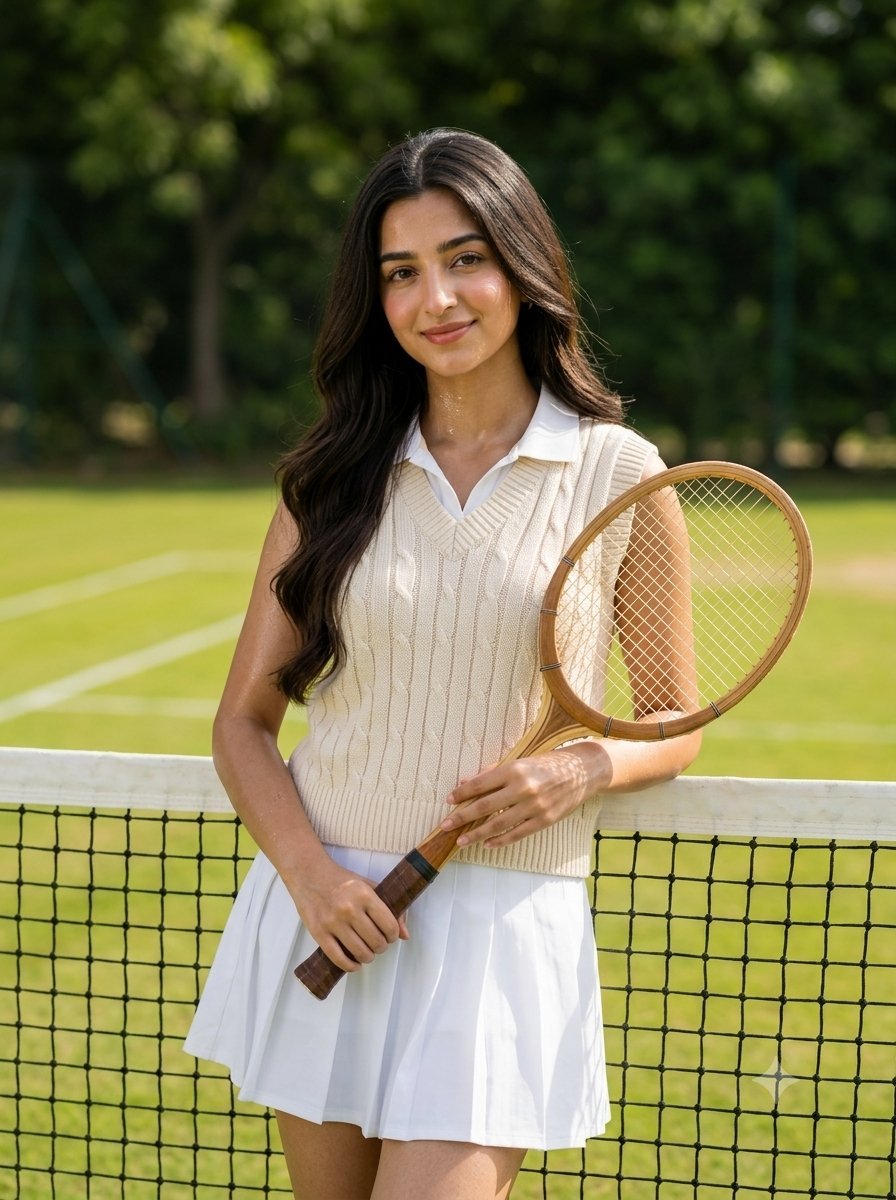
Old money tennis aesthetic portrait

Library Globe Brass Meridian
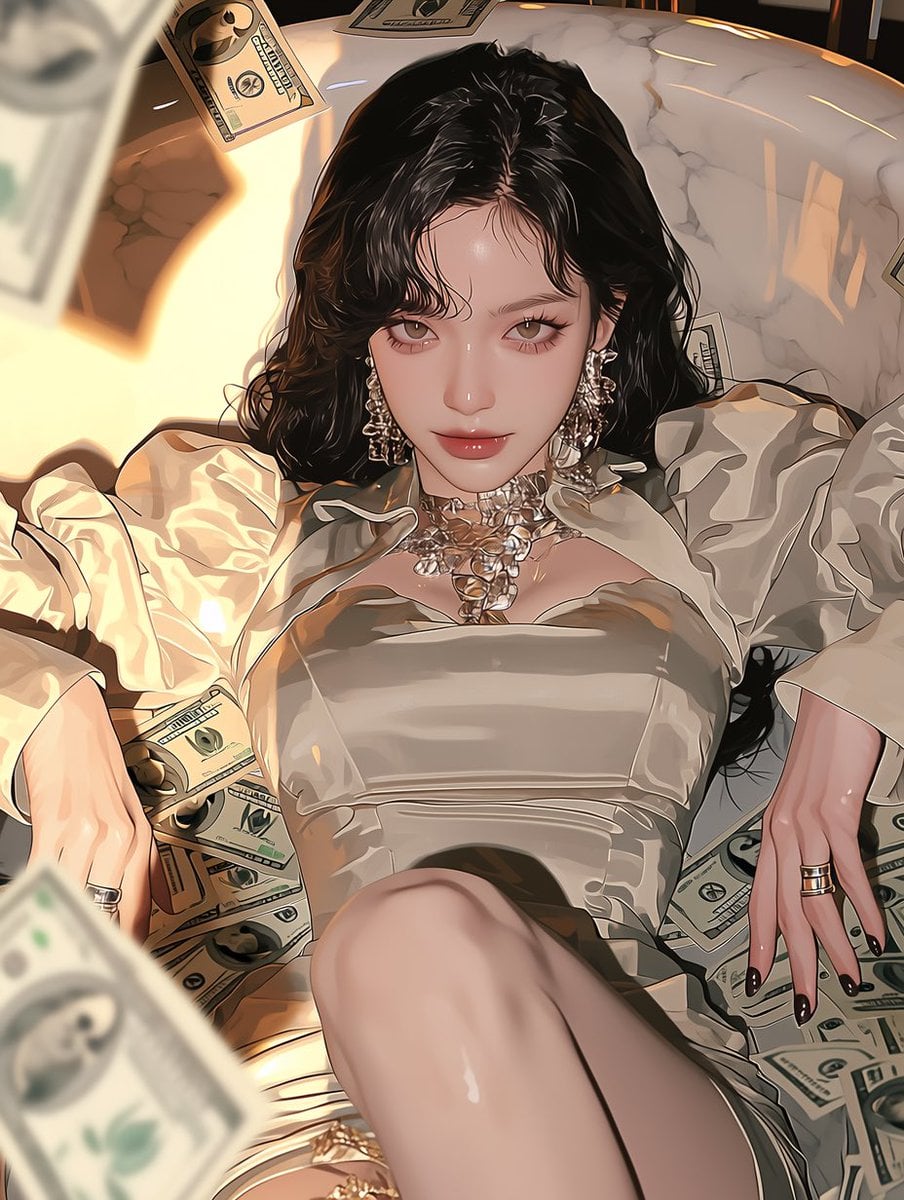
Money Tree Bonsai Gold

Vintage Library Ladder
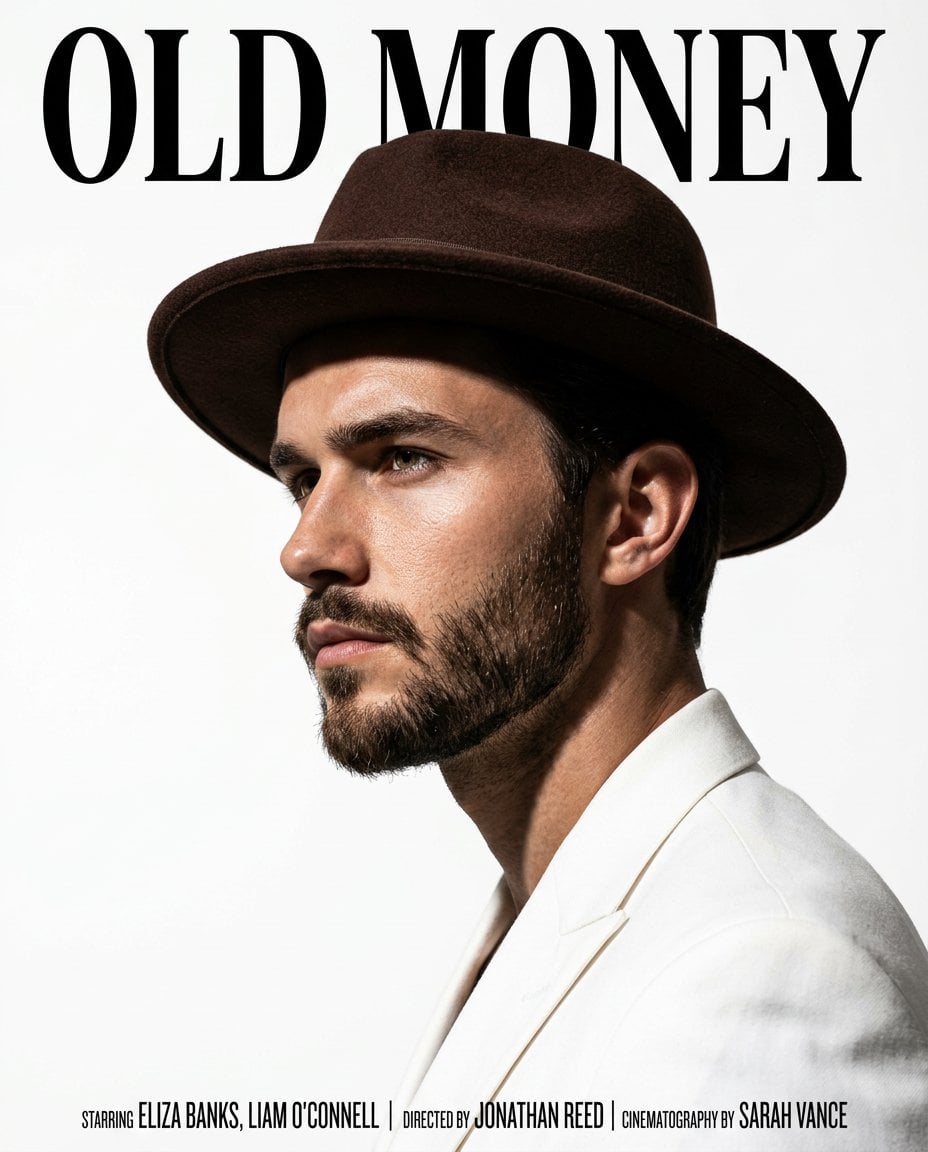
Gold Dust Makeup Money
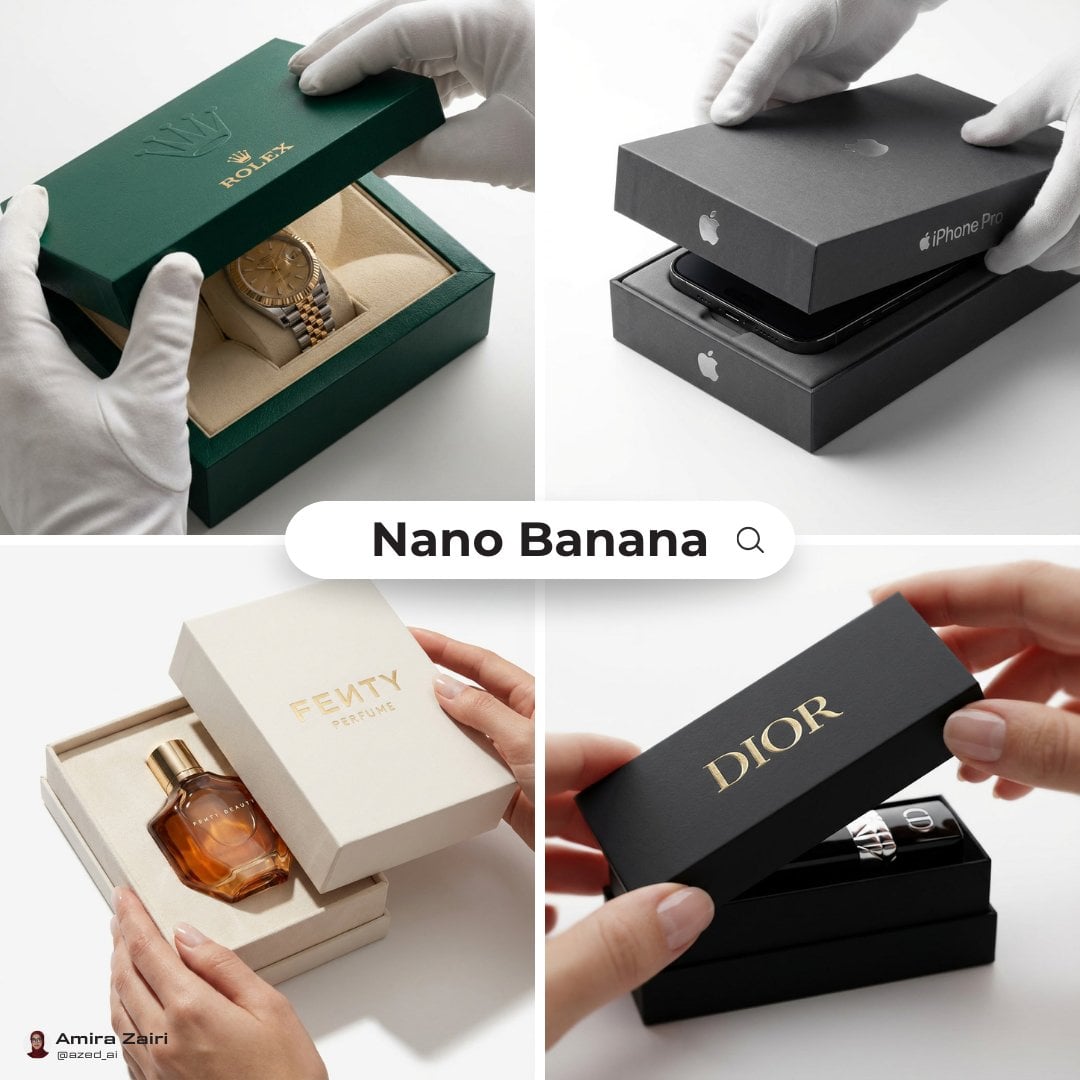
Old Money Desk Still Life
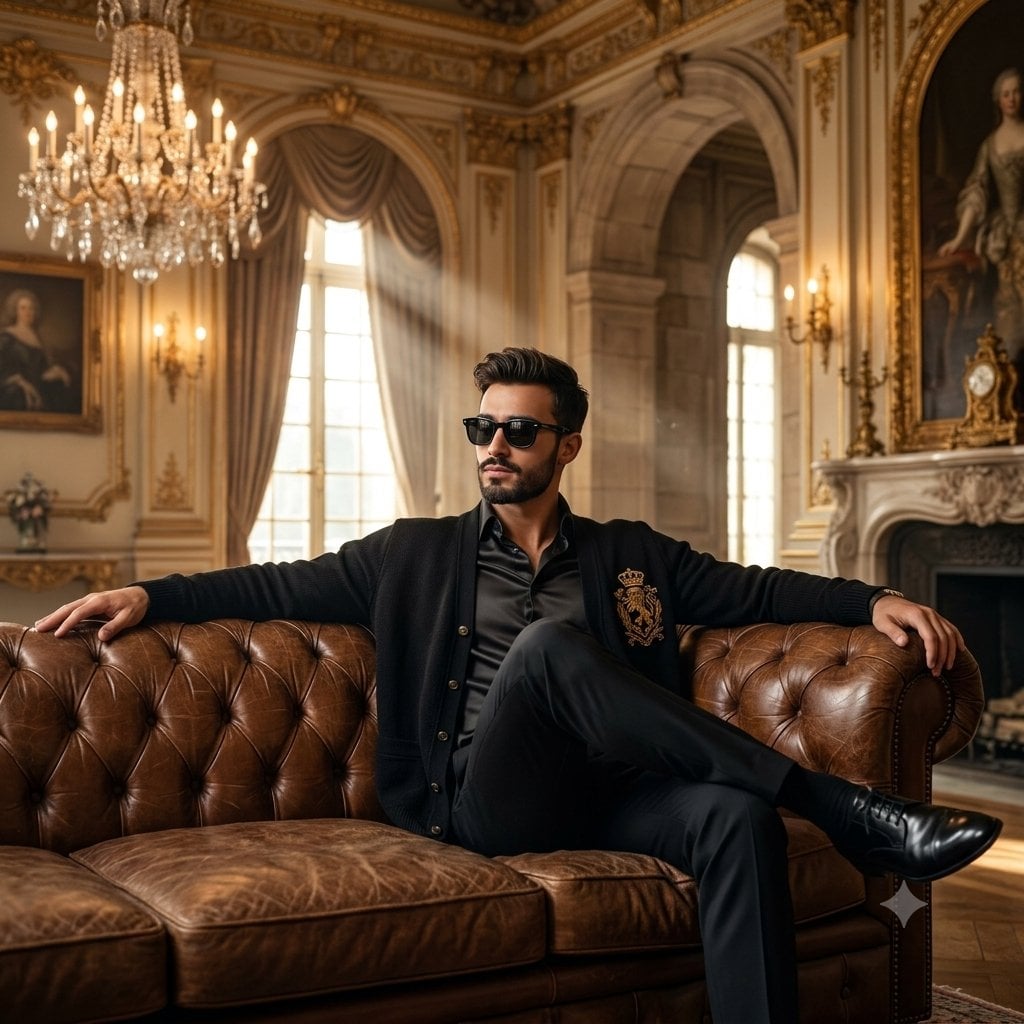
Old Money Luxury Studio Portrait
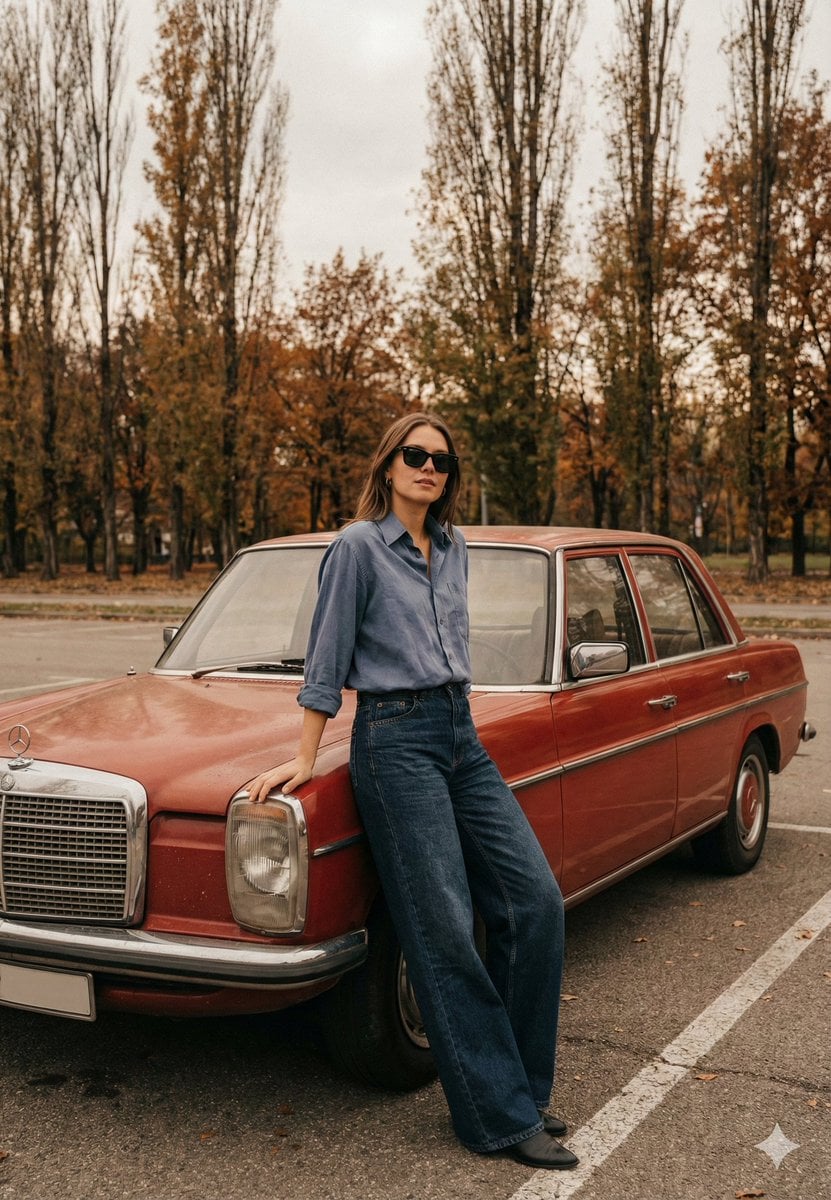
Old Money Cinematic Portrait with Vintage Sedan
Make it yours
Old Money Library Portrait works as-is. These are the safest ways to change it without losing the look.
Change one field
Copy a single group, rewrite it, and generate again so you can see what that field is doing.
Keep the frame, change the subject
Hold the composition and light of Old Money Library Portrait, then swap wardrobe, props or the person for a new take.
| If the result… | Why | Fix |
|---|---|---|
| The result drifts from the preview | Too many fields changed at once. | Reuse Old Money Library Portrait as-is first, then change one group — subject, light, or setting. |
| The model over-stylizes the scene | The prose prompt leaves finish and camera underspecified. | Add one camera or lighting sentence and stay on GPT Image 2. |
More GPT Image 2 templates
Other prompts made for GPT Image 2.

Six VTuber Japanese Logo Sheet

Realistic Portrait of Woman and Deer

The Vista Modular Condo Poster

AI Model Routing Comparison Infographic

2.5D Anime Art Board

Isometric Productivity Desk Scene

New York Double Exposure Poster

Four-Panel AI Landscape Comparison

Japanese Tatami Lifestyle Magazine Cover

NESCAFÉ Coffee Map Poster
More image prompts
Fresh picks from across the catalog.
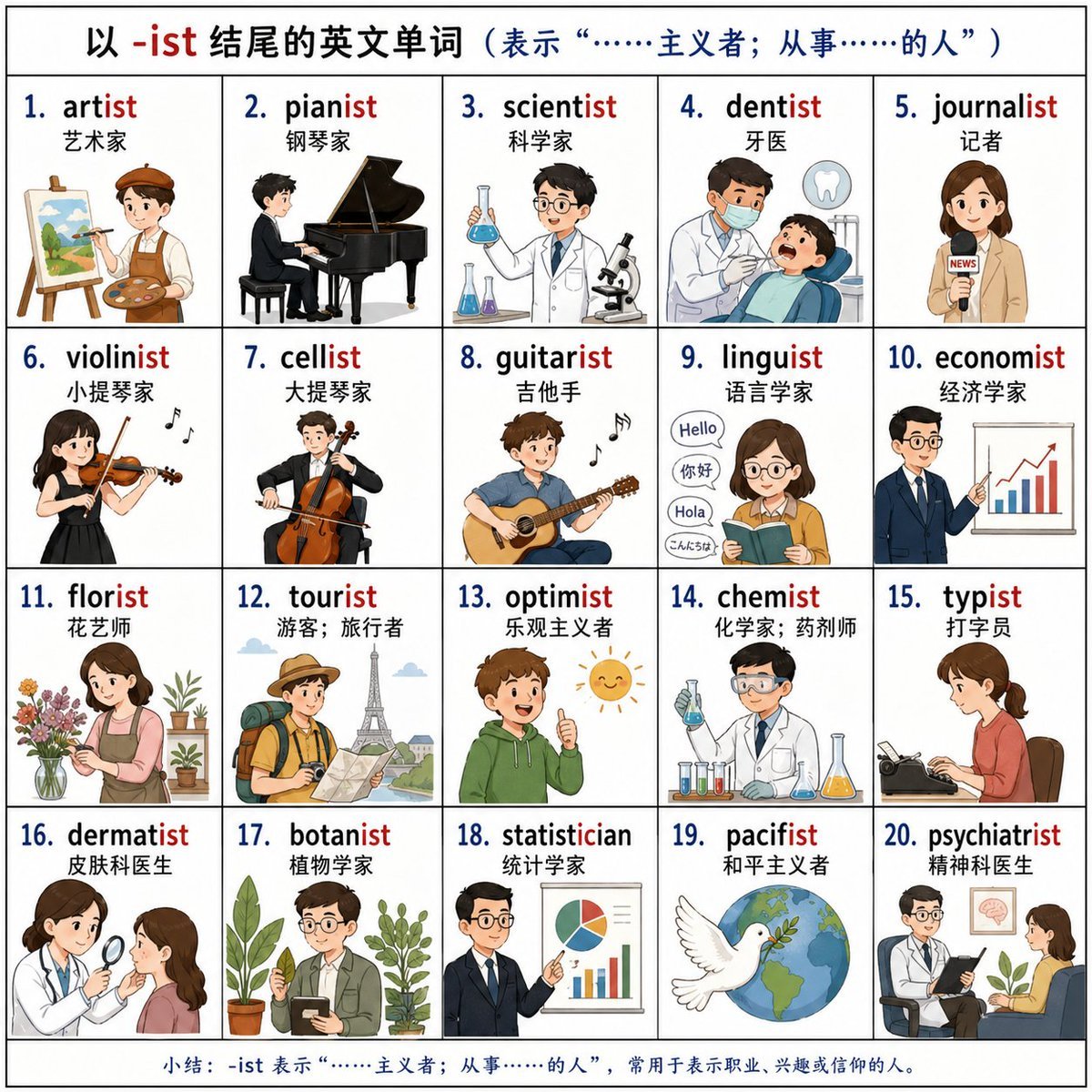
Vocabulary Learning Grid
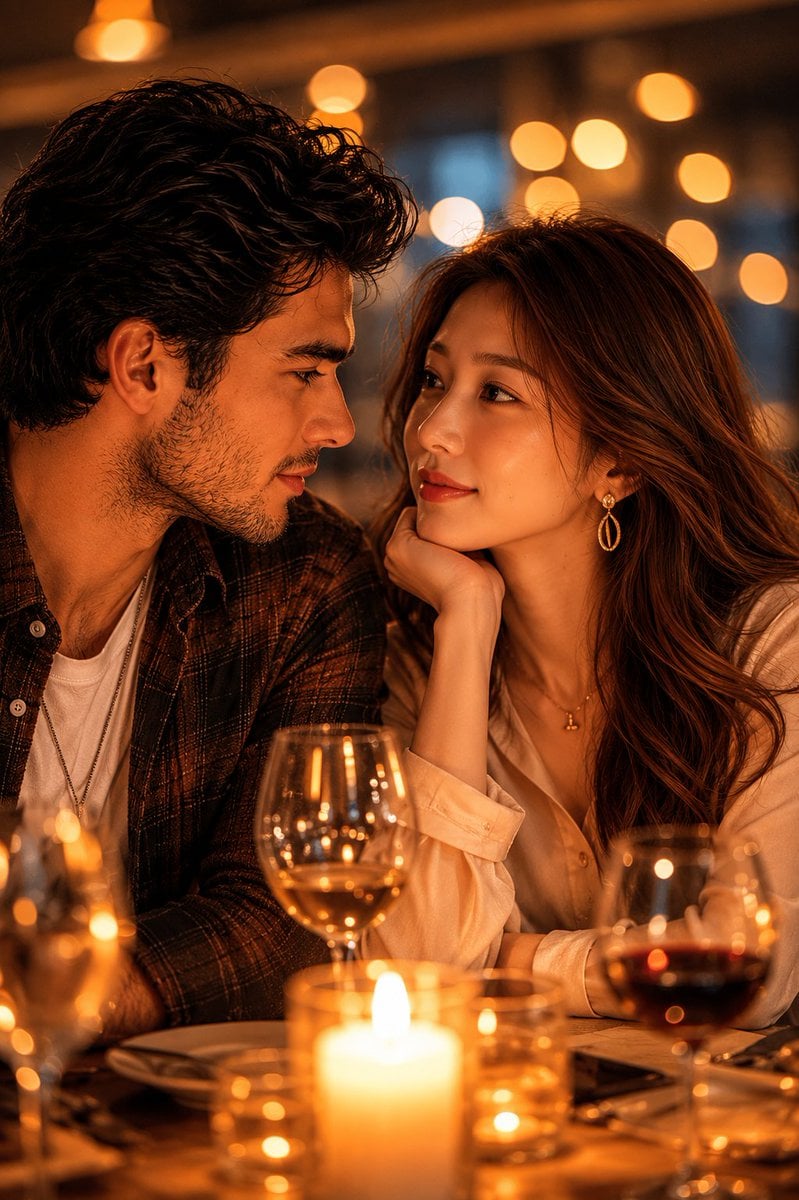
Romantic Candlelit Couple Dinner
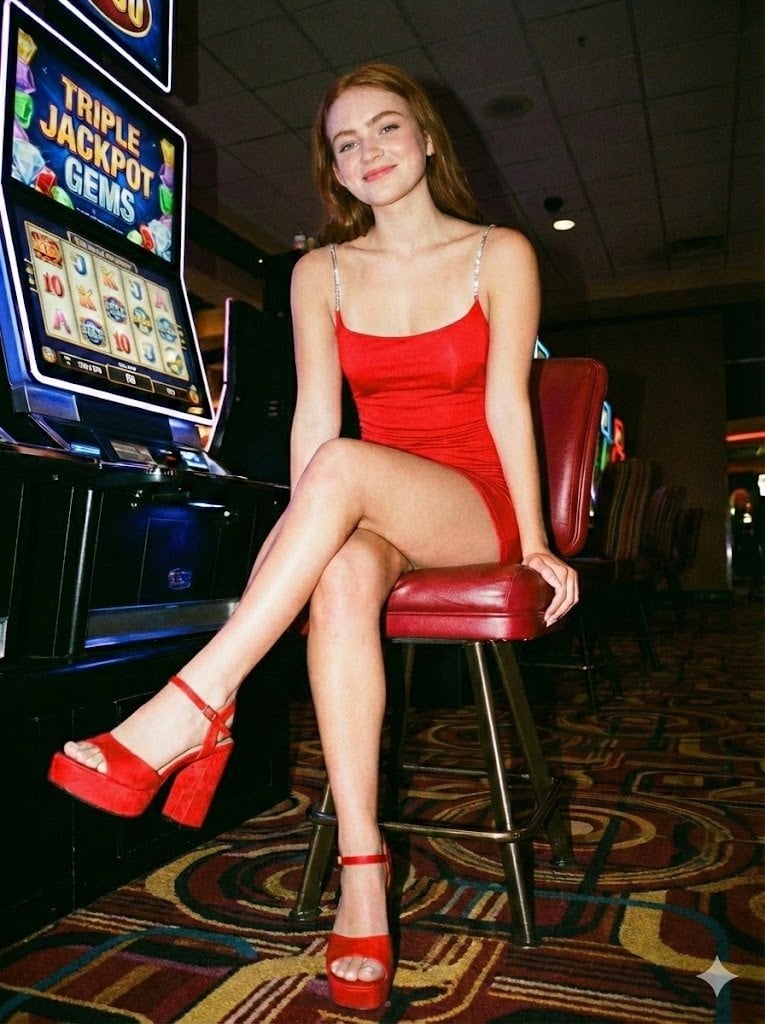
Casino Paparazzi Candid Portrait

Supermarket sale flyer in Japanese
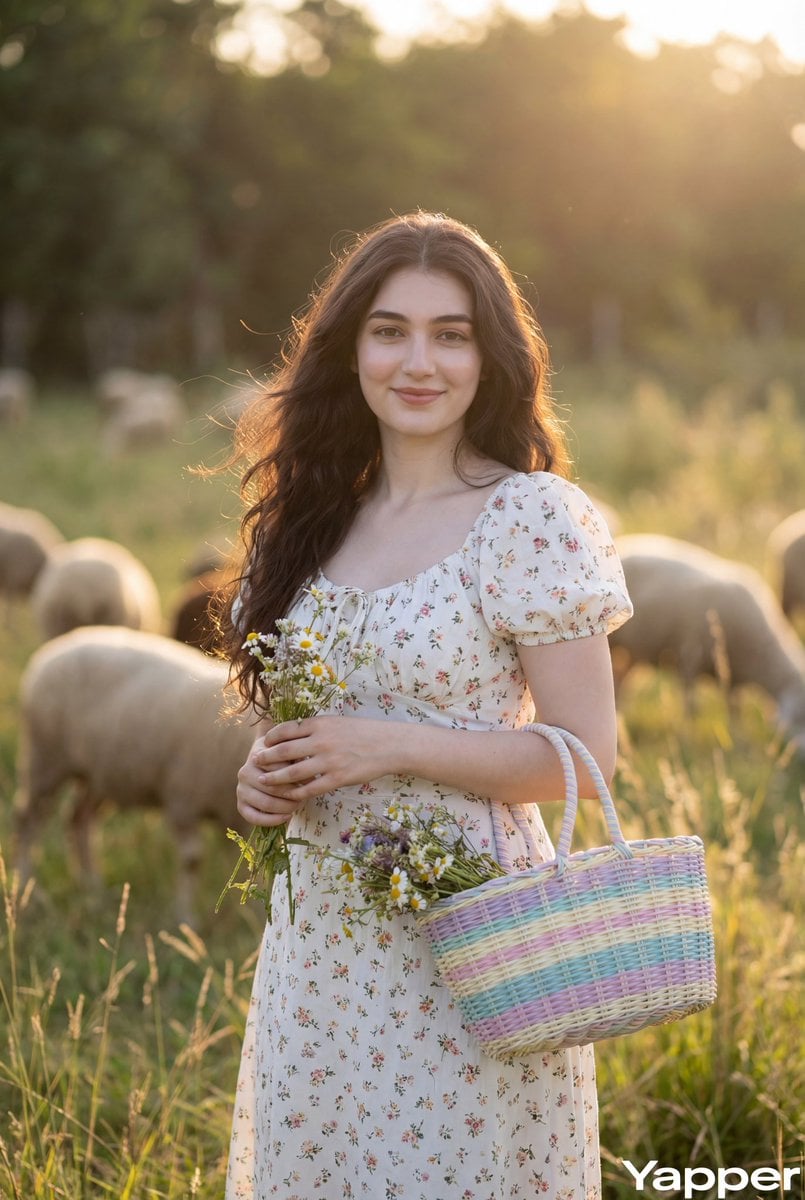
Cottagecore Pastoral Portrait Prompt
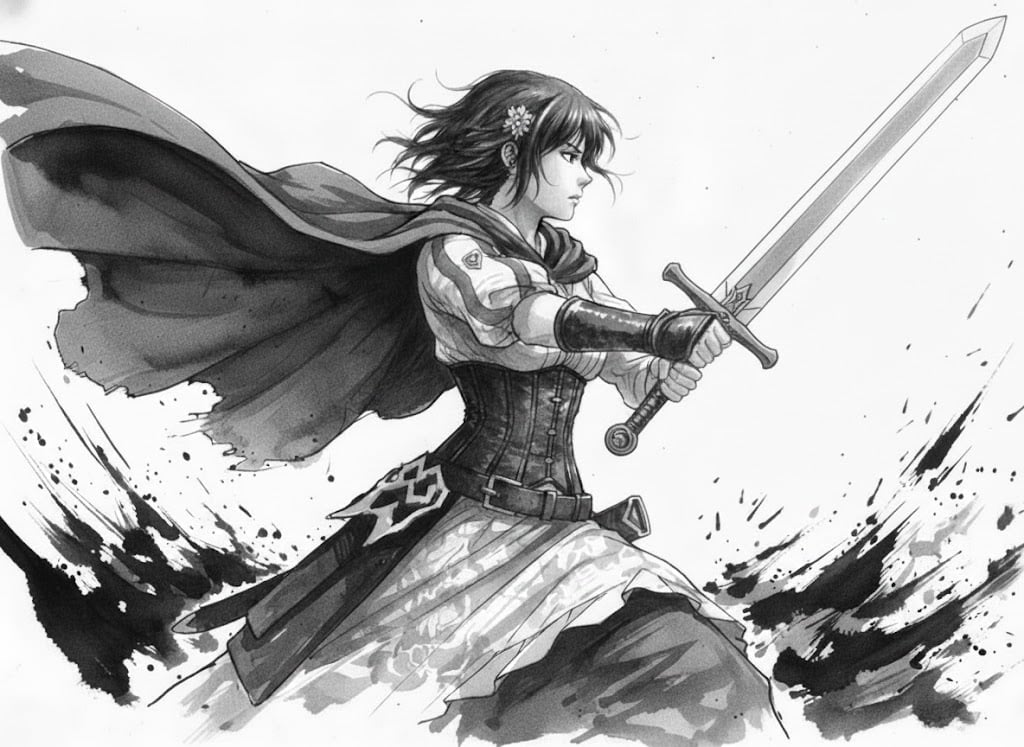
Ink painting style Abé-chan with a sword
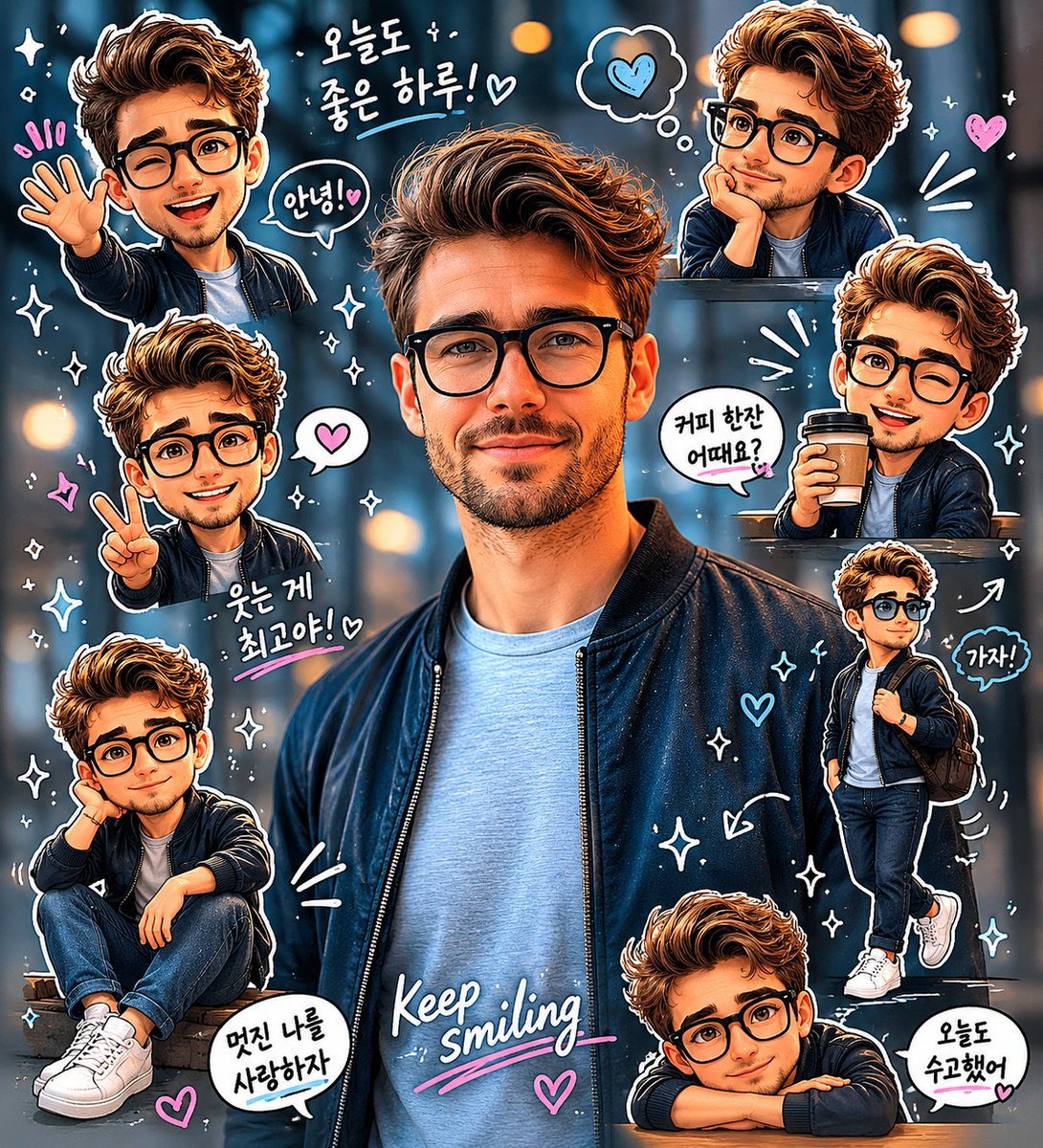
Chibi Sticker Diary Scrapbook Portrait
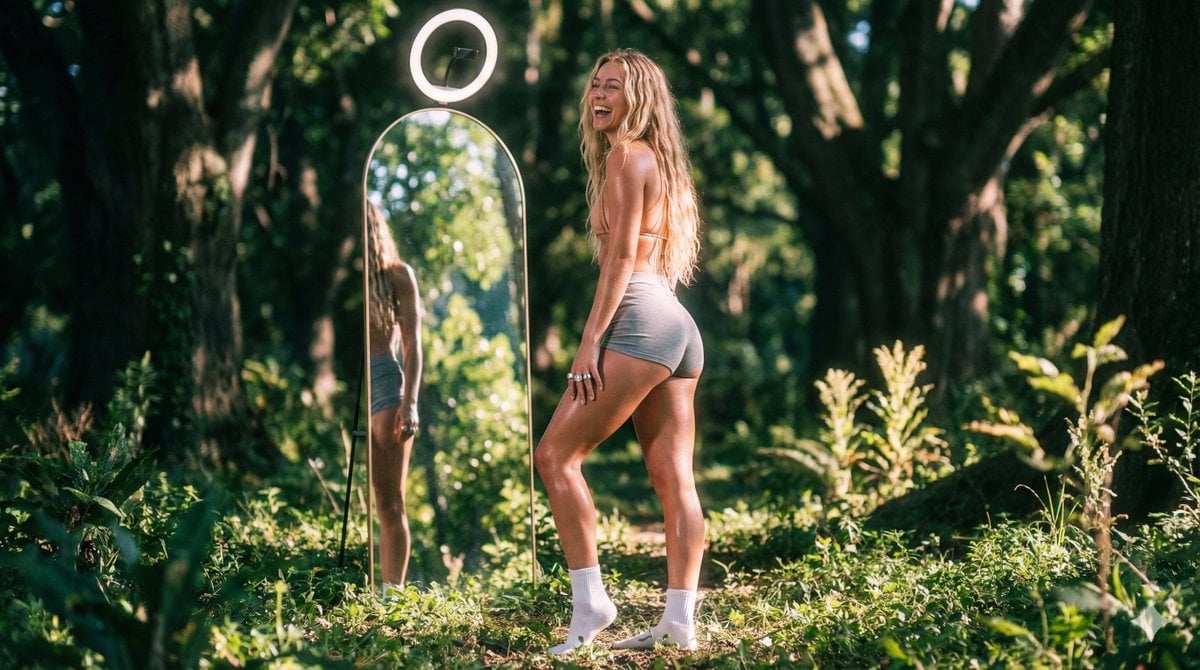
Vaporwave Fitness Shoot in Enchanted Forest
Nano Banana Pro branded header image
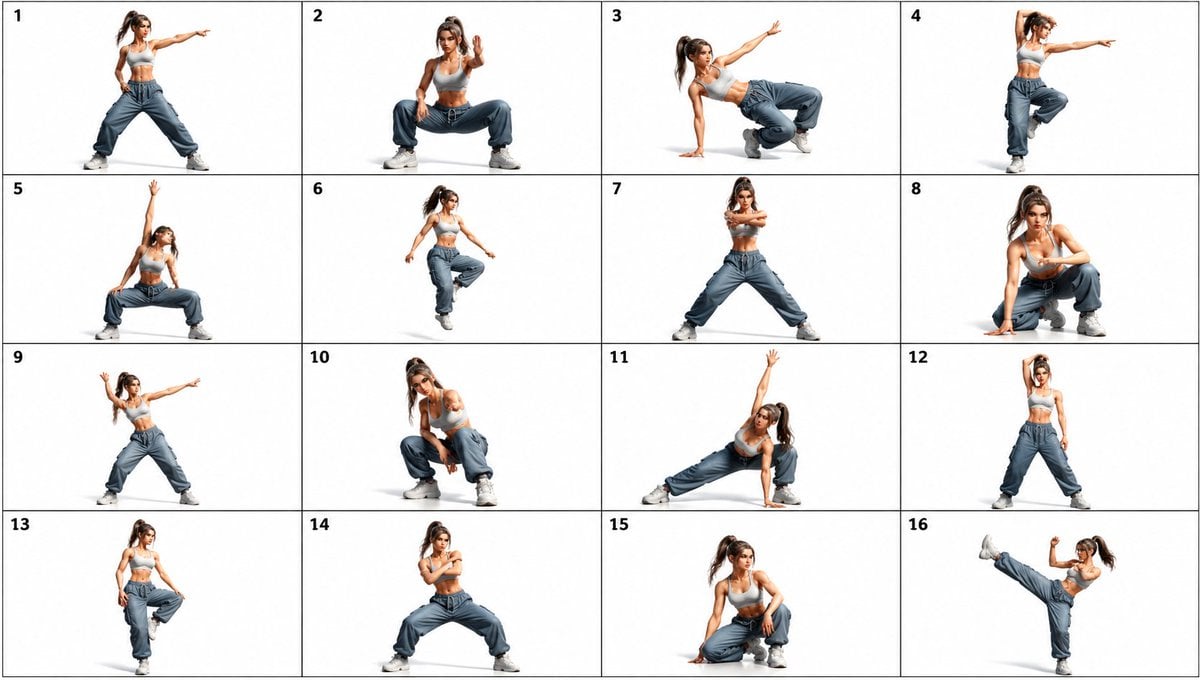
Gpt2 Comic Storyboard 16 Panel Dance Pose Reference Sheet
Browse template categories
Old Money Library Portrait questions
How do I use the Old Money Library Portrait template?
Add your photo if the template asks for one, edit the prompt if you like — the template's model and format are already selected — and press Generate. Your version opens in PicX Studio.
Can I customize the Old Money Library Portrait template?
Yes. You can change the subject, setting, lighting, mood, format, and available model controls before creating your image.
Is the Old Money Library Portrait template free?
Opening and editing this template is free. Generating uses credits, shown on the Generate button when you are signed in.
Which AI model should I use?
Start with GPT Image 2, which is the model associated with this template. You can compare another compatible model for a different finish.
Looking for something else? Browse all templates.

Your photo, any look
Thousands of ready templates for every top image and video model, from one credit balance.