
Surreal Seasonal Split Landscape
A detailed prompt for the Nano Banana 2 model to generate a photorealistic landscape photograph split perfectly down the middle, with one half representing summer and the other winter, showcasing impossible transitions…
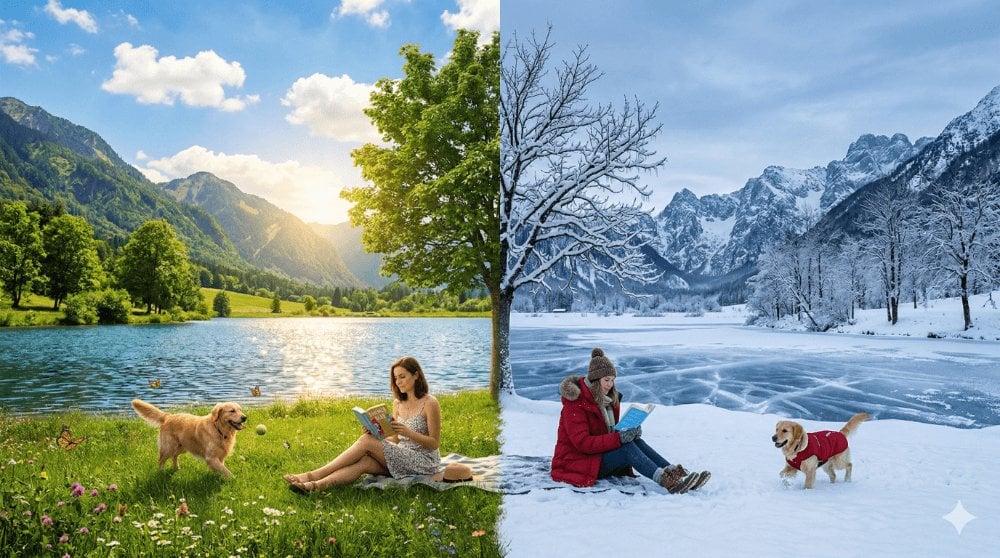
- Prompt included
- Model and format preset
- Free template
The prompt behind this image
Copy the exact prompt behind Surreal Seasonal Split Landscape, or open it in the studio and make it yours.
Create a perfectly composed landscape photograph where the left half is summer and the right half is winter — split right down the middle of the frame with a razor-sharp dividing line. The SAME landscape, the SAME moment, but two completely different seasons occupying the same space. LEFT HALF — SUMMER: - Lush green grass, full leafy trees, wildflowers blooming - Bright warm sunshine, blue sky with fluffy white clouds - A lake in the mid-ground with glittering warm reflections - Mountains in the background with green slopes - A person in summer clothes (sundress, sandals) sitting on the grass reading - A dog playing, butterflies, everything alive and warm - Color palette: vibrant greens, warm yellows, bright blues RIGHT HALF — WINTER: - The SAME landscape but in deep winter — everything covered in pristine white snow - Same trees but bare and skeletal, branches heavy with ice - Same lake but frozen solid with frost patterns on the surface - Same mountains but with heavy snow coverage - The SAME person (same position) now in winter gear (parka, boots, scarf) still sitting in the same spot reading the same book — but on snow - A different dog (or same dog in a tiny coat) playing in snow - Color palette: whites, cool blues, pale greys, silver THE DIVIDING LINE: - The split is perfectly vertical through the center of the frame - At the dividing line: impossible things happen — a single tree has green leaves on the left and bare snowy branches on the right. The grass stops and snow begins at an exact line. The lake water is liquid on the left and frozen on the right with a visible ice edge. - This hard division is what makes it surreal — nature doesn't work this way COMPOSITION: Wide landscape, 16:9 ratio. Camera at medium distance showing the full scene with both halves balanced. The person and key trees are positioned AT the dividing line to maximize the "same but different" effect. LIGHTING: LEFT has warm golden afternoon sun. RIGHT has cool blue-grey winter twilight light. At the dividing line, both lighting systems meet, creating a warm-to-cool color shift. 8K, photorealistic landscape photography on both sides. The impossibility is ONLY in the seasonal split — everything else is perfectly natural.
How to use Surreal Seasonal Split Landscape in 3 steps
- 1
Open
The prompt is already in the box next to the preview, with the template's model and format selected.
- 2…a portrait of your subject in softgolden-hour light, 85mm…
Personalize
Edit the subject and creative details for your destination.
- 3Generate
Generate
Press Generate — your image is created in PicX Studio, so you can compare it with the original and refine one variable at a time.
More like this
Templates with the same subject, style or setup. Open one to see its prompt.
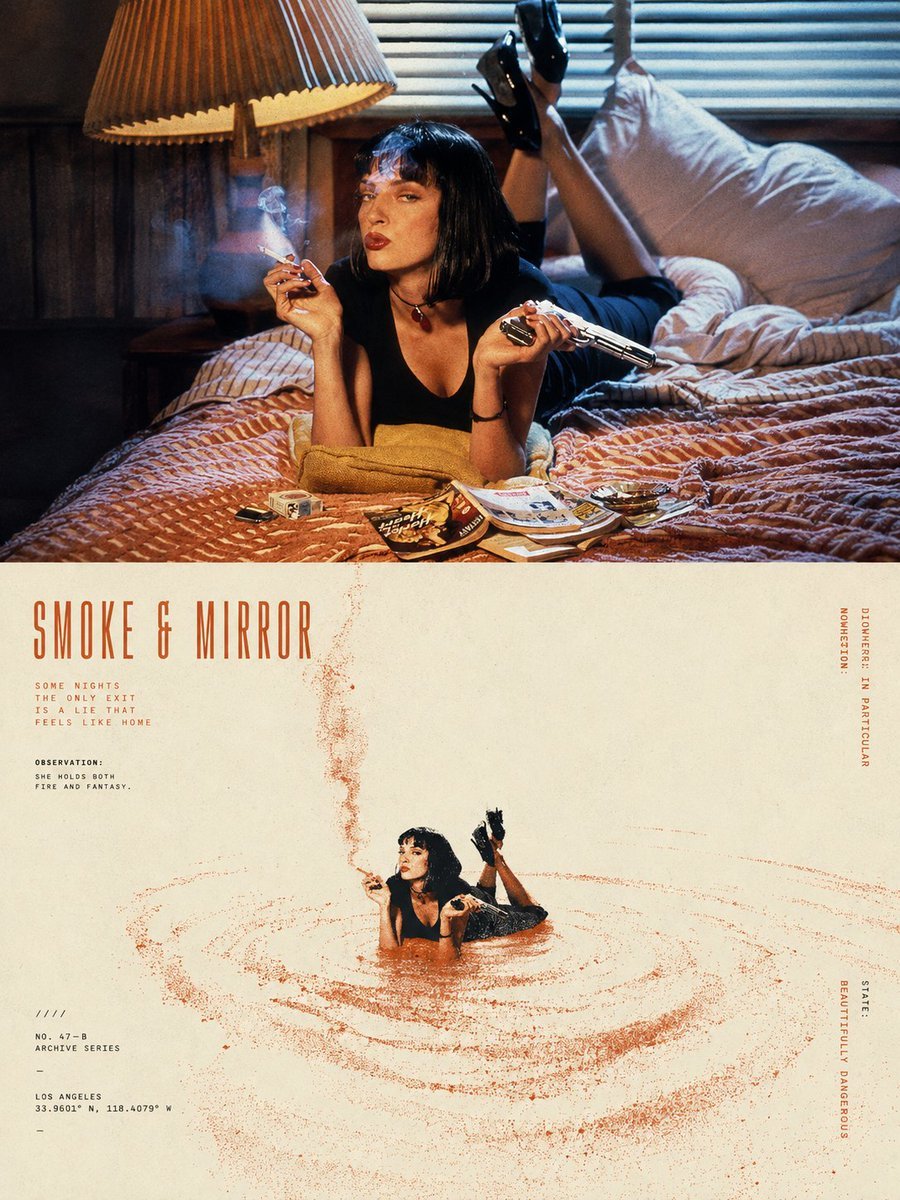
Split-Screen Surreal Printmaking Design

Teen Girl Alpine Lake Mountain View

Surreal Cat Astronaut — Humanoid Face Freefall

Mountain Lake Sunset Landscape
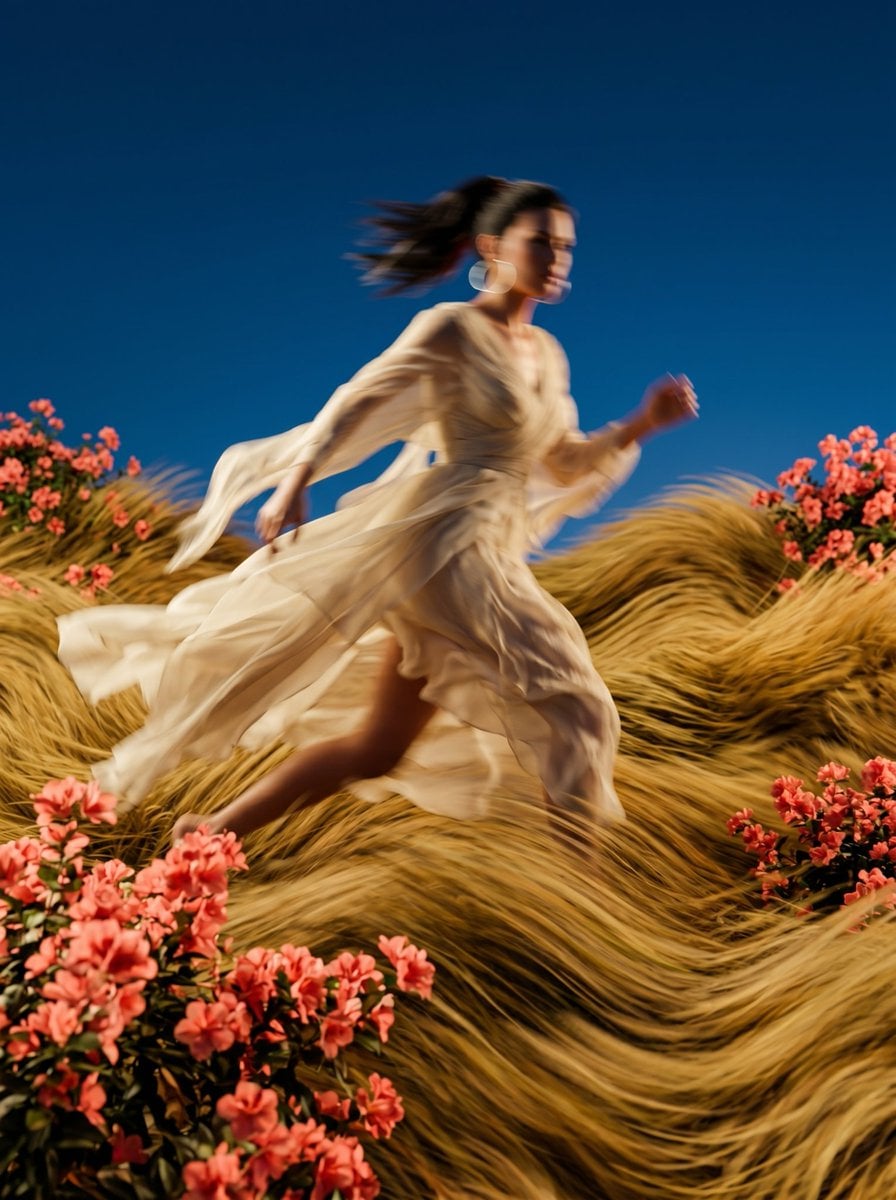
Surreal Motion Blur Floral Landscape

Ghibli Final Takeoff Field

Ghibli Rainy Tram Interior

Ghibli Star Observatory

Ghibli Tiny House On Back

Ghibli Lantern River Festival

Ghibli Whale Bone Beach

Ghibli Abandoned Amusement
Make it yours
Surreal Seasonal Split Landscape works as-is. These are the safest ways to change it without losing the look.
Change one field
Copy a single group, rewrite it, and generate again so you can see what that field is doing.
Keep the frame, change the subject
Hold the composition and light of Surreal Seasonal Split Landscape, then swap wardrobe, props or the person for a new take.
| If the result… | Why | Fix |
|---|---|---|
| The result drifts from the preview | Too many fields changed at once. | Reuse Surreal Seasonal Split Landscape as-is first, then change one group — subject, light, or setting. |
| The model over-stylizes the scene | The prose prompt leaves finish and camera underspecified. | Add one camera or lighting sentence and stay on Nano Banana 2. |
More Nano Banana 2 templates
Other prompts made for Nano Banana 2.

Photorealistic Leaf Shaped Like a Dragon

K-Pop Idol Portrait Grid for Rapid Selection

Poetic Rain Forest Portrait During Golden Hour

Urban Street Portrait with Cartoon Inner Self Duo

Candid Nighttime Photo with Cat Prompt

High-Concept 3D Diorama Generation Prompt

Cinematic Futuristic Studio Portrait Template

Skincare Editorial Photography Collage Prompt

Hyper-Realistic Commercial Product Photography (Splash Effect)

Hyper-Realistic Nightclub Portrait Prompt
More image prompts
Fresh picks from across the catalog.
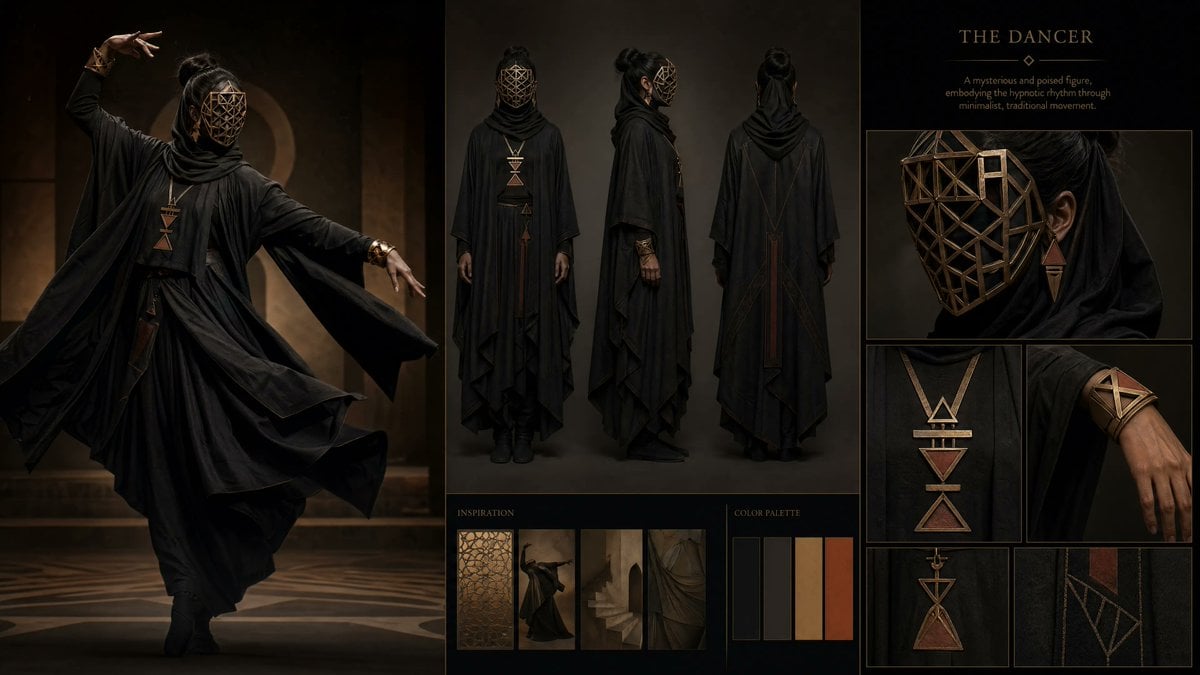
Dark Ritual Dancer Concept Board

Museum Archaeological Infographic Plate
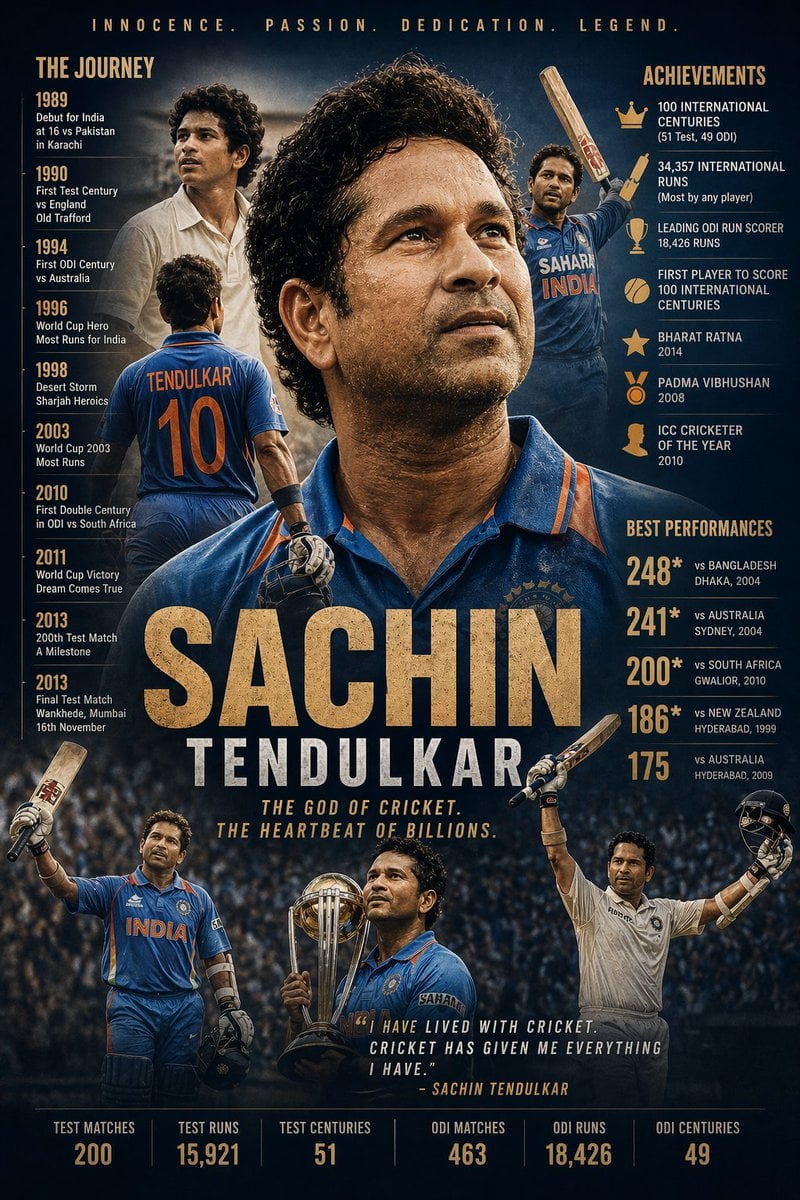
Cinematic Athlete Journey Portrait

AI Personification Selfie
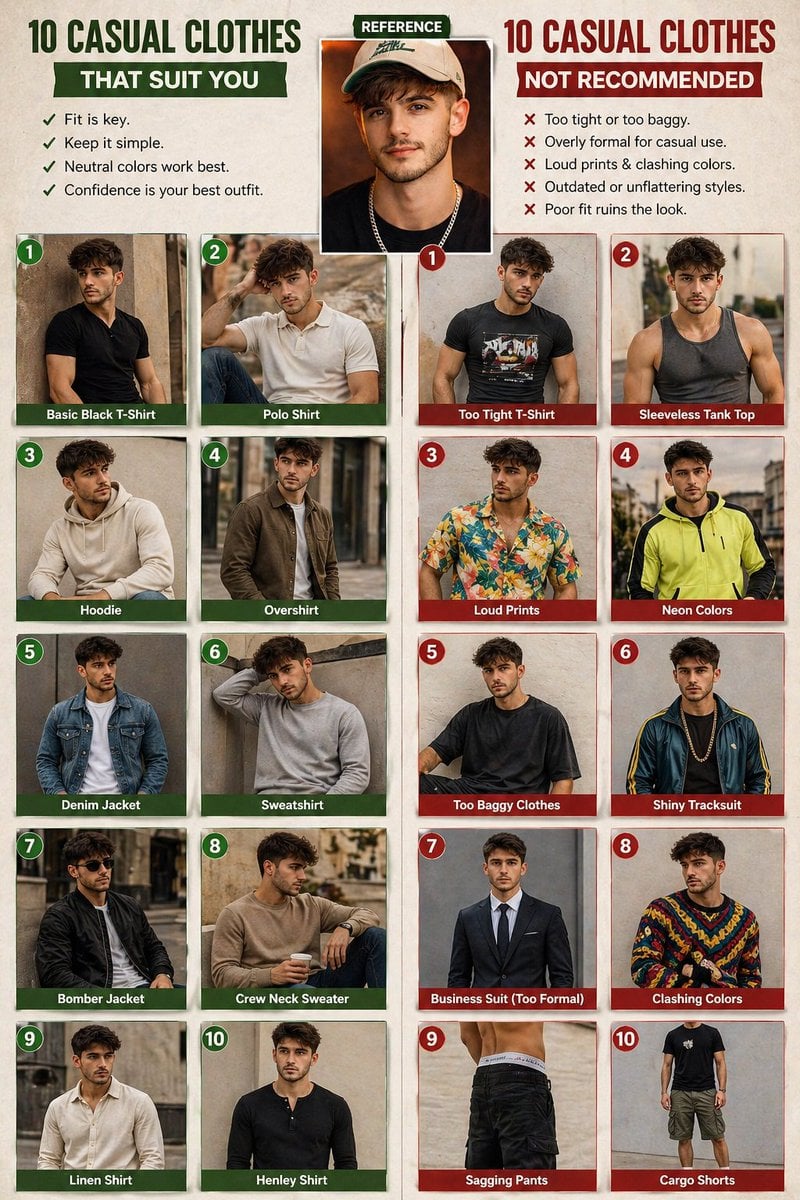
Casual fashion lookbook poster prompt

Product ad-style image for a raccoon figure
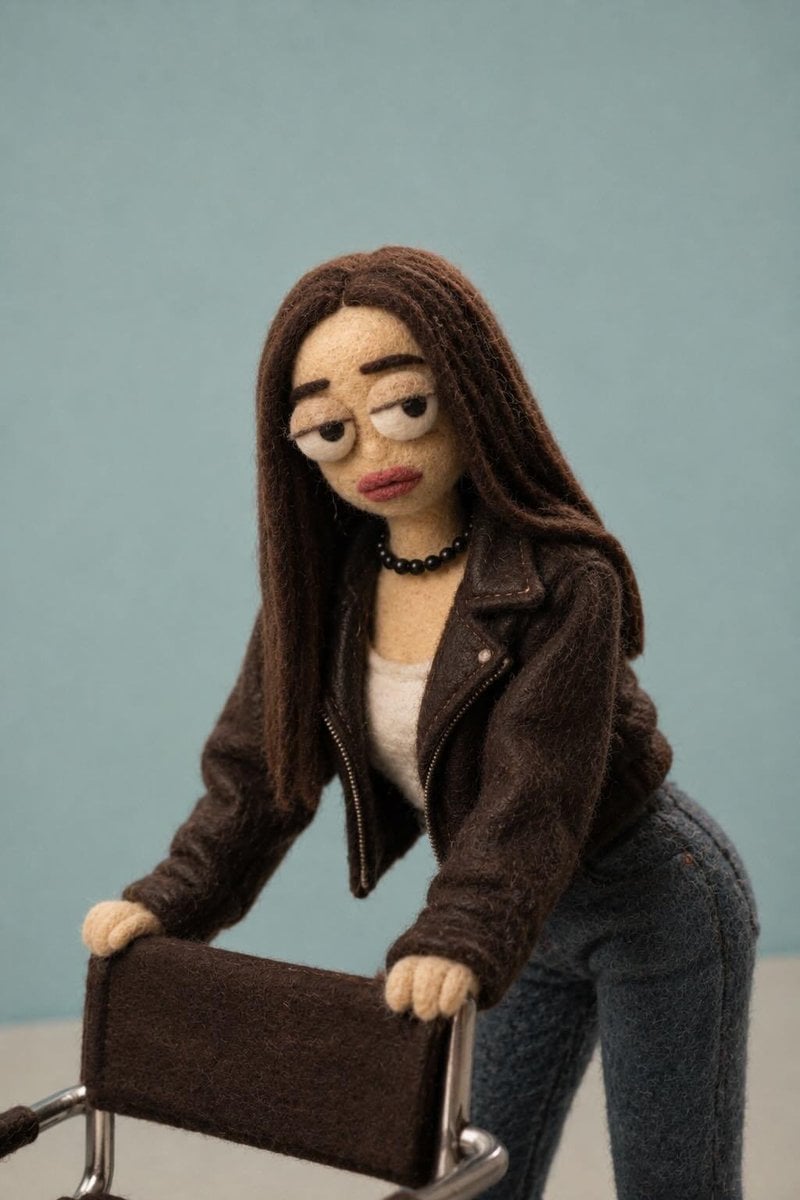
Needle-Felt Stop-Motion Transformation
SynClub Anime Character QR Poster
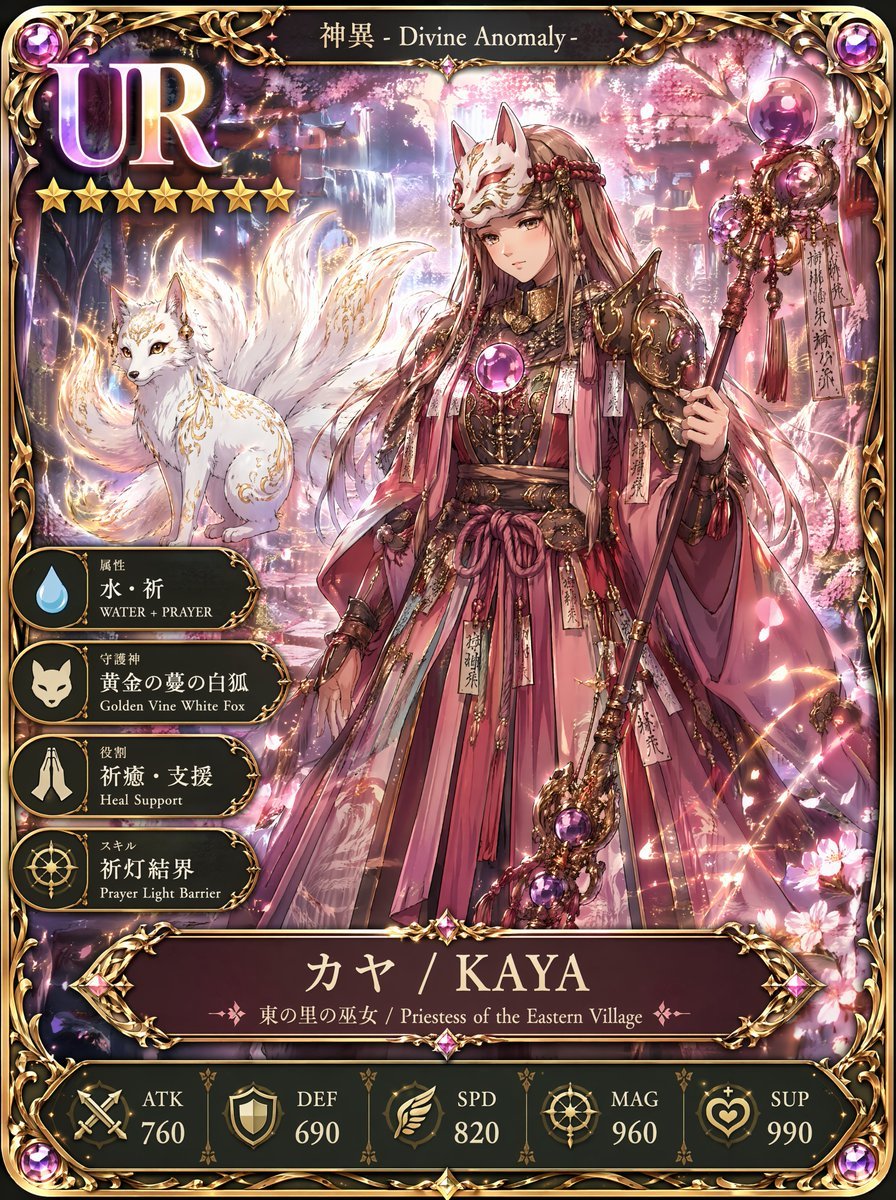
UR Fox Priestess Fantasy Card
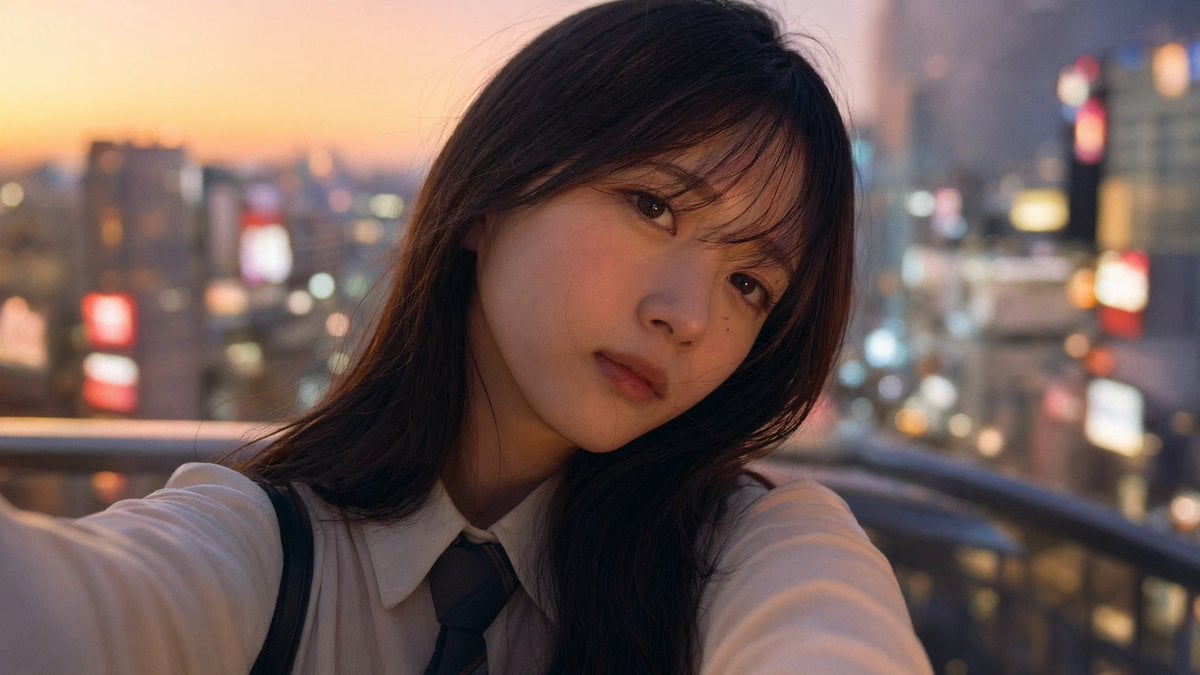
Emotional Japanese Student Selfie
Browse template categories
Surreal Seasonal Split Landscape questions
How do I use the Surreal Seasonal Split Landscape template?
Add your photo if the template asks for one, edit the prompt if you like — the template's model and format are already selected — and press Generate. Your version opens in PicX Studio.
Can I customize the Surreal Seasonal Split Landscape template?
Yes. You can change the subject, setting, lighting, mood, format, and available model controls before creating your image.
Is the Surreal Seasonal Split Landscape template free?
Opening and editing this template is free. Generating uses credits, shown on the Generate button when you are signed in.
Which AI model should I use?
Start with Nano Banana 2, which is the model associated with this template. You can compare another compatible model for a different finish.
Looking for something else? Browse all templates.

Your photo, any look
Thousands of ready templates for every top image and video model, from one credit balance.