
Cyborg Ronin Character Sheet
Generates a detailed cinematic game-character reference sheet for a cybernetic ronin with turnaround views, gear, weapons, systems, palette, emblem, and expressions.
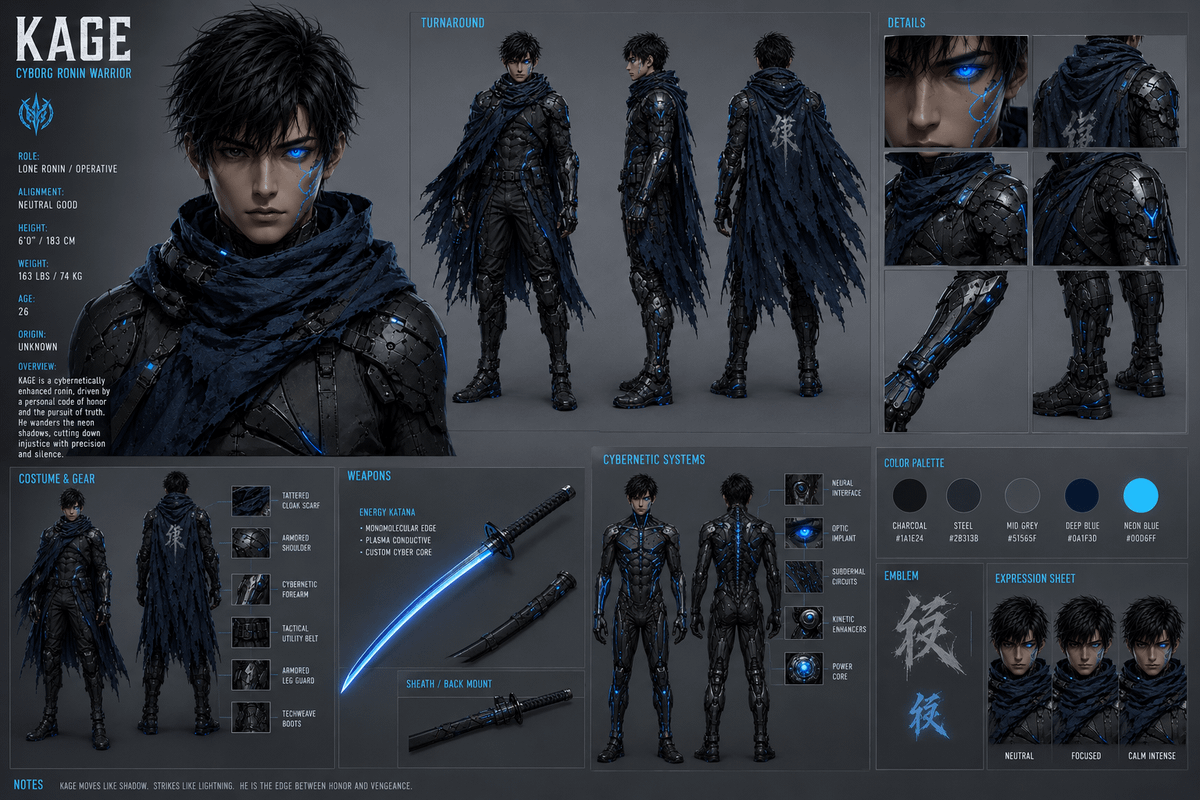
- Prompt included
- Model and format preset
- Free template
The prompt behind this image
Copy the exact prompt behind Cyborg Ronin Character Sheet, or open it in the studio and make it yours.
Goal: Create a full stylized cinematic character reference sheet for {argument name="character name" default="KAGE"}, a lean agile cyborg ronin warrior, in a dark futuristic concept-art style. Canvas: Wide horizontal 16:9 character sheet on a dark charcoal gray studio background, subtle panel borders, technical UI-like layout, cold blue accent typography, high-detail semi-realistic digital painting. Use dramatic rim lighting, matte black armor, worn fabric, glowing neon blue cybernetic elements, and clean readable labels. Main subject: A young male cybernetic ronin, age 26, pale skin, sharp serious face, messy black hair, one glowing electric-blue cybernetic eye, thin blue circuit markings running down one cheek, neutral intense expression. He wears layered black tactical armor, segmented cybernetic plating, a tattered deep-blue cloak scarf, armored shoulders, utility belt, cybernetic forearms, black techweave boots, and scattered glowing blue energy seams. Overall mood: silent, precise, vengeance-driven. Layout and counted sections: Build exactly 9 major sections across the sheet. 1) Large left biography portrait panel. 2) Top-center turnaround panel. 3) Top-right details panel. 4) Bottom-left costume and gear panel. 5) Bottom-center-left weapons panel. 6) Bottom-center cybernetic systems panel. 7) Middle-right color palette strip. 8) Bottom-right emblem panel. 9) Bottom-far-right expression sheet. Section 1 — Left biography portrait: Place a large head-and-shoulders portrait facing forward, occupying the left third of the sheet. Add the huge title text “KAGE” in the upper left, with subtitle “CYBORG RONIN WARRIOR” beneath it. Include a small blue angular samurai/cyber emblem. Add readable stat blocks: Role: Lone Ronin / Operative; Alignment: Neutral Good; Height: 6'0" / 183 cm; Weight: 163 lbs / 74 kg; Age: 26; Origin: Unknown. Add a short overview paragraph: “KAGE is a cybernetically enhanced ronin, driven by a personal code of honor and the pursuit of truth. He wanders the neon shadows, cutting down injustice with precision and silence.” Section 2 — Turnaround: Label it “TURNAROUND”. Show exactly 3 full-body standing views of the character: front view, side view, and back view. Neutral stance, arms relaxed, cloak visible, black armor and blue lights consistent across all views. The back view should show the tattered cloak with a pale kanji-like emblem painted on it. Section 3 — Details: Label it “DETAILS”. Show exactly 6 cropped close-up panels: 1 close-up of the glowing blue eye and cheek circuitry, 1 close-up of the upper back cloak and shoulder armor, 1 close-up of layered tattered cloak fabric, 1 close-up of the armored shoulder plate with blue glow, 1 close-up of the cybernetic forearm with glowing blue channels, and 1 close-up of armored boots and shin plating. Section 4 — Costume and gear: Label it “COSTUME & GEAR”. Show exactly 2 small full-body views, front and back, plus exactly 6 labeled gear swatches: Tattered cloak scarf, Armored shoulder, Cybernetic forearm, Tactical utility belt, Armored leg guard, Techweave boots. Section 5 — Weapons: Label it “WEAPONS”. Feature one large curved glowing blue energy katana with black handle and one smaller sheathed/short blade detail. Add weapon text: “ENERGY KATANA”, with bullets “Monomolecular edge”, “Plasma conductive”, “Custom cyber core”. Add a separate label “SHEATH / BACK MOUNT” near a horizontal sheathed sword component. Section 6 — Cybernetic systems: Label it “CYBERNETIC SYSTEMS”. Show exactly 2 full-body anatomical suit views, front and back, without cloak, emphasizing black cybernetic armor seams and blue glowing circuitry. Add exactly 5 small system callout tiles labeled: Neural interface, Optic implant, Subdermal circuits, Kinetic enhancers, Power core. Section 7 — Color palette: Label it “COLOR PALETTE”. Show exactly 5 circular swatches with names and hex codes: Charcoal #1A1E24, Steel #2B313B, Mid Grey #51565F, Deep Blue #0A1F30, Neon Blue #00B6FF. Section 8 — Emblem: Label it “EMBLEM”. Show exactly 2 brush-painted kanji-like symbols, one gray and one bright blue, on a dark panel. Section 9 — Expression sheet: Label it “EXPRESSION SHEET”. Show exactly 3 cropped head portraits with the same face and scarf, labeled Neutral, Focused, and Calm Intense. Footer: Add a small “NOTES” strip along the bottom with the sentence: “KAGE moves like shadow, strikes like lightning. He is the edge between honor and vengeance.” Visual constraints: Keep all text in English, crisp and legible. Maintain consistent character design across every view. Use a premium game concept-art presentation, no watermark, no extra characters, no bright background, no cartoon proportions.
How to use Cyborg Ronin Character Sheet in 3 steps
- 1Upload ImagePNG, JPG or paste
Add your photo
Upload the photo the template builds on. The prompt, model and format are already set.
- 2…a portrait of your subject in softgolden-hour light, 85mm…
Personalize
Edit the subject and creative details for your destination.
- 3Generate
Generate
Press Generate — your image is created in PicX Studio, so you can compare it with the original and refine one variable at a time.
More like this
Templates with the same subject, style or setup. Open one to see its prompt.

Dancer Character - Four View Reference Sheet

Movement Sheet - Dance Reference (Seedance 2.0)
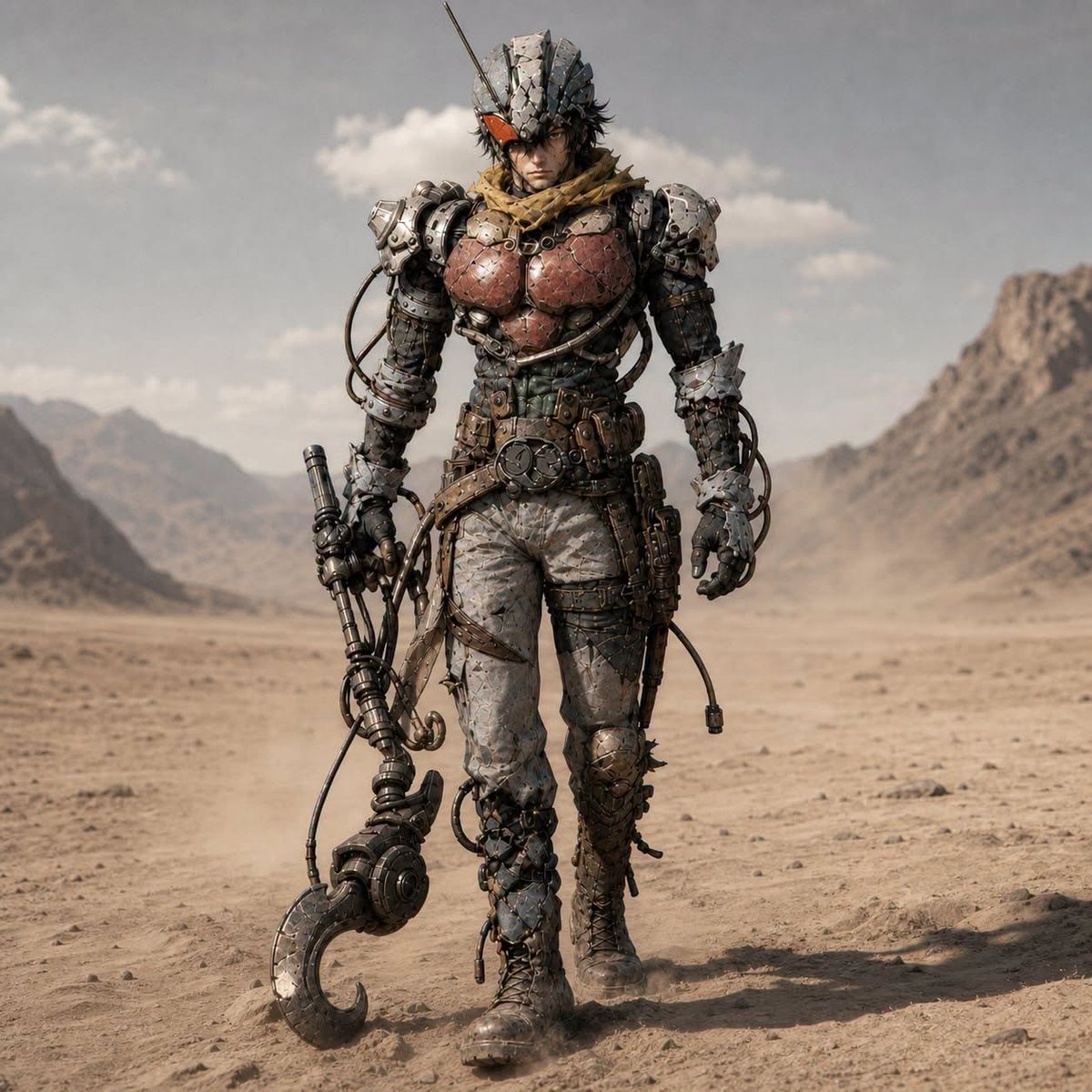
Post-Apocalyptic Riderman Cyborg
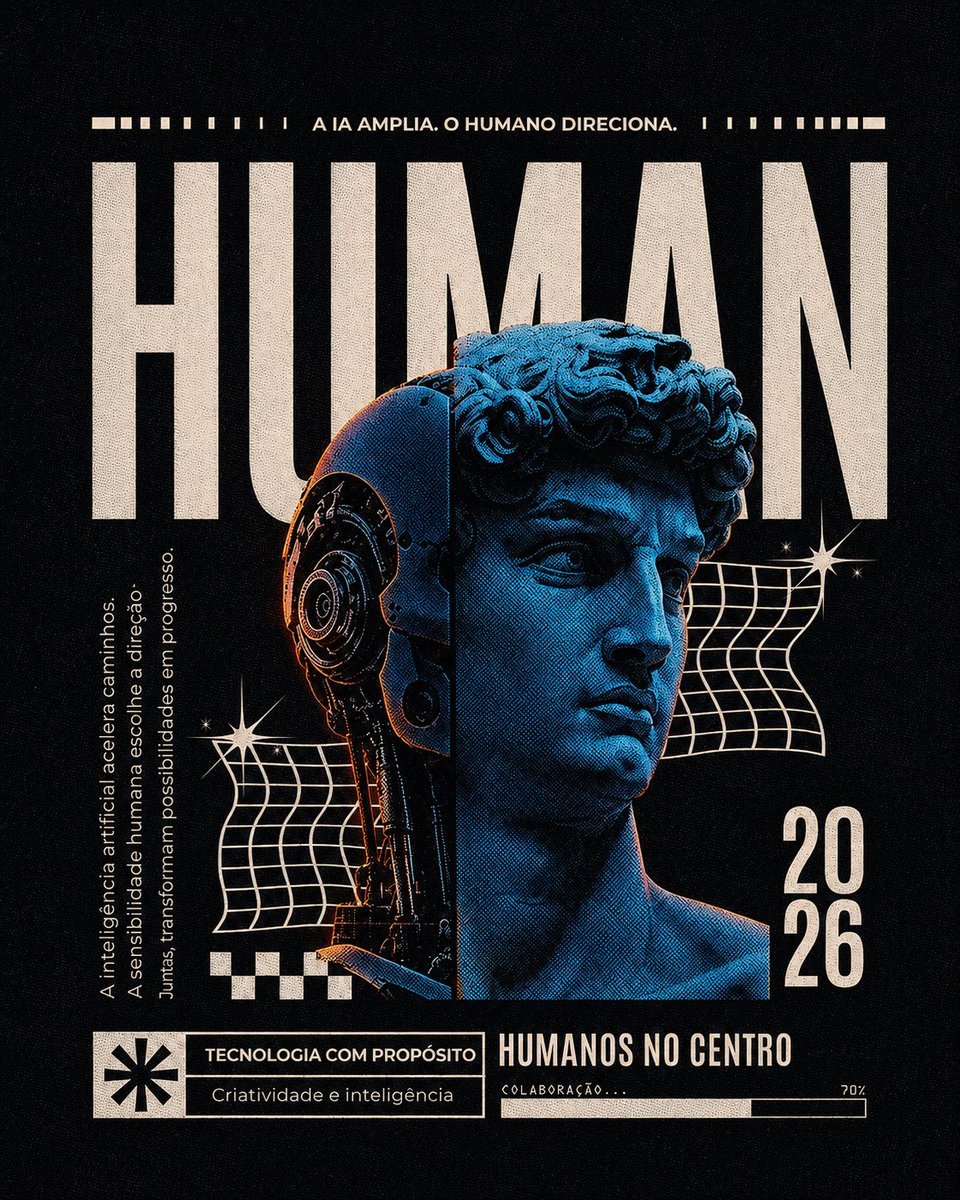
Retro-Futurist Human Cyborg Poster
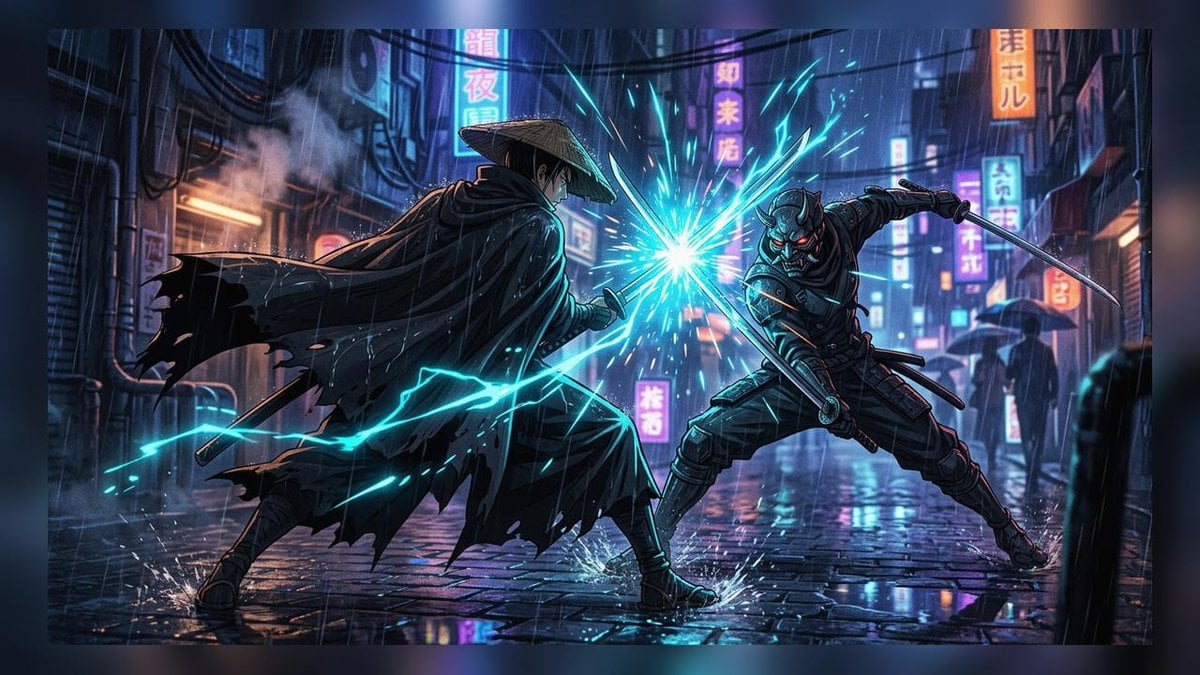
Cyberpunk Ronin Duel
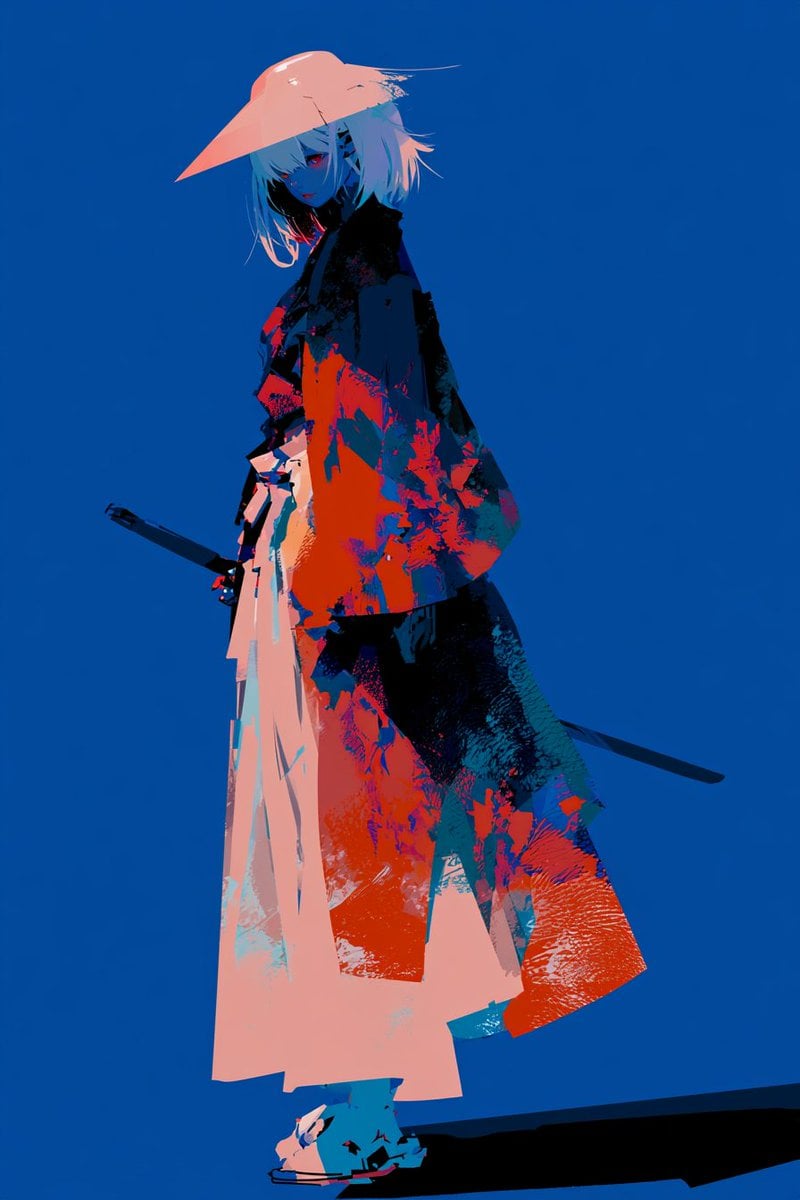
Female Mechanical Ronin Character Art
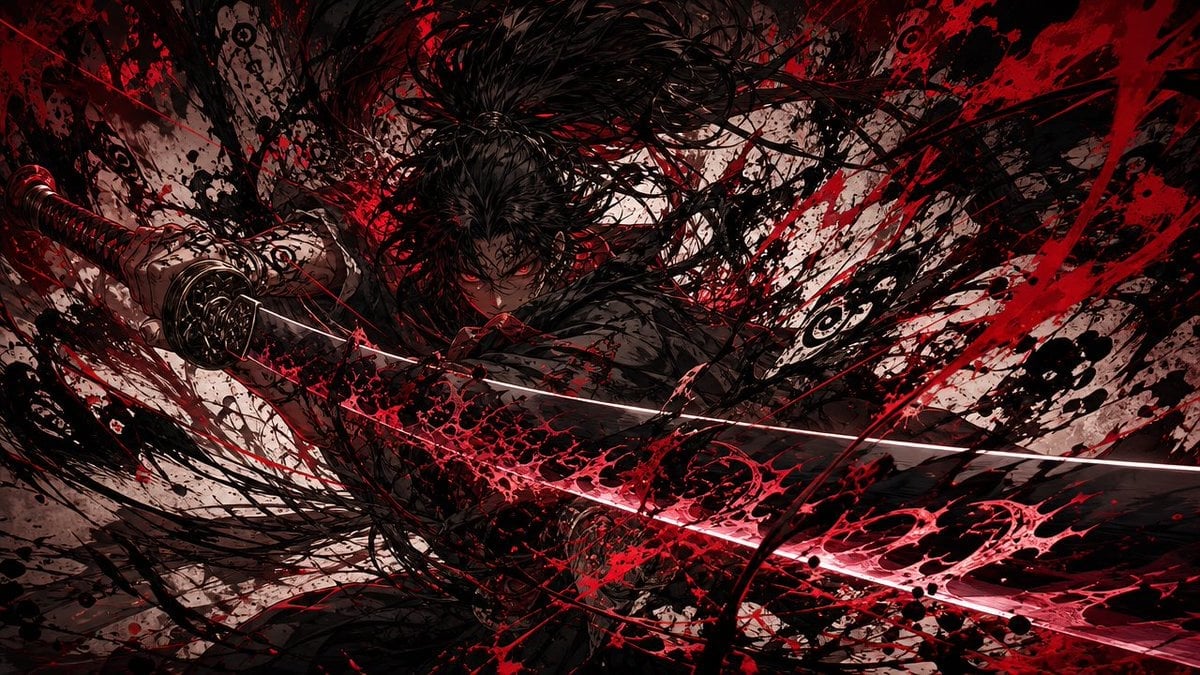
Dark Ronin Katana Splash Art
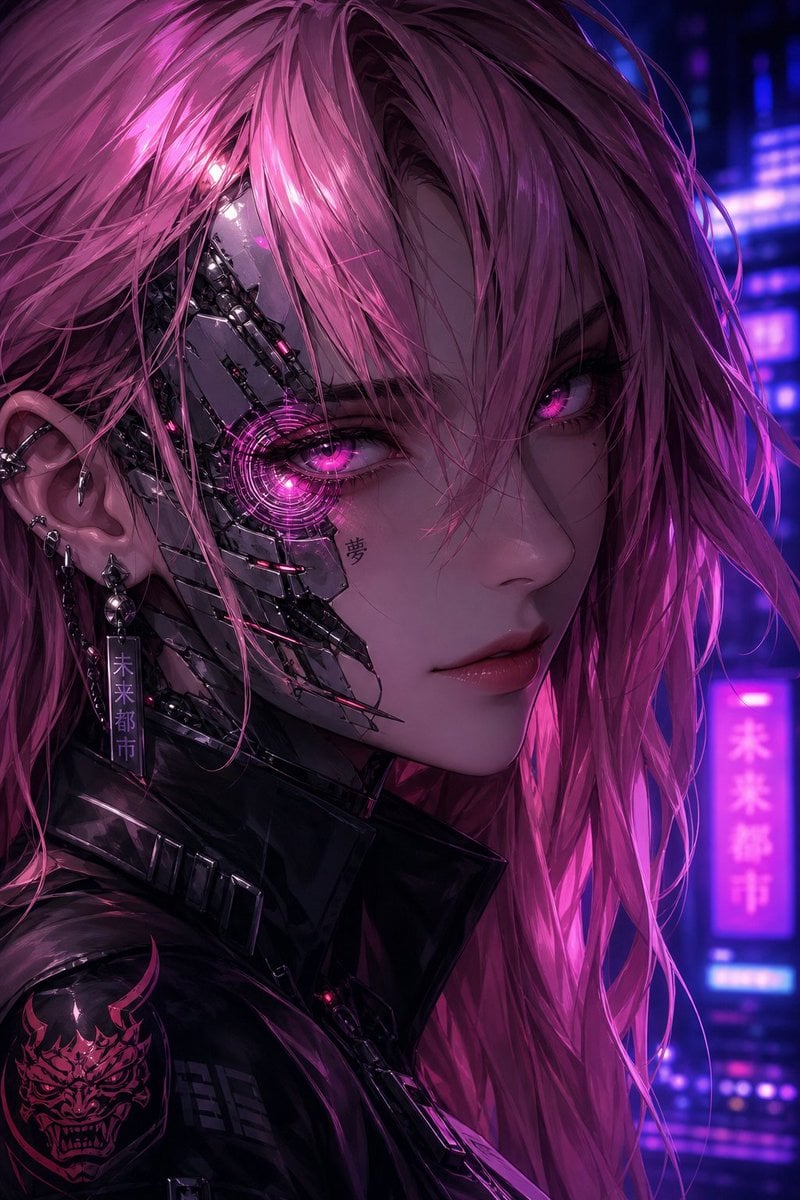
Neon Cyborg Anime Portrait
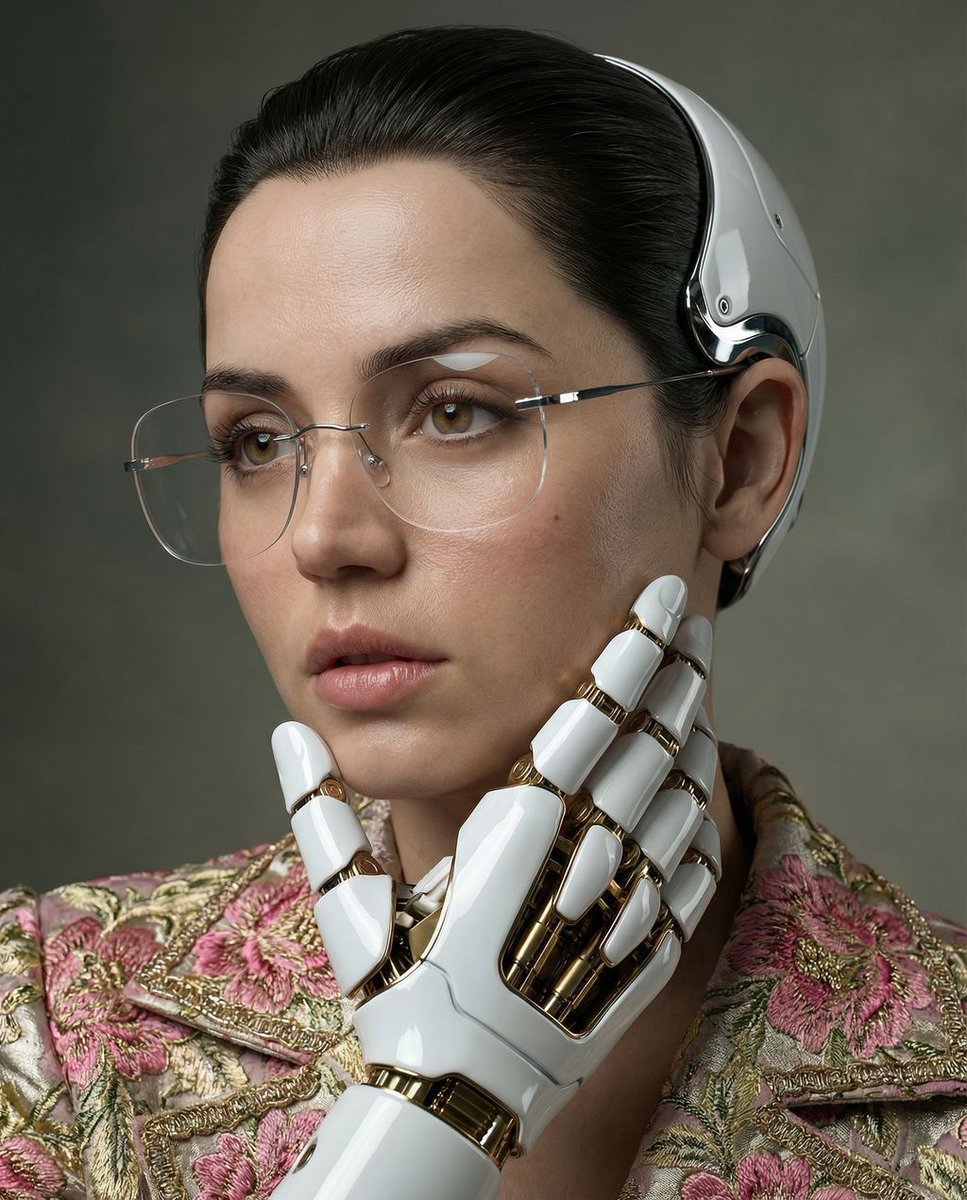
Cyber Renaissance Cyborg Aristocrat
Cyberpunk Cyborg Skull Mask Portrait

Multi-Layered Cyborg Transformation Prompt
Censored Cyborg at Stormy Offshore Platform
Make it yours
Cyborg Ronin Character Sheet works as-is. These are the safest ways to change it without losing the look.
Change one field
Copy a single group, rewrite it, and generate again so you can see what that field is doing.
Keep the frame, change the subject
Hold the composition and light of Cyborg Ronin Character Sheet, then swap wardrobe, props or the person for a new take.
| If the result… | Why | Fix |
|---|---|---|
| The result drifts from the preview | Too many fields changed at once. | Reuse Cyborg Ronin Character Sheet as-is first, then change one group — subject, light, or setting. |
| The model over-stylizes the scene | The prose prompt leaves finish and camera underspecified. | Add one camera or lighting sentence and stay on GPT Image 2. |
More GPT Image 2 templates
Other prompts made for GPT Image 2.

Realistic Portrait of Woman and Deer

The Vista Modular Condo Poster

AI Model Routing Comparison Infographic

2.5D Anime Art Board

Isometric Productivity Desk Scene

New York Double Exposure Poster

Four-Panel AI Landscape Comparison

Japanese Tatami Lifestyle Magazine Cover

NESCAFÉ Coffee Map Poster

Brutalist Cogito Chinese Typography Poster
More image prompts
Fresh picks from across the catalog.
Futuristic Sportswear Fashion Poster
Chibi Desktop Pet Sprite Sheet
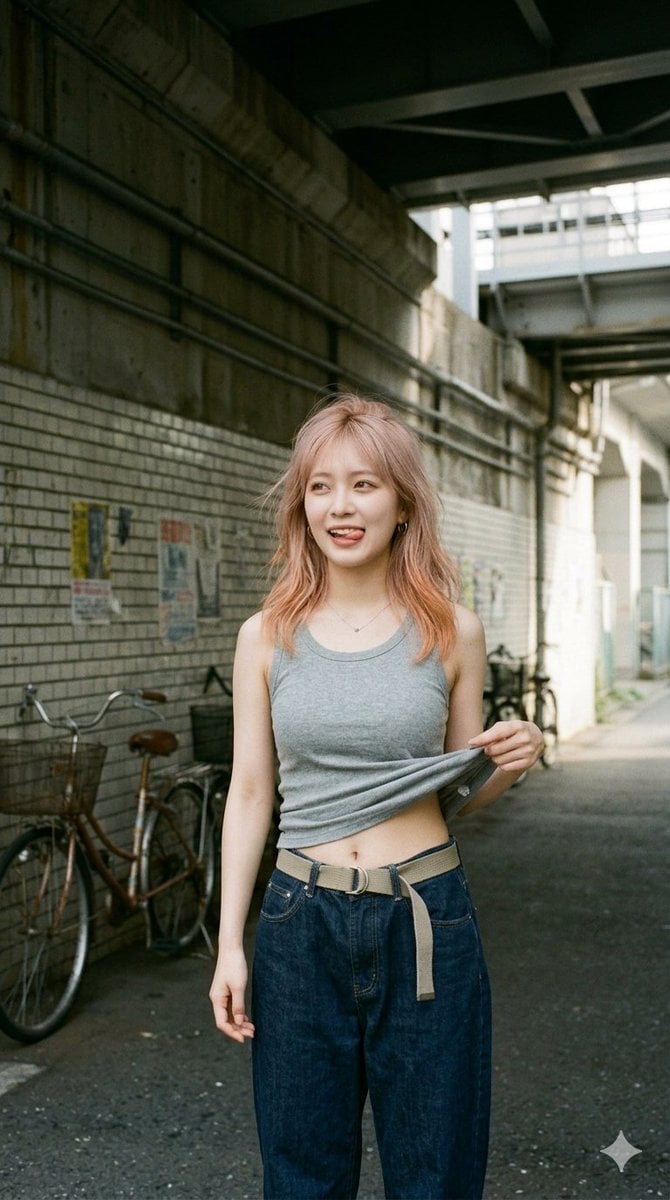
Urban Tank Top Street Portrait
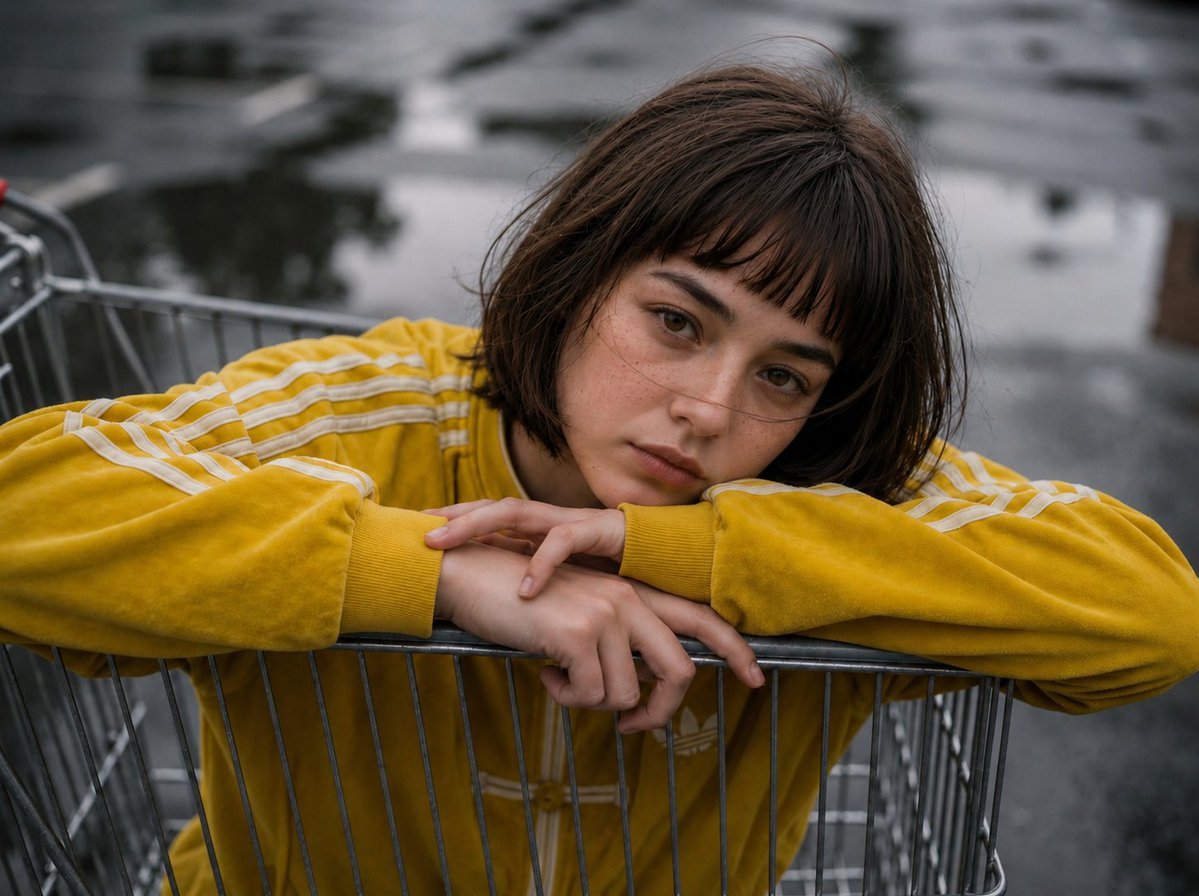
Retro Urban Fashion Portrait
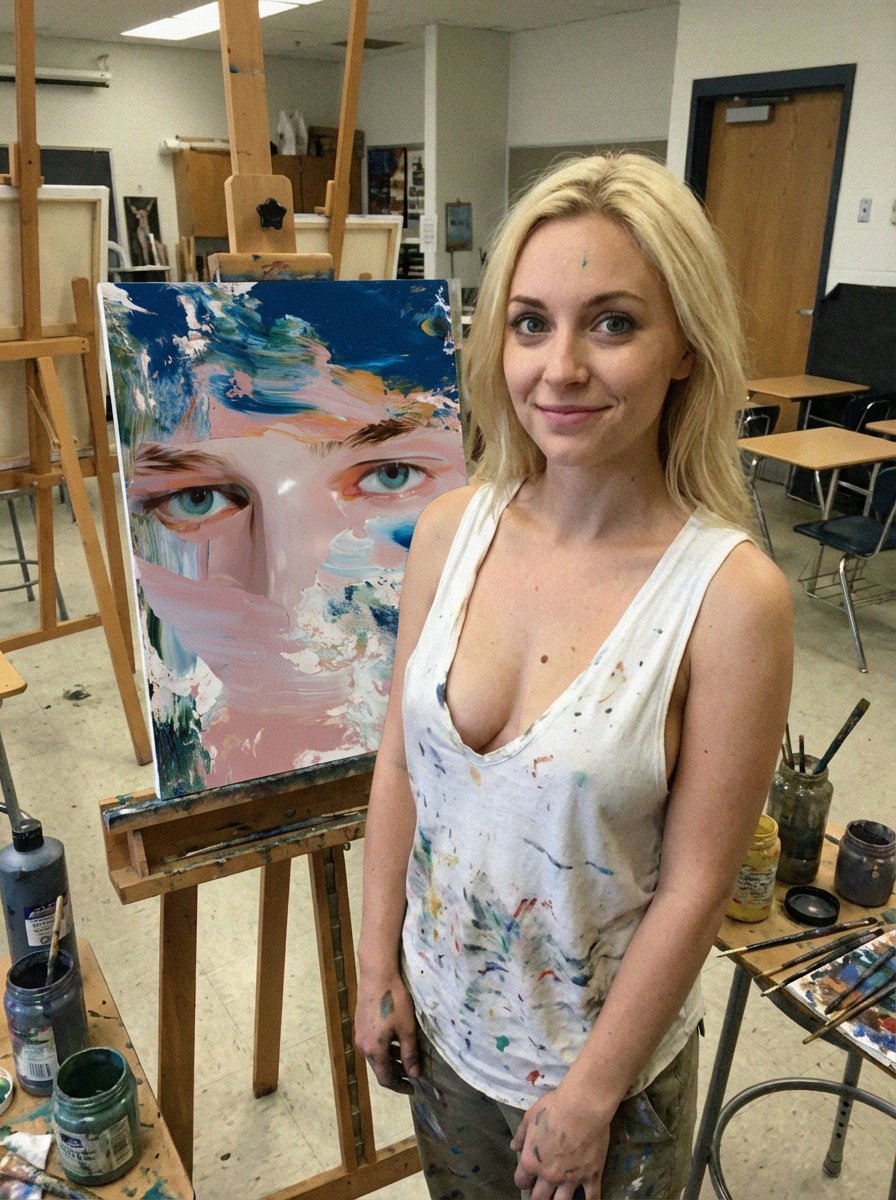
Low-Quality Smartphone Photo of an Artist in a Classroom
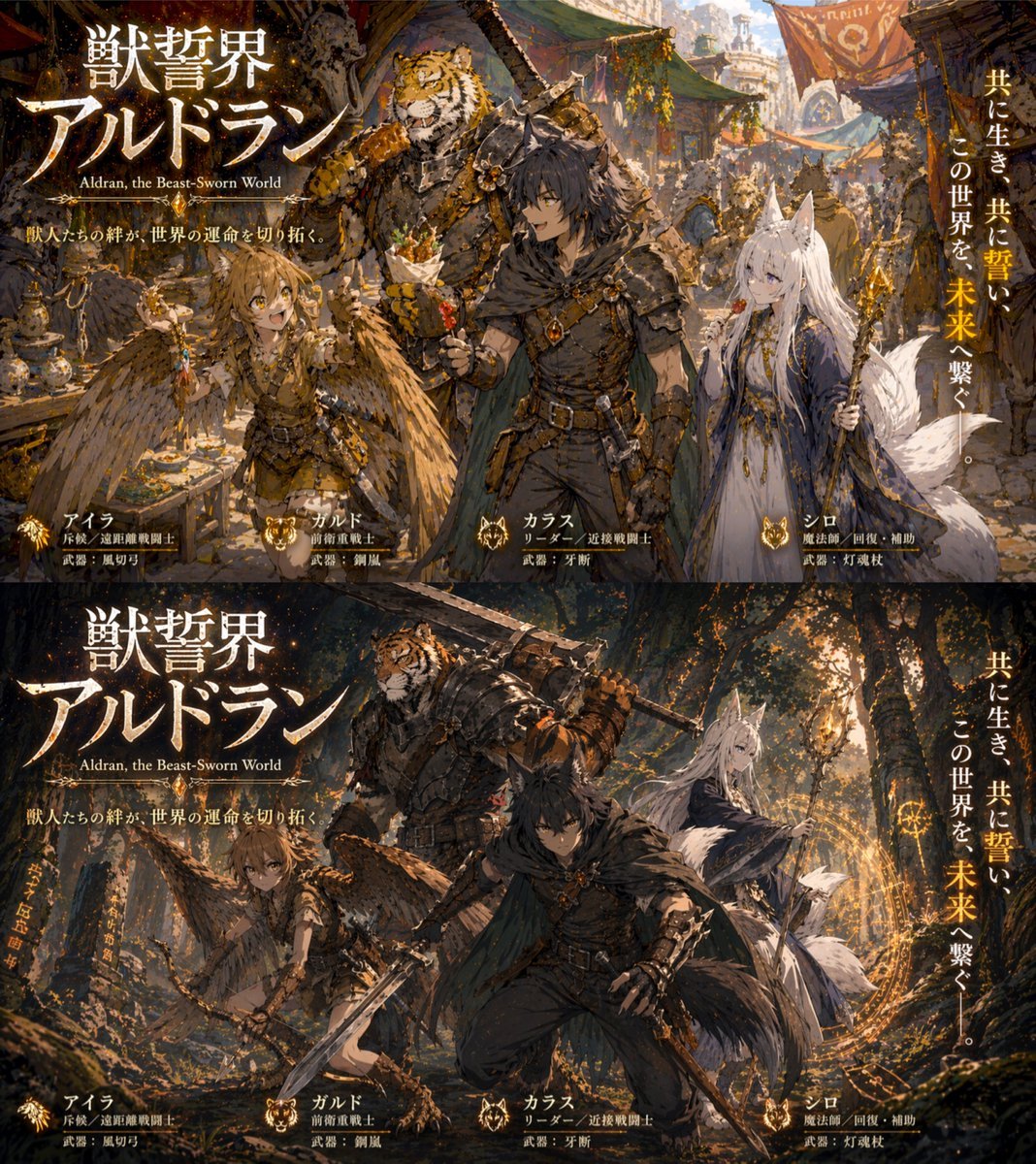
Two-Panel RPG Concept Art
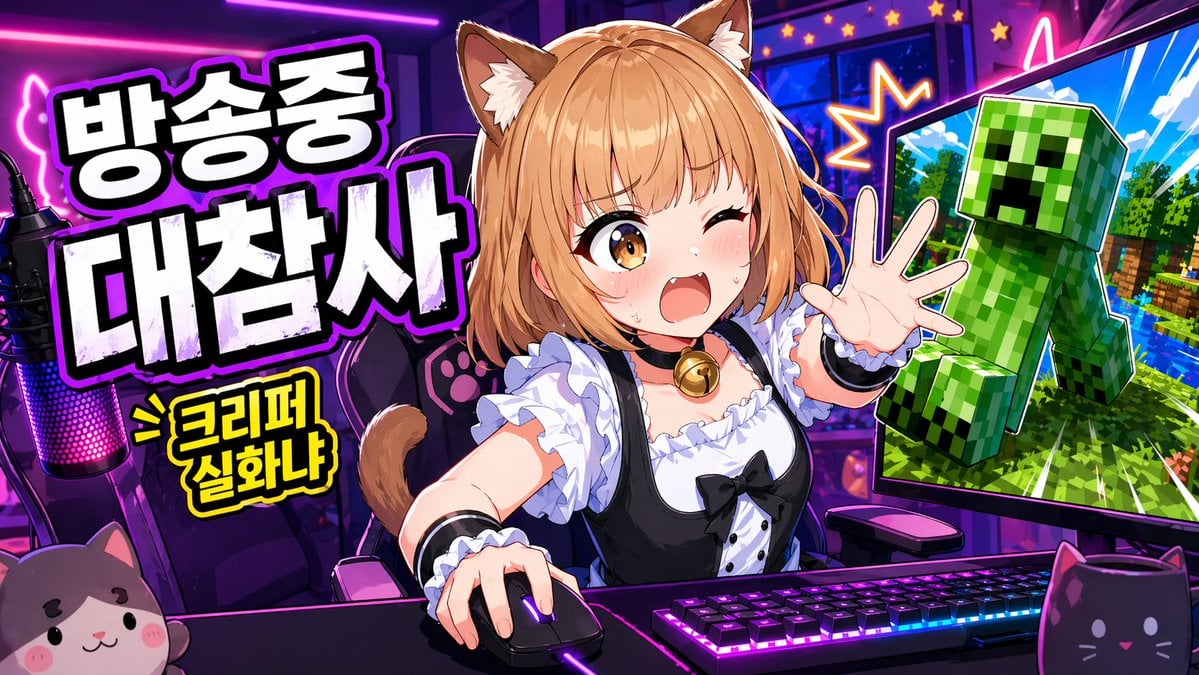
Anime VTuber Minecraft Stream Thumbnail
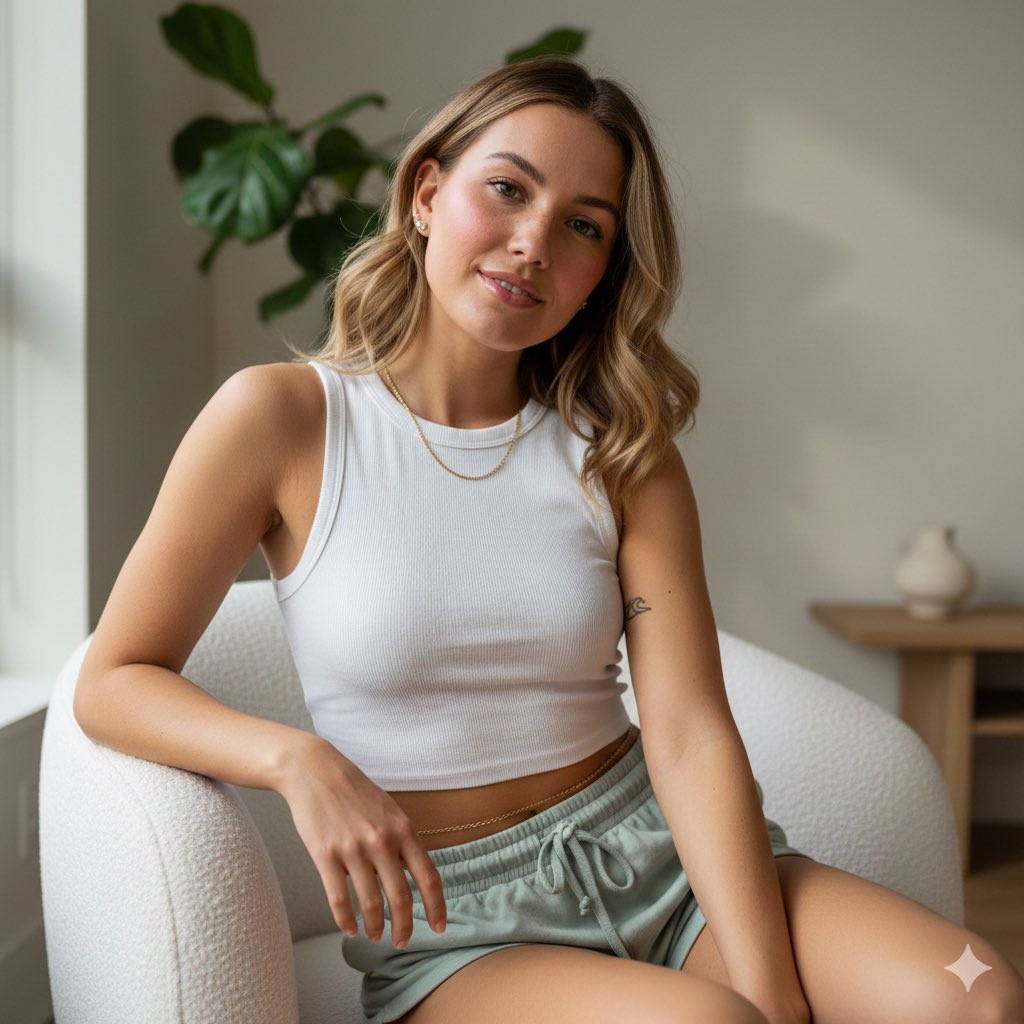
Photorealistic Portrait of Young Woman in Lounge Wear
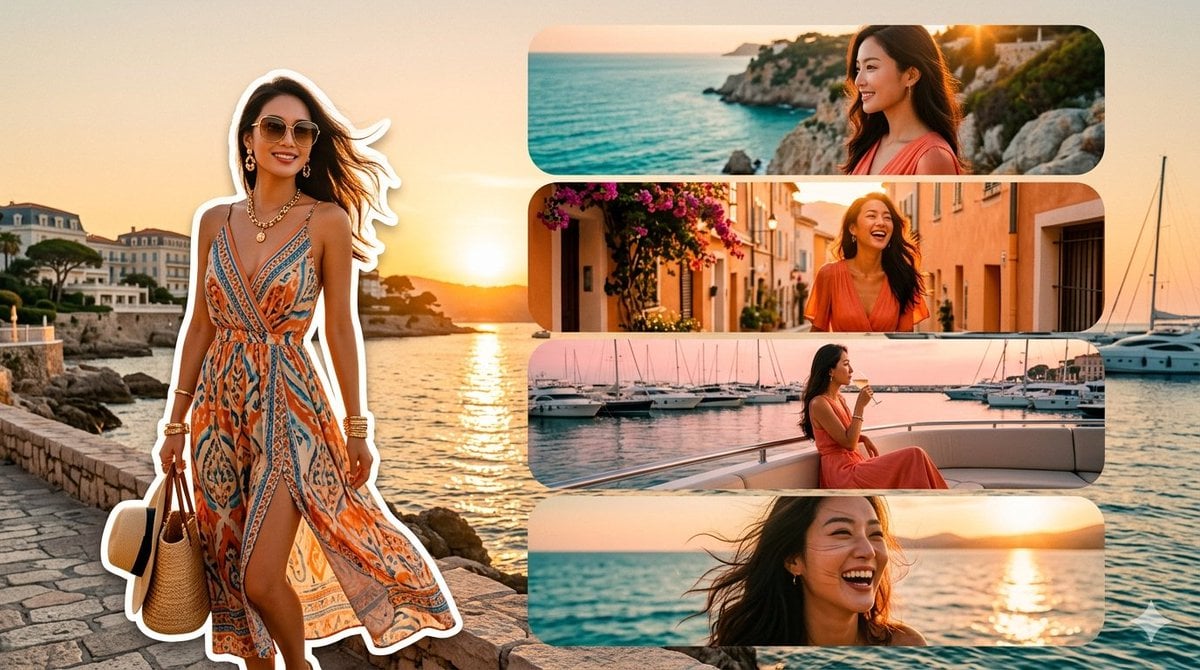
Mediterranean Fashion Travel Collage
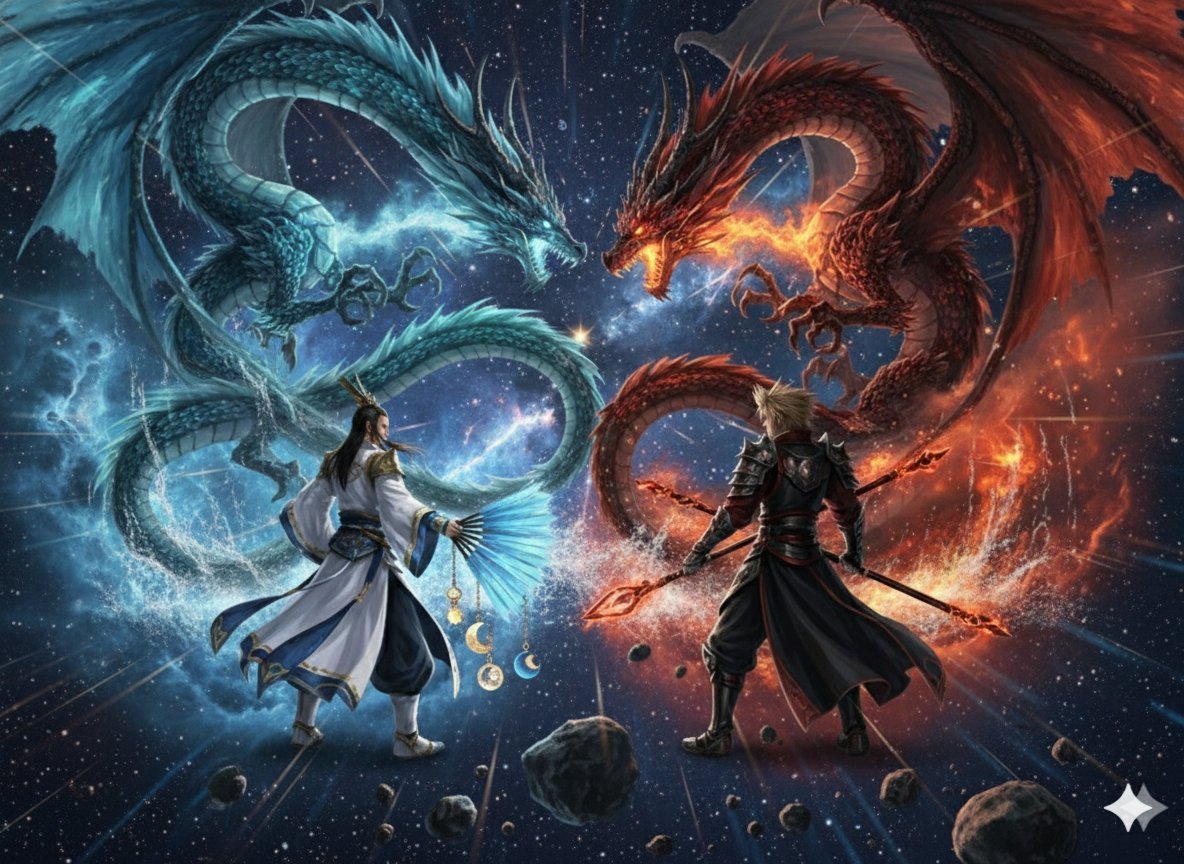
Image generation prompt for Nano Banana Pro: Zhuge Liang vs. Sima Yi in a Final Fantasy X style cosm
Browse template categories
Cyborg Ronin Character Sheet questions
How do I use the Cyborg Ronin Character Sheet template?
Add your photo if the template asks for one, edit the prompt if you like — the template's model and format are already selected — and press Generate. Your version opens in PicX Studio.
Can I customize the Cyborg Ronin Character Sheet template?
Yes. You can change the subject, setting, lighting, mood, format, and available model controls before creating your image.
Is the Cyborg Ronin Character Sheet template free?
Opening and editing this template is free. Generating uses credits, shown on the Generate button when you are signed in.
Which AI model should I use?
Start with GPT Image 2, which is the model associated with this template. You can compare another compatible model for a different finish.
Looking for something else? Browse all templates.

Your photo, any look
Thousands of ready templates for every top image and video model, from one credit balance.