
Neon Cyborg Anime Portrait
Generates a dramatic cyberpunk anime close-up of a pink-haired cyborg woman for character art or sci-fi illustration.
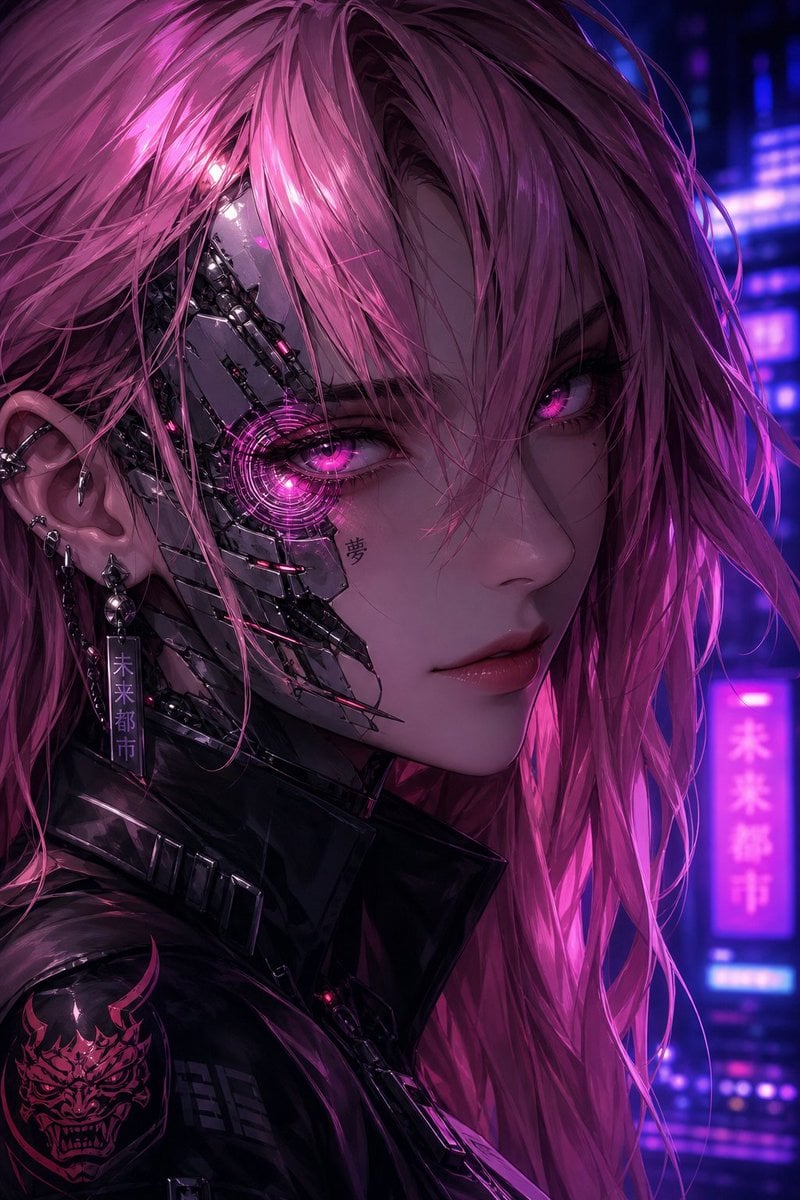
- Prompt included
- Model and format preset
- Free template
The prompt behind this image
Copy the exact prompt behind Neon Cyborg Anime Portrait, or open it in the studio and make it yours.
Create a vertical cyberpunk anime portrait of a young female cyborg in a neon night city, shown in an extreme close-up three-quarter view from the shoulders up, facing slightly right while looking directly at the viewer. She has long messy windblown {argument name="hair color" default="hot pink"} hair with many thin strands crossing her face, luminous magenta eyes, glossy lips, pale skin, and a calm intense expression. The left side of her face is exposed cybernetic machinery: polished dark chrome facial plates, thin black mechanical seams, small cables, and a glowing circular cybernetic lens around her left eye emitting bright pink light. Add a small kanji tattoo under the cybernetic eye reading {argument name="cheek tattoo" default="夢"}. She wears a high-collared black glossy leather cyberpunk jacket with metal ridges and a shoulder patch showing a pink demonic oni mask emblem. Her visible left ear has multiple piercings and dangling metal earrings, including one rectangular tag with vertical Japanese text reading {argument name="earring text" default="未来都市"}. The background is a blurred futuristic city at night with violet, blue, and magenta neon signs, including one vertical glowing sign that also reads {argument name="neon sign text" default="未来都市"}; use shallow depth of field and strong bokeh. Lighting should be dramatic and cinematic, with magenta rim light on the hair, cool blue shadows, glossy reflections on metal and leather, and a slightly gritty textured digital-paint finish. Composition should crop tightly at the top and sides, with the face dominating the frame, the cybernetic eye near the left-center focal point, and no extra characters or readable text beyond the specified tattoo, earring, and neon sign.
How to use Neon Cyborg Anime Portrait in 3 steps
- 1Upload ImagePNG, JPG or paste
Add your photo
Upload the photo the template builds on. The prompt, model and format are already set.
- 2…a portrait of your subject in softgolden-hour light, 85mm…
Personalize
Edit the subject and creative details for your destination.
- 3Generate
Generate
Press Generate — your image is created in PicX Studio, so you can compare it with the original and refine one variable at a time.
More like this
Templates with the same subject, style or setup. Open one to see its prompt.
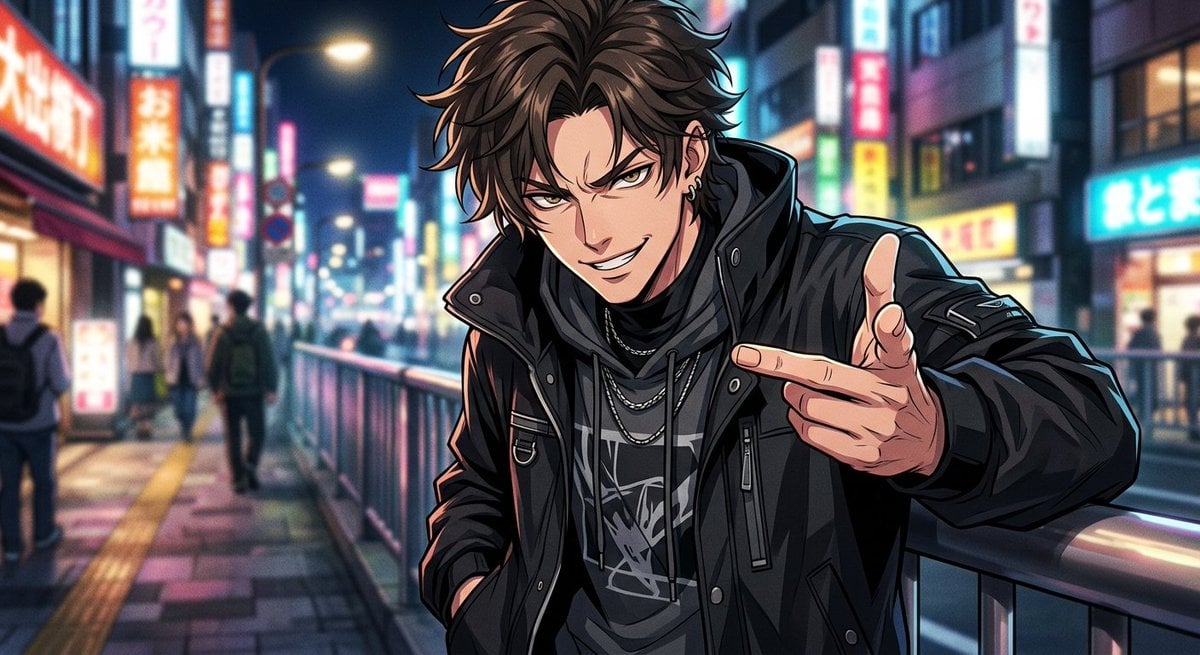
Neon Anime Streetwear Portrait
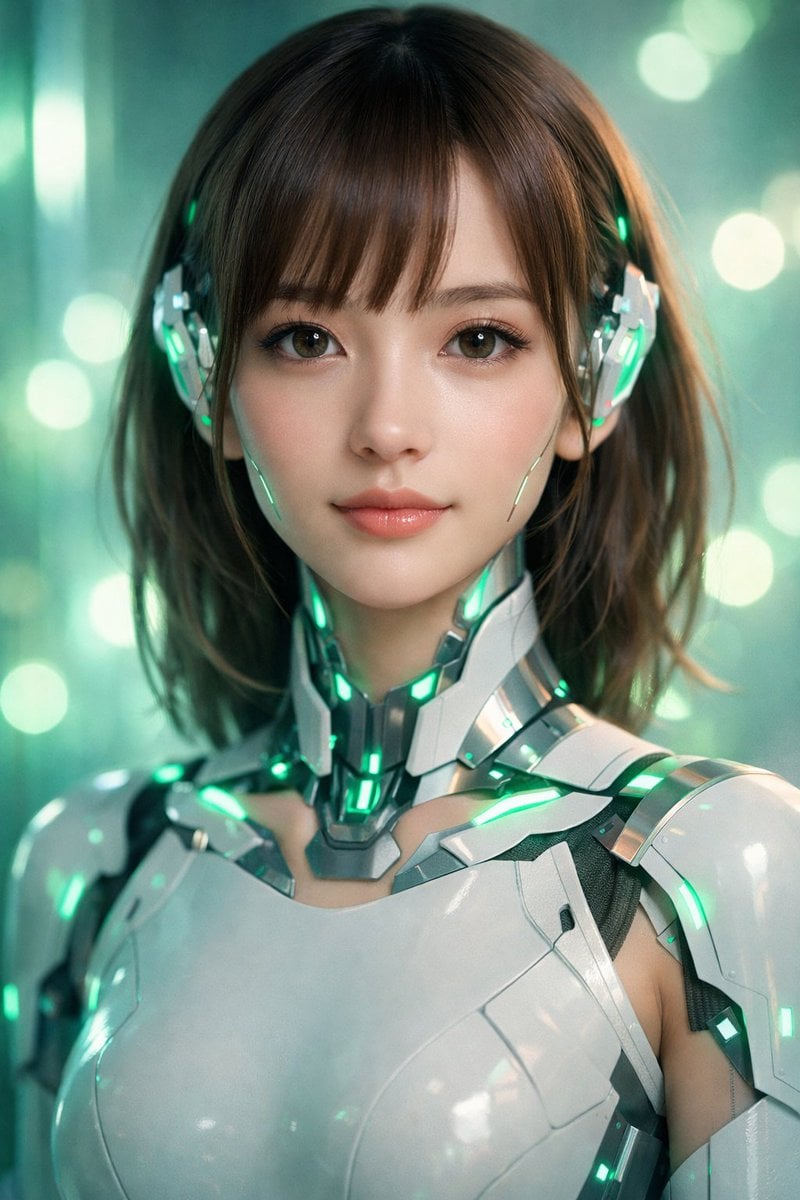
Neon Cyborg Girl Portrait Prompt

Found Photograph: Us, 1970

80s Couple Studio Portrait

80s Neon Disco Night

80s Bollywood Star

80s Golden Hour Cinema

Me in 1985

1985 Studio Portrait

Hyper-Realistic Minecraft POV Portrait

Neon Anime Fireworks Magazine Cover

Rooftop Fisheye — Cat-Ear Balaclava at Golden Hour
Make it yours
Neon Cyborg Anime Portrait works as-is. These are the safest ways to change it without losing the look.
Change one field
Copy a single group, rewrite it, and generate again so you can see what that field is doing.
Keep the frame, change the subject
Hold the composition and light of Neon Cyborg Anime Portrait, then swap wardrobe, props or the person for a new take.
| If the result… | Why | Fix |
|---|---|---|
| The result drifts from the preview | Too many fields changed at once. | Reuse Neon Cyborg Anime Portrait as-is first, then change one group — subject, light, or setting. |
| The model over-stylizes the scene | The prose prompt leaves finish and camera underspecified. | Add one camera or lighting sentence and stay on GPT Image 2. |
More GPT Image 2 templates
Other prompts made for GPT Image 2.

Six VTuber Japanese Logo Sheet

Realistic Portrait of Woman and Deer

The Vista Modular Condo Poster

AI Model Routing Comparison Infographic

2.5D Anime Art Board

Isometric Productivity Desk Scene

New York Double Exposure Poster

Four-Panel AI Landscape Comparison

Japanese Tatami Lifestyle Magazine Cover

NESCAFÉ Coffee Map Poster
More image prompts
Fresh picks from across the catalog.
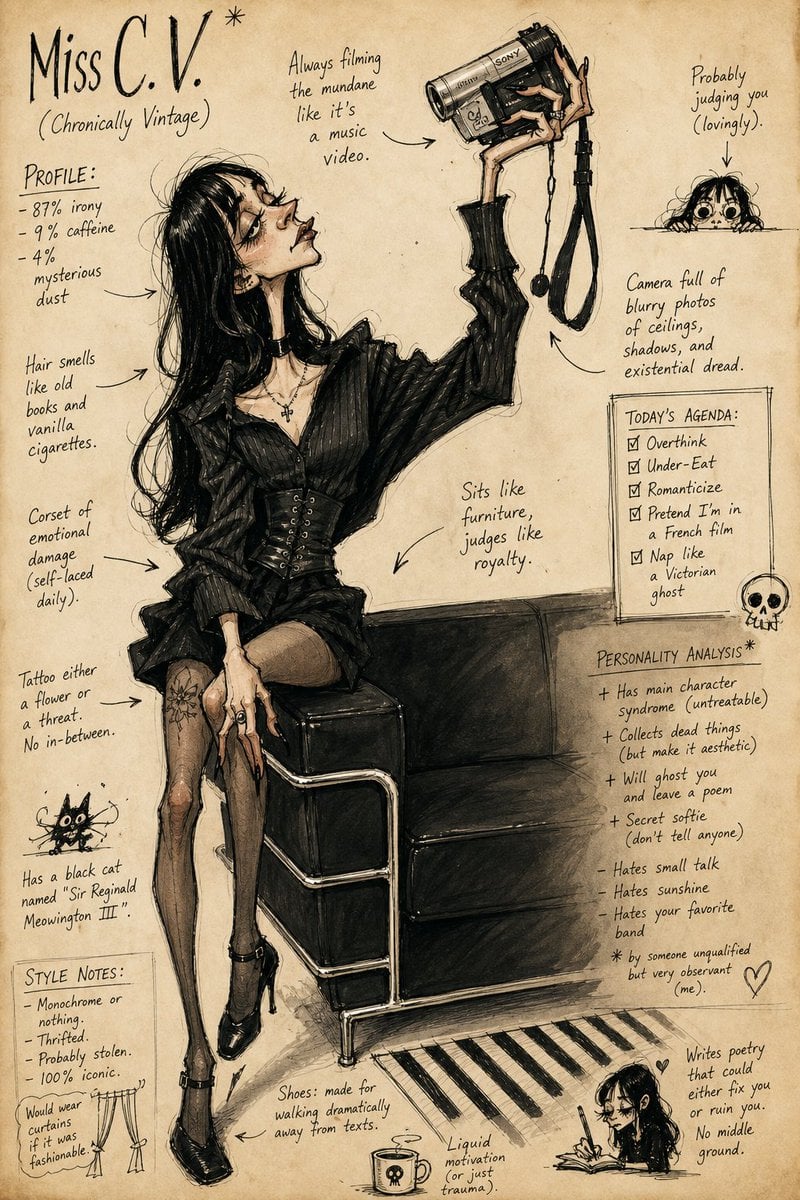
Grotesque Fashion Caricature Sketch
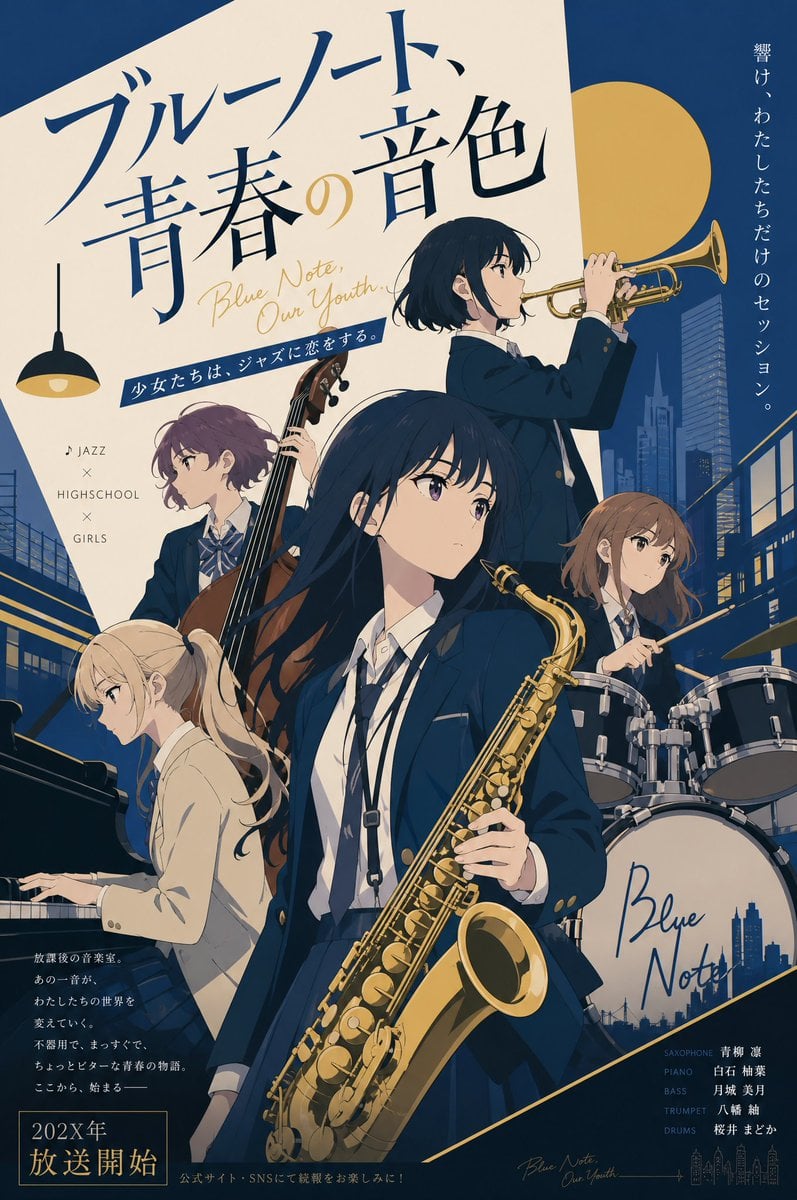
Jazz Theme Anime Key Visual
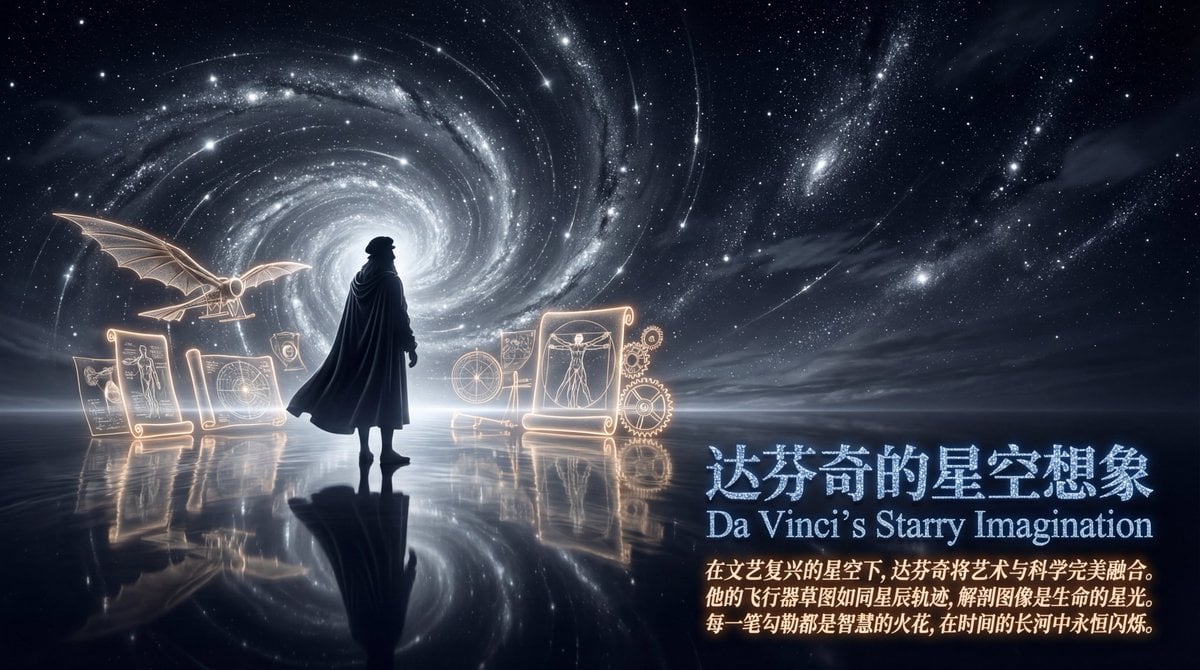
Style Transfer Prompt for Scientist Poster
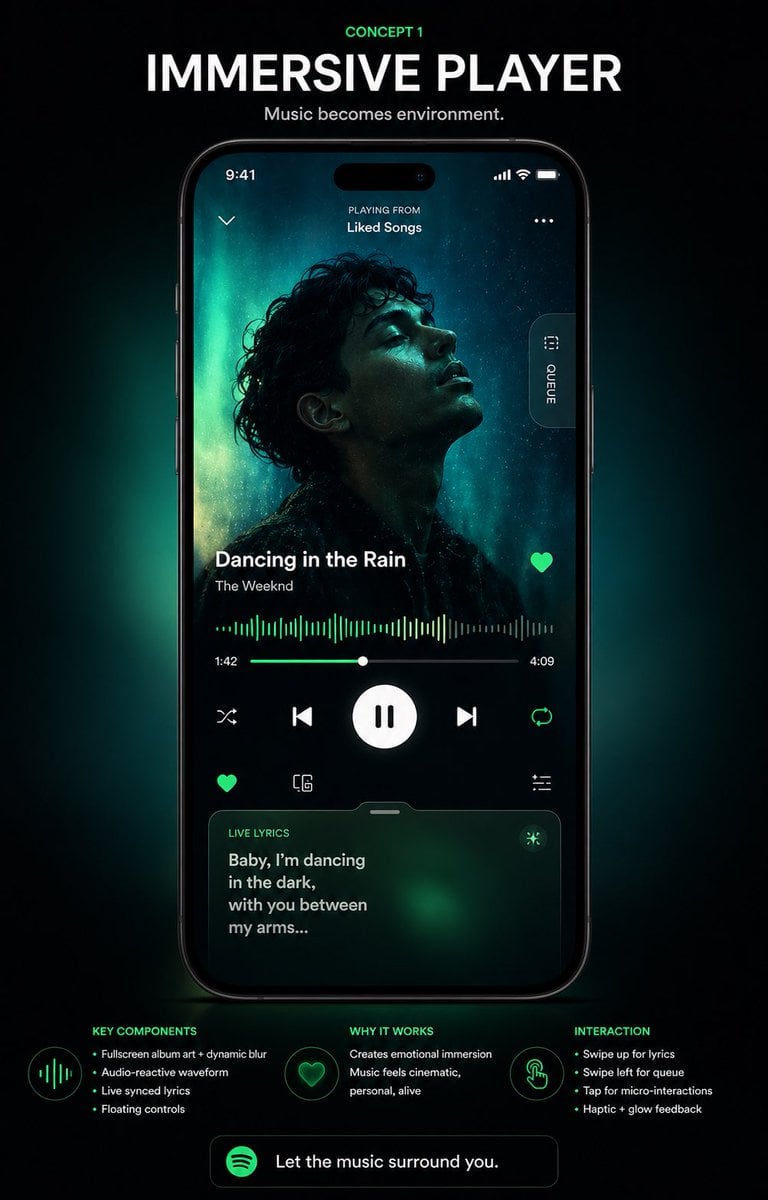
Immersive Music Player UI Poster
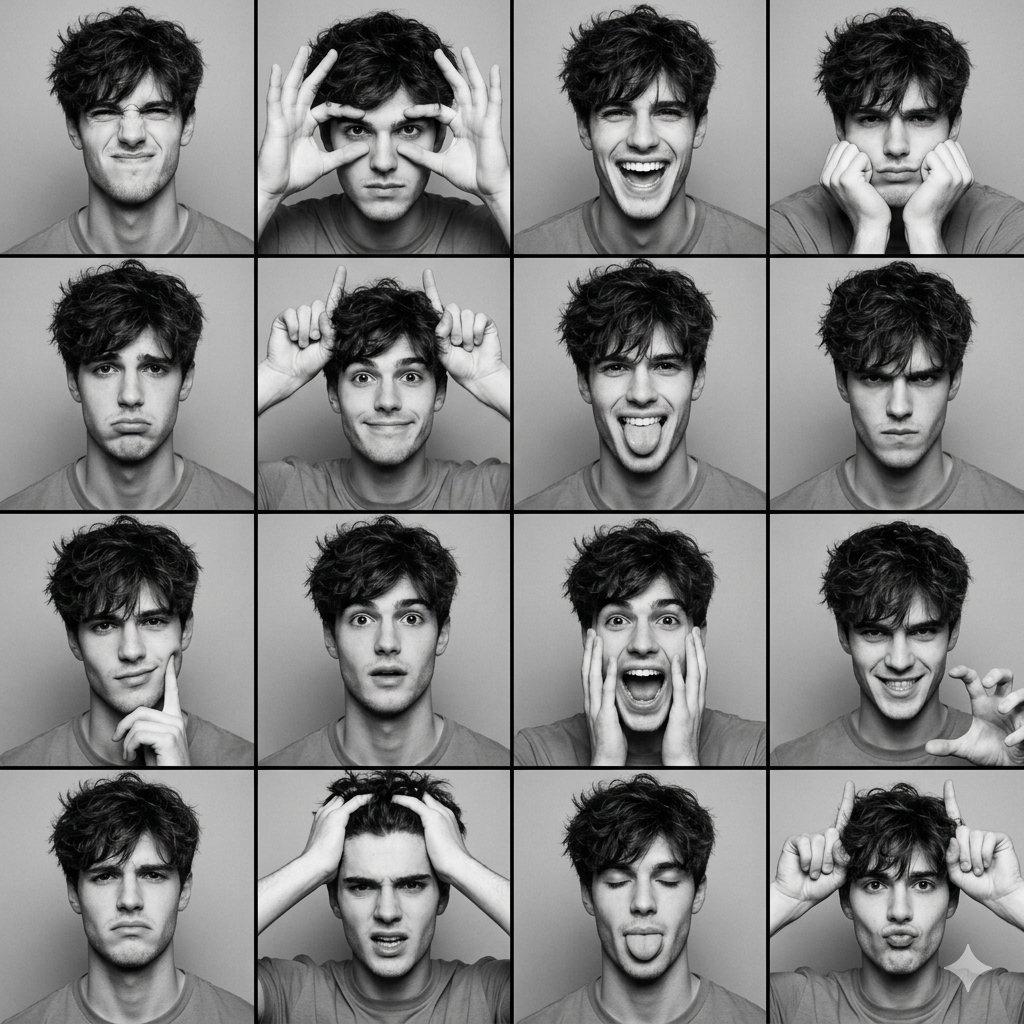
Black and White Photobooth Expression Grid (4x4)
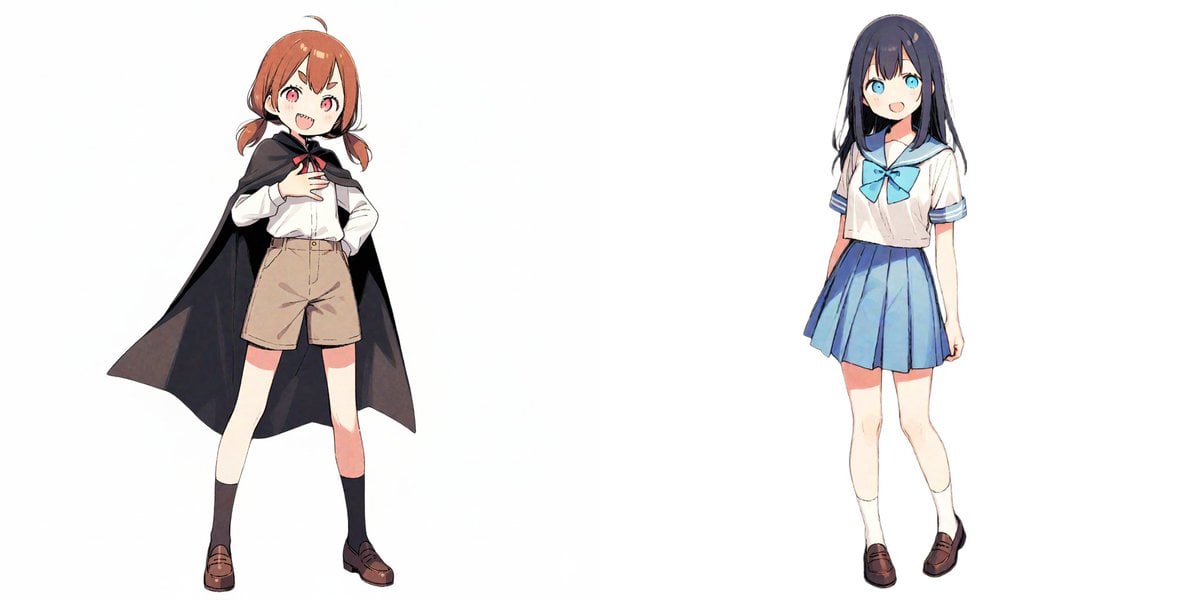
Image-to-Snowman Conversion Prompt for Nano Banana Pro

Seedance 2.0 - Anime Girl Fight
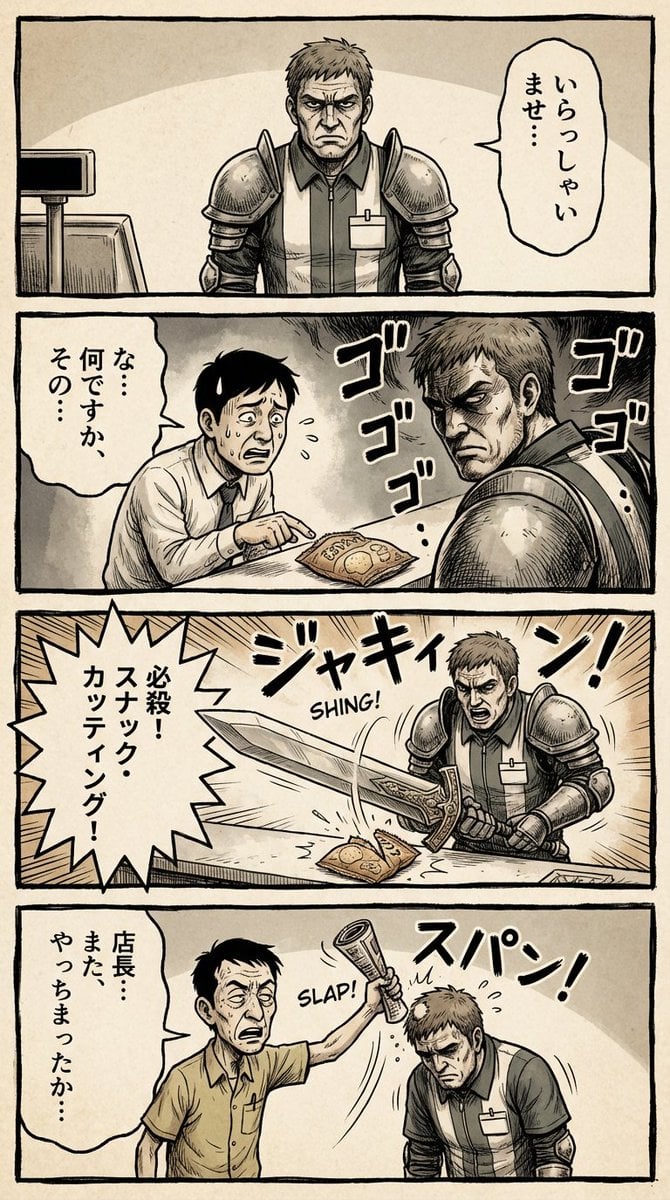
Vertical 4-panel gekiga-style manga YAML prompt
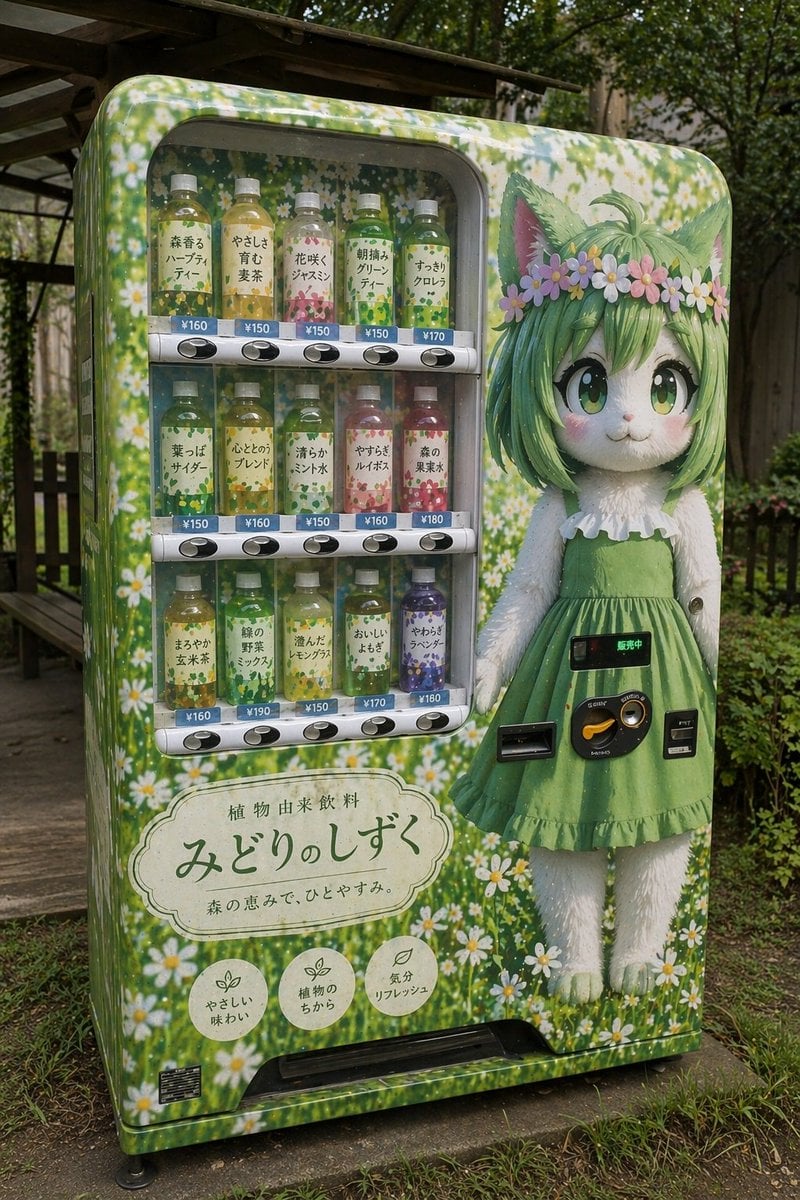
Custom Anime Vending Machine Design
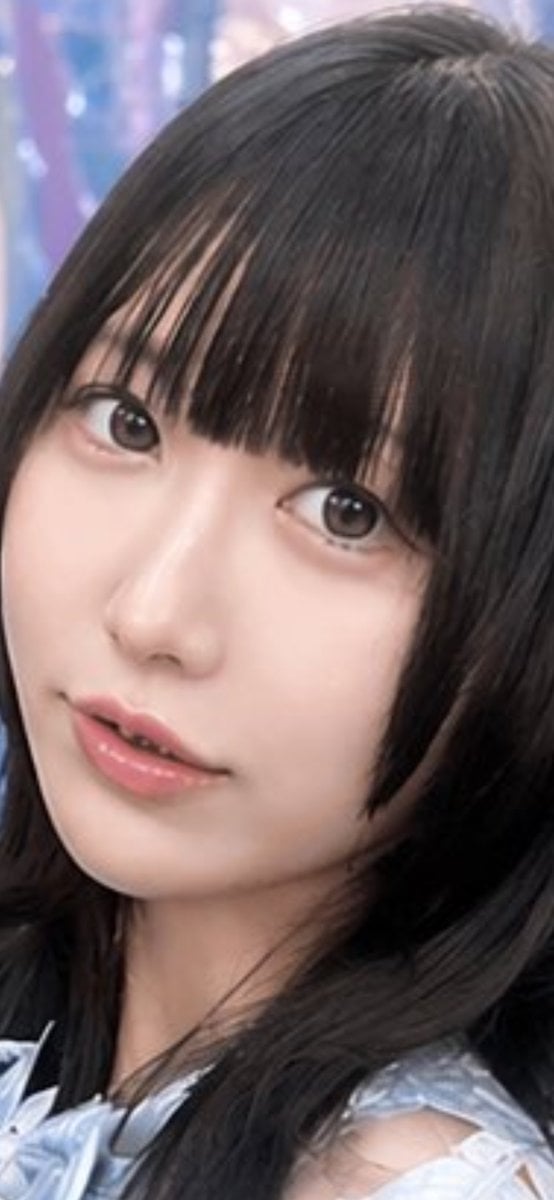
Realistic Japanese Idol Close-Up
Browse template categories
Neon Cyborg Anime Portrait questions
How do I use the Neon Cyborg Anime Portrait template?
Add your photo if the template asks for one, edit the prompt if you like — the template's model and format are already selected — and press Generate. Your version opens in PicX Studio.
Can I customize the Neon Cyborg Anime Portrait template?
Yes. You can change the subject, setting, lighting, mood, format, and available model controls before creating your image.
Is the Neon Cyborg Anime Portrait template free?
Opening and editing this template is free. Generating uses credits, shown on the Generate button when you are signed in.
Which AI model should I use?
Start with GPT Image 2, which is the model associated with this template. You can compare another compatible model for a different finish.
Looking for something else? Browse all templates.

Your photo, any look
Thousands of ready templates for every top image and video model, from one credit balance.