
Realistic Japanese Idol Close-Up
A soft, photorealistic close-up portrait prompt for generating a young Japanese idol-style woman with delicate features and intentionally imperfect teeth.
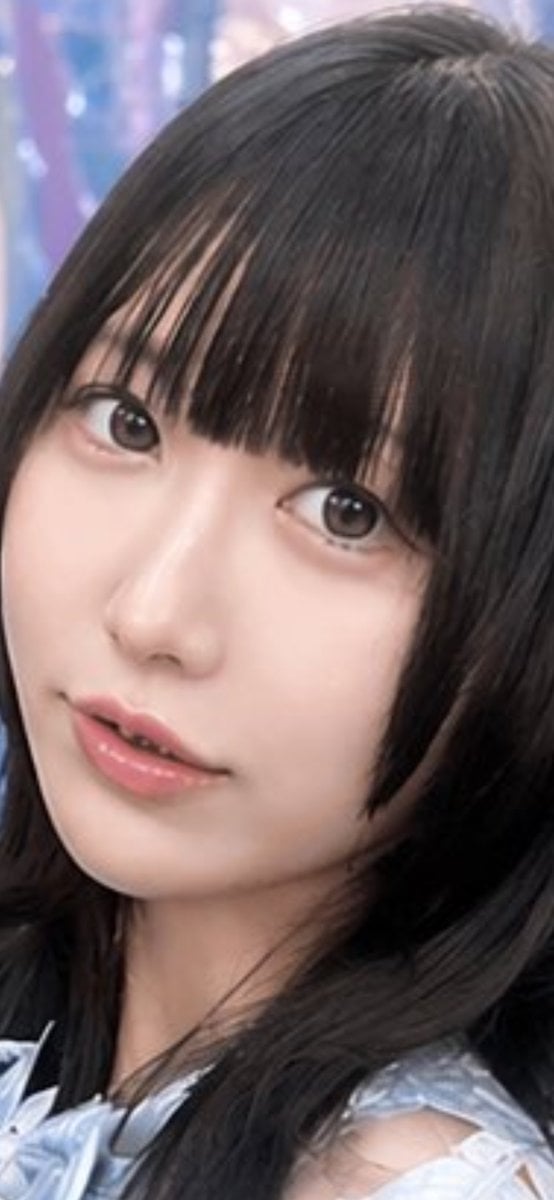
- Prompt included
- Model and format preset
- Free template
The prompt behind this image
Copy the exact prompt behind Realistic Japanese Idol Close-Up, or open it in the studio and make it yours.
A hyperrealistic close-up portrait of a young Japanese woman idol, framed vertically from the shoulders up, with her head slightly tilted and looking directly into the camera. She has {argument name="hair color" default="jet black"} straight medium-length hair with full blunt bangs that partially cover her forehead and lightly frame both sides of her face. Her skin is very smooth and pale with soft even lighting, large dark brown eyes with a gentle glossy catchlight, a small natural nose, and subtly glossy pink lips parted slightly to reveal uneven front teeth, with one upper tooth visibly irregular and overlapping, creating a charming imperfect smile. Her expression is calm, soft, and innocent. She wears a delicate light blue frilled lace top with sheer ruffle details visible at the shoulders. The background is softly blurred in cool pastel tones of lavender, blue, and pink, suggesting an indoor stage or event backdrop with bokeh-like highlights. Emphasize realistic facial texture, accurate asymmetrical teeth, beauty-idol photography styling, shallow depth of field, and a clean polished Japanese portrait aesthetic.
How to use Realistic Japanese Idol Close-Up in 3 steps
- 1Upload ImagePNG, JPG or paste
Add your photo
Upload the photo the template builds on. The prompt, model and format are already set.
- 2…a portrait of your subject in softgolden-hour light, 85mm…
Personalize
Edit the subject and creative details for your destination.
- 3Generate
Generate
Press Generate — your image is created in PicX Studio, so you can compare it with the original and refine one variable at a time.
More like this
Templates with the same subject, style or setup. Open one to see its prompt.

Japanese Film Reflection Idol

Minecraft Japanese Research Lab Exploration

Japanese Architectural Concrete Studio Fashion Campaign

Japanese Minimalist Concrete Studio Fashion Editorial

Blue Backdrop Luxury Fashion Portrait Campaign
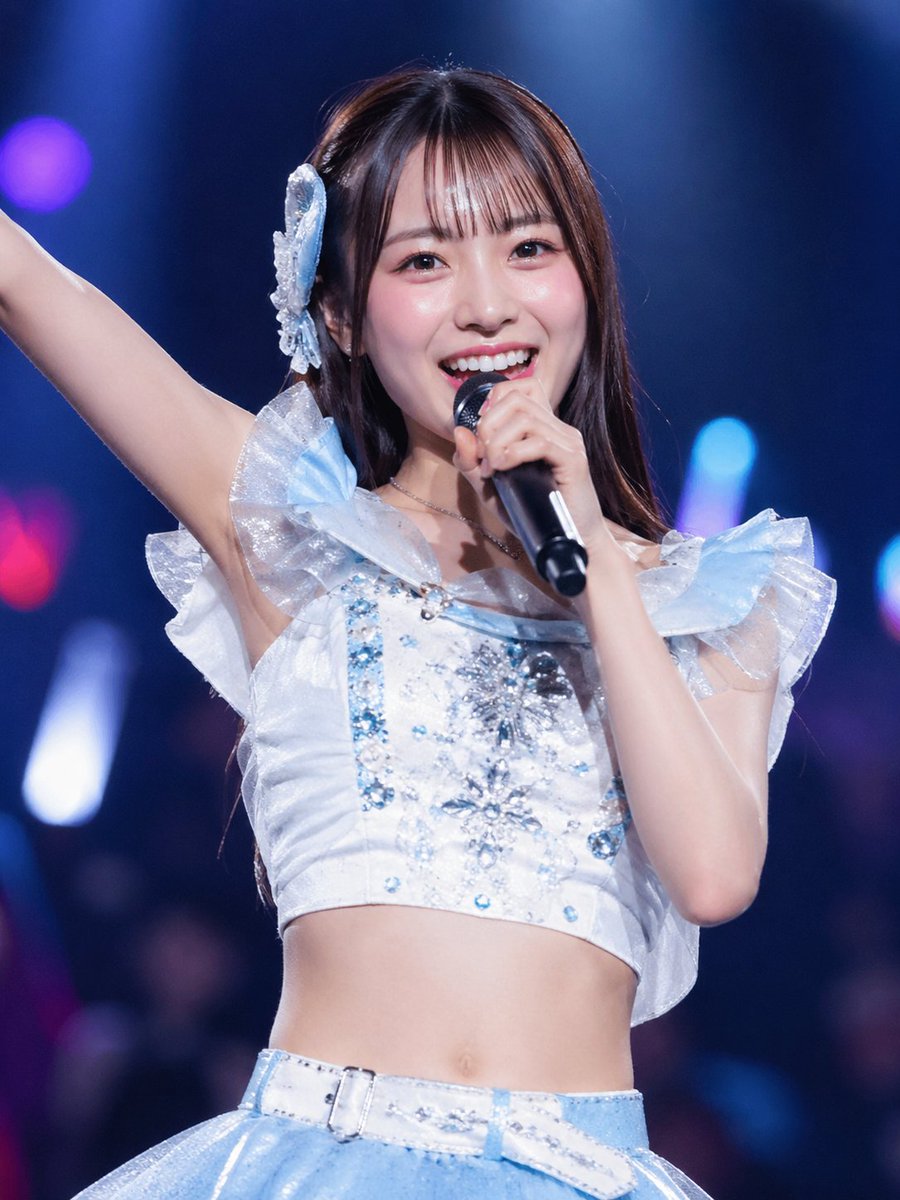
Japanese Idol Concert Portrait

Masculine Close-up Editorial Portrait
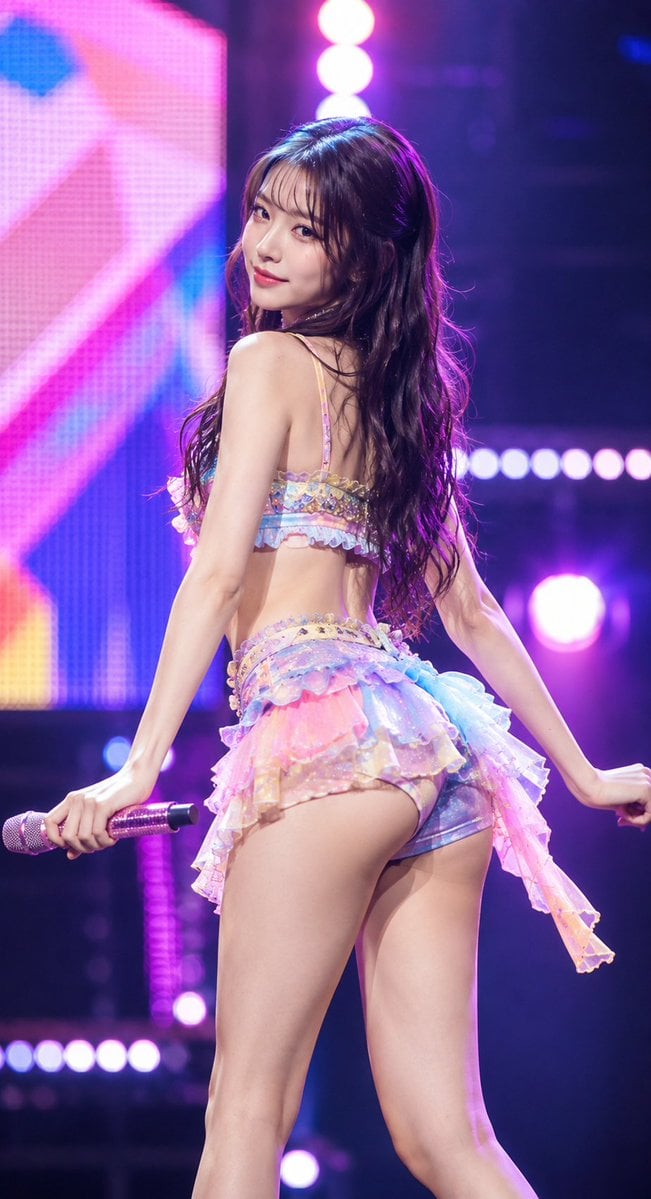
Idol Stage Performance Portrait

Six VTuber Japanese Logo Sheet

Pastel Anime Idol Concert Finale
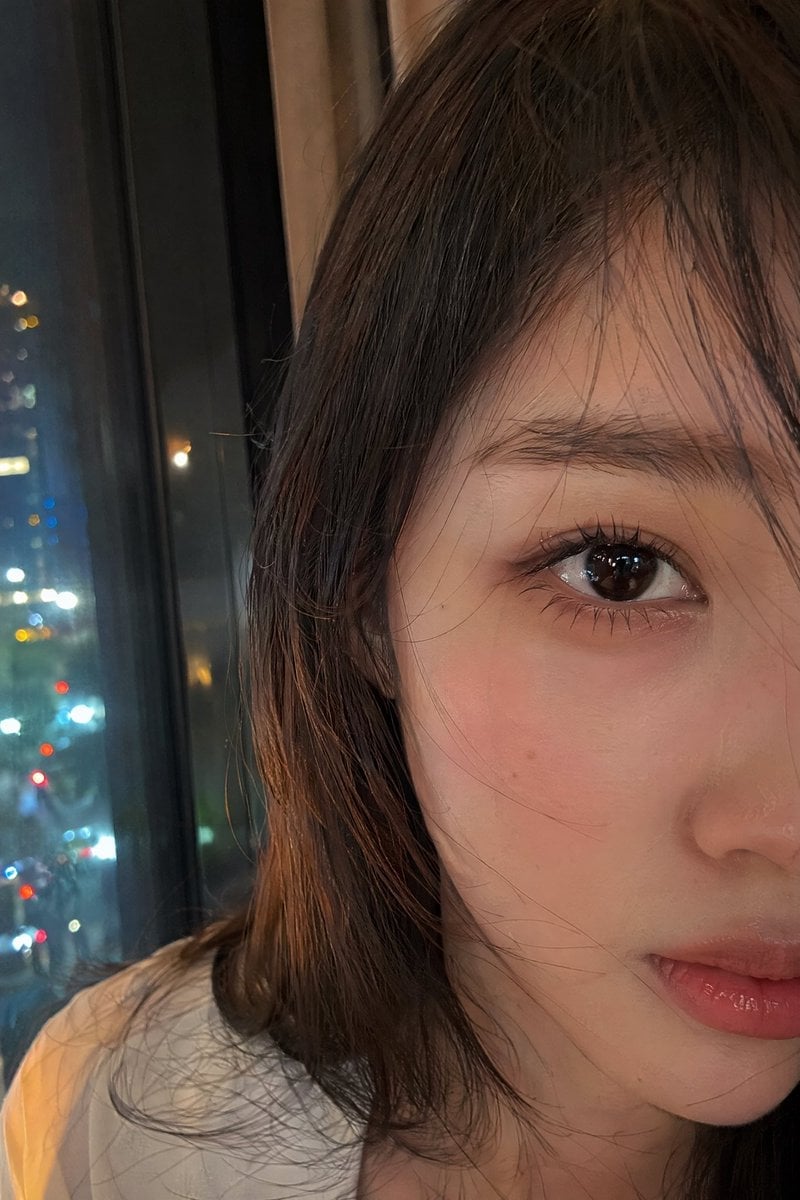
Authentic Smartphone Selfie Close-up
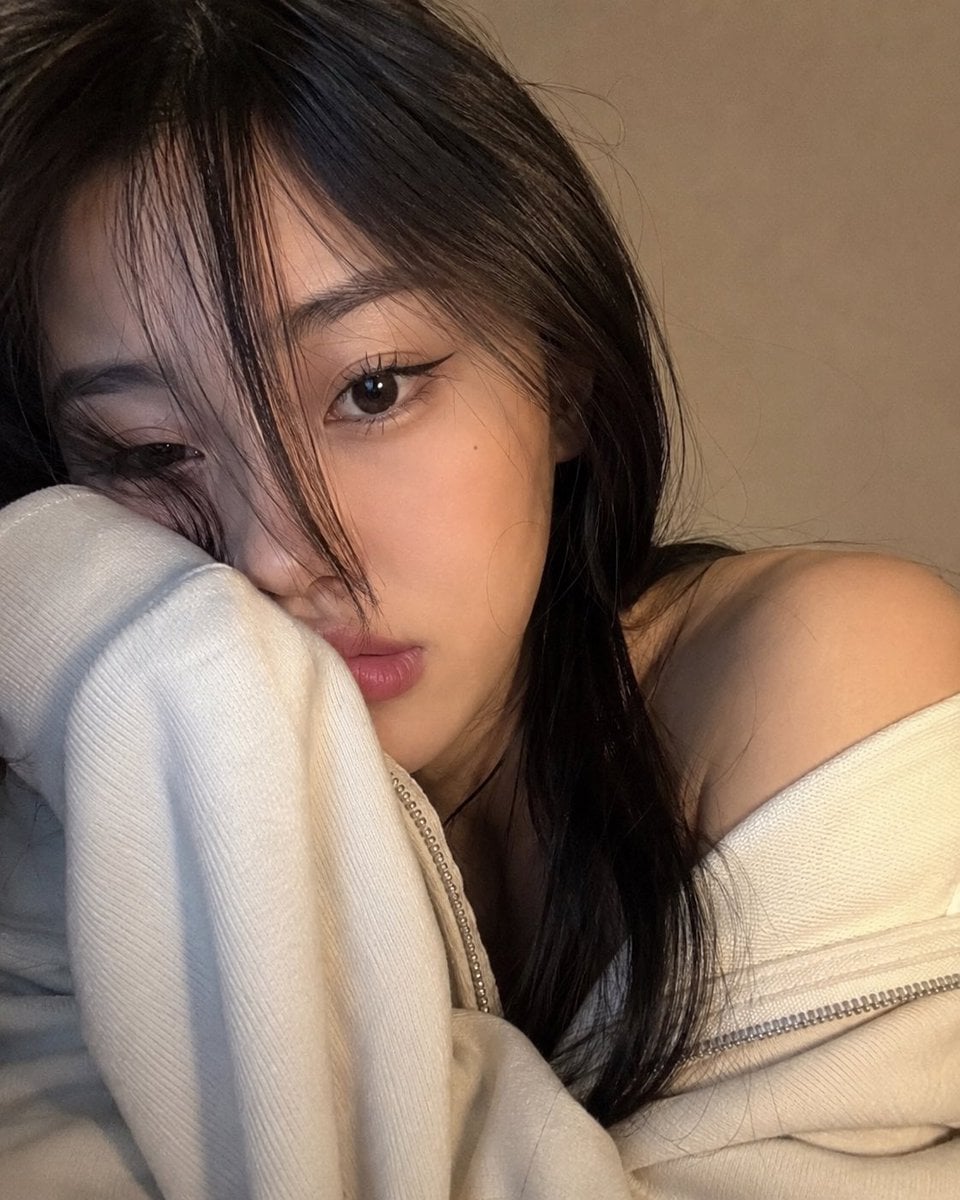
Cozy Close-up Selfie Portrait
Make it yours
Realistic Japanese Idol Close-Up works as-is. These are the safest ways to change it without losing the look.
Change one field
Copy a single group, rewrite it, and generate again so you can see what that field is doing.
Keep the frame, change the subject
Hold the composition and light of Realistic Japanese Idol Close-Up, then swap wardrobe, props or the person for a new take.
| If the result… | Why | Fix |
|---|---|---|
| The result drifts from the preview | Too many fields changed at once. | Reuse Realistic Japanese Idol Close-Up as-is first, then change one group — subject, light, or setting. |
| The model over-stylizes the scene | The prose prompt leaves finish and camera underspecified. | Add one camera or lighting sentence and stay on GPT Image 2. |
More GPT Image 2 templates
Other prompts made for GPT Image 2.

Realistic Portrait of Woman and Deer

The Vista Modular Condo Poster

AI Model Routing Comparison Infographic

2.5D Anime Art Board

Isometric Productivity Desk Scene

New York Double Exposure Poster

Four-Panel AI Landscape Comparison

NESCAFÉ Coffee Map Poster

Brutalist Cogito Chinese Typography Poster

Cinematic Luxury Terrace Portrait
More image prompts
Fresh picks from across the catalog.
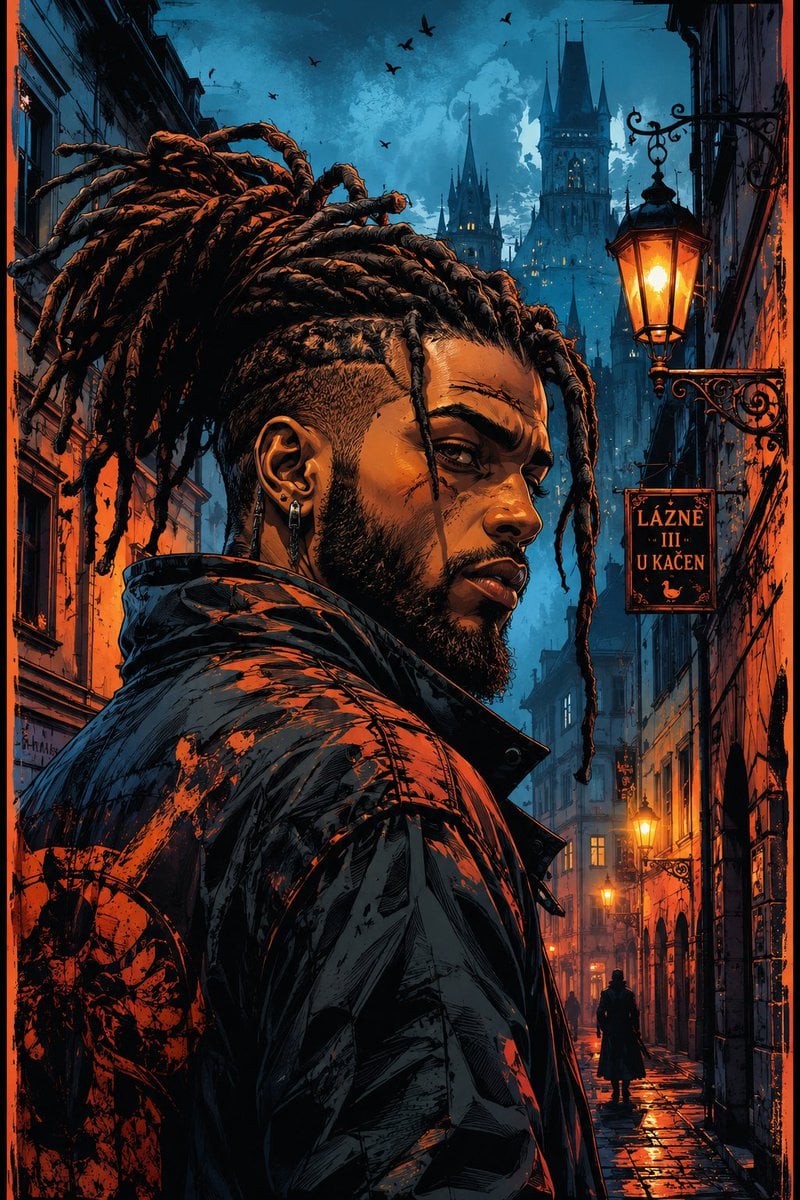
Cyber-Noir Comic Portrait

Highly detailed 8K morning still life desk scene prompt
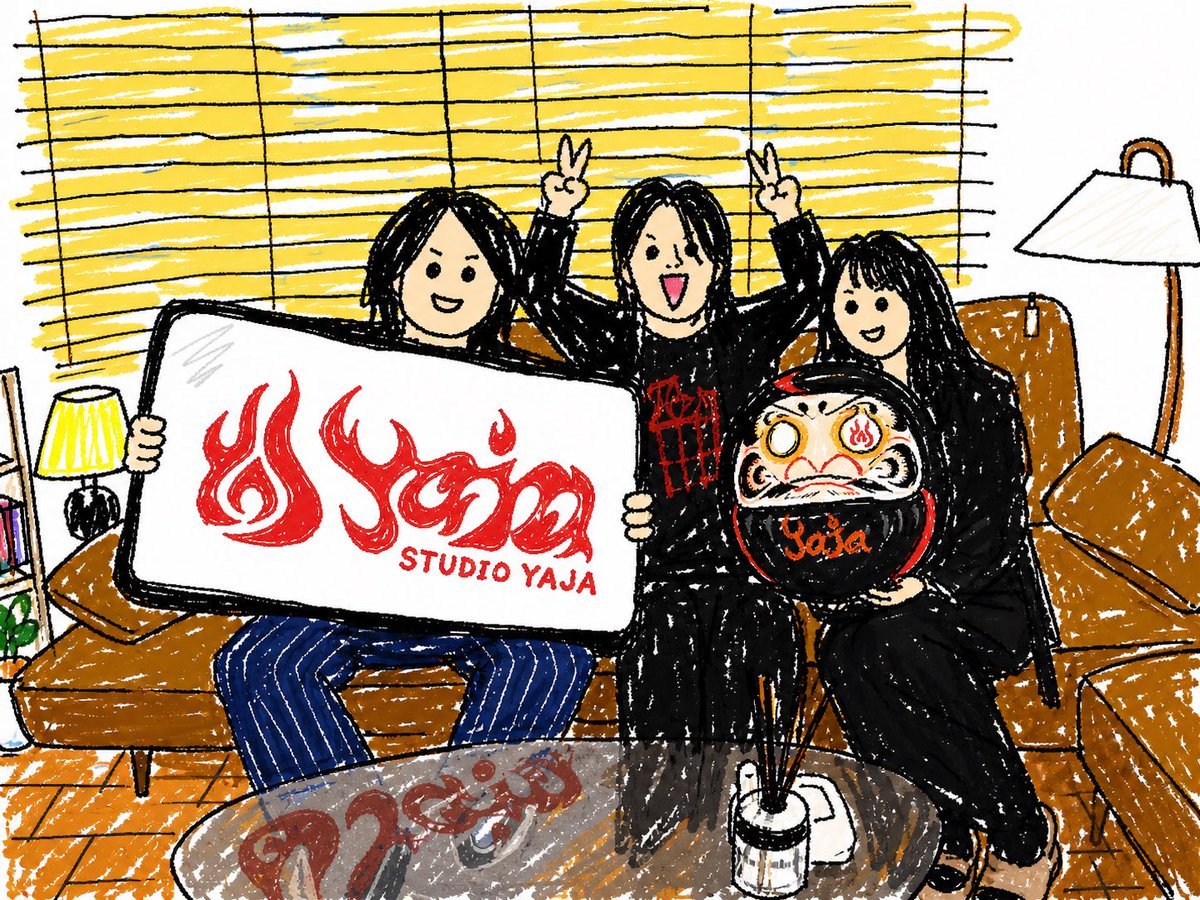
Crayon Friends Studio Celebration

Image Generation Prompt for Shocked Young Woman
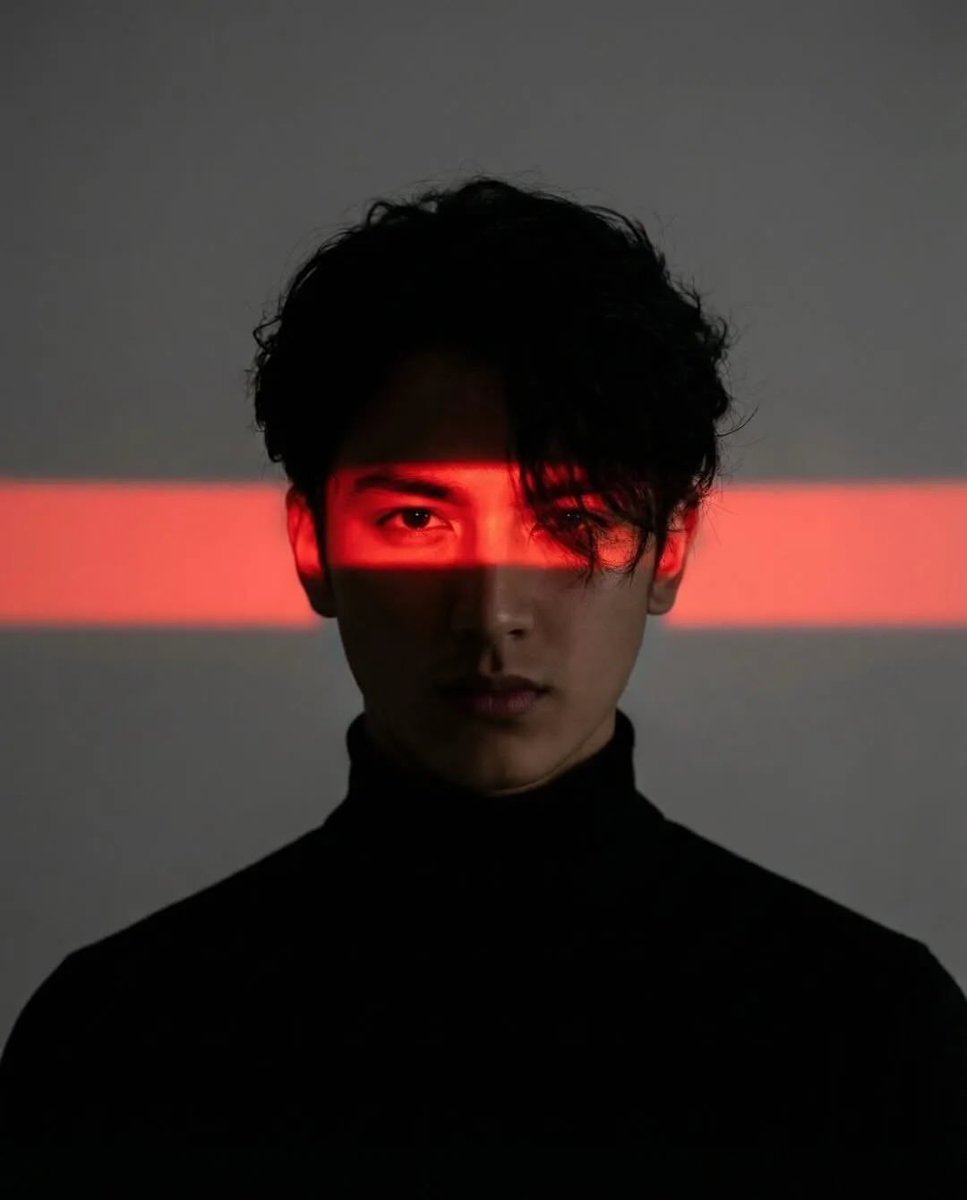
Cinematic Cyberpunk Portrait Pair
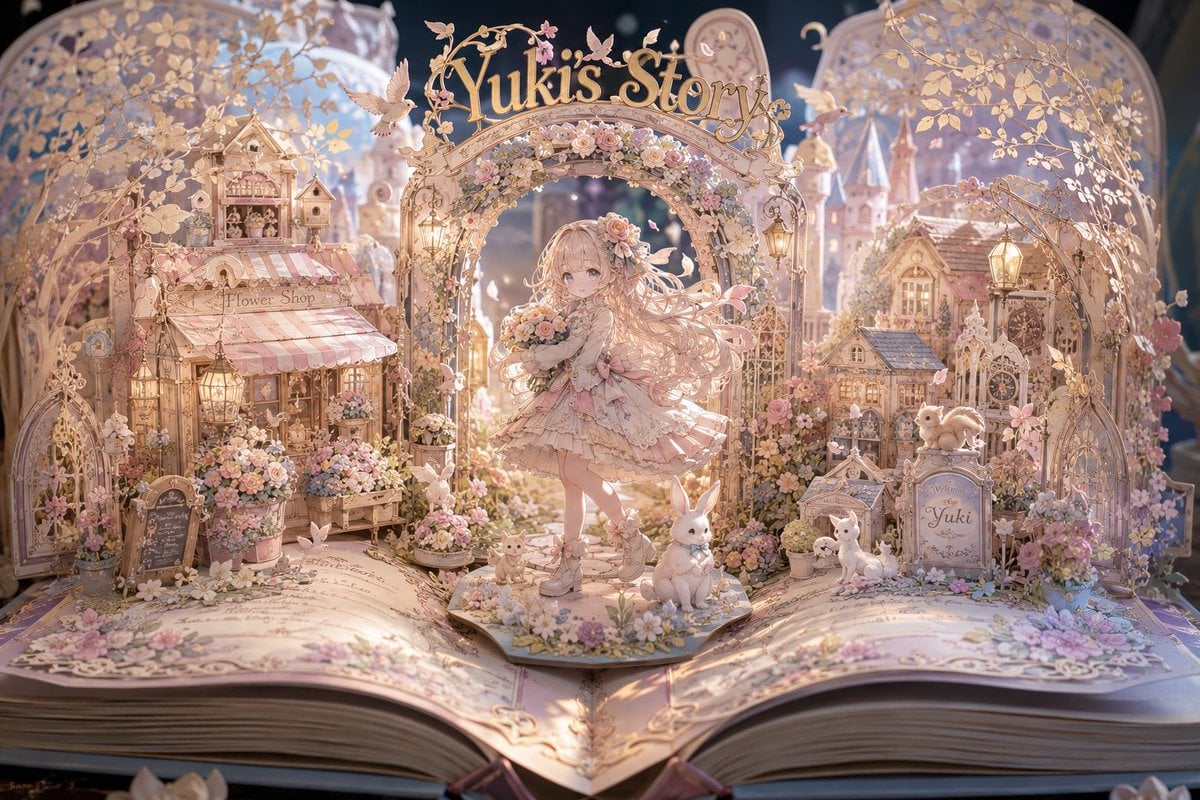
Yuki's Magical Pop-Up Storybook

Street Fashion Editorial with 90s Nostalgia Items

Alaskan Snowstorm Couple Prompt (Reference Based)

Detailed Biographical Infographic Poster

Anime Maid CD Album Cover
Browse template categories
Realistic Japanese Idol Close-Up questions
How do I use the Realistic Japanese Idol Close-Up template?
Add your photo if the template asks for one, edit the prompt if you like — the template's model and format are already selected — and press Generate. Your version opens in PicX Studio.
Can I customize the Realistic Japanese Idol Close-Up template?
Yes. You can change the subject, setting, lighting, mood, format, and available model controls before creating your image.
Is the Realistic Japanese Idol Close-Up template free?
Opening and editing this template is free. Generating uses credits, shown on the Generate button when you are signed in.
Which AI model should I use?
Start with GPT Image 2, which is the model associated with this template. You can compare another compatible model for a different finish.
Looking for something else? Browse all templates.

Your photo, any look
Thousands of ready templates for every top image and video model, from one credit balance.