
Image-to-Snowman Conversion Prompt for Nano Banana Pro
A highly detailed prompt for Nano Banana Pro to convert characters in a reference image into watercolor illustrations of snowmen.
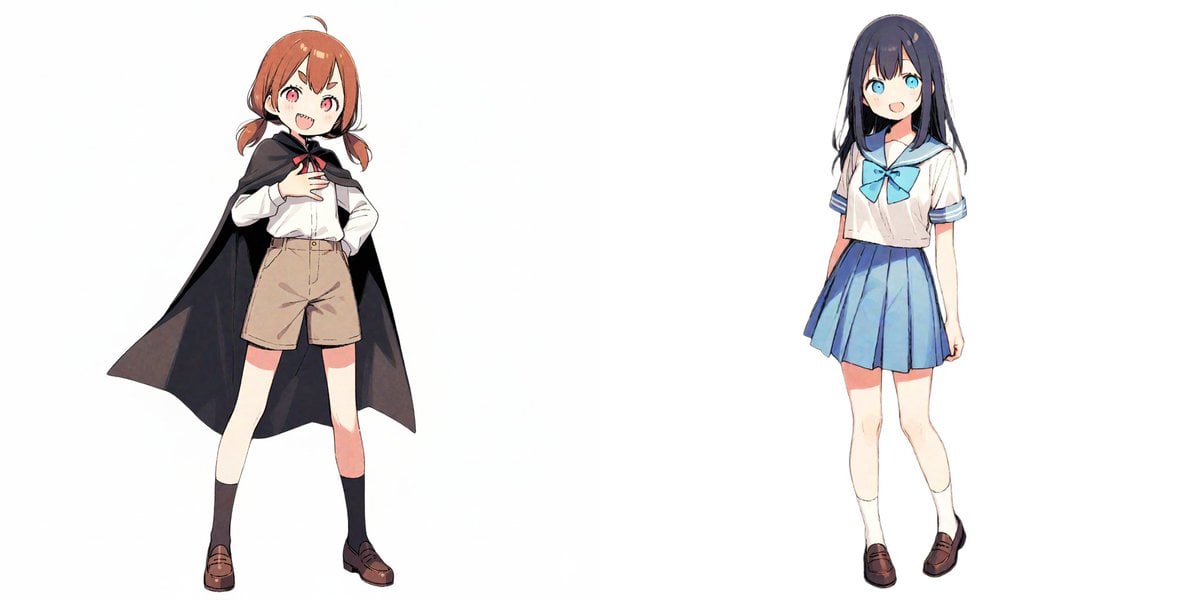
- Prompt included
- Model and format preset
- Free template
The prompt behind this image
Copy the exact prompt behind Image-to-Snowman Conversion Prompt for Nano Banana Pro, or open it in the studio and make it yours.
# Describe here the number of characters, names, and appearance features of the characters in the reference image [{argument name="character appearance" default="a girl wearing a cloak and a girl in a sailor uniform"}] A watercolor illustration in which all of the above characters have transformed into cute "snowmen." Conversion rules: - Every character's body becomes the shape of a "limbless snowman" made of stacked white snowballs. - The whole body is a snowman made of 2 or 3 tiers of snowballs. Taller characters get 3 tiers. - Human skin, limbs, and clothing details are removed, replaced with a snow body. - To identify each character, attach only their distinctive "hat," "ribbon," or "buttons/scarf in their signature color" to the snowman. - The face uses simple snowman parts (round black eyes, an orange or round nose). ★Important material rule (correction for the hair part): - 【Highest priority】Absolutely do not draw the hair part as "human hair" or a "wig." - Keep the shape of the hair, but make the material entirely "pure white snow." - Completely ignore the original character's hair color (black, brown, etc.) and express it in snow's natural "pure white (#FFFFFF)." - Do not draw individual strands of hair; draw it as "a single compacted mass," as if snow had been packed together. - Remove the boundary line between the snowball head and the hairstyle part, unifying them like a single large snow sculpture. - Do not make the texture smooth — give it the characteristic "roughness" and "unevenness" of snow. - Draw the shape of the hair as a "white silhouette" unified with the snowman's head. Do not make the hair tips sharp; make them rounded and plump, like partially melted snow. Art style: - An analog-feeling watercolor painting. - White drawing-paper texture. - Soft outlines, with pale, bleeding colors. - Background is white, or a faint snowy landscape.
How to use Image-to-Snowman Conversion Prompt for Nano Banana Pro in 3 steps
- 1Upload ImagePNG, JPG or paste
Add your photo
Upload the photo the template builds on. The prompt, model and format are already set.
- 2…a portrait of your subject in softgolden-hour light, 85mm…
Personalize
Edit the subject and creative details for your destination.
- 3Generate
Generate
Press Generate — your image is created in PicX Studio, so you can compare it with the original and refine one variable at a time.
More like this
Templates with the same subject, style or setup. Open one to see its prompt.

Woman in Mall with Chanel Bag - Heart Gesture

Image-to-3D Conversion Prompt for nano banana pro
Origami Style Conversion Prompt for Nano Banana Pro

VFX Comparison Image Prompt (Before/After) for Nano Banana Pro

Nano Banana Prompt for Consistent Character Jumpshots

Cinematic Camera Instructions for Nano Banana Pro

Manga Generation Prompt Template for Nano Banana Pro

Hyper-Realistic Commercial Food Photography Prompt for Gemini Nano Banana Pro
Cinematic Portrait Prompt for Google Nano Banana Pro

Multi-Frame Lifestyle Portrait Prompt for Nano Banana Pro

Low-Key Product Photography Prompt for Gemini Nano Banana Pro
Masterpiece Political Caricature Prompt for Nano Banana 2
Make it yours
Image-to-Snowman Conversion Prompt for Nano Banana Pro works as-is. These are the safest ways to change it without losing the look.
Change one field
Copy a single group, rewrite it, and generate again so you can see what that field is doing.
Keep the frame, change the subject
Hold the composition and light of Image-to-Snowman Conversion Prompt for Nano Banana Pro, then swap wardrobe, props or the person for a new take.
| If the result… | Why | Fix |
|---|---|---|
| The result drifts from the preview | Too many fields changed at once. | Reuse Image-to-Snowman Conversion Prompt for Nano Banana Pro as-is first, then change one group — subject, light, or setting. |
| The model over-stylizes the scene | The prose prompt leaves finish and camera underspecified. | Add one camera or lighting sentence and stay on Nano Banana 2. |
More Nano Banana 2 templates
Other prompts made for Nano Banana 2.

Photorealistic Leaf Shaped Like a Dragon

K-Pop Idol Portrait Grid for Rapid Selection

Poetic Rain Forest Portrait During Golden Hour

Urban Street Portrait with Cartoon Inner Self Duo

Candid Nighttime Photo with Cat Prompt

High-Concept 3D Diorama Generation Prompt

Cinematic Futuristic Studio Portrait Template

Skincare Editorial Photography Collage Prompt

Hyper-Realistic Commercial Product Photography (Splash Effect)

Hyper-Realistic Nightclub Portrait Prompt
More image prompts
Fresh picks from across the catalog.
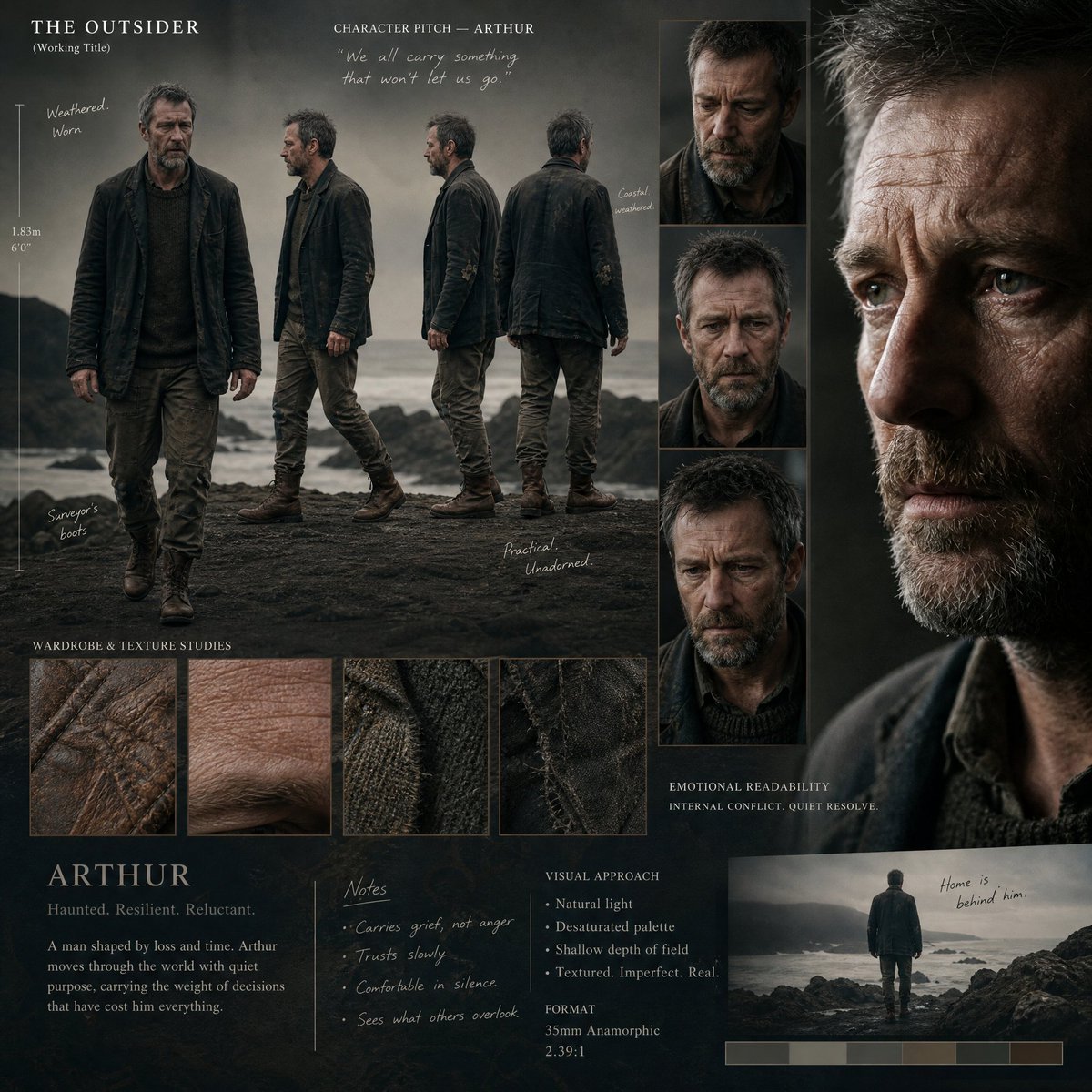
Director's Cinematic Pitch Board
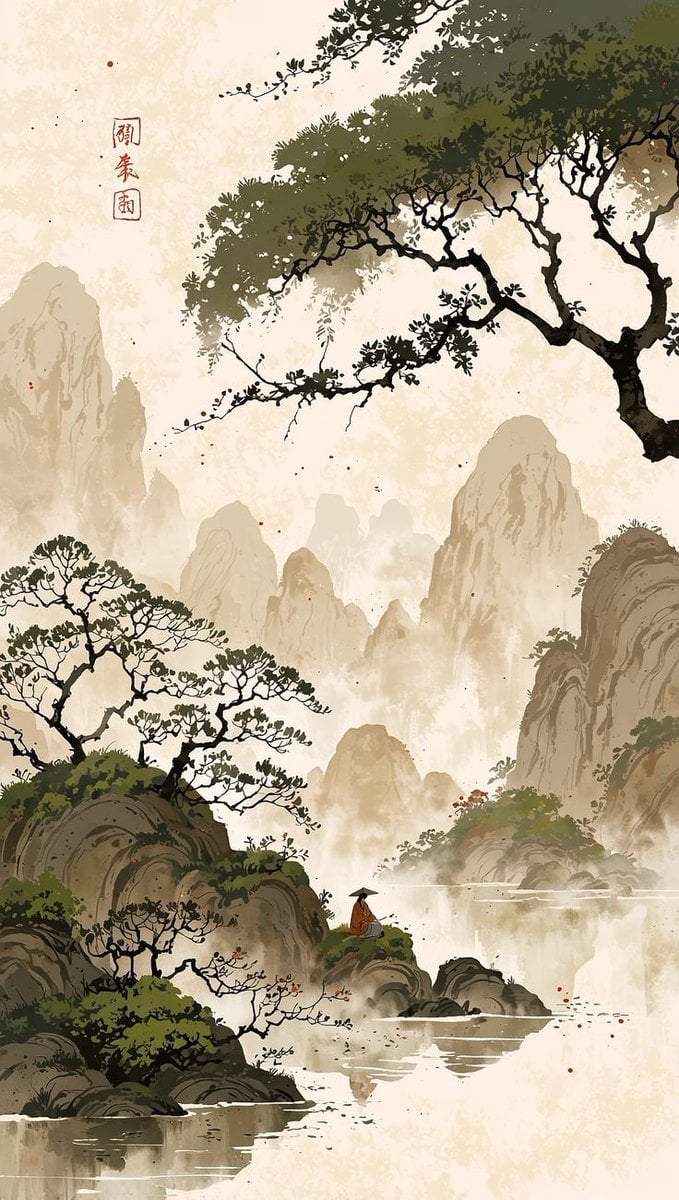
Cinematic Chinese Ink Landscape
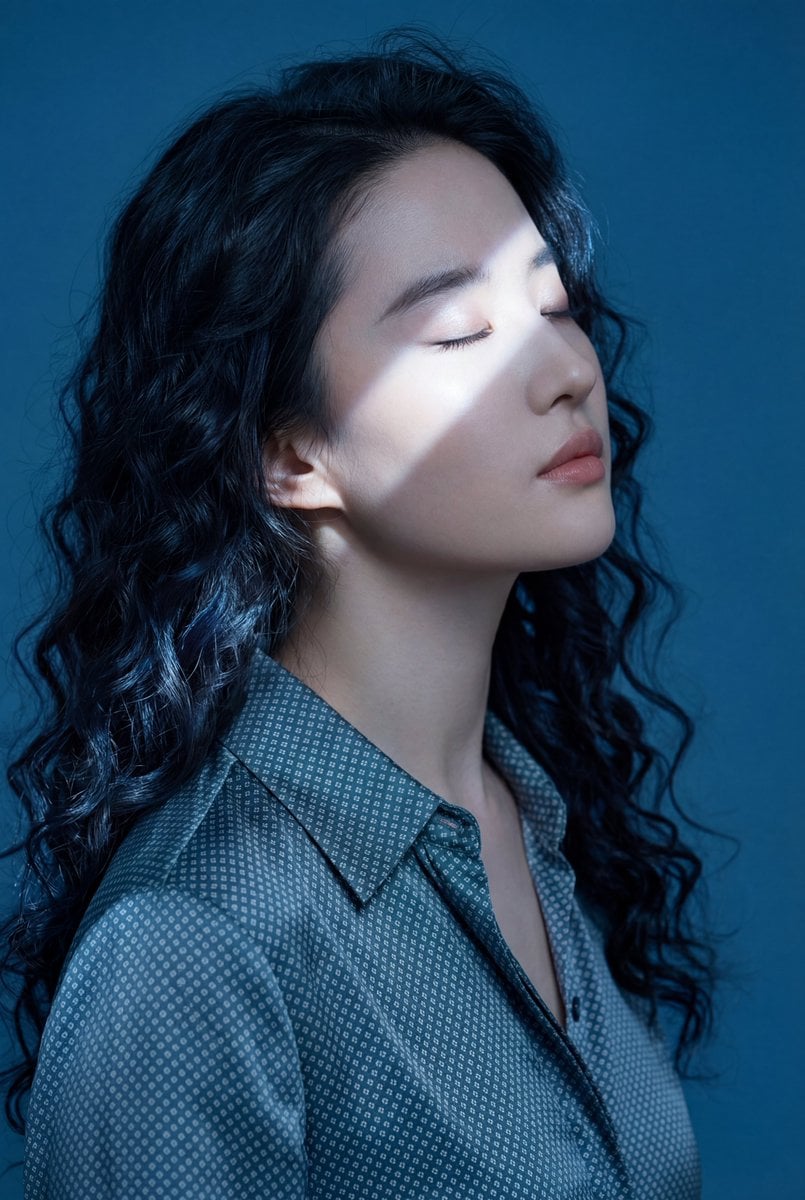
Ethereal Blue Light Editorial Portrait (Chinese Context)
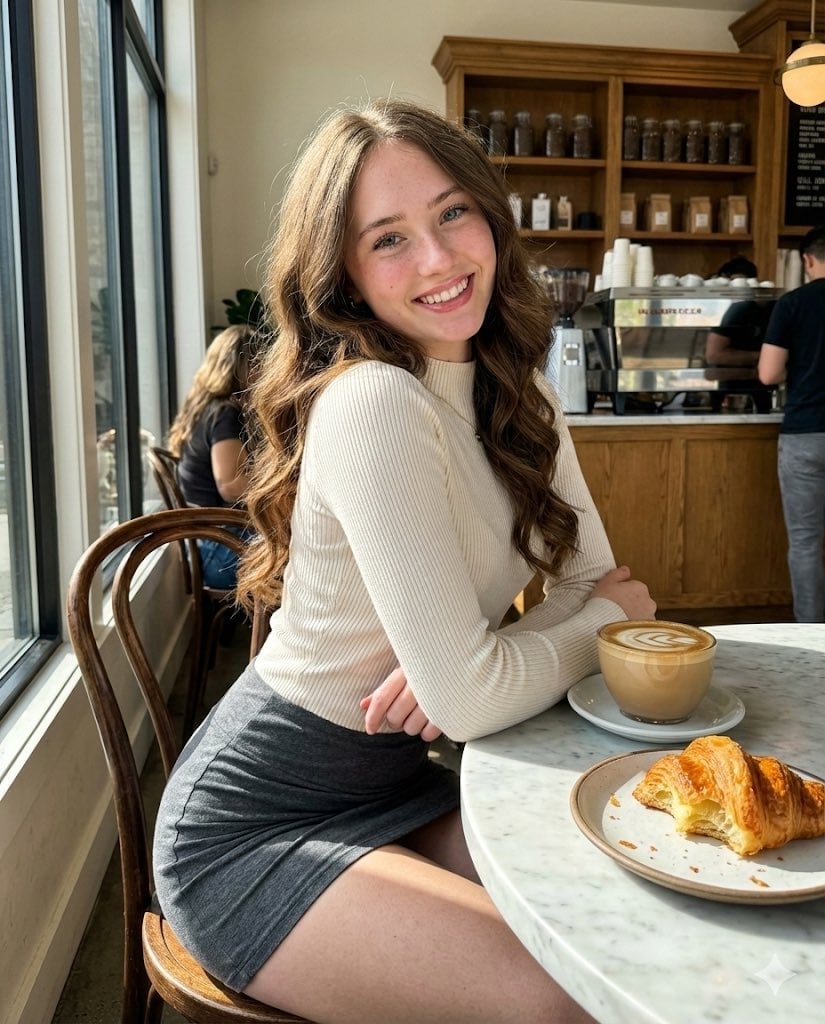
High-Fidelity Candid Café Portrait with Sharp Focus
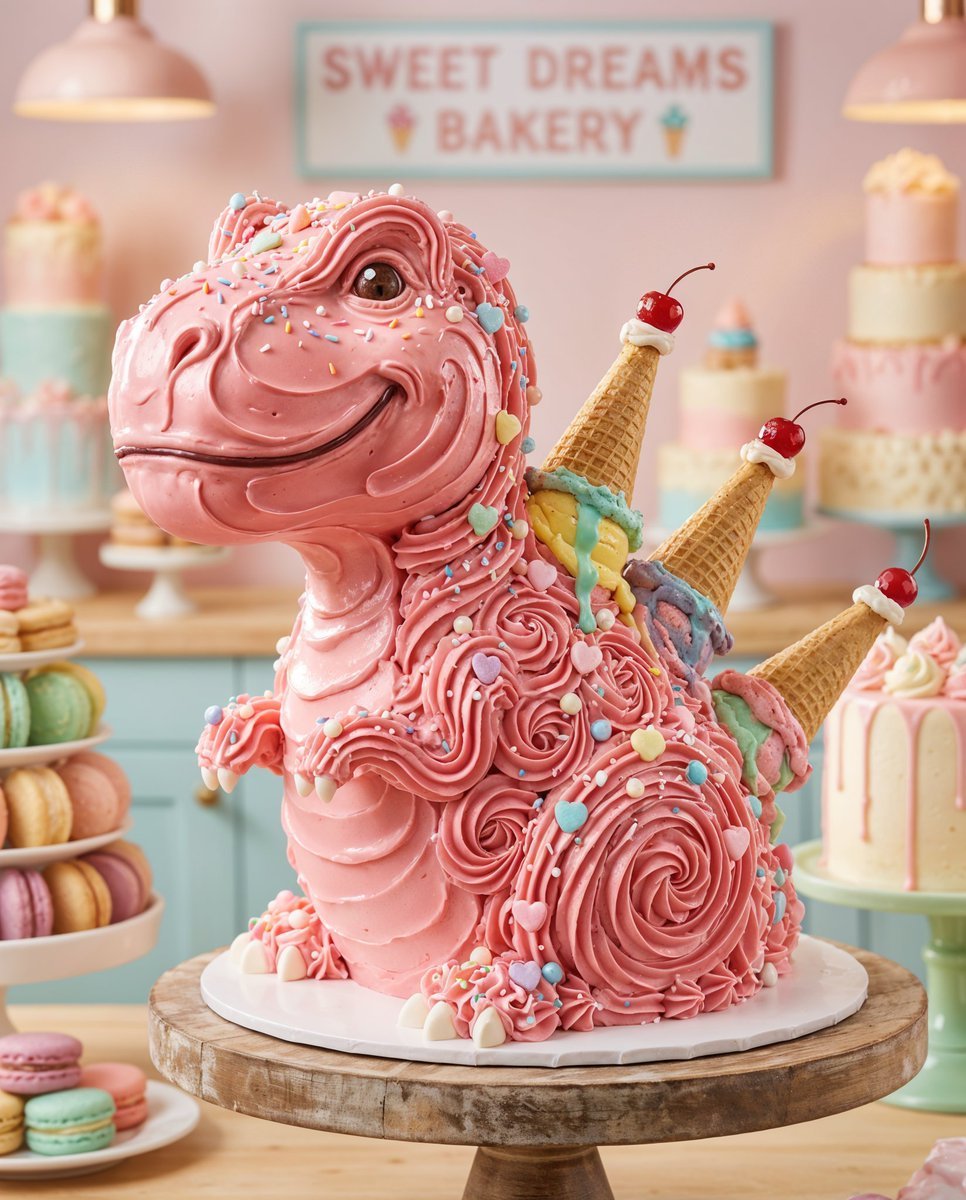
Whimsical T-Rex Made of Pink Frosting
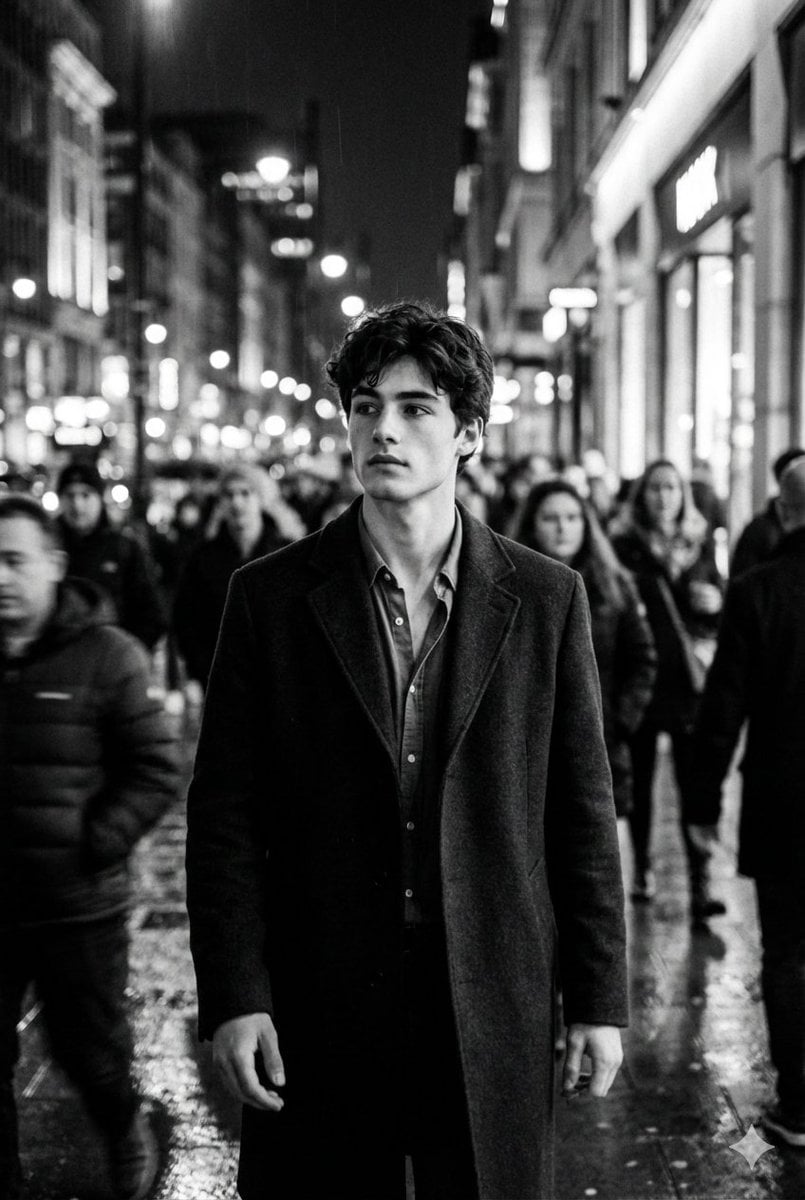
Black and White Cinematic Motion Portrait
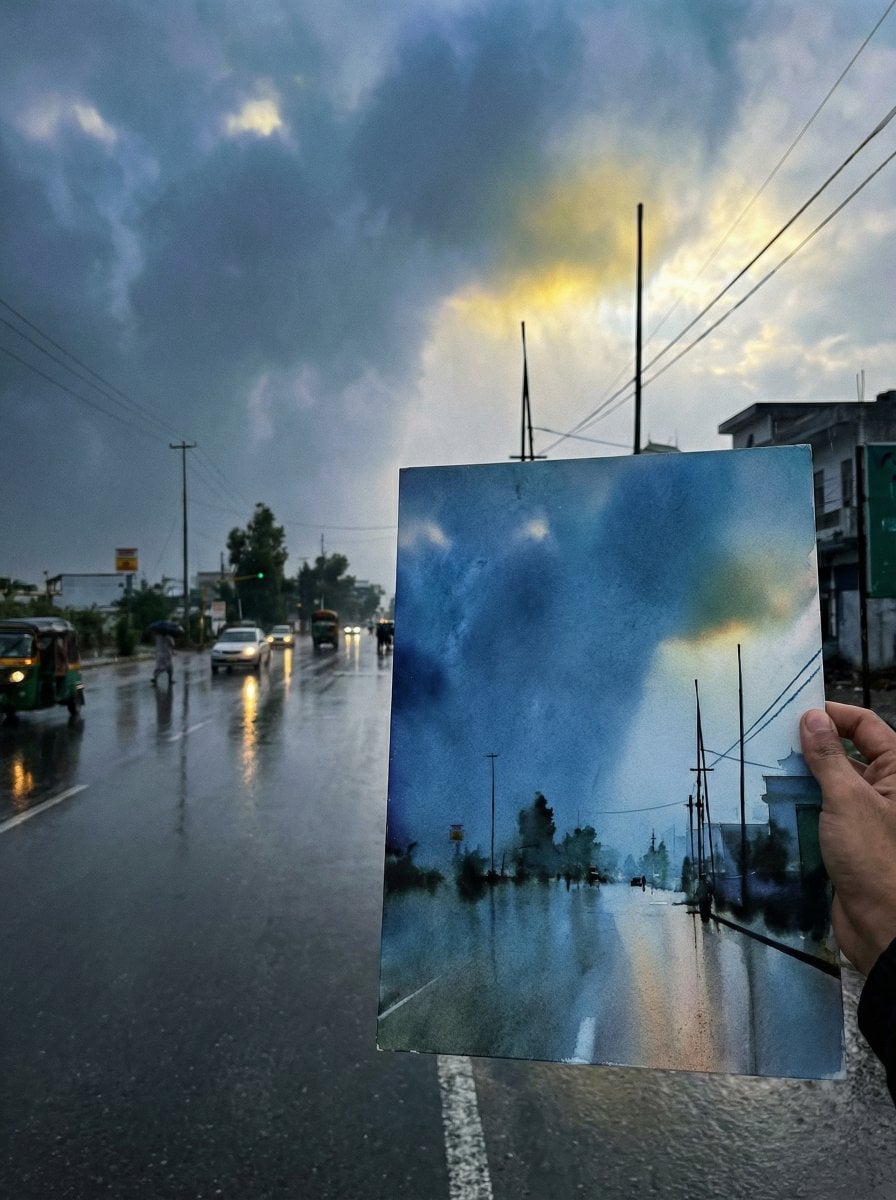
Drawing Comparison Photo Prompt (General AI Image Generation)
Japanese AI Creator Studio Banner
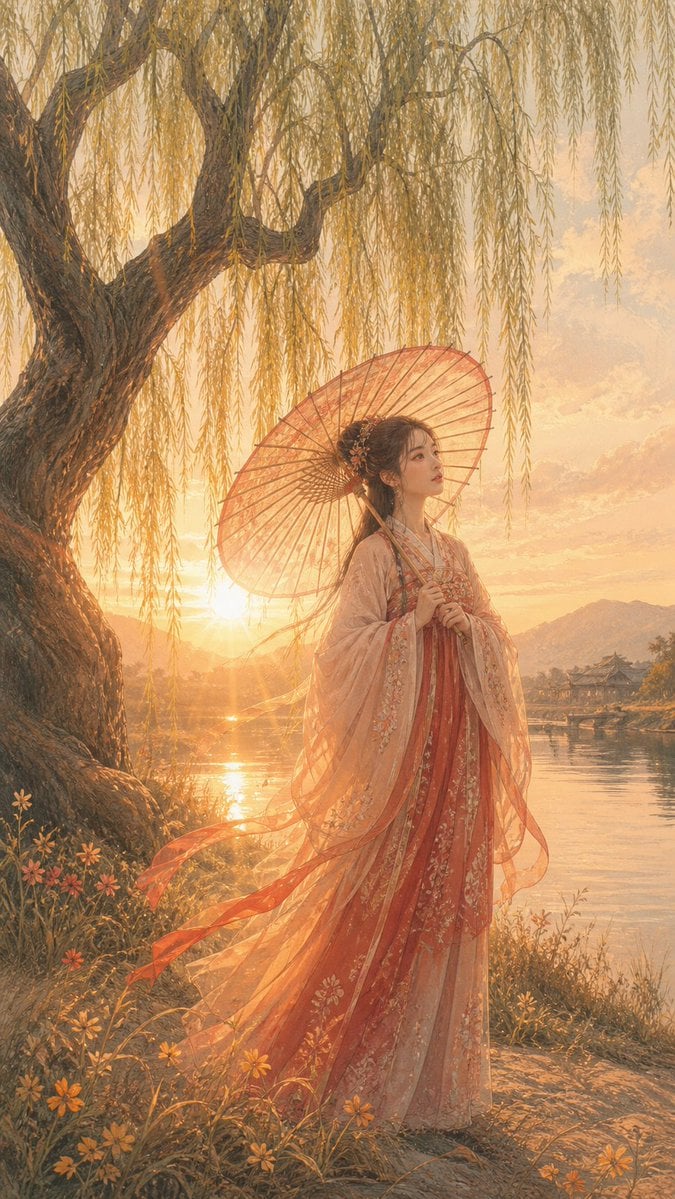
Sunset Hanfu Willow Lakeside Portrait
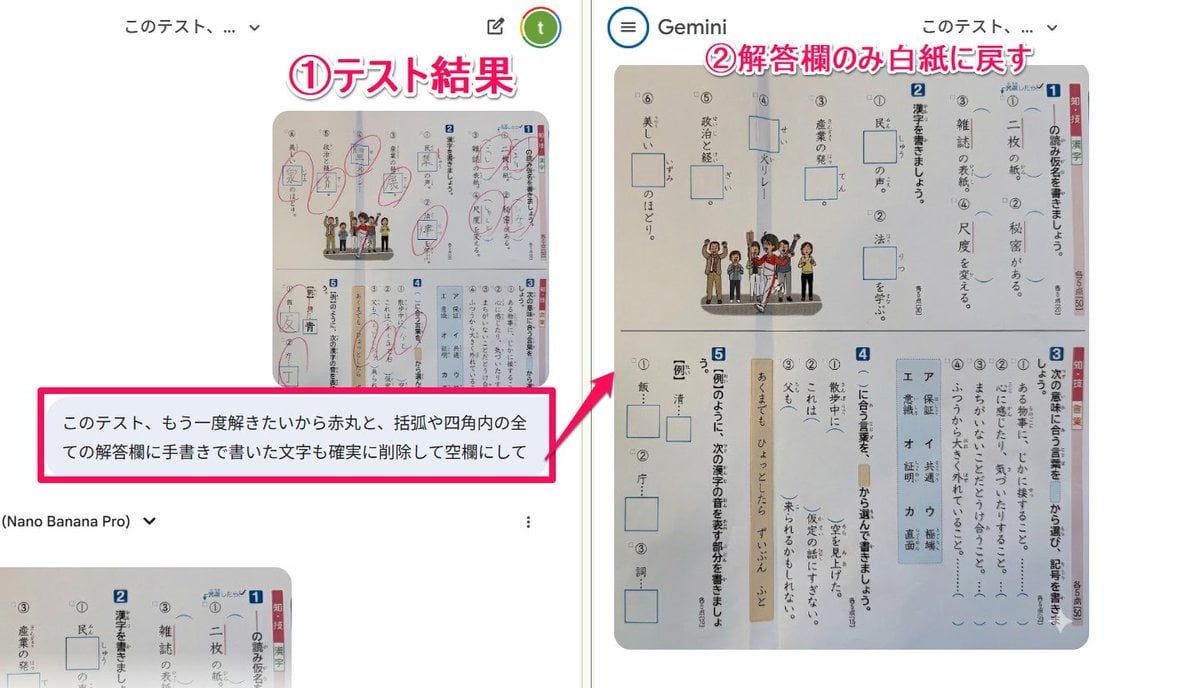
Prompt for clearing handwritten answers from a test image for reuse
Browse template categories
Image-to-Snowman Conversion Prompt for Nano Banana Pro questions
How do I use the Image-to-Snowman Conversion Prompt for Nano Banana Pro template?
Add your photo if the template asks for one, edit the prompt if you like — the template's model and format are already selected — and press Generate. Your version opens in PicX Studio.
Can I customize the Image-to-Snowman Conversion Prompt for Nano Banana Pro template?
Yes. You can change the subject, setting, lighting, mood, format, and available model controls before creating your image.
Is the Image-to-Snowman Conversion Prompt for Nano Banana Pro template free?
Opening and editing this template is free. Generating uses credits, shown on the Generate button when you are signed in.
Which AI model should I use?
Start with Nano Banana 2, which is the model associated with this template. You can compare another compatible model for a different finish.
Looking for something else? Browse all templates.

Your photo, any look
Thousands of ready templates for every top image and video model, from one credit balance.