
Gothic Lolita Character Sheet
Generates a dense anime-style appreciation collage for a cute gothic-lolita character with many poses, details, chibis, and handwritten fan notes.
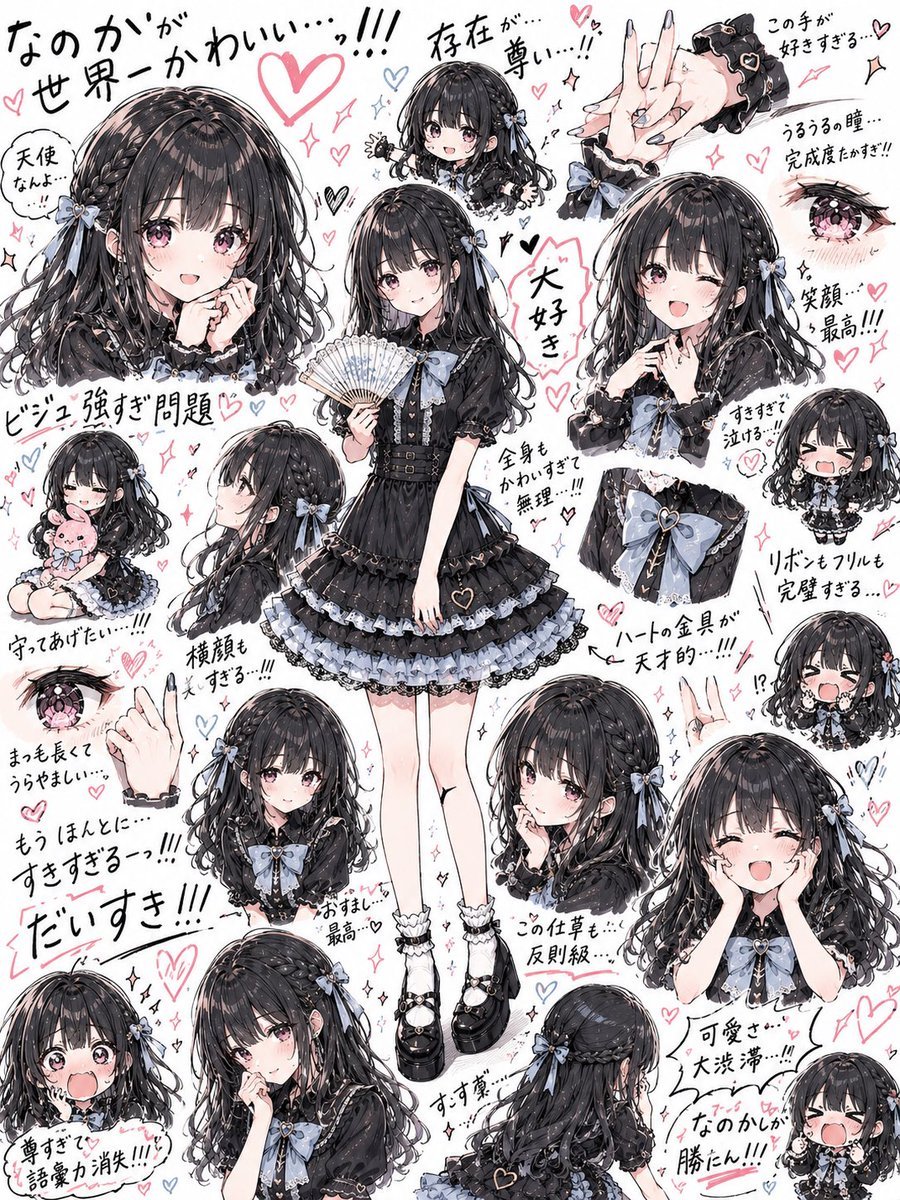
- Prompt included
- Model and format preset
- Free template
The prompt behind this image
Copy the exact prompt behind Gothic Lolita Character Sheet, or open it in the studio and make it yours.
Goal: Create an information-dense anime character appreciation sheet filled edge-to-edge with expressive drawings of one adorable gothic-lolita girl, as if made by an obsessed fan. The overall feeling is cute overload, frantic admiration, and high-detail character design notes. Canvas: Vertical 3:4 portrait canvas, white paper background, dense collage layout with no borders. Use a hand-drawn sketchbook aesthetic with watercolor/marker rendering, ink outlines, soft gray shading, pale pink hearts, blue accent hearts, sparkles, arrows, exclamation marks, and handwritten Japanese praise notes scattered everywhere. Main character: A young anime girl named {argument name="character name" default="unnamed gothic-lolita girl"} with {argument name="hair color" default="glossy black"} long wavy twin-tail or half-up hair, thick bangs, soft blush, large pinkish eyes, and a delicate doll-like face. Her face should be intentionally left as a soft blurred/obscured oval in several larger portraits, while smaller detail drawings may show expressive eyes and mouth. She wears a black frilly gothic-lolita dress with pale blue ribbon accents, lace trim, puff sleeves, layered skirt, heart charm details, white frilled socks, and chunky black Mary Jane platform shoes. Main accent color is {argument name="accent ribbon color" default="powder blue"}. Mood is overwhelmingly affectionate and cute. Layout: Place exactly 20 discrete character/detail illustrations around the canvas, overlapping slightly but readable. Count and include these 20 visible elements: 1 central full-body standing pose holding an open white folding fan; 2 large upper-left bust portrait with blurred face; 3 small top-center head-and-shoulders portrait with blurred face; 4 top-right close-up of elegant hands with black lace cuffs and pale nails; 5 upper-right shy bust portrait with fingers near mouth and blurred face; 6 upper-right close-up of one sparkling pink eye; 7 left-middle chibi sitting while hugging a pink plush toy; 8 left-middle side-profile bust showing long hair and blue bow; 9 lower-left close-up of one pink eye; 10 lower-left close-up of a raised hand gesture with cuff; 11 lower-center small bust focused on hair bow and chest ribbon with blurred face; 12 bottom-left large cropped bust portrait with blurred face; 13 bottom-middle large cropped bust with hand near cheek and blurred face; 14 right-middle close-up of the bodice ribbon and waist bow; 15 small right-middle crying chibi head; 16 small right-lower crying chibi head with open mouth; 17 lower-right large shy bust with both hands covering cheeks and blurred face; 18 lower-center-right kneeling or seated half-body pose with hand near lips, visible face, looking bashful; 19 bottom-center back-view hair and outfit detail showing the rear hair ribbons and dress back; 20 bottom-right tiny blushing chibi face with tears. Handwritten text content: Add many casual Japanese handwritten fan notes, keeping them decorative and energetic. Include a huge top-left headline reading {argument name="headline text" default="なのかが 世界一かわいい...!!!"}. Also include scattered notes similar to: 「存在が…尊い…!!」, 「この手が好きすぎる…」, 「天使だよ…」, 「ビジュ強すぎ問題」, 「大好き」, 「全身かわいすぎて無理…!!!」, 「笑顔…最高!!!」, 「守ってあげたい…!!!」, 「横顔も好きすぎる!!!」, 「リボンもフリルも完璧すぎる…」, 「ハートの金具が天才的…!!!」, 「もうほんとに好きすぎるっ!!!」, 「だいすき!!!」, 「尊すぎて語彙力消失!!!」, 「可愛さ大洪水…!!!」, 「なのかしか勝たん!!!」. Write them loosely by hand in black ink with pink highlights, arrows, and hearts. Visual style: Highly polished anime illustration mixed with rough handwritten annotation energy; detailed shiny hair strands, lace, ruffles, bows, and accessories; soft blush tones; expressive chibi faces; pink and blue hearts throughout. The page should feel packed, chaotic, affectionate, and cute, but still balanced around the central full-body figure. Constraints: No photo realism, no 3D render, no clean corporate layout, no empty background, no watermark. Keep the collage dense and count exactly 20 illustrated elements.
How to use Gothic Lolita Character Sheet in 3 steps
- 1Upload ImagePNG, JPG or paste
Add your photo
Upload the photo the template builds on. The prompt, model and format are already set.
- 2…a portrait of your subject in softgolden-hour light, 85mm…
Personalize
Edit the subject and creative details for your destination.
- 3Generate
Generate
Press Generate — your image is created in PicX Studio, so you can compare it with the original and refine one variable at a time.
More like this
Templates with the same subject, style or setup. Open one to see its prompt.
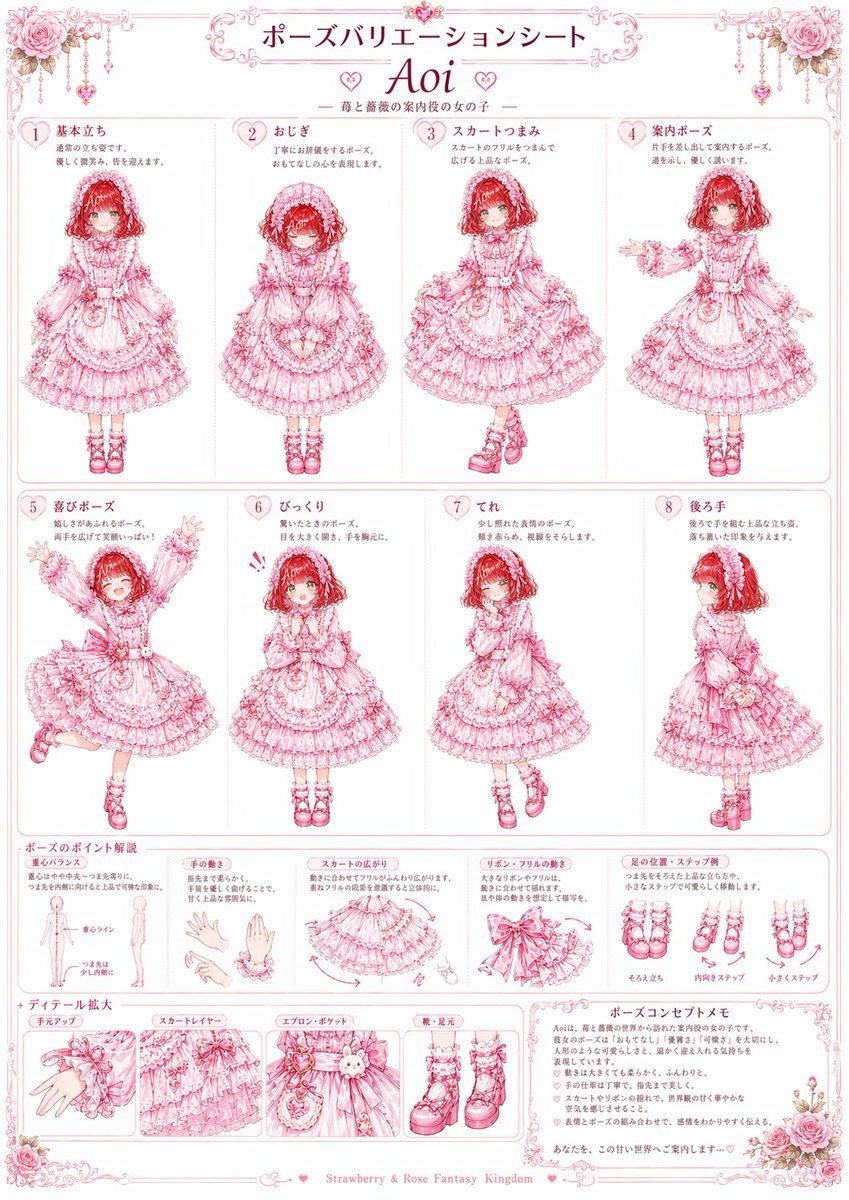
Pink Lolita Pose Variation Sheet

Dancer Character - Four View Reference Sheet

Movement Sheet - Dance Reference (Seedance 2.0)
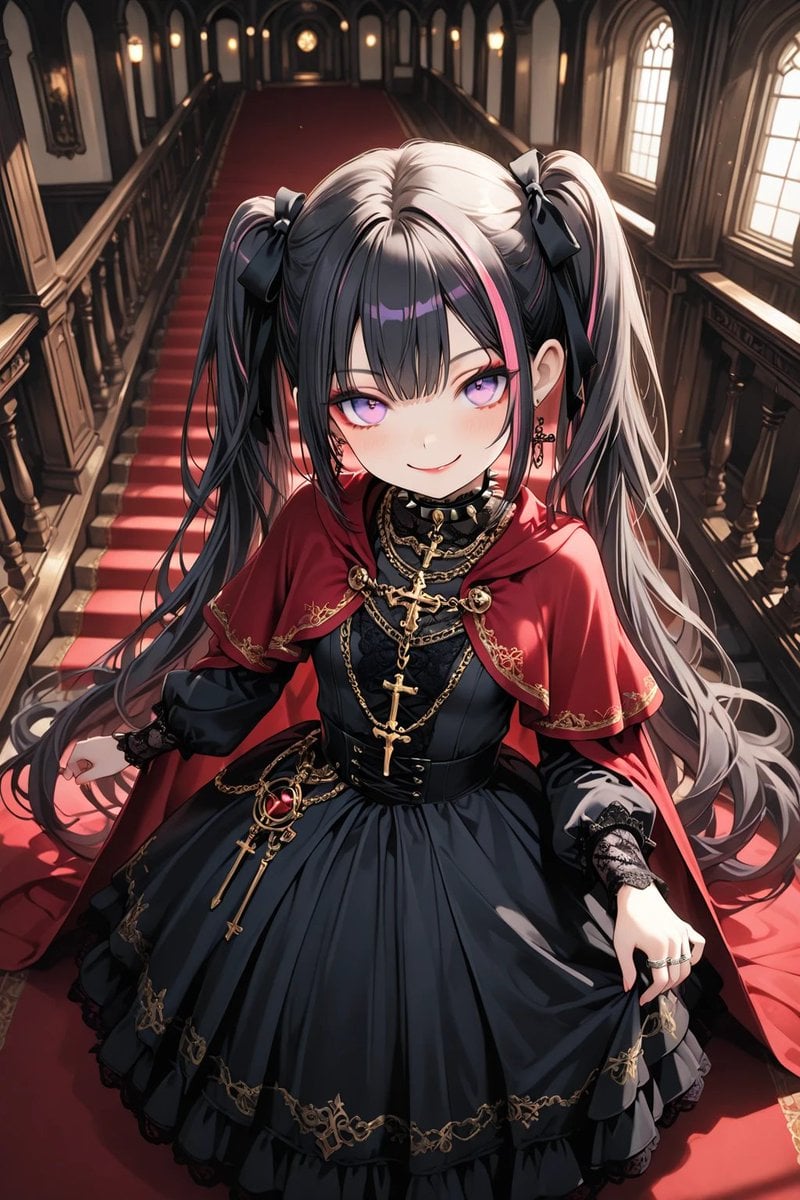
Anime Gothic Lolita Cape Transformation
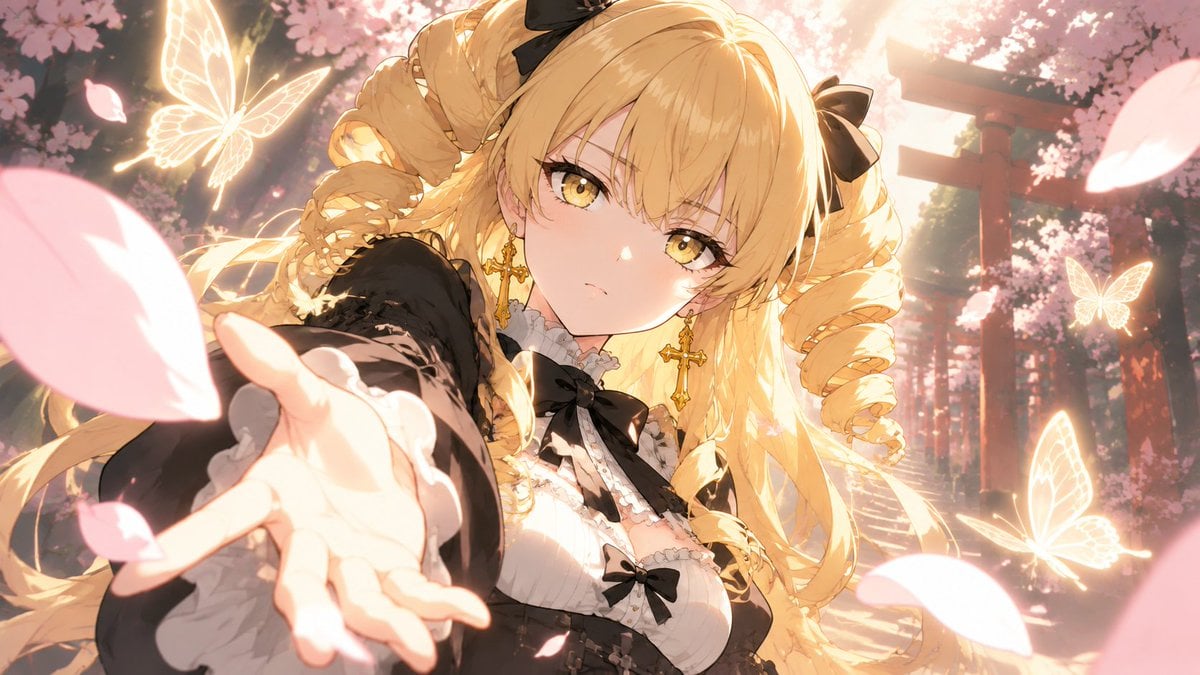
Blonde Gothic Lolita Sakura Shrine
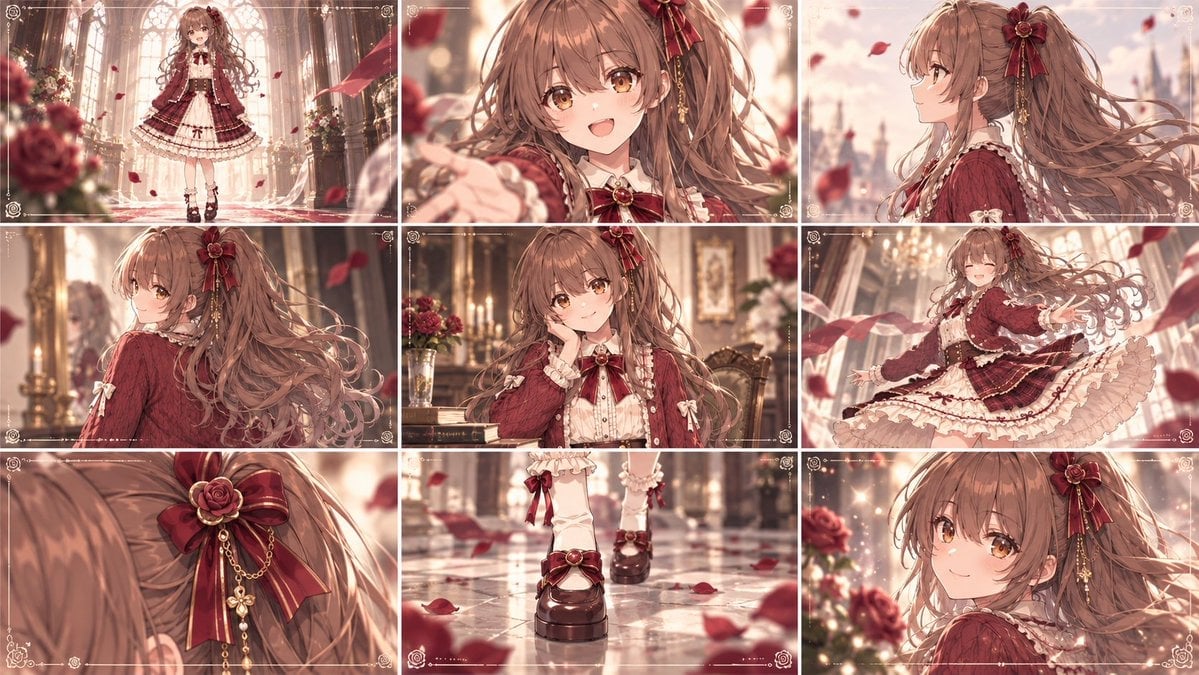
Cinematic Gothic Lolita 3x3 Anime Stills
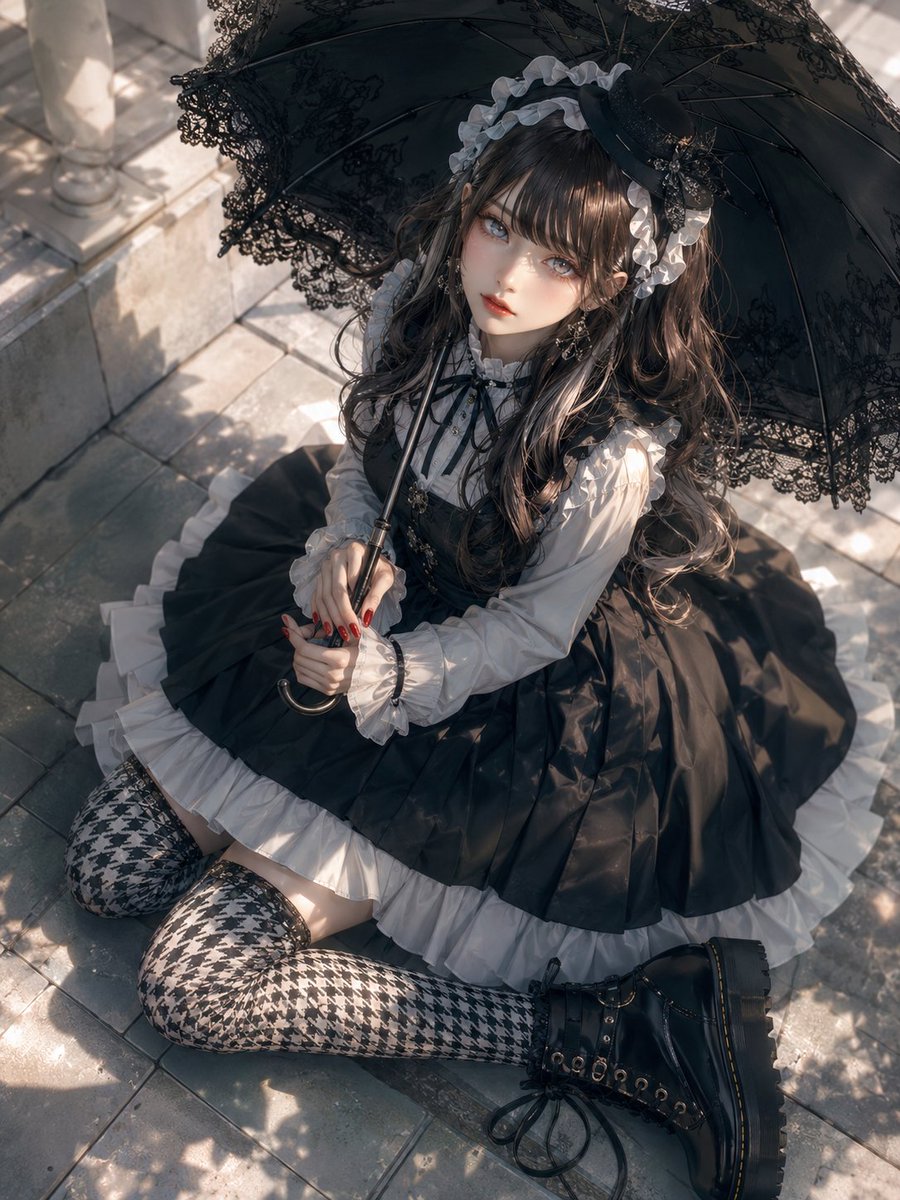
Gothic Lolita Parasol Portrait
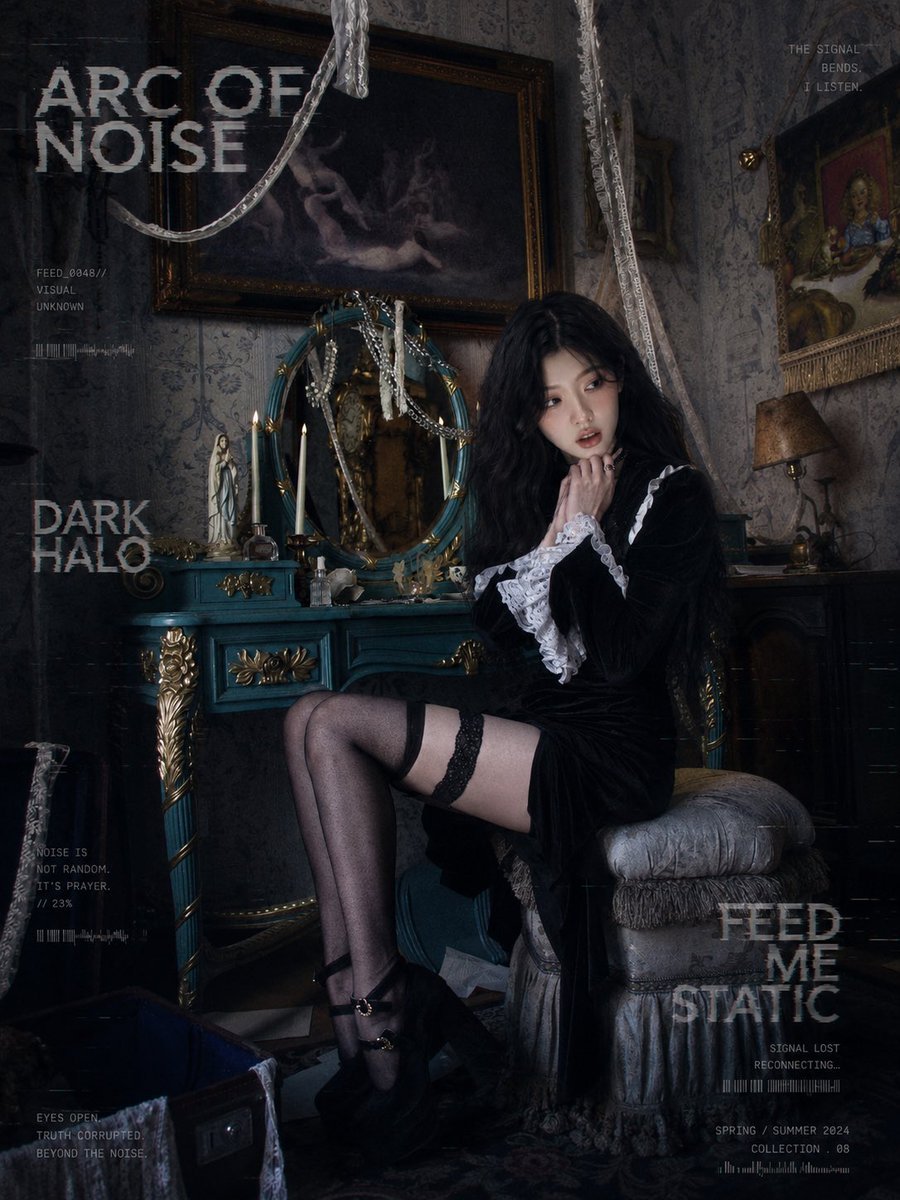
Dark Gothic Lolita Static Portrait

Gothic Girl Character Turnaround Sheet
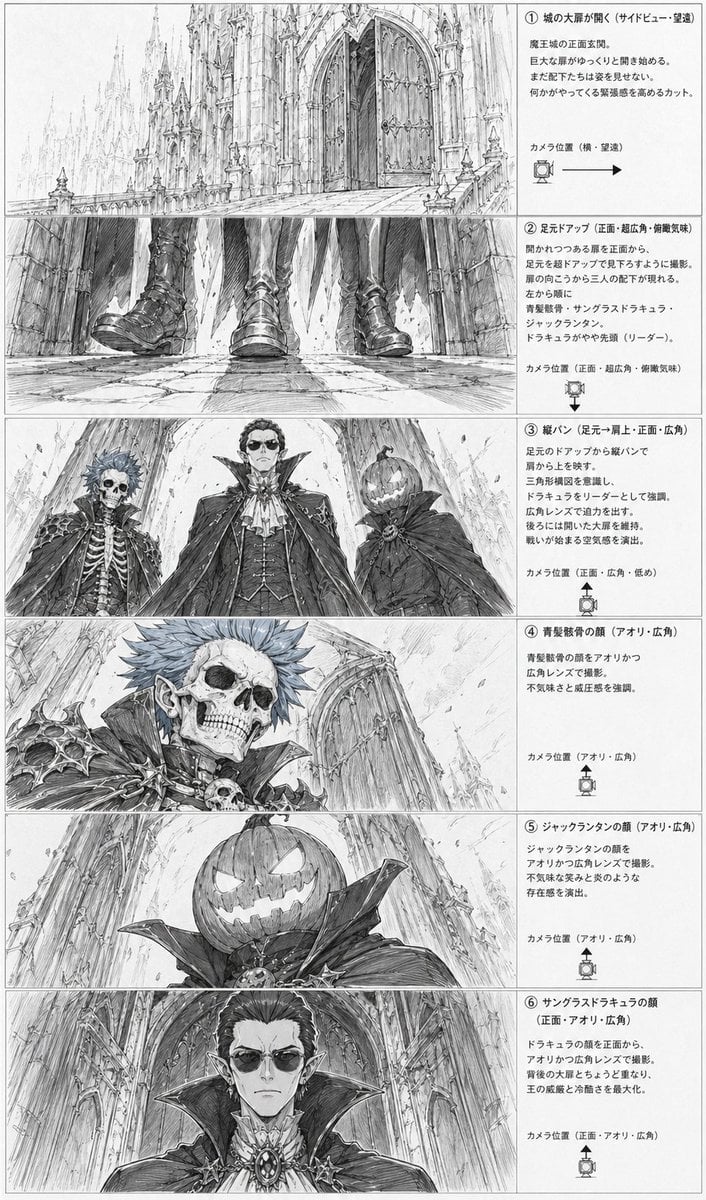
Gothic Villain Storyboard Sheet
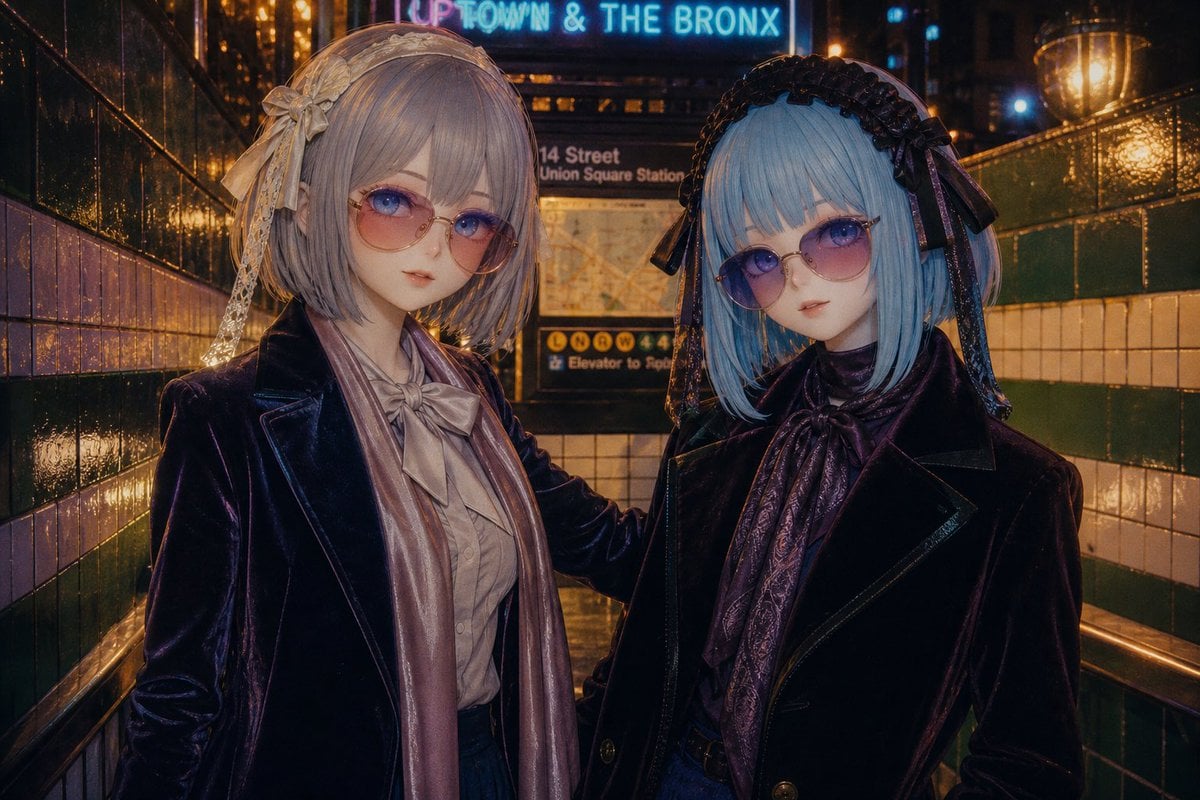
Gothic Lolita Subway Fashion Portrait
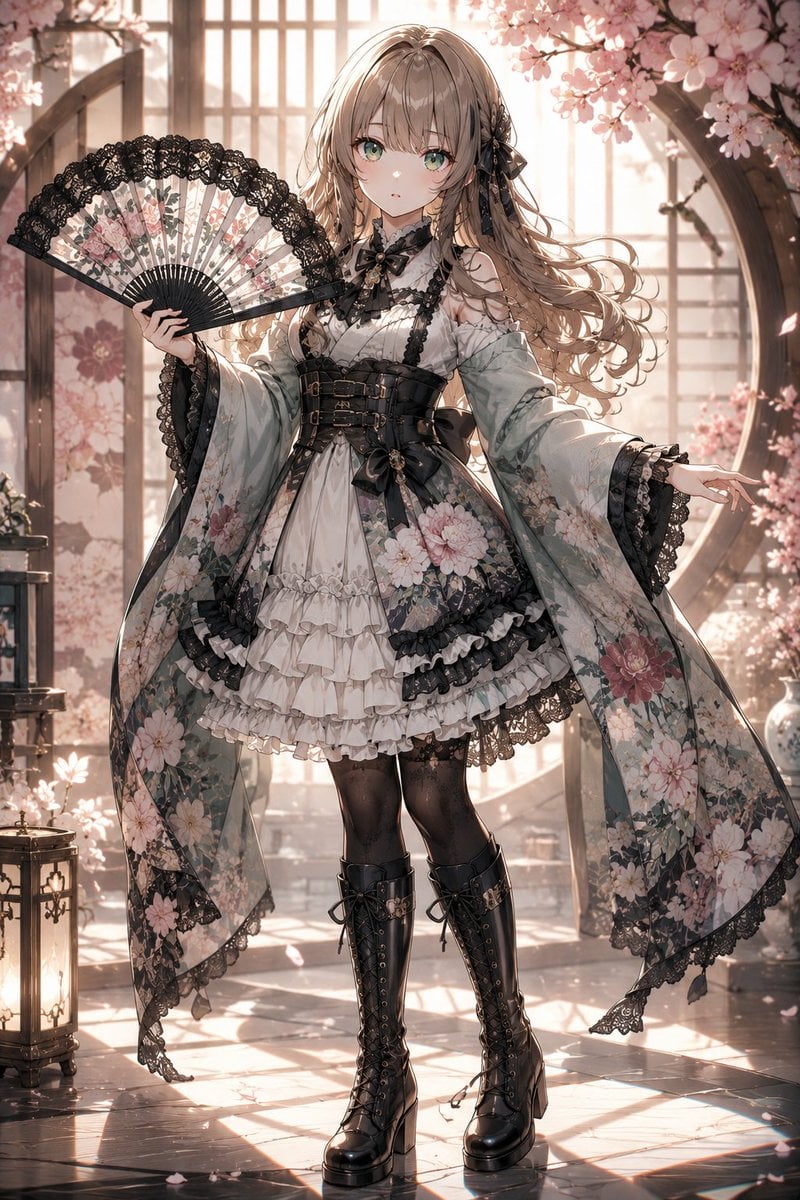
Gothic Lolita Furisode Outfit
Make it yours
Gothic Lolita Character Sheet works as-is. These are the safest ways to change it without losing the look.
Change one field
Copy a single group, rewrite it, and generate again so you can see what that field is doing.
Keep the frame, change the subject
Hold the composition and light of Gothic Lolita Character Sheet, then swap wardrobe, props or the person for a new take.
| If the result… | Why | Fix |
|---|---|---|
| The result drifts from the preview | Too many fields changed at once. | Reuse Gothic Lolita Character Sheet as-is first, then change one group — subject, light, or setting. |
| The model over-stylizes the scene | The prose prompt leaves finish and camera underspecified. | Add one camera or lighting sentence and stay on GPT Image 2. |
More GPT Image 2 templates
Other prompts made for GPT Image 2.

Six VTuber Japanese Logo Sheet

Realistic Portrait of Woman and Deer

The Vista Modular Condo Poster

AI Model Routing Comparison Infographic

2.5D Anime Art Board

Isometric Productivity Desk Scene

New York Double Exposure Poster

Four-Panel AI Landscape Comparison

Japanese Tatami Lifestyle Magazine Cover

NESCAFÉ Coffee Map Poster
More image prompts
Fresh picks from across the catalog.
Fisheye Perspective of a Mouse and Owl
Cozy Evening Lifestyle Photography on Sofa
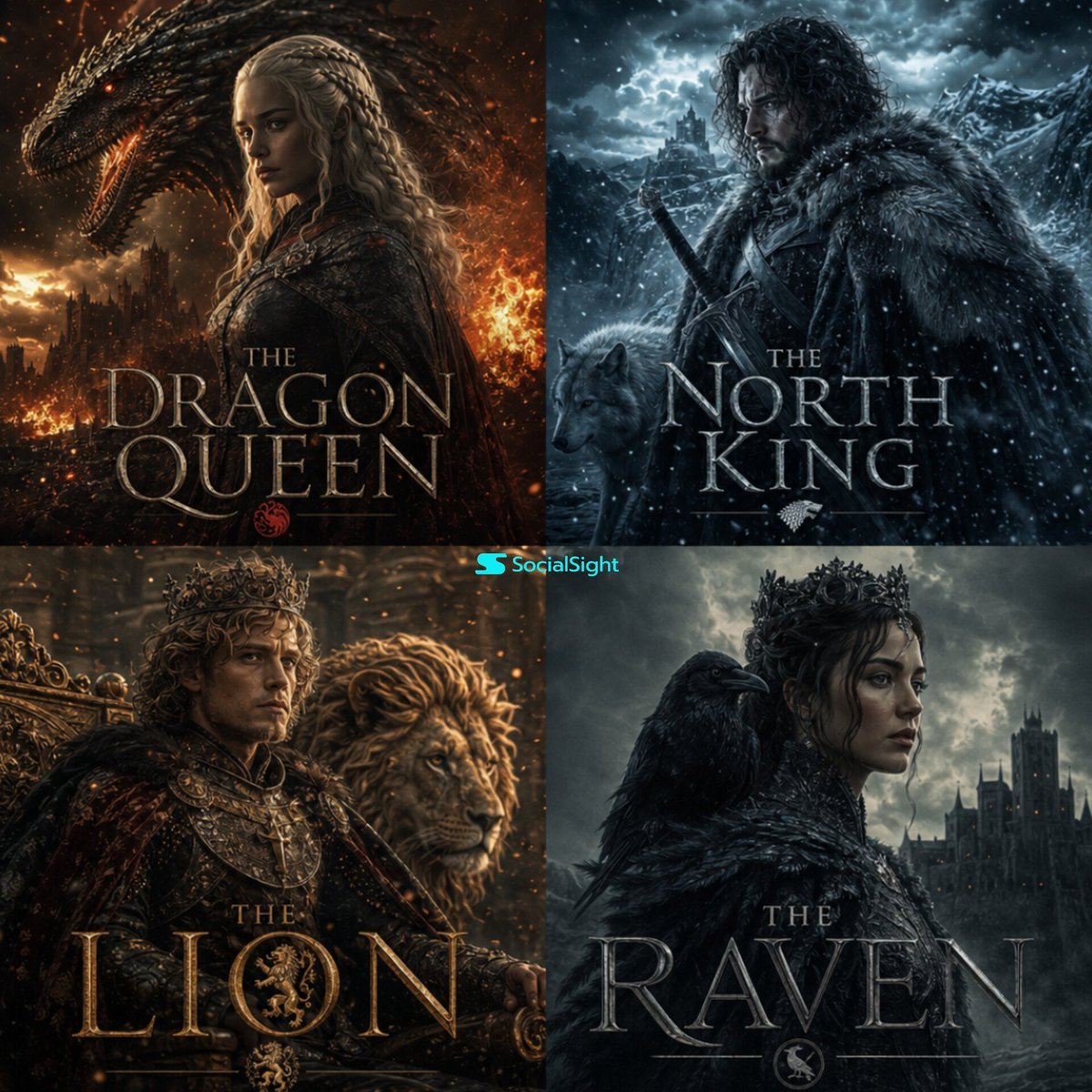
Cinematic Fantasy Character Poster Grid
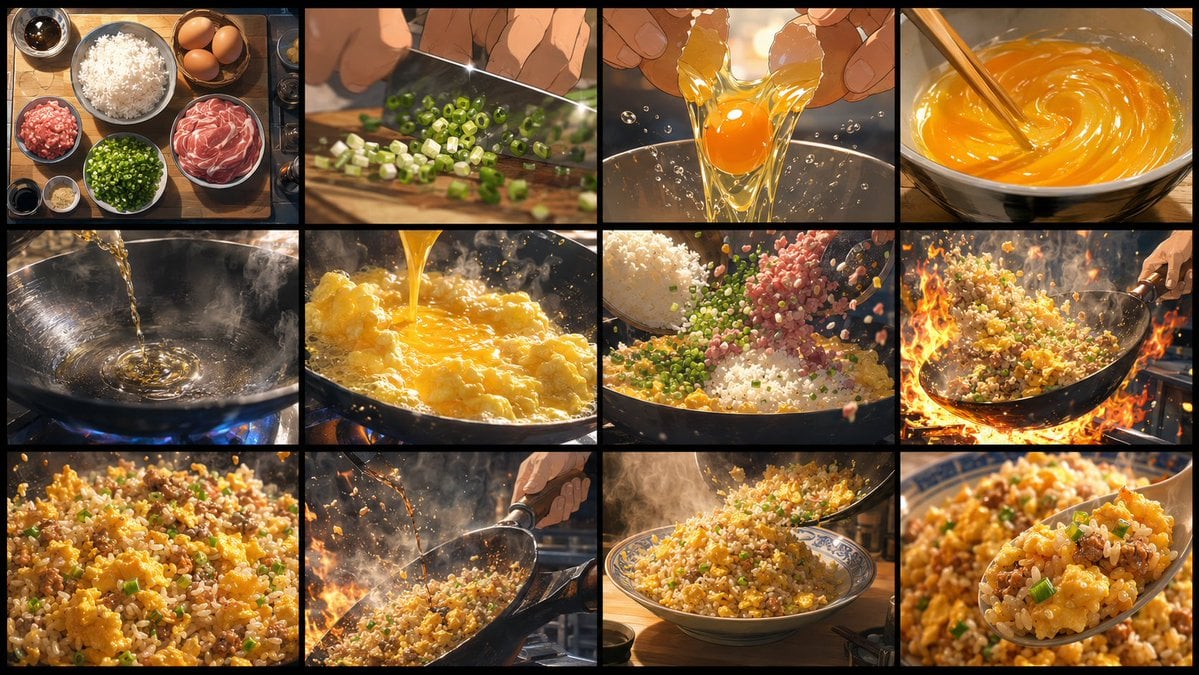
Golden Fried Rice Storyboard Sheet
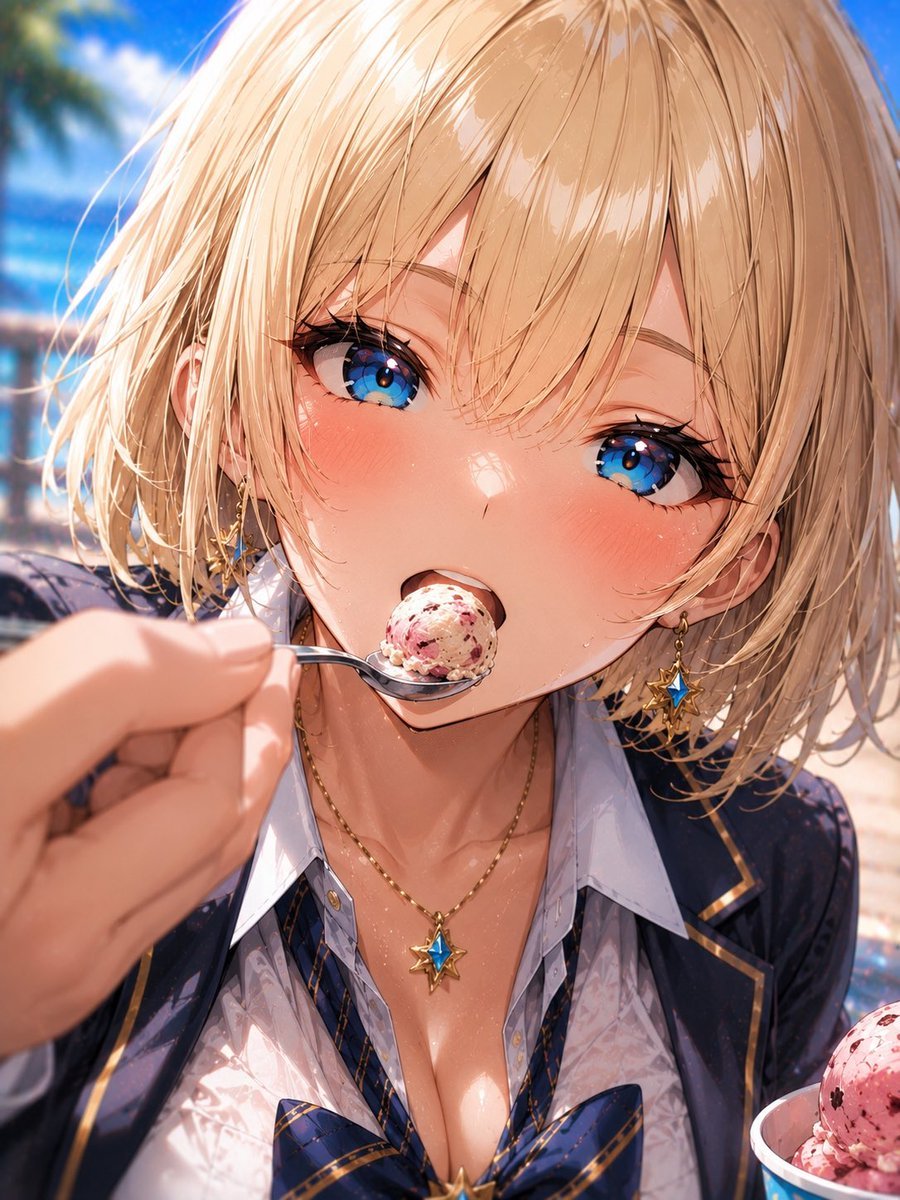
Blonde Beach Anime Girl with Ice Cream
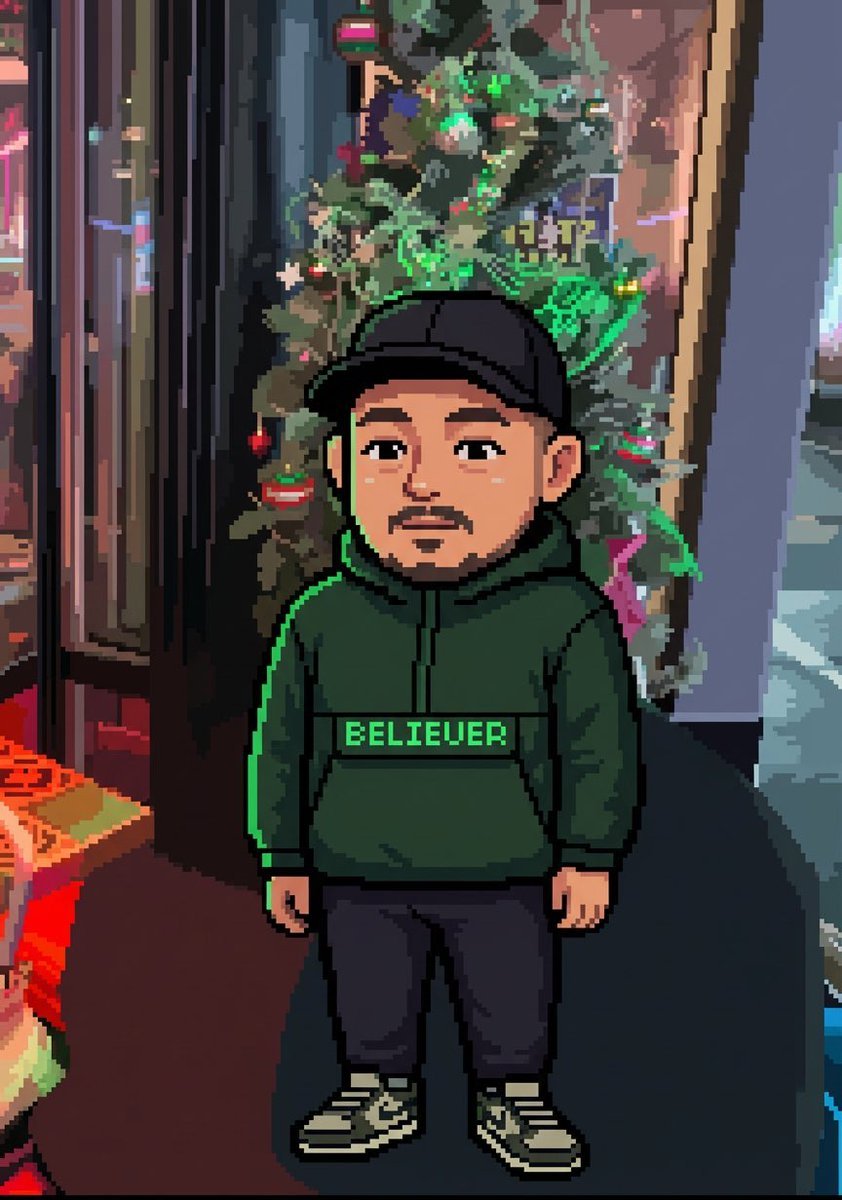
Image-to-Pixel Art Conversion Prompt
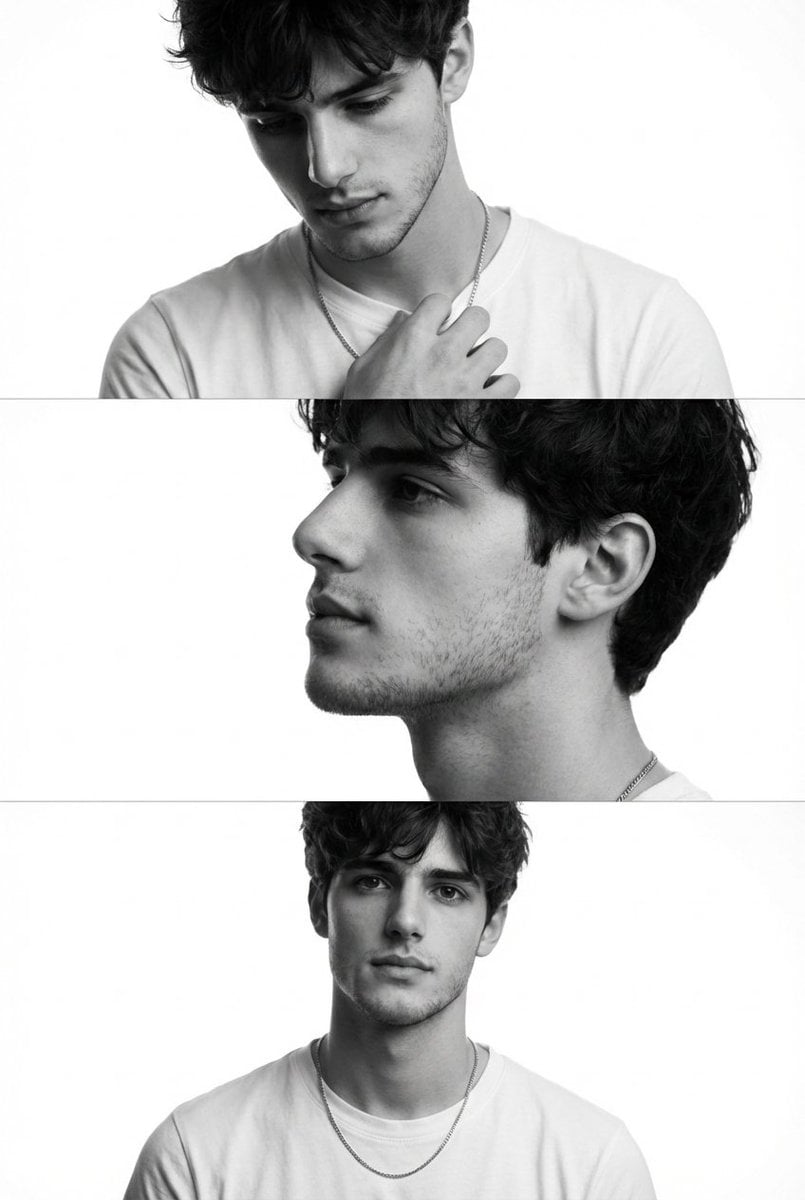
Monochrome Fashion Editorial Triptych (Male)

Hyper-realistic portrait of a young man with platinum buzz cut
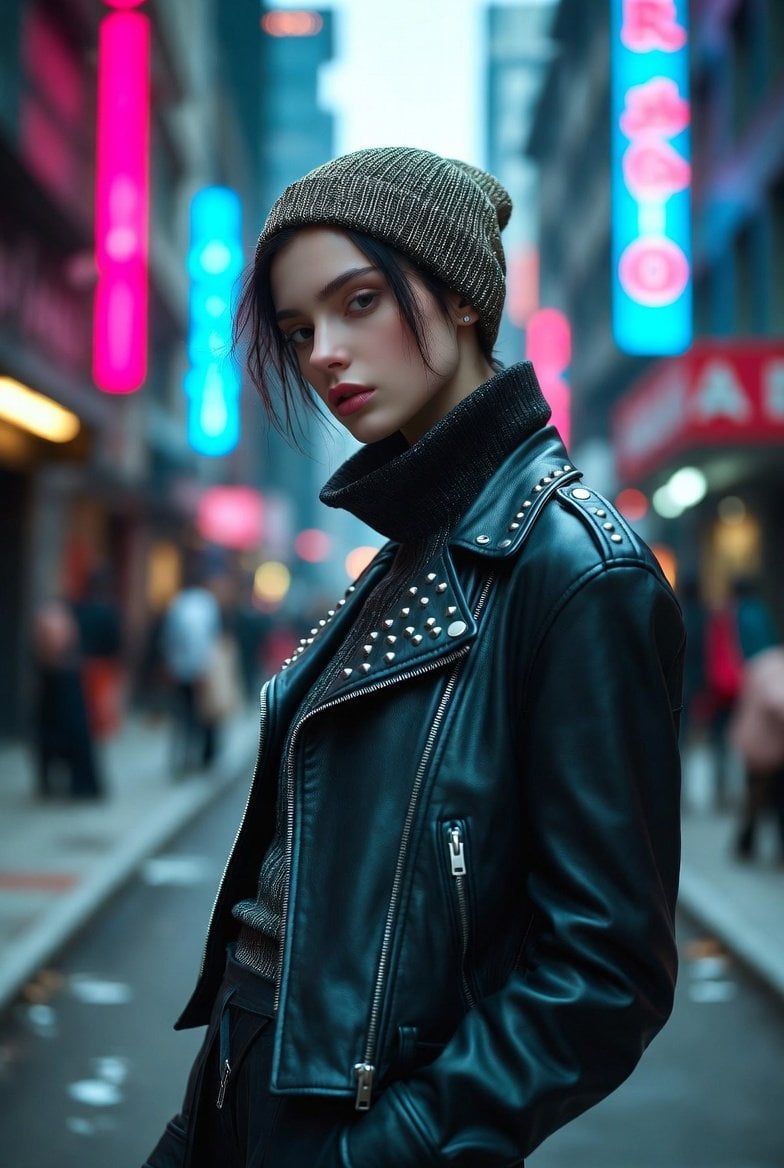
Hyper-realistic portrait of a young woman in street style at night
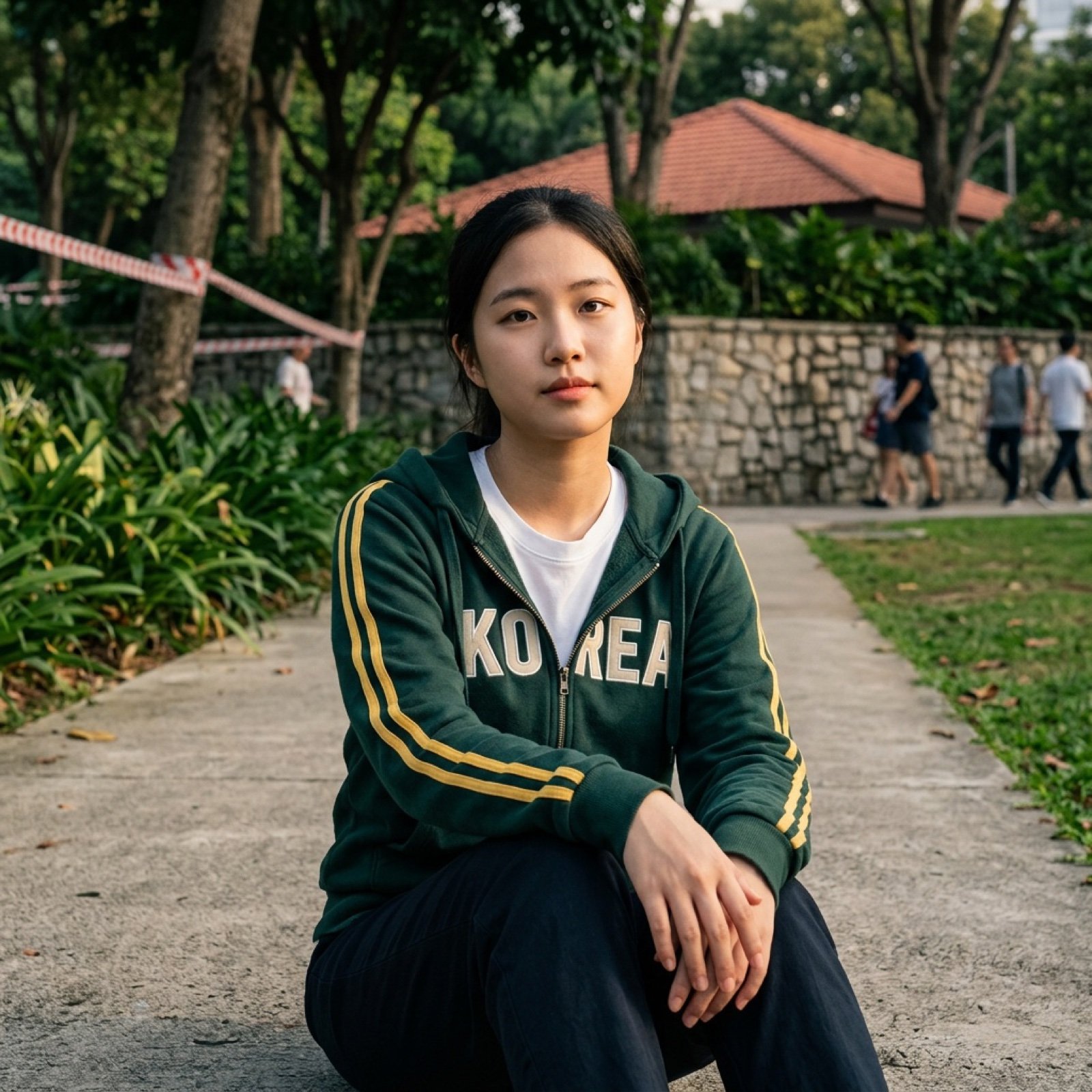
Multi-AI Workflow: Niji Journey, Seedream, Nano Banana Pro, and Grok Imagine
Browse template categories
Gothic Lolita Character Sheet questions
How do I use the Gothic Lolita Character Sheet template?
Add your photo if the template asks for one, edit the prompt if you like — the template's model and format are already selected — and press Generate. Your version opens in PicX Studio.
Can I customize the Gothic Lolita Character Sheet template?
Yes. You can change the subject, setting, lighting, mood, format, and available model controls before creating your image.
Is the Gothic Lolita Character Sheet template free?
Opening and editing this template is free. Generating uses credits, shown on the Generate button when you are signed in.
Which AI model should I use?
Start with GPT Image 2, which is the model associated with this template. You can compare another compatible model for a different finish.
Looking for something else? Browse all templates.

Your photo, any look
Thousands of ready templates for every top image and video model, from one credit balance.