
Golden Fried Rice Storyboard Sheet
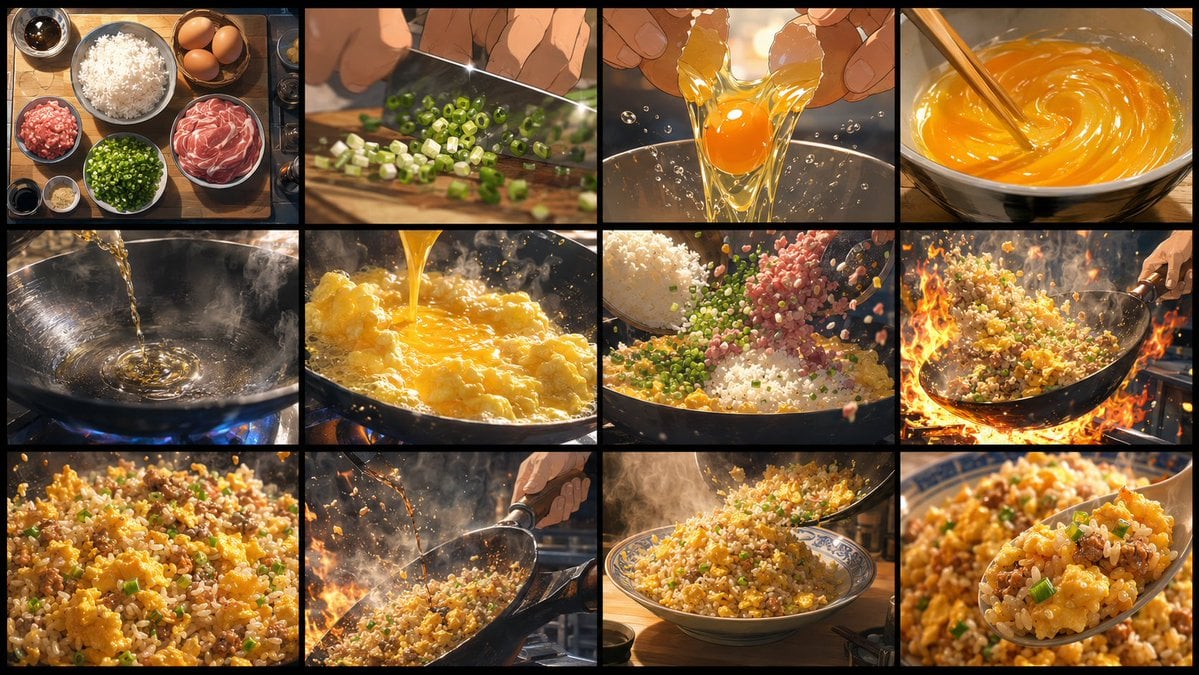
A cinematic 12-panel anime-style storyboard for a short golden fried rice cooking animation.
- Prompt included
- Model and format preset
- Free template
The prompt behind this image
Copy the exact prompt behind Golden Fried Rice Storyboard Sheet, or open it in the studio and make it yours.
Goal: Create an ultra-high-resolution, highly detailed storyboard sheet for a 15-second animated cooking video about {argument name="dish name" default="golden fried rice"}. The sheet should clearly show the finished video sequence in chronological order and strongly stimulate appetite. Canvas: Horizontal 16:9 storyboard sheet, cinematic wide format, divided into exactly 12 equal rectangular panels arranged in a 4 columns by 3 rows grid. Use thick black borders between panels and a thin black outer frame. No captions, no numbering, no watermark. Visual style: Premium animated feature-film cooking style, gourmet anime food sakuga, cinematic lighting, high detail, shallow depth of field, warm golden tones, dramatic steam, sparkling oil, glossy egg texture, individual rice grains, appetizing color contrast, dynamic camera angles, realistic motion blur, intense wok flames, ultra-crisp food rendering. Storyboard panels, exactly 12 in chronological order: 1. Overhead mise en place on a wooden table: a bowl of white rice, three brown eggs, a bowl of sliced pork or ham, minced meat, chopped green onions, garlic, soy sauce, small sauce bowls, warm morning kitchen light. 2. Close-up of a chef’s hands chopping green onions on a cutting board with a shiny knife, diced scallions scattering, shallow depth of field. 3. Close-up of two hands cracking an egg over a clear bowl, golden yolk and transparent egg white stretching and splashing with tiny droplets. 4. Close-up of eggs being beaten in a bowl with chopsticks, vivid orange-yellow swirling mixture, glossy spiral motion. 5. Oil being poured into a smoking black wok over a blue gas flame, ripples and reflections in the hot oil, steam rising. 6. Beaten egg poured into the hot wok, fluffy golden curds forming instantly, bubbling oil and steam. 7. Rice, chopped green onions, and minced meat falling into the wok over scrambled egg, ingredients suspended midair, abundant individual grains and colorful bits. 8. Dynamic wok-tossing shot with intense orange flames surrounding the pan, fried rice arcing through the air, chef’s hand holding the handle at the right edge. 9. Extreme close-up of finished fried rice texture: golden rice grains, fluffy egg chunks, pork bits, green onion slices, glossy oil sheen. 10. Side action shot of the chef tossing the fried rice in the wok over flames and steam, particles flying, dramatic cinematic backlight. 11. Plating shot: a steaming mound of golden fried rice served in a patterned blue-and-white bowl on a kitchen counter, spoon or ladle adding the final portion, cozy background blur. 12. Final appetizing hero close-up: a spoonful of golden fried rice lifted toward the camera, visible egg, pork, green onions, and glossy separated grains, background bowl softly blurred. Constraints: Keep the exact 12-panel 4x3 storyboard layout, no visible text, no extra panels, no people’s faces, emphasize chronological cooking action, make every panel look like a polished frame from a high-budget animated cooking film.
How to use Golden Fried Rice Storyboard Sheet in 3 steps
- 1Upload ImagePNG, JPG or paste
Add your photo
Upload the photo the template builds on. The prompt, model and format are already set.
- 2…a portrait of your subject in softgolden-hour light, 85mm…
Personalize
Edit the subject and creative details for your destination.
- 3Generate
Generate
Press Generate — your image is created in PicX Studio, so you can compare it with the original and refine one variable at a time.
More like this
Templates with the same subject, style or setup. Open one to see its prompt.

Golden Rice Harvest Maiden
Cinematic BMX Storyboard Sheet
Everything Is Fine Storyboard Sheet

Headphones Lifestyle Nine Panel Grid

Dancer Character - Four View Reference Sheet

Movement Sheet - Dance Reference (Seedance 2.0)
Seedance - Storyboard to Movie

80s Golden Hour Cinema

Steamed Rice Low High Comparison
Japanese Rice Advertisement Banner

Six VTuber Japanese Logo Sheet
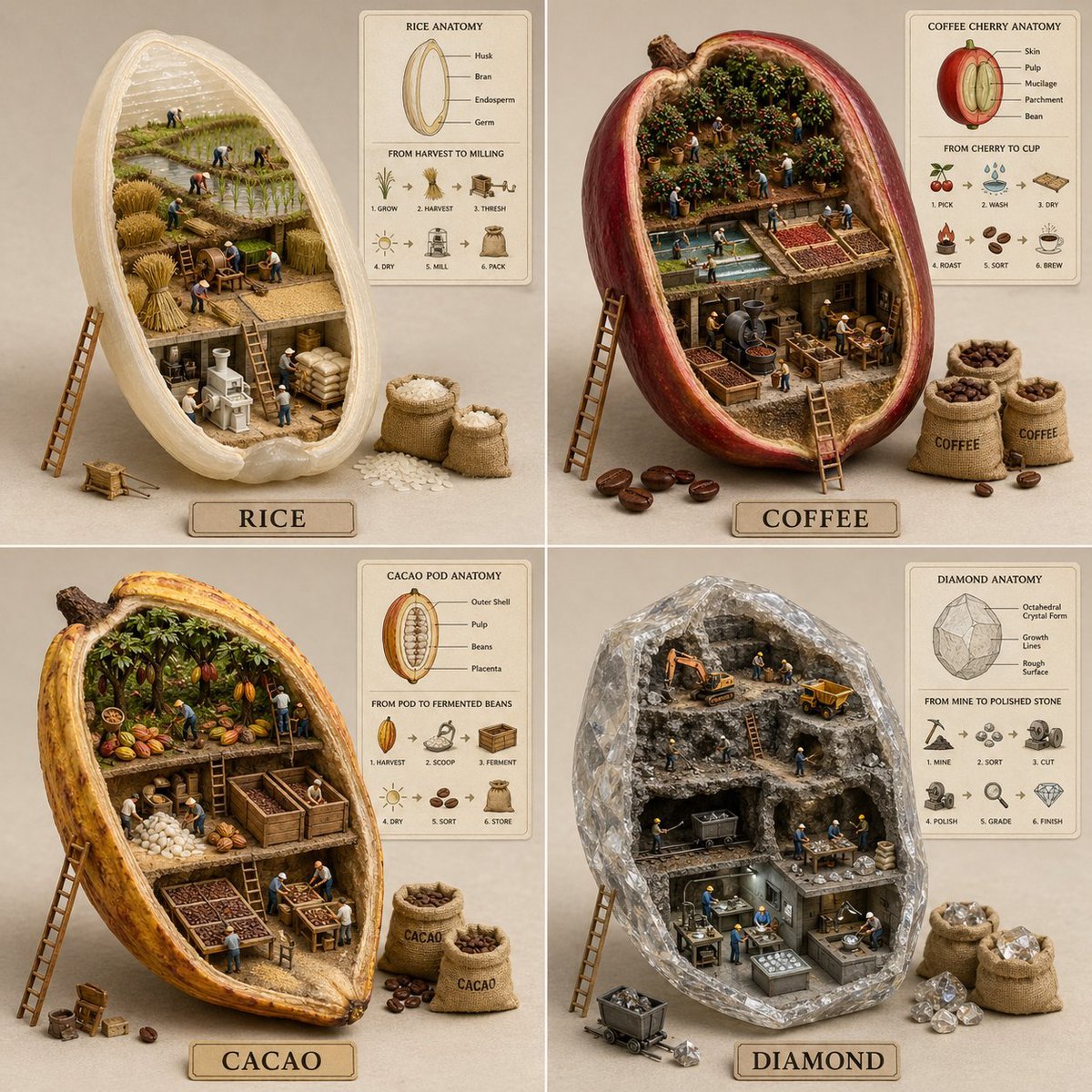
2x2 grid, do this for 4 common ingredients like rice, diamond
Make it yours
Golden Fried Rice Storyboard Sheet works as-is. These are the safest ways to change it without losing the look.
Change one field
Copy a single group, rewrite it, and generate again so you can see what that field is doing.
Keep the frame, change the subject
Hold the composition and light of Golden Fried Rice Storyboard Sheet, then swap wardrobe, props or the person for a new take.
| If the result… | Why | Fix |
|---|---|---|
| The result drifts from the preview | Too many fields changed at once. | Reuse Golden Fried Rice Storyboard Sheet as-is first, then change one group — subject, light, or setting. |
| The model over-stylizes the scene | The prose prompt leaves finish and camera underspecified. | Add one camera or lighting sentence and stay on GPT Image 2. |
More GPT Image 2 templates
Other prompts made for GPT Image 2.

Realistic Portrait of Woman and Deer

The Vista Modular Condo Poster

AI Model Routing Comparison Infographic

2.5D Anime Art Board

Isometric Productivity Desk Scene

New York Double Exposure Poster

Four-Panel AI Landscape Comparison

Japanese Tatami Lifestyle Magazine Cover

NESCAFÉ Coffee Map Poster

Brutalist Cogito Chinese Typography Poster
More image prompts
Fresh picks from across the catalog.
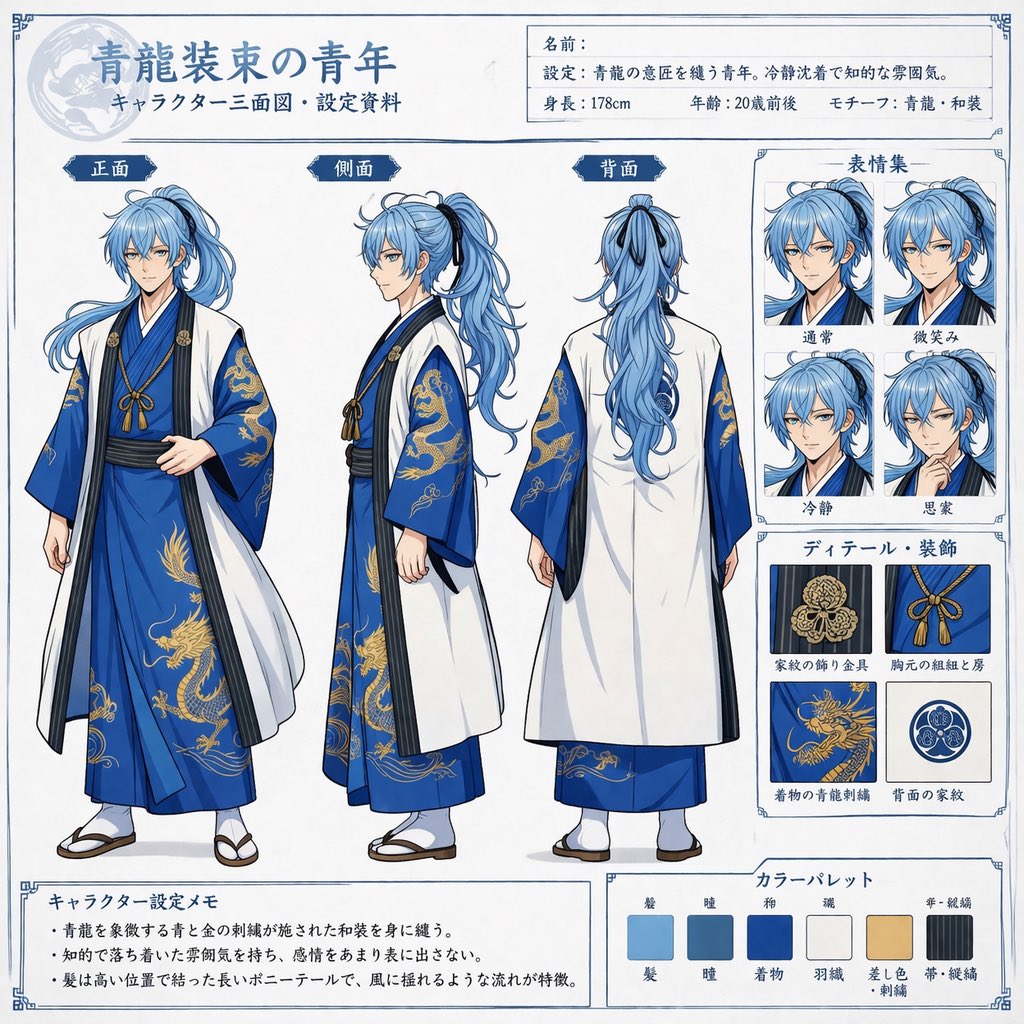
Comprehensive Anime Character Reference Sheet
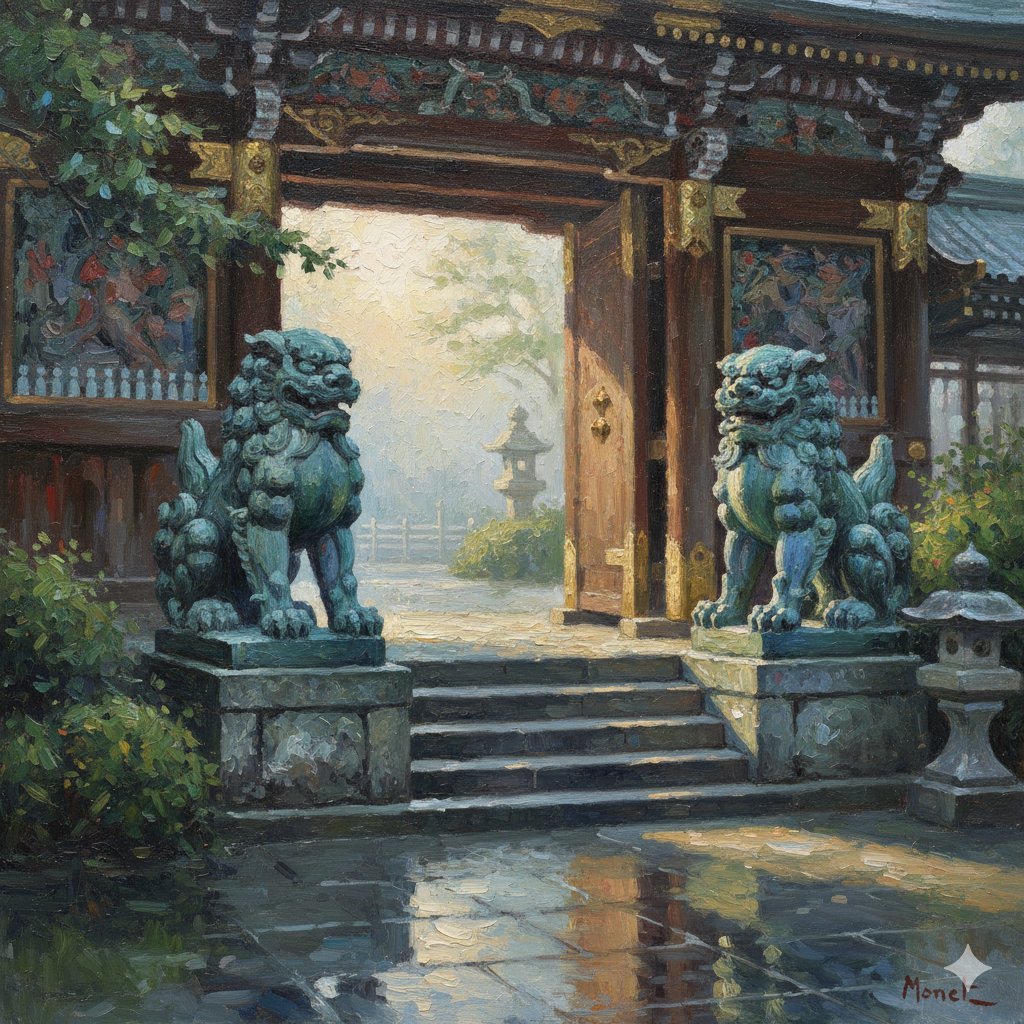
Transforming Yomeimon's Karajishi into a Monet-style Painting
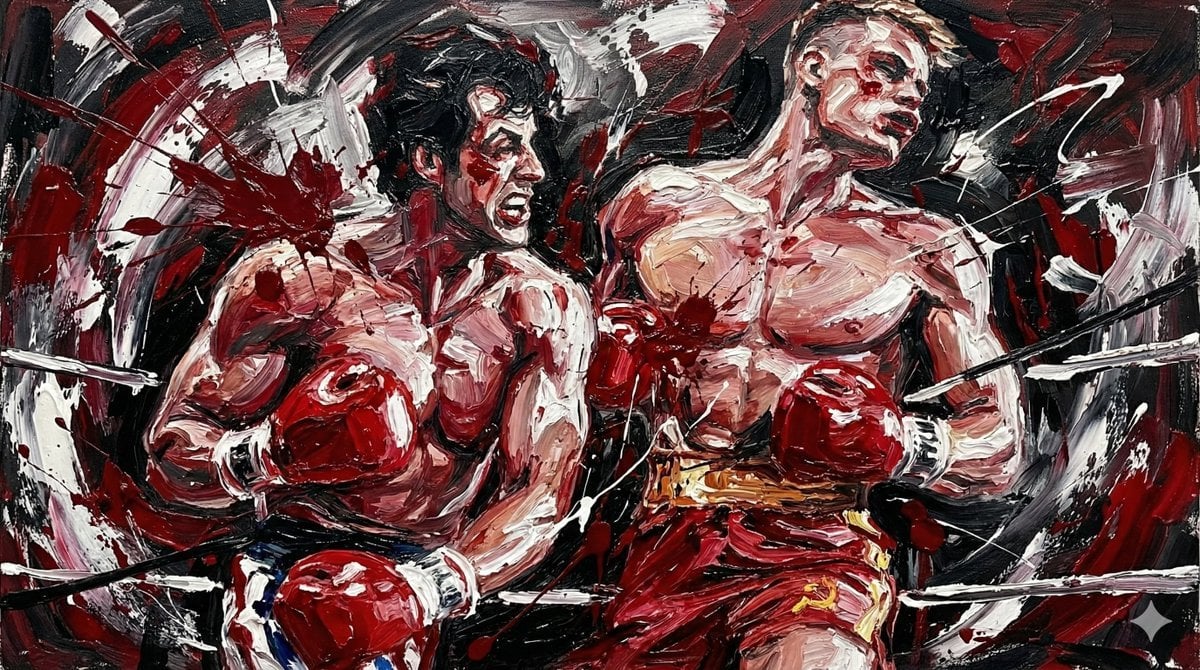
Abstract Expressionist Boxing Match
Chaotic Oil Painting of an Octopus
Futuristic Studio Portrait
Dragon-Coiled Lighthouse Storm
Panel Manga Page: Creepy Delivery Man
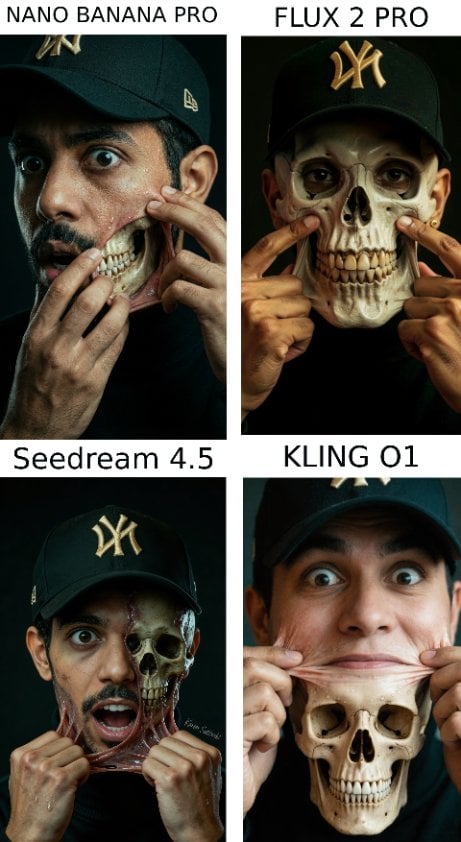
Hyper-Realistic Surreal Horror Portrait
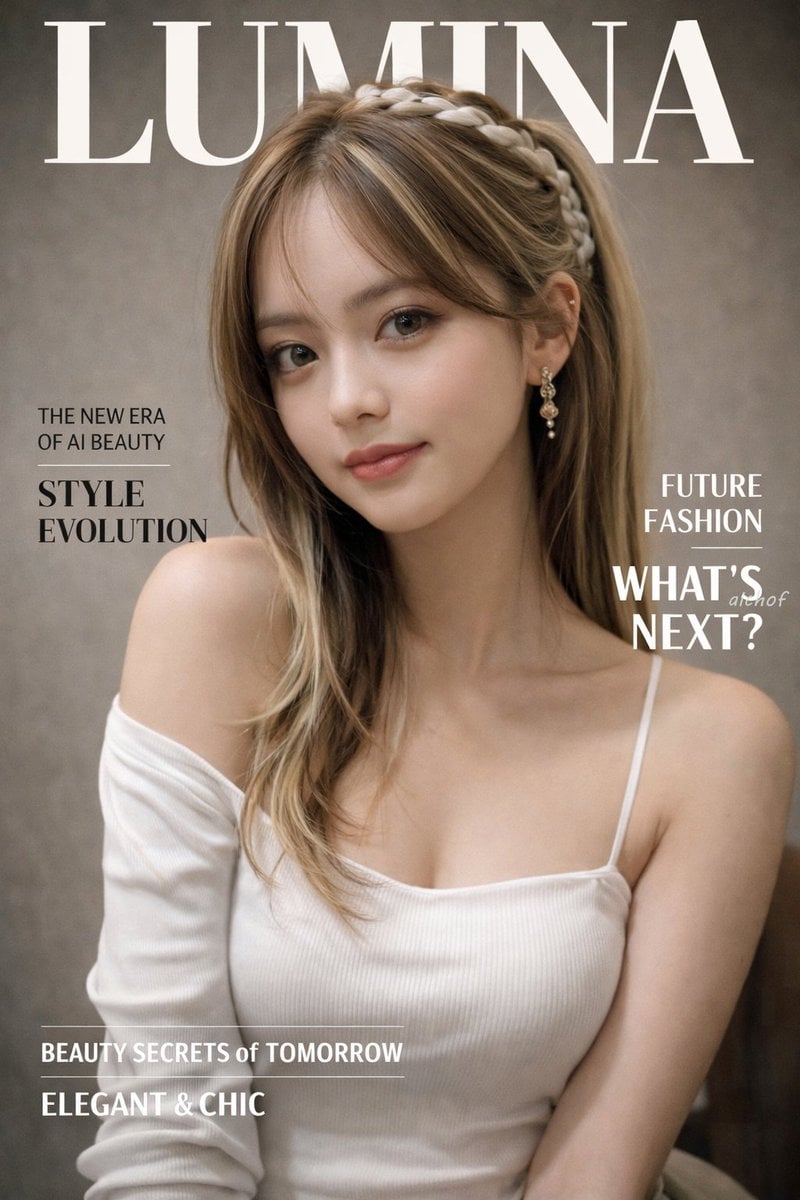
Photorealistic Fashion Magazine Cover
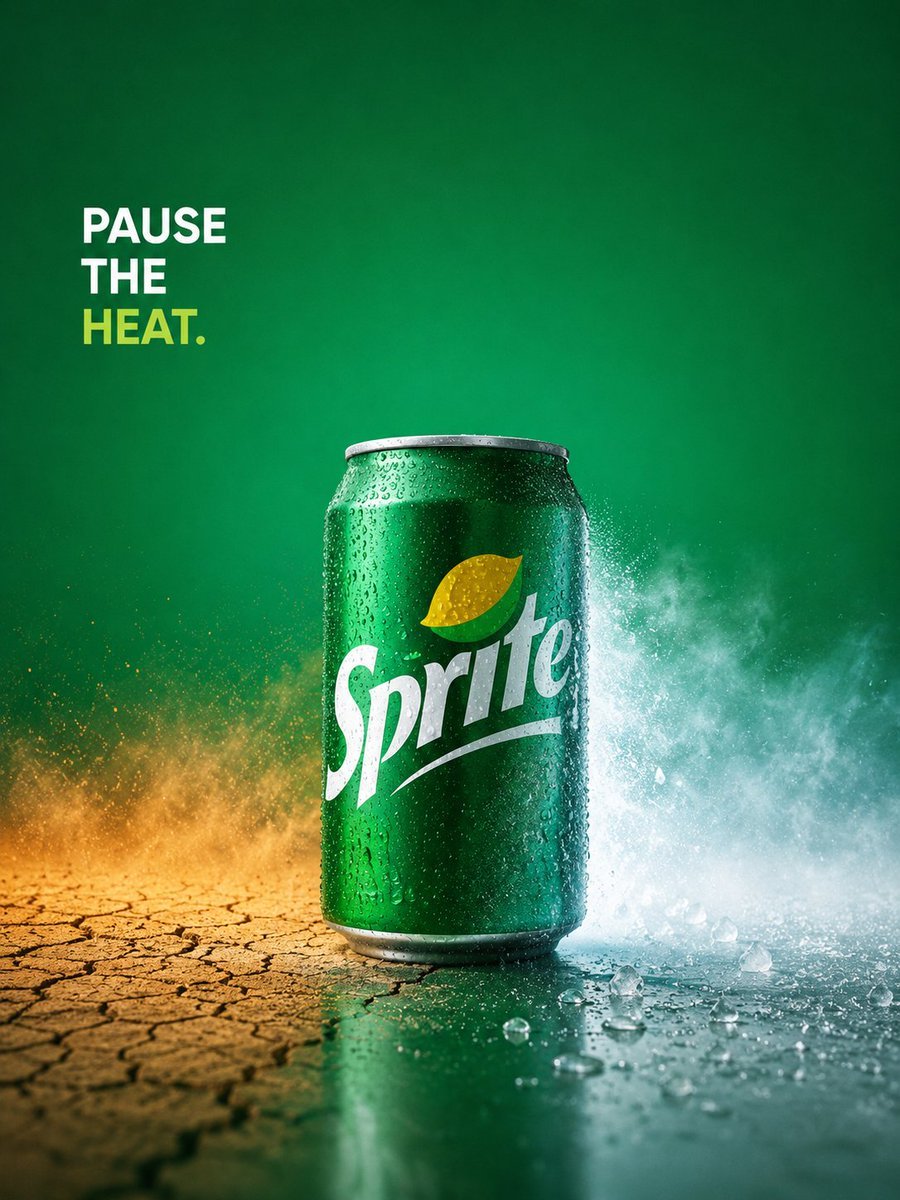
Sprite Pause the Heat Ad
Browse template categories
Golden Fried Rice Storyboard Sheet questions
How do I use the Golden Fried Rice Storyboard Sheet template?
Add your photo if the template asks for one, edit the prompt if you like — the template's model and format are already selected — and press Generate. Your version opens in PicX Studio.
Can I customize the Golden Fried Rice Storyboard Sheet template?
Yes. You can change the subject, setting, lighting, mood, format, and available model controls before creating your image.
Is the Golden Fried Rice Storyboard Sheet template free?
Opening and editing this template is free. Generating uses credits, shown on the Generate button when you are signed in.
Which AI model should I use?
Start with GPT Image 2, which is the model associated with this template. You can compare another compatible model for a different finish.
Looking for something else? Browse all templates.

Your photo, any look
Thousands of ready templates for every top image and video model, from one credit balance.