
Panel Manga Page: Creepy Delivery Man
Generates a 5-panel grid featuring distinct subjects and art styles, useful for testing model versatility and composition.
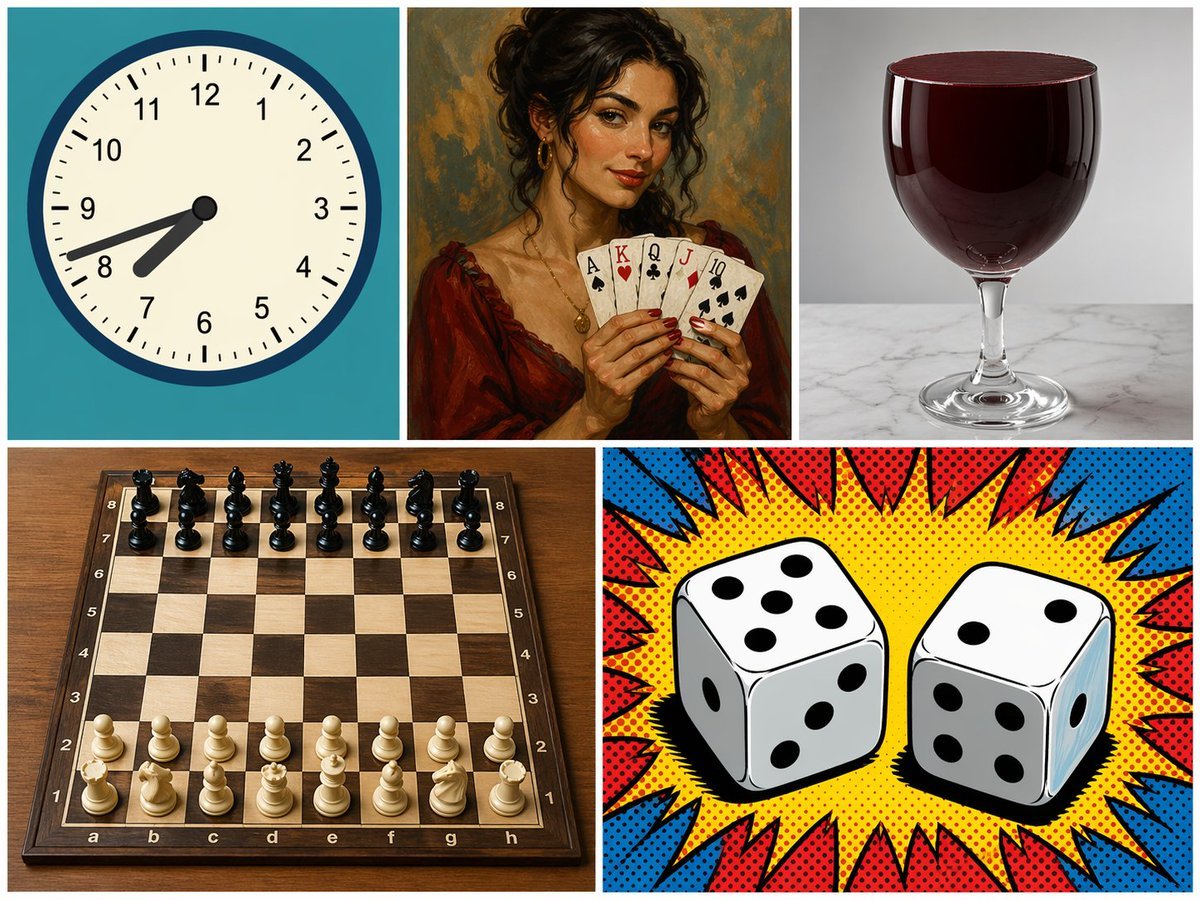
- Prompt included
- Model and format preset
- Free template
The prompt behind this image
Copy the exact prompt behind Panel Manga Page: Creepy Delivery Man, or open it in the studio and make it yours.
- Type
- 5-panel collage
- Layout
- grid with 3 top panels and 2 bottom panels
- Panels › 0 › Position
- top-left
- Panels › 0 › Subject
- analog clock
- Panels › 0 › Details
- teal background, time showing {argument name="clock time" default="7:42"}
- Panels › 0 › Style
- flat vector illustration
- Panels › 1 › Position
- top-middle
- Panels › 1 › Subject
- woman holding playing cards
- Panels › 1 › Details
- holding 5 cards: {argument name="card hand" default="Ace of Spades, King of Hearts, Queen of Clubs, Jack of Diamonds, 10 of Spades"}
- Panels › 1 › Style
- classic oil painting portrait
- Panels › 2 › Position
- top-right
- Panels › 2 › Subject
- glass of red liquid
- Panels › 2 › Details
- {argument name="glass type" default="wine glass"} filled to the brim with dark red liquid, marble surface
- Panels › 2 › Style
- photorealistic studio photography
- Panels › 3 › Position
- bottom-left
- Panels › 3 › Subject
- chessboard
- Panels › 3 › Details
- wooden board with 32 pieces in standard starting position
- Panels › 3 › Style
- photorealistic high-angle shot
- Panels › 4 › Position
- bottom-right
- Panels › 4 › Subject
- two dice
- Panels › 4 › Details
- left die shows {argument name="left die top" default="5"} on top, right die shows {argument name="right die top" default="2"} on top
- Panels › 4 › Style
- pop art comic book halftone with red and blue burst
Raw JSON
{
  "type": "5-panel collage",
  "layout": "grid with 3 top panels and 2 bottom panels",
  "panels": [
    {
      "position": "top-left",
      "subject": "analog clock",
      "details": "teal background, time showing {argument name=\"clock time\" default=\"7:42\"}",
      "style": "flat vector illustration"
    },
    {
      "position": "top-middle",
      "subject": "woman holding playing cards",
      "details": "holding 5 cards: {argument name=\"card hand\" default=\"Ace of Spades, King of Hearts, Queen of Clubs, Jack of Diamonds, 10 of Spades\"}",
      "style": "classic oil painting portrait"
    },
    {
      "position": "top-right",
      "subject": "glass of red liquid",
      "details": "{argument name=\"glass type\" default=\"wine glass\"} filled to the brim with dark red liquid, marble surface",
      "style": "photorealistic studio photography"
    },
    {
      "position": "bottom-left",
      "subject": "chessboard",
      "details": "wooden board with 32 pieces in standard starting position",
      "style": "photorealistic high-angle shot"
    },
    {
      "position": "bottom-right",
      "subject": "two dice",
      "details": "left die shows {argument name=\"left die top\" default=\"5\"} on top, right die shows {argument name=\"right die top\" default=\"2\"} on top",
      "style": "pop art comic book halftone with red and blue burst"
    }
  ]
}How to use Panel Manga Page: Creepy Delivery Man in 3 steps
- 1Upload ImagePNG, JPG or paste
Add your photo
Upload the photo the template builds on. The prompt, model and format are already set.
- 2…a portrait of your subject in softgolden-hour light, 85mm…
Personalize
Edit the subject and creative details for your destination.
- 3Generate
Generate
Press Generate — your image is created in PicX Studio, so you can compare it with the original and refine one variable at a time.
More like this
Templates with the same subject, style or setup. Open one to see its prompt.

Quiet Hamster Manga Page

Late-Night Hamster Manga Page

Surreal Noir Hamster Manga Page

Shojo Horror Manga Corridor Page

Cute AI Manga Lesson Comic Page

Hamster Summons Sol Manga Page

Lazy Day Chibi Manga Page

Overwhelmed Coding Manga Page

Seven-Panel Cyberpunk Manga Alley

Fantasy Wagashi Manga Cooking Page

Sunny Seaside Anime Manga Page
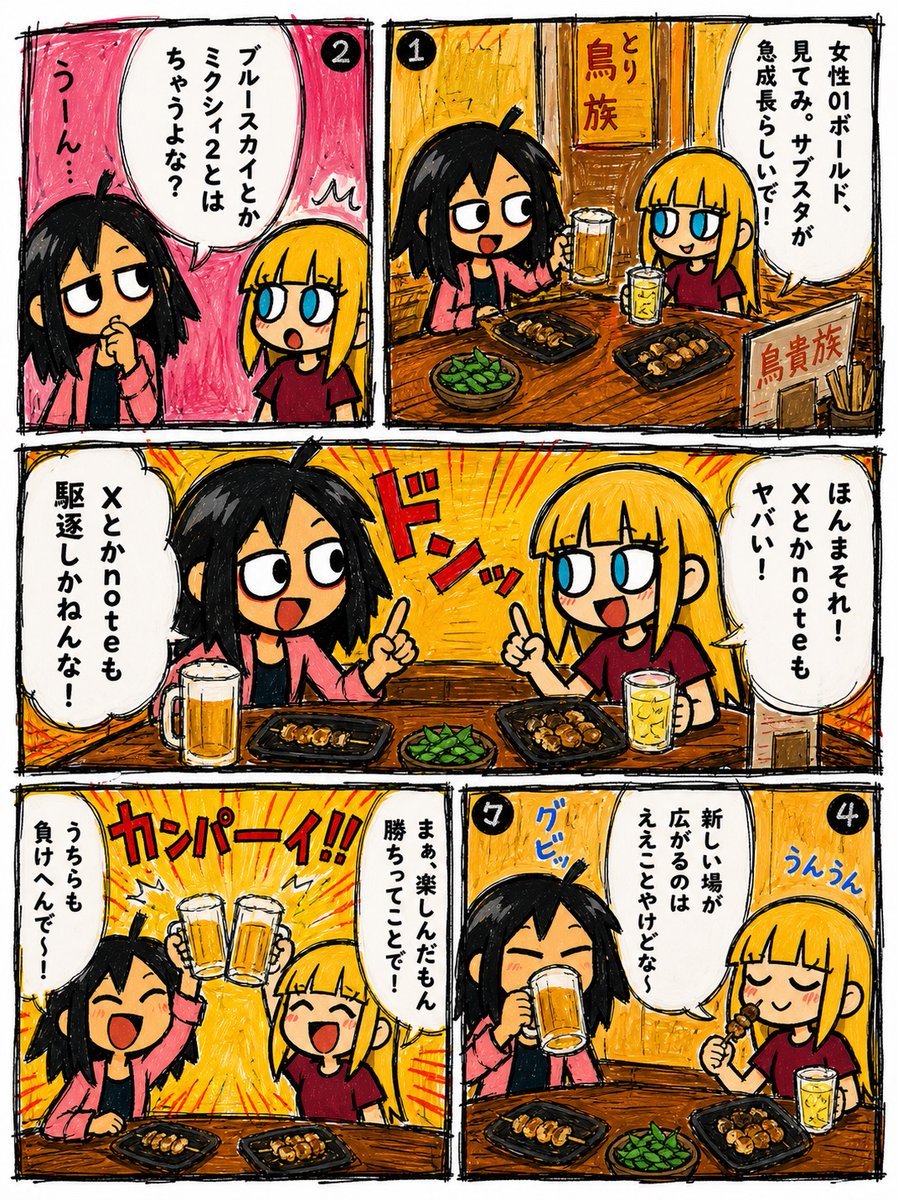
Hand-Drawn Izakaya Manga Page
Make it yours
Panel Manga Page: Creepy Delivery Man works as-is. These are the safest ways to change it without losing the look.
Change one field
Copy a single group, rewrite it, and generate again so you can see what that field is doing.
Keep the frame, change the subject
Hold the composition and light of 5-Panel Manga Page: Creepy Delivery Man, then swap wardrobe, props or the person for a new take.
| If the result… | Why | Fix |
|---|---|---|
| The result drifts from the preview | Too many fields changed at once. | Reuse 5-Panel Manga Page: Creepy Delivery Man as-is first, then change one group — subject, light, or setting. |
| GPT Image 2 ignores part of the JSON | Some models flatten or skip nested keys. | Keep the same values and paste them as a short paragraph instead. |
More GPT Image 2 templates
Other prompts made for GPT Image 2.

Six VTuber Japanese Logo Sheet

Realistic Portrait of Woman and Deer

The Vista Modular Condo Poster

AI Model Routing Comparison Infographic

2.5D Anime Art Board

Isometric Productivity Desk Scene

New York Double Exposure Poster

Four-Panel AI Landscape Comparison

Japanese Tatami Lifestyle Magazine Cover

NESCAFÉ Coffee Map Poster
More image prompts
Fresh picks from across the catalog.
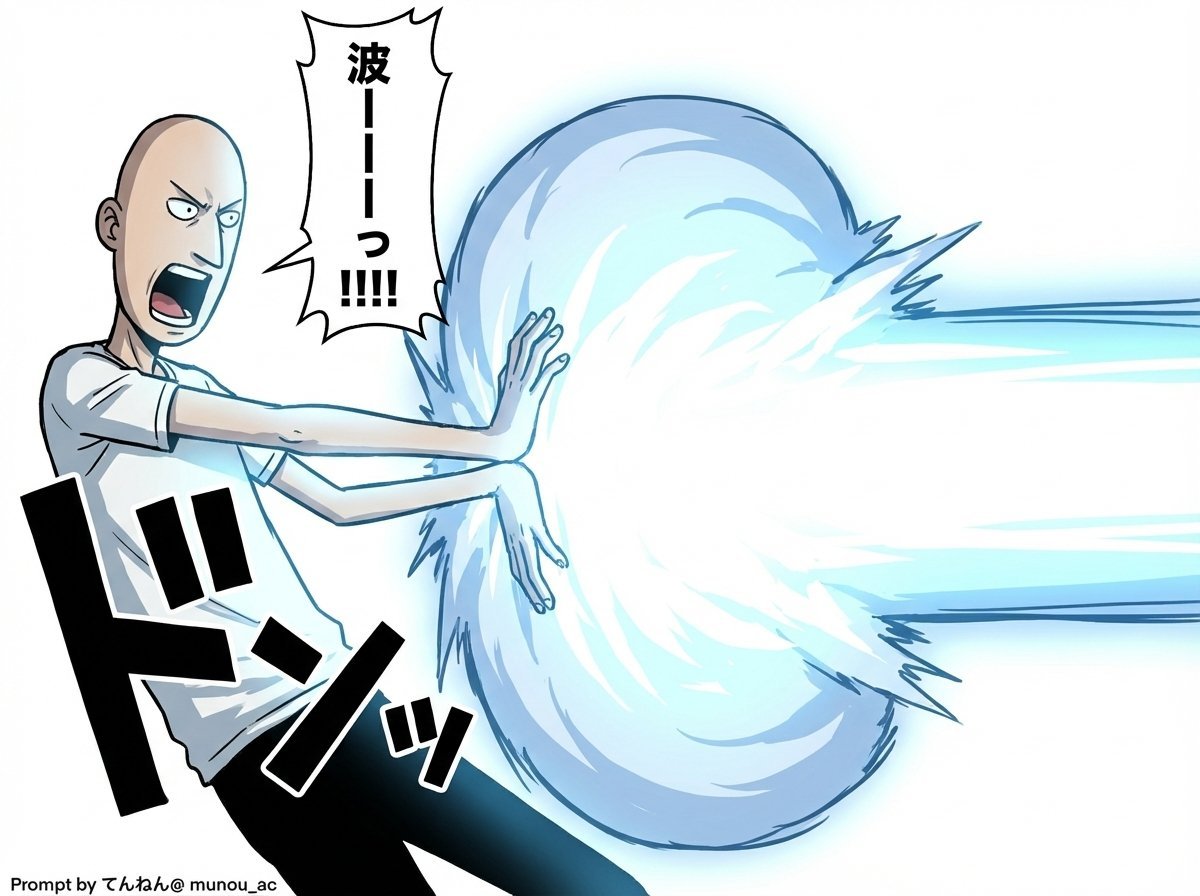
Kamehameha Attack Image Generation (Technical Prompt)
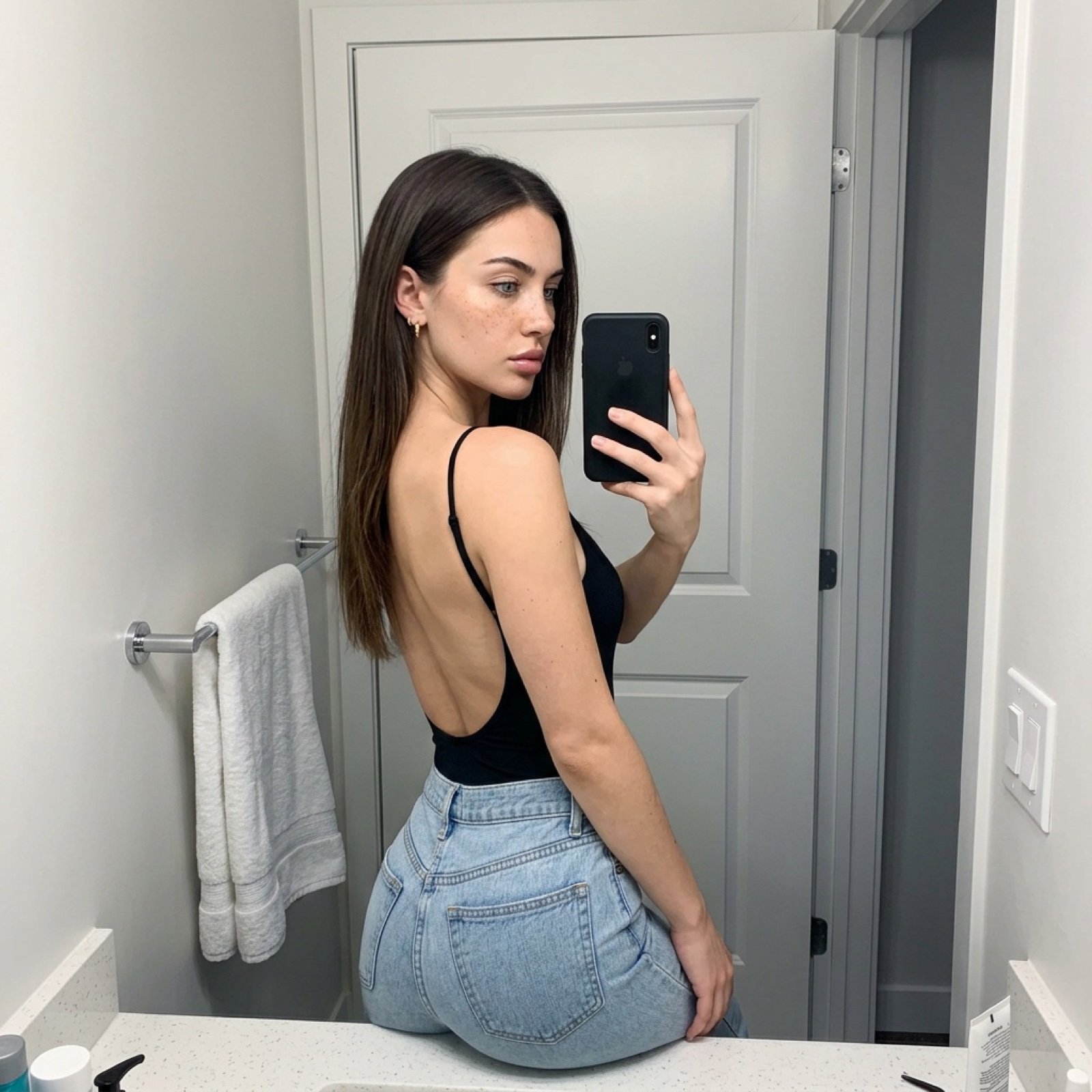
Viral TikTok Mirror Selfie Prompt

Vintage Garden Wedding Portrait

Candid Portrait Hugging a Poodle in a Park
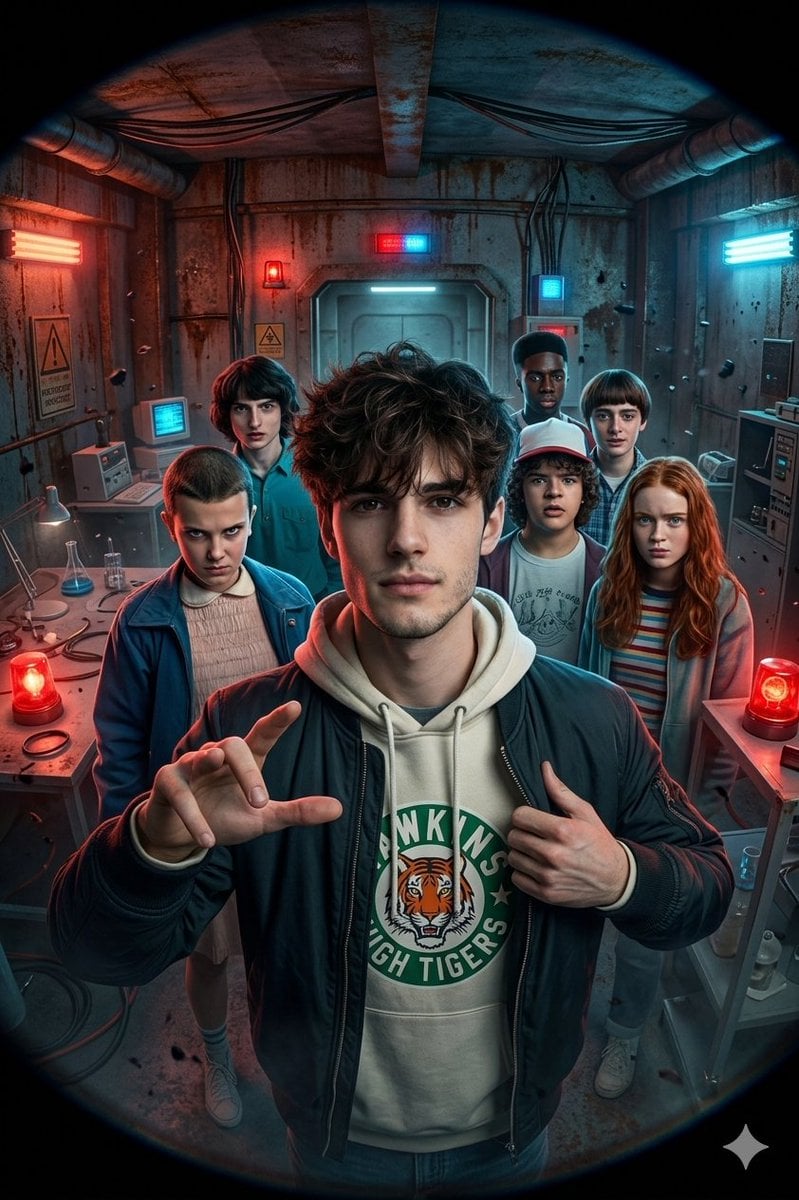
Stranger Things Action Selfie with Fish-Eye Distortion
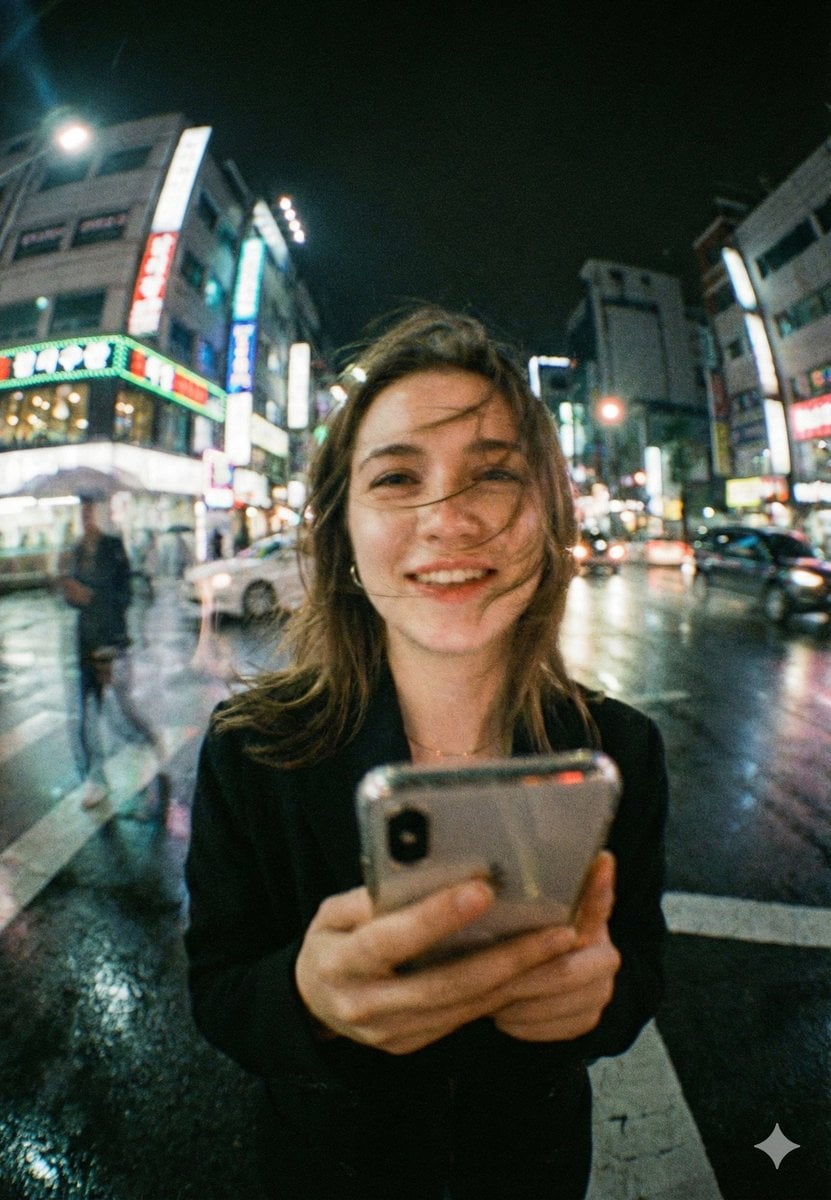
Neon City Night Portrait with Wide-Angle Distortion

Beach Selfie Portrait
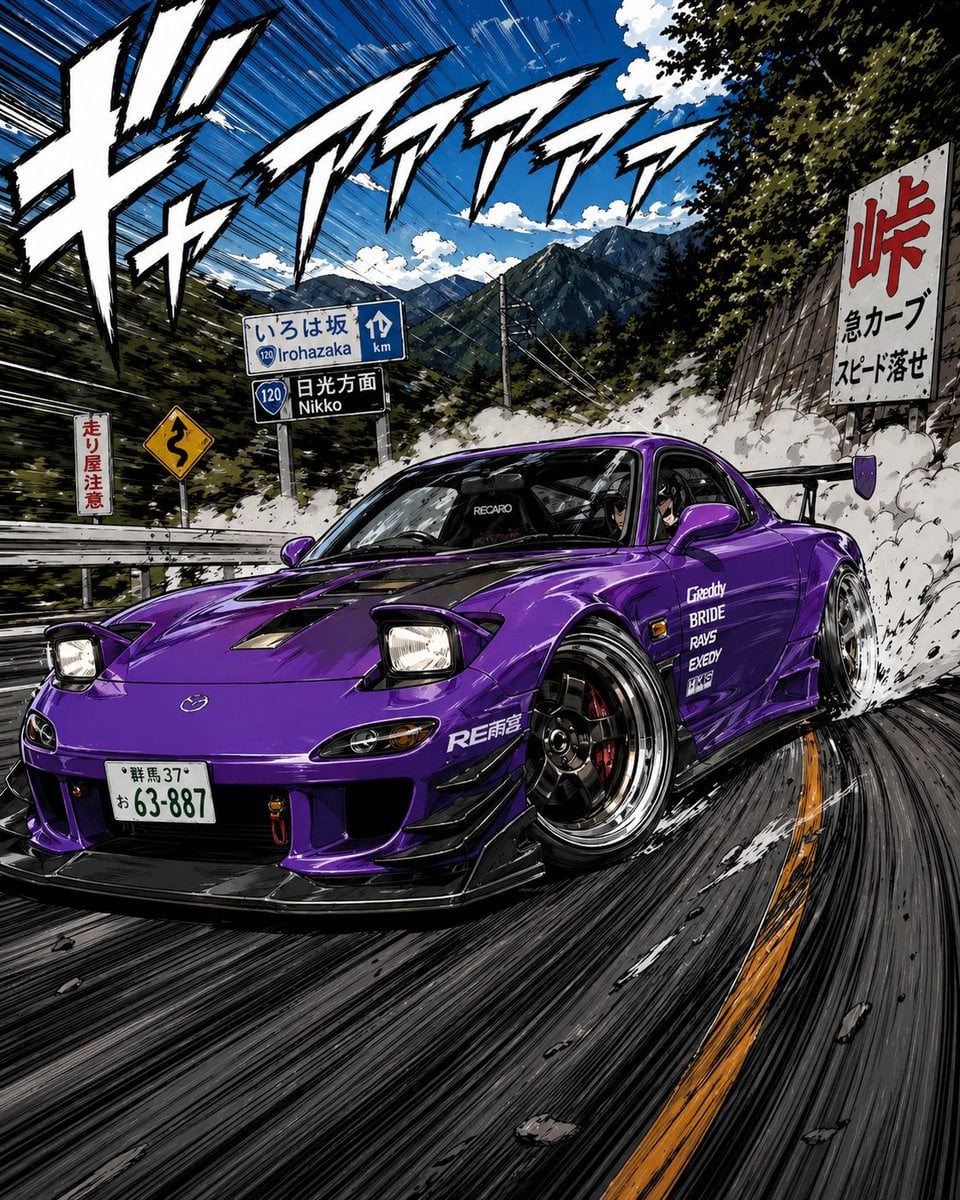
Manga Street Racing Illustration
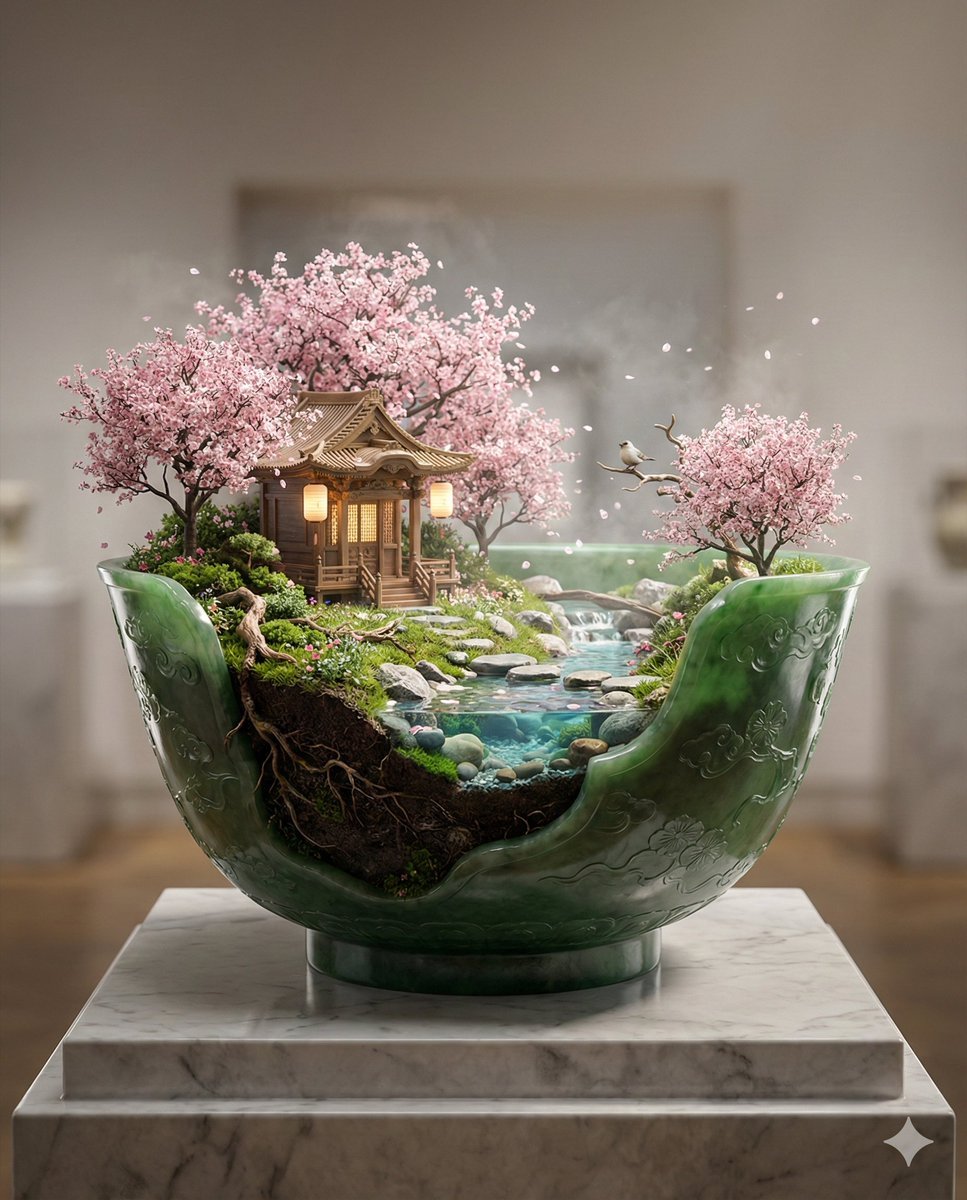
Imperial Jade Bowl Diorama of a Sacred Spring Shrine

Lightning Bolt Supercar
Browse template categories
Panel Manga Page: Creepy Delivery Man questions
How do I use the 5-Panel Manga Page: Creepy Delivery Man template?
Add your photo if the template asks for one, edit the prompt if you like — the template's model and format are already selected — and press Generate. Your version opens in PicX Studio.
Can I customize the 5-Panel Manga Page: Creepy Delivery Man template?
Yes. You can change the subject, setting, lighting, mood, format, and available model controls before creating your image.
Is the 5-Panel Manga Page: Creepy Delivery Man template free?
Opening and editing this template is free. Generating uses credits, shown on the Generate button when you are signed in.
Which AI model should I use?
Start with GPT Image 2, which is the model associated with this template. You can compare another compatible model for a different finish.
Looking for something else? Browse all templates.

Your photo, any look
Thousands of ready templates for every top image and video model, from one credit balance.