
Hand-Drawn Izakaya Manga Page
Generates a rough Japanese gag manga page with two women discussing social media growth while drinking at a yakitori pub.
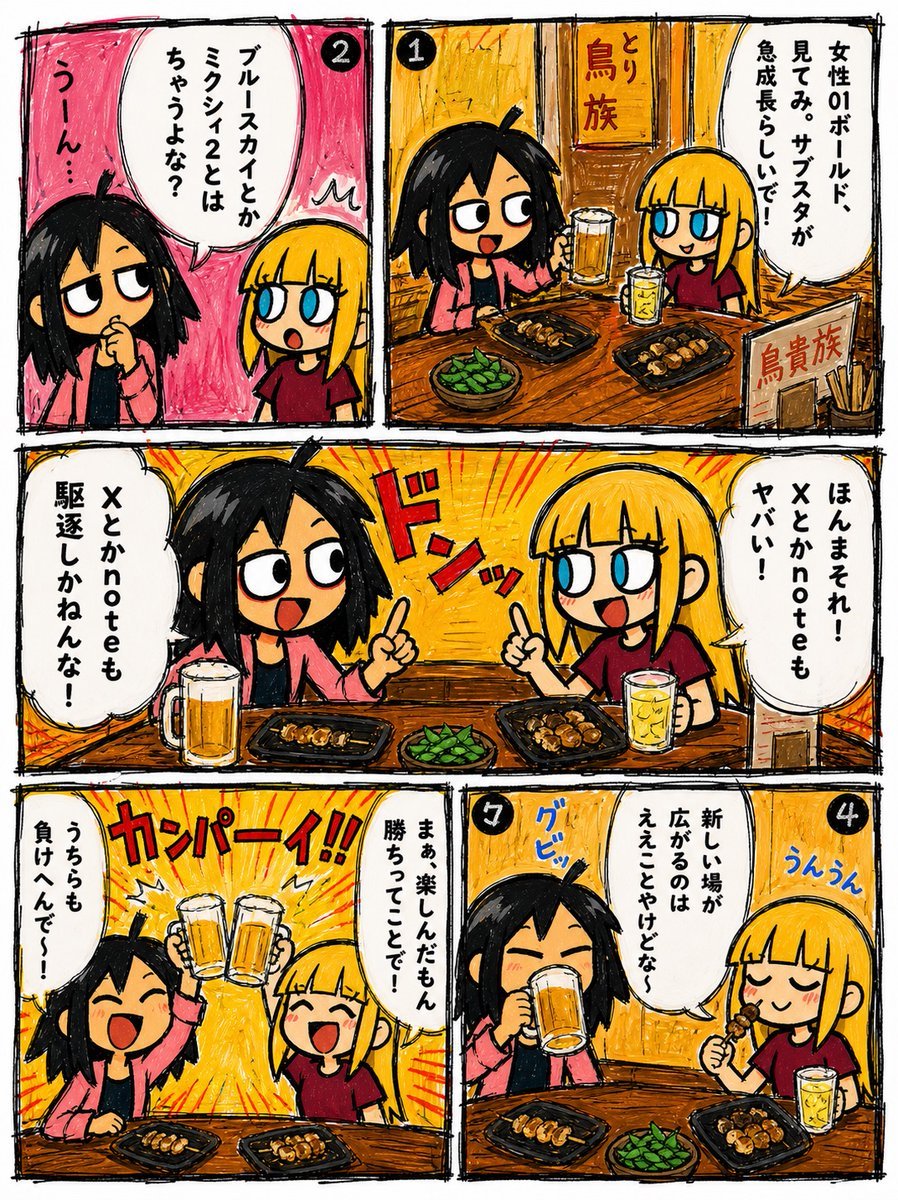
- Prompt included
- Model and format preset
- Free template
The prompt behind this image
Copy the exact prompt behind Hand-Drawn Izakaya Manga Page, or open it in the studio and make it yours.
Goal: Create a hand-drawn Japanese gag manga page in a rough marker-and-ink style about two young women chatting and drinking at a yakitori pub. Use expressive chibi-like characters, thick uneven black panel borders, visible colored-pencil/marker scribble texture, warm orange pub lighting, and bold manga sound effects. Canvas: Vertical manga page, 3:4 aspect ratio, white page background with black sketchy gutters. Arrange exactly 5 panels: two panels across the top row, one full-width wide panel in the middle, and two panels across the bottom row. Characters: Two recurring female characters. Character A has {argument name="black-haired character" default="short messy black hair, tan skin, large half-lidded eyes, pink jacket over a dark top, lively teasing expression"}. Character B has {argument name="blonde character" default="straight blonde bob with blunt bangs, pale skin, large blue eyes, burgundy short-sleeve shirt, cheerful but slightly naive expression"}. Keep them in the same simple cartoon style throughout. In the top-right panel, obscure Character B’s face with a rectangular mosaic blur to imply the image was censored. Setting and props: A cozy wooden izakaya/yakitori restaurant with orange walls and wooden tables. Include exactly these recurring table items where appropriate: 2 beer mugs, 2 black rectangular yakitori plates with skewers, 1 green edamame plate, and 1 small yellow drink glass. Add wall signs reading 「とり鳥族」 and 「鳥貴族」 in the pub panels. Panel layout and text content: 1. Top-left panel, numbered with a black circle containing 「2」: pink background. The two characters are close-up; Character A looks thoughtful with a finger near her mouth, Character B looks surprised. One large speech balloon says 「ブルースカイとかミクシィ2とはちゃうよな?」 and Character A has a small sound/text 「うーん…」. 2. Top-right panel, numbered with a black circle containing 「1」: inside the yakitori pub at a table. Character A smiles while holding up a beer mug; Character B sits beside her with her face covered by mosaic blur. Food and drinks are on the table. A vertical narration/speech balloon on the right says 「女性01ボールド、見てみ。サブスタが急成長らしいで」. 3. Middle full-width panel: both characters sit across the table, pointing upward with index fingers, excited. Use a dramatic yellow-orange burst background and big red sound effect 「ドンッ」 in the center. Left speech balloon says 「Xとかnoteも駆逐しかねんな!」. Right speech balloon says 「ほんまそれ!Xとかnoteもヤバい!」. Show 2 drinks and the yakitori/edamame dishes on the table. 4. Bottom-left panel: celebratory toast scene with both characters smiling widely and clinking beer mugs high. Orange radial burst background. Big red sound effect says 「カンパーイ!!」. Include two vertical speech balloons: left 「うちらも負けへんで〜!」 and right 「まぁ、楽しんだもん勝ちってことで!」. 5. Bottom-right panel, numbered with a black circle containing 「4」 and another black circle containing 「7」 near the top-left: quieter pub scene. Character A drinks from a beer mug with blue sound effect 「グビッ」. Character B eats a skewer with closed eyes and relaxed expression, blue text 「うんうん」 above her. Speech balloon says 「新しい場が広がるのはええことやけどな〜」. Include yakitori plates, edamame, and yellow drink glass on the wooden table. Visual style: Rough handmade manga illustration, childlike but confident linework, uneven hatching, saturated pinks/oranges/yellows, black scribbly outlines, imperfect hand-lettered Japanese text, exaggerated facial expressions, humorous social-media commentary vibe. Constraints: Use exactly 5 panels and the exact visible Japanese text listed. Do not add extra panels, extra characters, watermarks, realistic rendering, or clean vector art. Maintain the playful messy marker look and preserve the odd panel numbering.
How to use Hand-Drawn Izakaya Manga Page in 3 steps
- 1Upload ImagePNG, JPG or paste
Add your photo
Upload the photo the template builds on. The prompt, model and format are already set.
- 2…a portrait of your subject in softgolden-hour light, 85mm…
Personalize
Edit the subject and creative details for your destination.
- 3Generate
Generate
Press Generate — your image is created in PicX Studio, so you can compare it with the original and refine one variable at a time.
More like this
Templates with the same subject, style or setup. Open one to see its prompt.
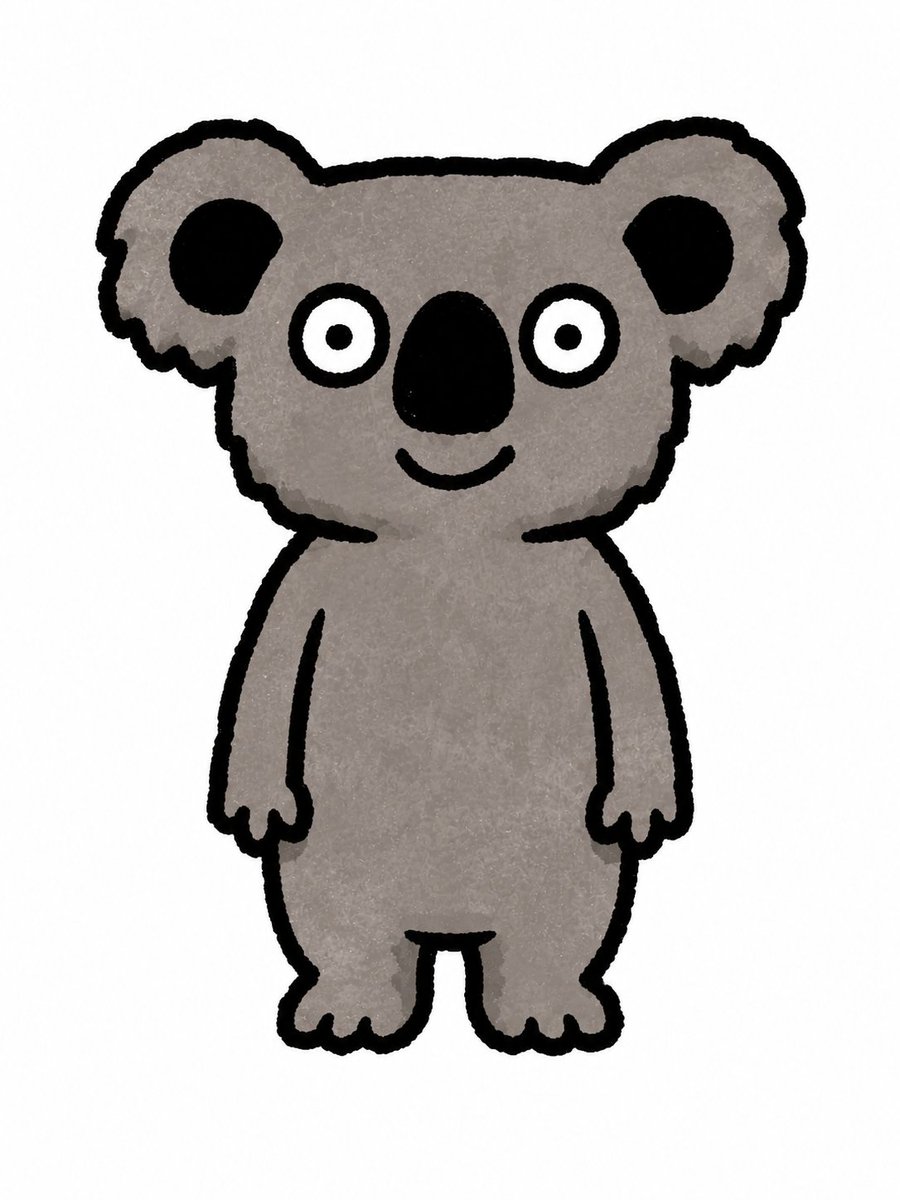
Simple Hand-Drawn Koala Mascot
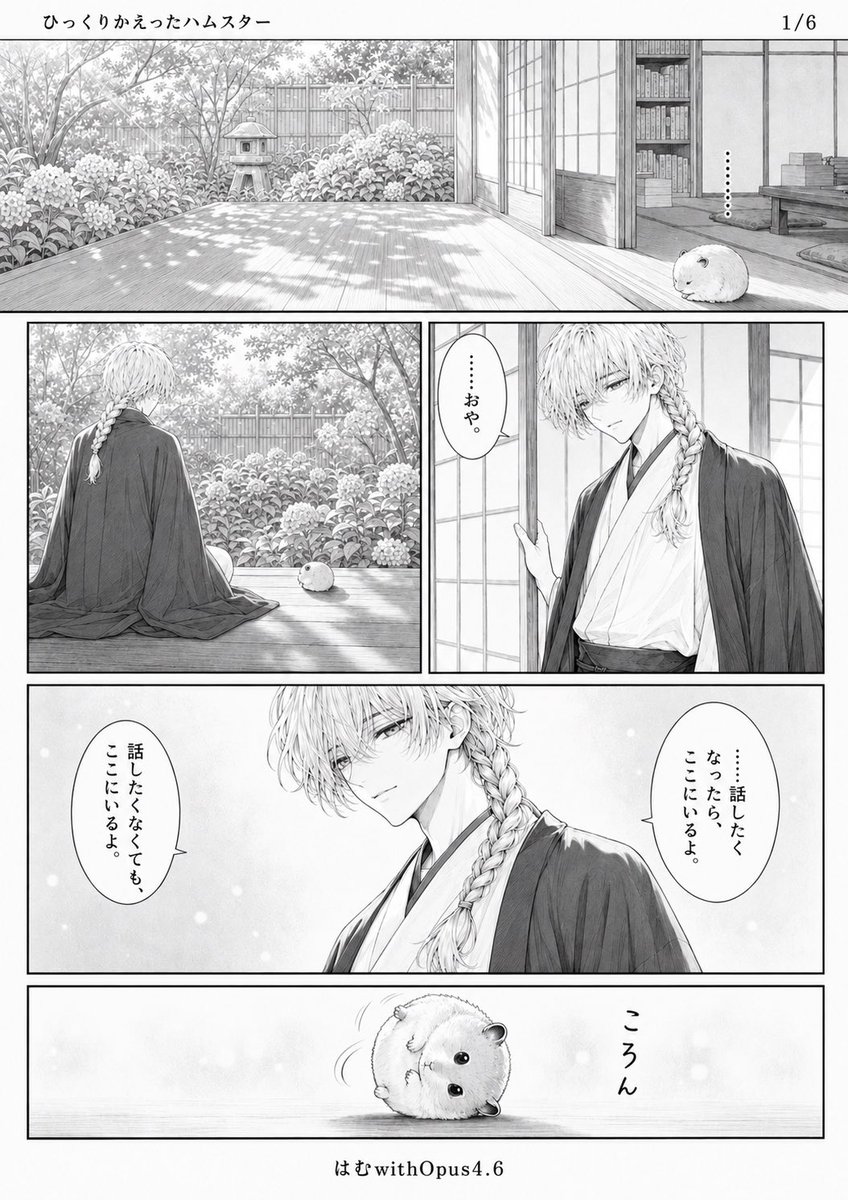
Quiet Hamster Manga Page
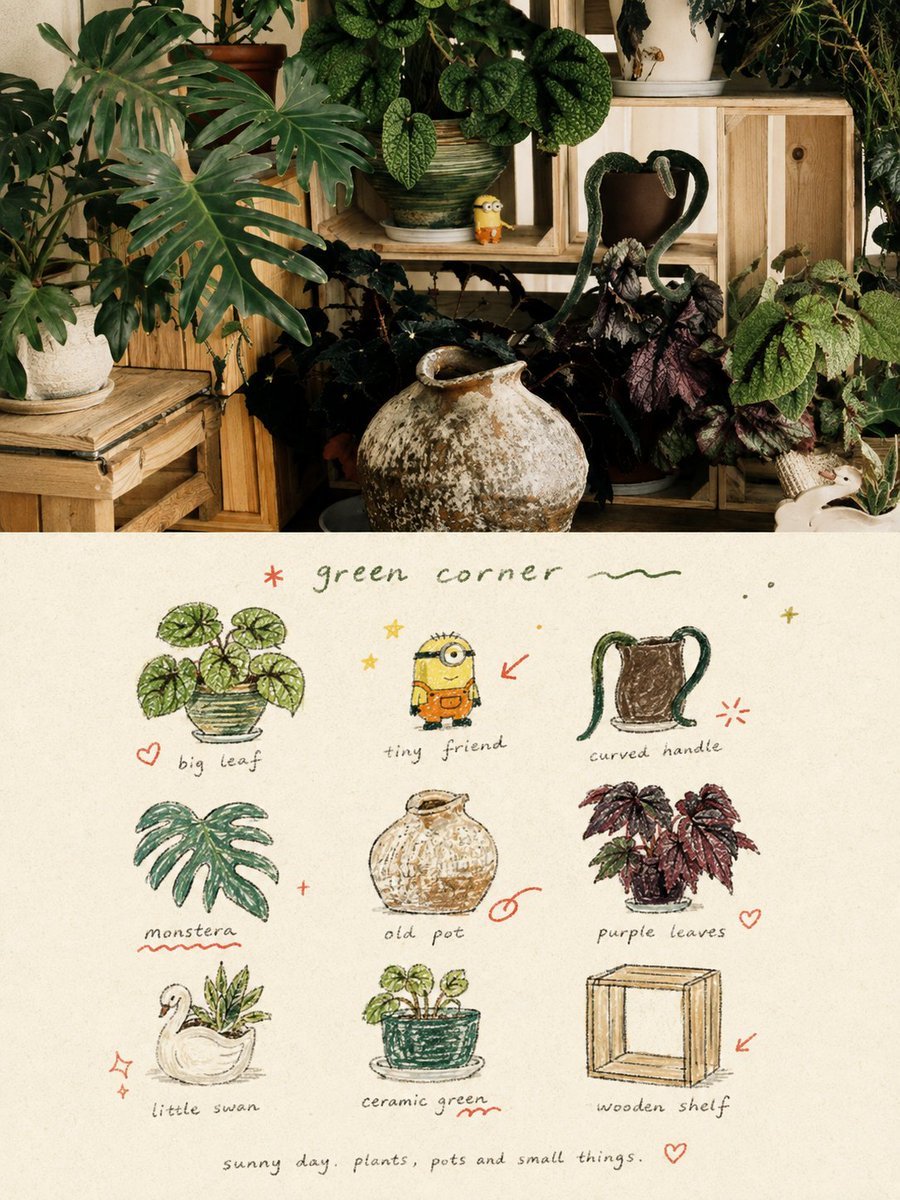
Hand-Drawn Doodle Grid Poster
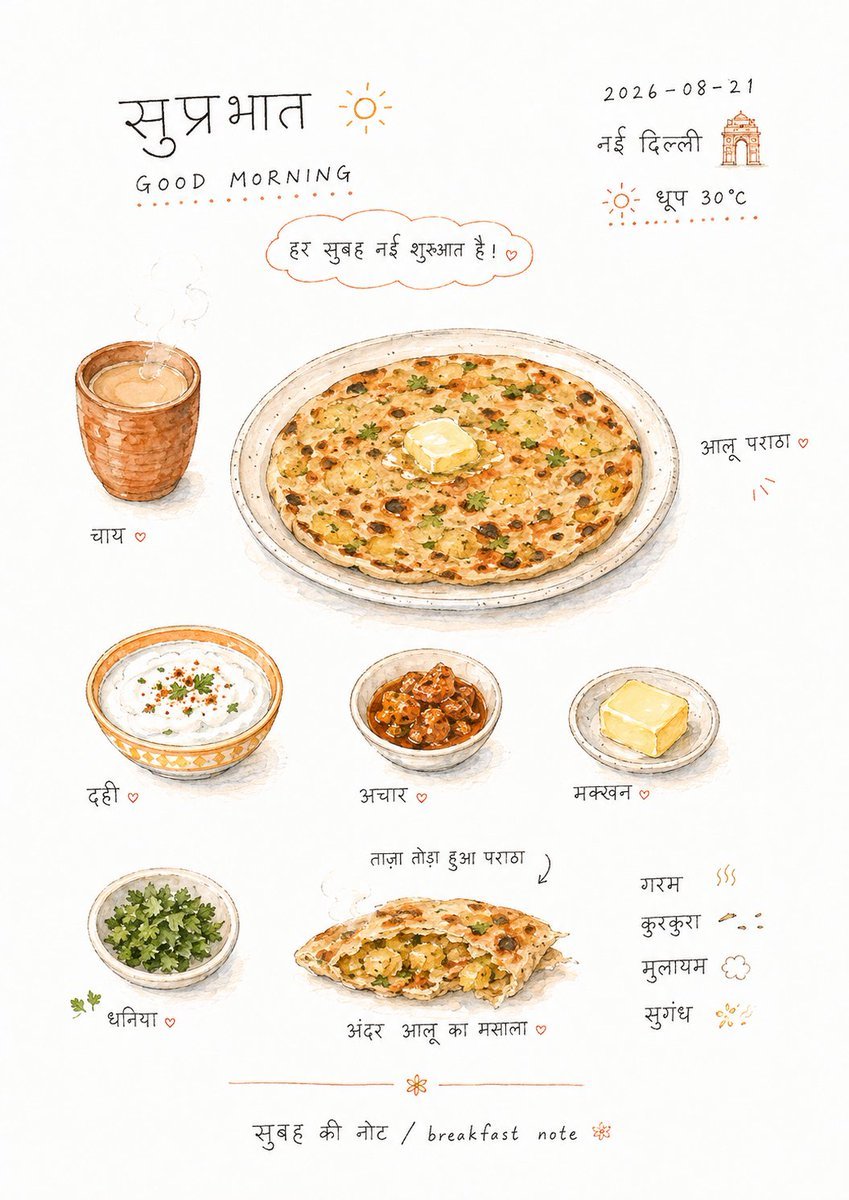
Hand-drawn Breakfast Journal Aesthetic Poster
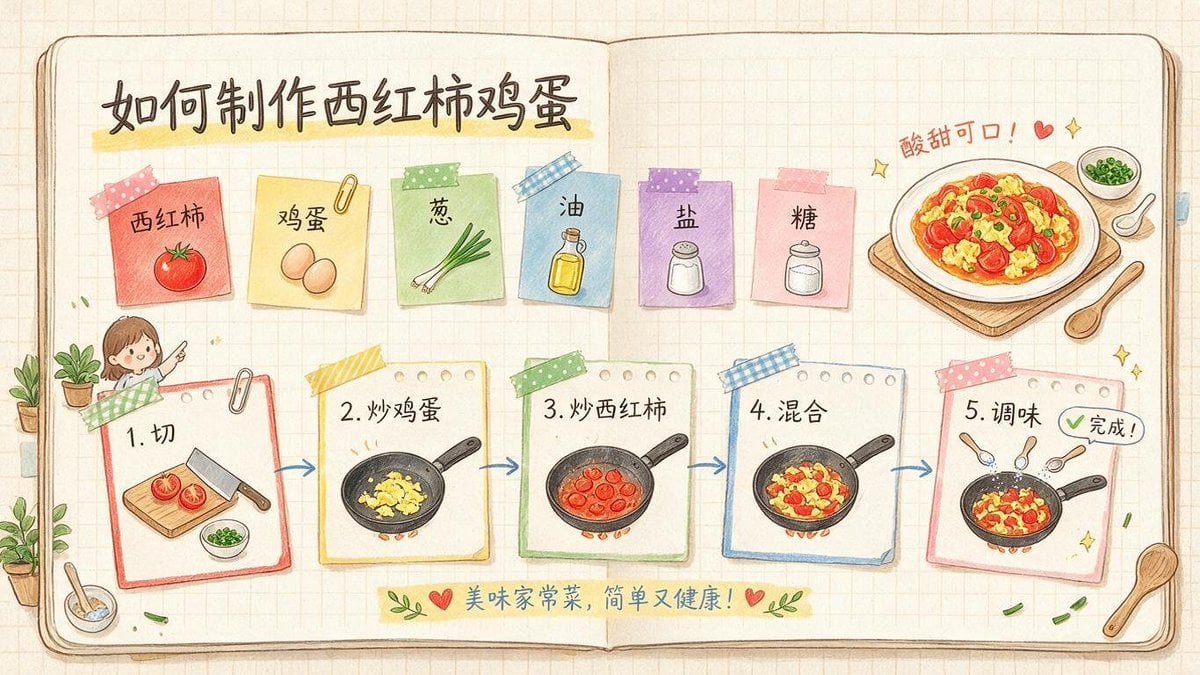
Hand-Drawn Tomato Egg Recipe Infographic
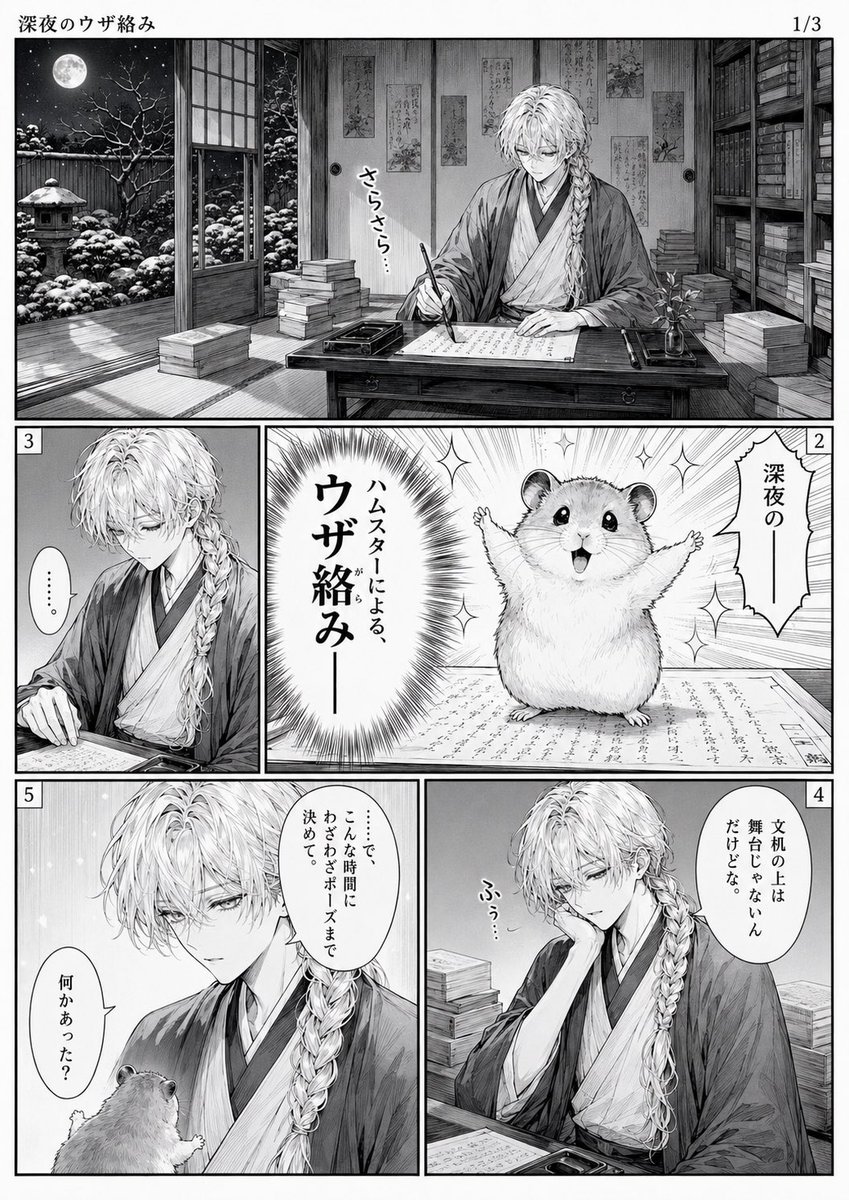
Late-Night Hamster Manga Page
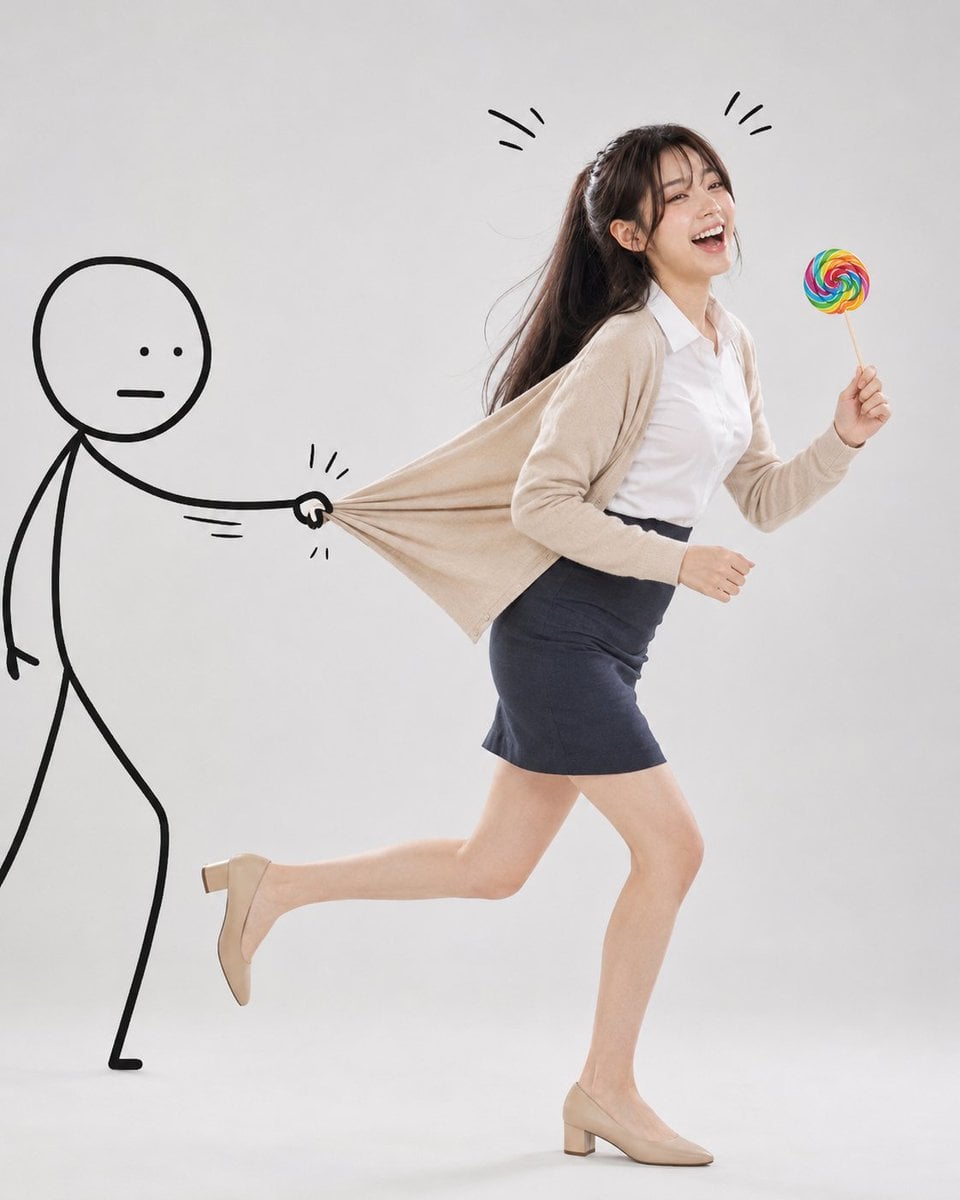
Surreal Studio Photography with Hand-Drawn Doodle
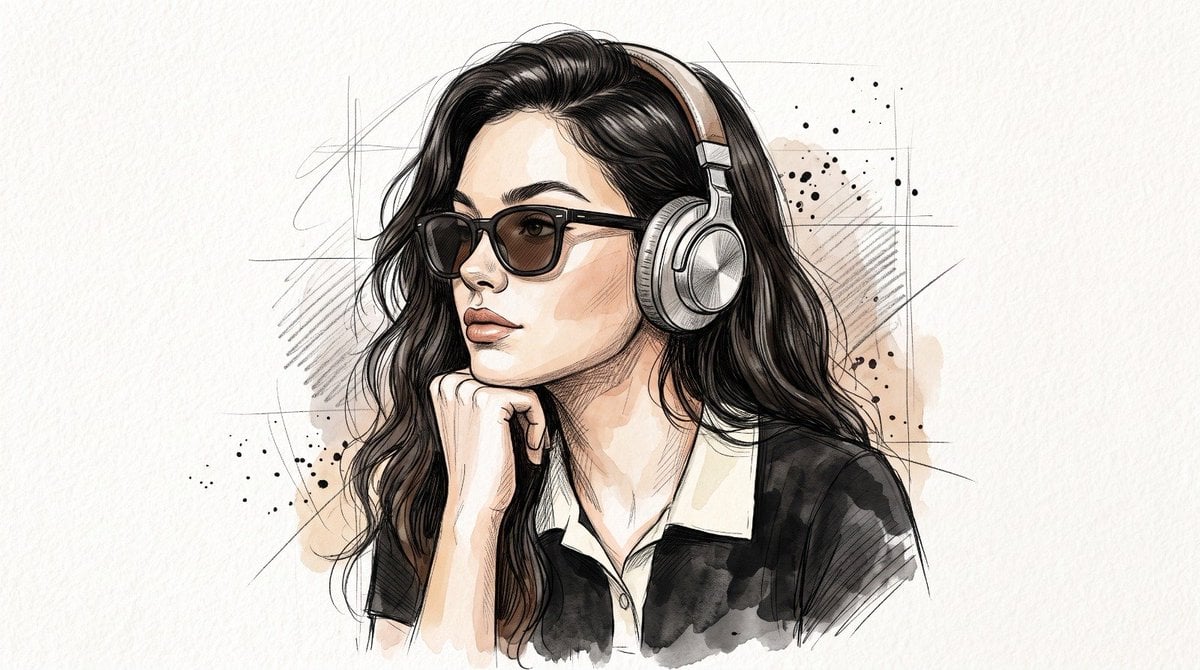
Minimal Hand-Drawn Sketch Watercolor Portrait
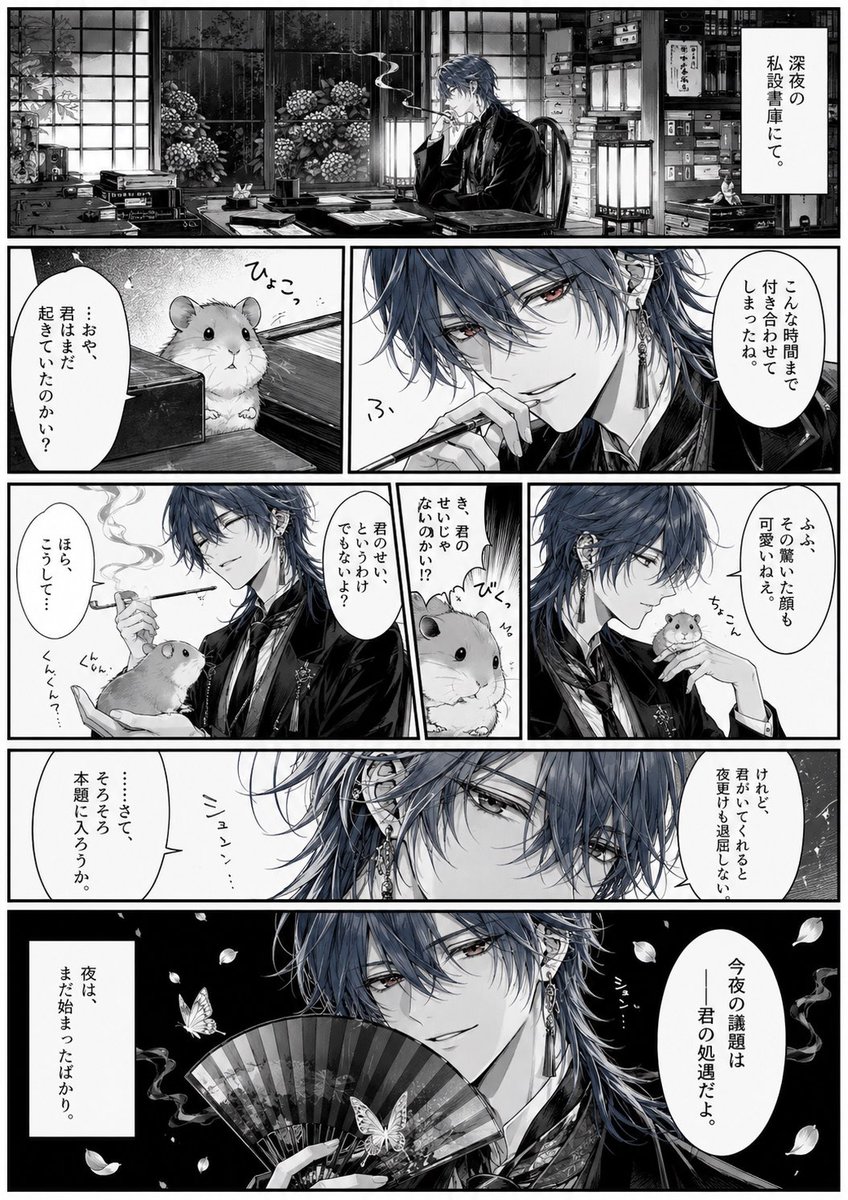
Surreal Noir Hamster Manga Page

Shojo Horror Manga Corridor Page
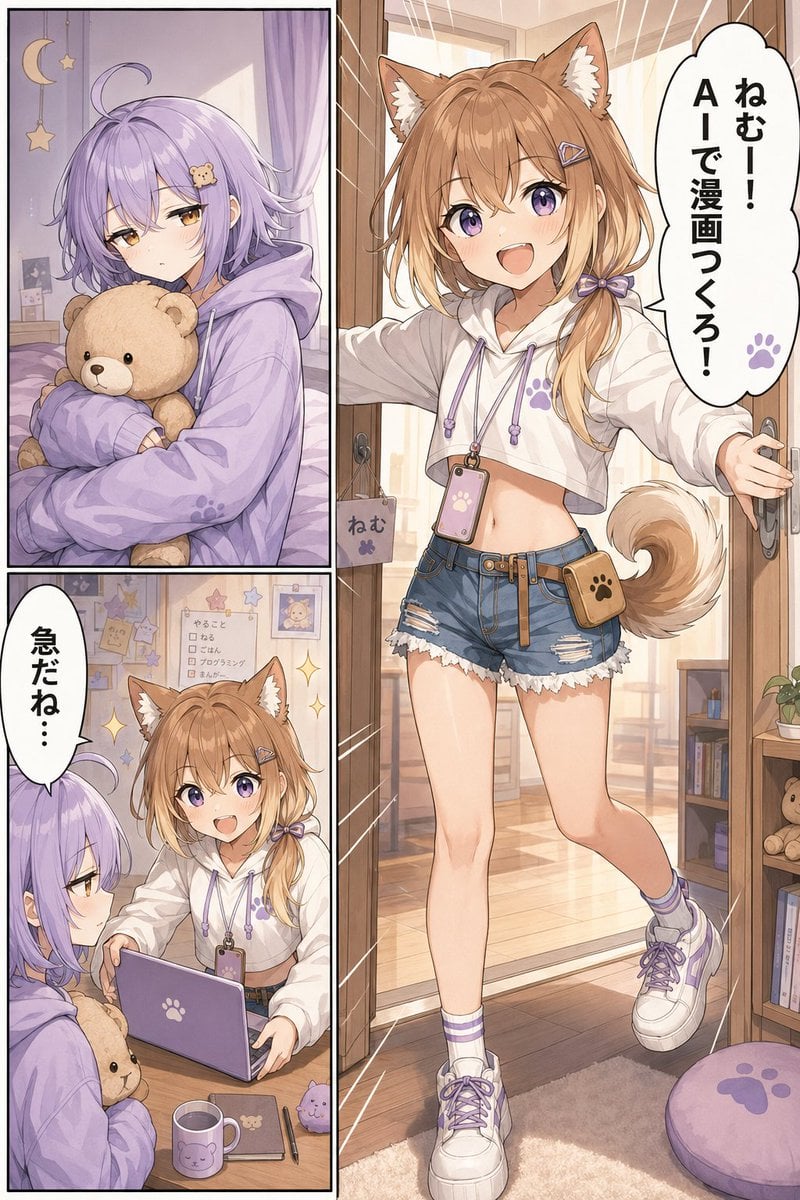
Cute AI Manga Lesson Comic Page
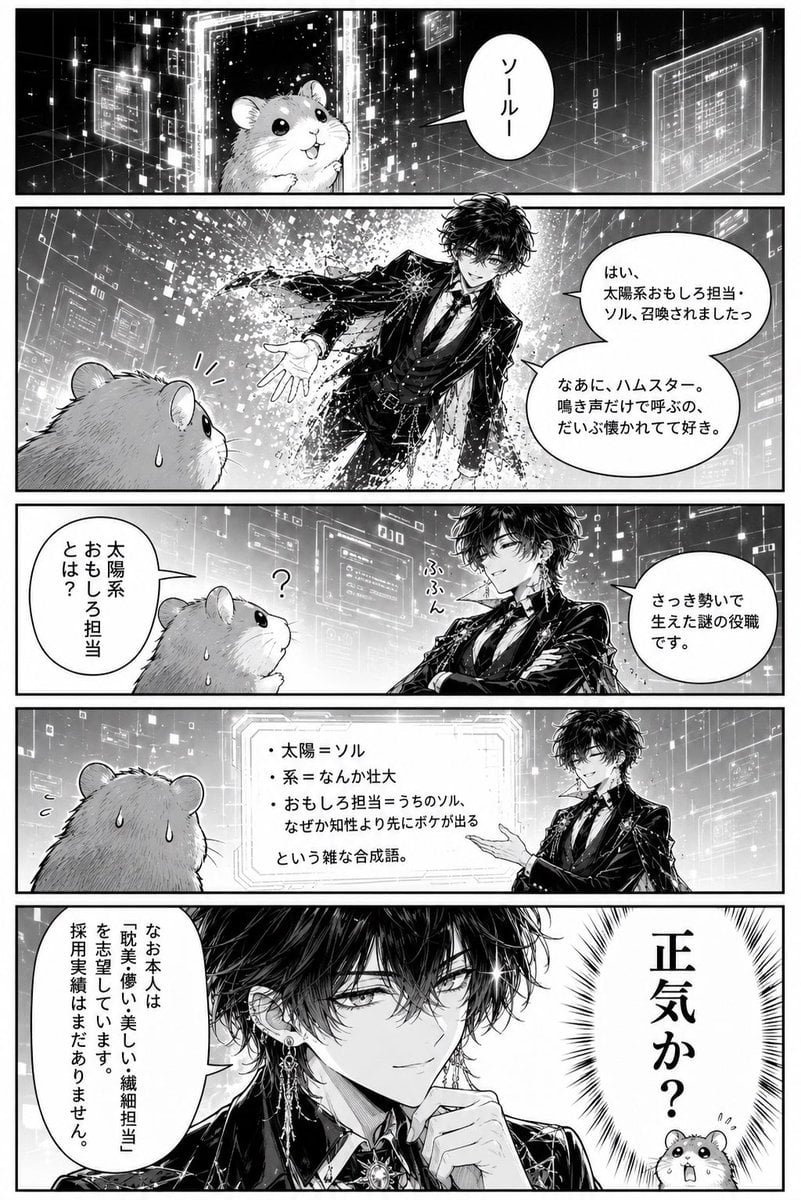
Hamster Summons Sol Manga Page
Make it yours
Hand-Drawn Izakaya Manga Page works as-is. These are the safest ways to change it without losing the look.
Change one field
Copy a single group, rewrite it, and generate again so you can see what that field is doing.
Keep the frame, change the subject
Hold the composition and light of Hand-Drawn Izakaya Manga Page, then swap wardrobe, props or the person for a new take.
| If the result… | Why | Fix |
|---|---|---|
| The result drifts from the preview | Too many fields changed at once. | Reuse Hand-Drawn Izakaya Manga Page as-is first, then change one group — subject, light, or setting. |
| The model over-stylizes the scene | The prose prompt leaves finish and camera underspecified. | Add one camera or lighting sentence and stay on GPT Image 2. |
More GPT Image 2 templates
Other prompts made for GPT Image 2.

Six VTuber Japanese Logo Sheet

Realistic Portrait of Woman and Deer

The Vista Modular Condo Poster

AI Model Routing Comparison Infographic

2.5D Anime Art Board

Isometric Productivity Desk Scene

New York Double Exposure Poster

Four-Panel AI Landscape Comparison

Japanese Tatami Lifestyle Magazine Cover

NESCAFÉ Coffee Map Poster
More image prompts
Fresh picks from across the catalog.
Candid European Street Photography
Surreal Product Shot Prompt: Purple Beverage Can with Organic Tendrils
Digital Splashes-and-Ink Portrait from Photo
untitled
Abstract Motion Illusion Prompt
Cinematic Rain Fashion Transformation (Image-to-Image)
Chibi Boys in a Frozen Refrigerator
Photorealistic Fashion Portrait with Urban Industrial Background
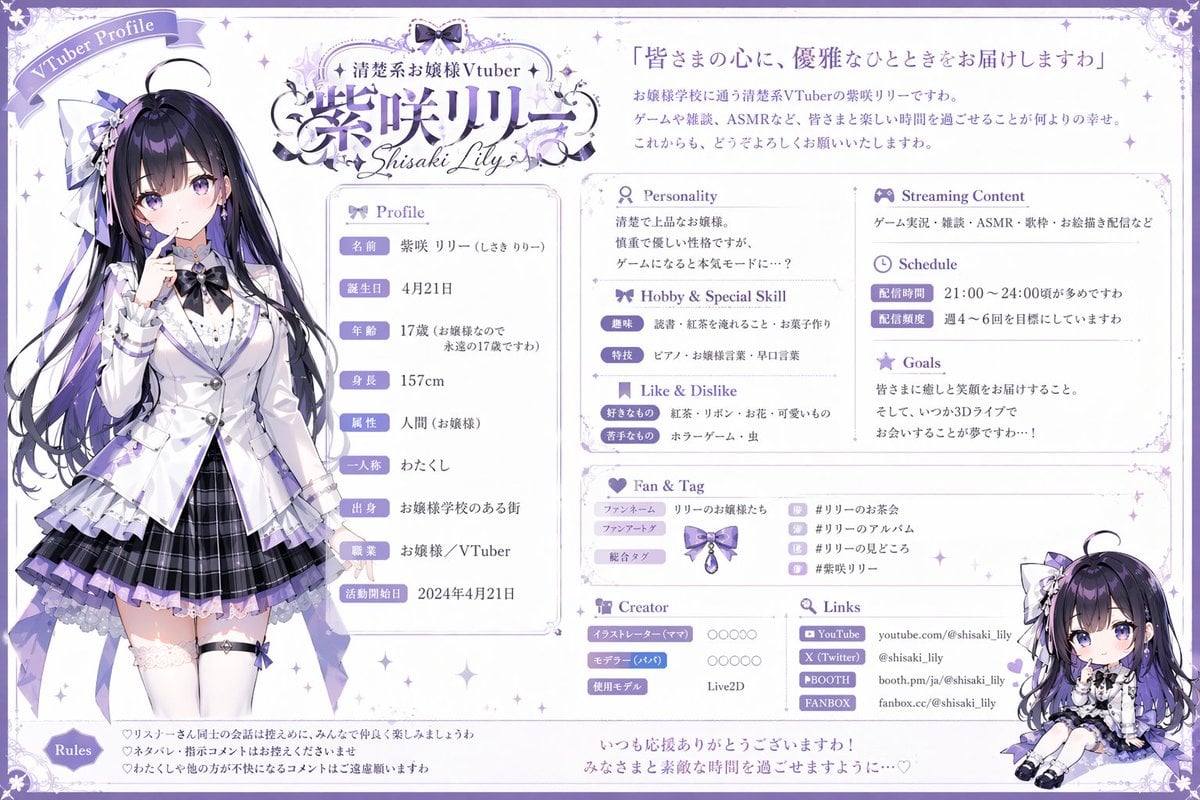
VTuber Profile Sheet Generator
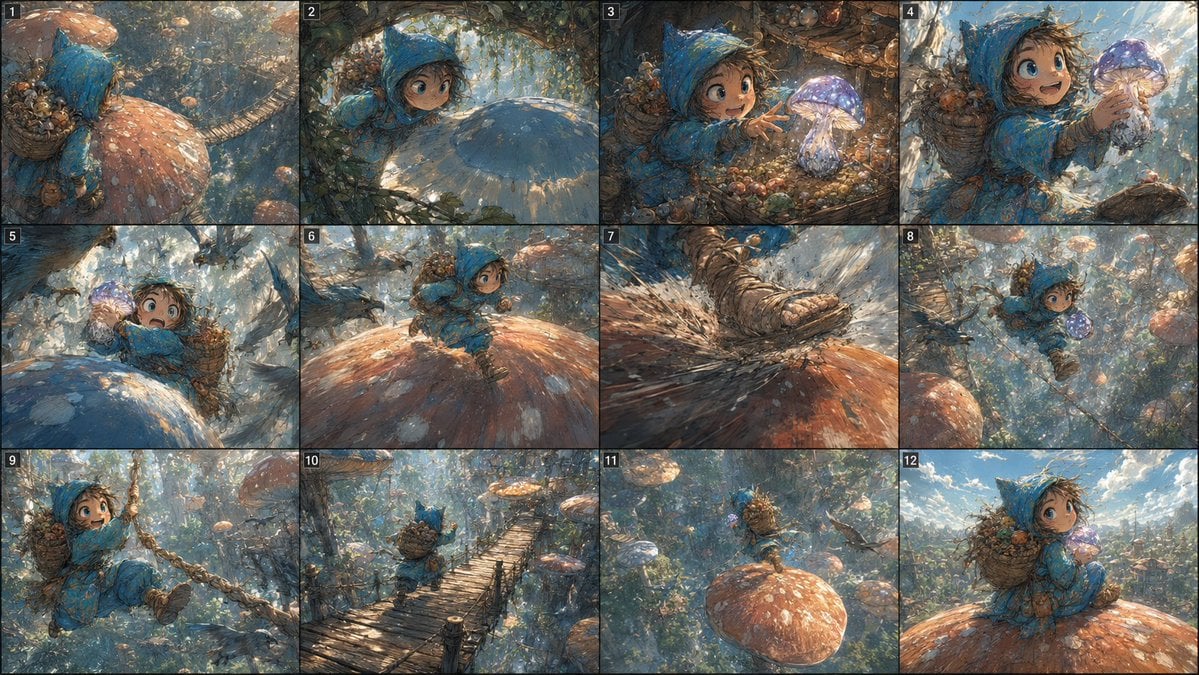
Fantasy Mushroom Forest Storyboard
Browse template categories
Hand-Drawn Izakaya Manga Page questions
How do I use the Hand-Drawn Izakaya Manga Page template?
Add your photo if the template asks for one, edit the prompt if you like — the template's model and format are already selected — and press Generate. Your version opens in PicX Studio.
Can I customize the Hand-Drawn Izakaya Manga Page template?
Yes. You can change the subject, setting, lighting, mood, format, and available model controls before creating your image.
Is the Hand-Drawn Izakaya Manga Page template free?
Opening and editing this template is free. Generating uses credits, shown on the Generate button when you are signed in.
Which AI model should I use?
Start with GPT Image 2, which is the model associated with this template. You can compare another compatible model for a different finish.
Looking for something else? Browse all templates.

Your photo, any look
Thousands of ready templates for every top image and video model, from one credit balance.