
Sprite Pause the Heat Ad
A high-end conceptual soda advertisement featuring one chilled Sprite can between cracked heat and icy mist for premium campaign visuals.
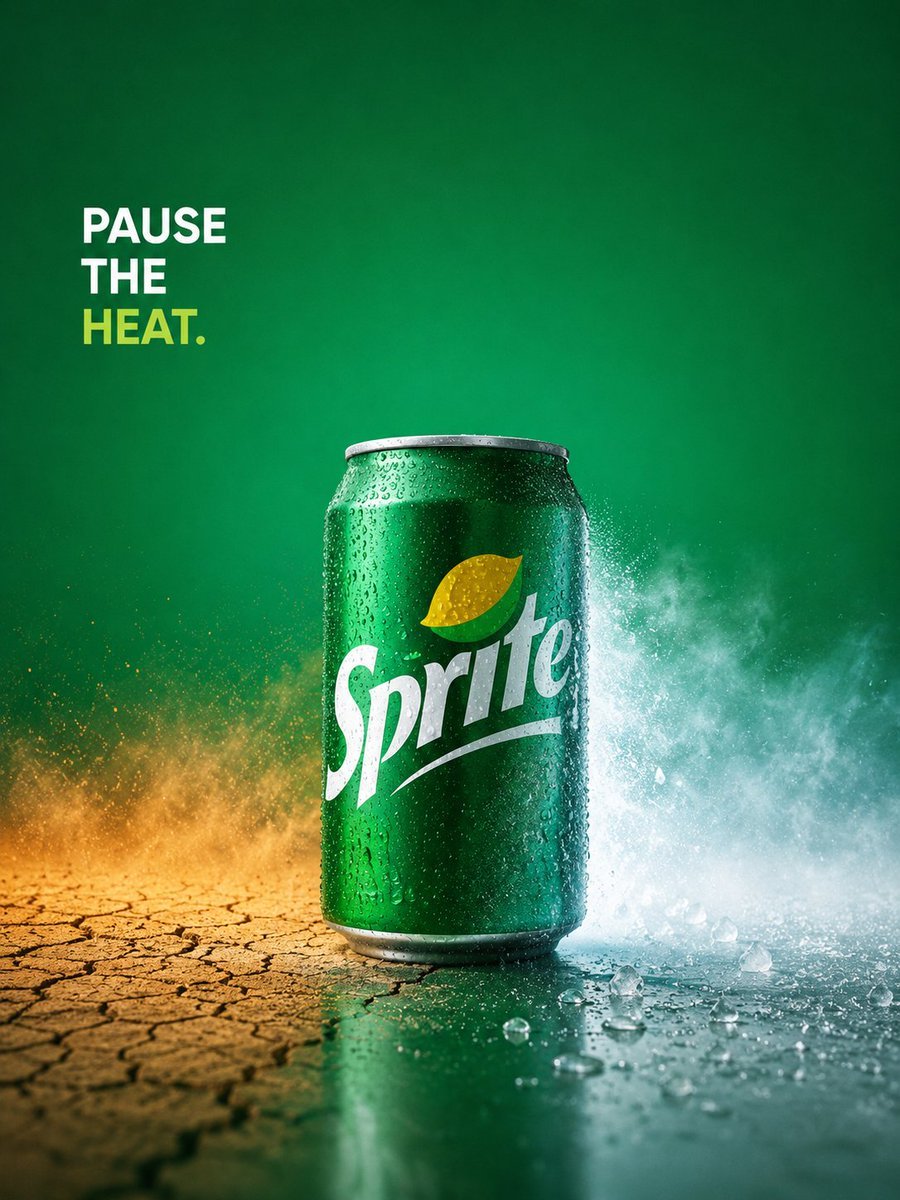
- Prompt included
- Model and format preset
- Free template
The prompt behind this image
Copy the exact prompt behind Sprite Pause the Heat Ad, or open it in the studio and make it yours.
Create a premium conceptual beverage advertisement in a vertical 3:4 composition. Center exactly one chilled {argument name="drink can" default="Sprite can"} standing upright on a glossy wet surface, photographed as a luxury FMCG still-life hero product. The can is vivid emerald green with realistic aluminum rim and base, dense condensation droplets, and the white Sprite logo visible across the front with a yellow-green lemon-lime icon above it. Use a dramatic split-environment concept: the left side of the ground is dry, cracked, dusty, and orange-yellow like extreme heat, while the right side is cold, wet, icy, and misty with splashing frost and scattered ice fragments. Behind the can, create a dynamic horizontal burst of powdery vapor and water spray, warm golden dust on the left blending into cool white-blue mist on the right. The background is a deep green studio gradient with subtle vignetting and cinematic lighting. In the upper left, place one bold slogan block with exactly 3 stacked lines of uppercase sans-serif text: line 1 “{argument name="slogan line one" default="PAUSE"}” in white, line 2 “{argument name="slogan line two" default="THE"}” in white, line 3 “{argument name="slogan line three" default="HEAT."}” in bright yellow-green. Keep the design minimalist, high-contrast, crisp, and award-winning, with Apple-level commercial polish, realistic reflections, sharp product focus, shallow depth of field, and no extra logos, people, hands, straws, fruit slices, or additional cans.
How to use Sprite Pause the Heat Ad in 3 steps
- 1Upload ImagePNG, JPG or paste
Add your photo
Upload the photo the template builds on. The prompt, model and format are already set.
- 2…a portrait of your subject in softgolden-hour light, 85mm…
Personalize
Edit the subject and creative details for your destination.
- 3Generate
Generate
Press Generate — your image is created in PicX Studio, so you can compare it with the original and refine one variable at a time.
More like this
Templates with the same subject, style or setup. Open one to see its prompt.
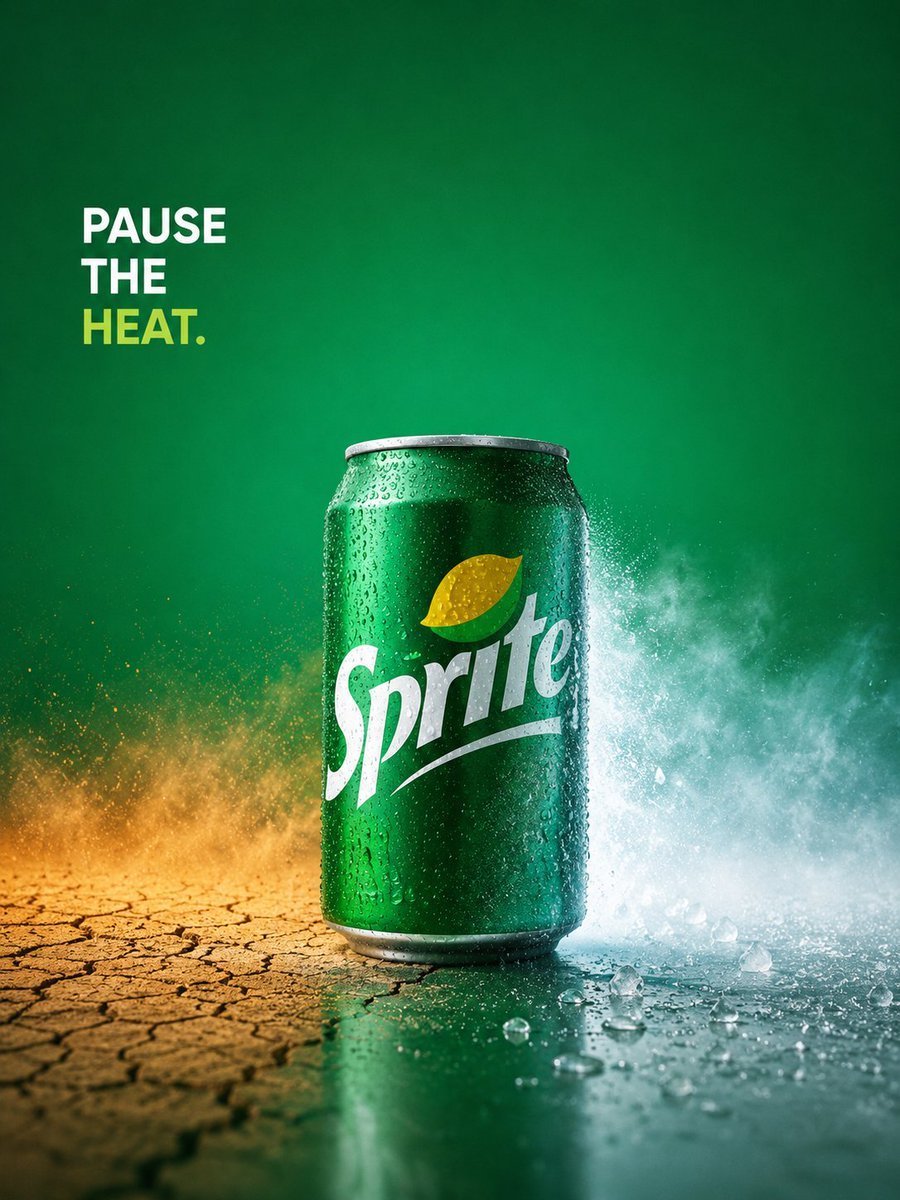
Sprite Heat Pause Beverage Ad
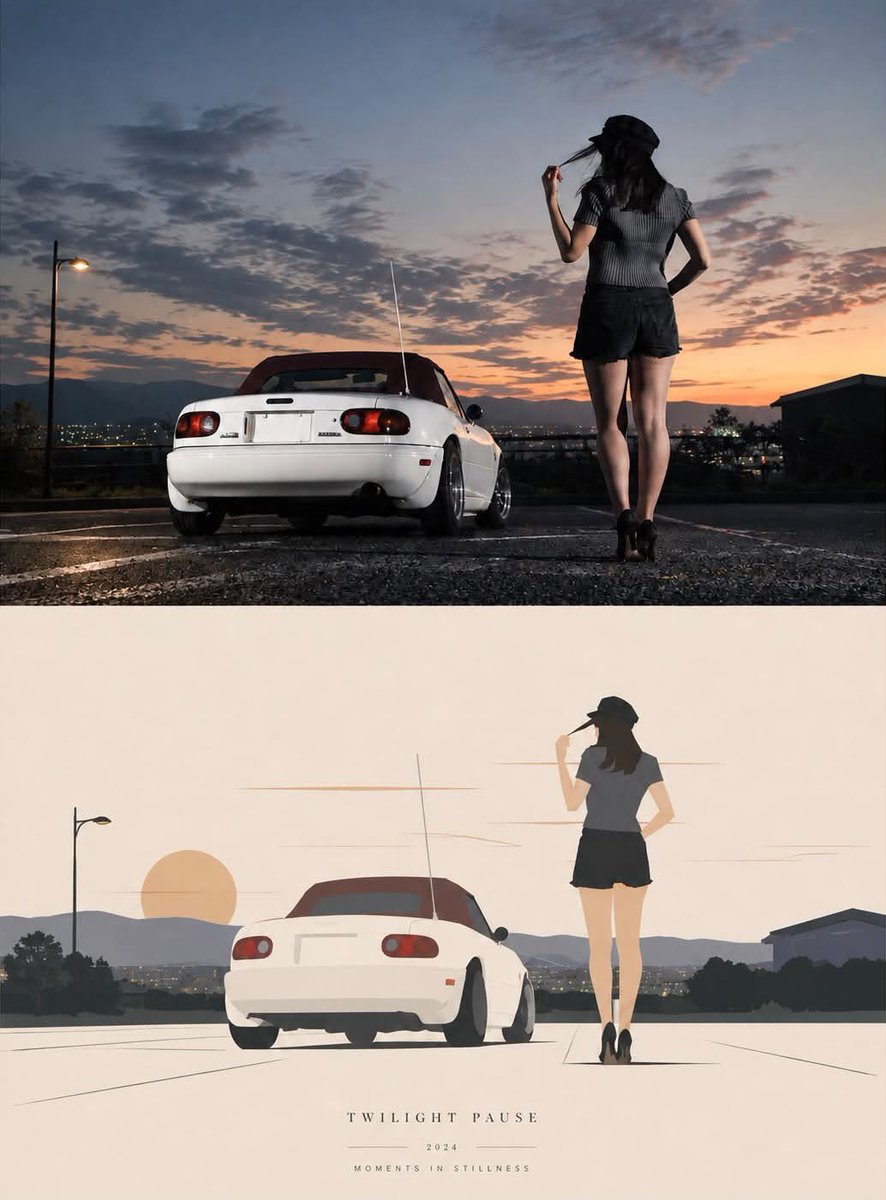
Twilight Pause Cinematic Editorial Poster
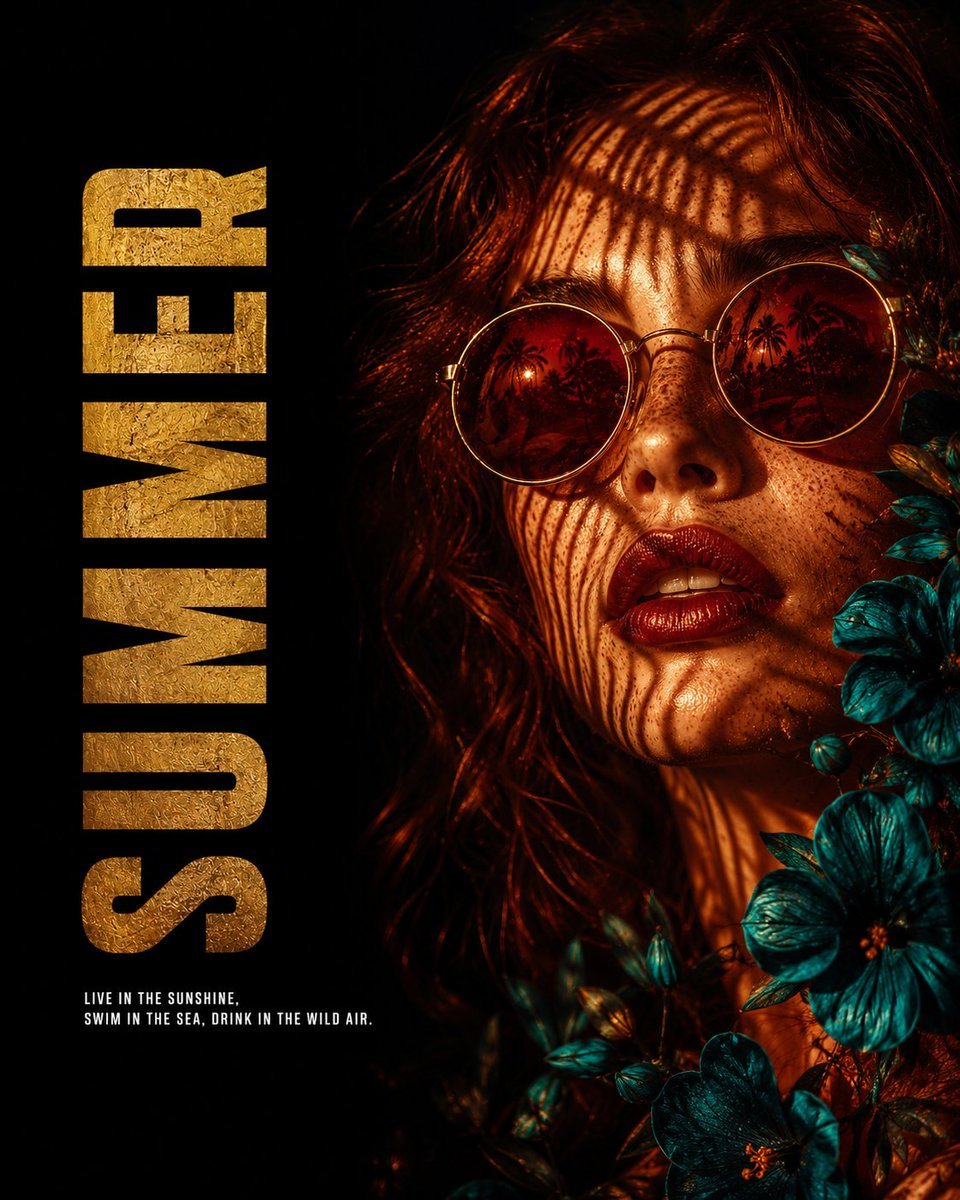
Summer Heat Editorial Poster
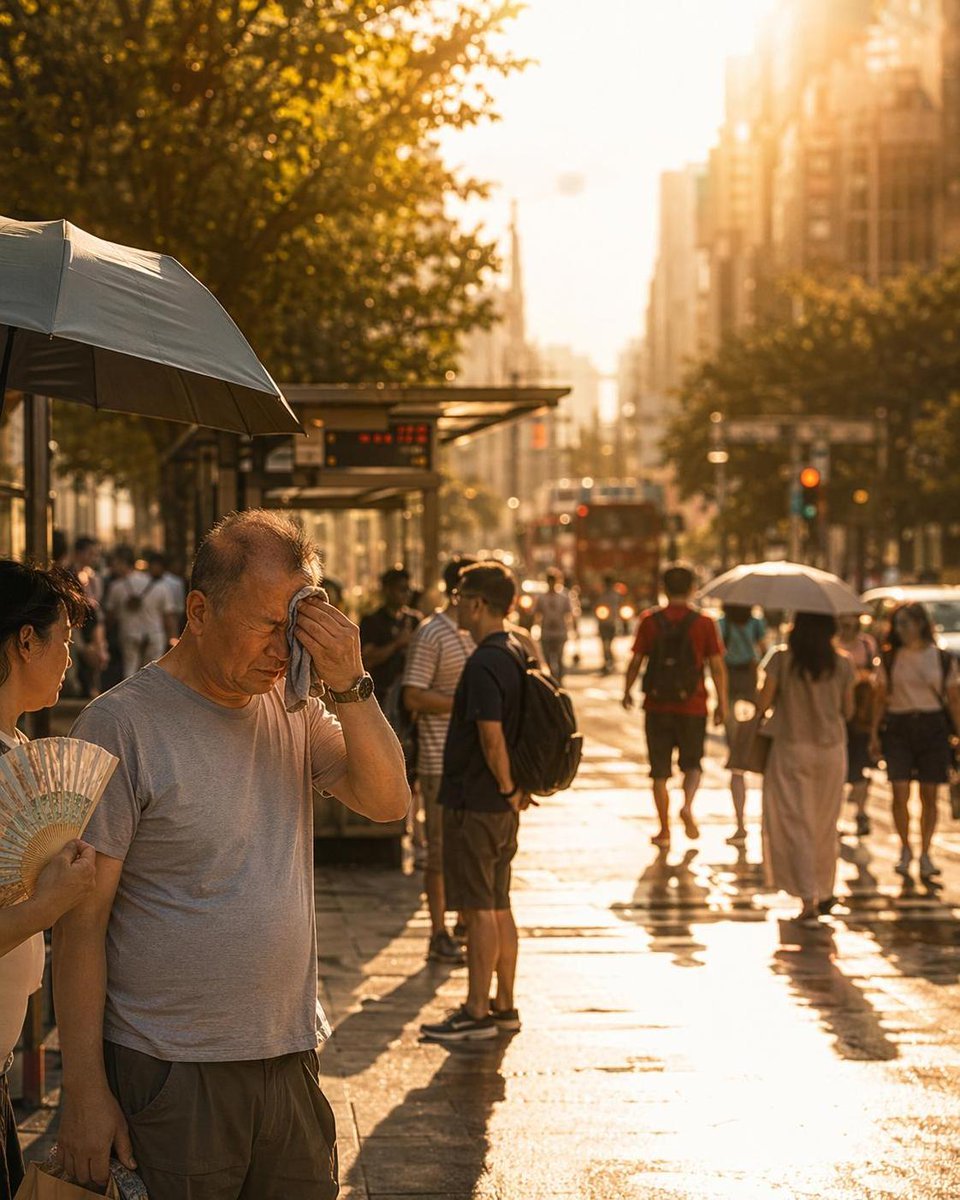
City Heatwave Editorial Photography
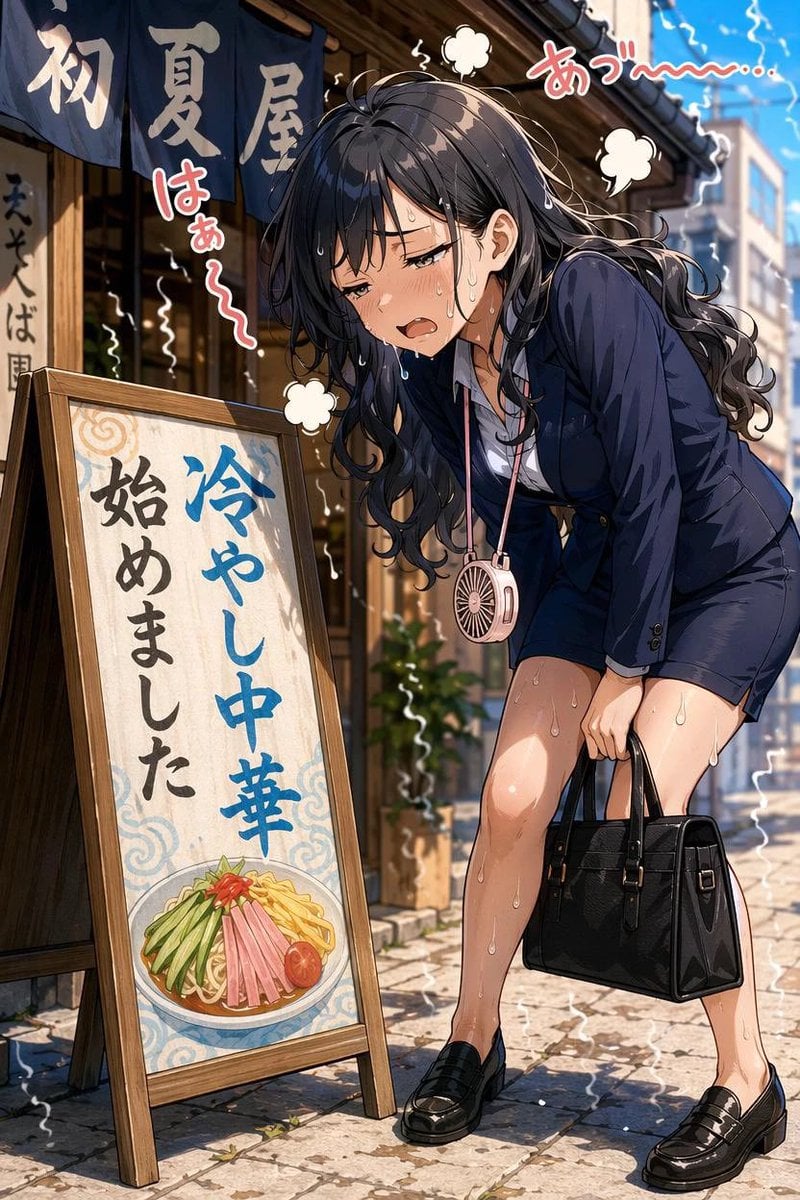
Overheated Office Lady at Noodle Shop
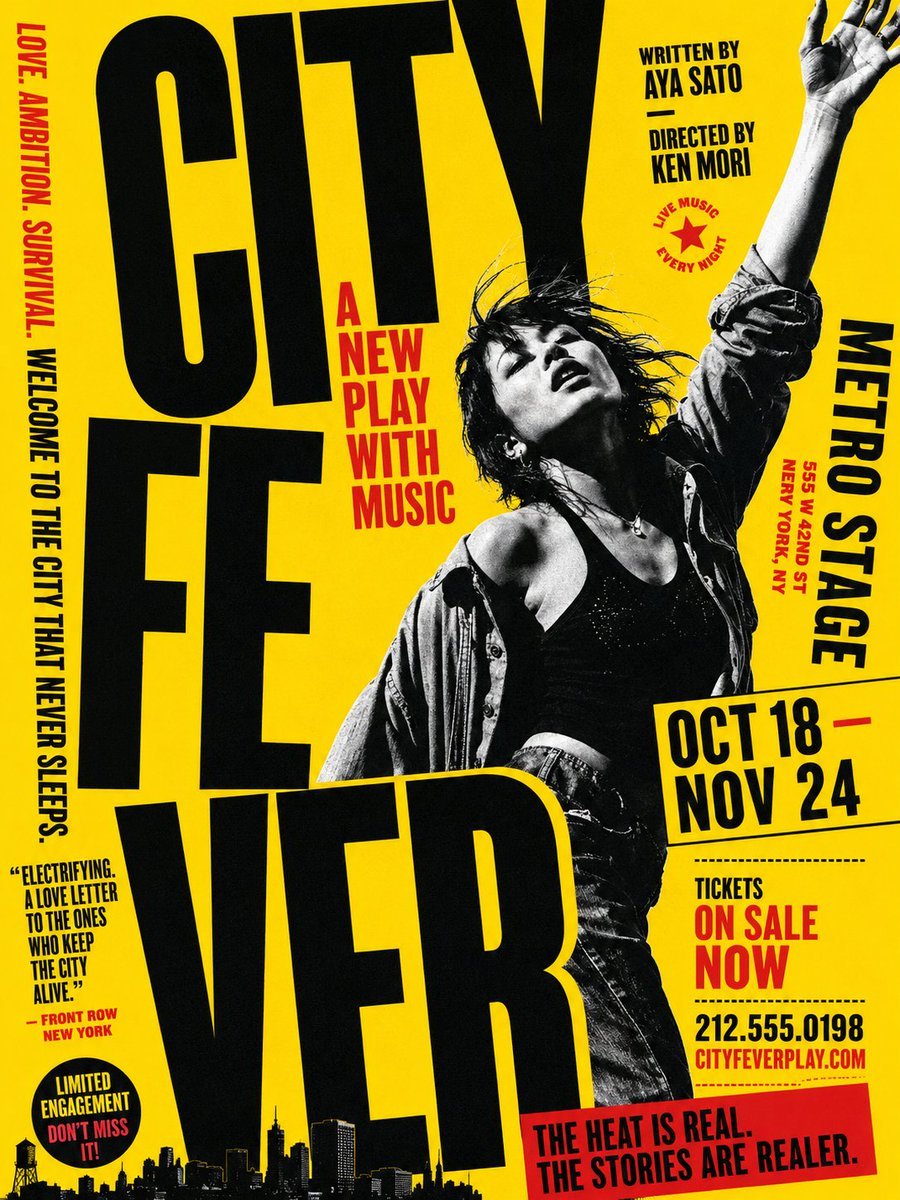
Gritty City Fever Theater Poster
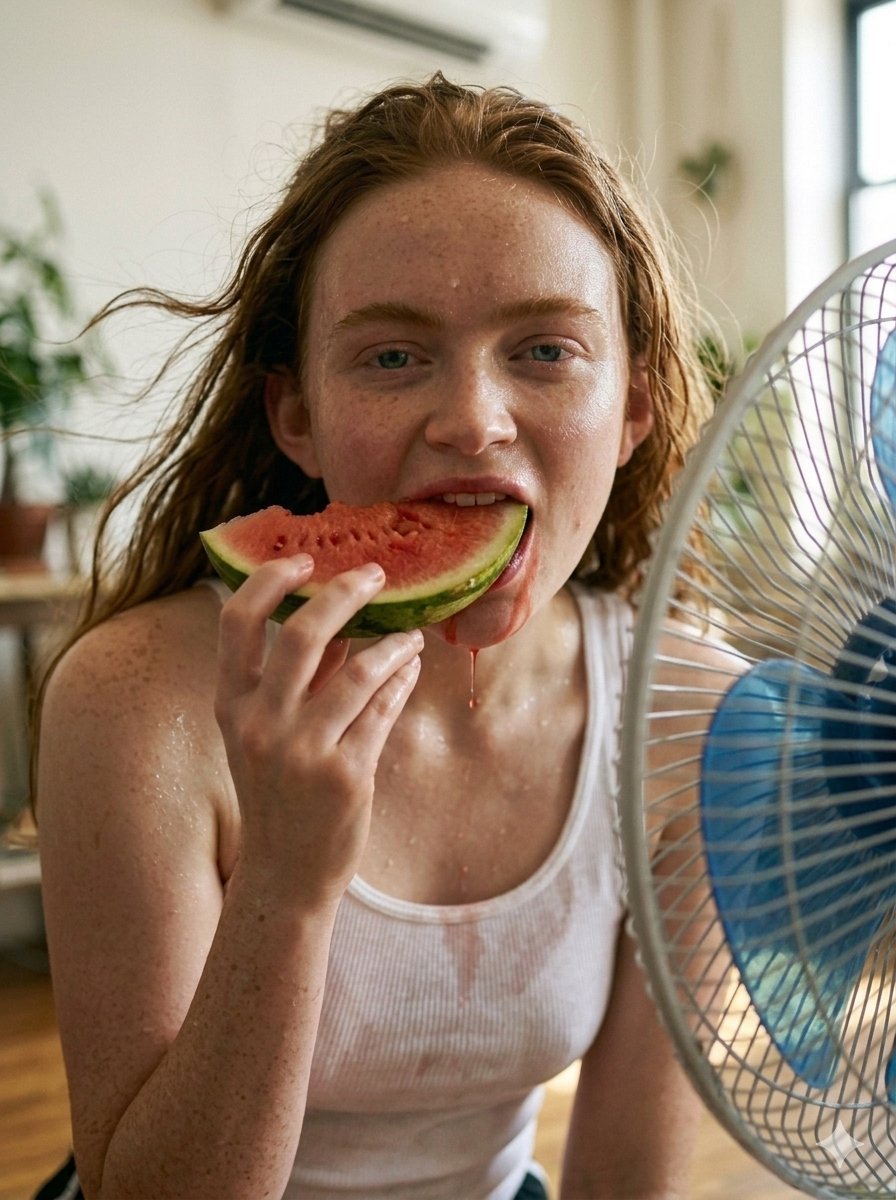
Realistic Summer Heat Lifestyle Portrait

Two Blossom Tree Sprites with Crystal

Cute Blue Water Slime Pixel Sprite
Chibi Mascot Fighting Sprite Sheet

Character Battle Motion Sprite Sheet

Cartoon Character GIF Sprite Sheet
Make it yours
Sprite Pause the Heat Ad works as-is. These are the safest ways to change it without losing the look.
Change one field
Copy a single group, rewrite it, and generate again so you can see what that field is doing.
Keep the frame, change the subject
Hold the composition and light of Sprite Pause the Heat Ad, then swap wardrobe, props or the person for a new take.
| If the result… | Why | Fix |
|---|---|---|
| The result drifts from the preview | Too many fields changed at once. | Reuse Sprite Pause the Heat Ad as-is first, then change one group — subject, light, or setting. |
| The model over-stylizes the scene | The prose prompt leaves finish and camera underspecified. | Add one camera or lighting sentence and stay on GPT Image 2. |
More GPT Image 2 templates
Other prompts made for GPT Image 2.

Six VTuber Japanese Logo Sheet

Realistic Portrait of Woman and Deer

The Vista Modular Condo Poster

AI Model Routing Comparison Infographic

2.5D Anime Art Board

Isometric Productivity Desk Scene

New York Double Exposure Poster

Four-Panel AI Landscape Comparison

Japanese Tatami Lifestyle Magazine Cover

NESCAFÉ Coffee Map Poster
More image prompts
Fresh picks from across the catalog.
Japanese Educational Promo Banner
Ancient Egyptian Queen with Black Panther

Anime Character Noodle Delivery
Japanese Woman in Hallstatt Travel Portrait
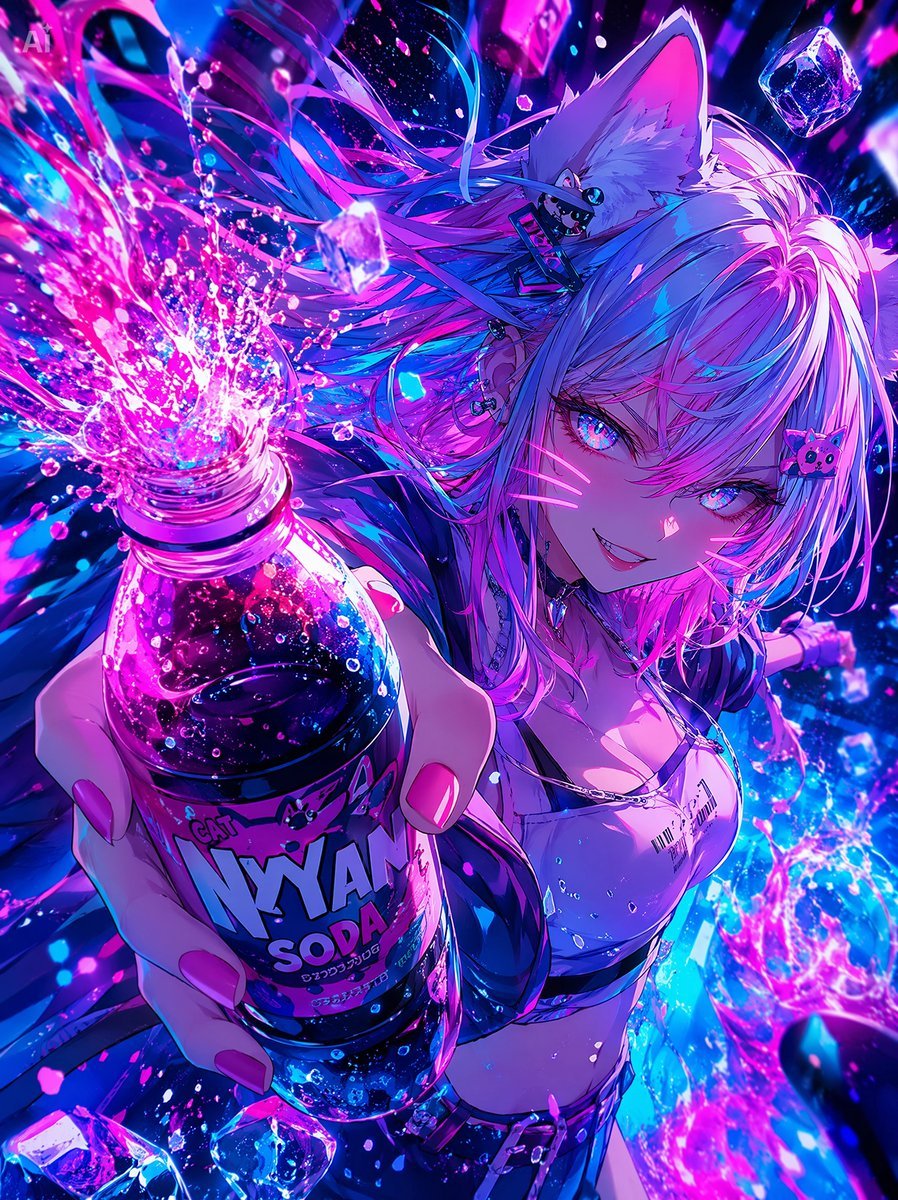
Neon Catgirl Soda Ad
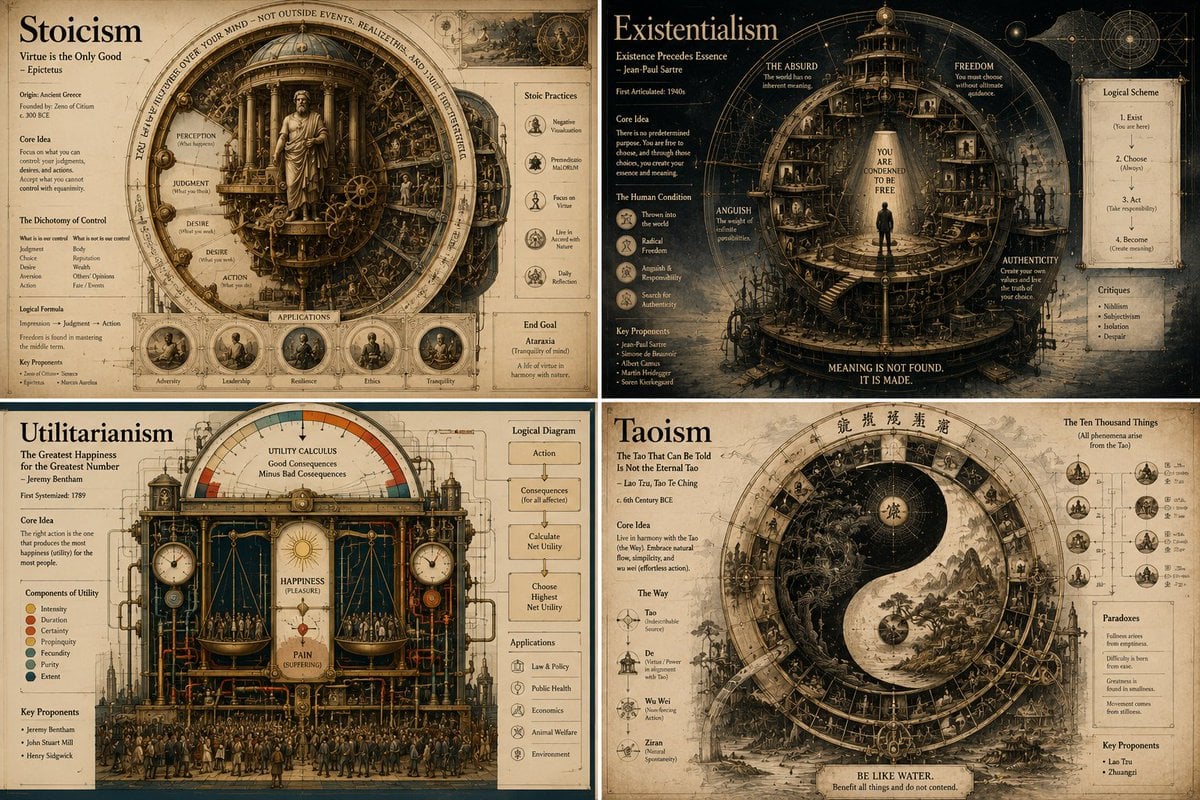
Philosophical Infographic Machine Generator
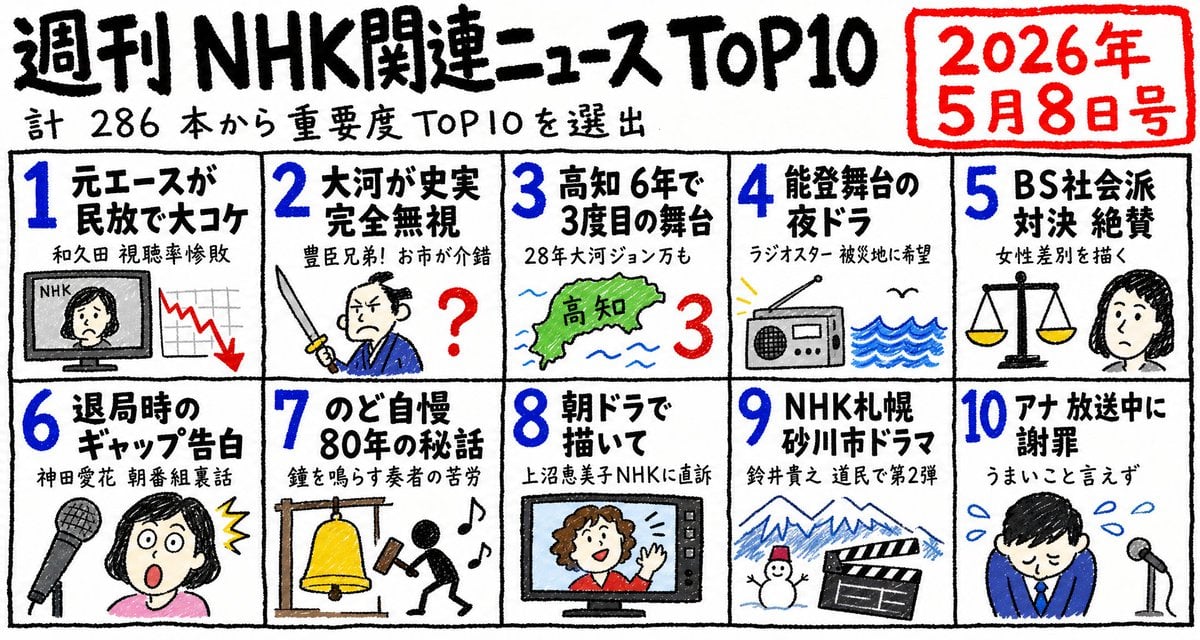
Hand-Drawn NHK News Top 10 Poster

03 Beverly Hills Convertible — California Series
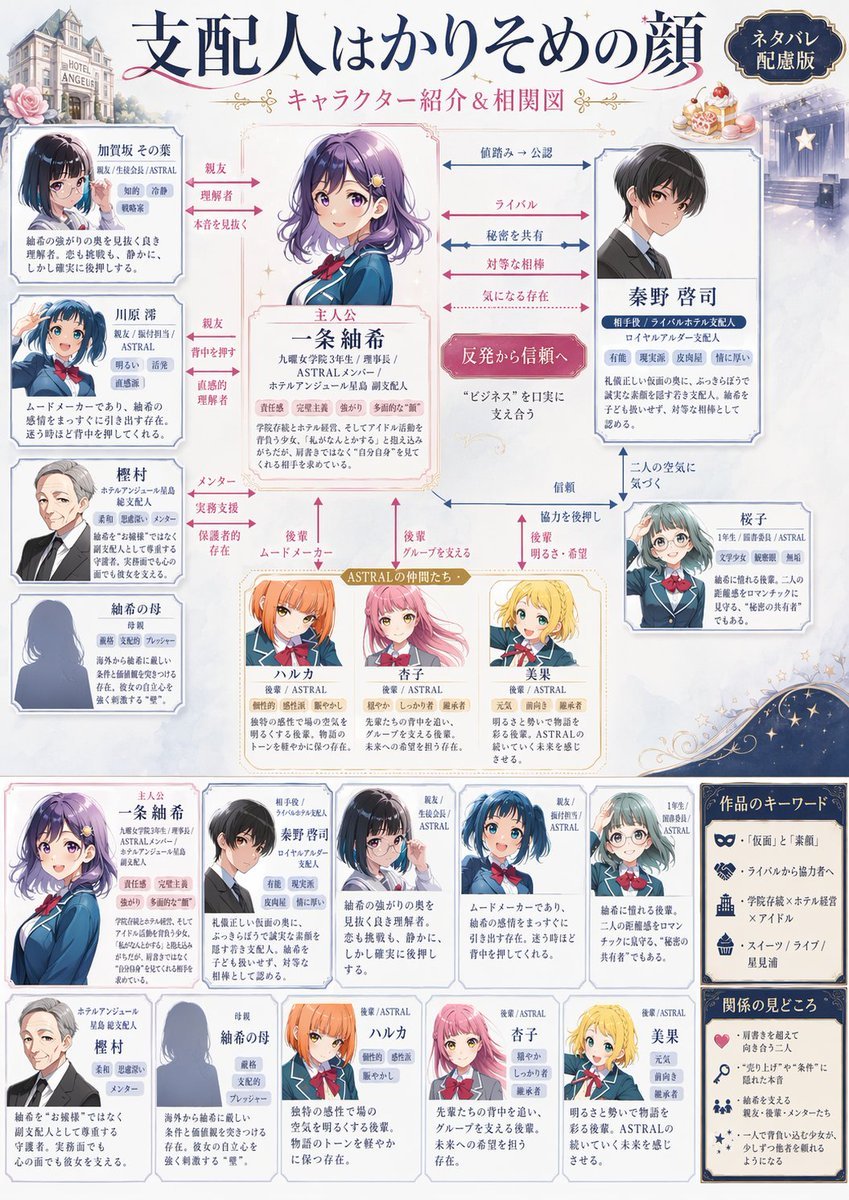
Japanese Character Relationship Chart Poster
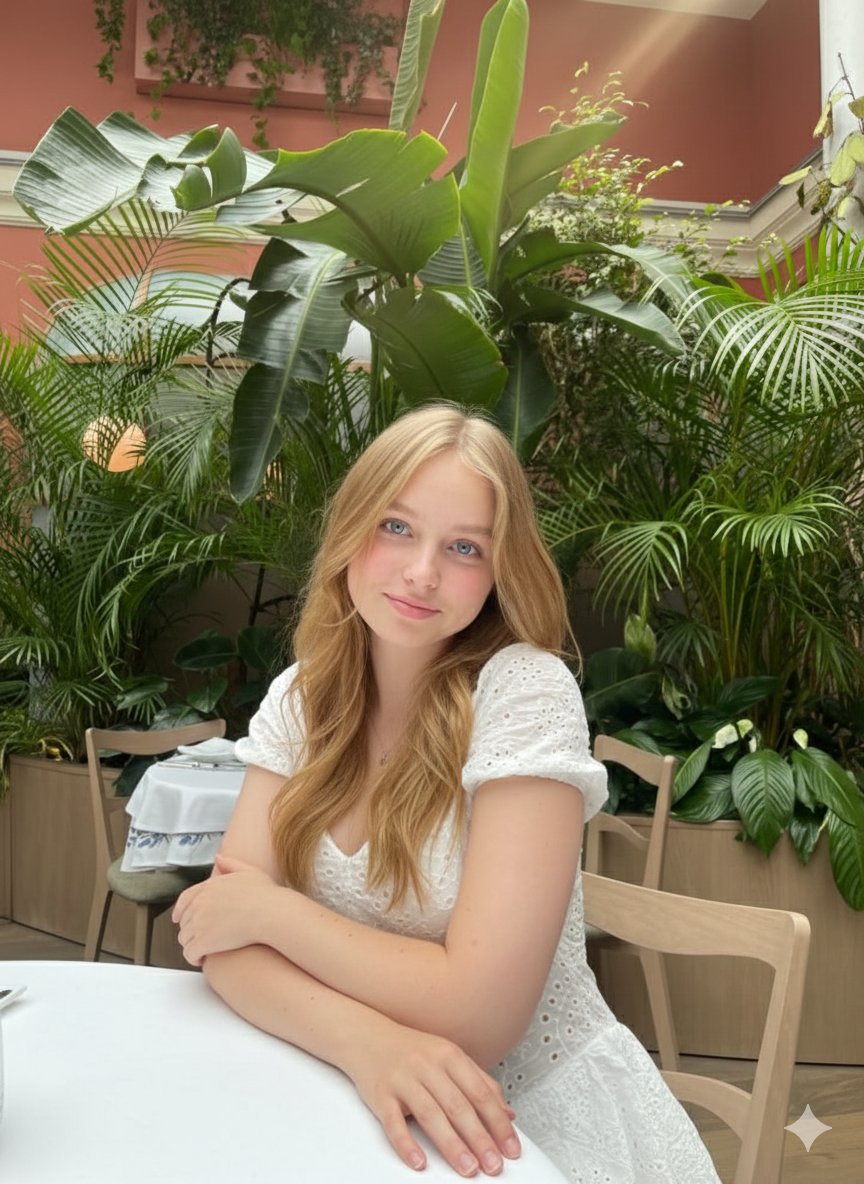
Cinematic Greenhouse Portrait at Golden Hour
Browse template categories
Sprite Pause the Heat Ad questions
How do I use the Sprite Pause the Heat Ad template?
Add your photo if the template asks for one, edit the prompt if you like — the template's model and format are already selected — and press Generate. Your version opens in PicX Studio.
Can I customize the Sprite Pause the Heat Ad template?
Yes. You can change the subject, setting, lighting, mood, format, and available model controls before creating your image.
Is the Sprite Pause the Heat Ad template free?
Opening and editing this template is free. Generating uses credits, shown on the Generate button when you are signed in.
Which AI model should I use?
Start with GPT Image 2, which is the model associated with this template. You can compare another compatible model for a different finish.
Looking for something else? Browse all templates.

Your photo, any look
Thousands of ready templates for every top image and video model, from one credit balance.