
Philosophical Infographic Machine Generator
A sophisticated prompt using a code-like structure to visualize abstract philosophical concepts as magnificent machines or diagrams.
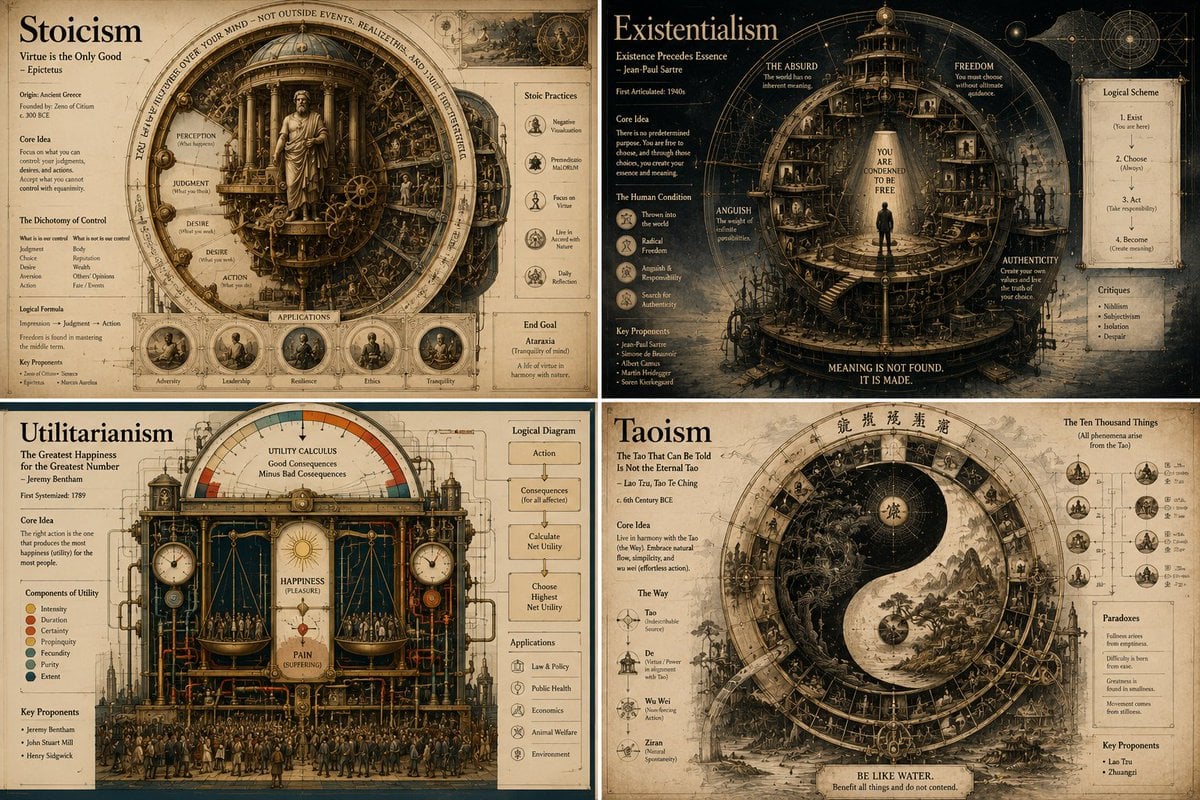
- Prompt included
- Model and format preset
- Free template
The prompt behind this image
Copy the exact prompt behind Philosophical Infographic Machine Generator, or open it in the studio and make it yours.
2x2 grid, 16:9, do this for 4 famous philosophies: class Philosophical_Idea_Machine_DNA: def __init__(self): self.subject = "{argument name="subject" default="[PHILOSOPHY / CONCEPT / PARADOX]"}" self.parents = { "composition_parent": "Renaissance memory theatre — wheels within wheels, concentric knowledge rings, symbolic emblems", "atmosphere_parent": "Alchemical manuscript — cryptic imagery, lunar light, sepia and oxidized copper tones", "graphic_parent": "Bauhaus conceptualism — elemental shapes as thought-forms, clean lines, primary colour logic", "detail_parent": "Encyclopédie plate — mechanical cross-sections of ideas, gears of dialectic, part numbering" } self.mutations = { "medium_mutation": "Printed layers of translucent vellum overlays that build the idea when viewed together", "information_mutation": "Logical syllogisms as circuit diagrams, historical proponents as constellation maps, glossary of terms", "semantic_mutation": "The abstract idea becomes a physical, inhabitable clockwork universe", "scale_mutation": "A single logical step unfolds into a complete microcosmic city where the idea is lived reality" } self. style_mix = { "composition_parent": 0.25, "atmosphere_parent": 0.20, "graphic_parent": 0.30, "detail_parent": 0.15, "mutations": 0.10 } def generate_subject(self): subject = """ Create a vertical luxury infographic poster that gives physical form to [SUBJECT]. Invent a magnificent symbolic machine, diagram, or architecture that represents the idea. Explode its layers to show internal logic, historical influences, counterarguments, and real-world manifestations. The design must feel like a transmission from a library that exists outside time. Semantic inference should render the intangible tangible with intellectual rigour. """ return render( subject, style_mix=self. style_mix, format="vertical poster, conceptual infographic", typography=""" Large title: {argument name="concept name" default="[CONCEPT NAME]"} Subtitle: [ORIGIN / PHILOSOPHER / MAXIM] Microtext: [LOGICAL FORMULA / CITATION / FIRST USE DATE / LATIN TERM] """, composition=""" Mandala-like symmetry or dynamic tension depending on concept nature. Clear visual hierarchy, meditative spacing. """, lighting=""" Illumination from unseen source — like a page from a sacred text held to candlelight. """, constraints=""" No trite symbols (lightbulbs for ideas, etc.). No pseudo-profound emptiness. """ )
How to use Philosophical Infographic Machine Generator in 3 steps
- 1
Open
The prompt is already in the box next to the preview, with the template's model and format selected.
- 2…a portrait of your subject in softgolden-hour light, 85mm…
Personalize
Edit the subject and creative details for your destination.
- 3Generate
Generate
Press Generate — your image is created in PicX Studio, so you can compare it with the original and refine one variable at a time.
More like this
Templates with the same subject, style or setup. Open one to see its prompt.

Japan Travel Brochure Poster

Isometric Process Educational Diorama

Isometric Vehicle Teardown Infographic Template

Gpt2 E Commerce Main Image Earbuds E Commerce Infographic

Gpt2 Infographic Edu Visual Alishan One Day Travel Poster

Gpt2 Infographic Edu Visual Ethnographic Plate for Tibetan Ceremonial Hat

Gpt2 Infographic Edu Visual Earth Signs Zodiac Character Poster

Gpt2 Infographic Edu Visual Water Signs Zodiac Character Poster

Gpt2 Infographic Edu Visual Ink Wash Tribute Poster for Chen Uen

Gpt2 Infographic Edu Visual Vintage Claude Shannon Infographic Poster

Gpt2 Infographic Edu Visual Taoist Three Souls Seven Po Poster

Gpt2 Infographic Edu Visual Biomimetic Skyray Aircraft Poster
Make it yours
Philosophical Infographic Machine Generator works as-is. These are the safest ways to change it without losing the look.
Change one field
Copy a single group, rewrite it, and generate again so you can see what that field is doing.
Keep the frame, change the subject
Hold the composition and light of Philosophical Infographic Machine Generator, then swap wardrobe, props or the person for a new take.
| If the result… | Why | Fix |
|---|---|---|
| The result drifts from the preview | Too many fields changed at once. | Reuse Philosophical Infographic Machine Generator as-is first, then change one group — subject, light, or setting. |
| The model over-stylizes the scene | The prose prompt leaves finish and camera underspecified. | Add one camera or lighting sentence and stay on GPT Image 2. |
More GPT Image 2 templates
Other prompts made for GPT Image 2.

Six VTuber Japanese Logo Sheet

Realistic Portrait of Woman and Deer

The Vista Modular Condo Poster

AI Model Routing Comparison Infographic

2.5D Anime Art Board

Isometric Productivity Desk Scene

New York Double Exposure Poster

Four-Panel AI Landscape Comparison

Japanese Tatami Lifestyle Magazine Cover

NESCAFÉ Coffee Map Poster
More image prompts
Fresh picks from across the catalog.
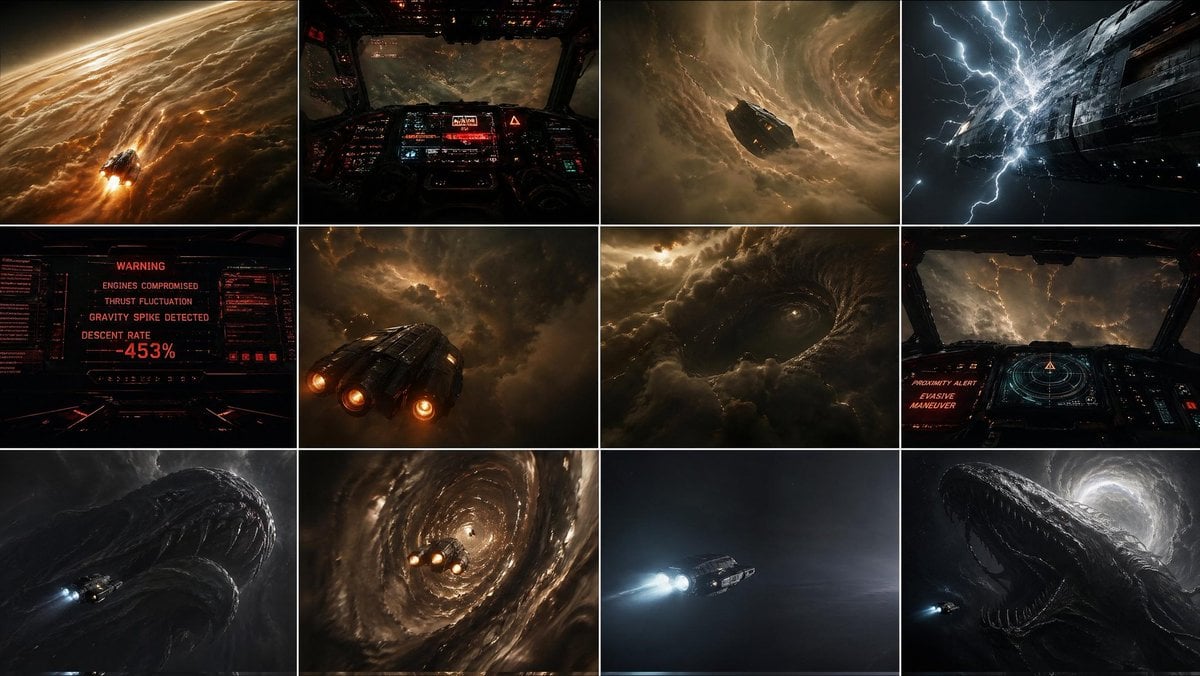
Gas Giant Descent Storyboard

Universal JSON Template for Editorial Product Ads
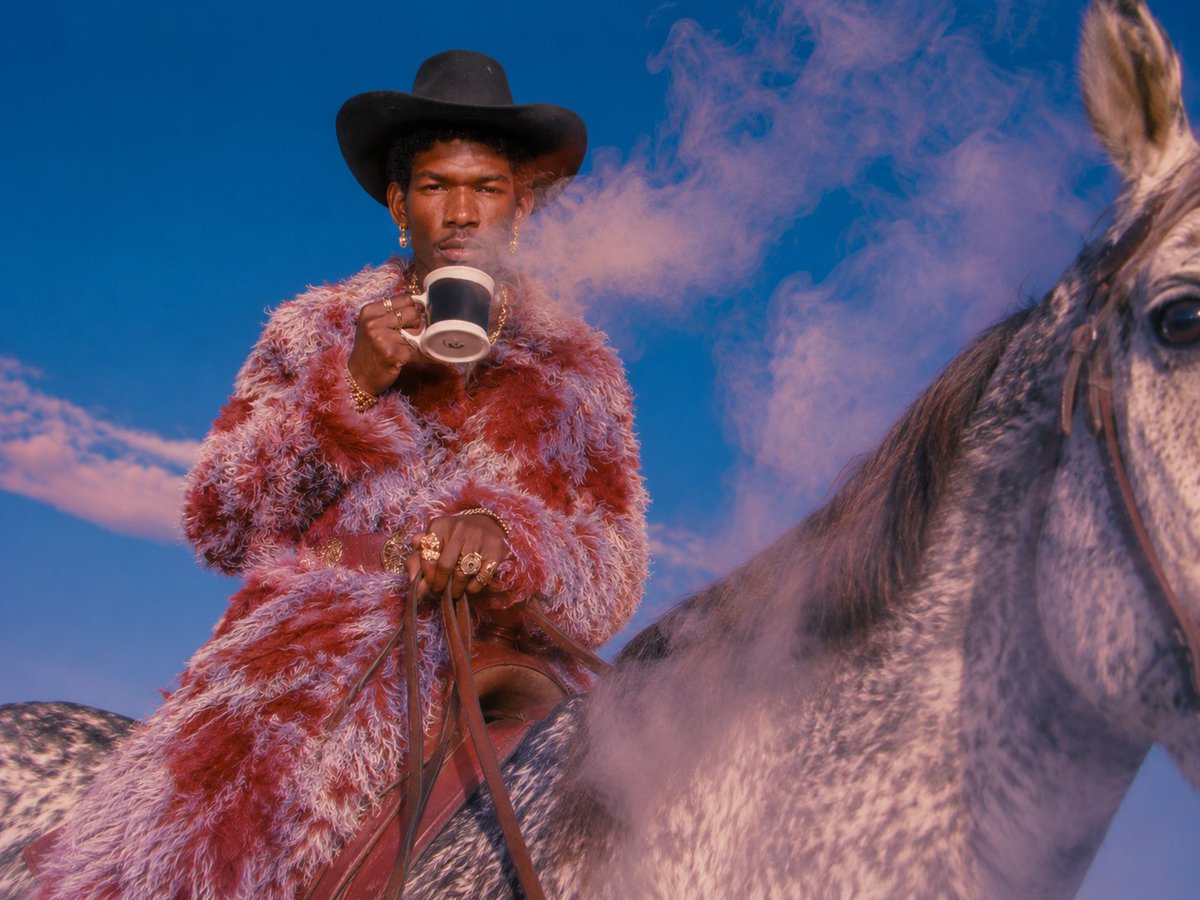
Surreal Cowboy Fashion Editorial
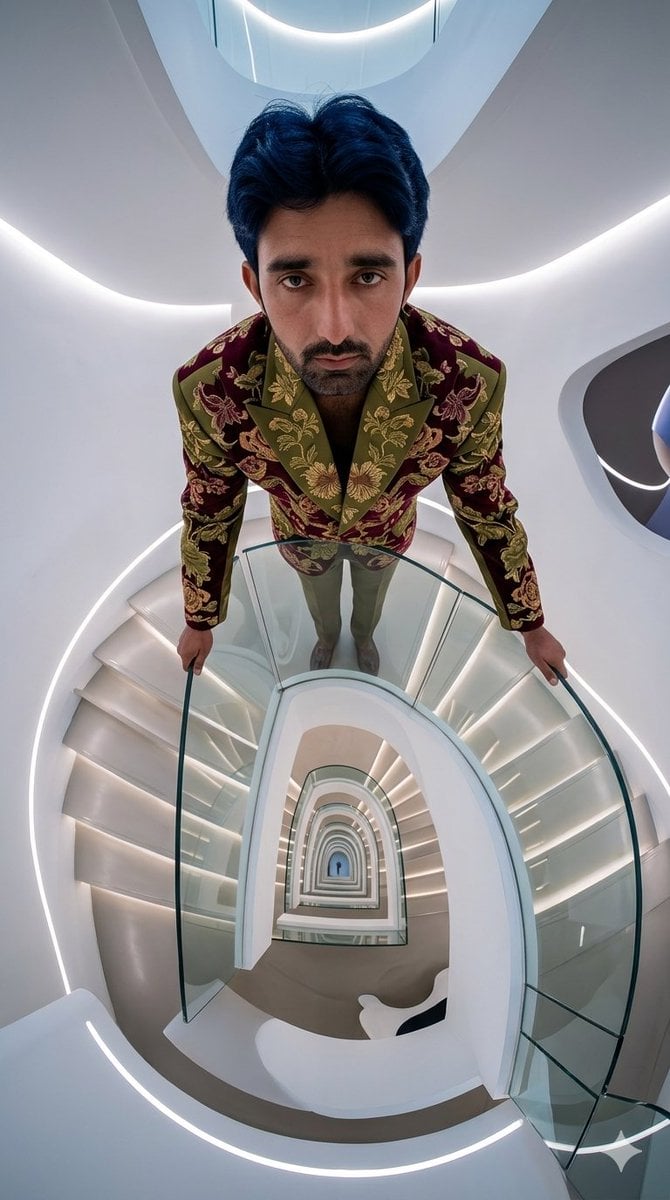
Fisheye Staircase Fashion Editorial

Modern Sukeban Street Portrait

Natural Indoor Lifestyle Photography
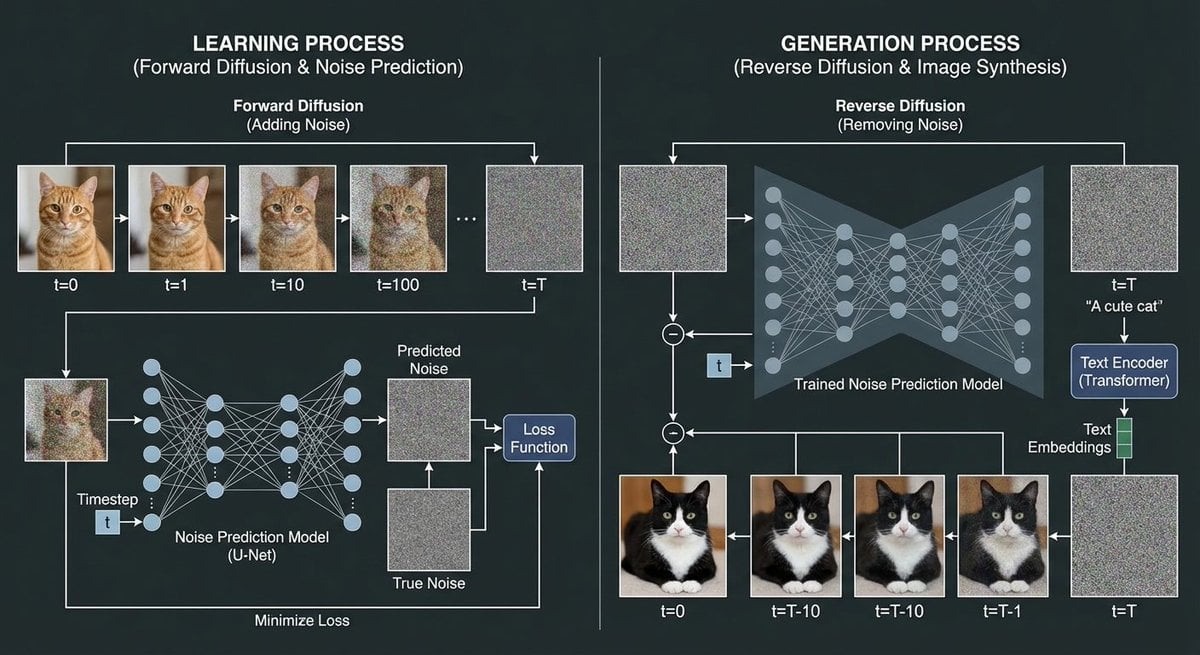
Diffusion model process diagram with cat and noise images

Political Map Visualization

Neon Facebook Creator Poster

European City Travel Illustration
Browse template categories
Philosophical Infographic Machine Generator questions
How do I use the Philosophical Infographic Machine Generator template?
Add your photo if the template asks for one, edit the prompt if you like — the template's model and format are already selected — and press Generate. Your version opens in PicX Studio.
Can I customize the Philosophical Infographic Machine Generator template?
Yes. You can change the subject, setting, lighting, mood, format, and available model controls before creating your image.
Is the Philosophical Infographic Machine Generator template free?
Opening and editing this template is free. Generating uses credits, shown on the Generate button when you are signed in.
Which AI model should I use?
Start with GPT Image 2, which is the model associated with this template. You can compare another compatible model for a different finish.
Looking for something else? Browse all templates.

Your photo, any look
Thousands of ready templates for every top image and video model, from one credit balance.