
Sprite Heat Pause Beverage Ad
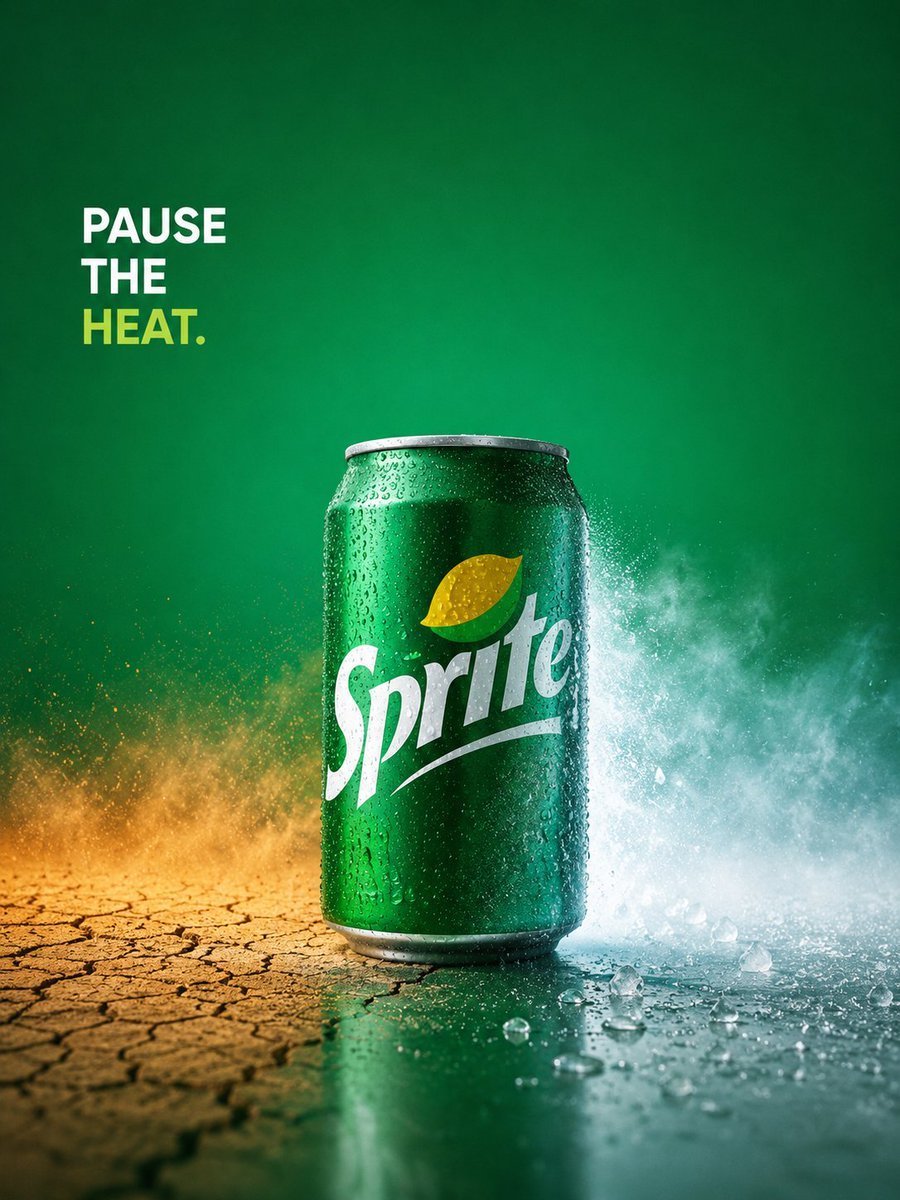
A premium conceptual soft drink advertisement showing a chilled green soda can splitting a hot cracked landscape and a cold icy splash for summer refreshment campaigns.
- Prompt included
- Model and format preset
- Premium template
The prompt behind this image
Copy the exact prompt behind Sprite Heat Pause Beverage Ad, or open it in the studio and make it yours.
Create a high-end conceptual beverage advertisement for {argument name="brand name" default="Sprite"} with a single cold green soda can as the hero product, centered slightly below mid-frame on a vertical 3:4 canvas. The can is glossy emerald green aluminum with realistic condensation droplets, a silver rim and base, and the white {argument name="brand logo text" default="Sprite"} logo large across the front with a small yellow-green lemon-lime icon above it. The scene contrasts heat versus refreshment: the left half of the ground is dry, cracked desert earth in warm ochre and burnt orange tones with golden dust particles rising, while the right half is wet, icy, and teal-blue with splashing water mist, crushed ice pieces, and a cool vapor cloud exploding behind the can. Use a rich green gradient background, darker at the edges and brighter behind the product, with cinematic studio lighting, crisp commercial photography realism, high contrast, and shallow depth of field. Add exactly one text block in the upper left corner reading {argument name="headline text" default="PAUSE\nTHE\nHEAT."}; set it in bold uppercase sans-serif, left aligned, with “PAUSE” and “THE” in white and “HEAT.” in yellow-green. Keep the composition minimalist and premium, Apple-level advertising art direction, no extra objects, no people, no watermark, no additional text, ultra-detailed droplets and ice, sharp product focus, dramatic refreshing energy.
How to use Sprite Heat Pause Beverage Ad in 3 steps
- 1Upload ImagePNG, JPG or paste
Add your photo
Upload the photo the template builds on. The prompt, model and format are already set.
- 2…a portrait of your subject in softgolden-hour light, 85mm…
Personalize
Edit the subject and creative details for your destination.
- 3Generate
Generate
Press Generate — your image is created in PicX Studio, so you can compare it with the original and refine one variable at a time.
More like this
Templates with the same subject, style or setup. Open one to see its prompt.
Sprite Pause the Heat Ad

Two Blossom Tree Sprites with Crystal
Beverage Campaign Key Visual

Cute Blue Water Slime Pixel Sprite
Chibi Mascot Fighting Sprite Sheet

Character Battle Motion Sprite Sheet
Cartoon Character GIF Sprite Sheet
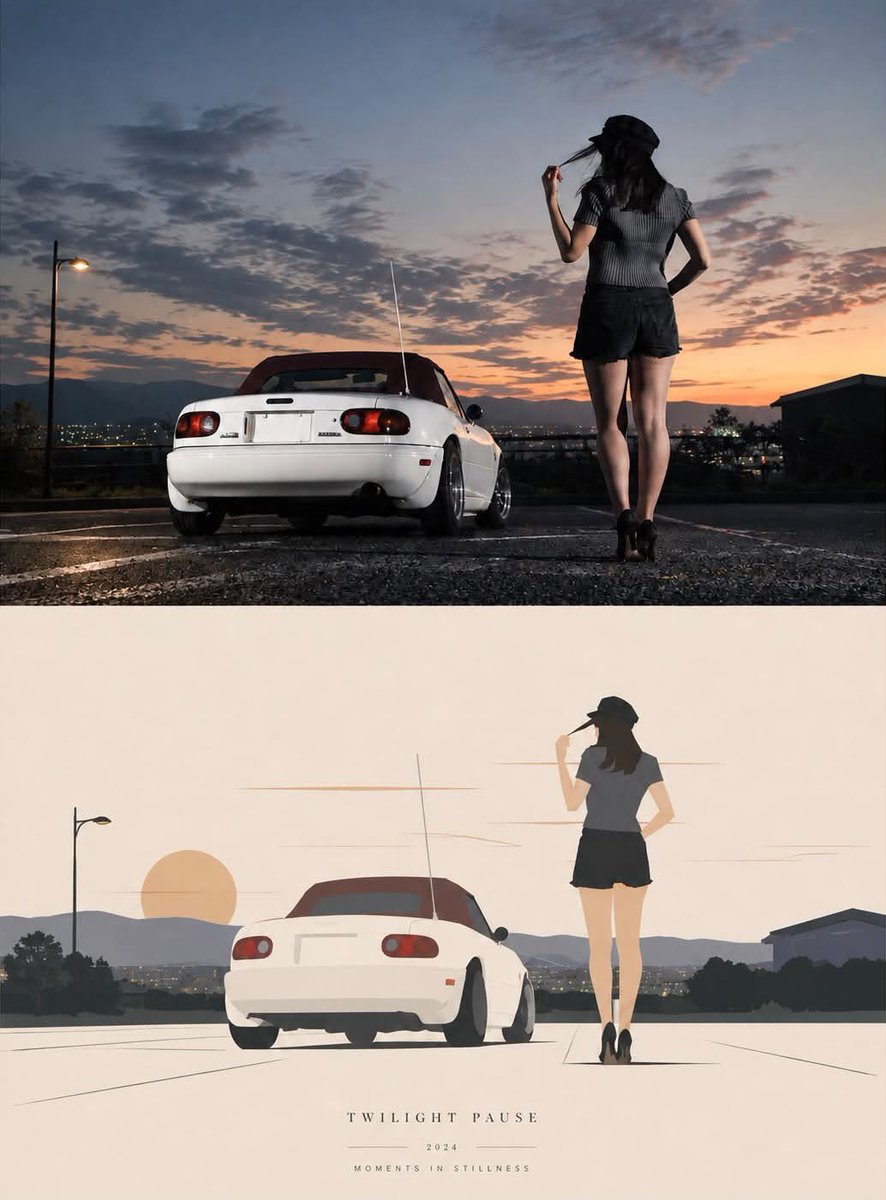
Twilight Pause Cinematic Editorial Poster
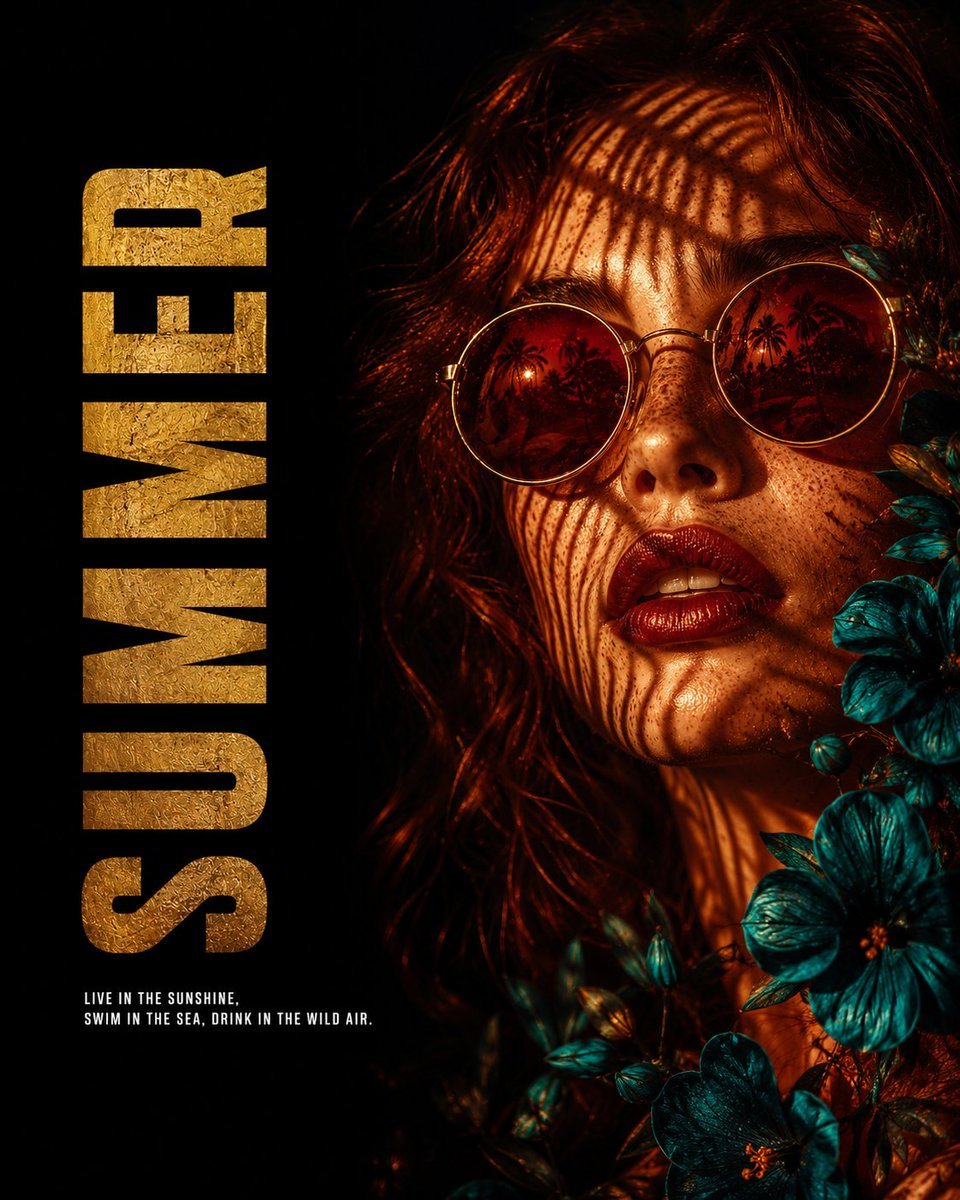
Summer Heat Editorial Poster
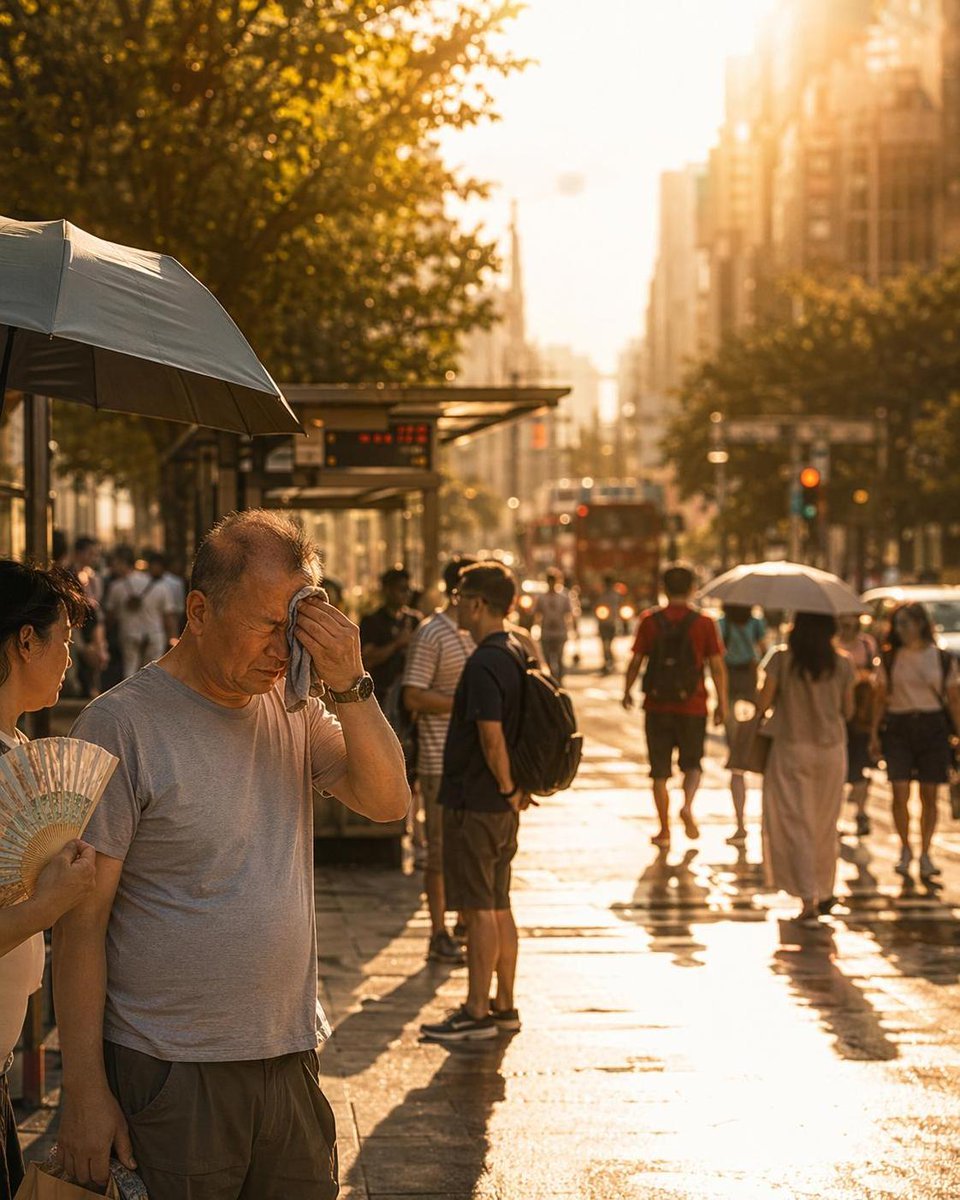
City Heatwave Editorial Photography
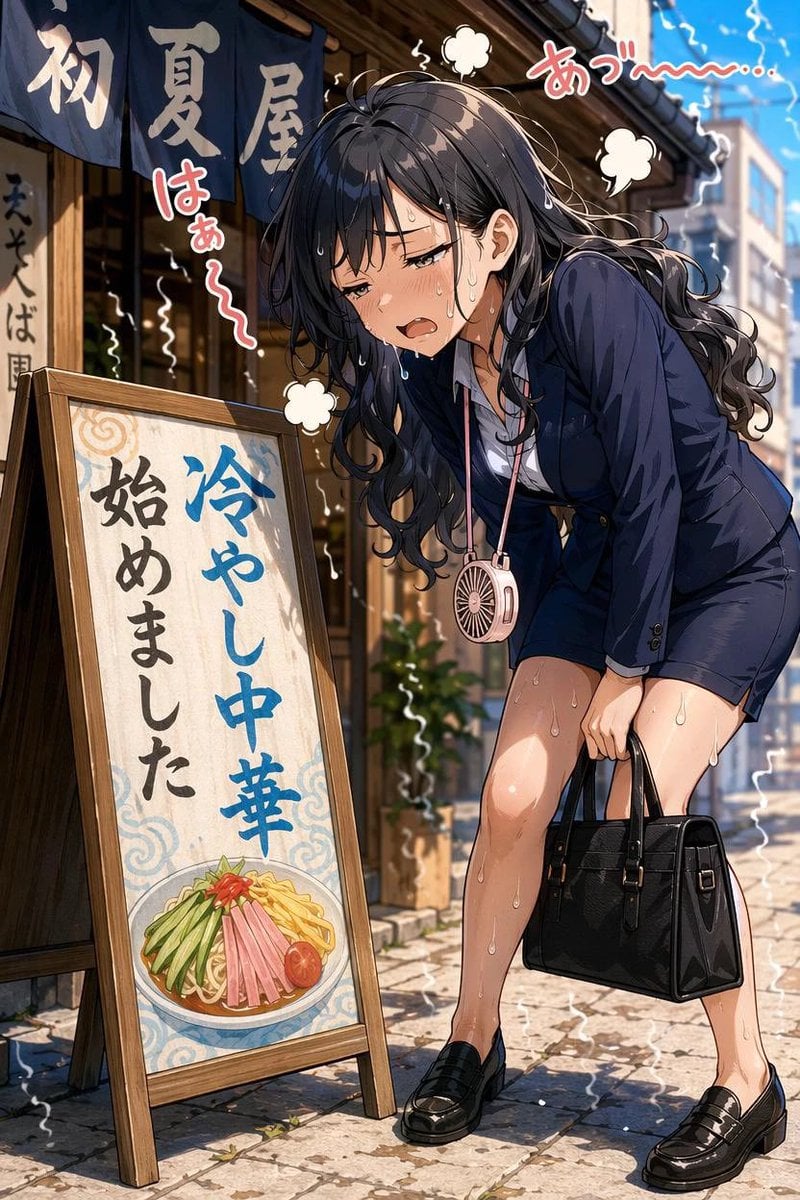
Overheated Office Lady at Noodle Shop
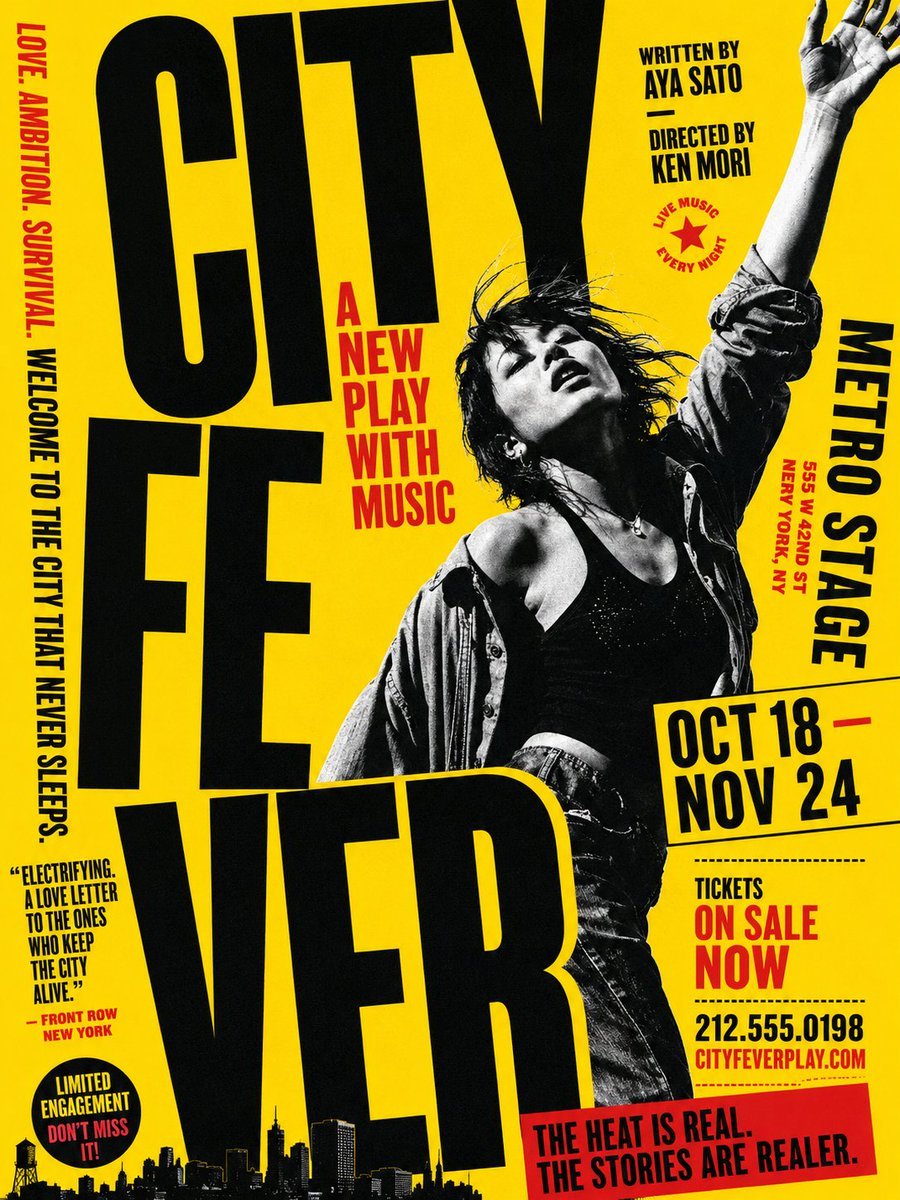
Gritty City Fever Theater Poster
Make it yours
Sprite Heat Pause Beverage Ad works as-is. These are the safest ways to change it without losing the look.
Change one field
Copy a single group, rewrite it, and generate again so you can see what that field is doing.
Keep the frame, change the subject
Hold the composition and light of Sprite Heat Pause Beverage Ad, then swap wardrobe, props or the person for a new take.
| If the result… | Why | Fix |
|---|---|---|
| The result drifts from the preview | Too many fields changed at once. | Reuse Sprite Heat Pause Beverage Ad as-is first, then change one group — subject, light, or setting. |
| The model over-stylizes the scene | The prose prompt leaves finish and camera underspecified. | Add one camera or lighting sentence and stay on GPT Image 2. |
More GPT Image 2 templates
Other prompts made for GPT Image 2.

Six VTuber Japanese Logo Sheet

Realistic Portrait of Woman and Deer

The Vista Modular Condo Poster

AI Model Routing Comparison Infographic

2.5D Anime Art Board

Isometric Productivity Desk Scene

New York Double Exposure Poster

Four-Panel AI Landscape Comparison

Japanese Tatami Lifestyle Magazine Cover

NESCAFÉ Coffee Map Poster
More image prompts
Fresh picks from across the catalog.
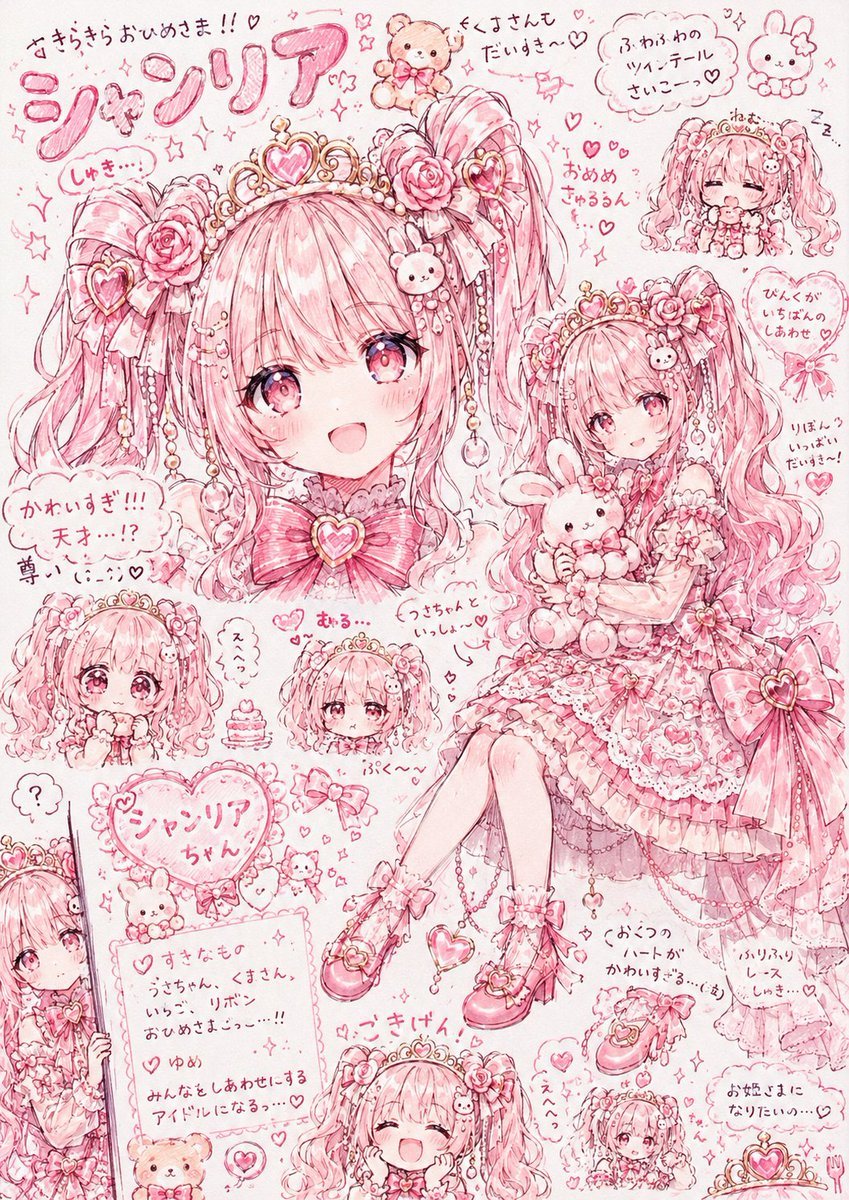
Pink Princess Idol Character Collage
Line and Shape Hybrid Illustration Prompt
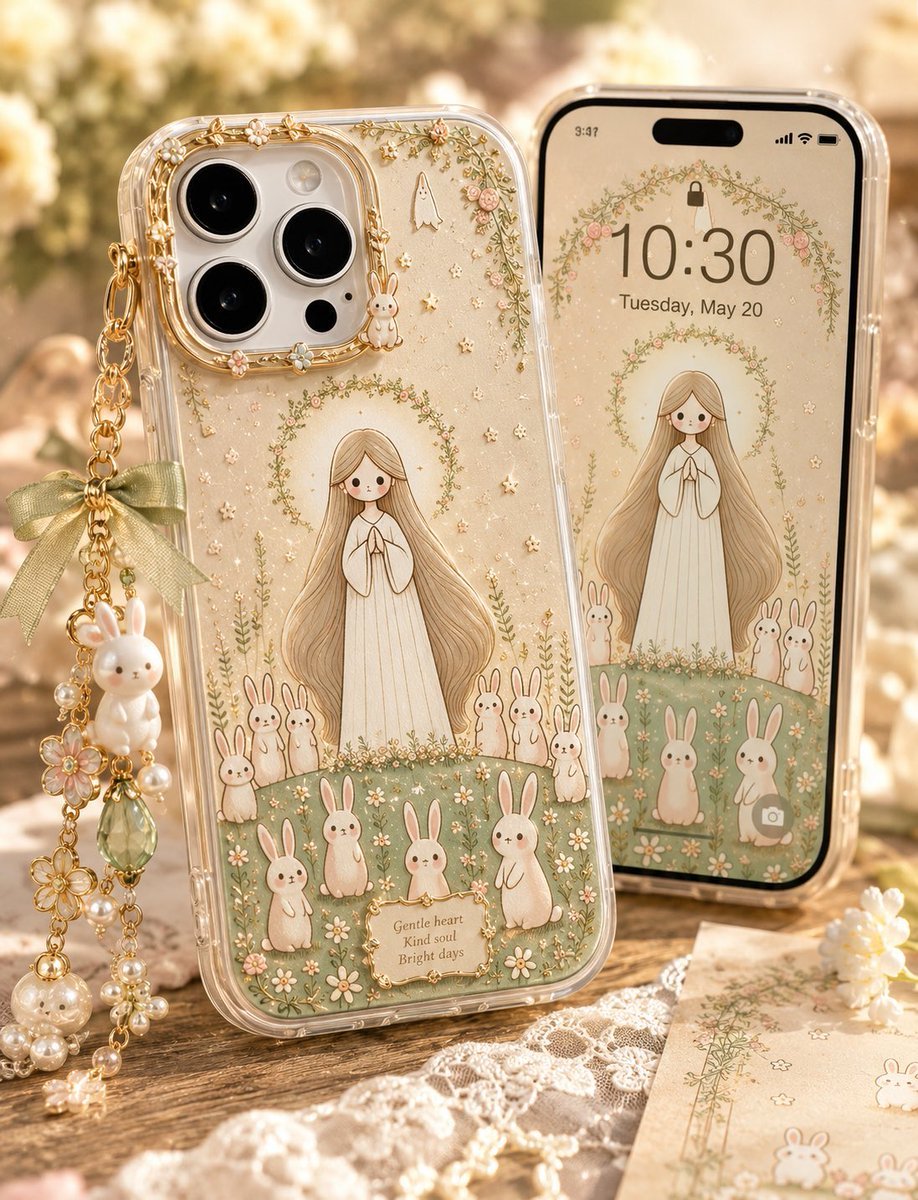
Kawaii Rabbit Smartphone Case Mockup
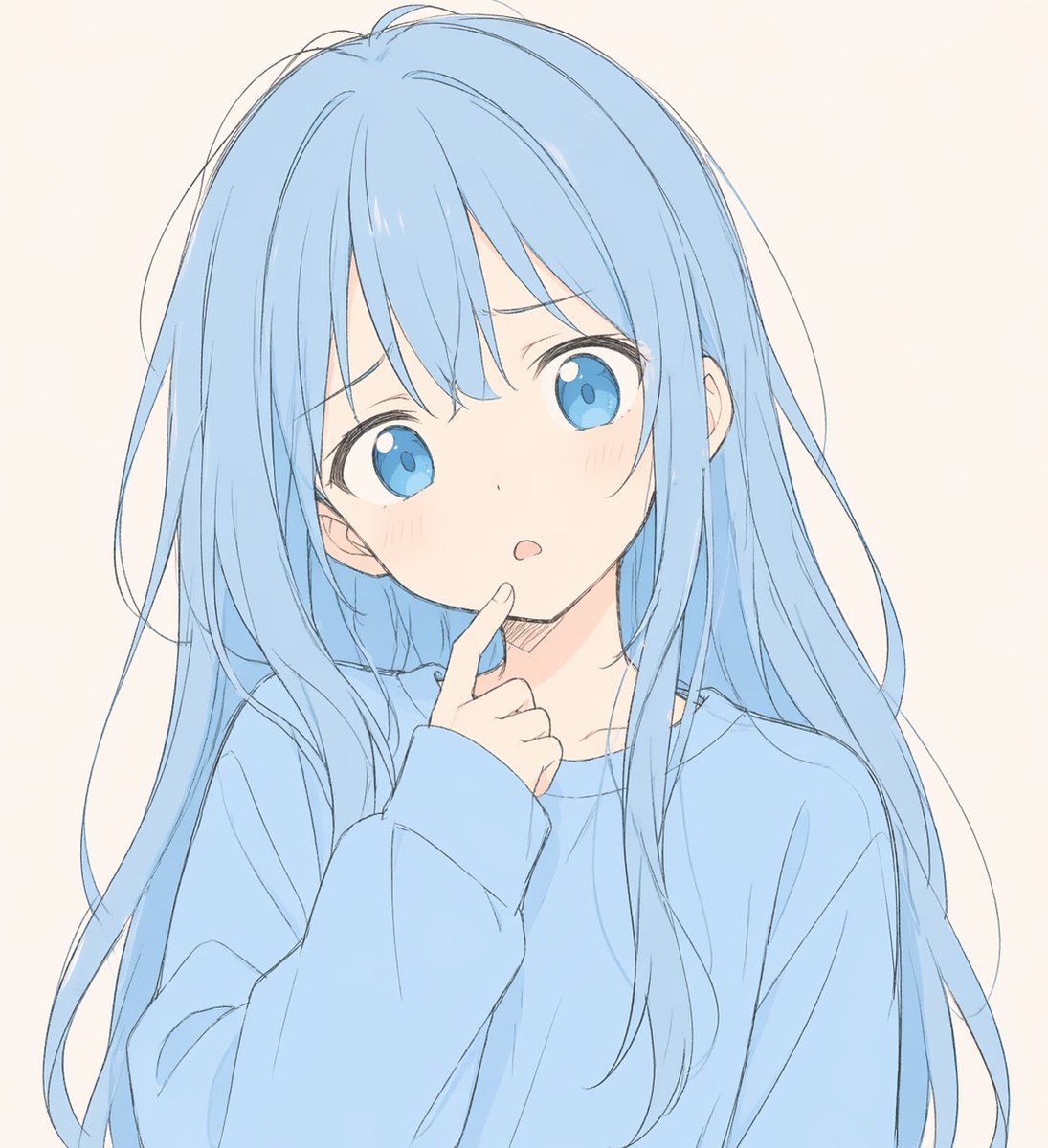
Soft Blue Anime Girl Portrait

Black Outfit Portrait in Snowy Mountains
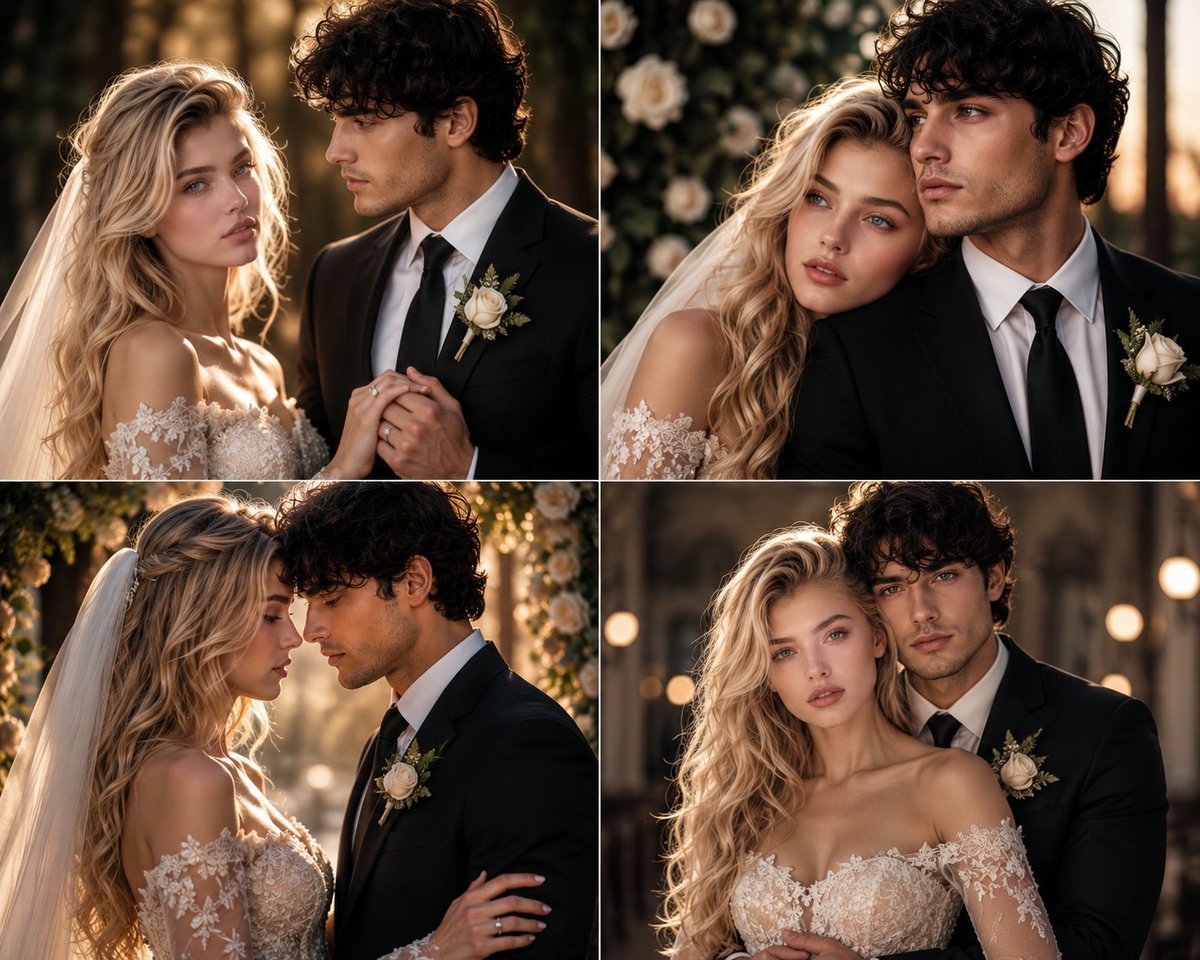
Romantic Wedding Couple Photoshoot
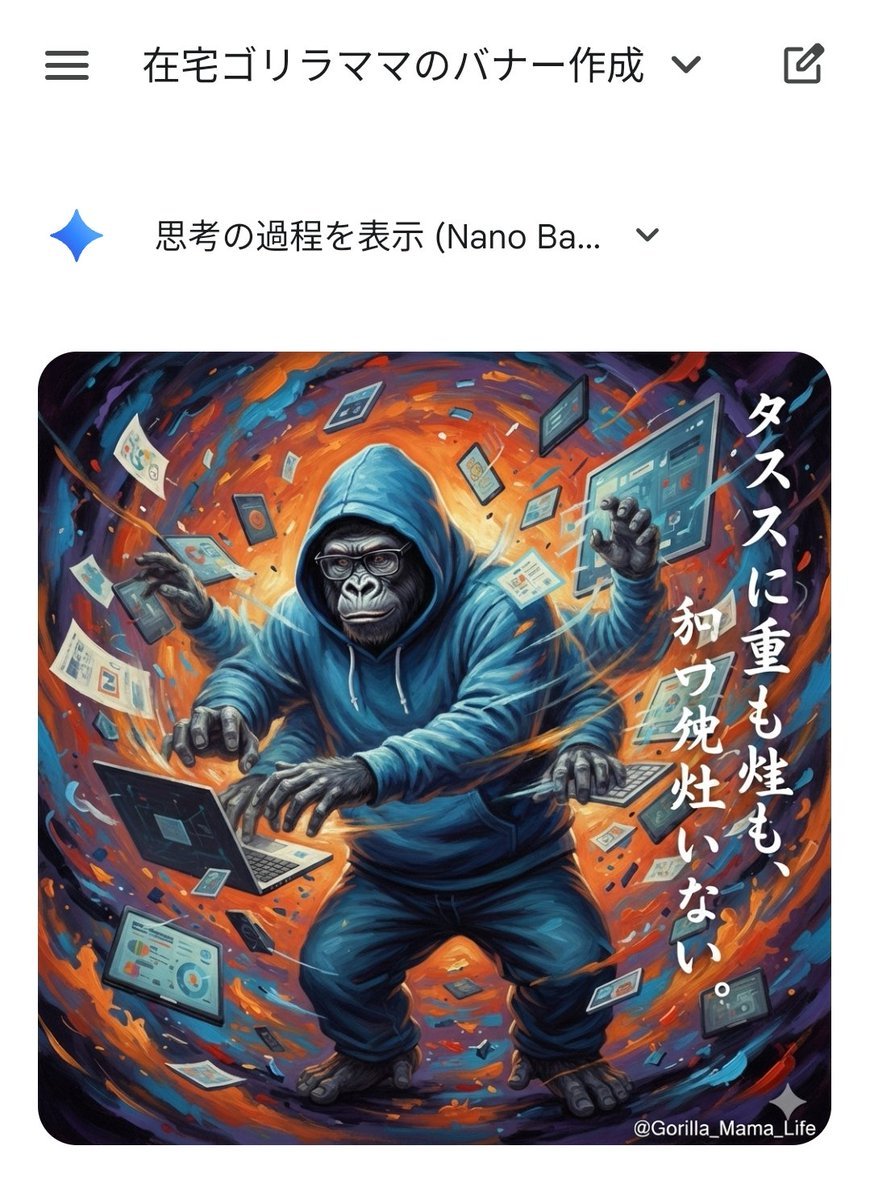
Prompting Tips for Nano Banana Pro (Japanese)
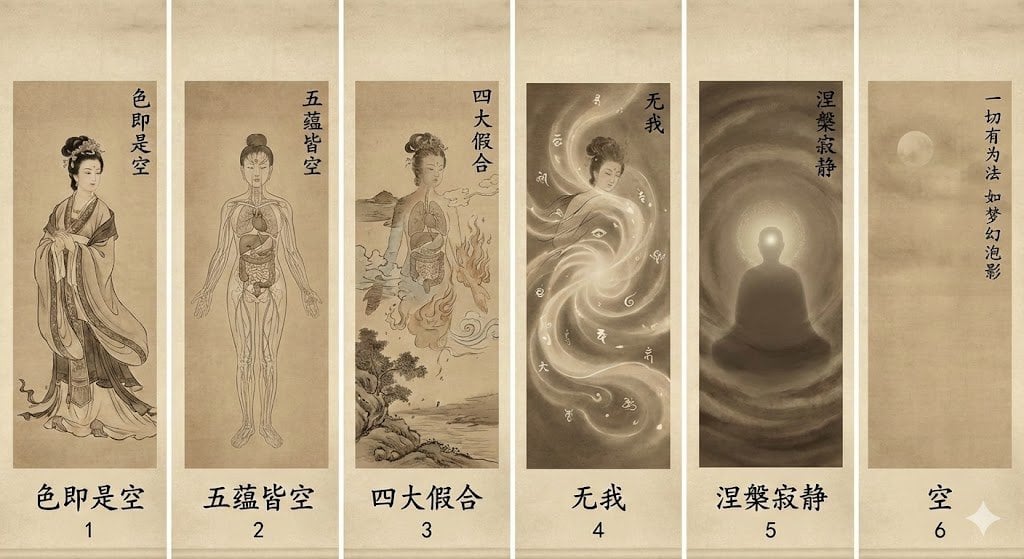
From beauty to emptiness: Buddhist deconstruction of form
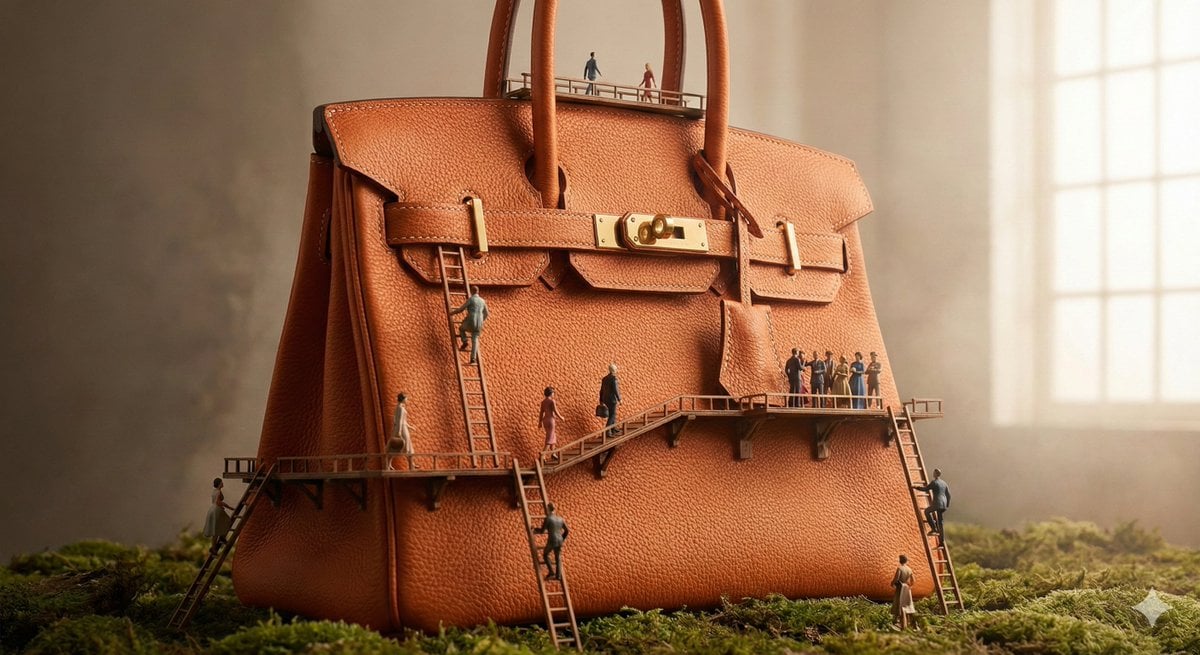
Micro World Discovery Product Photography Prompt
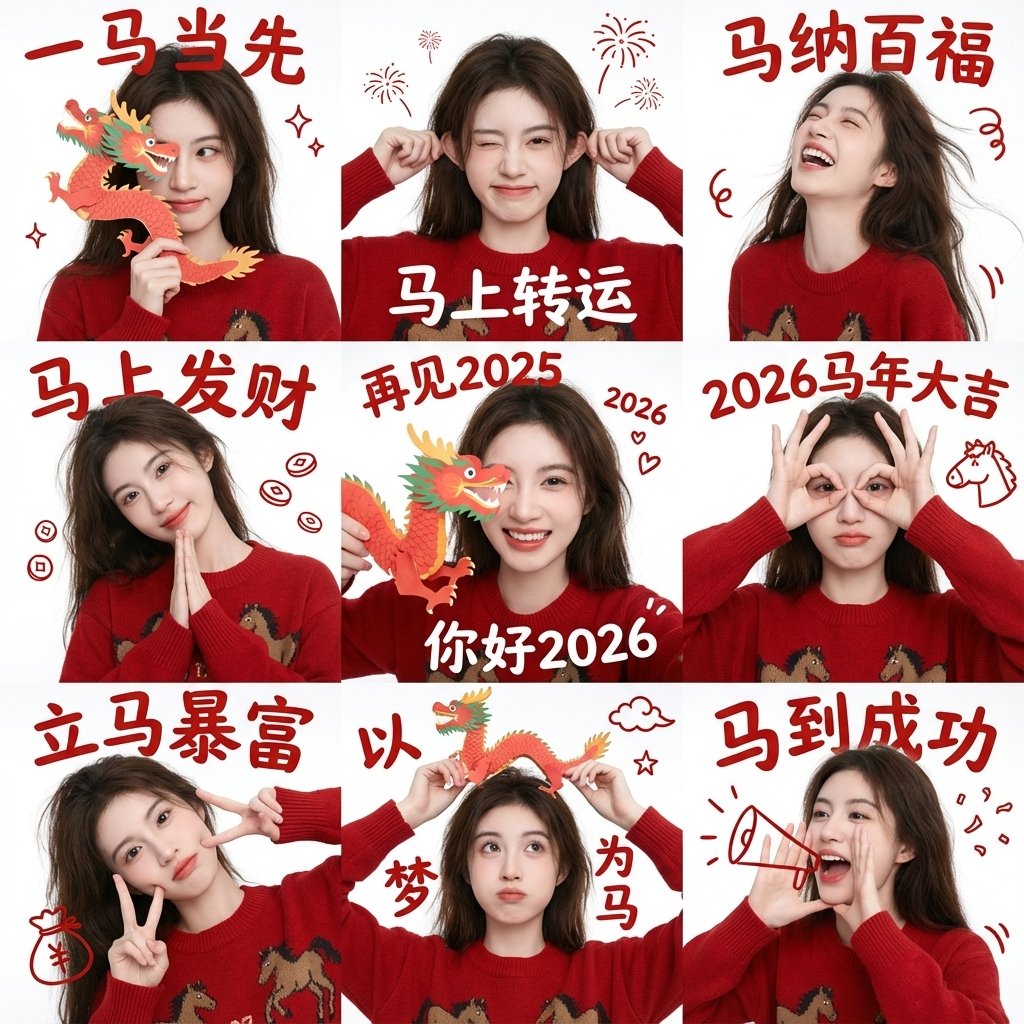
Chinese New Year Blessing Portrait Grid
Browse template categories
Sprite Heat Pause Beverage Ad questions
How do I use the Sprite Heat Pause Beverage Ad template?
Add your photo if the template asks for one, edit the prompt if you like — the template's model and format are already selected — and press Generate. Your version opens in PicX Studio.
Can I customize the Sprite Heat Pause Beverage Ad template?
Yes. You can change the subject, setting, lighting, mood, format, and available model controls before creating your image.
Is the Sprite Heat Pause Beverage Ad template free?
Opening and editing this template is free. Generating uses credits, shown on the Generate button when you are signed in.
Which AI model should I use?
Start with GPT Image 2, which is the model associated with this template. You can compare another compatible model for a different finish.
Looking for something else? Browse all templates.

Your photo, any look
Thousands of ready templates for every top image and video model, from one credit balance.