
Pink Princess Idol Character Collage
Generates a dense kawaii anime character reference collage with Japanese handwritten notes, pink princess styling, plush mascots, and multiple chibi expressions.
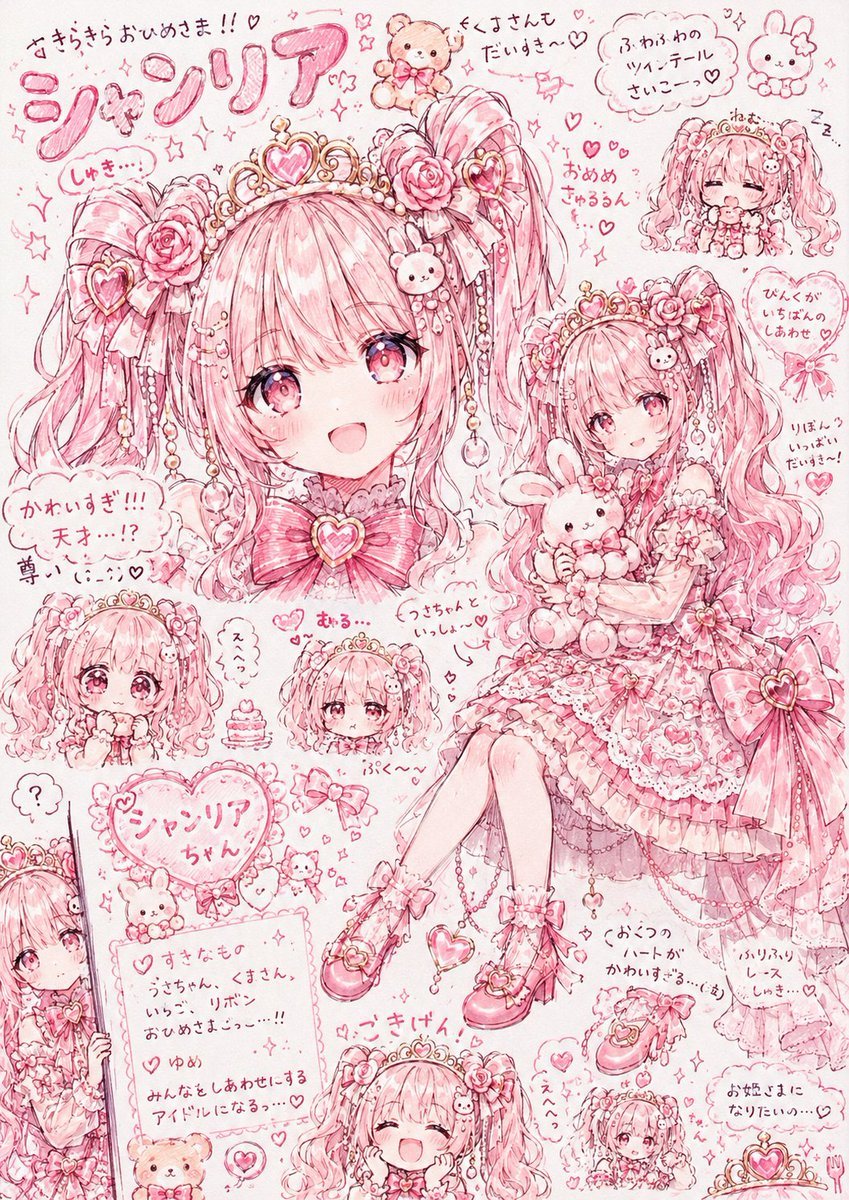
- Prompt included
- Model and format preset
- Premium template
The prompt behind this image
Copy the exact prompt behind Pink Princess Idol Character Collage, or open it in the studio and make it yours.
Goal: Create an ultra-cute pink Japanese anime character reference collage for a princess idol named {argument name="character name" default="シャソリア"}, drawn like a dense hand-sketched scrapbook page full of hearts, lace, ribbons, plush toys, and handwritten notes. Canvas: Vertical 3:4 portrait page, pale blush-pink paper background, monochrome rose-pink line art with soft watercolor shading, high detail, sparkles and doodles everywhere. Use a sweet shoujo manga style with delicate pen strokes, rosy gradients, and a slightly messy hand-drawn layout. Main subject: A young kawaii princess idol girl with {argument name="hair color" default="cotton-candy pink"} long twin-tail hair, big sparkling pink eyes, frilly lace dress, heart tiara, rose hair ornaments, pearl chains, bows, heart accessories, ruffled socks, and pink Mary Jane heels. She should feel adored, shy, fluffy, and doll-like. Add bunny and teddy-bear motifs throughout. Layout: Make a crowded character sheet collage with exactly 9 visible depictions of the same character: 1 large seated full-body illustration on the right holding a bunny plush; 1 large left-side close-up/back-of-head portrait with ornate heart tiara and roses, partially covered by a centered blank square placeholder; 1 sleeping chibi face in the top-right corner; 1 small chibi face at lower left with puffy sleeves; 1 small neutral chibi head near the lower middle; 1 happy laughing head at the bottom center; 1 tiny full-body chibi at the bottom right; 1 peeking half-body character entering from the left edge; and 1 small shy face/portrait near the center-left. Keep the main full-body figure as the visual focus. Blank area: Place a large opaque pastel pink square in the upper-left/center area, covering part of the large portrait, as an empty image/name placeholder. Text content: Use playful handwritten Japanese notes and labels in pink ink. Include a large bubbly title at the top-left reading {argument name="title text" default="シャソリア"}. Add scattered handwritten phrases such as 「すきらきらおひめさま!!♡」, 「しくすさんもだいすき♡」, 「ふわふわのリボンテールさいこーっ♡」, 「かわいすぎ!!! 天才…!? 尊い(;_;)♡」, 「すきなもの うさちゃん、くまさん、いちご、リボン おひめさまっ…!!」, 「ゆめ みんなをしあわせにするアイドルになるっ…♡」, 「ぴんくがいちばんしあわせ♡」, 「リほんいっぱいだいすき!」, and 「お姫さまになりたいの…♡」. Make the handwriting casual, rounded, and decorative, with speech bubbles and cloud-shaped note boxes. Decorative elements: Include exactly 6 prominent plush or animal mascots: a teddy bear at the top center, a bunny at the top right, a bunny plush held by the main girl, a small teddy near the bottom note card, a small bunny near the heart name balloon, and a tiny animal hair clip on the main girl. Add many hearts, stars, bows, roses, pearls, lace trims, dangling charms, a heart-shaped name balloon, a small cupcake, heart shoes, and tiny crowns. Color and finish: Predominantly pink and red-pink ink on a light cream-pink background, with white highlights and soft blush shading. Keep everything cute, detailed, cluttered, and hand-drawn, like a scanned idol character concept sheet. No realistic rendering, no dark colors, no modern UI, no watermark.
How to use Pink Princess Idol Character Collage in 3 steps
- 1Upload ImagePNG, JPG or paste
Add your photo
Upload the photo the template builds on. The prompt, model and format are already set.
- 2…a portrait of your subject in softgolden-hour light, 85mm…
Personalize
Edit the subject and creative details for your destination.
- 3Generate
Generate
Press Generate — your image is created in PicX Studio, so you can compare it with the original and refine one variable at a time.
More like this
Templates with the same subject, style or setup. Open one to see its prompt.










Make it yours
Pink Princess Idol Character Collage works as-is. These are the safest ways to change it without losing the look.
Change one field
Copy a single group, rewrite it, and generate again so you can see what that field is doing.
Keep the frame, change the subject
Hold the composition and light of Pink Princess Idol Character Collage, then swap wardrobe, props or the person for a new take.
| If the result… | Why | Fix |
|---|---|---|
| The result drifts from the preview | Too many fields changed at once. | Reuse Pink Princess Idol Character Collage as-is first, then change one group — subject, light, or setting. |
| The model over-stylizes the scene | The prose prompt leaves finish and camera underspecified. | Add one camera or lighting sentence and stay on GPT Image 2. |
More GPT Image 2 templates
Other prompts made for GPT Image 2.

Six VTuber Japanese Logo Sheet

Realistic Portrait of Woman and Deer

The Vista Modular Condo Poster

AI Model Routing Comparison Infographic

2.5D Anime Art Board

Isometric Productivity Desk Scene

New York Double Exposure Poster

Four-Panel AI Landscape Comparison

Japanese Tatami Lifestyle Magazine Cover

NESCAFÉ Coffee Map Poster
More image prompts
Fresh picks from across the catalog.

Pug Running on Alpine Trail
Detailed Japanese Prompt for Variety Show Style Image

Mad Max Wasteland Survivor Film Still

Intimate Studio Portrait with Fairy Lights Prompt
Luxury Art Deco Home Decor Email
Luxury Korean Hanjeongsik Food Advertisement Prompt
Minimalist Fashion Lookbook Collage
Christmas Window Condensation Doodle Portrait
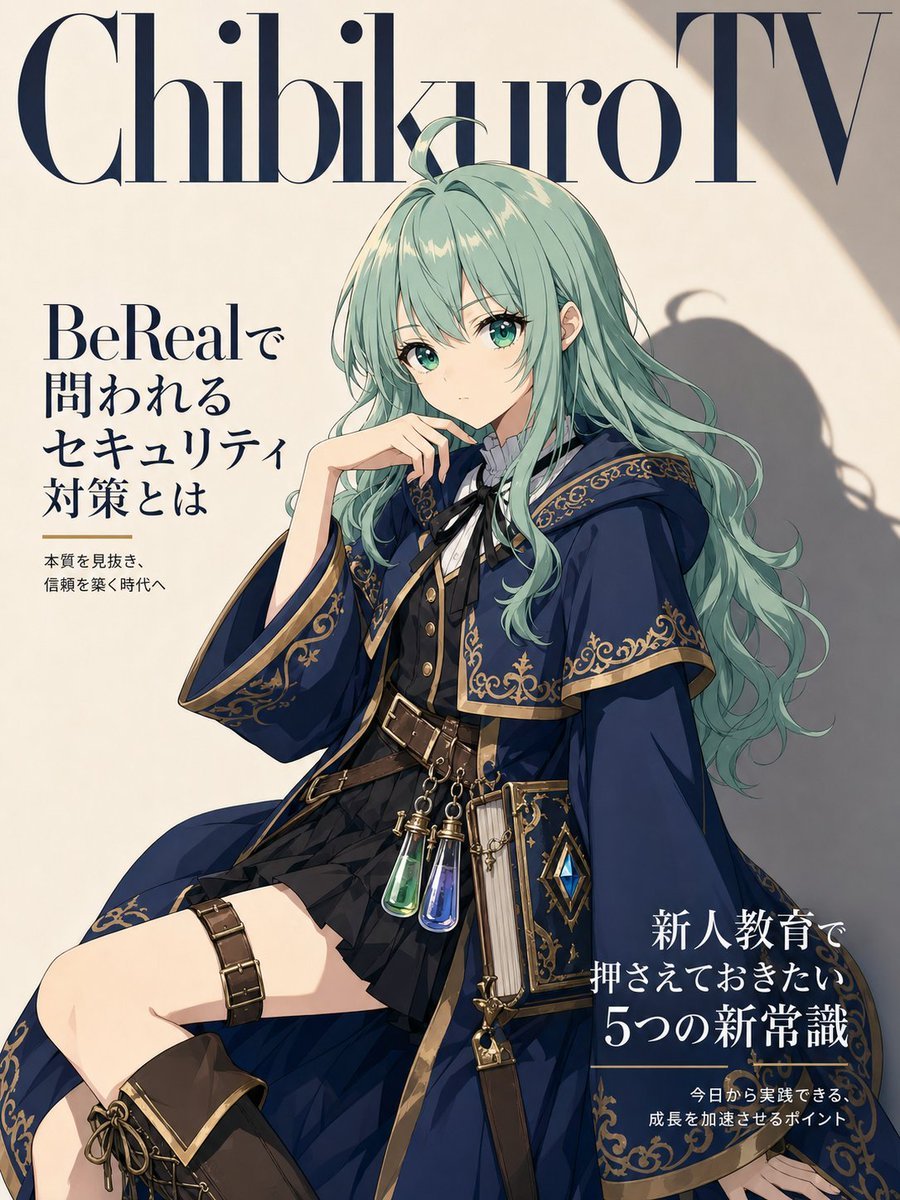
Anime Fantasy Magazine Cover
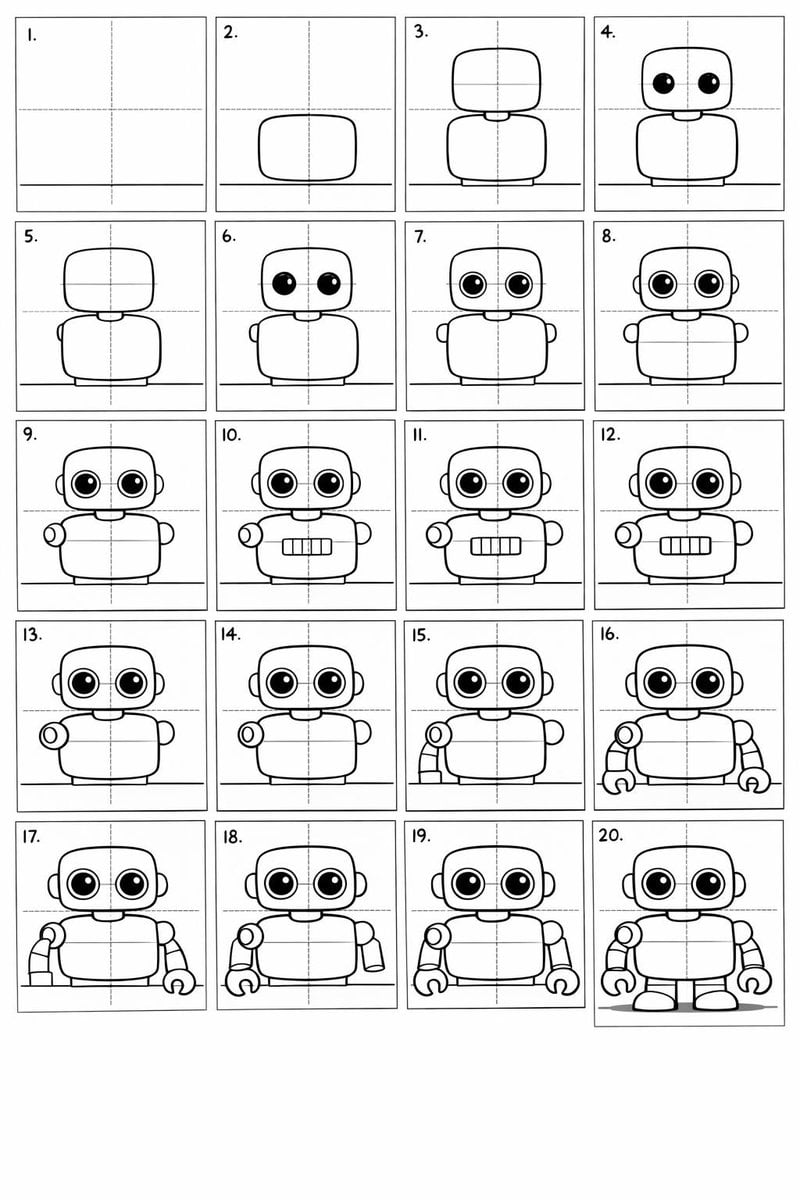
Panel Cartoon Robot Drawing Guide Prompt
Browse template categories
Pink Princess Idol Character Collage questions
How do I use the Pink Princess Idol Character Collage template?
Add your photo if the template asks for one, edit the prompt if you like — the template's model and format are already selected — and press Generate. Your version opens in PicX Studio.
Can I customize the Pink Princess Idol Character Collage template?
Yes. You can change the subject, setting, lighting, mood, format, and available model controls before creating your image.
Is the Pink Princess Idol Character Collage template free?
Opening and editing this template is free. Generating uses credits, shown on the Generate button when you are signed in.
Which AI model should I use?
Start with GPT Image 2, which is the model associated with this template. You can compare another compatible model for a different finish.
Looking for something else? Browse all templates.

Your photo, any look
Thousands of ready templates for every top image and video model, from one credit balance.