
Anime Fantasy Magazine Cover
Generates a luxury Japanese-style anime fashion magazine cover featuring a mint-haired fantasy academy model with editorial cover lines.
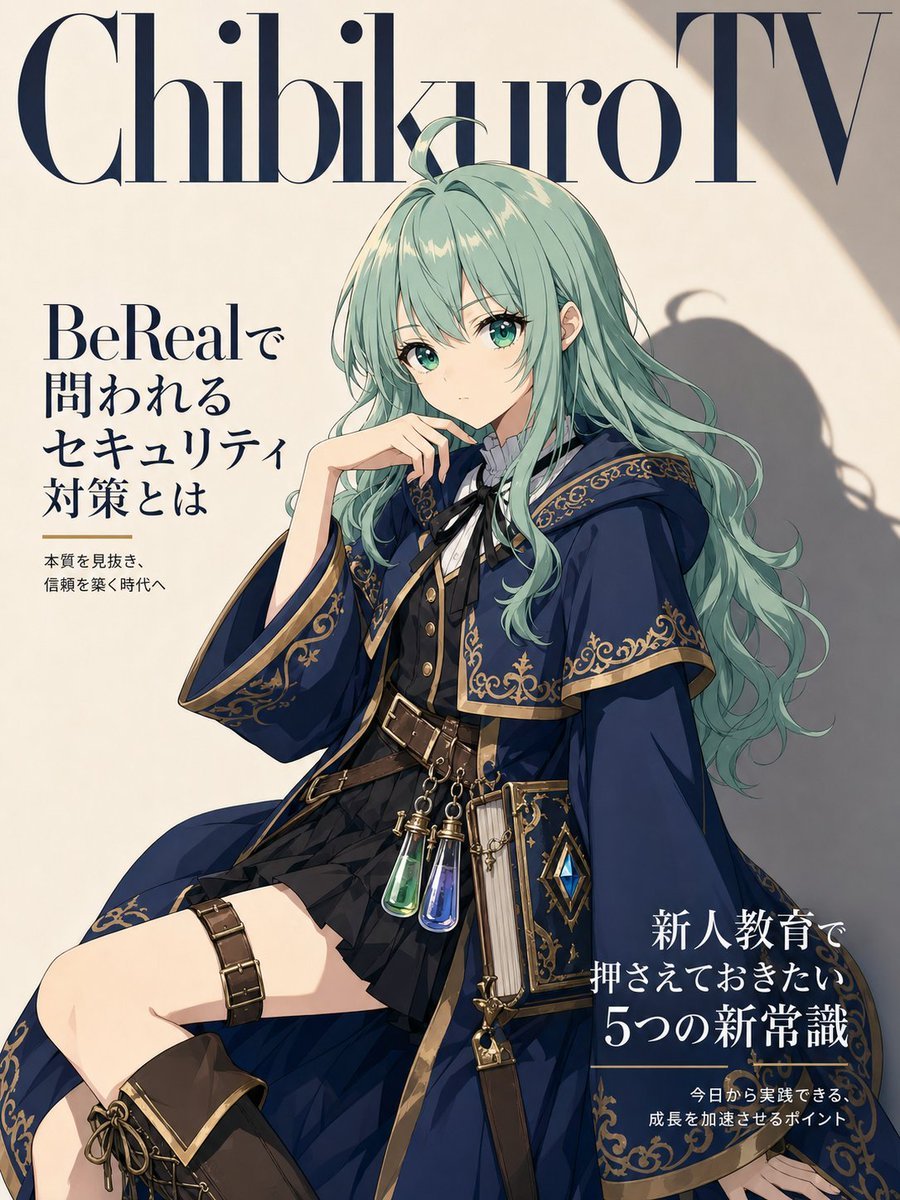
- Prompt included
- Model and format preset
- Free template
The prompt behind this image
Copy the exact prompt behind Anime Fantasy Magazine Cover, or open it in the studio and make it yours.
- Type
- anime fashion magazine cover layout
- Format
- vertical portrait cover, 3:4 aspect ratio
- Style
- high-end Japanese fashion magazine mixed with polished anime illustration, elegant editorial typography, soft cream paper background, dramatic sunlight and shadow, premium fantasy-model styling
- Magazine › Masthead
- {argument name="magazine title" default="ChibikuroTV"}
- Magazine › Masthead Position
- very large across the top edge, dark navy Didot-style serif letters, partly behind the character hair
- Magazine › Text Elements › Count
- 5
- Magazine › Text Elements › Items › 0 › Text
- ChibikuroTV
- Magazine › Text Elements › Items › 0 › Position
- top spanning full width
- Magazine › Text Elements › Items › 0 › Description
- oversized luxury serif masthead in deep navy
- Magazine › Text Elements › Items › 1 › Text
- BeRealで 問われる セキュリティ 対策とは
- Magazine › Text Elements › Items › 1 › Position
- upper left
- Magazine › Text Elements › Items › 1 › Description
- large Japanese feature headline in dark navy serif type, stacked vertically in four lines
- Magazine › Text Elements › Items › 2 › Text
- 本質を見抜き、 信頼を築く時代へ
- Magazine › Text Elements › Items › 2 › Position
- left below headline
- Magazine › Text Elements › Items › 2 › Description
- small Japanese subheadline with a thin gold horizontal rule above
- Magazine › Text Elements › Items › 3 › Text
- 新人教育で 押さえておきたい 5つの新常識
- Magazine › Text Elements › Items › 3 › Position
- lower right
- Magazine › Text Elements › Items › 3 › Description
- large Japanese cover line, white text over the dark cloak area, with the numeral 5 emphasized
- Magazine › Text Elements › Items › 4 › Text
- 今日から実践できる、 成長を加速させるポイント
- Magazine › Text Elements › Items › 4 › Position
- bottom right below main cover line
- Magazine › Text Elements › Items › 4 › Description
- small Japanese supporting text with a thin gold rule above
- Character › Name
- {argument name="character name" default="Chibity-chan"}
- Character › Pose
- seated editorial model pose angled slightly left, one bent knee prominent in the foreground, one hand resting near the chin in a thoughtful fashion-cover gesture, the other hand relaxed near the lower right edge
- Character › Face
- face intentionally covered by a centered opaque square censor block in muted beige-gray, hiding facial features while leaving hair and ears visible
Raw JSON
{"type":"anime fashion magazine cover layout","format":"vertical portrait cover, 3:4 aspect ratio","style":"high-end Japanese fashion magazine mixed with polished anime illustration, elegant editorial typography, soft cream paper background, dramatic sunlight and shadow, premium fantasy-model styling","magazine":{"masthead":"{argument name=\"magazine title\" default=\"ChibikuroTV\"}","masthead_position":"very large across the top edge, dark navy Didot-style serif letters, partly behind the character hair","text_elements":{"count":5,"items":[{"text":"ChibikuroTV","position":"top spanning full width","description":"oversized luxury serif masthead in deep navy"},{"text":"BeRealで\n問われる\nセキュリティ\n対策とは","position":"upper left","description":"large Japanese feature headline in dark navy serif type, stacked vertically in four lines"},{"text":"本質を見抜き、\n信頼を築く時代へ","position":"left below headline","description":"small Japanese subheadline with a thin gold horizontal rule above"},{"text":"新人教育で\n押さえておきたい\n5つの新常識","position":"lower right","description":"large Japanese cover line, white text over the dark cloak area, with the numeral 5 emphasized"},{"text":"今日から実践できる、\n成長を加速させるポイント","position":"bottom right below main cover line","description":"small Japanese supporting text with a thin gold rule above"}]}} ,"character":{"name":"{argument name=\"character name\" default=\"Chibity-chan\"}","pose":"seated editorial model pose angled slightly left, one bent knee prominent in the foreground, one hand resting near the chin in a thoughtful fashion-cover gesture, the other hand relaxed near the lower right edge","face":"face intentionally covered by a centered opaque square censor block in muted beige-gray, hiding facial features while leaving hair and ears visible","hair":{"color":"{argument name=\"hair color\" default=\"pale mint green\"}","style":"very long wavy hair cascading over shoulders and down the back, layered bangs, small ahoge strand on top, glossy anime highlights"},"outfit":{"theme":"luxury fantasy academy mage fashion in navy, black, brown leather, and antique gold","pieces_count":8,"pieces":["deep navy cloak with wide sleeves and ornate gold filigree borders","short black pleated skirt","tailored black vest with gold buttons","white high-collar blouse with dark ribbon tie","brown leather belt harness with brass buckles around waist","brown thigh strap with rectangular metal studs","dark lace-up ankle boot visible at bottom left","book-shaped side pouch and hanging potion vials in green and blue glass attached to the belt"]}},"composition":{"camera":"medium-full fashion portrait cropped from head to upper legs, character centered slightly right, knee extending toward lower left","background":"warm off-white studio wall with subtle paper texture, diagonal sunlight from upper right, soft cast shadow of the character and hair on the wall","color_palette":"cream, dark navy, black, antique gold, mint green, warm brown leather, small jewel-tone potion accents","lighting":"golden-hour editorial lighting, strong but soft shadows, high contrast between bright background and dark cloak","typography":"elegant high-fashion serif, dark navy and white, Japanese cover lines arranged like a premium magazine cover","quality":"crisp clean anime linework, detailed fabric folds, ornate decorative trim, glossy hair rendering, print-ready magazine cover aesthetic"},"instructions":"Create a single finished magazine cover image, not a mockup on a table. Keep all five text elements legible and integrated into the cover design. Maintain the opaque square over the character face as part of the generated artwork."}How to use Anime Fantasy Magazine Cover in 3 steps
- 1Upload ImagePNG, JPG or paste
Add your photo
Upload the photo the template builds on. The prompt, model and format are already set.
- 2…a portrait of your subject in softgolden-hour light, 85mm…
Personalize
Edit the subject and creative details for your destination.
- 3Generate
Generate
Press Generate — your image is created in PicX Studio, so you can compare it with the original and refine one variable at a time.
More like this
Templates with the same subject, style or setup. Open one to see its prompt.

Anime Mahjong Magazine Cover

Neon Anime Fireworks Magazine Cover
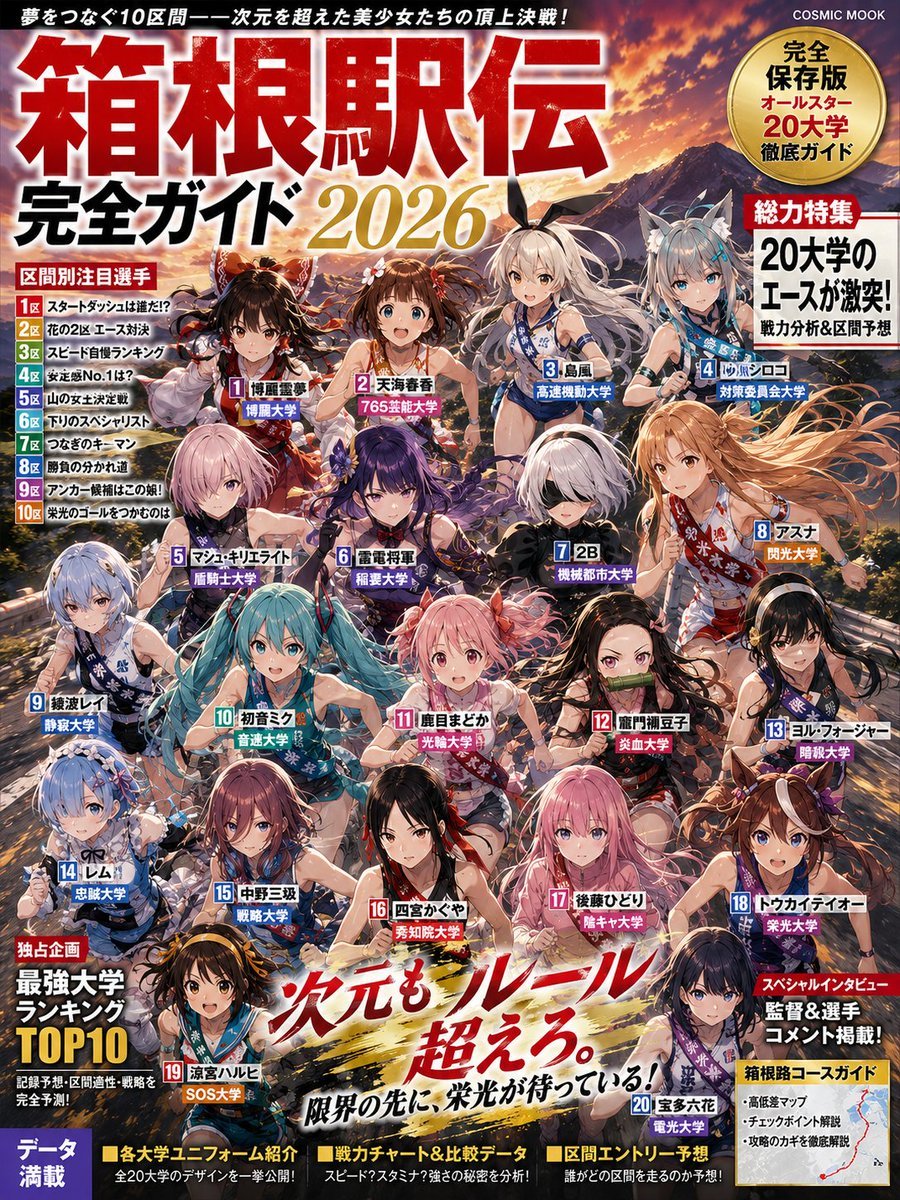
Anime Hakone Ekiden Magazine Cover
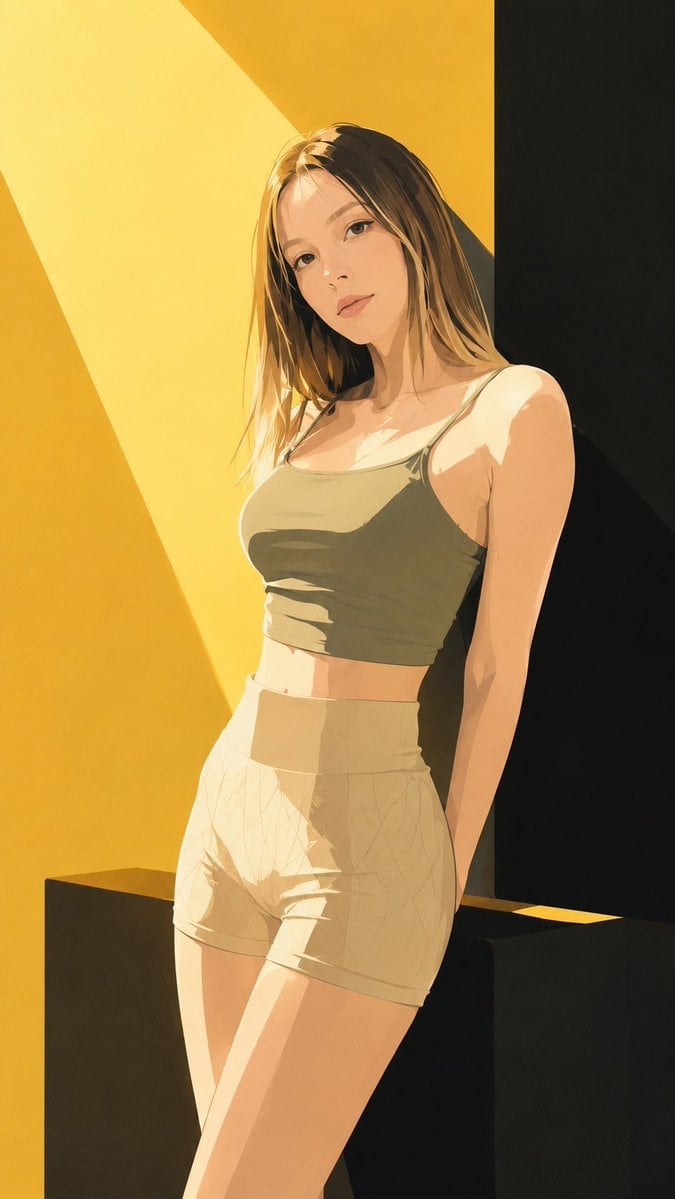
Japanese Fashion Magazine Anime Cover

Off Duty Fashion Magazine Cover

Japanese Tatami Lifestyle Magazine Cover
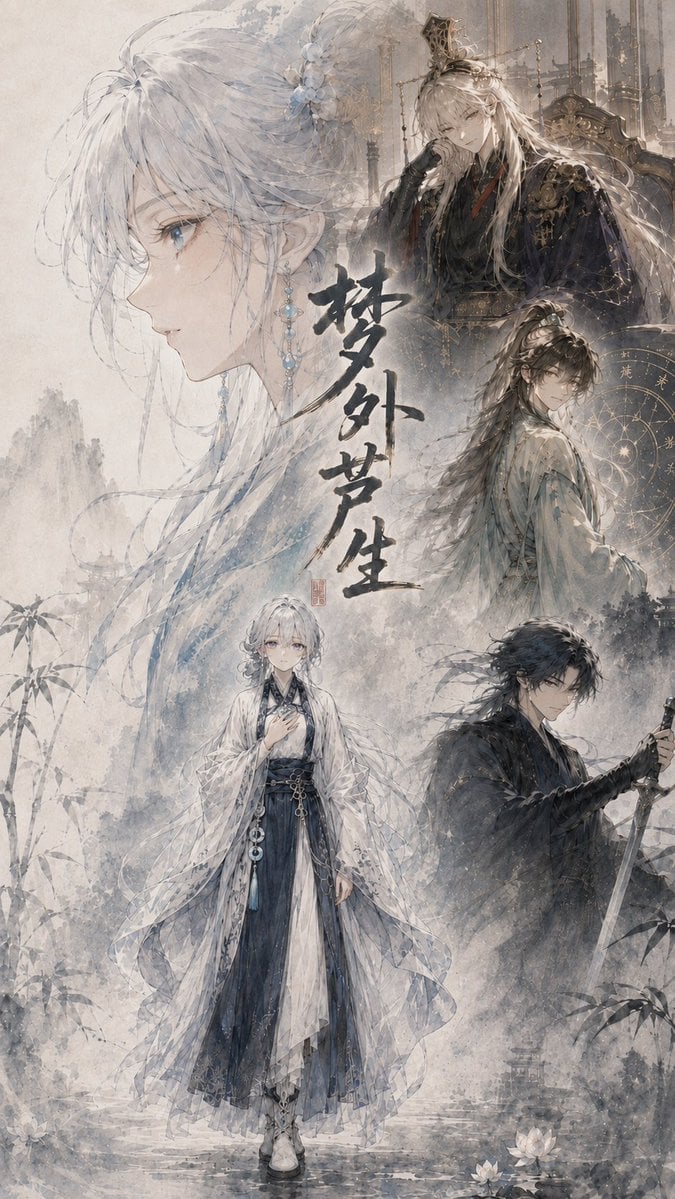
Cinematic Wuxia Fantasy Cover

Ethereal Bloom Magazine Cover
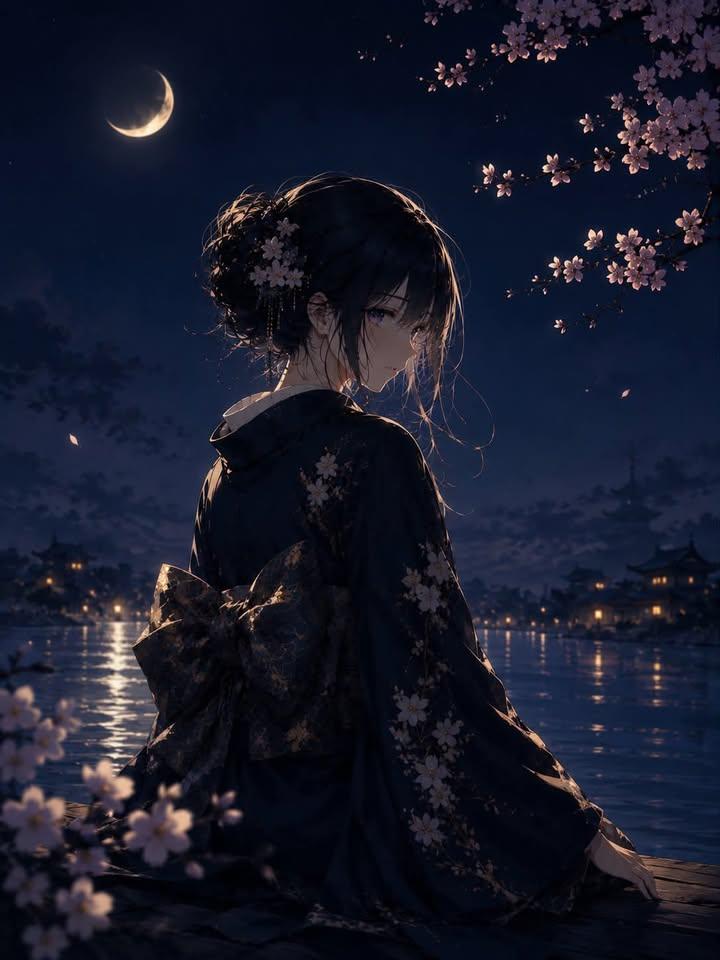
Luxury Japanese Fantasy Anime Kimono

Tropical Macaw Magazine Cover

High-Fashion Magazine Cover Portrait

Cel 2D Finale Fireworks
Make it yours
Anime Fantasy Magazine Cover works as-is. These are the safest ways to change it without losing the look.
Swap the setting
Keep the rest of the prompt and replace the location block. The current setting is “warm off-white studio wall with subtle paper texture, diagonal sunlight from upp”.
Swap the light
One lighting change is enough to compare takes. Current light: “golden-hour editorial lighting, strong but soft shadows, high contrast between b”.
Change one field
Copy a single group, rewrite it, and generate again so you can see what that field is doing.
| If the result… | Why | Fix |
|---|---|---|
| The result drifts from the preview | Too many fields changed at once. | Reuse Anime Fantasy Magazine Cover as-is first, then change one group — subject, light, or setting. |
| GPT Image 2 ignores part of the JSON | Some models flatten or skip nested keys. | Keep the same values and paste them as a short paragraph instead. |
More GPT Image 2 templates
Other prompts made for GPT Image 2.

Six VTuber Japanese Logo Sheet

Realistic Portrait of Woman and Deer

The Vista Modular Condo Poster

AI Model Routing Comparison Infographic

2.5D Anime Art Board

Isometric Productivity Desk Scene

New York Double Exposure Poster

Four-Panel AI Landscape Comparison

NESCAFÉ Coffee Map Poster

Brutalist Cogito Chinese Typography Poster
More image prompts
Fresh picks from across the catalog.
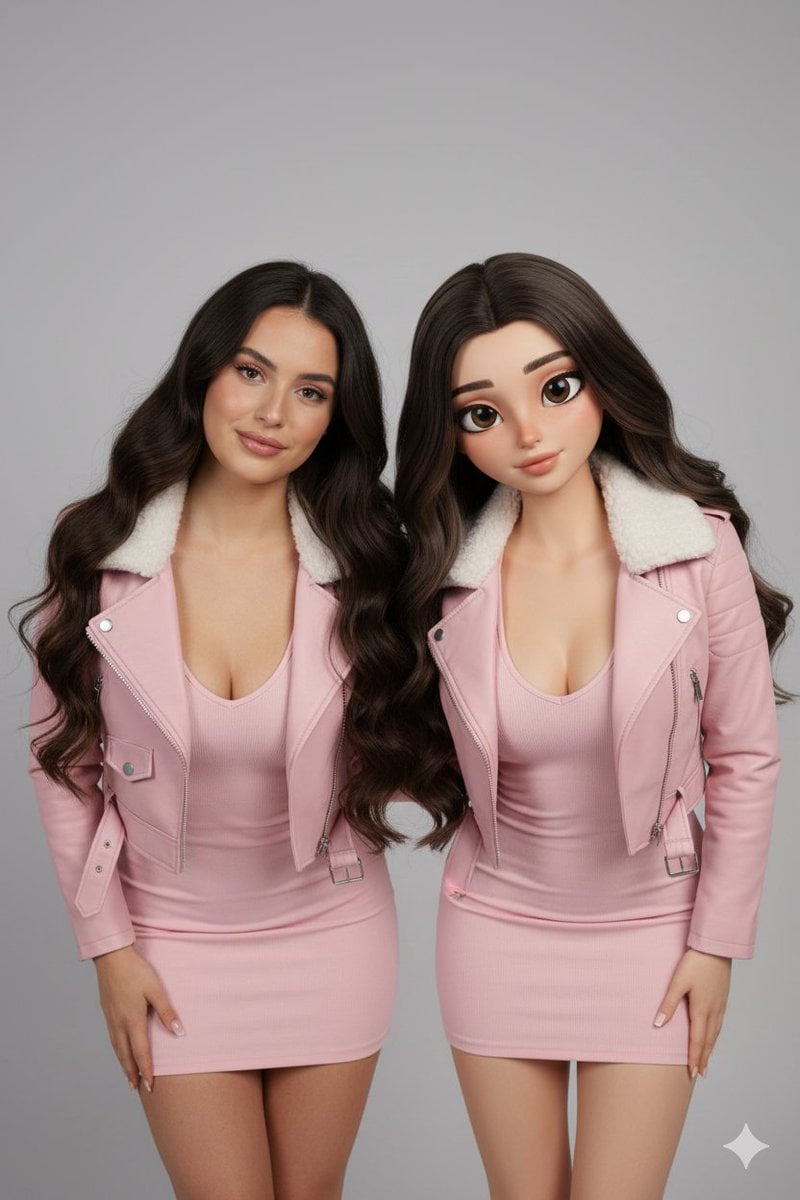
Realistic Human vs. 3D Character Side-by-Side Prompt
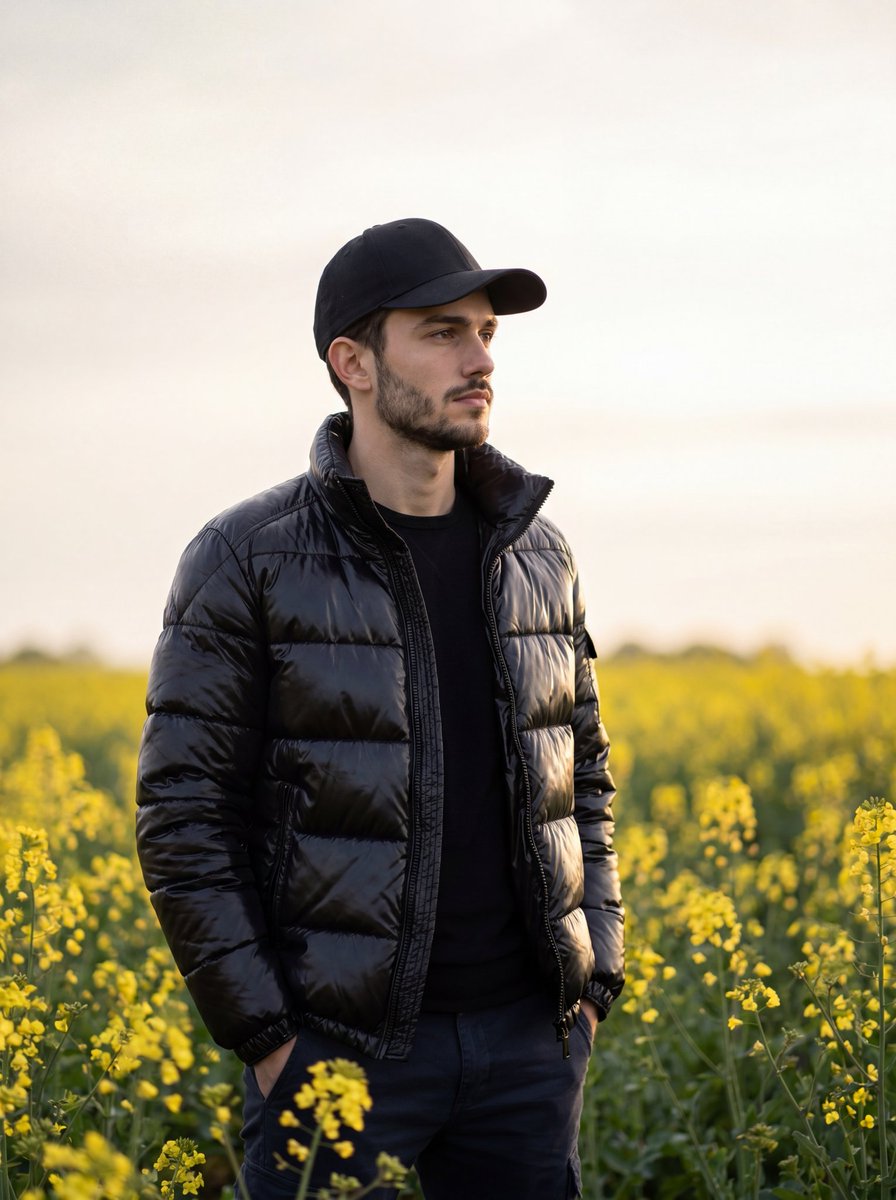
Moody Cinematic Meadow Portrait
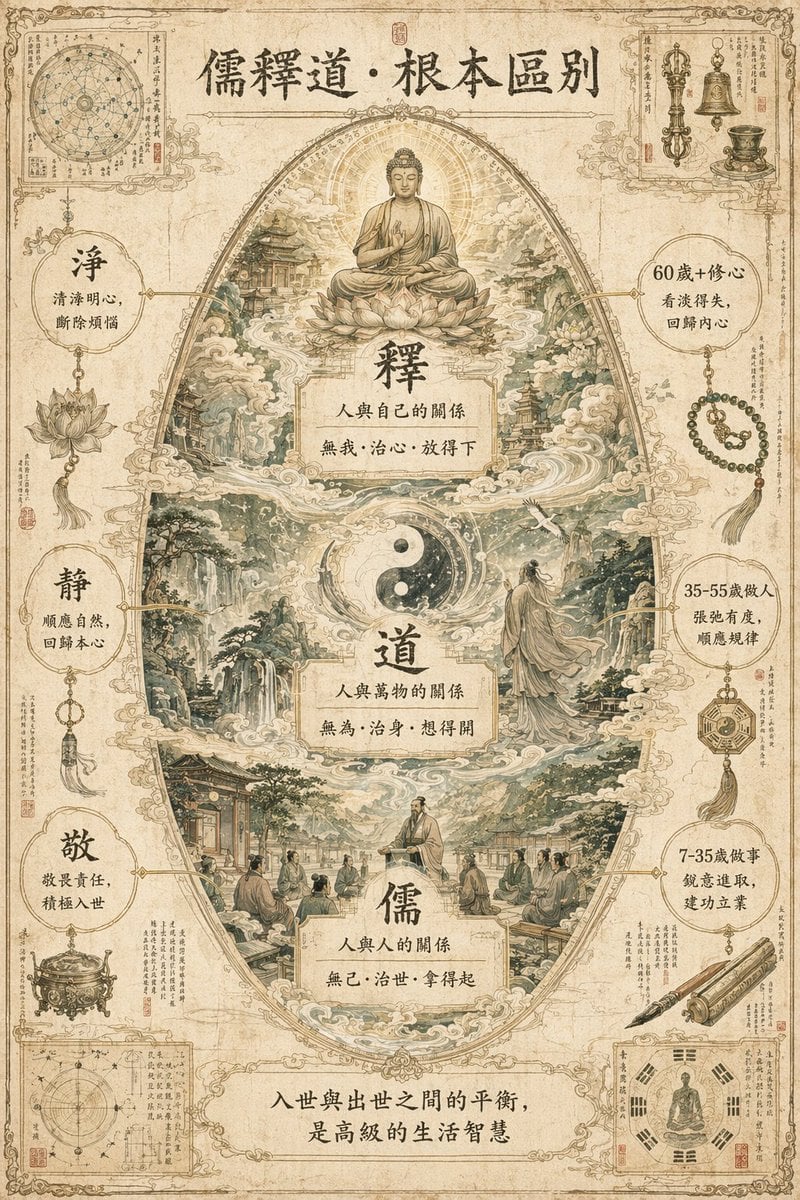
Philosophical Concept Infographic Manuscript
Cluttered Bedroom Mirror Selfie with Exaggerated Physique
High Contrast Scribble Art Portrait
Fashion Lighting Response Test Sheet
Messed Up Psycho Image with Speech Bubble
Global Beauty Standards Portraits
Maldives Luxury Travel Poster
Giant Self on a Bench Prompt
Browse template categories
Anime Fantasy Magazine Cover questions
How do I use the Anime Fantasy Magazine Cover template?
Add your photo if the template asks for one, edit the prompt if you like — the template's model and format are already selected — and press Generate. Your version opens in PicX Studio.
Can I customize the Anime Fantasy Magazine Cover template?
Yes. You can change the subject, setting, lighting, mood, format, and available model controls before creating your image.
Is the Anime Fantasy Magazine Cover template free?
Opening and editing this template is free. Generating uses credits, shown on the Generate button when you are signed in.
Which AI model should I use?
Start with GPT Image 2, which is the model associated with this template. You can compare another compatible model for a different finish.
Looking for something else? Browse all templates.

Your photo, any look
Thousands of ready templates for every top image and video model, from one credit balance.