
Philosophical Concept Infographic Manuscript
A highly detailed and complex prompt for an infographic designed as an ancient mythological manuscript, explaining the differences between Confucianism, Taoism, and Buddhism.
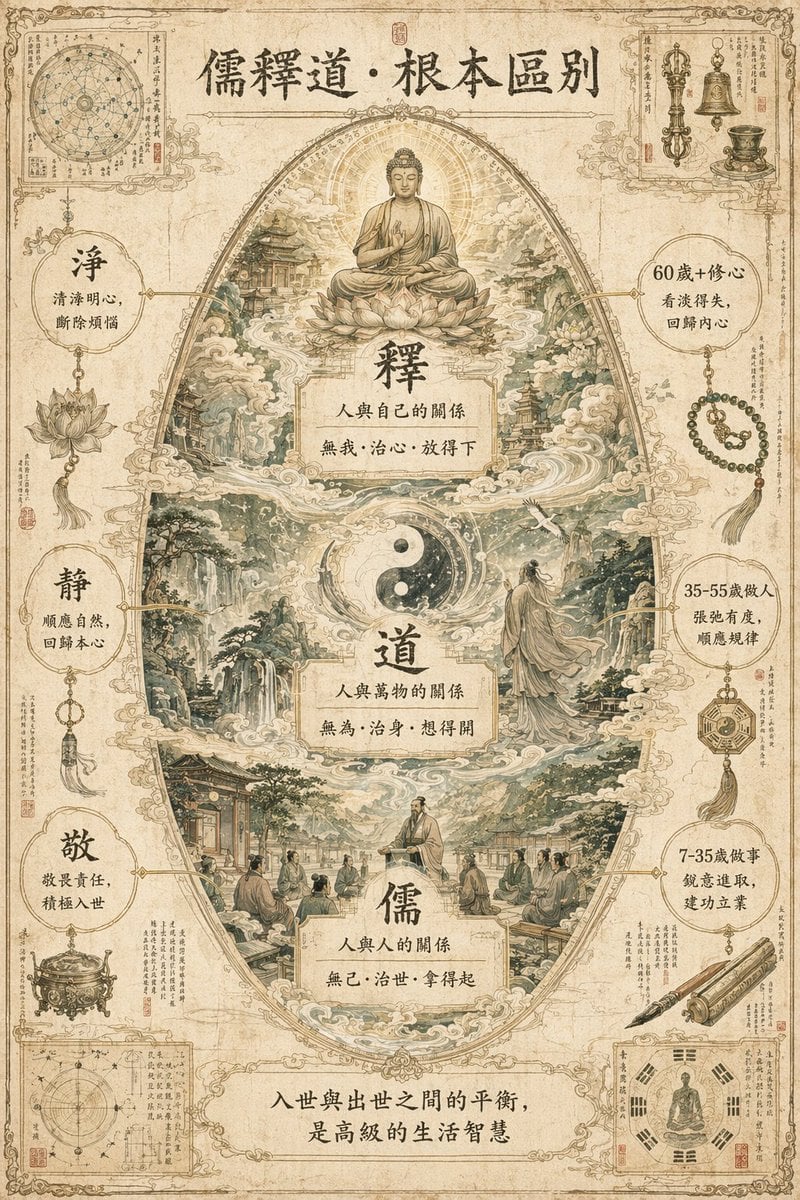
- Prompt included
- Model and format preset
- Free template
The prompt behind this image
Copy the exact prompt behind Philosophical Concept Infographic Manuscript, or open it in the studio and make it yours.
A breathtaking, extremely intricate masterpiece of a concept-worldbuilding infographic on "{argument name="theme" default="the fundamental differences between Confucianism, Buddhism, and Taoism"}," the whole thing designed to look like a profound, classical Eastern mythological manuscript. Background: a pure white, vintage-textured canvas, with a light beige, aged kraft-paper base tone, with slight frayed edges and a water-stain feel. Core layout: the central visual uses a grand "vertical egg-shaped layered structure," with, from top to bottom, three layers for Buddhism, Taoism, and Confucianism. Edge scraps: the four corners are accented with finely detailed miniature illustrations, themed around ancient observational notebooks, ritual implements, and talismans. Color: low-saturation sage green, light gold, and off-white as the main tones, the overall look light and soft, with no glaring, highly saturated colors. Detail: architectural lines, landscape-painting texture strokes (cunfa), lotus patterns, and layered cloud vapor should be clearly visible, rendered down to the finest detail. Seamless blending: the three layers transition naturally into one another through mist, clouds, and flowing water; the Buddha-light of Buddhism, the Taiji cloud-vapor of Taoism, and the scholarly air of Confucianism connect seamlessly. Style: {argument name="art style" default="classical ink line art + low-saturation digital watercolor"}, with the light, delicate texture of a classical Chinese-style antique manuscript. Text labels: authentic Traditional Chinese characters, in a weathered, antique-style Song typeface; each label contains a short title plus a single line of poetic description, connected to its corresponding detail by a fine dark-gold leader line, with no line pointing to the same spot twice. Aspect ratio: 3:4 portrait. A separate, complete title area (at the top): `儒釋道·根本區別` Central layer labels: Top layer, "Buddhism (釋)": `釋`, `人與自己的關係`, `無我·治心·放得下` Middle layer, "Taoism (道)": `道`, `人與萬物的關係`, `無為·治身·想得開` Bottom layer, "Confucianism (儒)": `儒`, `人與人的關係`, `無己·治世·拿得起` Left and right supporting labels: Left side: `淨`, `清淨明心,斷除煩惱`; `靜`, `順應自然,回歸本心`; `敬`, `敬畏責任,積極入世` Right side: `60歲+修心`, `看淡得失,回歸內心`; `35-55歲做人`, `張弛有度,順應規律`; `7-35歲做事`, `銳意進取,建功立业` Bottom summary text: `入世與出世之間的平衡,是高級的生活智慧`
How to use Philosophical Concept Infographic Manuscript in 3 steps
- 1
Open
The prompt is already in the box next to the preview, with the template's model and format selected.
- 2…a portrait of your subject in softgolden-hour light, 85mm…
Personalize
Edit the subject and creative details for your destination.
- 3Generate
Generate
Press Generate — your image is created in PicX Studio, so you can compare it with the original and refine one variable at a time.
More like this
Templates with the same subject, style or setup. Open one to see its prompt.

Japan Travel Brochure Poster

Glass Brand Logo Volcanic Landscape

Blueprint Split Reality Archetype Prompt

Real Illustration Split Portrait Transition

Isometric Process Educational Diorama

Isometric Vehicle Teardown Infographic Template

Gpt2 E Commerce Main Image Earbuds E Commerce Infographic

Gpt2 Infographic Edu Visual Alishan One Day Travel Poster

Gpt2 Infographic Edu Visual Ethnographic Plate for Tibetan Ceremonial Hat

Gpt2 Infographic Edu Visual Earth Signs Zodiac Character Poster

Gpt2 Infographic Edu Visual Water Signs Zodiac Character Poster

Gpt2 Infographic Edu Visual Ink Wash Tribute Poster for Chen Uen
Make it yours
Philosophical Concept Infographic Manuscript works as-is. These are the safest ways to change it without losing the look.
Change one field
Copy a single group, rewrite it, and generate again so you can see what that field is doing.
Keep the frame, change the subject
Hold the composition and light of Philosophical Concept Infographic Manuscript, then swap wardrobe, props or the person for a new take.
| If the result… | Why | Fix |
|---|---|---|
| The result drifts from the preview | Too many fields changed at once. | Reuse Philosophical Concept Infographic Manuscript as-is first, then change one group — subject, light, or setting. |
| The model over-stylizes the scene | The prose prompt leaves finish and camera underspecified. | Add one camera or lighting sentence and stay on GPT Image 2. |
More GPT Image 2 templates
Other prompts made for GPT Image 2.

Six VTuber Japanese Logo Sheet

Realistic Portrait of Woman and Deer

The Vista Modular Condo Poster

AI Model Routing Comparison Infographic

2.5D Anime Art Board

Isometric Productivity Desk Scene

New York Double Exposure Poster

Four-Panel AI Landscape Comparison

Japanese Tatami Lifestyle Magazine Cover

NESCAFÉ Coffee Map Poster
More image prompts
Fresh picks from across the catalog.
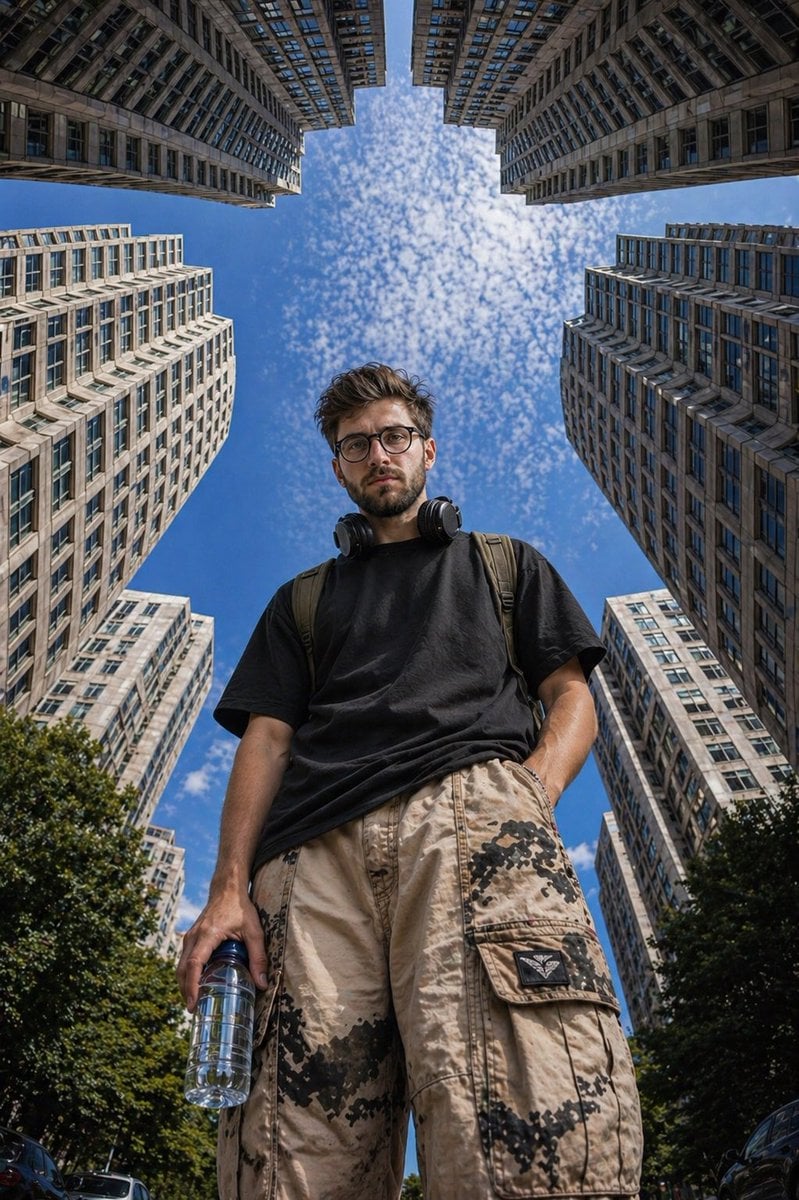
Low-Angle Urban Street Photography
1
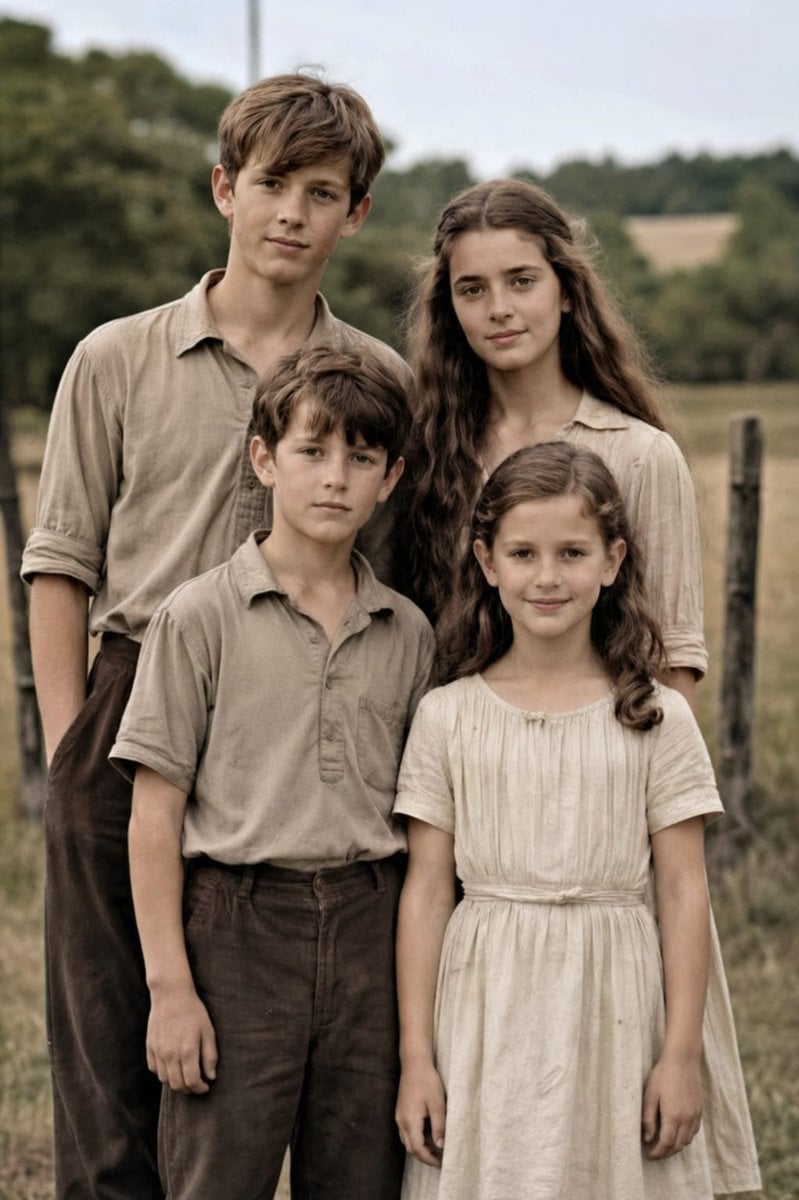
Professional Old Photo Restoration
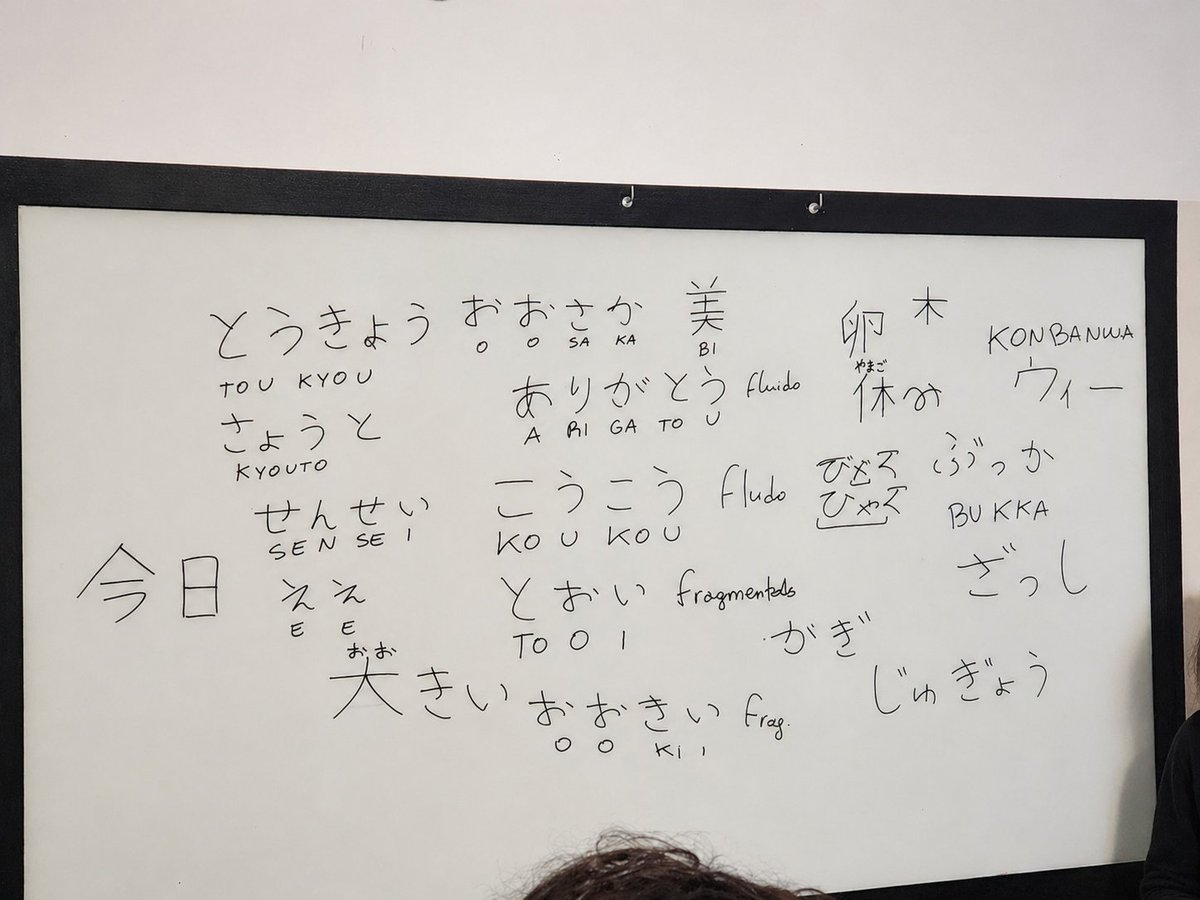
Enhance Whiteboard Photo Readability
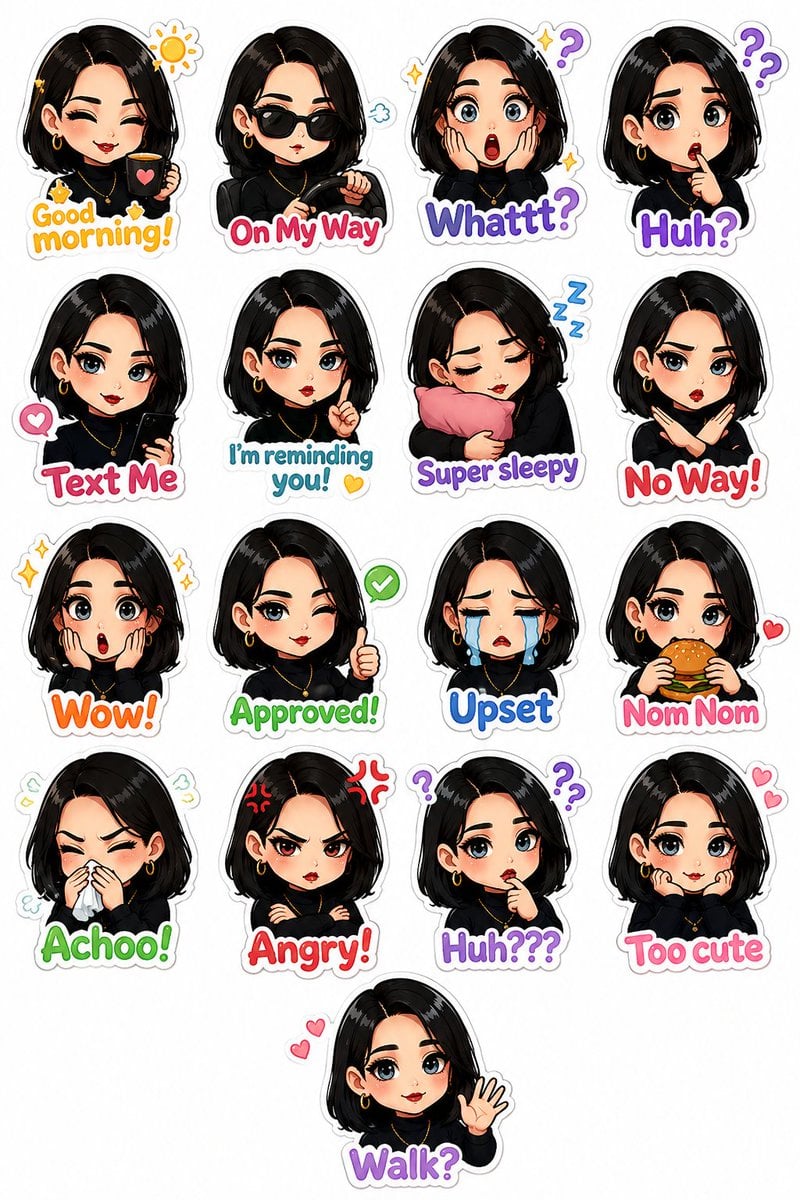
Personalized Chibi Sticker Pack
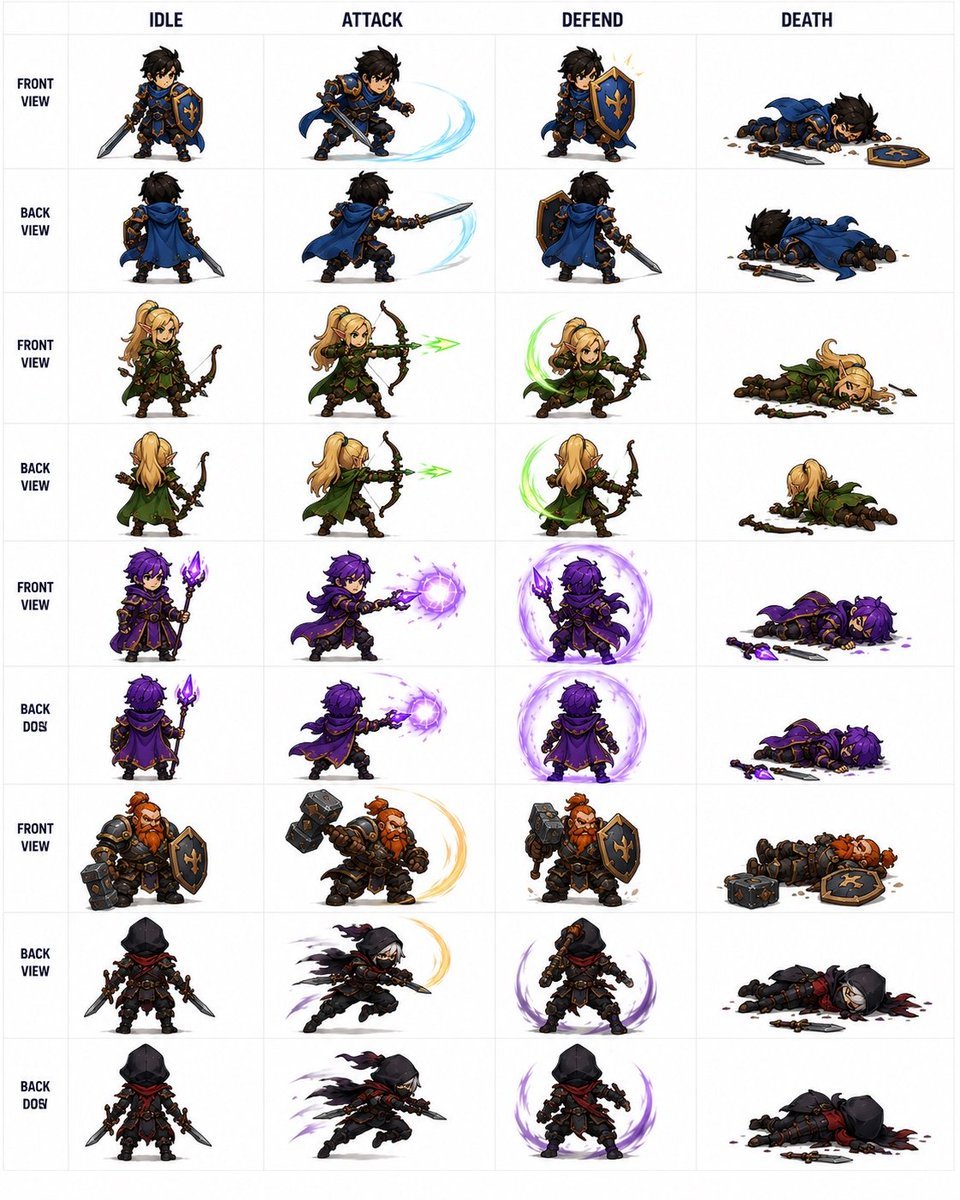
Fantasy RPG Character Sprite Sheet
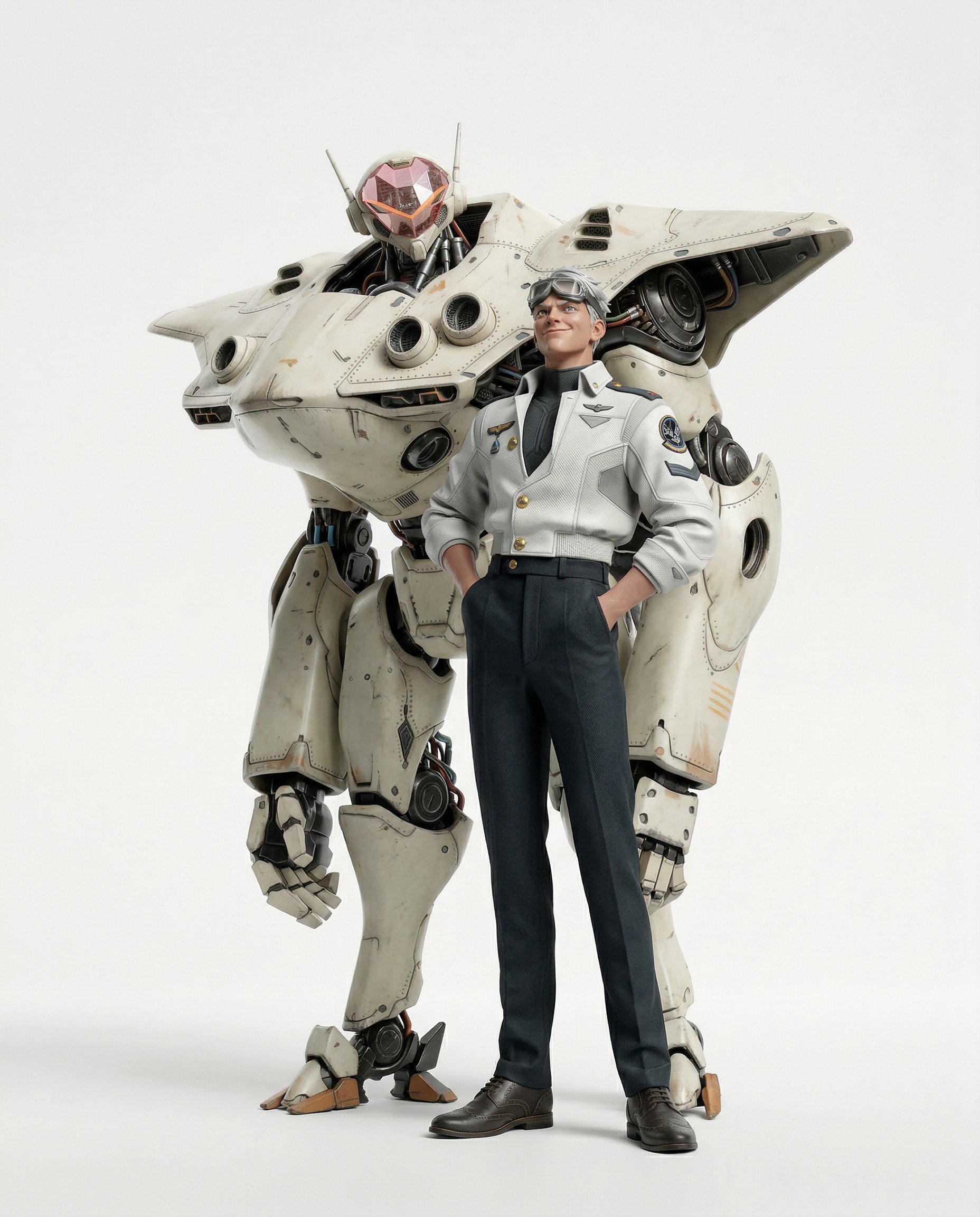
Final Character Design Made with Nano Ba
High-Fashion Studio Photo Collage Prompt
Gpt2 E Commerce Main Image Sustainable T Shirt Plantable Tag Ad

Candid Parisian Café Portrait with Silver Hair
Browse template categories
Philosophical Concept Infographic Manuscript questions
How do I use the Philosophical Concept Infographic Manuscript template?
Add your photo if the template asks for one, edit the prompt if you like — the template's model and format are already selected — and press Generate. Your version opens in PicX Studio.
Can I customize the Philosophical Concept Infographic Manuscript template?
Yes. You can change the subject, setting, lighting, mood, format, and available model controls before creating your image.
Is the Philosophical Concept Infographic Manuscript template free?
Opening and editing this template is free. Generating uses credits, shown on the Generate button when you are signed in.
Which AI model should I use?
Start with GPT Image 2, which is the model associated with this template. You can compare another compatible model for a different finish.
Looking for something else? Browse all templates.

Your photo, any look
Thousands of ready templates for every top image and video model, from one credit balance.