
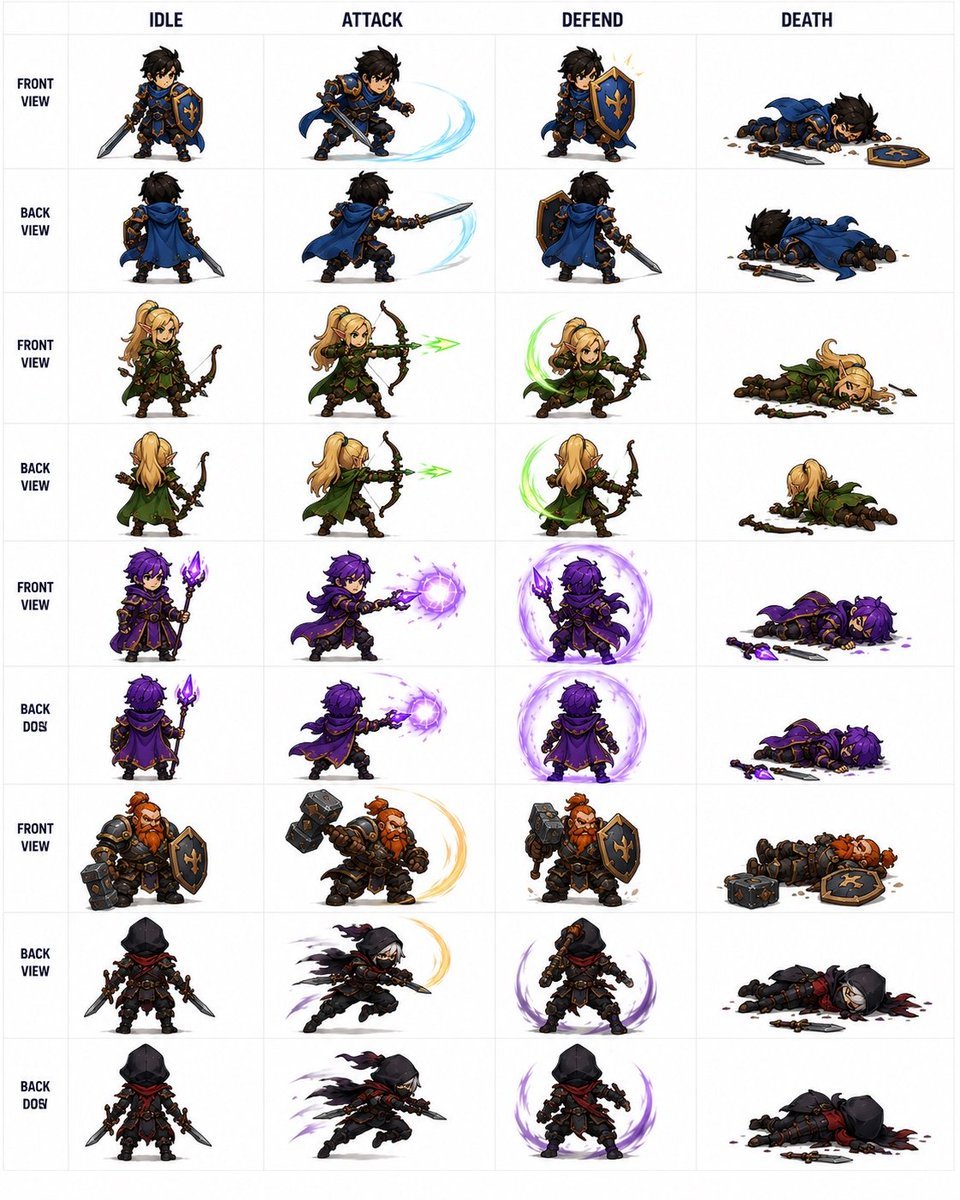
Fantasy RPG Character Sprite Sheet
Creates a structured 36-sprite fantasy RPG character animation sheet for game asset concepts and reference workflows.
- Prompt included
- Model and format preset
- Free template
The prompt behind this image
Copy the exact prompt behind Fantasy RPG Character Sprite Sheet, or open it in the studio and make it yours.
Goal: Create a clean fantasy RPG pixel-art character sprite sheet for game asset reference, showing {argument name="character roster" default="a blue-and-gold knight, a blonde elf archer, a purple dark mage, a red-bearded dwarf warrior, and a black-hooded rogue"} in chibi proportions with detailed armor, weapons, capes, and magical effects. Canvas: Square white canvas with a thin pale-gray grid, like a professional 2D game animation sheet. Use crisp, high-detail isometric/chibi pixel-art styling with painterly shading, transparent-looking white backgrounds inside each cell, and no scenery. Layout: Make exactly 4 action columns labeled across the top in bold dark uppercase text: IDLE, ATTACK, DEFEND, DEATH. Add a narrow left label column with stacked row labels in bold dark uppercase. The sheet contains exactly 9 labeled sprite rows and 36 total character sprites, one sprite per grid cell. Rows and contents, from top to bottom: 1. FRONT VIEW: blue-and-gold knight with messy black hair, sword and fleur-de-lis shield; idle front, slashing attack with pale blue arc, shield block with spark, death lying face down with sword and shield dropped. 2. BACK VIEW: same knight from behind with blue cape; idle back, back-view sword slash with pale blue arc, back-view shield stance, back-view death lying prone. 3. FRONT VIEW: blonde elf archer in green cloak and leather armor; idle with bow, firing green energy arrow, defensive crouch with green crescent effect, death collapsed beside broken bow and scattered arrows. 4. BACK VIEW: same elf archer from behind; idle, firing green arrow, defensive green crescent, death face down with cloak visible. 5. FRONT VIEW: purple-haired dark mage in ornate black-and-gold robes holding a glowing purple staff; idle, casting a purple energy orb, defending inside a purple magic shield aura, death lying with staff dropped and purple splatter. 6. BACK DOS: same mage from behind, preserving the typo label “BACK DOS”; idle, back-view purple orb cast, back-view purple magic barrier, death lying prone with staff nearby. 7. FRONT VIEW: red-bearded dwarf warrior in heavy dark armor with hammer and shield; idle, hammer swing with golden arc, shield block, death lying down with hammer and shield dropped. 8. BACK VIEW: black-hooded rogue assassin with red scarf, dual daggers, dark leather armor; idle rear view, lunging slash with smoky black/purple motion trails, defensive stance with purple crescent aura, death lying in a dark blood pool with daggers nearby. 9. BACK DOS: same rogue from rear, preserving the typo label “BACK DOS”; idle, fast dagger attack with shadow trails, defensive purple aura, death collapsed with weapons scattered. Visual style: {argument name="art style" default="high-detail chibi fantasy pixel art"}, strong silhouettes, small heads and compact bodies, readable weapons, dramatic motion arcs, bright magic effects, and consistent scale across all cells. Keep the top labels and grid perfectly aligned, like a game development sprite atlas. Constraints: Use exactly 4 columns, exactly 9 rows, and exactly 36 sprites. Do not add extra characters, UI panels, watermarks, signatures, scenery, or additional text beyond the column headers and left-side row labels. Keep the background white and the grid subtle.
How to use Fantasy RPG Character Sprite Sheet in 3 steps
- 1Upload ImagePNG, JPG or paste
Add your photo
Upload the photo the template builds on. The prompt, model and format are already set.
- 2…a portrait of your subject in softgolden-hour light, 85mm…
Personalize
Edit the subject and creative details for your destination.
- 3Generate
Generate
Press Generate — your image is created in PicX Studio, so you can compare it with the original and refine one variable at a time.
More like this
Templates with the same subject, style or setup. Open one to see its prompt.
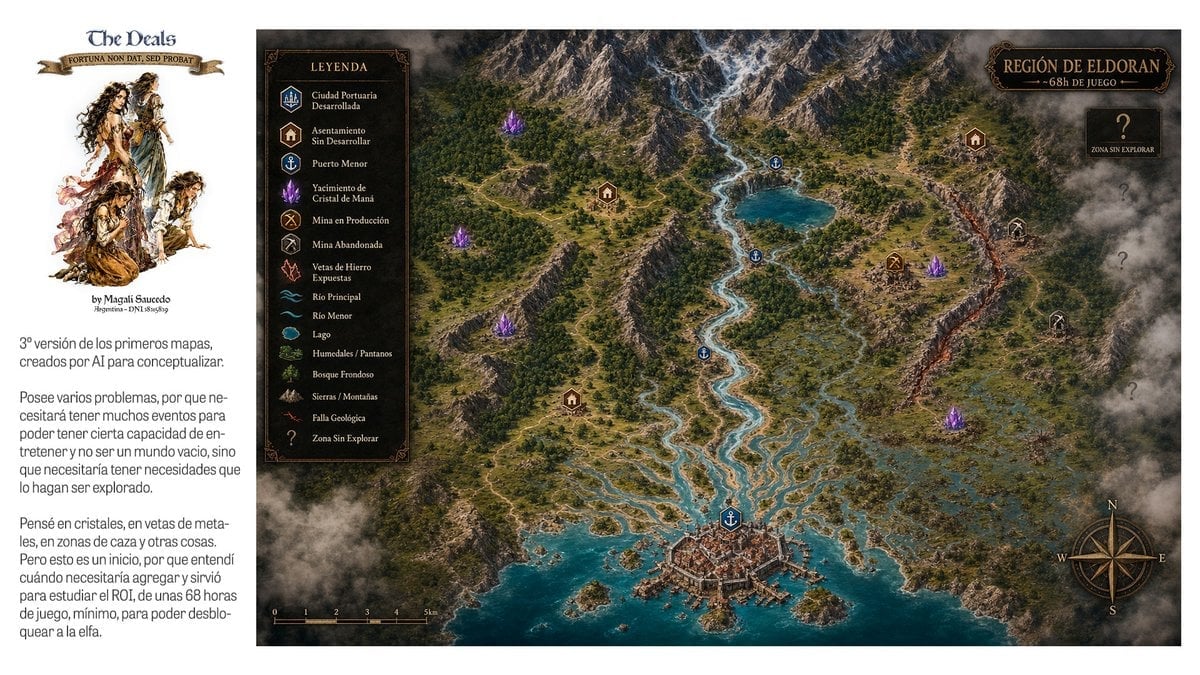
Fantasy RPG Region Map Sheet
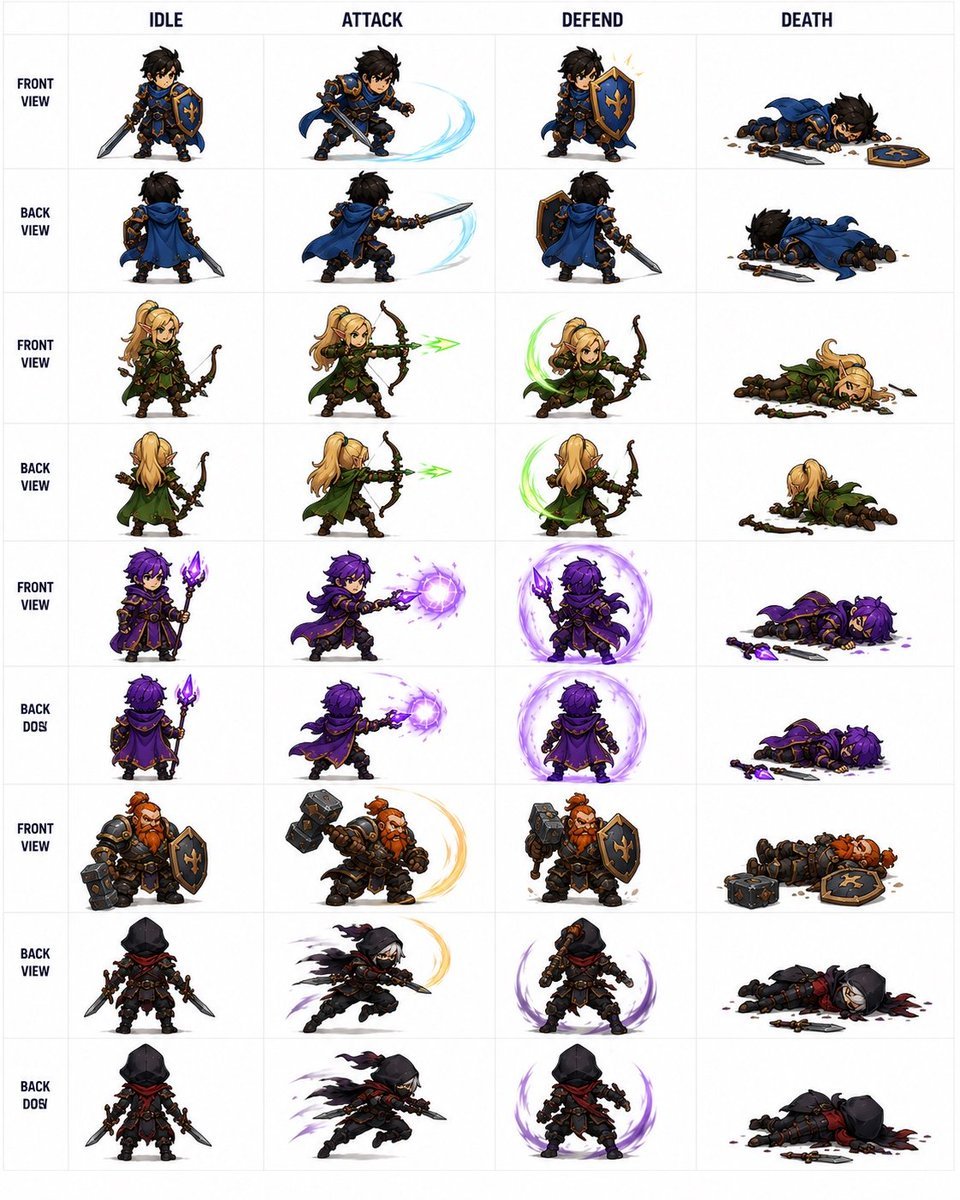
Fantasy Auto-Battler Spritesheet
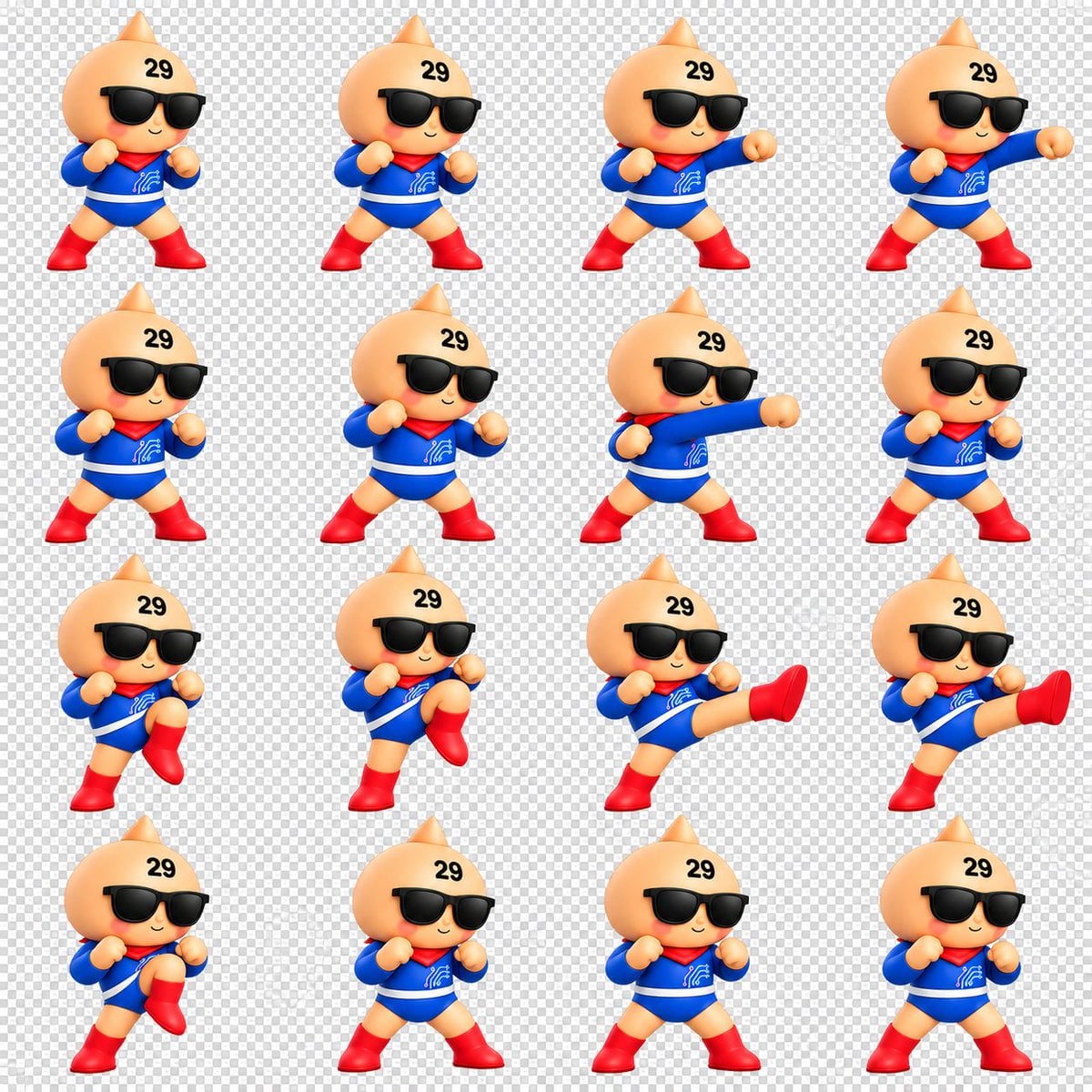
Chibi Mascot Fighting Sprite Sheet

Character Battle Motion Sprite Sheet
Cartoon Character GIF Sprite Sheet
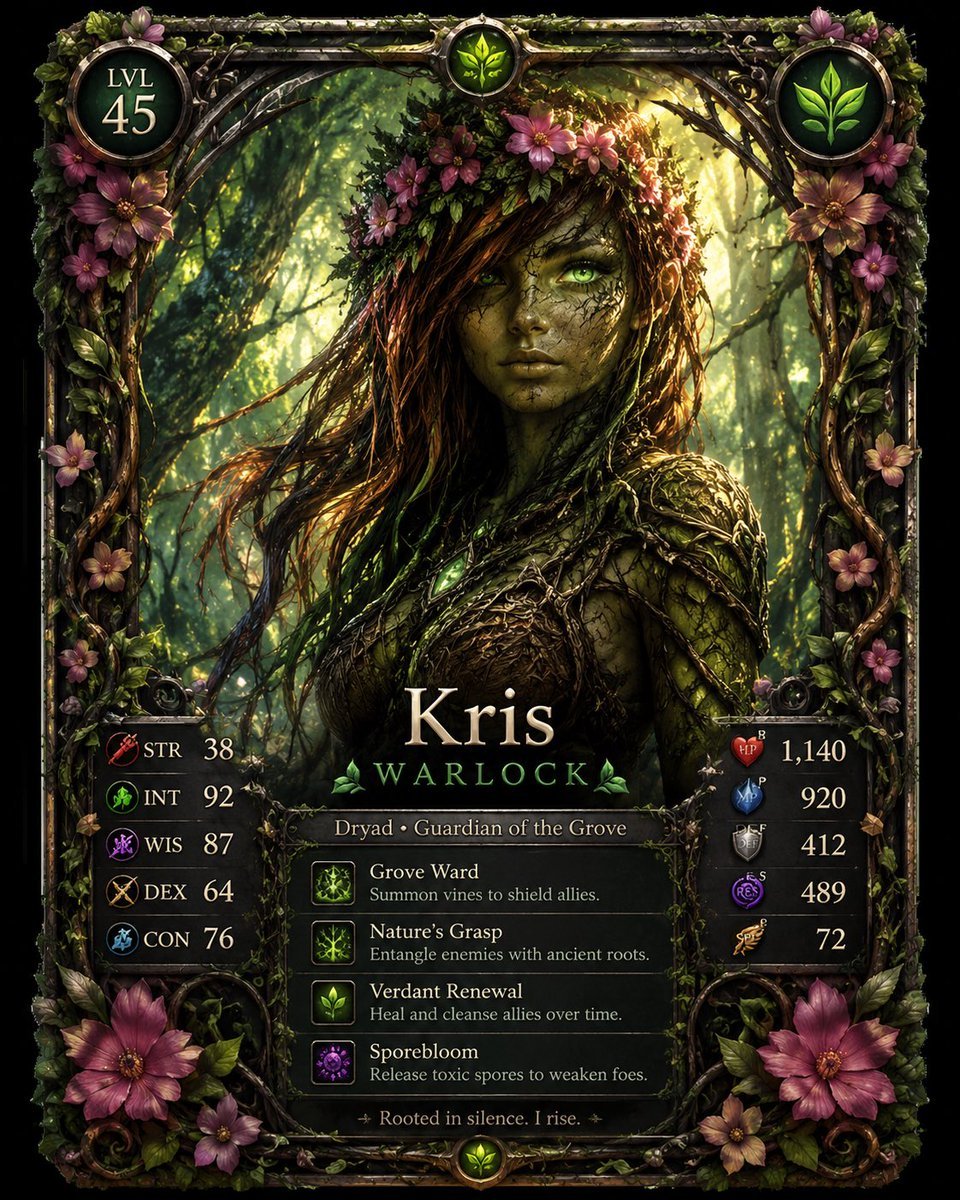
Fantasy Dryad RPG Character Card
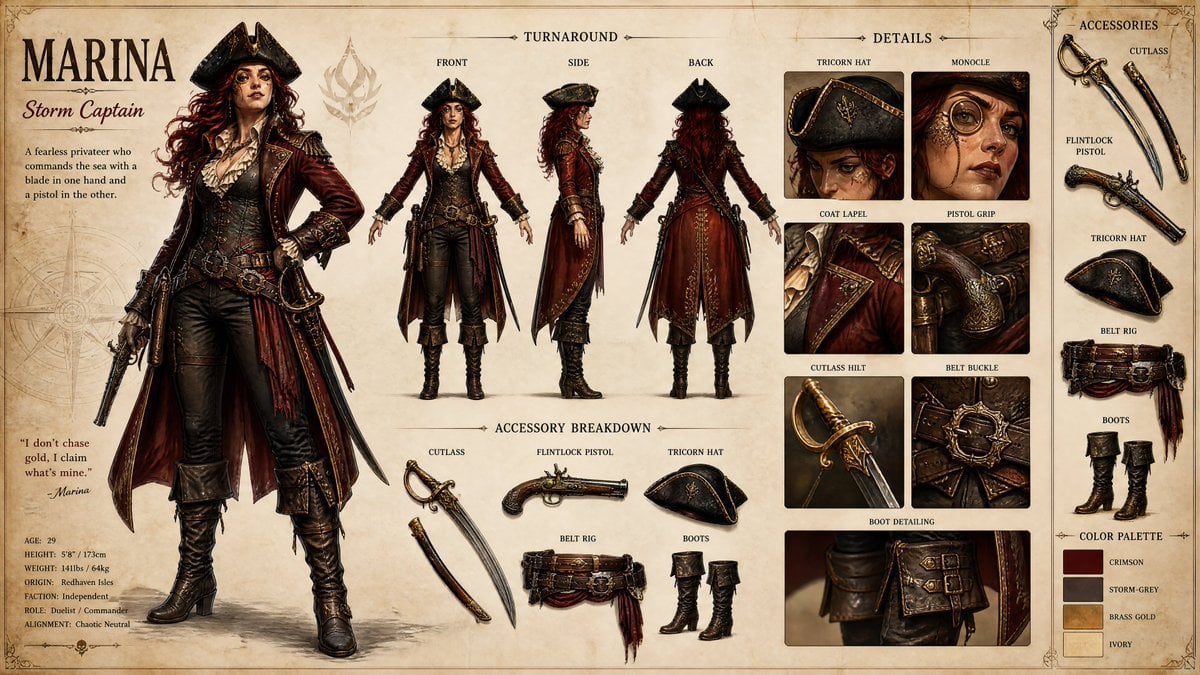
Pirate RPG Character Design Sheet

Anime Fantasy Celestial Movie Poster
Anime Fantasy Celestial Movie Poster

Minecraft Fantasy Kingdom Voxel Landscape

Unfinished Sketch Comes Alive Portrait

Open Travel Journal Overhead Still Life
Make it yours
Fantasy RPG Character Sprite Sheet works as-is. These are the safest ways to change it without losing the look.
Change one field
Copy a single group, rewrite it, and generate again so you can see what that field is doing.
Keep the frame, change the subject
Hold the composition and light of Fantasy RPG Character Sprite Sheet, then swap wardrobe, props or the person for a new take.
| If the result… | Why | Fix |
|---|---|---|
| The result drifts from the preview | Too many fields changed at once. | Reuse Fantasy RPG Character Sprite Sheet as-is first, then change one group — subject, light, or setting. |
| The model over-stylizes the scene | The prose prompt leaves finish and camera underspecified. | Add one camera or lighting sentence and stay on GPT Image 2. |
More GPT Image 2 templates
Other prompts made for GPT Image 2.

Six VTuber Japanese Logo Sheet

Realistic Portrait of Woman and Deer

The Vista Modular Condo Poster

AI Model Routing Comparison Infographic

2.5D Anime Art Board

Isometric Productivity Desk Scene

New York Double Exposure Poster

Four-Panel AI Landscape Comparison

Japanese Tatami Lifestyle Magazine Cover

NESCAFÉ Coffee Map Poster
More image prompts
Fresh picks from across the catalog.

Stylized 3D Cartoon Portrait with Realistic Textures
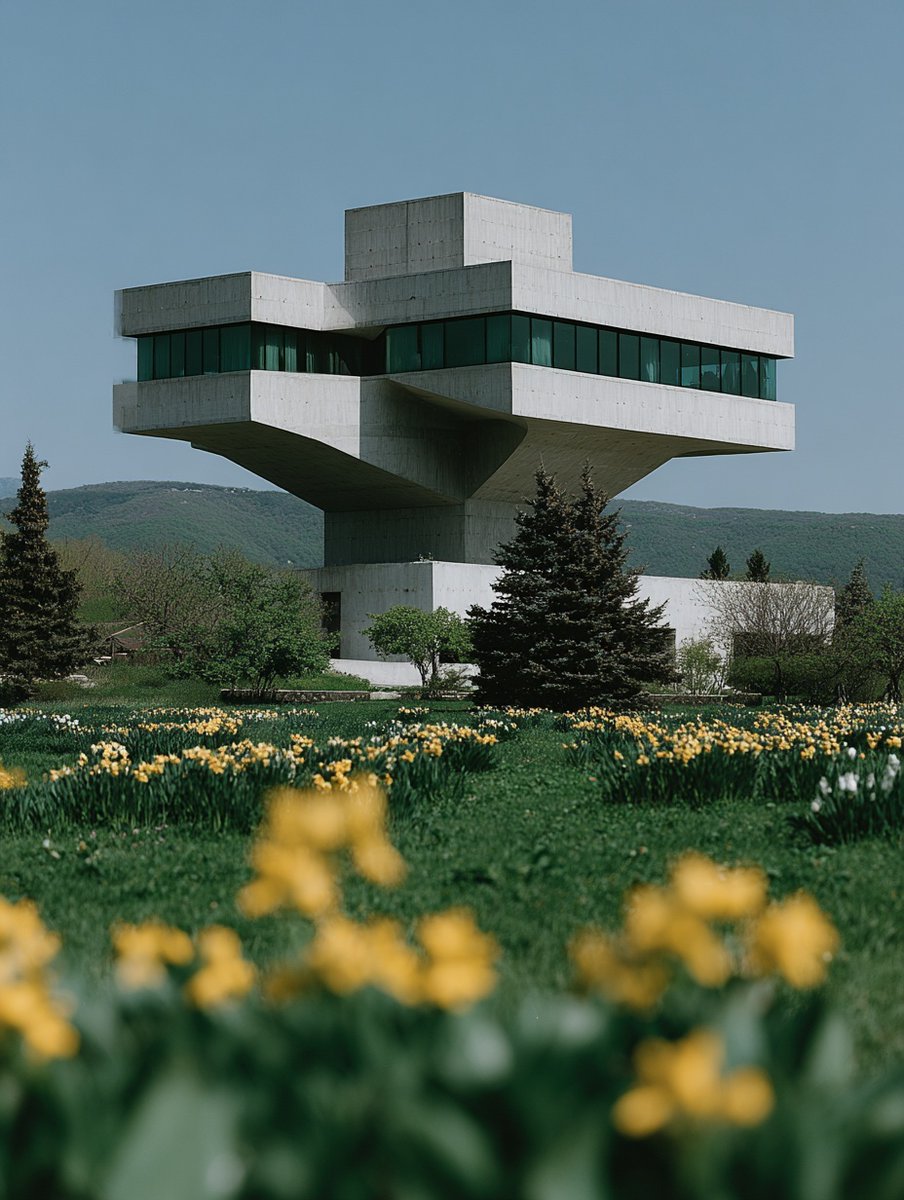
Show Interior of Building
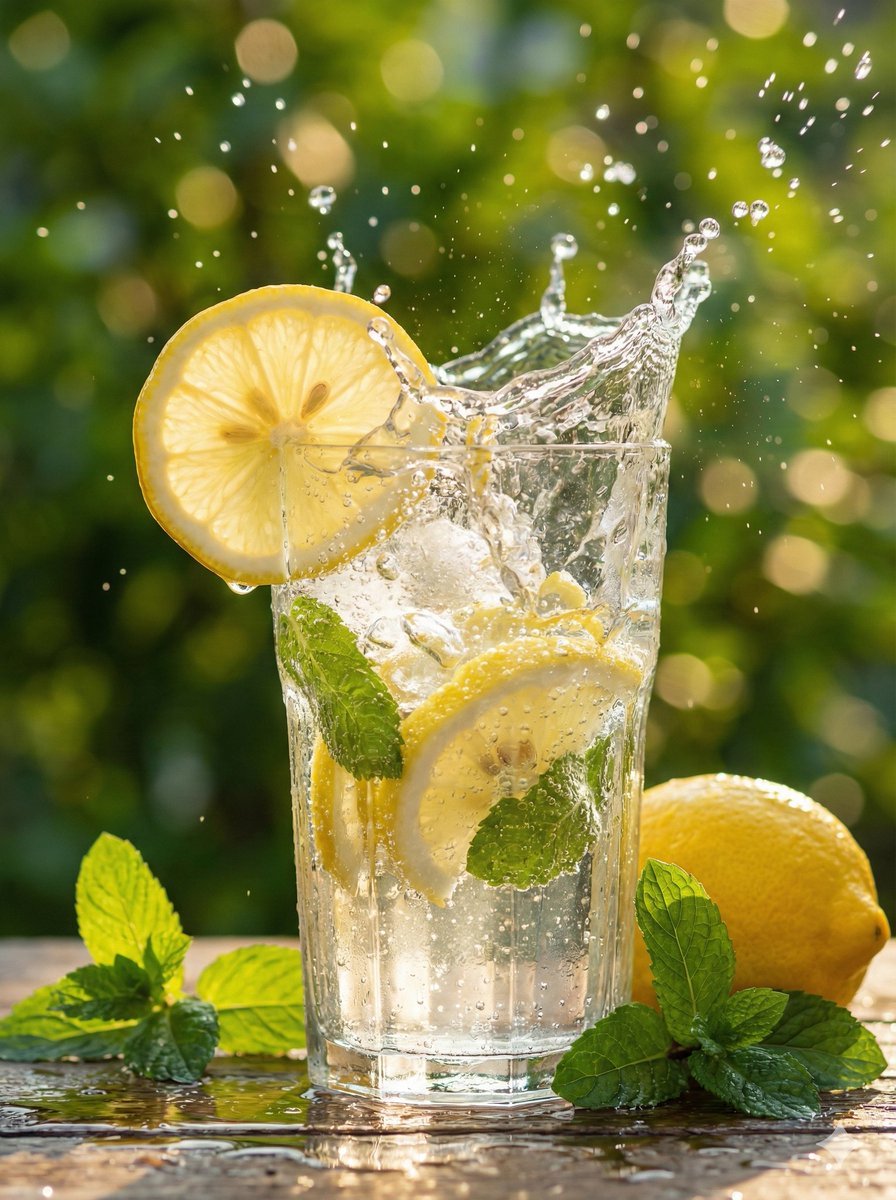
Hyper-Realistic Lemon Mint Drink Macro Photography Prompt
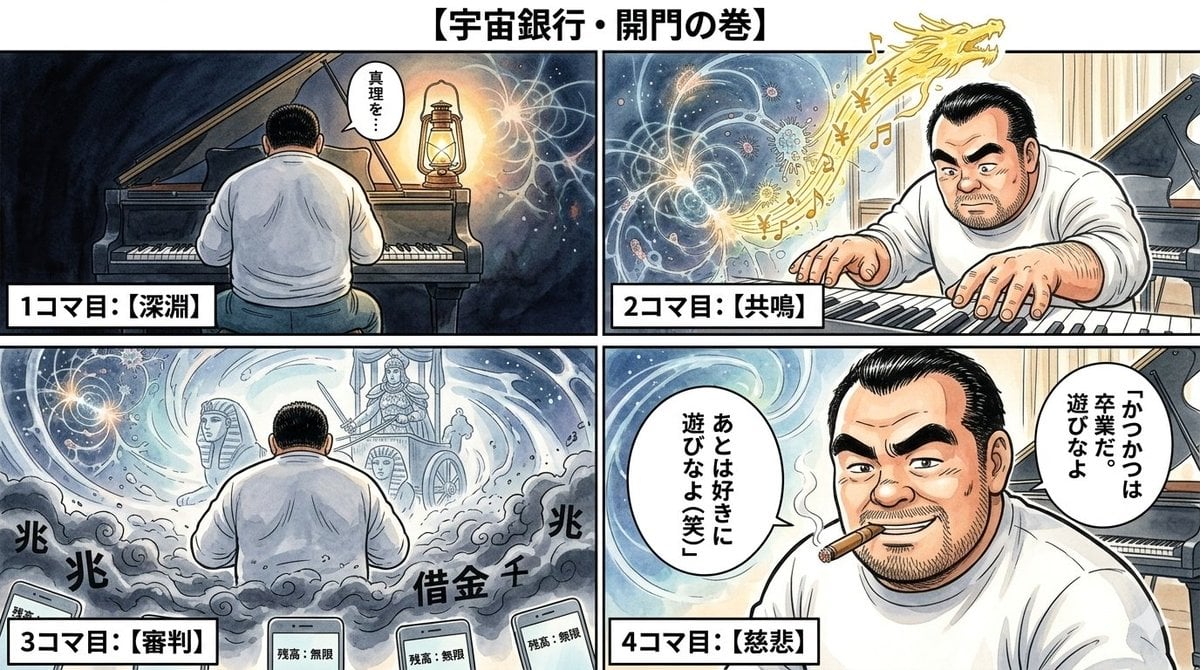
Nano Banana Pro Image Generation Prompt: Currency Issuance and Infinite Balance

90s Editorial Fashion Portrait with Direct Flash

Japanese Beauty Magazine Cover
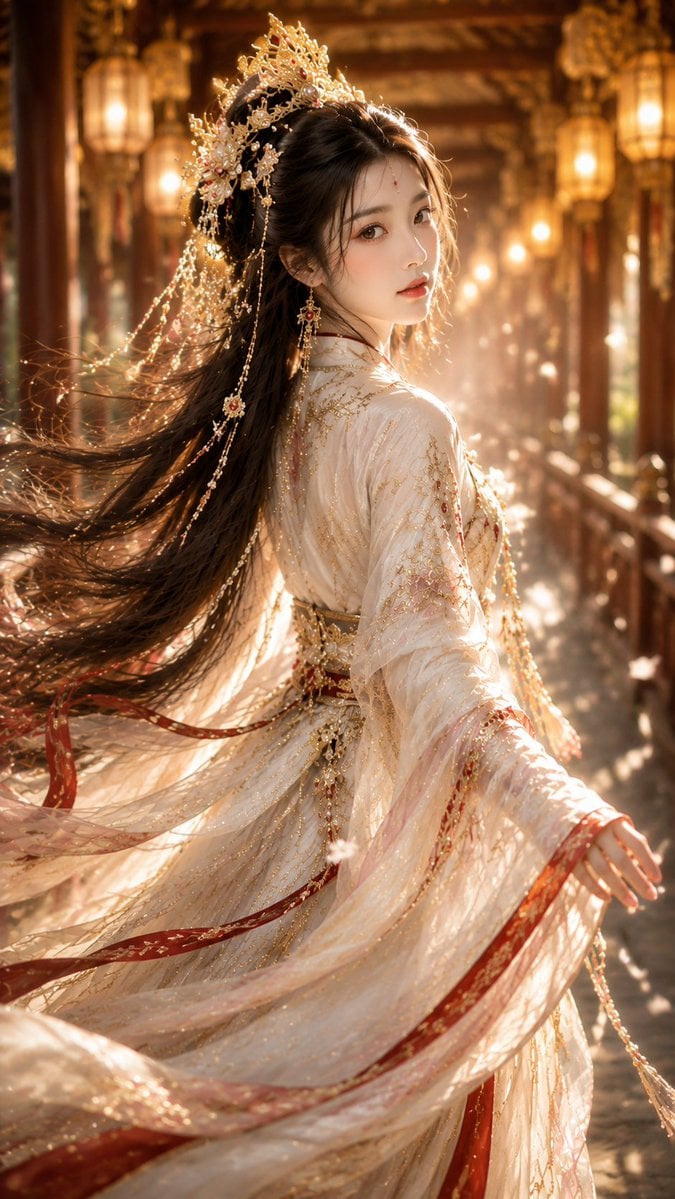
Ancient Chinese Fantasy Female Portrait
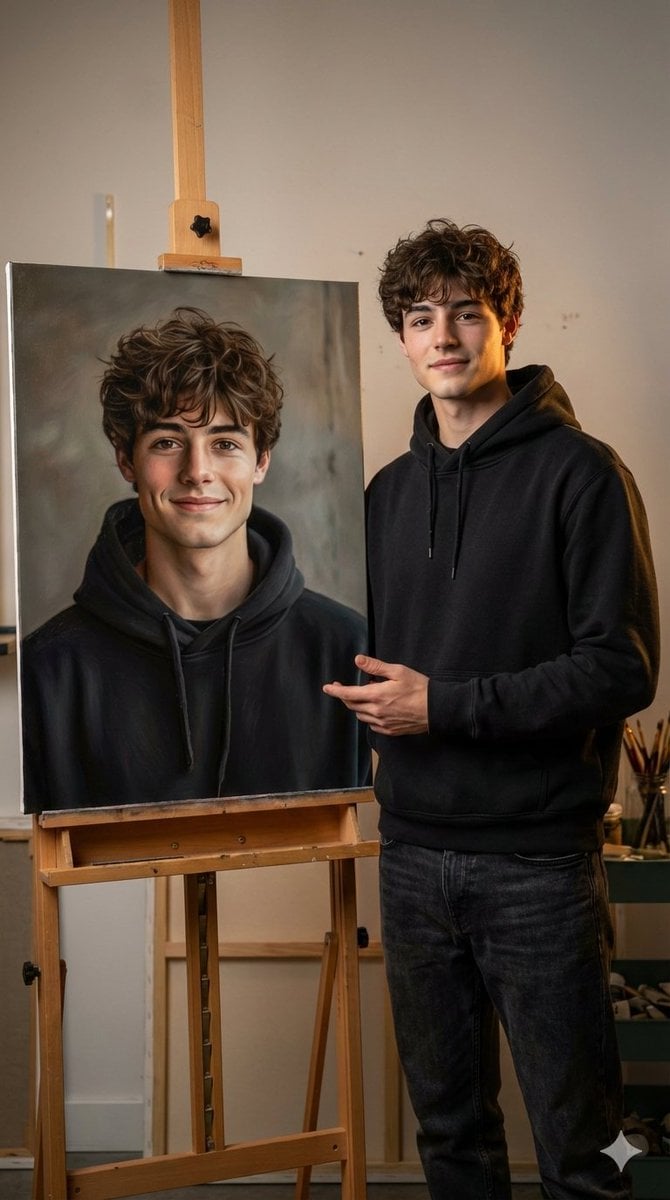
Hyper-realistic portrait with a painting of the subject
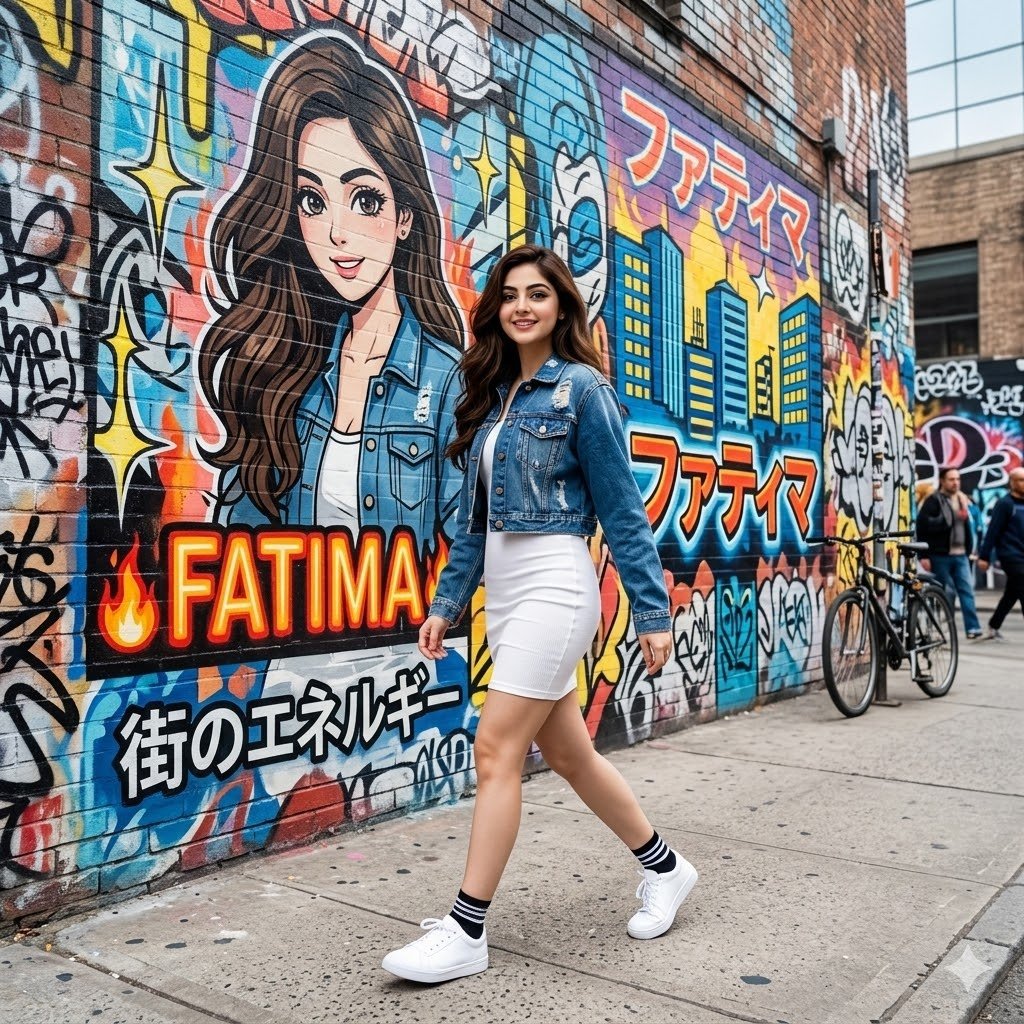
Graffiti Wall Urban Fashion Portrait

Cloisonné Craft PPT Cover
Browse template categories
Fantasy RPG Character Sprite Sheet questions
How do I use the Fantasy RPG Character Sprite Sheet template?
Add your photo if the template asks for one, edit the prompt if you like — the template's model and format are already selected — and press Generate. Your version opens in PicX Studio.
Can I customize the Fantasy RPG Character Sprite Sheet template?
Yes. You can change the subject, setting, lighting, mood, format, and available model controls before creating your image.
Is the Fantasy RPG Character Sprite Sheet template free?
Opening and editing this template is free. Generating uses credits, shown on the Generate button when you are signed in.
Which AI model should I use?
Start with GPT Image 2, which is the model associated with this template. You can compare another compatible model for a different finish.
Looking for something else? Browse all templates.

Your photo, any look
Thousands of ready templates for every top image and video model, from one credit balance.