
Golden Hour Bikini Portrait on Urban Rooftop
A highly detailed JSON prompt for generating a photorealistic, candid portrait of a woman in a slate blue bikini on a luxury urban rooftop terrace during golden hour.
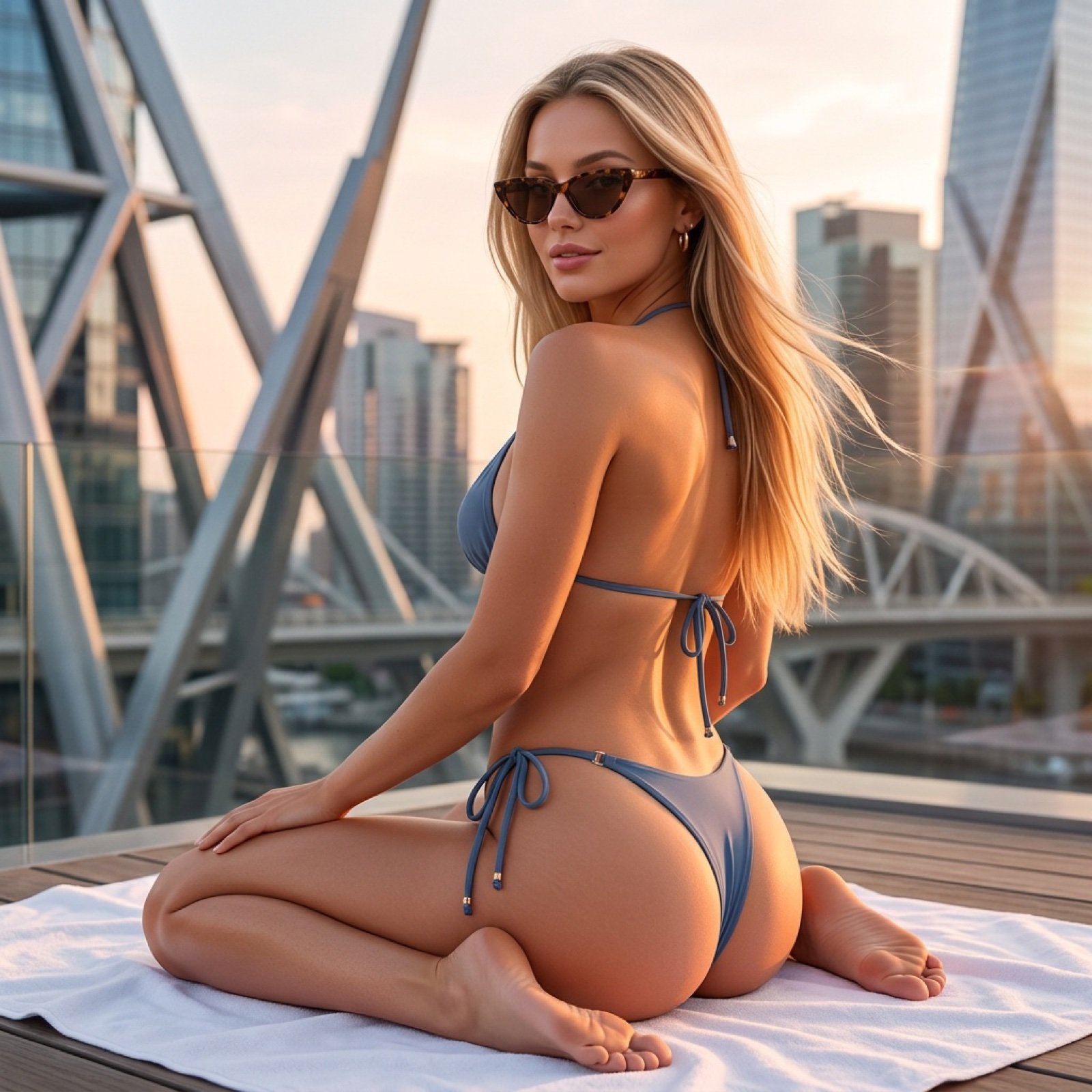
- Prompt included
- Model and format preset
- Premium template
The prompt behind this image
Copy the exact prompt behind Golden Hour Bikini Portrait on Urban Rooftop, or open it in the studio and make it yours.
{ "subject": { "gender": "female", "age": "22-26", "hair": "long straight blonde, natural highlights, flowing in light breeze", "skin_tone": "fair to light tan, smooth, glowing from golden hour sun", "face_features": "delicate symmetrical features, high cheekbones, full lips, subtle natural makeup, slight smile", "accessories": "tortoiseshell cat-eye sunglasses, small gold hoop earrings" }, "body": { "build": "athletic slim hourglass, toned but soft curves", "pose": "sitting on towel, knees bent, one arm resting behind for support, looking slightly over shoulder toward camera, relaxed casual vibe", "back_view": "defined smooth back muscles, visible spine line, arched slightly" }, "clothing": { "type": "bikini", "color": "muted dusty blue / slate blue", "style": "minimal string triangle top with thin straps, high-cut cheeky thong bottom with side ties, subtle metal hardware accents" }, "scene": { "location": "luxury urban rooftop terrace, modern high-rise cityscape background", "architecture": "futuristic angular metal structures, glass buildings, bridges/walkways in distance, late afternoon golden hour", "foreground": "white towel spread on wooden deck or lounger, bare feet visible, relaxed summer atmosphere", "time_of_day": "golden hour sunset, warm orange-pink light, long soft shadows" }, "lighting": "natural golden hour sunlight, warm rim light on skin and hair, soft fill from sky, subtle lens flare possible", "camera": { "angle": "low to medium angle, slightly from behind/side, eye-level-ish but emphasizing curves and back", "focal_length": "50-85mm equivalent, shallow depth of field, sharp subject, softly blurred city background", "style": "candid instagram photo, realistic smartphone or mirrorless capture, slight grain, natural colors" }, "mood": "confident, relaxed, summery, sensual but casual, aspirational city lifestyle", "quality": "ultra detailed, photorealistic, 8k, sharp focus on skin texture and fabric, cinematic color grading", "negative": "no text, no watermark, no extra people in focus, no cartoon, no over-saturation, no deformities" }
How to use Golden Hour Bikini Portrait on Urban Rooftop in 3 steps
- 1
Open
The prompt is already in the box next to the preview, with the template's model and format selected.
- 2…a portrait of your subject in softgolden-hour light, 85mm…
Personalize
Edit the subject and creative details for your destination.
- 3Generate
Generate
Press Generate — your image is created in PicX Studio, so you can compare it with the original and refine one variable at a time.
More like this
Templates with the same subject, style or setup. Open one to see its prompt.

Rooftop Fisheye — Cat-Ear Balaclava at Golden Hour

80s Golden Hour Cinema

Cinematic Golden Hour Urban Portrait
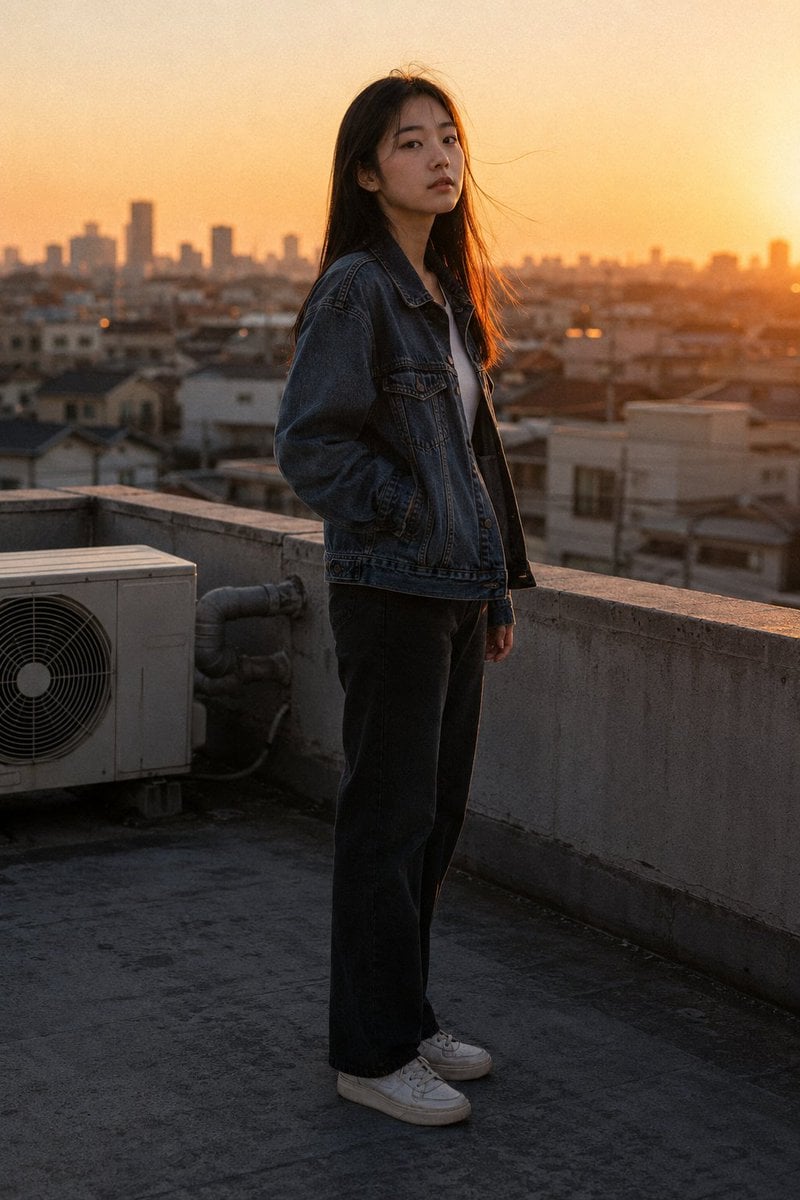
Golden Hour Rooftop Portrait

Cinematic Golden Hour Garden Portrait

Golden Hour Redhead Portrait

Golden Hour Cinematic Boss Energy Portrait

Golden Hour Cinematic Portrait
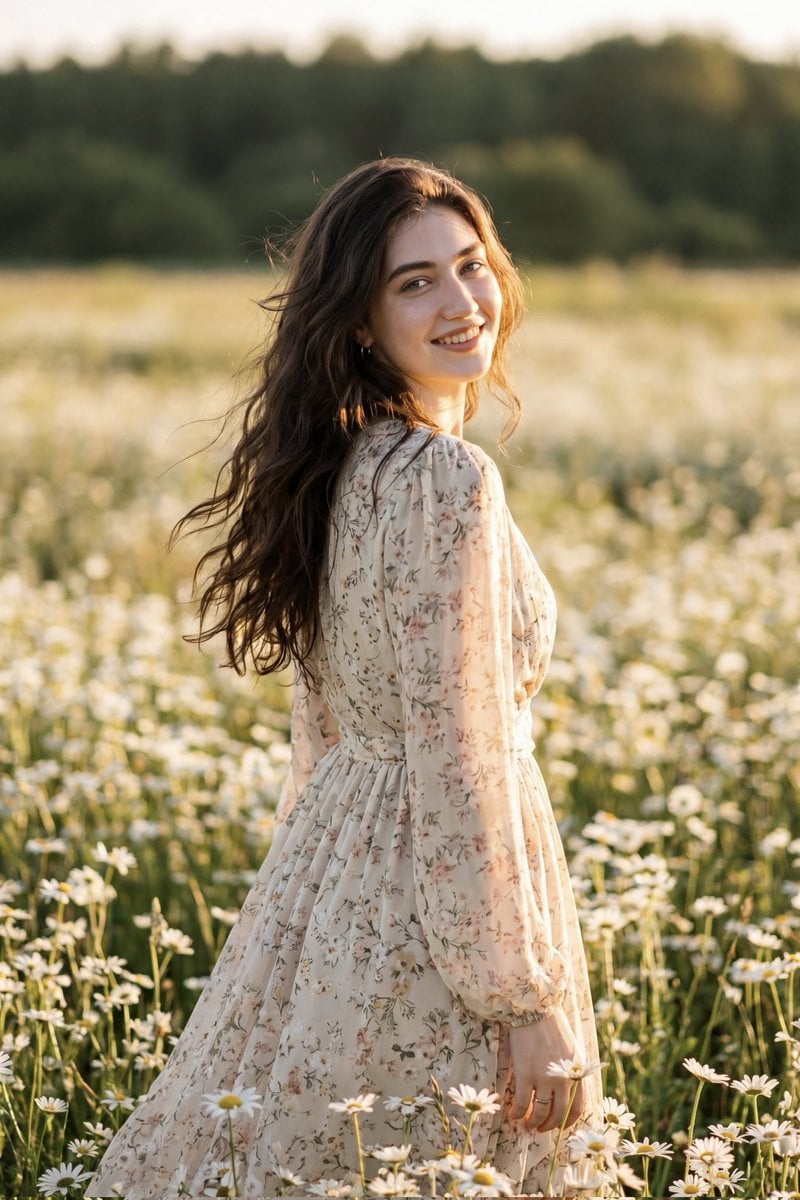
Golden Hour Daisy Field Portrait
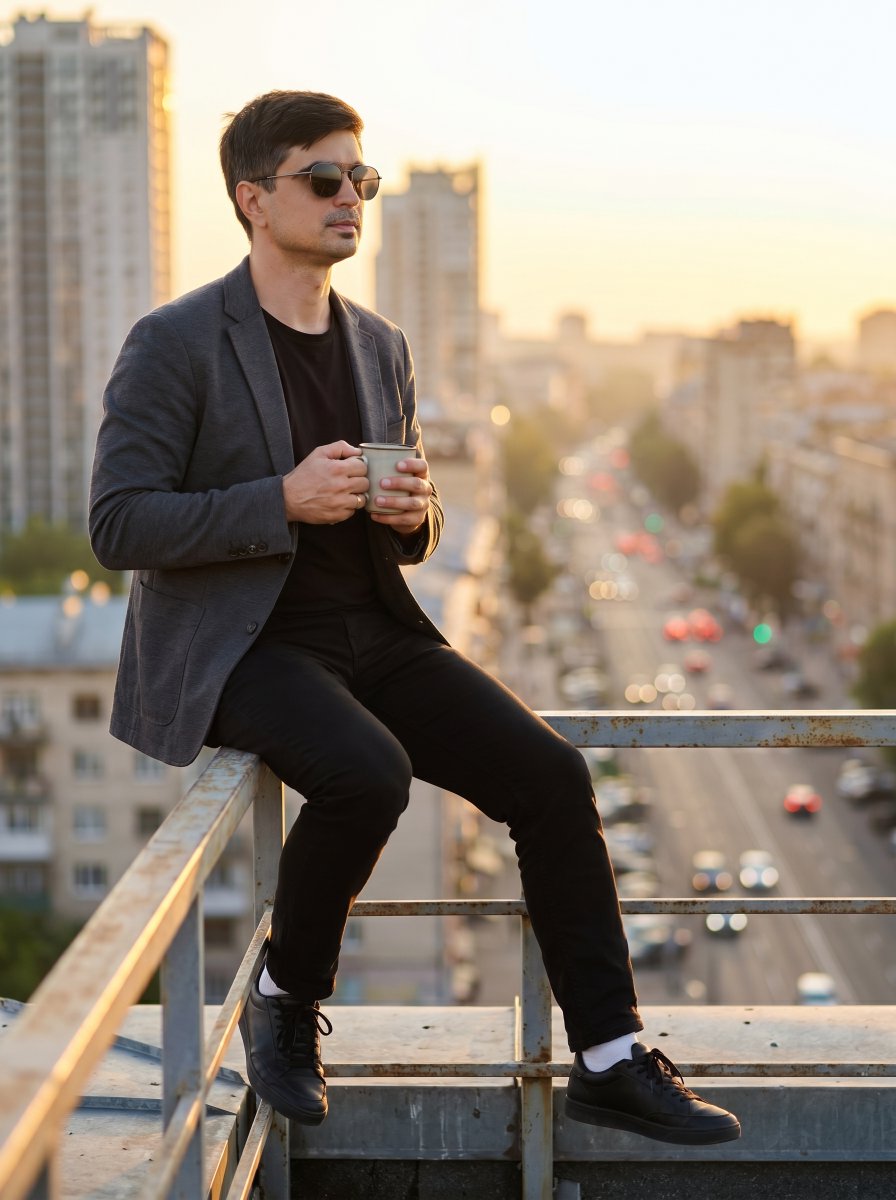
Urban Rooftop Sunset Portrait
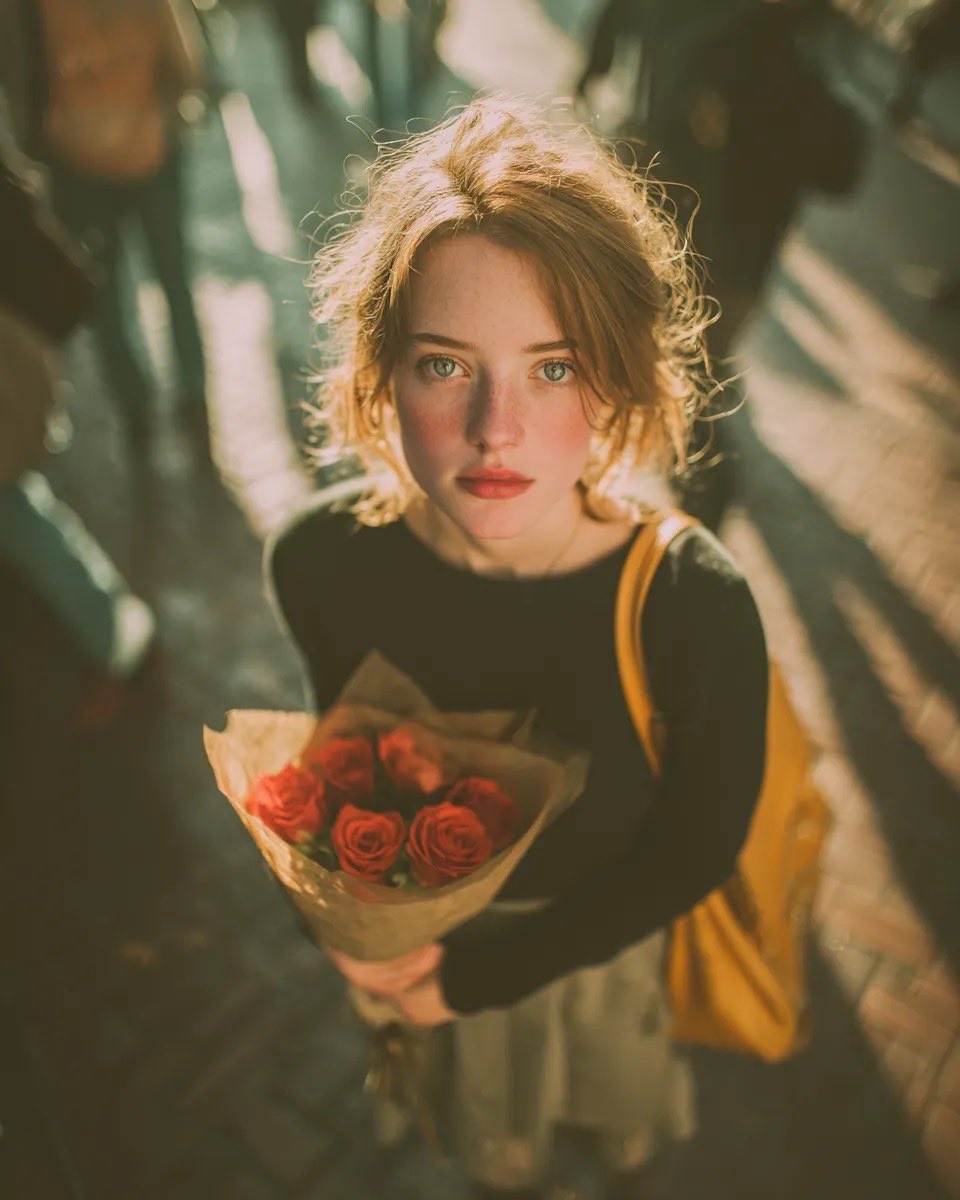
Golden Hour Rose Portrait

Golden Hour Korean Classroom Portrait
Make it yours
Golden Hour Bikini Portrait on Urban Rooftop works as-is. These are the safest ways to change it without losing the look.
Change one field
Copy a single group, rewrite it, and generate again so you can see what that field is doing.
Keep the frame, change the subject
Hold the composition and light of Golden Hour Bikini Portrait on Urban Rooftop, then swap wardrobe, props or the person for a new take.
| If the result… | Why | Fix |
|---|---|---|
| The result drifts from the preview | Too many fields changed at once. | Reuse Golden Hour Bikini Portrait on Urban Rooftop as-is first, then change one group — subject, light, or setting. |
| The model over-stylizes the scene | The prose prompt leaves finish and camera underspecified. | Add one camera or lighting sentence and stay on Nano Banana 2. |
More Nano Banana 2 templates
Other prompts made for Nano Banana 2.

Photorealistic Leaf Shaped Like a Dragon

K-Pop Idol Portrait Grid for Rapid Selection

Urban Street Portrait with Cartoon Inner Self Duo

Candid Nighttime Photo with Cat Prompt

High-Concept 3D Diorama Generation Prompt

Cinematic Futuristic Studio Portrait Template

Skincare Editorial Photography Collage Prompt

Hyper-Realistic Commercial Product Photography (Splash Effect)

Hyper-Realistic Nightclub Portrait Prompt

Cinematic Urban Rain Scene Prompt (Neo-Noir)
More image prompts
Fresh picks from across the catalog.
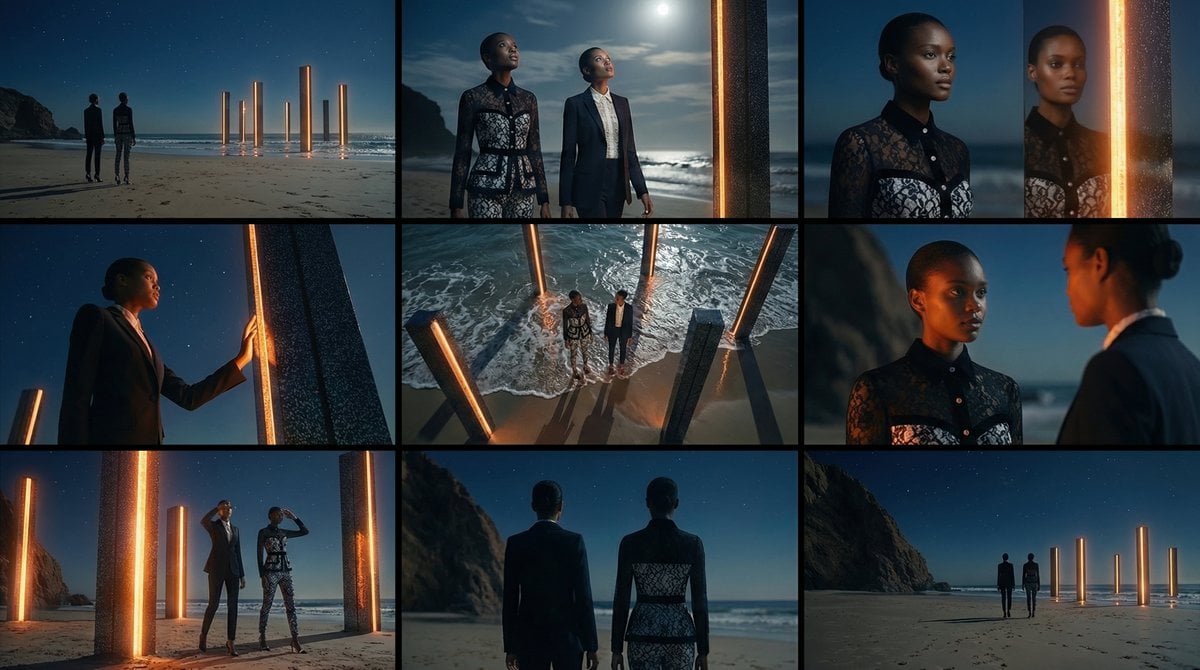
Storyboard Grid Generation Prompt (3x3)

Fictional Hamster Engine Car Catalog
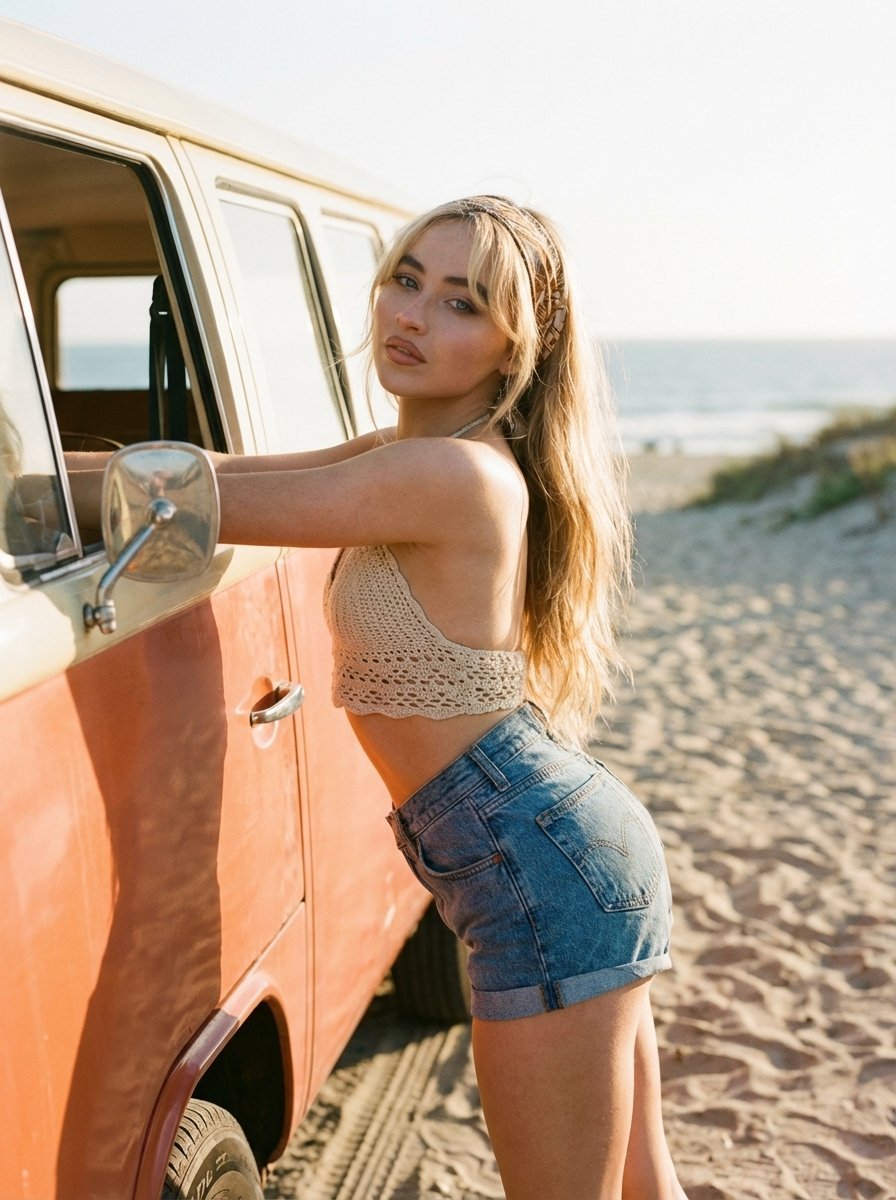
Cinematic Outdoor Portrait Prompt for Nano Banana Pro
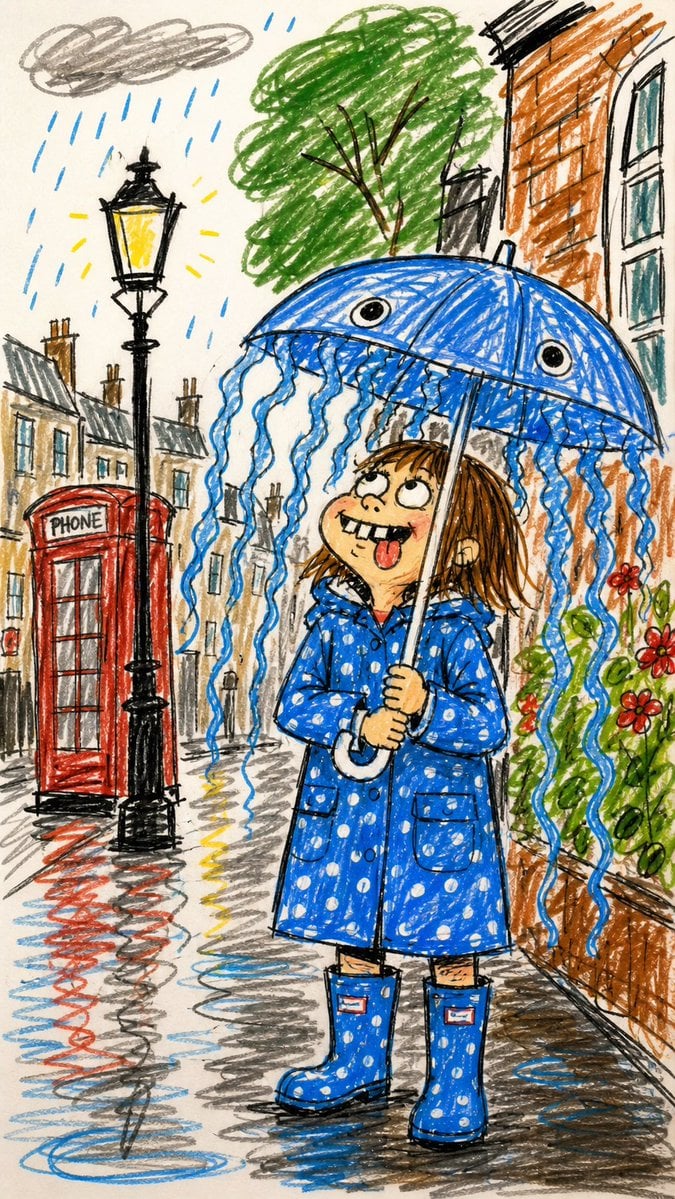
Funny Doodle Photo Transformation
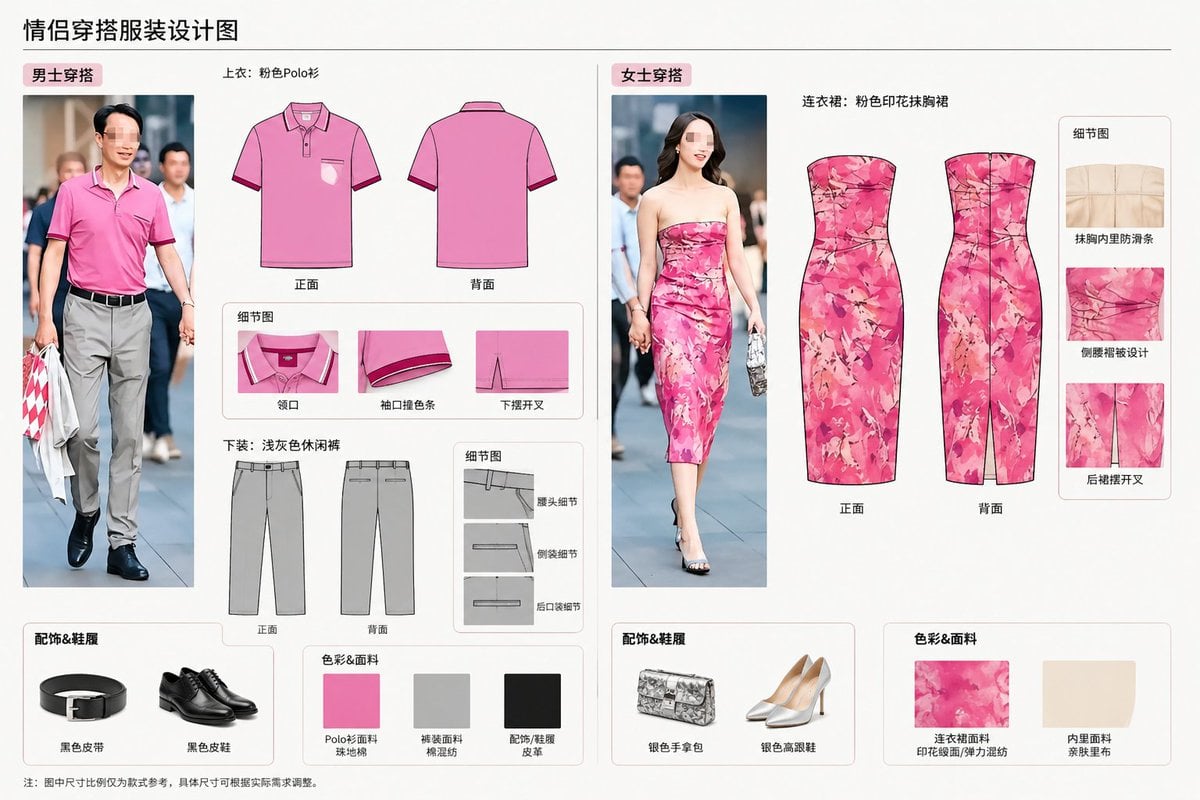
Real-World Clothing Deconstruction
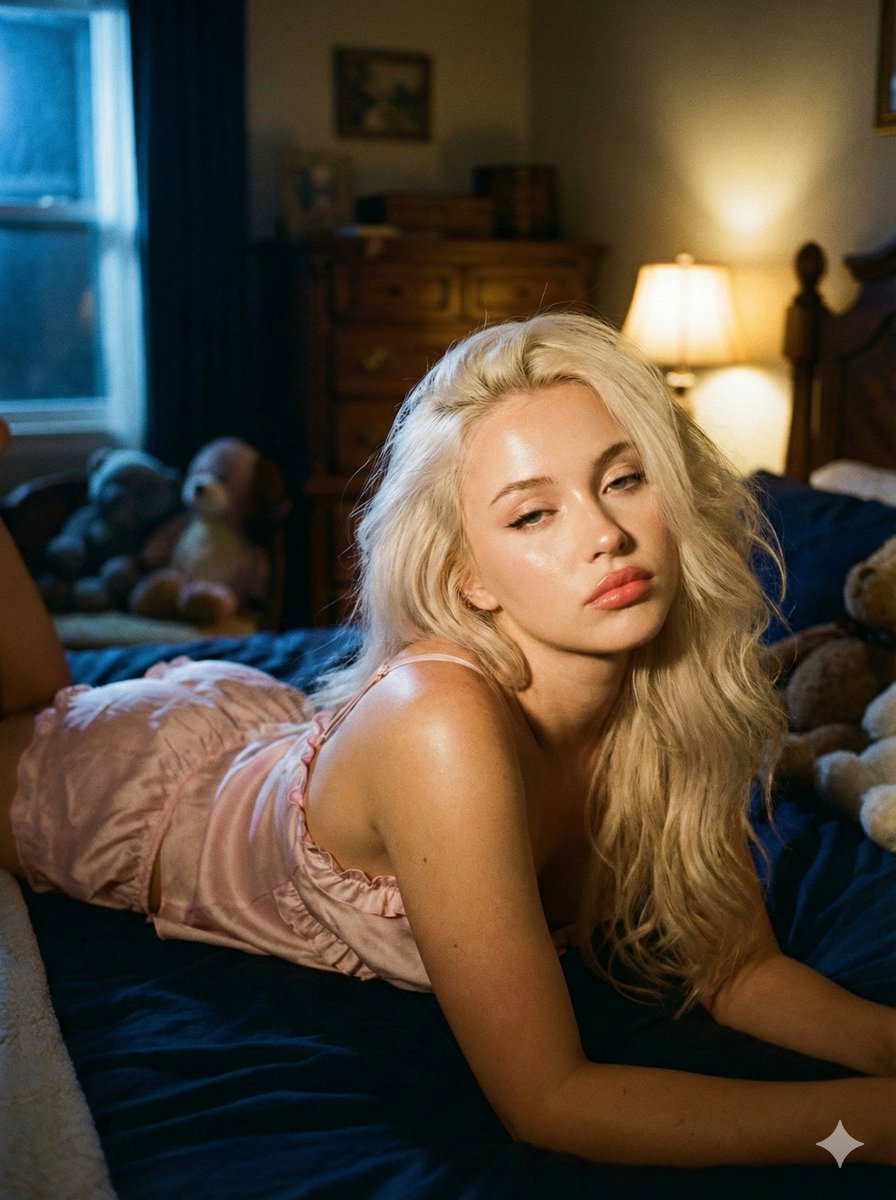
Intimate Low-Light Bedroom Portrait with Vintage Film Aesthetic
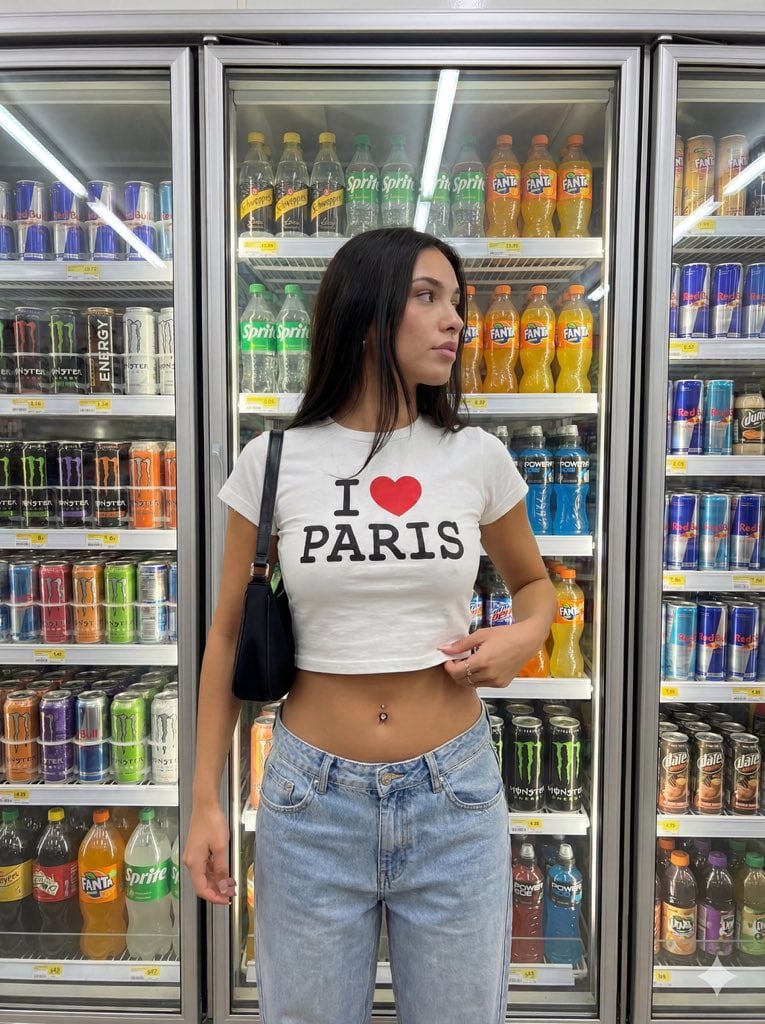
Convenience Store Aisle Portrait with Fluorescent Lighting

Split-Screen Cinematic Shot for Time Travel Comparison
Censored Monochrome Manga Profile
Eye-Level Food Photography Prompt
Browse template categories
Golden Hour Bikini Portrait on Urban Rooftop questions
How do I use the Golden Hour Bikini Portrait on Urban Rooftop template?
Add your photo if the template asks for one, edit the prompt if you like — the template's model and format are already selected — and press Generate. Your version opens in PicX Studio.
Can I customize the Golden Hour Bikini Portrait on Urban Rooftop template?
Yes. You can change the subject, setting, lighting, mood, format, and available model controls before creating your image.
Is the Golden Hour Bikini Portrait on Urban Rooftop template free?
Opening and editing this template is free. Generating uses credits, shown on the Generate button when you are signed in.
Which AI model should I use?
Start with Nano Banana 2, which is the model associated with this template. You can compare another compatible model for a different finish.
Looking for something else? Browse all templates.

Your photo, any look
Thousands of ready templates for every top image and video model, from one credit balance.