
Urban Rooftop Sunset Portrait
A detailed prompt for an urban rooftop portrait at sunset.
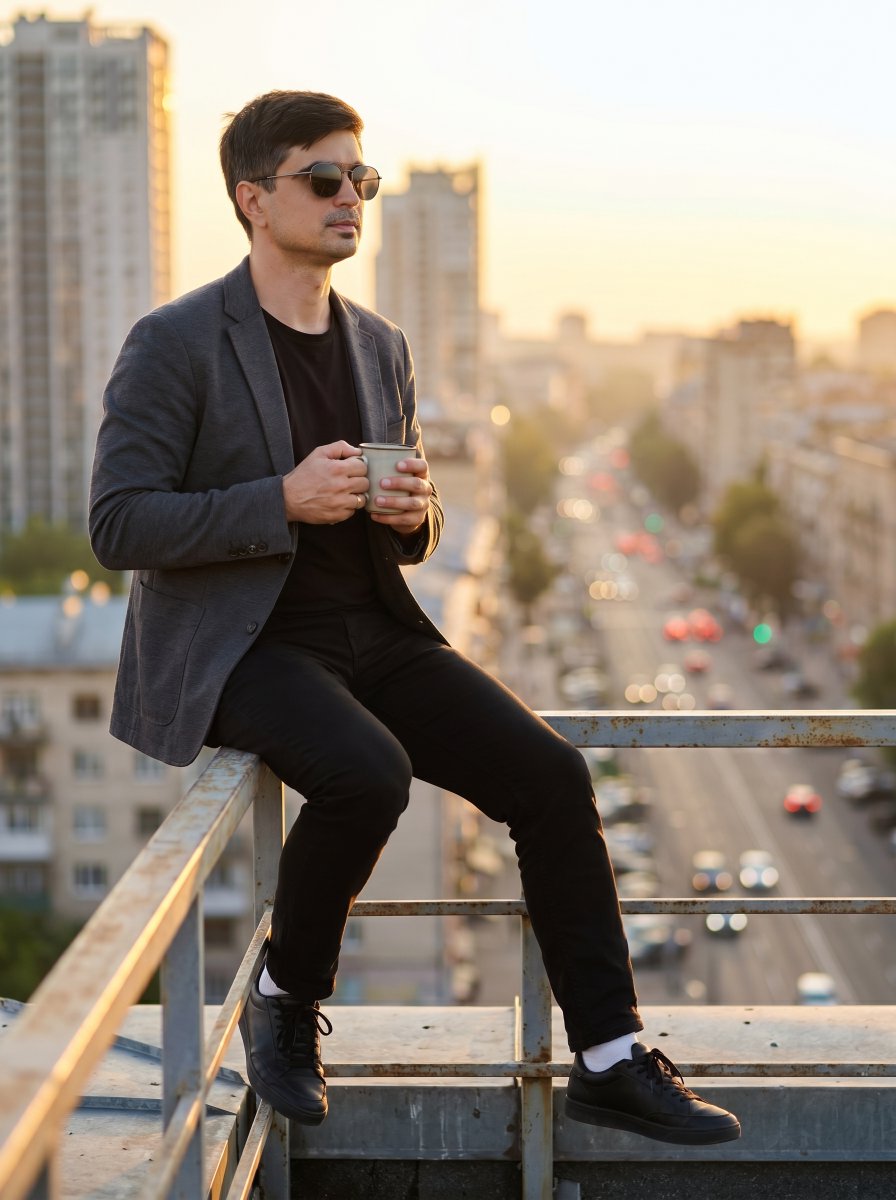
- Prompt included
- Model and format preset
- Free template
The prompt behind this image
Copy the exact prompt behind Urban Rooftop Sunset Portrait, or open it in the studio and make it yours.
The person from the reference photo is seated on a metal rooftop railing overlooking a cityscape at {argument name="time of day" default="sunset"}, with the torso angled slightly to the right and the spine upright but relaxed. Both hands are gently holding a mug near chest height. The legs are bent at the knees, with the left foot resting on a lower metal bar and the right foot placed slightly forward on the same bar, creating a casual, balanced seated posture. The head is turned slightly to the left with the gaze directed toward the horizon, wearing a calm, contemplative expression. dark sunglasses with thin metallic frames complete the look. They are wearing a {argument name="jacket" default="charcoal-gray casual blazer"} layered over a {argument name="top" default="black crew-neck top"}, paired with slim black trousers. Black low-top sneakers with white socks complete the outfit, matching the urban rooftop setting. The environment is a hazy, warm-toned city skyline at sunset, with tall buildings fading into atmospheric haze in the background. A long avenue below is filled with lines of bokeh traffic lights, stretching toward the horizon. The sky is a muted golden color, casting soft, diffused light across the scene. The metal railing structure is weathered, adding an industrial edge to the atmosphere. Full-body portrait in portrait orientation, captured from an eye-level camera angle with a slight three-quarter perspective. The person is centered, with the city depth unfolding dramatically behind them. Depth of field keeps the subject crisp while allowing the city lights and skyline to blur smoothly into atmospheric distance. Professional editorial photography, photorealistic. Shot on a Canon EOS 5D Mark IV with an 85mm f/1.8 lens; aperture around f/2.0 for pronounced background bokeh and strong subject isolation. Natural optical depth of field with realistic blur; crisp subject focus. Physically plausible warm sunset lighting with soft shadows and gentle tonal transitions. True-to-life colors with warm, hazy grading consistent with an urban sunset. Subtle photographer-style post-processing, realistic color grading, moderate contrast. High-resolution, ultra-detailed, sharp image quality (8k). Natural matte skin texture, visible pores, subtle micro-details; no plastic smoothing. NEGATIVE PROMPT: CGI, 3D render, fake, artificial, synthetic, plastic skin, wax skin, rubbery skin, airbrushed skin, over-smoothing, AI artifacts, digital artifacts, jpeg artifacts, pixelation, distorted anatomy, extra limbs, deformed, disfigured, mutated, heavy makeup, beauty filters, glamour retouching, overly youthful/teenage appearance, unnatural glow, fake shine, extreme cinematic lighting, harsh HDR, motion blur, out of focus (unless intentionally present), distortion, out of frame.
How to use Urban Rooftop Sunset Portrait in 3 steps
- 1Upload ImagePNG, JPG or paste
Add your photo
Upload the photo the template builds on. The prompt, model and format are already set.
- 2…a portrait of your subject in softgolden-hour light, 85mm…
Personalize
Edit the subject and creative details for your destination.
- 3Generate
Generate
Press Generate — your image is created in PicX Studio, so you can compare it with the original and refine one variable at a time.
More like this
Templates with the same subject, style or setup. Open one to see its prompt.

Rooftop Fisheye — Cat-Ear Balaclava at Golden Hour

If We Met in 1985

Found Photograph: Us, 1970

80s Couple Studio Portrait

80s Bollywood Star

80s Golden Hour Cinema

Me in 1985

1985 Studio Portrait

Hyper-Realistic Minecraft POV Portrait
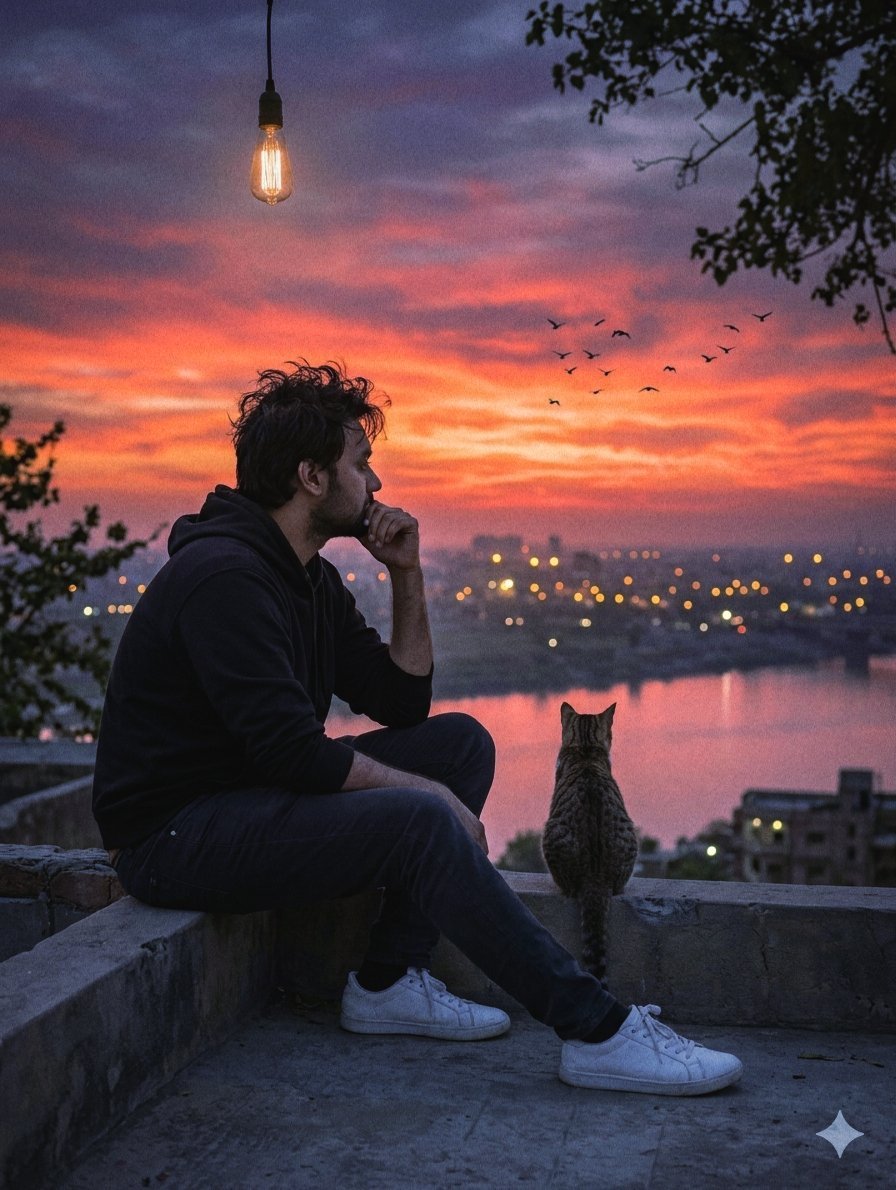
Melancholic Rooftop City Sunset
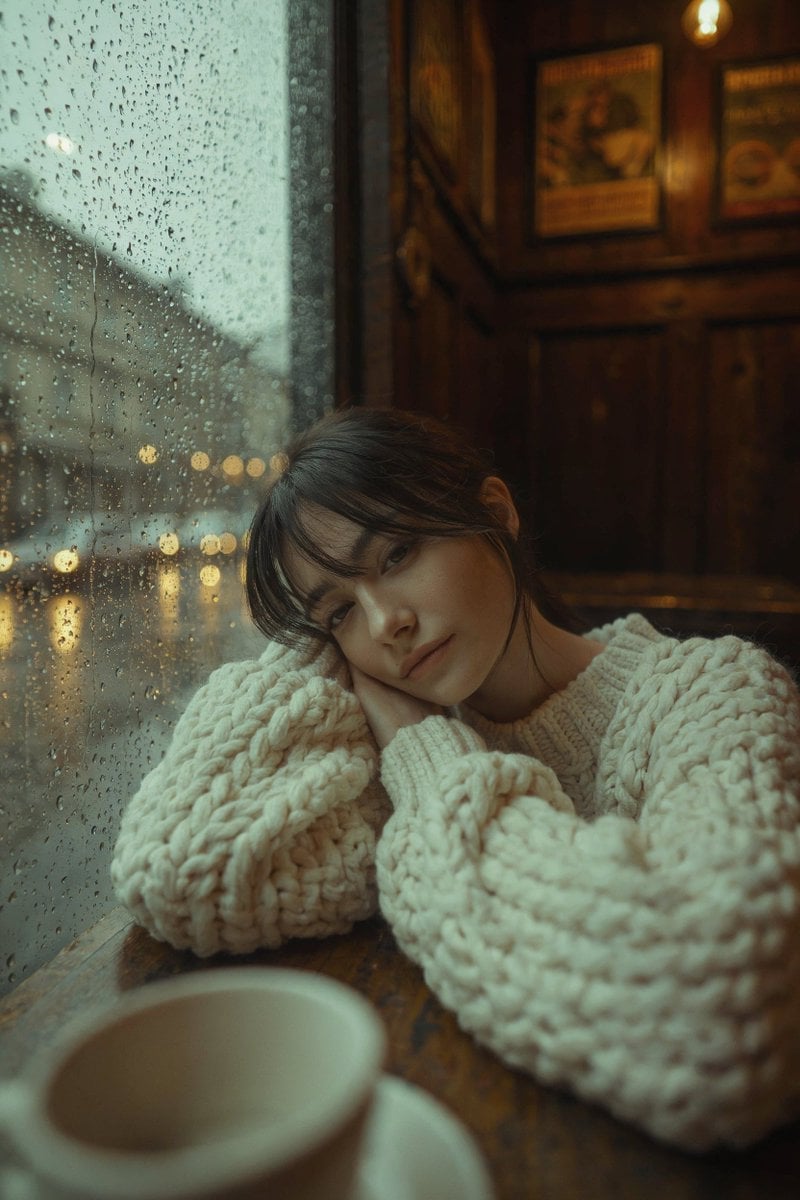
Rainy Café Window Moody Portrait
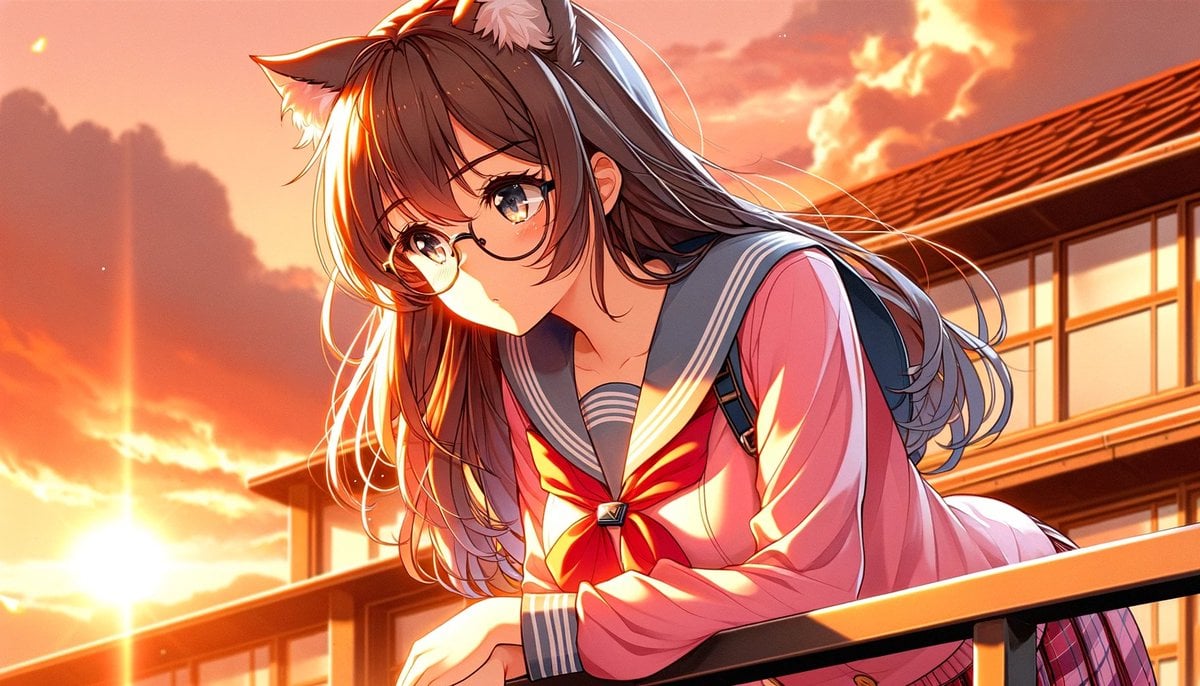
Sunset Catgirl School Rooftop Anime
Make it yours
Urban Rooftop Sunset Portrait works as-is. These are the safest ways to change it without losing the look.
Change one field
Copy a single group, rewrite it, and generate again so you can see what that field is doing.
Keep the frame, change the subject
Hold the composition and light of Urban Rooftop Sunset Portrait, then swap wardrobe, props or the person for a new take.
| If the result… | Why | Fix |
|---|---|---|
| The result drifts from the preview | Too many fields changed at once. | Reuse Urban Rooftop Sunset Portrait as-is first, then change one group — subject, light, or setting. |
| The model over-stylizes the scene | The prose prompt leaves finish and camera underspecified. | Add one camera or lighting sentence and stay on Nano Banana 2. |
More Nano Banana 2 templates
Other prompts made for Nano Banana 2.

Photorealistic Leaf Shaped Like a Dragon

K-Pop Idol Portrait Grid for Rapid Selection

Poetic Rain Forest Portrait During Golden Hour

Urban Street Portrait with Cartoon Inner Self Duo

Candid Nighttime Photo with Cat Prompt

High-Concept 3D Diorama Generation Prompt

Cinematic Futuristic Studio Portrait Template

Skincare Editorial Photography Collage Prompt

Hyper-Realistic Commercial Product Photography (Splash Effect)

Hyper-Realistic Nightclub Portrait Prompt
More image prompts
Fresh picks from across the catalog.
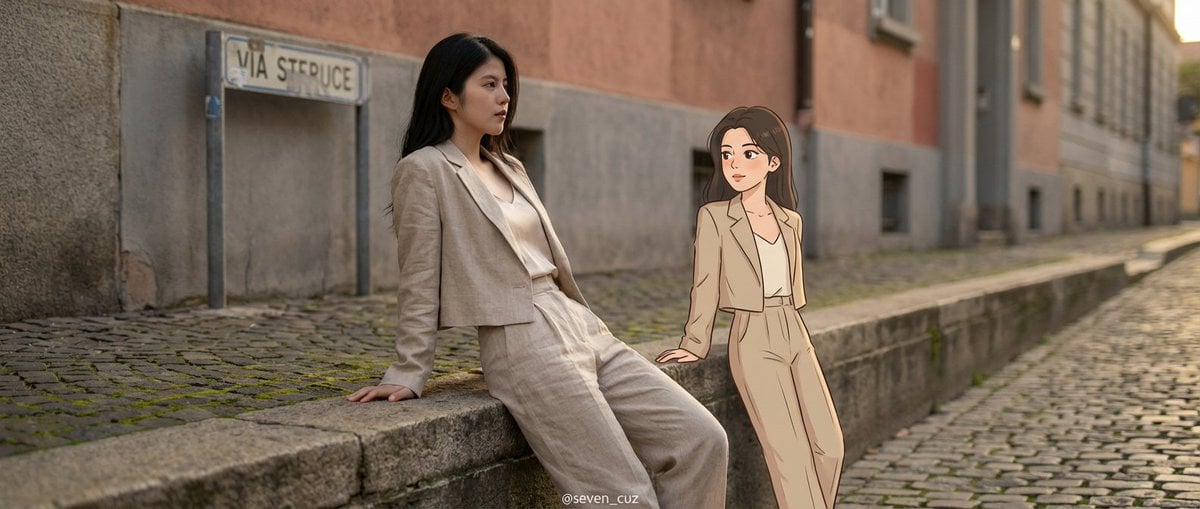
Mixed-Media Crossover Portrait (Real and Cartoon)
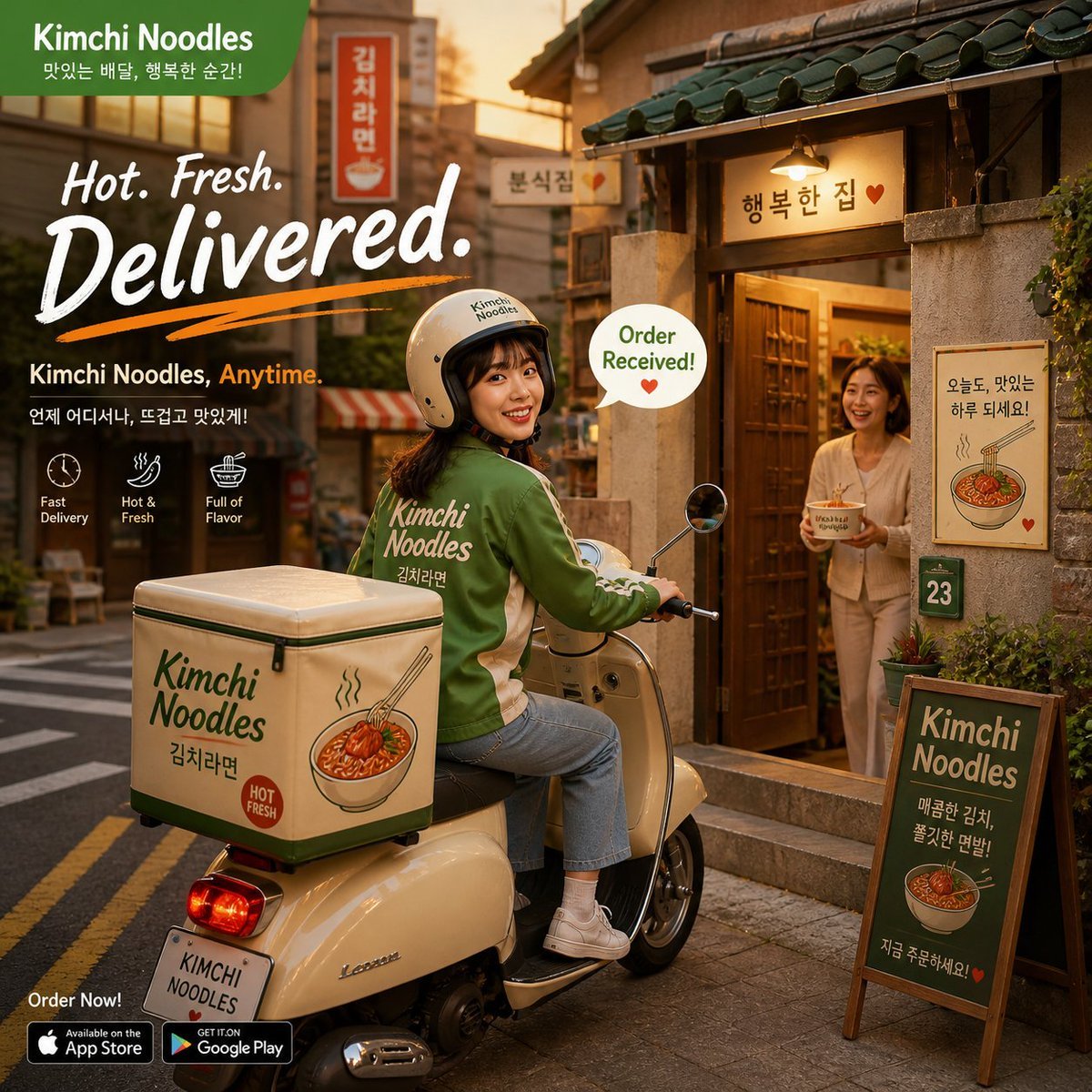
Warm Kimchi Noodles Delivery Ad
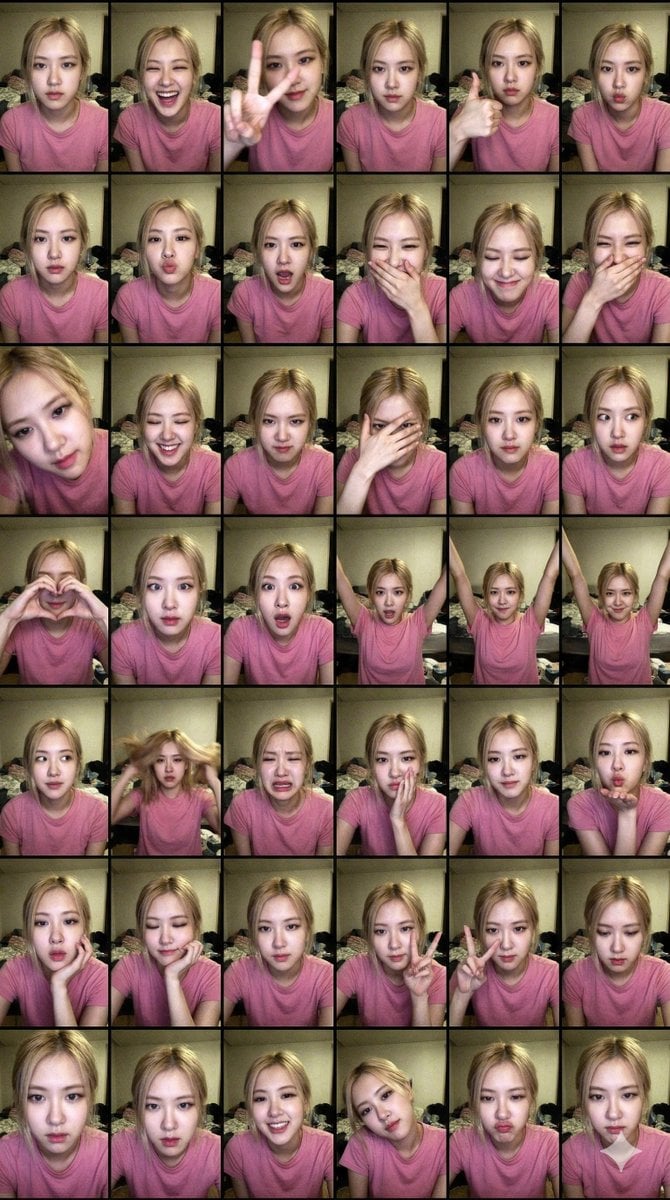
Extreme Lo-Fi Webcam Contact Sheet (Rosé Blackpink)
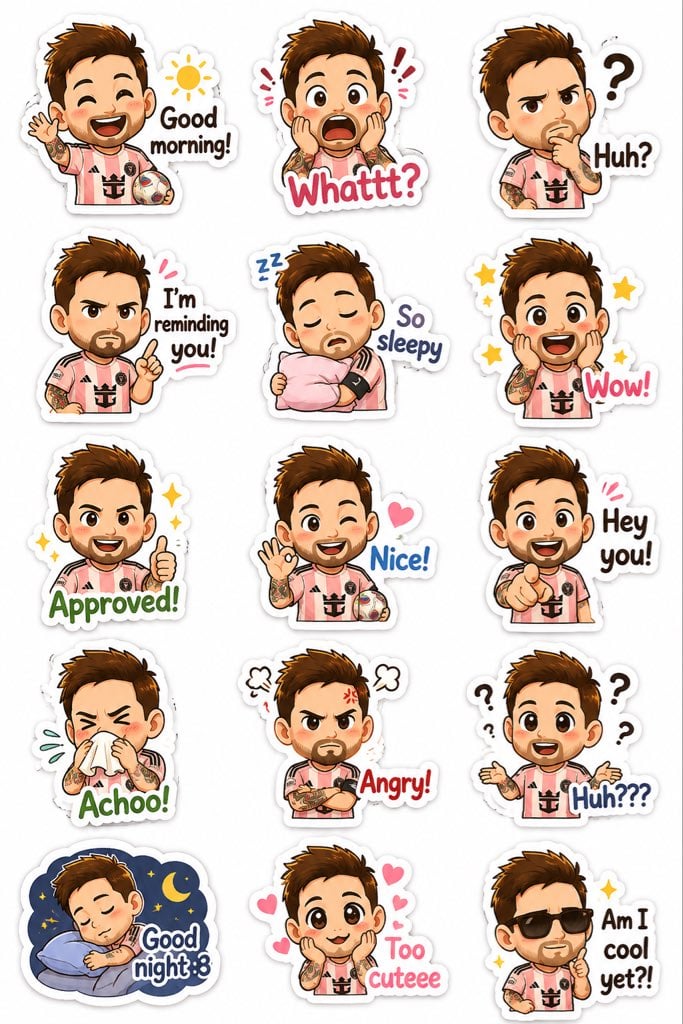
Chibi Expression Sticker Pack
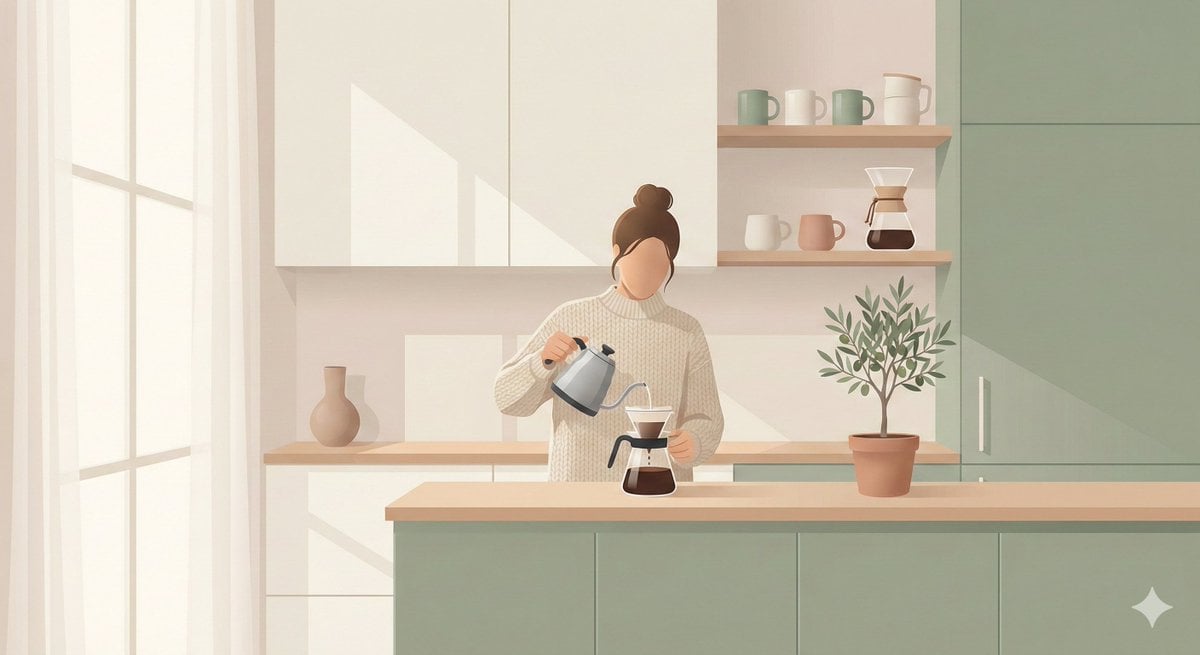
Minimalist Scandinavian Illustration Prompt
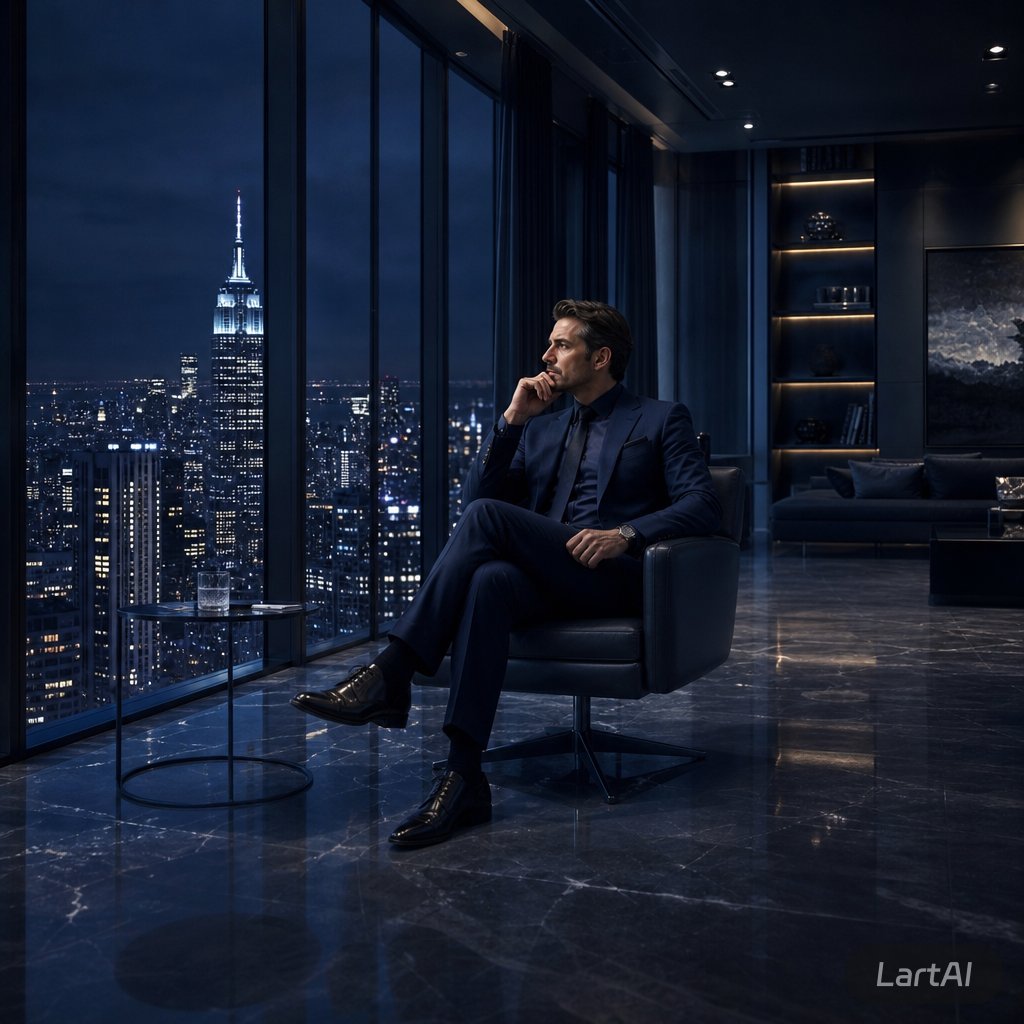
Luxury Penthouse Executive at Night
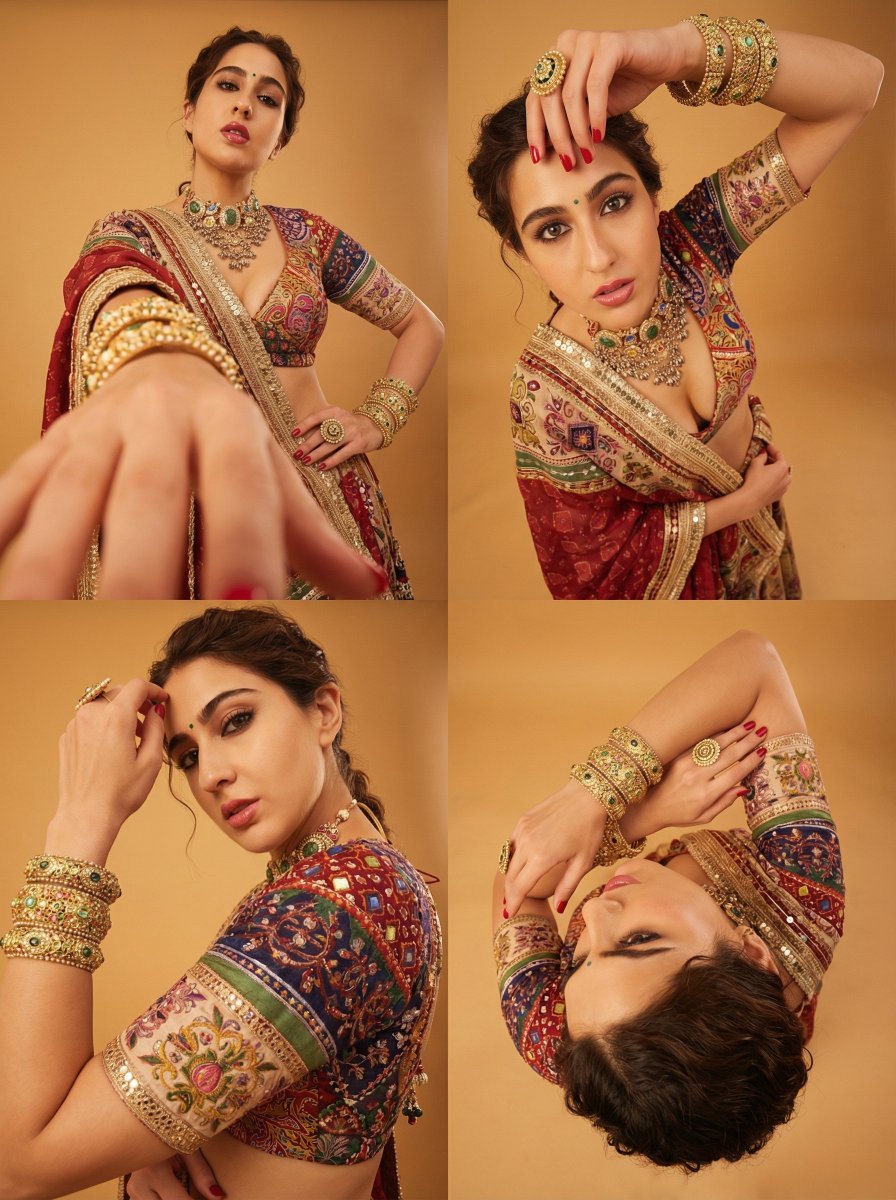
Dramatic Photorealistic Portrait with Lens Emphasis
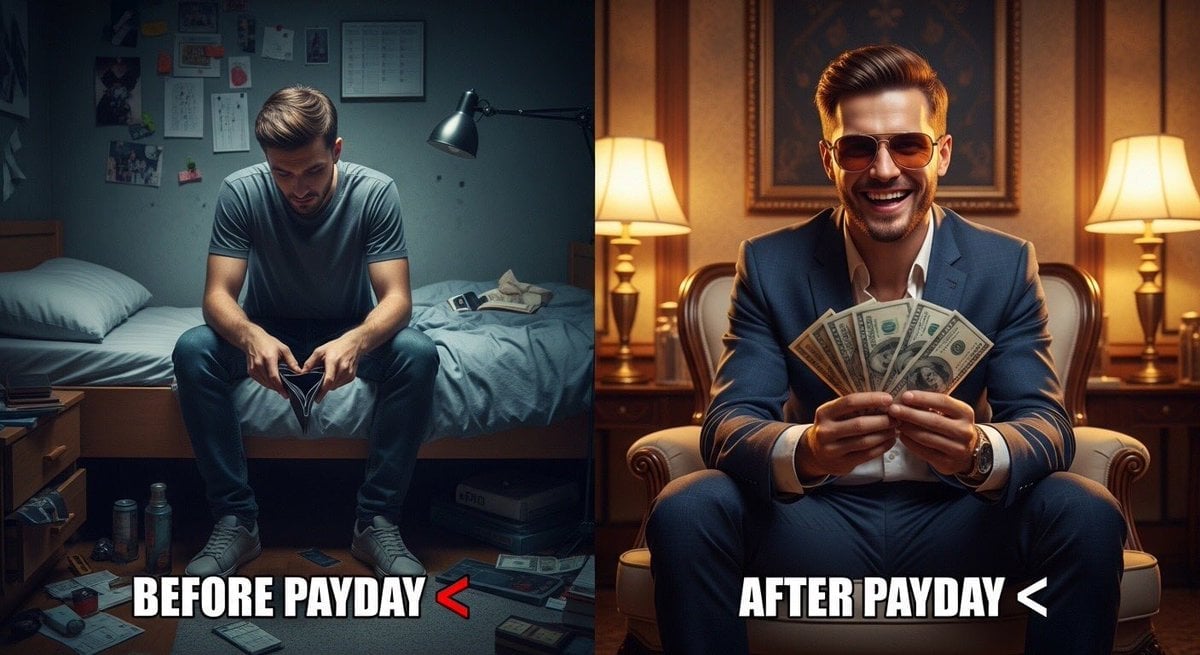
Split Scene 'Before and After Payday' Prompt for Nano Banana Pro
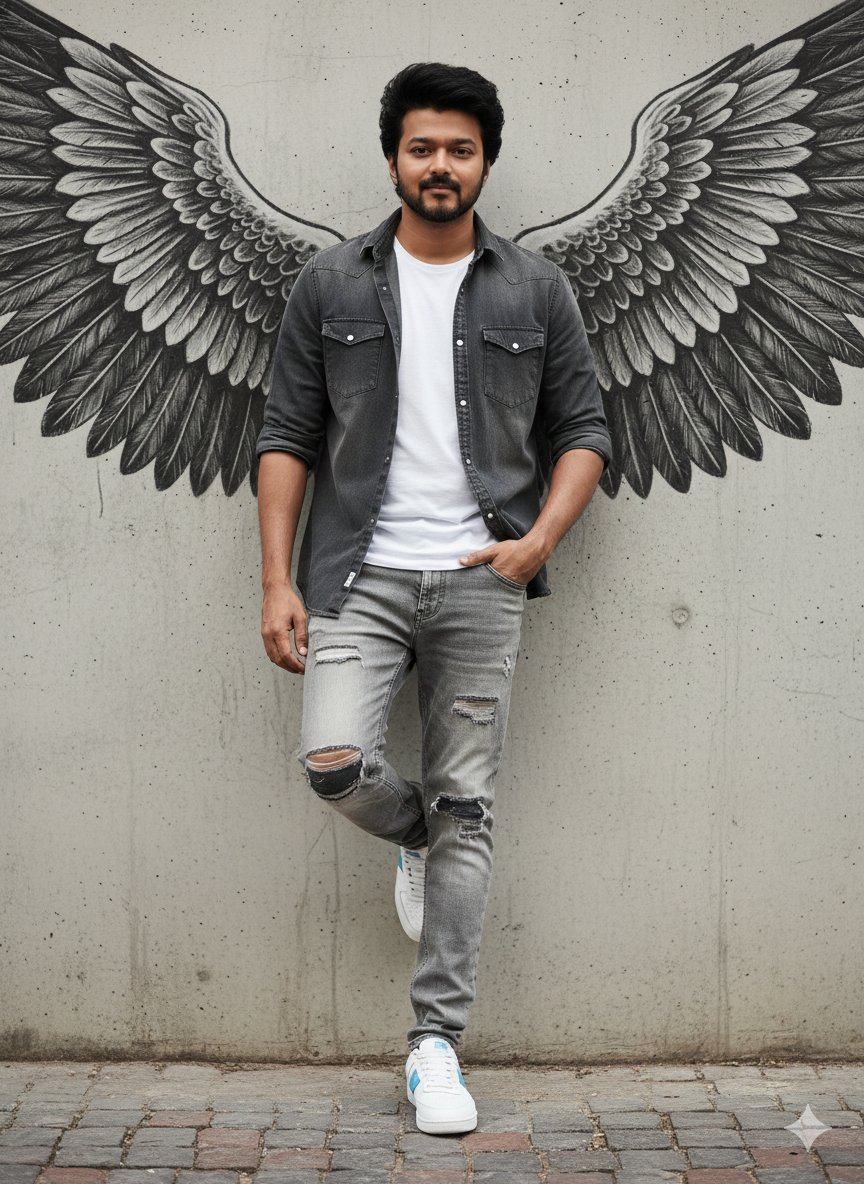
Urban Cinematic Portrait with Painted Angel Wings

Monochrome Portrait with Neon Rim Light
Browse template categories
Urban Rooftop Sunset Portrait questions
How do I use the Urban Rooftop Sunset Portrait template?
Add your photo if the template asks for one, edit the prompt if you like — the template's model and format are already selected — and press Generate. Your version opens in PicX Studio.
Can I customize the Urban Rooftop Sunset Portrait template?
Yes. You can change the subject, setting, lighting, mood, format, and available model controls before creating your image.
Is the Urban Rooftop Sunset Portrait template free?
Opening and editing this template is free. Generating uses credits, shown on the Generate button when you are signed in.
Which AI model should I use?
Start with Nano Banana 2, which is the model associated with this template. You can compare another compatible model for a different finish.
Looking for something else? Browse all templates.

Your photo, any look
Thousands of ready templates for every top image and video model, from one credit balance.