
Miniature Doll in Human Palm
A photorealistic surreal portrait of a tiny seated woman in a giant hand against a blurred nighttime city background.
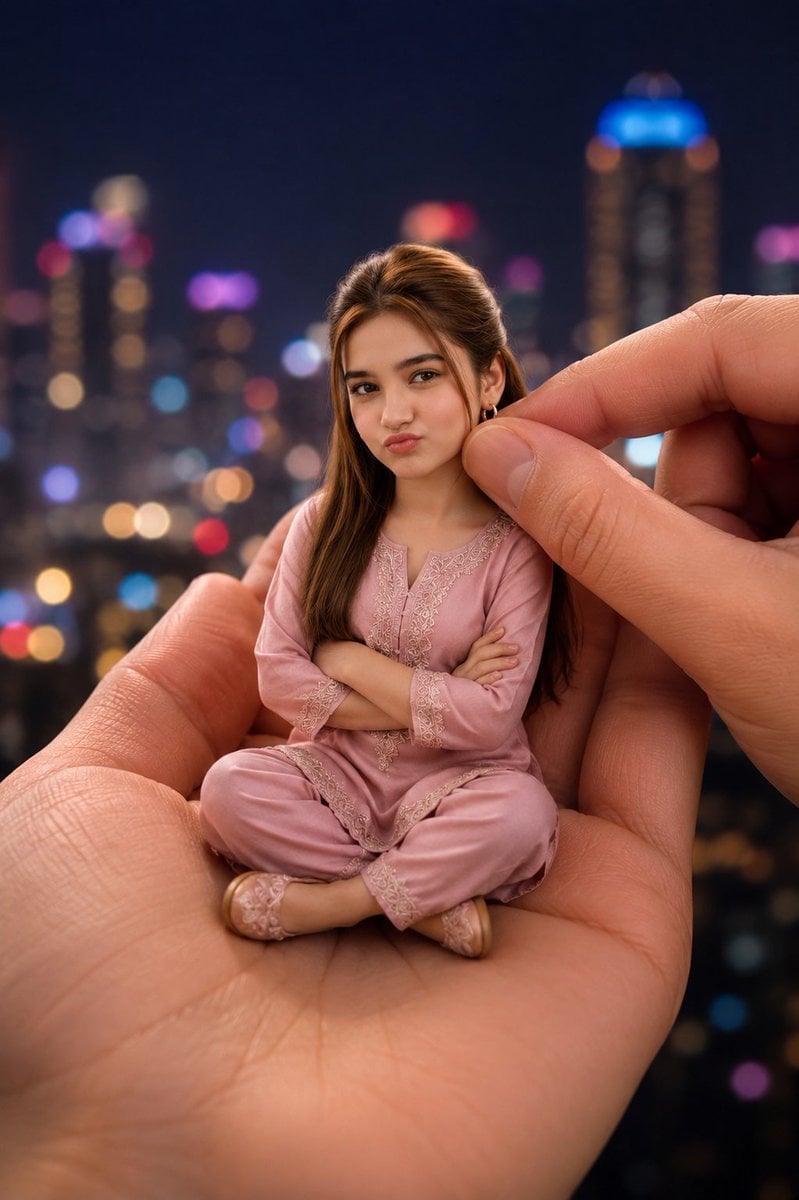
- Prompt included
- Model and format preset
- Free template
The prompt behind this image
Copy the exact prompt behind Miniature Doll in Human Palm, or open it in the studio and make it yours.
Create a hyper-realistic vertical portrait of a miniature tiny doll-like {argument name="subject" default="young woman"} sitting cross-legged in the open palm of a giant realistic human hand at night, with a second giant hand entering from the right and gently pinching near the doll’s hair/ear as if adjusting or holding her. The tiny figure has long brown hair parted near the center, small earrings, arms crossed, and wears a soft pastel {argument name="outfit color" default="dusty pink"} traditional pajama-style embroidered outfit with matching loose pants and small matching slippers. Place an opaque square censor block over the entire face in a medium warm brown skin-tone color, hiding all facial features. The scale should feel surreal but photorealistic: the hands are enormous with detailed skin texture, palm lines, nails, and warm natural lighting, while the miniature person has realistic fabric folds, lace embroidery, and lifelike proportions. Background: a dark nighttime city skyline with high-rise buildings, heavily blurred bokeh lights in blue, purple, red, gold, and white, creating a dreamy cinematic depth of field. Composition: centered doll seated on the palm, close-up framing, shallow depth of field, warm skin tones, soft rim light on hair, realistic shadows where the doll touches the hand, high-detail photography style, no text, no watermark.
How to use Miniature Doll in Human Palm in 3 steps
- 1Upload ImagePNG, JPG or paste
Add your photo
Upload the photo the template builds on. The prompt, model and format are already set.
- 2…a portrait of your subject in softgolden-hour light, 85mm…
Personalize
Edit the subject and creative details for your destination.
- 3Generate
Generate
Press Generate — your image is created in PicX Studio, so you can compare it with the original and refine one variable at a time.
More like this
Templates with the same subject, style or setup. Open one to see its prompt.
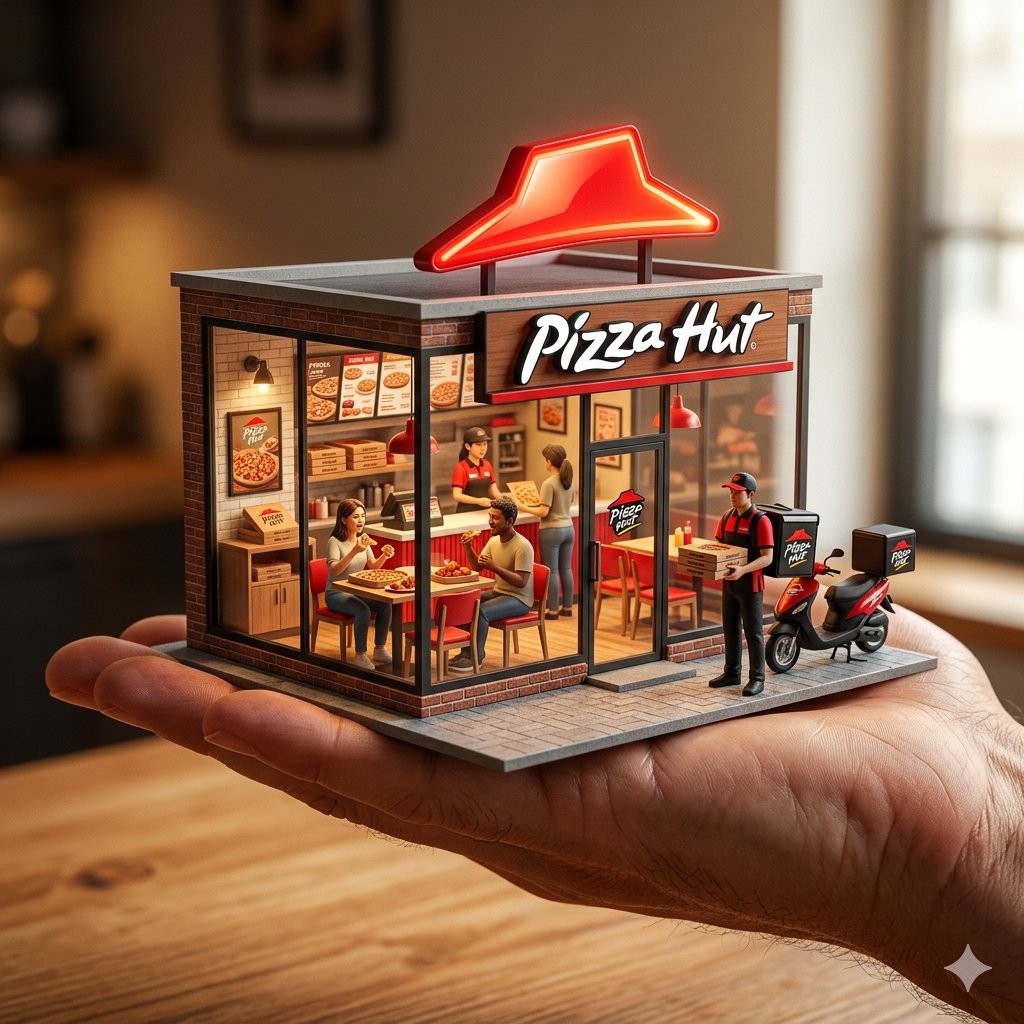
An ultra-realistic miniature showroom balanced on a human palm, designed
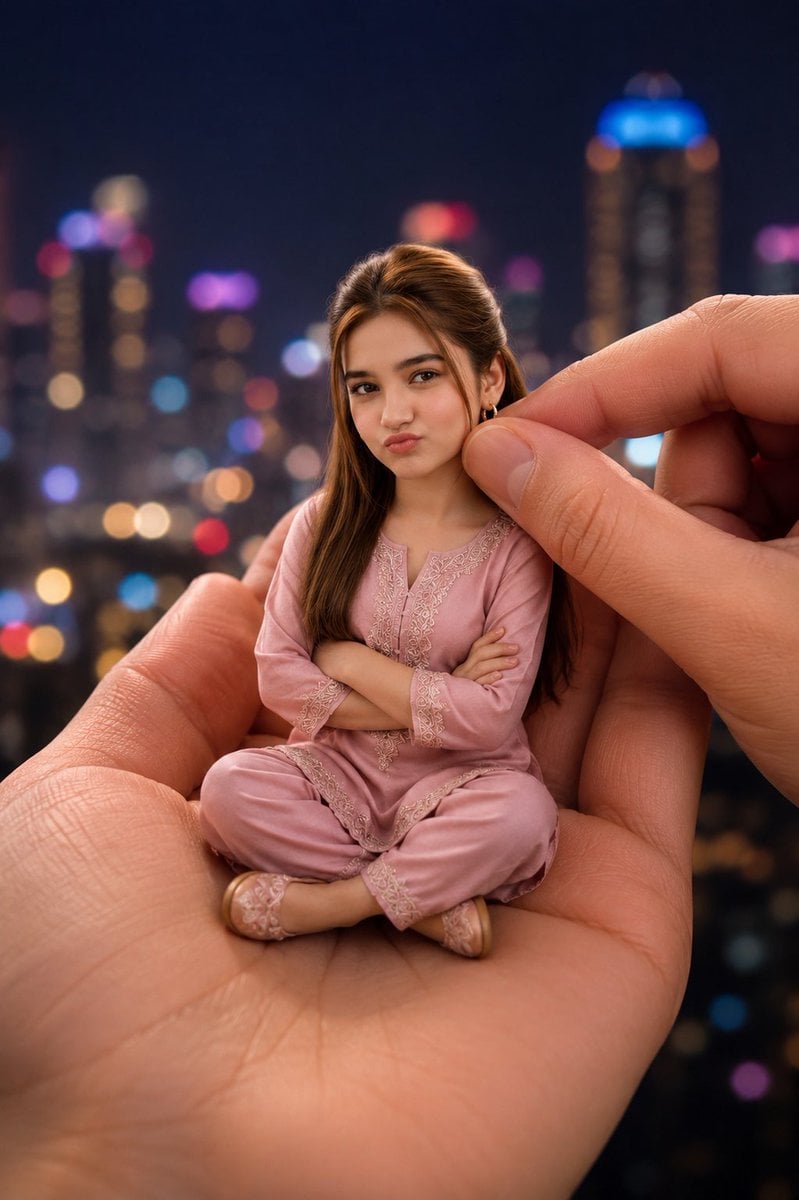
Miniature Woman in Human Palm
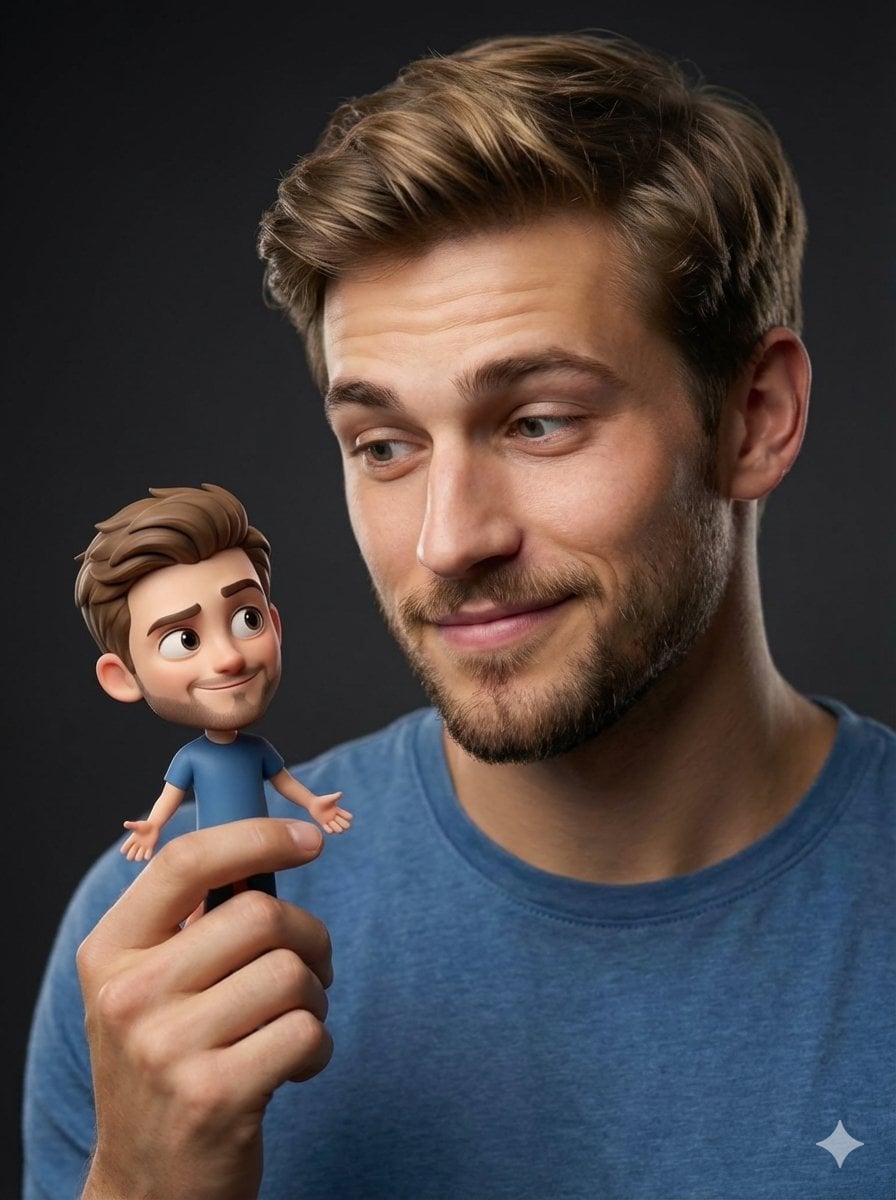
Human with Miniature 3D Self Portrait
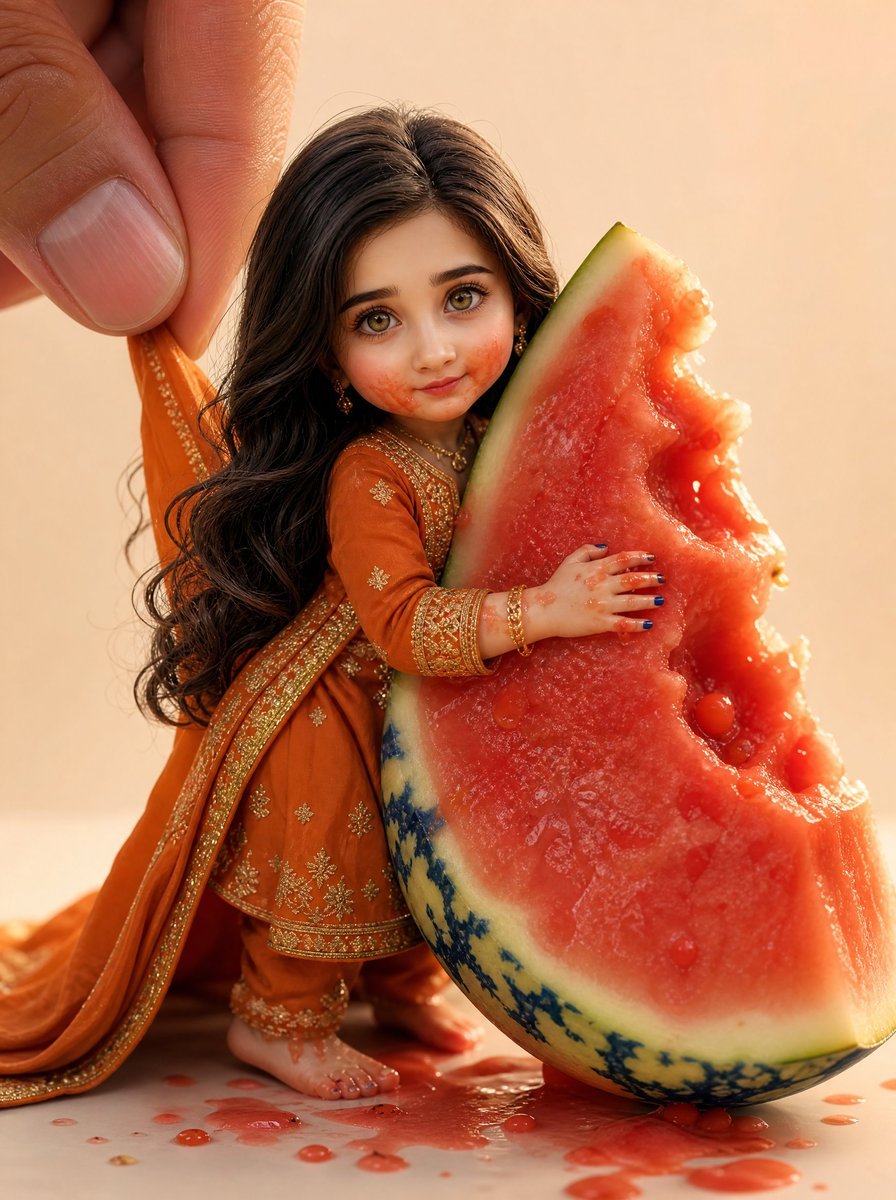
Miniature Doll Hugging Watermelon

Paper Tunnel Book Architecture
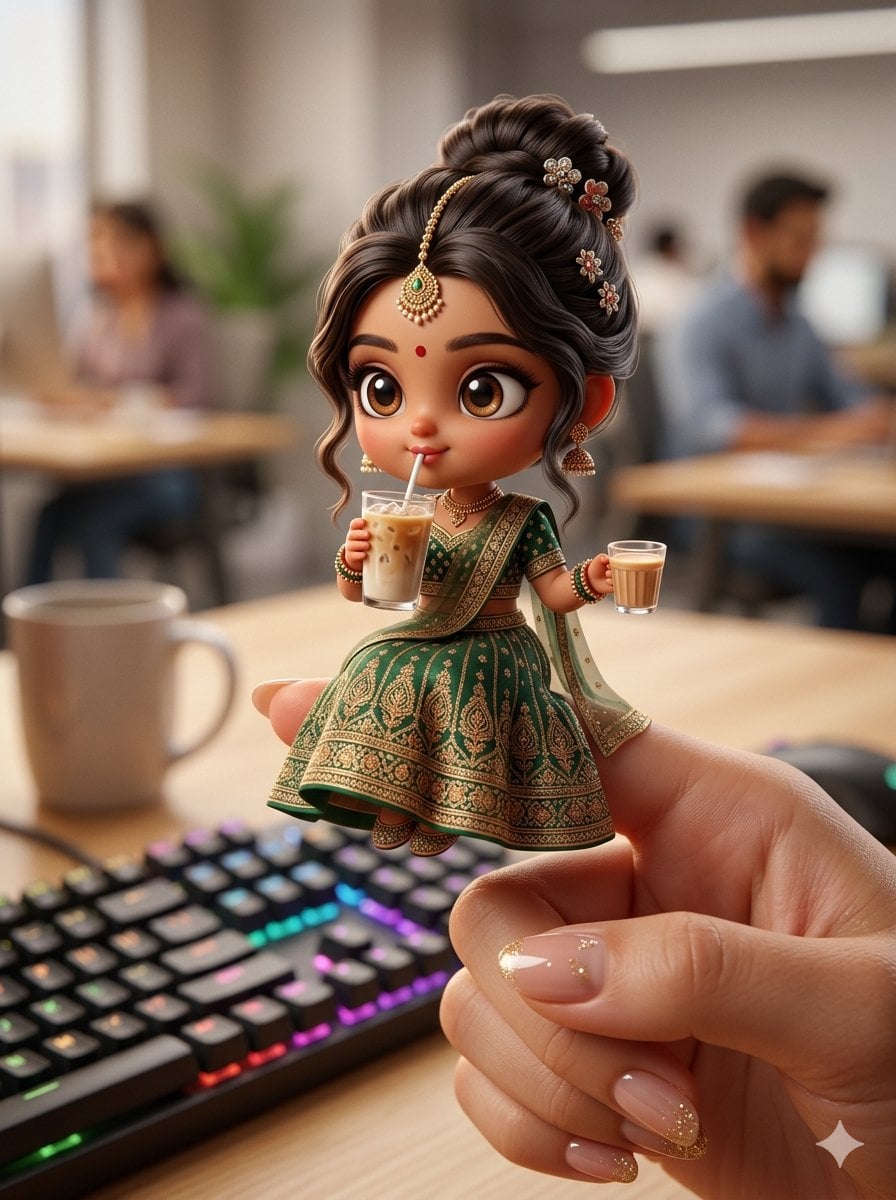
Chibi Doll 3D Miniature Scene

Isometric Brand Store Diorama
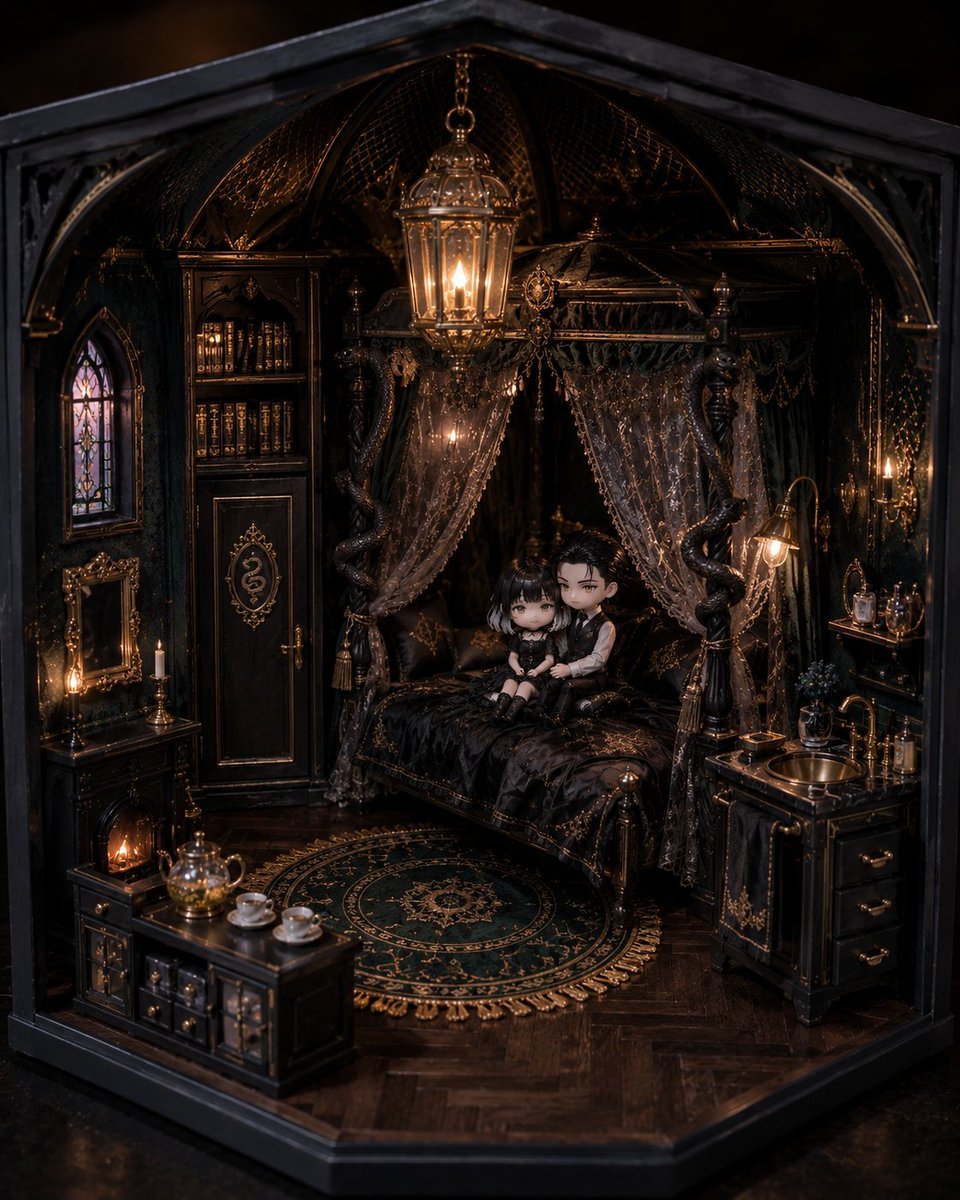
Gothic Miniature Dollhouse Bedroom
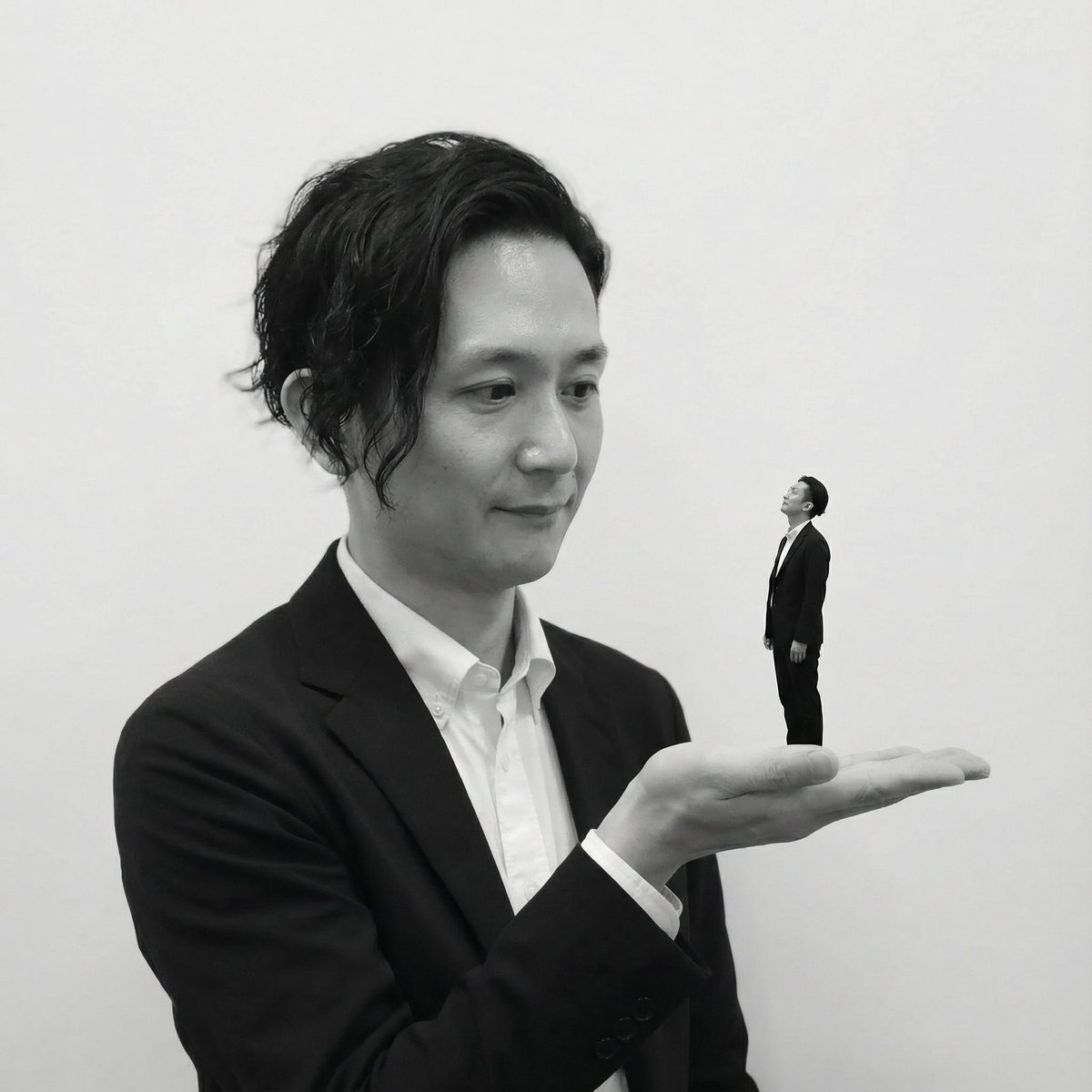
Miniature Self on Palm Concept
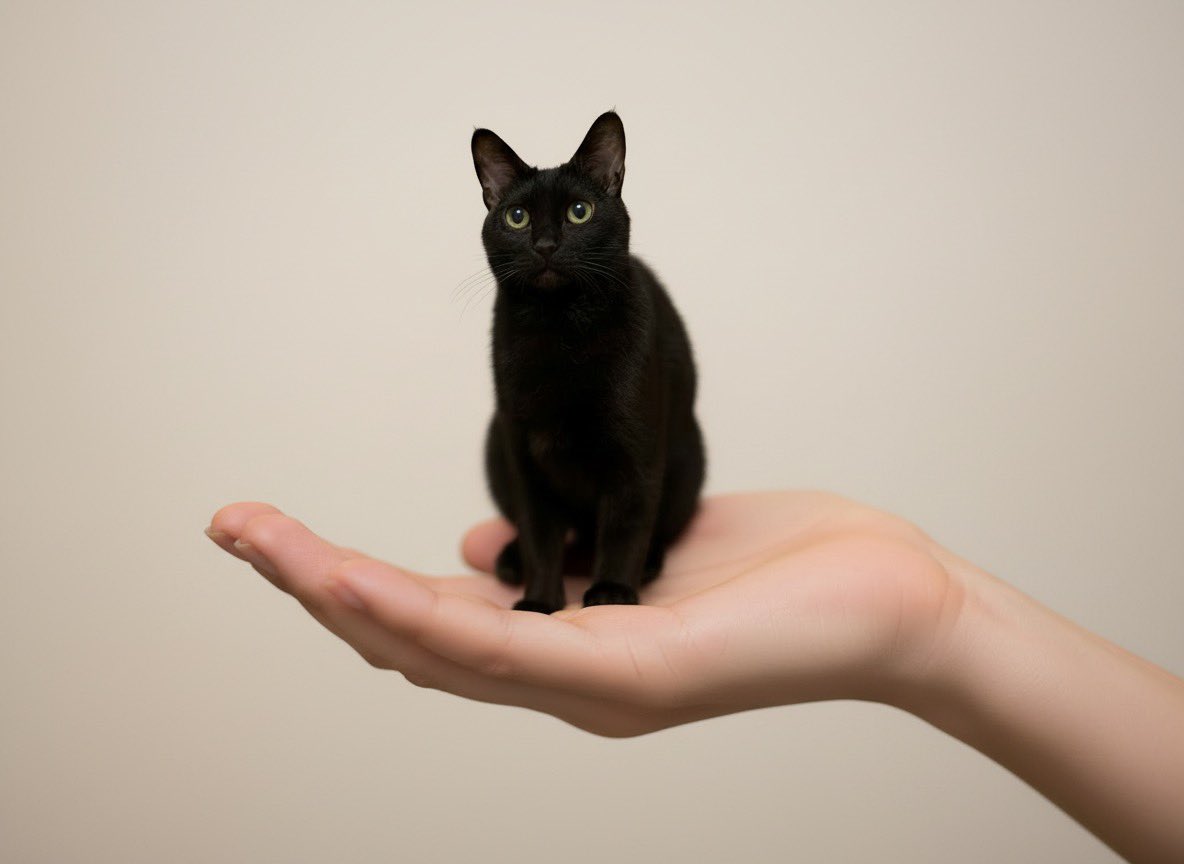
Miniature Pet on Palm Prompt for Image Generation
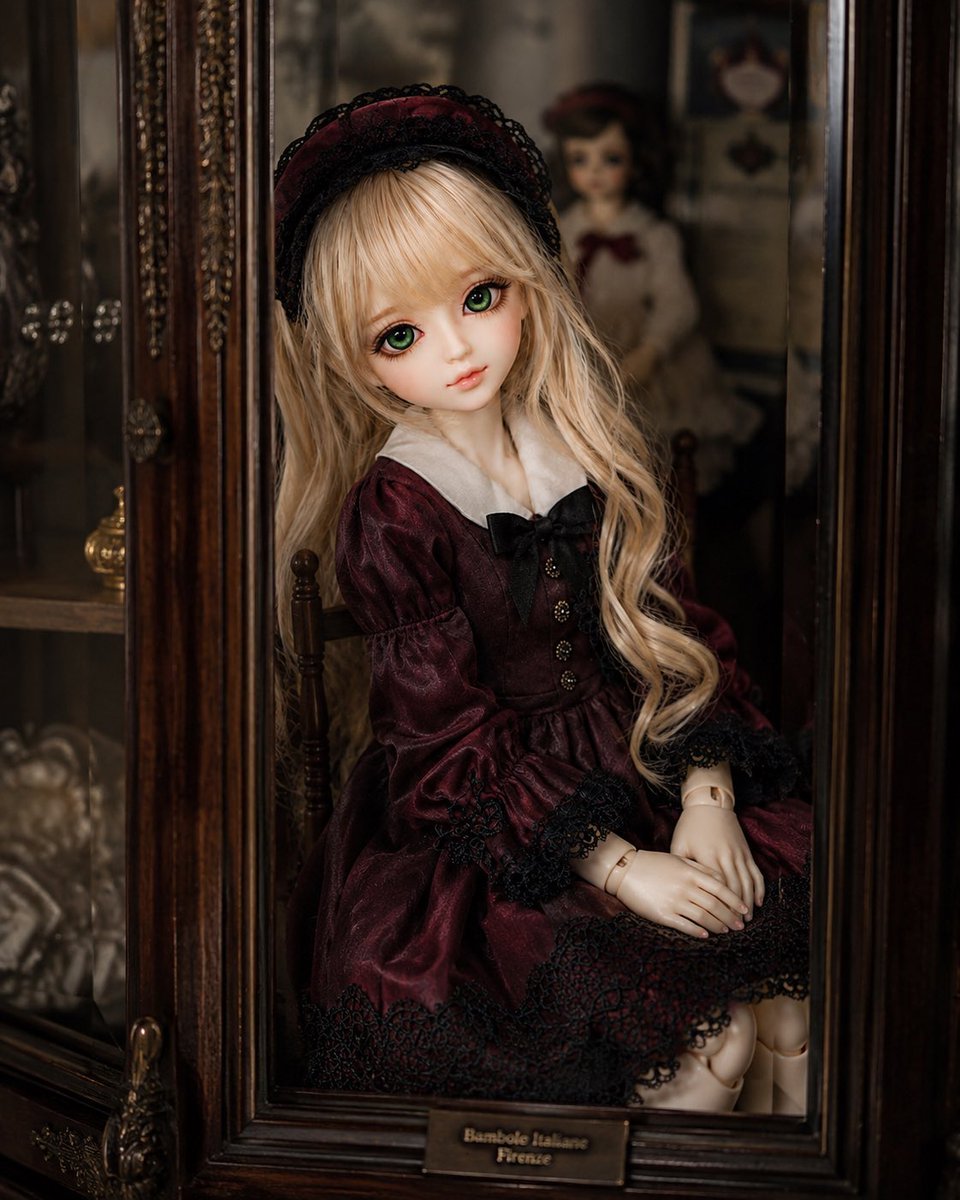
Antique Cabinet Ball-Jointed Doll
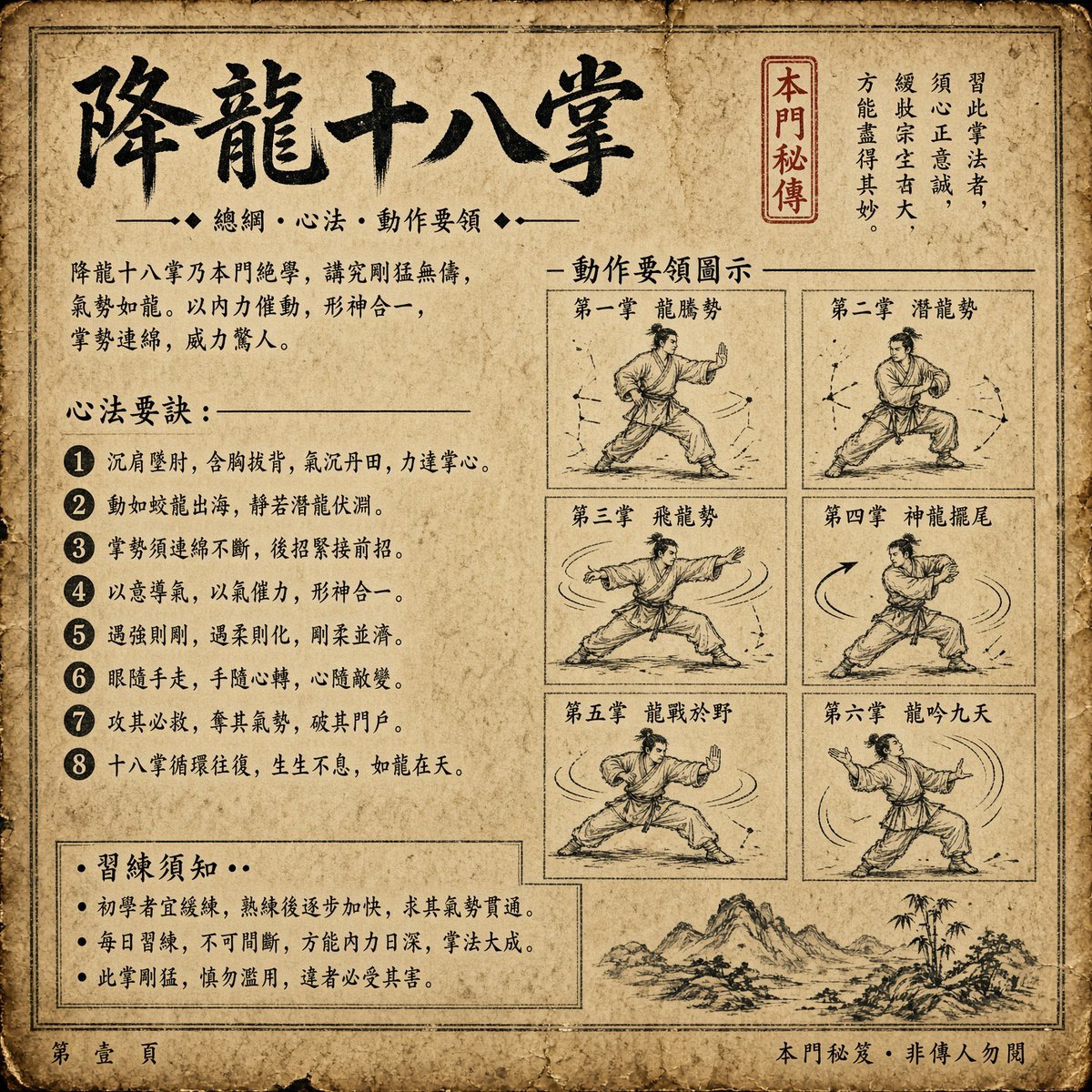
Ancient Dragon Palm Kung Fu Manual
Make it yours
Miniature Doll in Human Palm works as-is. These are the safest ways to change it without losing the look.
Change one field
Copy a single group, rewrite it, and generate again so you can see what that field is doing.
Keep the frame, change the subject
Hold the composition and light of Miniature Doll in Human Palm, then swap wardrobe, props or the person for a new take.
| If the result… | Why | Fix |
|---|---|---|
| The result drifts from the preview | Too many fields changed at once. | Reuse Miniature Doll in Human Palm as-is first, then change one group — subject, light, or setting. |
| The model over-stylizes the scene | The prose prompt leaves finish and camera underspecified. | Add one camera or lighting sentence and stay on GPT Image 2. |
More GPT Image 2 templates
Other prompts made for GPT Image 2.

Six VTuber Japanese Logo Sheet

Realistic Portrait of Woman and Deer

The Vista Modular Condo Poster

AI Model Routing Comparison Infographic

2.5D Anime Art Board

Isometric Productivity Desk Scene

New York Double Exposure Poster

Four-Panel AI Landscape Comparison

Japanese Tatami Lifestyle Magazine Cover

NESCAFÉ Coffee Map Poster
More image prompts
Fresh picks from across the catalog.
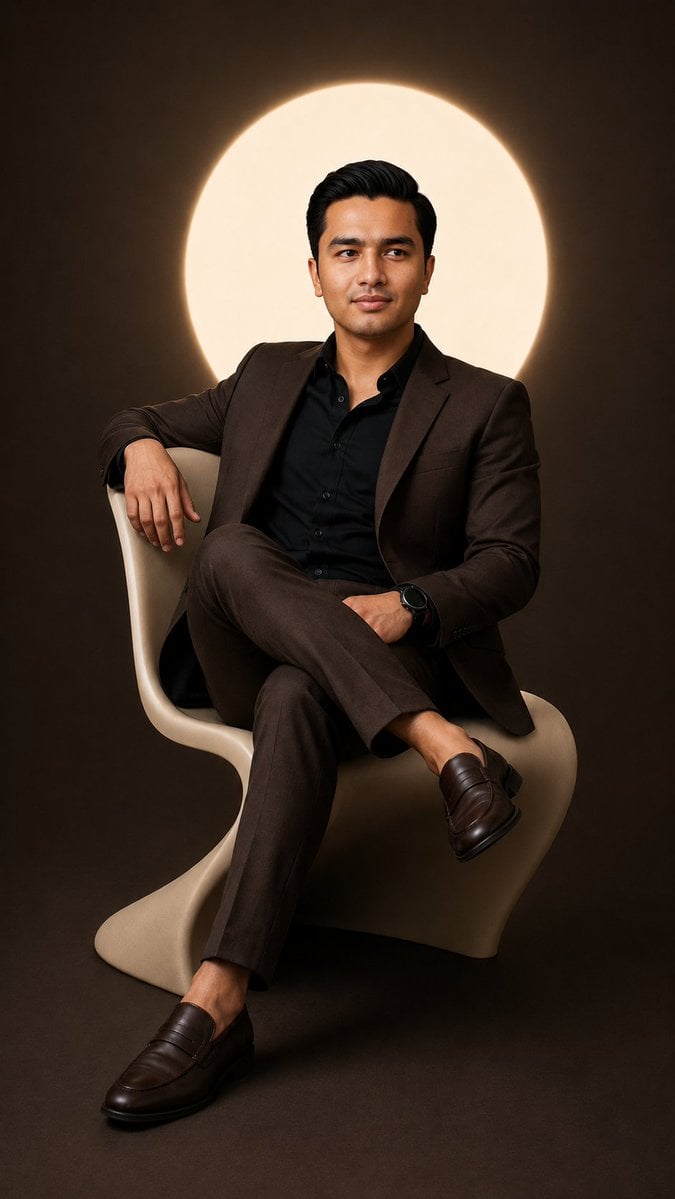
Cinematic Studio Suit Portrait

3D stylized cartoon avatar prompt
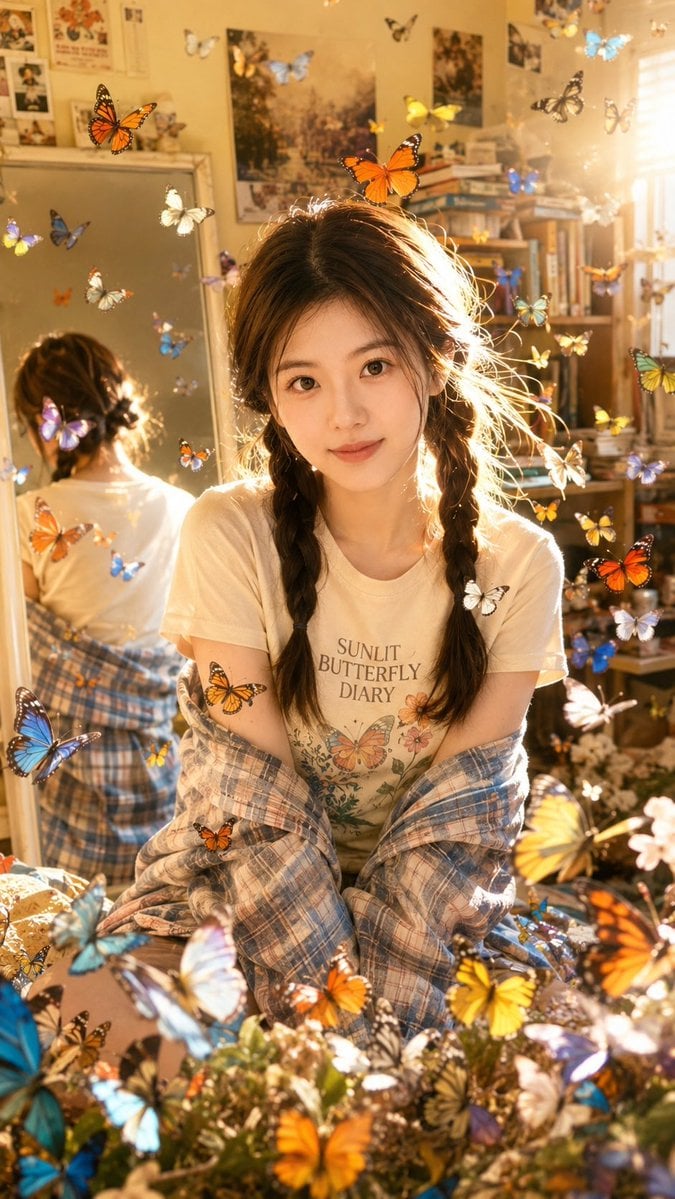
Sunlit Butterfly Mirror Portrait
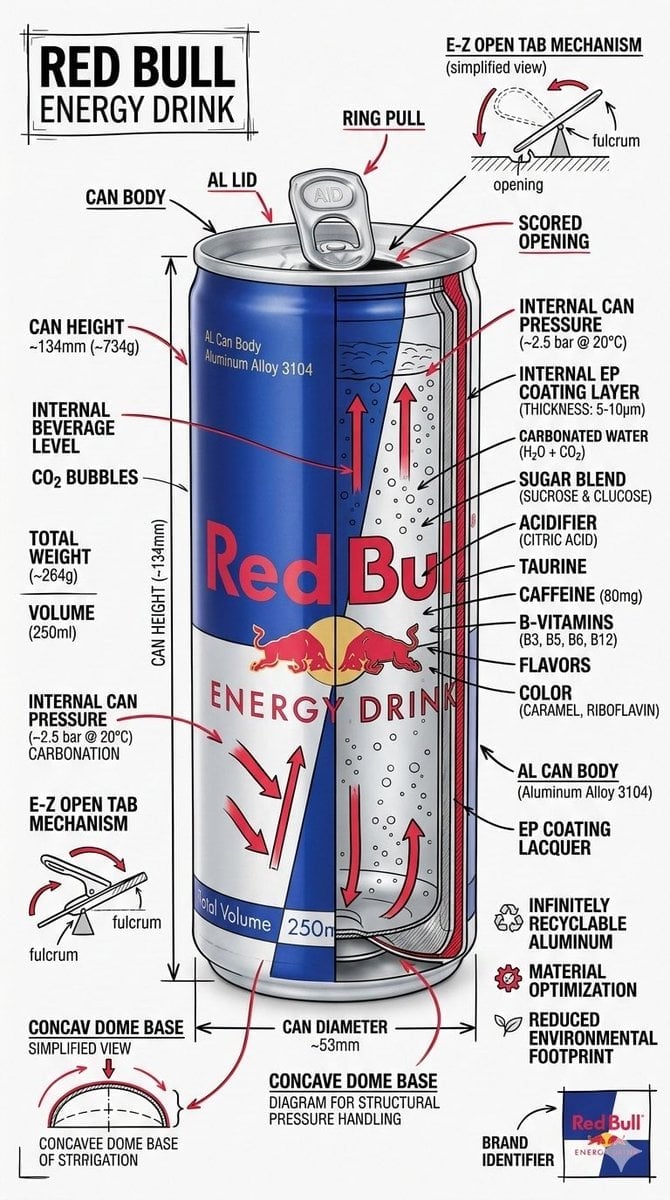
Technical Infographic Schematic for a Product/Beverage
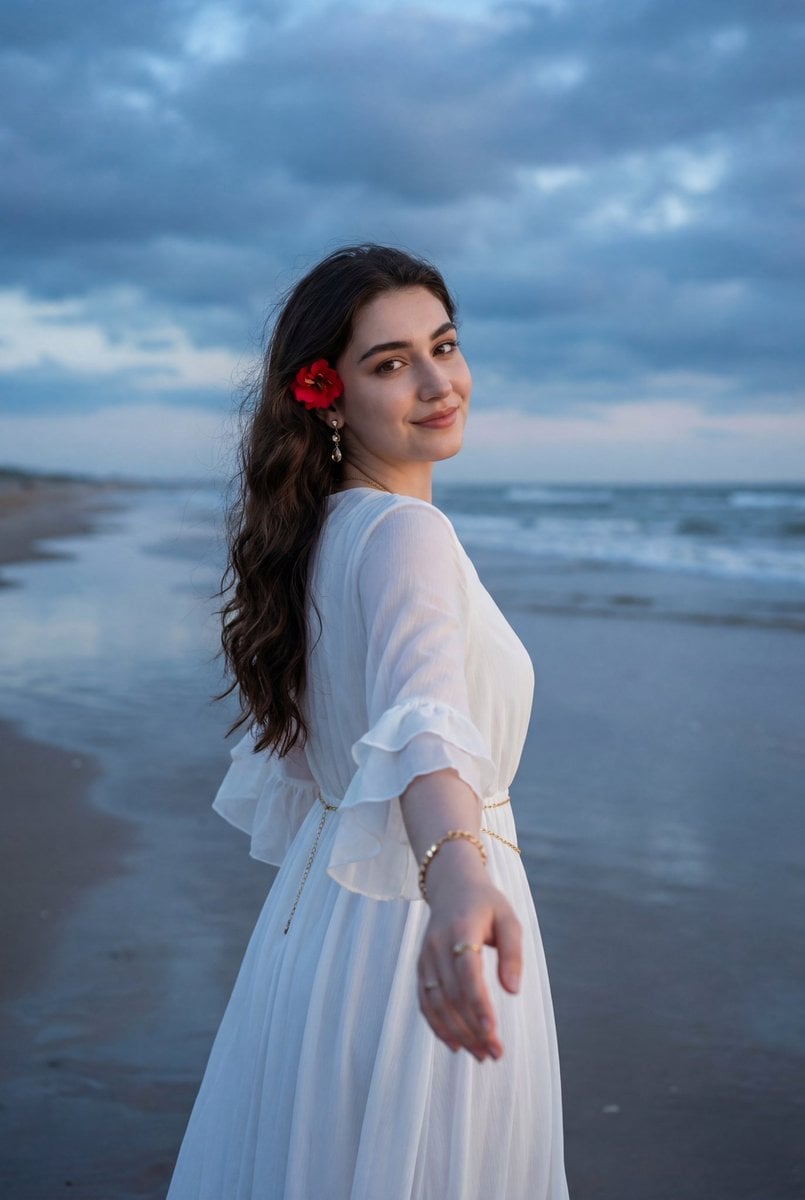
Ethereal Coastal Lifestyle Portrait at Blue Hour
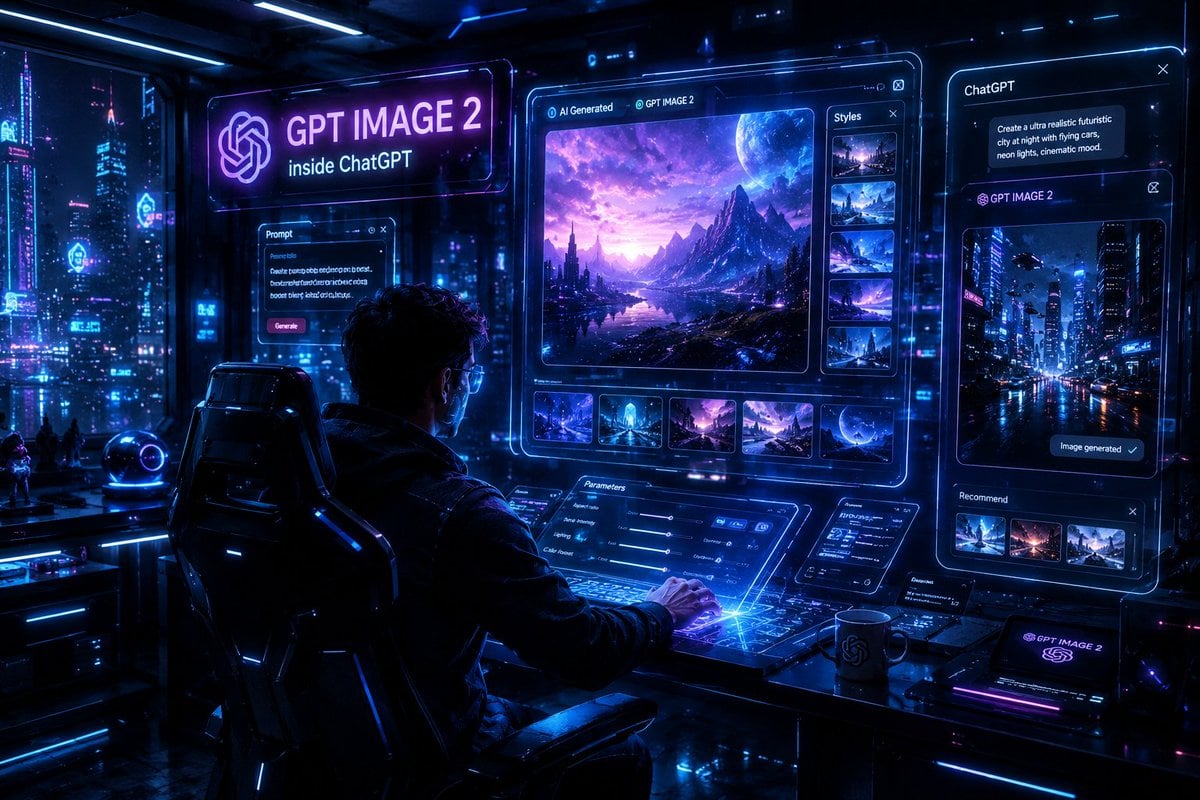
Cyberpunk AI Creative Workspace
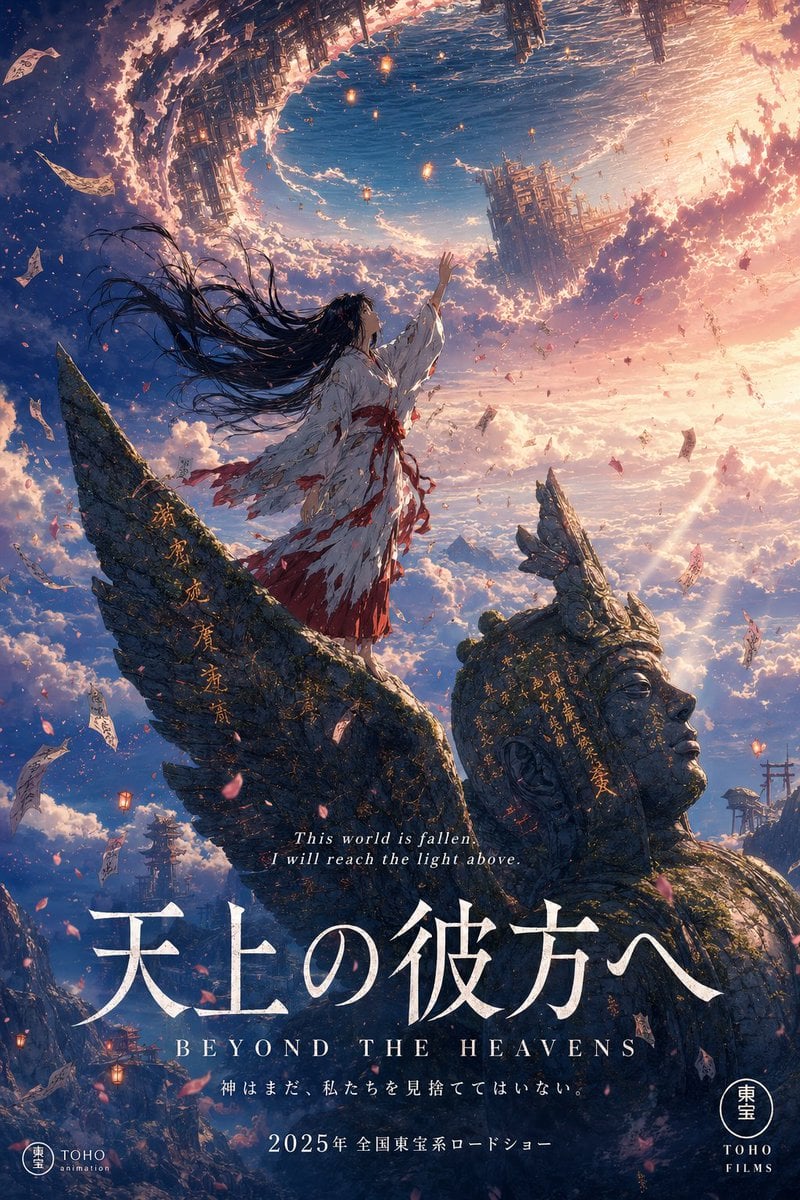
Anime Theatrical Movie Poster

Google Nano Banana 64th Work: 'Habits of Adventurers'
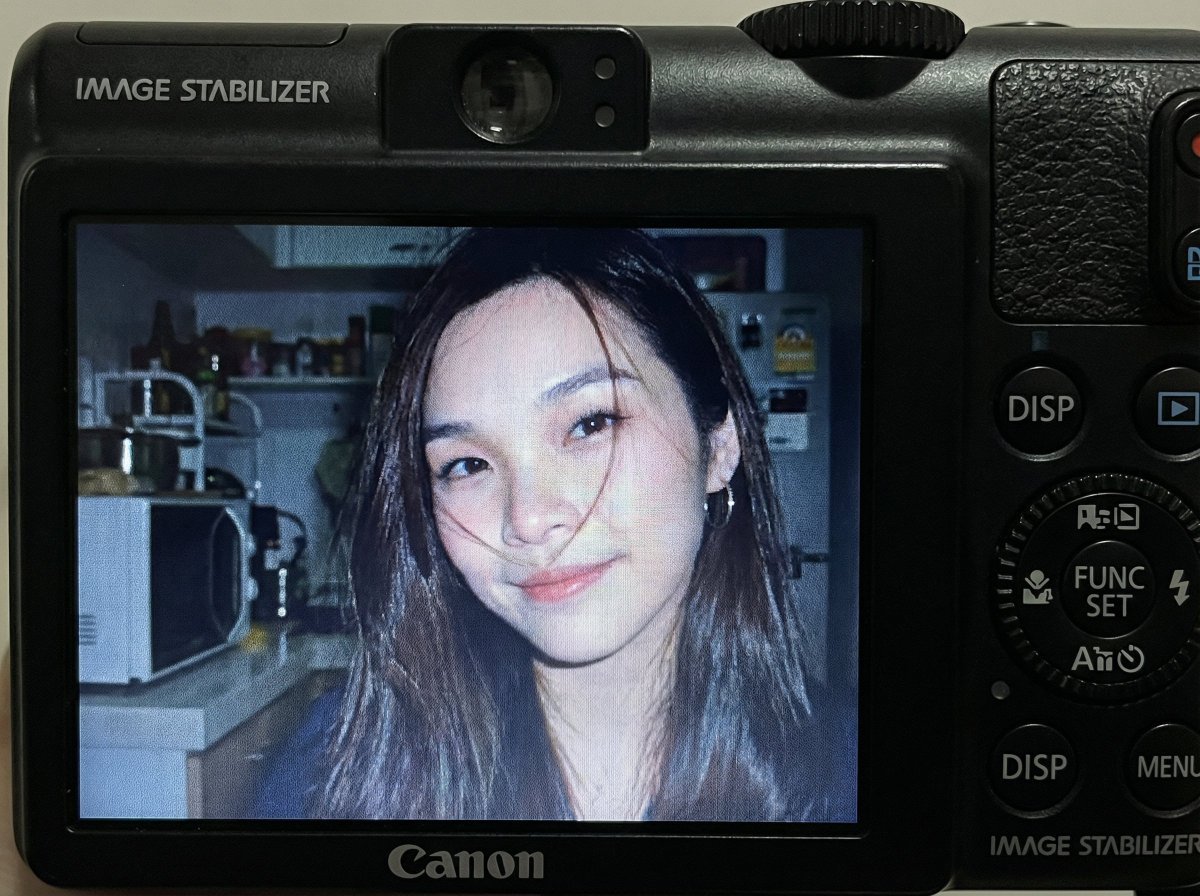
Compact Digital Camera Screen Snapshot of a Young Woman

8K Cinematic Winter Adventure Photo on a Vintage Train
Browse template categories
Miniature Doll in Human Palm questions
How do I use the Miniature Doll in Human Palm template?
Add your photo if the template asks for one, edit the prompt if you like — the template's model and format are already selected — and press Generate. Your version opens in PicX Studio.
Can I customize the Miniature Doll in Human Palm template?
Yes. You can change the subject, setting, lighting, mood, format, and available model controls before creating your image.
Is the Miniature Doll in Human Palm template free?
Opening and editing this template is free. Generating uses credits, shown on the Generate button when you are signed in.
Which AI model should I use?
Start with GPT Image 2, which is the model associated with this template. You can compare another compatible model for a different finish.
Looking for something else? Browse all templates.

Your photo, any look
Thousands of ready templates for every top image and video model, from one credit balance.