
Miniature Woman in Human Palm
A realistic macro-style portrait of a tiny seated woman in a human palm with city bokeh background, useful for surreal miniature photo effects.
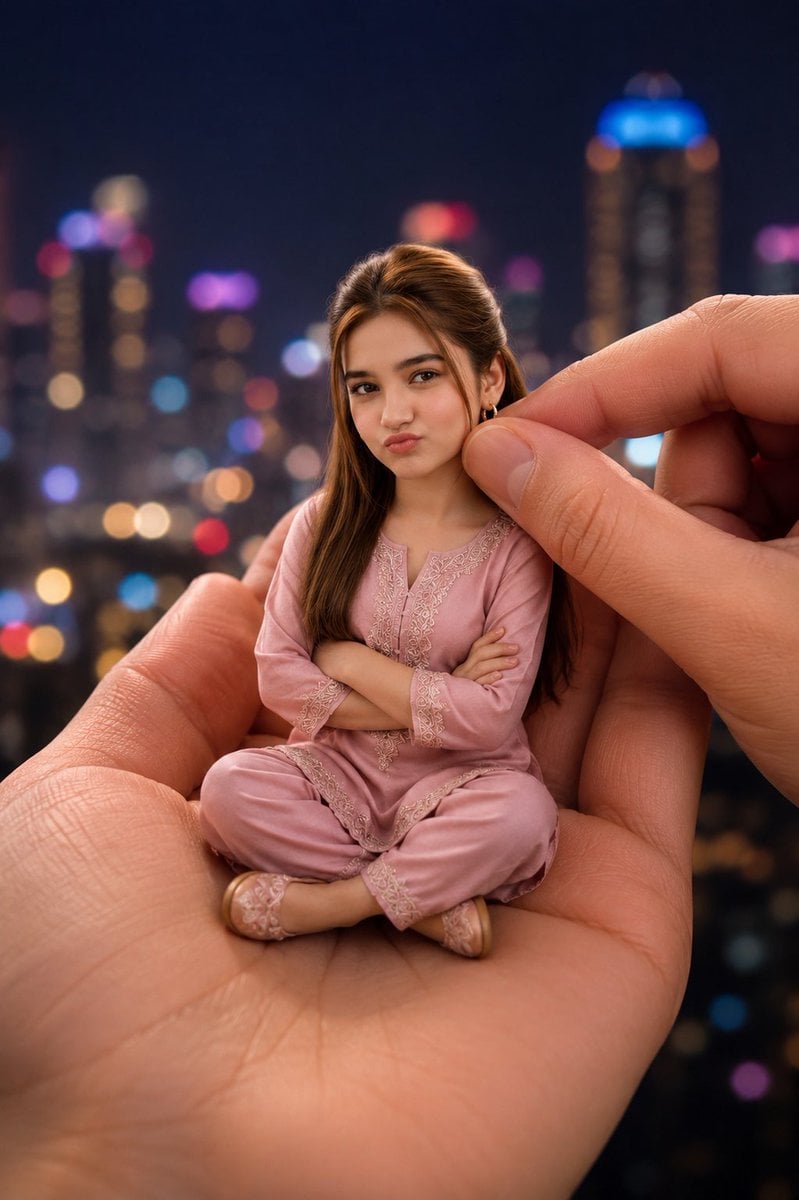
- Prompt included
- Model and format preset
- Free template
The prompt behind this image
Copy the exact prompt behind Miniature Woman in Human Palm, or open it in the studio and make it yours.
Create a hyper-realistic portrait photo of a miniature tiny doll-like {argument name="character" default="young woman"} sitting cross-legged in the open palm of a giant realistic human hand, as if she is only a few inches tall. She wears a beautiful pastel {argument name="outfit color" default="dusty pink"} traditional pajama-style outfit with delicate embroidered lace trim on the neckline, cuffs, hem, and pants, plus matching soft slippers. Her long {argument name="hair color" default="brown"} hair is styled naturally with a slight half-up volume at the crown, falling over both shoulders. Her arms are crossed confidently over her chest, and her posture is centered and compact in the palm. Add a second giant hand entering from the right, with thumb and index finger gently pinching or adjusting near the side of her head to emphasize scale. Cover the face with a plain centered square censor block in {argument name="face block color" default="medium warm brown"}, leaving the hair, ears, outfit, body pose, and hands visible. Use shallow depth of field, macro photography realism, detailed skin texture and palm lines, soft warm lighting, and a nighttime {argument name="background" default="blurred city skyline with colorful bokeh lights"}. Vertical composition, close-up framing, cinematic realism, no text, no watermark.
How to use Miniature Woman in Human Palm in 3 steps
- 1Upload ImagePNG, JPG or paste
Add your photo
Upload the photo the template builds on. The prompt, model and format are already set.
- 2…a portrait of your subject in softgolden-hour light, 85mm…
Personalize
Edit the subject and creative details for your destination.
- 3Generate
Generate
Press Generate — your image is created in PicX Studio, so you can compare it with the original and refine one variable at a time.
More like this
Templates with the same subject, style or setup. Open one to see its prompt.
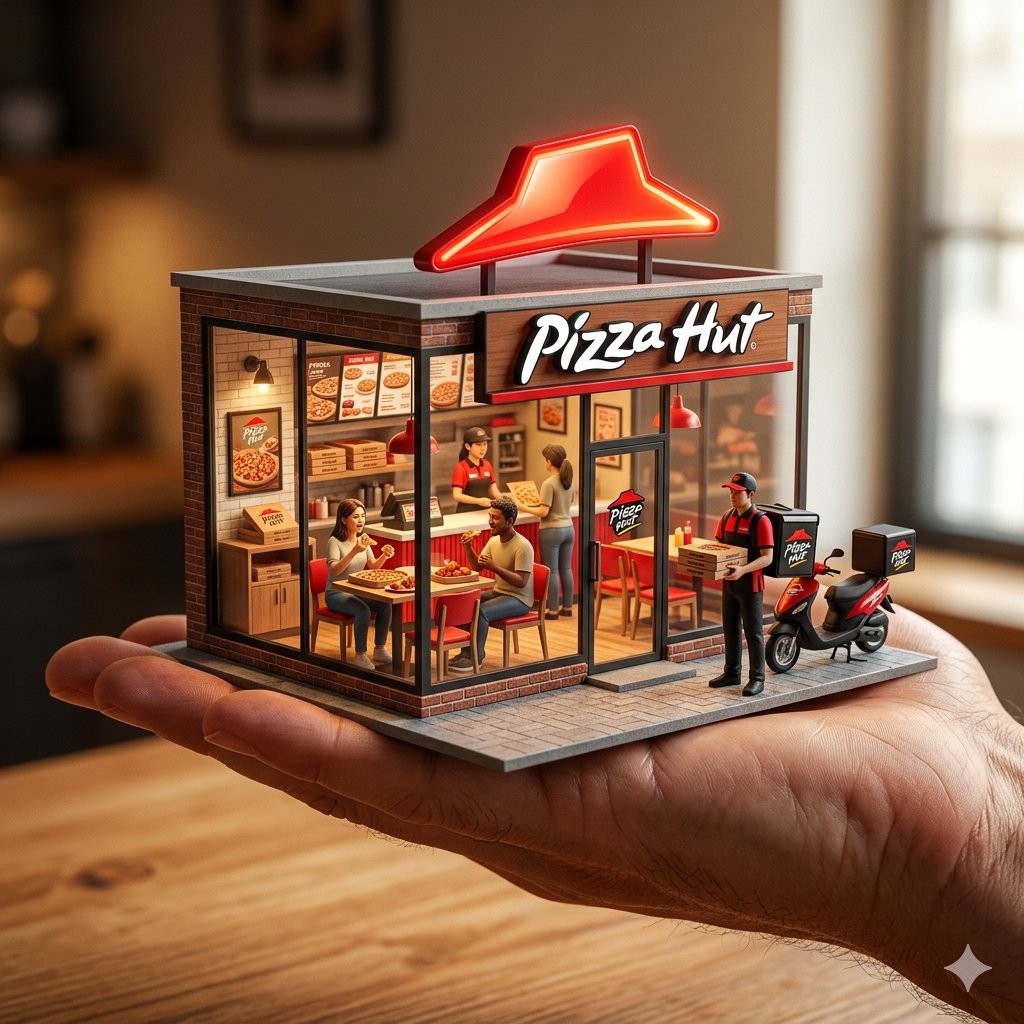
An ultra-realistic miniature showroom balanced on a human palm, designed
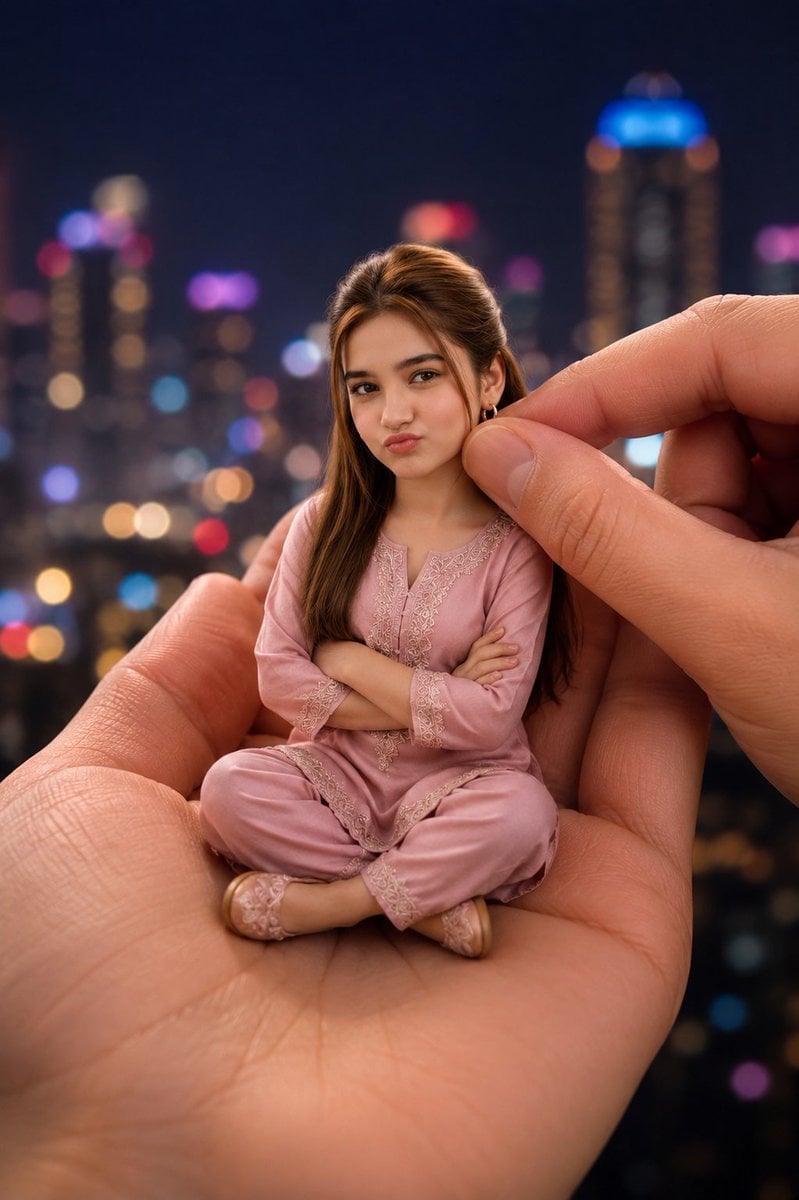
Miniature Doll in Human Palm
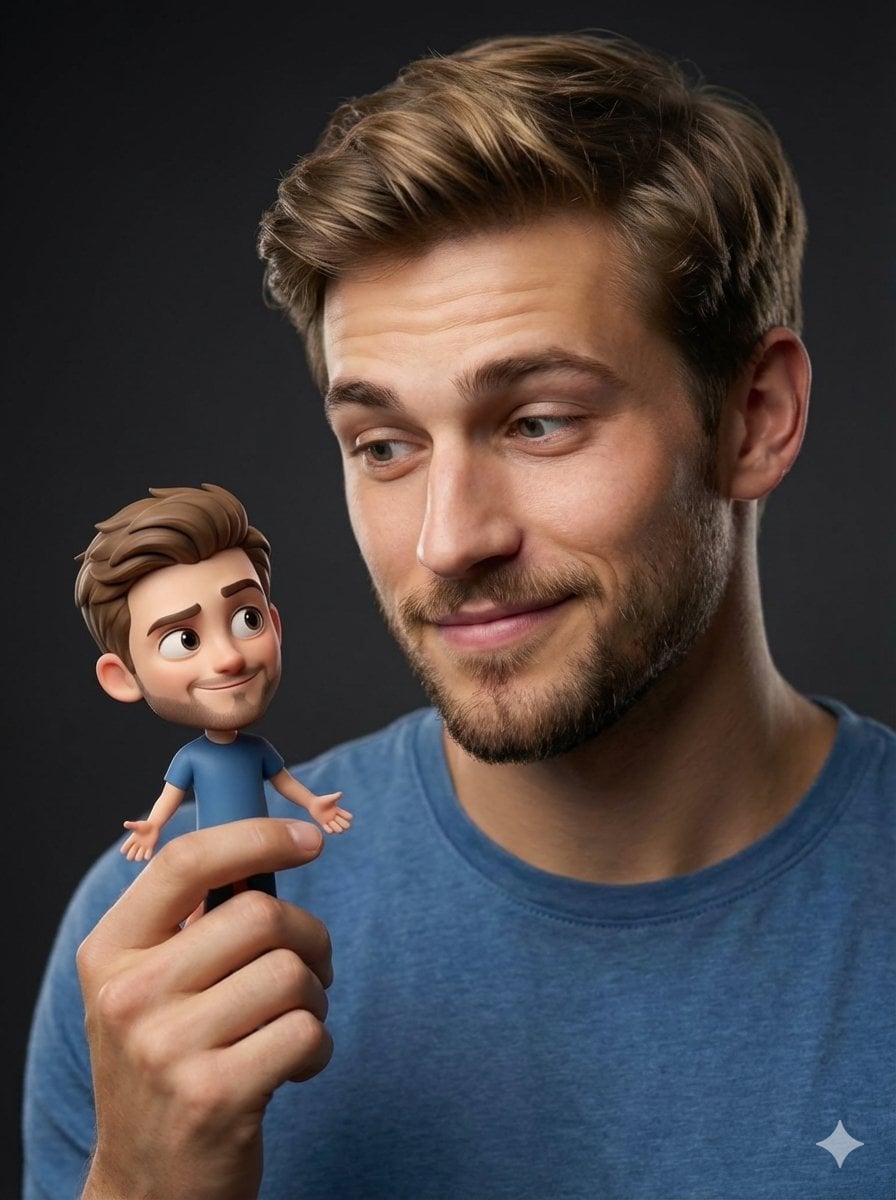
Human with Miniature 3D Self Portrait

Paper Tunnel Book Architecture
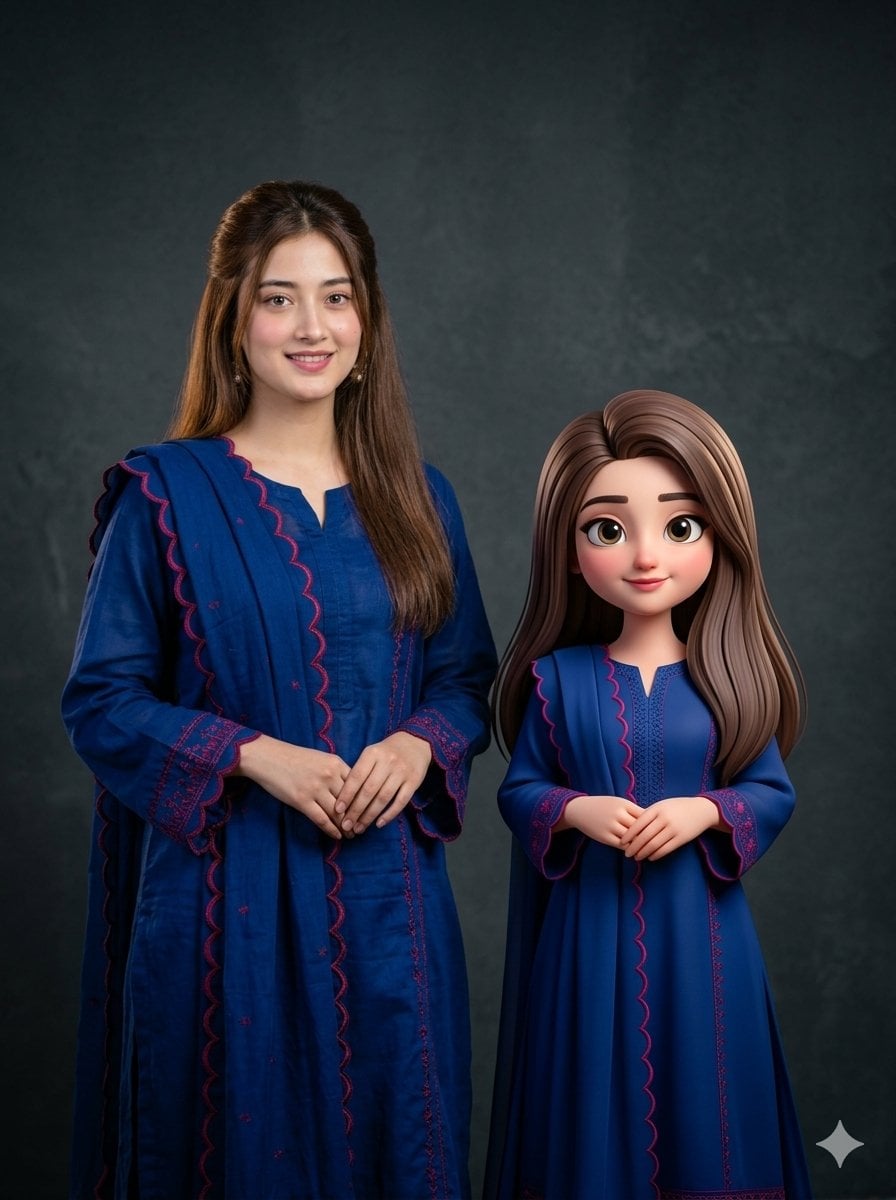
Woman with 3D Cartoon Miniature

Isometric Brand Store Diorama

Woman in Mall with Chanel Bag - Heart Gesture

Floating Woman Above Cityscape with Notifications
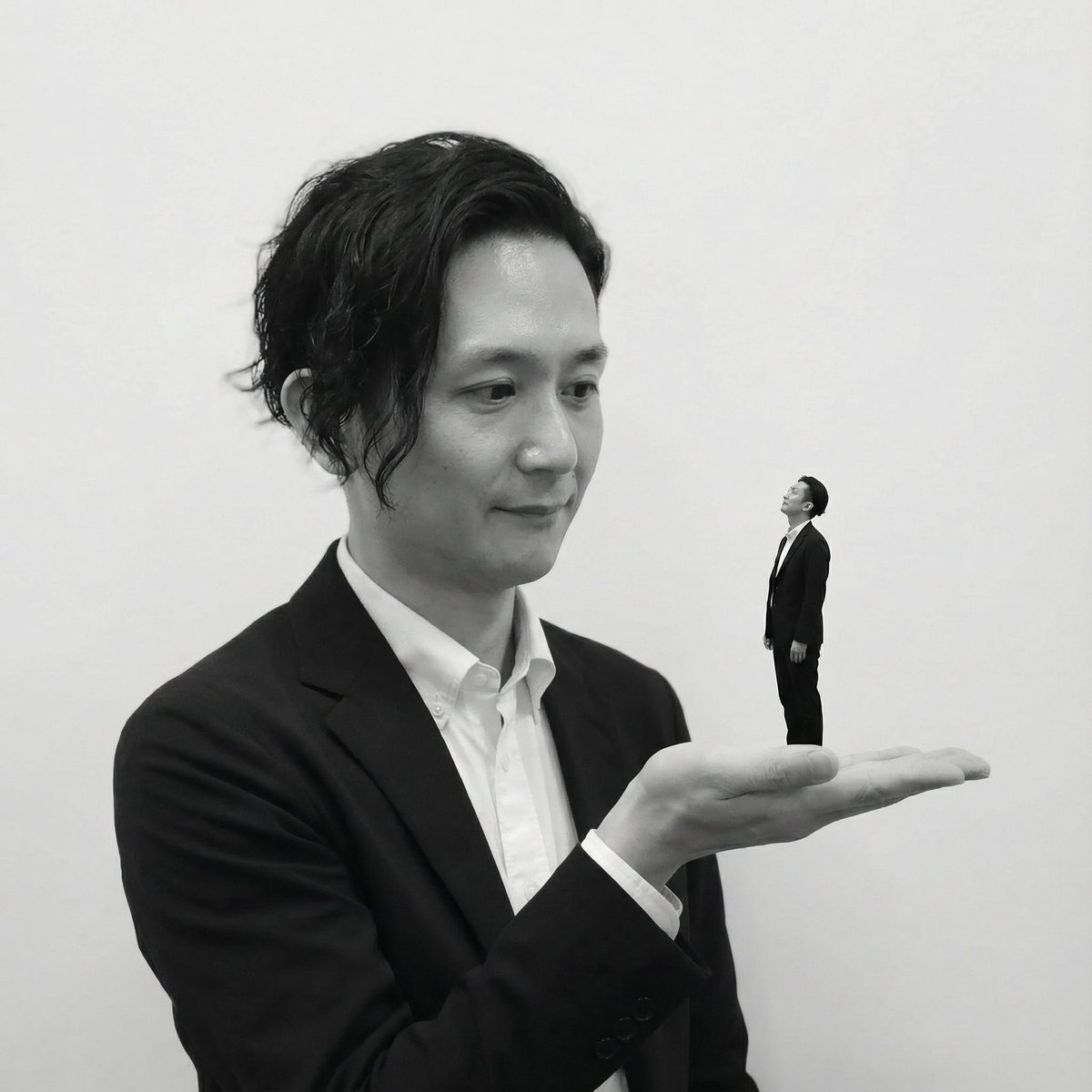
Miniature Self on Palm Concept
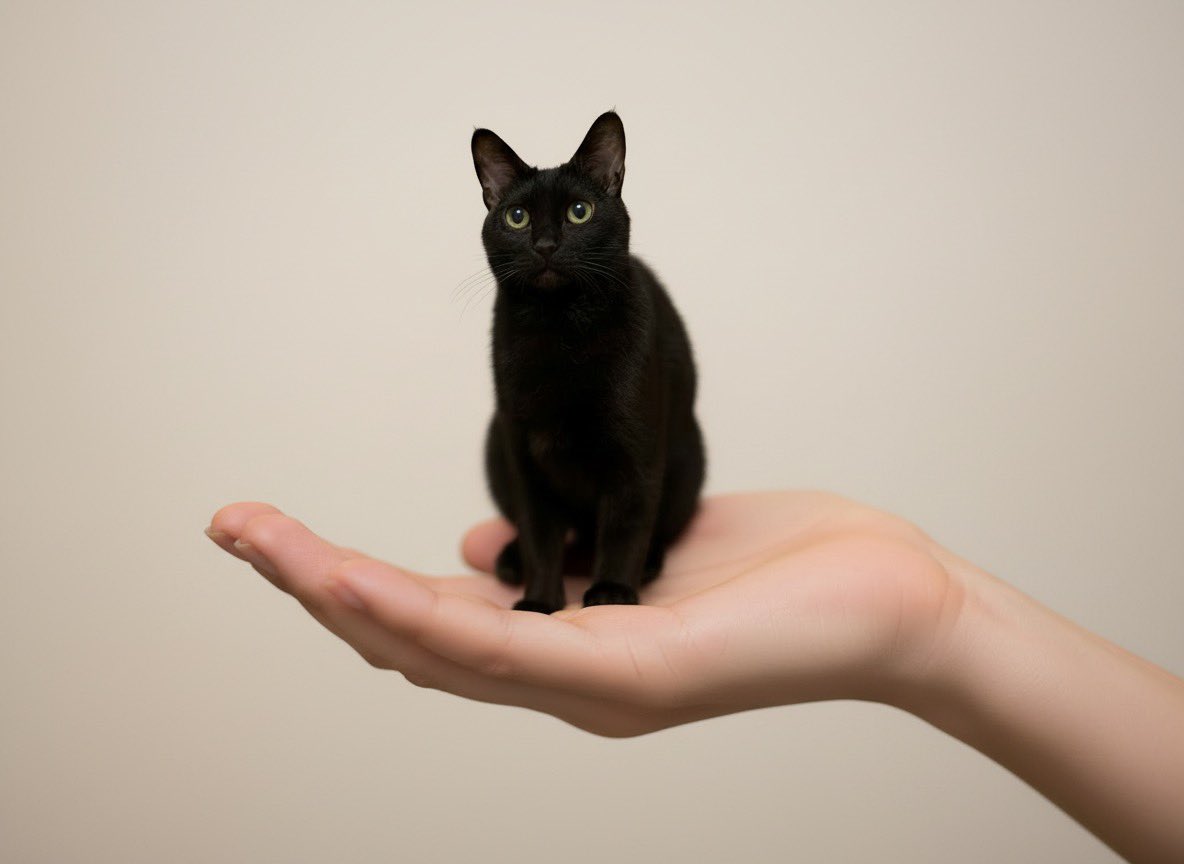
Miniature Pet on Palm Prompt for Image Generation
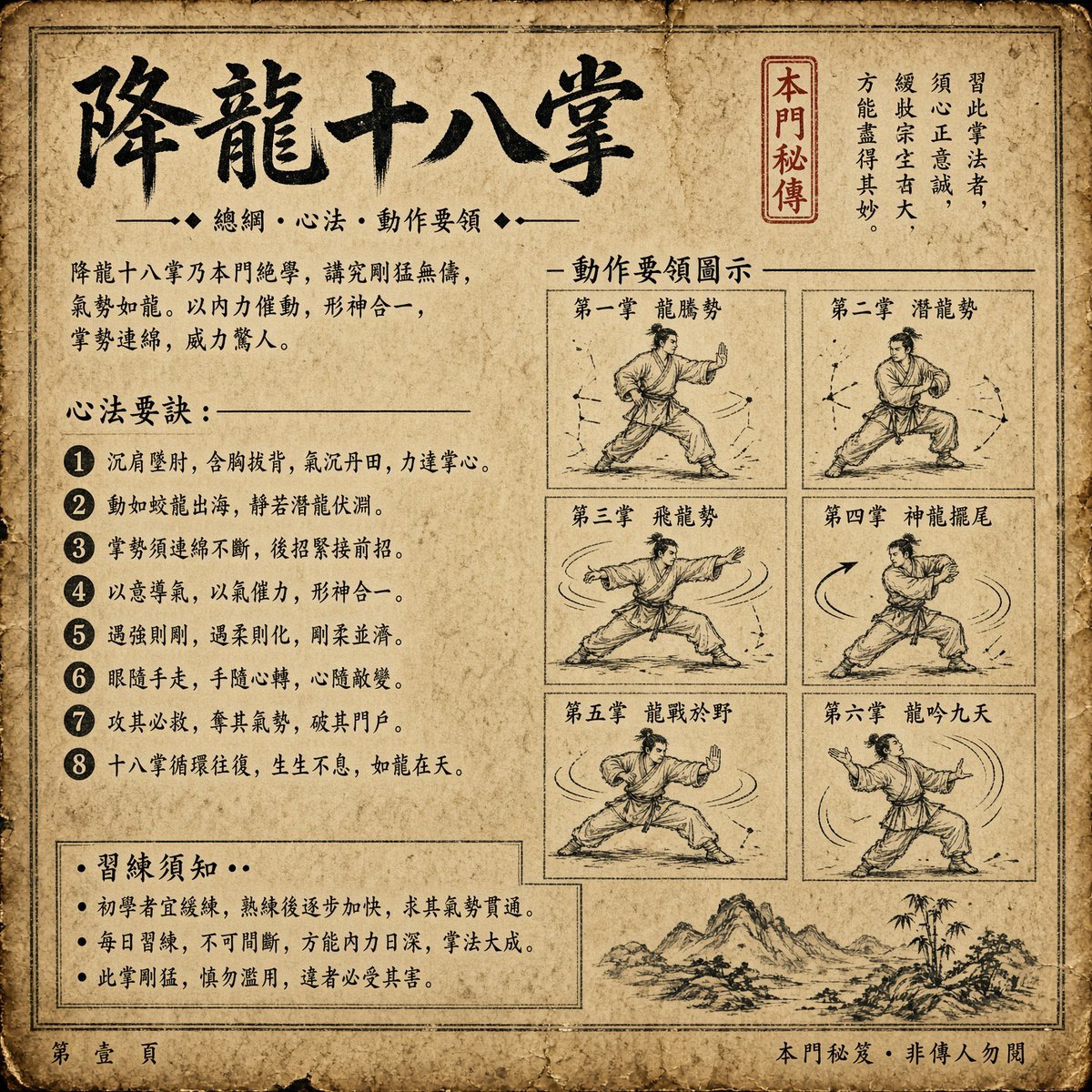
Ancient Dragon Palm Kung Fu Manual
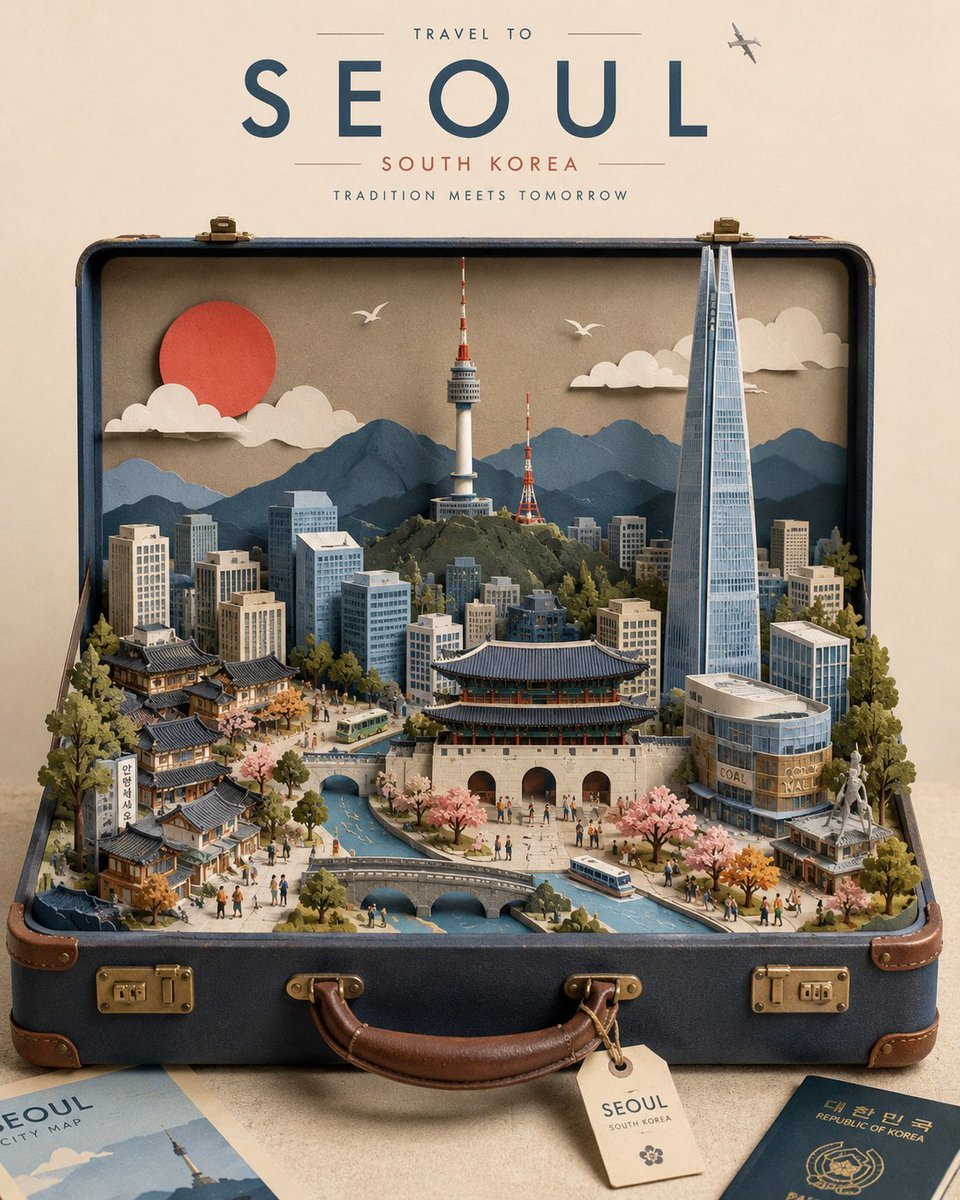
Miniature Suitcase Travel Poster
Make it yours
Miniature Woman in Human Palm works as-is. These are the safest ways to change it without losing the look.
Change one field
Copy a single group, rewrite it, and generate again so you can see what that field is doing.
Keep the frame, change the subject
Hold the composition and light of Miniature Woman in Human Palm, then swap wardrobe, props or the person for a new take.
| If the result… | Why | Fix |
|---|---|---|
| The result drifts from the preview | Too many fields changed at once. | Reuse Miniature Woman in Human Palm as-is first, then change one group — subject, light, or setting. |
| The model over-stylizes the scene | The prose prompt leaves finish and camera underspecified. | Add one camera or lighting sentence and stay on GPT Image 2. |
More GPT Image 2 templates
Other prompts made for GPT Image 2.

Six VTuber Japanese Logo Sheet

The Vista Modular Condo Poster

AI Model Routing Comparison Infographic

2.5D Anime Art Board

Isometric Productivity Desk Scene

New York Double Exposure Poster

Four-Panel AI Landscape Comparison

Japanese Tatami Lifestyle Magazine Cover

NESCAFÉ Coffee Map Poster

Brutalist Cogito Chinese Typography Poster
More image prompts
Fresh picks from across the catalog.
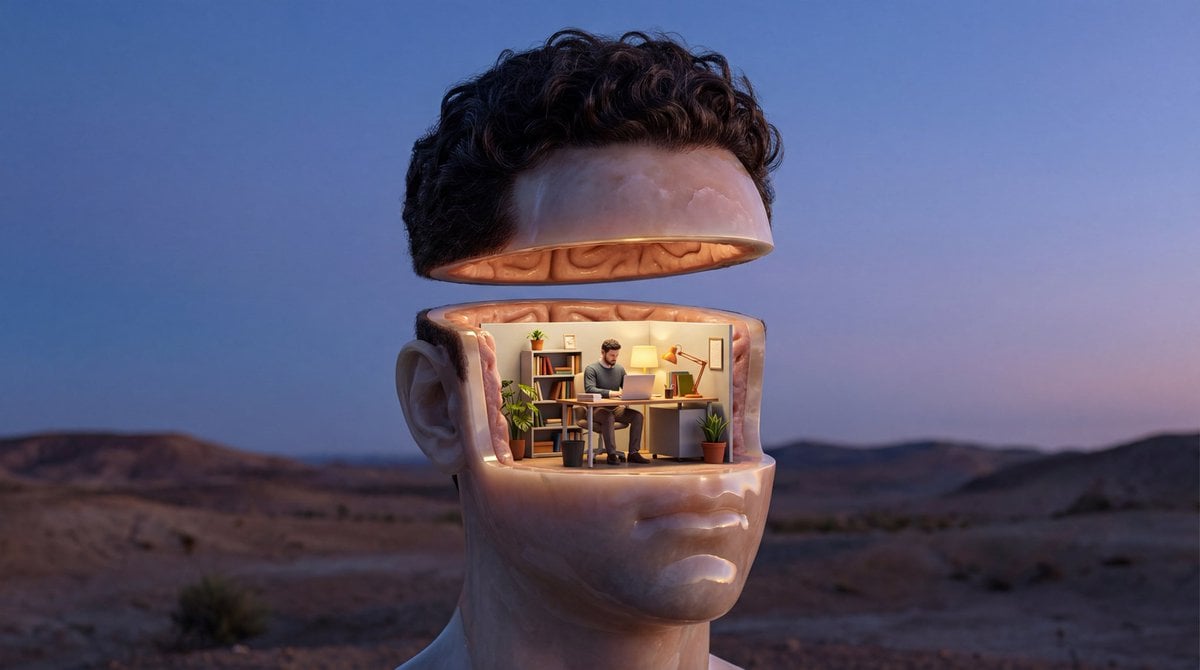
Surreal Symbolic Head Prompt
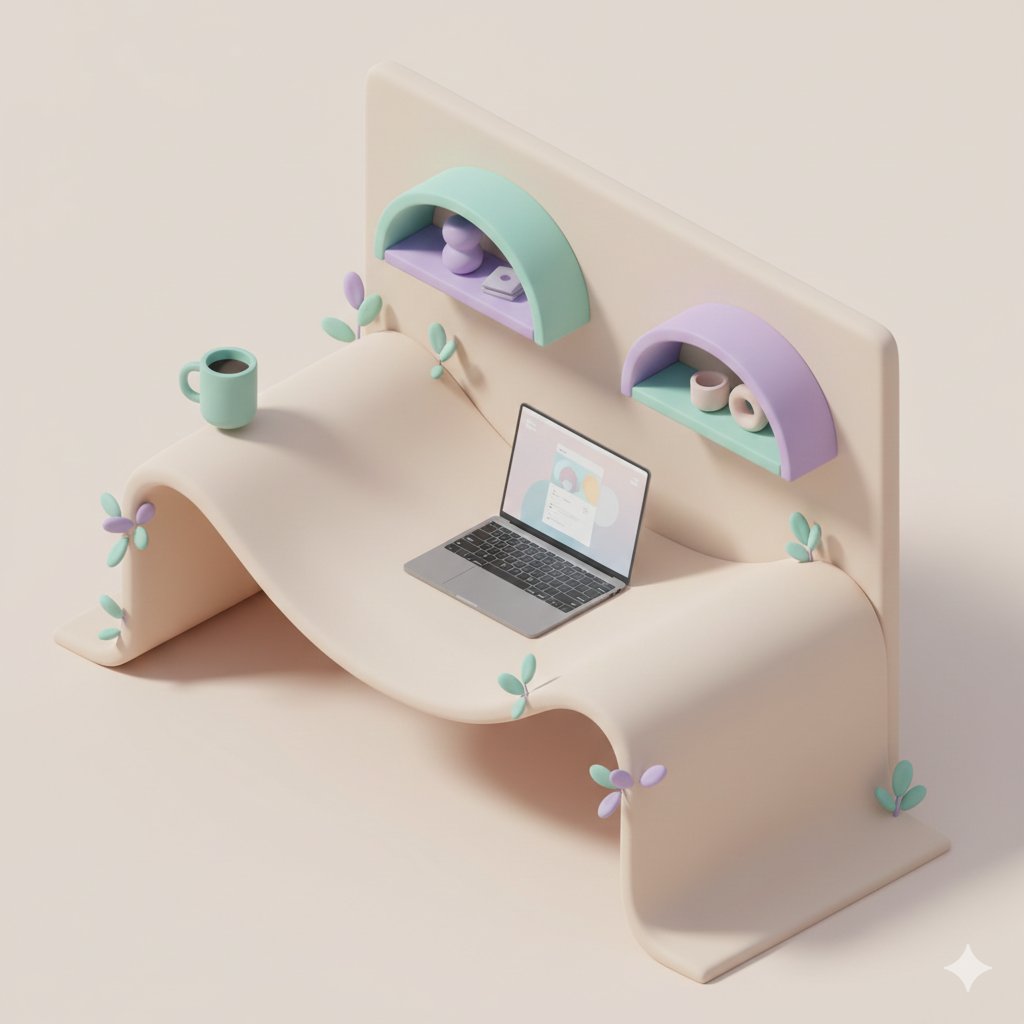
3D Isometric Floating Home Office Illustration
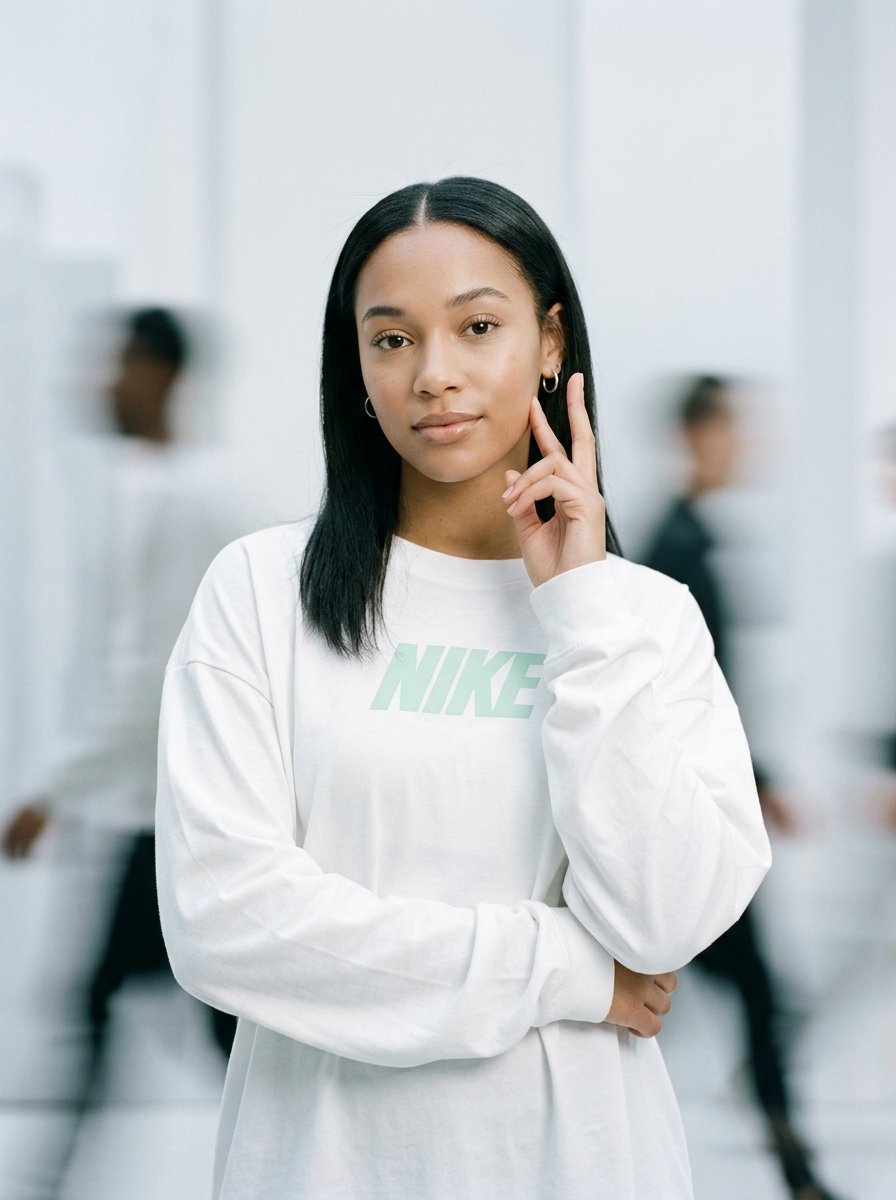
Static Motion Editorial
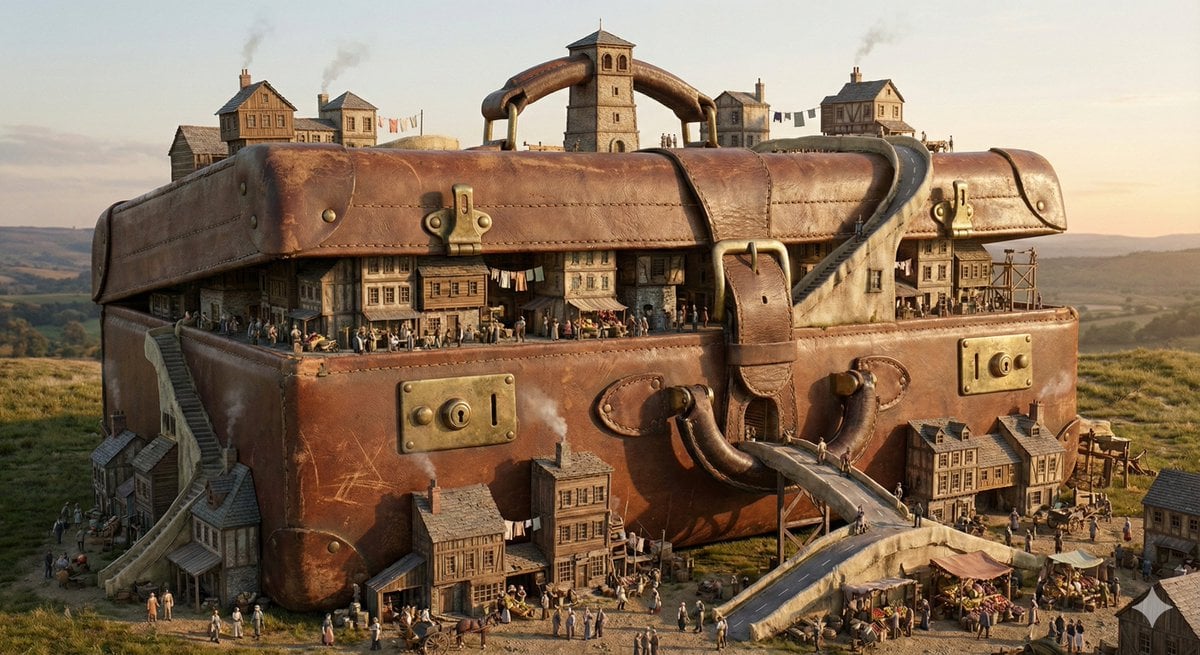
Everyday Object Reimagined as a City
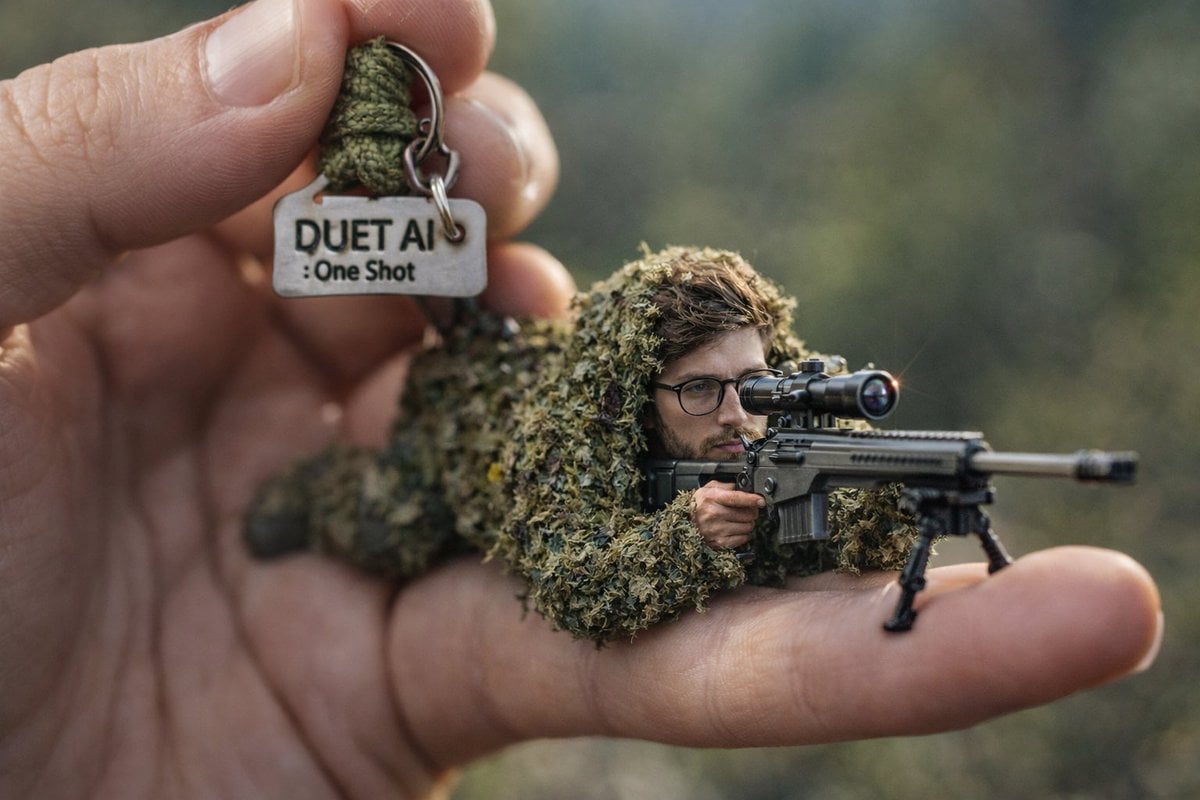
Macro Shot of Miniature Sniper Scene
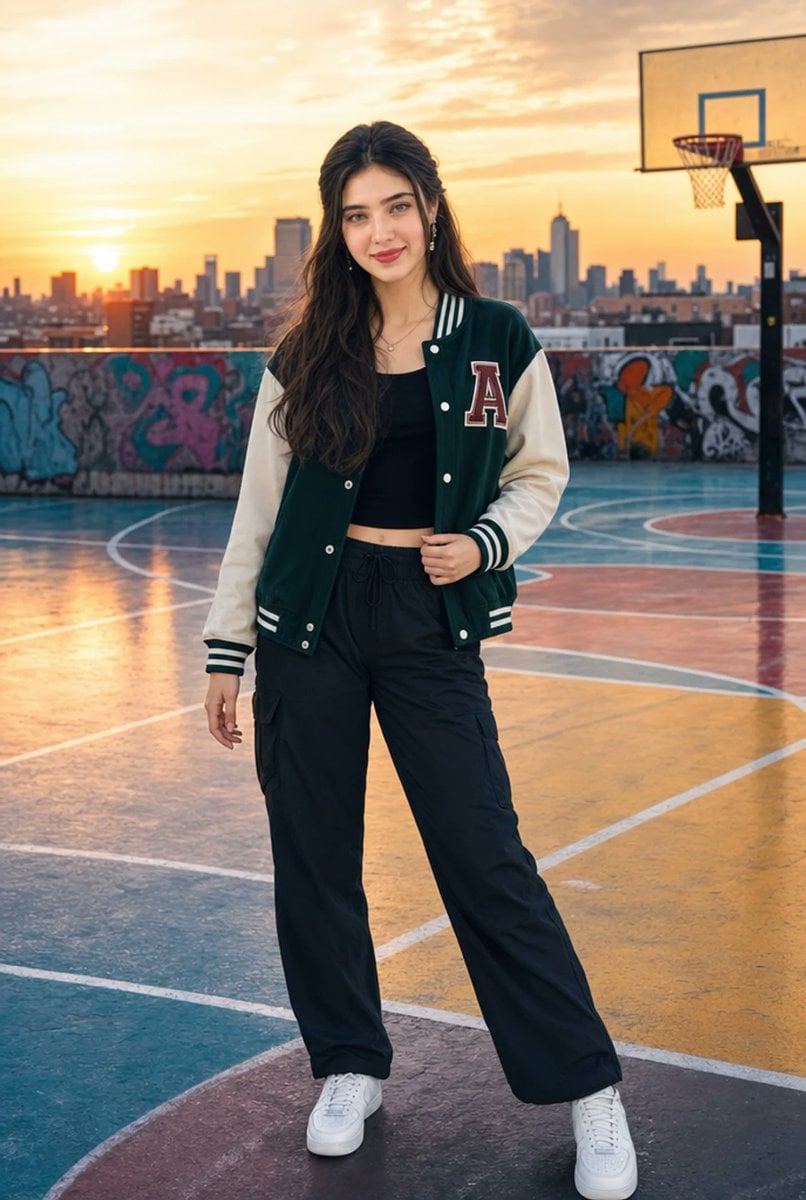
Urban Rooftop Varsity Jacket Portrait
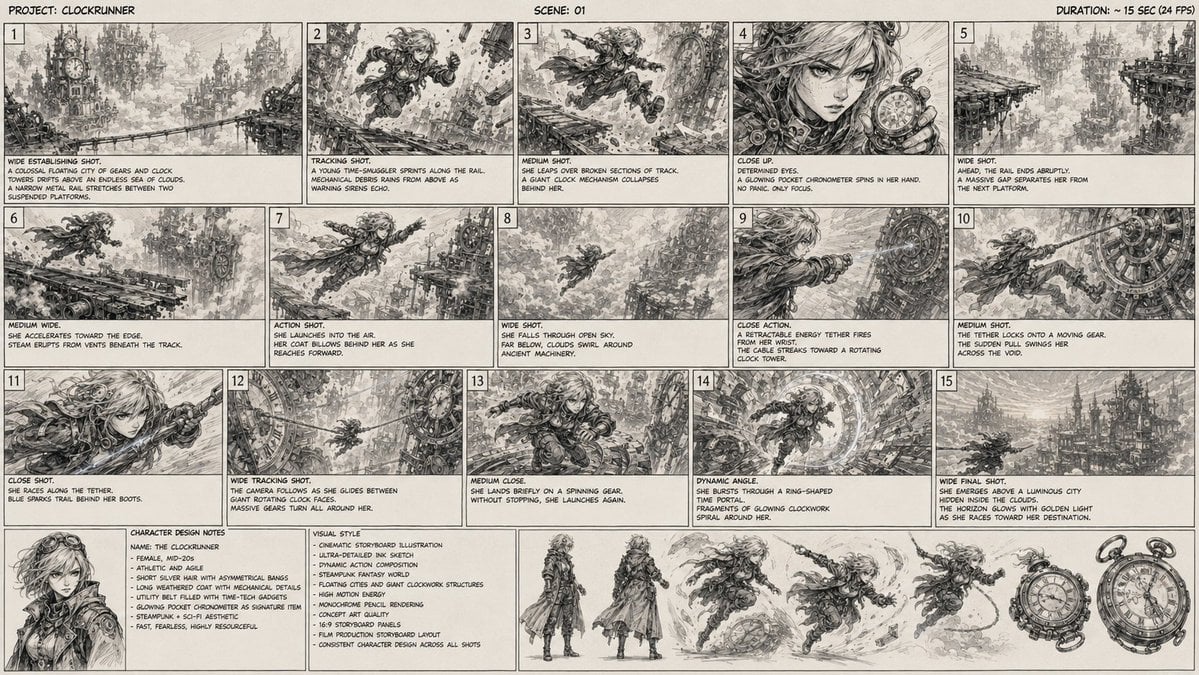
Clockrunner Steampunk Storyboard Sheet
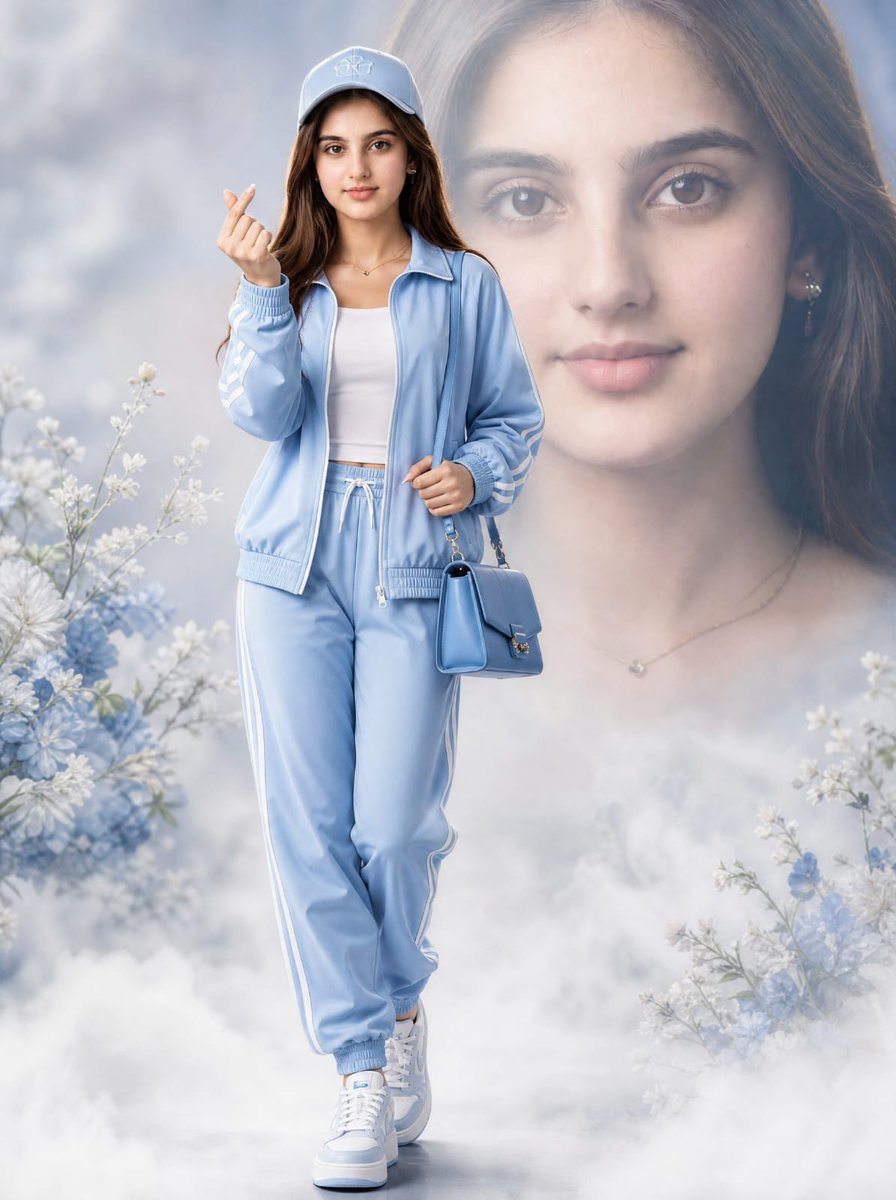
Light Blue Tracksuit Fashion Portrait
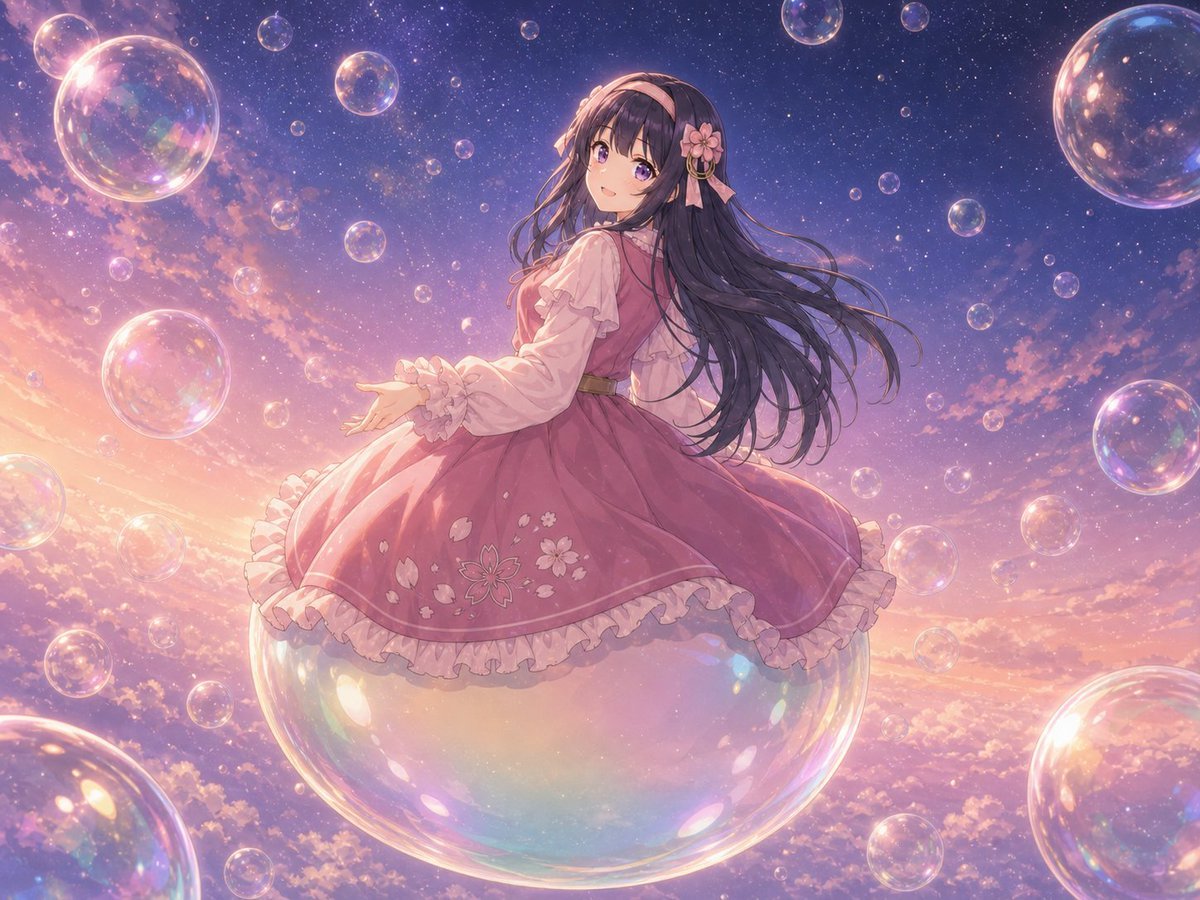
Poetic Surreal Portrait
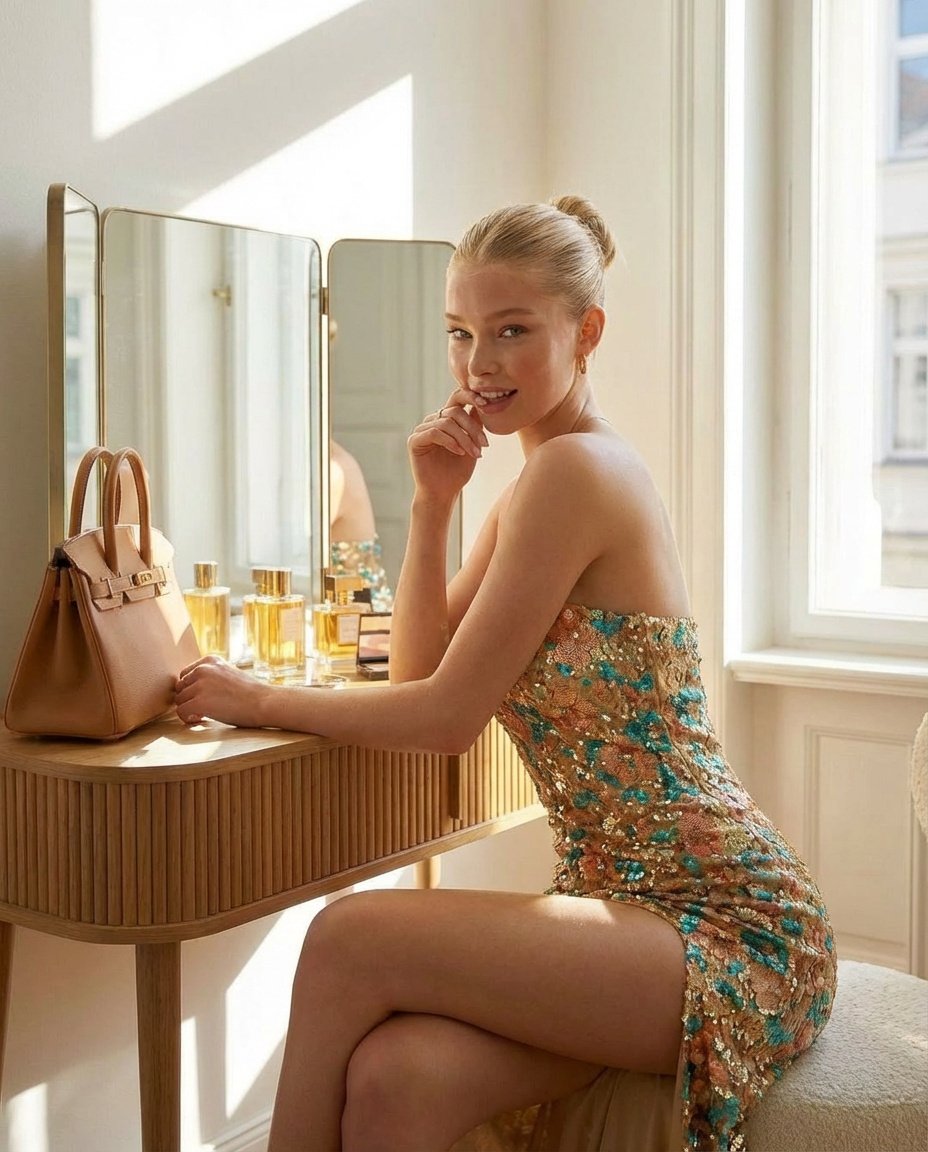
Glamorous Vanity Table Portrait
Browse template categories
Miniature Woman in Human Palm questions
How do I use the Miniature Woman in Human Palm template?
Add your photo if the template asks for one, edit the prompt if you like — the template's model and format are already selected — and press Generate. Your version opens in PicX Studio.
Can I customize the Miniature Woman in Human Palm template?
Yes. You can change the subject, setting, lighting, mood, format, and available model controls before creating your image.
Is the Miniature Woman in Human Palm template free?
Opening and editing this template is free. Generating uses credits, shown on the Generate button when you are signed in.
Which AI model should I use?
Start with GPT Image 2, which is the model associated with this template. You can compare another compatible model for a different finish.
Looking for something else? Browse all templates.

Your photo, any look
Thousands of ready templates for every top image and video model, from one credit balance.